
A reference monitor for mixing metal is a nearfield studio speaker that reproduces a mix flatly and without added colour, with enough low-frequency extension to reach your kick and bass fundamentals, minimal distortion across the guitar range, and enough output to play dense, loud, distortion-heavy arrangements at real working levels. Anything less and the monitor quietly edits your mix before you ever hear it.
That is the standard behind this roundup of the best reference monitors for mixing metal. We compared ten active monitors that are actually available to home and project-studio producers, weighing the four things that decide whether a monitor survives a metal session: low-end extension, output headroom, how the 1 kHz to 4 kHz region behaves with sustained high-gain guitar, and how much of the room the speaker needs before the bass turns to mud.
Every manufacturer quotes different numbers, and some quote no usable low-frequency figure at all. Where that is the case we say so instead of guessing. We excluded anything we could not verify from the product data, so you will see fewer superlatives here than you will in a typical list roundup.
One more thing before we start. Almost nobody in this genre auditions monitors properly before buying, and forum thread after forum thread repeats the same warning: you should really hear a pair in a shop before you commit. Read this roundup to build a shortlist, then audition your top two. Everything below is written to make that shortlist shorter.
Table of Contents
What Metal Mixing Demands From a Monitor
Metal is a harder monitoring case than most genres, and no mainstream roundup explains why. Four things separate a monitor that works for heavy music from a generic nearfield pair.
Sustained high-gain guitar energy. A clean vocal sits in a narrow band and gives you plenty of reference points. A saturated rhythm guitar is a dense harmonic cloud that runs from the low mids upward and never stops. When a monitor compresses or intermodulates in the 1 kHz to 4 kHz region, that cloud smears into fizz and you stop hearing the difference between a tight chug and a mushy one.
Low end that keeps going. Kick and bass fundamentals in most metal sit somewhere between 40 Hz and 80 Hz, and drop lower on baritone tunings. A monitor that rolls off before that leaves you mixing those instruments by memory, which is exactly how mixes arrive sounding like mud on other systems.
Transients that survive a wall of sound. Blast beat hi-hats and double kick passages are short events buried under layers. If the monitor softens transients, the fast stuff disappears and the mix reads as a slow, thick blanket.
Headroom for loud playback. Working at conservative levels on dense arrangements is a luxury many home studios do not have. When a monitor runs out of clean output, it compresses the whole mix, and a loud mix judged on a compressed monitor is a mix that is wrong everywhere except that room.
A Gearspace mastering thread on monitors for rock and heavier styles puts it plainly: contributors keep recommending 3-way designs because three drivers sharing the load keep distortion down in the rock-critical upper midrange. That is the same band where distorted guitar lives, which is why we weight the midrange behaviour of these monitors so heavily below.
Everything in this roundup is a 2-way design, because that is what a home or project studio can actually buy and physically house. When we mention 3-way systems we are drawing on that forum experience, not on a product we tested.
Top 3 Reference Monitors for Mixing Metal (September 2026)
Before the full list, these three are the picks we would put in front of a metal producer first. Our top pick is the Yamaha HS8, our all-round answer for a treated or semi-treated room. The PreSonus Eris E5 is the value choice that surprises people. The Edifier MR4 is where a small, untreated bedroom studio should start.
All 10 Monitors at a Glance in 2026
Here is the short version, with the single reason each monitor is on this list.
Yamaha HS8 – a 38 Hz low-frequency figure, 120 watts of bi-amp and a room-control switch below 500 Hz.
Edifier MR4 – a 4 inch nearfield that a bedroom studio can physically place at ear height on a desk, with a monitor mode switch.
PreSonus Eris E5 – the only monitor here with a published maximum continuous SPL of 102 dB, which is the number loud metal mixing depends on.
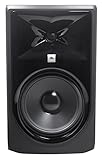
JBL Professional 308P MkII – a boundary EQ that fixes on-desk placement, plus an 8 inch woofer and a 100-hour full-power qualification test.
M-Audio BX5BT – 240 watts of amplification with FLAT and HYPE DSP modes and a 5-band EQ in the app.
ADAM Audio T8V – bass extension quoted down to 33 Hz, the lowest figure in this group, with a ribbon tweeter designed to limit high-frequency distortion.
ADAM Audio D3V – passive radiators take a desktop pair to 45 Hz, and USB-C means no interface at all.
Mackie MR824 – a logarithmic waveguide that widens the sweet spot when you cannot sit perfectly on axis.
Pioneer DJ DM-50D-BT – a 5 inch pair with more low-end weight than its 4 inch sibling and wireless listening on the side.
Pioneer DJ DM-40D – the smallest footprint here, for desks where a controller already takes the space.
Now the same ten monitors as a full comparison, with the features that matter for heavy music on each.
| Product | Specs | Action |
|---|---|---|
 Yamaha HS8 Yamaha HS8 |
|
Check Latest Price |
 Edifier MR4 Edifier MR4 |
|
Check Latest Price |
 PreSonus Eris E5 PreSonus Eris E5 |
|
Check Latest Price |
 JBL Professional 308P MkII JBL Professional 308P MkII |
|
Check Latest Price |
 M-Audio BX5BT M-Audio BX5BT |
|
Check Latest Price |
 ADAM Audio T8V ADAM Audio T8V |
|
Check Latest Price |
 ADAM Audio D3V ADAM Audio D3V |
|
Check Latest Price |
 Mackie MR824 Mackie MR824 |
|
Check Latest Price |
 Pioneer DJ DM-50D-BT Pioneer DJ DM-50D-BT |
|
Check Latest Price |
 Pioneer DJ DM-40D Pioneer DJ DM-40D |
|
Check Latest Price |
1. Yamaha HS8 – the deep, loud all-rounder for a real room
YAMAHA HS8 Studio Monitor, Black, 8 Inch
8 inch woofer
38Hz to 30kHz
75W LF plus 45W HF
XLR and TRS
Pros
- Low distortion bottom end at any output level
- 38 Hz extension covers most metal fundamentals
- 120W bi-amp gives real headroom
- Room control and high trim switches for imperfect rooms
Cons
- Large cabinet needs stands or a deep desk
- Sold as a single speaker so a stereo pair means two of them
This is the monitor we would build a metal mix around, and the reasons line up in the order we care about. The 8 inch cone woofer and 1 inch dome tweeter are specified to produce a well-defined bottom end at any output level, and the frequency response is quoted from 38 Hz to 30 kHz, which puts your kick and most bass fundamentals inside the monitor rather than below it.
The amplifier is the part that matters most for heavy music. A 75 watt low-frequency section and 45 watt high-frequency section gives 120 watts total, split at a 2 kHz crossover, so neither driver is asked to do the whole job when you push a wall of sound. Owner reviews describe the low end as well-defined and low-distortion, which is the same language we would use.
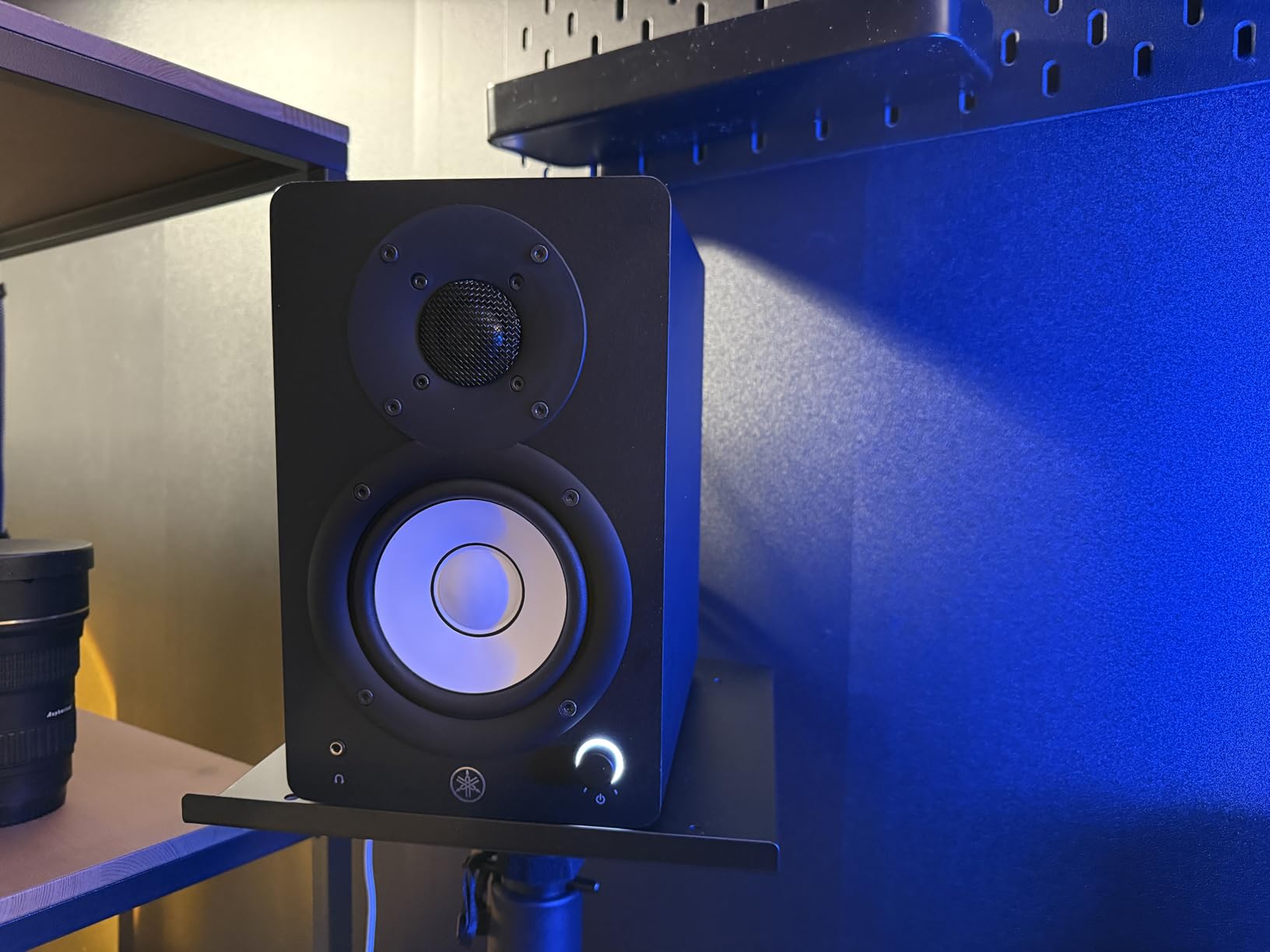
Two switches on the back earn their keep in a bedroom or a treated corner. The room control switch offers 0, 2 or 4 dB of cut below 500 Hz, and the high trim gives plus or minus 2 dB at the top end. On a desk that is too close to a wall, the low cut is the difference between hearing a mix and guessing at it. The level control has a centre click, which is a small thing that makes A/B comparison repeatable.
Professional XLR and TRS inputs mean this takes an interface or a mixer directly, with no consumer-level compromises in the signal path. The physical reality is a 10.2 kg cabinet, so plan on proper stands. AudioScienceReview contributors working on a tight budget listed the Yamaha HS series among their picks for rock and grunge work, which is about as close to a metal endorsement as that thread gets.
Who the HS8 suits
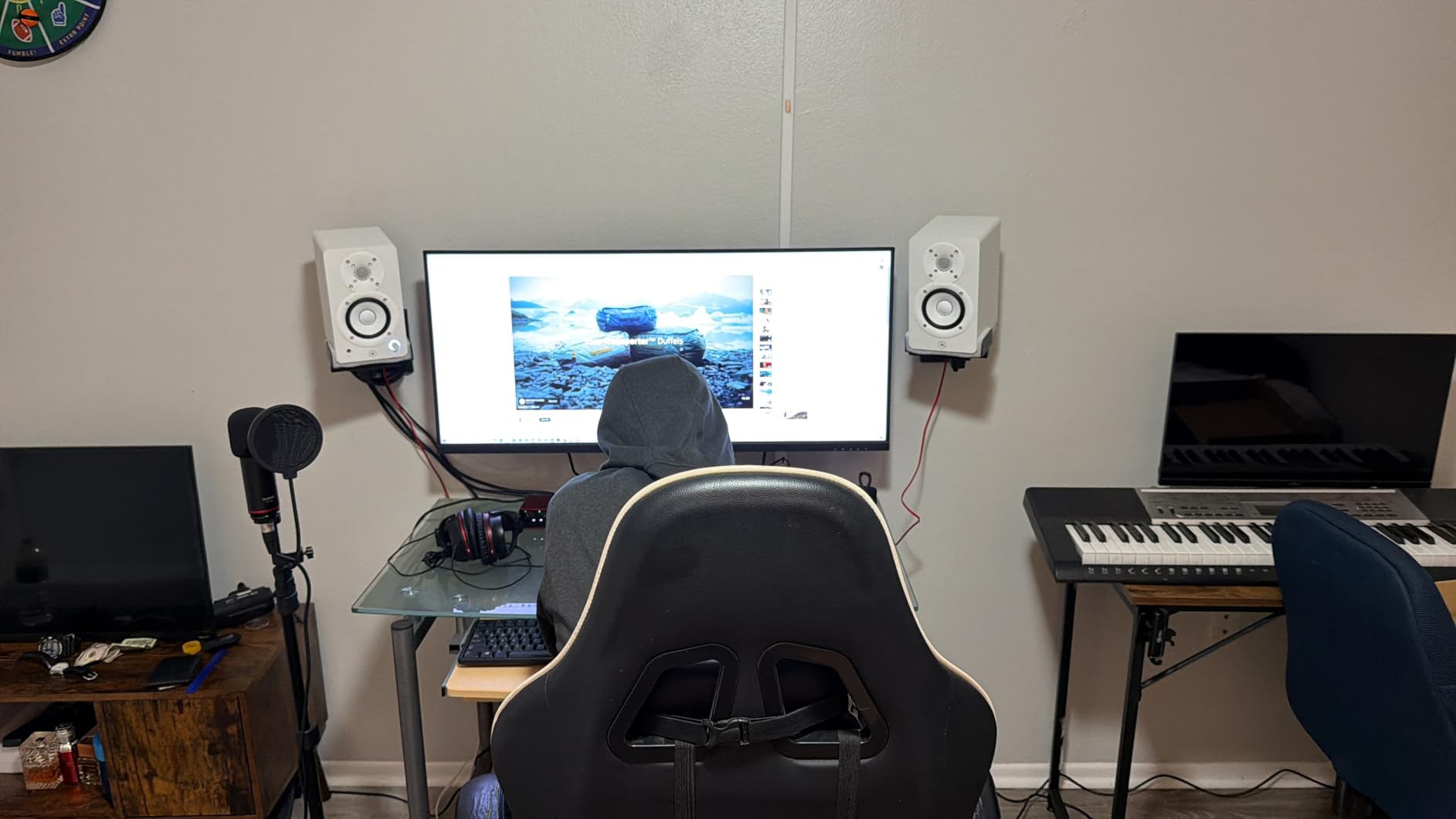
It suits producers working in a treated project room or a control room where an 8 inch woofer has space to breathe. Anyone mixing death metal, thrash, or progressive material with real low-end content gets the most out of that 38 Hz figure, because the kick and bass can be balanced on the monitors rather than on headphones and hope.
It also suits people who work at genuinely high playback levels. The 120 watt bi-amp and the low-distortion-at-any-output-level design are the two specifications that decide whether a loud mix is being heard or being compressed before it reaches you. With 2356 reviews averaging 4.7, this is also the most thoroughly tested monitor in the group.
Who the HS8 does not suit
It does not suit a small untreated bedroom where a large woofer has nowhere to go. An 8 inch driver close to a wall or a corner excites the room’s own low modes, and the room control switch only removes so much. In that situation a smaller monitor on stands, placed correctly, will give you a more honest answer.
It is also the wrong pick if you are on a strict budget or you only have one speaker to work with, because this listing is a single unit. A stereo image for a double-kick mix needs two of them, and that doubles the footprint and the total cost. Buy a matched pair and keep the level control at the same setting on both.
2. Edifier MR4 – the bedroom studio starting point
Edifier MR4 Power Studio Monitor Speakers, 4 inch Active Near-Field Speaker
4 inch composite woofer
1 inch silk dome
42W output
TRS RCA and AUX
Pros
- Very compact MDF cabinet
- Monitor and music dual mode switch
- Front headphone output plus rear bass and treble knobs
- Large owner base at 3665 reviews
Cons
- Stepped volume knob makes fine level changes hard
- Bass can be boomy out of the box and distort when pushed
- Instrument separation gets stuffy on dense arrangements
At 4 inches and 42 watts, the MR4 is not the monitor we would trust with a doom record. What it is, though, is the most practical first upgrade for someone writing riffs on a laptop in an untreated room, and with 3665 reviews behind a 4.6 average there is a very large body of owner experience to draw on.
The tuning is described as a responsive, almost flat curve, and the MDF cabinet is specified to reduce resonance. A 1 inch silk dome tweeter handles the top end, which is where a metal mix usually falls apart first. The dual mode switch is genuinely useful: monitor mode is the flatter setting for mixing, and music mode is the boosted setting for playing back, and being able to flip between them means you always know which one you are judging on.
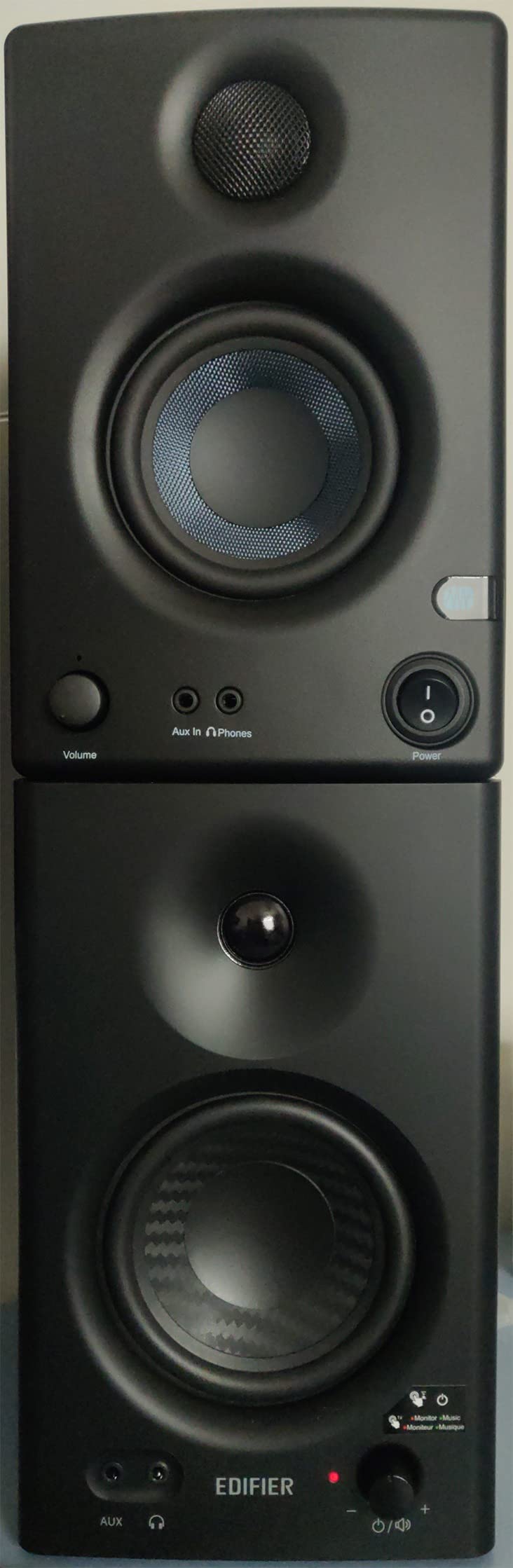
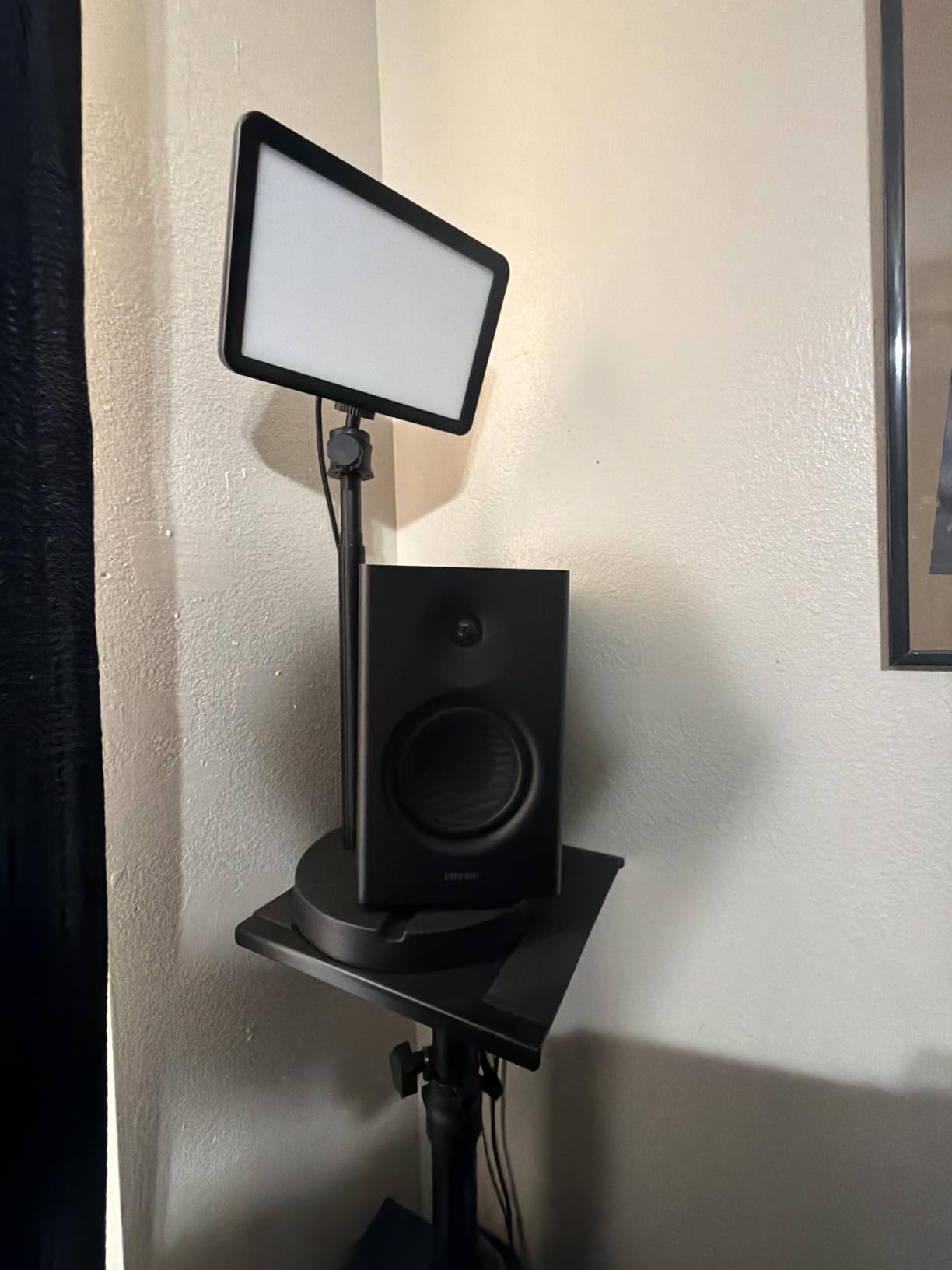
Connectivity is unusually generous for the class. You get balanced 1/4 inch TRS, unbalanced RCA and an AUX input on the back, with a headphone output on the front so you can check a mix without switching. The two rear knobs adjust high and low frequency separately, which is the minimum viable correction for a badly placed speaker. Soft desk pads are included, and at 4500 g the speaker is light enough to reposition whenever the room defeats you.
There is a real limitation here, and owners are honest about it. The volume control moves in stepped increments rather than a continuous sweep, so matching levels for an A/B against another track means counting clicks. More importantly for metal, owners report boomy out-of-the-box bass that can distort at higher levels, and instrument separation that gets stuffy on complex multi-instrument music. Put it on stands at tweeter height, cut the low knob, and mix on it rather than at it.
Who the MR4 suits
It suits a producer in a small untreated room who is tracking and editing rather than mastering. The footprint is the real advantage, and so is the front headphone output, which lets you sanity-check low end on a mix the monitors cannot fully show you.
It also suits someone moving up from desktop PC speakers, which is where almost all the owner reviews start. The jump in clarity and midrange definition is immediate, and 3665 reviews at 4.6 is the largest owner base of any monitor in this roundup, so support and shared settings are easy to find.
Who the MR4 does not suit
It does not suit someone mixing loud, dense, low-tuned material as their main reference. A 4 inch composite woofer at 42 watts has no low-frequency extension figure published and no published maximum SPL, and the owner reports of bass distortion at higher levels are the clearest signal that it is being pushed past its design point.
It is also a poor choice if you cannot get the speakers to ear height. The stepped volume control and the boomy default tuning both become bigger problems when the monitor sits on a desk in an untreated room, which is the most common way these are used. Treat it as a writing and tracking tool first, and plan an upgrade when the room can support it.
3. PreSonus Eris E5 – the value pick with the only published SPL figure
PreSonus Eris E5 Pair 2-Way 5.25” Near Field Studio Monitors
5.25 inch woven woofer
102 dB max SPL
80W Class AB
XLR TRS and RCA
Pros
- Only monitor here with a published 102 dB maximum continuous SPL
- Acoustic space and high and low tuning controls
- Front-firing port suits wall placement
- Sold as a matching pair with isolation feet
Cons
- Faint amplifier hiss reported at low listening levels
- A low-mid bump out of the box on an untreated desk
- 5 inch drivers need a subwoofer for true sub-bass
The Eris E5 is the pick that most directly answers the loudest question in metal mixing, because it is the only monitor in this roundup that publishes a maximum continuous SPL: 102 dB. Everyone else leaves you to infer headroom from wattage, which tells you much less than a rated ceiling does. Owner reviews consistently describe plenty of output and headroom for nearfield work, which lines up with that number.
The driver is a 5.25 inch woven composite woofer, specified for solid low end with minimal bass distortion, paired with a 1 inch ultra-low-mass silk dome tweeter that is designed to take the edge off the high frequencies. Amplification is 80 watts of Class AB, a conservative topology that tends to stay cleaner than a small digital amp of the same output.
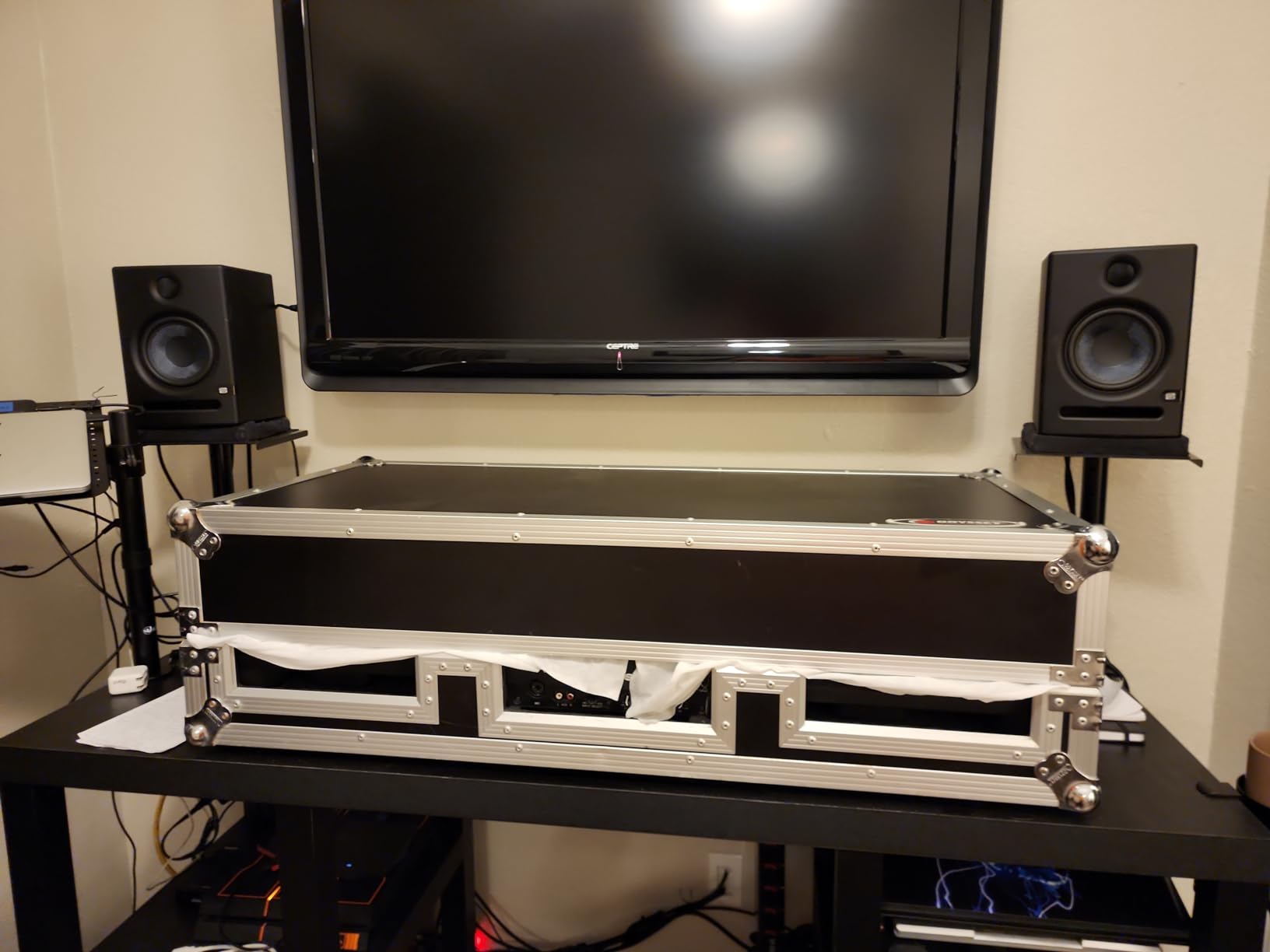
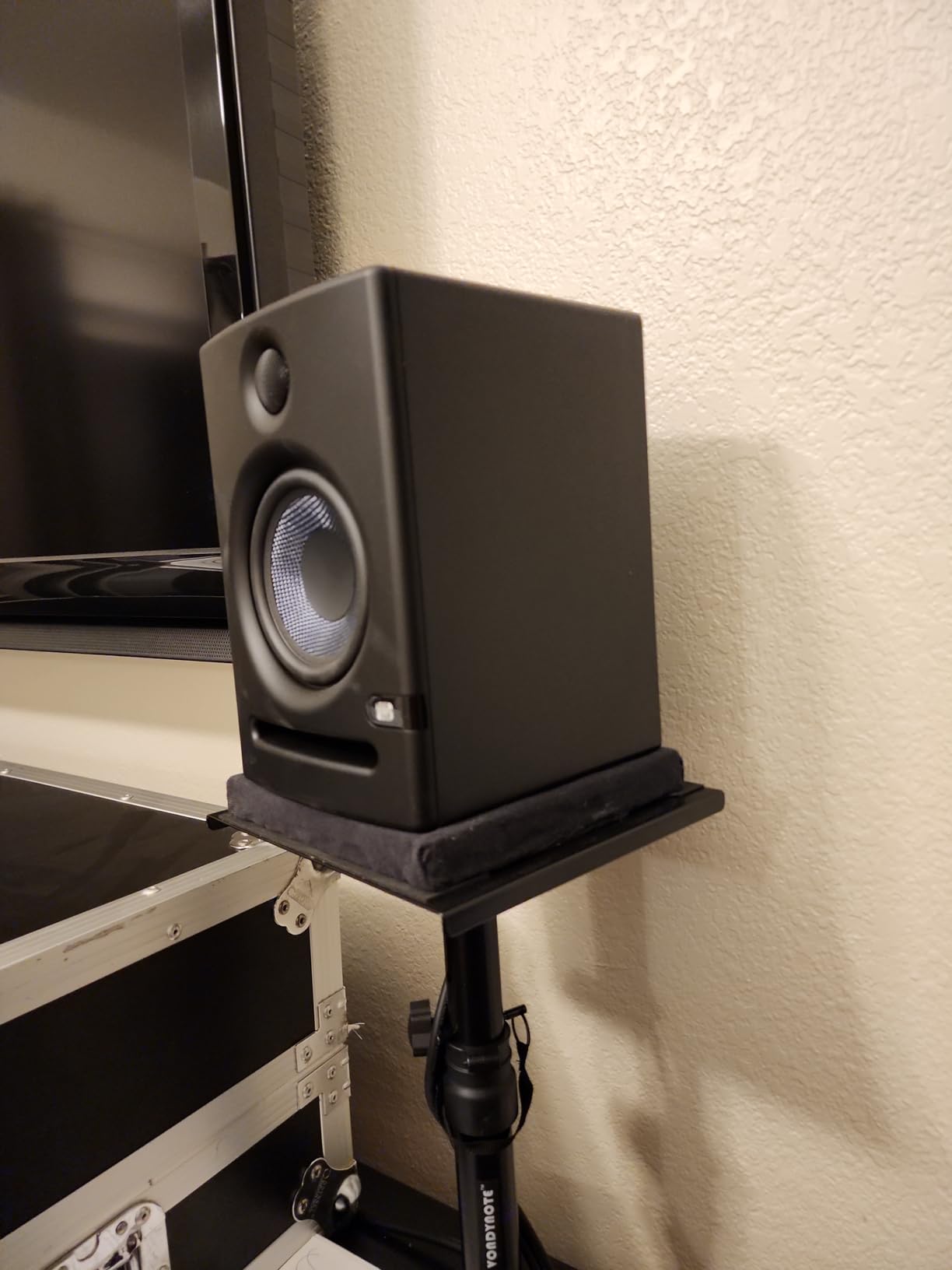
Two design choices matter a lot in a real bedroom studio. The front-firing acoustic port means the cabinet can sit against a wall without the bass reinforcement that a rear port creates, and the acoustic space plus high and low tuning controls let you correct what the room is doing rather than guessing. Balanced XLR and 1/4 inch inputs plus unbalanced RCA cover an interface or a mixer, and the box includes foam isolation feet.
Reported drawbacks are small and fixable. Some owners hear faint amplifier hiss at very low listening levels, which is a matter of interface gain rather than the speakers. Others report a slight low-mid bump out of the box on an untreated desk, and the fix owners recommend is the same one we would give you: get them onto stands and use the acoustic space control. This is sold as a matched pair, so stereo imaging is already handled.
Who the Eris E5 suits
It suits producers in small to mid-sized rooms who want to work louder than comfort allows and need a monitor that will not give up. 102 dB of rated continuous output, a 5.25 inch woofer and front porting make it a strong choice for dense, low-tuned arrangements where you need to check whether the kick and bass are fighting.
It also suits anyone who moves between rooms. The tuning controls and the wall-friendly port mean the same pair works on a treated desk and against an untreated wall, which removes one of the most common reasons people upgrade monitors and then change their mind.
Who the Eris E5 does not suit
It does not suit someone whose material lives below 50 Hz, because a 5 inch driver cannot reach there and no published low-frequency figure is offered for this model. Sub-heavy death metal and black metal fundamentals need a subwoofer or a larger monitor, and no amount of tuning control changes that.
It is also not ideal for a very large room. A 5.25 inch woofer at 80 watts can play loudly in a bedroom or a small project room, but it will not fill a big live room, and asking it to do so is how you end up with a mix compressed by the monitor. In a larger space, look at an 8 inch driver instead.
4. JBL Professional 308P MkII – the monitor that forgives a bad desk
JBL Professional 308P MkII 8-Inch, 2-Way, Powered, Active Monitor Speaker for Near Field Music Production, Studio Monitor, Desktop Computer, Hi-Fi Audio. Sold individually, Black
8 inch woofer
Boundary EQ
Slip Stream port
XLR and TRS
Pros
- Boundary EQ restores neutral low end on a desk next to a wall
- 8 inch woofer with deep defined bass
- Balanced XLR and TRS with a plus 4dBu or minus 10dBV switch
- Qualified with a 100-hour full-power test
Cons
- Sold individually so a stereo pair means two of them
- Weighs 17.9 lb and needs solid stands or a reinforced desk
Almost every home studio problem with an 8 inch monitor is that it ends up on a desk pushed against a wall, where the boundary loading doubles the low end and turns your kick into a landslide. The 308P MkII is the only monitor here built specifically to solve that, with a boundary EQ that restores neutral low-frequency response when the cabinet sits on a work surface next to a wall.
The 2-way design pairs an 8 inch woofer with a 1 inch tweeter, and the transducers are updated with optimised damping for transient response and low harmonic distortion. That damping detail is what keeps hi-hats and blast beats from smearing. The patented Slip Stream low-frequency port is designed to keep bass behaviour consistent at all playback levels rather than only at low ones.
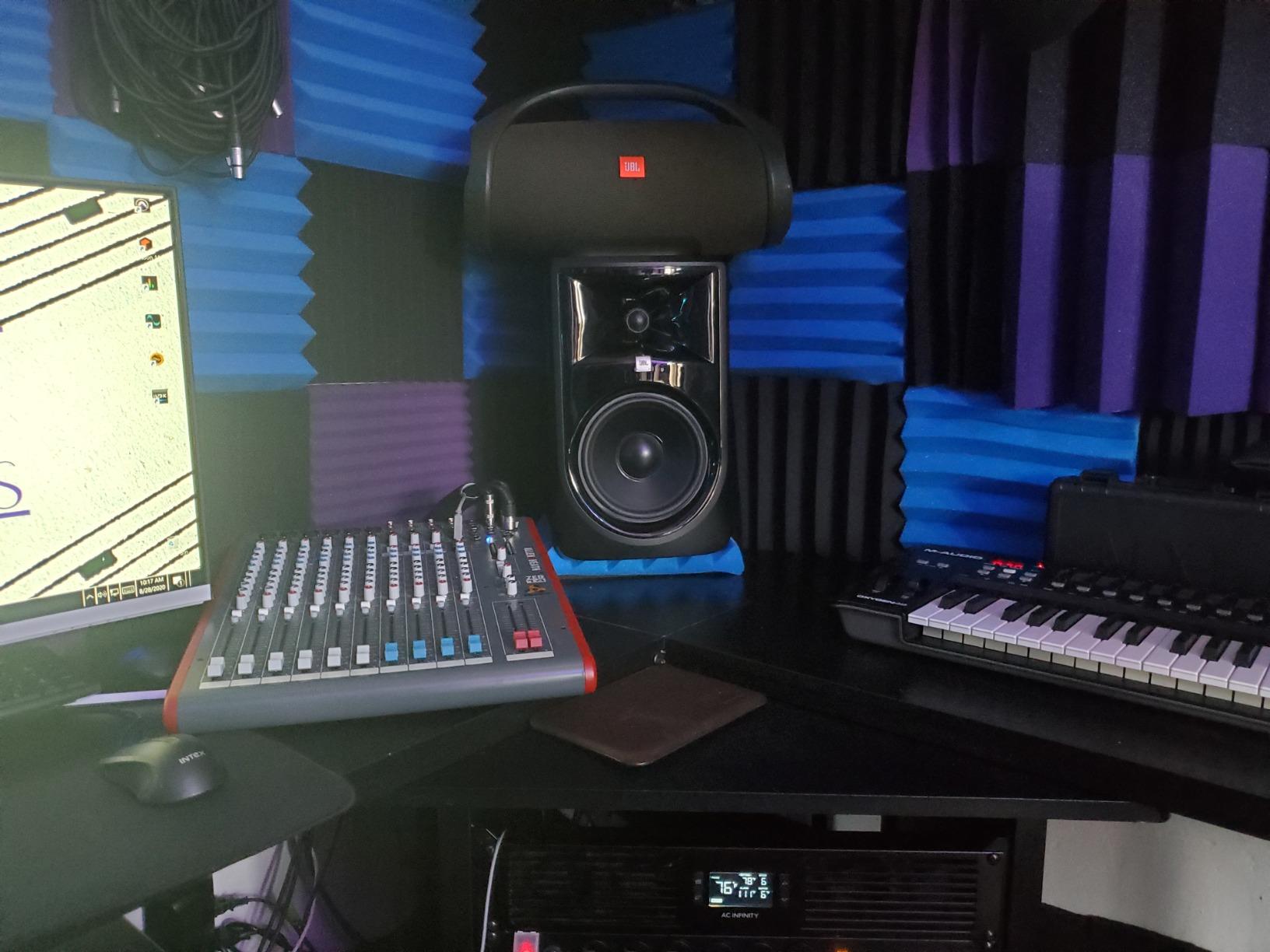
Connectivity is properly professional for a monitor in this class: balanced XLR and 1/4 inch TRS, an input sensitivity switch for plus 4 dBu professional gear or minus 10 dBV consumer gear, and an adjustable volume control. The manufacturer rates the cabinet with a signal to noise ratio of 75 dB, and every unit goes through a 100-hour full-power test, which is the kind of qualification you would want from something described as dependable under sustained nearfield work.
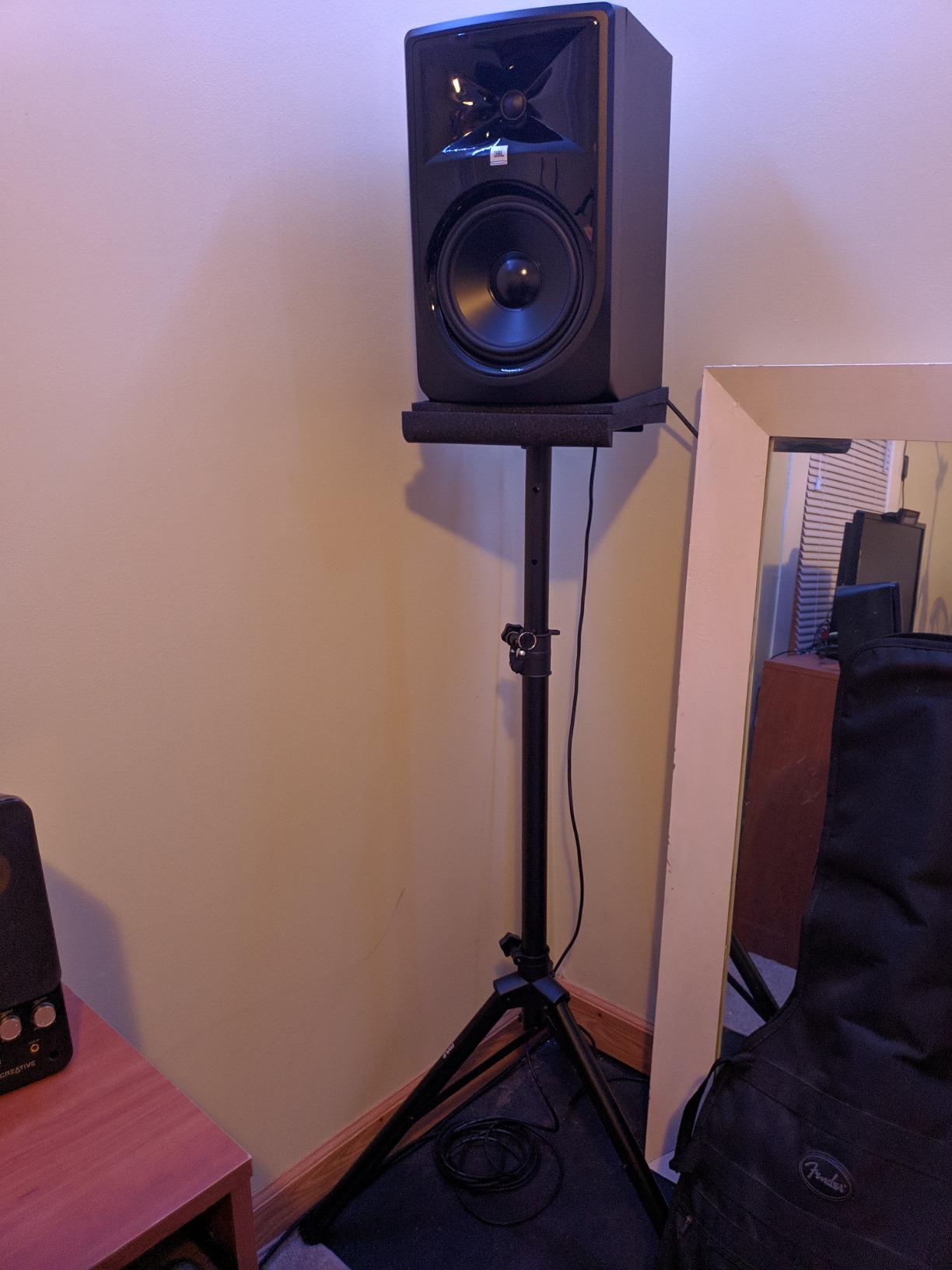
The practical caveats are about furniture, not sound. At 17.9 lb and 16.5 inches tall it is a stand monitor, not a desk monitor, and this listing is a single speaker. With 520 reviews at a 4.6 average, the owner consensus is that the extension and the boundary EQ are what justify it, and that the size is the part you have to design your room around.
Who the 308P MkII suits
It suits producers whose only available position is a desk against a wall, which describes a lot of home setups. The boundary EQ turns an otherwise compromised position into a usable reference, and an 8 inch woofer gets you real weight on a fast double kick without a subwoofer.
It also suits anyone who works at volume for long stretches. The 100-hour full-power qualification and the low harmonic distortion specification are the two things you want from a monitor that will be running for a full day while you mix a dense arrangement.
Who the 308P MkII does not suit
It does not suit a very small room, because 17.9 lb of 8 inch cabinet in a tiny untreated space is a lot of low-frequency energy reflecting off nearby surfaces. If your listening distance is very short, buy a smaller driver and place it further back instead.
It is also awkward for anyone buying one speaker at a time. Plan for two units and buy them as a matched set, because stereo imaging for a panned double-kick pattern and a wide wall of sound depends on having a genuine pair rather than two speakers from different production runs.
5. M-Audio BX5BT – the most control per unit of desk space
M-AUDIO BX5BT 5″ Desktop Studio Monitors Pair
5 inch Kevlar woofer
240W bi-amp
FLAT HYPE CUSTOM modes
Bluetooth 5.0
Pros
- 240 watts of bi-amplified power in a compact footprint
- FLAT reference mode for mixing plus HYPE and CUSTOM presets
- Five-band EQ and saved presets in the Studio Control app
- Isolation pads and interconnect cable included
Cons
- Included cable lengths are short for larger desk setups
- Some owners need to occasionally reset Bluetooth
- At least one owner reported a hardware failure after about three months
The BX5BT makes a different bet from the rest of this list. Rather than selling you one fixed voicing, it hands you a flat reference mode, an excited mode, and a full five-band EQ in an app. For metal, that is genuinely useful, because the difference between a good mix and a fizzy one is often a narrow cut around the guitar presence band that a monitor without EQ simply cannot give you.
Power is 240 watts of bi-amplified amplification, the highest output figure in this group by a wide margin, driving a 5 inch Kevlar woofer and a 1 inch silk dome tweeter mounted in a waveguide. The waveguide matters more than it sounds: it controls dispersion around the tweeter so the high end stays consistent as you move your head, which is what makes a long session less tiring.
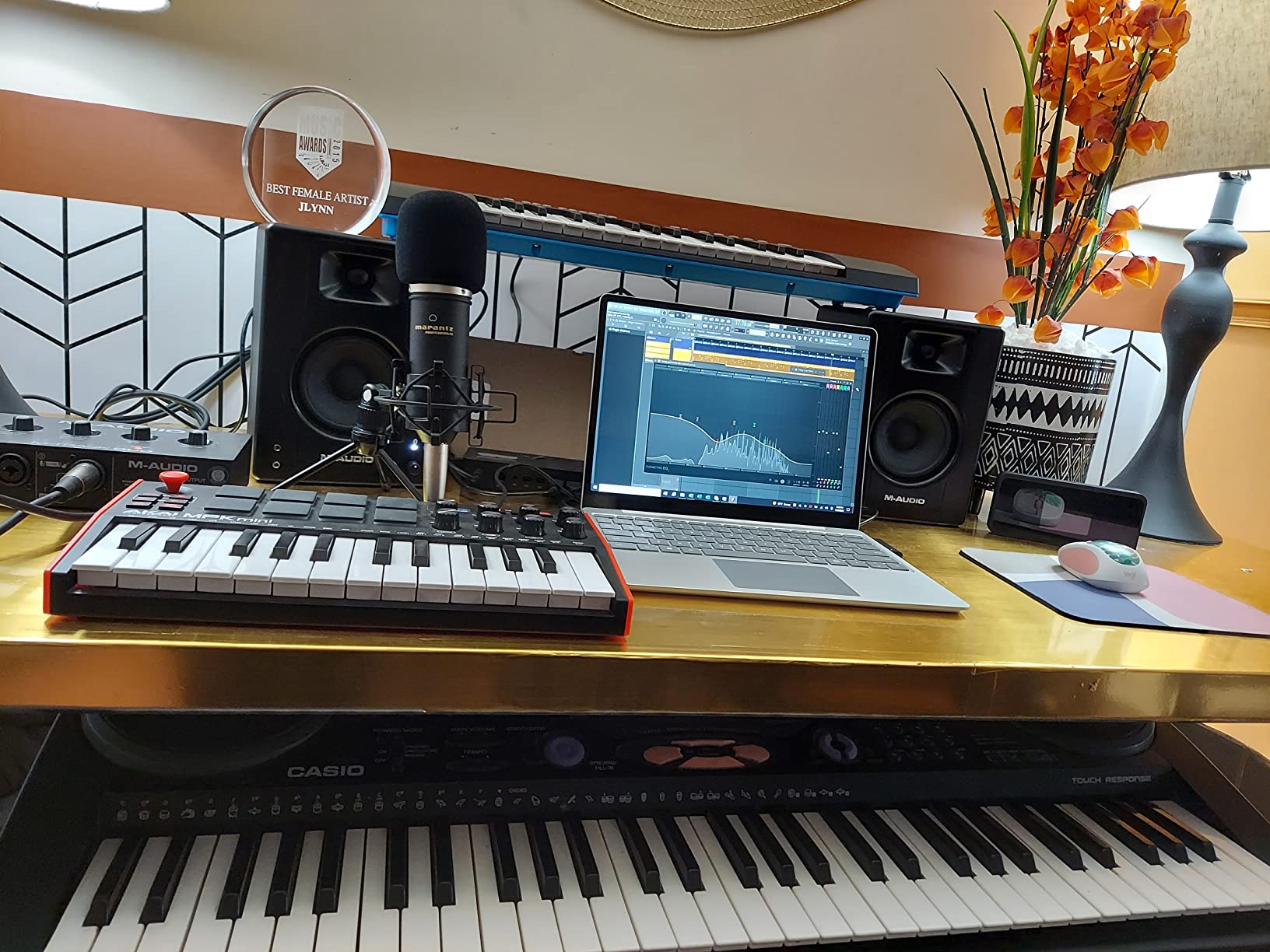
Conversion hardware is there too, with Burr-Brown analogue to digital converters listed among the components, and rear-panel TRS inputs with trim controls so the wired path is a real option. Bluetooth 5.0 with a stated 100 foot range is for playback between sessions, not for mixing decisions, and you should treat it that way. The box includes the speakers, an interconnect cable, isolation pads and a power cable.
The 4.4 average across 1527 reviews is the joint-lowest rating in this roundup, and the reasons are consistent: a small number of durability complaints, a hardware failure report after about three months of light use, and included cable lengths that run short on a larger desk. Owners otherwise describe clean, uncoloured sound and say it gets loud without obvious distortion.
Who the BX5BT suits
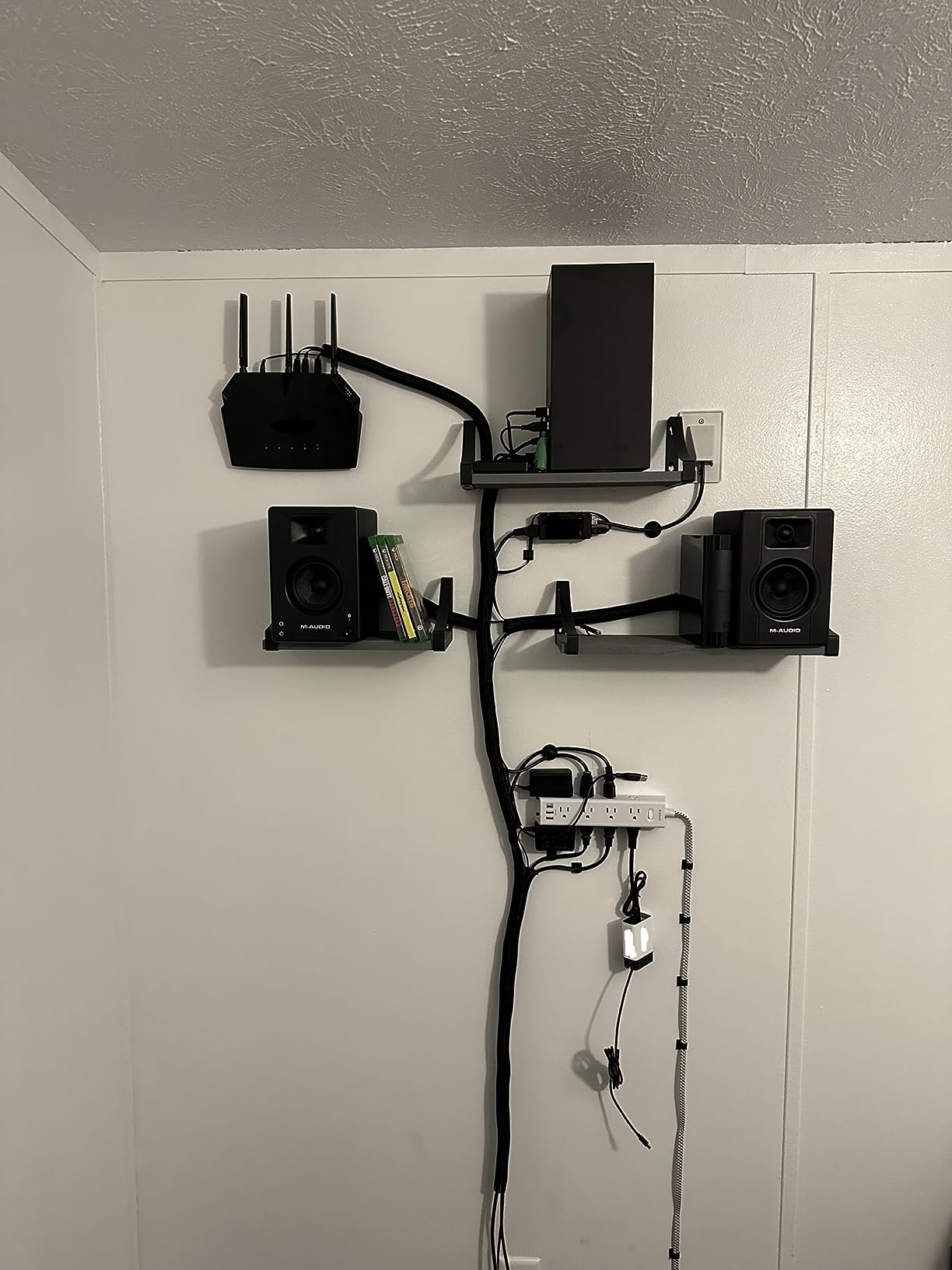
It suits producers who work in a small room and want to correct the room rather than fight it. A five-band EQ with saved presets means you can store a setting for daytime and a different one for late night, and the flat reference mode gives you a neutral baseline to start from every time.
It also suits anyone who mixes at higher levels in a compact space, since 240 watts of amplification in a 5 inch package is a lot of headroom for nearfield work. The waveguide and the isolation pads help with the two things that make small-room monitoring tiring.
Who the BX5BT does not suit
It does not suit someone who needs deep low-frequency extension, because no usable in-room low-frequency figure is published for this model and a 5 inch Kevlar cone is a mid-forward tool. If your material is tuned low and kick and bass are the centre of the mix, budget for a subwoofer or choose a larger woofer.
It is also not the pick for a permanent studio install. The durability reports and the short included cables are minor, but they add friction to a system that is going to be powered on every day. Treat the app EQ as a feature and Bluetooth as a convenience, and keep your critical monitoring path wired.
6. ADAM Audio T8V – the deepest low end quoted in this group
ADAM Audio T8V Studio Monitor
8 inch woofer
33 Hz extension
U-ART ribbon tweeter
XLR TRS and RCA
Pros
- Bass extension quoted to 33 Hz
- the lowest figure here
- Ribbon tweeter reduces high-frequency distortion and ear fatigue
- HPS waveguide widens the sweet spot
- Five-year manufacturer warranty
Cons
- Weighs 21.6 lb so proper stands are required
- Sold as a single speaker so a stereo pair means two of them
The number that puts the T8V on this list is 33 Hz. That is the lowest low-frequency figure any manufacturer publishes for any monitor in this roundup, and it matters for exactly the content that trips people up in metal: kick fundamentals, bass guitar low E, and the sub content under a baritone-tuned riff. You are not guessing about those instruments, you are balancing them.
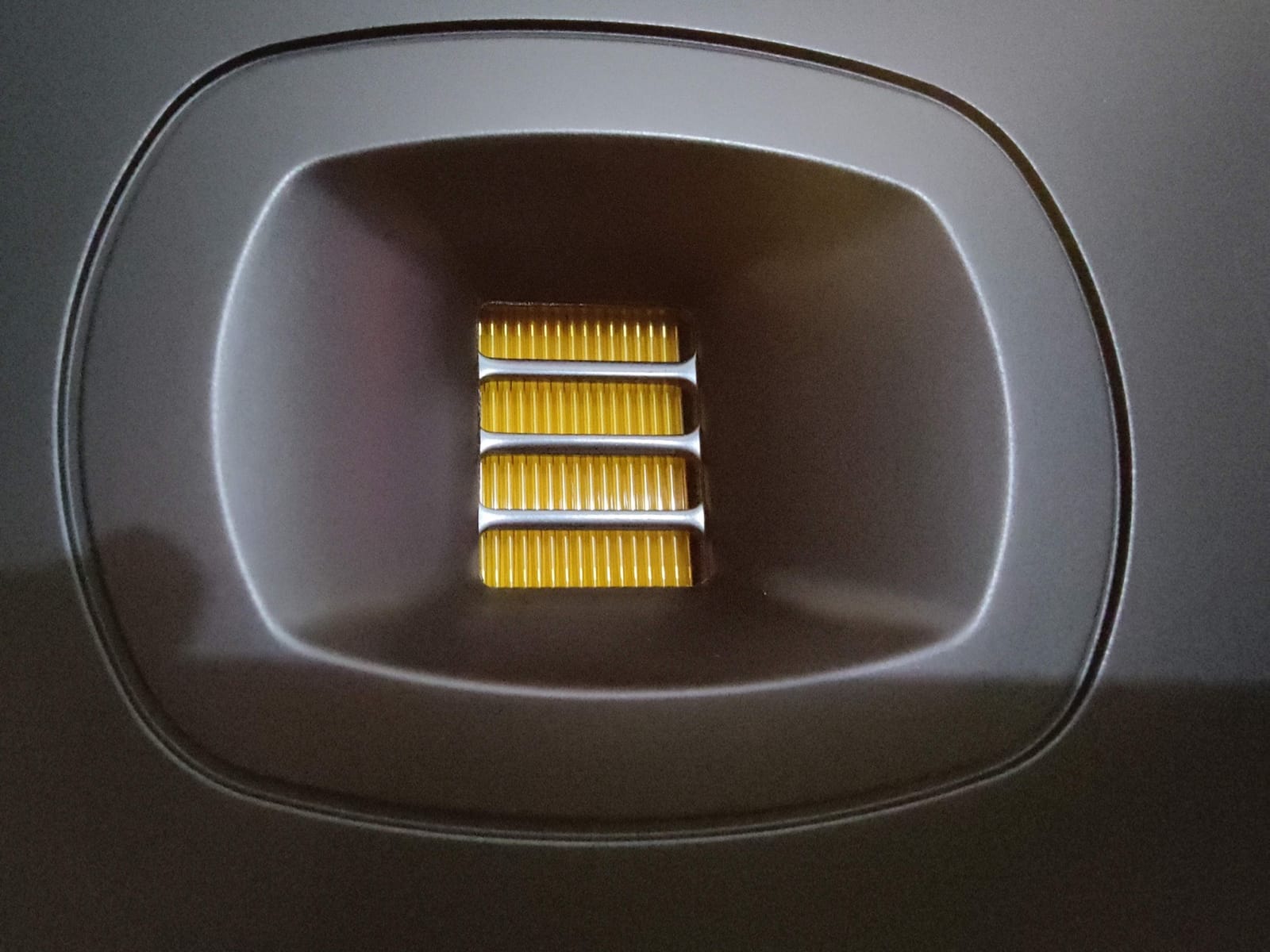
The tweeter is ADAM Audio’s U-ART accelerated ribbon design, reaching up to 25 kHz, and it is specified to reduce ear fatigue and limit high-frequency distortion. Ribbons tend to be excellent at resolving cymbal detail and fast transients without the hardening that dome tweeters can produce, which is a real advantage on dense arrangements with a lot of crash and ride.
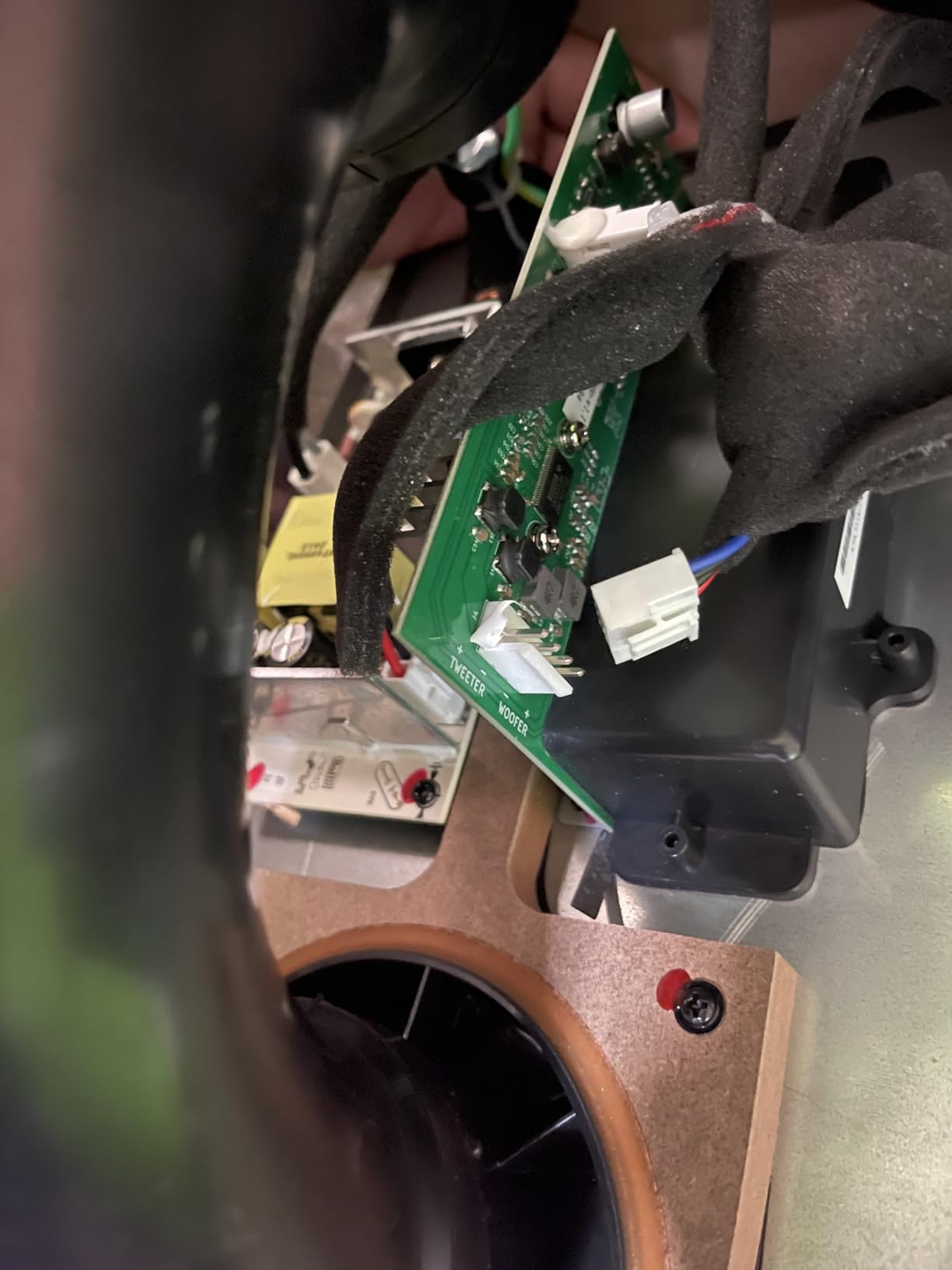
The HPS waveguide controls the high frequencies to create a larger, more controlled sweet spot, so you are not locked to a single perfect chair position. Inputs cover balanced XLR, 1/4 inch TRS and RCA, so it connects to an interface, a mixer or a consumer chain. The build sits alongside the smaller T5V and T7V models but with more power, and the warranty runs five years, which is the longest in this group.
Owners consistently draw the same two conclusions: the combination of real low-end extension and a non-fatiguing ribbon tweeter makes long sessions easier, and the size is the catch. At 21.6 lb and 15.8 inches tall, this is a stand-mounted monitor, and the listing is a single unit. An AudioScienceReview thread on monitors under a modest budget listed the ADAM T8V among recommendations for rock and grunge users, which lines up with how we would use it.
Who the T8V suits
It suits producers mixing low-tuned material in a room with enough space to place an 8 inch cabinet properly. Death metal, black metal, doom and anything with sub-heavy guitars benefit most, because the fundamentals are inside the monitor instead of under it.
It suits long sessions and long listening days. The ribbon tweeter and the widened sweet spot both attack the fatigue problem directly, and with 133 reviews at 4.6 the owner feedback on both is consistent enough to rely on.
Who the T8V does not suit
It does not suit a small untreated room, and this is the clearest mismatch in the roundup. Deep extension in a tight space turns into a room mode problem, and a monitor that reaches 33 Hz will excite every null and bump your room has. In a small room, a 5 inch monitor placed correctly will beat an 8 inch monitor placed badly.
It is also a heavy lift for a first home studio purchase, given that you need two for stereo. If the budget stretches to one pair of 8 inch monitors but no treatment, buy smaller monitors and put the money into corners and bass traps, which will improve your mixes more than the driver size will.
7. ADAM Audio D3V – the laptop-first desktop pair
ADAM Audio D3V Active Desktop Studio Monitor Speakers – Black
3.5 inch aluminum woofer
Passive radiators to 45 Hz
D-ART ribbon tweeter
USB-C digital
Pros
- Passive radiators reach 45 Hz from a 3.5 inch desktop pair
- USB-C connects directly to a laptop or phone with no interface
- Angled 15 degree stands and mic-stand mounting holes included
- DSP placement switches correct common desktop problems
Cons
- 3.5 inch drivers cannot deliver deep sub-bass
- Maximum output is well below an 8 inch monitor
The D3V is the most interesting object in this roundup for a specific reason: dual-sided 3.5 inch passive radiators extend the response to 45 Hz, which is a low number for a desktop pair and much lower than most 3.5 inch monitors manage. Passive radiators move air without a voice coil, so they add low-frequency extension without adding another distorted driver to the system.
The 1.5 inch D-ART desktop accelerated ribbon tweeter handles the top end, and the two 3.5 inch aluminum woofers with ferrite magnet systems are each driven by an 80 watt amplifier. With a 4.7 average across 287 reviews, this is the second-highest rated monitor here, and owners single out the ribbon tweeter for precise, non-fatiguing highs.
USB-C is the feature that changes the setup entirely. The pair connects straight to a laptop or a phone with no audio interface in the chain, which removes the single biggest reason people do not start monitoring properly. The backplate of one speaker carries balanced 1/4 inch inputs plus DSP placement switches that address common desktop acoustic problems, with a front headphone socket and volume knob.
Positioning is handled for you. The detachable monitor stands angle upward at 15 degrees toward the listener, and there are 3/8 inch mic-stand mounting holes underneath for a higher position. A firmware-controlled 20-minute auto sleep mode can be switched off in the latest firmware, which matters for anyone who leaves the system on. The warranty is two years, extending to five on registration.
Who the D3V suits
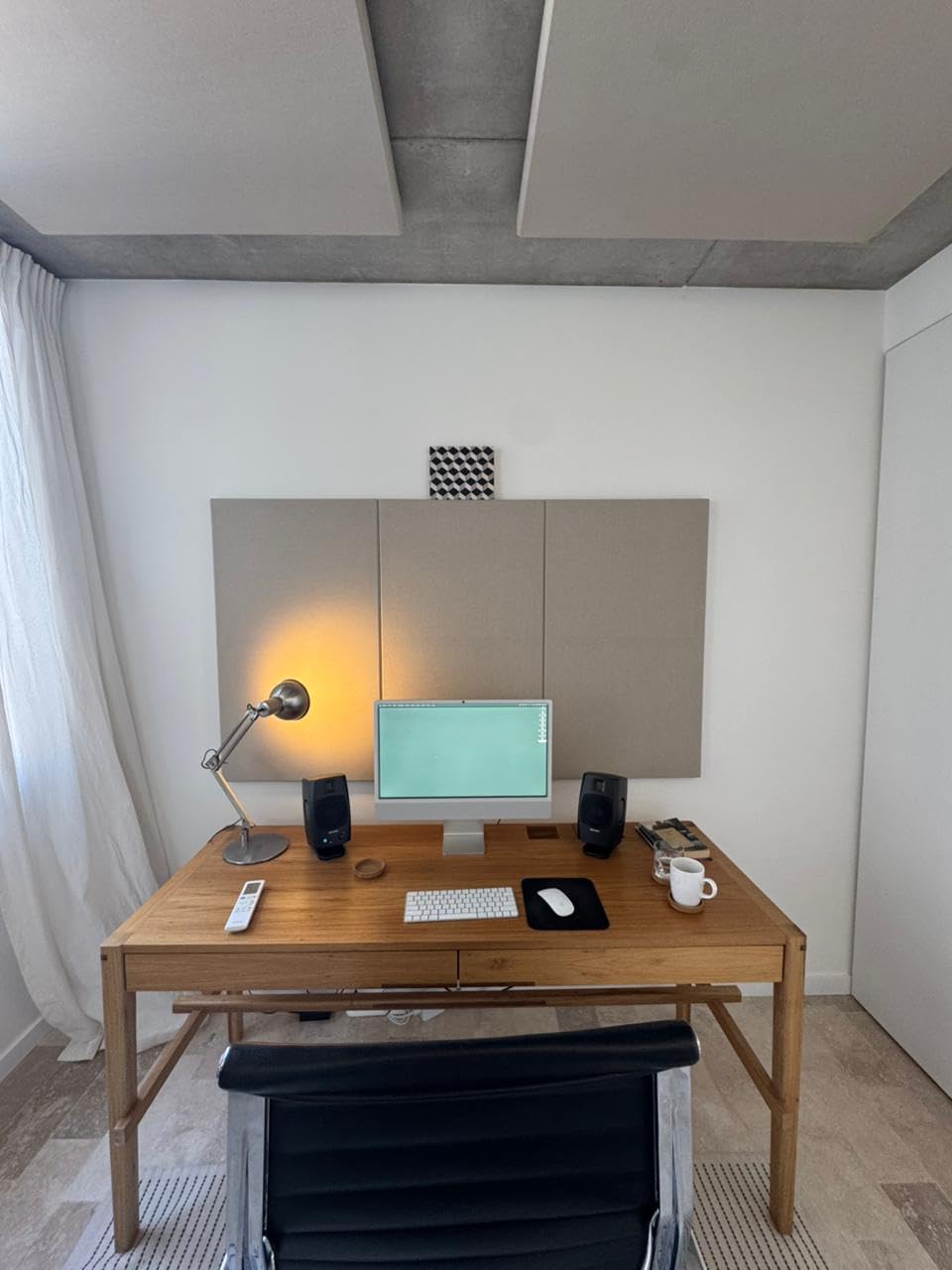
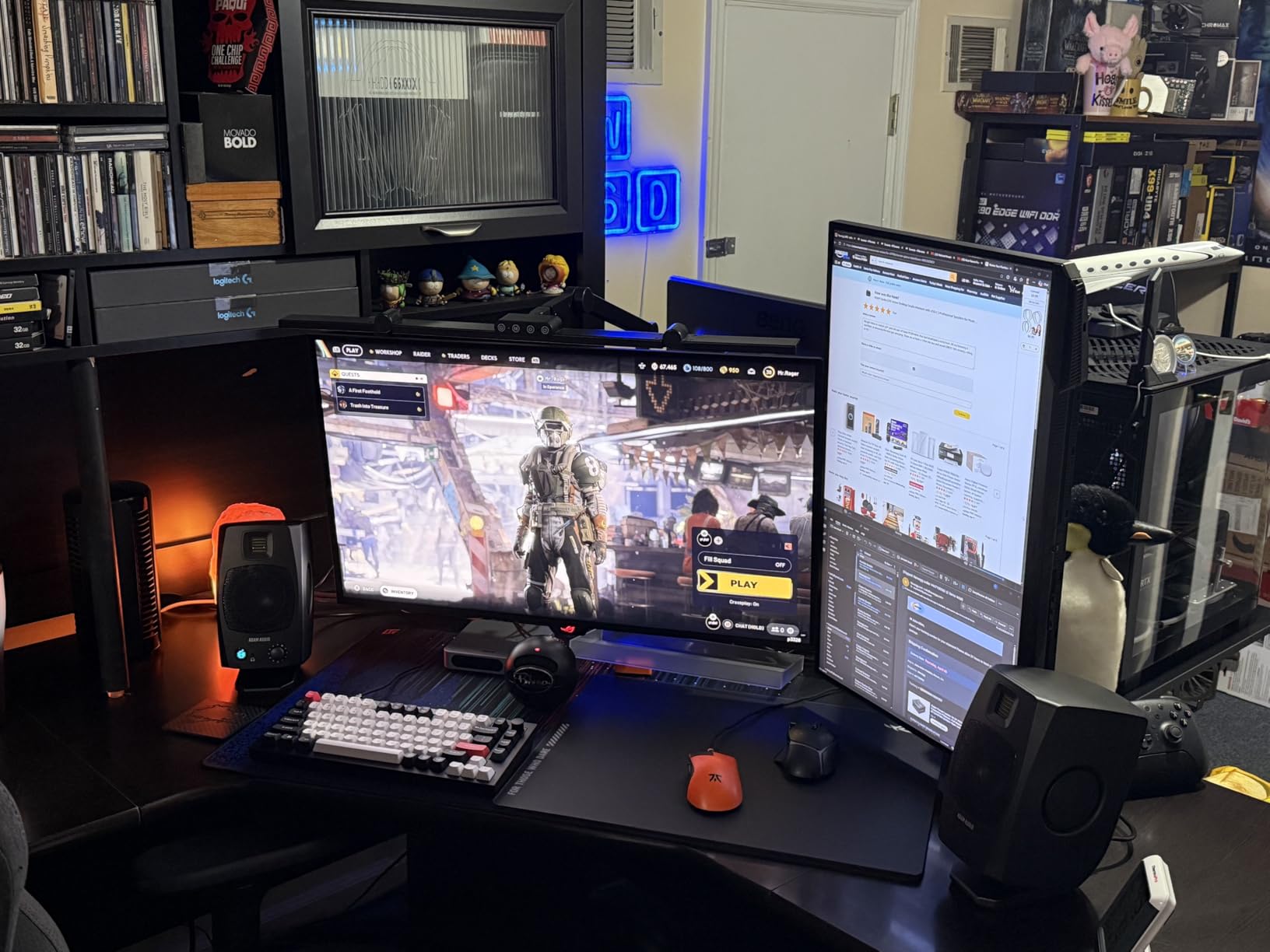
It suits producers who mix on a laptop and want to remove the interface from the signal chain, and anyone working in a genuinely small space where a 5 or 8 inch cabinet will not fit. The angled stands also mean you can get the tweeter near ear height on a desk without buying a separate pair of stands.
It suits heavy music producers who mostly need clarity and midrange definition rather than output. The ribbon tweeter resolves fast guitar detail and cymbal texture, which is where most bedroom metal mixes need work, and the 45 Hz figure covers enough of the kick to make sensible low-end decisions.
Who the D3V does not suit
It does not suit anyone who needs to work at high volume. Owners and the specification agree on the limit: 3.5 inch drivers cannot deliver deep sub-bass despite the radiators, and maximum output is well below what an 8 inch monitor provides. If your room needs to be filled with sound to judge a wall of guitar, this is the wrong tool.
It is also not a mastering reference, despite the ribbon tweeter. The DSP placement switches help a desk, but a treated nearfield position and a 3.5 inch driver still leave the bottom of the range to guesswork. Use it to mix, and check your low end elsewhere.
8. Mackie MR824 – the widest listening area in the roundup
Mackie MR824 8″ Powered Studio Monitor (Single), Black
8 inch polypropylene woofer
Logarithmic waveguide
1 inch silk dome
65W Class A/B
Pros
- Wide dispersion from the logarithmic waveguide makes the sweet spot forgiving
- 8 inch woofer for responsive dynamic low end
- Silk dome tweeter keeps vocals and transients articulate
- Class A/B bi-amp stays clean at working levels
Cons
- Heaviest cabinet in the roundup at 23 lb so stands are required
- Sold as a single speaker so a pair means two units
- Largest footprint in the group
The MR824 solves a problem that rarely gets discussed but every producer hits: you cannot sit perfectly still for six hours. The logarithmic waveguide spreads the high frequencies across a much wider area than a bare dome, so the treble balance holds up when you lean forward, lean back, or move a hand to reach a fader. Owner reviews describe exactly that, a wide and forgiving sweet spot.
The 8 inch polypropylene woofer is specified for responsive, dynamic low-frequency response, and the 1 inch silk dome tweeter is there for fast transient response and vocal clarity. That transient point is what keeps snare attack from disappearing under a wall of sound, and the vocal clarity matters when you are mixing a band with three guitar layers and one singer.
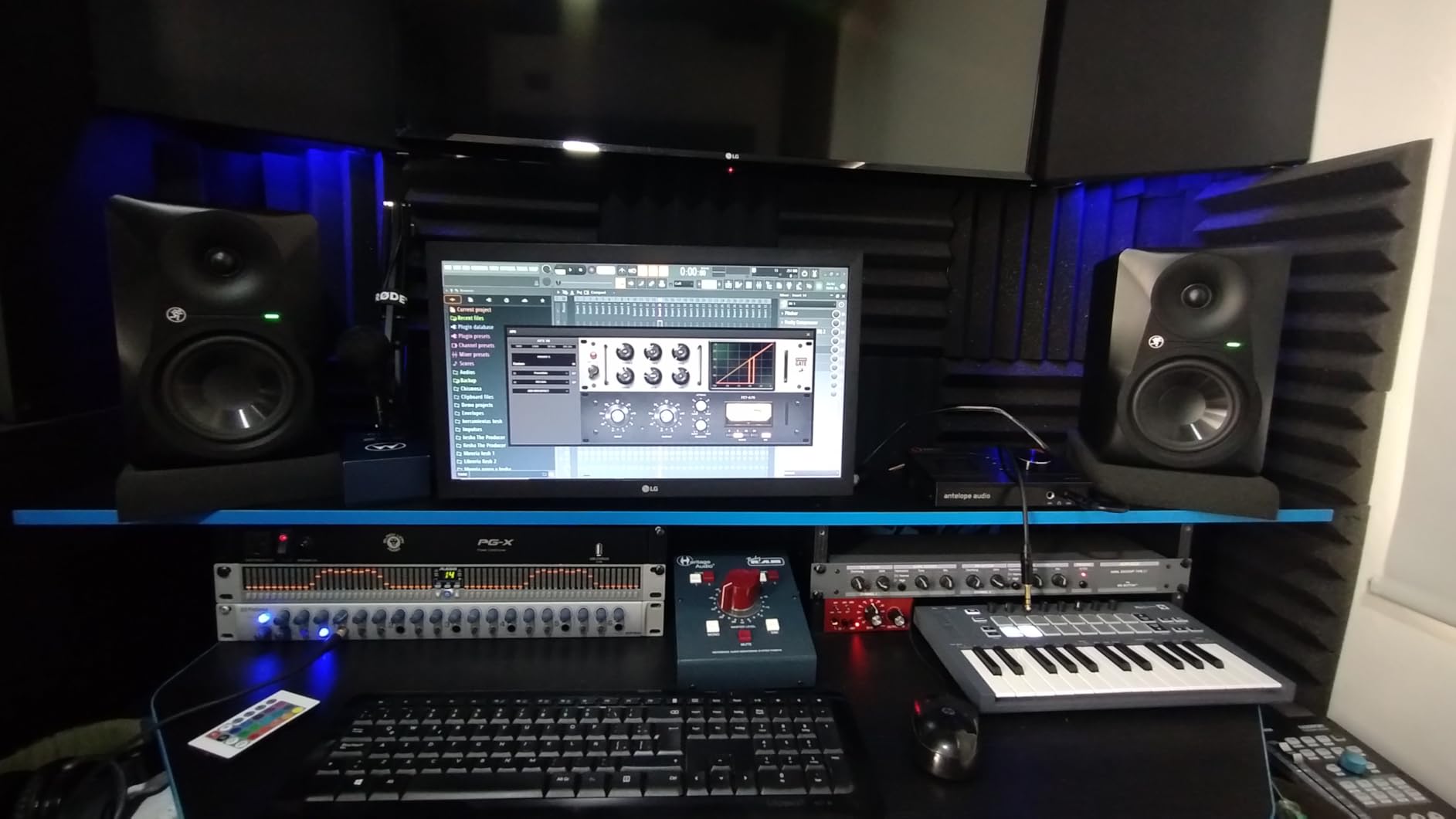
Amplification is 65 watts of bi-amplified Class A/B, which is a deliberately gentle topology for a monitor you might run for hours. Stereo imaging is helped by the waveguide, which means wide, dense arrangements are reproduced in a way that keeps their width without smearing. Inputs are TRS, and the package includes a power cord, a quick start guide and Pro Tools First software.
At 4.4 across 243 reviews it has the joint-lowest average here, and the criticism is physical rather than tonal. With a 23 lb weight and a deep 16.6 inch cabinet, this is the largest object in the roundup and the one that most demands stands. It is also a single-speaker listing. Owners still credit the low end as big and confident, so the tradeoff is space, not sound.
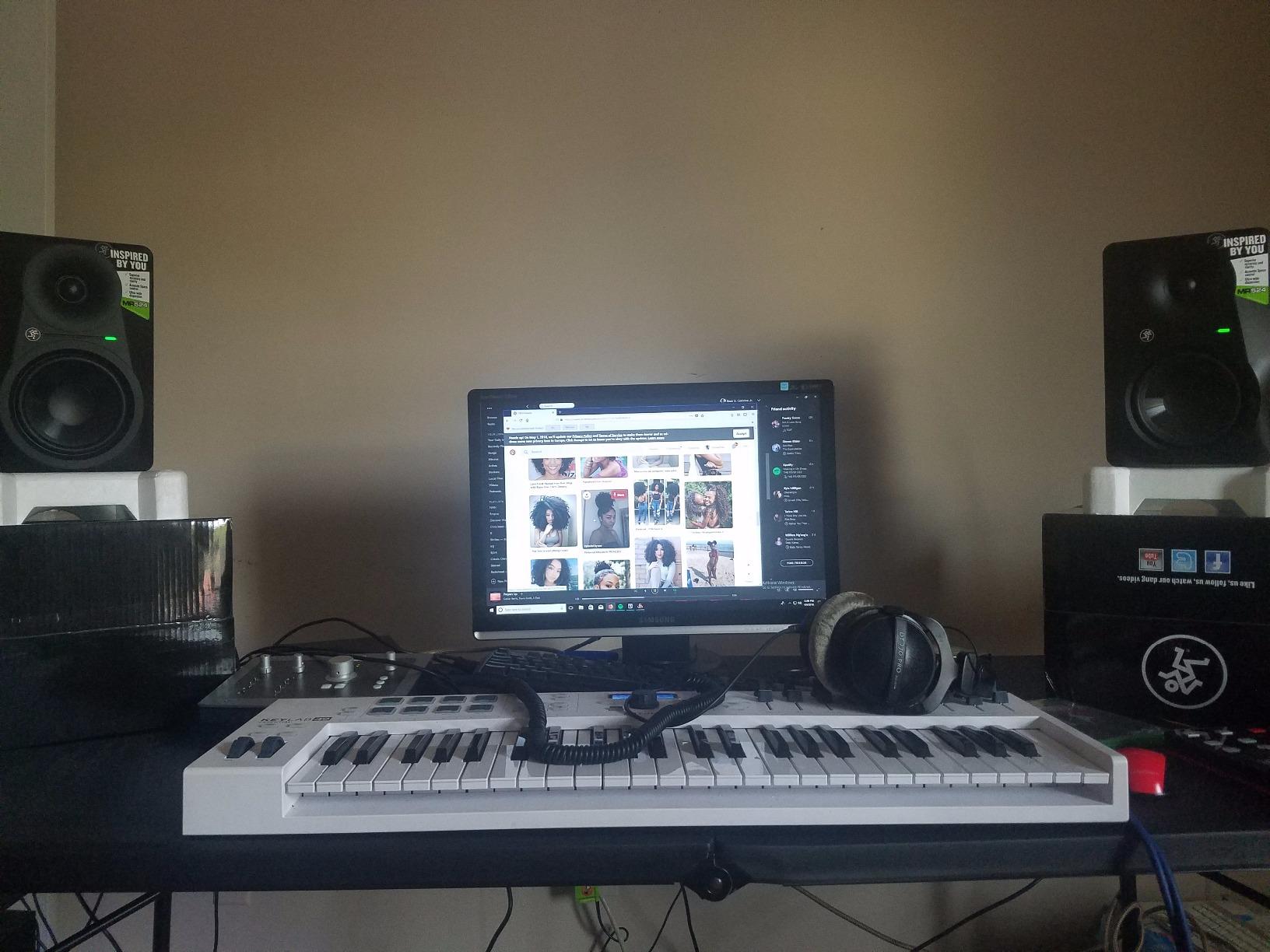
Who the MR824 suits
It suits producers who move around the desk, work in a larger room, or mix with someone else sitting at a different position. The waveguide is the reason: a wide dispersion means two people in slightly different places hear something closer to the same thing, which is hard to achieve with a narrow-sweet-spot monitor.
It suits fast, dense material where transients need to stay visible. The 8 inch woofer gives a fast double kick real weight and the silk dome keeps attack defined, and the Class A/B amplification stays clean when you push it.
Who the MR824 does not suit
It does not suit a small room or a lightweight desk. Twenty-three pounds is a real load, and a cabinet that deep on a small desk will couple into the surface and boost the low end in a way no EQ switch can fully undo. This is a stand monitor or nothing.
It is also not the pick if the lowest figure in the range is what you are shopping for. No low-frequency extension figure is published for this model, so if your material depends on sub content you would be choosing on the woofer size and the waveguide rather than on a number you can check.
9. Pioneer DJ DM-50D-BT – a fuller 5 inch pair with wireless on the side
Pioneer DJ DM-50D-BT 5-inch Active Monitor Speakers, Bluetooth, Pair
5 inch active pair
50W per speaker
DSP tuning
Bluetooth playback
Pros
- Larger driver gives noticeably fuller low end than the 4 inch model
- DSP tuning keeps monitoring sound clear and balanced
- Bluetooth adds casual listening without giving up wired monitoring
- Designed for small rooms and desktops
Cons
- Heavier and bulkier than 4 inch desktop monitors
- Bluetooth is a convenience feature rather than an accurate monitoring path
The DM-50D-BT is the step up from the smaller 4 inch model in this family, and the difference owners report is bass weight and volume rather than detail. For a producer who has outgrown a tiny desktop pair and does not yet have space or budget for an 8 inch cabinet, that is the specific gap it fills.
Each speaker has 50 watts of built-in amplification, so there is no separate amplifier to buy, and DSP tuning handles the voicing for clear, balanced monitoring. The sound is voiced by the manufacturer’s DJ audio team for punchy, defined low frequencies, which is a deliberate tilt toward the transient-heavy material electronic producers and metal guitarists both work with.
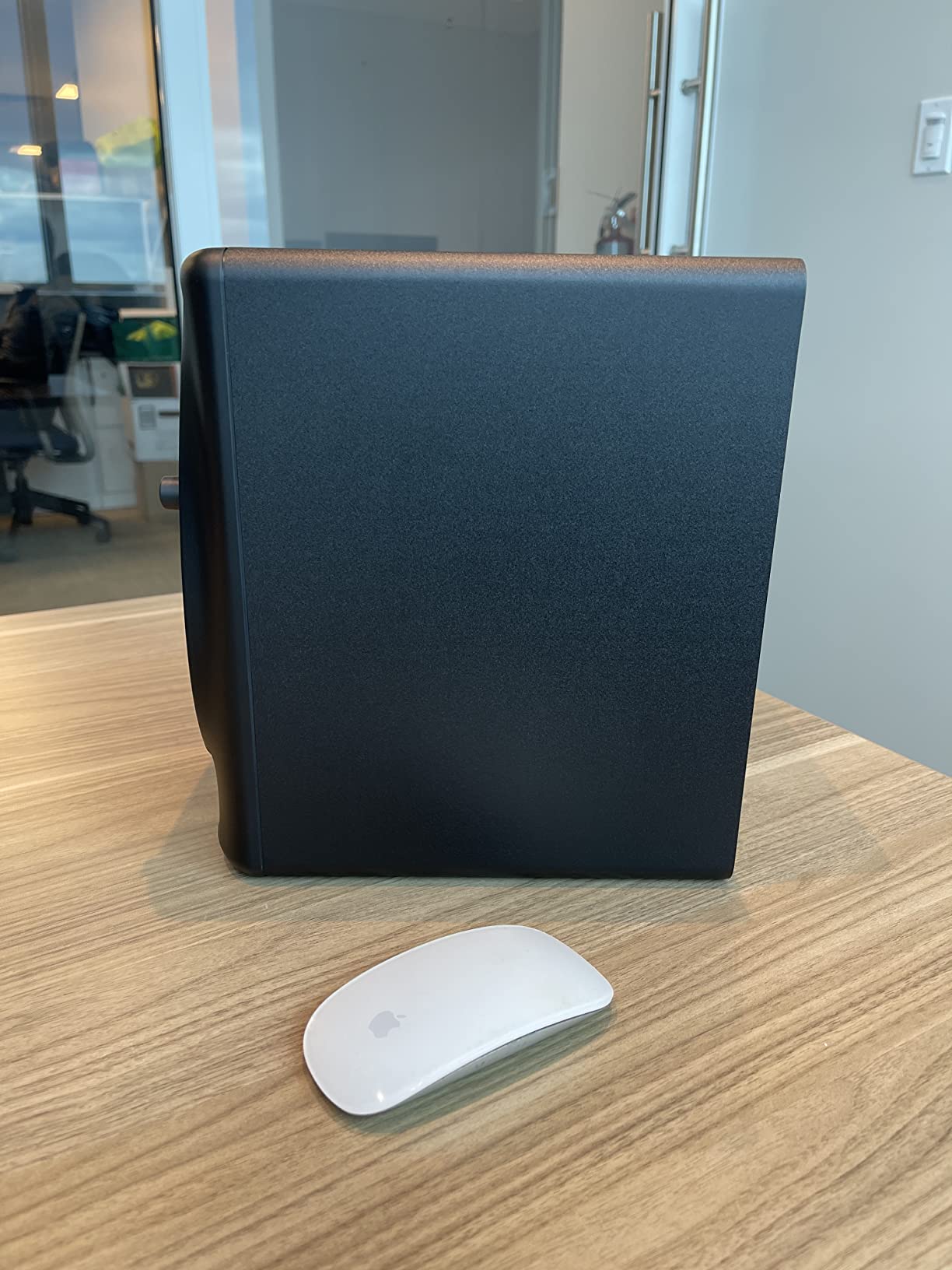
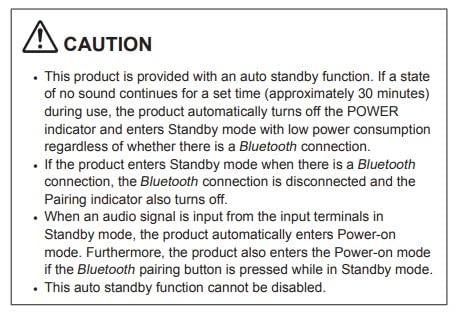
Bluetooth is the headline feature and also the one to be careful with. It is genuinely convenient for reference listening away from the desk, but no wireless path should ever make a mixing decision, so keep the wired connection for the work and treat Bluetooth as an extra. At 20.5 lb for the pair, these are substantial objects for a desk.
Owner feedback at 4.5 across 191 reviews is consistent: buyers frame it as a clean step up from the 4 inch models, with more bass weight and a larger cabinet as the trade-off. It is sold as a pair, and the cover is a one-year limited manufacturer warranty.
Who the DM-50D-BT suits
It suits producers upgrading from a small 4 inch desktop pair who want more low end without jumping to a full-size studio monitor. A metal producer whose main complaint is a mix that feels thin on small systems will hear a meaningful change here.
It also suits small rooms, because 5 inch drivers in a compact footprint are far more manageable than 8 inch cabinets in a domestic space. The DSP tuning does some of the room work for you, which matters if your space is untreated.
Who the DM-50D-BT does not suit
It does not suit anyone working at high playback levels, because 50 watts per speaker in a small cabinet is modest headroom by any measure. A dense metal arrangement with several guitars and double kick will reach the monitor’s limit before it reaches yours, and that is when the mix starts getting compressed before you hear it.
It is also the wrong choice if sub-bass is the centre of the arrangement. There is no published low-frequency extension figure here, and the DJ-tuned low end is about punch and definition rather than reach. For material tuned low, look at the ADAM T8V or add a subwoofer.
10. Pioneer DJ DM-40D – when desk space is the constraint
Pioneer DJ DM-40D 4-inch Active Desktop Monitor Speakers, Pair, Black
4 inch active pair
Fiberglass cabinet
42W output
DSP tuned
Pros
- Compact 4 inch footprint leaves room for a controller or keyboard
- DJ-tuned voicing for punchy defined low end at desktop size
- DSP tuning delivers clear balanced monitoring
- Lightweight at roughly 1 lb per speaker so it is easy to reposition
Cons
- 4 inch drivers limit real low-frequency extension
- Not a monitor to mix loud or low-tuned material on
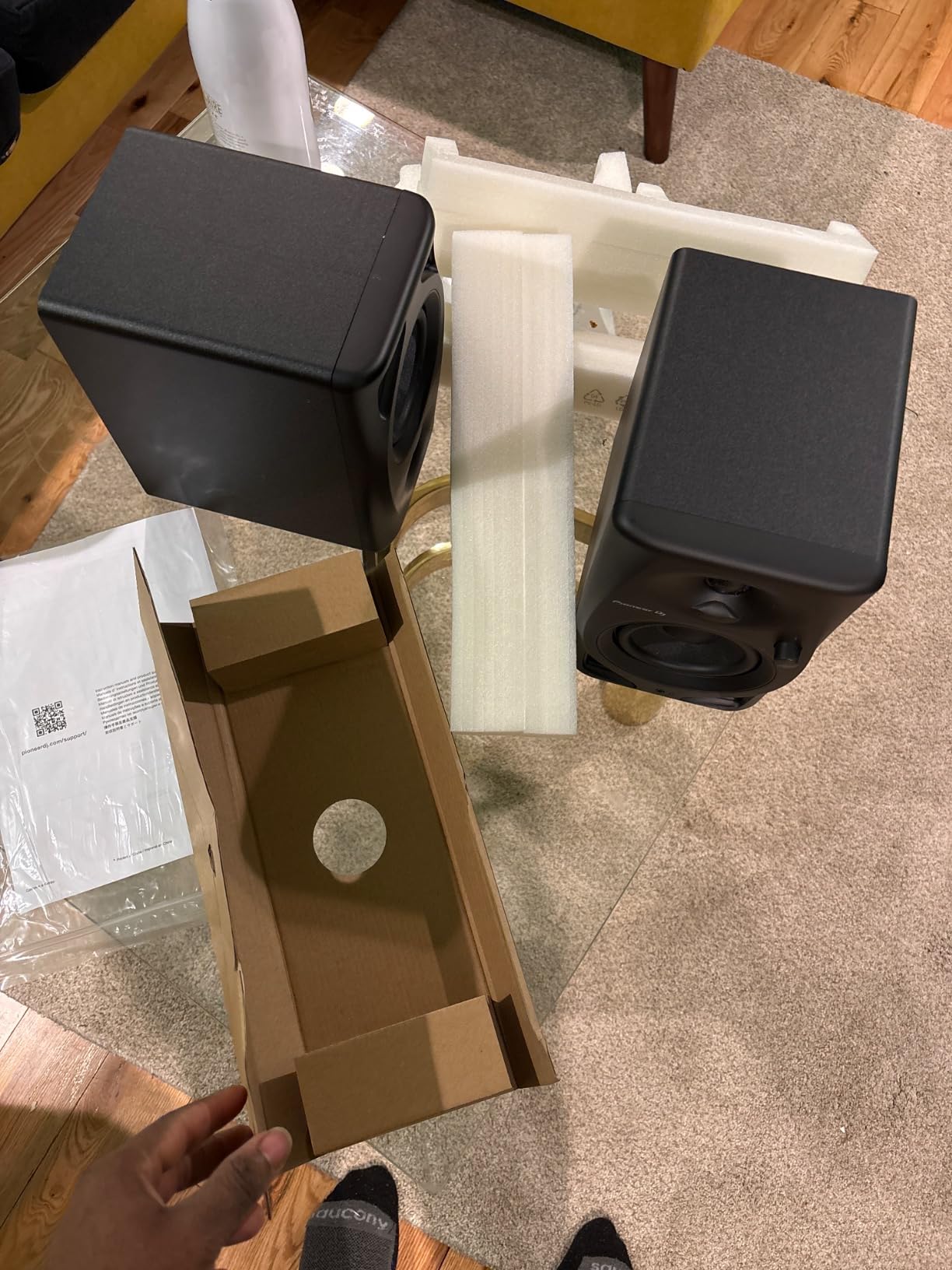
We are including this one last because it is the most compromised monitor here, and because a roundup that only lists good-sounding options is not useful. The DM-40D is a 4 inch active pair with a fiberglass cabinet, 42 watts of amplification and DSP tuning, built to sit on a desk next to a controller without taking the space.
What it does well is proportional. Owner reviews at 4.6 across 199 describe a compact, reliable monitor that punches above its size, with the low end voiced by the DJ audio team for punch and definition rather than extension. At roughly 1 lb per speaker it is the easiest thing in this roundup to reposition, and repositioning matters more than most people expect.
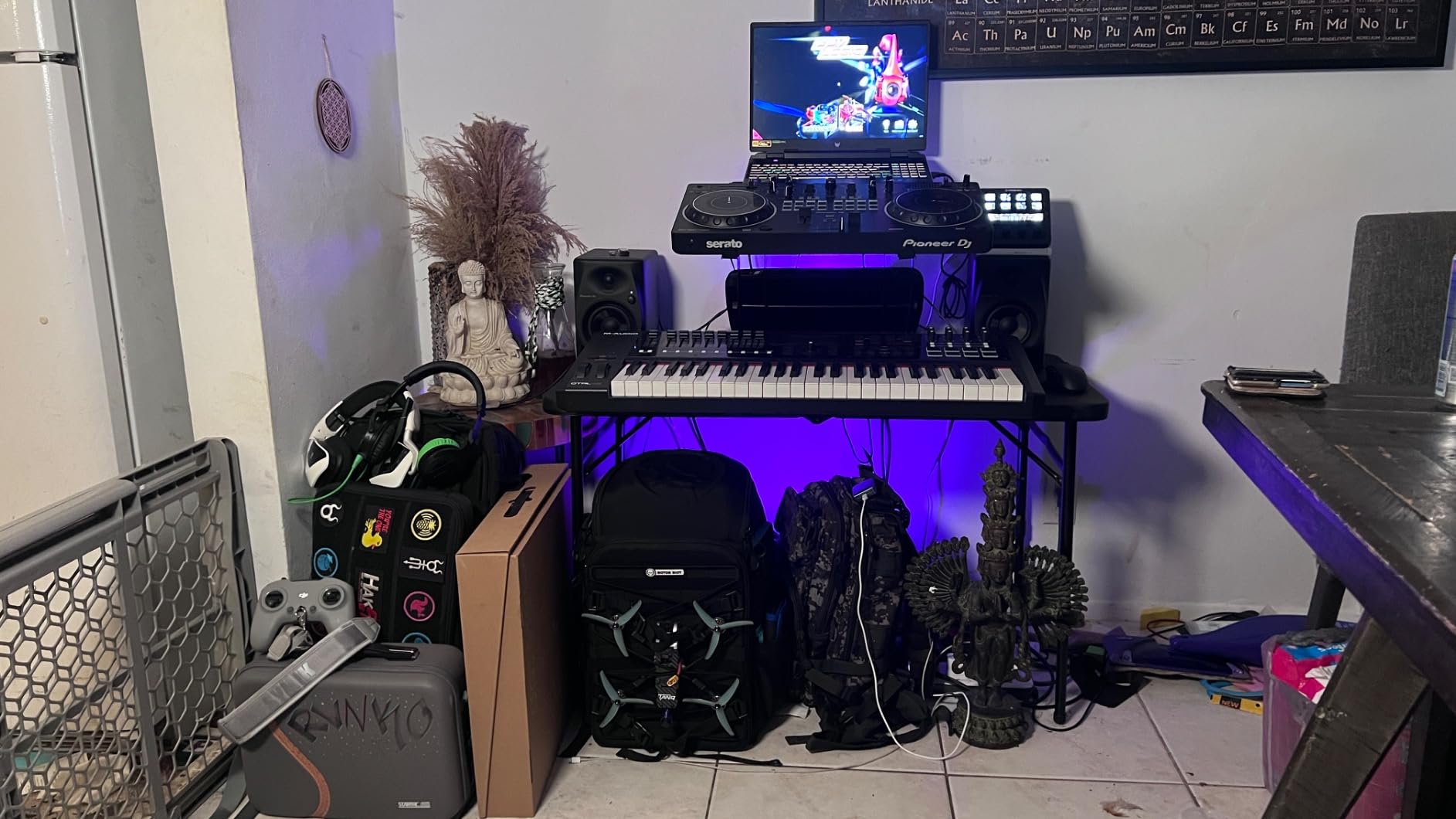
It is an active design, so it connects straight to a mixer or interface with no separate amplifier, and it is sold as a pair with a one-year limited manufacturer warranty. The acknowledged limit is the 4 inch driver, which restricts real low-frequency extension, and that is the whole issue when it comes to metal.
Use it for what it is good at. Track ideas, edit, build arrangements, and check your mix at a moderate level where the fast guitar detail and the vocal sit in front of you. Do not use it to judge kick and bass weight, and do not use it to decide how loud a mix should be.
Who the DM-40D suits
It suits producers in a very tight space, particularly anyone whose desk is shared between a monitor controller and a production setup. At 454 g per speaker it is the lightest monitor in this roundup, so you can move it one-handed to find a better position.
It suits tracking and writing sessions rather than final mixes. A 4 inch active pair with DSP tuning gives you a far more honest picture than desktop computer speakers, and the punchy low-end voicing suits riff-based music without pretending to reach below itself.
Who the DM-40D does not suit
It does not suit mixing, and that is worth saying plainly at the end of a roundup. With 4 inch drivers limiting real low-frequency extension and 42 watts of total power, it cannot hold up a dense metal arrangement or reveal what your kick and bass are doing.
If you are buying one pair of monitors for a metal project, spend the money here instead. Even the entry-level 5 inch options in this roundup, with more power and a published output ceiling, will change your mixes more than this one will. Save this for the second room, or as a portable reference you move to where the acoustic is decent.
How to Choose Reference Monitors for Metal in 2026
The right monitor for metal is the one that stays honest in your room, at your volume, on your material. That makes the decision less about spec sheets and more about three variables: how big the room is, how loud you work, and how low your material is tuned. Work through those before you read a single feature list.
The most common mistake we see is buying a large woofer for a small room. A deep-reaching 8 inch monitor in an untreated bedroom does not give you more truth, it gives you a different room. If you have one of the 8 inch options on a short list, the deciding question is not the driver size but whether you have room to place it properly and treatment to support it.
Headroom and distortion come before tone
For metal this is the first filter, and it is the one most lists skip. Maximum SPL is the honest number to compare, and in this roundup only the PreSonus Eris E5 publishes one, at 102 dB maximum continuous SPL. Where no figure is given, treat output as unknown rather than assuming it is sufficient.
Wattage is a poor substitute but not a useless one. The M-Audio BX5BT’s 240 watts and the Yamaha HS8’s 120 watt bi-amp both represent meaningfully more clean output than the 42 watt desktop pairs, and that is why they appear higher in this list than their price tier would suggest. If you work loud, buy amplification.
Distortion in the upper midrange is the second half of this. Forum discussion of monitors for rock and heavier styles keeps returning to 3-way designs for exactly this reason: spreading the load across three drivers keeps distortion down in the band where distorted guitar lives. In a 2-way monitor you can partially compensate with a lower tweeter level, but you cannot recover the headroom.
Low-end extension and maximum SPL are two different specs
These get confused constantly, and metal producers feel it constantly. A monitor can reach 33 Hz and still run out of clean output well before you need it, or it can play loudly and roll off at 60 Hz. Extension tells you what you can hear. Output tells you how honestly you will hear it.
On published figures in this roundup, the ADAM T8V quotes extension to 33 Hz, the Yamaha HS8 to 38 Hz, the ADAM D3V to 45 Hz with its passive radiators, and the M-Audio BX5BT to 49 Hz. Several models, including the Eris E5, the JBL 308P MkII, the Mackie MR824 and both Pioneer DJ models, publish no low-frequency figure at all. For those, the woofer diameter is the best available proxy: 8 inch cabinets generally reach lower than 5 inch ones, and 4 inch ones reach lower still.
For most metal mixes, that is enough. Kick and bass fundamentals in the 40 Hz to 80 Hz range are inside what these monitors can show you, provided you place them correctly and you are not asking a 4 inch driver to do the work of an 8 inch one.
2-way versus 3-way for distorted guitar
Every product in this roundup is a 2-way design, so this section is about what you give up and what you gain. A 2-way monitor crosses over once, typically around 2 kHz, and asks the tweeter and woofer to cover the guitar presence band together at one point. Simplicity, a smaller footprint, and a lower price are the payoffs.
The cost is distortion in the 1 kHz to 4 kHz region, which is precisely where high-gain guitar harmonics pile up. When that band compresses, the mix sounds harsh on other systems even though it reads as comfortable on the monitor. Contributors on the Gearspace mastering thread consistently recommend 3-way systems for heavier styles for this reason, and also warn against systems that only sound correct with a subwoofer attached, because that is a translation risk rather than a solution.
Our practical advice for a 2-way setup: mix dense arrangements at a moderate level, keep the tweeter trim neutral, and check the guitar band on a second system rather than pushing one monitor to find out. If your room supports it and your budget stretches that far, a 3-way system is the upgrade that will change your mixes most.
Matching monitor size to room size
Room volume sets the ceiling on how much low-frequency energy your speakers can push before the room takes over. A rough rule of thumb that gets used in practice is that small, nearfield-leaning spaces suit monitors up to about 5 inches, medium project rooms handle 6.5 to 8 inch monitors comfortably, and larger rooms need 8 inch monitors or a full-range system with a subwoofer. If you are in a bedroom, choose the smaller driver and treat the room.
Do not skip this step because it is the least interesting one. An 8 inch monitor in a small room will excite a low mode, and you will end up cutting bass in your mix that you needed. The Yamaha HS8 and the ADAM T8V both have room control switches that mitigate this, which is a good reason to prefer them if you have no choice but to use a large driver.
Do you need a subwoofer for metal?
Only if your material has real sub content and your monitors cannot show you it. Most metal fundamentals sit in the range a 5 or 8 inch monitor already covers. Adding a sub is worthwhile for a low-tuned project, for mastering-adjacent work, or for checking how a mix behaves when a system rolls off below 40 Hz.
Add one properly, though: a sub that is not calibrated against the monitors will pull the low-mid around in ways that make metal mixes worse, not better. Crossfeed by high-passing your monitors above the sub crossover, set the level to match, and check the result on the monitors alone. The Gearspace contributors who recommend sub-capable systems for heavy music all stress the same thing, that the monitors must still sound correct on their own.
DSP, EQ and inputs
Built-in correction is worth real money in an untreated room, and it is the single most useful feature on this list for a bedroom producer. The Yamaha HS8 gives you switchable low cut below 500 Hz and a high trim. The JBL 308P MkII has a boundary EQ for wall placement. The ADAM D3V has DSP placement switches. The M-Audio BX5BT gives you FLAT, HYPE and CUSTOM modes plus a five-band EQ in the app.
Use DSP to fix placement problems, not to shape the sound you want. A flat setting in a badly positioned pair will always beat a sculpted setting in a good one. And do not leave a high-frequency lift switched on because it sounds exciting, since that is the single most common way a mix ends up fizzy on other systems.
Inputs matter less than people think in a home studio, but they do matter for longevity. Balanced XLR, as on the Yamaha HS8, the Eris E5, the JBL 308P MkII and the ADAM T8V, means you can keep the same speakers when you upgrade interfaces. The JBL’s plus 4 dBu and minus 10 dBV input sensitivity switch is a small professional touch worth noting.
What to listen for in a five-minute shop demo
Forum advice across the audiosex and Gearspace threads converges on one point: audition before you buy, and nobody tells you what to listen for. Here is what we would do with five minutes and a familiar track. Bring a metal mix you know well on your phone, not something from the shop’s own system.
First, play something with a loud sustained guitar passage and ask whether the monitor distorts or compresses when you push it. If it does, walk away, because that is the failure mode you are shopping to avoid. Second, play something with a fast double kick and listen to whether the transients stay distinct or smear. Third, step off axis and to either side of the listening position to hear how quickly the image falls apart, which tells you how forgiving the sweet spot is.
Fourth, play something with deep bass and check whether it booms or stays controlled at low volume. Finally, sit or stand at the height you will actually work at. A monitor that flatters you in a chair at 1.5 m will not flatter you standing at 1 m. If a monitor has a boundary or placement switch, put it in the mode matching where you would put it at home.
Placement, the 38% Rule and Low-End Optimization
The 38% rule is a placement guideline, not an acoustic treatment. It says that the distance from your listening position to the near wall behind the monitors should be roughly 38% of the room length. The idea is that a boundary placed near the rear wave helps reinforce the low end and limit the effect of standing waves, which is a gentler way of saying it gives the bass somewhere to go that is not a pile-up of reflections from four hard surfaces.
In practice, the more useful version of the rule is: in a rectangular room, position the speakers so that the distance from the listener to the rear wall is about 38% of the room’s length. In a four by six metre room, that is a little over two and a half metres of space behind the monitors. It is a starting point, not a guarantee, and the geometry of your desk will usually decide how close you get.
The second lever is speaker-to-wall distance, and the trade-off is straightforward. Moving a rear-ported monitor closer to a wall increases low-end output and boundary reinforcement, which makes it sound louder and fuller on bass but less accurate. Moving it away gives a flatter, more trustworthy low end and a smaller sweet spot. Front-ported designs, such as the PreSonus Eris E5, are far more forgiving of wall placement for exactly this reason.
Three practical rules for metal specifically. Set the tweeter at ear height, because below it you will misjudge the guitar presence band that is already the most fragile part of the arrangement. Keep the monitors far enough apart to hear the width of a wall of sound, which is the whole point of mixing in stereo. And turn any low cut switch on before you start, not after the mix is finished, because the switch changes what you hear about the low mids as well as the bass.
Finally, treat the room as part of the system. Bass traps in the corners and broadband panels at the first reflection points will improve what you hear from any of these monitors more than moving up one model. If your budget allows only one upgrade in 2026, and the room is untreated, the room usually wins.
Frequently Asked Questions
What are the best studio monitors for playing metal music?
The best studio monitors for playing metal music are the Yamaha HS8 for a treated room, the PreSonus Eris E5 for a small or mid-sized room, and the Edifier MR4 for a tight untreated bedroom. All three are 2-way active monitors with published output or extension figures, which is what heavy mixing depends on. The HS8 covers 38 Hz with 120 watts of bi-amp, the Eris E5 is the only model here with a published 102 dB maximum continuous SPL, and the MR4 fits on a desk. Whichever you choose, place the tweeters at ear height and audition before buying.
What is the 38 rule for studio monitors?
The 38% rule is a monitor placement guideline: put your listening position roughly 38% of the room’s length away from the front wall, so the distance from your ears to the rear wall behind the monitors is about 38% of the total room length. It is intended to give low frequencies a boundary that reinforces rather than cancels, and to reduce the effect of room standing waves. It is a starting point rather than a guarantee, and desk layout will usually limit how close you can get.
What is the 38% rule room acoustics?
The 38% rule is an acoustic placement rule rather than a measurement. In a rectangular room, it recommends that the distance from the listening position to the rear wall is approximately 38% of the room length, which places a boundary where low-frequency energy reflects back into the room in a way that reinforces the bass instead of doubling it. It works best combined with corner bass traps and broadband panels at the first reflection points, since the rule only fixes position and not the surfaces around it.
Which studio monitor has the best bass?
Among the ten monitors in this roundup, the ADAM Audio T8V has the deepest published bass extension at 33 Hz, followed by the Yamaha HS8 at 38 Hz and the ADAM Audio D3V at 45 Hz using dual passive radiators. Several other models, including the PreSonus Eris E5, the JBL 308P MkII and the Mackie MR824, publish no low-frequency figure at all, so woofer size is the only available comparison for them. Extension is not the same as output, so check the rated maximum SPL as well.
Why is Genelec so popular?
Genelec is popular with producers largely because of its long-standing approach to loudspeaker design rather than one single feature. The brand is known for waveguide and directivity designs that control dispersion so the monitor sounds consistent across a wider listening area, and for its integration of digital room correction into the speaker rather than leaving it to a separate box. That combination suits producers who cannot sit in one perfect position. None of these brands appear in this roundup, so the same principles are what we look for in every monitor we recommend.
Final Verdict: Where to Start
The Yamaha HS8 is our pick, and it wins on the criteria that matter most for metal rather than on any single headline number. Thirty-eight hertz of extension covers your kick and bass fundamentals, 120 watts of bi-amp means a loud mix is heard rather than compressed on the way to you, the 2 kHz crossover keeps the guitar range under less strain, and the room control switch below 500 Hz rescues the placement mistakes most home studios inevitably make. It is also the most thoroughly owner-tested monitor here, with 2356 reviews at 4.7.
If your room is small or untreated, the PreSonus Eris E5 is the smarter buy. Its published 102 dB maximum continuous SPL is the number that matters most for loud metal, the front-firing port lets it sit against a wall, and the acoustic space and high and low tuning controls let you correct the room you actually have. In a bedroom, that combination beats a larger monitor you cannot place properly.
If the budget is genuinely tight, start with the Edifier MR4 and plan the upgrade. It is small enough for any desk, it has a monitor mode, and with 3665 reviews behind it there is no shortage of shared settings for common room problems. Mixing on it will teach you things about your mix that a laptop speaker never would.
For everyone else: an 8 inch monitor such as the ADAM Audio T8V or the JBL 308P MkII is the right shape of purchase, provided your room can support it, and provided you buy two. Check the low-frequency and maximum SPL figures before you commit, audition your top two in person if you can, and set the tweeters at ear height before you judge anything. That is the best reference monitors for mixing metal advice we can give you, and it costs nothing.