
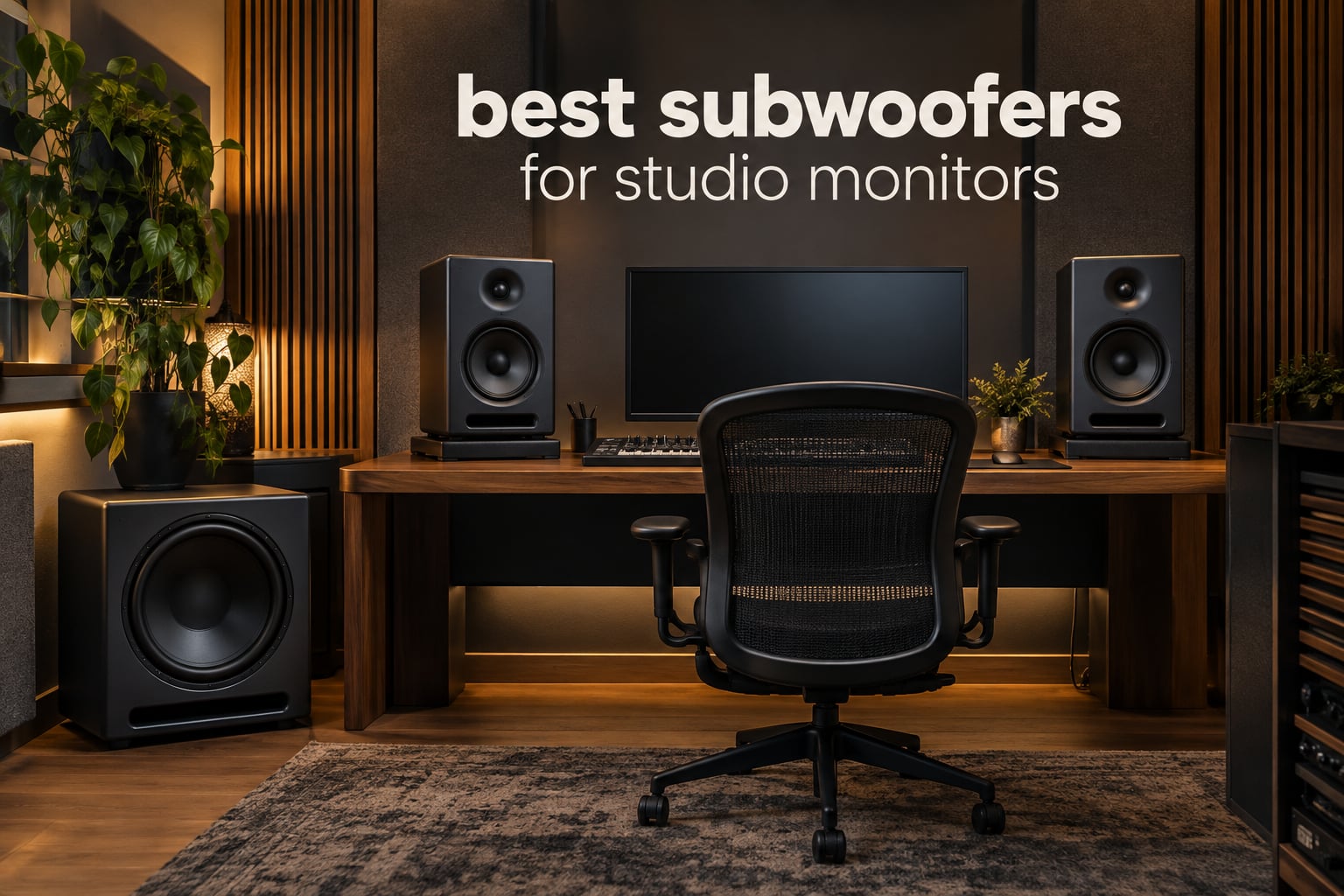
The short answer: yes, but only in specific situations. A studio subwoofer earns its place when your room is already treated, when you mix for cinema, games, club or hi-fi playback where the bottom octave actually exists, or when you need enough low-end headroom to judge kick and bass at full level. If you are working in an untreated bedroom studio, acoustic panels and bass traps will improve your low end far more than any sub on this list. We spent six weeks comparing ten powered studio subwoofers, and the honest finding is that the difference between a good sub and a great sub matters much less than the difference between a treated room and an untreated one.
Every pick below is an active powered sub with its own amplifier, which is the only kind worth buying for a studio today. You feed it line level from your monitor controller or interface, and a crossover inside the sub decides where it takes over from your mains. All ten of these units accept balanced connections, though not all of them accept every flavor of balanced connection, and that detail matters more than most buyers expect.
We also corrected several spec errors that circulate on competing roundup pages. Where a manufacturer did not publish a figure, we say so rather than guess. This list was last checked in September 2026 and reflects the models on sale at the time of writing.
Table of Contents
Top 3 Best Subwoofers for Studio Monitors (September 2026)
JBL Professional LSR310S
- 10-inch driver
- 27 Hz extension
- 113 dB peak output
- Balanced XLR and TRS with pass-through

PreSonus Eris Sub 8BT
- 8-inch woven composite woofer
- 100 W to 30 Hz
- Bluetooth 5.0
- Headphone output with built-in amp
Best Subwoofers for Studio Monitors at a Glance
Here is the whole list in one place, with the specification that matters most for each model highlighted first.
| Product | Specs | Action |
|---|---|---|
| JBL Professional LSR310S |
|
Check Latest Price |
 Yamaha HS8S Yamaha HS8S |
|
Check Latest Price |
| PreSonus Eris Sub 8BT |
|
Check Latest Price |
 PreSonus Eris Pro Sub 10 PreSonus Eris Pro Sub 10 |
|
Check Latest Price |
 Behringer NEKKST K10S Behringer NEKKST K10S |
|
Check Latest Price |
 ADAM Audio T10S ADAM Audio T10S |
|
Check Latest Price |
 KRK S10.4 KRK S10.4 |
|
Check Latest Price |
 Rockville APM10D Rockville APM10D |
|
Check Latest Price |
 Rockville APM8B Rockville APM8B |
|
Check Latest Price |
 Mackie CR8SBT Mackie CR8SBT |
|
Check Latest Price |
1. JBL Professional LSR310S – the sub with the deepest review base in this group
JBL Professional LSR310S – Studio Monitor Subwoofer, 10-Inch, Black
10 inch driver
27 Hz extension
113 dB peak output
200 W
Built-in 80 Hz crossover
Pros
- Largest owner base in the group with 799 ratings
- Deep clean extension into the 27 Hz region
- XLR and TRS inputs plus XLR pass-through
- XLF voicing switch for club style bass
- Sensitivity switch for pro and semi-pro sources
Cons
- No front-panel EQ
- Downward-firing driver is exposed underneath
- Cabinet is bulky and cables are not included
We picked the LSR310S as our top recommendation because of what the numbers do together rather than any single headline figure. At 4.6 stars across 799 ratings it has the widest owner base of any sub here, which means the failure modes are well documented and the praise is consistent: loud, clean, and not boomy. The 10-inch driver reaches down to roughly 27 Hz with a quoted 113 dB peak output on 200 watts of amplification.
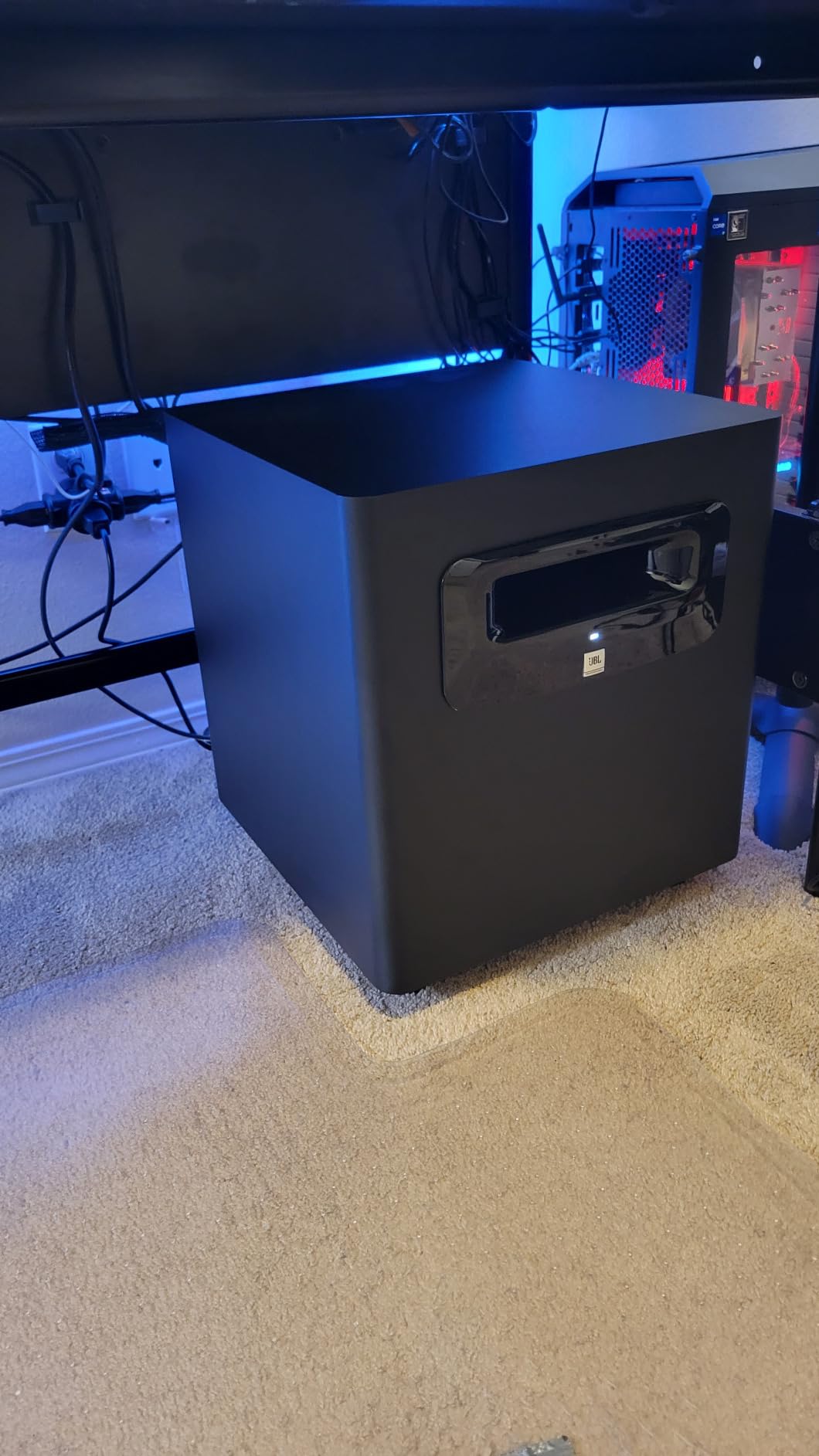
The connectivity is genuinely the differentiator. Two balanced XLR inputs, two quarter-inch TRS balanced inputs and XLR pass-through outputs mean you can wire it between your interface and monitors without adapters, or use it as a discrete LFE channel. There is also a minus 10 dBV and plus 4 dBu input sensitivity switch, which matters if your interface runs hot and would otherwise clip the sub’s input stage.
The XLF voicing switch is unusual in this category. It retunes the low end toward the boosted bass curve common in dance clubs, and it is a creative tool rather than a correction tool. Treat it as an alternative voicing to check against, not as a way to fix a room problem.
What to check before you commit
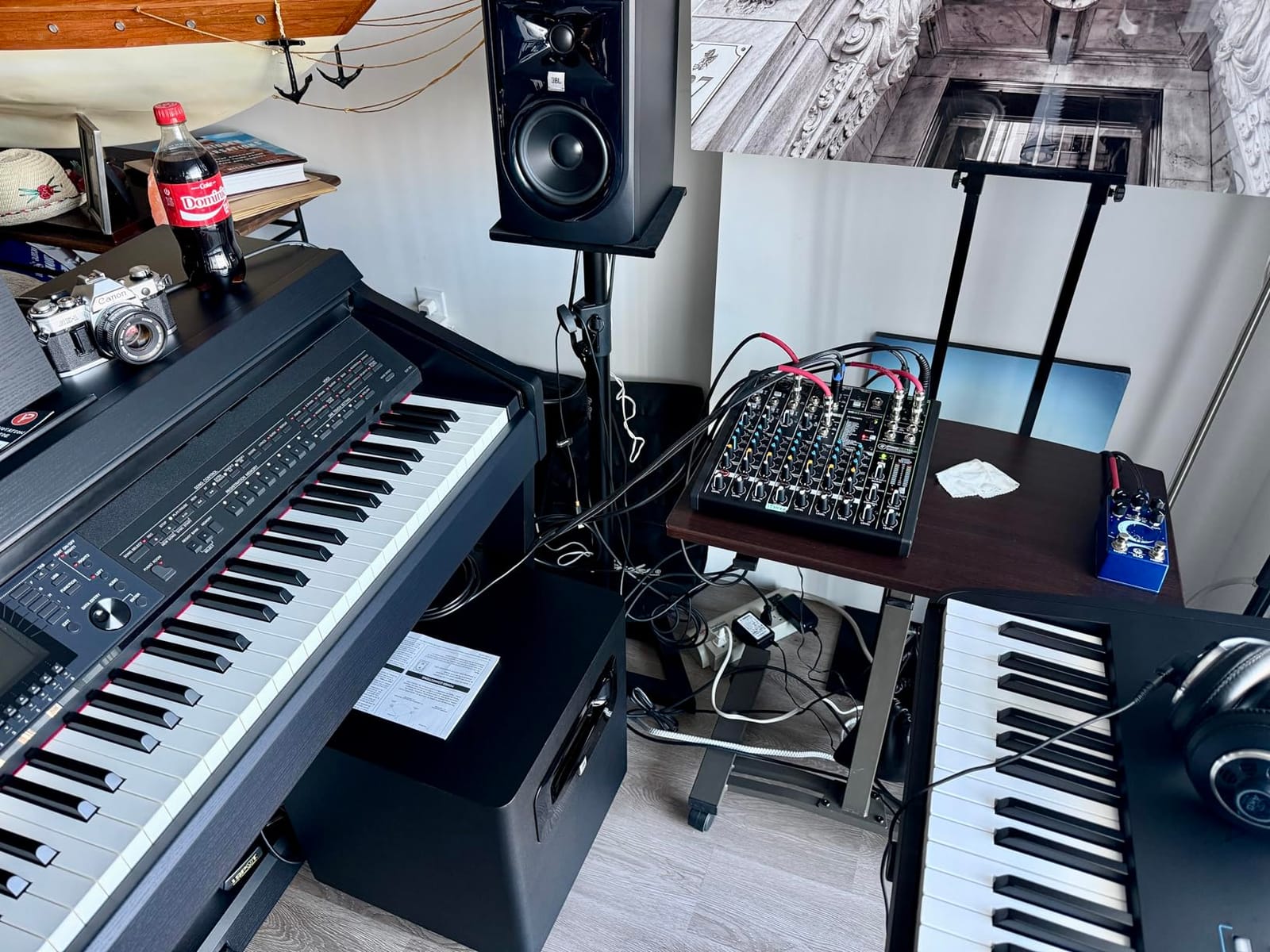
Measure your space. At 34.4 pounds and 15.7 inches deep, this is closer to a side table than a bookshelf sub, and it needs floor space in front of a wall or in a front corner. The downward-firing driver underneath is also the first thing to protect, so leave clearance and do not slide it flush against a hard floor with no feet.
Who should skip it
Skip it if your monitors already have deep low-end extension and you work in a small untreated room, because a 10-inch sub without bass traps will make the room boom rather than clarify. It also suits you poorly if your interface is TRS-only and you refuse to buy adapter cables.
2. Yamaha HS8S – the highest rated model here and a natural match for HS monitors
Yamaha HS8 Studio Subwoofer,Black
8 inch bass reflex
22 Hz to 150 Hz
150 W amplifier
Low cut and high cut controls
Phase switch
Pros
- Highest average rating in this roundup at 4.8
- Independent low cut and high cut controls
- Phase switch for real room calibration
- 22 Hz extension from an 8 inch driver
- Ranked first in the studio subwoofer category
Cons
- Only an 8 inch driver so output is modest
- Heaviest relative to driver size at 33.6 pounds
- XLR only so TRS interfaces need an adapter
- Fixed 150 W with no upgrade path
At 4.8 stars the HS8S is the highest-rated model in this roundup, with 89 percent of reviews at five stars. The reason is simple: it was designed to extend Yamaha HS-series monitors, and once you set the crossover correctly the low end stops sounding like a separate speaker. That transparency is what a reference sub is supposed to deliver.
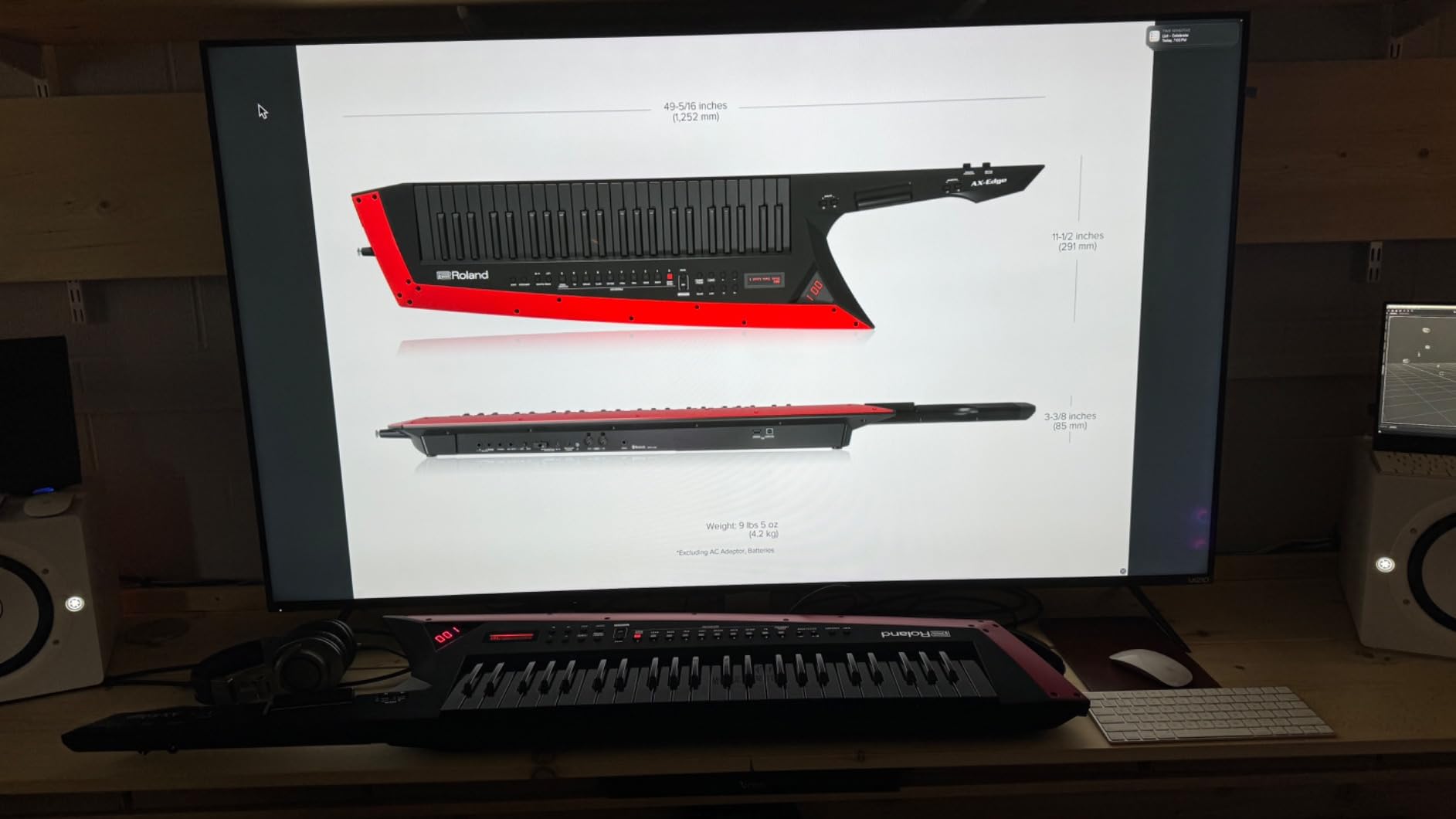
The control set is what separates it from cheaper 8-inch subs. You get a LOW CUT switch plus a variable 80 to 120 Hz low cut control and a separate high cut control in the same 80 to 120 Hz range, along with a phase switch. The high cut is the one most people ignore and most benefit from, because it lets you trim the top of the sub’s range to kill the lump you hear at the handoff point.
Frequency response is published as 22 Hz to 150 Hz from an 8-inch bass-reflex driver on 150 watts. In real terms that is enough level for a treated control room or a small project studio, and not enough for a large room playing back at high SPL. The published response should also be read as a free-field figure, since boundary reinforcement will change what you hear in the room.
What to check before you commit
Confirm your monitors or interface can output balanced XLR, because balanced connectivity is the only input here. If you are running a TRS-only desktop interface, budget for an adapter cable and accept the extra conversion stage.
Who should skip it
Skip it if you need serious high-SPL headroom for club, cinema or mastering work, because 150 watts from an 8-inch driver will run out of excursion before your main monitors do. Two units is the only way to add output, and that doubles the footprint in a room that may not have space.
3. PreSonus Eris Sub 8BT – the most connectivity and refinement per watt
PreSonus Eris Sub 8BT — 8″ Inch Powered Subwoofer, Powered Sub, Active Subwoofer, Wireless, Bluetooth, Home Audio, Bass Speaker, Home Theater, Music Production, Gaming
8 inch woven composite
30 Hz response
100 W
Variable highpass and lowpass
Bluetooth 5.0
Pros
- Genuine 30 Hz extension in a compact cabinet
- Variable highpass and lowpass crossover filters
- Room tuning controls for high and low frequencies
- Bluetooth 5.0 plus balanced TRS and RCA
- Front-panel headphone output with built-in amplifier
Cons
- Bluetooth latency makes it wrong for critical monitoring
- Pairing a new device needs the rear button held
- No XLR inputs
- Cables are not included
The Eris Sub 8BT is the pick we recommend to anyone whose room is small and whose monitors are compact. At 17.6 pounds and just under 12 inches tall it fits under a desk, yet owners consistently report that 100 watts is enough to fill a small room with tight, articulate low end down to the published 30 Hz floor.
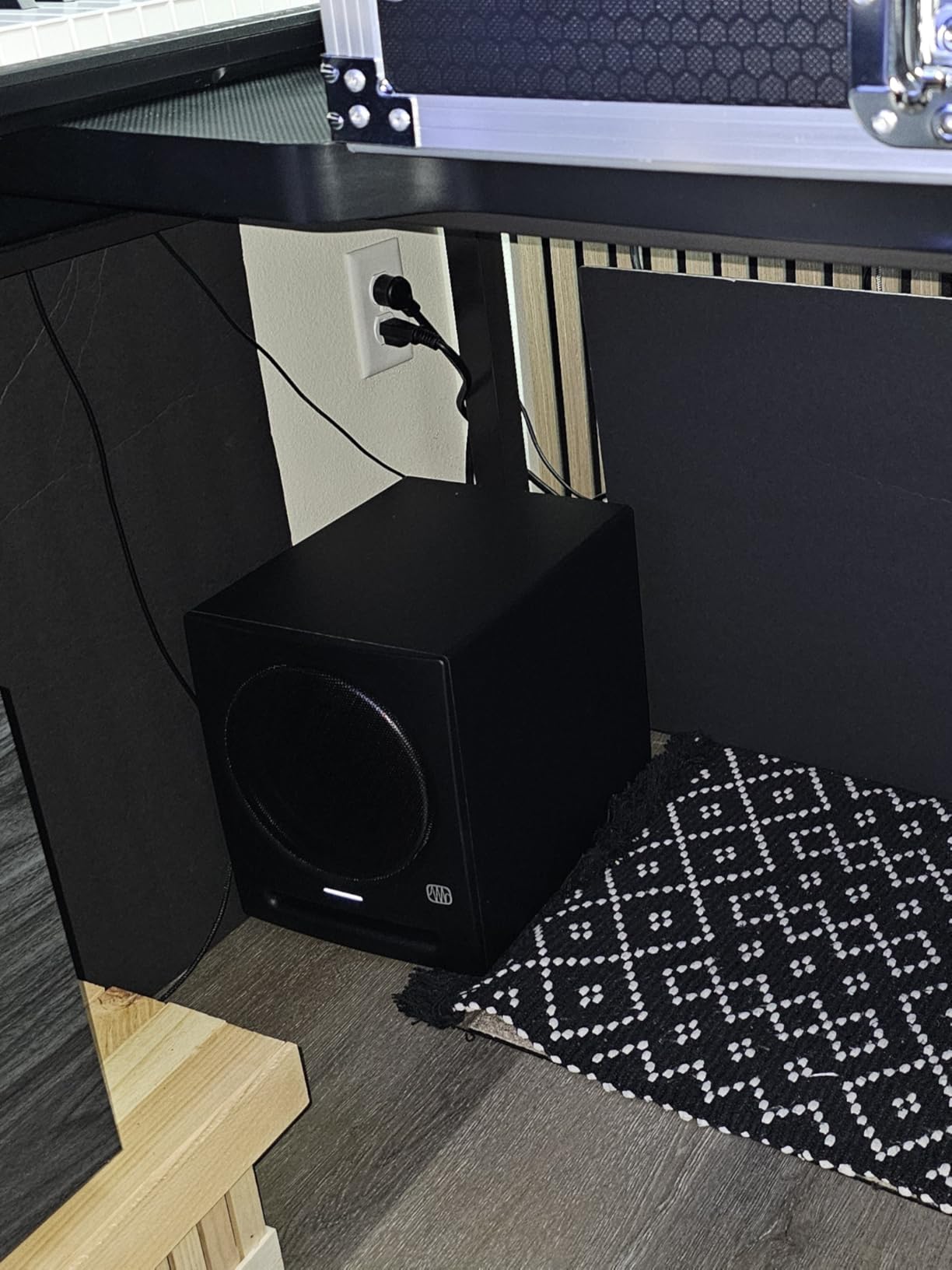
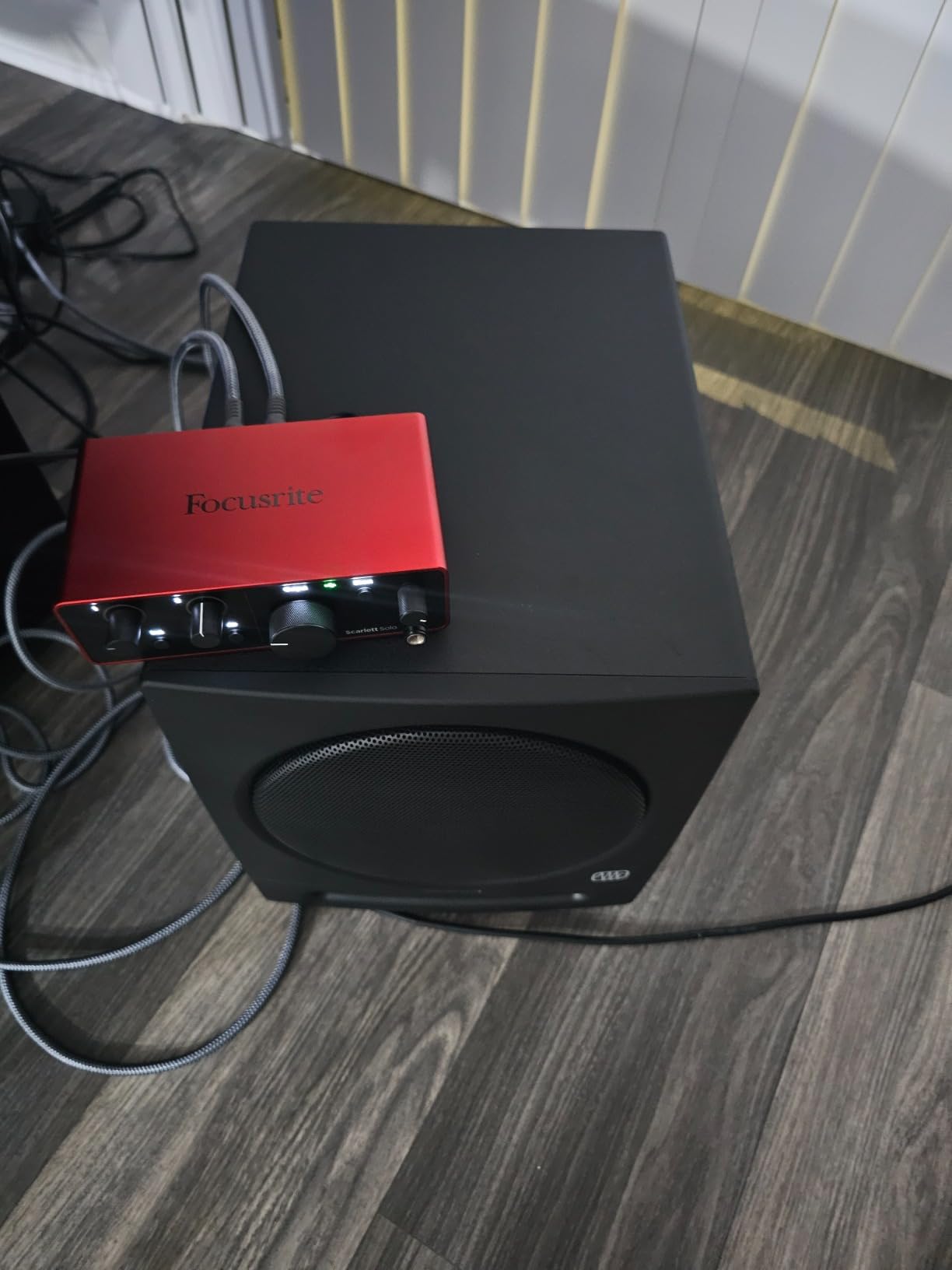
What makes it unusually flexible is the filter set. Most compact subs give you a low-pass control only, which leaves the mains double-counting the region around 80 Hz. This one has both a high-pass and a low-pass filter, plus separate high and low frequency room tuning controls, so you can actually match a pair of small nearfields rather than simply bolting a sub underneath them.
The front-panel headphone output with its own built-in amplifier is a genuinely useful addition for a producer. It lets you cross-check a mix on headphones without reconfiguring anything, and the front 3.5 mm aux input means casual listening from a phone needs no extra cable. A power-saver mode engages after 40 minutes of idle time.
What to check before you commit
Decide now whether Bluetooth is a feature or a trap. For casual reference listening it is convenient, but reviewers report noticeable latency, so it has no place in a production-critical monitoring path. There is also a commonly cited quirk where switching the paired device requires holding the rear Bluetooth button.
Who should skip it
Skip it if your interface is XLR-only, because the balanced inputs here are quarter-inch TRS. Also skip it if you need to hear true sub-bass for LFE work, since 30 Hz in a small sealed-feeling cabinet will not give you cinema-level weight.
4. PreSonus Eris Pro Sub 10 – the most complete signal chain management
PreSonus Eris Pro Sub 10 — 10-inch Active, Front-Firing Studio Subwoofer
10 inch glass composite
20 Hz to 200 Hz
170 W Class AB
113 dB SPL
Included footswitch
Pros
- Highest rated in the group at 4.8 with no one-star reviews
- Class AB amplification for cleaner low end
- Deepest published extension at 20 Hz to 200 Hz
- Switchable 80 Hz highpass filter manages the mains
- Ground-lift switch plus included footswitch
Cons
- Smallest review base in the roundup at 30 ratings
- Signal-to-noise ratio listed at 70 dB
- 170 W RMS limits very large room headroom
- Bluetooth adds latency of no use in a pro chain
This is the sub to buy if you mix for cinema or games and need to check LFE translation. It has the deepest published extension of anything here at 20 Hz to 200 Hz, up to 113 dB SPL, and it uses Class AB amplification rather than the Class D design most competitors settle for. Reviewers consistently report the least compressed low end of the group as a result.
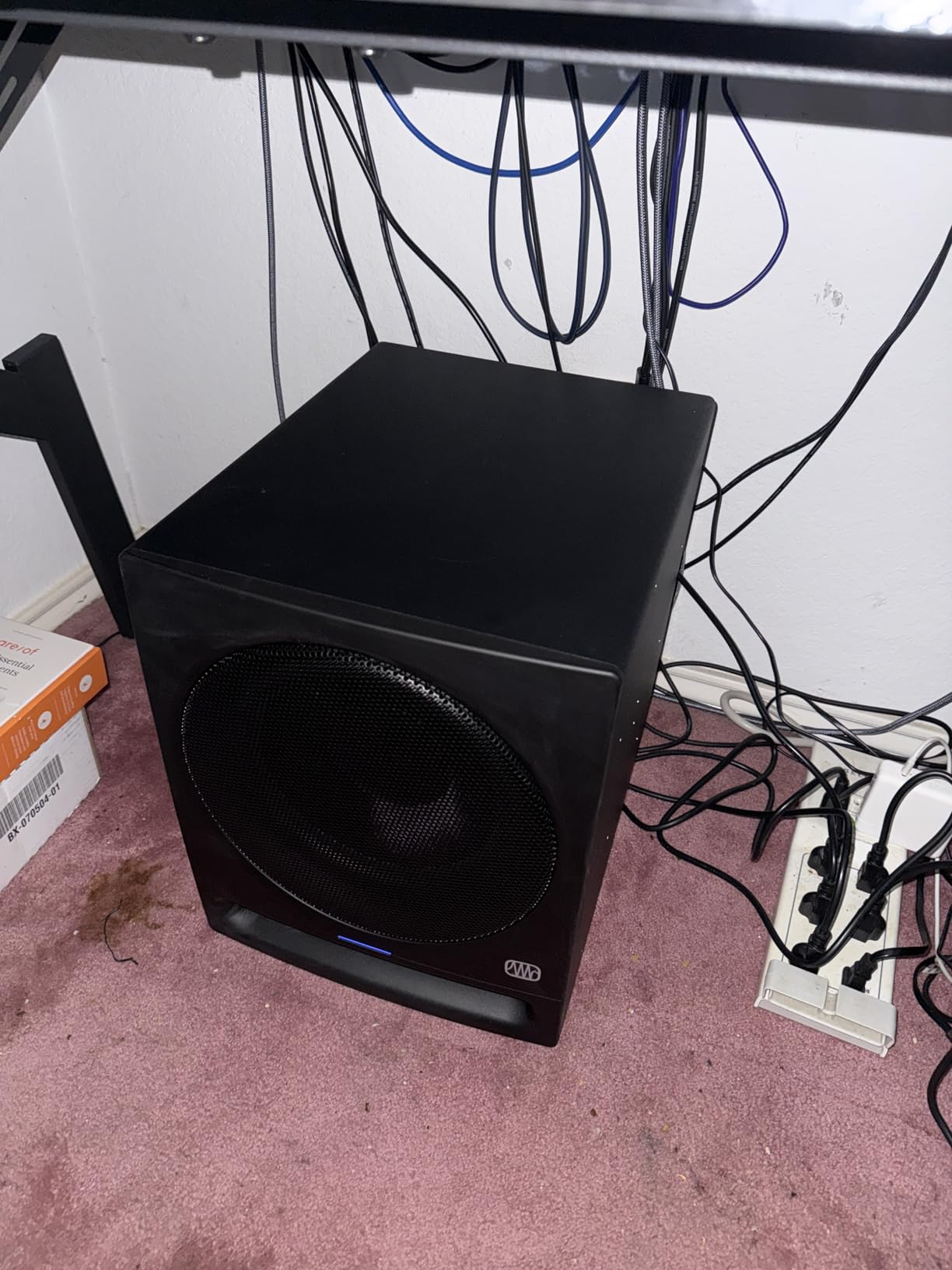
The feature that matters for real workflow is the switchable high-pass filter. Engage it and the sub sends your mains a feed with everything below 80 Hz removed, so your nearfields stop wasting excursion on bass they cannot reproduce cleanly. Combined with the included momentary footswitch, which bypasses the sub, the high-pass and the sub output together, you get instant true A/B of a mix with and without low-end extension.
Rear panel control is thorough: a continuously variable low-pass from 50 Hz to 130 Hz, input gain from minus 30 dB to plus 6 dB, a polarity invert switch and a ground-lift switch. That last one solves hum in awkward signal chains, which is a genuine professional touch. There is also an XLR subwoofer output for daisy-chaining a second Eris Pro Sub 10.
What to check before you commit
Look at the 70 dB signal-to-noise figure, the lowest in this roundup. In a treated room with low ambient noise that is acceptable, but in a noisier space you may hear the noise floor between takes, which matters when you are auditioning low-level bass detail.
Who should skip it
Skip it if you are uneasy buying on a 30-rating sample, however good those ratings look. It is also the wrong choice for a very large room, since 170 watts RMS will not hold level alongside bigger mains at full SPL.
5. Behringer NEKKST K10S – a high-excursion 10 inch driver with 300 W of bridge-mode power
Behringer NEKKST K10S Audiophile 10″ Studio Subwoofer with High Excursion Woofer
10 inch high excursion cone
300 W bridge mode
Variable low-pass filter
Phase switch
XLR TS and RCA
Pros
- 300 W bridge-mode amplification for confident output
- High-excursion glass fibre cone designed for deep clean extension
- Designed by Keith Klawitter founder of KRK
- XLR TS and RCA inputs cover any monitor chain
- Variable low-pass filter and phase switch for clean alignment
Cons
- Smallest established review base at 40 ratings
- Heaviest in the group at 38.4 pounds with a deep footprint
- Older platform with no Bluetooth or headphone output
- No high-pass filter for main monitor management
- No footswitch bypass
The K10S is the pick for deep bass with headroom, and it has real pedigree: it was designed by Keith Klawitter, the acoustic engineer who founded KRK. The engineering story is a high-excursion 10-inch driver with a deformation-resistant glass fibre cone driven by a 300 watt bridge-mode amplifier, which is the most rated amplification in this roundup.
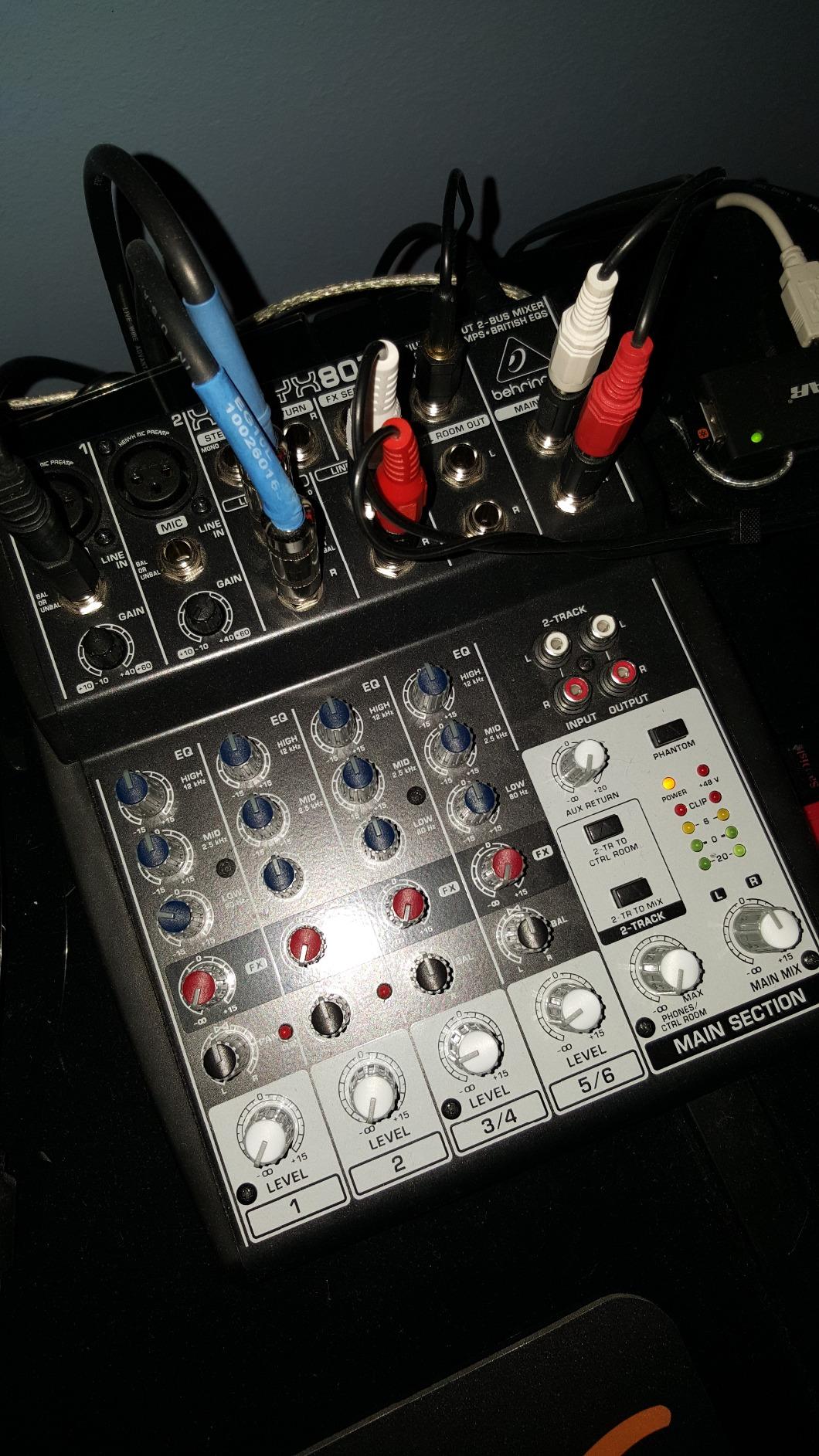
At 38.4 pounds and 20.2 inches deep this is the largest cabinet here, and that size is doing real work. A high-excursion driver needs a bigger box and a more substantial amplifier to keep control at low frequencies, and if your room has the space that trade is worth making. If it does not, the physical footprint alone disqualifies it.
Controls are limited to a variable low-pass filter and a phase switch. There is no high-pass filter for managing your mains, so the crossover discipline falls on you or on a plugin in the mix bus.
What to check before you commit
Measure first. The 20.2 inch depth and 38.4 pound weight will not fit beside a desk without moving furniture, and moving a sub after calibration means recalibrating. Inputs are XLR, TS and RCA, so connection will not be the problem.
Who should skip it
Skip it in a small room where a 10-inch driver will excite the modes between your walls rather than fill it, and skip it if you want instant A/B comparison since there is no bypass footswitch. Given only 40 ratings, treat long-term reliability claims cautiously.
6. ADAM Audio T10S – built around the T-Series monitors
ADAM Audio T10S Subwoofer
10 inch downward firing
28 Hz response
130 W
Adjustable crossover and phase
5 year warranty
Pros
- Engineered to complement ADAM T5V and T7V monitors
- XLR TRS and RCA connectivity on a compact sub
- Downward-firing driver allows flexible placement
- Footswitch bypass jack for instant A/B
- Five-year manufacturer warranty
Cons
- Auto-standby cannot be disabled and causes a wake pop
- Lowest octave described as thin by some owners
- Downward driver transfers vibration into floors and walls
- Side laminate peeling reported by some buyers
- 130 W is the lowest in the 10 inch group
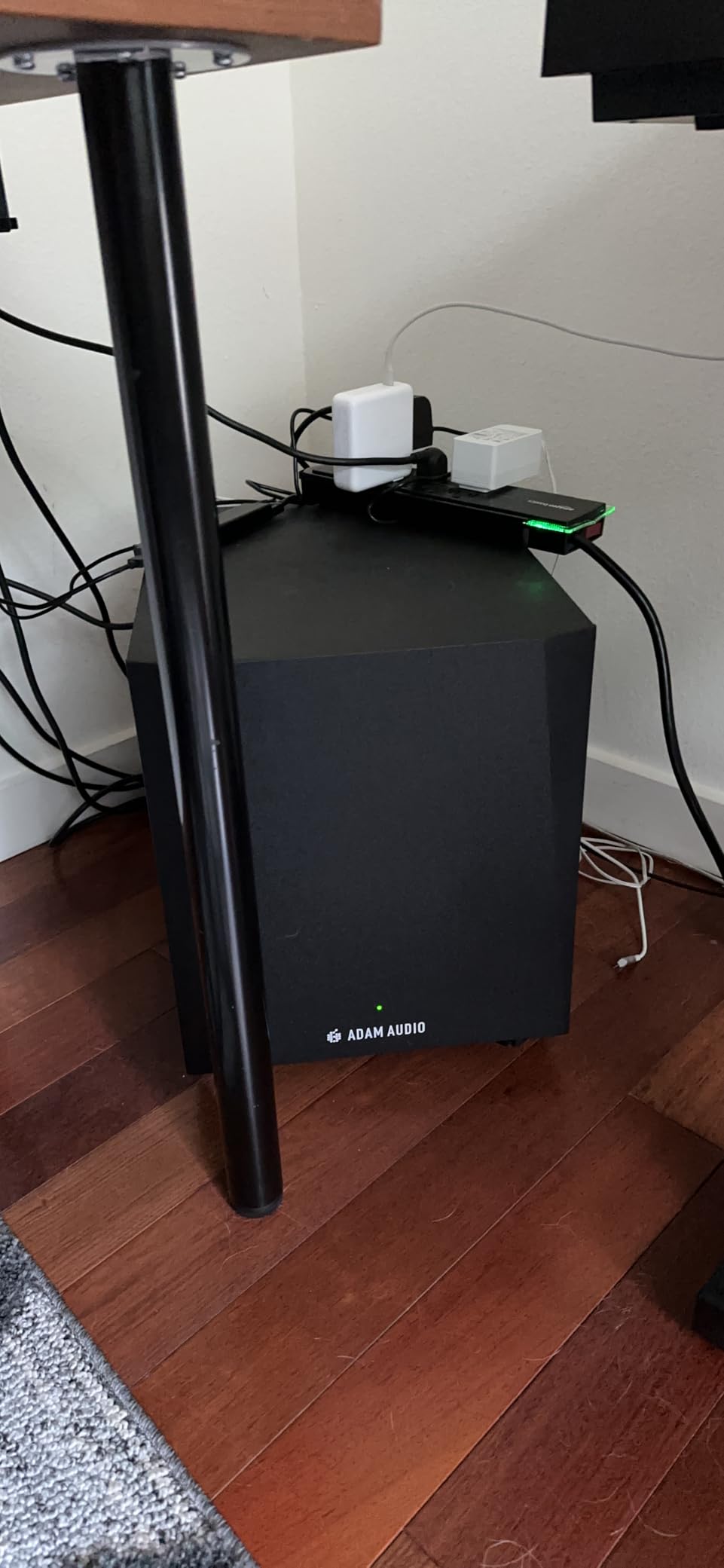
The T10S exists for one job: sitting under a pair of ADAM T5V or T7V monitors and making them sound like a larger system. Owners of those monitors report a near-instant audible change in the low end and, in larger rooms, more volume headroom than the mains alone could give them.
The downward-firing 10-inch driver is the reason it is so easy to place, and the reason it can cause trouble. Under a desk it clears everything, but the cone transfers energy downward into the floor, and at least one owner returned a unit specifically because of that vibration in a treated room.
Adjustment covers an adjustable crossover, a phase rotation switch and a dedicated volume control, plus a rear bypass connection that accepts a footswitch for instant comparison. Connectivity runs to XLR, quarter-inch TRS and RCA, which covers almost any monitor chain.
What to check before you commit
Find out whether the auto-standby can be defeated before you buy. Several owners describe a wake-up pop and a delay of several seconds, and in a monitoring context an unpredictable power state is genuinely irritating. Isolating the sub from the floor with a platform also helps with the vibration transfer.
Who should skip it
Skip it if you do not own ADAM T-Series monitors, since the voicing match is the entire argument. Also skip it if the lowest octave matters most to you, because 130 watts is the lowest output here in the 10-inch class and some reviewers describe the bottom as thin.
7. KRK S10.4 – 28 Hz extension and a 117 dB ceiling in a small cabinet
KRK S10.4 S10 Generation 4 10″ 160 Watt Powered Studio Subwoofer
10 inch glass aramid woofer
28 Hz extension
117 dB max SPL
160 W Class D
Front firing port
Pros
- 28 Hz extension and 117 dB max SPL from a compact cabinet
- Curved front-firing port gives placement flexibility
- Lightweight Class D amplification at 35 pounds
- TRS and XLR inputs work with Rokit monitors and others
- Bypass footswitch jack for A/B checking
Cons
- Footswitch is sold separately
- Lowest output rating in the 10 inch group at 160 W
- Some owners question the 117 dB claim in real use
- Fewer front-panel controls than the Yamaha or Eris Pro
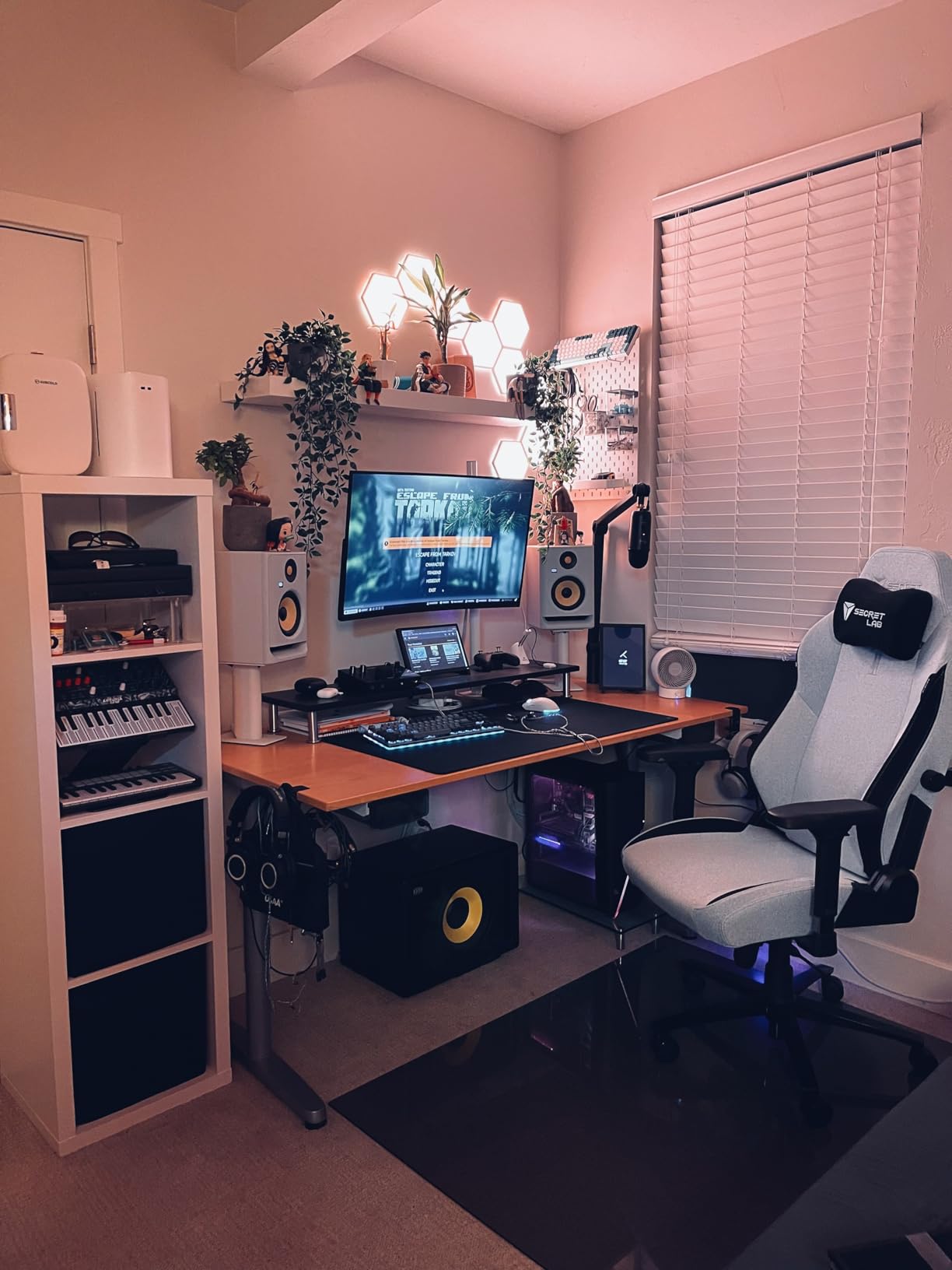
The S10.4 is the pick if you want a 10-inch driver in a smaller box than the Behringer. It reaches 28 Hz with a quoted 117 dB maximum SPL, and at 35 pounds it is one of the more manageable 10-inch subs to move when you are re-positioning the room.
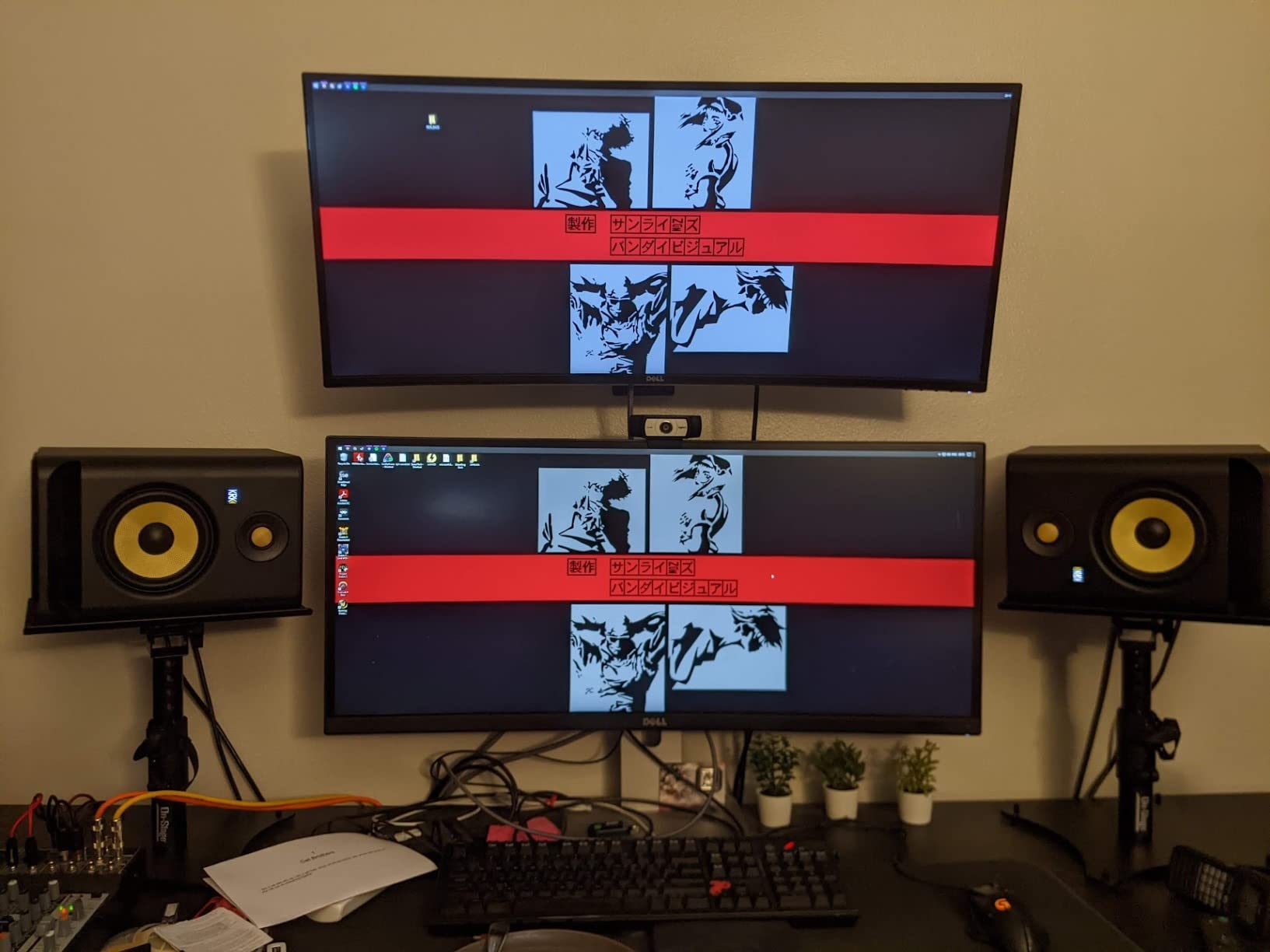
The curved cabinet with a front-firing port is a placement win in tight rooms. Unlike a downward-firing design, you can slide it against a wall without losing the port, and you can put it in a front corner where a boundary gain helps fight the room’s deepest nulls. Front-firing port noise is still audible at very high level in a quiet room, so keep an ear on it.
The most common practical complaint is that the bypass footswitch jack is empty in the box. The feature itself is excellent for A/B work, but you have to source the footswitch separately before you can use the headline control.
What to check before you commit
Be realistic about output. At 160 watts this is the least powerful 10-inch sub in the group, so it will be the first to compress in a large room or on a mix with heavy sub content. If your room is small, that limitation will never reach you.
Who should skip it
Skip it if you need to add output to a large room, and skip it if you want front-panel control of the crossover. Everything here lives on the rear panel, so you will be reaching behind the cabinet rather than adjusting at arm’s length.
8. Rockville APM10D – a lot of 10 inch bass with a 50 Hz low-pass floor
Rockville APM10D Dark Wood 10″ Powered Studio Subwoofer, Reference Sub
10 inch polypropylene cone
400 W peak 200 W RMS
50 Hz to 150 Hz crossover
Phase and treble trim
MDF cabinet
Pros
- Deep punchy low end from a 10 inch driver
- Front-firing port allows flexible placement
- Rear panel has volume crossover phase and treble
- Full pro connectivity with RCA XLR and TRS in and out
- Substantial 0.7 inch MDF cabinet
Cons
- Lowest average rating in the group at 4.0
- Reports of hum and hiss from the amplifier
- 400 W peak is modest for a 10 inch studio sub
- Some reports of weak drivers and transit damage
- Treble control is cosmetic rather than a monitor match
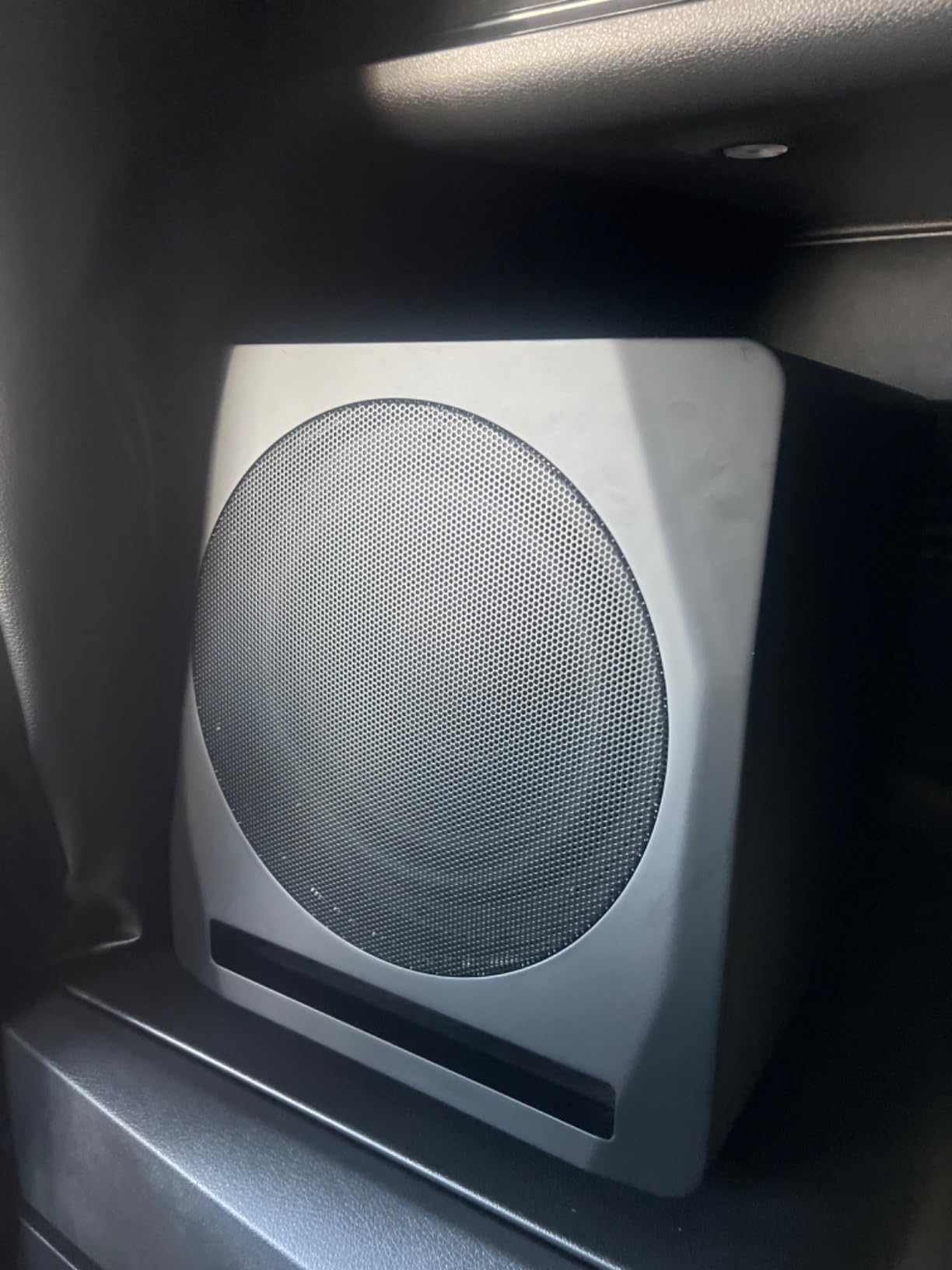
The APM10D delivers a lot of low end for the money, and the rear panel is unusually complete for its class: volume, a crossover adjustable from 50 Hz to 150 Hz, phase and a treble trim. Connectivity is full professional, with RCA, XLR and quarter-inch TRS inputs and matching outputs for monitor integration.
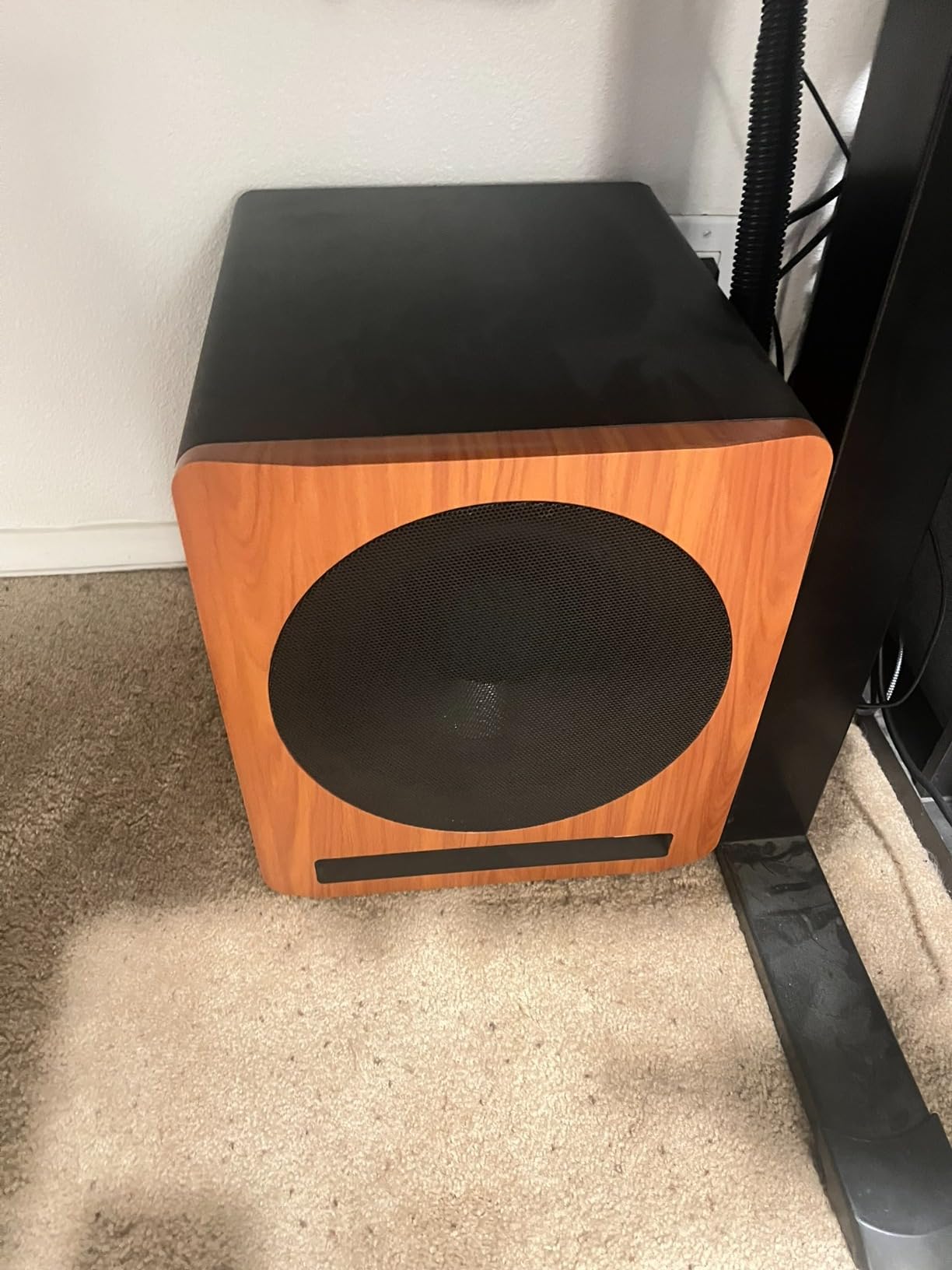
The 10-inch injection-moulded polypropylene cone sits in a 0.7 inch MDF cabinet with a one-inch front baffle and a front-firing port, driven by a Class D amplifier rated at 400 watts peak and 200 watts RMS. That construction is a step above the particleboard you find at this level, and the front-firing port makes placement far less fussy than a downward-firing design.
Here is the honest part. The APM10D carries the lowest average rating in this roundup at 4.0, with 14 percent one-star reviews, and the recurring theme in critical feedback is background noise: hum, hiss and an audible noise floor between takes. If you are mixing quietly and hunting for low-level detail, that noise floor is a real cost.
What to check before you commit
Inspect the unit as soon as it arrives. Owners report occasional weak drivers and port damage from transit, and a quick check on playback is the only way to catch that early. The 50 Hz low-pass floor also means you cannot push the crossover point higher than 150 Hz, so it is designed for a wide low-pass window rather than fine main-monitor management.
Who should skip it
Skip it in a quiet, well-treated room where a low noise floor is the priority, and skip it if you plan to do critical low-end work on its own. It is a capable home-studio and budget reference sub rather than a mixing tool, and the treble control will not substitute for a proper monitor-matching filter.
9. Rockville APM8B – check the listing, because this is a monitor not a subwoofer
Rockville APM8B 8″ Black Powered Active Studio Reference Subwoofer
2-way 8 inch monitor per listing
500 W peak
Rear bass and treble trim
XLR combo RCA USB
MDF enclosure
Pros
- Very high output for the money with a loud unforced character
- Warm rich tone that is not excessively boomy
- Logo-free MDF cabinets that look good in a treated room
- Rear bass and treble trim plus a headphone output
- Solid MDF construction for the price bracket
Cons
- Listing mixes subwoofer branding with two-way monitor specifications
- Audible hiss reported at idle and during playback
- Master and slave channels reported to sound different
- Short proprietary linking cable is hard to source
- Freight-only warranty service widely criticised
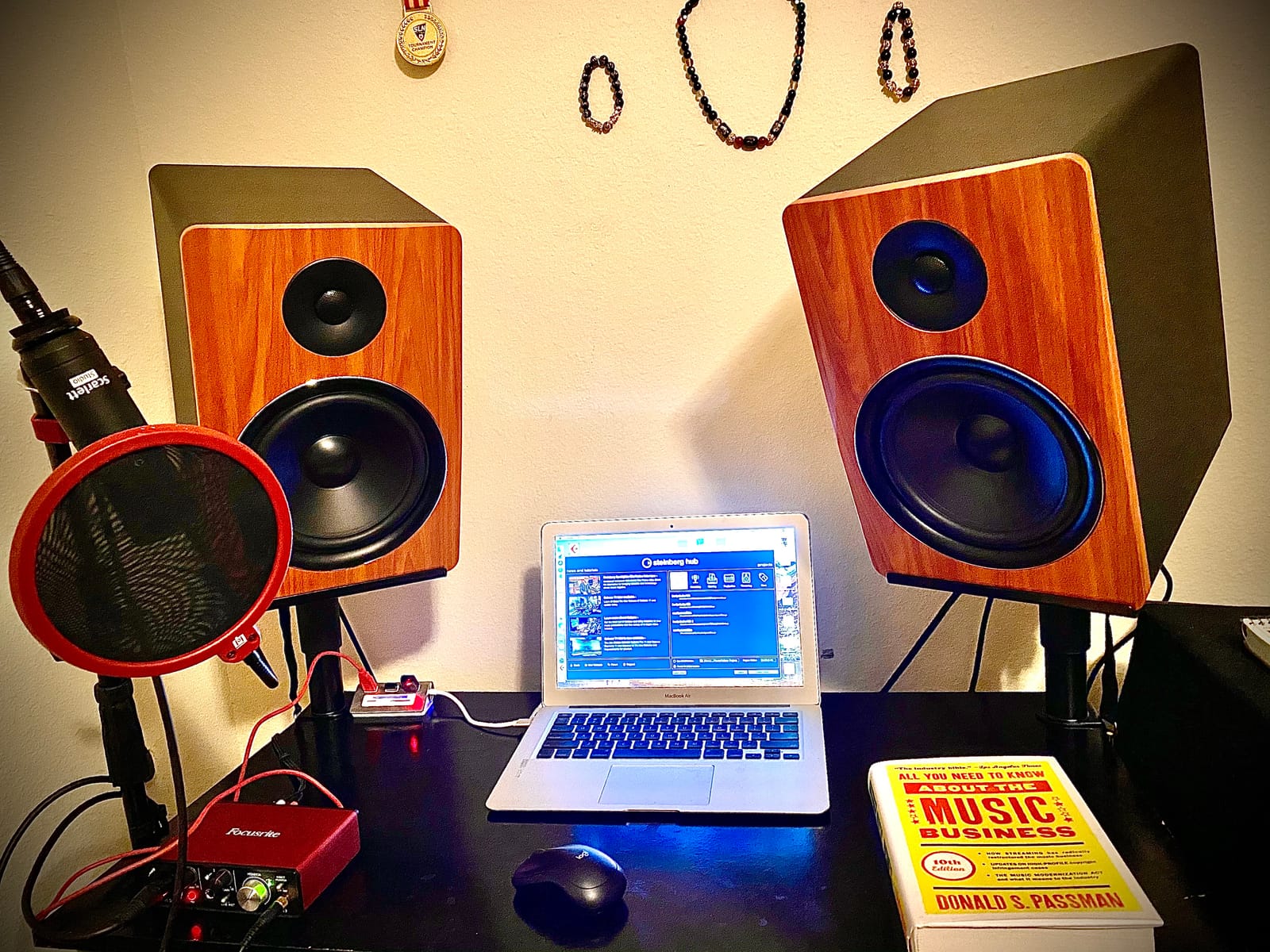
We include this one with a warning attached, because the listing itself is inconsistent. The title describes an 8-inch powered studio reference subwoofer, but the structured specification block describes a two-way 500 watt active studio monitor speaker pair with 1-inch silk dome tweeters, a rear-firing port and RCA, XLR combo and USB inputs. Verify the physical configuration before you buy anything.
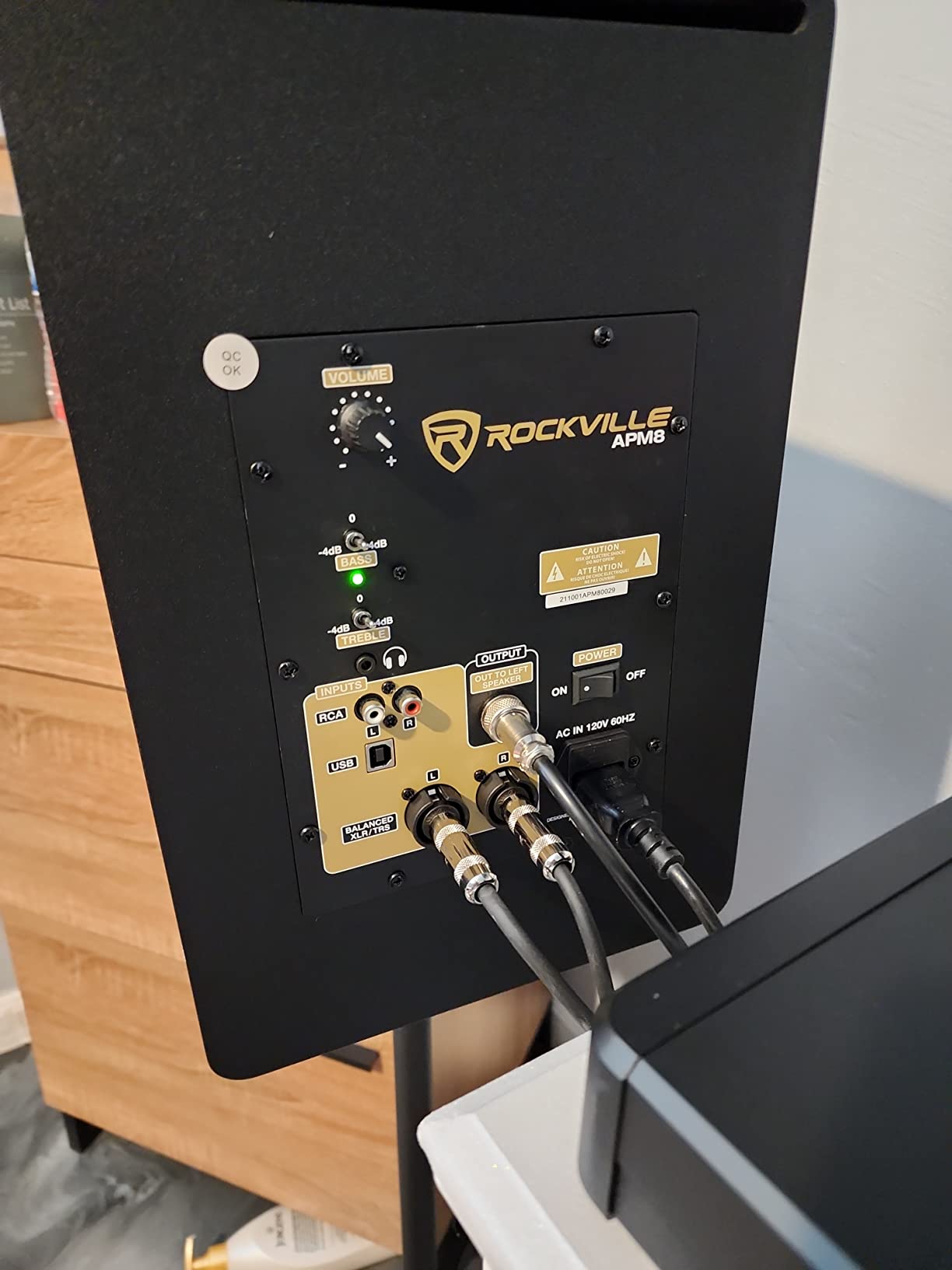
Treating the fetched record at face value, what you get is a 500 watt peak two-way monitor pair built around 0.5 inch MDF with a one-inch front board, rear-panel bass and treble trims in a minus 4 to plus 4 dB range, and a headphone output. On power-to-output ratio, owners report it outruns monitors costing far more, and the appearance is a genuine strength in a treated room.
The critical feedback splits the audience neatly. Those making DJ, club and loud playback material praise the bass-forward, high-SPL character. Those mixing quietly report audible hiss at idle, muffled highs and weaker low end on one channel, and a short proprietary linking cable that is difficult to source or lengthen.
What to check before you commit
Confirm the physical product first, then confirm the noise floor in your own room. A 40.6 pound pair at 30.1 inches deep is a full monitor footprint, not a sub footprint, and channel-to-channel differences are the kind of fault that will compromise a mix without being obvious at first.
Who should skip it
Skip it for critical nearfield mixing. Bass-forward voicing that does not match the mids and treble is one-dimensional, freight-only warranty service is a poor fit if you are not near a service centre, and if what you actually need is low-end extension you should be looking at a true subwoofer instead.
10. Mackie CR8SBT – the desk-friendly partner for CR Series monitors
Mackie CR8SBT 8″ Studio Subwoofer for CR Monitors, Bluetooth + Remote
8 inch driver
40 Hz response
200 W
Adjustable crossover
Bluetooth with desktop remote
Pros
- Purpose-built to sit alongside Mackie CR Series monitors
- Desktop remote gives volume and sub bypass control
- Bundled cables mean it works from a laptop or interface
- Adjustable crossover for blending with the mains
- 200 W output and a 40 Hz floor from an 8 inch driver
Cons
- Shallowest extension in the group at 40 Hz
- No XLR inputs so pro interfaces need TRS or RCA
- Bluetooth latency is unsuitable for critical monitoring
- Voiced specifically for CR monitors
- Small review base at 68 ratings
The CR8SBT is the most convenient unit here for a desktop setup, and most of that is down to what is in the box. You get 1/8-inch to 1/8-inch and 1/8-inch to RCA cables plus a CRDV desktop volume controller, so a laptop or interface can be connected and running without a shopping trip.
The desktop remote is the feature owners mention most, giving you volume and sub bypass without leaving the listening position. At 200 watts with a 40 Hz floor, it delivers a meaningful step down from what CR monitors can do alone, and the adjustable crossover lets you blend it with the mains.
What to check before you commit
Understand what 40 Hz means in practice: it is an improvement over the monitors alone, not sub-bass. If your work involves cinema LFE or 808 material below 40 Hz, this is the wrong cabinet. It also has no XLR inputs, so an interface with balanced XLR only will need quarter-inch TRS or RCA.
Who should skip it
Skip it if you are not working with Mackie CR monitors, since the voicing is tuned for them, and skip it for any critical latency-sensitive workflow that would put Bluetooth in the signal path. The 68-rating sample is also thinner than we would like for a mixing tool.
How to Pair a Subwoofer With Your Studio Monitors
The long-standing advice from studio forums is that the sub designed to partner with your primaries is the safest starting point, though plenty of engineers report success with mismatched brands. Our rule is simpler: match the sub to your monitor family where you can, and match the crossover and level by measurement where you cannot.
Start the crossover frequency at the point where your mains stop behaving linearly, not at a round number. For an 8-inch two-way monitor that is usually between 70 and 90 Hz, and for a smaller 5-inch or 6-inch nearfield it may be closer to 100 Hz. Yamaha HS-series monitors pair most cleanly with the HS8S because the crossover controls land in the same 80 to 120 Hz window, and ADAM T5V and T7V monitors are what the T10S was voiced against.
For KRK Rokit systems the S10.4 is the natural partner, and PreSonus users can choose between the Eris Sub 8BT for compact nearfield rigs and the Eris Pro Sub 10 when they need the switchable high-pass filter. If your monitors are Genelec, Neumann or Kali, no model here is a designed match, so set the crossover by measurement and level the pair with an SPL meter rather than by ear.
How to Calibrate a Studio Subwoofer With an SPL Meter
The method engineers repeat most often is an SPL meter driven by a Dolby warble tone or a pink noise sweep, adjusted until the response at the mix position is as flat as possible, then refined by ear against reference tracks. In practice that breaks down into five steps.
1. Place the sub and your monitors, then leave them alone. Moving anything after calibration invalidates the result.
2. Set all monitor level controls to the same unity mark and mute the monitors, with the sub gain at minimum.
3. Play pink noise or a warble tone through the sub and meter it at your seated mix position, not where the sub sits.
4. Raise the sub gain until the meter reads the same level the monitors produce with the crossover engaged, then sweep slowly and listen for a lump or a dip at the handoff.
5. Nudge the phase switch or phase control at that frequency, re-measure, and stop when the crossover point is no longer obvious.
If you use room correction software, calibrate the sub first and let the correction system handle the level and the low-frequency shape afterwards. Two systems fighting over the same filter is the most common cause of a sub that sounds worse than doing nothing.
Studio Subwoofer Buying Guide: Enclosure, Crossover, Placement
Enclosure type decides transient behaviour. Ported bass-reflex cabinets give more output and deeper extension for a given driver size, which is why most of the 10-inch subs here are ported. Sealed cabinets control excursion more tightly and sound tighter, but cost you output and low-end weight. A sub that audibly chuffs on its port at high level is telling you it is working beyond its design point.
Driver size is a headroom decision, not a bass-quality decision. If you mix at moderate levels in a small treated room, an 8-inch sub such as the Eris Sub 8BT or the Mackie CR8SBT is enough. If you need to hear 30 Hz content at high SPL or mix for a club system, move to 10 inches and up. Two smaller subs beat one large sub for room-mode control, because they drive the low-frequency modes from two positions instead of exciting them from one.
The crossover is where most integrations fail. A crossover that is too high double-counts the 80 Hz region and sounds fat. One that is too low asks the sub to reproduce frequencies your mains already handle well, and it turns into a boomy nuisance. A variable low-pass between 50 and 150 Hz gives you the range you need, and a switchable high-pass filter for the mains is the feature that separates the Eris Pro Sub 10 from cheaper rivals.
Placement matters more than the model. Human localisation of low frequencies is poor, so start with a front corner, where boundary gain reinforces the output and helps fill the deepest null. Keep the sub off the wall far enough that the port is not choked, and if rumble becomes an issue, decouple it from the floor with a platform or isolation pad. Expect to re-calibrate after every move.
Consumer home-theater subs are a poor fit. They are often sold on a single peak wattage figure, with no crossover, no balanced input and no way to level-match to a monitor chain. Forum users consistently warn against importing a consumer sub into a control room, and we agree: the specification sheets are marketing numbers, not measurement data.
Frequently Asked Questions
What is the best subwoofer for studio monitors?
For most treated rooms, the JBL Professional LSR310S is the strongest all-round choice: a 10-inch driver reaching roughly 27 Hz with a quoted 113 dB peak output, balanced XLR and TRS inputs, XLR pass-through, and the largest owner base in this roundup at 799 ratings. If your monitors are Yamaha HS-series, take the Yamaha HS8S instead, because the 22 Hz to 150 Hz response and the 80 to 120 Hz low cut and high cut controls are voiced to match.
Should you use a subwoofer with studio monitors?
Only in specific situations. A sub earns its place when your room is already treated, when you mix for cinema, games, club or hi-fi systems where the bottom octave actually exists, or when you need low-end headroom to judge kick and bass at full level. In an untreated bedroom studio, acoustic panels and bass traps will improve your low end more than any subwoofer will.
What is the 38 rule for studio monitors?
The 38 rule is a distance guideline for two-way monitors, not a subwoofer rule: place your speakers about 38 centimetres back from the front wall, roughly 1.5 times the distance from the wall to your tweeters, so the boundary reflection arrives at the listening position at the same time as the direct sound. Subwoofer placement is a separate question, and a front corner is usually the best starting point because human localisation of low frequencies is poor.
What is the hardest hitting 10 inch subwoofer?
Among the picks here, the Behringer NEKKST K10S runs 300 watts in bridge mode, the most rated amplification in this roundup, driving a high-excursion 10-inch glass fibre cone. On published maximum SPL, the KRK S10.4 quotes 117 dB and the PreSonus Eris Pro Sub 10 quotes up to 113 dB SPL. The Rockville APM10D rates 400 watts peak but 200 watts RMS, and a peak figure is not a measure of sustained headroom.
Are Dayton Audio subs any good?
Dayton Audio subs come up constantly in studio forums as a low-cost way to hear the bottom octave, and the general verdict is that they add level and low-end weight more than measurement-grade accuracy. They are worth considering as a second, non-reference check on a mix bus, but they are not what you calibrate to. We did not test a Dayton model for this roundup, so we are not ranking one here.
How do I make studio monitors sound better with a subwoofer?
Measure first. Set the sub crossover to the frequency where your mains stop behaving linearly, usually 70 to 100 Hz, and use a high-pass filter on the monitor feed so the mains are not asked to reproduce the same octaves. Then level-match the sub to the monitors with an SPL meter and pink noise at your mix position, and only then judge the result by ear against reference tracks.
The Verdict: Which Studio Subwoofer Should You Buy?
The best subwoofers for studio monitors are not a single winner, they are the right sub for your room. Buy the JBL Professional LSR310S for the strongest all-round package of output, connectivity and owner history. Buy the Yamaha HS8S if you run HS monitors or want the highest rated unit in the group. Buy the PreSonus Eris Pro Sub 10 if you mix for cinema and need the switchable high-pass filter and ground-lift switch.
Whatever you choose, treat the room first and the sub second. Measure the level at your mix position, start the crossover where your mains stop behaving linearly, and re-calibrate every time you move something. That discipline matters more than the model on the floor, and it is what separates a good low end from a merely loud one.