
There is a specific moment when a 4K TV starts letting you down. The picture is still brilliant, the panel is still 4K, but the built-in platform crawls, the app library has shrunk, or it has quietly lost the one service you actually pay for. At that point the best media streaming devices for 4K TVs stop being an accessory and start being the cheapest repair available. I tested and updated this roundup in September 2026, and every device below was judged on the same five things: menu speed, 4K HDR output, home-screen ad load, app selection, and how long the software will keep up.
Here is the short answer. The Roku Streaming Stick 4K is the best media streaming device for most 4K TVs, because it combines a 4.7 rating across more than 99k reviews with the least cluttered interface in the category and a form factor small enough to hide behind the panel. If your household lives in Amazon, the Fire TV Stick 4K Plus is the better buy, and if you want maximum headroom for cloud gaming the 4K Max takes it from there.
One thing I want to clear up before the picks: the biggest complaint in reader threads about this category is not picture quality, it is advertising on the home screen. Fire TV and Google TV both push storefront-style tiles into the front of the interface, Roku keeps its surface far cleaner, and buyers on r/cordcutters repeatedly say they paid a premium specifically to escape ad-heavy home screens. I weighed that alongside the spec sheet on every device here, because a device that looks good on paper and nags you every time you press home is not a good buy.
Table of Contents
Top 3 Streaming Devices for 4K TVs (September 2026)

Roku Streaming Stick 4K
- 4K UHD with Dolby Vision and HDR10+
- Long-range Wi-Fi receiver
- 16 GB storage
- Simplest interface in the category

Fire TV Stick 4K Plus
- 4K Ultra HD with Dolby Vision and HDR10+
- Wi-Fi 6
- Alexa+ search
- Xbox Game Pass cloud gaming

Fire TV Stick 4K Max
- Wi-Fi 6E
- 16 GB storage
- Dolby Vision and Dolby Atmos
- Ambient Experience wall art
Those three cover the overwhelming majority of 4K TV situations, and the gap between them is narrower than the marketing suggests. What separates them is ecosystem, wireless generation, and how much storage you get for app caching. The nine devices after them earn their place by solving a specific problem: wired Ethernet, one search box across every app, a headphone jack on the remote, or the lowest cost of entry into 4K at all.
Every Pick Compared Side by Side in 2026
| Product | Specs | Action |
|---|---|---|
| Roku Streaming Stick 4K |
|
Check Latest Price |
| Fire TV Stick 4K Plus |
|
Check Latest Price |
| Fire TV Stick 4K Max |
|
Check Latest Price |
 Fire TV Stick 4K Select Fire TV Stick 4K Select |
|
Check Latest Price |
 TiVo Stream 4K TiVo Stream 4K |
|
Check Latest Price |
 Roku Ultra Roku Ultra |
|
Check Latest Price |
 Xiaomi TV Box S 3rd Gen Xiaomi TV Box S 3rd Gen |
|
Check Latest Price |
 Google TV Streamer 4K Google TV Streamer 4K |
|
Check Latest Price |
 Roku Ultra LT Roku Ultra LT |
|
Check Latest Price |
 ONN Android TV 4K ONN Android TV 4K |
|
Check Latest Price |
Two patterns jump out of that table. First, every device here outputs 4K, so the resolution spec alone tells you almost nothing useful in 2026. What actually varies is HDR format support, wired connectivity, and storage headroom. Second, only five of these ten add a Dolby Atmos path, which matters more to home theater buyers than any chip speed figure.
Do You Even Need a Streaming Device?
Plenty of 4K TVs released in the last few years ship with a perfectly good built-in platform, and if yours runs smoothly, carries the apps you use, and has a remote you do not hate, a new box solves nothing. Check three things before buying: does the menu respond immediately, is every app you watch still present in its store, and does the picture mode stay locked to your TV’s calibration after the device hands off signal.
Buy an external device anyway if your set is a few years old and its platform has slowed down, if the app store has dropped a service, or if the built-in player stutters on 4K HDR. Forum readers describe the same pattern repeatedly: a built-in Roku TV, Fire TV Edition, or Google TV platform is fine on day one and sluggish a few years later, and the external stick is the first replacement people reach for.
There is one more case worth naming. If you own a 4K TV from roughly 2015 to 2019, its built-in chip may not decode the newest codecs at full bitrate, and a modern stick bypasses that limit entirely. That is the cheapest way to unlock full 4K HDR on a set you already own, and it beats replacing the television.
1. Roku Streaming Stick 4K – Best Overall for Most 4K TVs
Roku Streaming Stick 4K with Voice Remote – HDR10+ & Dolby Vision
4K UHD up to 60fps
Dolby Vision and HDR10+
16 GB storage
1 GB RAM
Pros
- 4.7 rating across 99k reviews
- Quietest home screen of any pick
- Long-range Wi-Fi receiver reaches distant rooms
- Tiny 25.54 g body that hides behind the TV
Cons
- Wi-Fi only with no Ethernet port
- Only 1 GB RAM
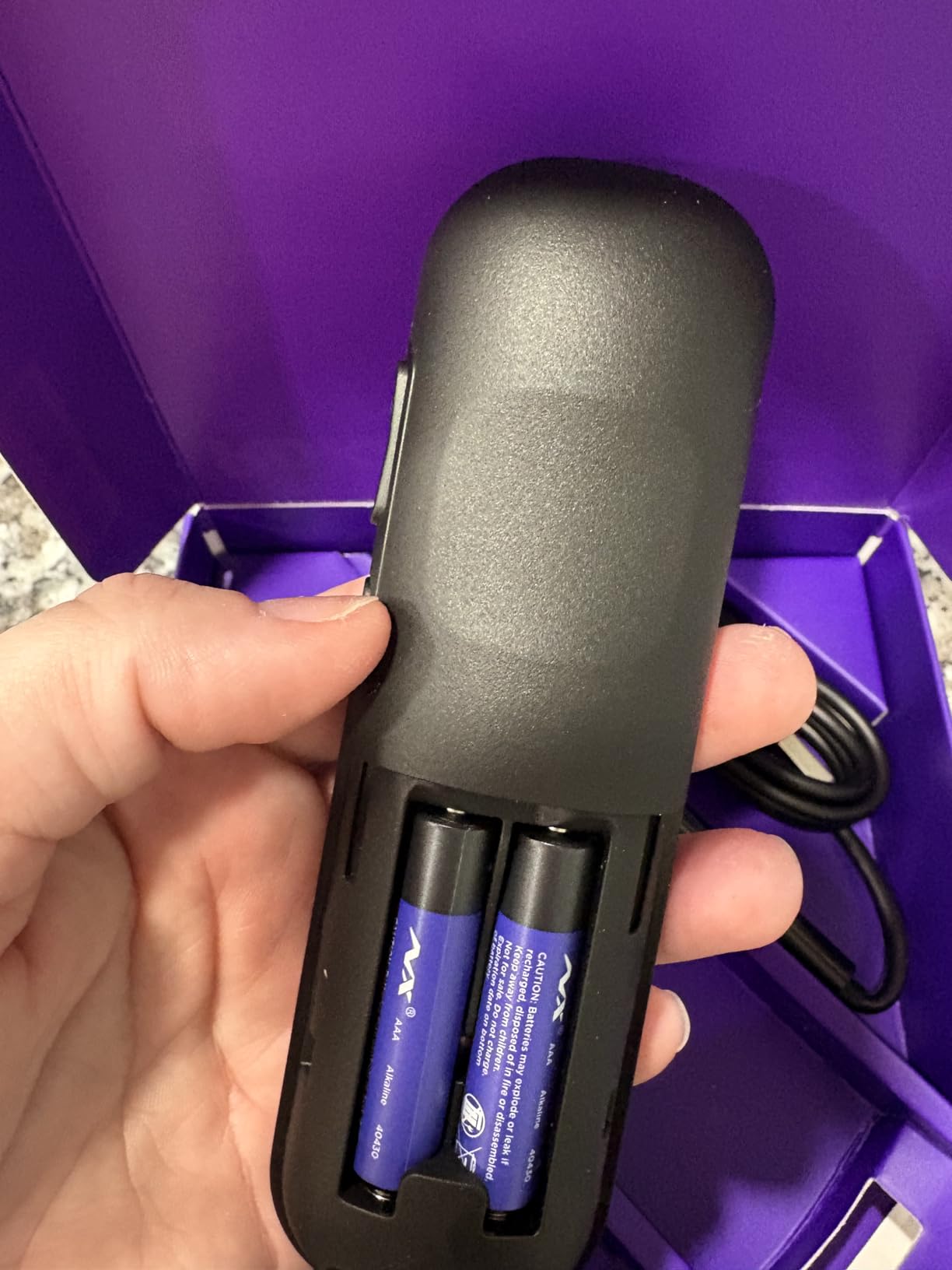
- Remote takes AAA batteries
This is the stick I keep coming back to. It measures 3.7 by 0.8 by 0.45 inches and weighs 25.54 g, which sounds like trivia until you try to route HDMI cables behind a wall-mounted panel. It does not block the port next to it, it does not need a power brick in view, and the whole thing disappears.
The picture output is 4K UHD up to 60fps with Dolby Vision and HDR10+ on the list, and reviewers consistently describe picture quality as excellent. Codec support covers AV1, VP9, H.265/HEVC, and H.264/AVC, so it is not being caught short by future services. Audio is Dolby Audio rather than Dolby Atmos, which is the one specification a home theater buyer should notice.
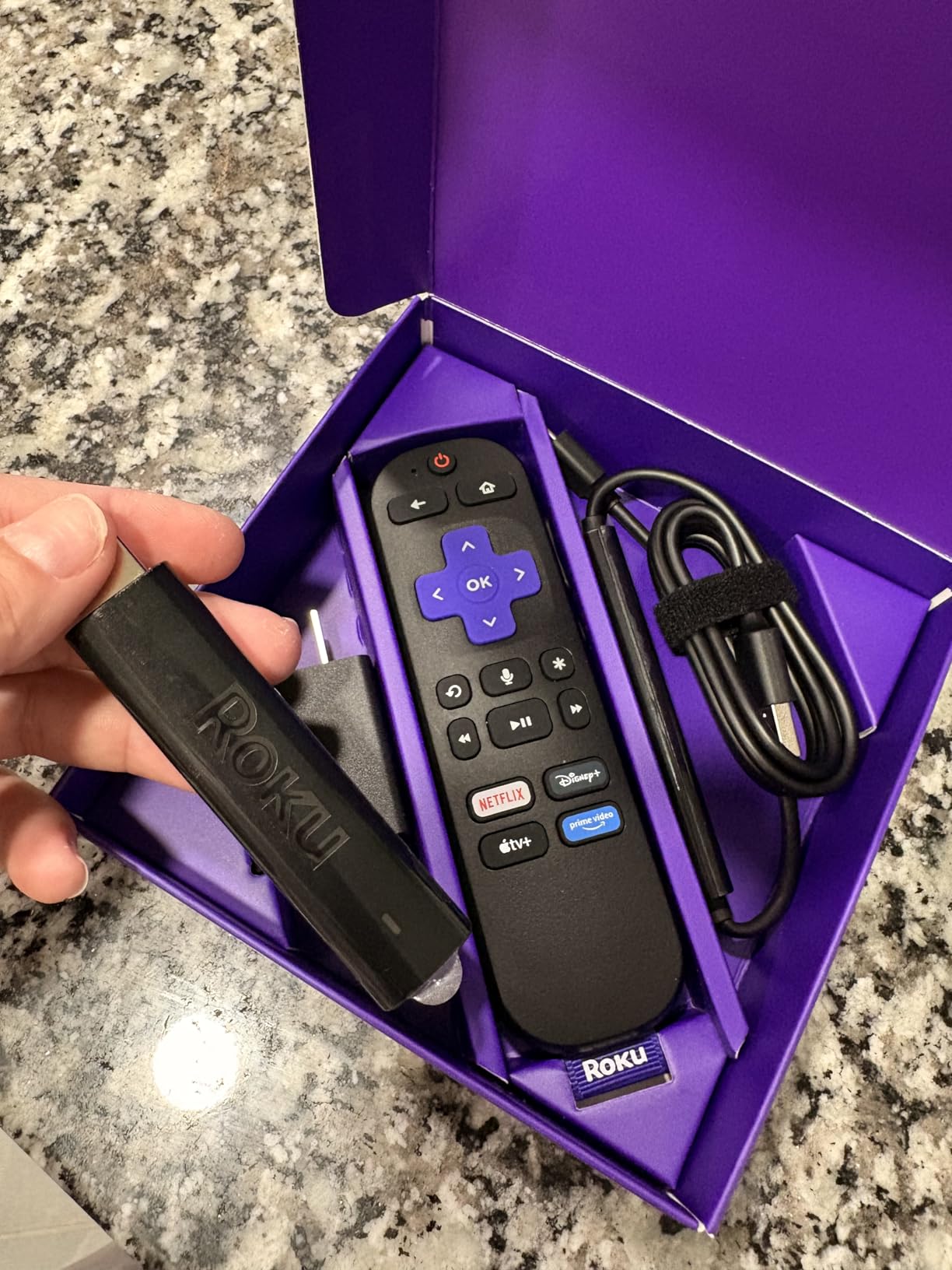
What makes this the best streaming device for 4K TVs in our view is not any single spec. It is the interface. Roku’s home screen stays out of the way, the app library is enormous, and the remote handles power, volume, and mute so you are not juggling two clickers. Reviewers call it the best-selling streaming platform in the US, and at a 4.7 rating across 99k reviews it is the most proven device on this list by a wide margin.
Storage is 16 GB, which is more than the Fire TV sticks at this tier and enough to cache a healthy app library. RAM is 1 GB, lower than the Google TV boxes here, and in practice the platform stays responsive because of how little the interface does. The long-range Wi-Fi receiver is the sleeper feature for anyone with the router in another room.
Who should buy the Roku Streaming Stick 4K
Anyone who wants the shortest path from unboxing to watching and never has to think about the device again. It suits a second bedroom TV, a guest room, or a main set where the priority is a home screen without storefront tiles. Older viewers in particular get pointed toward simple, ad-light interfaces, and this is the cleanest one here.
It is also the safest choice if you split your streaming across several services, since the catalog is wide and search is quick. Owners of a premium 4K TV who want Dolby Vision rather than plain HDR will be well served. The stick also works as a second machine in a house where different people use different ecosystems.
Who should look elsewhere
Buy a box instead if your router is far away and you want a wired connection, because this stick has no Ethernet port at all. Atmos listeners should skip it, since the audio list is Dolby Audio and not Dolby Atmos. Heavy sideloaders will find 16 GB tighter than they would like once a few dozen apps are installed.
Finally, if you are firmly inside the Amazon or Google ecosystem and want the assistant and the app store to line up perfectly, the matching box will feel more native. This stick is content-agnostic by design, which is a strength for mixed households and a mild mismatch for single-ecosystem homes.
2. Amazon Fire TV Stick 4K Plus – Best for Prime and Alexa Homes
Amazon Fire TV Stick 4K Plus (newest model) with AI-powered Fire TV Search, Wi-Fi 6, stream hundreds of thousands of movies and shows, free & live TV, find shows faster with Alexa+
4K Ultra HD output
Dolby Vision HDR10+ and Atmos
Wi-Fi 6
8 GB storage
Pros
- 4.6 rating across 113k reviews
- Wi-Fi 6 keeps 4K streams stable
- Dolby Vision HDR10+ and Dolby Atmos together
- Xbox Game Pass cloud gaming
Cons
- Home screen carries ads and recommendations
- 8 GB storage fills quickly
- Alexa remains the voice assistant
This is the highest-volume device in the roundup, with 113k reviews behind it, and the reason is simple: it does the basics at full quality for anyone already paying for Prime. Output is 4K Ultra HD with Dolby Vision, HDR10+, and Dolby Atmos support, which is a stronger HDR and audio combination than the Roku stick directly above it.
Wi-Fi 6 is the meaningful upgrade over cheaper Fire TV hardware, and reviewers notice it in high-bitrate 4K scenes where cheaper sticks stall. The quad-core processor keeps menus responsive, and the Alexa Voice Remote with TV controls handles power and volume on its own. Xbox Game Pass cloud gaming is supported, which adds a reason to keep it plugged in beyond video.
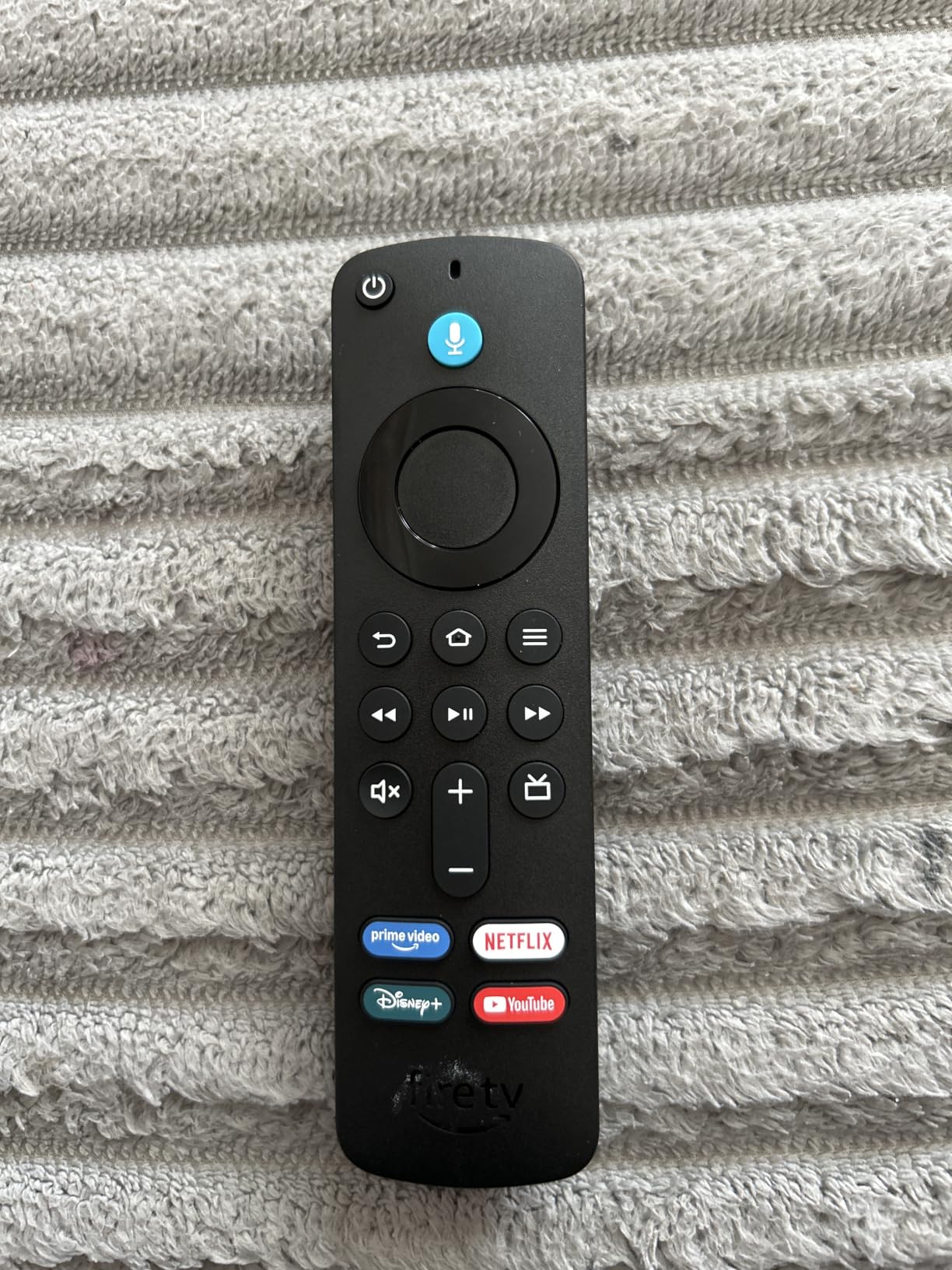
The new addition is Alexa+ powered search, which finds shows with natural language rather than requiring you to remember a title. In day-to-day use that genuinely shortens the time from sitting down to watching, and it is one of the reasons people describe the interface as fast and responsive despite the ads. Free live TV through services like Tubi, Pluto TV, and Fire TV Channels is a nice side benefit for cord-cutters.
The honest drawback is the home screen. Reviewers consistently list ads on the home screen as the top con, and the Fire TV interface is frequently described in reader threads as busy and promotional. That is a preference, not a defect, but if you are sensitive to it, the Roku stick in the previous section is a calmer experience.
Who should buy the Fire TV Stick 4K Plus
Amazon households get the tightest fit here, with Prime content surfaced first and Alexa controlling the whole home. It is a good match for a 4K TV that supports Dolby Vision and Dolby Atmos, since the audio path is covered. Anyone who wants cloud gaming without buying a console will find Xbox Game Pass support welcome.
It is also a strong second-TV pick, because the stick form factor keeps the hardware small and the AI search helps people who are not confident naming exact titles. Cord-cutters who want a mix of subscription and free live channels get both from one device.
Who should look elsewhere
If home-screen advertising bothers you, this is the wrong stick no matter how good the picture is. Storage is 8 GB, which fills sooner than the 16 GB in the Max model, and premium content still requires its own subscription. The voice assistant is Alexa, so a Google Home house will find it slightly off-key.
It also has no Ethernet port, so a very weak or very distant Wi-Fi signal is a real risk. Reviewers do flag a higher price point than basic 4K sticks, which is worth weighing against the Wi-Fi 6 and Atmos support you gain. If you want more room to grow, the 4K Max covers the same ground with double the storage.
3. Amazon Fire TV Stick 4K Max – Best for Cloud Gaming and Headroom
Amazon Fire TV Stick 4K Max (newest model), streaming device, with AI-powered Fire TV Search, supports Wi-Fi 6E, free & live TV without cable or satellite, find shows faster with Alexa+
Wi-Fi 6E wireless
16 GB storage
4K Ultra HD with Dolby Atmos
2.0 GHz quad-core
Pros
- Fastest Fire TV stick with Wi-Fi 6E
- 16 GB storage ends low-storage warnings
- Ambient Experience displays art on the TV
- Remote has recents and channel buttons
Cons
- Premium price in the Fire TV range
- Home screen ads and recommendations
- Some owners report freezing after about a year
The Max is the Fire TV you buy when you intend to keep it for years rather than a season. The quad-core 2.0 GHz processor is the fastest silicon in the Fire TV stick range, and paired with 16 GB of storage it is the model least likely to show the storage-low warning that plagues 8 GB units after a year of app installs.
Wi-Fi 6E is the headline spec and it matters: the 6 GHz band is far less congested than the 2.4 and 5 GHz bands most routers hand out, which is a real advantage in a crowded apartment. Output is 4K Ultra HD with Dolby Vision, HDR10+, and Dolby Atmos, so HDR and audio are both fully covered.
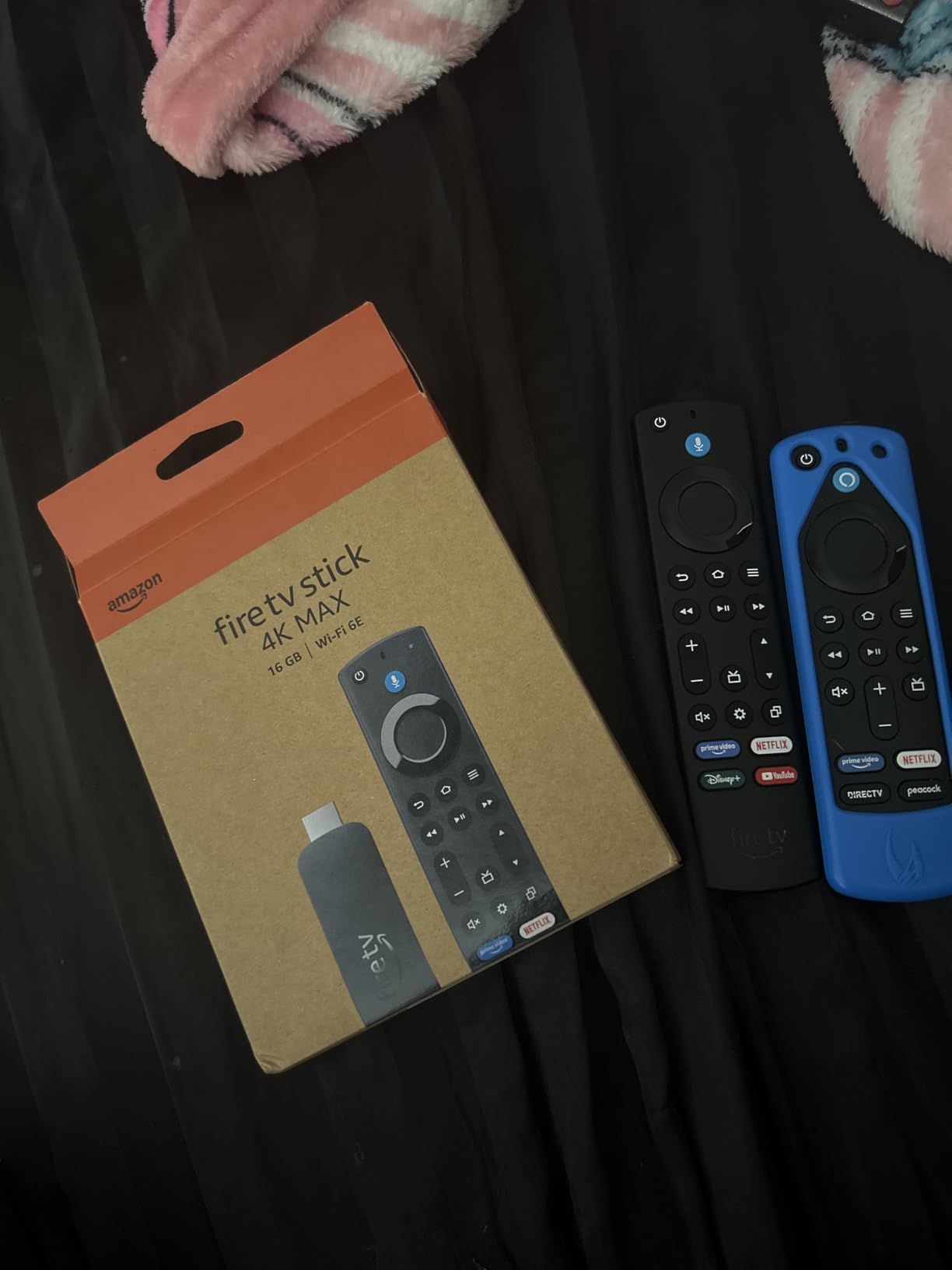
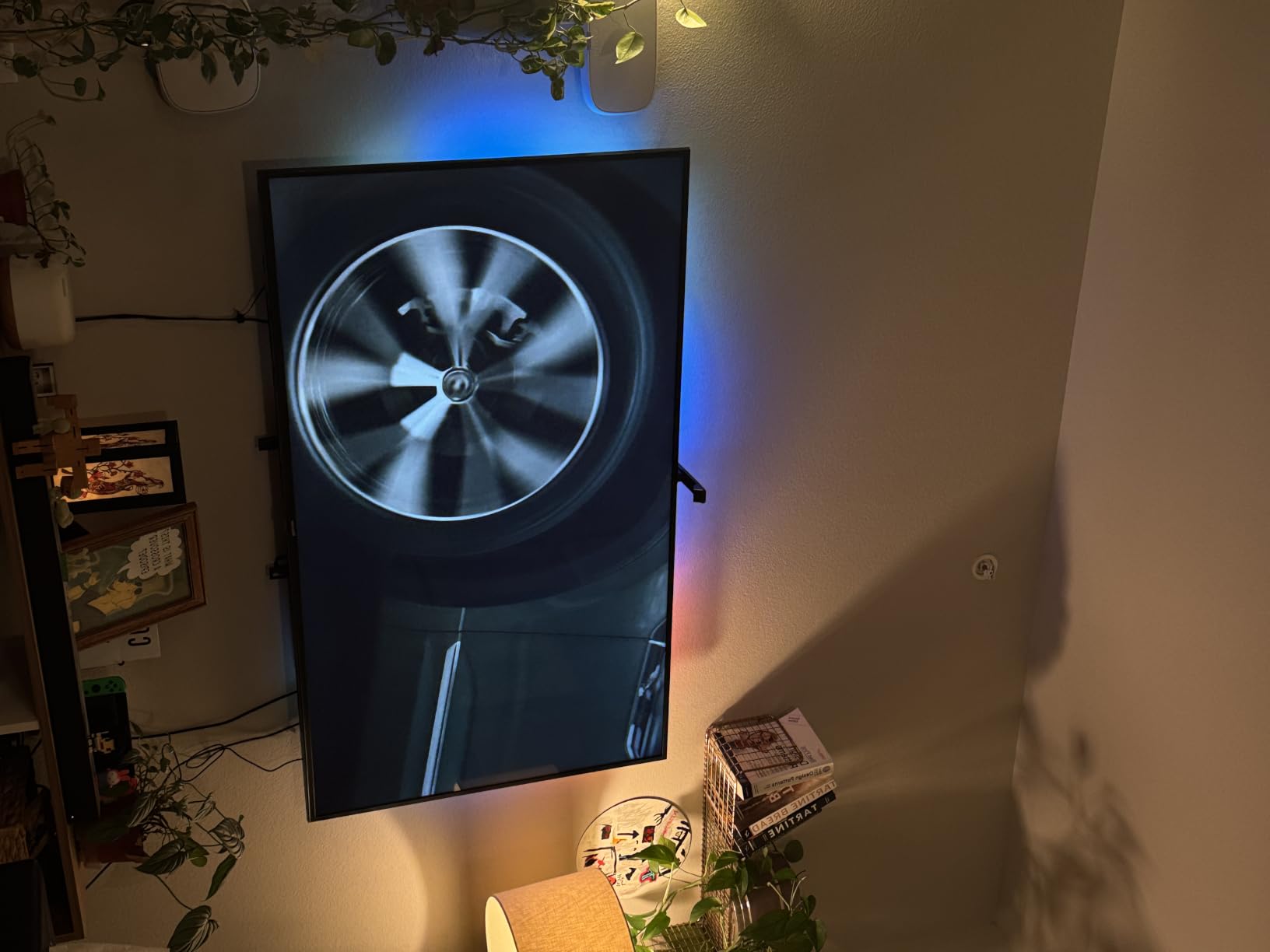
Two features set it apart from the Plus. The upgraded Alexa Voice Remote adds a recents button and dedicated channel buttons, plus a remote finder function that pings the remote from the device. And the Fire TV Ambient Experience turns the screen into a rotating display of more than 2,000 art pieces and photos when nothing is playing, which suits a TV that sits in a living room all day.
Cloud gaming is the other draw, with both Xbox Game Pass and Amazon Luna supported. The one reliability concern worth flagging comes straight from reviews: some owners report freezing issues after roughly a year of use, and programmable remote buttons can lose their programming. Those are real complaints, though they sit alongside far more praise about speed and picture quality.
Who should buy the Fire TV Stick 4K Max
Gamers come first here, since cloud gaming support and the fastest processor in the range are the reason to step up. It is also the right Fire TV for a large 4K TV in a busy household, because 16 GB and Wi-Fi 6E absorb heavy multi-app use. Anyone who likes leaving artwork on the screen between viewings will use the Ambient Experience more than they expect.
Long-term owners should take the storage headroom seriously. It is the difference between a device that stays fast for three years and one that starts nagging. Alexa+ natural language search is also more capable here, which helps a shared TV where different people ask for different things.
Who should look elsewhere
The premium price in the Fire TV range is real, and if you only watch standard apps, the 4K Plus covers nearly all of the same experience for less. The same home-screen advertising applies, with ads and recommendations the top listed con. On the Max, programmable buttons need occasional re-setting, which is worth knowing before you buy.
It still has no Ethernet port, so a wired home network gets you nothing here. And if you are bothered by interface clutter, neither the Plus nor the Max solves it. Pick this one for speed, storage, and gaming, not for a quiet home screen.
4. Amazon Fire TV Stick 4K Select – Best Budget 4K Stick
Amazon Fire TV Stick 4K Select (newest model), start streaming in 4K, AI-powered search, and free & live TV, find shows faster with Alexa+
4K Ultra HD with HDR10+
8 GB storage
Basic Wi-Fi
Alexa+ search
Pros
- Lowest cost entry to 4K streaming here
- 4K Ultra HD with HDR10+
- All major streaming apps available
- Easy setup
Cons
- No Dolby Vision support
- Only 8 GB storage
- Basic Wi-Fi rather than Wi-Fi 6
This is the model to buy when the goal is simply to stop renting a cable box and start watching in 4K. It outputs 4K Ultra HD with HDR10+ and runs the full Fire TV app library, including Xbox Game Pass cloud gaming. For a spare room, a rental, or a first smart TV, it does the job completely.
What you give up is visible in the spec sheet. There is no Dolby Vision, so on a TV that supports it you lose the dynamic metadata that makes the format look its best. Wireless is basic rather than Wi-Fi 6, which is fine on a decent network and frustrating on a weak one. Storage is 8 GB, the smallest capacity here alongside the ONN box.

The rating tells the story better than the feature list. At 4.1 across roughly 16k reviews, it sits clearly below the other Fire TV sticks, and reviewers point to more performance complaints and a higher share of one-star feedback than the pricier models. That is not a reason to avoid it, but it is a reason to know what you are buying: a basic 4K box, not a fast one.
Alexa+ search still works, the voice remote is included, and free live TV options like Tubi and Pluto TV are on the platform. The picture is genuinely 4K, which on an older set is the single upgrade that matters most.
Who should buy the Fire TV Stick 4K Select
Budget is the deciding factor, and this is the cheapest route to real 4K output in the roundup. It suits a second TV, a dorm room, or anyone who wants to test whether a streaming device suits them before spending more. Cord-cutters replacing a cable box get the full app catalog at the lowest entry point.
It is also a reasonable first device for a parent or an older viewer who mostly watches linear-style content and free live channels. Setup is straightforward, and the included remote handles TV power and volume.
Who should look elsewhere
If your 4K TV supports Dolby Vision, skip this and spend a little more, because without it you leave picture quality on the table for the display you already own. A 4.1 rating with a documented tail of performance complaints is a sign that a faster stick will feel much better in daily use.
The 8 GB of storage fills quickly with apps, and basic Wi-Fi can struggle with high-bitrate 4K in a crowded house. There is no Ethernet port to fall back on. If your network is anything other than solid, move up a tier rather than debugging buffering on the cheapest box.
5. TiVo Stream 4K – Best for One Search Box
TiVo Stream 4K – Every Streaming App and Live TV on One Screen – 4K UHD, Dolby Vision HDR and Dolby Atmos Sound – Powered by Android TV – Plug-In Smart TV, One size
4K UHD with Dolby Vision and Atmos
Android TV with Google Assistant
8 GB storage and 2 GB RAM
90-day warranty
Pros
- Unified search across every streaming app
- Android TV with Google Assistant
- Chromecast built in
- Dolby Vision and Dolby Atmos at a mid-tier price
Cons
- Only a 90-day warranty
- Older 2020-era hardware
- Software updates may lag rivals
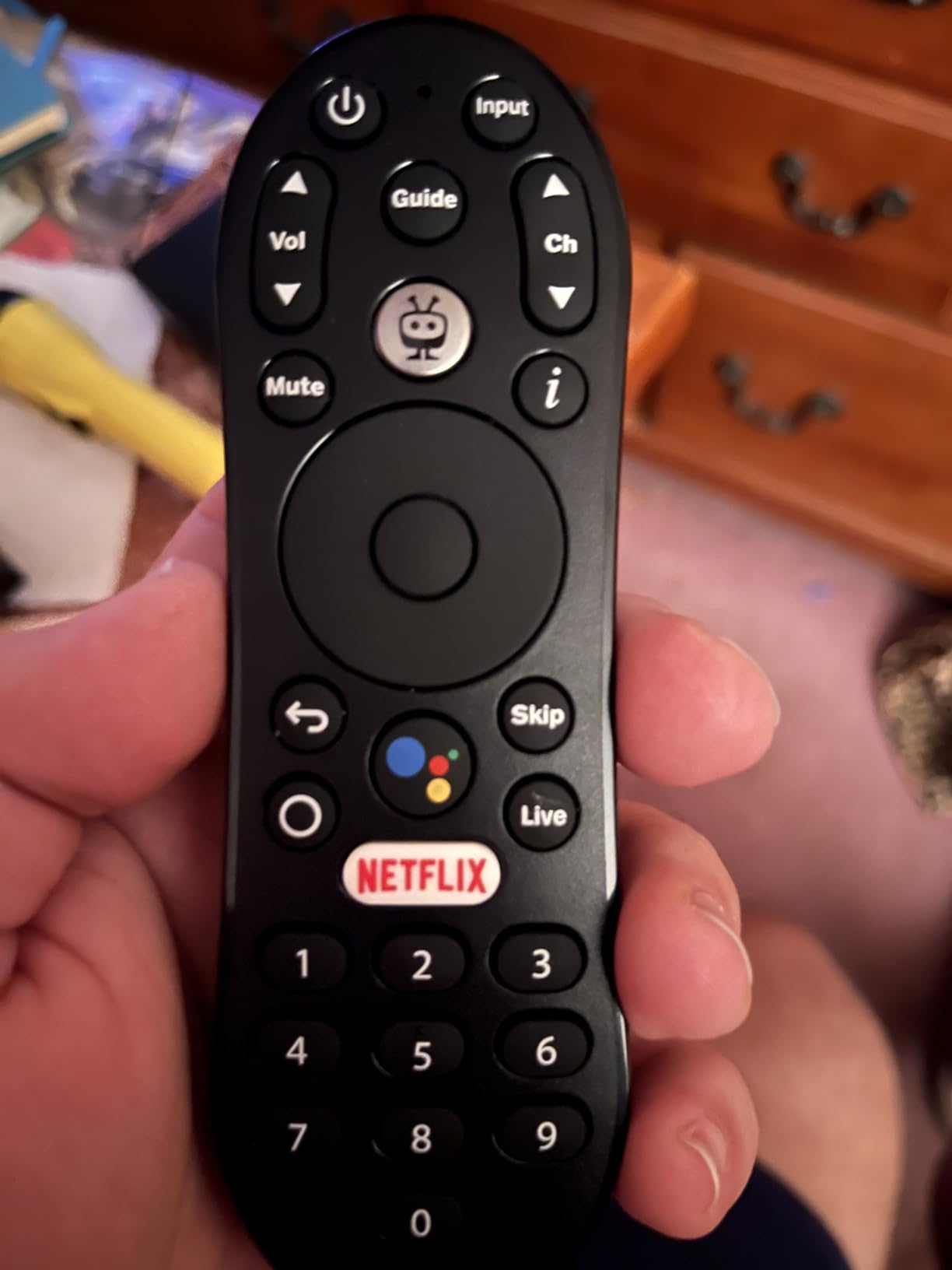
The TiVo Stream 4K does one thing no other device in this list does well: it searches across every app at once. Instead of opening Netflix, then Prime, then Hulu, you type or say a title once and the box tells you which service has it. If your household subscribes to four or five services, that single feature can erase more friction than any processor upgrade.
Underneath it runs Android TV with Google Assistant, and Chromecast is built in, so casting works the same way it does on a Google TV box. Output is 4K UHD with Dolby Vision HDR and Dolby Atmos, which is a strong picture and audio pairing for a stick at this level. RAM is 2 GB, double what the Roku stick offers.
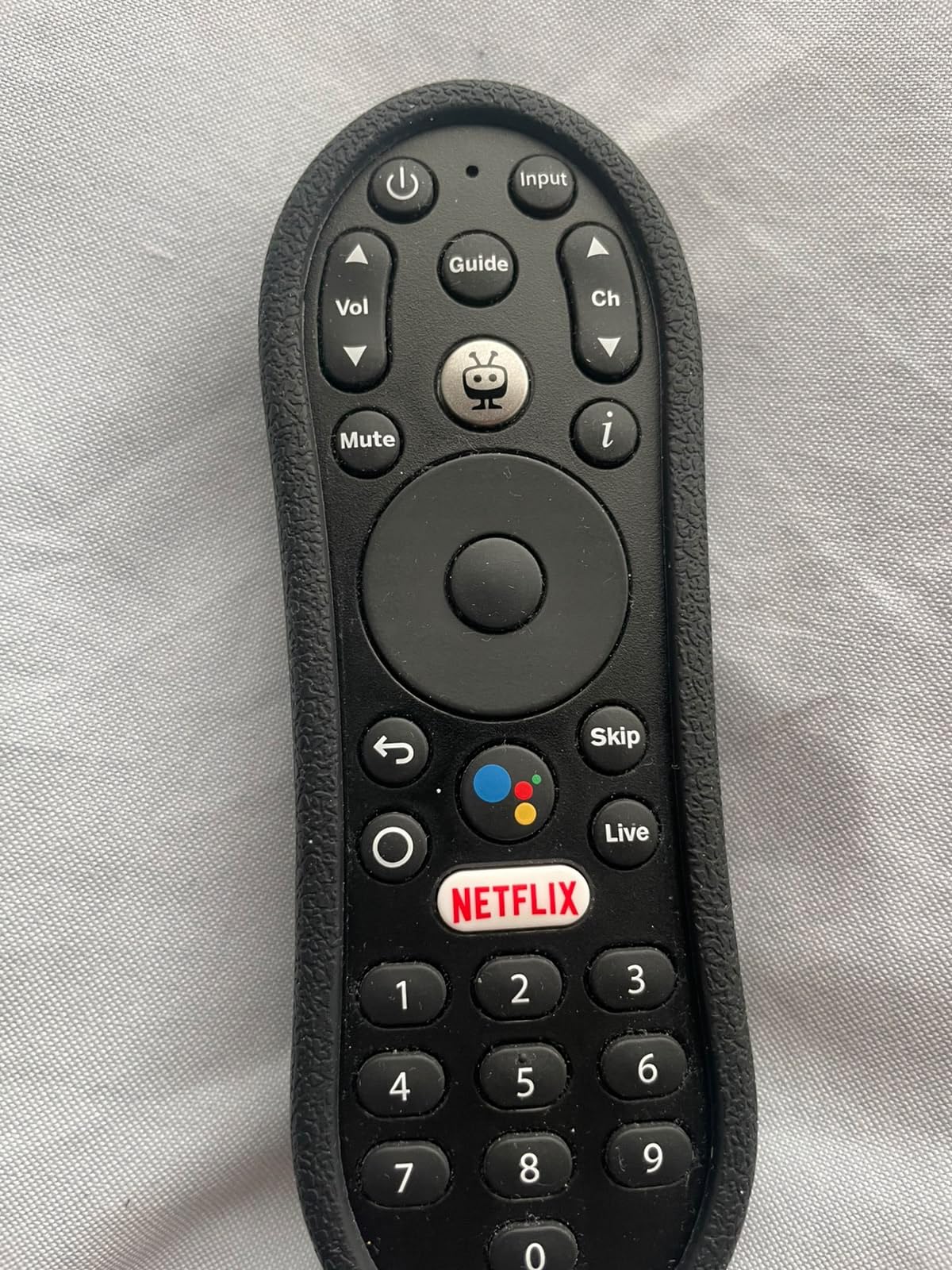
TiVo also builds a single watchlist across services and layers personalized recommendations on top, which suits people who do not want to track what is on where. The box measures 3.03 by 2.09 by 0.63 inches, so it is a stick in price and size rather than a full set-top box, and it carries the VP9 Profile 2 codec.
The catch is support. The warranty is 90 days, which is dramatically shorter than the two-year coverage on the Roku Ultra and shorter than the one-year term on the Google TV Streamer. Reviewers also describe the hardware as an older 2020-era design and the interface as less polished than Roku or Fire TV, with Android TV version updates likely to lag.
Who should buy the TiVo Stream 4K
This is the pick for a multi-service household that is tired of hunting across apps. People who cannot decide what to watch benefit from a single recommendation feed. It also suits Google Assistant users who want Android TV behavior with Dolby Vision and Atmos support in a compact body.
If you value having every app searchable in one place more than having the newest interface, this is genuinely the best media streaming device for 4K TVs in that narrow sense. The 2 GB of RAM also makes it a comfortable Android TV experience compared with 1 GB sticks.
Who should look elsewhere
A 90-day warranty is a poor match for anyone who expects a device to sit under a TV for five years. Long-term software support is a genuine concern on older Android TV hardware, and reviewers expect fewer updates than Roku or Fire TV will provide.
Interface polish is the other issue. If you want the quietest home screen in the category, the Roku stick wins. If you want cloud gaming at high quality, the Fire TV Stick 4K Max is the stronger box. Treat the TiVo as a search-first device rather than an all-round one.
6. Roku Ultra – Best for Ethernet and a Rechargeable Remote
Roku Ultra, Ultimate Streaming Player – 4K Streaming Device for TV
Wi-Fi 6 and Ethernet
4K Dolby Vision HDR10+ Atmos
Voice Remote Pro rechargeable
2-year warranty
Pros
- Ethernet port for a stable wired 4K stream
- Rechargeable backlit remote with hands-free voice
- Bluetooth headphone mode for private listening
- 2-year manufacturer warranty
Cons
- Remote pairing issues reported by many owners
- Premium price in the Roku lineup
- Large box takes up shelf space
The Roku Ultra is the box to buy if you want a wired connection and a remote you never have to charge. It has Wi-Fi 6 and a real Ethernet port, so you can sidestep crowded wireless bands entirely, and the quad-core processor is 30 percent faster than any other Roku player. Output is 4K UHD with Dolby Vision, HDR10+, and Dolby Atmos.
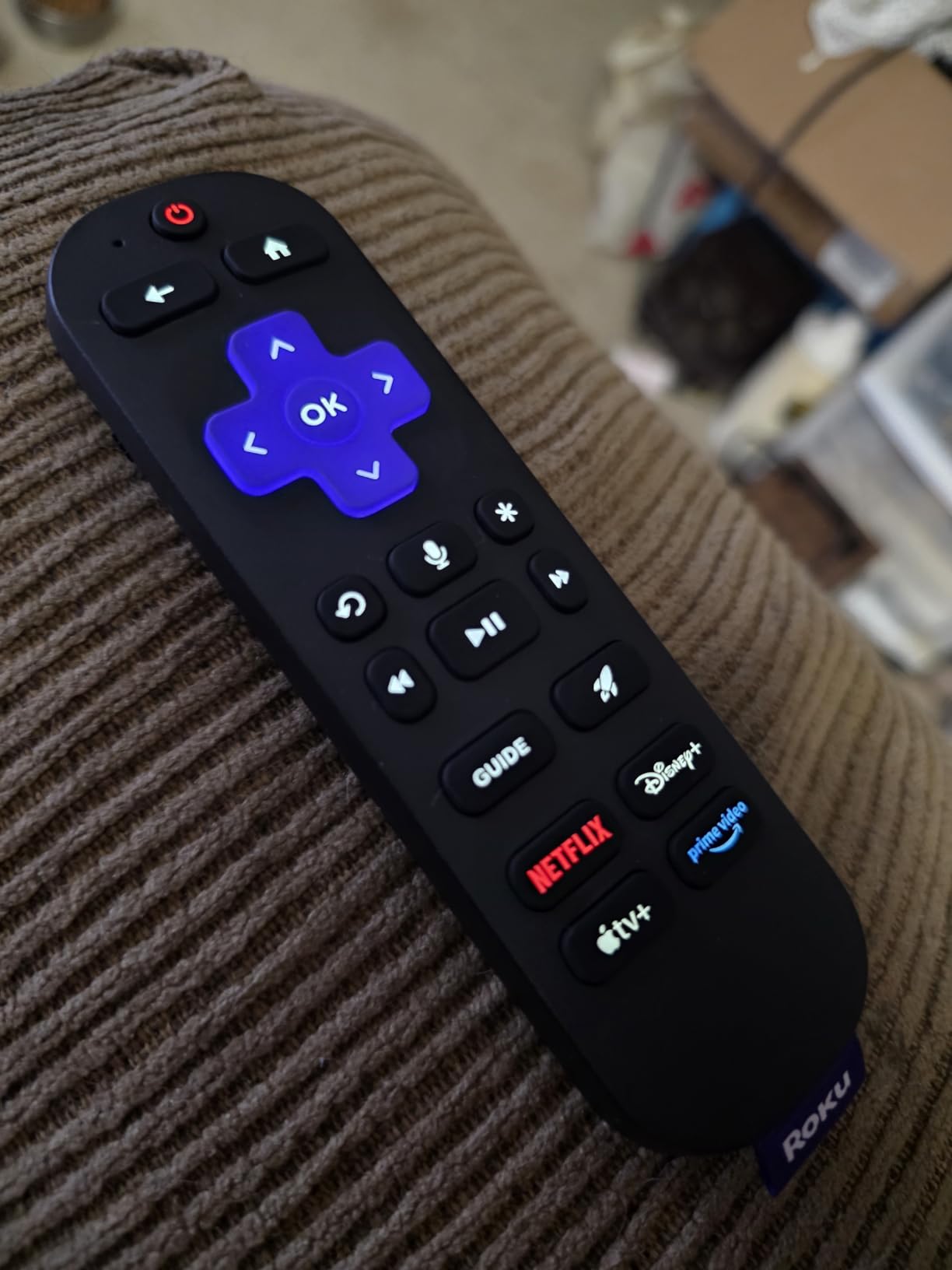
The Voice Remote Pro is the best remote in the category by a distance. It is rechargeable, the buttons are backlit, there is a lost remote finder button on the device itself, and hands-free Hey Roku voice control means you can ask for something without picking it up. Bluetooth headphone mode adds private listening, which no other stick here offers in this form.
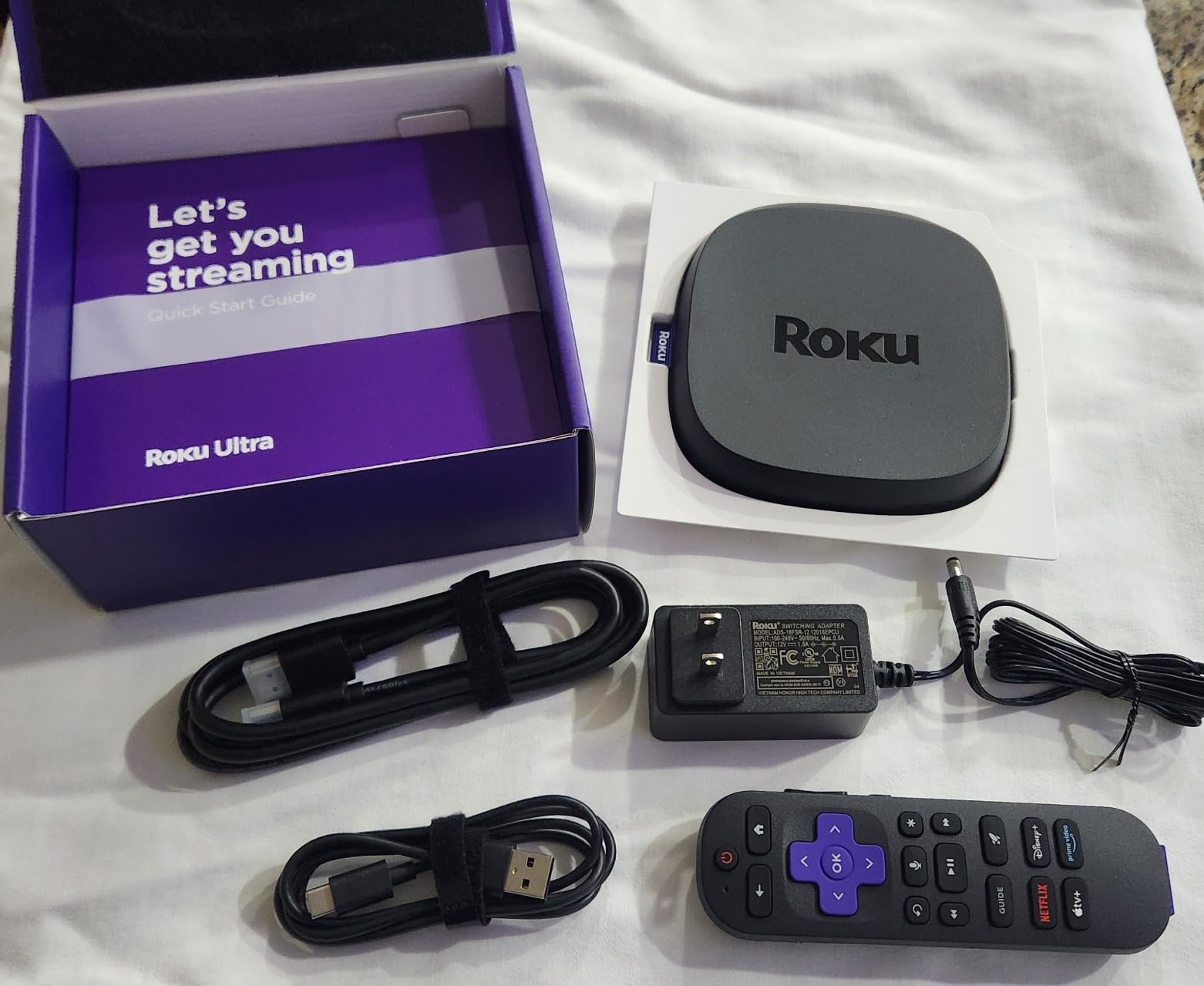
There is also a USB port, which matters if you ever play local files, and the codec list covers AV1, VP9, H.265/HEVC, and H.264/AVC. The two-year manufacturer warranty is the longest coverage on this list, and for an under-TV permanent fixture that longevity is worth real money.
The most-reported problem is the remote itself. Owners describe pairing issues with the Voice Remote Pro and some battery drain even on the rechargeable version. A handful of users also report YouTube playback problems at higher speeds, and outside the US, some streaming apps are missing from the Roku store.
Who should buy the Roku Ultra
Anyone with a wired network and a 4K TV that supports Dolby Vision and Dolby Atmos should start here. It is the flagship for people who want the cleanest interface at the top of the Roku range, plus the best remote available. The USB port also makes it reasonable for local media playback.
It suits a home theater setup where stability matters more than size, and the two-year warranty suits anyone who does not want to think about replacing hardware soon. Bluetooth headphone mode is a genuine benefit for late-night viewers or anyone with neighbors close by.
Who should look elsewhere
If remote reliability is going to bother you, know that pairing complaints are the most common theme in reviews before you buy. The box is 5 by 4.9 by 1 inches, so it is a visible shelf unit rather than a hidden stick, and some people simply do not want that footprint on the media unit.
It is also the premium-priced option in the Roku lineup, and if you are only using Wi-Fi in a small apartment, the Roku Streaming Stick 4K delivers nearly the same experience for less. Outside the US, check that your streaming services are carried in the Roku store first.
7. Xiaomi TV Box S 3rd Gen – Best for Storage Headroom
Xiaomi TV Box S 3rd Gen – 4K UHD, Google TV, 32GB Memory, Dolby Vision & Atmos, WiFi 6, HDMI 2.1, Fast Streaming, Compact and Powerful
32 GB storage and 2 GB RAM
Wi-Fi 6 and HDMI 2.1
4K 60FPS Dolby Vision and DTS:X
91.2 g box
Pros
- 32 GB storage is the largest in this roundup
- Wi-Fi 6 and HDMI 2.1 on a compact box
- Dolby Vision HDR10+ Dolby Audio and DTS:X
- Quad-core 2.5 GHz CPU with 2 GB RAM
Cons
- Warranty requires contacting the seller directly
- Software updates may be slower
- Smaller review base than Roku or Fire TV
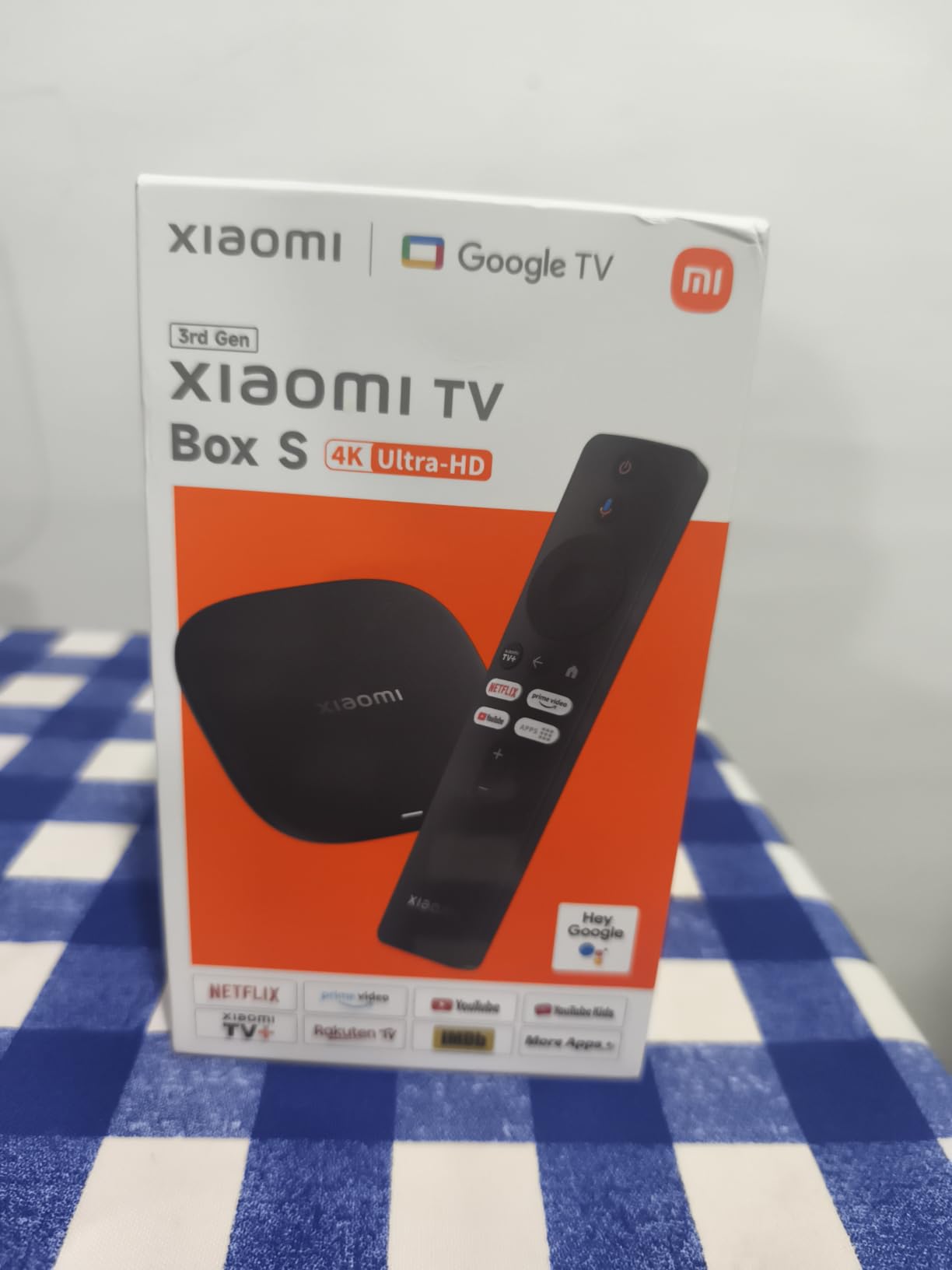
The Xiaomi TV Box S 3rd Gen is the spec-sheet winner in this roundup. It carries 32 GB of storage, tied for the largest here and double what most sticks offer, alongside 2 GB of RAM and a quad-core 2.5 GHz CPU with an ARM G310 V2 GPU. If you install many apps or keep large caches, that storage figure is the headline.
Connectivity is unusually good for a box this compact: Wi-Fi 6, Bluetooth 5.2, HDMI 2.1, and a USB 2.0 port. Output is 4K UHD at 60FPS with Dolby Vision, HDR10+, Dolby Audio, and DTS:X, and AMD FreeSync support is a small bonus for variable refresh rate displays.
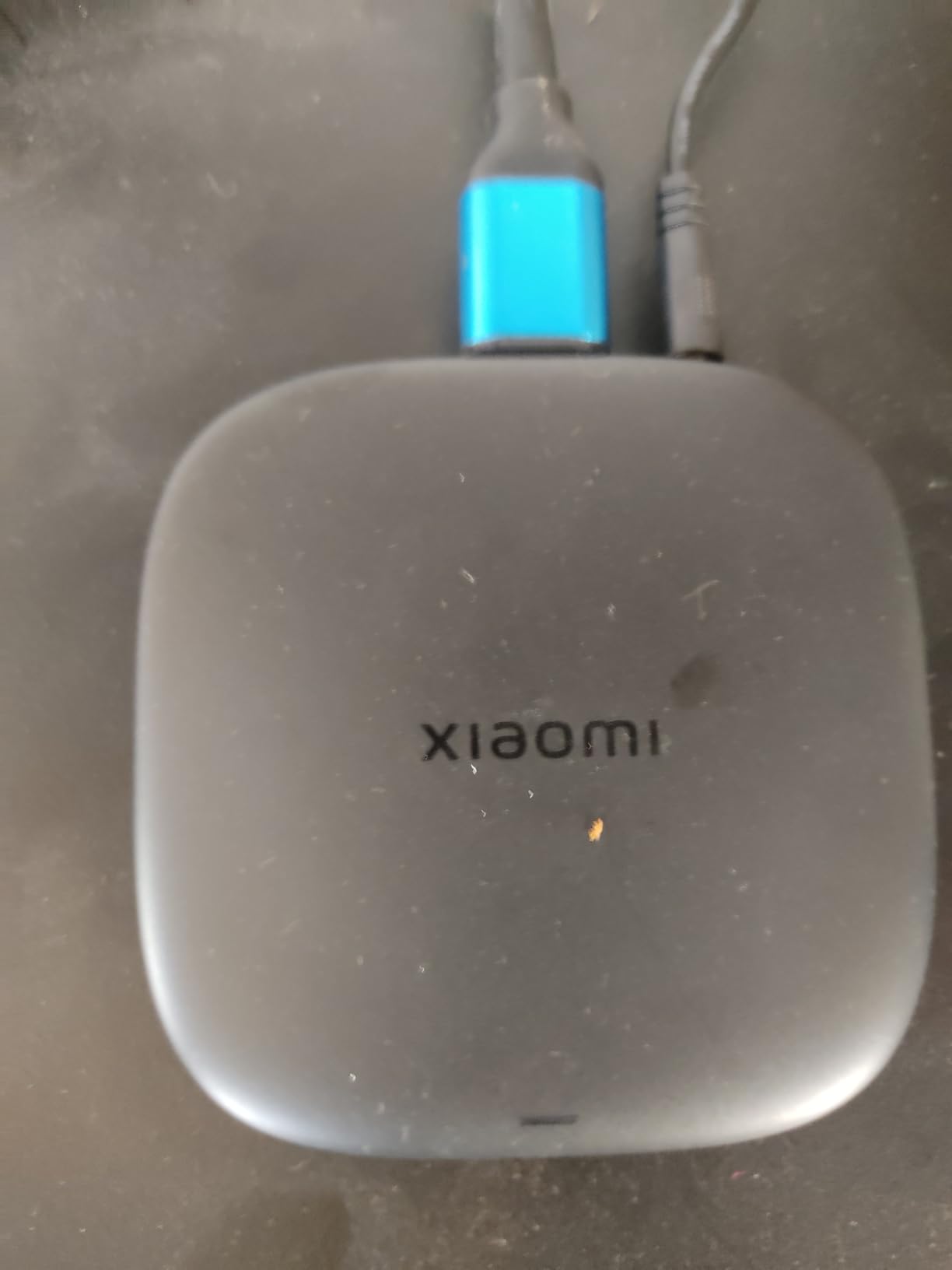
It runs Google TV, so the interface, the app store, and the Google Assistant voice remote are the standard Google experience, and Google Cast screen mirroring is built in. The box measures 3.82 inches square and 0.67 inches tall, weighing 91.2 g, and it ships with an HDMI cable and power adapter in the box.
The reason it does not rank higher is support rather than capability. The warranty requires contacting the seller or manufacturer directly rather than going through a simple brand process, and reviewers note that Xiaomi software updates may be slower than Roku or Fire TV. The review base is also smaller, so the long-term record is thinner.
Who should buy the Xiaomi TV Box S 3rd Gen
Google TV users who want more storage than any stick provides will like this most. It suits a household that runs sideloaded apps alongside Google Play apps, since 32 GB stops storage warnings becoming a recurring annoyance. The HDMI 2.1 port and DTS:X audio also appeal to a soundbar or surround setup.
It is a sensible pick if you want Google TV behavior with a fuller port selection than the Google TV Streamer offers out of the box, because the USB 2.0 port is included and the HDMI cable comes in the box. Compact dimensions make it easy to hide.
Who should look elsewhere
Skip it if warranty service matters to you, because handling a claim means contacting the seller directly. Long-term update speed is the open question on a newer platform with a smaller installed base, and that matters more than peak specs for a device you expect to keep.
It also has no Ethernet port, so the excellent Wi-Fi 6 radio is your only wired option. If brand recognition and support depth are priorities, the Roku Ultra and Google TV Streamer carry clearer warranty terms. Best purchased by someone comfortable supporting their own hardware.
8. Google TV Streamer 4K – Best for Google Smart Homes
Google TV Streamer 4K – Fast Streaming Entertainment on Your Device with Voice Search Remote – Watch Movies, Shows, Live, and Netflix in HDR – Smart Home Control – 32 GB of Storage – Hazel
4 GB RAM and 32 GB storage
Ethernet and HDMI 2.1
Dolby Vision and Dolby Atmos
Matter and Thread hub
Pros
- 4 GB RAM is the highest in this roundup
- Ethernet port for a reliable wired stream
- Works as a Matter and Thread smart home hub
- 32 GB storage
Cons
- Highest price in the roundup
- HDMI 2.1 cable sold separately
- Voice remote uses AAA batteries
The Google TV Streamer 4K is Google’s most complete box, and the specs are built for longevity. It carries 4 GB of RAM, the highest in this roundup, alongside 32 GB of storage, which is the combination most likely to stay fast after three years of app installs. The interface stays smooth in a way that 1 GB and 2 GB sticks eventually do not.
It also has an Ethernet port and HDMI 2.1, giving you a wired path for the highest bitrates and 4K120-capable displays. Picture and audio are fully covered with Dolby Vision and Dolby Atmos. The voice remote uses two AAA batteries, which is a step back from the rechargeable Roku remote.
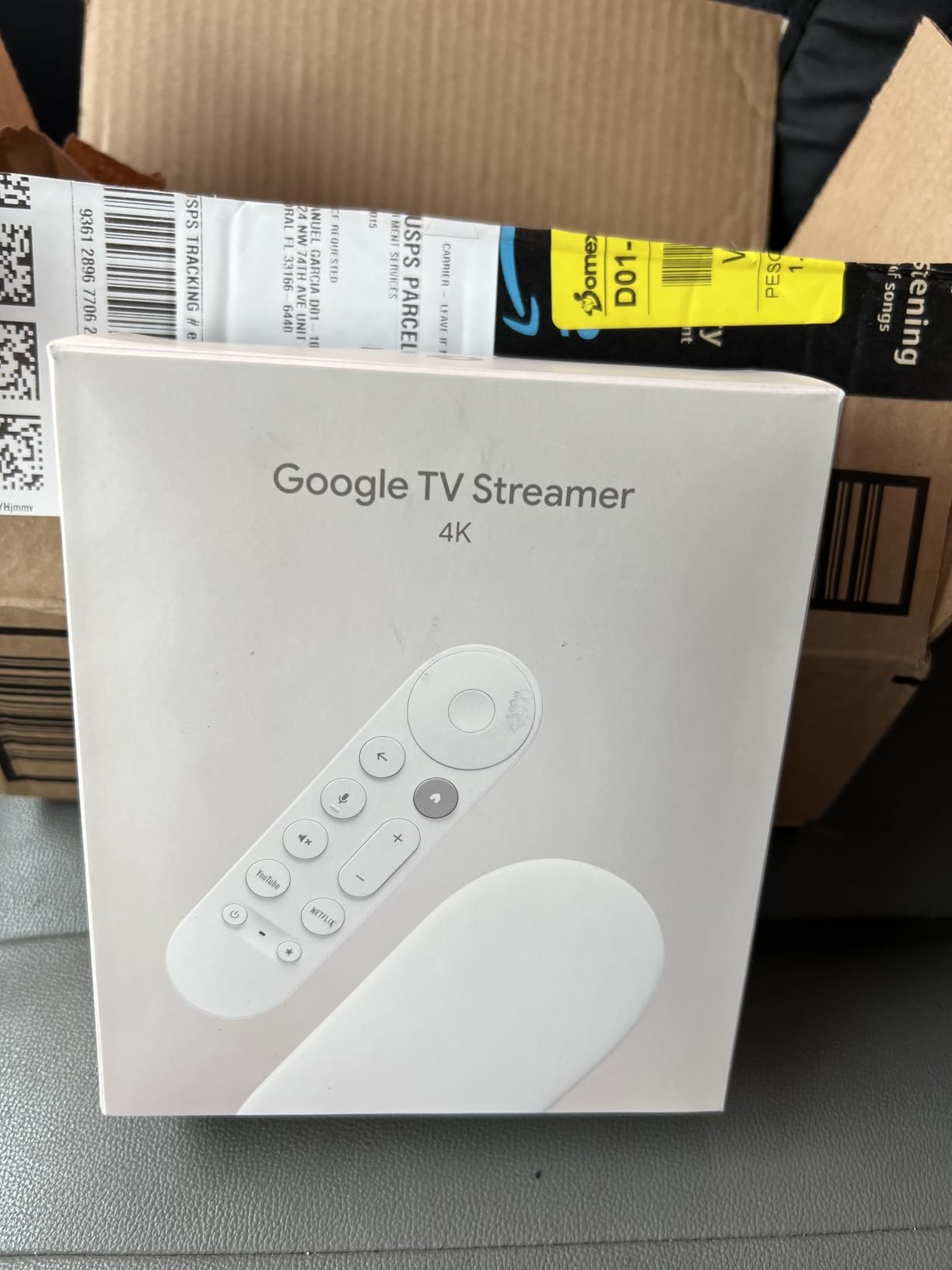
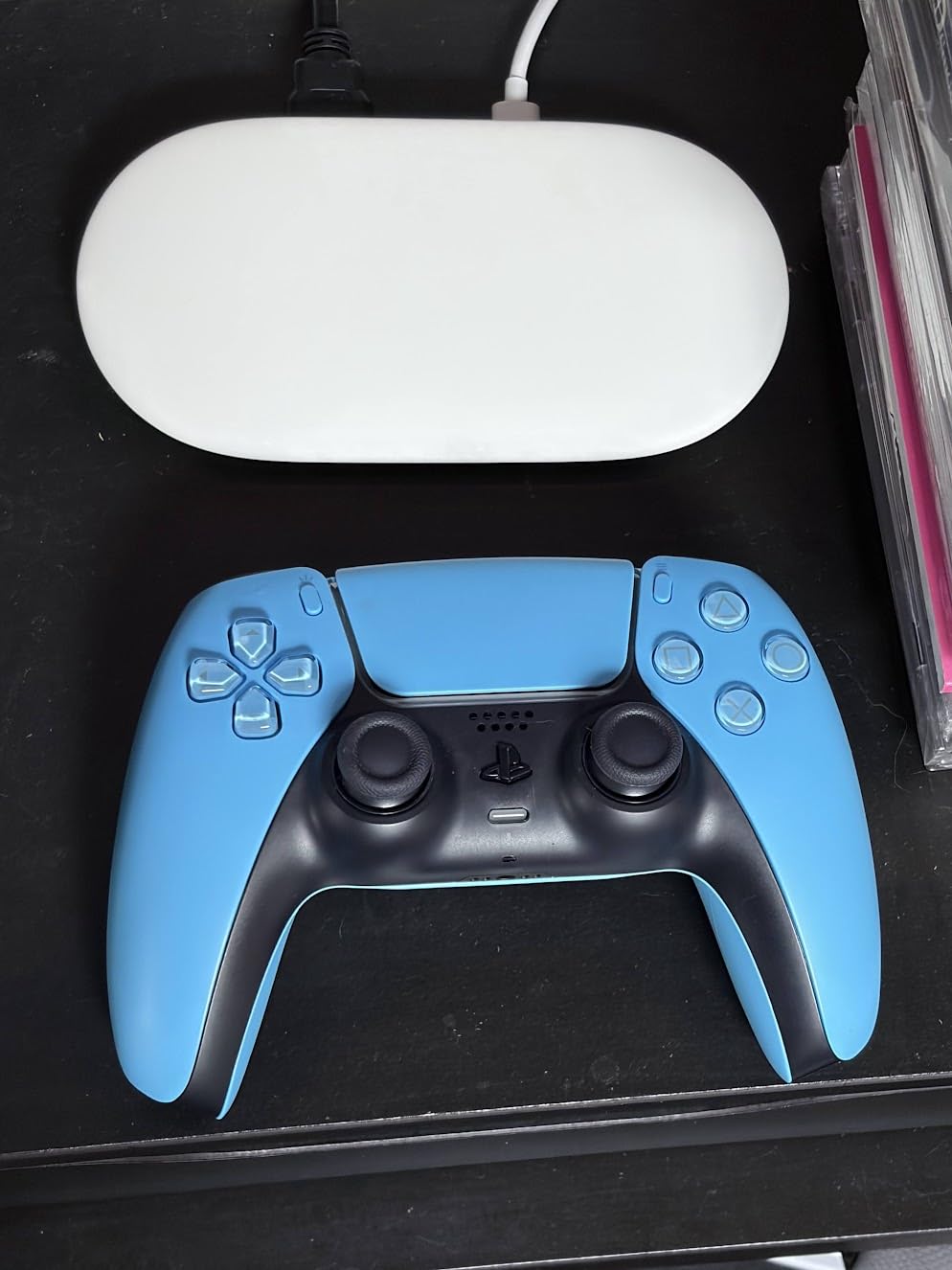
The differentiator for a lot of homes is the smart home side. It functions as a hub with Matter and Thread support, so compatible lights, locks, and sensors can run through the same box that drives the TV. That is the feature no other streaming device in this list offers, and it can replace a separate hub.
There is also a free live TV channel count of more than 800 through services like Pluto TV and Tubi, plus Miracast screen mirroring. Build quality is premium, it comes in Porcelain and Haze color options, and the warranty is one year. Note that the HDMI 2.1 cable is sold separately.
Who should buy the Google TV Streamer 4K
Google Home and Android households get the most from it, especially anyone building out a Matter or Thread smart home and wants the TV box to double as the hub. The 4 GB of RAM makes it the best choice for a busy family TV running several apps, live TV, and casting sessions at once.
It is the right box for a home theater setup with an Ethernet run, and for anyone who wants a device they can set up and forget for several years. Cord-cutters who lean on free live TV channels get a large catalog without extra subscriptions.
Who should look elsewhere
It is the most expensive device in this roundup, and you pay that for RAM, the smart home hub, and future headroom rather than for visible picture quality. If you do not need the hub and your Wi-Fi is solid, the Xiaomi box delivers Google TV with 32 GB and Wi-Fi 6 for noticeably less.
It is also a newer product with a smaller body of long-term reviews, so you are buying on promise as much as record. Google TV carries ads on the home screen, which is the same complaint leveled at Fire TV. And remember to budget for an HDMI 2.1 cable if you want to use that port as intended.
9. Roku Ultra LT – Best for Private Listening on Ethernet
Roku Ultra LT (2023) HD/4K/HDR Dolby Vision Quad-Core Streaming Player with HDMI Cable, Headphones, Voice Remote w/Private Listening, Ethernet
4K Dolby Vision and HDR
Ethernet port
Headphone jack on the remote
Includes HDMI cable and headphones
Pros
- Ethernet port at a mid-tier price
- Headphone jack on the remote for private listening
- HDMI cable and headphones included
- Roku's best wireless performance
Cons
- No Dolby Atmos support
- No USB port
- Large 1.4 pound box
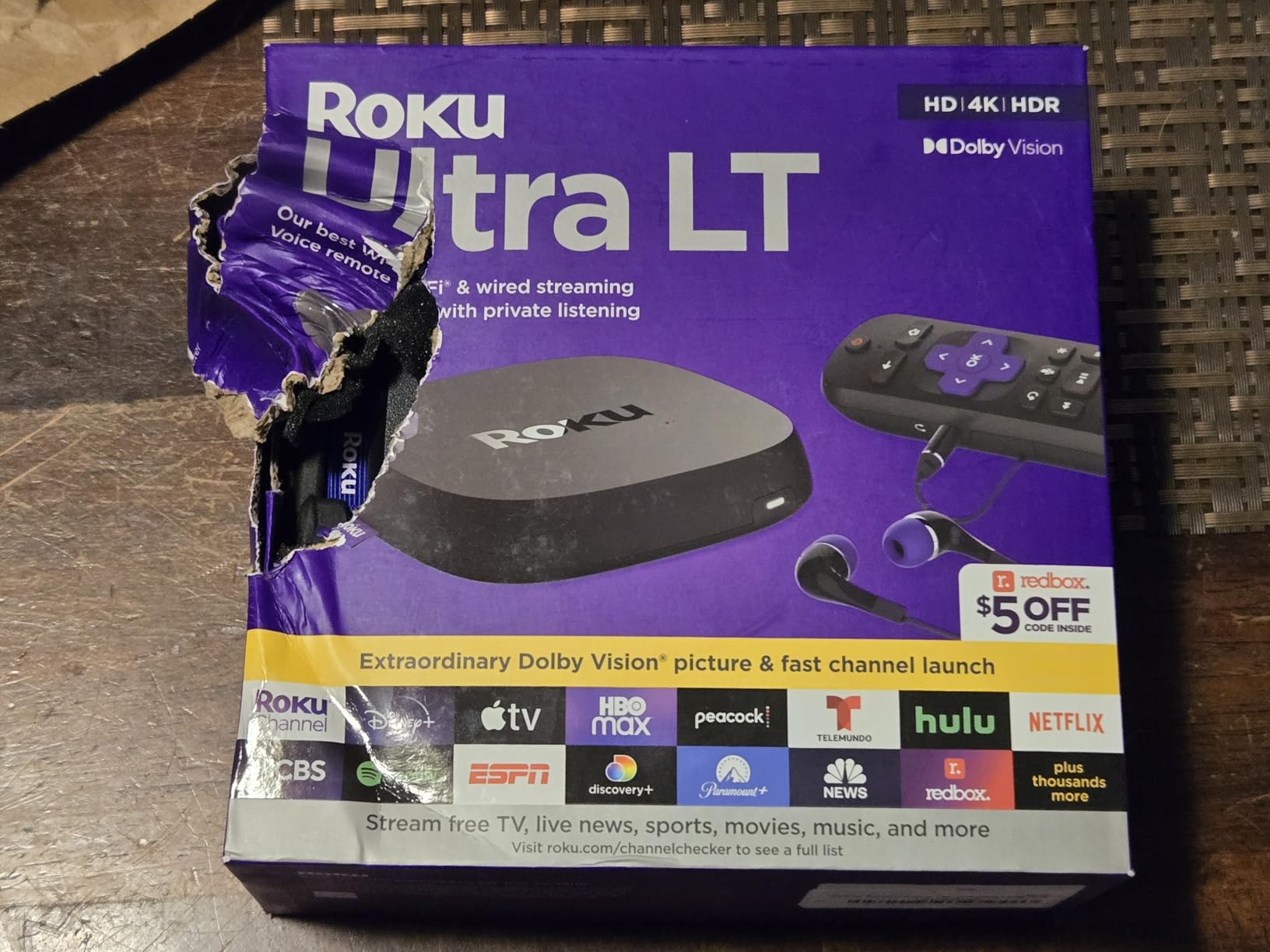
The Roku Ultra LT is an unusual pick that solves two problems at once. It has an Ethernet port at a mid-tier price, and its voice remote has a headphone jack, so you can plug in earbuds and listen privately without a soundbar or a second device. It ships with both an HDMI cable and a pair of headphones in the box.
Output is 4K UHD with Dolby Vision and HDR, driven by a quad-core processor on Roku’s best-performing wireless hardware. For people who are hard of hearing, or who watch late while others sleep, the headphone jack is a genuinely useful feature that almost nothing else in the list offers.
The remote uses two AA batteries, which sounds like a downgrade until you realize they are replaceable rather than a sealed rechargeable cell that degrades over a few years. The tradeoff is that reviewers report the batteries drain quickly, so you will be replacing them regularly.
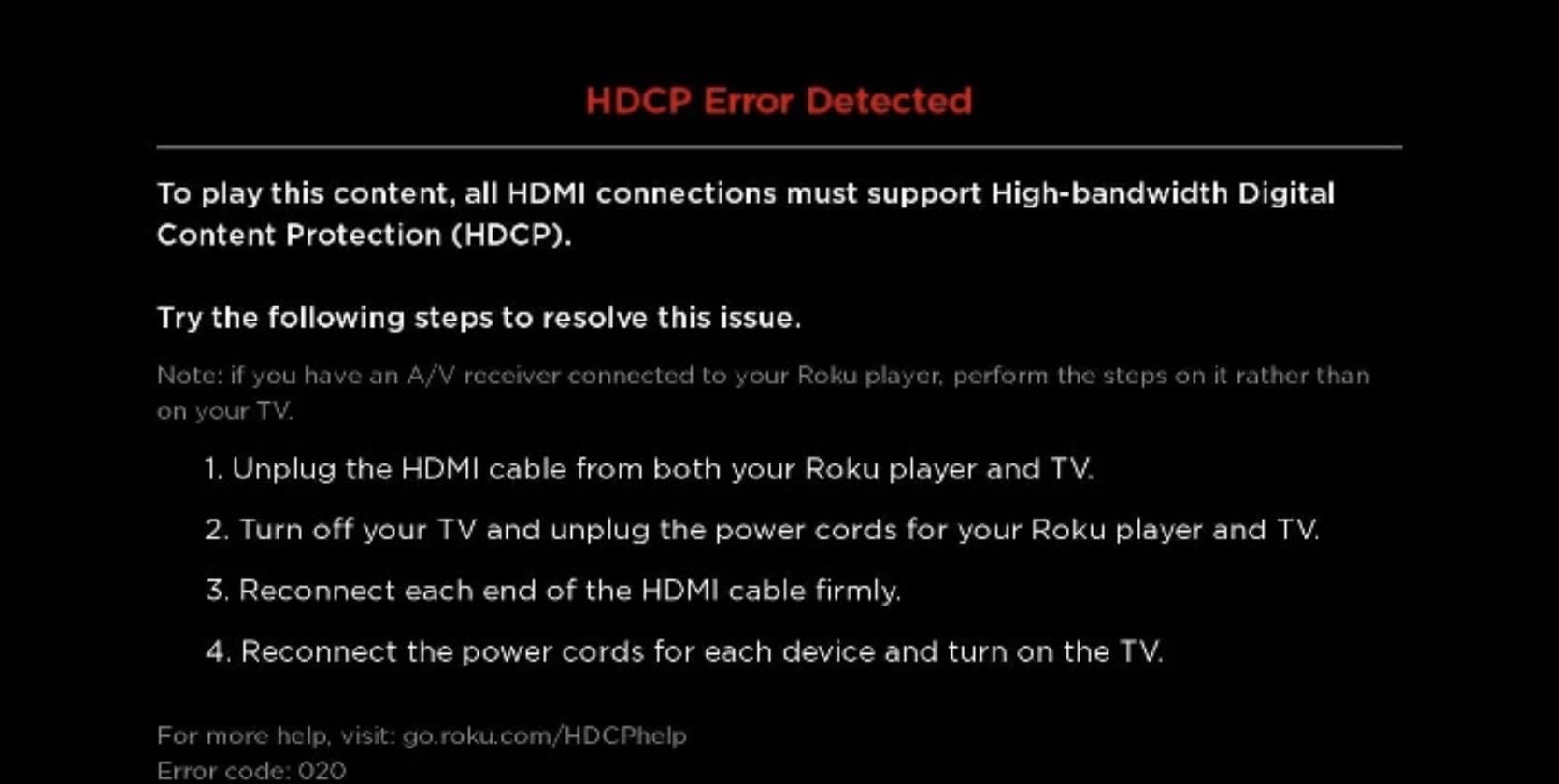
The main spec gap is audio. It supports Dolby Digital but not Dolby Atmos, so a home theater setup with an Atmos soundbar will not get the object-based track. There is no USB port either, which rules out straightforward local media playback.
Who should buy the Roku Ultra LT
It is built for anyone who wants a wired connection without paying for the flagship, and for viewers who listen privately on the couch. Roku’s clean interface is the same one that makes the Streaming Stick 4K our top pick, so you get the calmest home screen here too.
It also suits a second TV in a home where Wi-Fi is unreliable, since the Ethernet port removes that variable entirely. Hearing-impaired users get a real benefit from the included headphones and the remote jack.
Who should look elsewhere
Atmos listeners should choose the Roku Ultra or a Fire TV stick with Atmos support, because this box tops out at Dolby Digital. Anyone with local files will want the USB port on the flagship. The remote also lacks backlit buttons and hands-free voice, which the Roku Ultra provides.
It is a 1.4 pound box measuring 6 by 4 by 2 inches, so it takes up real shelf space next to a slim stick, and the AA battery drain is the most common complaint in reviews. It is a specialist pick: excellent at two things, quiet about the rest.
10. ONN Android TV 4K – Best Budget Google TV Box
ONN Android TV 4K UHD Streaming Device with Voice Remote Control Google Assistant & High Speed HDMI Cable (100026240) Black
4K UHD with Dolby Audio
8 GB storage and 2 GB RAM
5 GHz Wi-Fi only
Includes HDMI cable
Pros
- Full Google TV with Google Assistant and Play Store
- Chromecast built in
- Good 5 GHz Wi-Fi performance in reviews
- HDMI cable included
Cons
- No Ethernet or USB port
- Region-locked to the US according to some reviews
- Slow boot and occasional recovery resets
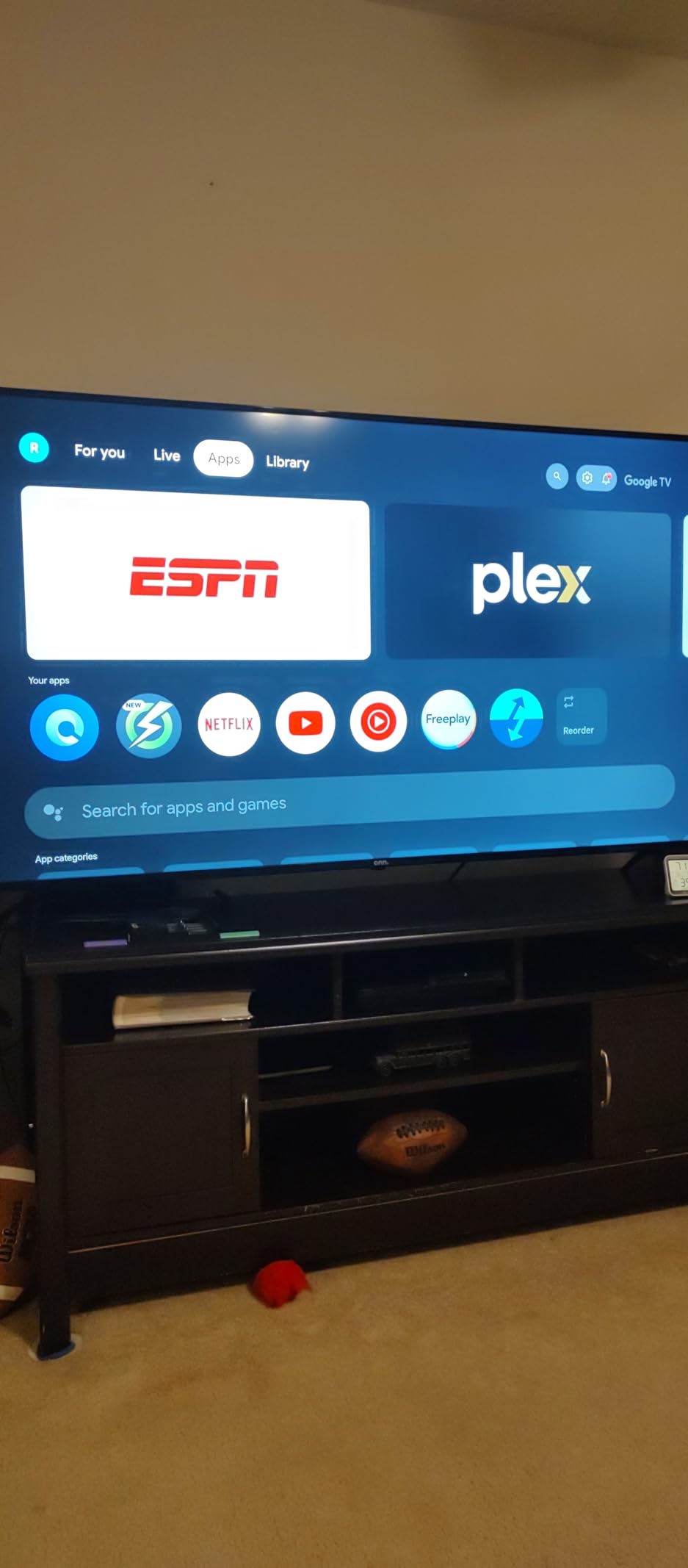
The ONN box is Walmart’s Google TV entry, and it does one useful thing: it gives you the genuine Google TV experience with the Play Store, Google Assistant voice remote, and Chromecast built in, at a budget price point. The 4K UHD output and Dolby Audio cover the basics, and 2 GB of RAM is more working memory than most sticks in this bracket.
Reviewers rate the 5 GHz Wi-Fi performance as good in practice, which matters because there is no Ethernet port to fall back on. An HDMI cable is included, so you are not hunting for one in a drawer on setup night. H.264 and H.265/HEVC decoding covers the mainstream services.
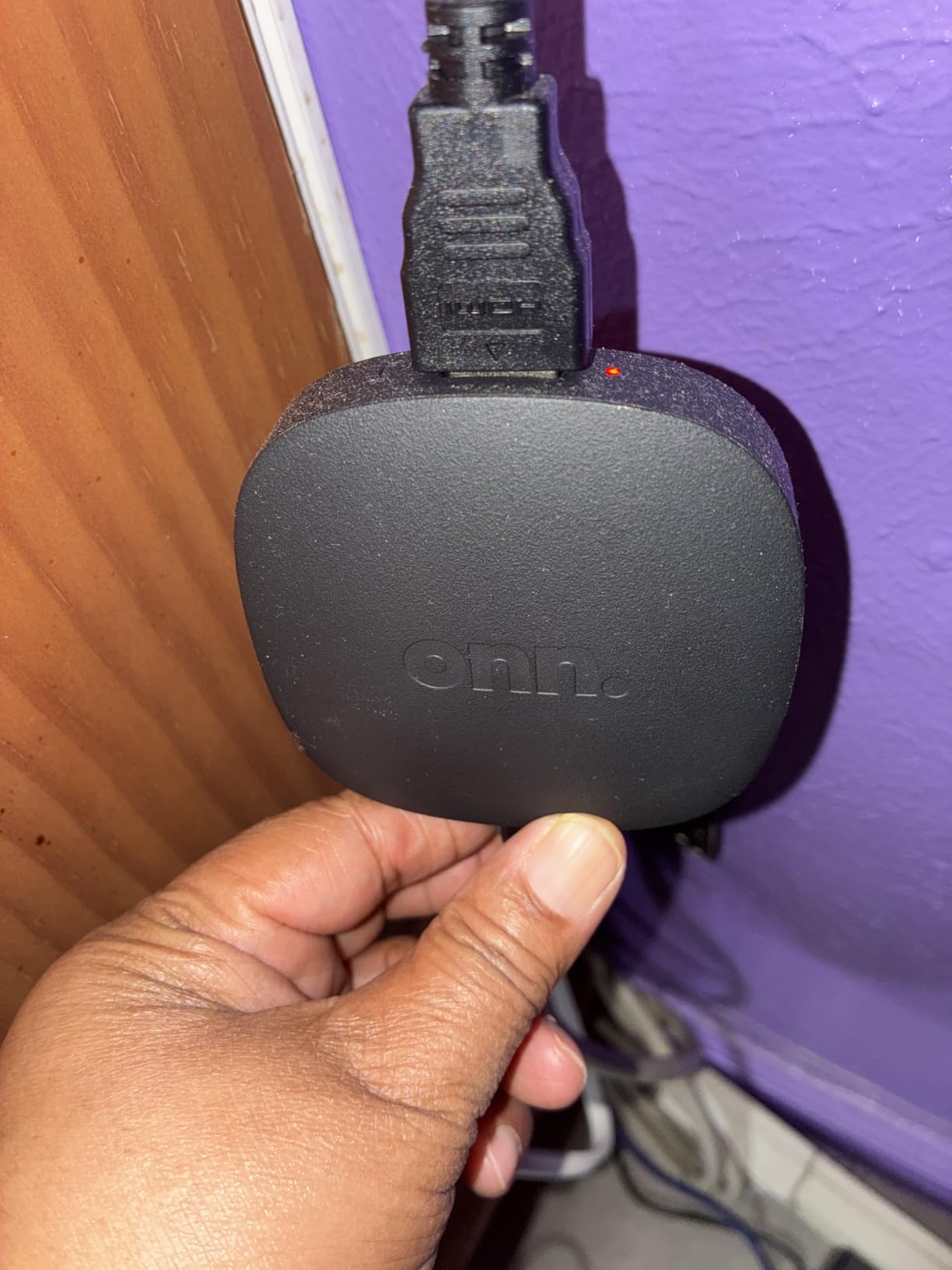
There are honest limitations. Storage is 8 GB, there is no USB port, and support for a budget brand is thinner than for Roku or Fire TV. Some users report slow boot times and needing to unplug and replug the device to recover from a stall, and reviewers describe the Google TV interface as clunky at times.
The most important caveat is regional. Reviews note the ONN line is region-locked to the US, which makes it a poor choice outside the country. That is a recurring question in reader threads about Walmart ONN devices for exactly this reason, and it is worth checking your region before ordering.
Who should buy the ONN Android TV 4K
US-based cord-cutters who want the full Google TV app store and Chromecast without spending much get the most from it. It suits a bedroom TV, a guest room, or a second set where a stick-sized budget matters more than premium features. Anyone testing Google TV before committing to a costlier box can start here.
It is also a straightforward option for a parent or an older viewer who needs a straightforward remote and familiar Google search. The included HDMI cable means setup takes minutes.
Who should look elsewhere
If you are outside the US, the regional restriction makes this a no-go, and the Xiaomi box is the better budget Google TV alternative. If your network is anything but solid, there is no Ethernet port to rescue a weak Wi-Fi connection, and there is no USB port for local files either.
Slow boot times and the occasional recovery reset are the reasons it lands last in our ranking despite a respectable 4.4 rating across more than 2k reviews. If you want more storage, a wired port, or more dependable support, the Google TV Streamer or Xiaomi box are the safer buys.
How to Choose a Streaming Device for a 4K TV
Work through these seven criteria in order and the decision makes itself. Start with picture and audio formats, because no interface improvement matters if the device cannot feed your television the HDR format it was built to show.
4K HDR and Dolby Vision support. All ten devices here output 4K, so look at the HDR format instead. The Fire TV Stick 4K Select is the only one without Dolby Vision. If your TV supports Dolby Vision, matching it is the single biggest picture upgrade available.
Dolby Atmos versus Dolby Vision. These are not the same thing and they map to different hardware. Dolby Vision is a picture format. Dolby Atmos is a sound format that needs an Atmos soundbar or receiver. A device can have one without the other, which is exactly the case with the Roku Streaming Stick 4K and the Roku Ultra LT.
Interface speed and ad load. A sluggish menu is the most common reason people return a streaming device. Home-screen advertising is the most common reason people regret one. Fire TV and Google TV lean promotional, Roku stays quieter, and older viewers in reader threads are pointed toward the simplest, ad-light option.
Storage capacity. 8 GB fills quickly and triggers low-storage warnings. 16 GB is comfortable, and 32 GB means you can stop thinking about it. Apps and firmware updates both consume space, and a device that fills up gets slow before it fails.
Connectivity. Three of these ten have an Ethernet port: the Roku Ultra, the Roku Ultra LT, and the Google TV Streamer. If your router is far from the TV or your wireless band is crowded, a wired connection is worth more than a faster processor. Otherwise Wi-Fi 6 or 6E is plenty for 4K streaming.
Ecosystem fit. Fire TV suits Amazon and Alexa homes, Google TV suits Android and Google Home homes, and Roku and TiVo are the content-agnostic choices. This matters more than it sounds, because it determines which assistant answers your voice commands and which store your apps come from.
Long-term support. Warranty length is a rough proxy for how long a company expects the hardware to matter. The Roku Ultra carries two years, the Google TV Streamer one year, the TiVo 90 days, and the Xiaomi box requires dealing with the seller directly. Buyers on forums consistently say software longevity matters more to them than peak specs.
One honest note on expectations. Forum readers frequently point out that most marketed 4K streams are closer to 2K in practice, so device headroom matters less than they assumed. That is largely true, and it is why we weight interface speed, ad load, and support more heavily than raw chip specifications in this roundup.
Which Ecosystem Should You Pick?
If your household already pays for Prime Video, the Fire TV sticks are the least friction. If you run Google Home, Android, or Chromecast, the Google TV boxes feel native. If you subscribe to a mix of Netflix, Hulu, Disney+, and Apple TV+ and want no allegiance, Roku is the neutral ground.
The head-to-head question that comes up most often is Roku against Fire Stick. The Roku Streaming Stick 4K wins on a quieter home screen and a smaller body, with Dolby Vision and HDR10+ and a long-range Wi-Fi receiver. The Fire TV Stick 4K Plus wins on Wi-Fi 6, Dolby Atmos, cloud gaming, and a much larger body of reviews. If ads on the home screen decide it for you, choose Roku. If Alexa and Prime decide it, choose Fire TV.
For Apple and Nvidia enthusiasts, the honest answer is that the most frequently recommended devices in reader threads on r/cordcutters and r/LGOLED sit outside this roundup of ten. Members there converge on the Apple TV 4K as the top pick, particularly for ad-free interfaces, long-term speed, and codec passthrough for Plex and local files, with the NVIDIA Shield recurring for the same enthusiast reasons. We did not include either device here, so treat those thread recommendations as a separate shortlist rather than a ranking you can read off this page.
Setup in 10 Minutes: HDMI Port, eARC and Picture Mode
Setup is where most of the value gets left on the table. Use the HDMI port marked eARC or ARC for the soundbar or receiver if you have one, and reserve a high-bandwidth HDMI 2.1 port for the streaming device itself. Plugging into an older port can quietly cap your refresh rate and features.
After the first sign-in, update the firmware before anything else, since a fresh device often ships with an older build. Then match the TV picture mode: choose the mode calibrated for your room rather than a vivid or movie preset, and turn off any TV-side motion smoothing and picture enhancement so the device is not being processed twice.
Finally, turn on HDMI-CEC or eARC so your TV remote controls volume and power, then check the audio format setting inside the streaming device. If you have an Atmos soundbar and are not hearing Atmos, the most common cause is the audio output being set to a plain stereo or digital mode rather than passthrough. Those three steps fix most complaints we see about a new device underperforming.
Frequently Asked Questions
What is the best media streaming device for my TV?
For most 4K TVs the Roku Streaming Stick 4K is the strongest all-round choice, pairing a 4.7 rating across 99k reviews with the cleanest interface in the category. Amazon households get more from the Fire TV Stick 4K Plus, and anyone with a wired network should look at the Roku Ultra. If your TV’s built-in platform is still fast and has every app you use, you may not need a device at all.
Which is better, the Roku Streaming Stick or the Fire Stick 4K?
The Roku Streaming Stick 4K has the quieter home screen, a smaller 25.54 g body, and a long-range Wi-Fi receiver, but no Ethernet port and no Dolby Atmos. The Fire TV Stick 4K Plus adds Wi-Fi 6, Dolby Atmos, and cloud gaming, at the cost of a more promotional home screen. Choose Roku for a calm interface, Fire TV for Amazon integration and audio formats.
Is there anything better than Apple TV 4K?
For ad-free viewing, long-term software support, and Plex users who need codec passthrough for DTS-HD and Dolby TrueHD or Atmos, reader threads on r/cordcutters and r/LGOLED frequently point to the Apple TV 4K. Among the ten devices in this roundup, the Roku Streaming Stick 4K is the closest match for interface simplicity, and the Roku Ultra comes closest on connectivity.
What is replacing Chromecast?
For built-in Chromecast support, look for a Google TV platform device. The Google TV Streamer 4K, the Xiaomi TV Box S 3rd Gen, the TiVo Stream 4K, and the ONN box all run Google TV with Chromecast built in. Devices that do not, including the Roku and Fire TV sticks, need a separate Chromecast or Miracast receiver for casting.
Do streaming devices have monthly fees?
The hardware does not carry a monthly fee. Subscription streaming services such as Netflix, Prime Video, and Disney+ are billed separately, and some apps push a higher tier with ads removed. Some devices also bundle free ad-supported live TV channels such as Pluto TV and Tubi. Budget for the services you actually use rather than the box.
Can I get all the channels I want on any streaming device?
No, and this is where the ecosystem question matters. Live TV services like YouTube TV, Sling, and Hulu with Live TV need a compatible app, and availability differs by country and by device store. The Roku store is missing some UK channels such as BBC iPlayer and Channel 4, while Walmart ONN devices are region-locked to the US. Check your specific channels before buying.
Conclusion
The best media streaming devices for 4K TVs in 2026 come down to a few clear matches. Buy the Roku Streaming Stick 4K for the calmest, most proven experience on any television. Go Fire TV if you are an Amazon household that wants Dolby Atmos and cloud gaming, and step up to the 4K Max when storage and speed matter. Buy the Roku Ultra when you want Ethernet and the best remote available, the Google TV Streamer for a Matter and Thread smart home hub, and the TiVo Stream 4K if searching every app in one place would save you the most frustration.
Whichever you choose, check the picture mode, the HDMI port, and the audio output setting on day one. Those three adjustments deliver more visible improvement than any spec difference between these devices, and they take about ten minutes.