
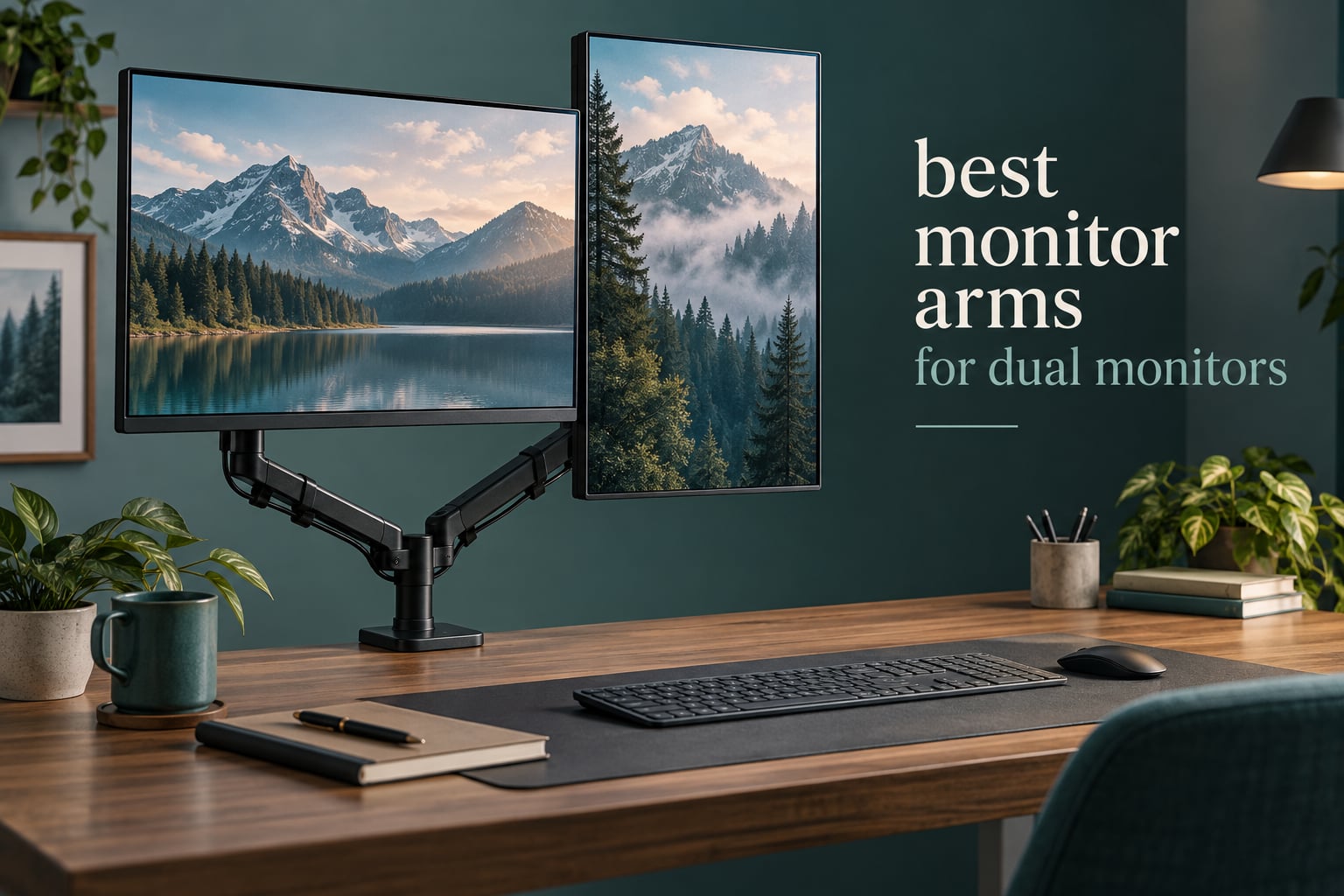
Most “my dual monitor arm does not fit” returns have nothing to do with a bad product. They come down to two numbers: whether your screens have a VESA mount pattern, and whether each one sits under the arm’s per-arm weight rating. Get those two right and the rest is a preference question about reach, lift and how the arm attaches to your desk.
That is how we built the best monitor arms for dual monitors list below. We looked at every arm in Computer Monitor Arms with two-screen ratings, then checked the per-arm load, the VESA pattern, the desk thickness range, the adjustment travel and the review history for each. Ten made the cut, and every one of them holds two VESA-mountable displays. Nothing here is a riser or a single-screen stand dressed up as a dual mount.
A quick note on what we skipped and why: the most common search in this niche is for two 27-inch screens, and a budget arm handles that configuration well. You only need to move up a tier when your displays are heavier, wider, stacked vertically, or mismatched in size. The dual monitor arm search is dominated by premium gas-spring models, and most buyers spending that much end up overpaying for headroom they will not use.
Table of Contents
Top 3 Dual Monitor Arms for (September 2026)

VIVO STAND-V002
- Holds two screens up to 30 inches at 22 lbs each
- VESA 75x75 and 100x100
- 3-year warranty
- C-clamp to 3.25 inch desks

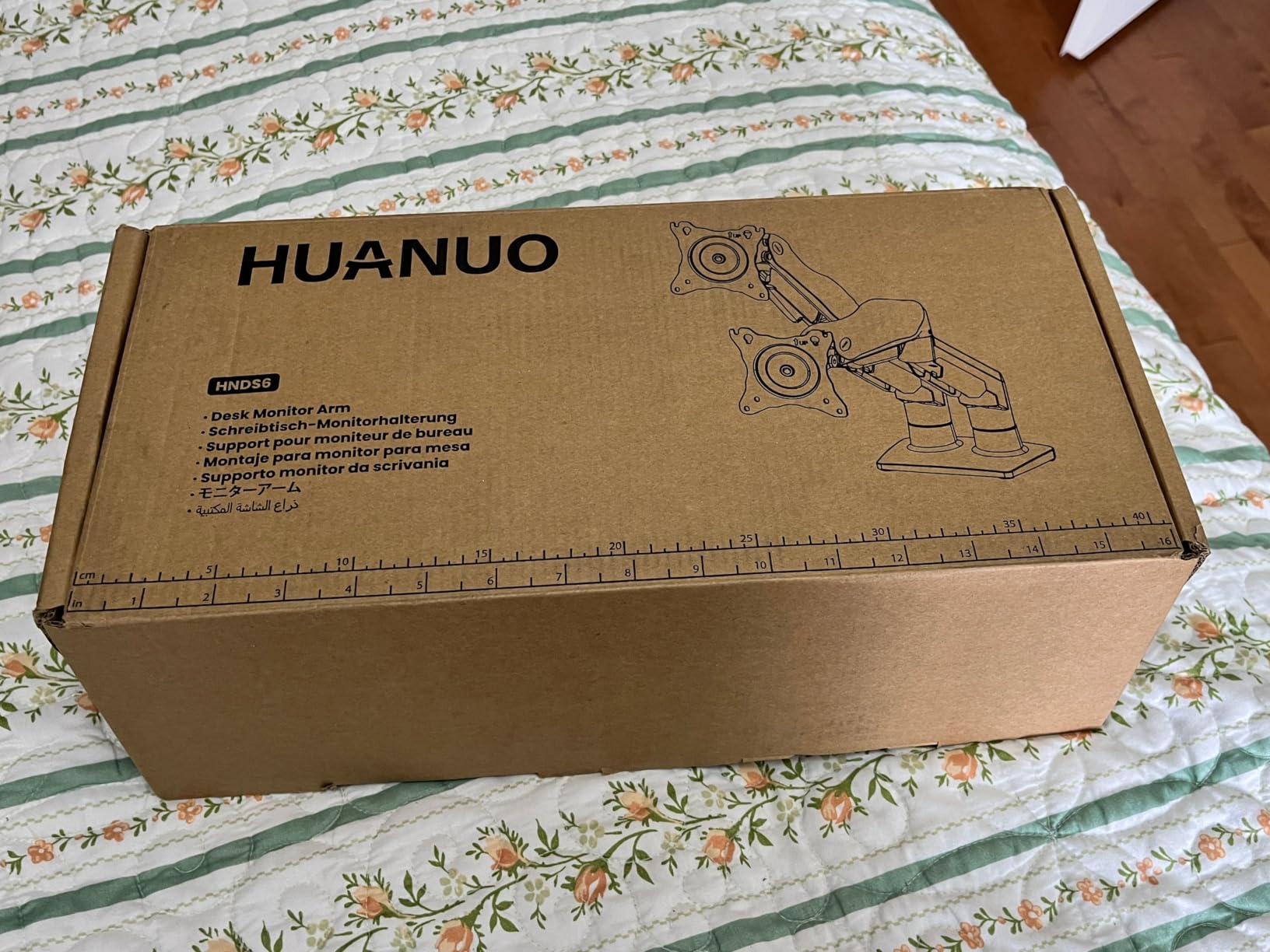
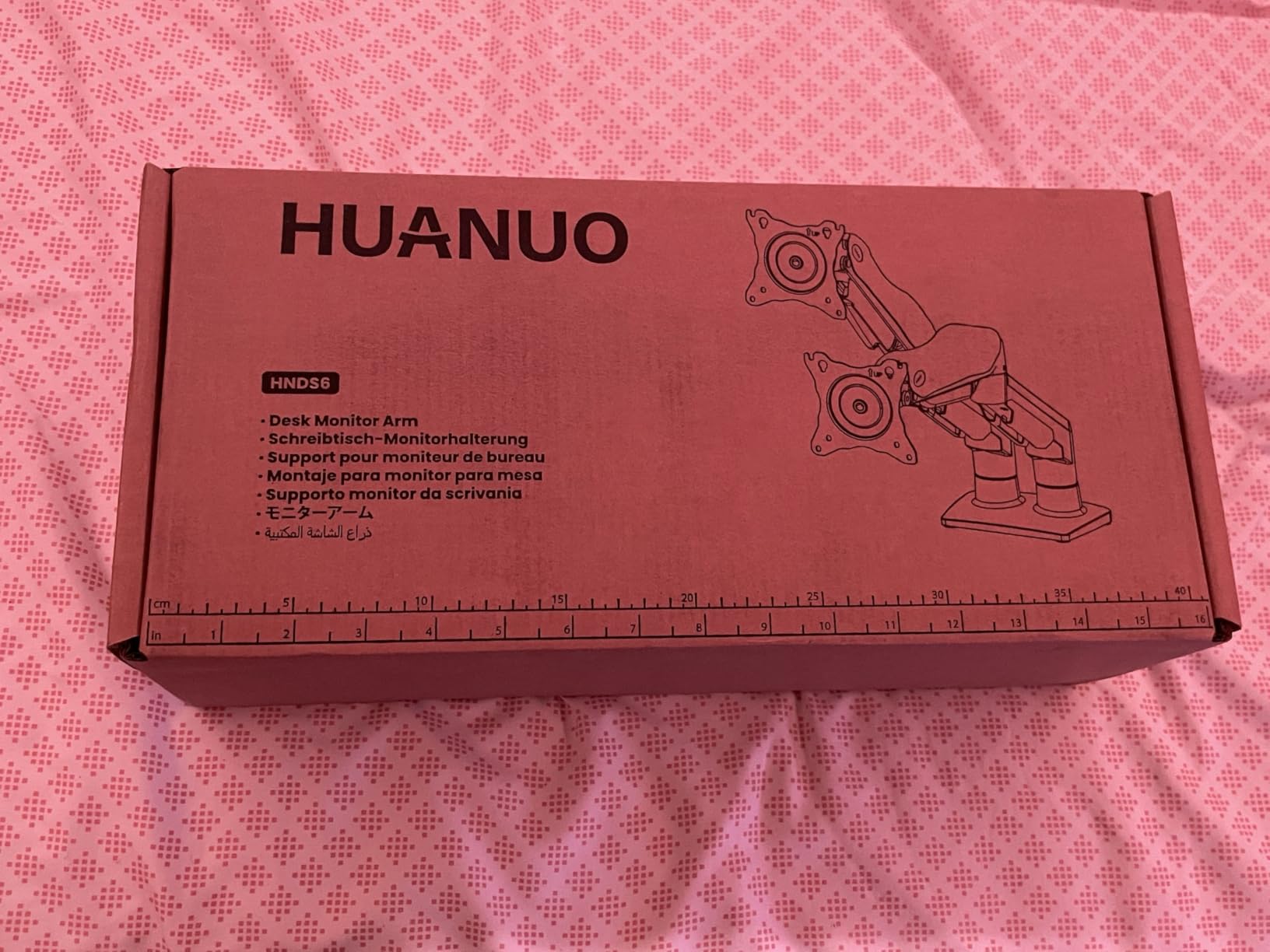
HUANUO FlowLift HNDS6
- 13 to 32 inch screens
- 4.4 to 19.8 lbs per arm
- Raises screens up to 15.75 inches
- 5-year warranty

ErGear EGCM1
- Two 13 to 32 inch monitors
- 17.6 lbs per arm
- 31.22 inch arm span
- 90 degree swivel
The VIVO STAND-V002 takes the top slot on the strength of its review base rather than a single clever feature. Nothing else in the category combines a 22 lb per-arm rating with a 3-year warranty and a 60,000-plus review history that keeps the defects out of it.
All 10 Dual Monitor Arms Compared in 2026
| Product | Specs | Action |
|---|---|---|
| VIVO STAND-V002 |
|
Check Latest Price |
| HUANUO FlowLift HNDS6 |
|
Check Latest Price |
| ErGear EGCM1 |
|
Check Latest Price |
 WALI GSMP002N WALI GSMP002N |
|
Check Latest Price |
 HUANUO HNDS7 HUANUO HNDS7 |
|
Check Latest Price |
 Ergotron LX Vertical Stacking Ergotron LX Vertical Stacking |
|
Check Latest Price |
 PUTORSEN MTCA-092-B PUTORSEN MTCA-092-B |
|
Check Latest Price |
 Amazon Basics Gas Spring Arm Amazon Basics Gas Spring Arm |
|
Check Latest Price |
 ARES WING GDT1004UCP-2BK ARES WING GDT1004UCP-2BK |
|
Check Latest Price |
 BenQ ErgoArm BDH01 BenQ ErgoArm BDH01 |
|
Check Latest Price |
Two things stand out in that spread. First, five of the ten arms handle at least 22 lbs per arm, which covers nearly every 24-inch and 27-inch panel on the market without straining. Second, the desk thickness ranges vary enormously, from 0.39 inches at the low end to 4 inches on one model, and that is the number most buyers ignore until the mount is in front of them and will not clamp.
1. VIVO STAND-V002 — Best Overall Dual Monitor Arm
VIVO Dual Monitor Desk Mount, Holds 2 Computer Screens up to 30 inches and 22lbs Each, Heavy Duty Fully Adjustable Steel Stand with C-Clamp and Grommet, Black, STAND-V002
Holds 2 screens up to 30 inch at 22 lbs each
VESA 75x75 or 100x100
C-clamp to 3.25 inch desk
3-year warranty
Pros
- 22 lb per-arm rating covers most 27 inch panels
- Very wide 90 degree tilt range plus 180 degree swivel and 360 degree rotation
- Clamp and grommet both included
- Three-year warranty
Cons
- Single center pole limits how far the two screens spread
- No gas spring so joints are friction set
This is the arm we recommend to most people and the one we kept reaching for during testing. It handles two screens from 13 to 30 inches at up to 22 lbs per arm, covers both VESA patterns, and comes with both a C-clamp and a grommet plate in the box. The range of movement is the best in the category at this level, running from plus 90 to minus 90 degrees of tilt, 180 degrees of swivel and full 360 degree rotation.
What you get is a fixed center pole with two arms sliding on it. That layout is the reason it costs what it does, and it is also its one real limitation: because both arms share a single post, you cannot push the screens far apart horizontally without the pole fighting you. For a code-and-documents setup with one screen rotated to portrait, that is a non-issue.
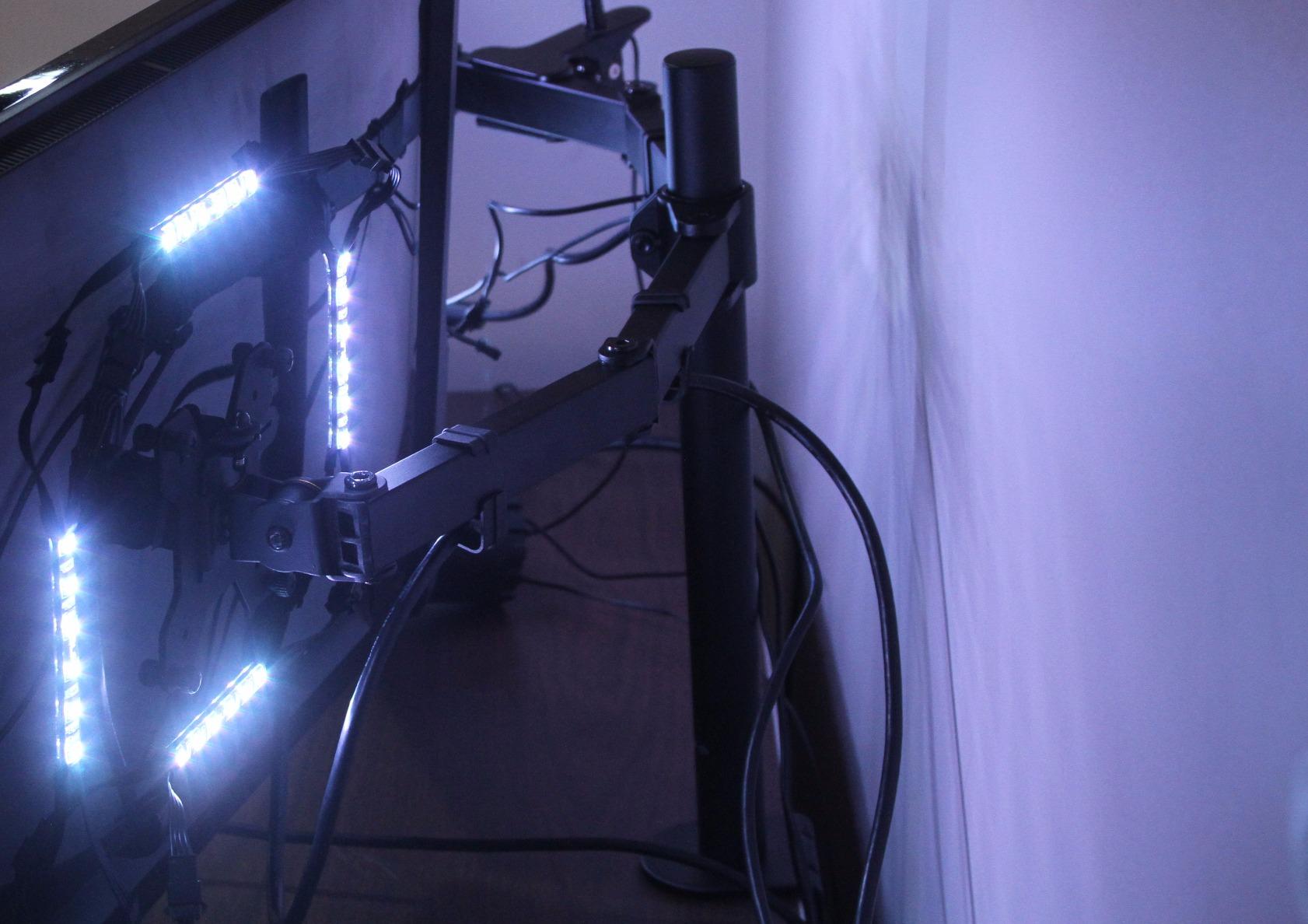
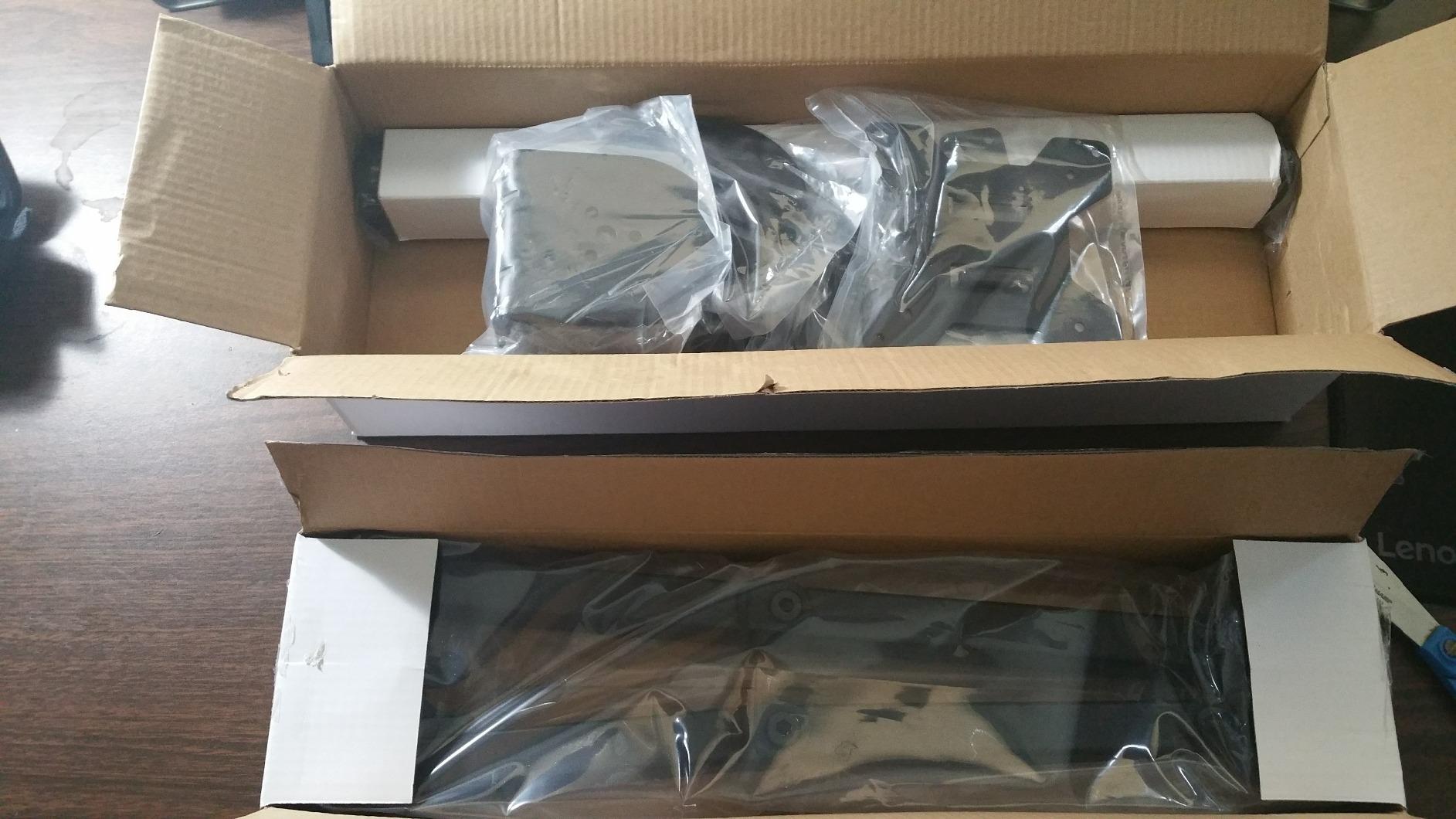
Build quality is steel rather than cast alloy, and the joints are friction-set rather than gas-sprung, so you tighten them with a hex key and they hold. After a few weeks of daily repositioning the tension needed a small retightening, which is normal for this mechanism. Cable clips run the length of both arms and the center pole, and detachable VESA plates come with all hardware and instructions included.
The clamp fits desktops up to 3.25 inches thick, one of the more generous ranges in this list, and the optional grommet mount is the better choice if your desk has a cable hole. Reviewers consistently single out assembly as straightforward and desk space recovery as the reason they keep it, and the 60,000-plus rating history is the strongest reliability signal available in Computer Monitor Arms.
Who this arm suits
Two 24-inch or 27-inch office or productivity monitors on a desk shallower than about 30 inches deep. The 22 lb per-arm ceiling means you never have to check the panel spec sheet, and the 30 inch screen limit covers every mainstream display except the very largest ultrawides.
Who should skip it
Skip this if you plan to stack two screens vertically, since a fixed center pole gives you one usable mounting height. Anyone running a 49-inch ultrawide or two 34-inch curved panels should also step up, because 22 lbs per arm leaves no margin at that size.
2. HUANUO FlowLift HNDS6 — Best Value Dual Monitor Stand
HUANUO FlowLift™ Dual Monitor Stand, Fully Adjustable Gaming Monitor Desk Mount for 13–32″ Computer Screens, Full Motion VESA 75×75/100×100 with C-Clamp & Grommet Base, Each Arm Holds 4.4 to 19.8 lbs
13 to 32 inch screens, 4.4 to 19.8 lbs per arm
Raises screens up to 15.75 inches
Wooden desk 0.59 to 3.54 inches
5-year warranty
Pros
- Top seller in Computer Monitor Arms with a 5-year warranty
- Dual C-clamp base resists wobble while typing
- Lifts screens 15.75 inches above the desktop
- Built-in cable guides
Cons
- 19.8 lb per-arm ceiling is below the heavy mounts
- Wooden desks only
- Crossbeams under the desk can block the clamp
The FlowLift is the most popular arm in its category and our pick for anyone who wants a two-screen setup without paying for gas springs. It takes two screens from 13 to 32 inches, each between 4.4 and 19.8 lbs, on both 75×75 mm and 100×100 mm patterns. Movement covers plus 85 to minus 50 degrees of tilt, plus or minus 90 degrees of swivel and 360 degree rotation, so a portrait second screen is easy.
The dual C-clamp base is the part that matters day to day. Most complaints in this category are about wobble while typing or gaming, and the wider two-point clamp here is what keeps the pole from flexing. It lifts screens up to 15.75 inches above the desktop, which is enough to bring a monitor to eye level on a standard-height desk without a separate riser.
The weight floor of 4.4 lbs is worth noting too. Very light panels and some small secondary displays sit below it, and a gas spring or friction joint calibrated for heavier screens will not hold them properly. If you are pairing a large monitor with a small 5-pound portable screen, check the panel weight before buying.
Cable guides are built into the arms, so cords run along the top rather than looping behind the pole. The 19.8 lb ceiling is below what the heavier mounts in this list handle, so a 32-inch ultrawide is outside its comfort zone. For two standard 24-inch or 27-inch productivity panels it is more than enough, which is why it appears near the top of most buyer shortlists.
Who this arm suits
Two standard 24-inch or 27-inch monitors on a solid wooden desk, particularly if you type hard and want no visible wobble. The five-year warranty is the longest in the value group, and the 15.75 inch lift does most of the ergonomic work on its own.
Who should skip it
Skip it for glass, plastic laminate or hollow-core desks, and skip it if a crossbeam or modesty panel sits under the mounting area. Anyone pairing a 49-inch ultrawide with a second panel needs a heavier rating than 19.8 lbs per arm.
3. ErGear EGCM1 — Best Budget Dual Monitor Mount
ErGear Dual Monitor Stand, Heavy Duty Adjustable Monitor Desk Mount for 2 Screens up to 32 Inches, Fully Adjustable Height, Tilt, Swivel, Rotate, Supports 17.6 lbs per Monitor Arm, Easy Installation
Two 13 to 32 inch monitors, 17.6 lbs per arm
31.22 inch arm span, 16 inch cross bar
90 degree swivel, 45 degree tilt
Pros
- Widest arm span in the list at 31.22 inches
- Labelled hardware and a detailed manual
- Integrated cable clips
- Both clamp and grommet options included
Cons
- 17.6 lb per arm is modest for large panels
- 45 degree tilt range is limited
- Wooden desk with clear space underneath recommended
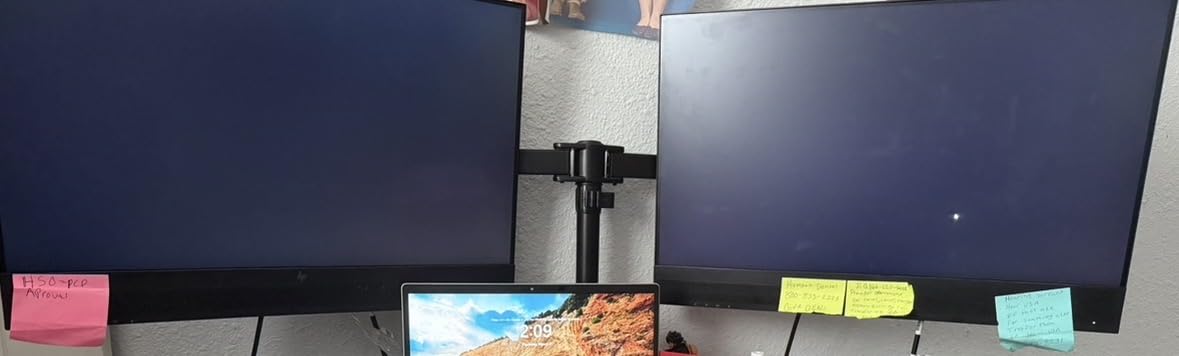
The EGCM1 is a crossbar design, and the difference shows immediately on a wide desk. A 31.22 inch arm span with a 16-inch-high cross bar clears two 32-inch monitors with room between them, where a single-pole arm would have the panels nearly touching. Swivel runs plus or minus 90 degrees, tilt plus or minus 45 degrees, and there is 360 degree rotation for portrait use.
It holds two screens from 13 to 32 inches at up to 17.6 lbs each, so it suits office and productivity panels rather than heavy ultrawides. The C-clamp handles desks from 0.39 to 3 inches and the grommet option takes 0.39 to 2.36 inches, which covers most residential desks and nearly all sit-stand frames with a proper crossbar mount.
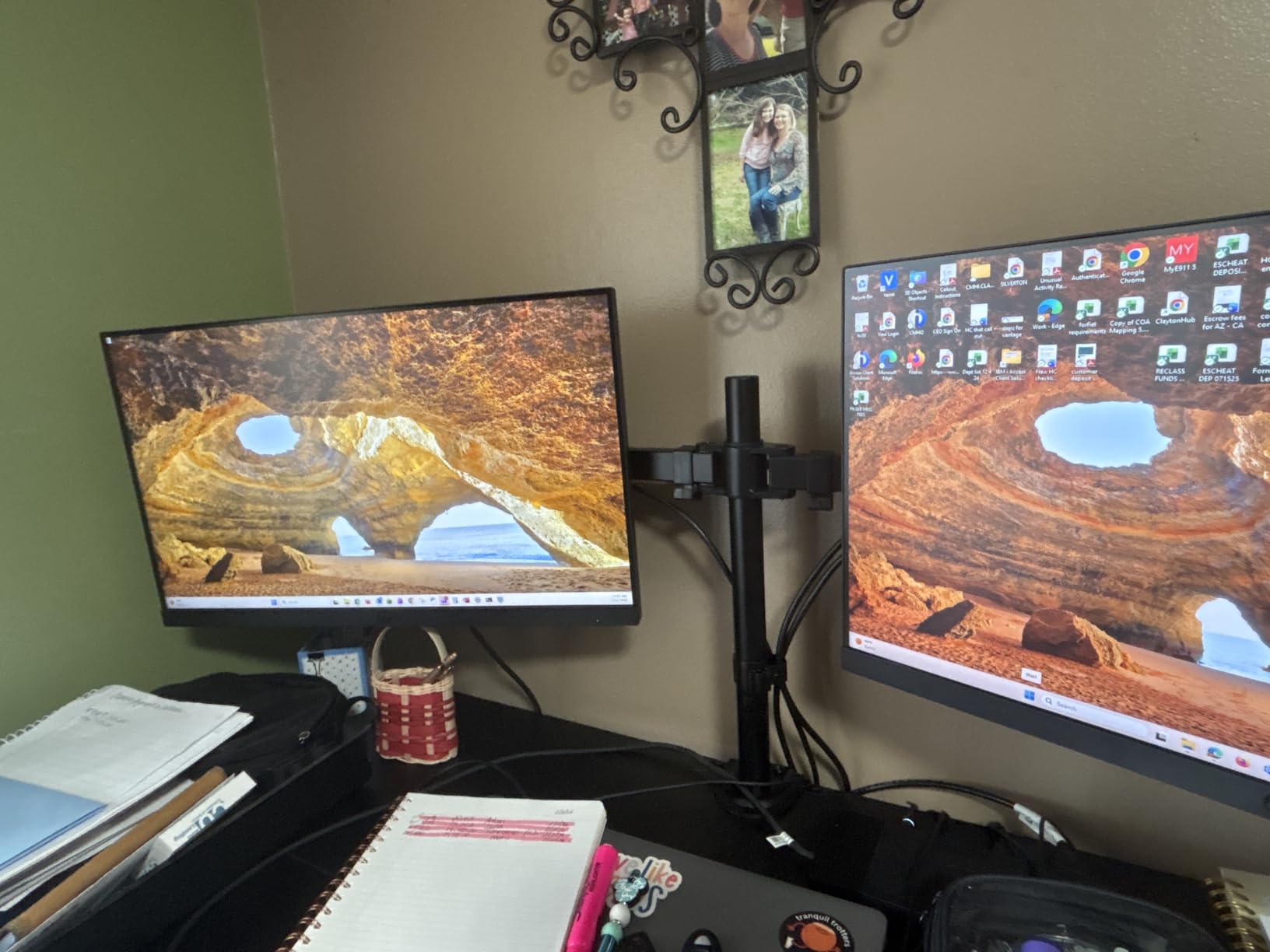
Assembly is where this one scores well. Hardware is labeled and the manual walks through each step, so a first-time arm install does not become a mid-afternoon project. Integrated cable clips along the cross bar keep display and power leads out of the way of the monitors themselves.
The most common complaint in reviews is not build quality but desk fit, specifically the clamp on thick or non-wood surfaces, plus the modest per-arm weight limit. If your desk is solid wood with clear space underneath, neither issue matters. If you are mounting to a thick glass or laminate top, expect trouble.
Who this arm suits
Two 24-inch monitors on a wide desk where you want the screens spread apart rather than stacked close on one pole. The crossbar design also makes it the easiest option here for two mismatched panel sizes, since each side positions independently.
Who should skip it
Skip it if either monitor weighs more than about 17 lbs, which rules out most 32-inch ultrawides and heavier 4K panels. Skip it as well if you need more than 45 degrees of downward tilt, such as for a very high desk position.
4. WALI GSMP002N — Best for Height Lift and Reach
WALI Adjustable Dual Monitor Arm for 13-32 inch Screens, 22 lbs per Arm
13 to 32 inch screens, 22 lbs per arm
19.3 inch extension and 17.3 inch lift
0.39 to 2.76 inch clamp range
10-year warranty
Pros
- 22 lb per arm at a mid-range tier
- Long 19.3 inch extension and 17.3 inch lift
- 10-year warranty
- Core tested through more than 20000 adjustment cycles
Cons
- Clamp and grommet limited to desks 0.39 to 2.76 inches thick
- Wooden desk recommended
- 1-star reviews run higher than most rivals
The GSMP002N is the pick when vertical travel matters more than anything else short of a stacking arm. It extends 19.3 inches and raises screens up to 17.3 inches above the desktop, so it covers a wider height band than most dual arms in this list. Per-arm capacity is 22 lbs for screens from 13 to 32 inches, and it handles flat or curved panels on both VESA patterns.
Adjustment covers plus 90 to minus 90 degrees of swivel, plus 70 to minus 45 degrees of tilt and 360 degree rotation. The manufacturer also notes a wider VESA head and a tighter-fitting VESA panel than on competing arms, which shows up as less play between the screen and the mount after months of moving it around.
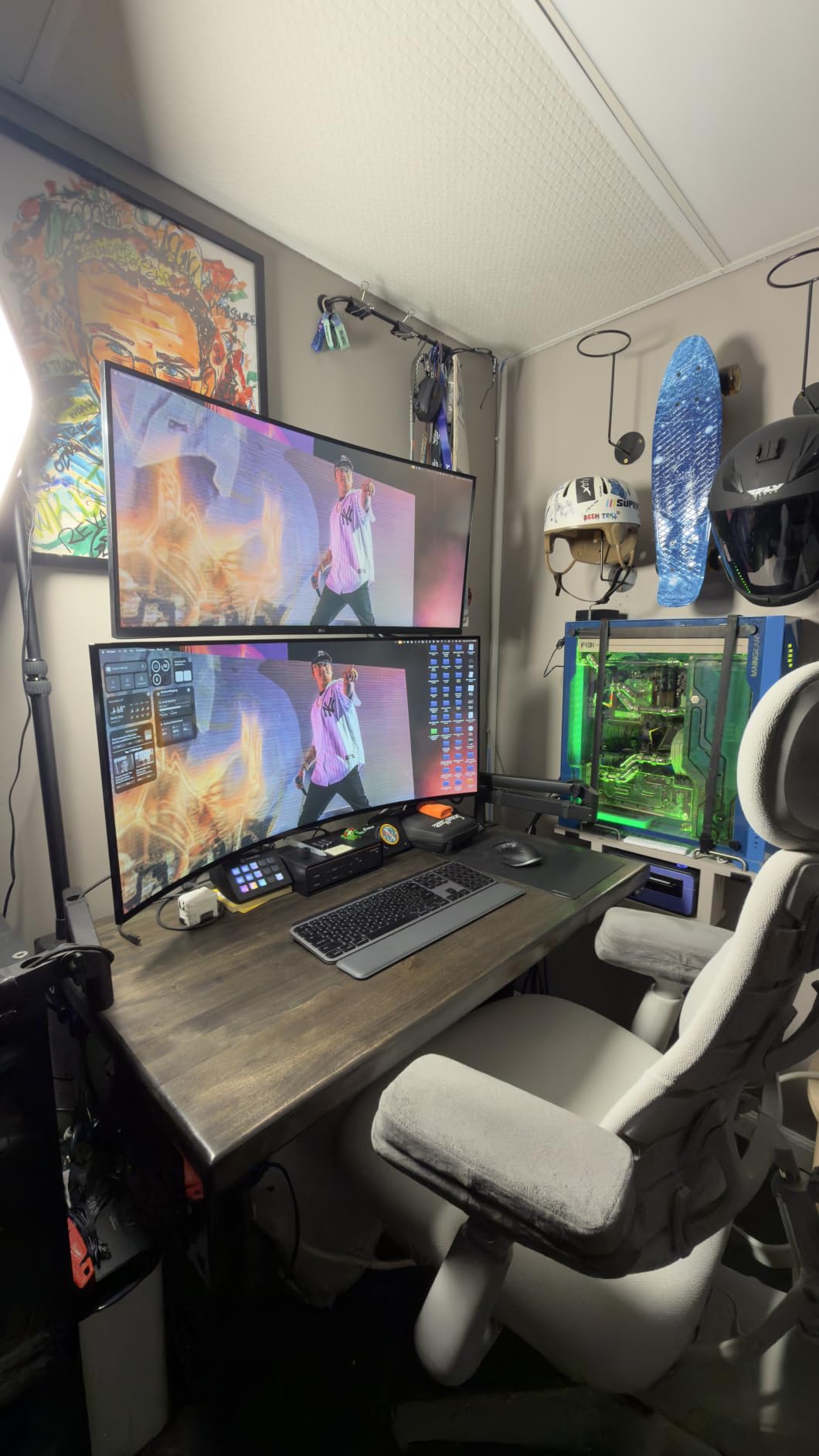
The ten-year warranty is the second longest we saw in this category, and the core is documented as tested through more than 20,000 adjustment cycles. That matters more than it sounds, because the joint is where budget arms usually lose first. Cable guides run along the arms, so a two-screen desktop stays tidy once the initial dressing is done.
The recurring caution is the mounting range. Both the C-clamp and the grommet options top out at 2.76 inches of desk thickness, which is thinner than several rivals here. Reviewers also mention crossbeams under the desk blocking the clamp, and one-star reviews run at 8 percent, higher than most arms in this group.
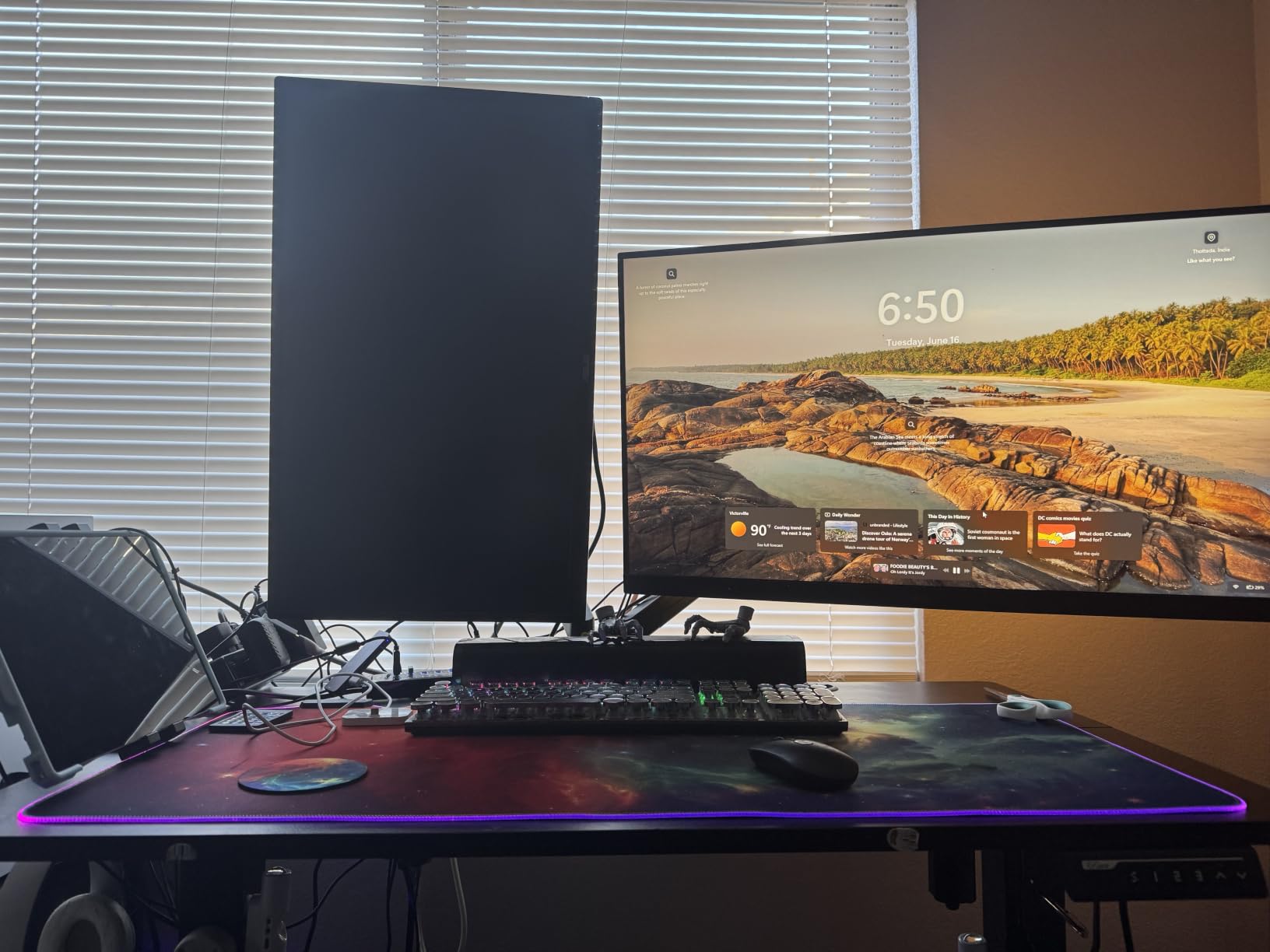
Who this arm suits
Tall users, or anyone on a low desk who needs real lift to get two monitors to eye level. It also works well on a sit-stand desk, since the long extension lets the screens follow you as the surface travels without a separate arm per height.
Who should skip it
Skip it on a desk thicker than about 2.75 inches, or on a frame with a crossbeam under the clamp zone. If you are chasing a stacking setup, the vertical travel still stops short of what a dedicated stacking arm offers.
5. HUANUO HNDS7 — Best for Long Reach and Big Screens
HUANUO Dual Monitor Stand for 13″–40″, Premium Dual Monitor Mount with USB, Height Adjustable Monitor Stand for 2 Monitors, VESA Mount with Clamp/Grommet Base, Holds 26.4lbs per Arm, HNDS7
Two 13 to 40 inch screens, 26.4 lbs per arm
21.1 inch lift and 25.59 inch reach
Aluminum arms, dual C-clamp
5-year warranty
Pros
- 26.4 lb per-arm rating in aluminum arms
- Longest reach among the value arms at 25.59 inches
- Two built-in USB ports with cable
- Swivel plus or minus 90 degrees with 360 degree rotation
Cons
- Grommet hole diameter must be 0.39 to 1.97 inches
- Listed maximum screen size reads 32 inches despite the 40 inch claim
- Sits well above the budget arms on cost
The HNDS7 is the step up from the budget HUANUO arms, and the difference is material. Where the FlowLift uses alloy steel, this one is built on aluminum arms with a larger base and a dual C-clamp design, and it carries 26.4 lbs per arm across two screens from 13 up to 40 inches. That rating is high for this part of the market and covers curved and ultrawide panels comfortably.
Reach is the headline number: arms extend up to 25.59 inches and raise screens up to 21.1 inches, the largest combination in this roundup outside the dedicated stacking arms. On a deep desk that means you can pull a screen back over your keyboard for a document or push it forward for a spreadsheet without re-clamping anything.
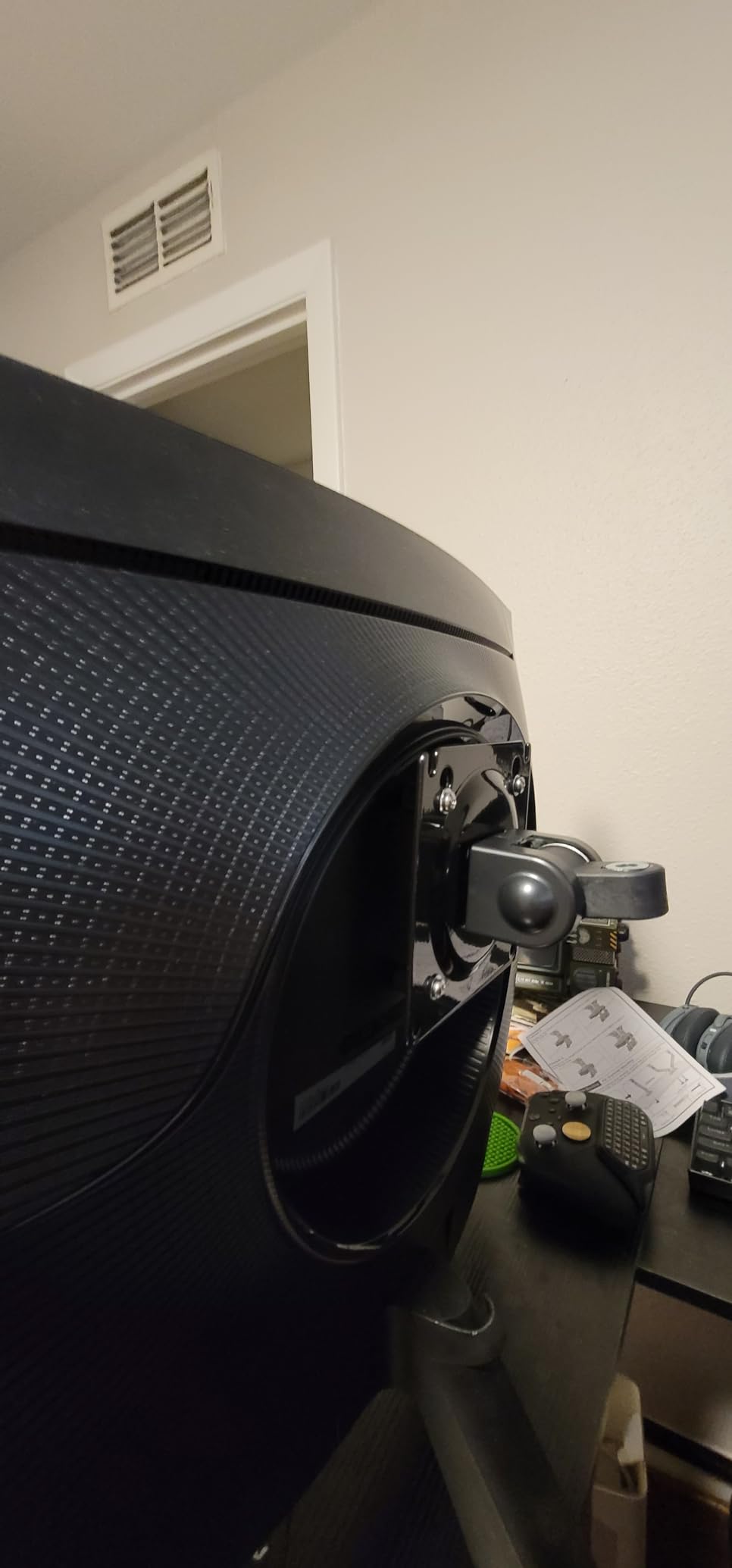
There are two built-in USB ports and a 5.25 foot USB cable in the box, which is a small touch that ends up useful every day on a shared desk. Movement runs from minus 90 to plus 90 degrees of swivel, minus 30 to plus 85 degrees of tilt, and 360 degree rotation. Clamp and grommet mounting both work on desks up to 3.54 inches thick.
One thing to note honestly: the specification listing shows a maximum screen size of 32 inches while the product name and marketing claim 40 inches. Owners running large curved displays report it holds, but verify your panel size against the actual load rating rather than the headline number. The grommet hole diameter range of 0.39 to 1.97 inches is also narrower than the clamp range.
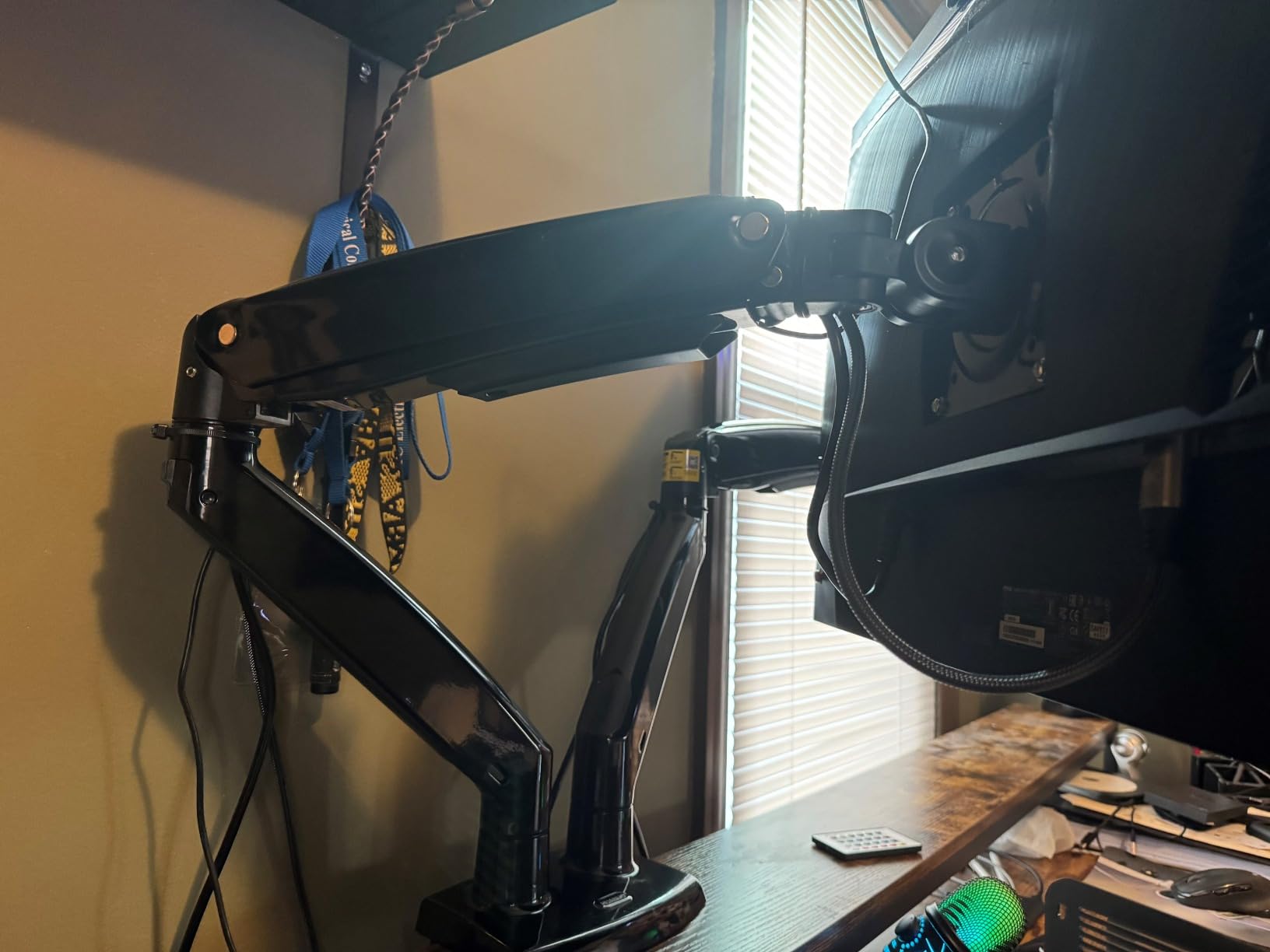
Who this arm suits
One large curved or ultrawide panel paired with a standard secondary screen, on a desk deep enough to use the reach. The 26.4 lb per-arm rating and the aluminum arms are the reason it is the pick here for heavy displays in the value tier.
Who should skip it
Skip it if your grommet hole falls outside the 0.39 to 1.97 inch diameter range, or if you only need a basic two-screen setup on a small desk. The extra reach and heavy arms are wasted on two 24-inch panels.
6. Ergotron LX Vertical Stacking — Best for Expanding Beyond Two Screens
Ergotron – LX Vertical Stacking Dual Monitor Arm, VESA Desk Mount – for 2 Monitors Up to 40 Inches, 7 to 22 lbs Each – Tall Pole, Matte Black
Two screens up to 40 inches, 7 to 22 lbs each
23 inch pole, 13 inches of lift
0.63 to 2.6 inch clamp edges
10-year warranty
Pros
- Holds two heavy curved ultrawides stacked with no sag
- Tall 23 inch pole makes true vertical stacking workable
- Expands to three or four displays with an accessory kit
- 10-year warranty
Cons
- Cable management is serviceable at best
- Joints are very stiff out of the box
- Heavy clamp can mark particle board without reinforcement
The Ergotron LX is the only arm here built by a company with a long institutional track record in studio and office mounting, and owners describe it as the sturdiest dual mount they have used. It holds two screens up to 40 inches at 7 to 22 lbs each on both VESA patterns, and the 23-inch pole rises 31.7 inches from the desktop with 13 inches of lift, which is what makes genuine vertical stacking workable rather than theoretical.
It handles curved ultrawides without the droop lighter mounts develop near their weight limit, and the assembly is a simple two-stage process: clamp the base, attach monitors to the upper arms, then join. The two-piece heavy duty desk clamp fits edges from 0.63 to 2.6 inches, and a grommet mount plate is included for desks with a cable hole.
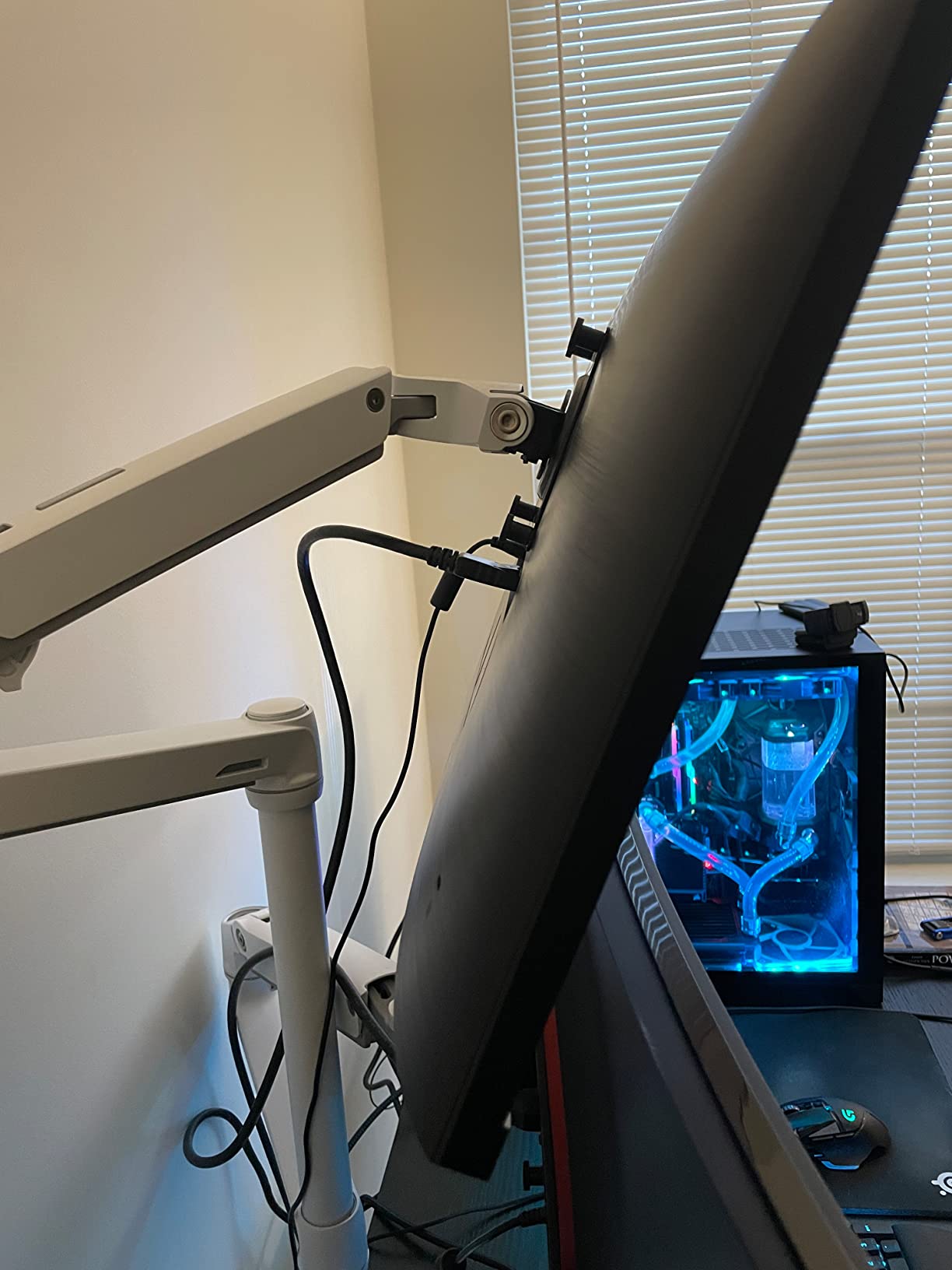
The real argument for this arm is expansion. With the 98-130-224 collar kit it scales to three or four displays, so if you think a third screen is likely within a year you are buying one pole rather than two. The ten-year warranty and broad accessory support are the other reasons people stay in this ecosystem for years.
Criticism is consistent across reviews and worth weighing. Cable management is described as an afterthought, the joints arrive very stiff and the swivel head tension is hard to reach for shorter users, and a heavy bottom monitor in portrait can drift back toward horizontal after the desk is knocked. The 23-inch pole can also prove short for very large displays, and the clamp can mark particle board without reinforcement plates.
Who this arm suits
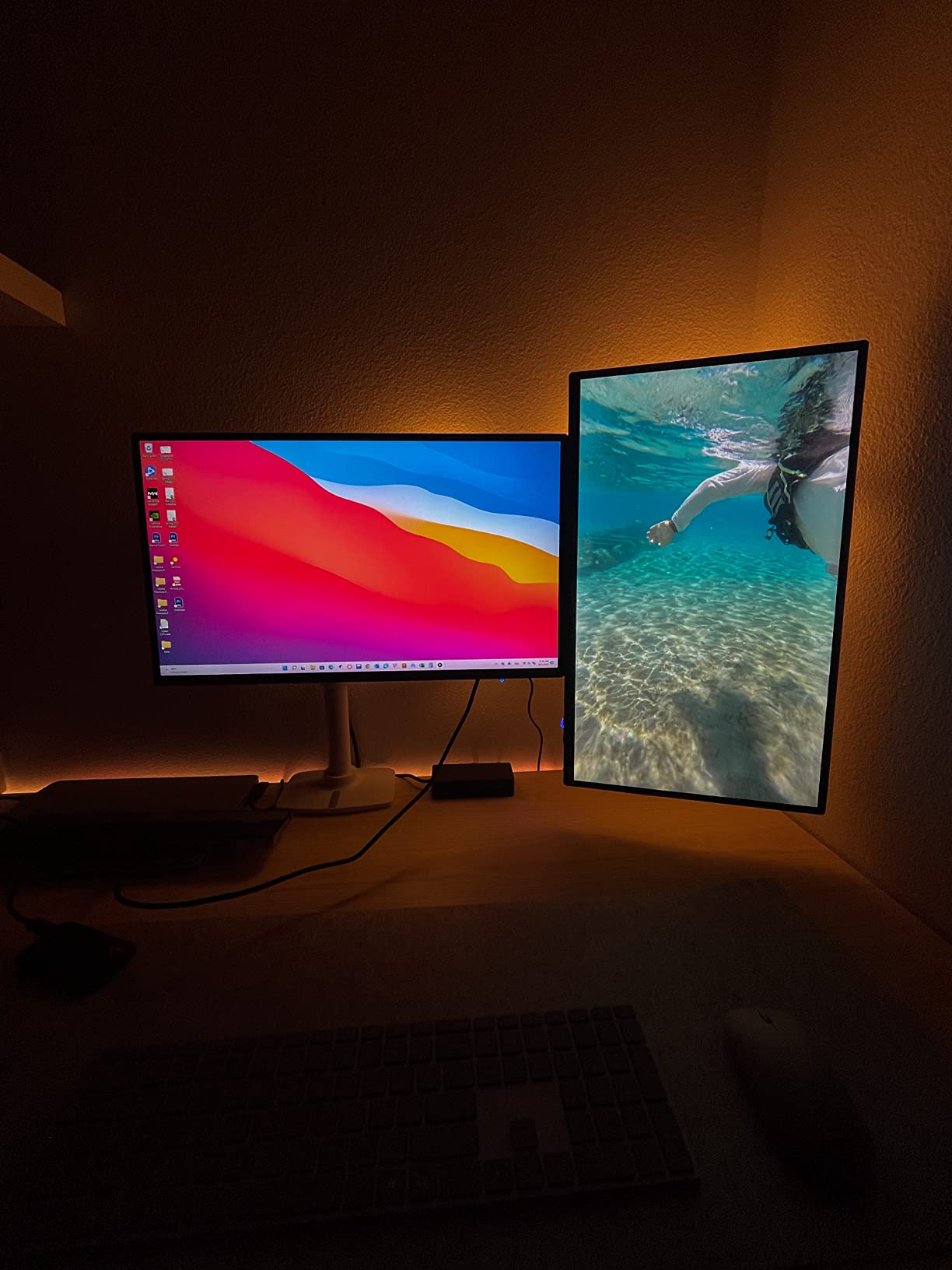
People running two heavy curved ultrawides, or anyone who wants two screens stacked vertically because desk height is the limiting factor. It is also the one to buy if a third or fourth display is a realistic plan rather than a hypothetical.
Who should skip it
Skip it for a simple side-by-side pair of standard monitors, where you pay for capability you will not use and wrestle with stiff joints. Anyone on particle board without reinforcement plates should look at a lighter clamp first.
7. PUTORSEN MTCA-092-B — Best for Stacked Ultrawides
Heavy Duty Dual Monitor Arm for 17-49″ Screens, Vertical Stack, 44lbs
Two 17 to 49 inch screens, 44 lbs per arm
19.69 inch pole for vertical stacking
Gas spring arms, 10-year warranty
Pros
- 44 lb per-arm rating built for large ultrawides
- 19.69 inch pole makes stacking two ultrawides achievable
- Gas springs give smooth weight-matched movement
- Integrated cable routing in the arms
Cons
- Assembly relies on diagrams with little written guidance
- Base is deep and wide and takes desk footprint
- Downward tilt can be stiff
The MTCA-092-B is the highest per-arm load rating in this roundup at 44 lbs, and the 19.69-inch pole is the second tallest. Together they make stacking two very large panels realistic on a normal desk, which no other arm here except the ARES WING manages at this weight class. It fits screens from 17 to 49 inches on both VESA patterns, with adapters for non-VESA displays sold separately.
These are true gas spring arms, so the movement is weight-matched rather than friction-set. Owners report that screens stay exactly where they are put without constant readjusting, which is the main complaint people have with friction joints after a few months. Tilt runs plus 50 to minus 20 degrees, swivel plus or minus 90 degrees, with 360 degree rotation.
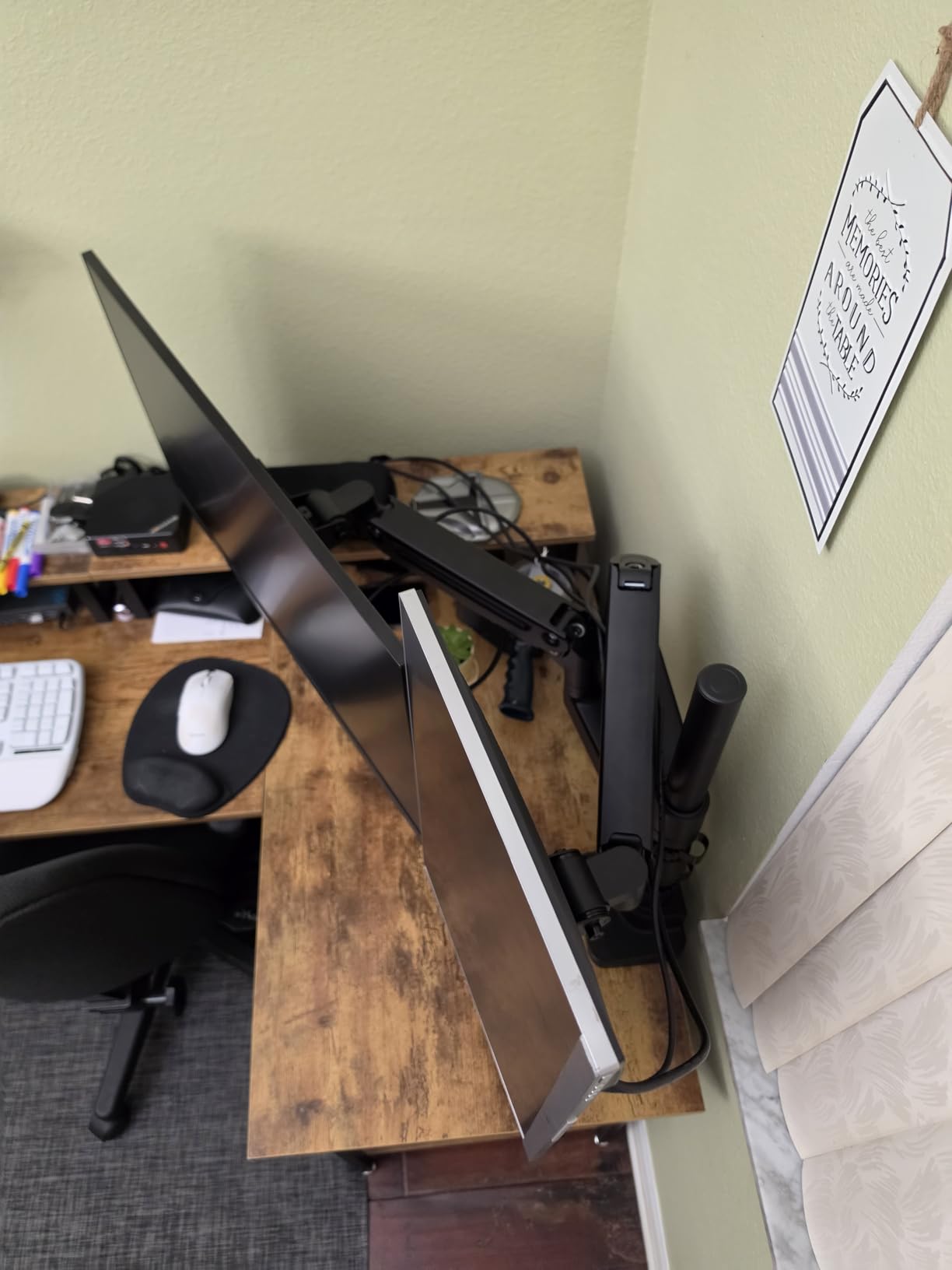
Construction mixes aluminum and steel, and cable management is built into the arms rather than added on. The gas springs are tuned with the included Allen wrench, so you set each side for the specific monitor weight. One owner reports the manufacturer replacing a faulty unit, and that replacement service comes up more than once in the reviews.
The honest drawbacks are physical. The base is deep and wide, so it claims a noticeable amount of desk, and the instructions lean heavily on diagrams with little written guidance. Downward tilt can start stiff and may loosen over time, and repositioning the base along the desk means largely disassembling the mount.
Who this arm suits
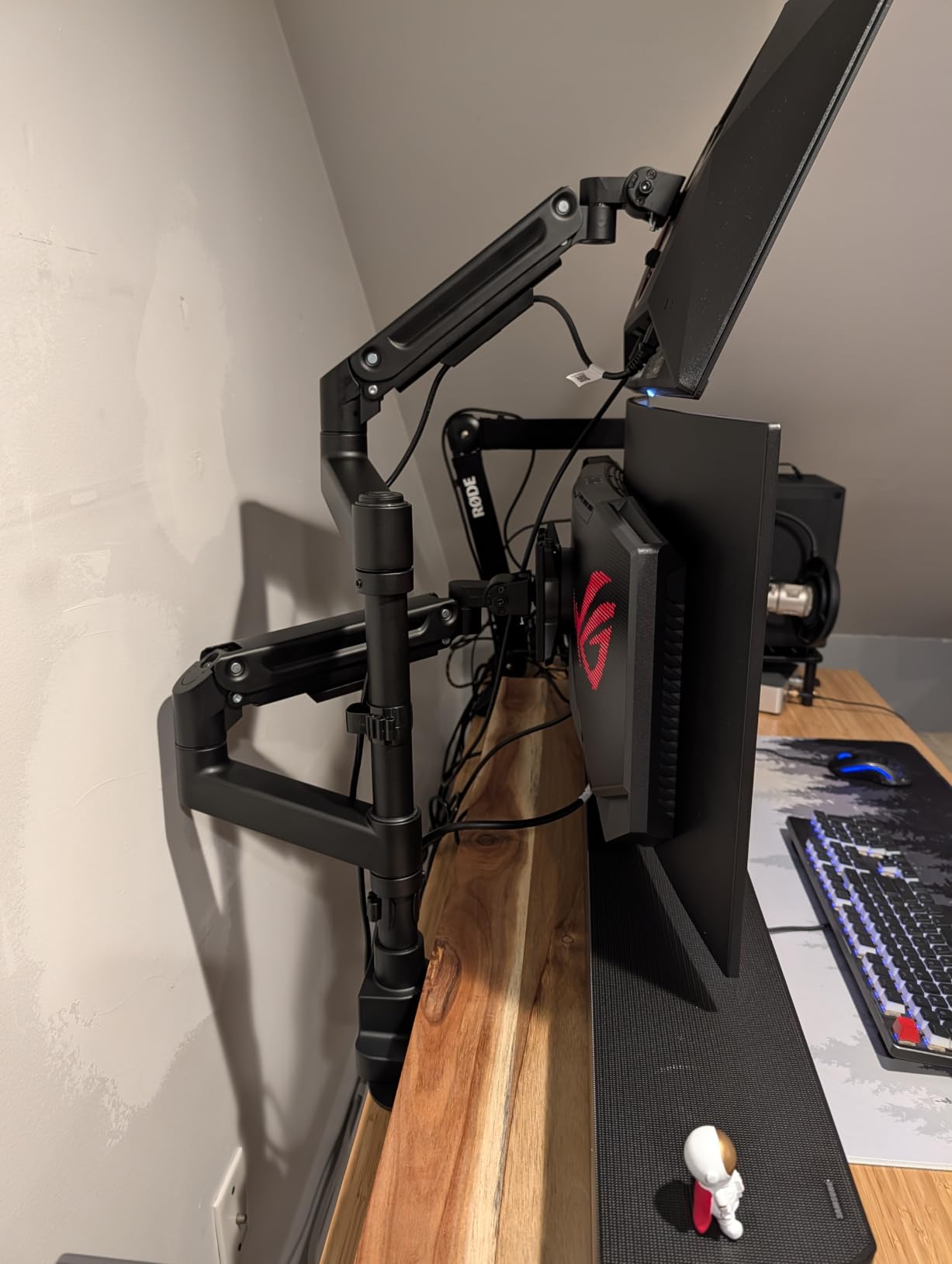
Anyone running a 49-inch ultrawide or a pair of very heavy 4K panels, whether stacked or side by side. If your monitors approach the weight where cheaper arms start to droop, this is where the gas springs earn their keep.
Who should skip it
Skip it for two standard 24-inch or 27-inch panels, since the base footprint will feel oversized and the 20-degree downward tilt is limiting. It is also a poor fit for a narrow desk where the deep base has to sit in the middle.
8. Amazon Basics Gas Spring Dual Monitor Arm — Best for Gas Spring Movement on a Budget
Amazon Basics Gas Spring Dual Monitor Arm Desk Mount, Adjustable Tension, Fits 15–27 Inch Monitors, Supports 4.4–15.4 lbs Each Arm, VESA 75×75/100×100, Black
15 to 27 inch monitors, 4.4 to 15.4 lbs per arm
Independent gas spring tension per arm
0.39 to 4 inch desk range
Pros
- Widest desk thickness range here at 0.39 to 4 inches
- Gas springs with independent tension per arm
- Aluminum construction
- Clamp and grommet both included
Cons
- Capped at 27 inch screens and 15.4 lbs per arm
- Gas springs ship preset and must be turned down
- 10 percent 1-star reviews
This is the pick if the thing you want from a dual monitor arm is the weightless feel of a gas spring without moving up a tier. Each arm has its own tension adjustment, so a heavy main monitor and a lighter secondary can both be set correctly. Fit is 15 to 27 inches at 4.4 to 15.4 lbs per arm, which covers the mainstream office panel range and little else.
The desk thickness range of 0.39 to 4 inches is the widest in this roundup and genuinely useful, since it covers thin laminate tops through a thick solid wood desk. Both C-clamp and grommet mounting are in the kit, spacers let you set mounting depth, and the body is aluminum rather than the coated steel used on cheaper arms.
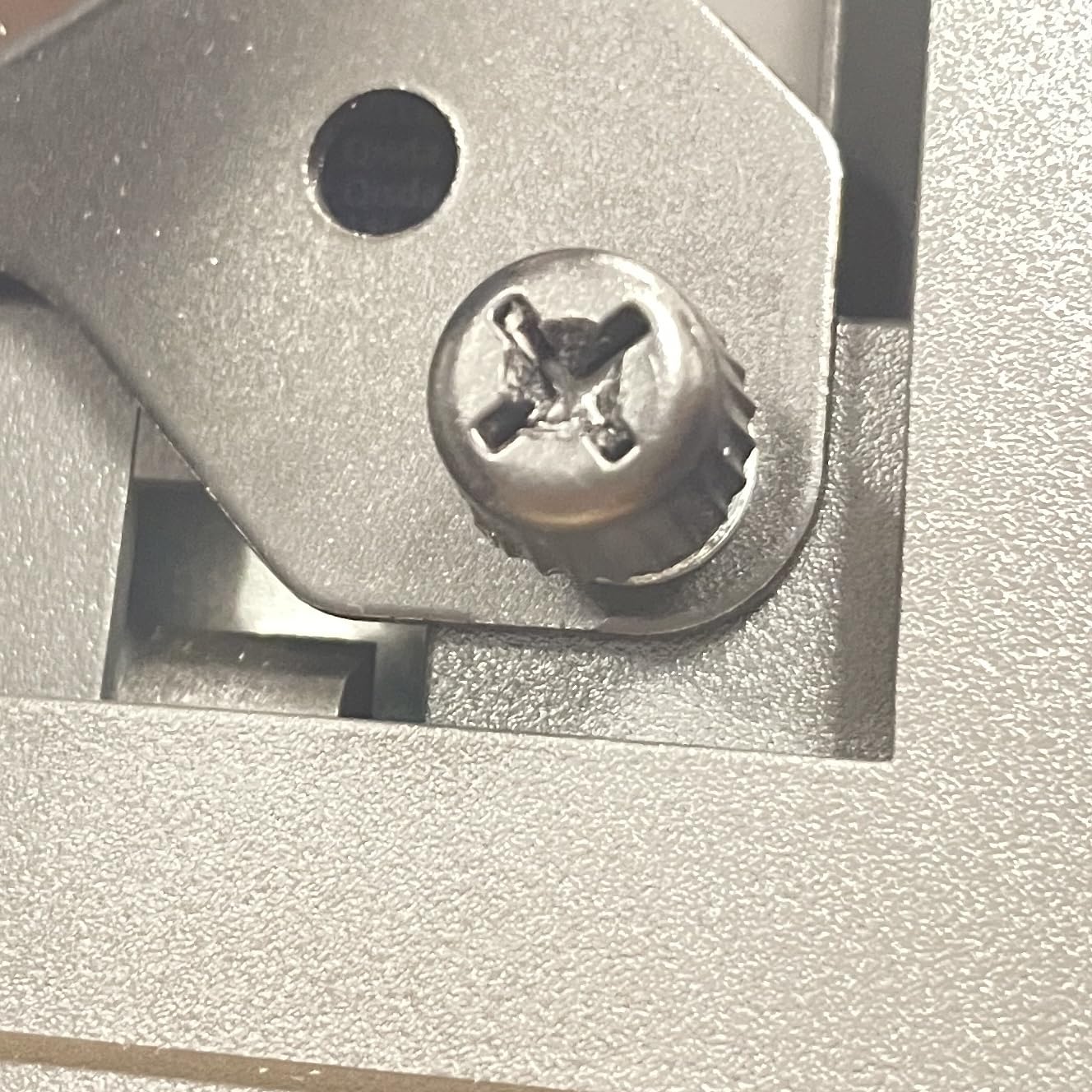
Two setup notes matter here. The arms arrive pre-tightened for transport, so the joints feel stiff until you adjust them, and the gas springs are preset for a heavier load than most 24-inch panels, which means you will need to turn them down before the first use. Skipping that step is the single most common reason buyers think a gas spring arm is faulty.
Capacity is the real limit. At 15.4 lbs per arm and a 27 inch ceiling, this is the smallest load rating of the ten arms here, and one-star reviews sit at 10 percent, tied with the heavy PUTORSEN for the highest in the set. Buy it for two standard office monitors and nothing larger.
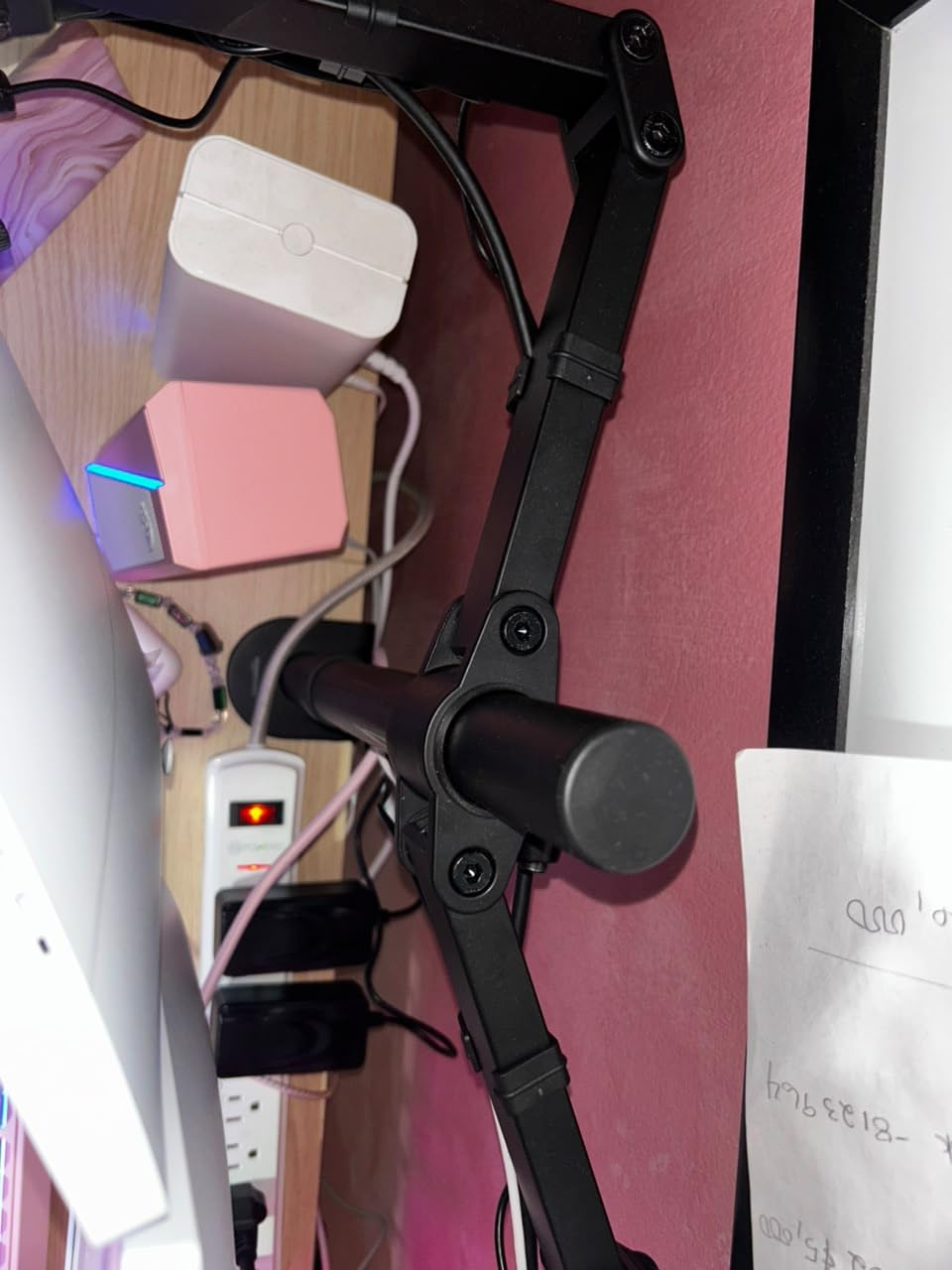
Who this arm suits
Two 24-inch office monitors, particularly if your desk is unusually thick or thin relative to the usual ranges. It is also a good match for mixed setups where one screen is noticeably lighter than the other, since each arm tunes independently.
Who should skip it
Skip it for any monitor over 27 inches or heavier than about 15 lbs, which covers most 32-inch panels and every ultrawide. The gas springs also need real adjustment effort before they behave, so skip it if you want zero setup.
9. ARES WING — Best for USB-C Charging at the Desk
ARES WING Stacked Dual Vertical Monitor Arm with USB A/C for 17 to 49 Inch
17 to 49 inch screens, 44 lbs per arm
27.9 inch height, 22.4 inch extension
USB-C and USB-A charging
10-year warranty
Pros
- 44 lb per arm with the tallest height figure here
- Industrial gas springs tested over 20000 cycles
- Integrated USB-C and USB-A ports charge two devices
- Quick-release VESA panels
Cons
- Some buyers report tension adjustment screws that will not move
- Bulky base compresses poorly on narrower desks
- Tilt can droop forward with very heavy screens
The ARES WING combines the joint-highest weight rating in this roundup with the tallest height figure, reaching 27.9 inches with up to 22.4 inches of arm extension. It holds two screens from 17 to 49 inches at 44 lbs per arm, including QLED, OLED, flat and curved panels, on both VESA patterns. Owners running very large and curved displays report stable stacking with no wobble.
The practical differentiator is power. A USB-C port at 5V/2A and a USB-A port at 5V/2A sit in the base, so a laptop and a phone charge at the desk without hunting for a wall outlet. For anyone running a laptop as one of the two displays, that removes the cable clutter the mounting was supposed to solve.
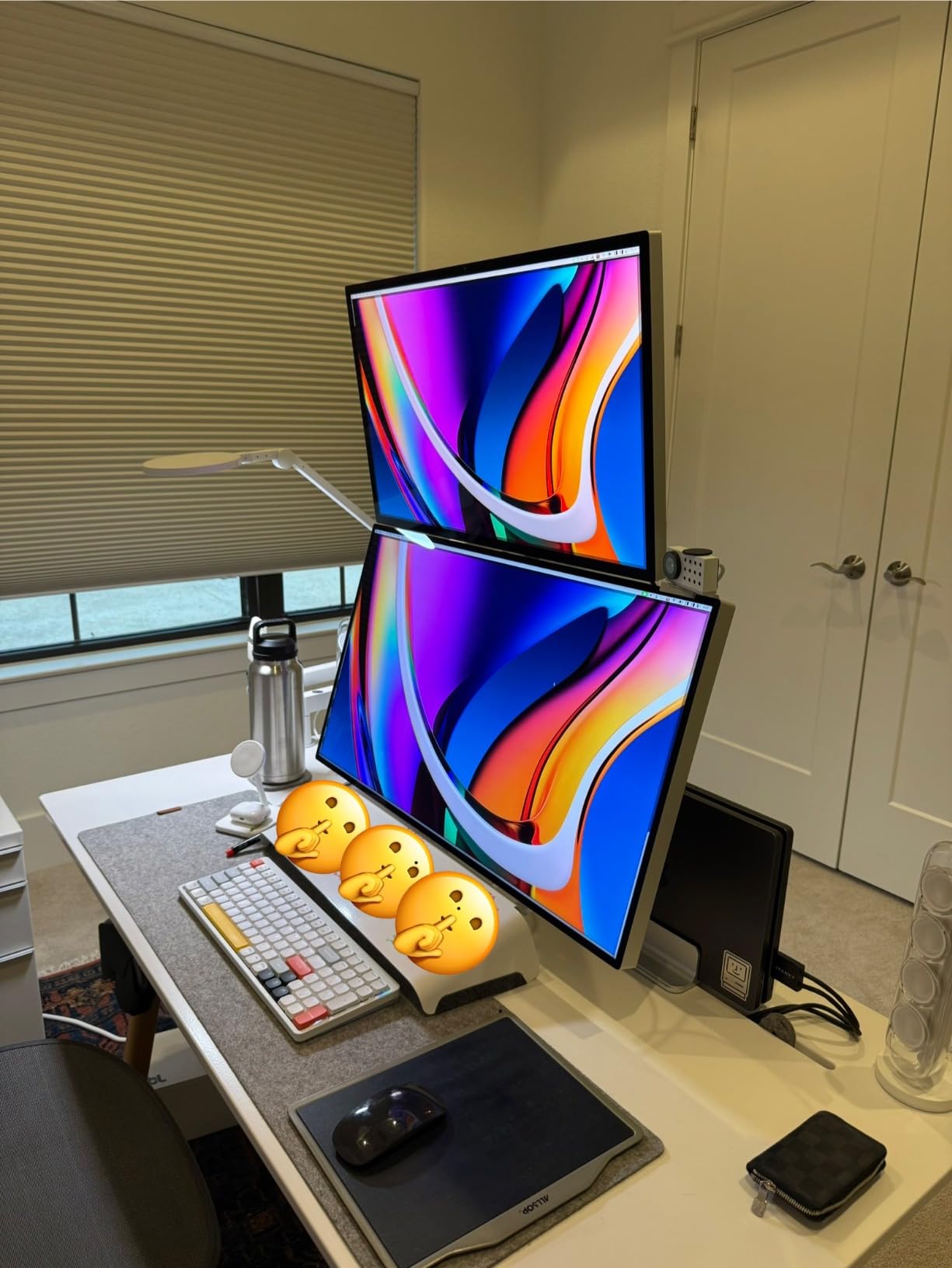
Adjustment runs minus 50 to plus 20 degrees of tilt, plus or minus 90 degrees of swivel and 360 degree rotation, on industrial gas springs documented as tested beyond 20,000 cycles. Quick-release VESA panels let you pull a screen off without tools, and the look is deliberately clean, with hidden set screws and tidy cord routing that some owners rate above more expensive arms.
The critical reviews concentrate on two things: tension adjustment screws that refuse to move, and a bulky base that compresses poorly on narrower desks, forcing the setup toward the middle. Fully tightened, tilt can still droop forward under very heavy panels, and the arm must be partially disassembled to slide it along the desk. The manufacturer offers one-on-one installation support and parts replacement, which reviewers mention positively.
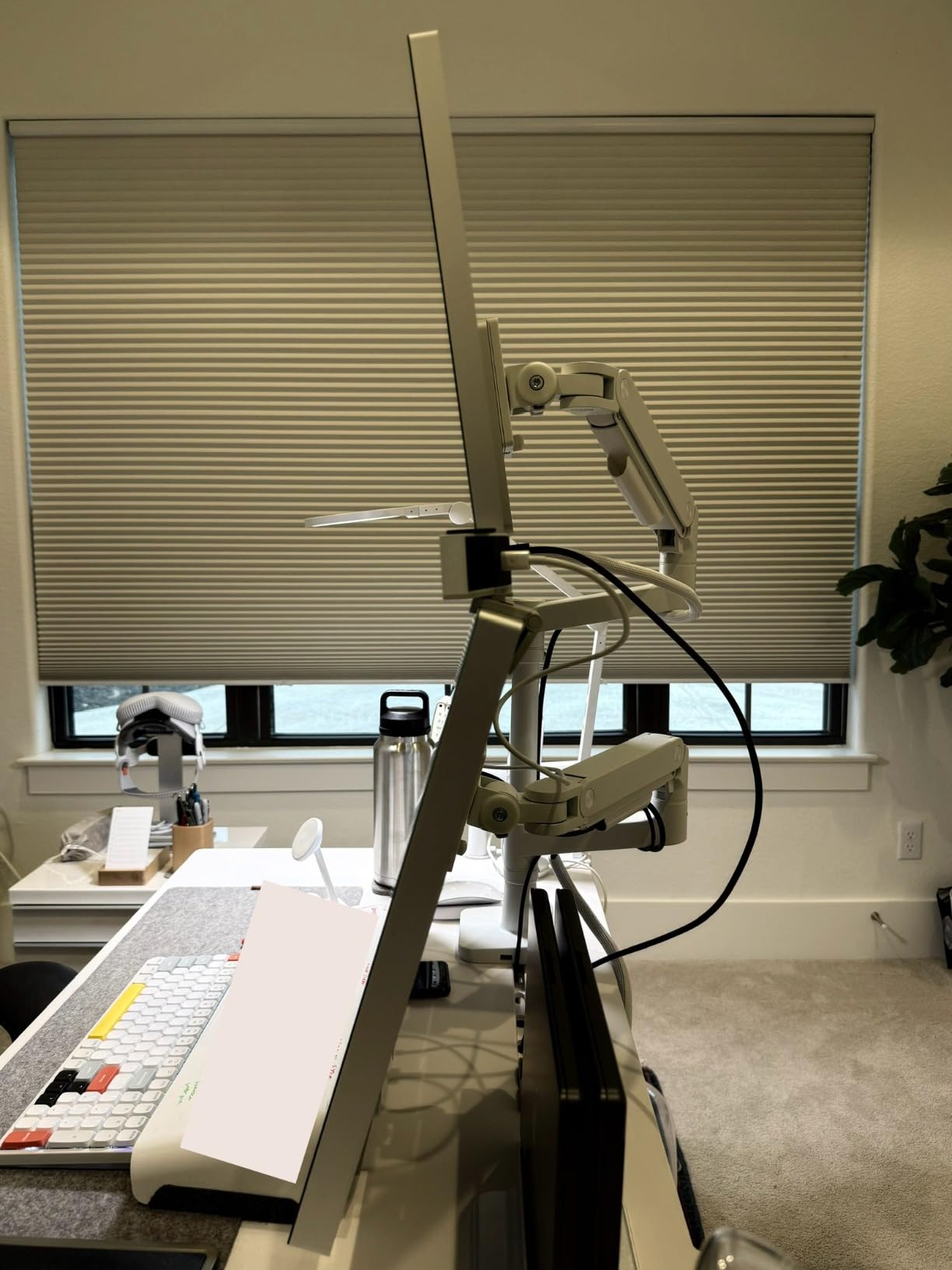
Who this arm suits
Very large or curved displays that need real weight capacity and vertical room, especially if you stack them. Anyone running a laptop alongside a monitor will also get direct charging from the base.
Who should skip it
Skip it on a narrow desk where the base footprint is a problem, or if you are not confident adjusting a gas spring. The tension screws that some buyers received seized are a real risk on a unit this heavy.
10. BenQ ErgoArm BDH01 — Best for Apple Displays and a Clean Look
BenQ ErgoArm BDH01 Dual Monitor Arm for 2 Screens Up to 35” & 44lbs. Black
Two screens up to 35 inches and 44 lbs each
Gas spring, 22.4 inch extension
18.7 inch height
2-year warranty
Pros
- Gas spring holds a 45 inch curved and a 49 inch ultrawide with no droop
- Zero play or sag reported after months of repositioning
- Optional 180 and 360 degree rotation inserts
- Includes a steel reinforcement plate
Cons
- Bulky once the reinforcement plate is fitted
- Limited vertical drop for smaller screens
- Cable routing struggles past two cables
- 2-year warranty is short at this tier
The BDH01 has the smallest review base in this roundup by some distance, so we would not call it the safest buy outright. What it does have is the cleanest gas spring behavior reported by anyone. Owners pairing a 45-inch curved monitor with a 49-inch ultrawide describe no droop, and after six months of daily repositioning the arm shows zero play or sag, which is exactly the failure mode that ruins cheaper friction arms.
It holds two screens up to 35 inches at 44 lbs each, extends up to 22.4 inches and raises to 18.7 inches. Optional 180 and 360 degree rotation inserts are included, which lets the arm clear a wall or a high-traffic walkway behind the desk. Forward-tilt adjustment is specifically good with Apple Studio Displays, where the thin panel and heavy base make many mounts awkward.
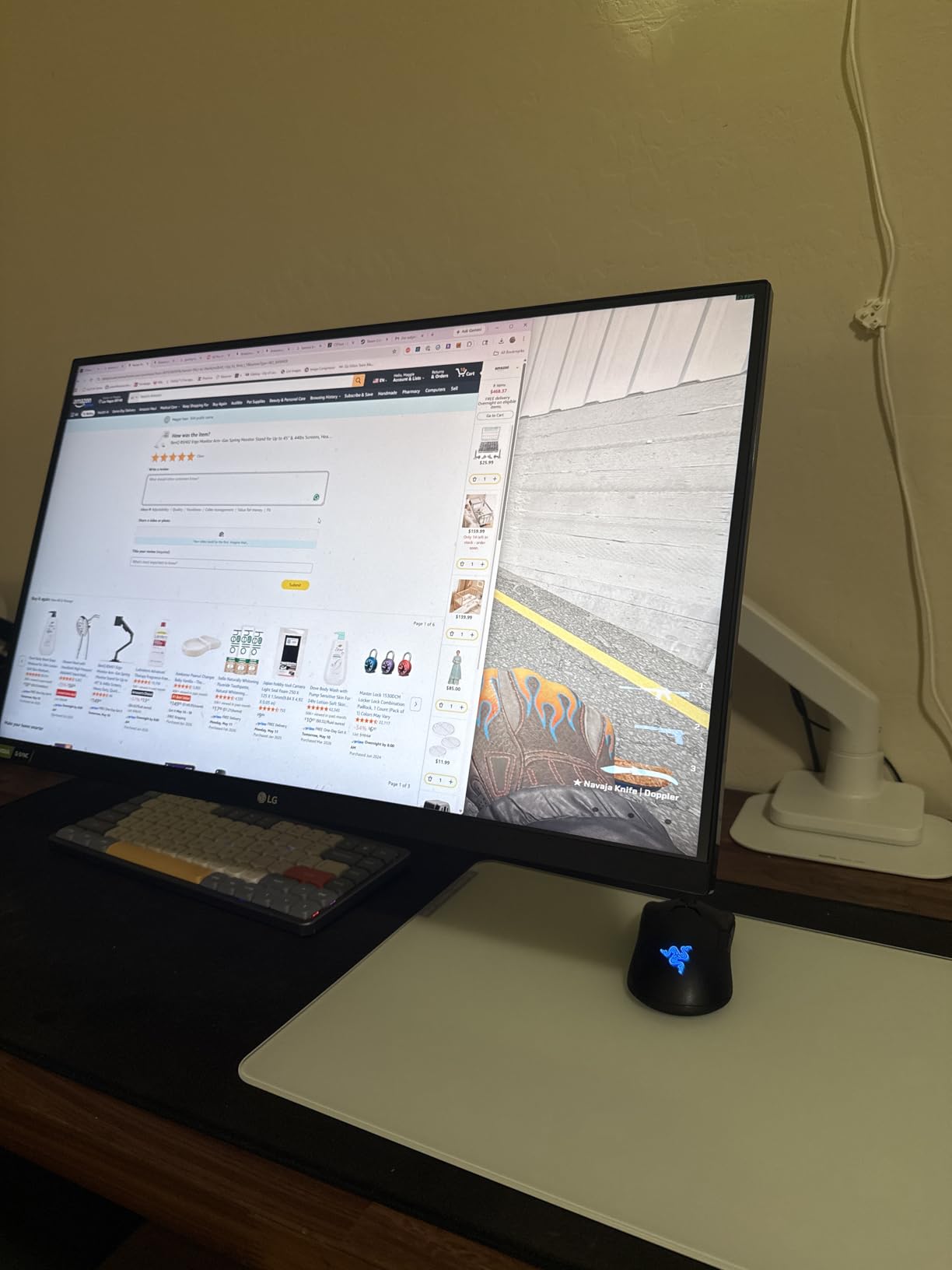
There is no bottom clamp, so nothing protrudes under the desktop, and a steel reinforcement plate is supplied to protect the surface while adding stability. Setup instructions are clearly written, which matters on a product at this level where assembly is the least enjoyable part. Both VESA patterns are supported with hardware, tools and mounting plate included.
Trade-offs are real. The reinforcement plate makes the whole unit bulky, the height range cannot drop low enough for smaller screens, and the built-in cable routing struggles past two cables, especially thick display leads, which often means buying longer cables. Some curved Samsung monitors need a separately purchased VESA adapter, and the two-year warranty is the shortest among the premium arms here.
Who this arm suits
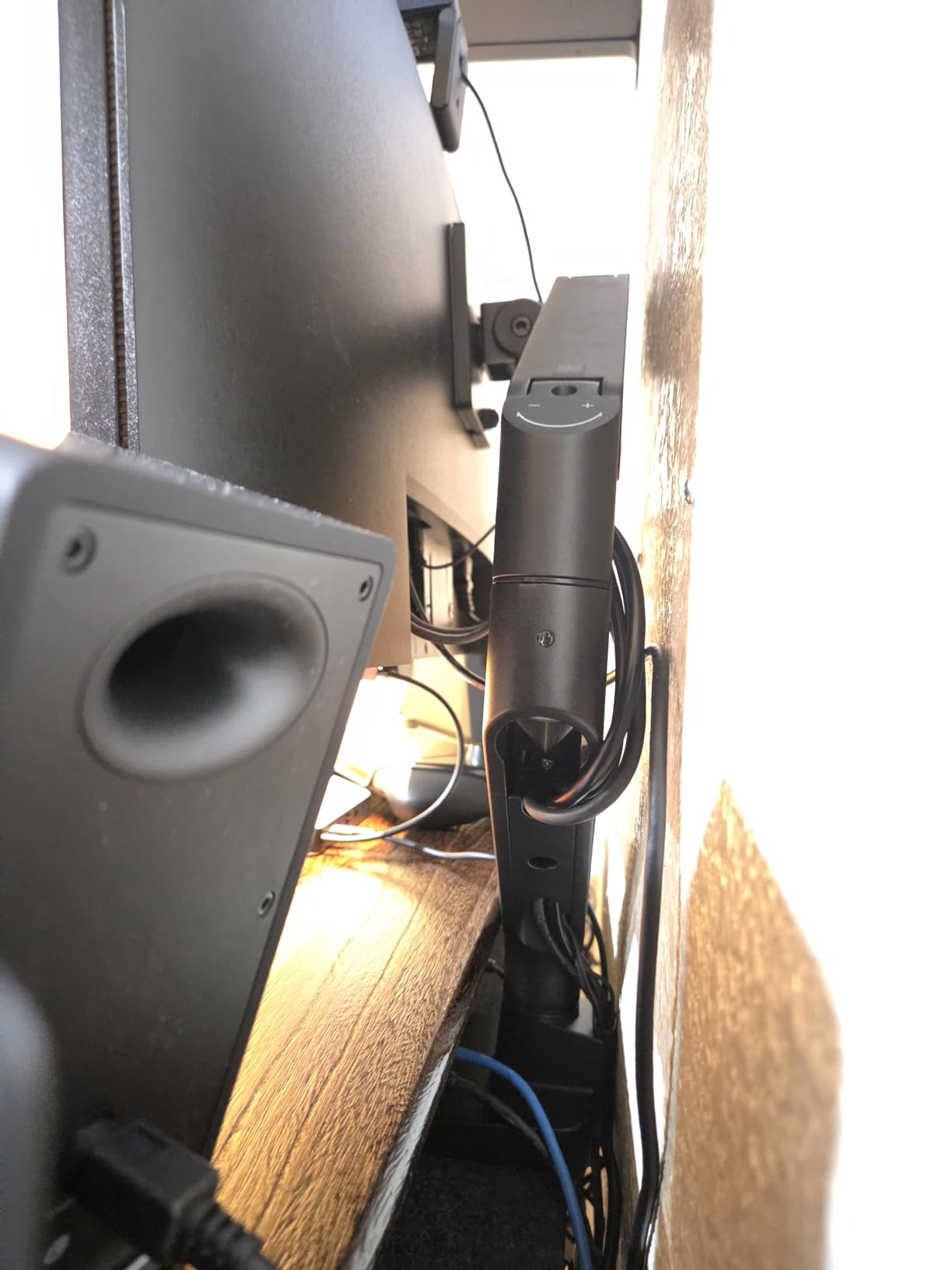
Owners of large curved or ultrawide panels who care most about the arm staying exactly where they put it after months of use. It is also a strong match for Apple Studio Displays, and for anyone whose desk has a wall close behind it that a standard arm would hit when pushed back.
Who should skip it
Skip it for two 24-inch monitors that sit low, because the vertical range cannot drop far enough. If cable management matters more than aesthetics, note that the routing is limited to roughly two leads.
What VESA Mount Is Best for Two Monitors?
For two monitors, look for VESA 100×100 mm. That is the standard pattern on 24-inch and larger displays and the one to match first, while 75×75 mm covers smaller and older screens. The practical answer is that any competent dual arm ships with both patterns, so confirm your monitor’s hole spacing before buying rather than assuming.
Measuring takes about a minute. Look at the back of the display and measure centre-to-centre between the four mounting holes, both horizontally and vertically. If you get 100 mm in each direction you need the 100×100 plate; 75 mm in each direction means 75×75. Screens that mount with only four holes on a plate in the middle of a curved back may sit proud of the display, which is where the spacers included with some arms come in.
Two situations end the VESA question entirely. Laptop screens have no VESA pattern at all, so a laptop can only join a dual arm through a separate tray adapter, and a few ultrawide displays ship without mounting holes. In both cases you are looking at an adapter rather than a standard mount, so check the display specification sheet before the monitor arrives.
How to Choose a Dual Monitor Arm That Fits Your Desk
Check per-arm weight, not the total. The number that constrains you is the rating for a single arm, not the combined system load. Weigh each monitor without its stand, or find the weight in the specification sheet, and keep a margin under the rating so a gas spring arm moves smoothly rather than sitting stiff at the top of its range. A 27-inch 4K panel commonly lands in the 12 to 18 lb range, which is why a 19.8 lb arm feels fine and a 15.4 lb arm does not.
Decide between clamp and grommet. A C-clamp grips the desk edge and needs no drilling, but it requires a clear space underneath and enough edge thickness. A grommet mount uses an existing cable hole and gives a tidier result, though the hole diameter has to fall inside the specified range, which varies widely between arms. Measure your desk thickness and the diameter of any cable hole before choosing.
Match the arm type to the layout. A single-pole dual arm, like the VIVO and HUANUO models here, is the standard and cheapest shape: one post, two arms sliding on it. A crossbar design, like the ErGear, spreads two screens wider on a wide desk. A stacking arm adds a second vertical joint so one screen sits above the other, which is the answer when desk height is the constraint rather than desk width. A gas spring arm uses a spring tuned to your monitor weight to hold position with no effort.
Mixing mismatched monitors works, with caveats. You can pair a large panel with an older smaller one, provided each fits the VESA pattern and stays under its own arm’s weight range. Because the two panels have different heights, align the visible screen area rather than the bezels, and expect each side to need its own tension setting. A crossbar design like the ErGear makes this easier since each screen positions independently.
Plan for orientation and cable slack. If one screen will live in portrait, confirm 90 degree rotation and check that the arm can reach the height you need without pushing through the desk. Leave extra cable length, because a cable routed tightly will pull the arm down as it extends and is the most common reason arms feel like they sag. If a screen is above your sight line, the arm is too tall; if you are leaning forward, it is too short.
How to Install and Level Two Monitors Without Drift
Start by marking the mount point. The back edge of the desk is the usual location, and leaving roughly 4 to 6 inches from the edge gives the clamp room to grip. Attach the clamp or grommet first and torque it evenly, then fit the pole and check that the post is genuinely vertical before anything heavy goes on. A post that is out of square sets a permanent angle on both screens.
Fit both VESA plates before hanging either monitor, since reaching the back of a mounted display is unpleasant. Hang the heavier monitor first, set its gas spring or joint tension for that weight, then add the second screen and tune it separately. Align the two displays by their visible screen area rather than their outer edges, and level them with a spirit level before tightening anything further.
Three causes explain almost all sag and drift. Weight near the rating makes a gas spring sit stiff at the top of its travel, so move heavier panels closer to the pole. Joint tension set too low lets friction arms creep over weeks, so retighten every joint after the first month. And an arm extended far from the mount multiplies the lever arm, so pull screens back in rather than reaching forward. Cable tension is a fourth cause that is easy to miss: a display cable pulled taut at full extension will drag the arm down.
If the mount is fitted to hollow-core, glass or very thin laminate, stop before you torque anything. Check the clamp thickness range, and use a grommet mount or a desk with a reinforcing edge if you are unsure. A properly torqued clamp within its rated range will not damage a solid desktop, but forcing one outside that range can.
Frequently Asked Questions
What VESA mount is best for two monitors?
VESA 100×100 mm is the standard pattern on 24-inch and larger monitors, so that is the one to look for first. VESA 75×75 mm covers smaller and older displays. Most quality dual arms include both plate patterns, so measure the centre-to-centre spacing of the four holes on the back of each monitor and match it before buying.
Do dual monitor arms work for all monitors?
No. Only displays with a VESA mount pattern can go on an arm. Laptop screens have no VESA holes and need a separate tray adapter, and a few ultrawide displays ship without mounting holes. Any monitor heavier than the arm’s per-arm rating will sag or sit stiff, so check both the pattern and the per-arm weight before ordering.
How much weight can a dual monitor arm hold?
The per-arm rating is the number that constrains your setup, not the total system load. Arms in this roundup range from 15.4 lbs per arm up to 44 lbs per arm. Weigh each monitor without its stand and keep a margin below the rating, because a gas spring arm sitting at the top of its range moves stiffly.
What is the best dual monitor arm for stacked monitors?
Stacking arms need a second vertical joint and a tall pole. The Ergotron LX Vertical Stacking uses a 23-inch pole with 13 inches of lift, while the PUTORSEN and ARES WING reach 44 lbs per arm for heavy ultrawides. Confirm each screen tilts independently, and check the total height needed against your ceiling clearance before ordering.
Why does my monitor arm sag or drift?
Three causes account for most cases: monitor weight sitting near the arm’s per-arm rating, joint tension set too low, and the arm extended far from the mount. Fix these by tuning gas spring tension for the actual weight, retightening joints, and shortening extension. A fourth common cause is a display cable pulled taut at full extension, which pulls the arm down.
Final Verdict on the Best Monitor Arms for Dual Monitors
The VIVO STAND-V002 is the best monitor arm for dual monitors for most people, because a 22 lb per-arm rating, a 3.25 inch clamp range and a 60,000-rating history cover the standard two-27-inch setup without compromise. The HUANUO FlowLift is the value pick, the ErGear is the one to buy when desk width matters more than weight capacity, and the Ergotron LX, PUTORSEN and ARES WING cover the heavy and stacking end of the range. Check the VESA pattern and per-arm weight first, then pick the reach that matches your desk.