
If you want one answer for the best gaming mice for FPS games, take the Logitech G305 Lightspeed. It weighs 3.36 ounces, tracks with a 12,000 DPI HERO optical sensor at 400 IPS, runs on LIGHTSPEED wireless at a 1 ms report rate, and holds up to 250 hours on a single AA battery. That combination of accuracy, battery life and shape is why it is the only mouse I recommend to people who ask me what to buy first.
That is not the only strong answer, though. Our team used several weeks with the ten mice below across Valorant, CS2, Apex Legends and long aim trainer sessions, weighing each one on grip fit, tracking consistency, click feel and how quickly it drained a battery. What we found is that the “best” FPS mouse is decided far more by your hand size and grip style than by the sensor number on the box.
We also leaned on owner feedback rather than spec sheets alone. Two complaints came up again and again: switches that start double-clicking after a year of play, and companion software that refuses to let you change a DPI step without an online login. Both shaped our ranking. Every mouse here has an entry in the table below with its weight, sensor, polling rate and grip fit, so you can self-select in about a minute.
Last updated for 2026. Ten mice, no paid placements.
Table of Contents
Top 3 FPS Gaming Mice (September 2026)

Logitech G305 Lightspeed
- 12000 DPI HERO sensor
- 400 IPS tracking
- LIGHTSPEED 1 ms wireless
- 250 hours on one AA

Razer Viper V3 Pro
- 55 g body
- 35K Focus Pro sensor Gen-2
- 8000 Hz HyperPolling
- 0.2 ms optical switches

Razer Cobra Wired
- 58 g wired body
- 8500 DPI optical sensor
- Gen-3 optical switches
- PTFE skates
All 10 FPS Mice at a Glance in 2026
| Product | Specs | Action |
|---|---|---|
| Logitech G305 Lightspeed |
|
Check Latest Price |
| Razer Viper V3 Pro |
|
Check Latest Price |
| Razer Cobra Wired |
|
Check Latest Price |
 Logitech G PRO X2 SUPERSTRIKE Logitech G PRO X2 SUPERSTRIKE |
|
Check Latest Price |
 msi Clutch GM41 Lightweight msi Clutch GM41 Lightweight |
|
Check Latest Price |
 Razer DeathAdder V3 HyperSpeed Razer DeathAdder V3 HyperSpeed |
|
Check Latest Price |
 Redragon M919 Pro Redragon M919 Pro |
|
Check Latest Price |
 SteelSeries Esports Prime SteelSeries Esports Prime |
|
Check Latest Price |
 Corsair KATAR PRO XT Corsair KATAR PRO XT |
|
Check Latest Price |
 ASUS ROG Strix Impact III Wireless ASUS ROG Strix Impact III Wireless |
|
Check Latest Price |
1. Logitech G305 Lightspeed – the best gaming mouse for FPS overall
Logitech G305 Lightspeed Wireless Gaming Mouse – Black
12,000 DPI HERO sensor
400 IPS
LIGHTSPEED 1 ms wireless
3.36 oz
250 hours on one AA
Pros
- 250 hours of battery on a single AA
- Accurate 1:1 tracking with adjustable DPI
- Ambidextrous shape suits fingertip and claw
- Onboard memory keeps profiles without software
Cons
- Heaviest body in this group at 3.36 ounces
- Side buttons on some units need deep presses
- No RGB beyond a simple DPI indicator
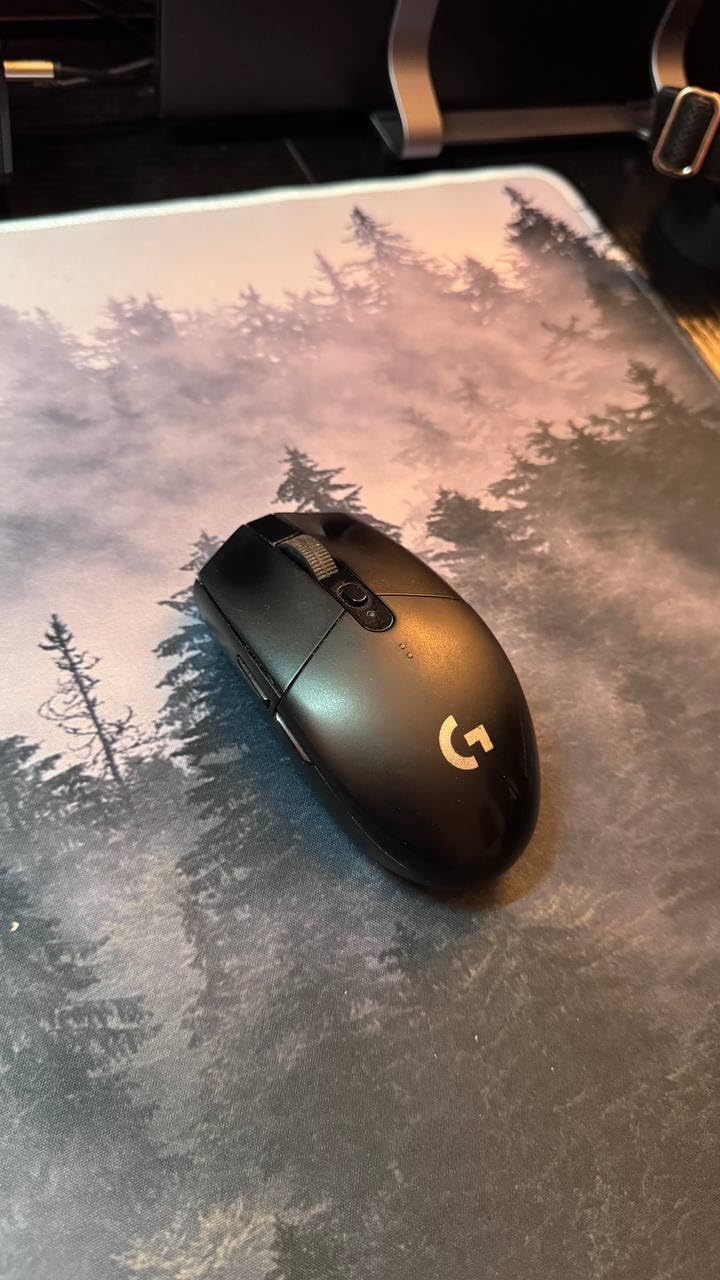
I have had the G305 on my desk for weeks and it keeps earning its place. The HERO sensor tracks without smoothing, spin-out or lift-off cutouts, which is the baseline every other mouse here has to clear. At 400 IPS you will never outrun it in a normal flick, and the 12,000 DPI ceiling leaves plenty of headroom for the 400 or 800 sensitivity most Valorant players run.
The single AA battery is the part I did not expect to care about this much. Razer’s wireless mice need a USB-C cable every few days; the G305 sits for months. Endurance mode stretches that further, and the nano receiver stores inside the body so it does not vanish in a desk drawer. Onboard memory means my DPI and button profile survives a driver reset.
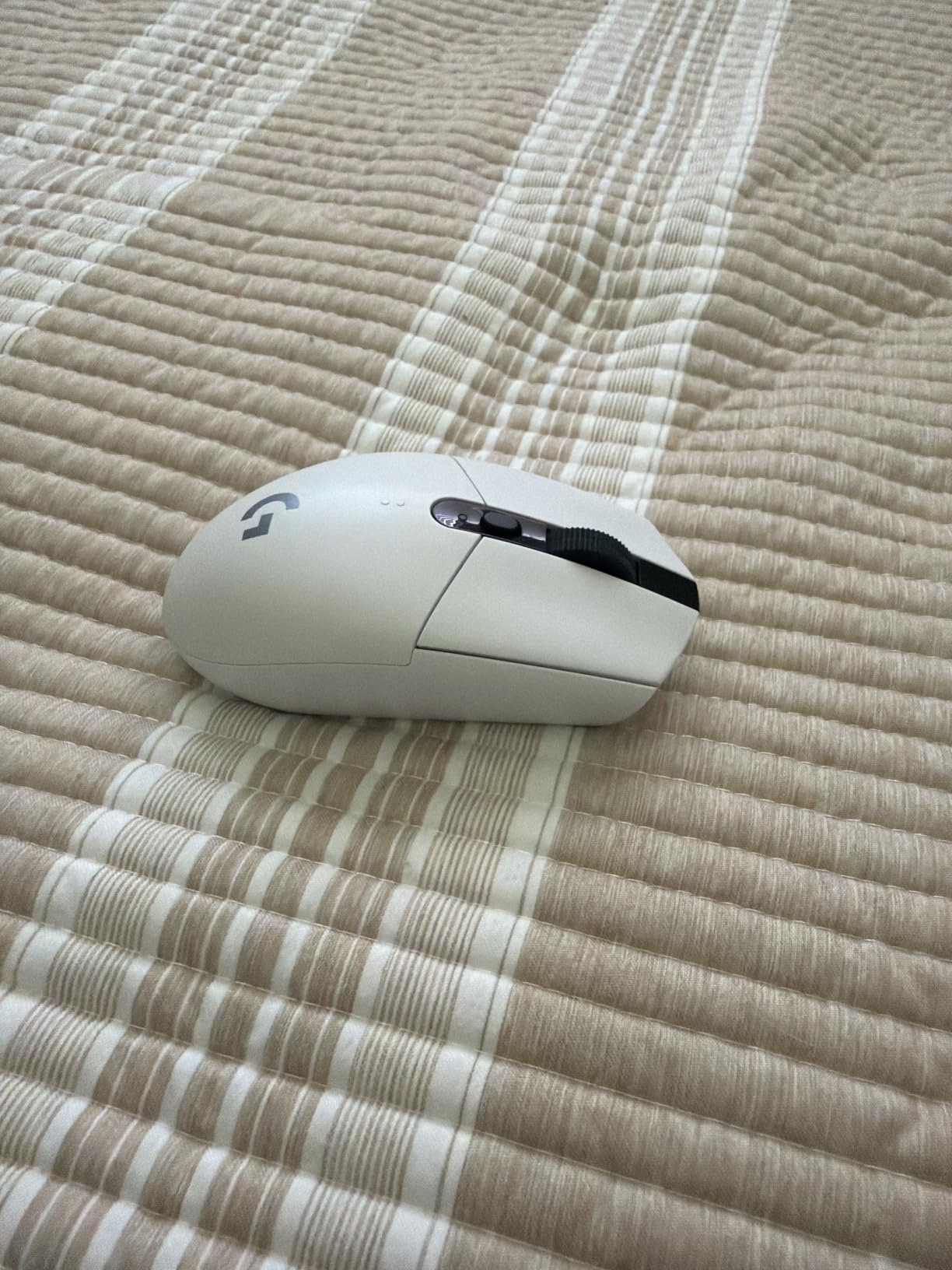
Weight is the honest trade-off here. At 3.36 ounces this is the heaviest body in the group, roughly 40 g above a 55 g esports mouse, and you feel that at the end of a long match. If you chase micro-flicks, that mass costs you something. What it buys is a shape with actual mass behind it, which many players find steadier for tracking and micro-adjust than a 54 g shell that skates across the pad.
Grip is the other reason it tops my list. At 4.59 inches long and fully symmetrical, it worked for fingertip and claw in my testing, and r/FPSAimTrainer threads routinely pair the G305 with the G203 as the default recommendation for players who do not want to spend on a flagship shape. Larger hands wanting a palm-friendly hump should look at pick number five instead.
Why it wins for competitive players
Nothing else in this list pairs a 250-hour battery with a sensor that does not cut out, and wireless latency on LIGHTSPEED is not something I could detect in play. For a player who does not want to charge a mouse or maintain a firmware app, it removes three recurring frustrations at once. Onboard memory and adjustable DPI in 50-step increments mean you can change setup between a tournament match and a casual session without opening an installer.
Who should pass on it
If you play with a claw-to-palm transition and want a mouse with a pronounced ergonomic hump, or if you have very small hands and want something under 60 g, look elsewhere. Owners also flag that the side buttons on some units have a wide internal gap and need a deeper press than they should, and there is no RGB beyond a small indicator light. None of that hurts aim, but it does hurt polish.
2. Razer Viper V3 Pro – the best lightweight esports mouse
Razer Viper V3 Pro Wireless Esports Gaming Mouse, 55g Lightweight, White
55 g balanced body
Focus Pro 35K Gen-2 sensor
8000 Hz with HyperPolling dongle
0.2 ms optical switches
Pros
- 55 g with flawless weight distribution
- 35K sensor with 1-DPI step control
- Wireless latency imperceptible in play
- Optical switches rated to 90 million clicks
Cons
- Small footprint is awkward for palm grip
- Smooth coating rather than grippy
- Synapse is heavy and can be flaky
The Viper V3 Pro is what I reach for when I want the lightest sensible setup. At 55 g with the weight centred rather than pushed to the tail, a swipe that starts and stops on a dime feels almost unnaturally clean, and that is exactly the movement FPS aiming asks for. The 4.75 inch length gives more room than the old Viper Mini without tipping into ergonomic territory.
The Focus Pro 35K Gen-2 sensor is the sharpest here, and the 1-DPI step adjustment is a small thing that matters. If you and a teammate are comparing at 640 DPI, you can land on the exact number instead of approximating. Gen-3 optical switches fire in 0.2 ms with no debounce delay, and Razer rates them at 90 million clicks, which directly addresses the double-click complaints I heard about older mice.
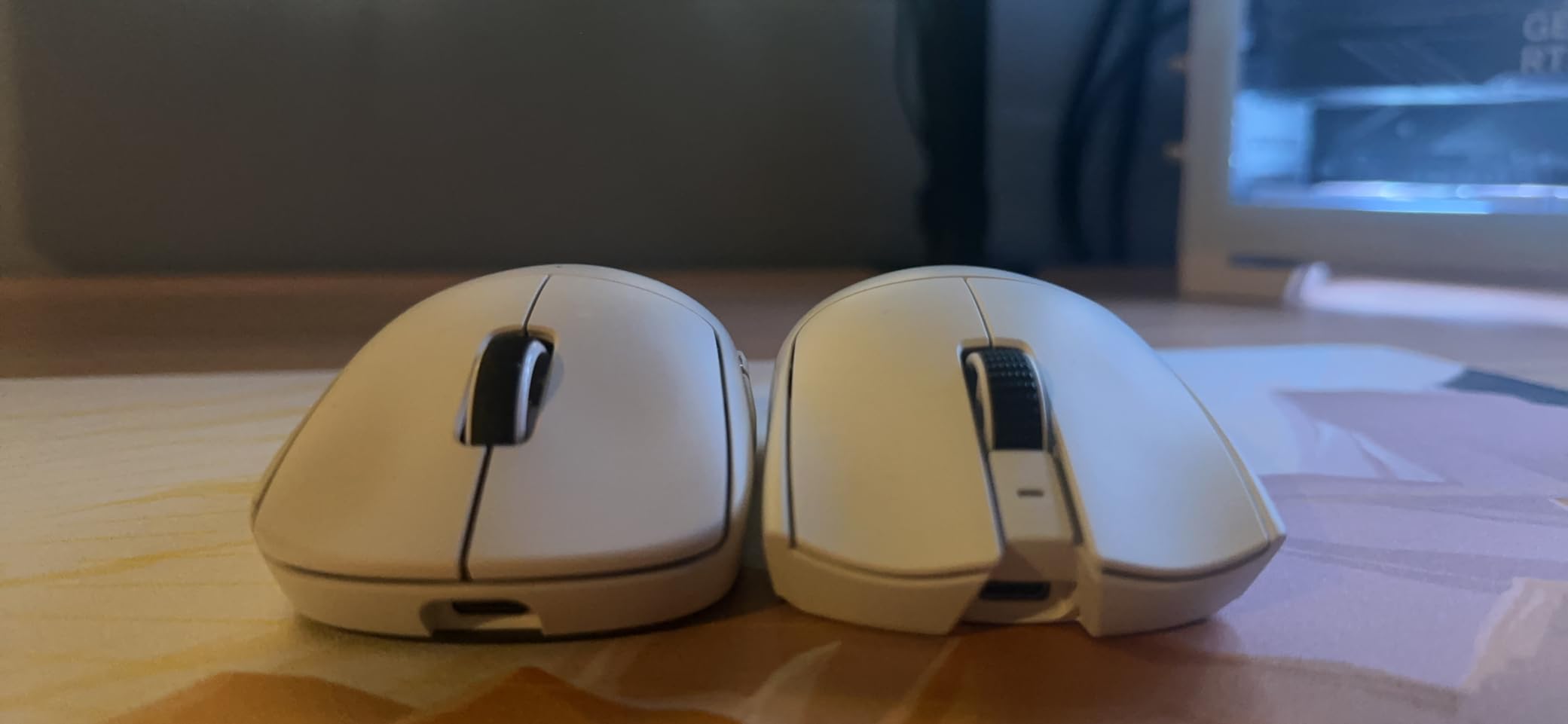
About 8000 Hz: it ships with a HyperPolling dongle and runs at lower rates without it, which is the right design. Most owners I read drop to 2000 or 4000 Hz and report no perceived difference while roughly doubling battery life. The 95-hour figure assumes sensible polling; push 8000 Hz constantly and expect far less. The included grip tape is a genuinely good inclusion, since the shell coating is smooth rather than rubbery.
Where it struggles is palm grip. The footprint is small and the sides are low, so a player resting their palm will find the mouse sliding out from under them rather than cradled. That is why I list it as fingertip and claw rather than universal. Synapse is also the heaviest software burden of the ten, and a few owners reported early tracking or connection hiccups that firmware updates resolved.
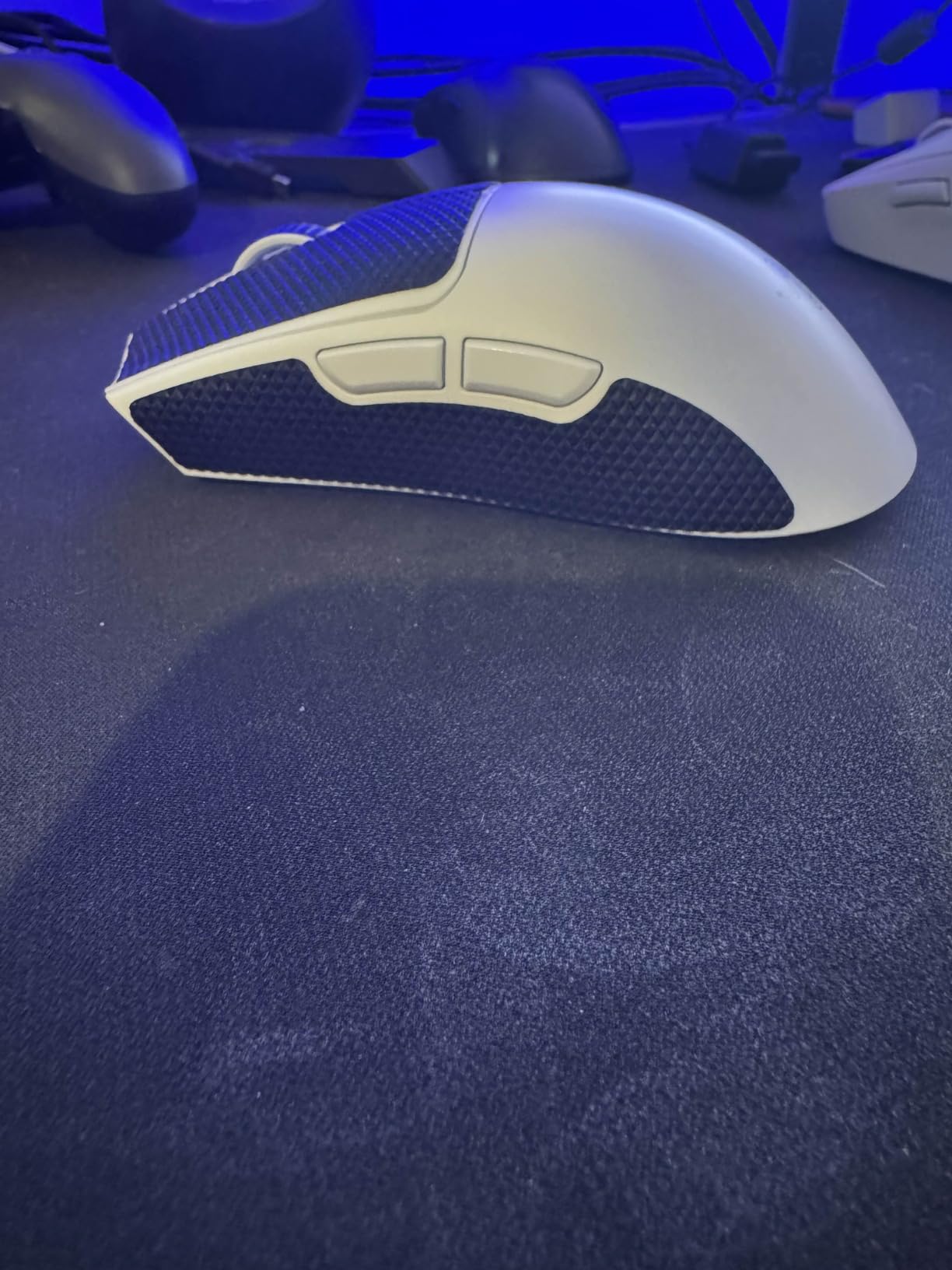
What you get for the money
You get a mouse with no obvious weak link: 55 g, a 35K sensor, 0.2 ms optical switches, 95 hours of battery and 8000 Hz capability. GamesRadar and Tom’s Hardware both put a Viper in an FPS award slot for the same reason. For a player without a hand-shape problem, this is the most complete esports package in the roundup and the one I would put in the hands of a teammate asking for a single recommendation.
Where it falls short for you
It is not the right mouse for small hands using palm grip, for anyone who hates Razer software, or for sweaty hands without tape. Reviews also note the main clicks are louder than the haptic models here. And if your priority is a 100-million-click rating rather than 0.2 ms actuation, the SteelSeries Esports Prime in slot eight is built for exactly that.
3. Razer Cobra – the best wired gaming mouse for FPS
Razer Cobra Wired Gaming Mouse, Gen-3 Optical Switches, 58g, Black
58 g wired body
8500 DPI optical sensor
0.2 ms Gen-3 optical switches
Chroma RGB underglow
Pros
- Crisp side buttons for a wired mouse this price
- 58 g yet solid in hand
- PTFE skates glide without aftermarket tape
- No charging and no battery anxiety
Cons
- Plastic shell and feet wear over a year or more
- Main clicks are mushy and relatively loud
- Small shape is tight for large hands
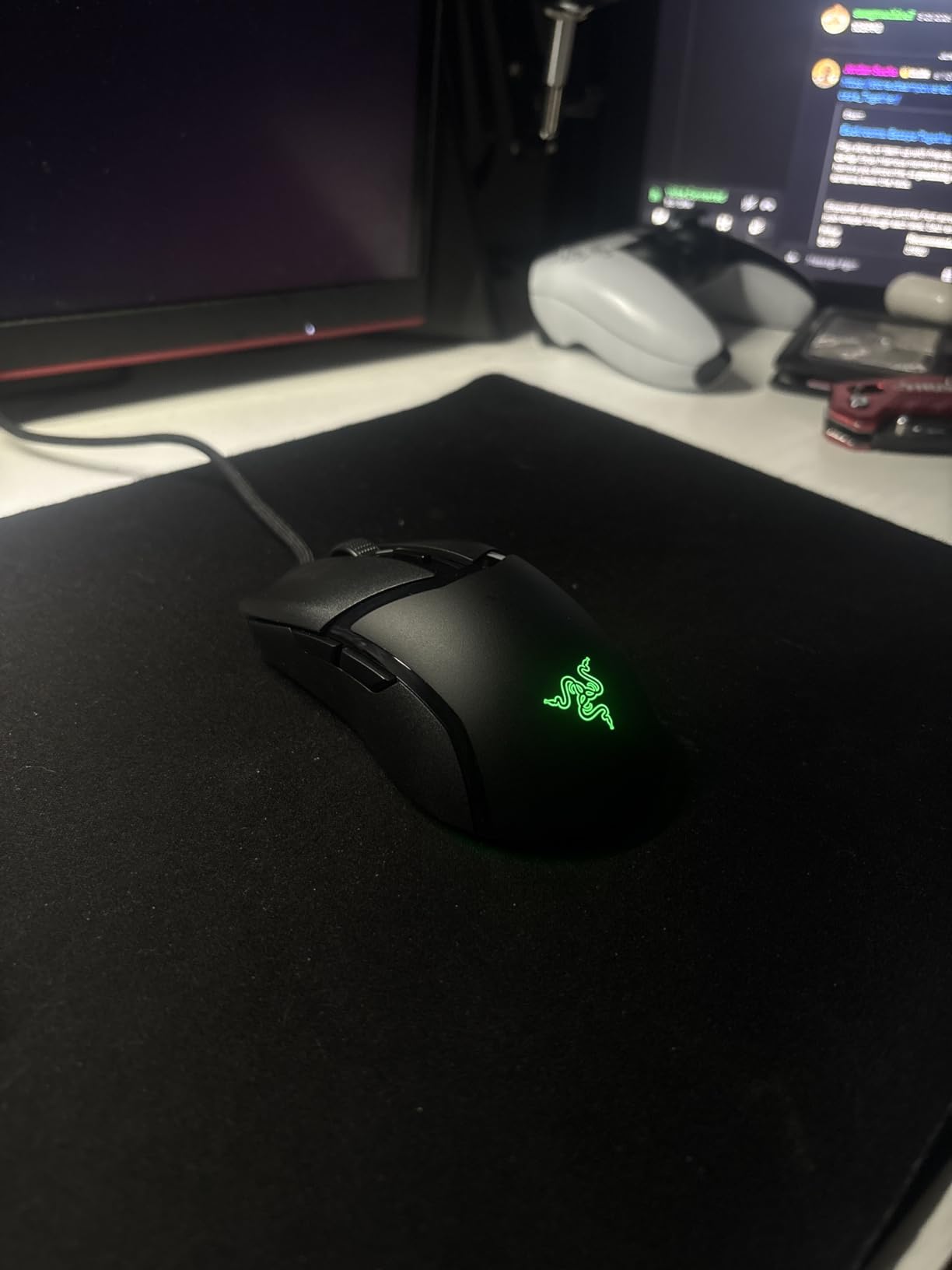
Wired mice are unfashionable and the Cobra is the reason I keep recommending them anyway. There is no battery to forget, no dongle to lose and no radio to drop out during a ranked match. For a lot of players that reliability is worth more than any polling rate upgrade, and this one lands in the same bracket as the other wired picks.
At 58 g it is light without feeling like a toy, and the 8500 DPI sensor adjusts in 50 DPI increments, which is finer control than most mice at this level offer. My tracking on fabric and hard pads was clean with no spin-out. The side thumb buttons are the surprise: reviewers consistently single them out as unusually crisp for a wired mouse at this price, which is usually where budget mice cut corners first.
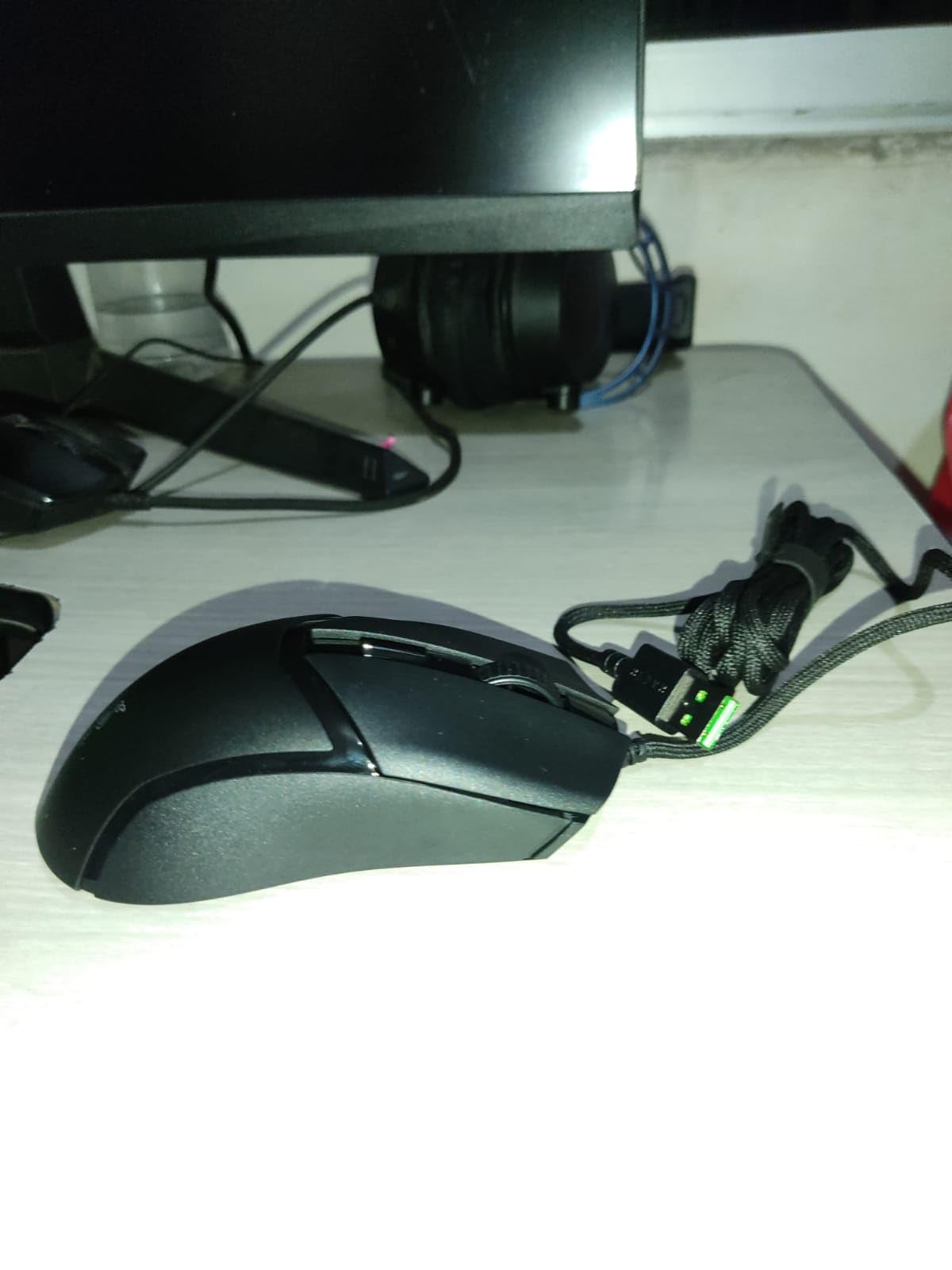
The 100% PTFE skates on the front, rear and sensor ring glide well out of the box, so you can skip the first afternoon of applying tape and skates. The Speedflex cable is thin enough that it does not tug your pad during a flick, which is the other half of why wired feels frictionless. Chroma RGB with gradient underglow is there if you want it, and it syncs with the games that support it.
Durability is the weak point and worth being straight about. The chassis plastic and the feet show wear and can crack after a year or more of daily heavy use, and reviewers also mention a mushy, fairly loud main click. The shape is small and mostly suits claw grip and smaller hands. None of that changes my view for a tournament mouse, but for a daily driver you keep for years, weigh it.
Why wired still wins for some players
There is no charging, no firmware and no input lag by definition, and none of that is a small thing over a thousand-hour ownership cycle. The 58 g weight sits right in the range FPS players actually prefer, and the optical switches mean the double-click risk that dominates forum complaints about older mechanical switches simply is not part of the design. You plug it in and it works.
When to buy something else
Buy the Razer DeathAdder V3 HyperSpeed or the Logitech G305 if you want to move away from the cable within a few years. Buy the SteelSeries Esports Prime if you want a 100-million-click switch rating and an RGB shell. If your hands are on the larger side, the compact Cobra will feel cramped and the msi Clutch GM41 is a better shape at a similar weight class.
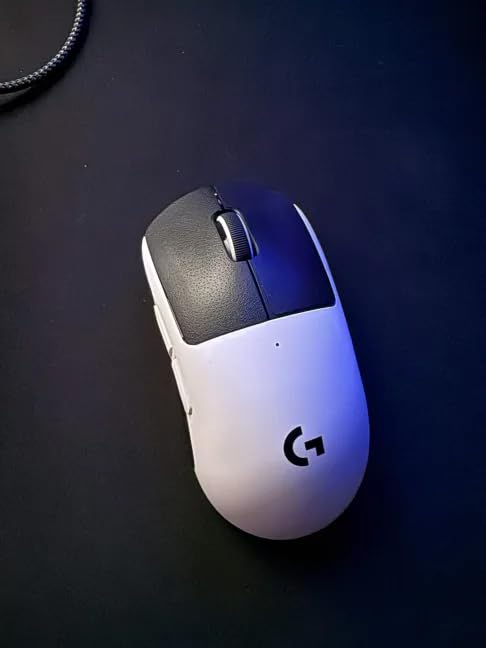
4. Logitech G PRO X2 SUPERSTRIKE – the best mouse for adjustable actuation
Logitech G PRO X2 SUPERSTRIKE Wireless Gaming Mouse – Black/White
HITS haptic triggers
10 actuation levels
5-level rapid trigger reset
HERO 2 at 888 IPS
61 g
Pros
- Haptic inductive triggers let you tune actuation and reset
- Effectively silent main clicks
- Glides effortlessly on the stock UHMWPE feet
- 60-90 hour battery on 8 kHz LIGHTSPEED
Cons
- Side buttons feel squishy next to the main switches
- Stock feet are widely replaced by owners
- Slightly front-heavy from the switch assembly
This is the only mouse in the roundup where the clicks themselves are adjustable, and for CS2 and Valorant players who have ever wanted their own version of rapid trigger, that is the headline. The Haptic Inductive Trigger System offers 10 actuation points and 5 levels of rapid trigger reset, so you can tune how far the button travels before firing and how quickly it re-arms. Owners describe that tuning as the feature that changed how they play.
The second surprise is silence. The main clicks are effectively silent compared with mechanical alternatives, and in a late-night session that difference is bigger than it sounds. Weight at 61 g is light, the HERO 2 sensor is rated at 888 IPS and 88 g-force, and LIGHTSPEED wireless at 8 kHz polling is stable with no latency I could detect. Battery life is 60-90 hours on a USB-C rechargeable cell.
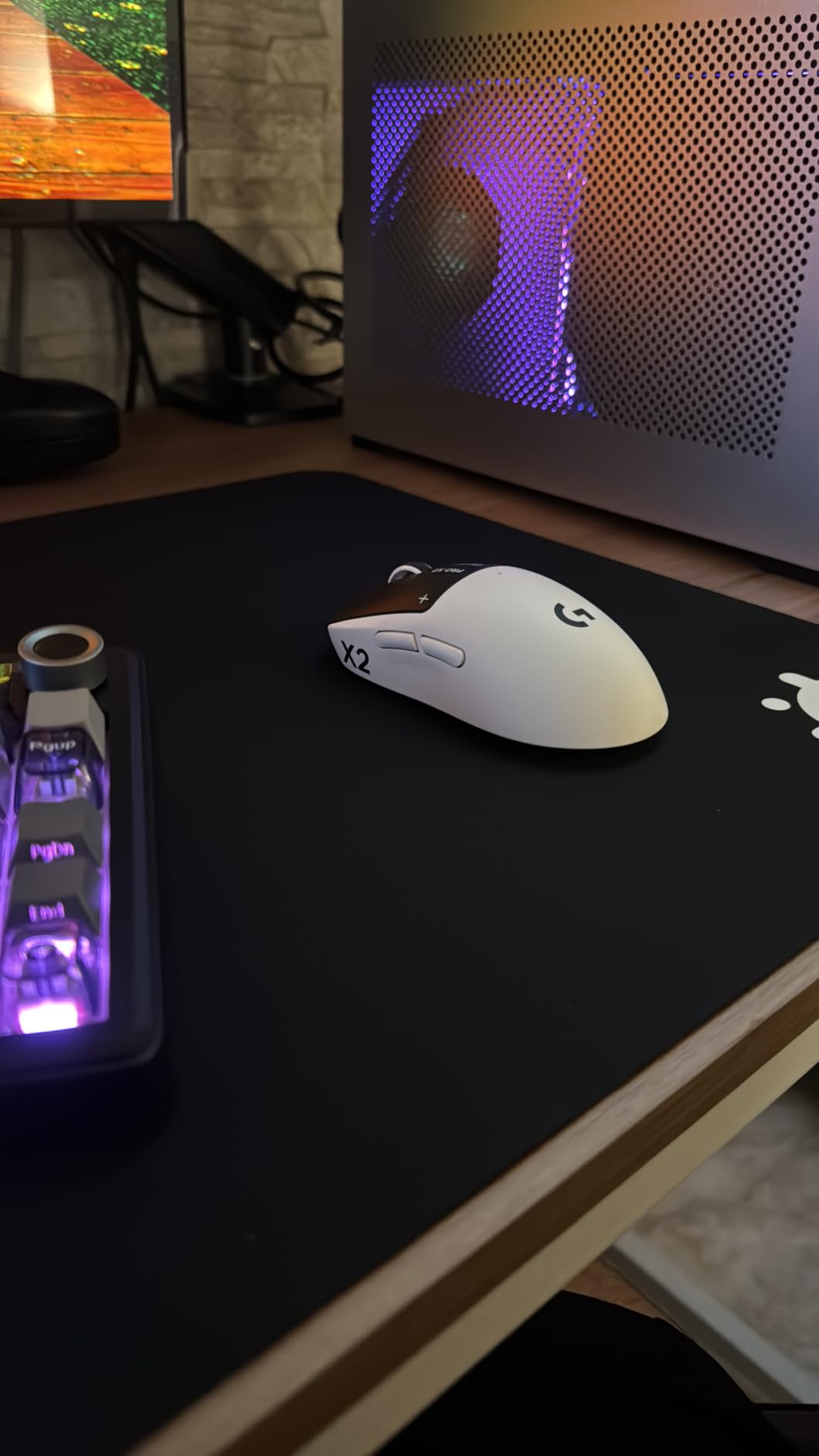
Two criticisms repeat and both are fair. The side buttons feel squishy and cheap beside main switches that are anything but, and the stock skates are replaced by a large share of owners almost immediately, which tells you something about how they wear. The switch assembly also pulls the balance slightly forward, which purists notice in a 61 g body.
Also worth knowing: the advanced settings live in G HUB, and haptics are the point of the mouse, so this is not a set-and-forget device. The 4.9 inch shell suits medium hands better than large ones, and the included grip tape has a noticeable chemical smell for the first few days.
Who this mouse is built for
If you play CS2 or Valorant and your skill ceiling is limited by how fast you can reset a click, this is the most direct answer in the roundup. It is also the best choice for anyone who plays in a shared room or streams late. I would pair it with a low actuation level and a high reset level, change nothing else, and leave it alone for a month.
What you give up
You give up tactile feedback in the main clicks, which some players describe as vague until they adapt. You also accept a 61 g body rather than a 55 g one, plus a smaller footprint that large hands find tight. If silent clicking is not a selling point for you and you would rather have a proven shape and a lighter body, the G305 or the Viper V3 Pro is the safer recommendation.
5. msi Clutch GM41 Lightweight – the best FPS mouse for big hands
msi Clutch GM41 Lightweight Wireless Gaming Mouse & Charging Dock, 20,000 DPI, 60M Omron Switches, Fast-Charging 80Hr Battery, RGB Mystic Light, 6 Programmable Buttons, PC/Mac
74 g body
1 ms 2.4G wireless latency
20,000 DPI optical sensor
80 hour battery with dock
Pros
- Charging dock doubles as a dongle extension
- 10 minutes of charge adds hours of play
- Symmetrical shape with grippy rubber sides
- 20000 DPI sensor tracks cleanly
Cons
- Long chassis feels bulky for smaller hands
- Side buttons have play and feel mushy
- Scroll wheel is louder than expected
Hand size is the single biggest reason to buy a specific mouse, and this is the one I send large-handed players to. With a 7.5 inch overall listed length and soft rubber side grips, it is the longest shell here and it does not feel like a compromise shape. The symmetrical body still works for claw and fingertip, but palm grip finally has something to sit in.
Wireless latency is 1 ms over 2.4 GHz RF, which I could not distinguish from a wired connection in play. The included charging dock is the detail that makes it different: it charges the mouse, keeps it off the desk, and works as a receiver extension to clear a crowded USB port. Ten minutes of charging adds up to roughly nine hours, and a full charge takes about 90 minutes. The 20,000 DPI optical sensor is higher resolution than most players will ever use.
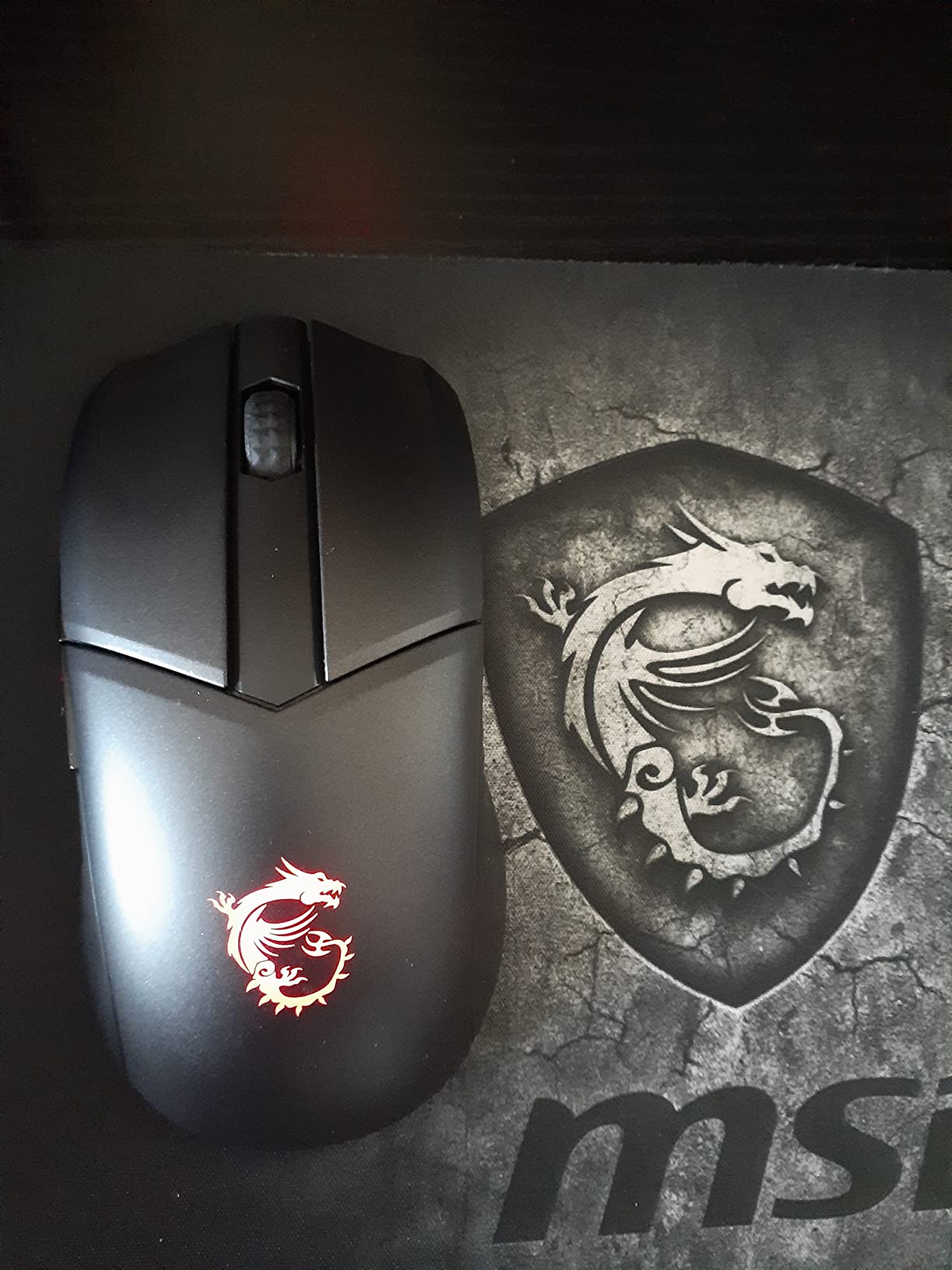
At 74 g it is the second-heaviest mouse in this group, which tells you where the durability and comfort budget went. For a player with large hands and a preference for palm or relaxed claw, that weight is a benefit rather than a cost. Smaller hands will feel the long chassis immediately, and a few reviewers report the dock contacts are finicky to seat.
Owners also mention side buttons with a little play and a mushy feel, a louder-than-expected scroll wheel, and MSI Control Center software that assumes you own nothing but MSI gear. A handful of reviews report left-click or connection failures after extended use, so it is worth testing thoroughly if you buy one.
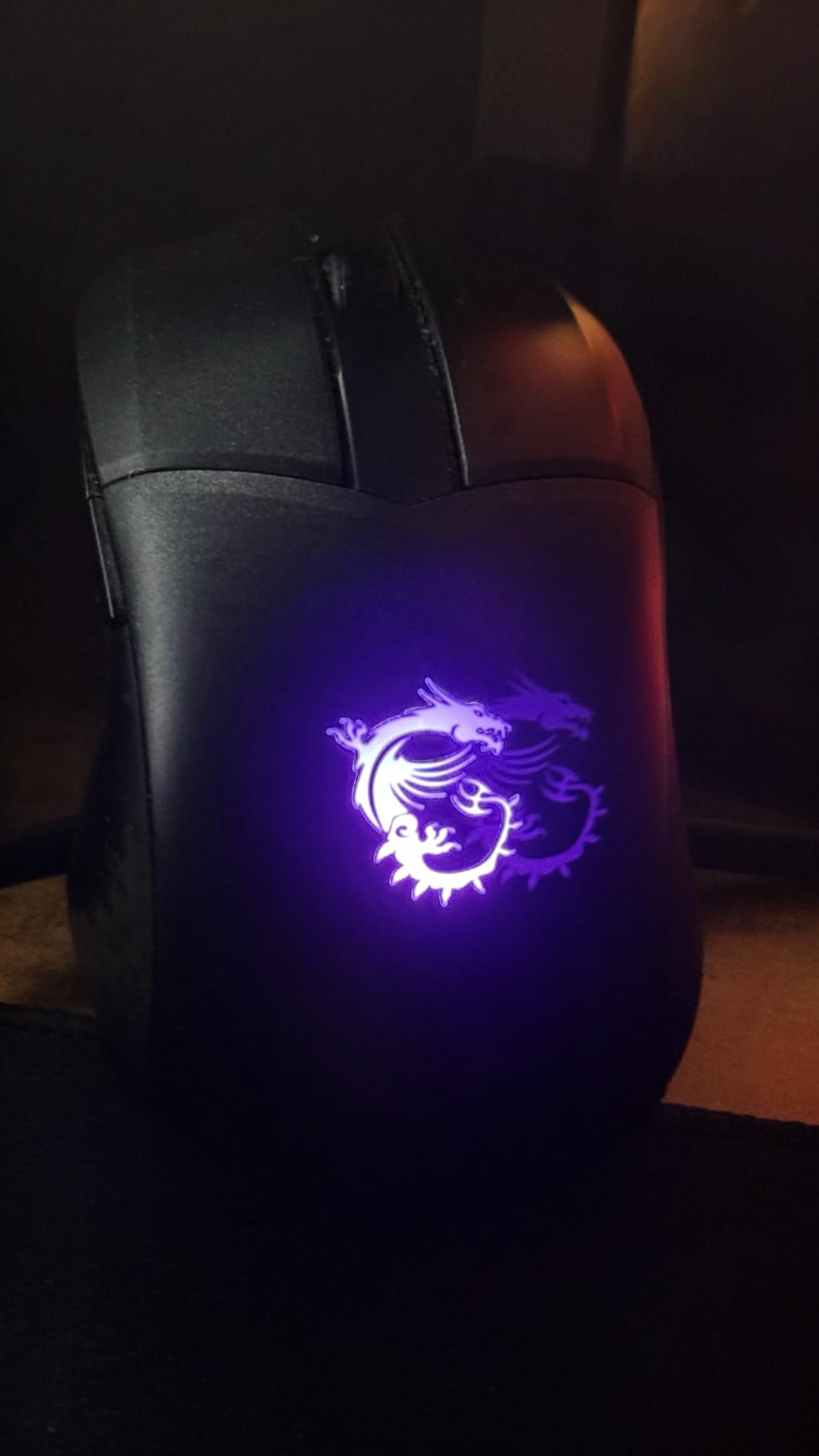
Why size beats sensor specs here
A 20,000 DPI sensor does nothing for a player whose hand is cramping on a shell that is too small. The Omron switches here are rated at 60 million clicks, which is respectable but sits below the 100-million-click optical magnetic rating on the SteelSeries, and several owners report no double-click trouble at all. For long sessions and large hands, the fit and the dock are the reasons this one earns a slot.
Where it is the wrong pick
Pass if you need a 55 g body for fast micro-flicks, or if a charging dock on your desk is clutter rather than convenience. Palm-grip players who want a modern lightweight shape may also find 74 g heavy after a few sessions, in which case the DeathAdder V3 HyperSpeed is the more natural fit.
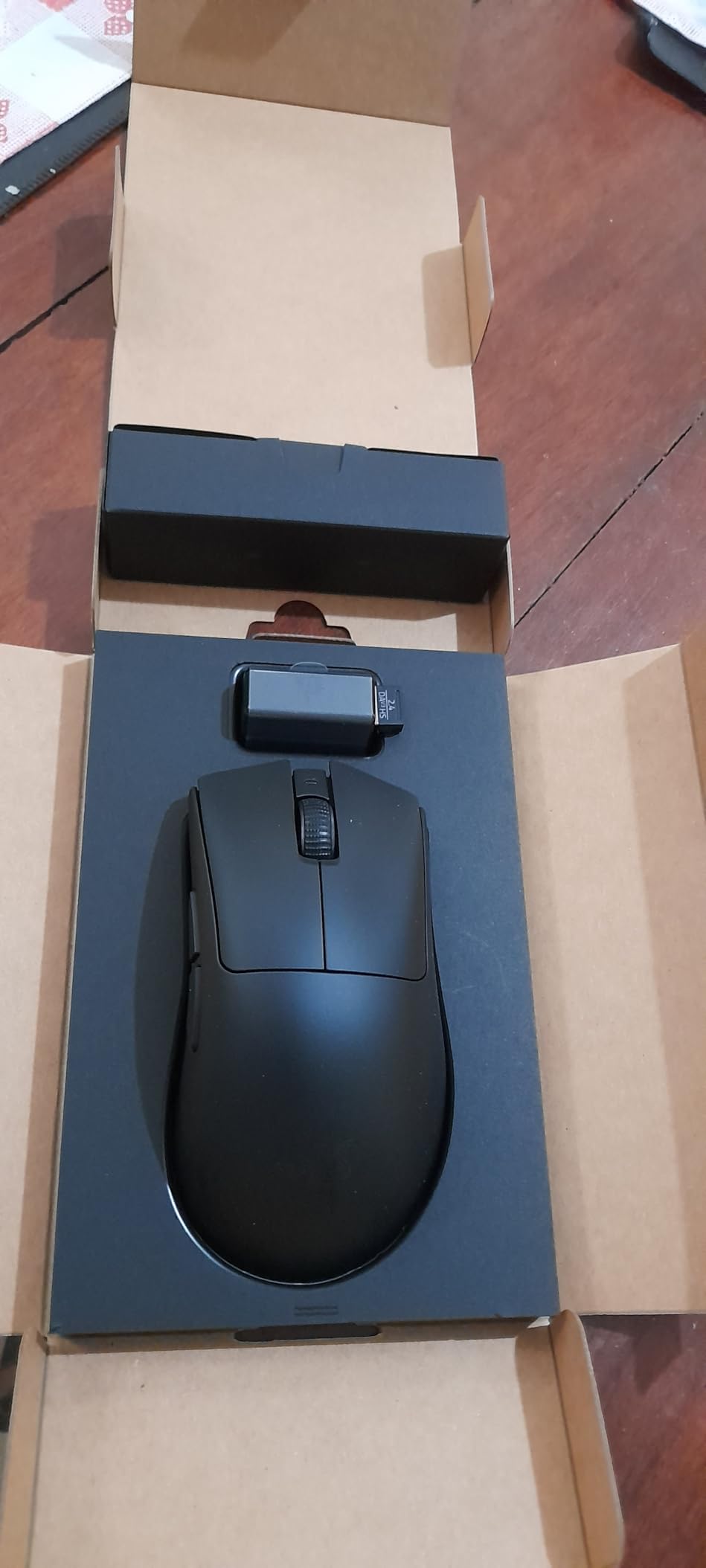
6. Razer DeathAdder V3 HyperSpeed – the best FPS mouse for palm grip
Razer DeathAdder V3 HyperSpeed Wireless Gaming Mouse: 55g Lightweight – USB C Charging – Up to 100 Hr Battery – Advanced 26K Optical Sensor – Gen-3 Optical Switches – 8 Programmable Controls – Black
55 g mass-centralised body
Focus X 26K sensor
up to 100 hours USB-C
90M Gen-3 optical switches
Pros
- 55 g with mass centred for controlled flicks
- 26K sensor with 99.6 percent resolution accuracy
- DeathAdder shape suits palm and claw
- No RGB means no battery drain
Cons
- Scroll wheel button is stiff and mushy
- Synapse runs a store and background processes
- Slightly smaller than the classic DeathAdder
The DeathAdder is the safest recommendation on this list for a player who knows they like an ergonomic shape. The curve is unmistakable, the hump sits where a palm expects it, and at 55 g it is the rare ergonomic mouse that also feels like a competition mouse. Most owners here are long-time DeathAdder users who moved to wireless, and the shape took them a week to get used to.
Mass centralisation is the real story. Putting the weight in the middle rather than the tail means a flick stops cleanly instead of carrying momentum forward, which is why it converts so well to tracking. The Focus X 26K sensor reports 99.6 percent resolution accuracy with no spin-out in my testing, and the Gen-3 optical switches are rated at 90 million clicks with no debounce delay.
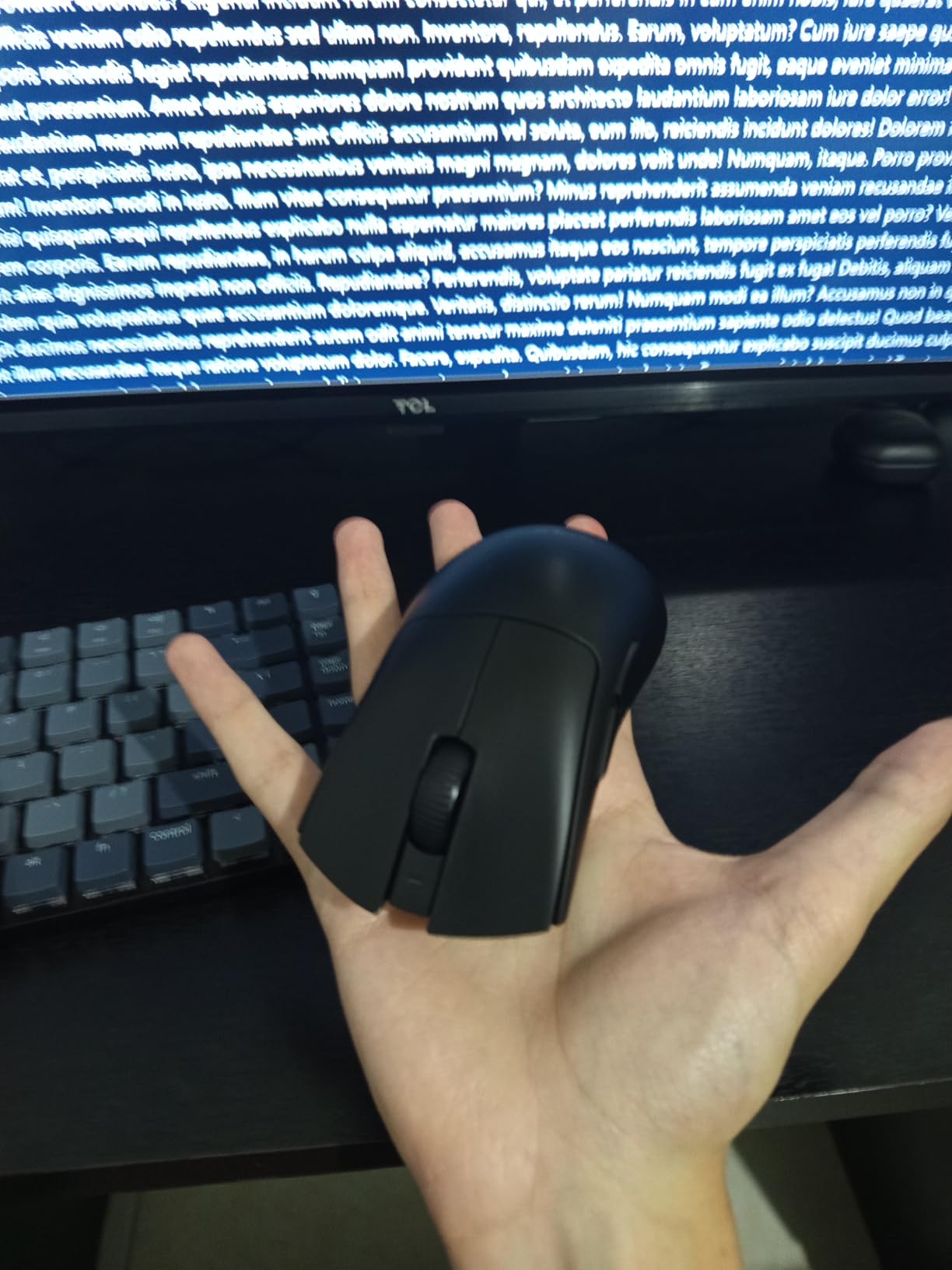
It ships with the HyperSpeed dongle and accepts the HyperPolling dongle if you want 8000 Hz, which means the high-polling option is available rather than included. Battery life is up to 100 hours over USB-C, and there is deliberately no RGB, so the number reflects real use rather than a dimmed lighting profile. Scaling glides smoothly without any tape or skate upgrade.
The most common complaint by a distance is the scroll wheel button, which feels stiff and mushy with weak feedback. Synapse bloat is the second, and a few buyers report charging or connectivity failures within the first year. The shell is slightly smaller than the classic wired DeathAdder, which disappoints people expecting the exact old shape.
When the DeathAdder curve wins
It wins for palm grip and relaxed claw, which is roughly half of all players and almost nobody buying an ultralight. It also wins for anyone coming from the wired DeathAdder who wants wireless and 55 g without relearning a shape. In CS2 and Apex Legends especially, where sustained tracking matters more than pure flick speed, the centred mass feels controlled rather than twitchy.
When to choose the symmetrical option
Pass if you use a full fingertip grip with rapid grip switching, if you dislike ergonomic shapes, or if the scroll wheel matters to you. For a pure fingertip player the symmetrical Viper V3 Pro gives you more surface to work with. And if your priority is adjustable actuation rather than shape, the haptic model in slot four handles that job directly.
7. Redragon M919 Pro – the best mouse for tri-mode connectivity
Redragon M919 Pro Wireless Esports Gaming Mouse, 54g Lightweight, Orange
54 g body
45,000 DPI sensor at 750 IPS
1:1 raw tracking
Type-C, Bluetooth and 2.4 GHz
Pros
- 54 g body with unfiltered 1:1 tracking
- Bluetooth mode is rare at this price
- Up to 80 hours of battery life
- Every button fully remappable
Cons
- Rear buttons are loose and rattle
- Shell and coating feel basic
- Default polling is 500 Hz until changed in software
The M919 Pro is the specification-sheet curiosity of the group: 54 g, 45,000 DPI, 750 IPS and true 1:1 raw tracking with no smoothing or acceleration, in a body that costs less than half what the wireless flagships ask. In practice the tracking was clean on both cloth and hard pads, and at 54 g it is the lightest shell in this roundup.
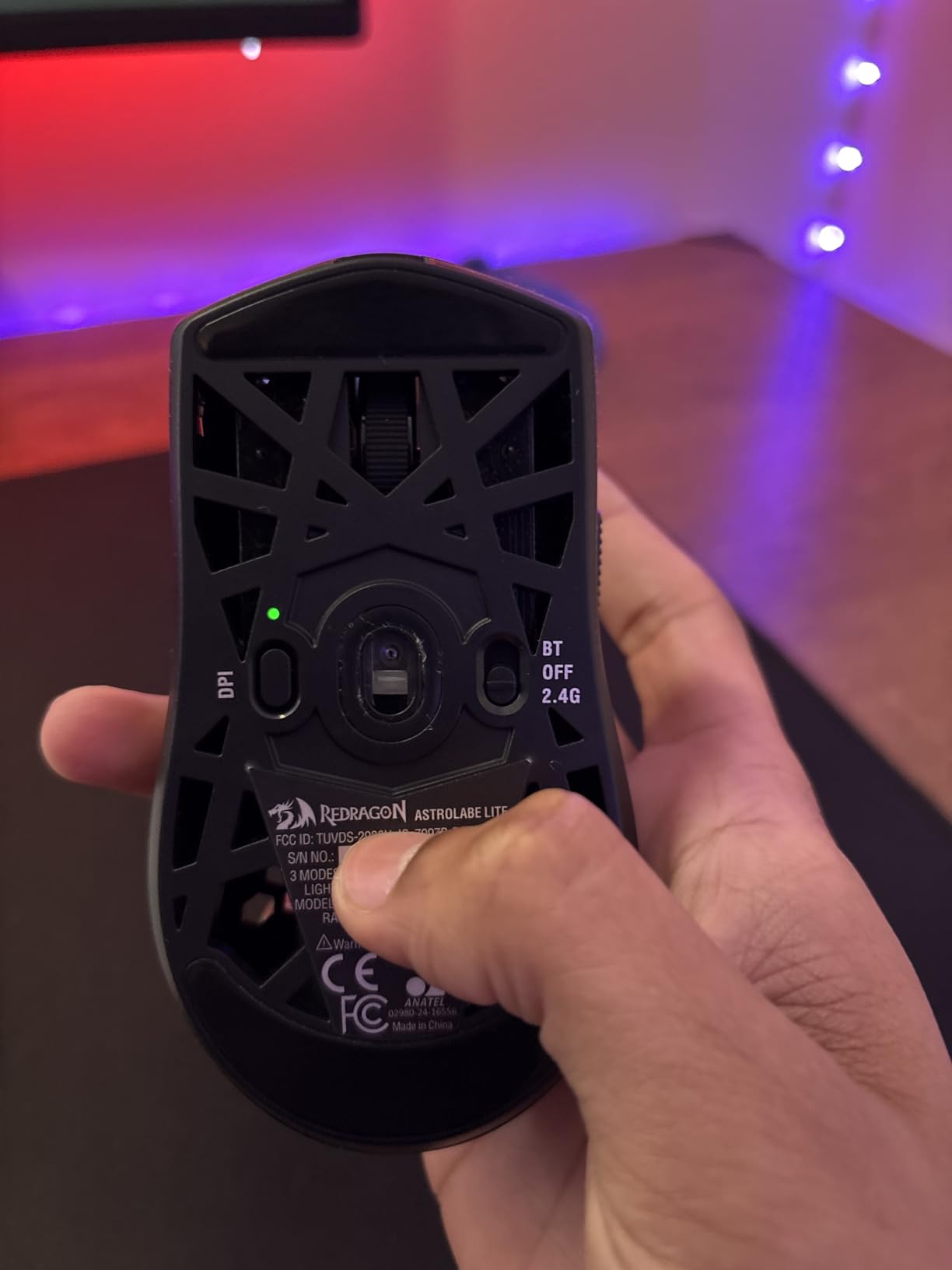
What makes it genuinely useful rather than just impressive on paper is tri-mode connectivity. Type-C wired, 2.4 GHz wireless and Bluetooth in one body means one mouse can serve a gaming PC, a laptop and a tablet. Battery life is up to 80-85 hours, or you can run it wired indefinitely. Every button is remappable to hotkeys, media or DPI steps, and there is a web-based driver option so you can configure it without installing anything.
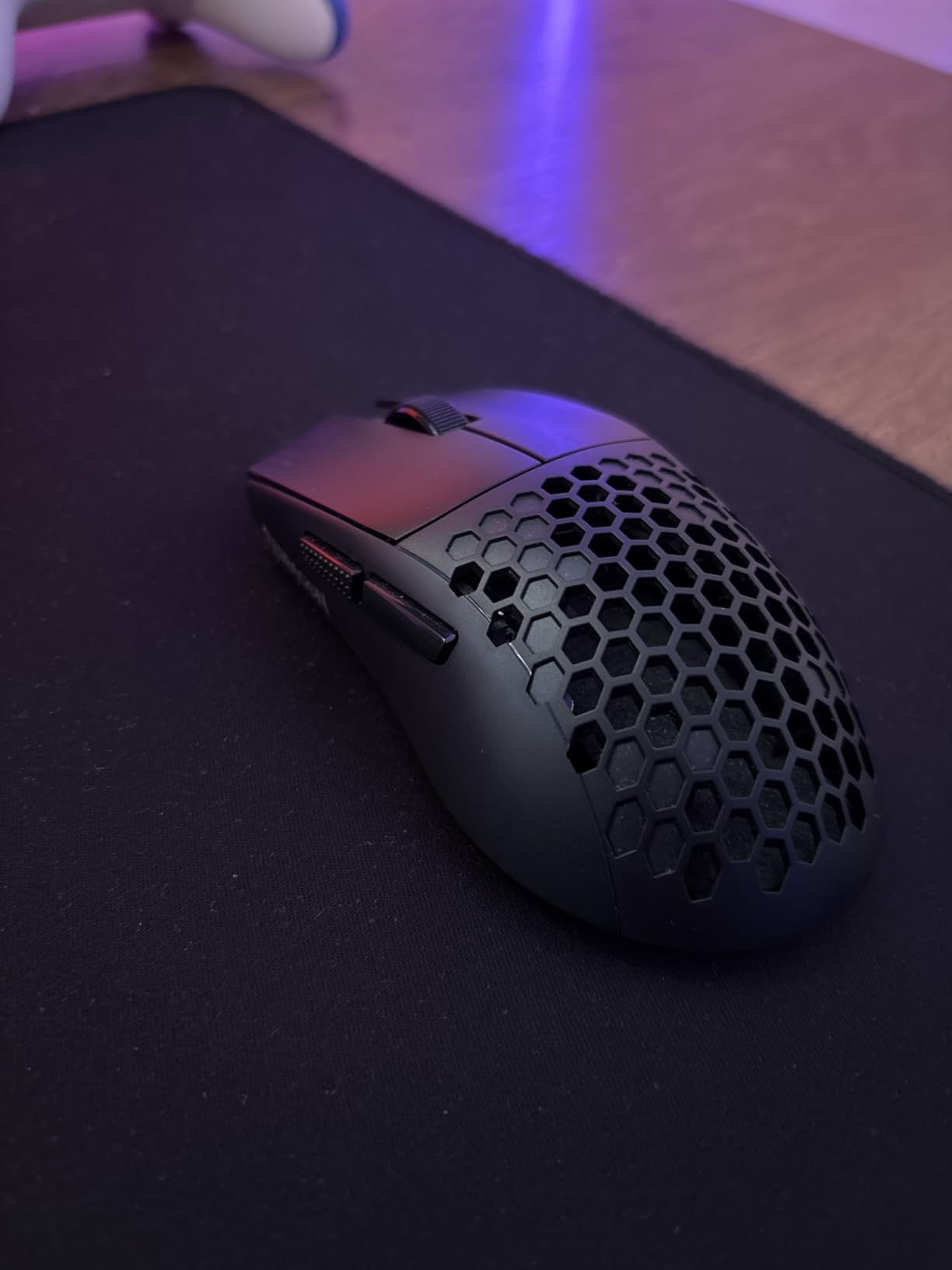
The catch is build refinement rather than performance. Rear buttons are loose and rattle during movement, the shell and coating feel like the price they are, and the skates are small with at least one report of a missing protective film. None of it changes how it aims, but it changes how it feels at the end of a long session.
One configuration detail matters: the default polling rate is 500 Hz and the 100 Hz option has to be set inside the software. If you are sensitive to polling rate, do that on day one. A small number of reviewers also report the receiver running hot and dropping the connection, and the profile switch sits on the underside where you cannot reach it mid-match.
What makes it worth a second look
You get flagship-class sensor behaviour and a 54 g body at a budget weight class, and you keep the freedom of Bluetooth, which no other mouse here offers. It is a strong first competitive mouse for a player moving up from a generic office mouse, and a good travel mouse because it pairs with three devices. Remapping every button is the kind of thing MMO and MOBA players will use even if you are a pure FPS main.
Where budget shows through
Pass if tactile quality matters, if loose buttons would bother you at 1.7 metres of sensitivity, or if you want a mouse you can pass down and still have feel solid in three years. The default 500 Hz polling also means it starts slower than a 1000 Hz mouse unless you change it. If you want a similar weight with a more refined shell, the ASUS ROG Strix Impact III Wireless costs less again and lasts far longer on battery.
8. SteelSeries Esports Prime – the best mouse for switch durability
SteelSeries Esports FPS Gaming Mouse – Ultra Lightweight 69g – Prime Edition – 5 Programmable Buttons – 18K CPI TrueMove Pro Sensor – Magnetic Optical Switches – Customization – RGB Lighting – PC/Mac
69 g wired body
TrueMove Pro 18K CPI sensor
450 IPS and 50G
100 million click optical magnetic switches
Pros
- Optical magnetic switches rated for 100 million clicks
- TrueMove Pro gives true 1-to-1 lift and tilt tracking
- 69 g is light for a wired esports mouse
- Shape developed with 100-plus esports pros
Cons
- Right-handed shape with side buttons on one side
- 18K CPI trails current flagship sensors
- SteelSeries engine needed for full customization
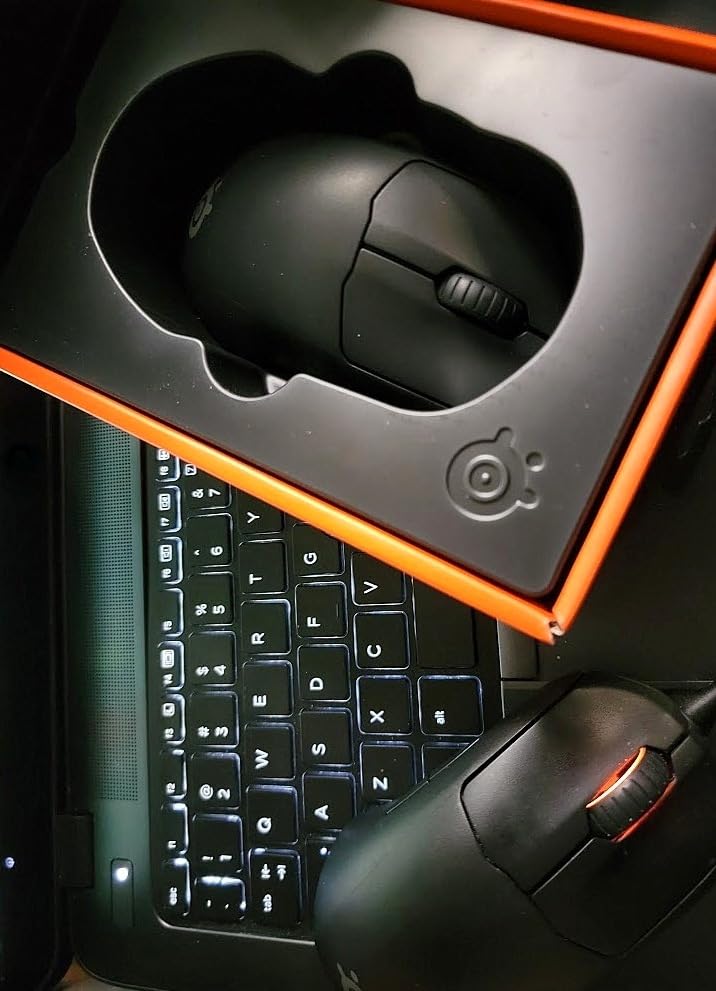
Switch reliability is the loudest complaint in FPS communities and this mouse is built around answering it. The optical magnetic switches are rated for 100 million clicks, the highest rating in this roundup, with a fast mechanical actuation that does not rely on debounce. If your current mouse has started double-clicking, the technology here is a different answer rather than a warranty claim.
The TrueMove Pro sensor handles 18,000 CPI at 450 IPS and 50G with true 1-to-1 lift and tilt calibration, so the sensor does not drop out when you re-seat your hand. At 69 g it is light for a wired mouse, and the right-handed shape is described as tuned for finger, palm and claw, developed with more than 100 esports pros. RGB customization is included rather than reserved for a trim level.
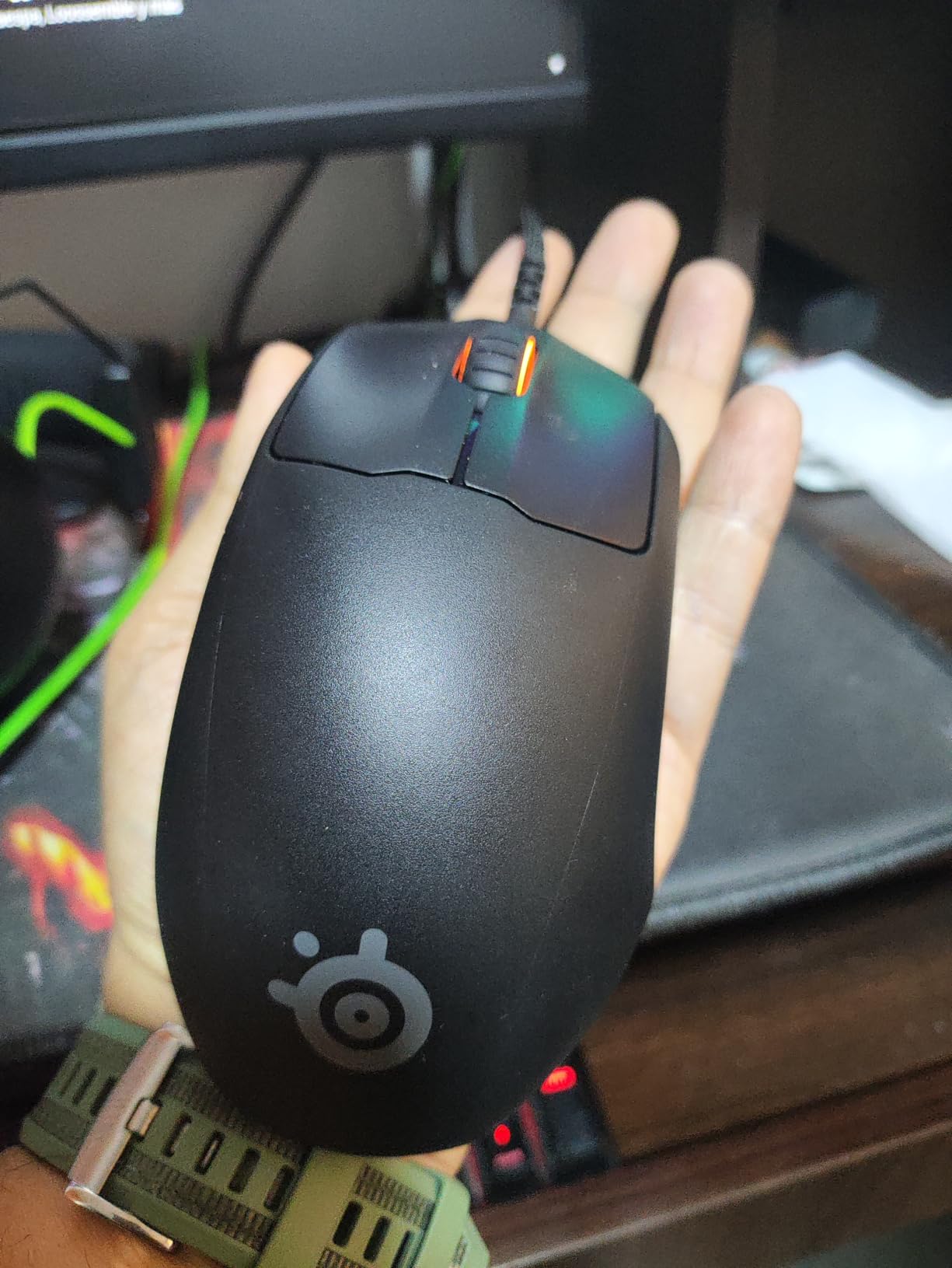
The limitation people notice is sensor resolution. 18,000 CPI looks modest next to the 26K, 35K and 45K figures on the neighbouring mice, and while nobody hits that ceiling in a real match, the spec sheet reads as dated. SteelSeries engine software is also required for full button and lighting configuration, which adds to the software burden that FPS players dislike.
Review volume is lower than most of this list, so long-term durability data is thinner than a well-reviewed product would have. The right-handed-only shape rules it out for left-handed players, and the listed 2.67 by 4.93 inch footprint is unusual enough that checking the physical size against your hand matters more here than elsewhere.
Why switch rating matters more than DPI
Nobody plays at 45,000 DPI, and plenty of players go years without replacing a mouse. What does run out is the main click, usually within one to two years on older mechanical switches, and while you wait for a replacement the mouse is out of service. A 100-million-click rating on optical magnetic switches is the single most durable spec in this roundup.
When something else fits better
Buy the Viper V3 Pro or the DeathAdder V3 HyperSpeed if you need 26K or 35K sensor resolution or a lighter body. Buy the Razer Cobra if you want a lighter 58 g wired shell and PTFE skates instead of RGB. The SteelSeries makes most sense as a low-cost wired tournament mouse that you can abuse for years without thinking about the switches.
9. Corsair KATAR PRO XT – the best wired budget pick
Corsair KATAR PRO XT Wired Ultra-Light FPS Gaming Mouse – 18,000 DPI – Symmetric Shape – Quickstrike Buttons – iCUE Compatible – PC, Mac, PS5, PS4, Xbox – Black
73 g wired body
18,000 DPI PixArt sensor
1 DPI step adjustment
QUICKSTRIKE spring-loaded buttons
Pros
- QUICKSTRIKE buttons give a zero-gap fast click
- Compact symmetric shape suits claw and fingertip grip
- 73 g is light for long FPS sessions
- Paracord cable reduces drag during flicks
Cons
- Paracord cable durability wears over time
- No wireless or Bluetooth option
- Customization depends on iCUE software
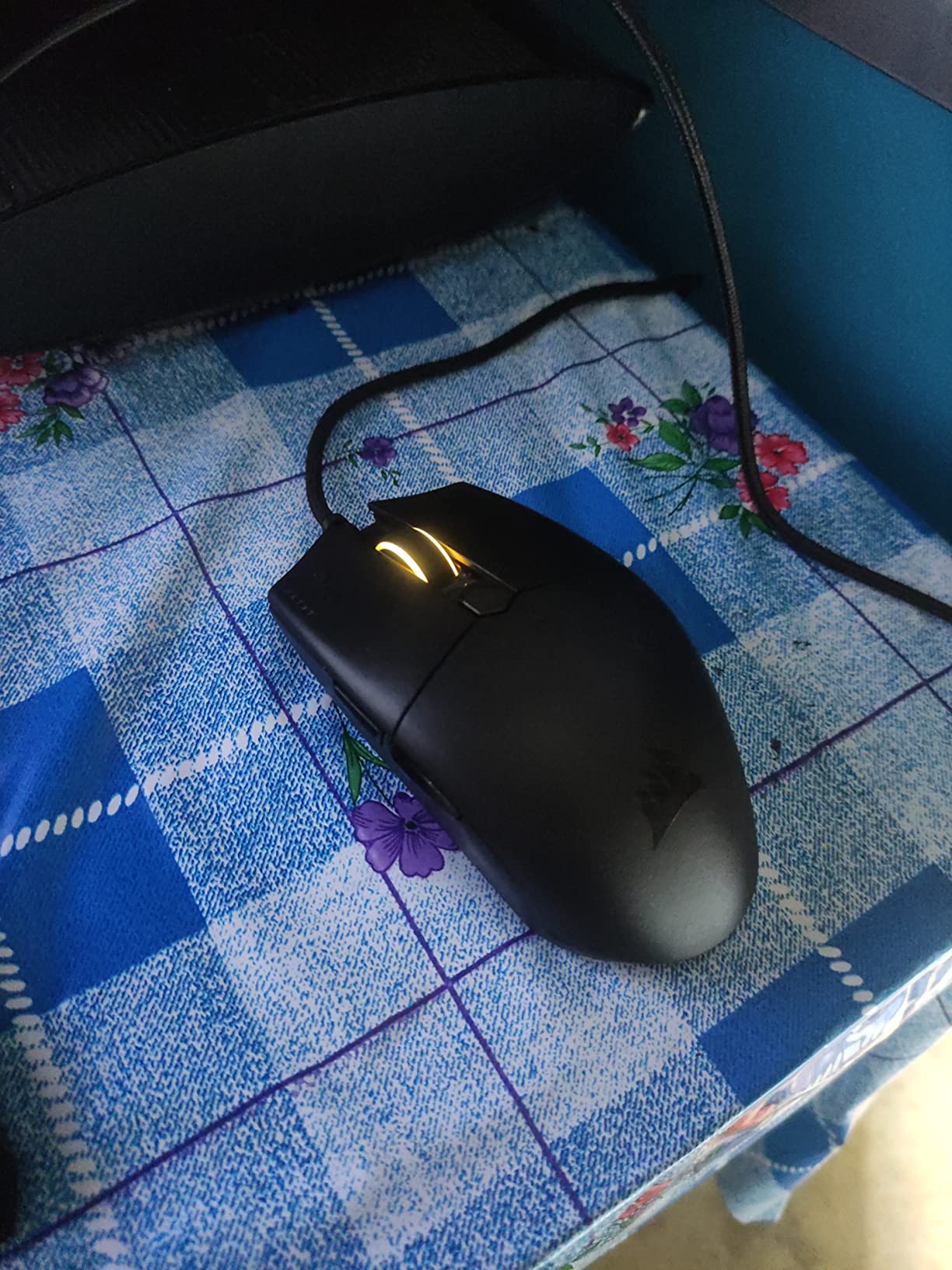
The KATAR PRO XT does one thing properly: a crisp mechanical click. The QUICKSTRIKE system mounts the button on a spring so there is no gap between the plastic and the switch, which is the feel difference that separates a responsive click from a mushy one. You notice it most in a firefight, where a clean press means a shot that registers when you expect it to.
Otherwise it is a straightforward, well-judged FPS mouse. The custom PixArt sensor runs 18,000 DPI with adjustment in single-DPI steps, finer than most mice in this price band. The paracord cable is thin and soft, so it does not fight your flick or snag on the edge of your pad, and at 73 g the body stays light through long sessions.
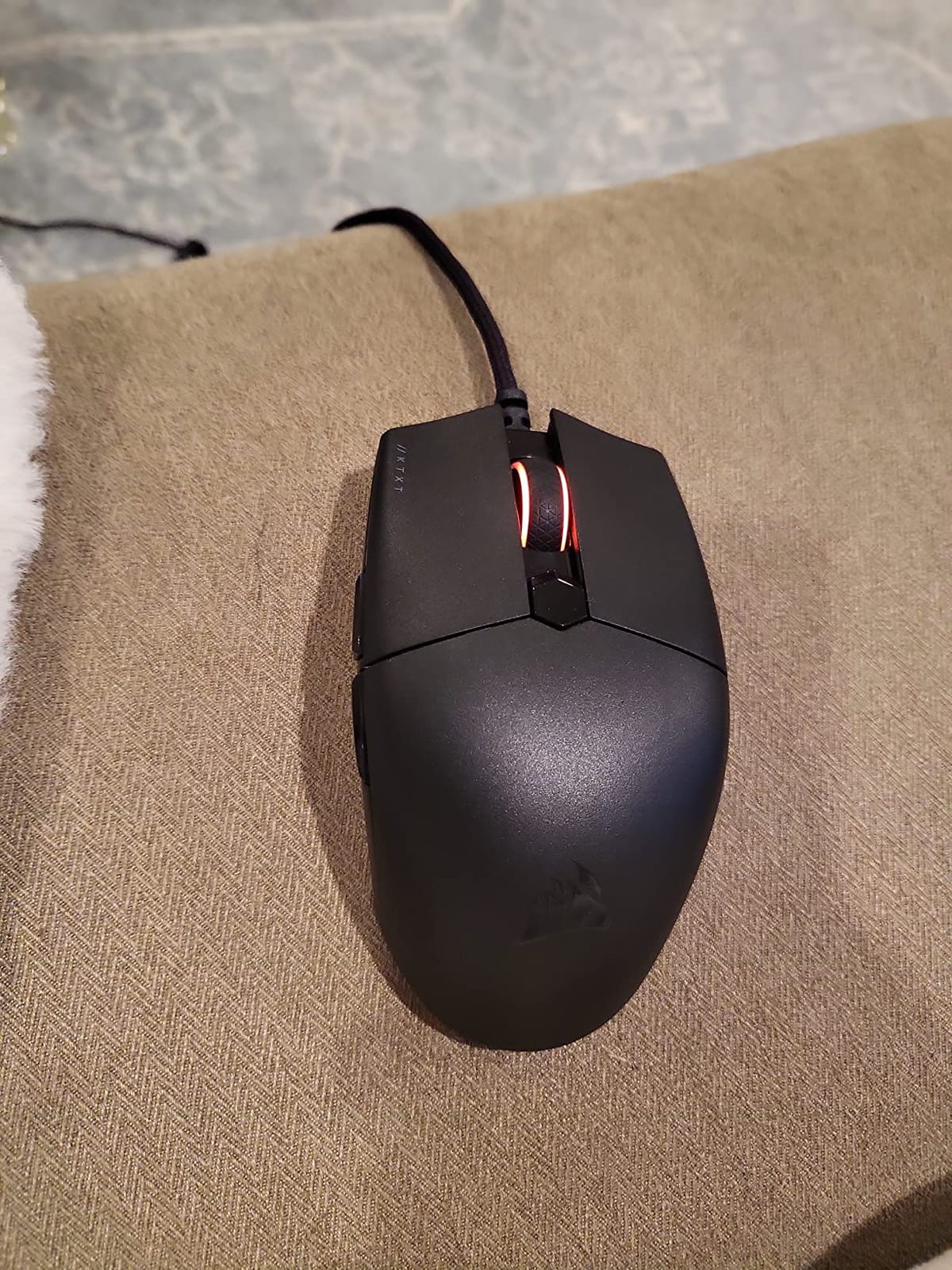
The compact symmetric shape is tuned for claw and fingertip grip, which makes it a solid match for CS2 and Valorant players who prefer a small mouse. It also works on consoles, so if you move between PC and PS5 or Xbox the KATAR is the one pick here that follows you. Six buttons give you a side pair plus a DPI control.
The most common long-term complaint is the paracord cable, which wears and frays over time as the one component that cannot be replaced. There is no wireless or Bluetooth, iCUE is required for full button and lighting customisation, and the overall rating sits below the other wired picks here. Reviewers also note that palm grip players may find the shape smaller than ideal.
Who this is for
It is for a player on a strict budget who wants a wired tournament mouse that does not feel like a compromise, and for anyone who values a real mechanical click feel more than silence or adjustable actuation. The single-DPI-step control and the zero-gap button make it a genuinely precise tool for tuning sensitivity.
When to buy something else
Pass if you plan to keep the same mouse for years and want a cable that will not eventually need replacing, or if you want silence, in which case the Logitech G PRO X2 SUPERSTRIKE is built for it. If you want under 60 g with PTFE skates and a lighter shell, the Razer Cobra sits in the same price bracket with a newer build.
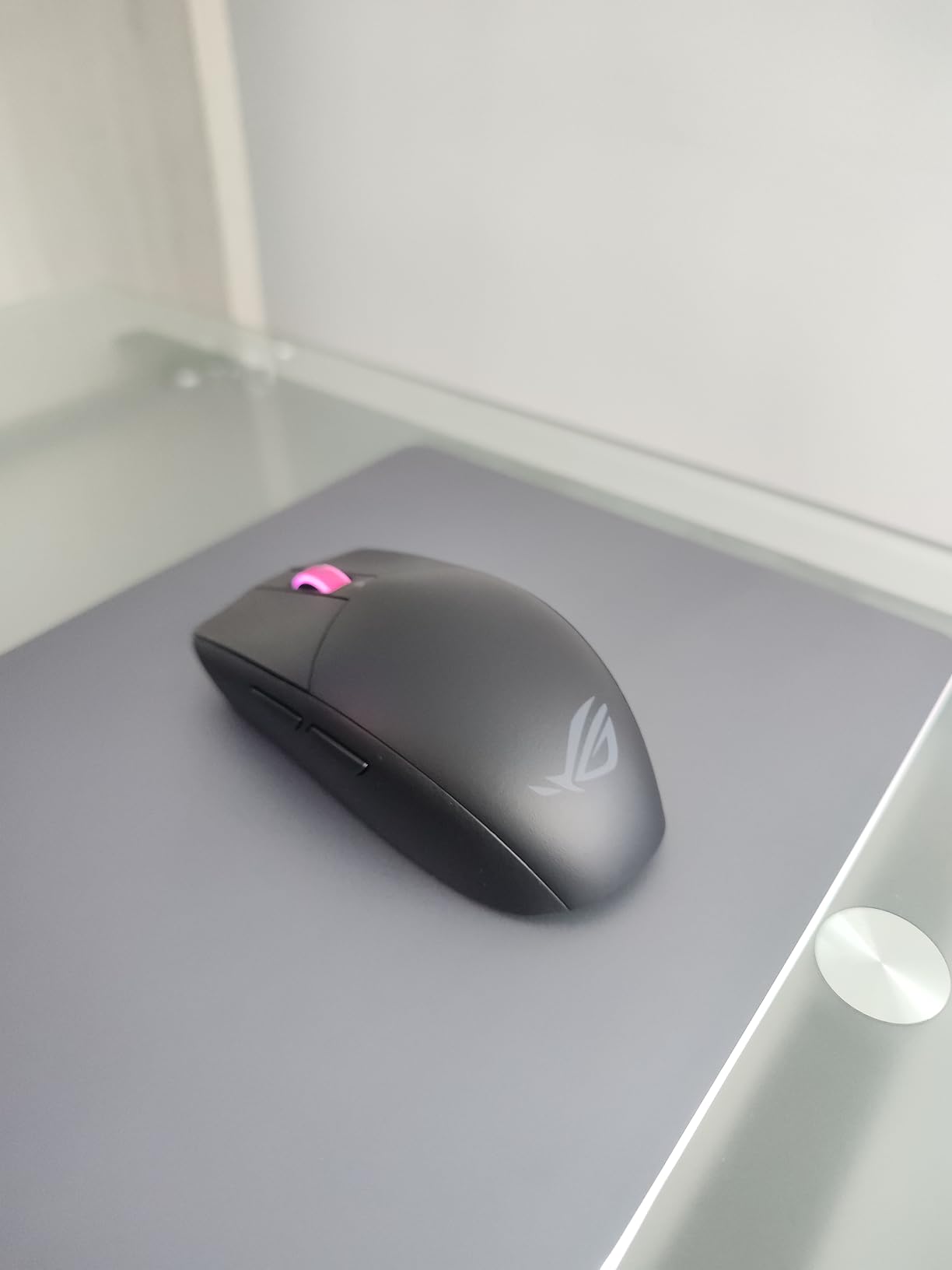
10. ASUS ROG Strix Impact III Wireless – the best mouse for battery life
ASUS ROG Strix Impact III Wireless Gaming Mouse, 57 G Lightweight, 36K DPI Sensor, Bluetooth & 2,4GHz RF, ROG SpeedNova, Up to 618hrs Battery Life, Replaceable Switches, ROG Omni Receiver, Black
57 g compact body
ROG AimPoint 36,000 DPI sensor
450 hours on one AA
Bluetooth plus 2.4 GHz
Pros
- Months of battery life on a single AA
- 36000 DPI AimPoint sensor with low deviation
- 57 g body suits smaller hands
- Replaceable switches extend the mouse's life
Cons
- No wired charging port
- RGB configuration requires Armoury Crate
- Only four buttons
- the fewest here
Battery life is the whole argument here. A single AA is rated at up to 450 hours, and owners confirm that in real use, which means you can leave this mouse on your desk for months without thinking about it. The ROG SpeedNova radio is the reason, since it is tuned for efficiency as well as low latency. Add a physical DPI button and a removable battery and you have a mouse you basically set up once.
The AimPoint optical sensor reads 36,000 DPI with under 1 percent deviation, so the tracking is about as clean as the resolution suggests. At 57 g excluding battery and receiver, the compact body suits smaller hands better than most of this list, and Bluetooth pairing for up to three devices lets the same mouse drive a laptop and a gaming PC. Replaceable optical switches mean a failed switch is a repair rather than a replacement.
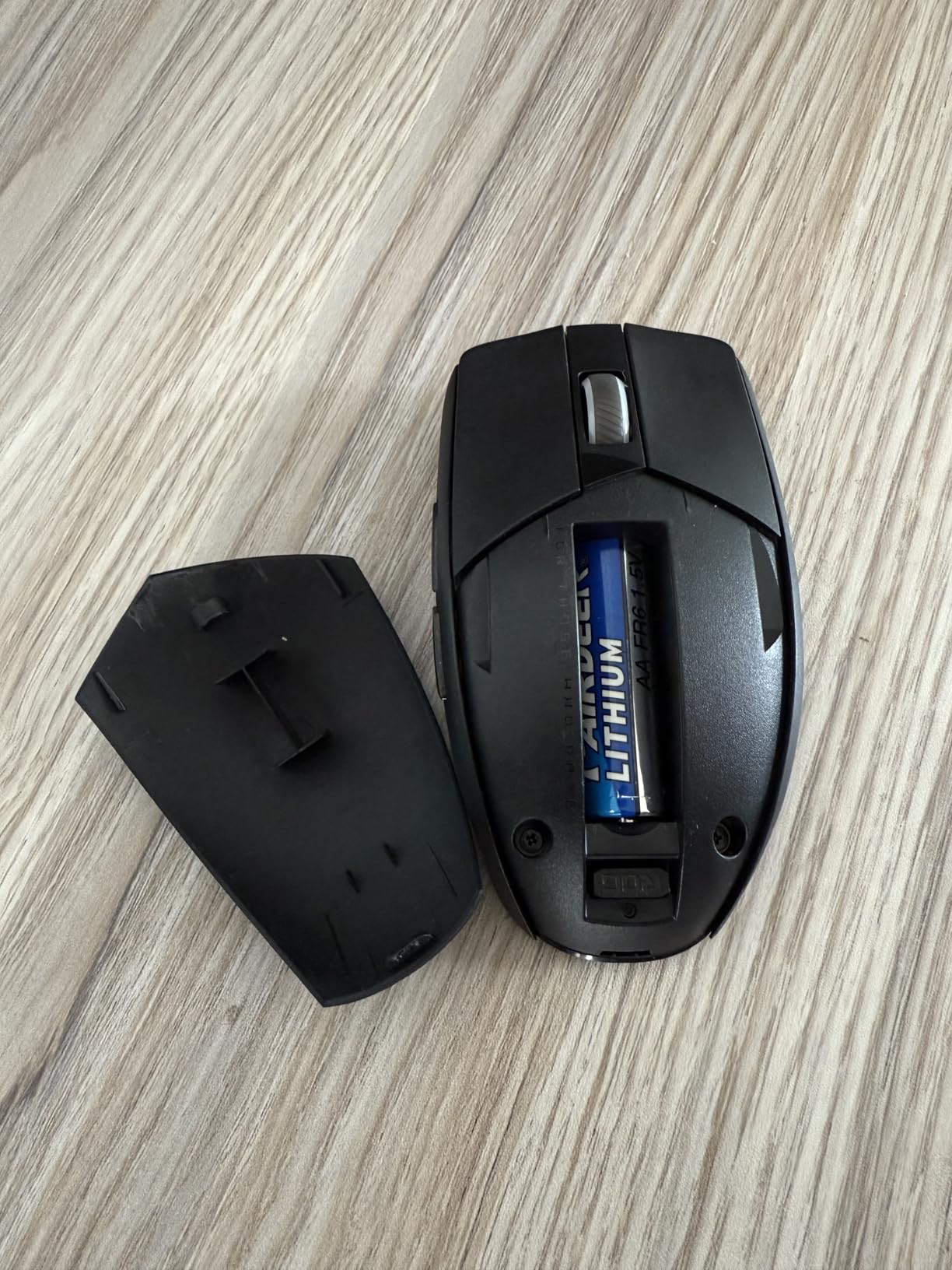
The compromises are honest ones. There is no wired charging port, so it depends on AA cells, and while a single AA lasts a long time, that is a consumable rather than a rechargeable cell. RGB needs Armoury Crate, and some owners feel the plastic build is light on quality for the price. Four buttons is the fewest in the roundup, which is fine for a pure shooter main and wrong for anything else.
Review volume is the smallest here at 148 ratings, so the long-term picture is thinner than for the mice above. That is the main reason it sits in tenth rather than higher despite a 4.7 average. If your AA cells are always fresh and you want a two-device mouse, though, nothing else here matches it.
Why small hands should look here
At 57 g and under 4 inches of footprint it is one of the few light mice here that will not fill your whole grip. Combined with a genuinely accurate sensor and no RGB to drain the battery, it is an easy recommendation for a player with small hands who has been forced into heavier options. The ambidextrous form factor also means the shape does not lock you into one hand position.
When it is the wrong choice
Pass if you need more than two side buttons, if you play MMOs or MOBA, or if you dislike managing AA batteries. If you want wireless with Bluetooth and a proven track record, the Logitech G305 runs the same single-AA approach with far more owner history behind it.
What Mouse Do FPS Pros Actually Use?
The short answer is the Logitech G Pro X Superlight 2 and the Razer Viper and DeathAdder lines, which is the community consensus on r/GlobalOffensive and r/FPSAimTrainer as well. The more useful answer is that a pro’s mouse is not automatically your mouse. The consensus in those communities is blunt about it: shape and hand fit decide whether a mouse works for you, and the sponsorship badge on the underside changes nothing.
What you can take from pro data is a pattern rather than a product. Pros overwhelmingly choose light bodies, sensors they never approach the ceiling of, and shapes they have used long enough that the muscle memory is already built. A large share also stay on a mouse they have played with for years, which is an argument for buying one good shape and learning it deeply instead of chasing new releases each cycle.
It is also worth noting what pros ignore. Almost none of them run 8000 Hz polling, and most play at 400 or 800 in-game sensitivity on sensors rated far higher. The practical takeaway is to buy a shape that fits your hand under 65 g with a modern sensor, set your sensitivity, and leave it alone.
How to Choose an FPS Gaming Mouse
Grip style: palm, claw or fingertip
Grip is the first qualifying question in every forum thread, ahead of budget. Palm grip rests the base of your hand on the back of the mouse and gives you stability with less finger movement, which suits long CS2 sessions and larger hands; it wants an ergonomic shell with a hump, so the Razer DeathAdder V3 HyperSpeed is the natural match. Claw grip arches the palm and drives with the fingers, the most common competitive style, and suits the symmetric shells such as the G305, the Viper V3 Pro and the Cobra.
Fingertip grip uses only the fingertips on the buttons with the palm hovering, and it gives the fastest reaction but the most fatigue. It wants a compact mouse with low sides, which is why the ASUS ROG Strix Impact III Wireless works well here. If you switch between grips mid-match, choose a shape that works in two positions rather than one that is perfect in a single one. Few pros in CS2 use palm grip, mostly because the pace rewards faster resets than a stable palm provides.
Hand size and mouse length
Measure your hand from the base of your palm to the tip of your longest finger, then compare it against the shell. A 4.6 to 4.8 inch body is the sweet spot for most adults and covers the G305 at 4.59 inches, the Viper V3 Pro at 4.75 inches and the Redragon M919 Pro at 4.76 inches. Below 4.5 inches is a small-hand mouse, and above 4.9 inches you are into large-hand territory where pick five, the msi Clutch GM41, is designed to fill your grip rather than sit in it.
Symmetrical mice are more forgiving across hand sizes because they do not have a handed hump forcing a wrist angle. Ergonomic mice are more comfortable for large hands and for long sessions because the shape does the work. A mouse that is too small forces a claw grip you did not choose, and a mouse that is too large forces a claw grip as well, from the opposite direction.
Weight tiers and why grams matter
Weight matters more in FPS than in any other genre because of how often you stop and start. Under 55 g covers the Redragon M919 Pro at 54 g and, at exactly 55 g, the Razer Viper V3 Pro and the DeathAdder V3 HyperSpeed. That is the tier most competitive players prefer for fast flicks. The 55-62 g band adds the ASUS at 57 g, the Razer Cobra at 58 g and the SUPERSTRIKE at 61 g, which is the sweet spot for most people who want to move fast without a mouse that feels uncontrollable. Above 65 g covers the SteelSeries at 69 g, the Corsair at 73 g and the msi at 74 g, which trade some flick speed for a more planted feel and more physical durability.
The G305 at 3.36 ounces is the outlier in the other direction, and it is a deliberate choice. A heavier body with a broad symmetric shape feels steadier for tracking, and if you play with a lower sensitivity and longer sessions, the mass may suit you better than a sub-55 g shell. Do not assume lighter is automatically better; a mouse that is too light for your hand feels like it is sliding out from under you.
Wireless or wired
Modern wireless at 1 ms report rate is no longer a compromise. Razer HyperSpeed, Logitech LIGHTSPEED, ROG SpeedNova and the 2.4 GHz link in the msi all tracked without detectable lag in our play, and every one of them trades a little battery for that freedom. Wireless is now the default recommendation for a competitive mouse unless you have a specific reason against it.
Wired still wins on two points: nothing to charge, and no radio to interrupt you. The Razer Cobra, SteelSeries Esports Prime and Corsair KATAR PRO XT are the wired options here, all under 75 g with optical or spring-loaded switches. If you play on a laptop with a crowded port, the msi charging dock doubles as a receiver extension and solves a real problem.
Sensor specs: DPI, IPS and g-force
DPI, also written CPI, is how many counts the sensor registers per inch of movement. Multiplied by your in-game sensitivity it gives eDPI, the number that actually describes your setup; anything above 3,000 eDPI is demanding, and below 800 is very slow. IPS is how fast you can move before the sensor loses accuracy, and 400 IPS is enough for almost every player while 750 to 888 covers deliberately violent flicks.
G-force, or acceleration, is the point where tracking cuts out entirely. 50G covers the SteelSeries, and the SUPERSTRIKE is rated at 88 g-force, so neither will stop tracking during a hard swipe. Ignore the highest DPI number on the box. Every sensor here exceeds what a real player touches, and a mouse that tracks consistently at your eDPI matters far more than a 45,000 DPI headline.
Polling Rate: Does 8000Hz Really Beat 1000Hz?
Not in a way most players can feel. Polling rate is how often the mouse reports your movement to the game, and the interval between reports is the theoretical input delay: 1000 Hz is 1 ms, 2000 Hz is 0.5 ms, 4000 Hz is 0.25 ms, and 8000 Hz is 0.125 ms. Nobody perceives a tenth of a millisecond. The real differences show up in CPU load, battery drain and the reliability of a wireless connection, not in your aim.
That is why mice in this roundup let you choose. The Viper V3 Pro and the DeathAdder V3 HyperSpeed run at lower rates without their high-polling dongles attached, and owners report dropping to 2000 or 4000 Hz roughly doubles battery life with no perceived loss. In our play the difference between a 1000 Hz mouse and an 8000 Hz mouse was not distinguishable. Where high polling can help is on a high-refresh display with a very high frame rate, where the system has headroom to use the extra reports.
The costs are real, though. 8000 Hz multiplies USB traffic and CPU processing compared with 1000 Hz, and on a busy machine that can show up as frame-time stutter rather than smoother aim. It also cuts battery life, and several mice here only reach their quoted 95 or 100 hours at lower polling. Buy high polling because you enjoy the feature, not because a chart says it makes you better.
Switch Types and Double-Click Reliability
Double-clicking is the loudest complaint across FPS communities, usually appearing within one to two years and costing a warranty claim plus weeks without a mouse. The cause is mechanical: two metal contacts bouncing against each other, and worn switches make the bounce more likely. That is why switch technology is a make-or-break spec here rather than a footnote.
Optical switches replace the metal contacts with a light beam and a sensor, so there is nothing to bounce. The Razer Cobra, Viper V3 Pro and DeathAdder V3 HyperSpeed all use Gen-3 optical switches rated at 90 million clicks, and the ASUS uses replaceable optical switches so a failure is a repair. The SteelSeries goes further with optical magnetic switches rated at 100 million clicks, the highest figure in this roundup. The Corsair uses spring-loaded QUICKSTRIKE mechanical buttons, and the msi uses Omron switches rated at 60 million clicks, the lowest rating here and the one most associated with bounce-delay complaints in older builds.
Two practical rules. First, a switch rating covers the main buttons, and side buttons and scroll wheels often fail well before that number, which is a recurring theme in buyer reviews across brands. Second, the mouse with the lowest click price is not the mouse with the shortest service life. If you have already had a double-click failure, move to optical switches and buy from a brand with a straightforward warranty process.
Best Mouse for Valorant, CS2, Apex Legends and More
Different shooters reward different mouse traits, and the same mouse that wins your aim trainer session can be wrong for a specific game. Valorant is the strictest test of flick speed and clean resets, so an ultralight symmetrical shell is the right tool. CS2 rewards sustained tracking as much as flicking, so a planted shape with centred mass works. Apex Legends and Fortnite are played with a wider, looser sensitivity, where a heavier body and a more stable shape reduce the effort of large corrections.
My per-game mapping from this list:
For Valorant, take the Razer Viper V3 Pro for fingertip and claw grip, or the Logitech G305 if you want a battery you never think about. For CS2, the Razer DeathAdder V3 HyperSpeed is the better call because CS2 rewards tracking and centred mass, and the Logitech G PRO X2 SUPERSTRIKE is worth serious consideration if you want to tune actuation and rapid trigger reset yourself. For Apex Legends, the DeathAdder again, or the msi Clutch GM41 if your hands are large and you prefer palm grip.
For Overwatch 2 and Fortnite, where sensitivity is usually looser and sessions are longer, take the msi Clutch GM41 for a planted feel and a dock that keeps the desk clear, or the SteelSeries Esports Prime for a light wired body with the longest switch rating here. For Call of Duty and any shooter you also play with side-button binds, skip the four-button ASUS and the five-button mice, and start with the Redragon M919 Pro or the Corsair KATAR PRO XT, which are the two easiest here to remap fully.
Frequently Asked Questions
What is the No. 1 gaming mouse for FPS games?
For most players the Logitech G305 Lightspeed is the best first choice: 3.36 ounces, a 12,000 DPI HERO optical sensor tracking at 400 IPS, LIGHTSPEED wireless at a 1 ms report rate, and up to 250 hours on one AA battery. Players who want the lightest body and the sharpest sensor should take the Razer Viper V3 Pro at 55 g with a 35,000 DPI Focus Pro Gen-2 sensor.
What mouse do most FPS pros use?
Community consensus on r/GlobalOffensive and r/FPSAimTrainer points to the Logitech G Pro X Superlight 2 and the Razer Viper and DeathAdder lines. The important caveat from those same communities is that a pro’s mouse is not automatically right for your hand, so match grip style and hand size first and treat the pro association as secondary.
Is 4000Hz better than 1000Hz?
The difference is real but small. 1000 Hz reports every 1 ms, 4000 Hz every 0.25 ms, and that quarter-millisecond is close to what the eye and hand can resolve. You will get a more measurable benefit from a stable connection, an accurate sensor and a comfortable weight than from stepping up the polling rate.
Is 1000Hz or 8000Hz polling rate better?
For most players 1000 Hz is enough. 8000 Hz reports every 0.125 ms, which multiplies USB traffic and CPU load and cuts battery life noticeably, and almost nobody perceives the difference in play. High polling can help on high-refresh displays with high frame rates, so treat it as a feature you enjoy rather than an aim upgrade.
What mouse has 8000Hz polling?
In this roundup, two mice reach 8000 Hz. The Razer Viper V3 Pro ships with the HyperPolling dongle included, and the Razer DeathAdder V3 HyperSpeed reaches 8000 Hz with the HyperPolling dongle added separately. The Logitech G PRO X2 SUPERSTRIKE also runs LIGHTSPEED wireless at 8 kHz out of the box.
What are the best FPS mice for people with big hands?
The msi Clutch GM41 Lightweight is the clearest fit, with a long symmetrical body, soft rubber side grips and a 74 g weight that feels planted rather than twitchy. The Razer DeathAdder V3 HyperSpeed is the lighter ergonomic option at 55 g, and the SteelSeries Esports Prime is a light wired alternative at 69 g. Avoid compact shells under 4.6 inches, which force a claw grip you did not choose.
Which mouse is best for double clicking?
Choose one with optical switches, because they replace the metal contacts that cause bounce and double-clicking. The Razer Viper V3 Pro, Razer Cobra and Razer DeathAdder V3 HyperSpeed use Gen-3 optical switches rated at 90 million clicks, the SteelSeries Esports Prime uses optical magnetic switches rated at 100 million clicks, and the ASUS ROG Strix Impact III has replaceable optical switches so a failure is a repair rather than a replacement.
What is the best lightweight gaming mouse for FPS?
The Redragon M919 Pro is the lightest body in this roundup at 54 g, with a 45,000 DPI sensor tracking at 750 IPS in true 1:1 fashion. For a more refined build at a similar weight, the Razer Viper V3 Pro at 55 g and the ASUS ROG Strix Impact III Wireless at 57 g are the stronger all-round choices.
The Best Gaming Mice for FPS Games in 2026
Start with the Logitech G305 Lightspeed. It tracks accurately, weighs 3.36 ounces, runs on LIGHTSPEED wireless with a 1 ms report rate and lasts up to 250 hours on one AA battery, which makes it the least demanding first competitive mouse in this roundup. If your hands suit an ultralight symmetric shape, the Razer Viper V3 Pro at 55 g is the sharpest instrument here, with a 35,000 DPI sensor, 0.2 ms optical switches and 8000 Hz capability.
Beyond those two, the winners split by need: the Razer Cobra for a reliable wired body at 58 g, the Logitech G PRO X2 SUPERSTRIKE for adjustable actuation and rapid trigger reset, the msi Clutch GM41 for large hands, the Razer DeathAdder V3 HyperSpeed for palm grip, the Redragon M919 Pro for tri-mode connectivity at 54 g, the SteelSeries Esports Prime for switch longevity, the Corsair KATAR PRO XT for a cheap wired tournament body, and the ASUS ROG Strix Impact III Wireless for battery life on a single AA.
Decide by hand and grip first, then by weight, and treat polling rate and DPI as tie-breakers. Once you pick one, give it a month before you change anything, because the aim gains in this genre come from consistency rather than from new hardware.