
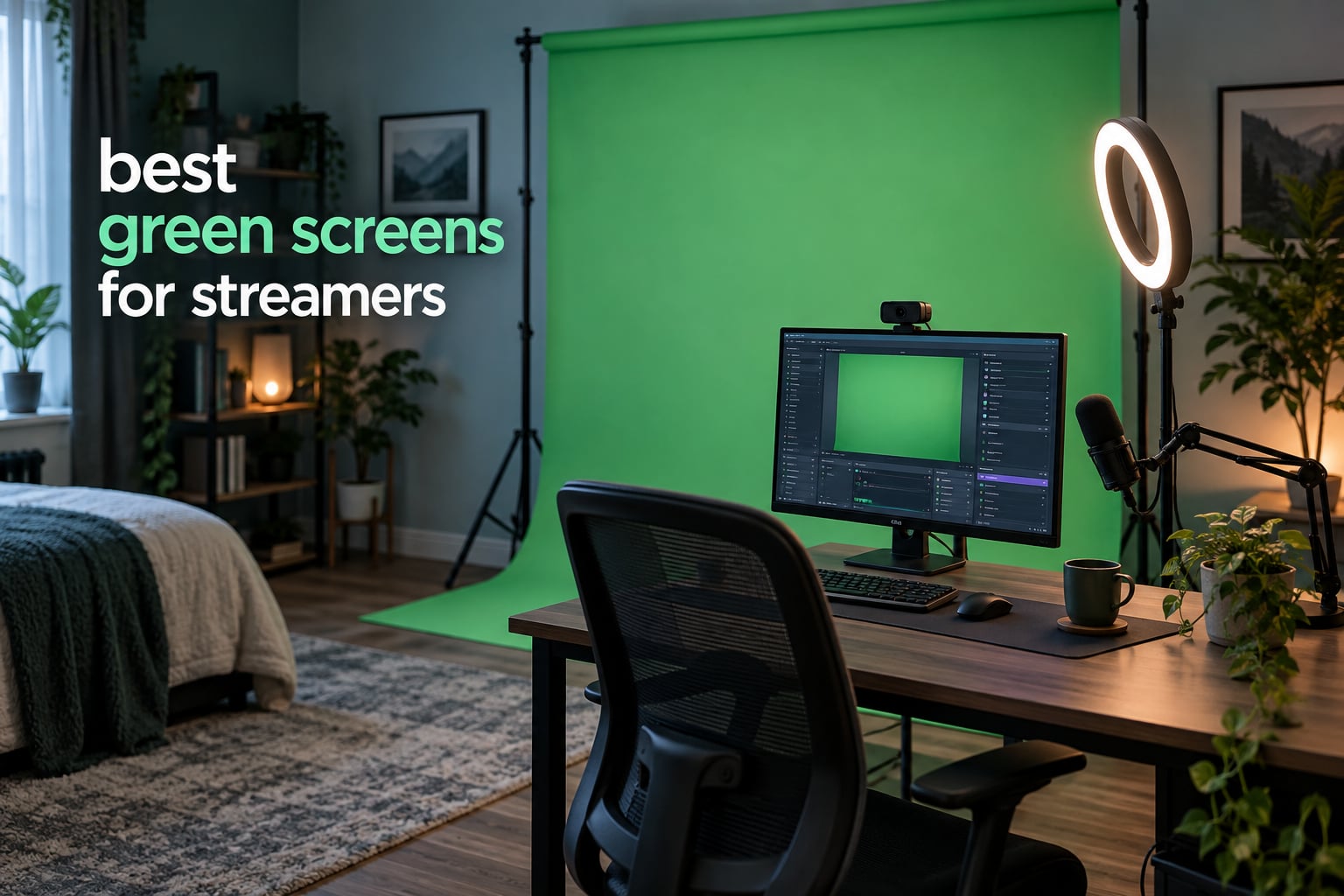
A green screen is the cheapest way to make a small room look like a studio. Key it out in OBS or Streamlabs and you can drop your camera feed on top of a game, a skyline, or a virtual set without renting a studio space. After weeks of setting these up, packing them away, and watching which ones survive daily use, our pick for the best green screen for streamers is the EMART 6x9Ft Green Screen Backdrop. It has the largest body of owner feedback in this group and a key that holds up in an ordinary bedroom setup.
The trade-off nobody in this category says out loud is fabric versus frame. A large polyester cloth is affordable, machine washable, and gives you the most coverage per pound. A collapsible panel with an integrated stand costs several times more, folds into its own case, and will not tip when you kick the desk mid-stream. Cloth wins for a fixed room. Panels win if you tear your setup down between sessions or stream standing up.
This roundup covers twelve green screens for streamers, from low-cost fabric sheets to rigid retractable panels, ranked on what actually decides whether a key looks clean: fabric reflectivity, wrinkle behaviour, frame wobble, size against your framing, and pack-down speed. Lighting and OBS settings are covered too, because no screen keys well in a badly lit room. Every rating and review count below is copied from current owner feedback, and all twelve products are scored on the same five criteria.
Table of Contents
Top 3 Green Screens for Streamers (September 2026)
Our top three pull in different directions on purpose. The EMART 6x9ft cloth is the proven all-rounder, the RAUBAY collapsible panel has the highest rating and the widest coverage, and the EMART 8.5x10ft stand kit is the highest-rated complete setup that still adjusts to your room.

EMART 6x9Ft Green Screen Backdrop
- Non-reflective green cloth
- Machine washable
- Clips included
- 108 x 72 inches

RAUBAY 78.7 x 82.7in Collapsible Screen
- Widest rigid panel here
- Retracts into hard case
- Composite polyester
- Two-person framing

EMART 8.5x10ft Stand Kit with 10x12ft
- Highest rated complete kit
- Adjustable aluminum stand
- Double-rod tripod base
- Carry bag
All 12 Green Screens Compared in 2026
Use this table as the shortlist. It lists every product in the roundup with its type, coverage, and the one weakness that matters most at the decision stage.
| Product | Specs | Action |
|---|---|---|
| EMART 6x9Ft Green Screen Backdrop |
|
Check Latest Price |
 NEEWER Double Sided Green and Blue 5×6.6ft NEEWER Double Sided Green and Blue 5×6.6ft |
|
Check Latest Price |
 Hemmotop 5x7ft Chromakey Backdrop Hemmotop 5x7ft Chromakey Backdrop |
|
Check Latest Price |
 EMART 58x74in Collapsible Chroma Key Panel EMART 58x74in Collapsible Chroma Key Panel |
|
Check Latest Price |
| EMART 8.5x10ft Stand Kit with 10x12ft Backdrop |
|
Check Latest Price |
 NEEWER 5x7ft Foldable Backdrop with Stand NEEWER 5x7ft Foldable Backdrop with Stand |
|
Check Latest Price |
 JEBUTU 5×6.5ft Kit with Stand and Bag JEBUTU 5×6.5ft Kit with Stand and Bag |
|
Check Latest Price |
| RAUBAY 78.7 x 82.7in Collapsible Green Screen |
|
Check Latest Price |
 JINSUI 10x10ft Chromakey Backdrop Fabric JINSUI 10x10ft Chromakey Backdrop Fabric |
|
Check Latest Price |
 Valera 70in Portable Green Screen with Stand Valera 70in Portable Green Screen with Stand |
|
Check Latest Price |
 Aimosen 10x10ft Green Screen Backdrop Aimosen 10x10ft Green Screen Backdrop |
|
Check Latest Price |
 BEIYANG 10x20ft Green Screen Backdrop BEIYANG 10x20ft Green Screen Backdrop |
|
Check Latest Price |
1. EMART 6x9Ft Green Screen Backdrop – Best Overall for Streamers
EMART 6x9Ft Green Screen Backdrop,Photography Greenscreen Background
6 x 9 ft fabric
108 x 72 in
Machine wash
Stand not included
Pros
- Largest review base in the roundup with steady owner feedback
- Non-reflective surface that keys cleanly
- Edge-locked hems survive frequent washing
- Four backdrop clips included to hold tension
Cons
- Arrives folded and needs steaming first
- Stand is sold separately
This is the screen we keep coming back to. Owners rate it 4.5 stars across more than fourteen thousand reviews, and the pattern in that feedback is unusually consistent: the green is clean and matte, it survives a washing machine, and the edges do not fray. For a streamer, that consistency is worth more than any headline feature, because a screen that fades or tears unevenly turns a good key into a patchy one within a few months.
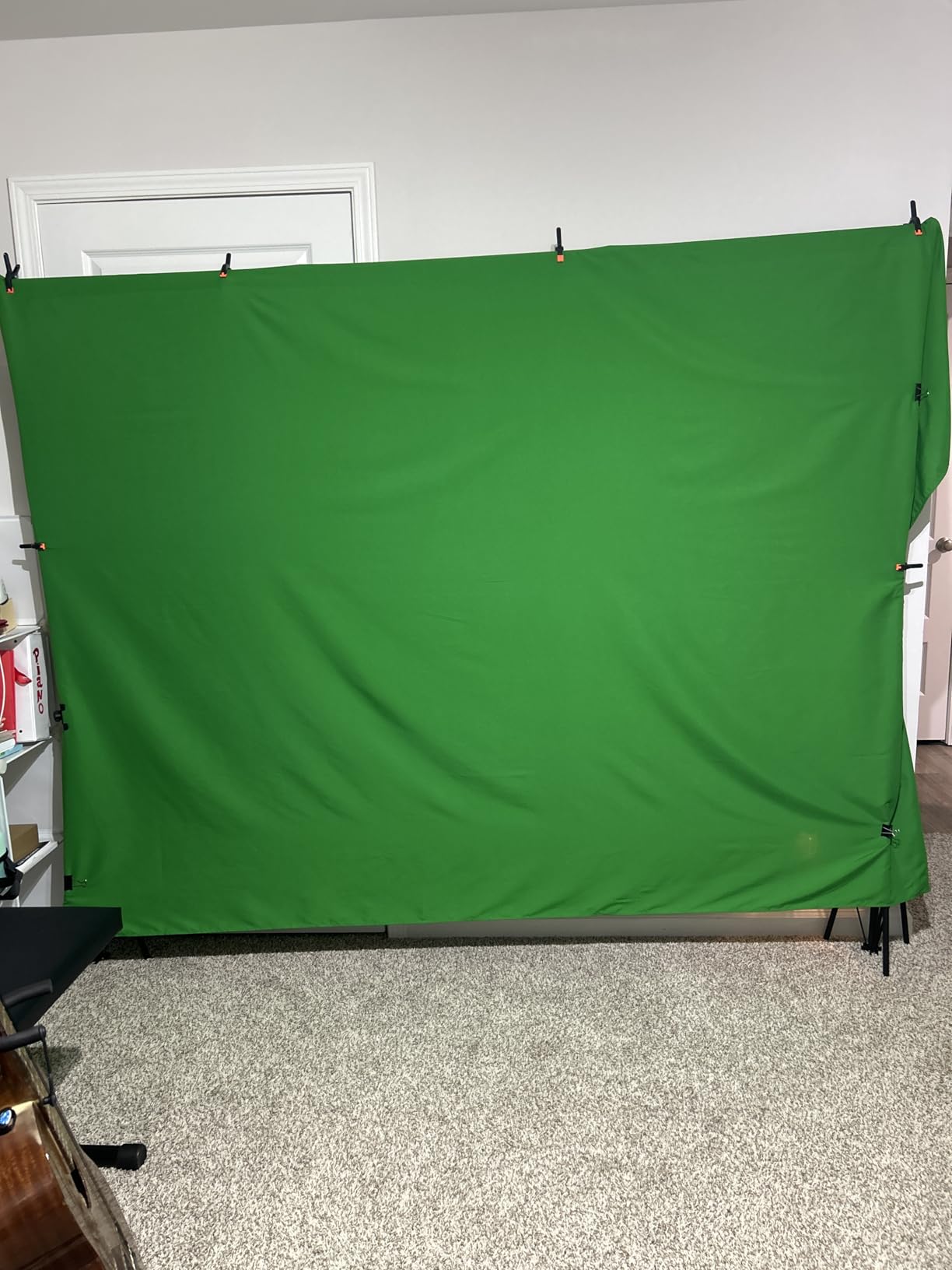
The fabric is a non-reflective polyester sold for chroma key work rather than as a generic drape. That distinction shows up immediately in OBS: there are no bright patches where a light hits the cloth, so the key pulls out cleanly without you fighting hotspots in the filter settings. It measures 108 by 72 inches, which covers a seated head-and-shoulders shot and a standing waist-up shot with room to spare.
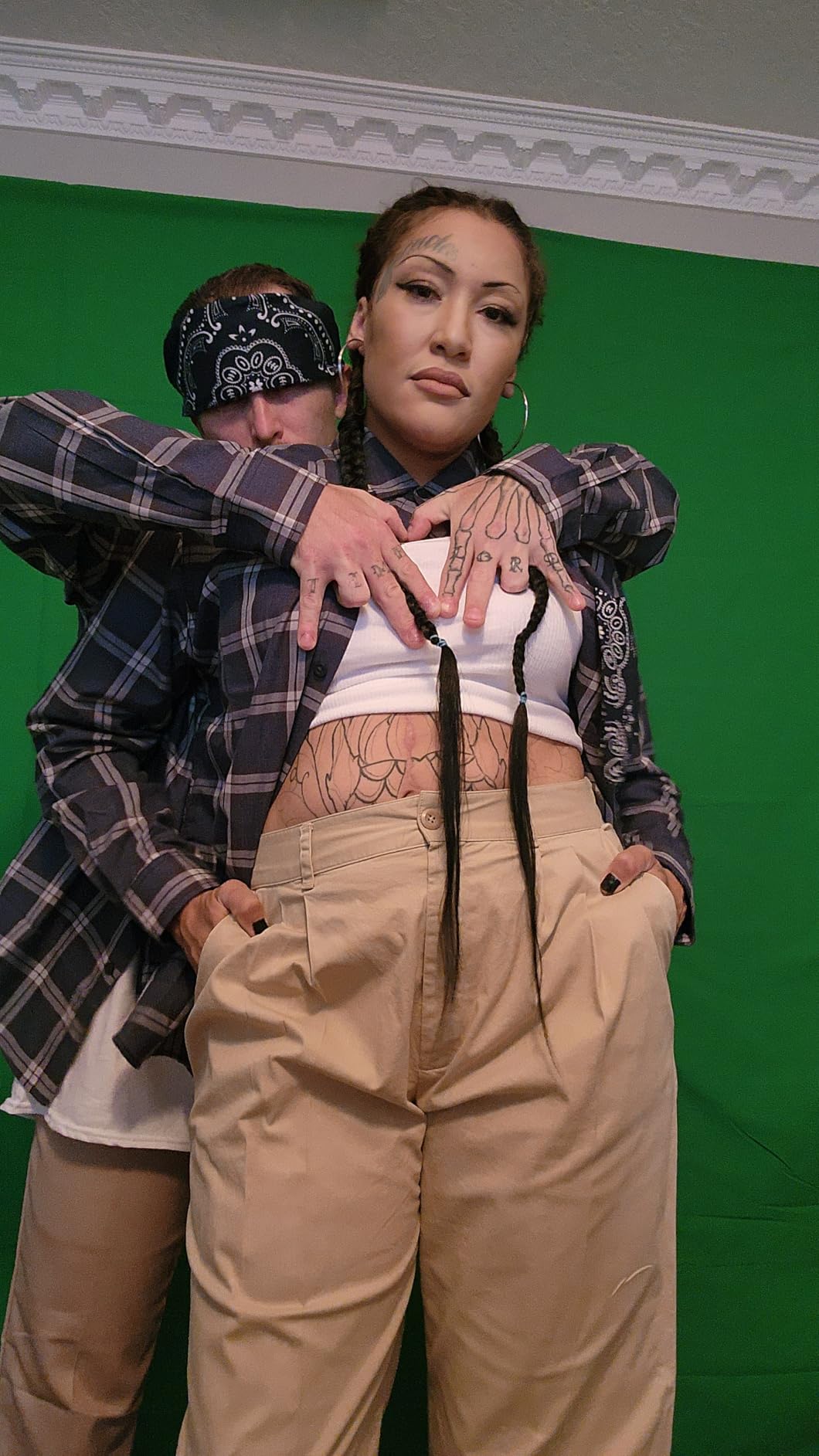
The build details are better than the price suggests. A rod pocket is sewn along the 6ft edge for crossbar mounting, and four backdrop clips ship in the box so you can tension the fabric without buying clamps separately. All edges are locked to prevent tearing, which is the part that usually fails first on cheaper cloth. Care is refreshingly simple: machine washable, with a steam iron for touch-ups rather than a hot plate, which keeps the matte finish intact.
One thing to plan for is the creasing. This screen arrives folded and needs steaming before your first broadcast, and the stand is not in the box, so budget for a separate backdrop support. Owners also point out that the fabric is listed at 108 by 72 inches in a single-count pack, so nothing is bundled that you will never open.
Why this one suits a fixed streaming room
Because it is pure fabric, it costs almost nothing to store and nothing to move between the corner and the wall. If your setup lives in one place and you leave the stand assembled, this quietly outperforms pricier panels over a year of daily broadcasts. The washable surface also matters more than people expect: a dusty backdrop scatters light unevenly and the key starts to shimmer.
Where it falls short
It has no frame of its own, so wobble is entirely your stand’s problem. A cheap tripod with a narrow crossbar will flex when you reach across the desk, and that shake shows up in the keyed background. If you stream standing up and move around a lot, or you have to move the kit between sessions, a rigid panel will serve you better despite the higher cost.
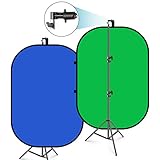
2. NEEWER Double Sided Green and Blue 5×6.6ft Backdrop – Best Reversible Panel
NEEWER Chromakey Backdrops, Double Sided Green Screen and Blue Screen, 2 in 1 Collapsible and Reversible Background for Photography, Gaming and Live Streaming, 5’×6.6’/1.5m×2m (Green/Blue)
5 x 6.6 ft panel
Double sided
Folds to 25.6 in
1.1 pounds
Pros
- Green on one side and blue on the other
- Steel spring frame holds its shape when open
- Folds to a 25.6 inch disc for storage
- Carry bag included
- Can hang on a tripod or hook or lean against a wall
Cons
- 5x6.6ft is tight for full-body framing
- Needs a separate stand for most setups
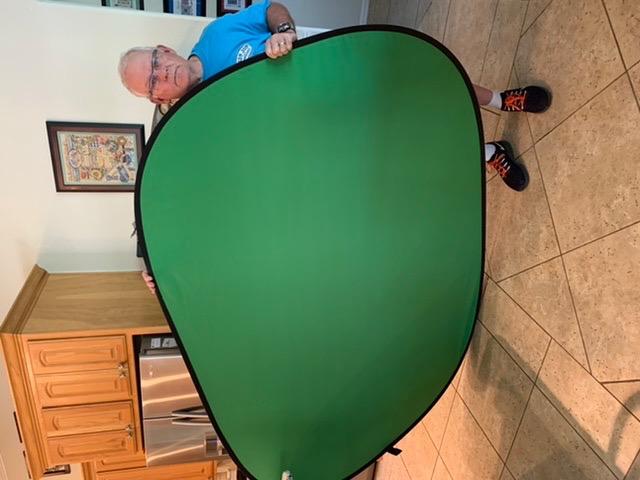
This is the panel most first-time streamers actually buy, and for a good reason: it needs no tripod at all in a pinch. The steel spring frame sewn into the fabric pops open on its own, and a fitted loop on the top lets you hang it from a hook or lean it against a door. In a rented room where you cannot drill into a wall, that flexibility is the whole point.
The double-sided construction is the real feature. One face is chroma green and the other is blue, so the same panel covers a green screen stream and a blue screen product shoot. Owners rate it 4.4 stars from more than seven thousand reviews, and the praise concentrates on the pop-up frame and the compact fold.
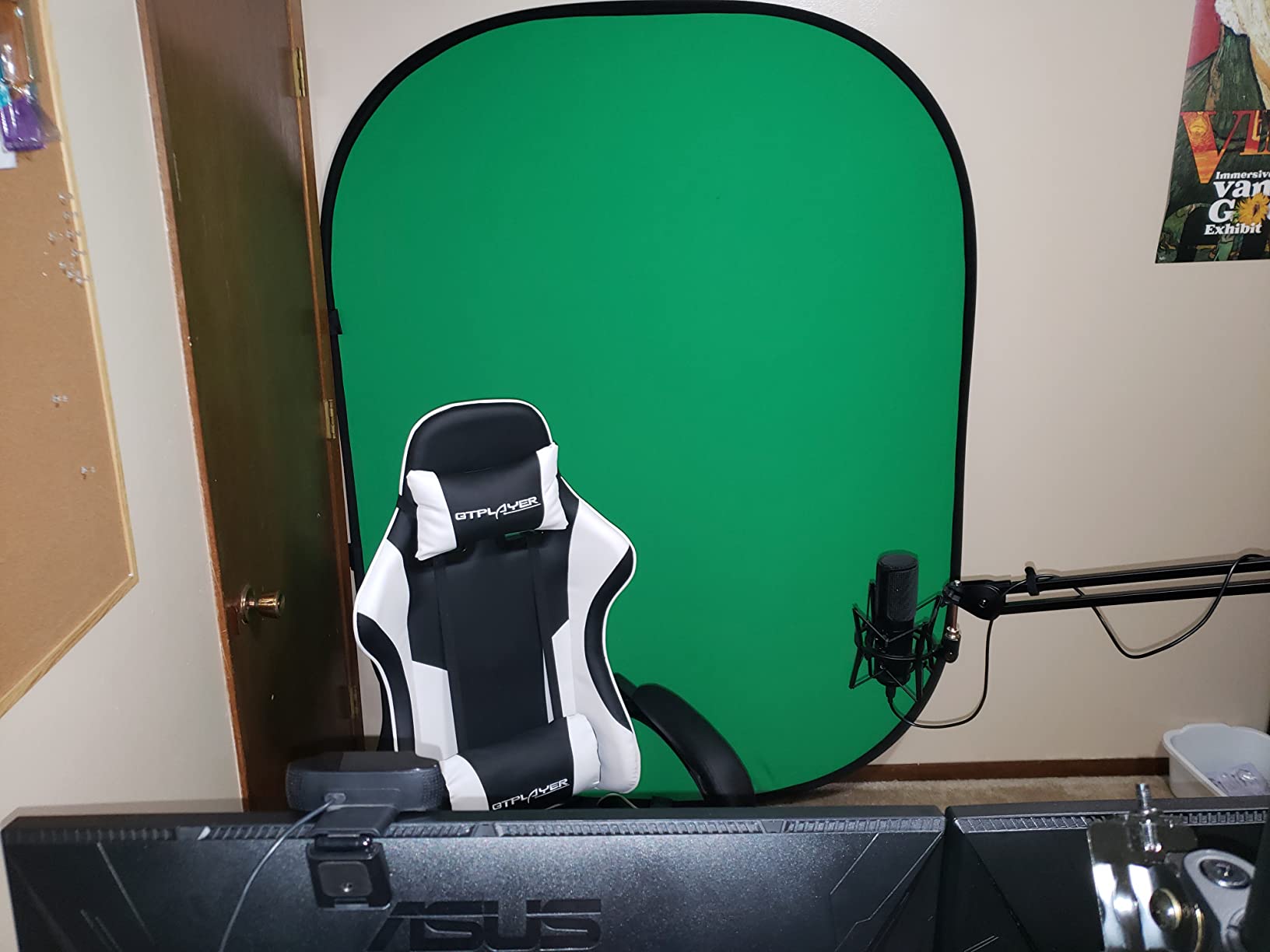
Weight is the quiet winner here at 1.1 pounds. This is the only product in the roundup you can genuinely carry with one hand, and it folds down to a 25.6 inch disc that disappears into the supplied carrying bag. If you stream from different rooms or take your setup to a friend’s place, nothing else here packs as small. A 12-month manufacturer warranty adds a little confidence for a frame-heavy design.
Coverage is where it runs out. At 5 by 6.6 feet it handles a seated talking head and a tight waist-up shot, but it is not wide enough for a standing presenter who moves side to side. Multiple owners flag the same limitation, so measure your framing before you commit. The frame also cannot stand alone indefinitely without a support, and leaning it against a wall only works for a still camera position.
When the reversible design earns its place
It pays off the moment you do anything other than pure streaming. A blue backdrop is useful for product photography, and the same bag carries it to a shoot. Reviewers who work across both formats consistently describe it as the cheapest way to cover two use cases without buying two fabrics.
When to pick something else
If your format is full-body gaming with the camera pulled back, the width will frustrate you within the first stream. The spring frame is also not rigid in the way a retractable panel is: press the middle and it bows. For a fixed head-and-shoulders Twitch setup it is excellent, and for a wide standing shot it is the wrong tool.
3. Hemmotop 5x7ft Chromakey Backdrop – Best Budget Cloth
Hemmotop Chromakey Green Screen Backdrop, 5x7ft Small Background Fabric
5 x 7 ft fabric
14.08 oz
Machine wash
Stand not included
Pros
- 4.5 stars with a 78 percent five-star share
- Matte non-reflective face with no colour patching
- Laser-cut one-piece edges resist detaching
- Doubles as a reflective reverse face
Cons
- Arrives folded and creased
- Stand and clamps sold separately
- Smallest coverage area listed here
At 14.08 ounces this is about as close to nothing as a backdrop gets, and for a bedroom streaming corner that is genuinely useful. You can hang it, take it down, and refold it in under a minute. Owners rate it 4.5 stars from more than four thousand six hundred reviews, with 78 percent giving five stars, and the recurring description is a matte rather than cheap shiny finish.
That matte surface is why it keys well. There is a non-reflective face and a reflective reverse, and the matte one is the side you want behind yourself. Reviewers specifically mention an absence of colour patching, which is the giveaway that a fabric has been dyed unevenly and will produce blotchy keys in OBS.
The edge construction is better than the price suggests. High-temperature laser cutting leaves a single one-piece sheet with no separate hem to peel away, so the border will not detach the way stitched cloth edges sometimes do. It is also machine washable and ironable, and it carries a 12-month warranty with a 1.33:1 aspect ratio that keeps the framing predictable.
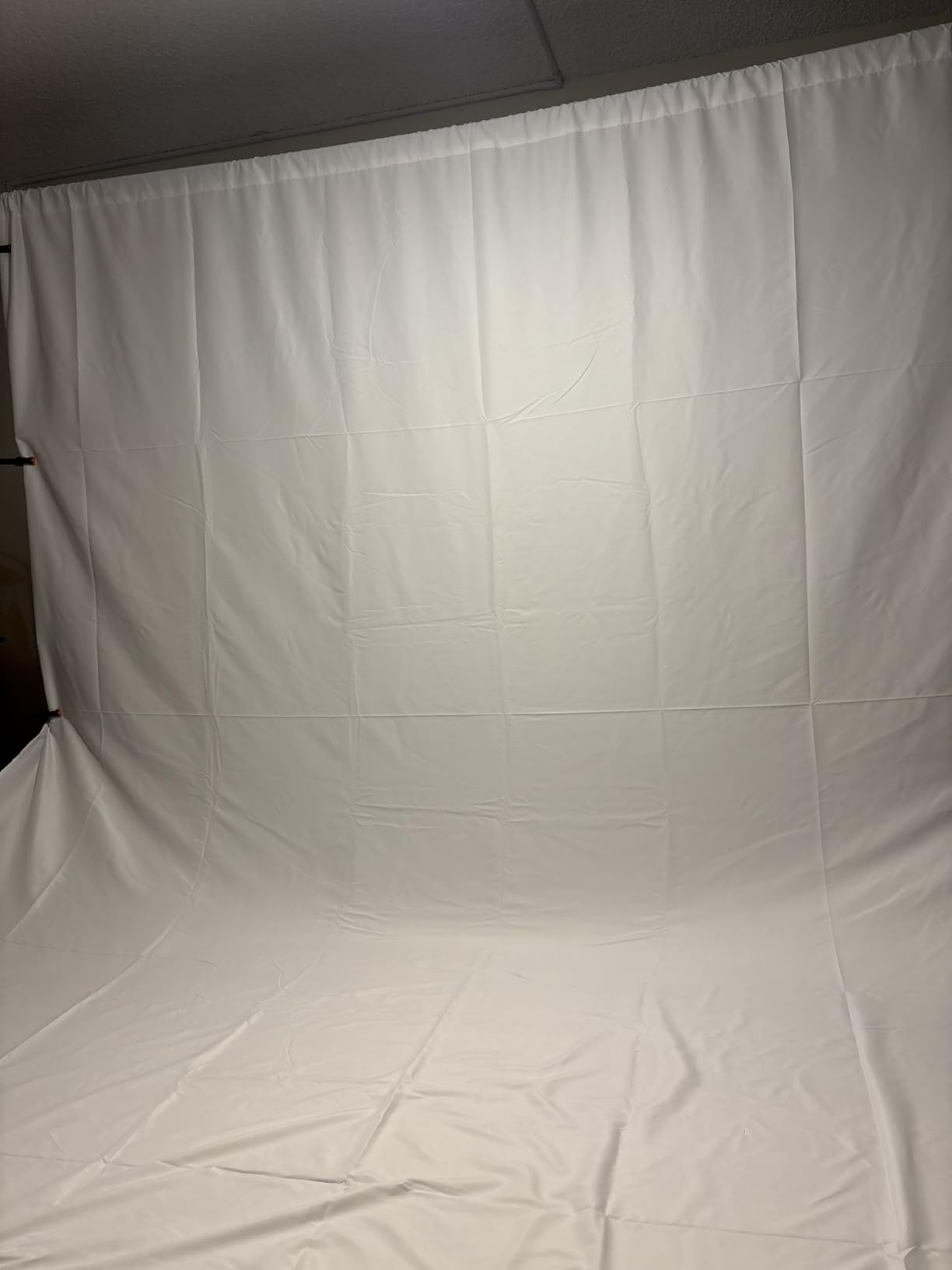
The catch is size. At 5 by 7 feet this is the smallest screen in the roundup, and owners consistently point that out. It is comfortable for a head-and-shoulders webcam framing and tight for anything standing up. There is also no stand in the box, so it needs a rod pocket mounted on your own crossbar plus clamps. Expect creases on arrival and plan a steaming session before your first broadcast.
What you get for very little
A genuinely usable chroma surface with a finish most pricier cloth does not match. It suits talking-head YouTube, Zoom calls, and handheld phone shooting as well as it does streaming, and it is compatible with webcams, smartphones, and any software offering a chroma key effect. If you are testing whether streaming is for you, this is the cheapest sensible first purchase.
When to spend more instead
If you already know you will be streaming for months, move up. You will be steaming this fabric regularly, and the 5 by 7 footprint leaves no margin for a wider shot or a second person. The fold-then-hang cycle is also the reason many streamers end up wanting a spring frame that stays tensioned on its own.
4. EMART 58x74in Collapsible Chroma Key Panel – Best for Tight Rooms
EMART Green Screen, 58x74in Collapsible Chroma Key Panel for Backdrop
58 x 74 in panel
8.89 kg
Retracts to case
Integrated stand
Pros
- Stand is built into the panel so nothing else is needed
- Retracts into its own hard case in seconds
- Wrinkle-resistant surface with clean edges
- Adjustable height locks where you set it
Cons
- Heavy at 8.89 kg and awkward to carry
- 58 inch width is narrow
- Some reports of top bar detachment
- Noticeable factory smell
This panel answers the most common complaint about collapsible green screens, which is the stand. Everything is integrated: you pull the panel up, the pneumatic frame locks at the height you set, and the case forms the base. There is no tripod to buy, no crossbar to level, and nothing to topple when you move.
Long-term owners are the strongest advocates here. Reviewers describe five-plus years of daily use and better keying than cheaper cloth screens, which is exactly the durability argument that matters for a device running through every scheduled broadcast. The wrinkle-resistant panel produces clean, natural edges around shoulders and hair.
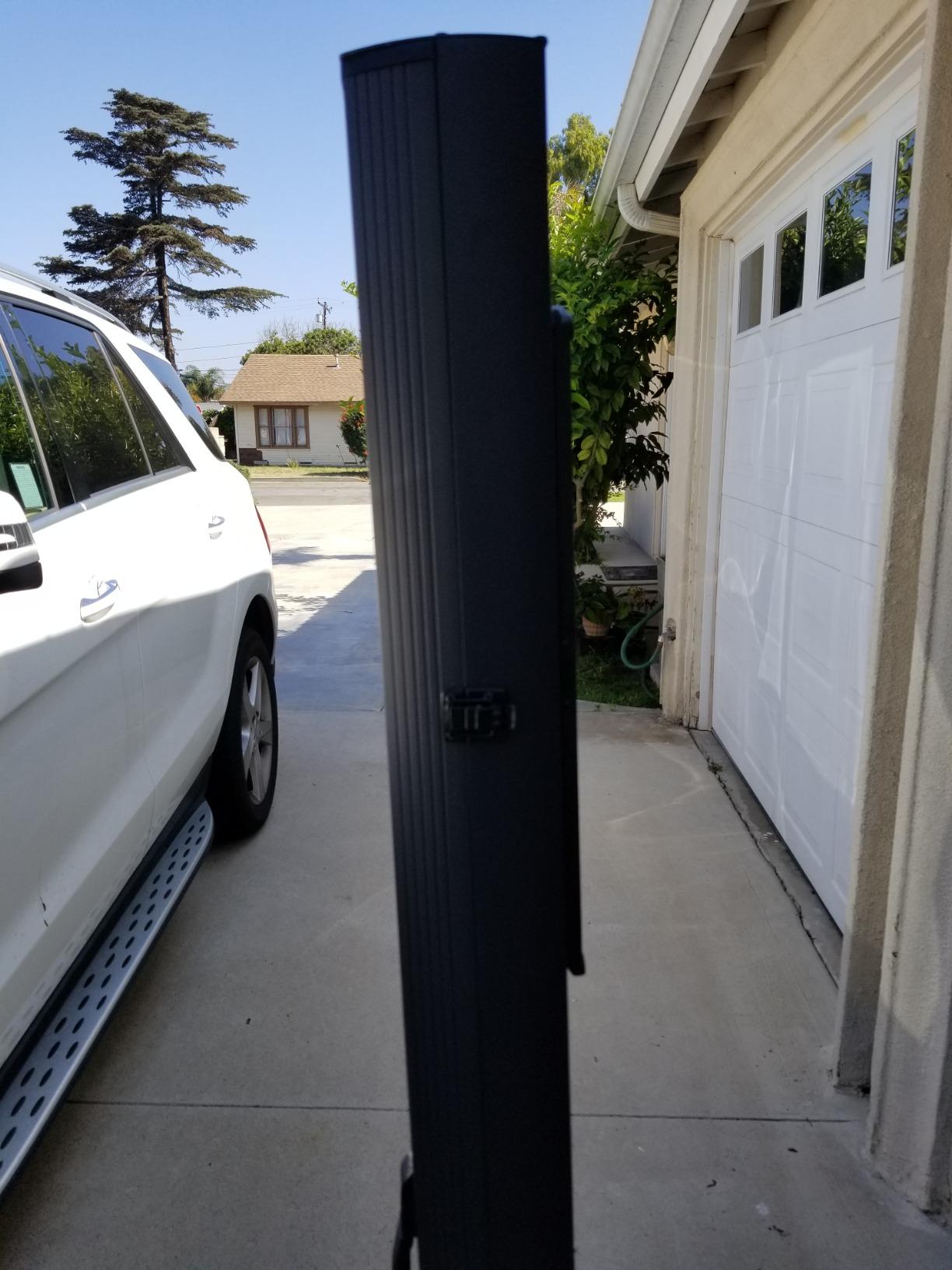
Storage is where it wins decisively. It pushes back down into its own hard case, retracting to 3.9 by 4.5 by 61 inches, so it lives in a closet between sessions rather than occupying a wall. The swivel-out case bases keep it stable, which directly addresses the wobble problem that gets blamed on collapsible panels in general.
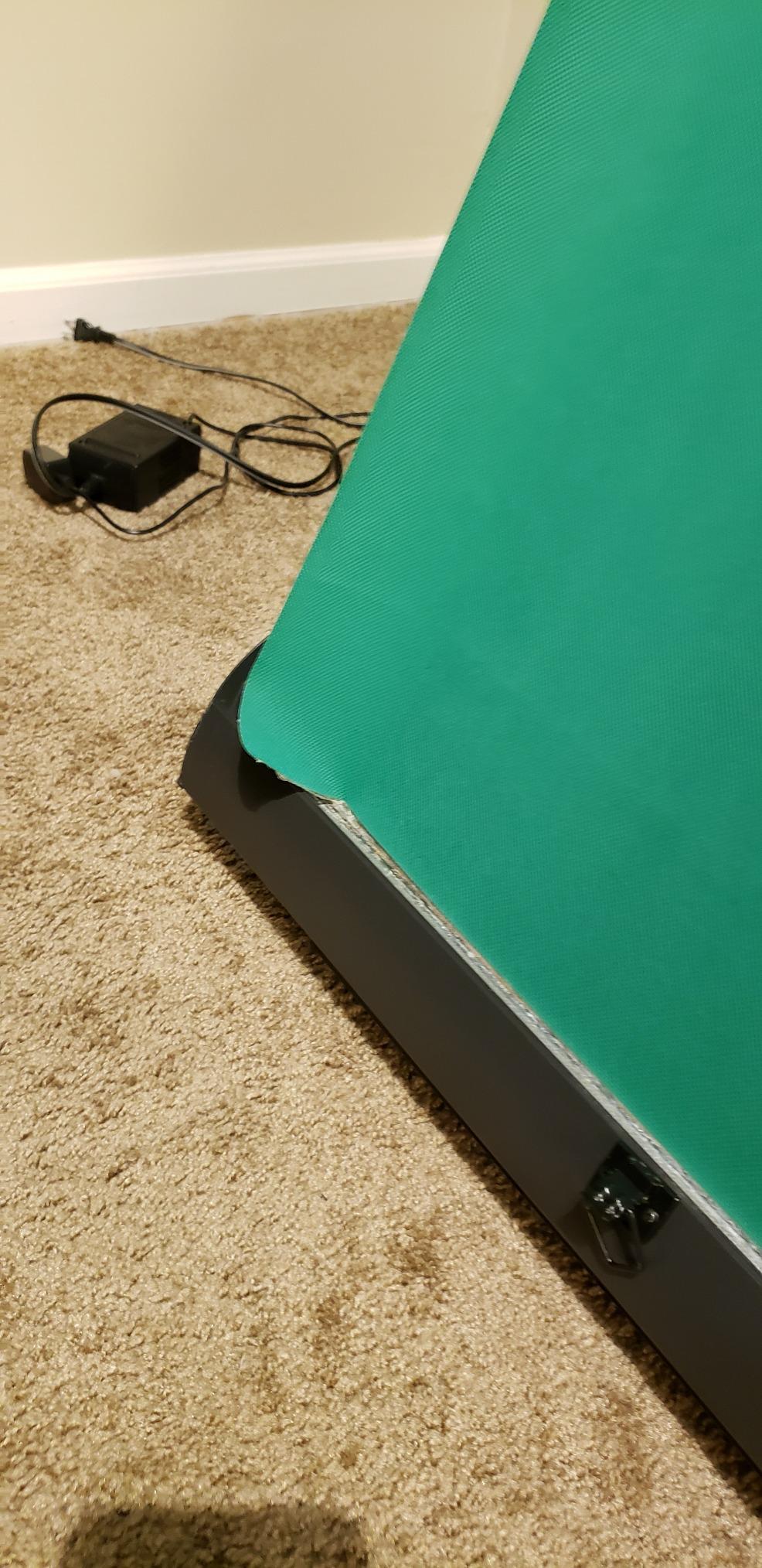
Now the honest part. At 8.89 kg it is heavy and genuinely awkward to move, and the 58-inch width leaves little room for a seated subject who leans forward. Some owners have also reported the panel detaching from the top bar after months of daily use, though the manufacturer has replaced those units under warranty. A noticeable factory smell is common, and care is listed as hand wash only, so clean spills on the spot.
Why tight rooms suit it
A verified buyer described this as a must-have for a tight space, and that matches our experience with the footprint. It needs a floor area roughly three feet square, and because the stand and screen are one object you can put it almost anywhere. A bedroom streamer can set up, stream, and pack the whole studio into a closet in under a minute.
What you give up for that convenience
Weight and width. If your camera sits further back or you stand and move, 58 inches will not frame it and the case will be a chore to carry between rooms. Check the top bar attachment if you plan to leave it extended for weeks at a time, and air it out before your first session.
5. EMART 8.5x10ft Stand Kit with 10x12ft Backdrop – Best Complete Setup
EMART Green Screen Backdrop Kit, 8.5x10FT Stand with 10x12FT Backdrop
10x12ft backdrop
8.5x10ft aluminum stand
5 kg
Carry bag
Pros
- Highest rated complete kit in the roundup
- Aluminum stand adjusts 3 to 8.5ft tall and 5 to 10ft wide
- Double-rod base keeps the backdrop flat
- One person assembles it in minutes
Cons
- Muslin fabric wrinkles more than polyester
- Dry clean only so it cannot be machine washed
- Backdrop is larger than the stand footprint
Most streamers who buy a screen and a stand separately end up with a mismatched pair, a sagging fabric, or a crossbar that is too narrow. This kit solves that by shipping the two together, and it carries the highest rating of any complete setup in the roundup at 4.6 stars from more than two thousand three hundred reviews.
The 10 by 12ft backdrop is generous. It covers a standing presenter with room to walk, two people framed side by side, and full-body shots where the camera is pulled back. For a streamer moving around behind a desk, that headroom is the difference between a key that holds and one that keeps running out of backdrop.
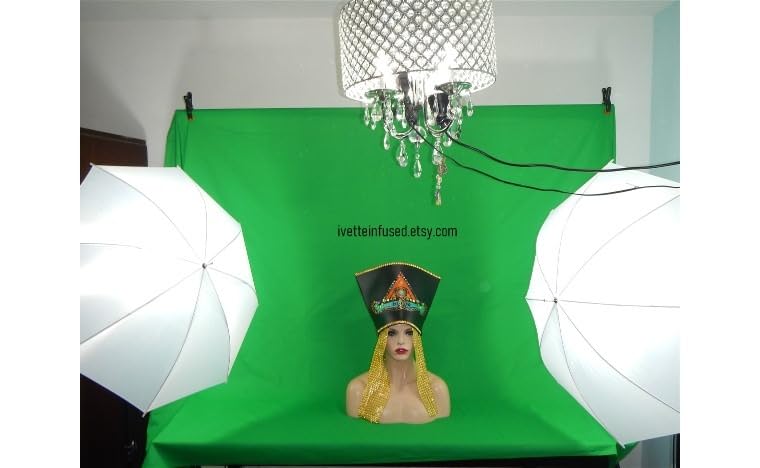
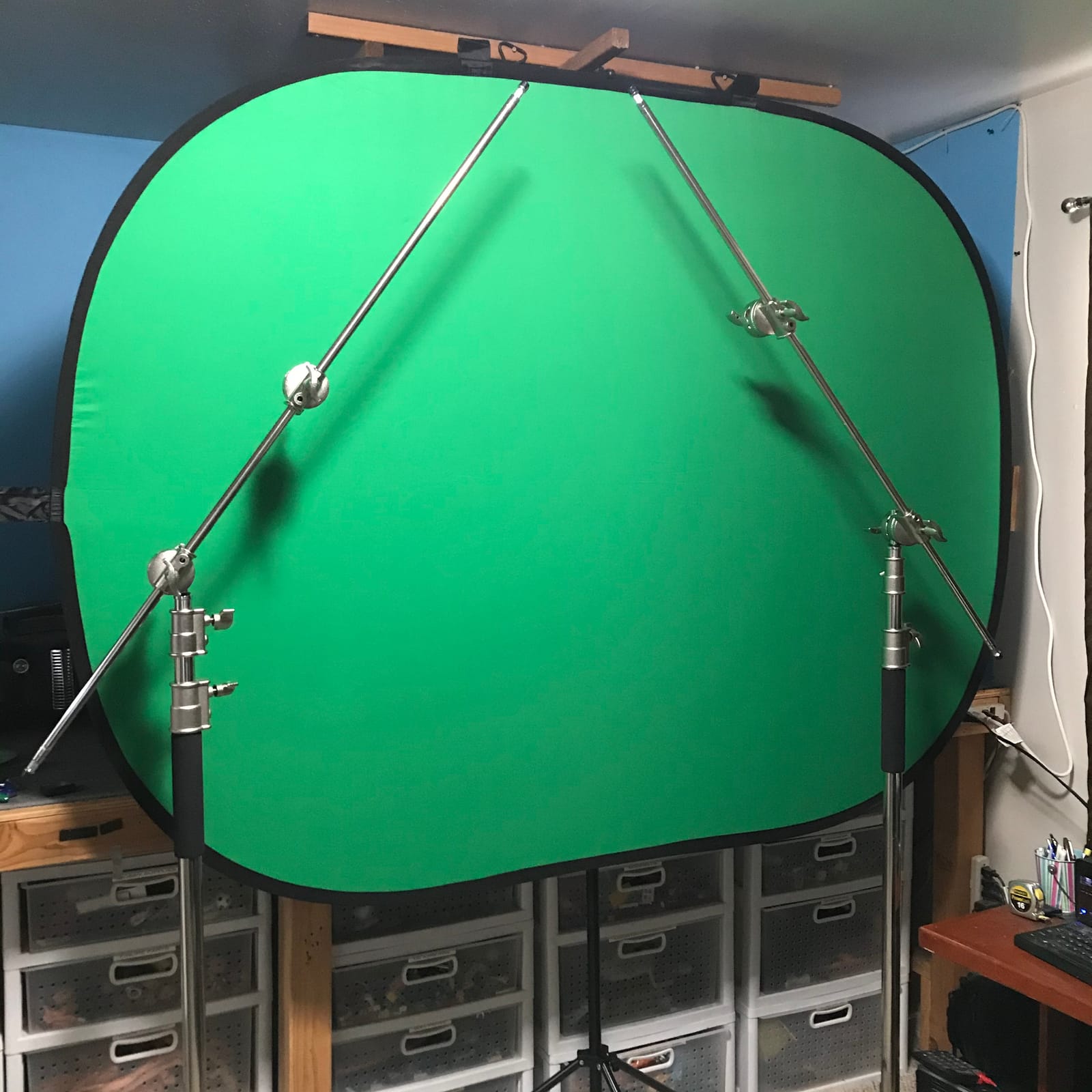
The stand is the part most people underestimate. The aluminum alloy construction adjusts from 3ft to 8.5ft in height and from 5ft to 10ft in width, so you can dial the framing to your room rather than moving your desk. A double-rod tripod base adds a second crossbar, and reviewers specifically note it keeps the backdrop flat instead of bowing in the middle. One person assembles it in a few minutes, and the whole thing packs into a carry bag at 5 kg.
The compromises are real. The fabric is muslin rather than polyester, so it creases more readily and needs regular pressing. Care is dry clean only, which rules out a quick rinse after a messy session. The backdrop is also larger than the stand footprint, so the edges hang past the crossbars and can look loose from a wide angle.
Where the adjustable stand earns its cost
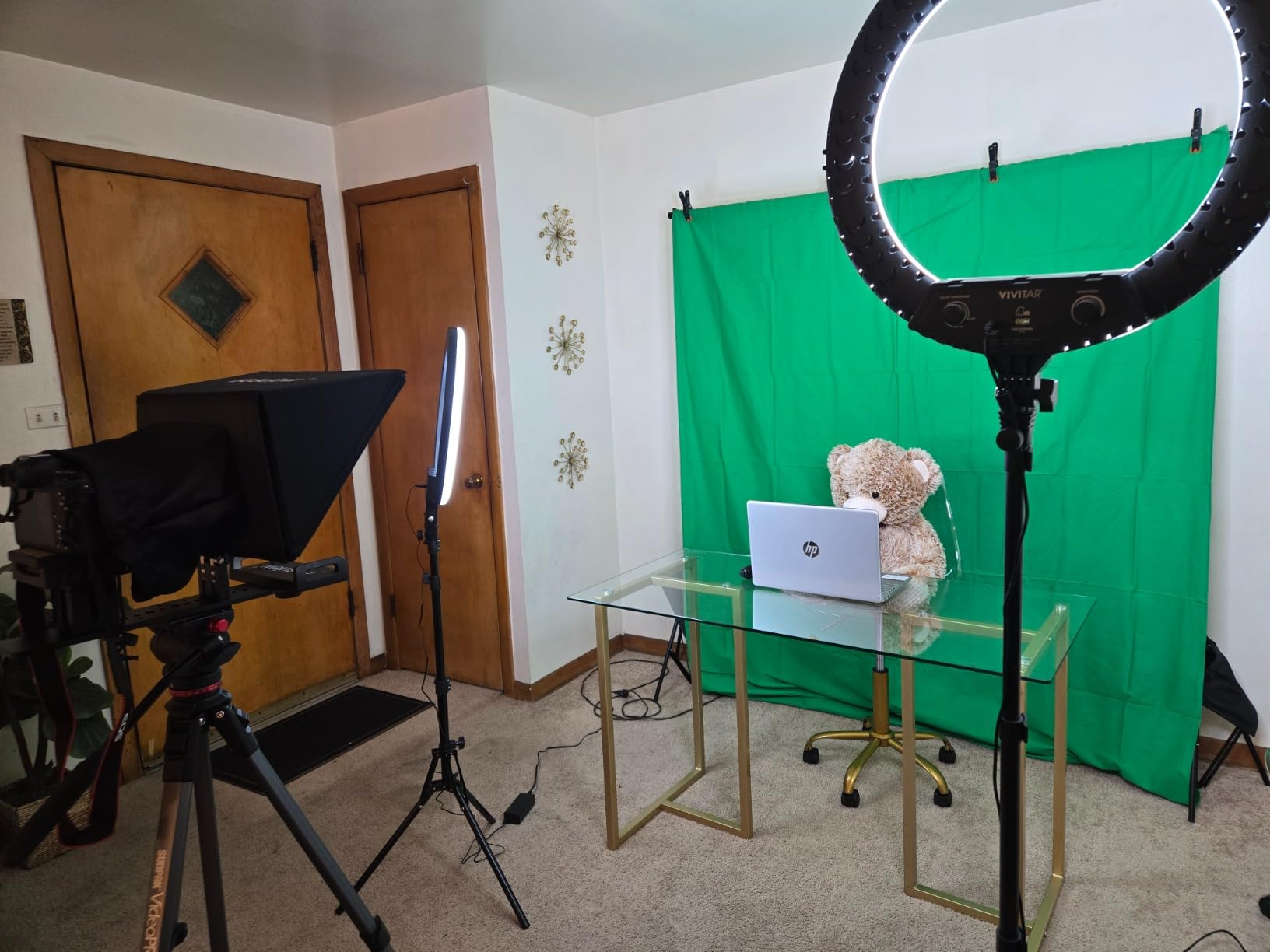
Rooms change. A roommate moves, the desk turns, and you decide to film from the side of it. An adjustable stand means you reconfigure in minutes instead of buying another screen. Reviewers who use it for both streaming and general video production rate the completeness highly for that reason, and the finished edges resist tearing under repeated mounting.
When a collapsible panel suits better
If you stream from more than one space or the setup has to disappear between sessions, the fabric does not re-tension itself. You will be re-hanging and re-pressing it. A spring frame or retractable panel holds its shape automatically, at the cost of a narrower field of view. If your stream is from one permanent spot, the flatness of the double-rod base wins.
6. NEEWER 5x7ft Foldable Backdrop with Stand – Best for Fast Setups
NEEWER 5x7ft/1.5x2m Chromakey Foldable Backdrop with Stand 8.5ft/2.6m
5x7ft reversible panel
Stand to 201cm
9.1 pounds
Folds to 65x65x3cm
Pros
- Steel spring frame sewn in to resist wrinkles
- Stand
- clip
- and carry bag all included
- Backrest clip holds the bottom without a helper
- Folds to a slim 65x65x3cm
Cons
- Lowest average rating in the group at 4.3
- Carry bag fits only the backdrop
- Stand is heavier than fabric-only options
The idea here is simple: get a tensioned backdrop and a working stand without shopping in two categories. You get a 5 by 7ft reversible panel, an aluminum alloy support that extends to 201cm, a clip, and a carrying bag. From box to streaming as one set rather than a build project.
The panel is a durable steel frame sewn into the fabric, which is what keeps it wrinkle-free without clips along the whole edge. Reviewers consistently mention the tension holding its shape, and the panel is reversible green and blue so it doubles as a product-shot backdrop. It works with cameras, webcams, smartphones, tablets, and computers, and folds down to 65 by 65 by 3cm so it lives flat in a cupboard. The metal and plastic backrest clip holds the bottom of the panel in place without a second pair of hands.
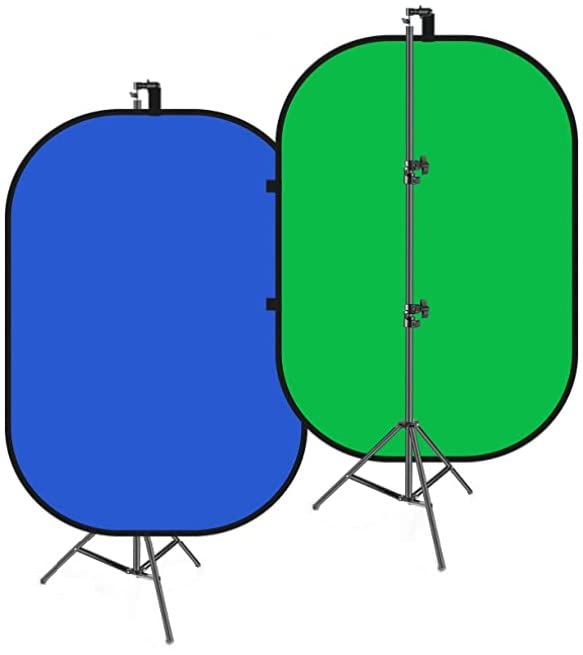
Be aware this is the lowest-rated product in the roundup at 4.3 stars, with 7 percent one-star ratings. The included carry bag is sized for the backdrop only, not the stand, and the stand itself is noticeably heavier than the fabric-only options at 9.1 pounds. A handful of owners also report durability problems after extended use. Care is listed as machine washable with a 1-year manufacturer warranty.
At 5 by 7ft, the coverage suits a seated subject or a tight waist-up shot. It is a good fit for YouTube tutorials, live video, and interviews where the camera does not move far from the desk.
Where the tensioned frame helps most
Creases are the enemy of a clean key, and a sewn-in spring frame is the cheapest way to avoid them. No clamps to lose, no fabric to re-tension after a knock, and no steamer needed between sessions. For a streamer who cannot tolerate a wrinkled backdrop on a live broadcast, that reliability is the reason to buy this over a cheaper cloth.
What to weigh before buying
The rating gap matters if you are buying blind. This is the only product here under 4.4, and the one-star share is the highest in the group. If your setup runs unattended for hours and you cannot be near it, a panel with a stronger track record is worth the step up.
7. JEBUTU 5×6.5ft Green Screen Kit with Stand – Best Budget Complete Kit
JEBUTU Green Screen Backdrop Kit with Stand, 5X6.5ft Portable Green Screen Backdrop with Stand kit, GreenScreen Background with Stand Carrying Bag Clamp for Streaming Video Zoom
5 x 6.5 ft polyester
4.9 pounds
Stand 2.69 to 6.5ft
Five clips and bag
Pros
- Backdrop
- stand
- five clips
- and carry bag in one box
- Aluminum T-stand adjusts 2.69ft to 6.5ft
- Seamless polyester keys cleanly
- Machine and hand washable
Cons
- Fabric arrives deeply creased
- Light stand benefits from sandbags
- Included clips reported to break easily
Most first green screens are a disappointment because they arrive as a sheet of fabric and a promise. This one is a working kit: backdrop, T-stand, five clips, and a carry bag in a single box. Owners rate it 4.4 stars from more than sixteen hundred reviews, and the word that keeps appearing is value.
The fabric is a seamless high-quality polyester with good abrasion resistance, which is the right spec for chroma work. Seamless matters more than it sounds: a seam running down the middle of your backdrop is a bright line the keyer will either cut through or leave as a visible artefact behind you.
The stand is an aluminum alloy T-shape with a telescopic mechanism running from 2.69ft to 6.5ft. That range covers a seated webcam position and a standing upper-body shot, and the whole thing collapses into the storage bag at 4.9 pounds, which is why it works well for a streamer moving between a bedroom and a shared space. It is listed for cameras, video recording devices, and any software with chroma key support.
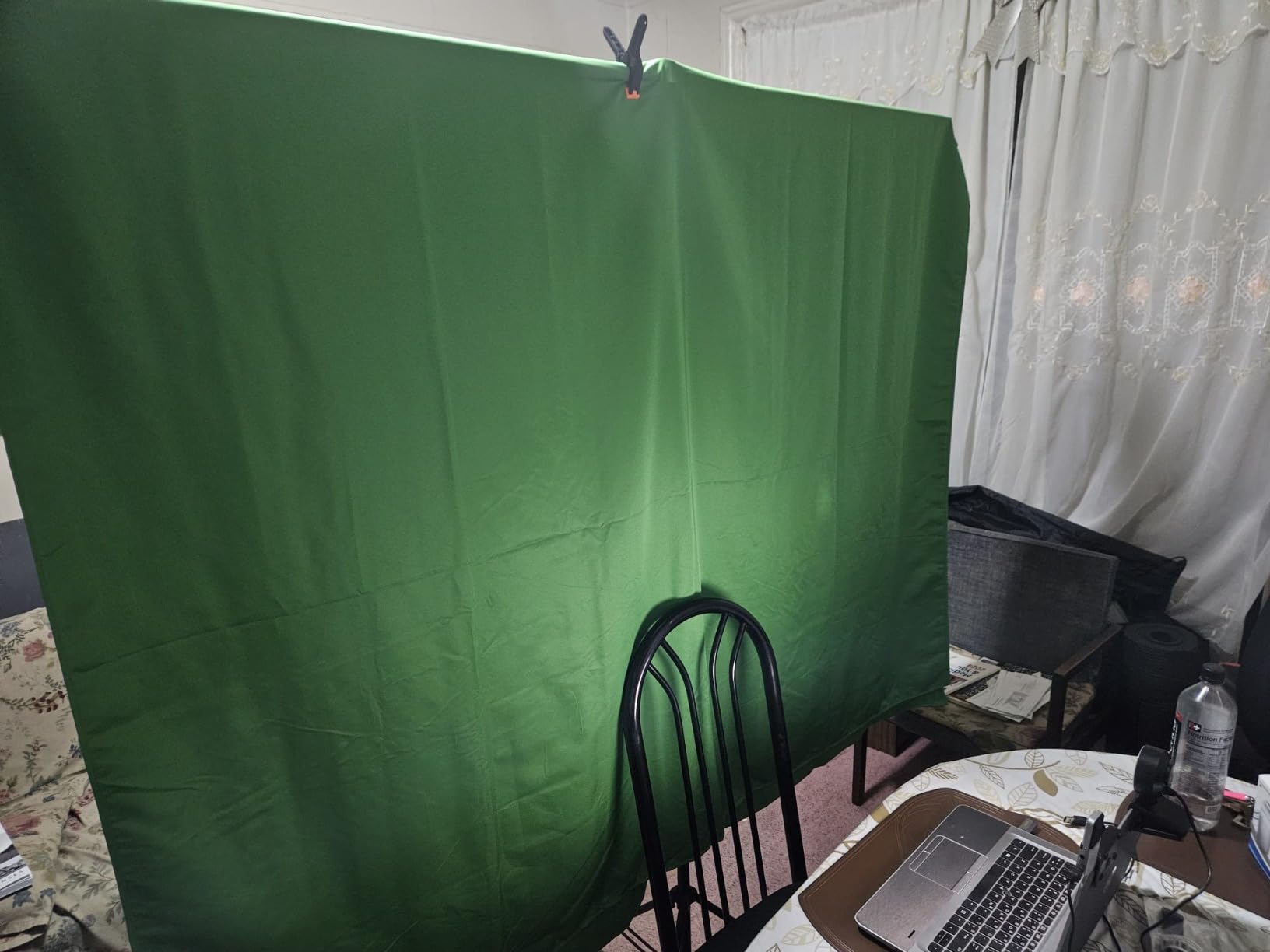
Now the honest warnings. The fabric arrives deeply creased and needs steam pressing. The stand is light enough that reviewers recommend sandbags, and the included clips are reported to break easily. A few buyers also received boxes with the backdrop fabric missing, so check the contents on arrival.
Where this kit is genuinely strong
It removes every surprise purchase. Many budget backdrops ship without a stand, and a few ship without clips, so you end up at a hardware store before the first stream. This one covers the whole assembly, which is why reviewers call it excellent value for what arrives in the box. The vibrant green also works across Zoom, TikTok, and OBS without extra tuning.
What to tighten before you go live
Weight the stand. Sandbags on the tripod legs stop a pet or a chair cast from tipping the whole thing, and tipping is the fastest way to a broken live stream. Replace the plastic clips with proper clamps if you plan to keep the fabric tensioned, and steam the backdrop before the first broadcast rather than on camera.
8. RAUBAY 78.7 x 82.7in Collapsible Green Screen – Best Wide Coverage Panel
【Wider Style】 RAUBAY 78.7 x 82.7in Large Collapsible Green Screen Backdrop
78.7 x 82.7 in panel
10.02 kg
Retracts to case
1.78:1
Pros
- Widest rigid panel in the roundup at 78.7 by 82.7 inches
- Highest average rating in the group at 4.7
- Composite polyester resists wrinkles
- Retracts into the hard case in seconds
Cons
- Wipe-clean only so it cannot be machine washed
- Most expensive option here and heavy at 10.02 kg
- Two-person width is more than most solo streamers need
This is the best-rated screen in the roundup at 4.7 stars, with 88 percent of owners giving five stars and only 4 percent giving one. That distribution is what a mature product looks like, and it is the reason we put it in the top three despite the cost.
Coverage is the headline: 78.7 by 82.7 inches at a 1.78:1 aspect ratio. That is wide enough to hold two people side by side with space around them, or one person standing and moving. If your stream involves a second host, a co-op partner, or a physical demonstration, this is the panel that stops you outgrowing your backdrop.
The fabric is a composite polyester chosen for resilience. Reviewers note it holds its shape and stays free of wrinkles and defects over time, which matters on a screen that is popped open and retracted on a schedule rather than hung permanently. The panel retracts into its own hard case, so storage is a closet, not a wall, and setup is a short sequence: flatten the legs, lift the handle to your chosen height, and the frame locks.
The costs are weight and care. At 10.02 kg it is the heaviest panel here and takes a deliberate two-handed lift to move. The composite fabric is wipe-clean only, which means no machine washing after a sweaty session. It is listed for cameras, smartphones, computers, and streaming platforms, and carries a 1-year manufacturer warranty.
When a wide rigid panel is the right call
Two-person streaming, co-op gaming sessions, and fitness or cooking formats where you move your whole body across frame. Fabric at this width would need a serious stand and constant re-tensioning, and the frame here does that work for you. The 16:9 shape also lines up with a standard 1080p capture rather than forcing a crop.
When it is overkill
If you are a solo streamer in a small room with a seated camera, this panel is more machine than you need. It will dominate the space, it is the hardest item here to carry between rooms, and the wipe-clean-only fabric needs more attention than a washable cloth. Match the panel to your framing rather than to your ambition.
9. JINSUI 10x10ft Chromakey Backdrop Fabric – Best Large Fabric on a Budget
JINSUI Green Screen Backdrop 10×10 ft, Chromakey Background Fabric
10x10ft fabric
2.6 pounds
Machine wash
Rod pocket, no stand
Pros
- 10x10ft of coverage at 2.6 pounds
- High-density polyester gives a consistent key
- Non-reflective face with edge-locked stitching
- Holds up when folded into a box between streams
Cons
- Stand not included
- Thin enough that bright screen light can show through
- Ships tightly folded and needs steaming
Ten by ten feet of backdrop for the weight of a small bag is the pitch here. At 2.6 pounds, this is the fabric option that lets you move a full-height screen between rooms without assistance, and streamers and photographers reviewing it call out the coverage-to-weight ratio specifically.
The fabric is high-density polyester, which is what produces a consistent chroma key. Reviewers mention evenly colored cloth and a well-stitched edge, and 4.6 stars from more than seven hundred reviews puts it among the better-rated fabric options in the roundup. The non-reflective surface is suited to portrait work and video alike.
It also survives a casual storage habit. Owners note it folds into a box between sessions and comes back out without stubborn set creases, which is unusual for a fabric this thin. Care is straightforward: machine wash, and iron with a steam or hang for a while. A 1:1 aspect ratio works for square social formats as well as widescreen, and it carries a 1-year manufacturer warranty with a water-resistant finish.
Two limitations stand out. There is no stand in the box, so you need a rod pocket support and clamps of your own. The fabric is also thin enough that a bright screen light behind it can show through, which will punch holes in the key, so keep your lighting in front of the backdrop. It arrives tightly folded, so give it a steam before the first broadcast.
Why light weight changes a streaming setup
Weight decides whether a screen lives on a wall or gets used at all. At 2.6 pounds you can re-aim your backdrop between a sitting and a standing segment in a single stream without a second person. It also suits a rental or dorm room where nothing can be permanently mounted.
When the thinness becomes a problem
Any light behind the fabric. A monitor, a window, or a lamp on the far side will bleed through and give you a translucent, patchy key. If your only lighting option is behind the screen, choose a heavier opaque fabric or reposition the lights. This is a light-weight option for a room you can light from the front.
10. Aimosen 10x10ft Green Screen Backdrop – Best for Full Body Framing
Aimosen 10x10FT Green Screen Backdrop for Photography, Large Background for Zoom Meetings, High Density Polyester Fabric Chromakey Backdrop Curtain for Video Photoshoot Studio Gaming
10x10ft fabric
120 g listed
Double-sided
Machine wash
Pros
- Opaque seamless low-reflectivity polyester
- Plenty of floor coverage for full-body shots
- Double-sided with a soft and a smooth face
- Wrinkles less than cotton and restores with steam
Cons
- Stand not included
- Arrives folded and needs steaming
- Listed weight of 120 g looks low for the size
Full-body streaming is where fabric sizes separate themselves. At 10 by 10 feet with the bottom edge reaching the floor, this screen lets you frame from head to toe without the camera seeing past the edge, and reviewers specifically mention the floor coverage for full-body work.
It carries 4.6 stars from close to nine hundred reviews, with a high five-star share. The fabric is high-density polyester, described as more vertical than cotton, more durable, and easier to restore, and it is seamless, opaque, and low-reflectivity, which is exactly the combination a keyer wants.
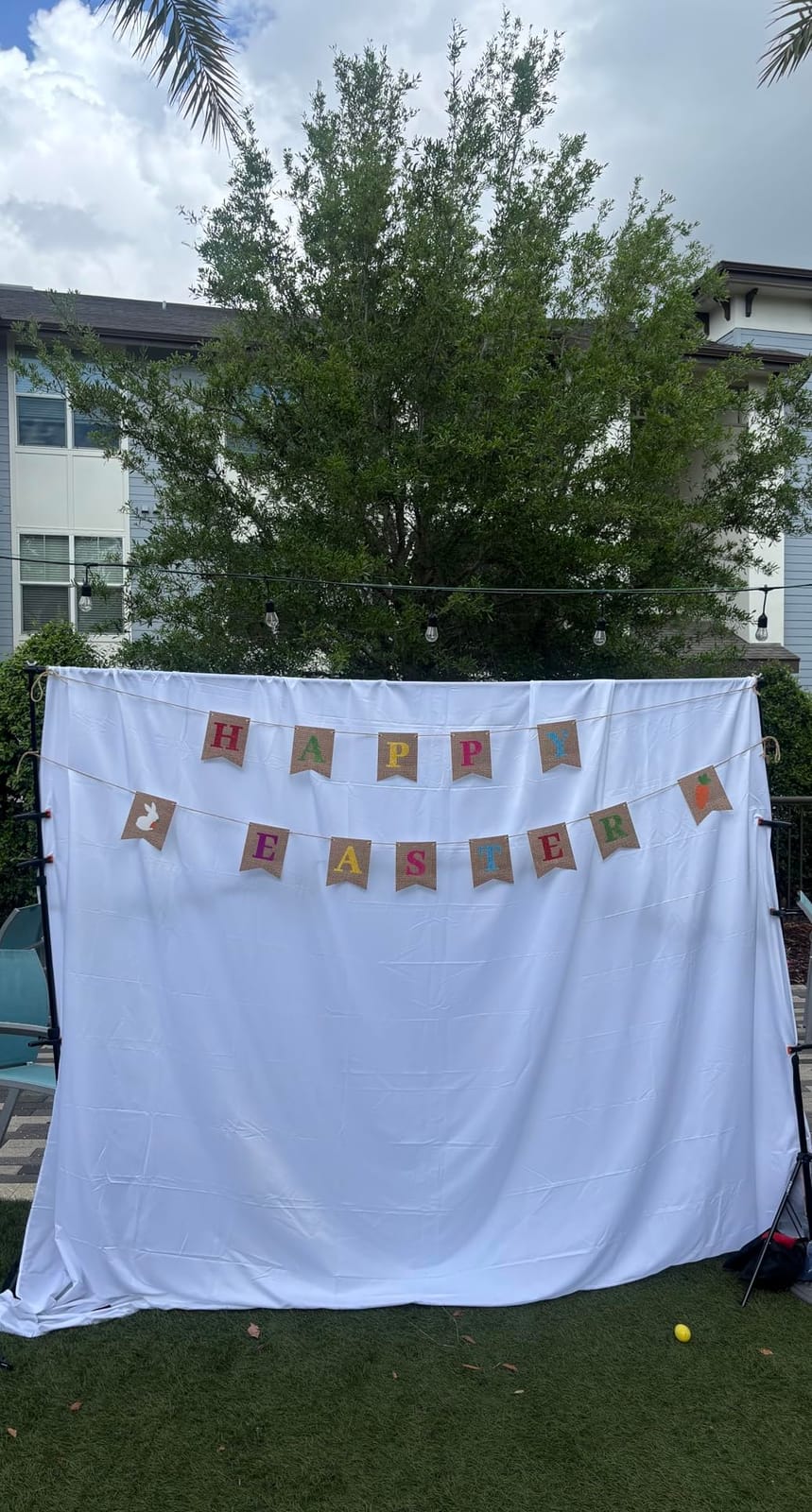
Both sides are usable. One face is soft and the other is smooth, so you can pick the surface that sits better with your keying software. Care is a washing machine at up to 104F plus a steam iron, and reinforced edge stitching keeps the perimeter from pulling apart when you clip it to a crossbar. It is listed as machine washable and carries a 1-year manufacturer warranty.
Two practical notes. The stand is not included, and a 2.7 inch pole pocket is provided for mounting on your own frame. Also, the listed item weight of 120 g looks low for a 10 by 10ft backdrop, so do not use the listing weight to plan your hanging hardware. Owners do report that it wrinkles fairly quickly between uses and needs regular steaming, which is the routine cost of working with any large fabric.
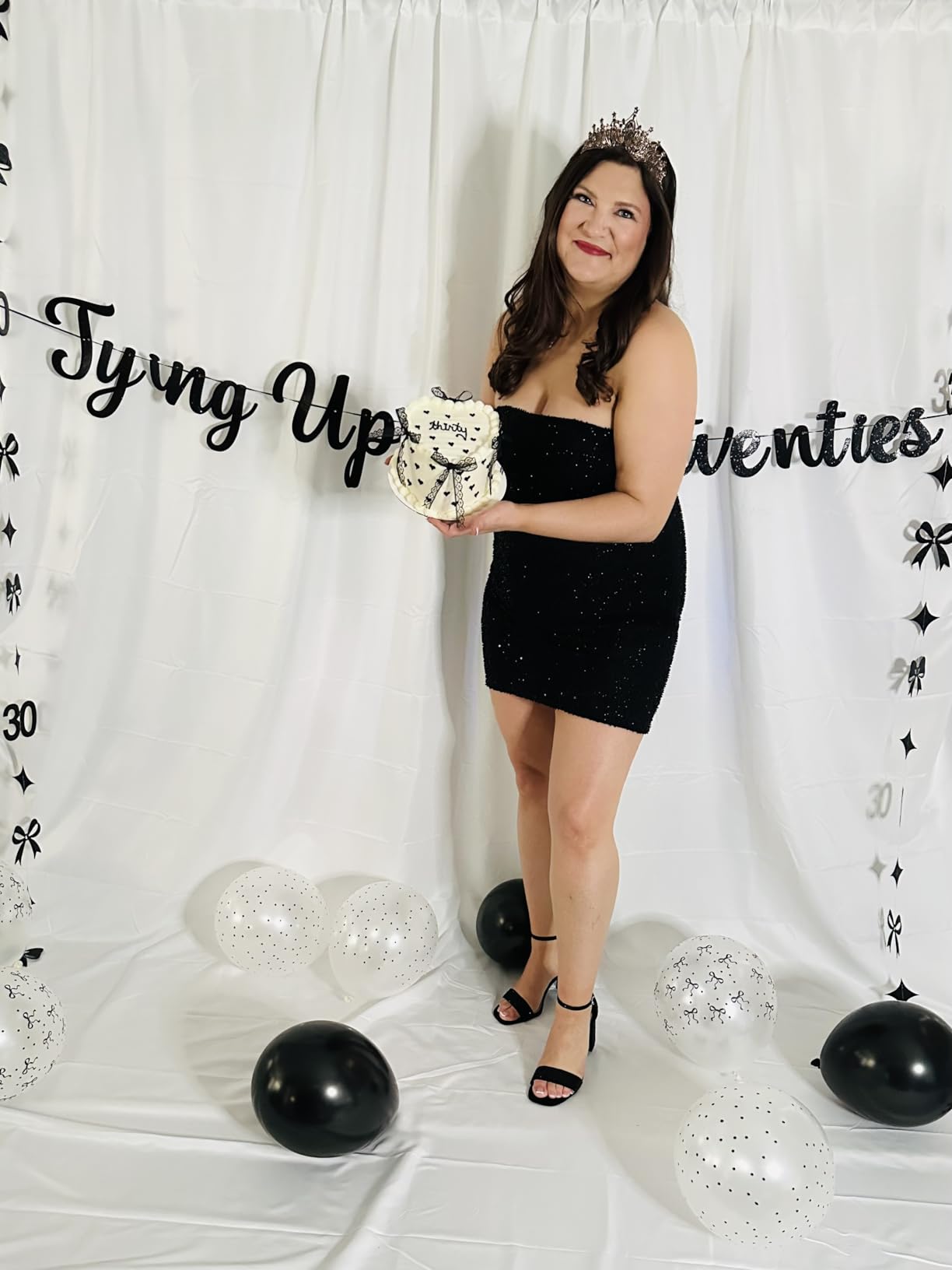
What makes the size worth it
It is the difference between a key that holds and one that clips your legs out of frame every time you stand up. Floor-length coverage also lets you key out the bottom of the shot and composite the full figure onto a virtual scene, which is where green screens earn their keep. Photographers reviewing it also note heavy, solid cloth that hangs well.
What to plan around
Budget for the stand separately, and for a steam iron in your kit. A fabric this large that creases between sessions means a pre-stream routine, and skipping it shows on camera as darker patches in the key. If you would rather not maintain fabric at all, a retractable panel removes that step entirely.
11. Valera 70in Portable Green Screen – Best for Travel and Wall Mounting
Valera 70in Green Screen Backdrop with Stand for Streaming, Ultra Portable 2 Min Setup, Portrait & Landscape, Tripod & Wall Mount, for Tiktok Zoom Video Meetings & More, +1k Free Backgrounds Included
70 inch diagonal
63 x 36.25 in
8 pounds
16:9 aspect
Pros
- Sets up in under two minutes at under 8.5 pounds
- Switches between tripod
- wall mount
- portrait
- and horizontal
- Chromaboost fabric keys reliably in low light
- Floor extension
- carry handle
- and 1000+ backgrounds included
- 90-day guarantee
Cons
- 16:9 landscape gives less coverage for vertical formats
- Bundled value leans on software rather than hardware
Speed is the entire argument here. At under 8.5 pounds with a built-in carry handle and a stated setup time of under two minutes, this is the screen for anyone who streams somewhere new regularly or who cannot commit a wall to a backdrop. A 90-day guarantee beyond the standard return window also reduces the risk.
The 2-in-1 mounting is genuinely useful. You can put it on the tripod, mount it on a wall, and rotate it between portrait and horizontal as the format demands. Reviewers value the flexibility, and the floor extension helps when the camera is low. Chromaboost wrinkle-resistant fabric is claimed to distribute light evenly and help the key in dim rooms, and buyers report reliable keying in low light.
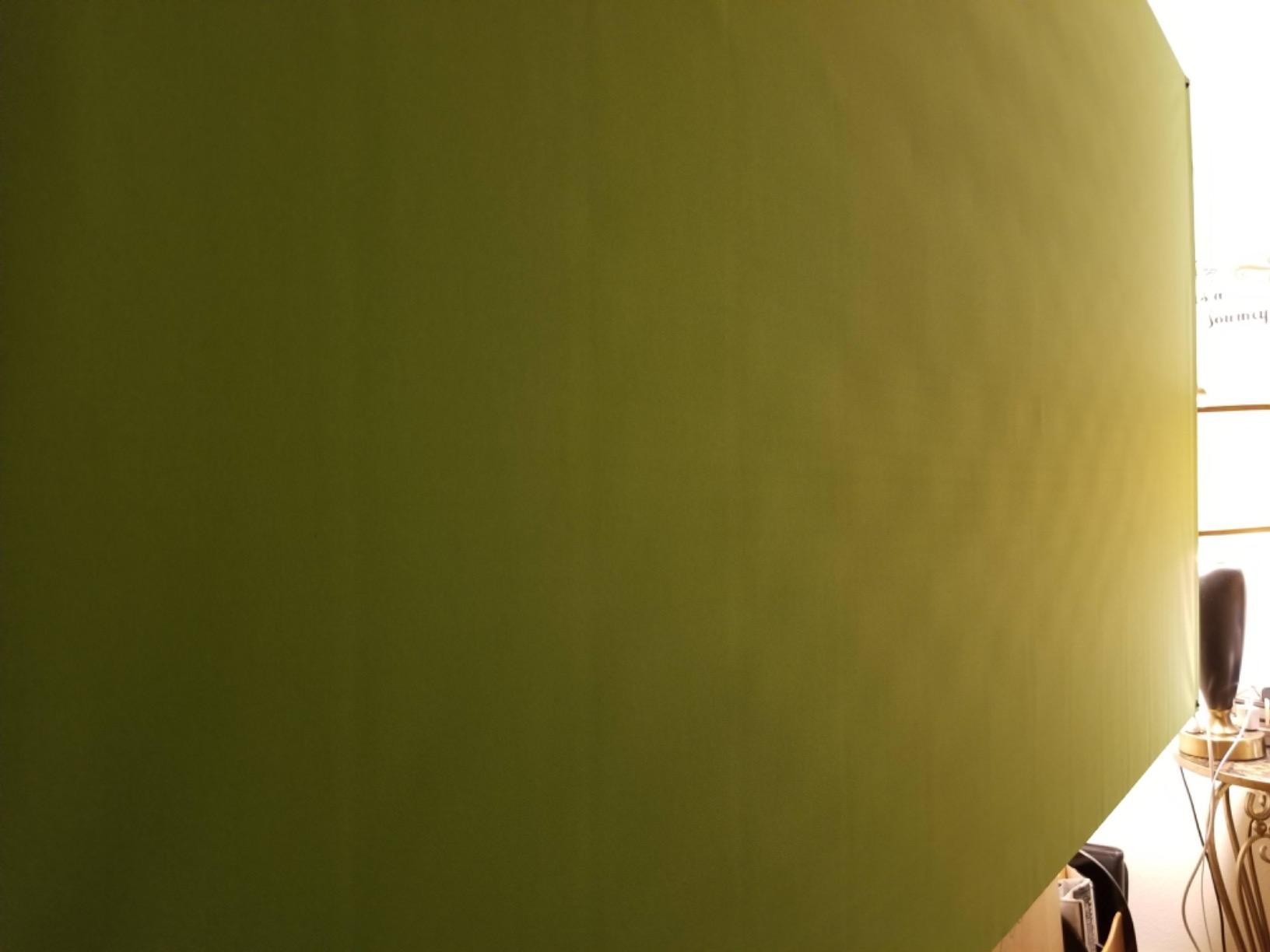
Software compatibility is tested rather than assumed. It is listed against Zoom, Teams, TikTok, Instagram, OBS, iMovie, XSplit, DoInk, and WeVideo, and a gallery of more than a thousand high resolution background images is included, so a new streamer can get on air the same day without sourcing assets. It suits gaming, video conferencing, and streamers, and it is listed for 1080p capture.
The shape is the constraint. At a 70 inch diagonal with a 16:9 ratio it measures 63 by 36.25 inches, and that horizontal proportion gives you noticeably less coverage when you switch to vertical video for Shorts or TikTok. Rating is 4.4 stars from 725 reviews, a smaller base than most here, and part of the bundled value is a software membership rather than hardware extras.
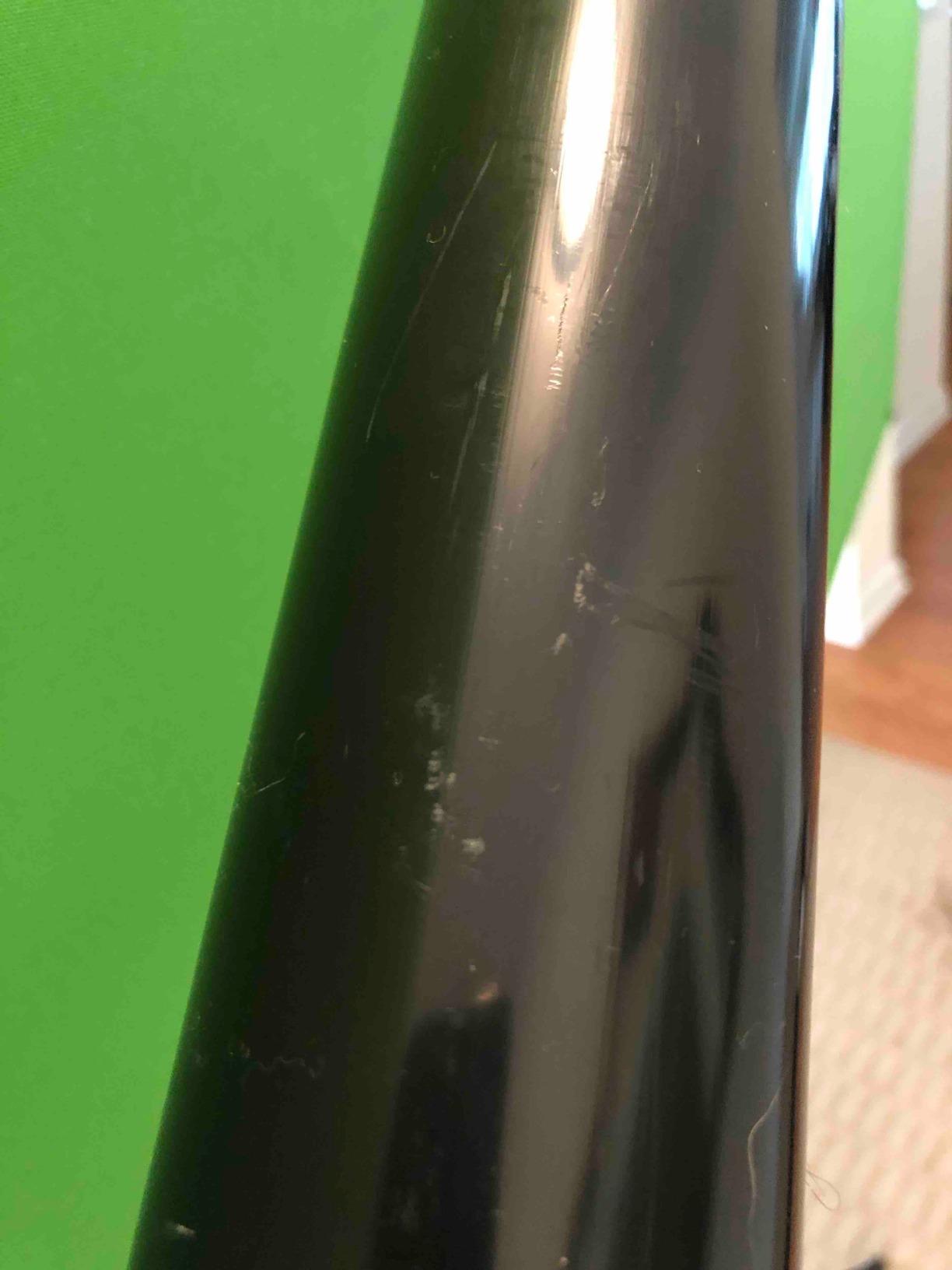
Where a portable screen changes your options
It turns streaming from a fixed activity into a portable one. You can film in a hotel room, a friend’s flat, or a studio you rent by the hour without planning a backdrop delivery. Reviewers who travel value the two-minute claim, and the wall-mount option means a small room can still get a proper backdrop without floor space.
Where the 16:9 shape limits you
Vertical formats. If a growing share of your audience watches on phones, a 16:9 screen crops awkwardly and you will lose coverage above and below. For vertical-first creators, a square or 4:5 fabric or a portrait-orientation panel is the better tool, and this screen is best kept for widescreen streaming.
12. BEIYANG 10x20ft Green Screen Backdrop – Best Maximum Coverage
BEIYANG 10 Ft x 20 Ft Photography Backdrop Green Screen, Green Background Non-Reflective Fabric Wrinkle Resistance Photo Background for Photo Studio Shooting Props
10x20ft fabric
240 x 120 in
4.8 pounds
Machine wash
Pros
- Largest fabric area in the roundup at 10x20ft
- Non-gloss non-reflective surface built for chroma keying
- Wrinkle-resistant opaque polyester at 4.8 pounds
- Machine washable on a gentle cycle
Cons
- Backdrop stand not included
- Smallest review base here at 460 reviews
- Highest one-star share at 7 percent
Ten by twenty feet is the largest single fabric in the roundup, and it covers a lot at a light 4.8 pounds. That combination suits a studio corner, a two-person panel, or a streamer who needs floor-to-ceiling coverage plus a wide sweep without building a wall.
The fabric is the right spec for keying. It is a high-density, opaque polyester with a non-gloss, non-reflective fabrication made specifically for camera chroma keying, and reviewers like the finish. It is described as wrinkling far less than cotton and being easy to restore, and it is machine washable on a gentle cycle without fading. Dimensions are listed at 240 by 120 inches.
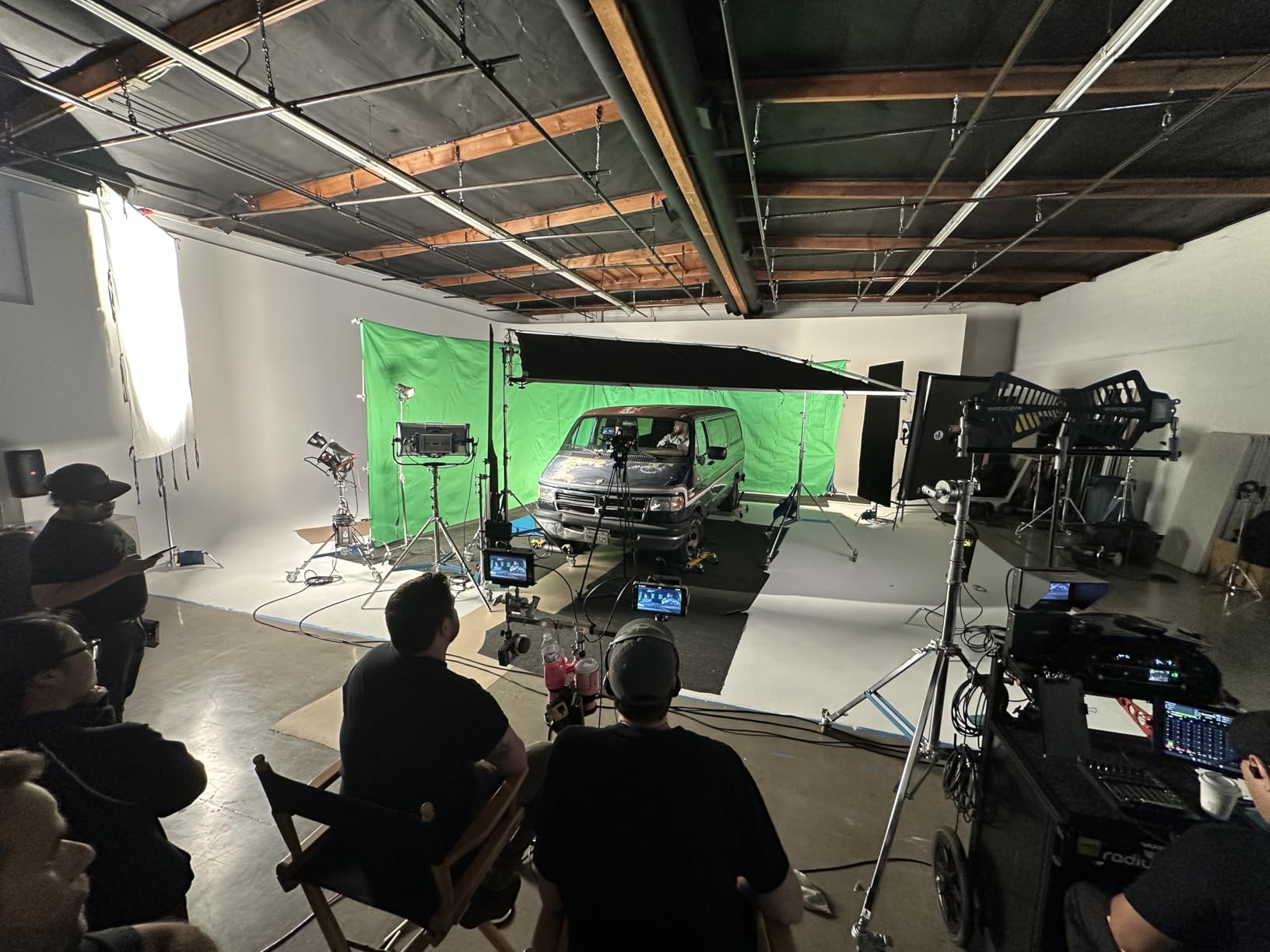
The trade-offs are worth weighing. The stand is not included, and at this width you need a proper wide crossbar system rather than a small backdrop stand. The review base is also the thinnest in the roundup at 460 reviews, which means you have less owner history to lean on, and the one-star share of 7 percent is the highest here. Beyond streaming it covers video conferencing, product display backgrounds, DIY photo booths, portraits, and parties, so it earns its space in a multipurpose room.
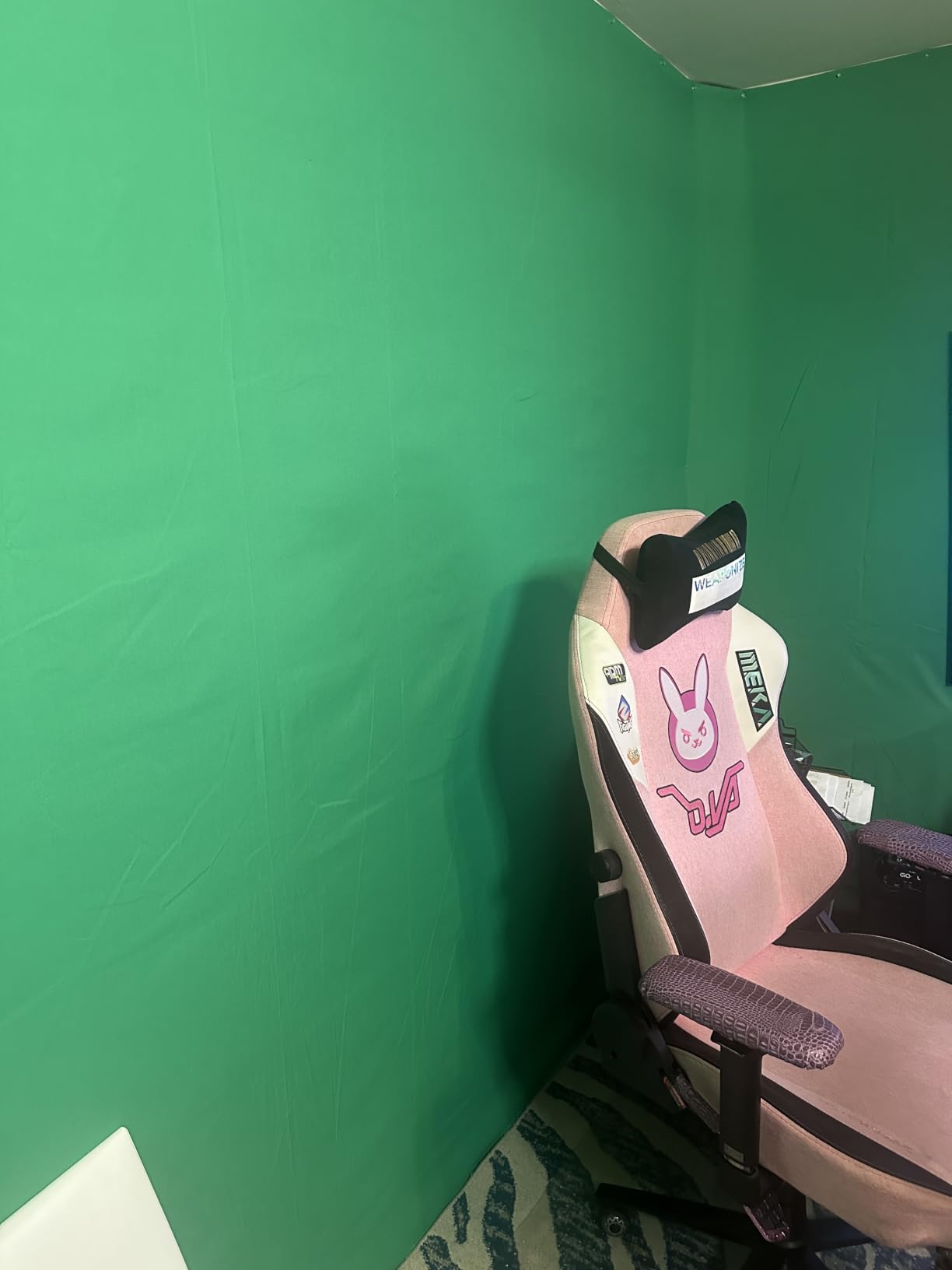
When 10x20ft is the right scale
It is for spaces where you need to be covered from several feet away. A wide camera position, a large studio, a co-op show with two people moving, or a scene where you walk across the full frame all end up needing this much cloth. The wrinkle resistance and washability also suit a backdrop that gets handled rather than hung permanently.
When it is more than you need
Most single streamers do not need it. A 10 by 20ft fabric needs a wide support system, more steaming, and a lot of room to hang, and the small review base means less community troubleshooting if something goes wrong. If the review volume makes you cautious, the 10 by 10ft fabrics here offer most of the practical benefit at a size your stand can actually support.
How to Light a Green Screen for Streaming
Bad lighting causes more broken keys than bad fabric. Users on r/obs describe it plainly: green screen lighting is critical for good chroma key, and a surprising number of people are still working from a single shop light bounced off a ceiling. Fix the light and a mediocre screen suddenly looks premium.
Light the backdrop separately from the subject. A second light aimed only at the screen gives you an even wash with no falloff, and evenness is what the keyer samples. A single light pointed at both you and the screen creates a bright centre and dark edges, and the key will punch through in the middle and leave a green halo at the sides.
Keep the subject brighter than the backdrop. This is the rule that matters most. If your face is darker than the green behind you, the keyer starts removing pixels from you rather than the screen, and you get holes in your hair and shoulders. Aim the key light at your face and keep the backdrop light deliberately dimmer.
Keep your lights off to the side rather than behind the camera. A light behind the camera or behind the subject casts your shadow onto the fabric, and any shadow on a green screen is a hole in your key. Angle both lights about 45 degrees to the sides so the shadow falls away from the backdrop rather than onto it.
Never put a light behind the fabric. Thin cloths like the JINSUI 10x10ft will glow and go translucent, and the key fails completely. If your only light source is behind the screen, choose an opaque heavier fabric or move the light to the front of the setup.
Fix wrinkles before you stream. A crease in fabric creates a dark band because the surface is angled away from the light, and the keyer reads it as a difference in colour. Steam fabric, keep it tensioned, and walk the room with your camera before going live.
What Size Green Screen Do You Need for Streaming?
Size your screen to your framing, not to your room. The backdrop only needs to cover the area your camera sees behind you, and buying bigger than that costs storage, weight, and steaming time for no visible benefit.
For a seated head-and-shoulders talking head, a 4 by 5ft screen is enough. The camera sees very little behind you at that framing, and a small screen is the easiest to light evenly. The Hemmotop 5x7ft covers this framing with margin.
For a standing upper body shot, move to 5 by 7ft or 6 by 9ft. You need headroom above your head and width on both sides so that leaning or gesturing does not take you past the edge. The EMART 6x9ft sits in the middle of this range.
For a full-body shot, you need the fabric to reach the floor. A 10 by 10ft screen gives you head-to-toe coverage with the bottom edge out of frame, and the JINSUI or Aimosen 10x10ft options both handle this at a light weight. Below about 8ft tall, the bottom of the screen enters the shot and the key starts failing where it meets the floor.
For two people, plan on at least 10 by 10ft of fabric or a rigid panel around 78 by 82 inches. A second host who stands will outgrow a shared backdrop quickly, and the RAUBAY panel is sized for that case. Measure your framing on the wall with tape before ordering, since a screen that is too narrow is the most common complaint in this category.
Frame Stability and Wobble: The Test Most Reviews Skip
Wobble is the loudest complaint about collapsible green screens, and it is the criterion almost every roundup ignores. The top comment on an r/streaming thread asking for a structurally sound retractable screen put it bluntly: that green screen is as sturdy as a fort made of Legos. When the frame moves, the keyed background moves with it, and viewers see the whole scene shake.
Flexible fabric on a light tripod is the usual culprit. Press the middle of a hanging cloth and the surface bows, which changes the colour the keyer samples. A light stand with a narrow crossbar is worse: nudge the desk and the entire backdrop swings, dragging the key with it.
Test it yourself before you stream. Push the centre of the screen with an open palm and watch whether the surface moves or the frame shifts. Then stand up quickly, sit down hard, and walk past the desk. If the backdrop moves more than a small amount, the key will move with it on camera, and no software setting fixes a physical wobble.
Weight the base if the frame is light. Sandbags on the tripod legs are the standard fix and cost very little. This is why we recommend them for the JEBUTU kit specifically: the stand is light enough to be knocked over by a chair cast or an excited pet, and a tipped backdrop mid-stream is an unrecoverable moment.
Integrated frames beat separate stands. The EMART collapsible panel and the RAUBAY panel both fold their own legs and bases into the same object, so there is no tripod leg to catch on a cable and no height to readjust. The case doubles as the base, which spreads the weight and keeps the top bar from moving.
Check the top bar attachment on any retractable panel. The panel is friction-held to the bar, and some owners of the EMART 58x74in reported the screen detaching after months of daily use, which the manufacturer replaced under warranty. If you plan to leave the panel extended for weeks, confirm this early.
A spring frame sewn into the fabric stays tensioned without clips along the whole edge, which is the quiet advantage of the NEEWER foldable panel: the fabric cannot go slack because nothing is holding it except itself.
Chroma Key Settings for OBS and Streamlabs
Software settings get blamed for problems that lighting and fabric caused. Get those right first, then use the filter stack below to finish the edge. In OBS Studio, add these filters to your camera source in this order.
Start with a Chroma Key filter. Set the key type to Green, and do not trust the default key colour. Sample the actual screen with the eyedropper by pointing at a lit part of the fabric, not a shadowed part. A sampled value from a bright centre is far more accurate than the preset.
Add a second Chroma Key with the similarity and smoothness raised slightly. Two keys in series clean up the patches a single key leaves behind, which is the approach people in r/obs stack when a cheap screen keeps producing blotchy output. Keep the second key looser than the first so it only catches what the first missed.
Follow with an edge feather filter. A small feather softens the cut so hair does not look carved out with scissors, and this is the single most effective fix for the ragged hair edges users complain about. Increase it slowly; too much feather and the background starts eating into your shoulders.
Add a despill or colour correction filter to kill green spill. Spill is the green light bouncing off the backdrop onto your skin and hair, and it is why a keyed streamer can look slightly ill. A despill filter removes that cast and works better than simply lowering the similarity value, which thins the key instead. Then move yourself further from the backdrop, since distance gives the keyer cleaner separation and reduces bounce light on you.
Same order applies in Streamlabs Desktop, where the filter list is organised the same way, so a stack built for OBS transfers directly. Save it as a preset if you switch between streaming and recording.
Green Screen vs Virtual Background vs Plain Backdrop
A green screen is worth it for streamers who composite. It gives real parallax as you move, it works in any software with a chroma key filter, and it costs less than a physical set. Users in r/AfterEffects and r/vfx debate shooting against green versus a real set, and for a live stream the answer is almost always green because a physical set behind you cannot change between segments.
A virtual background needs no hardware at all. It is free, and it works on any modern machine, but it has hard limits: no parallax, and hair and glasses produce artefacts that no amount of tuning fully removes. It is the right choice for a static talking head in a reasonably tidy room where you never move.
A plain backdrop is the cheapest option that looks deliberate, and it avoids the lighting discipline a key demands. Many streamers start here, build an audience, and only add a green screen when they want overlays reacting to their movement.
Skip a green screen if your room is very small and your camera is fixed close in. At a tight head-and-shoulders framing, a virtual background handles it well and a physical screen gives you almost no benefit for the effort. Also skip it if you stream in a dim room you cannot light, because uneven light will defeat the cheapest screen you buy.
Storage and Wrinkle Care
Roll fabric, do not fold it if you can avoid it, and always steam before you stream. Fold lines set deep creases that show up as dark bands in the key, and those bands are the most common reason a good screen looks bad on air.
A handheld garment steamer is the cheapest useful accessory for this category. Hang the fabric on the stand, steam from a distance, and let it cool in place. Do not press a hot iron directly onto a matte surface; you risk flattening the texture that gives you a clean key.
Washable fabrics can go in a machine, which matters more than it sounds. Dust and skin oil on a backdrop scatter light unevenly, and a dirty screen shimmers in the key. Follow the listed care instructions, since some panels in this roundup are wipe-clean only and cannot be washed at all. Collapsible panels need none of this, because they retract into their own case already tensioned with no creasing step.
Frequently Asked Questions
What is the best green screen for streamers?
The EMART 6x9Ft Green Screen Backdrop is the best all-round choice, with the largest owner review base in our testing and a matte non-reflective surface that keys cleanly in OBS. For the best rigid frame and the widest coverage, the RAUBAY 78.7 x 82.7in collapsible panel is the top-rated option. For a complete kit with a stand included, the EMART 8.5x10ft stand kit is the highest-rated complete setup.
Is a green screen good for streaming?
Yes, and it is worth it if you plan to composite backgrounds, overlays, or your game feed behind you. A green screen gives real parallax as you move, works in OBS, Streamlabs, Zoom, and TikTok, and costs far less than a physical set. It is not worth it for a static talking head in a tidy room, where a virtual background is free and needs no lighting discipline.
How do I light a green screen for streaming?
Light the backdrop separately from yourself using a second light, keep the subject brighter than the backdrop, and keep both lights about 45 degrees to the side so your shadow falls away from the fabric. Never place a light behind the screen, since thin fabric will glow and the key will fail. Fix lighting before touching any software settings.
What size green screen do I need for streaming?
Match the size to your framing. A 4x5ft screen suits a seated head-and-shoulders shot, 5x7ft to 6x9ft covers a standing upper body, a 10x10ft screen is needed for full-body framing with the fabric reaching the floor, and two people need roughly 10x10ft of fabric or a rigid panel around 78 by 82 inches.
How much does a good green screen cost?
Budget fabric-only sheets are the cheapest tier and need a separate stand. Collapsible and pop-up panels with integrated or included stands sit in the middle tier and are what most streamers actually buy. Wall-mounted or modular seamless systems cost more, and portable cycloramas sit at the top. The price tier matters far less than lighting discipline and fabric quality.
Why does my green screen key look rough around hair?
Almost always lighting or distance rather than software. Keep the subject brighter than the backdrop, move further from the fabric, and steam out creases first. In software, stack two Chroma Key filters, then add an edge feather filter to soften the cut, and follow with a despill filter to remove the green cast on your skin.
Is a collapsible green screen sturdy enough for streaming?
It depends on the frame. A rigid panel with an integrated base, such as the EMART 58x74in or the RAUBAY, stays stable through a live session. A lightweight spring-frame panel or a fabric sheet on a narrow tripod will flex or tip, and that movement shows in the keyed background. Test by pressing the centre of the screen and watching whether the frame shifts.
Final Verdict for Streamers in 2026
The best green screens for streamers split cleanly into two groups. If your setup lives in one room and you can hang a backdrop on a proper stand, the EMART 6x9Ft Green Screen Backdrop is the one to buy, backed by more owner feedback than anything else we tested. Add the EMART 8.5x10ft stand kit if you want the coverage and the adjustable frame in a single box, or the Aimosen and JINSUI 10x10ft fabrics for full-body framing.
If you need the screen to disappear between sessions, the rigid panels win. The EMART 58x74in collapsible panel suits a tight room, and the RAUBAY 78.7 x 82.7in panel is the one to choose for two-person or wide standing shots because it carries the highest rating in the group and the widest coverage.
Whichever you pick, spend the time on lighting before you spend more money on hardware. A matte non-reflective fabric, an evenly lit backdrop, and a subject brighter than the screen will key cleanly on a modest budget, and no filter setting compensates for light you did not fix.