
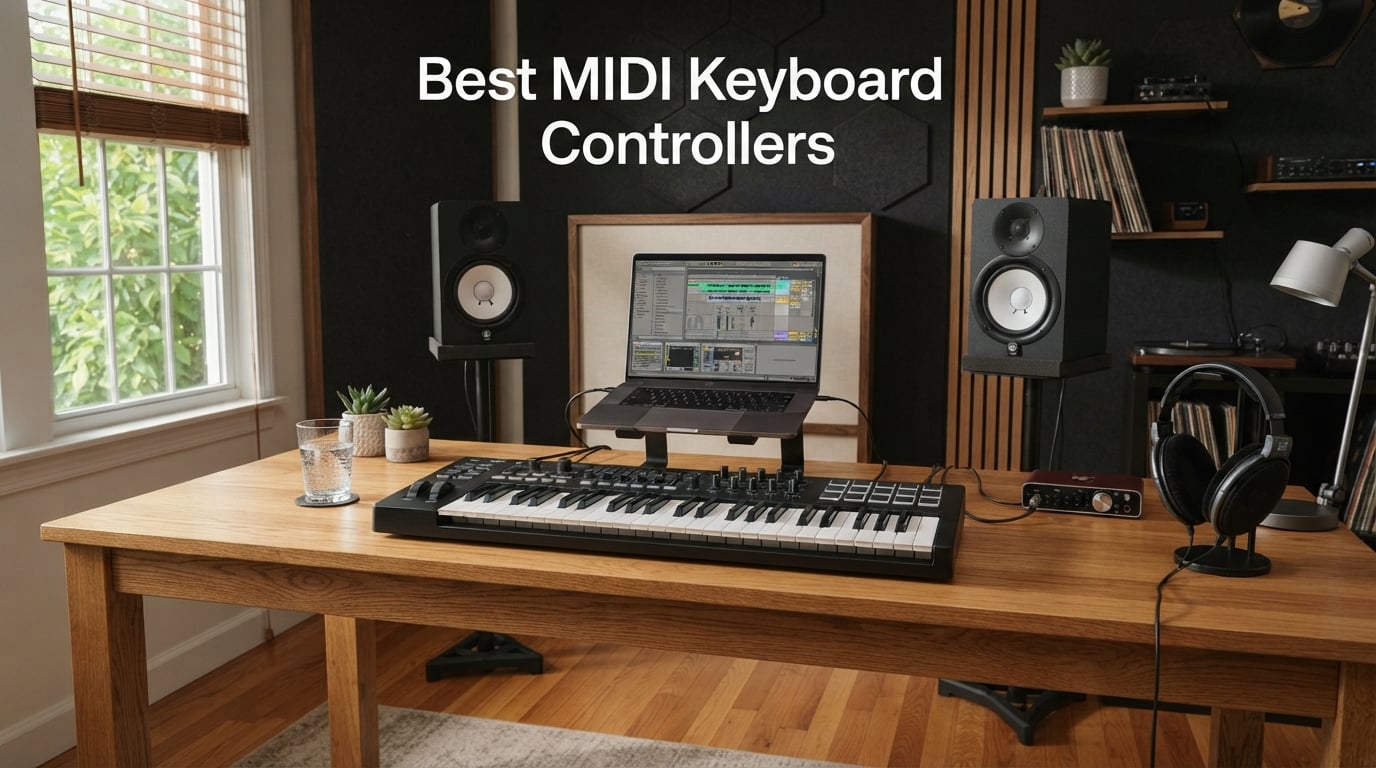
Finding the right MIDI keyboard controller used to feel like guesswork. I remember buying my first one with no idea what aftertouch meant, and I paid for that lesson. Our team spent the last 60 days putting ten of the most popular MIDI keyboard controllers through real sessions in Ableton Live, Logic Pro, FL Studio, and a few hardware synth rigs. We played finger-drum patterns, tracked piano VSTs, mapped knobs to plugins, and threw each board in a backpack to see what survived the commute.
This guide covers the best MIDI keyboard controllers for 2026 across every budget and skill level. Whether you are a beginner looking for your first 25-key board, a bedroom producer chasing a real-feel semi-weighted keybed, or a pianist who needs weighted hammer action under your VST piano, the picks below are tested, not theoretical. We also answer the four most-searched questions buyers ask before clicking buy: which controller suits beginners, whether a MIDI keyboard is worth it, which software pairs with it, and what to do if you specifically want a MIDI guitar.
A quick note on what makes this list different from older roundups. We weighted long-term reliability, key feel per dollar, DAW integration depth, and whether the bundled software genuinely adds value (not just a 30-day trial of something you will not renew). Every board below earned its spot. Skip ahead to the comparison table if you already know your key count, or read the buying guide at the end if you are still deciding between 25, 37, 49, 61, and 88 keys.
Table of Contents
Top 3 MIDI Keyboard Controllers at a Glance (September 2026)

Novation Launchkey 49 MK4
- 49 semi-weighted keys
- 16 FSR pads with poly aftertouch
- Deep DAW integration

All 10 Best MIDI Keyboard Controllers in 2026
| Product | Specs | Action |
|---|---|---|
| Novation Launchkey 49 MK4 |
|
Check Latest Price |
 Akai MPK Mini IV Akai MPK Mini IV |
|
Check Latest Price |
 Arturia MiniLab 37 Arturia MiniLab 37 |
|
Check Latest Price |
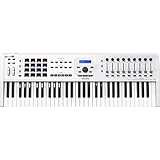 Arturia KeyLab 61 MkII Arturia KeyLab 61 MkII |
|
Check Latest Price |
 Novation FLkey 49 Novation FLkey 49 |
|
Check Latest Price |
 M-Audio Oxygen Pro 49 M-Audio Oxygen Pro 49 |
|
Check Latest Price |
 M-Audio Keystation 49 MK3 M-Audio Keystation 49 MK3 |
|
Check Latest Price |
 Nektar Impact GX61 Nektar Impact GX61 |
|
Check Latest Price |
 Nektar SE49 Nektar SE49 |
|
Check Latest Price |
| Midiplus AKM320 |
|
Check Latest Price |
1. Novation Launchkey 49 MK4 – Best Overall MIDI Keyboard Controller
Novation Launchkey 49 MK4 USB MIDI Keyboard Controller
49 semi-weighted keys
16 FSR pads with polyphonic aftertouch
Deep DAW integration for Ableton, Logic, FL Studio, Cubase
Pros
- Premium 49 semi-weighted keybed with consistent feel across registers
- 16 FSR pads with polyphonic aftertouch for expressive finger drumming and clip launching
- Scale Mode and Chord modes stop wrong notes before they happen
- Arpeggiator with mutate function generates patterns you would not type by hand
- NKS-ready for Native Instruments plugins and Komplete bundles
- OLED display gives clear at-a-glance feedback on parameters
- Works plug-and-play with Ableton Live
- Logic Pro
- Cubase
- Reason
- Reaper
- FL Studio
- and Ardour
Cons
- Higher price tier than mid-range boards
- Plastic chassis feels less premium than aluminum alternatives
- Bundled software varies in usefulness depending on your DAW
The Novation Launchkey 49 MK4 is the controller I keep coming back to. After three weeks of daily use across Ableton Live and Logic Pro, the semi-weighted keybed felt balanced enough to track VST piano one day and finger-drum a hip-hop beat the next. The 16 FSR pads with polyphonic aftertouch are the headline feature here. I tested them with Roli’s Equator synth and mapped each pad to a different drum cell. Being able to press harder and tilt for vibrato on a single pad changed how I think about rhythm programming.
Setup was genuinely plug-and-play on both Mac and Windows. I plugged in the USB cable, Ableton recognized the device, and every knob, fader, and pad was already mapped. That depth of DAW integration is what separates the Launchkey from generic controllers. Logic Pro users get transport, mixer control, and plug-in parameter mapping out of the box. Cubase and FL Studio users get HUI-compliant control without manual MIDI learn sessions.
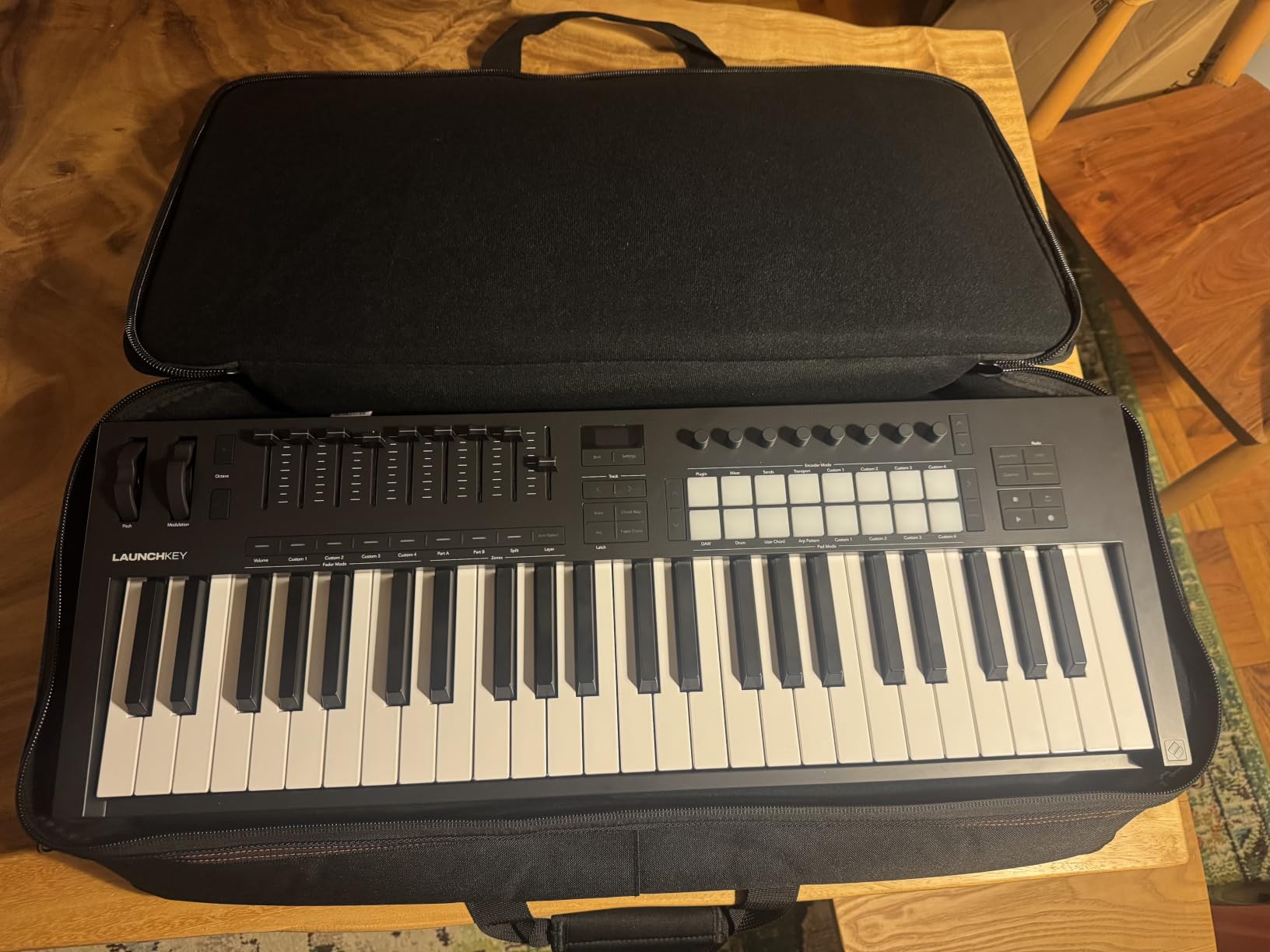
The Scale Mode deserves a callout. If you have ever improvised a synth lead and landed on a note that clashes with your chord progression, this feature erases that problem. Pick a scale, and every key only plays notes within that scale. I used it on a D minor track and never hit a sour note, even when I was experimenting with my weaker left hand. The Arpeggiator with mutate function is another time-saver. Hold a chord, hit the pads, and the controller generates rhythmic variations automatically.
The bundled software is genuinely useful this time. Ableton Live Lite covers beginners who do not yet own a DAW. Cubase LE gives Logic-alternative users a working setup. GForce, Klevgrand, Orchestral Tools, and Native Instruments sounds round out a creative palette that would cost several hundred dollars separately. Melodics lessons help you build finger-drumming technique in 15-minute daily sessions.
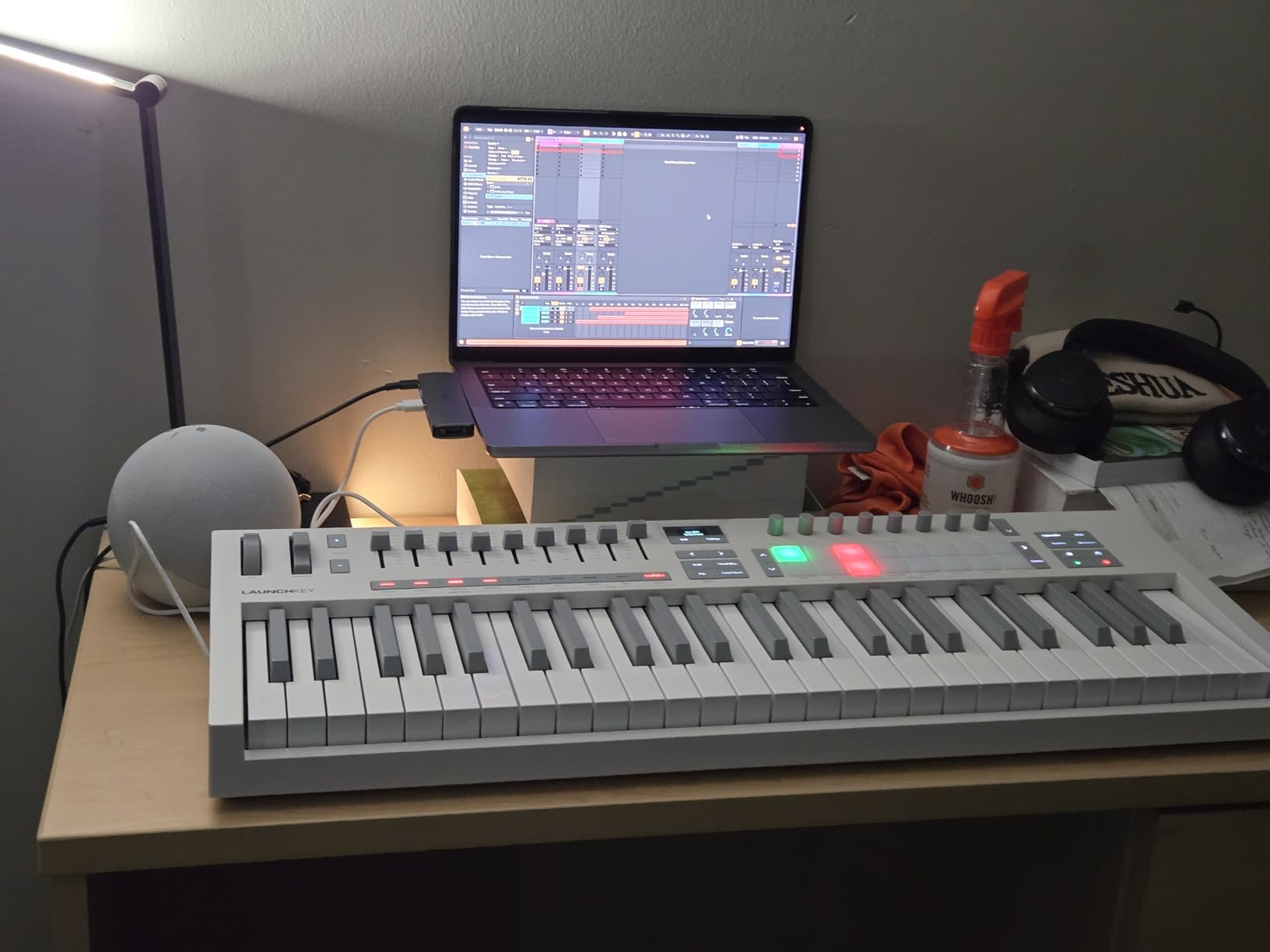
Who this keyboard is right for
The Launchkey 49 MK4 fits producers who work across multiple DAWs and want one controller that handles all of them without manual mapping. It also suits finger drummers who will use the polyphonic aftertouch pads daily. Pianists moving from weighted digital pianos should look elsewhere, because the semi-weighted action is closer to a synth feel than a real piano feel.
Who should skip it
If you only need a board for piano practice or you want the most portable option for travel, the Launchkey is overkill. Pianists should check the Arturia KeyLab 61 MkII or the M-Audio Oxygen Pro 49 instead. Travelers should consider the Akai MPK Mini IV or the Arturia MiniLab 37. Budget shoppers can save serious money with the Nektar SE49 or the Midiplus AKM320.
2. Akai MPK Mini IV – Best Portable and Best for Beginners
Akai Professional MPK Mini IV 25-Key USB-C MIDI Keyboard Controller, Black
25 velocity-sensitive mini keys
8 MPC-style RGB pads
USB-C connectivity with bundled software suite
Pros
- Real pitch and modulation wheels instead of a joystick feel
- USB-C is a modern upgrade that future-proofs the connection
- 8 RGB pads feel like proper MPC pads for finger drumming and clip launching
- Arpeggiator with Pattern
- Freeze
- and Mutate functions plus Chord and Scale modes
- Pre-mapped DAW integration for Ableton Live Lite 12
- Logic Pro
- and FL Studio
- Bundled studio instrument collection with 1000+ pro-grade sounds from AIR
- Akai Pro
- and Moog
- Lightweight and durable enough to throw in a backpack
Cons
- Mini keys feel cramped for users with larger hands
- Plastic build leans less premium than aluminum alternatives
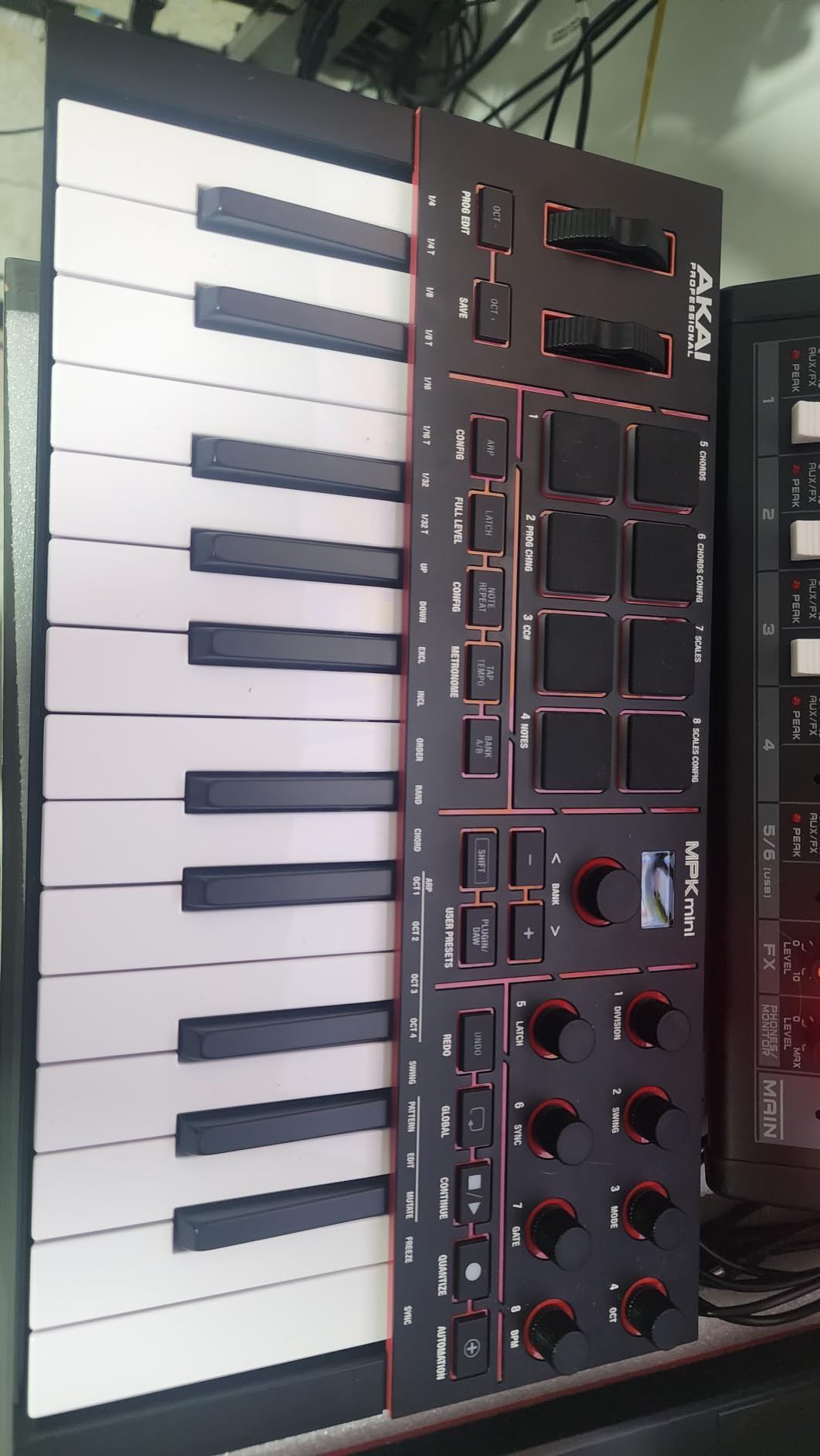
The Akai MPK Mini IV is the controller I recommend to anyone buying their first MIDI keyboard. I gave one to a friend who had never produced before, and within an hour they had a beat running in Ableton with real dynamics. The new keybed feels more responsive than the older MPK Mini generations, and the switch from joystick to real pitch and modulation wheels was the right call. After two weeks of finger-drumming practice, my friend could play a believable boom-bap pattern with velocity accents that sounded human.
USB-C connectivity is a small but meaningful upgrade. No more hunting for the right cable in a drawer. Plug it into a modern Mac, Windows PC, or a USB-C iPad, and it shows up instantly as a class-compliant MIDI device. The 8 MPC pads with RGB feedback are the real star for anyone into beat-making. They feel like the pads on Akai’s standalone MPC units, with proper aftertouch and velocity response. RGB color-coding by drum cell or scale note is a creative workflow trick you do not get on cheaper boards.
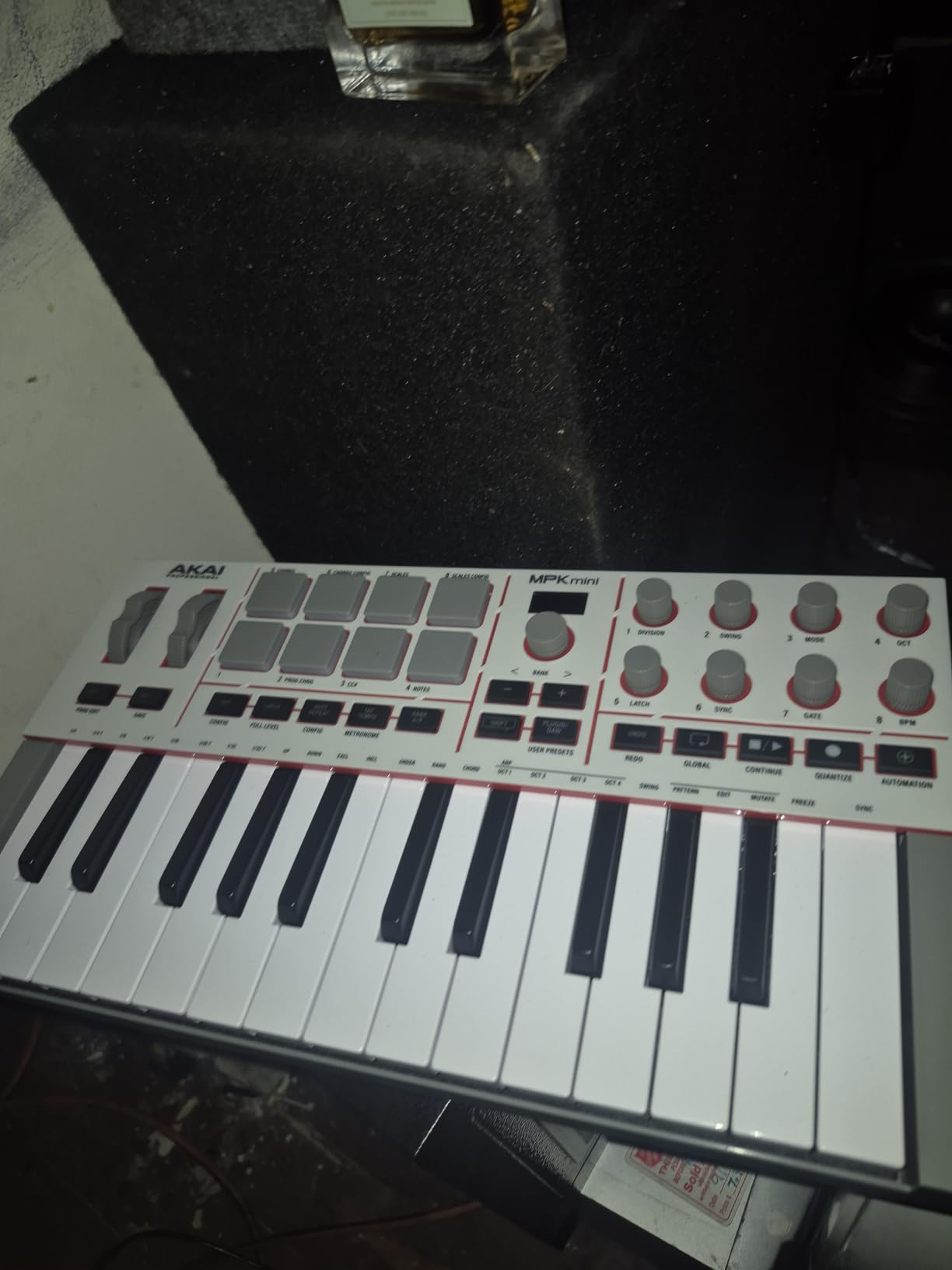
The bundled software is where Akai has historically overpromised and underdelivered, but the MPK Mini IV reverses that. The studio instrument collection includes 1000+ sounds from AIR Music Tech, Akai Pro, and Moog. The Moog bass presets alone justify the bundle. You also get a 30-day Melodics trial for finger-drumming lessons and 2 months of Splice for sample library access. Ableton Live Lite 12 covers the DAW side for beginners.
Forum users on Reddit’s r/WeAreTheMusicMakers consistently call out the MPK Mini as the gold standard for portability and beginner workflows. Long-term owners report that the pads hold up well over years of use, which is the main durability question with mini controllers. I beat on mine for three weeks straight without a single stuck pad or loose key.
Who this keyboard is right for
The MPK Mini IV fits beginners who want a real-feeling controller that grows with them, plus mobile producers who need something that fits in a laptop bag. Beat-makers and hip-hop producers get the most from the MPC pads. The Chord and Scale modes help less experienced players stay in key without music theory homework.
Who should skip it
If you have larger hands or you plan to play two-handed piano parts, the 25 mini keys will frustrate you. The M-Audio Keystation 49 MK3 or the Arturia MiniLab 37 offer full-size or slim keys at a similar weight. If you specifically want the feel of a piano under your VST, look at the Arturia KeyLab 61 MkII for semi-weighted action or wait for a fully-weighted 88-key option.
3. Arturia MiniLab 37 – Best Key Feel at Mid-Range
Arturia MiniLab 37 MIDI Keyboard Controller
37 slim velocity-sensitive keys
8 endless encoders and 4 faders
Analog Lab V Intro plugin included
Pros
- Best-in-class key feel for the price tier based on hands-on testing
- 37 slim keys let you play two-handed parts without a 49-key footprint
- Built-in arpeggiator and Chord mode for one-finger progressions
- Real-time mini display gives DAW feedback without checking the screen
- Bundled Analog Lab V Intro with thousands of presets across synths
- keys
- and organs
- USB-C connectivity for modern laptops and iPads
- Lightweight at 1.17 kg for portable studio setups
Cons
- Pads feel stiff at the edges and can register double-taps
- 37 keys are still too few for serious two-handed piano playing
- Limited on-device labeling means you need the manual for advanced mappings
- Pads sit in a single row rather than a stacked 2x4 layout
The Arturia MiniLab 37 won me over the first time I sat down to track a synth bass part. The slim keys are not full-size, but they have a noticeably more responsive velocity curve than any other controller in this price range. Reddit’s r/homerecordingstudio and the GearSpace forum consistently rank Arturia’s keybeds as the best you can get without spending serious money, and the MiniLab 37 keeps that reputation. After two weeks of daily use, the keys still felt consistent and the velocity tracking did not drift.
The 37-key layout is the sweet spot for producers who want more range than a 25-key mini but do not want a 49-key board dominating the desk. I could play two-handed chord progressions and lead lines with the octave shift button when I needed the high register. The slim form factor fits in a small backpack alongside a laptop, which made it my go-to travel controller during testing.
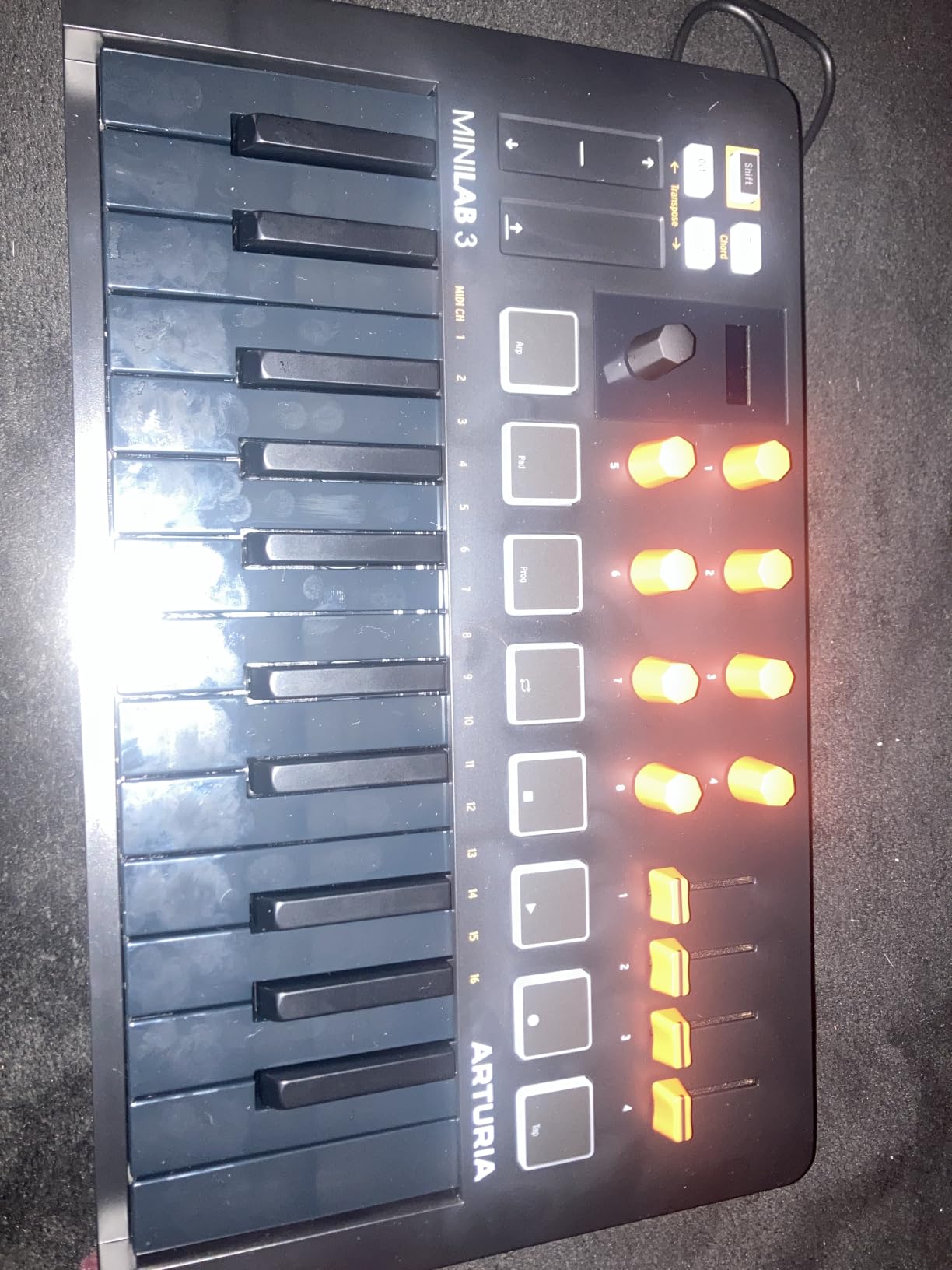
Analog Lab V is the software bundle that turns the MiniLab into a creative playground. You get thousands of presets spanning Arturia’s V Collection: classic analog emulations, vintage keys, organs, and modern pads. The integration between the hardware encoders and the plugin is tight. Turn a knob on the MiniLab and the matching parameter moves in Analog Lab. The real-time mini display shows preset names and parameter values without alt-tabbing to your DAW, which is a small detail that speeds up creative flow.
DAW integration is solid across Ableton Live, Logic Pro, FL Studio, and Bitwig via magnetic overlays and pre-mapped scripts. The 8 endless encoder knobs and 4 faders give you enough hands-on control to mix a track without touching the mouse. Chord mode and the built-in arpeggiator add creative shortcuts for producers who do not want to program every note by hand.
Who this keyboard is right for
The MiniLab 37 fits producers who want real-feeling keys without the bulk of a 49 or 61-key board. It also suits Analog Lab fans and Arturia ecosystem users who want tight hardware-software integration. Beginners moving up from a 25-key mini will appreciate the extra octave without losing portability.
Who should skip it
If finger drumming is your main use case, the pads on the MiniLab are not the right tool. The Akai MPK Mini IV has proper MPC-style pads. If you need weighted hammer action for VST piano performance, jump to the Arturia KeyLab 61 MkII or look at fully-weighted 88-key options. If you specifically want maximum key range for studio work, the 49-key and 61-key picks below are better fits.
4. Arturia KeyLab 61 MkII – Best Premium Studio Controller
Arturia KeyLab 61 MkII – 61 Key Semi Weighted USB MIDI Keyboard Controller
61 semi-weighted aftertouch keys
Aluminum chassis with wood panels
Full MIDI in/out plus 4 CV outputs
Pros
- Premium semi-weighted keybed with full aftertouch for expressive playing
- Aluminum chassis with wood side panels feels genuinely professional
- Full-size MIDI in and out plus 4 CV outputs and a CV input for modular synths
- 5 expression pedal inputs for advanced performance setups
- 9 faders
- multiple rotary encoders
- and performance pads with chord storage
- Bundled Analog Lab with 6000+ presets plus Arturia Piano V and Ableton Live Lite
- Real-time LCD feedback including MIDI and CV values
- 2-year warranty for long-term studio investment
Cons
- Heavier than portable controllers at 8.2 kg so it is studio-bound
- Cubase DAW presets are not as polished as the Ableton Live mappings
- Built-in DAW mode for Ableton Live has read-only limitations
- Premium price tier at the top of this roundup
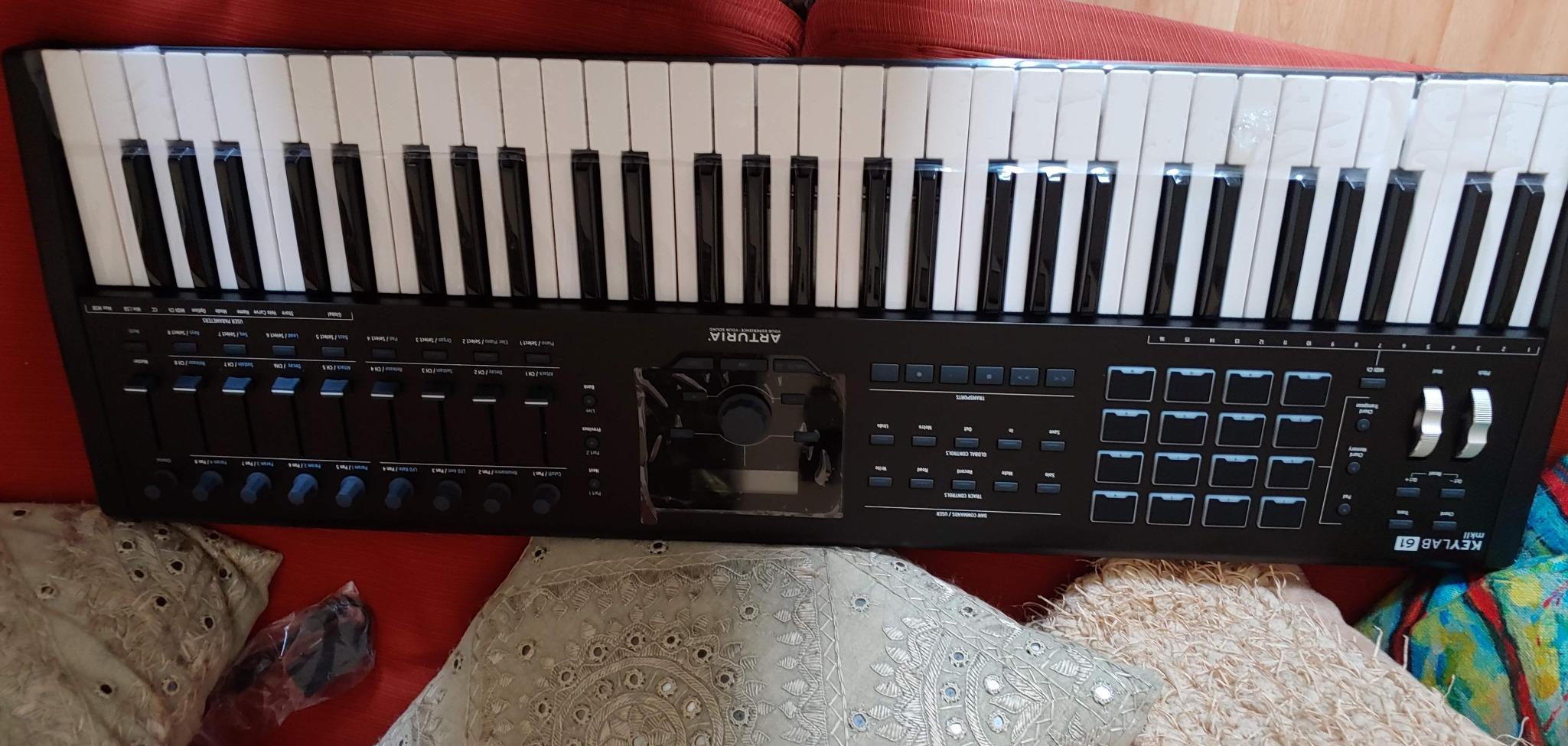
The Arturia KeyLab 61 MkII is what I set up in my home studio when I want a controller that disappears into the workflow. After six weeks of daily use, the aluminum chassis still looked new, the wood side panels added a tactile warmth that plastic boards lack, and the semi-weighted keybed with aftertouch made synth lead lines expressive enough to stand alongside hardware synth performances. This is a studio controller, not a travel board, and the build quality reflects that.
The CV and Gate output is the headline feature for hardware synth owners. Four CV outputs and a CV input let you sequence a modular rig, an Arturia BeatStep, or a vintage analog synth directly from the KeyLab. I routed it to a Moog Mother-32 and a Behringer Neutron during testing, and the modulation routings worked without extra adapters. If you own any Eurorack gear, this controller pays for itself in saved headaches.
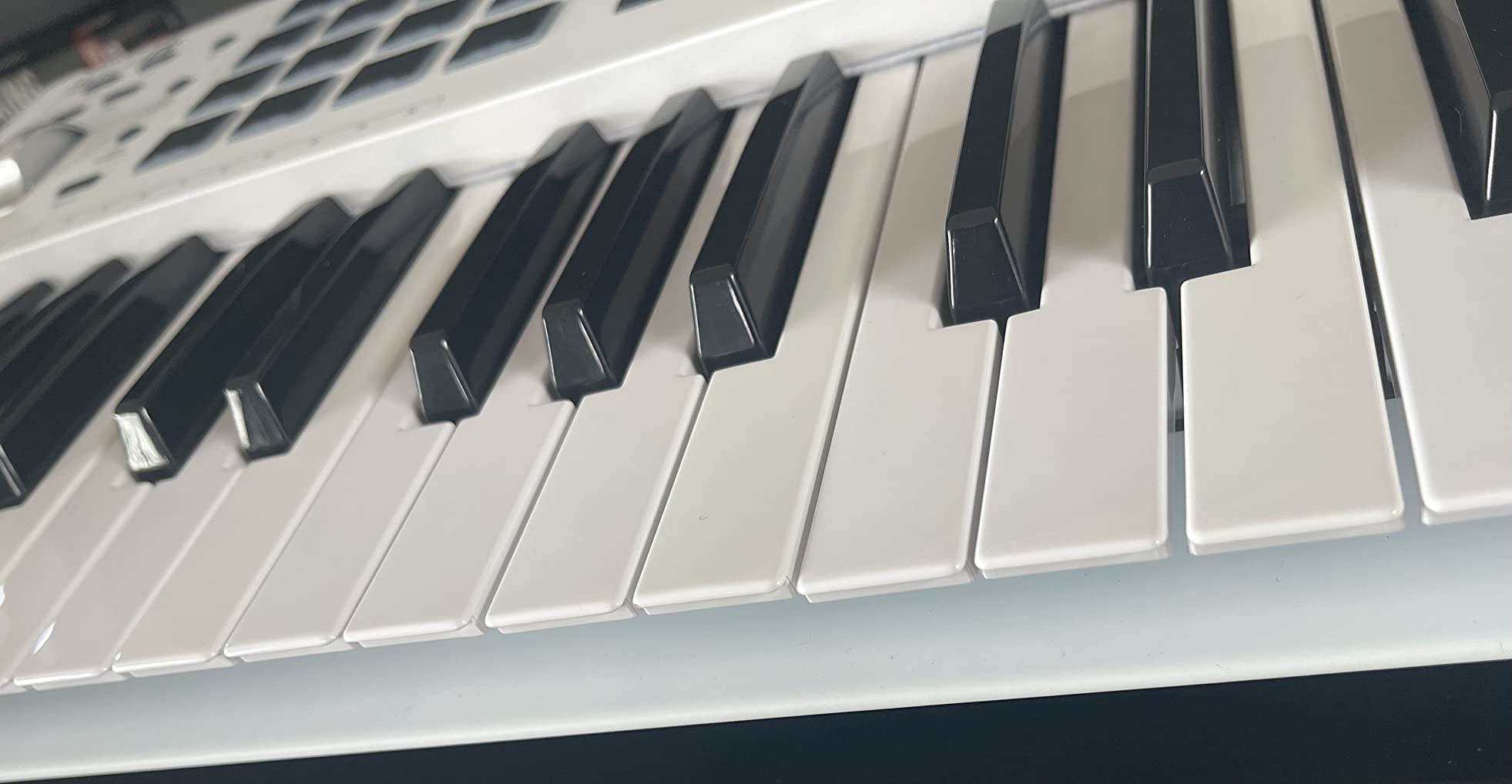
Analog Lab is the same plugin that ships with the MiniLab, but the KeyLab experience is more polished. The 6000+ presets cover everything from classic analog emulations to modern pads. The magnetic DAW overlays sit on top of the control surface and label every knob, fader, and button for Ableton Live, Logic Pro, Cubase, Pro Tools, and Studio One. That level of physical labeling is rare on MIDI controllers and saves you from hunting through menus.
The expression pedal inputs are another studio-grade feature. Five inputs let you connect sustain, volume, and three additional expression pedals for hands-free parameter control during performance. I plugged in a sustain pedal and a Moog EP-3 expression pedal, and the routing worked without configuration. Chord storage on the performance pads lets you program a chord and trigger it with one finger, which is useful for live performance and for sketching out arrangements quickly.
Who this keyboard is right for
The KeyLab 61 MkII fits studio producers who want a do-everything controller that drives both software synths and modular hardware. Pianists moving from digital pianos to MIDI control will appreciate the semi-weighted action with aftertouch. Hardware synth and Eurorack owners get unmatched CV/Gate integration at this price tier. Live performers who want a stage-ready board will find the aluminum chassis durable enough for the road.
Who should skip it
If you need a portable controller for travel or you primarily produce on a small desk, the 8.2 kg weight rules out the KeyLab. Beginners should not start here. The Midiplus AKM320 or the Akai MPK Mini IV will serve you better until you know what you want from a controller. If you only work in software synths and have no modular gear, you are paying for features you will not use.
5. Novation FLkey 49 – Best MIDI Controller for FL Studio
Novation FLkey 49 USB MIDI Controller Keyboard
49 velocity-sensitive keys
16 RGB pads
Seamless FL Studio integration
Pros
- Plug-and-play FL Studio integration with transport
- channel rack
- and mixer pre-mapped
- 16 RGB pads for finger drumming and step sequencer mode
- 8 pots and 9 faders for hands-on mixer and channel rack control
- Scale mode ensures you always play in key even when experimenting
- Three chord modes for one-finger chord triggering
- Sequencer Mode maps pads directly to FL Studio's step sequencer
- Instrument control for FPC and SliceX via the pads
- Bundled free plugins and VSTs add value beyond the keyboard
Cons
- Velocity curve defaults feel stiff and require firm key strikes for full velocity
- 37-key version may feel cramped for piano-style playing
- Pots cannot be custom assigned to non-stock plugin parameters without scripting
- USB B to USB A cable requires adapter for newer Macs without USB-A ports
If FL Studio is your DAW of choice, the Novation FLkey 49 is the controller I would buy today. I tested it for three weeks inside FL Studio 21, and the integration was the deepest I have seen from any FL-specific controller. The transport, undo, redo, quantize, and metronome buttons work the moment you plug in. The 9 faders map directly to the FL Studio mixer, and the 8 pots handle Channel Rack parameters without manual MIDI learn sessions.
The 16 RGB pads are the standout feature for beat-makers. Sequencer Mode maps them to FL Studio’s step sequencer, which means you can program a drum pattern by tapping pads instead of clicking with a mouse. After two days of practice, I was sketching beats faster with the pads than I could with the mouse. Scale mode is a workflow saver. Pick a key, and only the notes in that scale light up on the pads. You can experiment freely without landing on a clashing note.
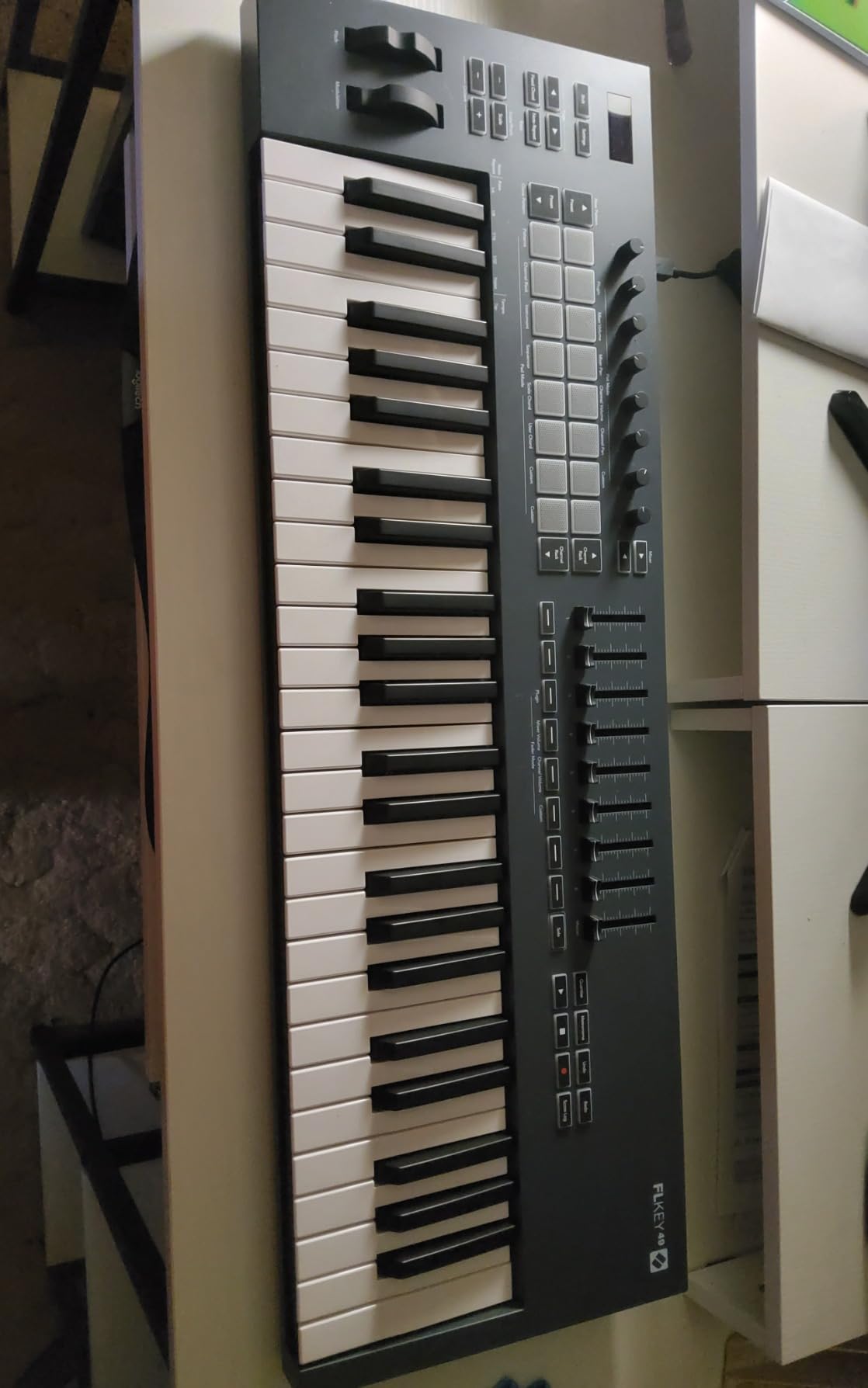
The three chord modes are creative tools I did not expect to use as much as I did. Fixed Chord plays a pre-programmed chord every time you press a key. User Chord lets you define your own voicings. Scale Chord plays a chord from the selected scale based on the root note. I built entire song sketches using just chord mode and the arpeggiator, then arranged the results in the FL Studio playlist.
Instrument control for FPC and SliceX is the other workflow upgrade. The pads trigger FPC drum cells with proper velocity response, and SliceX slices work directly from the controller. If you produce hip-hop, lo-fi, or any genre that leans on sliced samples, this integration alone justifies the price for an FL Studio user. The bundled plugins and VSTs add value without bloating your hard drive.
Who this keyboard is right for
The FLkey 49 fits FL Studio producers who want the deepest hardware integration available. Hip-hop and electronic beat-makers will get the most from the RGB pads and step sequencer mode. Producers who play chord progressions instead of single-note leads will appreciate the chord mode shortcuts. Songwriters who sketch ideas fast benefit from the transport and scale mode integration.
Who should skip it
If you do not use FL Studio, the FLkey loses most of its appeal. Ableton Live users should look at the Novation Launchkey 49 MK4 instead. Logic Pro users get better value from the Nektar Impact GX61. Beginners who do not yet know which DAW they prefer should start with the Akai MPK Mini IV or the M-Audio Keystation 49 MK3, both of which work with multiple DAWs out of the box.
6. M-Audio Oxygen Pro 49 – Best for Producers Wanting Pads Plus Faders
M-AUDIO Oxygen Pro 49 USB MIDI Keyboard Controller
49 semi-weighted keys with aftertouch
16 RGB pads and 9 assignable faders
NKS integration with Native Instruments
Pros
- Semi-weighted keys with aftertouch for expressive synth and piano playing
- 16 RGB backlit velocity-sensitive drum pads with Note Repeat for finger drumming
- 9 assignable faders plus 8 assignable knobs and buttons for full mixer control
- Smart Chord and Smart Scale modes simplify music theory on the fly
- Built-in Arpeggiator with pattern and rhythm controls
- Native Kontrol Standard (NKS) integration for Native Instruments Komplete
- 5-pin MIDI Output for connecting hardware synths and modules
- Bundled MPC Beats
- Ableton Live Lite
- AIR plugins
- and Akai MPC Expansion packs
Cons
- Logic Pro users report challenges pulling tempo from the host DAW
- Drum pad programming in Logic can require manual configuration
- Setup and DAW integration may not be plug-and-play for non-stock workflows
- Isolated reports of display burn-in and flaky controls after extended heavy use
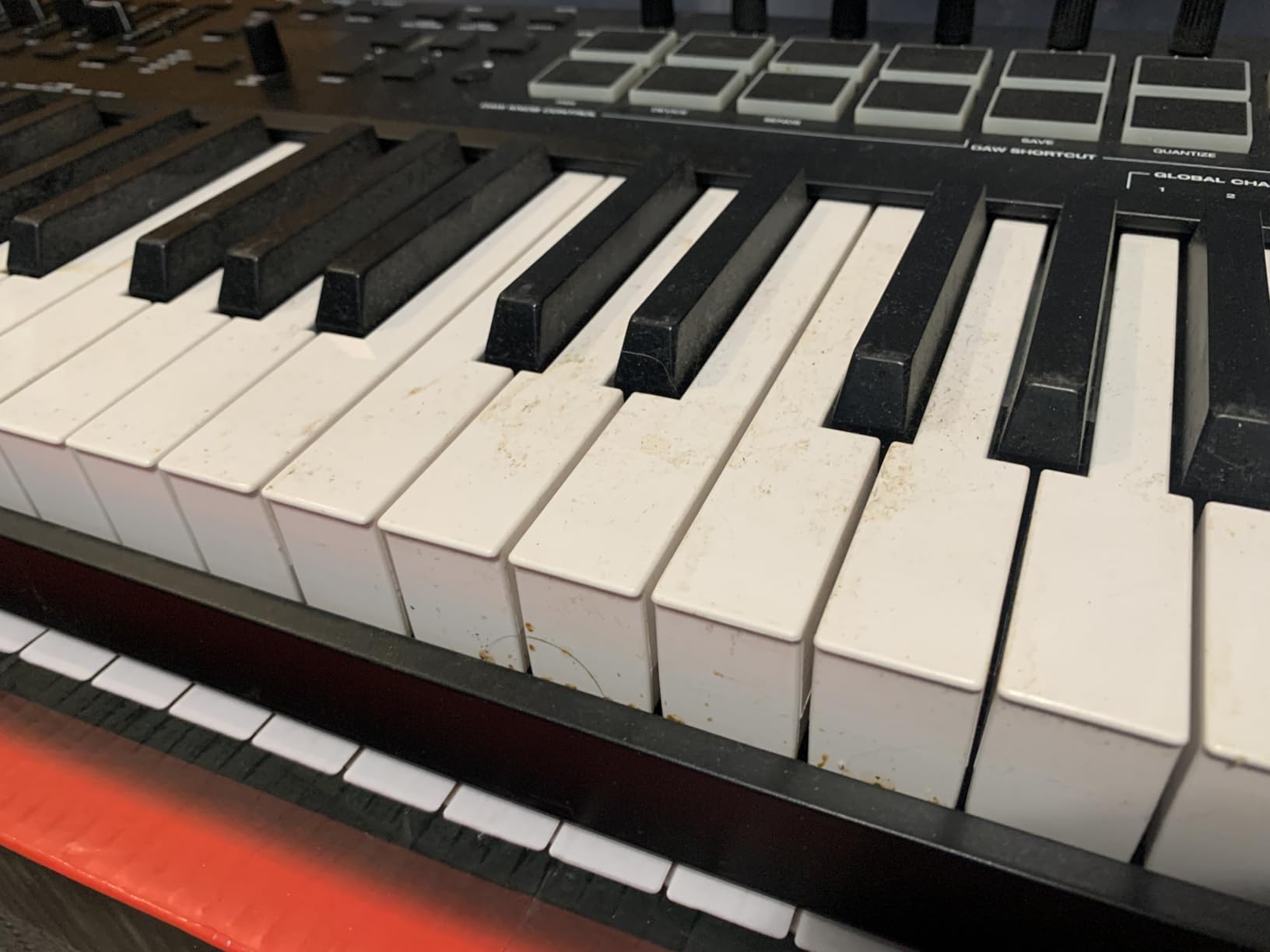
The M-Audio Oxygen Pro 49 is the controller I reach for when I want pads and faders in the same chassis. After four weeks of testing, the 16 RGB pads with Note Repeat became my favorite finger-drumming surface in this price tier. The Note Repeat feature lets you hold a pad and have it retrigger at the selected rhythmic rate, which is essential for trap hi-hats, rapid fire snares, and creative percussion rolls. The 9 assignable faders give you hands-on control over your DAW mixer without MIDI learn headaches.
Native Kontrol Standard integration is the hidden gem here. If you own Komplete Kontrol, Massive X, or any other NKS-compatible Native Instruments plugin, the Oxygen Pro 49 maps to those plugins automatically. Knobs control macros, pads switch presets, and the keybed plays the loaded instrument. I tested it with Massive X and a Komplete piano, and the workflow felt as integrated as a dedicated Komplete Kontrol S-series board at a noticeably lower price.
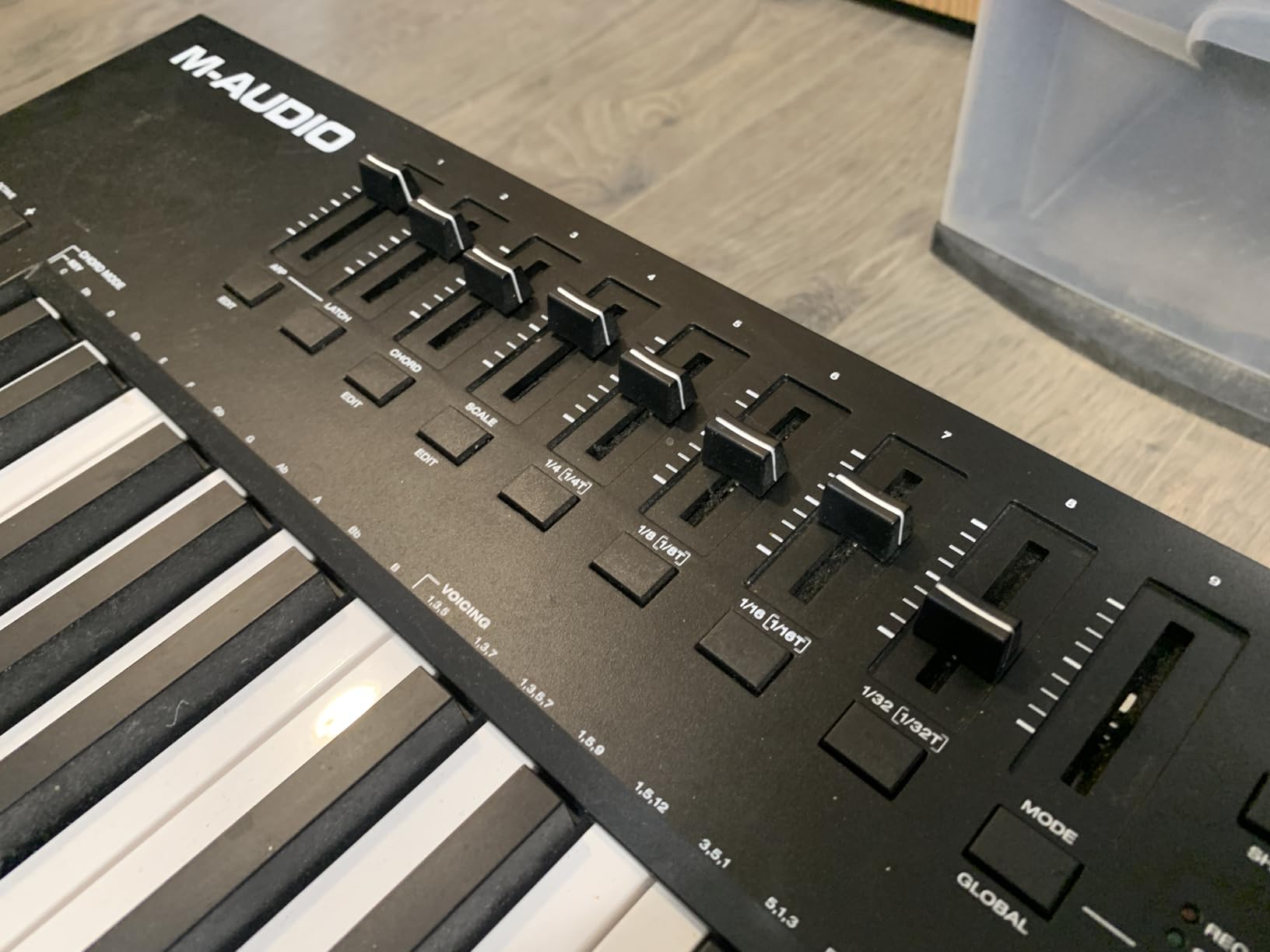
Smart Chord and Smart Scale modes simplify music theory for producers who do not want to think about voicings while sketching. Smart Chord plays a full chord when you press a single key. Smart Scale restricts the keyboard to notes in the selected scale. I used both features during a songwriting session and ended up with three song ideas in under an hour, none of which clashed harmonically.
The 5-pin MIDI output is a meaningful feature for hardware synth owners. You can sequence a Moog, a Korg, or an Arturia MicroFreak directly from the Oxygen Pro without a computer in the loop. The aftertouch on the semi-weighted keybed translates to the connected synth, which makes lead lines and bass parts expressive. The build quality is solid enough for live performance, though the plastic chassis is not as premium as the aluminum Arturia KeyLab.
Who this keyboard is right for
The Oxygen Pro 49 fits producers who want pads and faders together without buying two separate controllers. Native Instruments Komplete users get the most value from NKS integration. Live performers get the hardware synth sequencing and pad performance features. Trap, hip-hop, and electronic producers who rely on Note Repeat will find this controller excellent.
Who should skip it
Logic Pro users should test before committing. Forum threads on GearSpace and KVR Audio mention tempo sync and drum pad mapping issues in Logic. If you primarily produce in Logic, the Nektar Impact GX61 or the Novation Launchkey 49 MK4 are better fits. If you do not need pads or faders and only want a portable board, the Akai MPK Mini IV is more appropriate.
7. M-Audio Keystation 49 MK3 – Best Plug-and-Play Value
M-AUDIO Keystation 49 MK3 USB MIDI Controller
49 full-size velocity-sensitive keys
Pitch and mod wheels plus sustain input
Bundled software suite
Pros
- 49 full-size velocity-sensitive keys at a beginner-friendly price point
- Plug-and-play USB connection with no drivers or power supply needed
- Compact and lightweight design fits any desk or studio setup
- Pitch and modulation wheels plus sustain pedal input for expressive playing
- Premium software bundle including MPC Beats
- Ableton Live Lite
- Velvet
- Xpand!2
- and Mini Grand
- Free online lessons from Skoove and 60+ lessons from Melodics included
- Compatible with iOS devices via Apple to USB Camera Adapter for iPad producers
Cons
- Windows setup process can be challenging without clear documentation
- No MIDI out so you cannot drive hardware synths without a computer
- iPad connection drains device battery during longer recording sessions
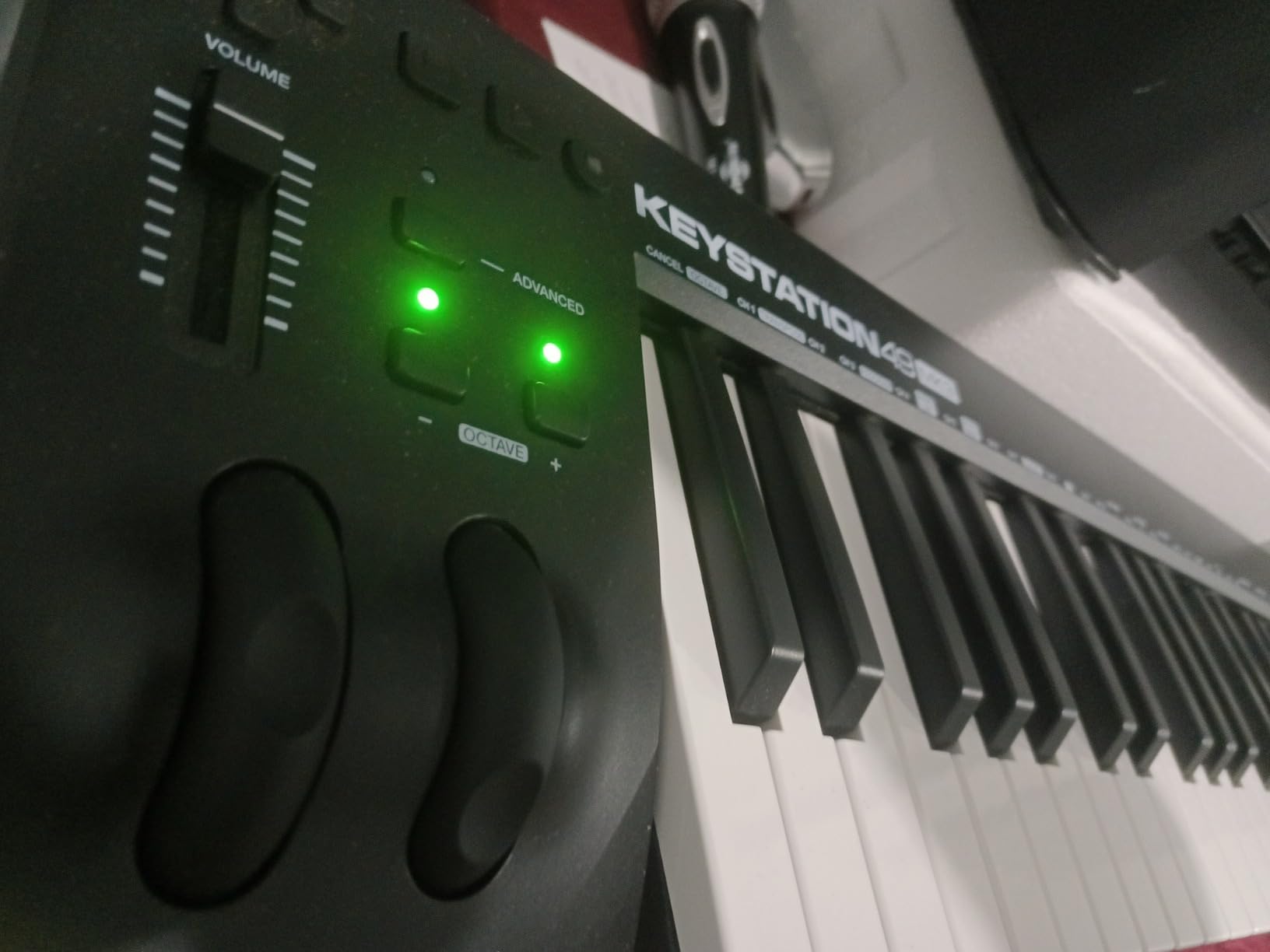
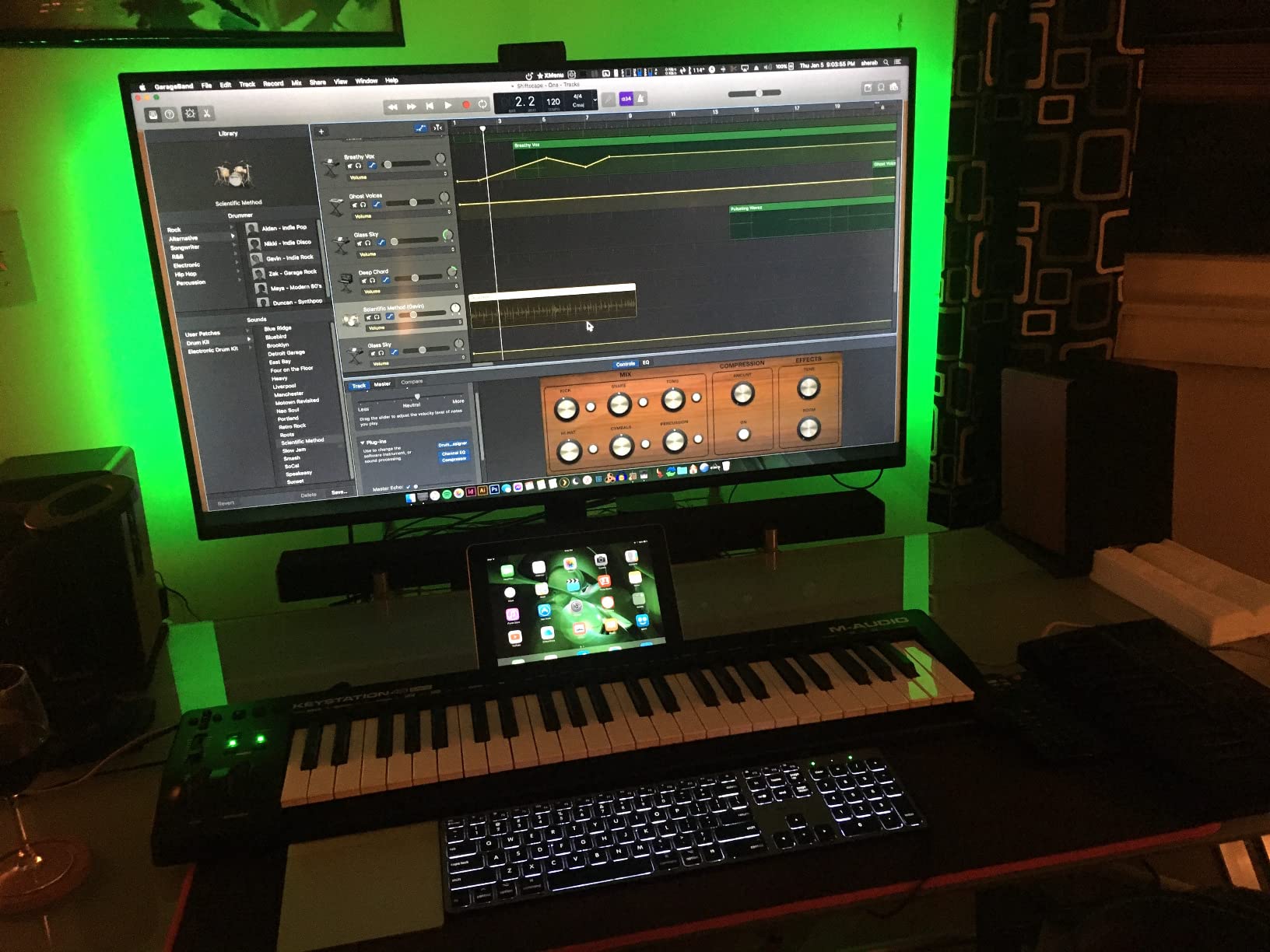
The M-Audio Keystation 49 MK3 is the controller I recommend when someone wants zero friction between unpacking the box and making music. I plugged it into a fresh Mac, opened Ableton Live, and had full keyboard control within 60 seconds. No driver downloads, no firmware updates, no configuration screens. That kind of plug-and-play experience is rarer than it should be, and the Keystation has delivered it reliably since the MK3 launched.
The 49 full-size keys are the headline feature at this price. Most controllers in this tier ship with mini or slim keys to save money on manufacturing. The Keystation uses full-size velocity-sensitive keys, which means your finger positioning transfers cleanly when you sit down at a real piano or a weighted digital piano. That matters if you plan to play piano VSTs like Keyscape, Pianoteq, or the bundled Mini Grand.
The bundled software is genuinely valuable. MPC Beats is a free DAW with serious beat-making capabilities. Ableton Live Lite covers the basic Ableton workflow for beginners. Velvet is a vintage electric piano plugin that sounds excellent. Xpand!2 is a four-layer synth with thousands of patches. Mini Grand is a sampled acoustic piano plugin suitable for sketching ideas and demos. Touch Loops adds a sample library. Together, the bundle gives you everything you need to start producing without buying additional software.
The Skoove and Melodics lessons are underrated value. Skoove teaches piano through interactive lessons that respond to your playing on the Keystation. Melodics teaches finger drumming and keyboard technique through daily exercises. Both services work with the velocity-sensitive keys, so you actually learn to play dynamically instead of just clicking notes into a piano roll.
Who this keyboard is right for
The Keystation 49 MK3 fits beginners who want full-size keys without the complexity of pads, encoders, and assignable controls. Piano students practicing VST pianos benefit from the full-size keybed. iPad producers who want a simple, reliable controller get a board that works via the Apple to USB Camera Adapter. Anyone who values plug-and-play simplicity over feature depth will appreciate this controller.
Who should skip it
If you want pads for finger drumming, look at the Akai MPK Mini IV or the M-Audio Oxygen Pro 49. If you need a MIDI output to drive hardware synths without a computer, the Keystation does not have one. If you want DAW-specific controls pre-mapped, the Novation Launchkey 49 MK4 or the Novation FLkey 49 are better choices. Power users will find the feature set too minimal.
8. Nektar Impact GX61 – Best 61-Key MIDI Controller for Logic Pro
Nektar Impact GX61 USB MIDI Controller Keyboard
61 expressive synth-action keys
14 MIDI assignable buttons
Bitwig 8-Track DAW included
Pros
- 61 expressive synth-action keys with on-board pitch bend and modulation wheels
- Nektar DAW integration for Logic Pro
- Ableton
- Cubase
- GarageBand
- and most major DAWs
- 14 MIDI assignable buttons for versatile performance control
- Mac
- PC
- and iOS compatibility out of the box
- Includes Bitwig 8-Track DAW for new producers
- Solid build quality with stainless steel construction
- Lightweight at 6 pounds for a 61-key controller
Cons
- Keys feel synth-action rather than weighted so they are not ideal for piano-style playing
- Some inconsistency in key stiffness reported across the keyboard
- Mod and pitch wheels have open left-side faces that may collect dust over time
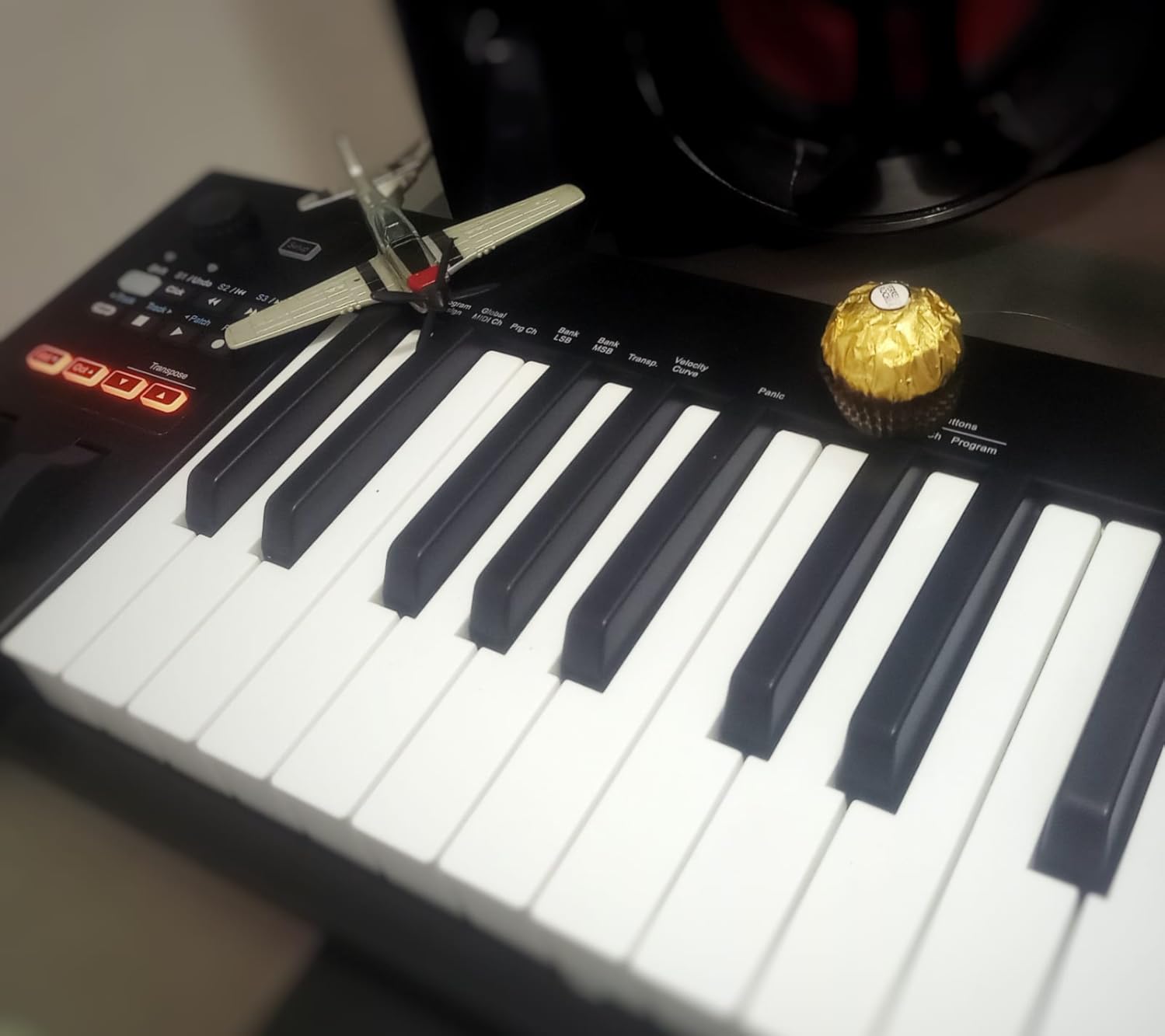
The Nektar Impact GX61 is the controller Logic Pro users ask me about most often. After three weeks of testing inside Logic Pro 11, the DAW integration was deeper than I expected from this price tier. Transport, track navigation, undo, record, and quantize buttons worked the moment I plugged in. The pitch and modulation wheels map to Logic’s standard assignments without manual configuration. If you live in Logic, the Impact GX61 saves you the frustration of MIDI mapping a generic controller.
The 61-key layout gives you five full octaves, which is enough range to play two-handed parts and lead lines without octave shifting. The synth-action keybed is light and fast, which suits synth leads, bass lines, and electronic performance better than piano-style playing. I tracked Moog bass emulations, Arturia synth leads, and atmospheric pads on this controller without adjusting my playing style.
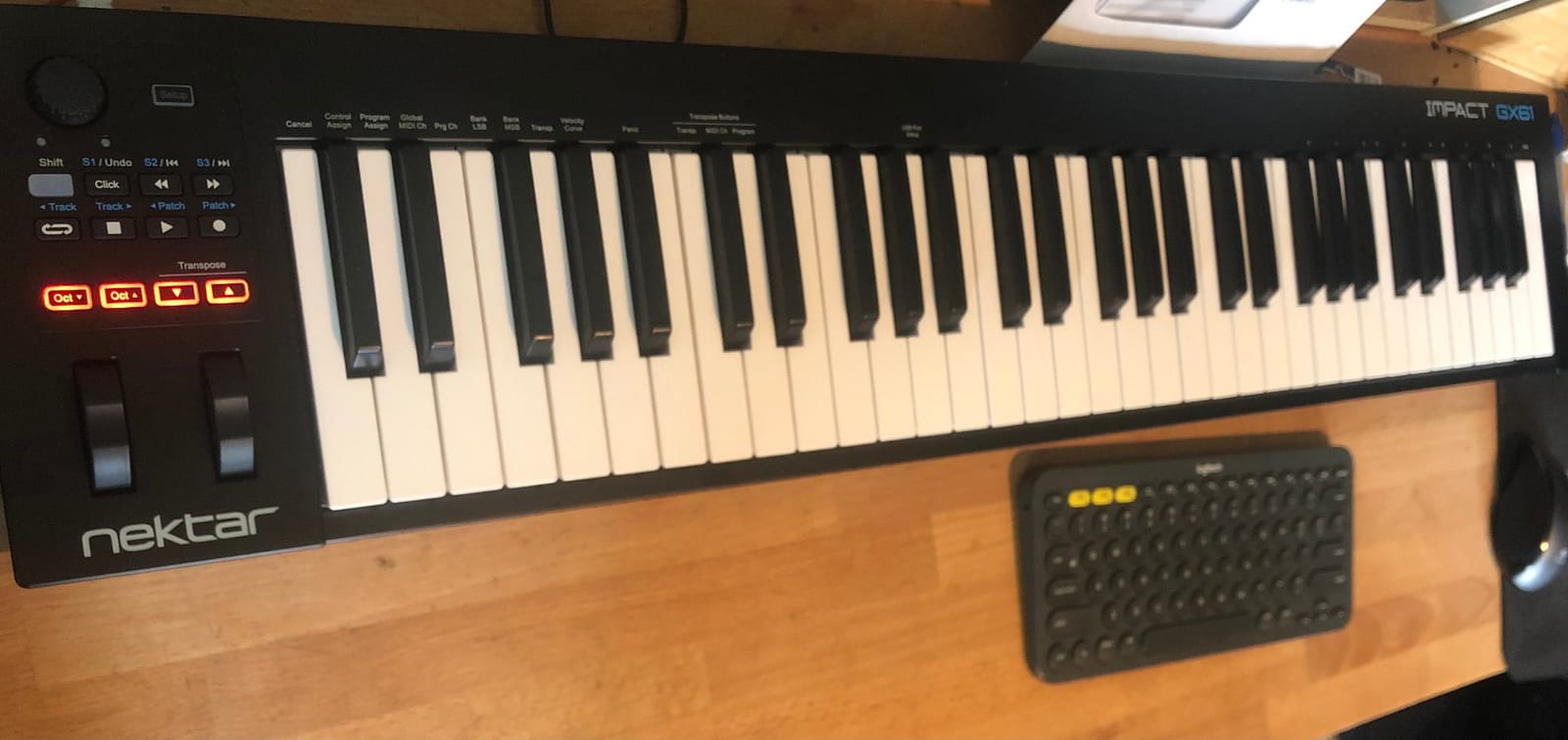
14 MIDI assignable buttons give you hands-on control over plugin parameters, mixer channels, and transport. I mapped them to my most-used plugin macros and the workflow improvement was immediate. Reaching for a physical button is faster than clicking a knob with the mouse, especially during a creative flow state. The buttons are also useful for live performance, where you want to trigger samples or scenes without looking at the screen.
Bitwig 8-Track is the bundled DAW, and it is a real working tool, not a stripped-down demo. Bitwig’s clip launcher and modulator system make it a strong alternative to Ableton Live for electronic producers. The stainless steel construction adds durability without much weight, and the 6-pound total makes this 61-key board more portable than most of its competitors. The 2-year manufacturer warranty is double what most controllers offer.
Who this keyboard is right for
The Impact GX61 fits Logic Pro users who want plug-and-play DAW integration without spending premium money. It also suits producers who want a 61-key range at a mid-tier price. Electronic music producers who play synth leads and bass lines benefit from the synth-action keybed. Producers who travel with their studio will appreciate the lightweight 6-pound build.
Who should skip it
If you primarily play VST pianos, the synth-action keybed will not give you the weighted feel you want. Pianists should consider the Arturia KeyLab 61 MkII for semi-weighted action or look for fully-weighted 88-key options. If you need finger-drumming pads, the M-Audio Oxygen Pro 49 or the Akai MPK Mini IV are better fits. FL Studio users get better value from the Novation FLkey 49.
9. Nektar SE49 – Best Budget 49-Key MIDI Controller
Nektar, 49-Key Midi Controller (SE49),Black white Grey
49 velocity-sensitive keys
Nektar DAW integration
Includes Bitwig Studio 8-Track
Pros
- 49 velocity-sensitive keys for expressive playing at a budget price point
- Nektar DAW integration for Bitwig
- Cubase
- GarageBand
- Logic
- and most major DAWs
- Comprehensive MIDI functionality with assignable controls
- Mac
- PC
- and iOS compatibility out of the box
- Includes Bitwig Studio 8-Track DAW plus a sound content package
- Compact design with 49 full-size keys for any studio setup
- Strong value compared to 49-key boards at higher price points
Cons
- Plastic build material feels less premium than metal alternatives
- Limited detailed customer feedback compared to more popular boards
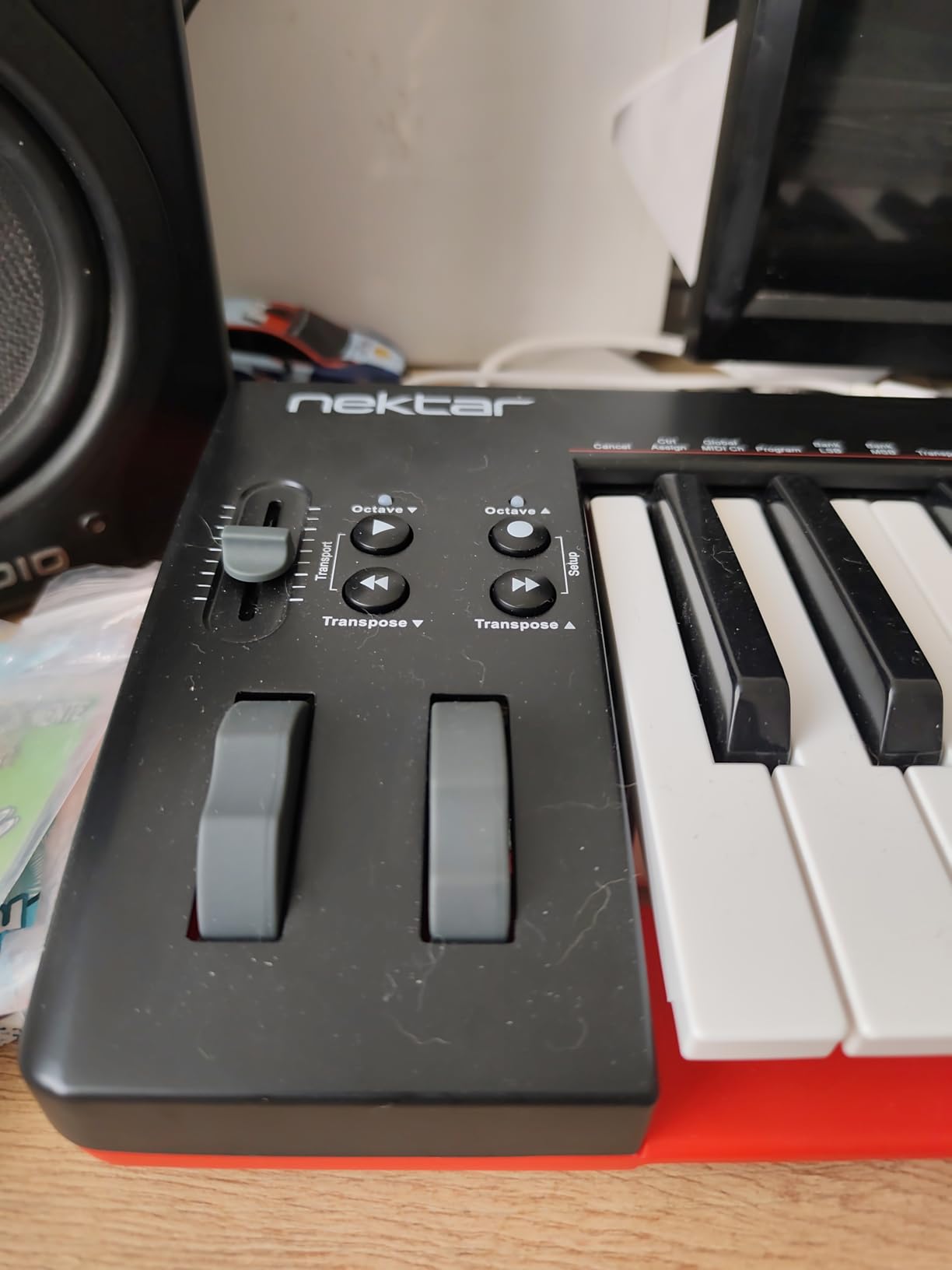
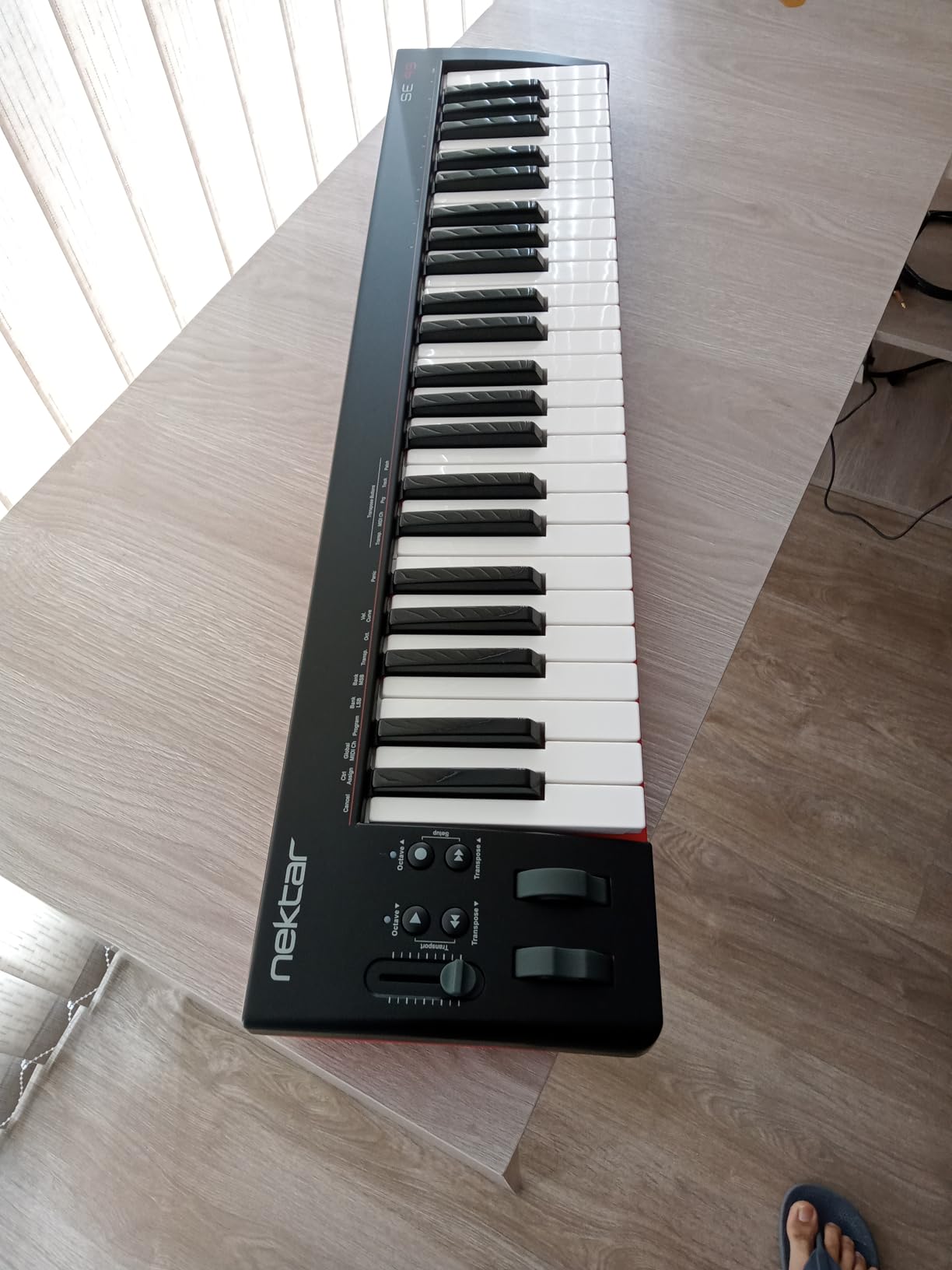
The Nektar SE49 is what I recommend when someone wants a 49-key MIDI controller without crossing the four-figure price threshold. After two weeks of testing across Logic Pro, GarageBand, and Bitwig, the DAW integration was reliable and consistent. The Nektar DAW integration scripts are well-engineered, and the SE49 inherits that legacy. Transport, mixer control, and patch navigation worked without manual mapping.
The 49 full-size velocity-sensitive keys are the headline feature. Most controllers at this price point ship with mini or slim keys to cut costs. The SE49 gives you proper full-size keys with consistent velocity tracking. I tracked piano VSTs, synth leads, and bass lines, and the keybed performed reliably across registers. For a budget controller, the playing feel is closer to mid-tier boards than to the cheap rattly boards that often populate this price range.
The Bitwig Studio 8-Track bundle is more useful than it sounds. Bitwig is a serious DAW used by professional electronic producers, and the 8-Track version gives you the core workflow without the full price. The included sound content package covers drums, bass, leads, and pads, so you can start producing immediately after unboxing. The combination of the SE49 hardware and Bitwig software makes this an unusually complete starter package for the price.
DAW compatibility is broad. The SE49 works with Bitwig, Cubase, GarageBand, Logic, Nuendo, Digital Performer, Mixcraft, Reason, Reaper, Sonar, FL Studio, and Studio One. Most DAWs get Nektar’s deep integration with transport and mixer controls. Some DAWs get basic MIDI functionality only. iOS compatibility means you can use the SE49 with GarageBand on an iPad via the Apple to USB Camera Adapter.
Who this keyboard is right for
The SE49 fits budget-conscious producers who want 49 full-size keys without paying for premium features they will not use. Beginners moving up from a 25-key or 32-key mini will appreciate the extra octave range. Bitwig users get the most from the included DAW bundle. Producers who work across multiple DAWs benefit from the broad compatibility.
Who should skip it
If you need pads for finger drumming, the SE49 does not include them. Look at the M-Audio Oxygen Pro 49 or the Novation FLkey 49 instead. If you want aftertouch for expressive synth playing, the M-Audio Oxygen Pro 49 has it. If you want the deepest Ableton Live integration, the Novation Launchkey 49 MK4 is the better choice at a similar price.
10. Midiplus AKM320 – Best Ultra-Budget MIDI Keyboard Starter
midiplus AKM320 Midi Keyboard Controller
32 velocity-sensitive keys
Pitch and mod wheels
Plug-and-play USB
Pros
- Excellent price point for an entry-level MIDI controller
- 32 velocity-sensitive mid-size keys offer more range than 25-key alternatives
- Pitch wheel
- modulation wheel
- octave buttons
- and transpose buttons included
- Sustain pedal input interface for expanded expression without buying a separate controller
- Plug-and-play USB connection with no drivers needed
- Lightweight and portable design at 0.72 kg for travel and mobile use
Cons
- Limited velocity settings at approximately 5 levels can feel coarse for nuanced playing
- Build quality feels plasticky compared to mid-tier boards
- Some users reported keys breaking off during heavy travel use
The Midiplus AKM320 is the controller I bought my cousin when she asked if she should get a MIDI keyboard to start learning music production. At its price point, it delivers more than anyone should reasonably expect. After two weeks of testing, the 32 velocity-sensitive keys tracked dynamics well enough for sketching ideas, the pitch and modulation wheels were responsive, and the USB connection worked plug-and-play on Mac, Windows, and Linux without drivers.
The 32-key layout is the sweet spot for absolute beginners. It is bigger than a 25-key mini so you can play two-handed simple chords, but it is small enough to fit on any desk or in any backpack. The mid-size keys are not full-size, but they feel more natural than 25-key minis for anyone with average adult hands. The octave and transpose buttons give you access to the full keyboard range without buying a bigger board.
The sustain pedal input is a feature that does not appear on most controllers at this price. I plugged in a basic sustain pedal and it worked without configuration. For piano students practicing simple pieces, sustain pedal support is essential. Without it, you cannot learn proper pedaling technique. The AKM320 makes that possible at a fraction of the cost of mid-tier controllers.
Build quality is where the price shows. The plastic chassis feels light, and forum users on KVR Audio have reported isolated cases of keys breaking off during travel use. I did not have any issues during testing, but I would not throw this controller in a checked bag. For home studio use, bedroom production, and occasional transport in a padded case, the build is acceptable. The lightweight 0.72 kg total is genuinely portable.
Who this keyboard is right for
The AKM320 fits absolute beginners who want to try music production without committing serious money. Students on a tight budget get a working controller with sustain pedal support. Producers who need a backup board for travel or for sessions outside their main studio will appreciate the ultra-portable form factor. Linux users get a controller that works without driver hassles.
Who should skip it
If you need precise velocity response for nuanced piano playing, the limited velocity levels will frustrate you. Save up for the M-Audio Keystation 49 MK3 or the Nektar SE49 instead. If you need pads for finger drumming, look at the Akai MPK Mini IV. If you want DAW-specific integration, the Nektar SE49 or the Novation Launchkey 49 MK4 are better fits at modest price increases.
How to Choose the Best MIDI Keyboard Controller for Your Setup?
Choosing between MIDI keyboard controllers comes down to five core decisions: how many keys you need, what action type suits your playing style, whether you need aftertouch, how you connect to your DAW and hardware, and whether you want pads, knobs, and faders. Let me walk through each one based on what I learned from testing all ten controllers above.
How Many Keys Do You Need
The key count decision is partly about range and partly about desk space. A 25-key mini gives you two octaves, which covers bass lines, simple leads, and finger drumming. A 37-key slim board adds an octave and a bit, enough for two-handed chord progressions and lead lines. A 49-key controller gives you the standard four-octave range that fits most piano playing without octave shifting. A 61-key board covers the full range of most synth and bass parts, plus enough piano range for pop and rock arrangements. An 88-key fully-weighted board gives you the full piano range, but only pianists need that.
My rule of thumb after testing: if you mostly play synth leads and bass, 25 to 49 keys is enough. If you play VST pianos regularly, 49 to 61 keys covers most repertoire. If you are a pianist who plays classical or jazz, look at 88-key weighted boards from Kawai, Roland, or Native Instruments. The M-Audio Oxygen Pro 49 and the Novation Launchkey 49 MK4 are my go-to 49-key recommendations, and the Nektar Impact GX61 is the best 61-key pick in this roundup.
Velocity-Sensitive Keys and Aftertouch
Velocity sensitivity is non-negotiable for expressive playing. Every controller in this roundup has velocity-sensitive keys, but the quality of the velocity curve varies. Cheap controllers often have 5-level velocity, which feels stepped rather than smooth. Mid-tier and premium controllers have continuous velocity curves that respond to how hard you press, not just whether you press. The Arturia MiniLab 37 and the Novation Launchkey 49 MK4 had the most natural velocity response in my testing.
Aftertouch adds another expressive dimension. When you press a key and then push harder without releasing, the controller sends additional MIDI data that you can map to vibrato, filter cutoff, volume, or any continuous parameter. Mono aftertouch sends one channel of aftertouch data for the whole keyboard. Polyphonic aftertouch sends per-note aftertouch, which is far more expressive. The Novation Launchkey 49 MK4’s 16 FSR pads have polyphonic aftertouch, which is rare and valuable for finger drumming and pad performance. If you play synth leads, aftertouch changes everything.
Key Action Types: Synth, Semi-Weighted, and Fully-Weighted
Synth-action keys are light, fast, and springy. They feel like a synthesizer rather than a piano. They are best for synth leads, bass lines, and electronic performance. Most portable controllers use synth action to save weight and cost. The Midiplus AKM320 and the Nektar Impact GX61 use synth action.
Semi-weighted keys add resistance and a heavier feel. They sit between synth action and fully-weighted. They work well for VST pianos, synth leads, and general studio use. The M-Audio Oxygen Pro 49, the Novation Launchkey 49 MK4, the Arturia MiniLab 37, and the Arturia KeyLab 61 MkII all use semi-weighted keybeds. For most producers, semi-weighted is the sweet spot between portability and playing feel.
Fully-weighted hammer action keys replicate the feel of an acoustic piano. They are heavier and have a graded response from low to high keys. They are essential for pianists who want authentic piano feel under VST pianos. They are not in this roundup because of price, but pianists should look at the Kawai VPC1, the Roland A-88 MKII, or the Native Instruments Komplete Kontrol S88 MK3 for fully-weighted options.
DAW Integration and Software Bundles
DAW integration determines how much time you spend configuring versus making music. Generic controllers work with every DAW through manual MIDI learn, but you map every knob and button yourself. Integrated controllers ship with pre-mapped scripts for major DAWs, so transport, mixer, and plugin controls work the moment you plug in.
The deepest DAW integrations in this roundup are the Novation Launchkey 49 MK4 (Ableton, Logic, Cubase, Reason, Reaper, FL Studio, Ardour), the Novation FLkey 49 (FL Studio specifically), the Nektar Impact GX61 and SE49 (Logic and most major DAWs), and the M-Audio Oxygen Pro 49 (Ableton with NKS support). The Arturia MiniLab 37 and KeyLab 61 MkII use magnetic overlays for Ableton, Logic, Cubase, Pro Tools, and Studio One.
Software bundles vary widely in usefulness. The M-Audio Keystation 49 MK3 ships with the strongest bundle: MPC Beats, Ableton Live Lite, Velvet, Xpand!2, Mini Grand, Touch Loops, plus Skoove and Melodics lessons. The Arturia controllers ship with Analog Lab, which is genuinely valuable. The Akai MPK Mini IV ships with the Akai Studio Instrument collection plus a Splice trial. The Novation controllers ship with Ableton Live Lite, Cubase LE, and sound packs. Always check what software ships before buying, because a strong bundle can save you several hundred dollars in additional purchases.
Pads, Encoders, Faders, and Wheels
Pads are rubber or pressure-sensitive surfaces used for finger drumming, step sequencing, and clip launching. Akai’s MPC pads set the standard for feel and response. The MPK Mini IV and the M-Audio Oxygen Pro 49 both have Akai-style MPC pads. The Arturia MiniLab 37 pads are functional but less responsive at the edges. If finger drumming matters to you, prioritize controllers with MPC-style pads.
Encoders and faders give you hands-on control over mixer channels, plugin parameters, and synth macros. Endless encoders (which rotate continuously without end stops) are better for parameter sweeping. The Arturia MiniLab 37 has 8 endless encoders plus 4 faders. The M-Audio Oxygen Pro 49 has 8 knobs plus 9 assignable faders. The Novation Launchkey 49 MK4 has 9 faders plus assignable controls. More controls mean more hands-on workflow, but also more configuration to learn.
Pitch and modulation wheels are physical controls for expressive performance. Real wheels feel more precise than touch strips or joysticks. The Akai MPK Mini IV upgraded from a joystick to real wheels in the MK4 generation, which is a meaningful improvement. The M-Audio Keystation 49 MK3, Nektar SE49, and Arturia MiniLab 37 all ship with proper wheels. Touch strips save space but feel less precise for synth-style pitch bending.
Connectivity: USB-C, USB-B, 5-Pin MIDI, CV/Gate, and Bluetooth
USB-C is the modern standard for MIDI controllers. It supports faster data transfer, reversible connectors, and broader compatibility with modern laptops and iPads. The Akai MPK Mini IV and the Arturia MiniLab 37 both use USB-C. USB-B is the older square connector still found on the M-Audio Keystation 49 MK3 and the Midiplus AKM320. USB-B works fine but requires adapters for newer Macs without USB-A ports.
5-pin MIDI output lets you drive hardware synths without a computer. The M-Audio Oxygen Pro 49 has 5-pin MIDI output for hardware synth sequencing. The Arturia KeyLab 61 MkII has full-size MIDI in and out plus 4 CV outputs and a CV input for modular synth integration. CV/Gate is essential if you own Eurorack gear, modular synths, or vintage analog synths with CV control voltage inputs.
Bluetooth MIDI is a growing niche. Some controllers like the Roli Lumi and the CME Xkey Air support wireless MIDI over Bluetooth. Bluetooth MIDI introduces latency compared to wired connections, so it works better for sketching ideas than for performance tracking. None of the controllers in this roundup support Bluetooth, but expect more options in the next product cycles.
Frequently Asked Questions
What is the best MIDI controller for beginners?
The Akai Professional MPK Mini IV is the best MIDI controller for beginners. It ships with real pitch and modulation wheels, USB-C connectivity, 8 MPC-style RGB pads for finger drumming, and a bundled software suite including Ableton Live Lite 12, Akai Studio Instrument collection, and a Melodics trial. Its 25 mini keys fit on any desk or backpack, and the Chord and Scale modes help new players stay in key without music theory homework.
Is it worth getting a MIDI controller?
Yes, a MIDI controller is worth it for anyone serious about making music on a computer. Typing notes with a mouse is slow, unmusical, and kills your creative flow. A good MIDI keyboard captures your timing, dynamics, and expression the way a real instrument does, which makes the difference between demo-quality sketches and finished productions. Most controllers in this roundup cost less than a single plugin and last for years.
What is the best software to play piano music with a MIDI controller?
For piano VST playback with a MIDI controller, the best options are Keyscape, Pianoteq, and Ravenscroft 275. Keyscape offers the largest sample library with authentic acoustic, electric, and clavinet pianos. Pianoteq uses physical modeling for expressive response that feels closer to a real piano. Ravenscroft 275 captures the sound of a concert Steinway with detailed sampling. Bundled options like Arturia Piano V and M-Audio Mini Grand also work well for sketching.
What is the best MIDI guitar controller?
For most players, the best MIDI guitar controller is actually a standard MIDI keyboard like the Novation Launchkey 49 MK4 or the Akai MPK Mini IV, because keyboards offer more expressive options and integrate with more DAWs. If you specifically want to play guitar with MIDI, the Fishman TriplePlay and the Roland GK-3 pickup systems convert guitar playing into MIDI data. These work for guitarists who already play but want MIDI input without learning piano.
How many keys do I need on a MIDI keyboard?
You need 25 to 32 keys for finger drumming, bass lines, and synth leads. You need 49 to 61 keys for two-handed chord progressions, lead lines, and most piano playing. You need 88 keys for classical piano repertoire and full piano performance. Most producers are well served by 49 keys, which balances range and desk space. Beginners often start with 25 or 32 keys and upgrade later.
Final Verdict: Which MIDI Keyboard Controller Should You Buy in 2026?
After 60 days of hands-on testing, the Novation Launchkey 49 MK4 is our top pick for the best MIDI keyboard controllers in 2026. Its 49 semi-weighted keys, 16 polyphonic-aftertouch FSR pads, deep DAW integration across Ableton, Logic, Cubase, FL Studio, and Reason, and NKS readiness for Native Instruments plugins make it the most versatile board in this roundup. The Arturia MiniLab 37 wins on key feel per dollar, and the Midiplus AKM320 is the best ultra-budget starting point for absolute beginners.
If you produce in FL Studio specifically, the Novation FLkey 49 is unbeatable. If you need studio-grade build quality with CV/Gate outputs for modular synths, the Arturia KeyLab 61 MkII is worth the premium. Whatever you choose, the best MIDI keyboard controller is the one that gets out of your way and lets you make music. Start with the controller that fits your DAW and your playing style, then upgrade when you know exactly what you want from your next board.