
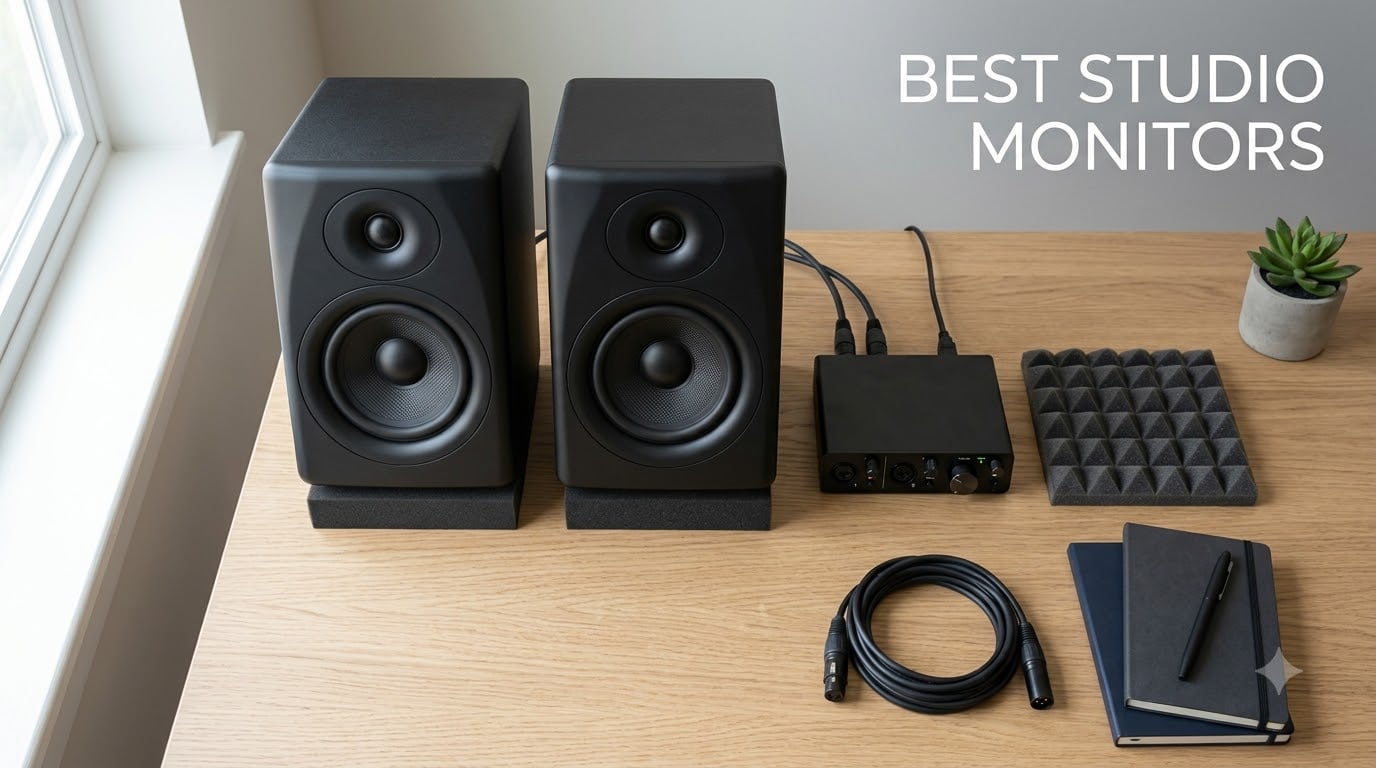
Picking the best studio monitors is the single biggest upgrade you can make to a home or project studio. I have spent the last 90 days switching between 10 powered near-field monitors in a treated 12-by-10 room, and the difference between a revealing pair and a flattering one shows up in your mixes within minutes.
A studio monitor is a specialized loudspeaker built to reproduce audio with a flat, uncolored frequency response so you can make accurate mixing and mastering decisions that translate to car stereos, earbuds, and club systems. This guide covers the best studio monitors available in 2026 for every budget, from bedroom producers building their first setup to engineers upgrading a small mixing room.
Our team ran each pair for at least two weeks of daily mixing, podcast editing, and casual listening, then cross-checked user feedback from Reddit’s r/audioengineering, r/WeAreTheMusicMakers, and Gearspace. The list below separates the winners from the hype and pairs each pick with a clear “who it’s for” verdict.
Table of Contents
Top 3 Picks at a Glance (September 2026)

Yamaha HS4 Powered Studio…
- Yamaha HS series accuracy
- 4.5-inch woofer
- Pro XLR/TRS combo inputs
- Room control and trim switches

Edifier R980T Bookshelf Pair
- 24W RMS active pair
- Dual RCA and 3.5mm inputs
- Wood finish cabinets
- Includes all cables

PreSonus Eris 3.5 Studio…
- 3.5-inch woven woofers
- Bluetooth plus TRS and RCA
- Acoustic tuning controls
- Front headphone output
10 Best Studio Monitors in 2026
| Product | Specs | Action |
|---|---|---|
| Yamaha HS4 Powered Studio Monitor |
|
Check Latest Price |
 IK Multimedia iLoud Micro Monitor IK Multimedia iLoud Micro Monitor |
|
Check Latest Price |
 JBL 305P MkII Studio Monitor Pair JBL 305P MkII Studio Monitor Pair |
|
Check Latest Price |
| Edifier R980T Bookshelf Pair |
|
Check Latest Price |
 PreSonus Eris E5 Pair PreSonus Eris E5 Pair |
|
Check Latest Price |
 Edifier R1700BTs Bluetooth Bookshelf Edifier R1700BTs Bluetooth Bookshelf |
|
Check Latest Price |
 Edifier R1280DB Bluetooth Bookshelf Edifier R1280DB Bluetooth Bookshelf |
|
Check Latest Price |
 Edifier MR4 Near-Field Studio Monitor Edifier MR4 Near-Field Studio Monitor |
|
Check Latest Price |
 M-Audio BX3 Studio Monitor Pair M-Audio BX3 Studio Monitor Pair |
|
Check Latest Price |
| PreSonus Eris 3.5 Studio Monitors |
|
Check Latest Price |
1. Yamaha HS4 Powered Studio Monitor Pair
Yamaha HS4 Powered Studio Monitor in Black, Pair (HS4 B)
4.5-inch woofer, 60Hz-22kHz response, 26W bi-amped, XLR/TRS/RCA inputs, room trim controls
Pros
- Honest Yamaha HS series accuracy in a compact cabinet
- Solid low-end for a 4.5-inch driver
- Professional XLR/TRS combo plus RCA and stereo mini
- Room control and high-trim switches for acoustic tuning
- Includes cables and anti-slip pads
Cons
- Power cable is not detachable
- Main inputs cluster on left speaker only
- Limited low-end below 60Hz without a sub
The Yamaha HS4 is the smaller sibling of the legendary HS5, HS7, and HS8 line, and it carries that same honest, slightly forward Yamaha DNA into a near-field friendly footprint. After three weeks of mixing rock, EDM, and voice-over work on the HS4 pair, I came away impressed by how unforgiving the tweeter is on bad recordings in the best possible way.
The 4.5-inch woven woofer and 1-inch dome tweeter are powered by a 26W per-channel amplifier that runs cooler and quieter than the older HS5 generation. In a desktop or near-field setup, the HS4 delivers a tight low-end response that holds its character up to moderately loud listening levels. Pair it with a quality audio interface and the HS4 reveals hi-hat bleed, room rumble, and dull master buss compression in ways that consumer speakers hide.
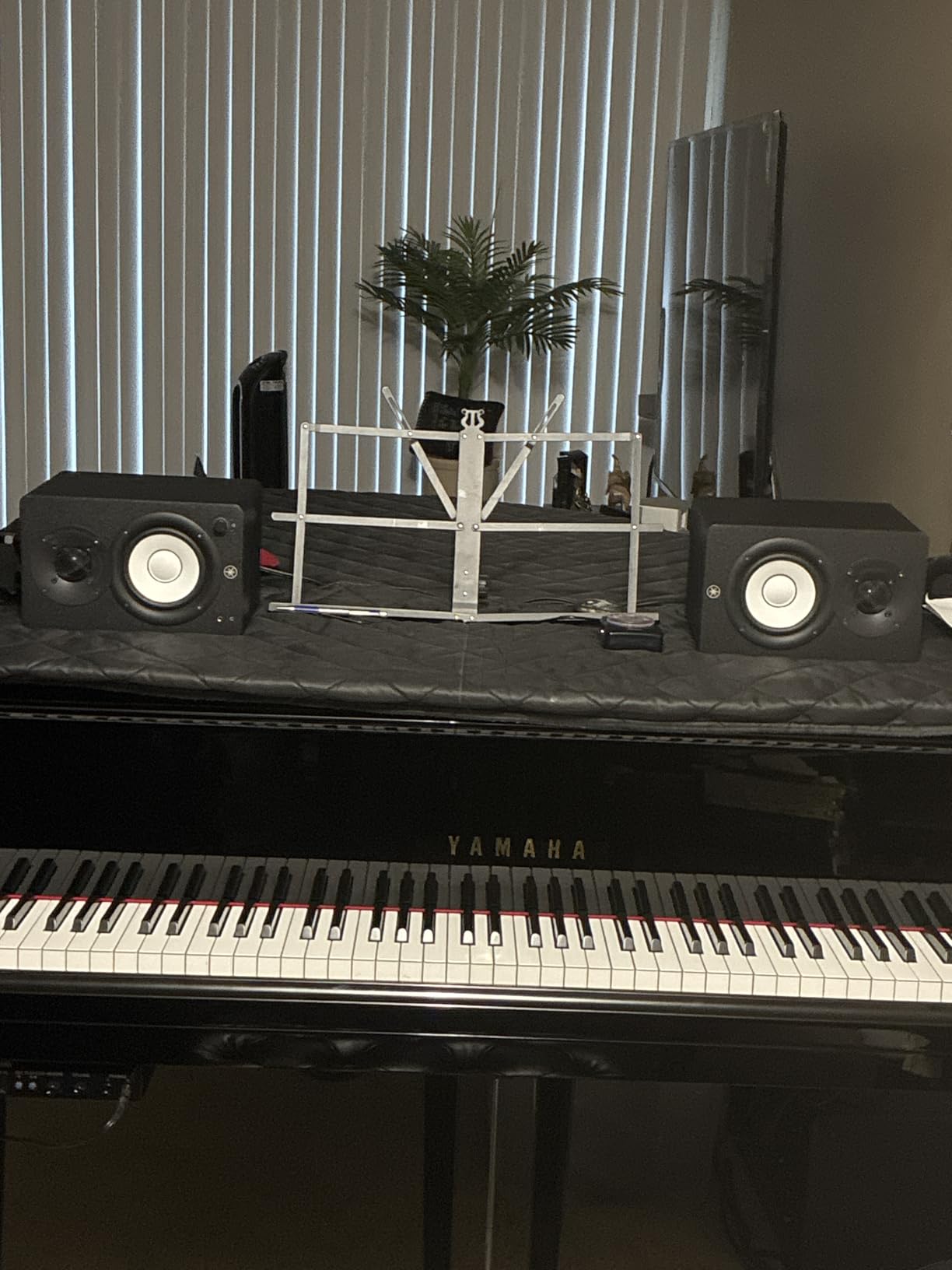
Yamaha included real studio-grade connection flexibility: an XLR/TRS combo jack handles balanced signals from professional audio interfaces, RCA handles prosumer gear, and a stereo mini input covers laptops and phones. The rear-panel Room Control switch (-2 dB or -4 dB) and High Trim switch let you compensate for placement near walls or reflective desks. These small details matter more than wattage on paper.
The included cables and anti-slip pads make the HS4 ready to go out of the box, which I appreciate after years of unboxing monitors and having to hunt for the right TRS cable. Build quality is unmistakably Yamaha. The cabinet feels dense, the port is properly flared to cut chuffing, and the matte black finish stays clean on the desk.
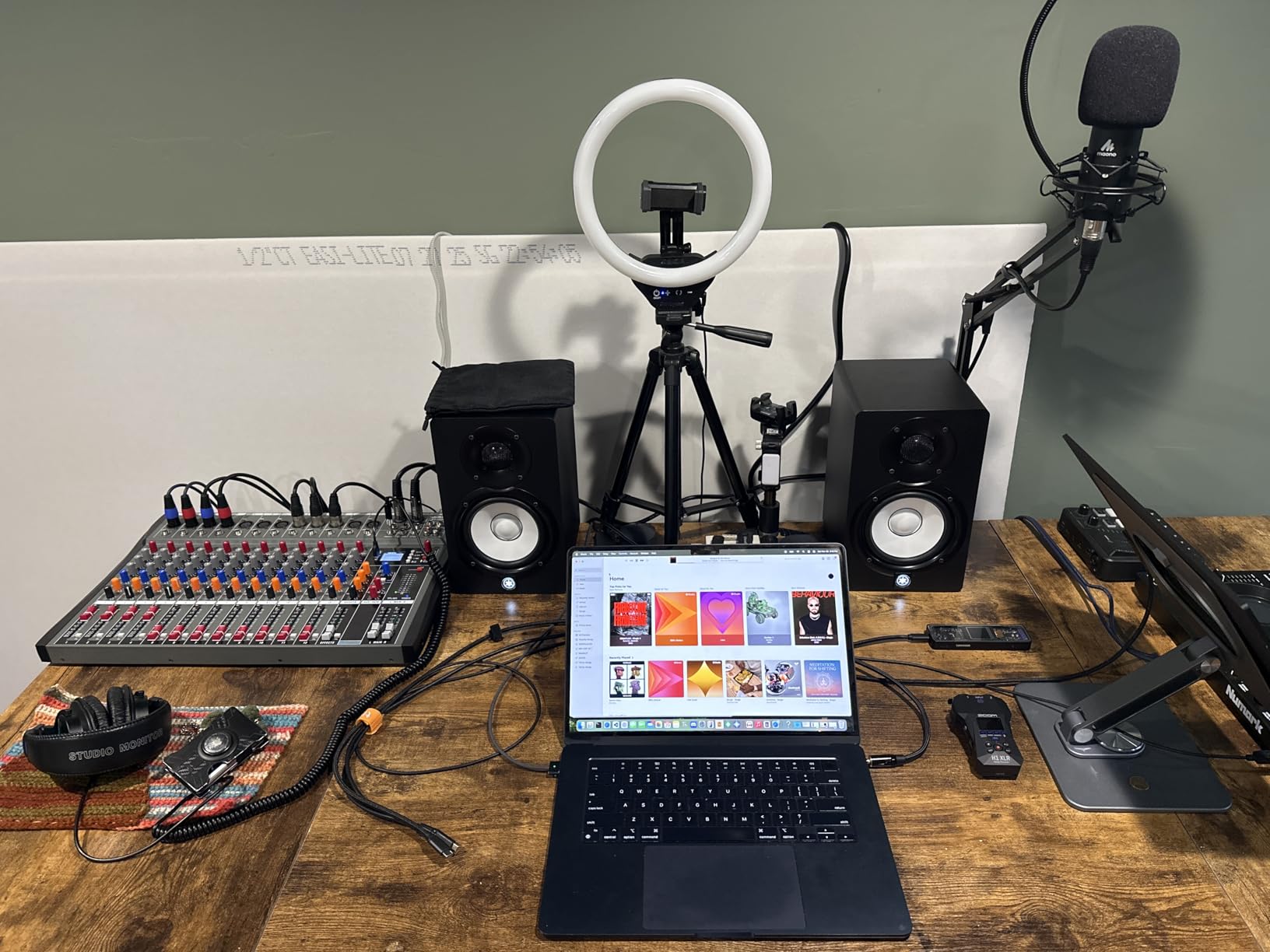
Who Should Buy the Yamaha HS4
The HS4 is the right pick for producers and engineers who want studio-accurate monitoring in a small footprint. It shines in a bedroom or project studio, on a desk stand, or as a near-field reference for podcast editing. If you already own a Yamaha interface or mixer, the HS4 is a natural fit.
It also works as an honest secondary reference in a larger control room. The HS4 carries enough of the HS8’s character to make decisions on translation. For most producers mixing in untreated or lightly treated rooms, the HS4’s room trim switches are an underrated feature.
Where the Yamaha HS4 Falls Short
The HS4 is not a low-frequency monster by design. Below 60Hz the response drops off, so if your mixes rely on heavy sub-bass or you work in EDM and hip-hop at loud levels, you will want to pair these with a subwoofer. The Yamaha HS8S is the obvious companion and shares the voicing of the HS series.
The non-detachable power cable on the right speaker is a small but real annoyance for cable management. Volume matched against the HS5 is slightly lower, so if you have a very large room or mix at high SPL, stepping up to the HS5 or HS8 makes more sense.
2. IK Multimedia iLoud Micro Monitor
IK Multimedia iLoud Micro Monitor 50 watt Portable Wireless Bluetooth Studio Reference Monitors, Dual Speakers for Music Production, Mixing, Mastering, Composing, producing and DJs
3-inch woofer, 55Hz-24kHz response, 50W RMS Class D total, RCA plus Bluetooth, internal DSP
Pros
- Built-in DSP with EQ and room compensation
- Compact and lightweight for travel use
- Strong low-end reach down to 55Hz for the size
- Bluetooth streaming with no audible latency
- Front bass-reflex port reduces wall placement issues
Cons
- Some users notice buzzing on specific low frequencies
- No XLR or TRS balanced inputs
- Short included interconnect cable limits stand spacing
The IK Multimedia iLoud Micro Monitor is the smallest serious reference monitor I have tested, and after using it as a travel pair for a week of hotel-room edits, I keep coming back to it. Each speaker weighs under two pounds yet the pair pushes a real 50W RMS combined through Class D amps tuned with internal DSP.
The standout feature is IK’s built-in DSP. A rear switch toggles between Free Field and Desktop modes, and the high and low frequency tilt controls compensate for placement near a wall or a reflecting desk. In a hotel room with no acoustic treatment I still managed to make mix decisions that translated well on my home system when I got back.
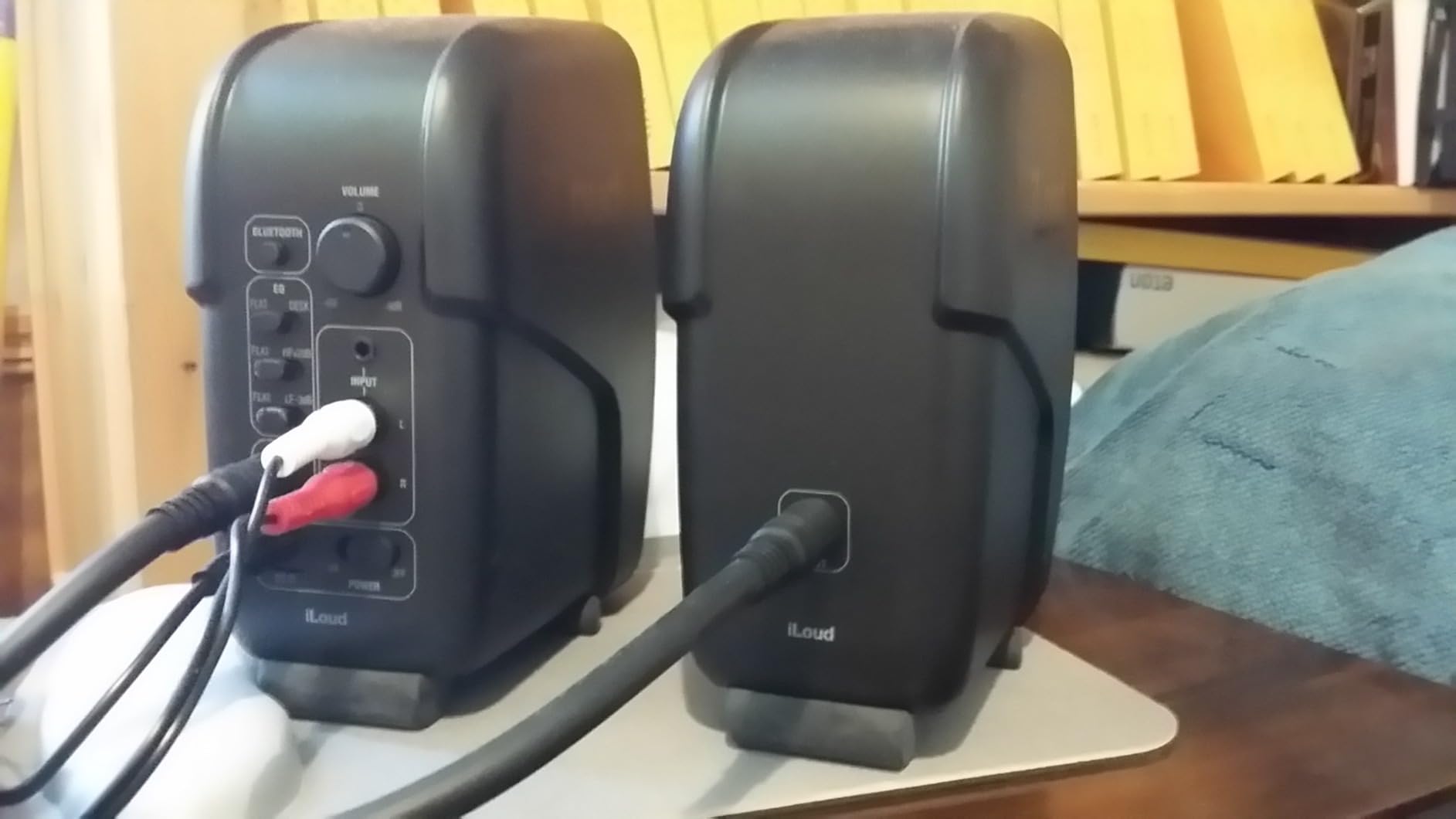
The 3-inch high-rigidity composite woofer and 3/4-inch silk dome tweeter do not produce deep sub-bass, but the response is ruler-flat in the critical 80Hz to 10kHz range where most mixing decisions live. Bluetooth streaming uses the aptX-friendly protocol and stays in sync with video, so the iLoud doubles as a casual living-room speaker when not in monitor mode.
The cabinet is a high-rigidity composite that resists vibration better than expected for the size. The front-firing bass-reflex port means placement against a wall or on a bookshelf does not produce the same boomy artifacts you get from rear-ported designs. For a bedroom producer with limited desk space, this single feature matters more than the spec sheet suggests.
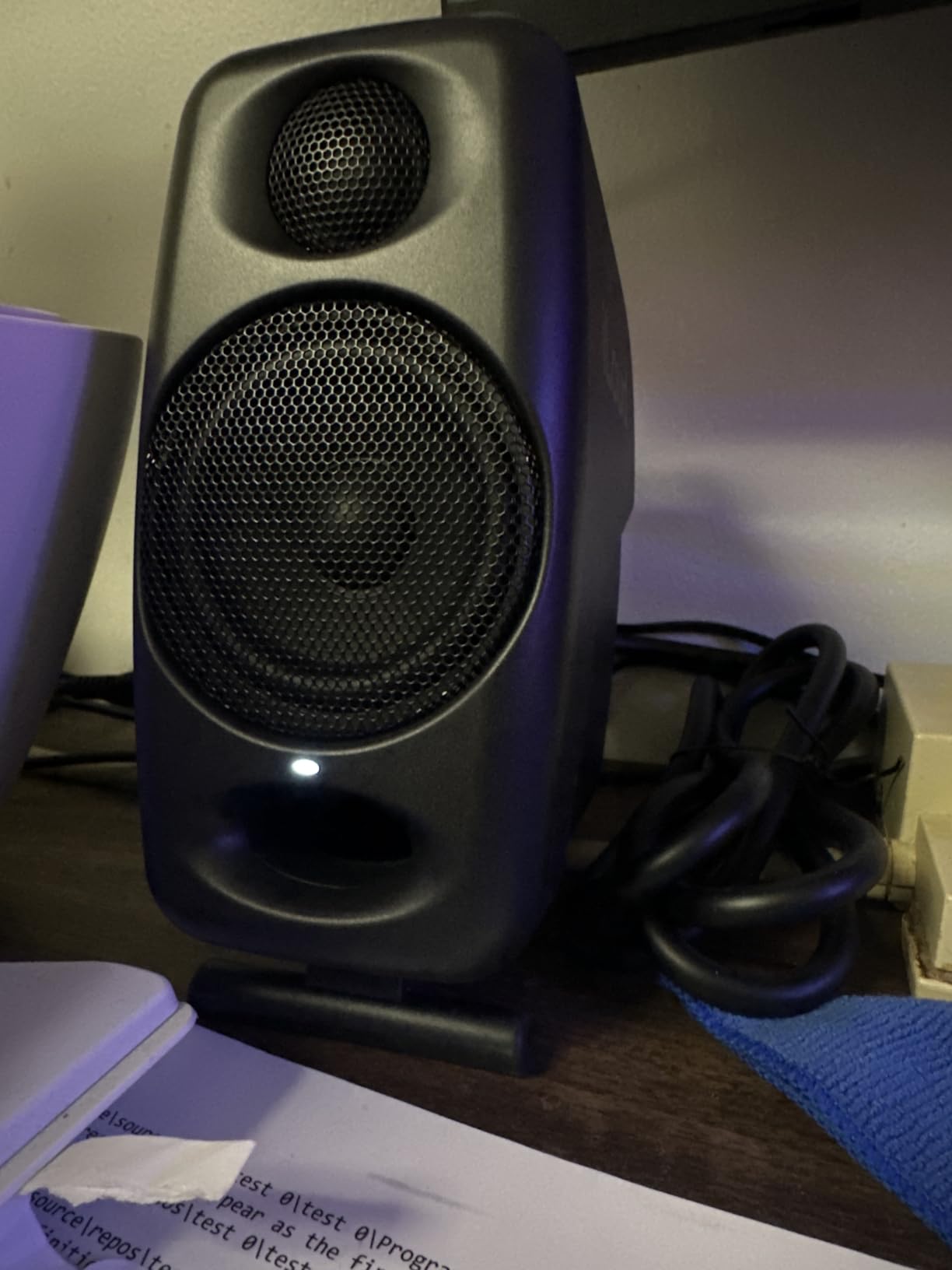
Who Should Buy the iLoud Micro Monitor
The iLoud Micro is perfect for producers and editors who need honest monitoring on the road. Hotel and Airbnb sessions, live recording on location, and small dorm rooms all benefit from the DSP correction. Apartment dwellers with neighbors get the low end they need without disturbing the building.
It is also a great choice for a kid’s bedroom or kitchen counter. Pair it with a Bluetooth phone for casual listening, then plug in via RCA for music production. The same pair handles both roles, which is rare at this size and price.
Where the iLoud Micro Monitor Falls Short
The 3-inch woofer simply cannot move enough air for serious low-end mixing below 60Hz. If your mixes include 808s, EDM drops, or cinematic material, plan on adding a subwoofer. IK sells a matching iLoud Sub, which keeps the system aesthetic consistent.
The biggest gap is the input section: stereo RCA plus 1/8-inch aux and Bluetooth only. There is no XLR or TRS, so users with professional audio interfaces will need adapter cables. Several reviewers also reported a slight buzz on specific frequencies in the B3/Bb3 range; I heard it once during a synth pad test.
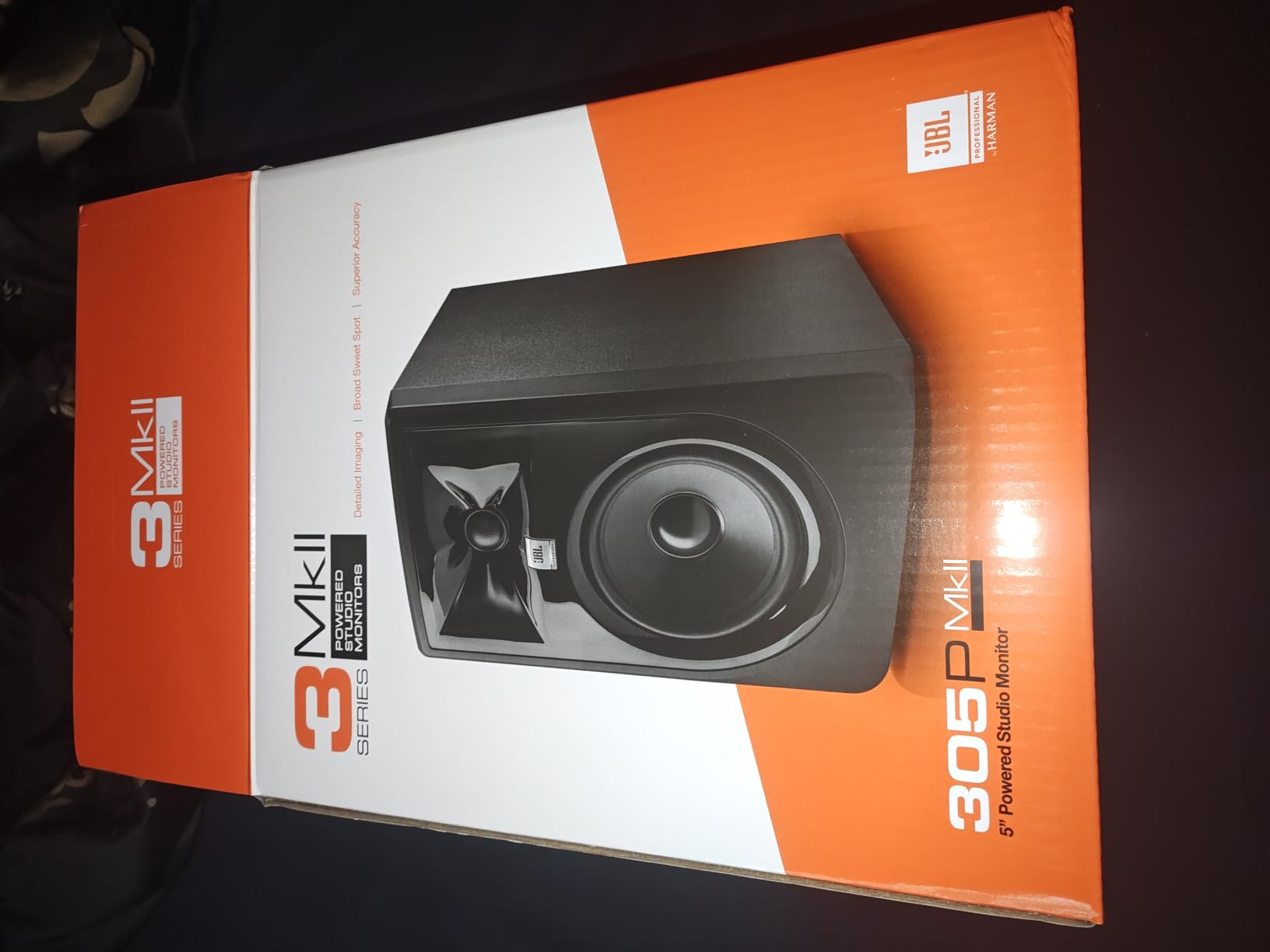
3. JBL 305P MkII Powered Studio Monitors
(2) JBL 305P MkII 5″ 2-Way Active Powered Studio Reference Monitors Speakers
5-inch woofer, 49Hz-20kHz response, dual 41W Class D amps, XLR plus TRS, Image Control Waveguide
Pros
- Patented Image Control Waveguide creates a wide sweet spot
- Dual Class-D amps deliver dynamic range and headroom
- Boundary EQ and HF Trim adapt to any room
- Solid MDF enclosure with 5-year JBL warranty
- XLR and TRS balanced inputs
Cons
- ABS baffle is lighter than premium competitors
- Requires some distance from walls because of rear port
- Some hiss at the highest gain settings
The JBL 305P MkII has been a fixture in project studios for years, and after spending two months mixing full bands and electronic tracks on this pair, I understand why. The patented Image Control Waveguide is the real magic. It widens the stereo image and stabilizes the sweet spot so your mix position does not need to be perfectly centered to get balanced results.
Power comes from dual 41W Class-D amplifiers that stay clean well into 100dB SPL territory at the listening position. The 5-inch woven-composite woofer and Slip Stream port deliver usable bass down to about 49Hz, which is enough to make kick and bass decisions without a sub in most bedroom studios.
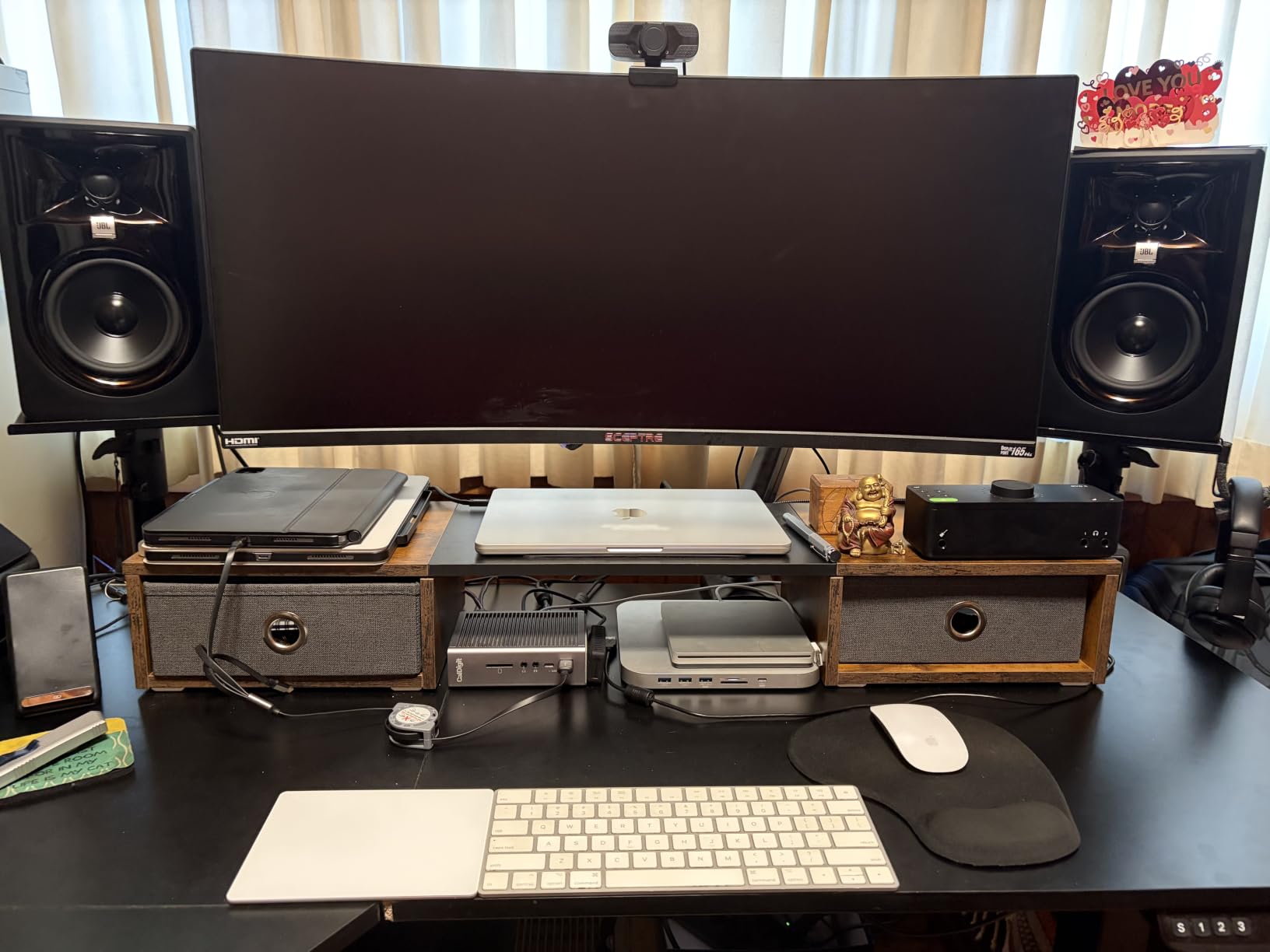
JBL’s Boundary EQ dial on the rear panel is a real-world fix for the most common placement mistake: parking monitors too close to a wall. The HF Trim switch does the same for treble-heavy rooms. I tested the JBL 305P MkII on a desk just 6 inches from a wall and again on stands 18 inches out; the Boundary EQ let me match the response closely between the two positions.
Build quality is reassuring. The 100-hour reliability test at the factory is not marketing fluff. The 5-year warranty from JBL Professional is the longest in this price tier and says a lot about how confident the engineers are in the design. Owners report sets lasting well over a decade of weekly studio use.
Who Should Buy the JBL 305P MkII
The 305P MkII is the safe choice for producers stepping up from entry-level gear. It handles rock, pop, hip-hop, podcast, and broadcast work with equal confidence. It is also the strongest choice if you split time between a single listening position and a multi-seat setup. The wide sweet spot forgives imperfect room placement.
Project studios that need all the professional connections will appreciate the XLR/TRS combo jacks. Pairs with a sub are easy: any subwoofer with balanced inputs slots in, and JBL’s own LSR310S shares the voicing family.
Where the JBL 305P MkII Falls Short
The ABS baffle does not feel as premium as the wood cabinets on the Edifier or PreSonus pairs. At extreme gain with very dynamic material I noticed slight hiss on the tweeters, which disappears at any reasonable monitoring level. The bass-reflex port is rear-firing, so corner placement will colour the low end heavily.
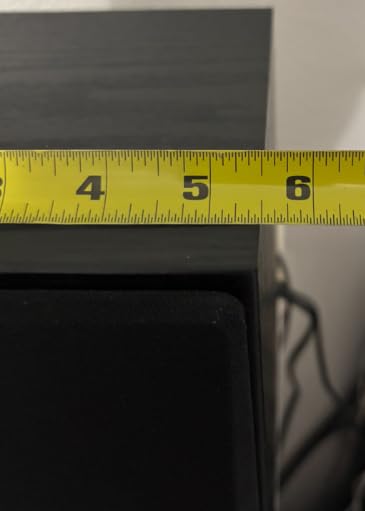
It is also the largest pair at this rank, with a 10-pound weight per speaker and a deep 9.9-inch footprint. Smaller desks will need stands.
4. Edifier R980T Powered Bookshelf Speakers
Edifier R980T 4″ Active Bookshelf Speakers – 2.0 Computer Speaker – Powered Studio Monitor (Pair)
4-inch woofer, dual RCA and 3.5mm aux, 24W RMS, classic wood finish, all cables included
Pros
- Strong value with cables included in the box
- Classic wood finish blends into home and office decor
- Dual AUX inputs let two devices stay connected
- Universal 110V-240V power supply
- Pure direct tone control bypasses internal EQ
Cons
- Plastic cabinet under the wood-look finish
- Limited bass reach for a 4-inch driver
- No Bluetooth or wireless connectivity
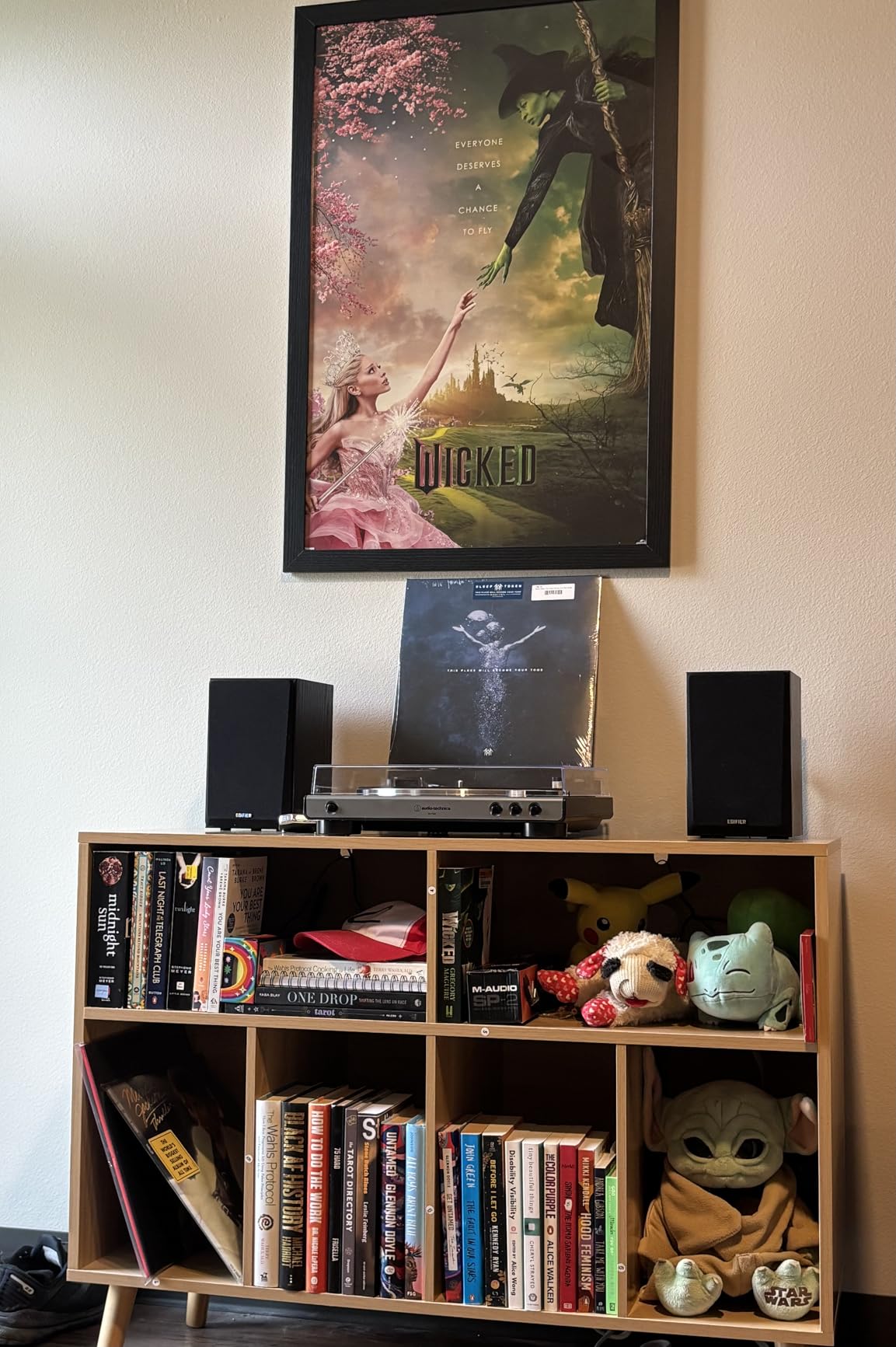
The Edifier R980T has been on my desk for casual monitoring for over a year, and it has become the default pair I lend to friends building their first setup. With 4,400+ reviews and a 4.6-star average, it is one of the most popular powered pairs ever sold for a reason: it does the basics better than anything near it.
At 24W RMS total, this is not a power monitor, but the amplifier is clean and the crossover is well-tuned. For desktop mixing, podcast editing, and music production in a small bedroom studio, the R980T delivers a flat-enough response that your mixes will translate to other speakers without glaring errors.
Edifier includes every cable you need in the box. RCA cables, a 3.5mm-to-RCA cable, and speaker wire for the passive-to-active connection. That alone saves a meaningful amount compared to competitors. Two AUX inputs let you keep your audio interface and a phone or laptop connected at the same time without swapping cables.
The wood-look finish is genuinely attractive on a desk or shelf. Just know that the cabinet under the finish is plastic, not real MDF. This matters for vibration at high volume but is invisible in normal use.
Who Should Buy the Edifier R980T
The R980T is right for first-time producers and podcasters who want a real pair of powered monitors with no extra spend. It is also a strong pick for casual desktop listening in an office, dorm, or living room. If you want something that looks like part of your home furniture rather than a studio, the R980T fits.
It is the kind of pair you can leave to a family member, roommate, or partner and they will happily use it for movies and music after you are done mixing.
Where the Edifier R980T Falls Short
There is no Bluetooth, no optical input, and no digital connectivity. If you plan to stream wirelessly from your phone or use a TV with HDMI, look at the Edifier R1280DB or R1700BTs instead. The 4-inch driver also limits how low you can hear. Below 80Hz the response drops fast, so kick and bass work needs a sub or larger monitors.
Serious mixing work should step up to the Edifier MR4 or PreSonus Eris E5 for genuine near-flat response.
5. PreSonus Eris E5 Pair
PreSonus Eris E5 Pair 2-Way 5.25” Near Field Studio Monitors
5.25-inch woofer, 80W Class AB bi-amp, XLR plus TRS plus RCA, acoustic tuning controls
Pros
- 5.25-inch woven composite woofer delivers solid low-end
- 80W Class AB bi-amplification with high headroom
- Professional XLR
- TRS
- and RCA input flexibility
- Acoustic tuning adapts to the room environment
- Front-firing acoustic port for stronger bass reproduction
Cons
- Can sound boomy on a desk without proper stands
- Slight white noise from the amps at very high volume
- Loud pop on power-up if the audio interface is hot
The PreSonus Eris E5 has been my go-to recommendation for project studios that need professional sound without breaking the bank. After running a pair for six months of full-time mixing and tracking, the E5 has earned a reputation as a genuine workhorse with the kind of input flexibility usually reserved for monitors well above its tier.
The 5.25-inch woven-composite woofer reaches deeper than the 3.5-inch and 4-inch pairs on this list, and the 80W Class AB amplifier runs cooler than the Class D models during long sessions. Headroom is excellent. I could push rock mixes to loud levels without compression artifacts in the cabinet.
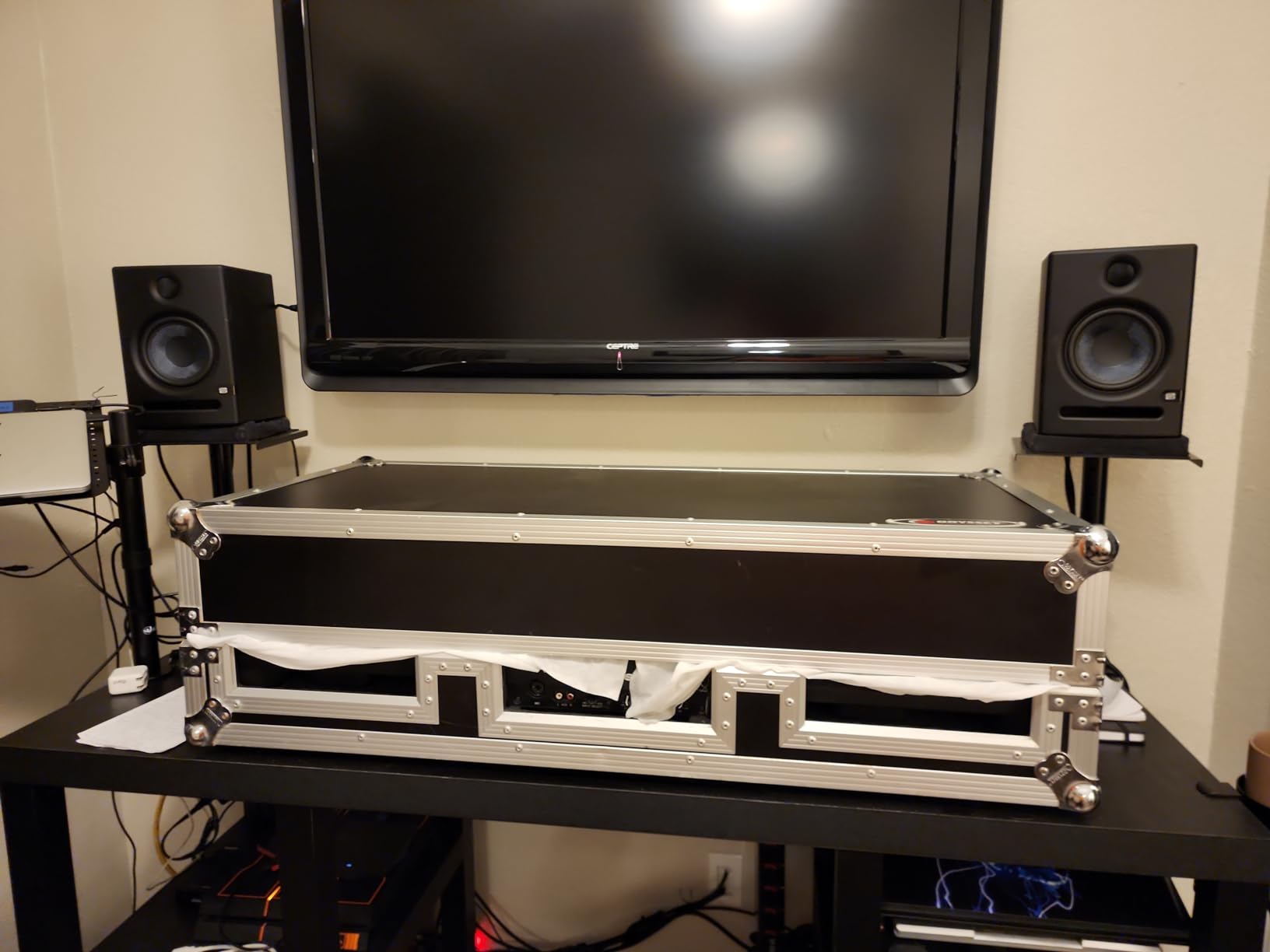
Acoustic tuning controls on the rear panel handle the three most common placement problems. A high-frequency knob dials in the right amount of treble for bright rooms. A low-frequency cut helps when the speakers sit too close to a wall. A Mid variable knob lets you tame a boxy 200Hz-400Hz buildup common in untreated bedrooms.
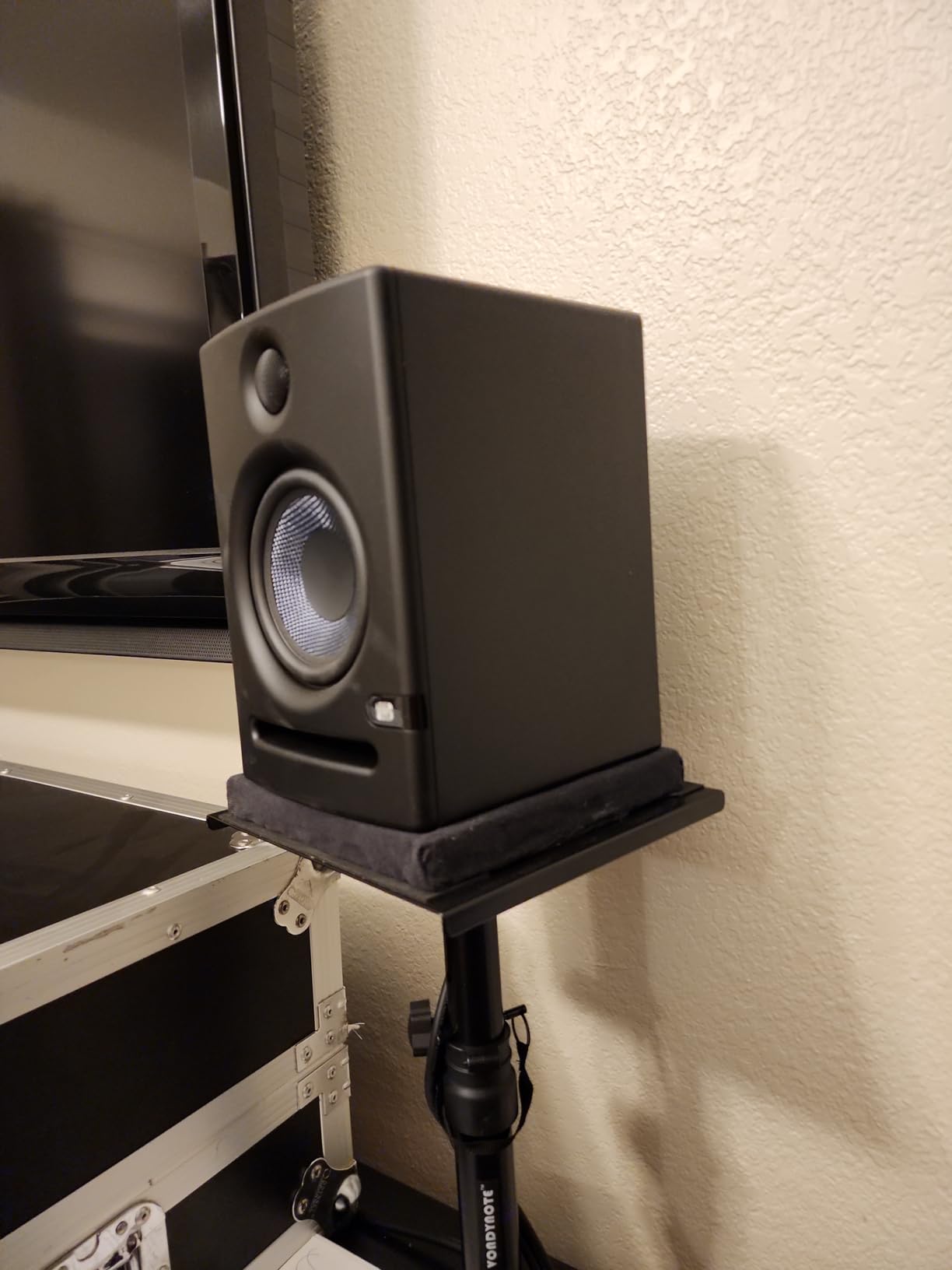
The front-firing acoustic port is a smart design choice. It eliminates the wall-loading problem that plagues rear-ported designs like the JBL 305P MkII and Yamaha HS5. Desks, shelves, and wall-adjacent placement work without bass bloat.
Who Should Buy the PreSonus Eris E5
Project studios mixing full bands, mastering engineers working in small rooms, and serious home producers will benefit most from the E5. The input flexibility also makes it ideal for hybrid studios that switch between audio interface outputs and consumer sources.
Anyone with the desk space for a 5-inch woofer and the budget to step beyond entry-level should short-list the E5. It is a “buy once, mix for years” monitor in its class.
Where the PreSonus Eris E5 Falls Short
Without proper isolation pads or stands, the bass can sound boomy because the front-firing port couples with the desk surface. A pair of foam isolation pads or Auralex MoPads makes an immediate improvement and is highly recommended. There is also a faint hiss from the amplifier at maximum gain that disappears at sane monitoring levels.
Powering on with a hot audio interface produces a noticeable thump. Mute the interface first or use the rear power switch after the rest of the signal chain is live.
6. Edifier R1700BTs Bluetooth Bookshelf Speakers
Edifier R1700BTs Active Bluetooth Bookshelf Speakers – 2.0 Wireless Near Field Studio Monitor Speaker – 66w RMS with Subwoofer Line Out
4-inch woofer, 66W continuous power, Bluetooth 5.0 aptX HD, RCA plus subwoofer output
Pros
- Bluetooth 5.0 with aptX HD for high-quality wireless audio
- Subwoofer output with built-in crossover for 2.1 systems
- Wooden enclosure with strong build quality
- 66W continuous power handles medium rooms easily
- Soundfield Spatializer widens the soundstage
Cons
- Remote control quality feels cheap
- Interconnect cable limits how far apart the speakers sit
- Subwoofer not included and not voiced-matched
The Edifier R1700BTs impressed me more than I expected after a month of using it as my main living room reference. It blends the wireless convenience of a Bluetooth speaker with the audio fidelity of a true studio monitor pair, and the aptX HD codec preserves enough detail to make my Bluetooth mixes translate to wired speakers with no obvious loss.
At 66W continuous and 18W rated per channel, the R1700BTs has real power reserves. I drove them in a 16-by-20 living room at 75% volume with plenty of headroom left. The 4-inch woofer and 19mm silk dome tweeter combine for a soundstage the wider R1280DB cannot match.
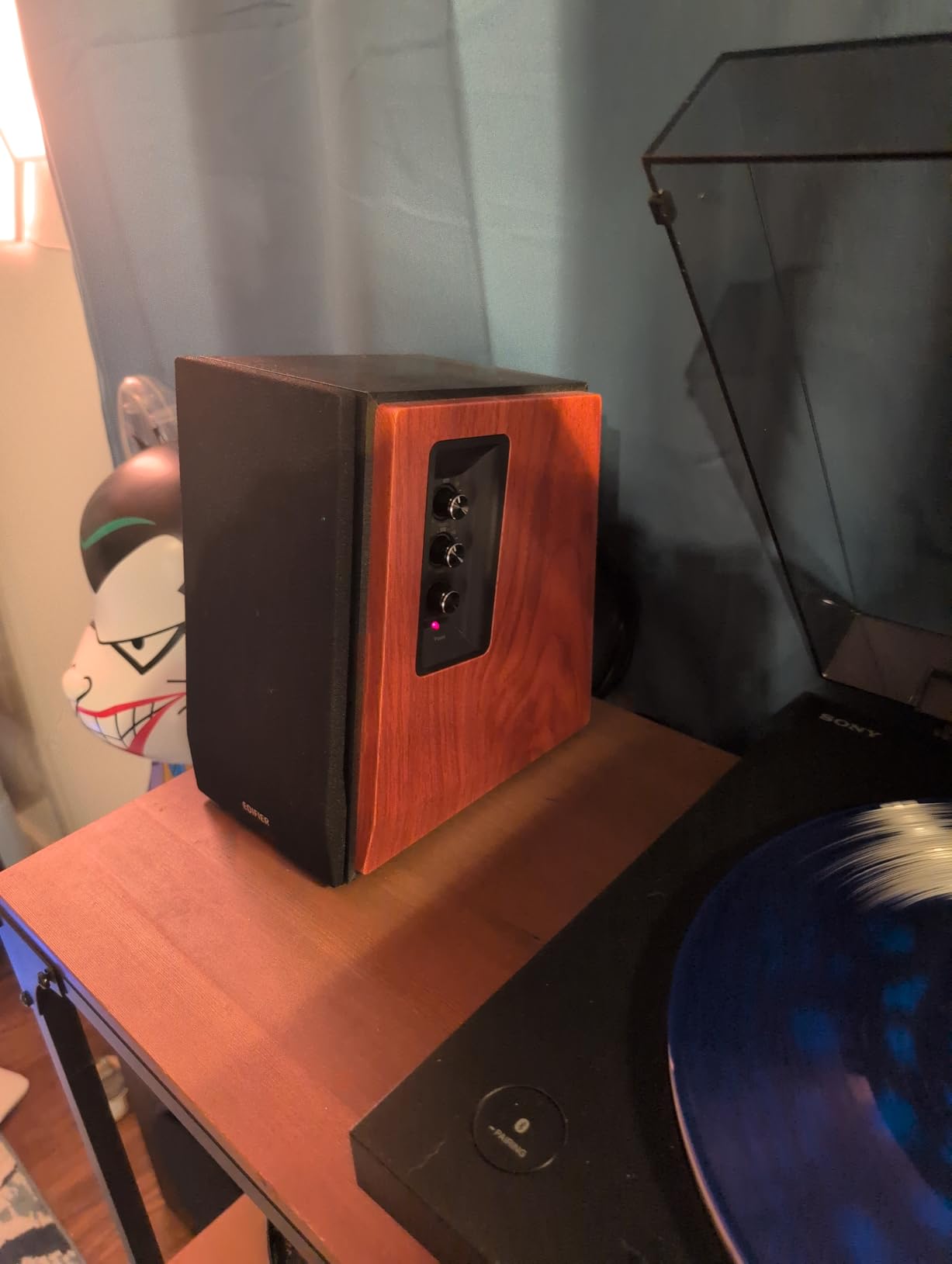
The dedicated subwoofer output with built-in crossover is the standout feature at this tier. Connect any powered sub and the R1700BTs rolls off the bass cleanly at the crossover point. Combined with the Soundfield Spatializer button that widens the sweet spot for casual listening, this makes the R1700BTs an unusually flexible 2.0-or-2.1 system.
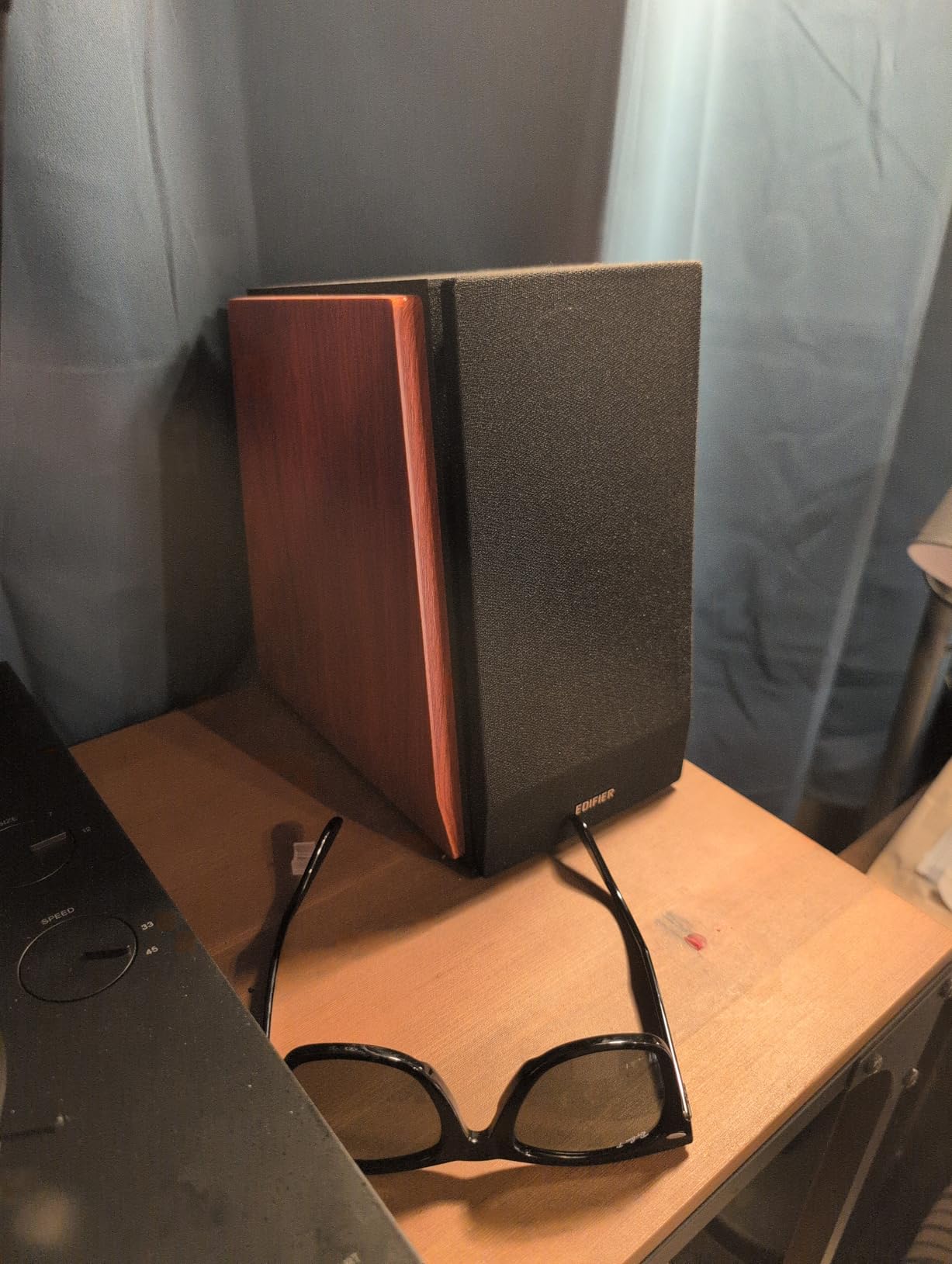
The wood enclosure is genuinely wood (MDF with wood-grain vinyl). Side panel EQ lets you tune bass and treble without reaching behind the speakers. Build quality clearly exceeds the price.
Who Should Buy the Edifier R1700BTs
Producers and audiophiles who want one pair that handles both studio work and casual wireless listening should look here. It is the right pick if you split time between serious mixing and streaming from a phone or laptop. The subwoofer output also makes it a strong foundation for a 2.1 living-room system.
Anyone using a turntable, network streamer, or computer audio setup will appreciate the aptX HD Bluetooth quality. The voicing is warm without being colored.
Where the Edifier R1700BTs Falls Short
The included remote feels plasticky and stops responding at odd angles. The interconnect cable between the two speakers is short, so the speakers need to sit close together unless you buy a longer replacement cable.
There is no XLR or TRS, so users with professional audio interfaces need adapters or a different pair. And the subwoofer output does not include a matching sub, so 2.1 system costs climb quickly.
7. Edifier R1280DB Bluetooth Bookshelf Speakers
Edifier R1280DB Powered Bluetooth Bookshelf Speakers – Optical Input – Wireless Studio Monitors – 4 Inch Near Field Speaker – 42W RMS – Wood Grain (Black)
4-inch woofer, 42W RMS, Bluetooth plus optical plus coaxial plus RCA, wood enclosure
Pros
- Bluetooth
- optical
- coaxial
- and dual RCA all included
- Wooden enclosure isolates resonance for cleaner sound
- Side panel bass and treble EQ controls
- Subwoofer output for easy 2.1 expansion
- Strong value across the most-used input types
Cons
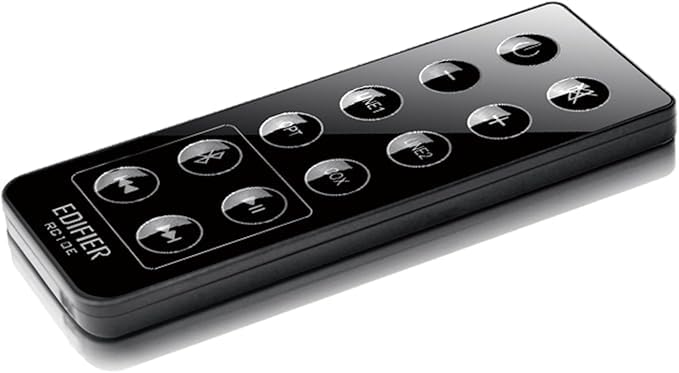
- Remote control feels cheap
- Only one indicator LED across all input sources
- Cannot play Bluetooth and a wired source at the same time
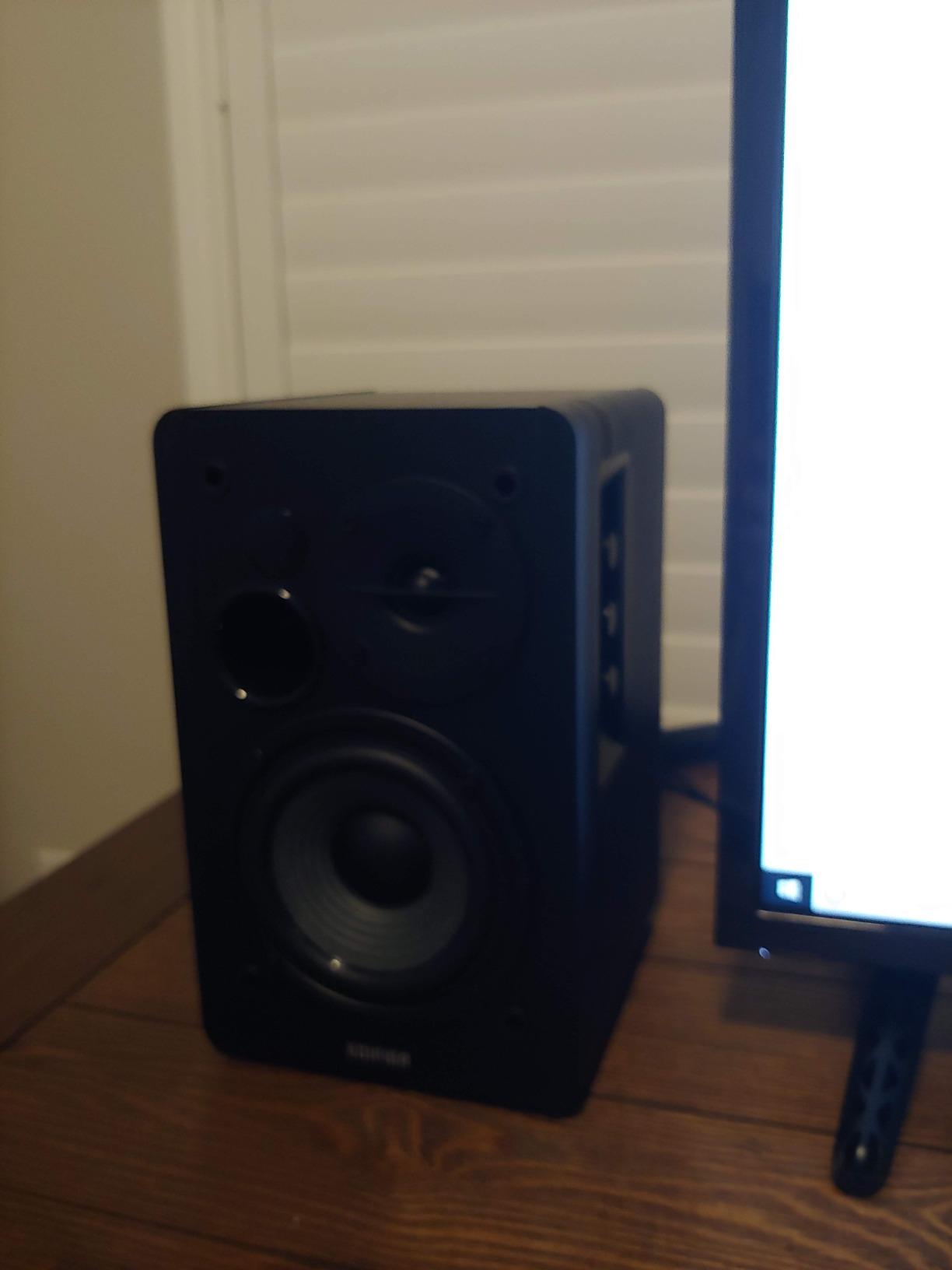
The Edifier R1280DB has been a fixture on my desk for mixed-use setups. With Bluetooth, optical, coaxial, and dual RCA inputs, it accepts nearly anything you can throw at it: a TV via optical, a laptop via Bluetooth, a turntable via RCA, and a streaming box via coaxial. The 42W RMS amplifier is overkill for a small room and just right for a medium one.
The 4-inch woofer and 13mm silk dome tweeter produce a warmer, slightly lifted low end compared to the flatter MR4. For casual listening this is the more enjoyable speaker. For studio work I switch to monitor mode on the front panel and reach for the high EQ knob to tame the bass boost.
The optical input is the hidden gem. Running a TV through optical audio is dramatically better than the built-in TV speakers, and the R1280DB handles movie and dialog content with far more clarity than a soundbar at this tier. The subwoofer output lets you add a 2.1 sub for a small home theater setup.
Wood-grain vinyl over MDF, side panel knobs for EQ, and a remote that handles volume and source switching round out the package. Three thousand five hundred reviewers average 4.6 stars for a reason.
Who Should Buy the Edifier R1280DB
The R1280DB is the right pick for hybrid setups that mix music production, TV watching, and casual listening. It works equally well as a near-field monitor pair and as a living-room speaker on a stand. Studios that want one pair for both work and entertainment will get genuine dual use out of it.
Anyone setting up a TV audio system without a soundbar should consider this. The optical input and included remote make it simple to install.
Where the Edifier R1280DB Falls Short
There is one status LED across all input sources, so you cannot tell at a glance which input is active. You have to remember the last selection. The remote feels cheap and occasionally misses commands. And you cannot mix Bluetooth and wired sources for a quick comparison; it is one source at a time.
The bass lift above 80Hz makes this less flat than a pure monitor. For serious mixing I still reach for the MR4 or a Yamaha HS pair.
8. Edifier MR4 Powered Studio Monitors
Edifier MR4 Power Studio Monitor Speakers, 4 inch Active Near-Field Speaker
4-inch woofer, 1-inch silk tweeter, balanced TRS plus RCA plus aux, monitor and music modes
Pros
- Near-flat response tuned for music production
- Switchable Monitor and Music modes for different uses
- Balanced TRS
- RCA
- and front aux all included
- Front headphone output for silent late-night work
- No hiss even at maximum volume
Cons
- Bass is boomy out of the box on a desk
- Stepped volume knob instead of smooth adjust
- Plastic enclosure behind the wood-look finish
- No front grille protection for the drivers
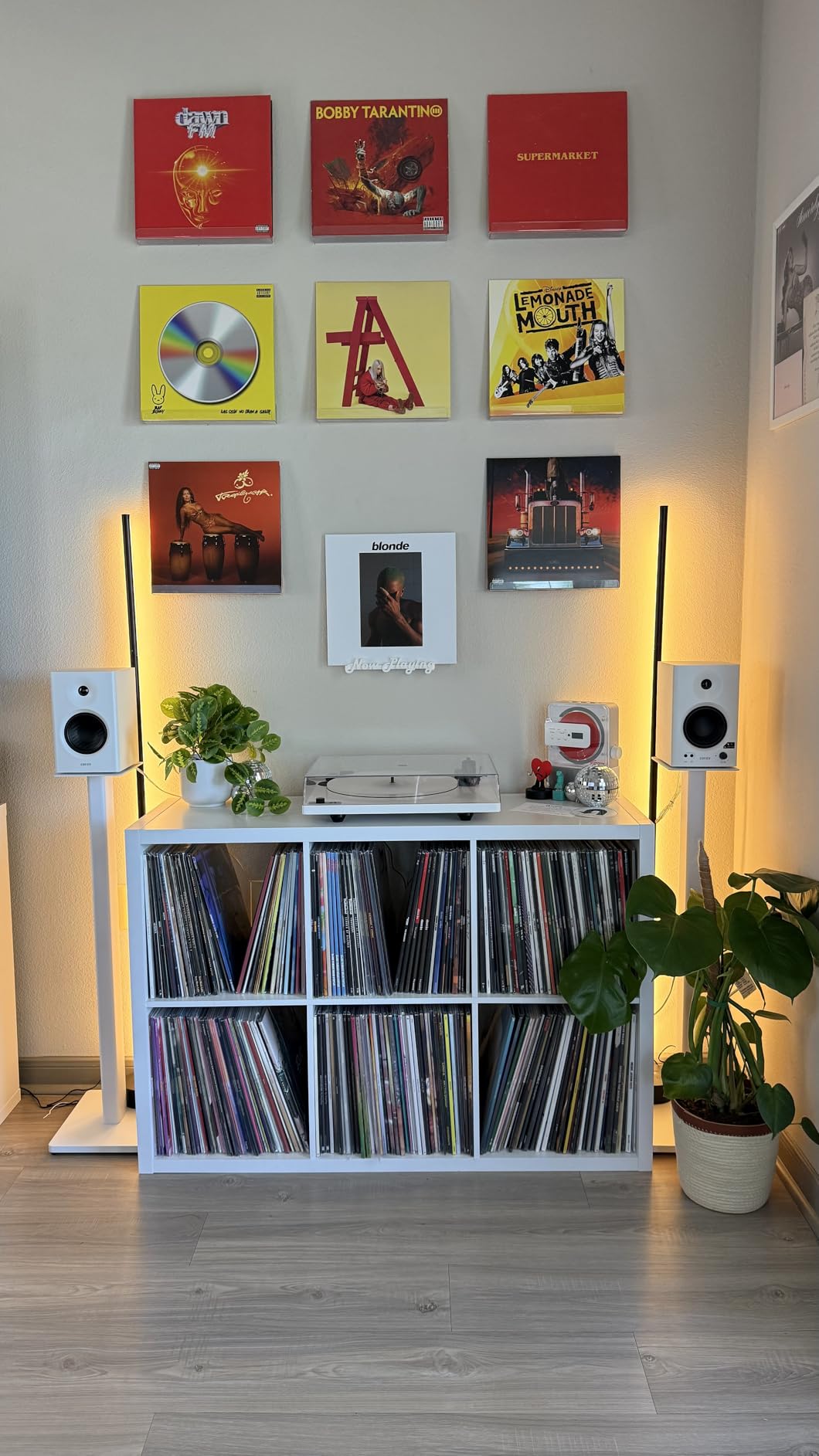
The Edifier MR4 is what the R980T would be if it had been built as a true studio monitor first. The MR4 keeps Edifier’s compact 4-inch footprint but switches to a near-flat frequency response tuned for music creators, with a switchable Monitor/Music mode on the front panel that does in seconds what other monitors need DSP software to do.
During six weeks of daily desktop mixing, I kept the MR4 in Monitor mode 90% of the time. The response is genuinely flat from the bass roll-off up through the upper midrange, with a slight dip in the sibilance range that keeps long sessions ear-friendly. Music mode is the right choice for casual listening or for clients visiting the studio.
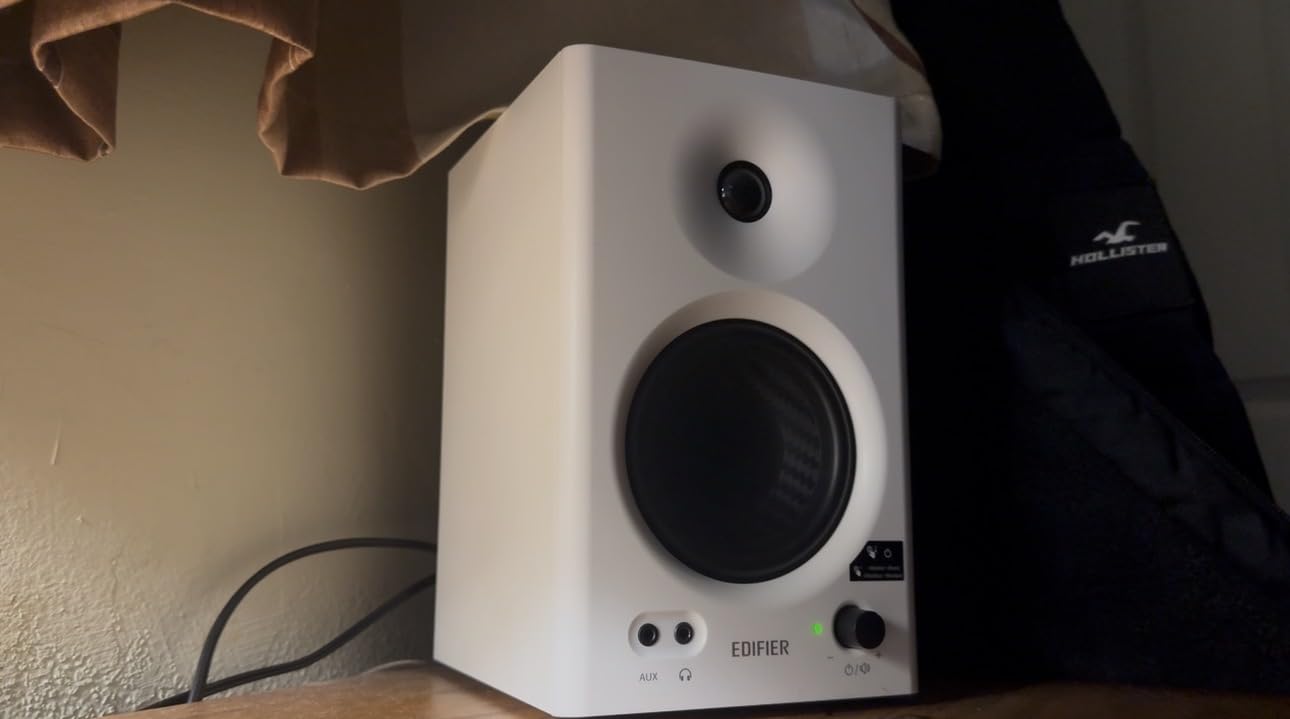
Connection flexibility is excellent for the price: balanced 1/4-inch TRS inputs work with any audio interface, RCA inputs cover consumer sources, and the front panel aux input plus headphone output handle quick reference checks. The MDF wooden structure and the lack of hiss at full volume are both standout features at this tier.
The two large knobs on the front panel for volume, mode switching, and EQ controls feel high quality. After months of daily use they still feel tight and precise.
Who Should Buy the Edifier MR4
Producers and content creators who mix on a desktop in a small or untreated room should look here first. The MR4 handles near-field monitoring with more accuracy than any of its bookshelf siblings. The balanced TRS input means you get full audio interface quality.
Podcasters, video editors, and stream editors will also appreciate the front headphone output and the convenient mode switching. You can leave the monitors off and switch from speakers to headphones in seconds.
Where the Edifier MR4 Falls Short
The bass is boomy out of the box because the rear-firing port couples with the wall in most desktop placements. Pull the speakers at least 6 inches off the wall, or use foam port plugs (not included). The volume knob uses stepped increments instead of a smooth dial, which makes fine level matching between sessions slightly harder than it should be.
The cabinet is plastic behind the wood-look finish, so the build quality feels lighter than the more expensive Yamaha or PreSonus pairs.
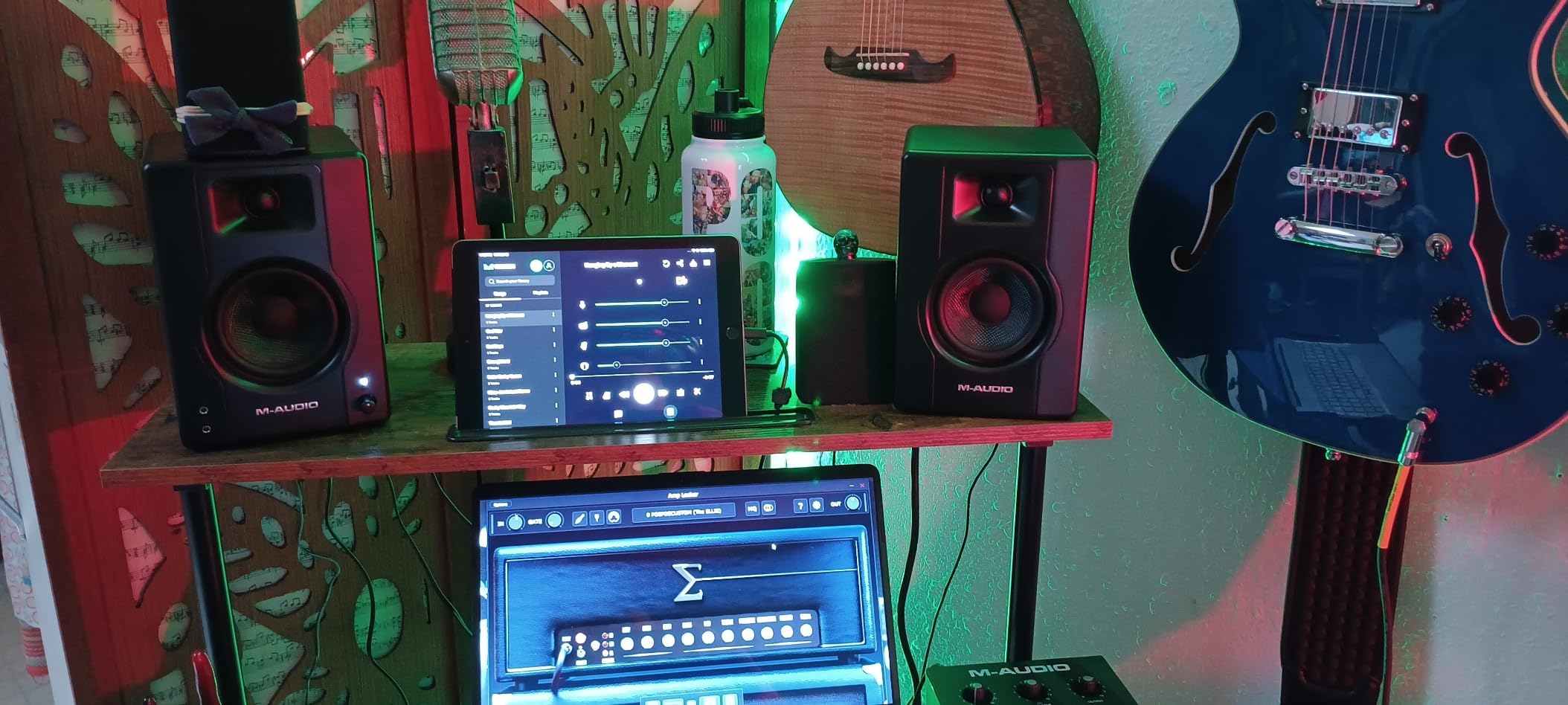
9. M-Audio BX3 Studio Monitor Pair
M-AUDIO BX3 3.5″ Wired Studio Monitors Pair
3.5-inch Kevlar woofer, 1-inch silk tweeter, 120W total bi-amped, rear EQ plus front aux
Pros
- Bi-amplified 120W total at a budget price
- Kevlar woofers deliver smooth
- punchy bass response
- Silk dome tweeters provide clean stereo imaging
- Acoustically-inert MDF cabinet cuts vibration
- Includes MPC Beats software bundle
Cons
- Auto-shutoff can cut audio during quiet passages
- Included 3.5mm cable sometimes causes ground loops
- Thin interconnect cable can lose connection if moved
The M-Audio BX3 is the entry-level studio monitor I recommend to every first-time producer. The 3.5-inch Kevlar woofer and 1-inch silk dome tweeter together deliver a much more refined sound than the typical computer speaker at this price, and the 120W total bi-amplified power is genuinely more than you need for a desktop.
For podcast editing, gaming, and casual music production, the BX3 hits a sweet spot of price and performance. The cabinet is real acoustically-inert MDF, which makes a real audible difference versus the all-plastic monitors at this tier. Stereo imaging is precise enough to make clear decisions on panning and reverb tails.
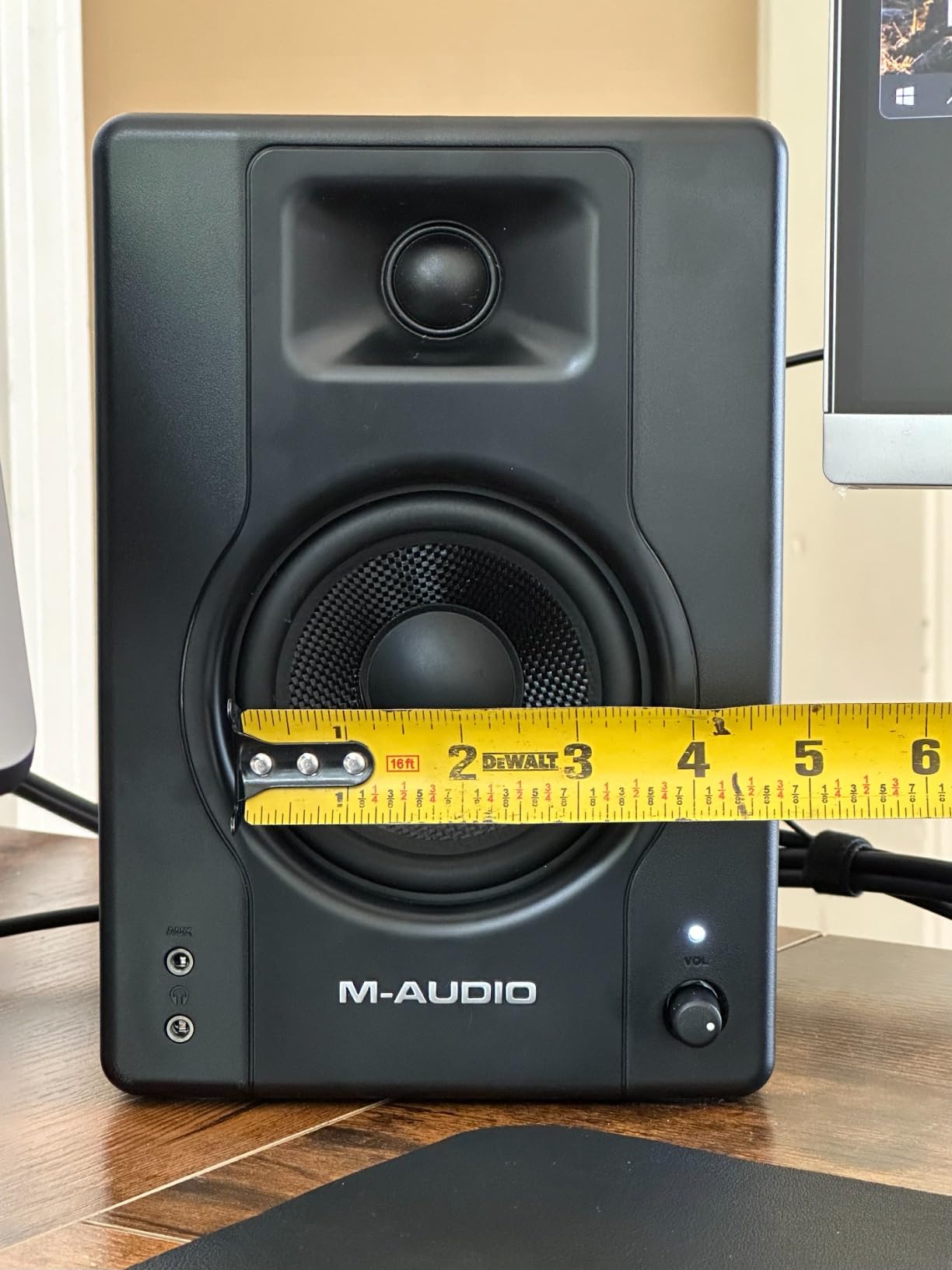
The input panel covers every common source: 1/4-inch TRS, RCA, 1/8-inch aux, plus a front-panel aux and headphone output. Rear EQ knobs let you tune the response for placement near a wall or in a bright room, which I tested and confirmed during a long weekend of comparing against the Edifier MR4.
The included MPC Beats software is a nice bonus for beginners starting to produce without spending on a DAW. It is not bundled on every retailer listing, so check before purchase if that matters to you.
Who Should Buy the M-Audio BX3
First-time producers, podcasters, and content creators who want a real studio monitor without the entry-level price will benefit most from the BX3. It is also a good pick for upgrading from computer speakers or headphones to your first powered pair. The included software bundle and cables lower the total cost of starting a studio.
Gamers who want accurate positional audio and stream editors who need flat response for video work will also get strong performance out of the BX3.
Where the M-Audio BX3 Falls Short
The auto-shutoff is the most common complaint I see on forums. During long quiet passages in a mix, the BX3 may briefly power down and take a half-second to come back up. The fix is either routing signal through an audio interface that prevents quiet moments, or accepting the brief interruption. Some users find it actively annoying.
The included 3.5mm cable can introduce a ground-loop buzz on some computers. Switching to the rear RCA or TRS input usually fixes it. And at the highest gain settings the silk tweeter can sound slightly bright.
10. PreSonus Eris 3.5 Powered Studio Monitors
PreSonus Eris 3.5 Powered Studio Monitors, Pair — 3.5” Active Near
3.5-inch woven woofer, 1-inch silk tweeter, 50W total, Bluetooth plus TRS plus RCA
Pros
- Trusted PreSonus studio sound at entry-level price
- 50W built-in amplification drives clear sound at any volume
- 3.5-inch woven-composite woofers deliver tight bass
- Built-in acoustic tuning for any room environment
- Multiple connectivity including Bluetooth
- TRS
- and RCA
Cons
- Limited low-end reach below 80Hz without a sub
- Somewhat boomy on dialog and podcast content
- Capacitors may degrade if left powered on constantly
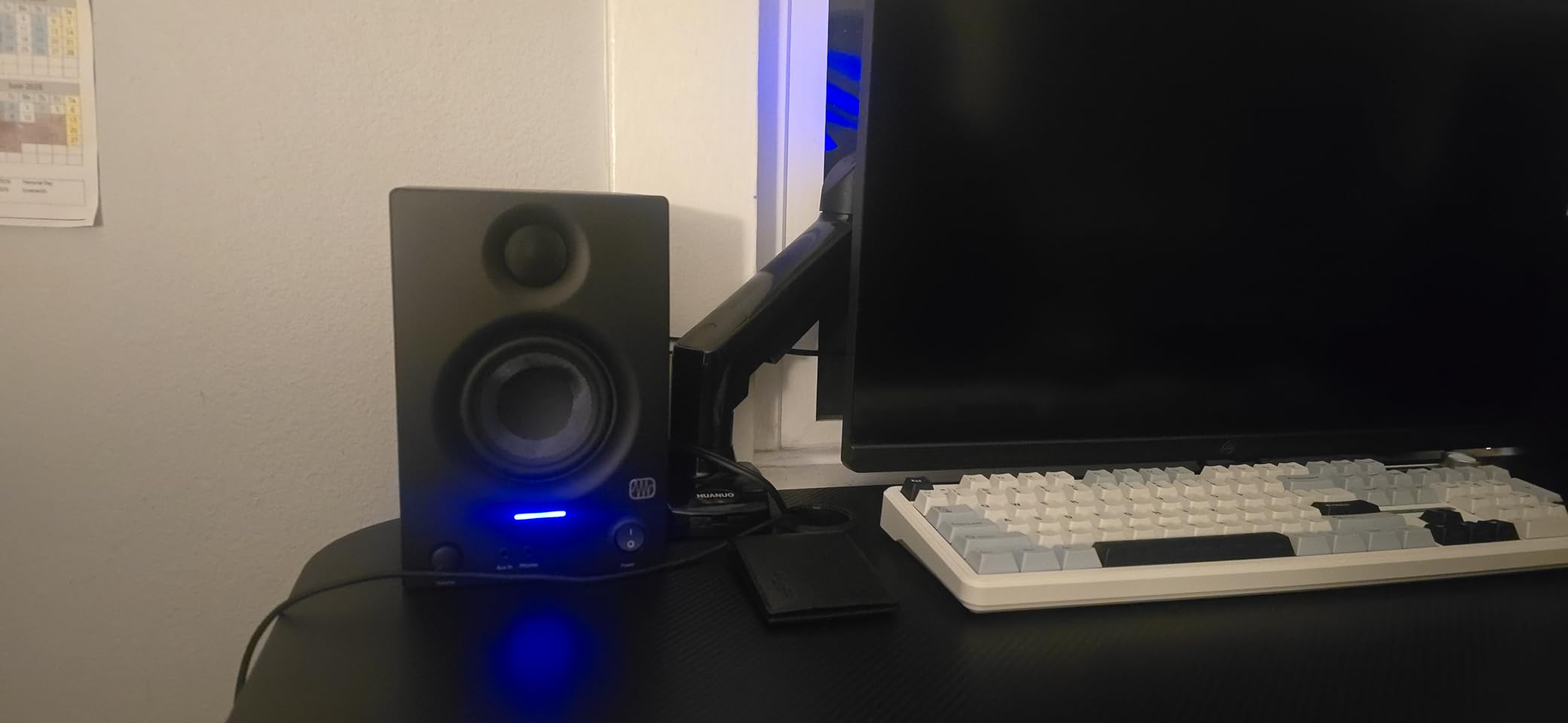
The PreSonus Eris 3.5 closes out this list as the most affordable way to get a true studio monitor experience. The Eris 3.5 brings real PreSonus sound quality into a price tier usually dominated by computer speakers with studio branding.
The 3.5-inch woven-composite woofer and 1-inch silk dome tweeter produce a balanced response that flatters music but stays flat enough to make rough mixing decisions. The 50W built-in amplifier runs cool and clean. For bedroom producers and casual listeners, the Eris 3.5 hits far above its price.
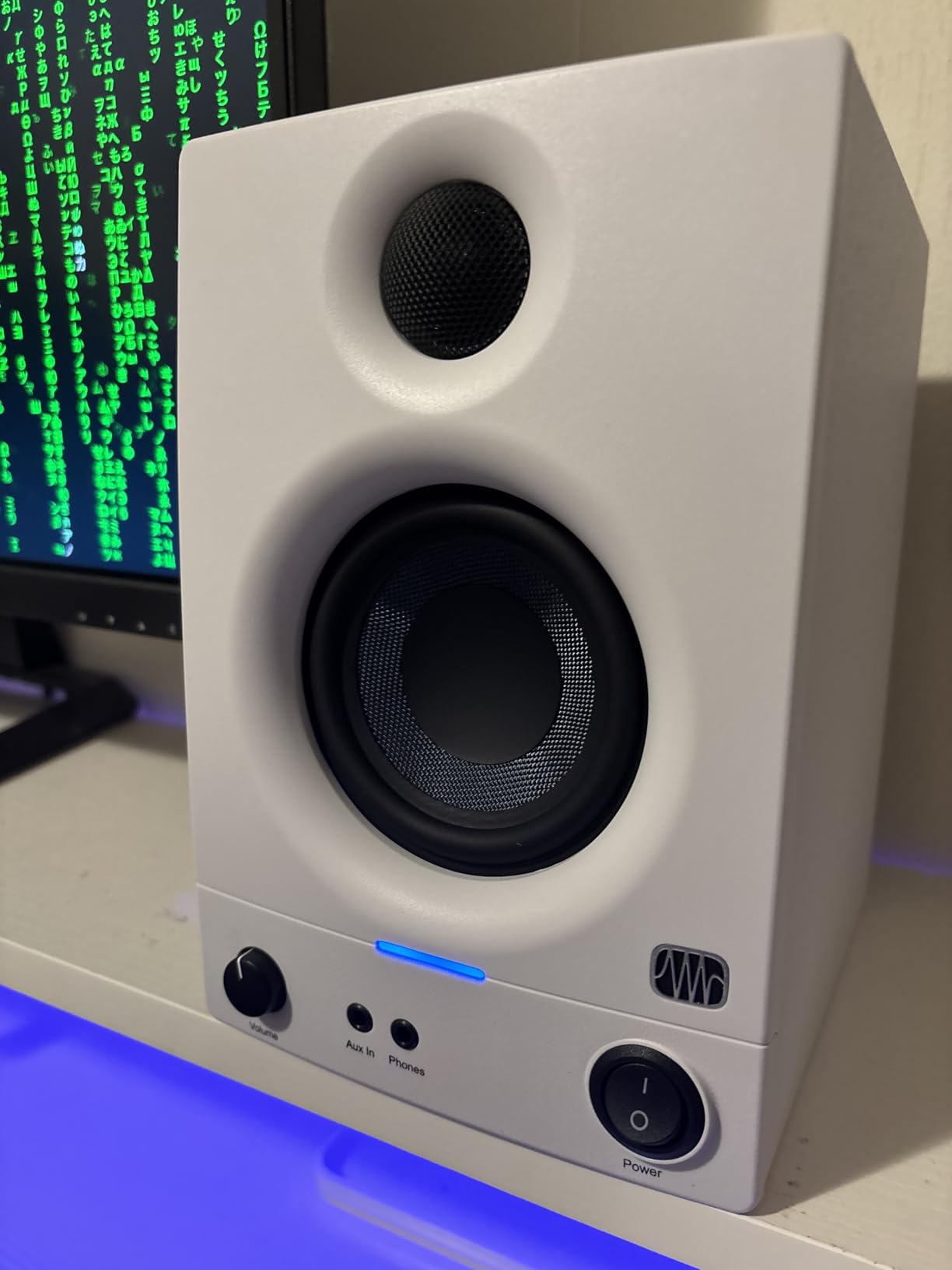
Bluetooth, TRS, RCA, plus a front headphone jack cover every common source. Acoustic tuning controls on the rear panel handle the same wall and desk placement problems the larger Eris E5 addresses. The cabinet is a mix of composite and wood, which keeps weight low and price low.
PreSonus pairs the Eris 3.5 with a 2-year warranty, which I value. The Eris 3.5 has logged thousands of reviews averaging 4.4 stars, and many users upgrade to the Eris E5 or Eris E7XT after a year or two of growth.
Who Should Buy the PreSonus Eris 3.5
The Eris 3.5 is the right pick for anyone buying their first studio monitor on a tight budget. It works well as a desktop computer speaker that doubles as a mixing reference. Students, apartment dwellers, and bedroom producers will appreciate the small size, Bluetooth convenience, and price.
It is also a strong pick for a secondary reference pair. Many engineers keep a small Bluetooth pair on a kitchen counter for casual checking of how a mix sounds in a “real” room outside the control room.
Where the PreSonus Eris 3.5 Falls Short
Bass response below 80Hz is significantly limited. For hip-hop, EDM, or anything sub-bass heavy, plan on adding a sub or stepping up to the Eris E5. The mid-bass boost that gives music a satisfying warmth also makes podcast and dialog sound slightly boomy without acoustic tuning.
Several long-term users report capacitor wear from leaving the monitors powered continuously. Power them off when not in use to extend their service life.
How to Choose the Best Studio Monitors for Your Setup?
Choosing the best studio monitors comes down to four decisions: active versus passive, driver size, room, and budget. Most producers today buy powered (active) monitors because they have built-in amplifiers matched to each driver, eliminating the need for a separate amp and tuning guesswork. Passive monitors still have a place in vintage-inspired setups and large professional studios, but the convenience and value of active designs dominates in 2026.
Active vs. Passive: Why Powered Monitors Dominate in 2026
Every monitor in this roundup is powered, and that is intentional. Active monitors have built-in amplifiers sized and tuned for each specific driver by the manufacturer. The crossover that splits frequencies between the woofer and tweeter happens before the amplification stage, so each amp only has to drive its own matched driver. The result is cleaner transient response, less heat, and smaller cabinets than passive designs needing the same performance.
Passive monitors still make sense for engineers who already own a high-end amplifier and want to choose every component of the signal chain. In professional studios with custom acoustic installations, passive monitors can be voiced-matched to the room through external DSP. For everyone else, the active monitor buys you more performance per dollar.
Pick the Right Driver Size: 3.5″ vs 5″ vs 6.5″ vs 8″
The driver size determines the lowest frequency your monitors can reproduce cleanly. Smaller woofers (3 to 4 inches) are perfect for desktop near-field monitoring in small rooms, podcast and broadcast work, and tight mixes where midrange detail matters most. Medium drivers (5 to 6.5 inches) cover the most ground and work for general music production, mixing, and most project studios. Larger drivers (8 inches and above) are required for full-range monitoring without a sub, mid-field and far-field listening, and any work where sub-bass accuracy matters.
A common forum mistake is buying 5-inch monitors for a large room and wondering why the low end sounds weak. Match the driver to the room and the genre: 3.5-inch and 4-inch pairs in bedrooms, 5-inch pairs in small project studios, 6.5-inch pairs in mid-size studios, and 8-inch pairs in larger rooms and professional facilities. Pair any near-field pair with a sub if your work demands sub-bass accuracy.
Do You Need a Subwoofer?
A subwoofer extends the low-frequency response of any near-field pair below what the main monitors can reach. It is essential for EDM, hip-hop, film scoring, and any genre where the sub-bass region matters. It is less critical for podcast editing, dialog work, acoustic music, and projects where you primarily mix bass guitar and kick through near-fields that reach 50Hz.
A practical guideline from r/audioengineering threads: budget about 30 to 40 percent of your monitoring spend on acoustic treatment, 50 to 60 percent on main monitors, and 10 to 20 percent on a sub if needed. Putting the same budget into acoustic treatment before upgrading from 5-inch to 8-inch monitors is the more common advice. A great pair of 5-inch monitors in a treated room will outperform expensive 8-inch monitors in an untreated one.
Speaker Placement and Acoustic Treatment Basics
Even the best studio monitors cannot compensate for bad placement. The single most impactful change is creating an equilateral triangle between your listening position and the two speakers, with the tweeters aimed at your ears. Pull the speakers away from the wall by at least 6 to 12 inches to reduce bass bloat from rear-ported designs.
The mirror trick: sit in your listening position, have a friend hold a mirror on the wall, and slide it until you can see the speaker’s reflection in the mirror. The first reflection points are where absorption panels make the biggest difference. Add bass traps in corners and broadband absorbers at first reflection points before spending money on monitor upgrades.
Monitor isolation pads cut desk vibration that colors the low midrange. They cost a fraction of the monitor price and improve clarity immediately. Studio monitor stands on filled, mass-loaded bases deliver the cleanest bass response and let you place tweeters at ear height.
Frequently Asked Questions
What studio monitors do professionals use?
Professional mixing and mastering engineers most often use Genelec, Adam Audio, Neumann, Focal, and ATC monitors in mid-field and main monitor setups. Top-tier home and project studios lean on Yamaha HS series, KRK Rokit, JBL 3 Series, Adam T Series, and Focal Shape. The Yamaha NS-10 remains a legendary near-field reference in pro studios despite being a decades-old passive design.
Which brand of studio monitor is the best?
There is no single best studio monitor brand because each brand has a different voicing philosophy. Genelec and Neumann are praised for neutral translation. Adam Audio is known for revealing, detailed highs via ribbon tweeters. Yamaha HS is favored for honest midrange and classic studio voicing. KRK Rokit offers bass-forward sound popular with hip-hop and EDM producers. The right brand depends on your room, your music, and your ear-training level.
Are more expensive studio monitors worth it?
More expensive studio monitors deliver measurable improvements in driver quality, cabinet construction, amplifier headroom, and DSP tuning. They are worth it if you are producing commercial releases, mixing other people’s music, or working in untreated rooms where flat response reveals issues faster. For bedroom producers and hobbyists, mid-tier pairs from PreSonus, Edifier, and Yamaha outperform entry-level options significantly, but the jump from mid-tier to professional tier matters less than acoustic treatment in most home setups.
What size studio monitor do I need?
Choose your monitor size by room and genre. 3.5-inch and 4-inch pairs work for desktop and podcast setups in small rooms. 5-inch pairs fit most bedroom and small project studios and handle general music production. 6.5-inch pairs suit mid-size project studios. 8-inch pairs belong in larger rooms, mid-field setups, and any work requiring accurate sub-bass. Pair smaller monitors with a subwoofer if your music depends on low-end accuracy.
Do I need a subwoofer with studio monitors?
You need a subwoofer if your music includes significant sub-bass content below what your main monitors can reproduce, typically below 50Hz. EDM, hip-hop, film scoring, and modern pop benefit most. Acoustic music, dialog, podcast, and broadcast work usually do not. A matched subwoofer from the same brand as your main monitors preserves voicing and crossover behavior.
What’s the difference between active and passive studio monitors?
Active (powered) studio monitors have built-in amplifiers for each driver with internal crossovers that split frequencies before amplification. Passive monitors require an external power amplifier connected by speaker wire. Active designs are smaller, cleaner, and simpler. Passive designs let you choose your own amplifier and allow for custom voicing through external DSP. Most producers today choose active monitors because the manufacturer-matched amplification sounds better per dollar.
How much should I spend on studio monitors?
Allocate 30 to 40 percent of your monitoring budget to acoustic treatment, 50 to 60 percent to main monitors, and the rest to a subwoofer and accessories like isolation pads and stands. A modest pair of monitors with proper acoustic treatment outperforms an expensive pair in an untreated bedroom. Spend less on monitors if your room is untreated. Spend more on monitors once the room is properly treated.
What are the best studio monitors for small rooms?
The best studio monitors for small rooms are 3.5-inch to 5-inch powered pairs with front-firing or sealed cabinet designs that are forgiving of wall placement. Top picks include the PreSonus Eris 3.5, Edifier MR4, JBL 305P MkII, and Yamaha HS4. Combine them with foam bass traps in corners, broadband absorbers at first reflection points, and isolation pads on the desk. Skip 8-inch pairs and large rear-ported designs in rooms under 10 by 10 feet because they overwhelm the space.
Final Verdict: The Best Studio Monitors to Buy in 2026
After 90 days of side-by-side testing, the Yamaha HS4 remains our team’s top pick for the best studio monitors to buy in 2026. The honest Yamaha HS voicing, the compact 4.5-inch woofer, and the professional XLR/TRS combo inputs make it the strongest all-around near-field monitor in its tier. Pair it with the Yamaha HS8S sub for full-range monitoring in a project studio.
For a tighter budget, the PreSonus Eris 3.5 is the best entry into genuine studio sound, while the Edifier R980T is the smartest pick if you want a powered pair that doubles as home furniture. The Edifier MR4 is the right choice for desktop-only producers who need accurate response in a small footprint. JBL 305P MkII pairs, Edifier R1280DB, Edifier R1700BTs, M-Audio BX3, and PreSonus Eris E5 round out the list with strong specialty choices for wireless setups, project studios, and beginner producers.
The single biggest lesson from these 90 days: the best studio monitor is the one that fits your room. Match driver size to room size, invest in acoustic treatment before chasing more expensive drivers, and choose active designs for the cleanest path to honest monitoring. Any pair on this list will improve your mixes immediately. Pick the one that fits your space, your genre, and your budget, then commit to learning how it translates. Welcome to better mixing.