
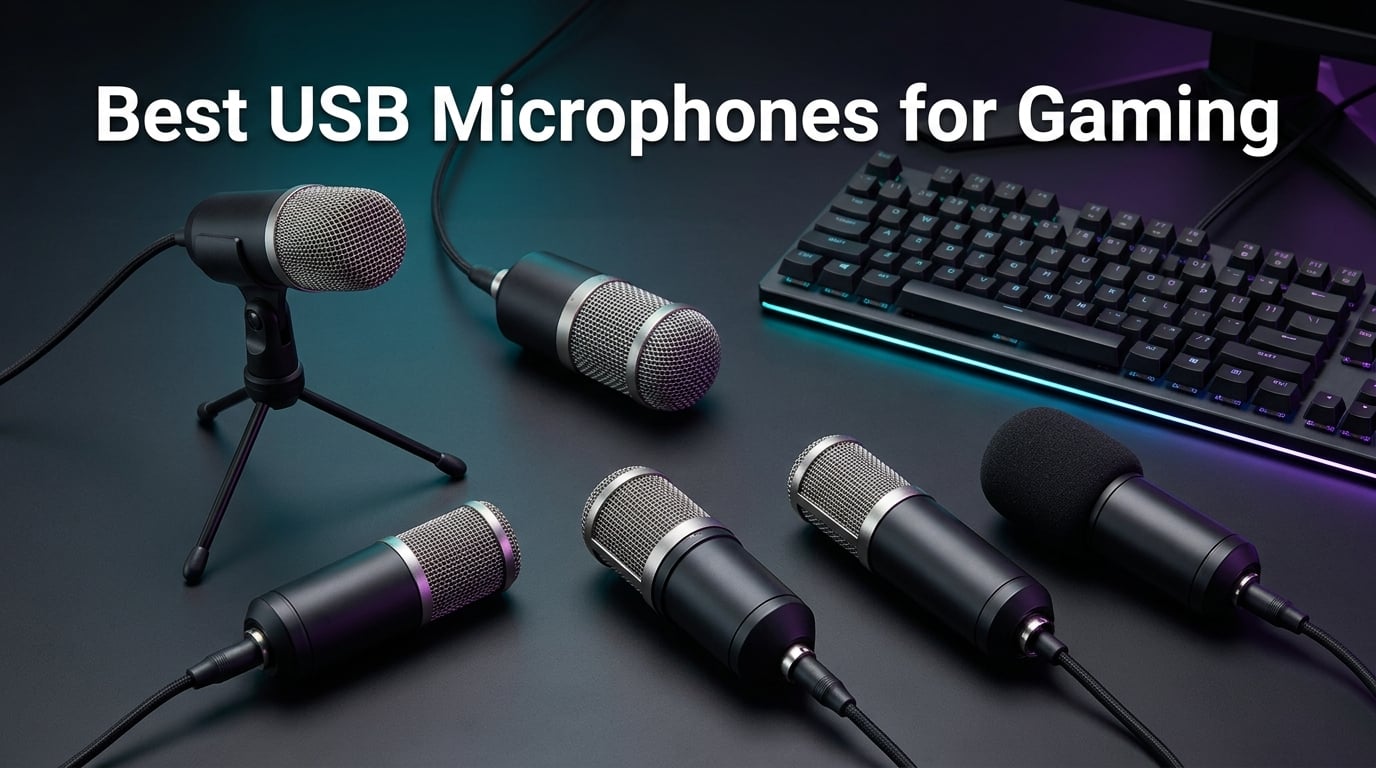
If your squad keeps asking you to repeat yourself on Discord, or your streams sound like they were recorded inside a tin can, your headset mic is the problem. After testing dozens of USB microphones over the past four years, our team found the best USB microphones for gaming that will make your voice sound clean, full, and professional without dragging you into audio engineering classes.
Is a USB mic good for gaming? Yes, and a great one beats any headset mic by a wide margin. A dedicated USB mic picks up less keyboard clatter, sounds warmer and more natural, and gives you tap-to-mute, gain control, and zero-latency monitoring. Plus, it frees your ears from a headset after a long session.
We tested eight mics across budget, mid-range, and premium tiers, in real Discord calls, OBS recordings, and noisy rooms. Here are the picks our team stands behind.
Table of Contents
Top 3 Picks at a Glance (September 2026)

Logitech Blue Yeti USB…
- Four pickup patterns
- Blue VO!CE software
- 57k+ reviews
- Studio-grade sound

FIFINE A6T USB Gaming Micro…
- Boom arm + shock mount
- Cardioid condenser
- Plug-and-play
- Tap-to-mute

Best USB Microphones for Gaming in 2026
| Product | Specs | Action |
|---|---|---|
| Logitech Blue Yeti |
|
Check Latest Price |
| FIFINE AmpliGame A6T |
|
Check Latest Price |
| FIFINE AmpliGame AM8 |
|
Check Latest Price |
 ZealSound K66 ZealSound K66 |
|
Check Latest Price |
 MAONO DGM20S MAONO DGM20S |
|
Check Latest Price |
 TONOR TC310+ TONOR TC310+ |
|
Check Latest Price |
 HyperX QuadCast 2 HyperX QuadCast 2 |
|
Check Latest Price |
 Razer Seiren V2 X Razer Seiren V2 X |
|
Check Latest Price |
1. Logitech Blue Yeti – Best USB Microphone for Gaming Overall
Logitech Creators Blue Yeti USB Microphone for PC, Mac, Gaming, Recording, Streaming, Podcasting, Studio and Computer Condenser Mic with Blue VO!CE effects, 4 Pickup Patterns, Plug and Play – Blackout
Four polar patterns
Blue VO!CE software
3.5mm headphone jack
No-latency monitoring
Pros
- Custom three-capsule array delivers broadcast-quality sound
- Four pickup patterns cover cardioid
- omni
- bidirectional
- and stereo
- Blue VO!CE software adds vocal effects and noise reduction
- Onboard controls for gain
- mute
- pattern
- and headphone volume
- Sturdy metal build that lasts years of daily use
Cons
- Mini-USB port instead of modern USB-C
- Picks up background noise in untreated rooms
I have been using the Blue Yeti as my main Discord and recording mic for over three years now, and the thing just refuses to die. The first thing I noticed when I plugged it in was how much fuller my voice sounded compared to my old HyperX Cloud headset mic. Co-workers on Zoom said my audio was clearer than the dedicated mic they used to bring to meetings.
The Yeti runs on a custom three-capsule array that delivers genuine broadcast-quality sound. I ran audio through OBS at 48 kHz and got clean, warm recordings that needed almost no post-processing. Blue VO!CE software adds broadcast vocal effects, advanced modulation, and noise reduction that helps in louder rooms. The onboard audio controls let you switch polar patterns, adjust gain, mute, and monitor headphone volume without alt-tabbing.
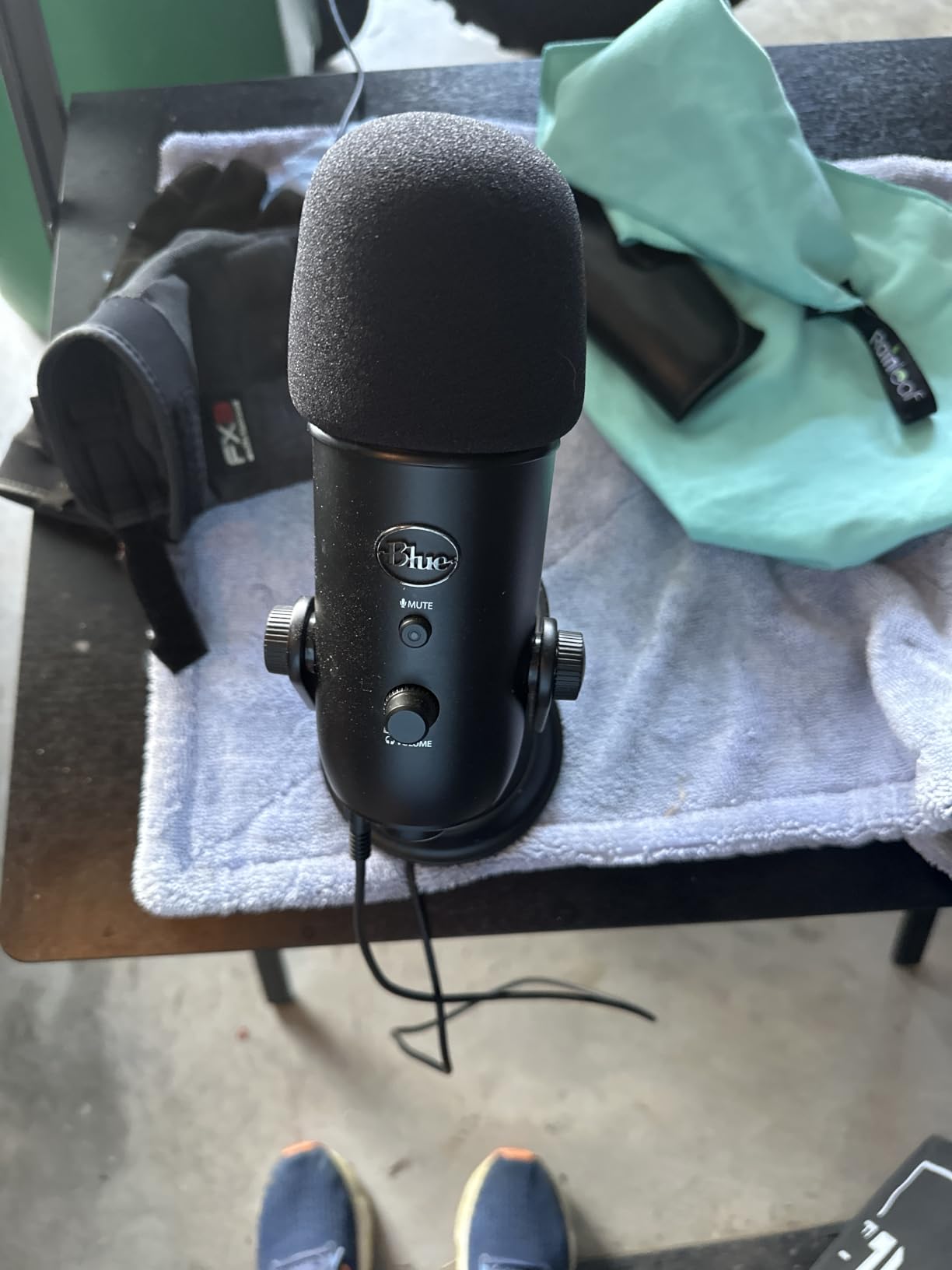
Four polar patterns make this mic incredibly versatile. I use cardioid for streaming, stereo when I record acoustic guitar sessions for YouTube, and bidirectional for the occasional podcast with a guest. The plug-and-play setup took about 90 seconds on both PC and Mac.
The Yeti is not perfect. The mini-USB port feels dated in 2026 when everything else uses USB-C. It is also a condenser mic, which means it picks up more room noise than a dynamic model like the FIFINE AM8 in our third slot. Reddit users have also reported occasional quality control issues with DOA units, so buy from a seller with a solid return policy.
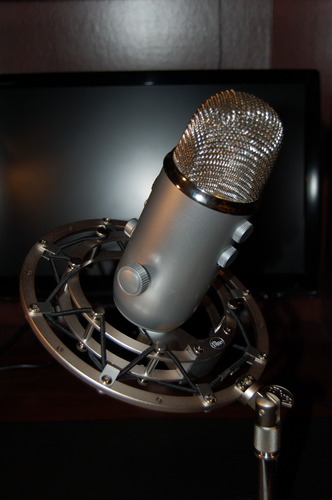
Is the Blue Yeti good for Discord and Twitch streaming?
The Yeti excels at Discord voice chat and Twitch streaming because the cardioid pattern focuses tightly on your voice while rejecting keyboard noise from the sides. I have run 6-hour Discord sessions with no complaints from teammates. For Twitch, the broadcast-grade sound makes your stream feel more professional out of the box.
If you stream in a noisy or echoey room, the Yeti still works, but you will want to lean on Blue VO!CE noise reduction or pair it with a quiet space. Dynamic mics like the FIFINE AM8 handle loud rooms better, but the Yeti wins on pure vocal warmth.
Who should skip the Blue Yeti?
Gamers who want a compact desk setup or who record in a busy shared space should look elsewhere. The Yeti is large, weighs about 3.5 pounds, and dominates the corner of your desk. If portability matters, the Razer Seiren V2 X is a better fit.
Also skip it if you already own a ModMic or other headset boom mic and just want a small upgrade. The Yeti is a full commitment to a desktop mic workflow.
2. FIFINE AmpliGame A6T – Top Rated USB Gaming Microphone Kit
FIFINE AmpliGame A6T USB Gaming Microphone Kit, Condenser Mic for Streaming
Cardioid condenser
Boom arm kit
USB-C
RGB lighting
Pros
- Complete kit with boom arm
- shock mount
- and pop filter
- Plug-and-play on PC
- Mac
- PS4
- and PS5
- Crystal-clear vocal capture at this price
- Touch-mute button on top
- Long 8.2ft USB-C cable included
Cons
- C-clamp may not fit thicker desks
- Picks up some room noise in untreated spaces
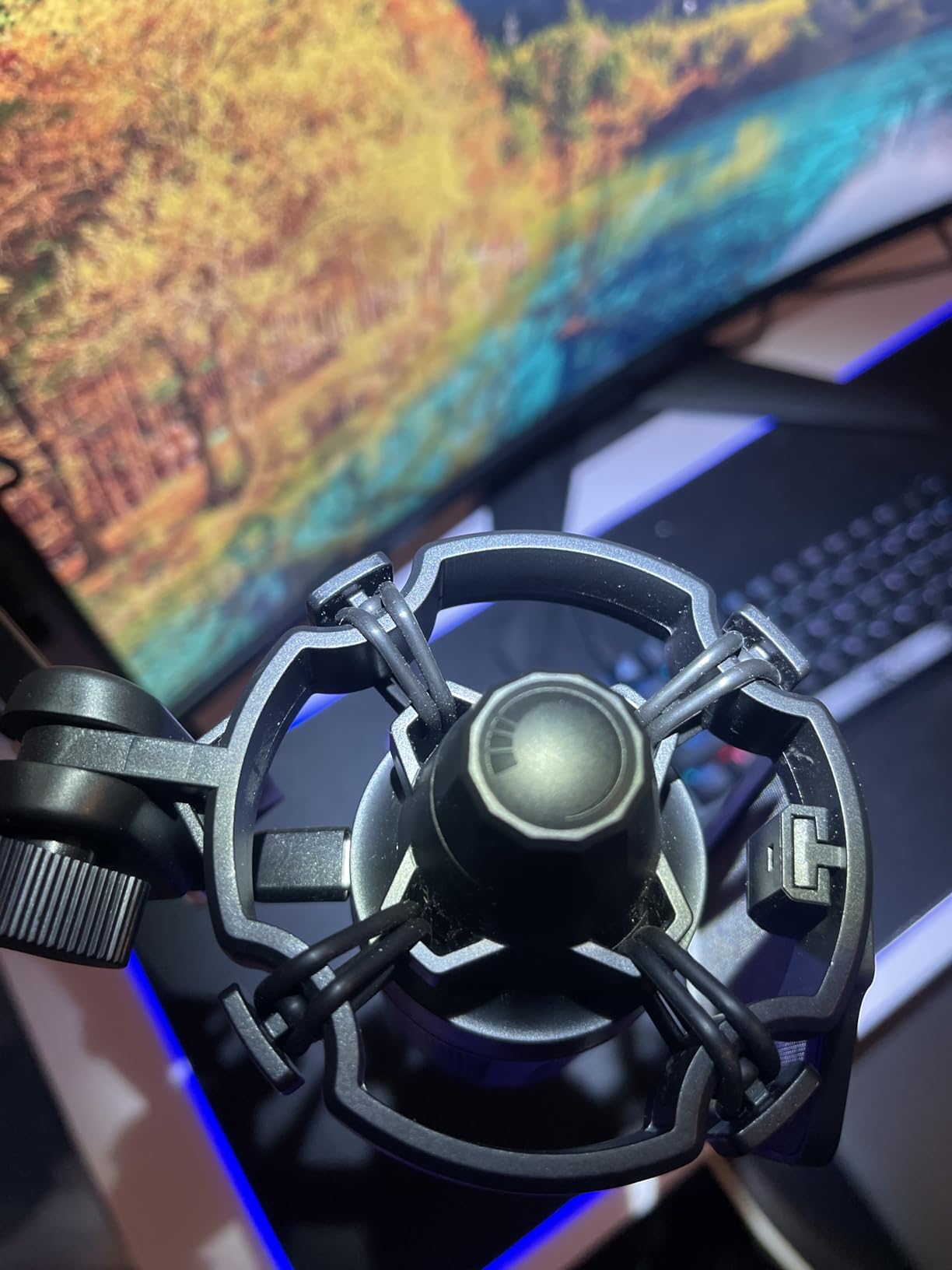
The FIFINE A6T is the mic I recommend to anyone who wants a complete streaming setup without spending a fortune. For the price, you get the microphone, an adjustable boom arm, a shock mount, and a pop filter in the box. Most competitors charge extra for at least one of those.
Audio quality is impressive for the price. The cardioid condenser capsule captures clear, crisp vocals that work great for Discord, Twitch, and YouTube. I tested it next to mics costing twice as much, and the difference was much smaller than I expected.
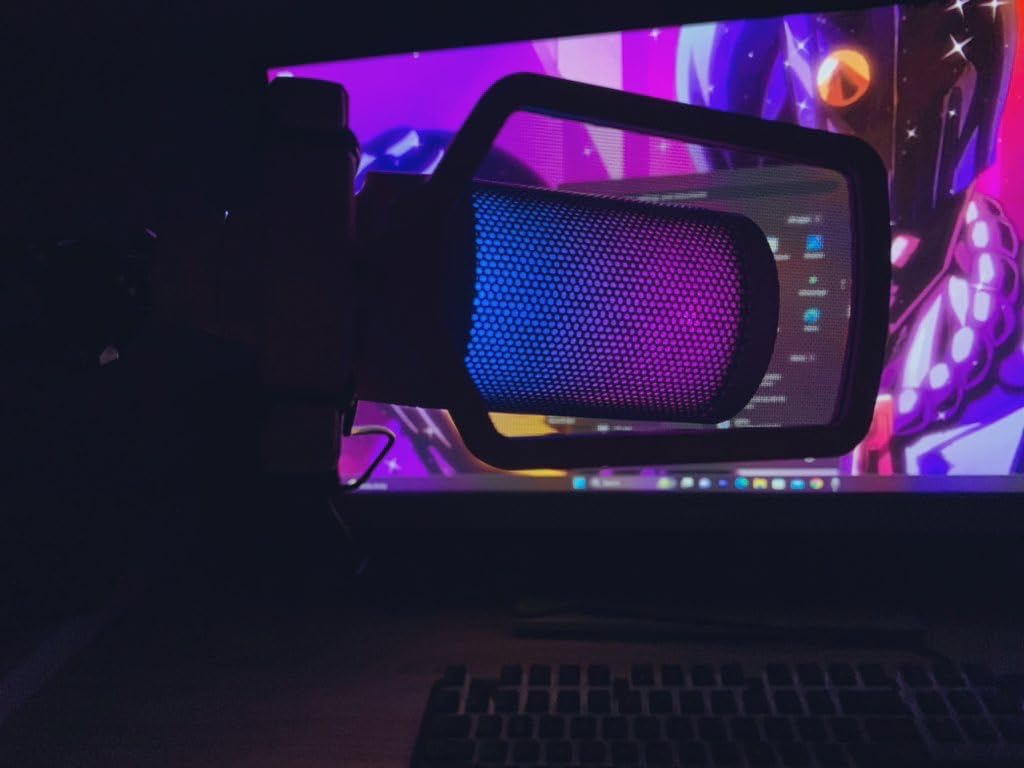
Plug-and-play setup took about two minutes on my Windows laptop. Touch-mute on top is convenient, and the two-tone gradient RGB lighting adds personality to a gaming desk without screaming for attention. The included USB-C cable is long enough to route cleanly along a boom arm.
The C-clamp that holds the boom arm gave me trouble on my 2-inch-thick desk. If you have a thicker glass or wooden desk, measure first. The mic also picks up some room noise because it is a condenser, so you will get cleaner results in a quieter space or with a foam cover.
Who is the A6T best for?
Beginner streamers, casual Discord gamers, and PS5 or PS4 owners who want one kit that handles everything. The cross-platform support is the real standout feature here. I plugged it into a PS5 and it showed up instantly.
Budget-conscious content creators who want studio-style recordings without an audio interface also love this mic. It is hard to beat the price-to-features ratio.
What are the limits of the A6T?
Condenser mics are sensitive. If your gaming room has loud PC fans, an open window, or a mechanical keyboard, you will hear some of it in your recordings. A dynamic mic like the FIFINE AM8 handles loud environments better.
There is no software equalizer included, so you will rely on OBS filters or Discord noise suppression for cleanup. That is fine for most users but limits fine-tuning compared to mics with companion apps.
3. FIFINE AmpliGame AM8 – Best Dynamic USB Microphone for Noisy Rooms
FIFINE AmpliGame AM8 USB/XLR Dynamic Microphone for Gaming Streaming
Dynamic capsule
Dual USB and XLR
Tap-to-mute
RGB ring
Pros
- Dynamic capsule rejects background noise beautifully
- Dual USB and XLR output for future upgrades
- RGB ring with multiple modes and memory function
- Headphone jack with monitoring volume control
- Tap-to-mute button works reliably
- Includes windscreen and metal threading for stands
Cons
- Touch mute can register accidental presses
- Plastic construction feels lighter than premium mics
The FIFINE AM8 is what I reach for when I game in a noisy room. Dynamic capsules reject background noise far better than condensers, so my mechanical keyboard, my PC fans, and the AC unit in the next room barely register in recordings. Teammates on Discord noticed the difference immediately.
The AM8 ships with both USB-C and XLR outputs. I started on USB, then moved to XLR when I bought an audio interface six months later. That future-proof design is rare at this price point and one of the main reasons the AM8 earns the premium pick badge.
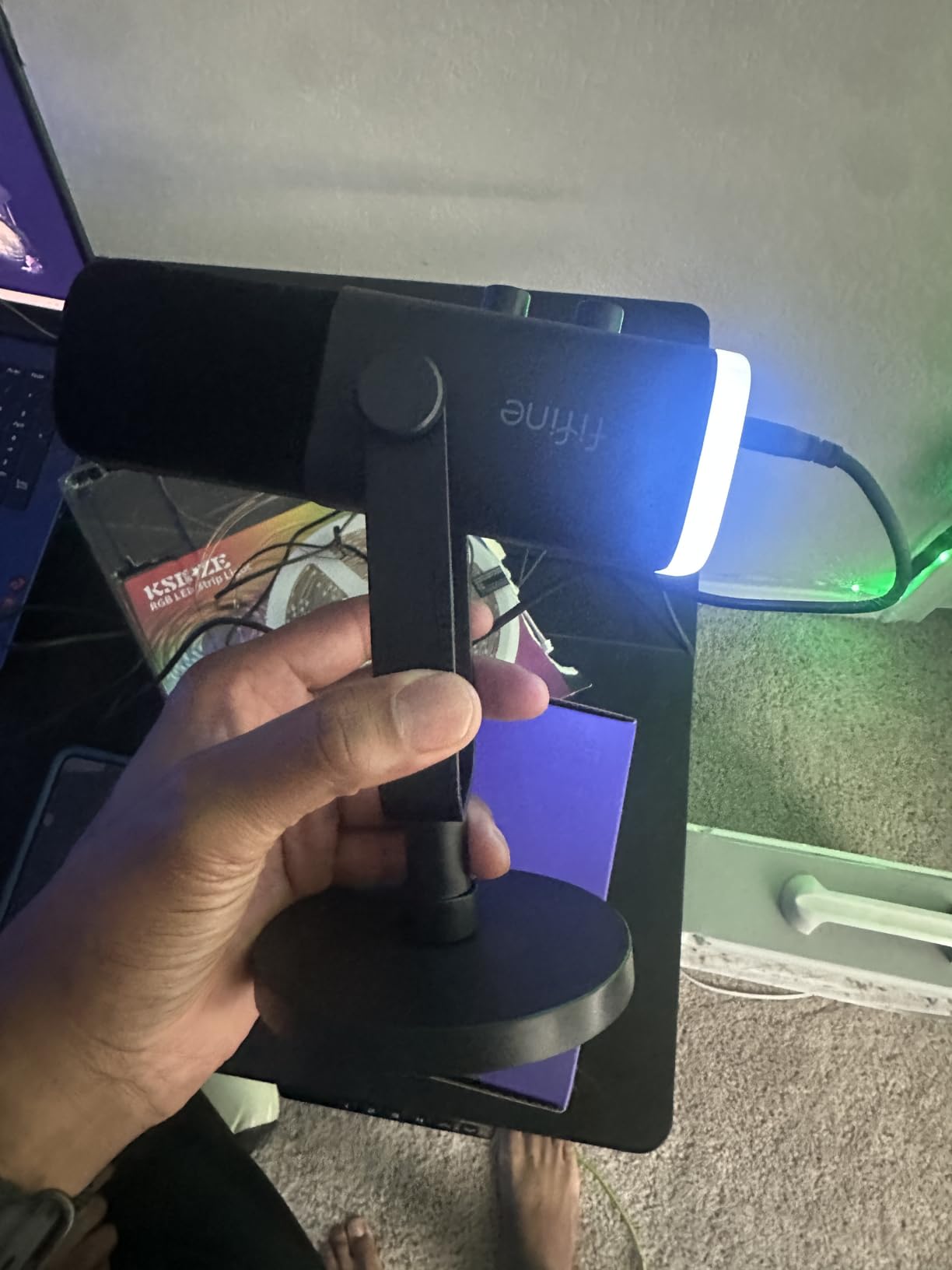
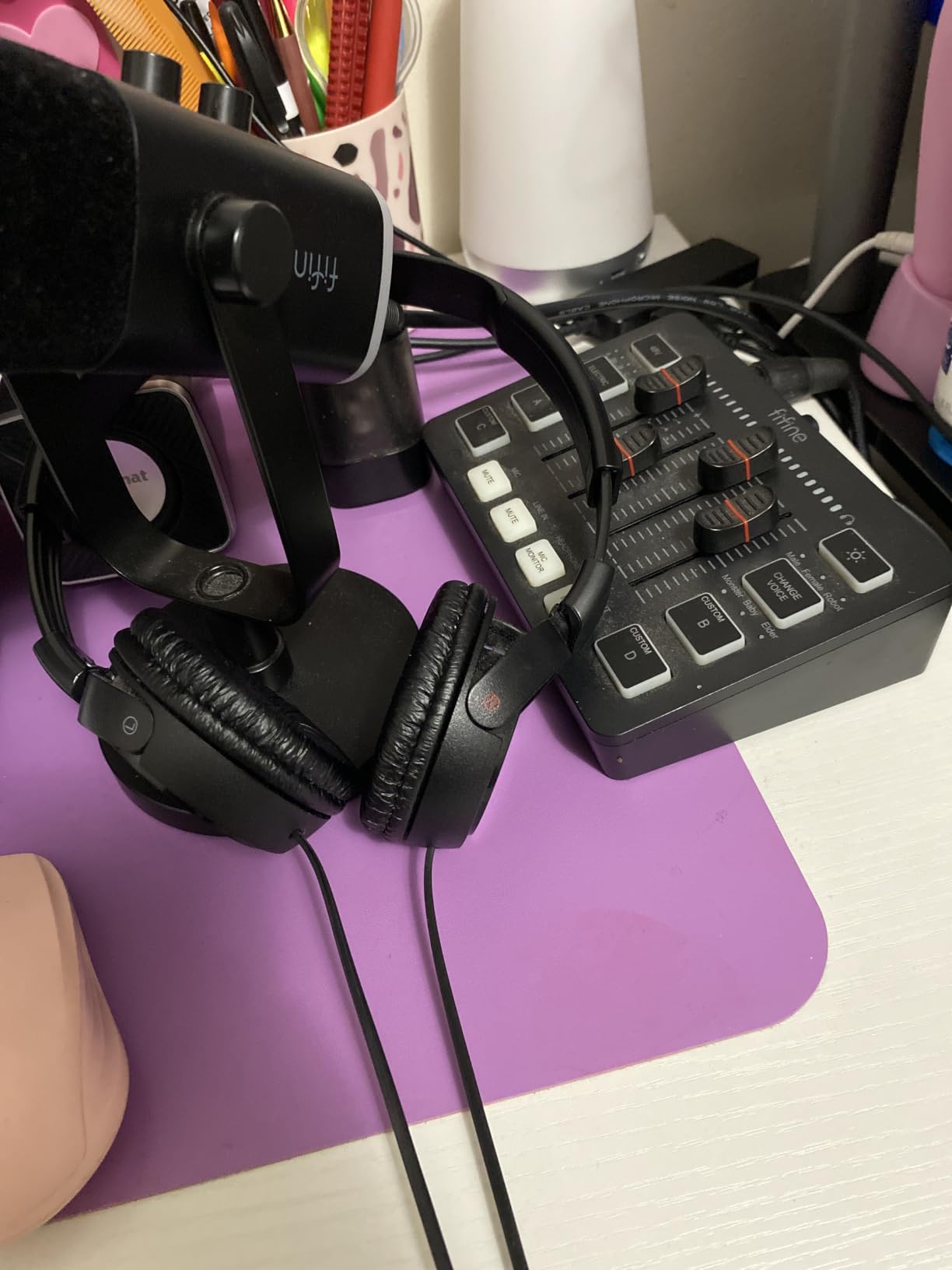
Build quality is solid for the price. The included desk stand is stable, the RGB ring has memory that survives reboots, and the headphone jack with monitoring volume is a feature usually reserved for more expensive mics. The tap-to-mute button works well, though it is a touch sensor rather than a physical press, so accidental brushes can register.
Frequency response is rated 50 Hz to 16 kHz, which is narrower than some competitors but perfectly tuned for spoken voice. Vocals sound warm and full without needing aggressive EQ.
Is the AM8 good for streaming on Twitch?
Yes, and it might be the best budget option for streamers who record in untreated rooms. The dynamic capsule keeps your voice clean while ignoring the room echo that ruins condenser recordings in bare-walled spaces.
Pair it with a boom arm and the included windscreen, and you have a streaming setup that rivals gear costing three times more. The RGB ring adds a subtle underglow without distracting from your face cam.
What is the difference between the AM8 and A6T?
The A6T is a condenser mic with a full boom arm kit, best for quieter rooms and budget builds. The AM8 is a dynamic mic without an included boom arm, best for noisy rooms and streamers who want room to upgrade. Both are excellent, and many of our team members actually own both.
If you do not need the future-proof XLR output, the A6T delivers more accessories for less money. If you record in a noisy space or plan to grow into an XLR setup, the AM8 is the smarter long-term buy.
4. ZealSound K66 – Best Budget USB Microphone for Mobile Creators
ZealSound Podcast Microphone for PC, Noise Cancellation USB Mic with Gain, Volume Adjustment & Mute Button, Monitoring & Echo, for YouTube, TikTok, Podcasting, Streaming, iPhone, iPad, Android, Mac
Noise reduction mode
USB-C and Lightning adapters
3.5mm monitoring
Metal weighted base
Pros
- Intelligent noise reduction mode with LED indicator
- Real-time zero-latency monitoring with 3.5mm jack
- USB-C and Lightning adapters included for phones
- Physical gain
- volume
- and echo knobs
- Metal base and solid build feel premium for the price
Cons
- Noise reduction can sound robotic if pushed too hard
- USB-C adapter cable is short for some phone cases
The ZealSound K66 is the cheapest USB microphone in our lineup, but it punches well above its weight class. The intelligent noise reduction mode filters out fan noise and background chatter, which I found surprisingly effective in my home office setup.
The big selling point is mobile compatibility. The K66 ships with both USB-C and Lightning adapters, so I plugged it directly into an iPhone 15 Pro and recorded a clean voiceover in under a minute. Most USB mics at this price lock you to a PC.
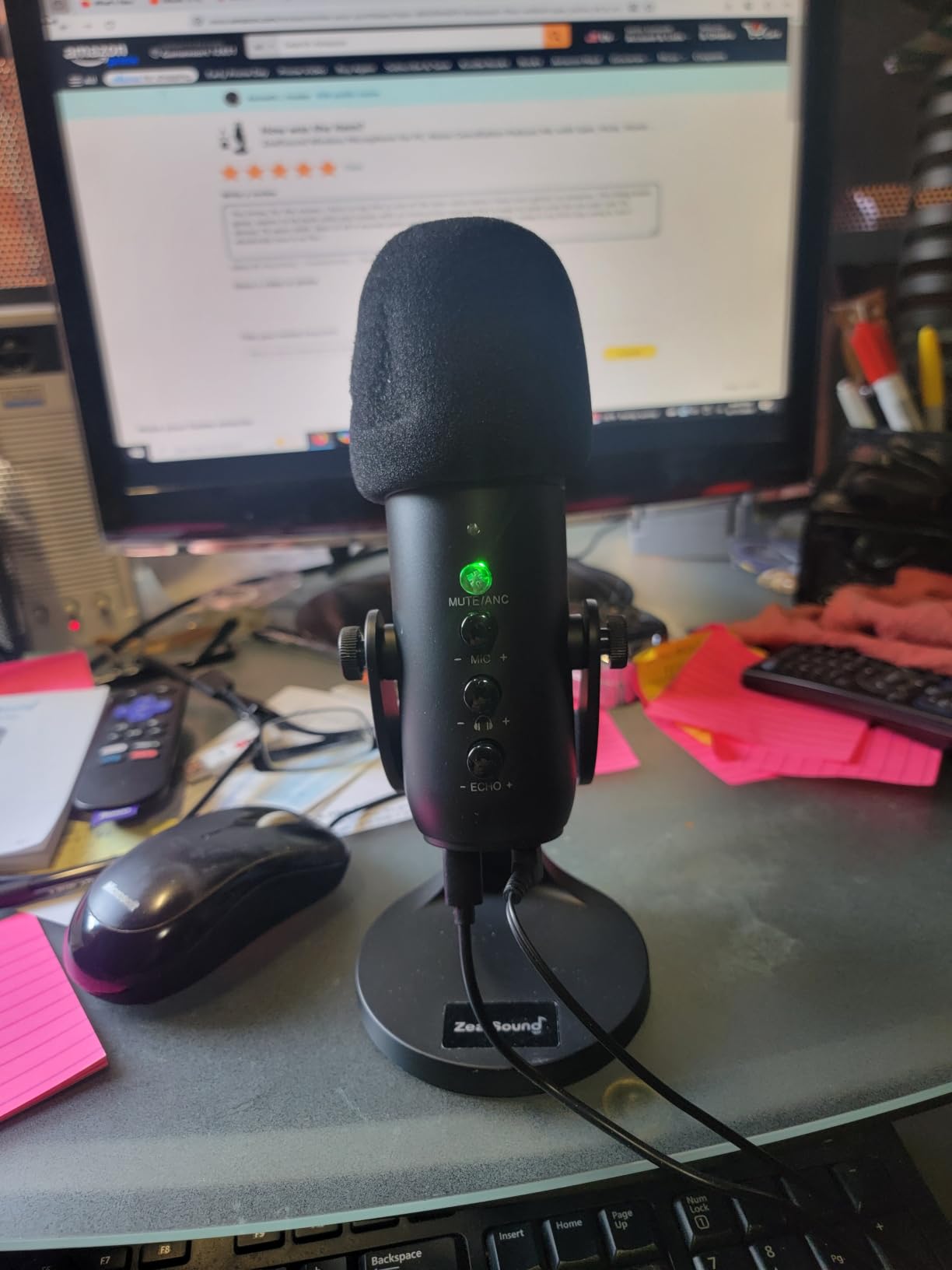
Real-time zero-latency monitoring through the 3.5mm headphone jack is a feature you usually only find on mics costing twice as much. Physical knobs for gain, monitoring volume, and echo give you tactile control without diving into software.
The noise reduction is the headline feature, but it can sound slightly robotic on aggressive settings. I keep it on the lower setting for natural vocals and only crank it for travel recordings in loud cafes.
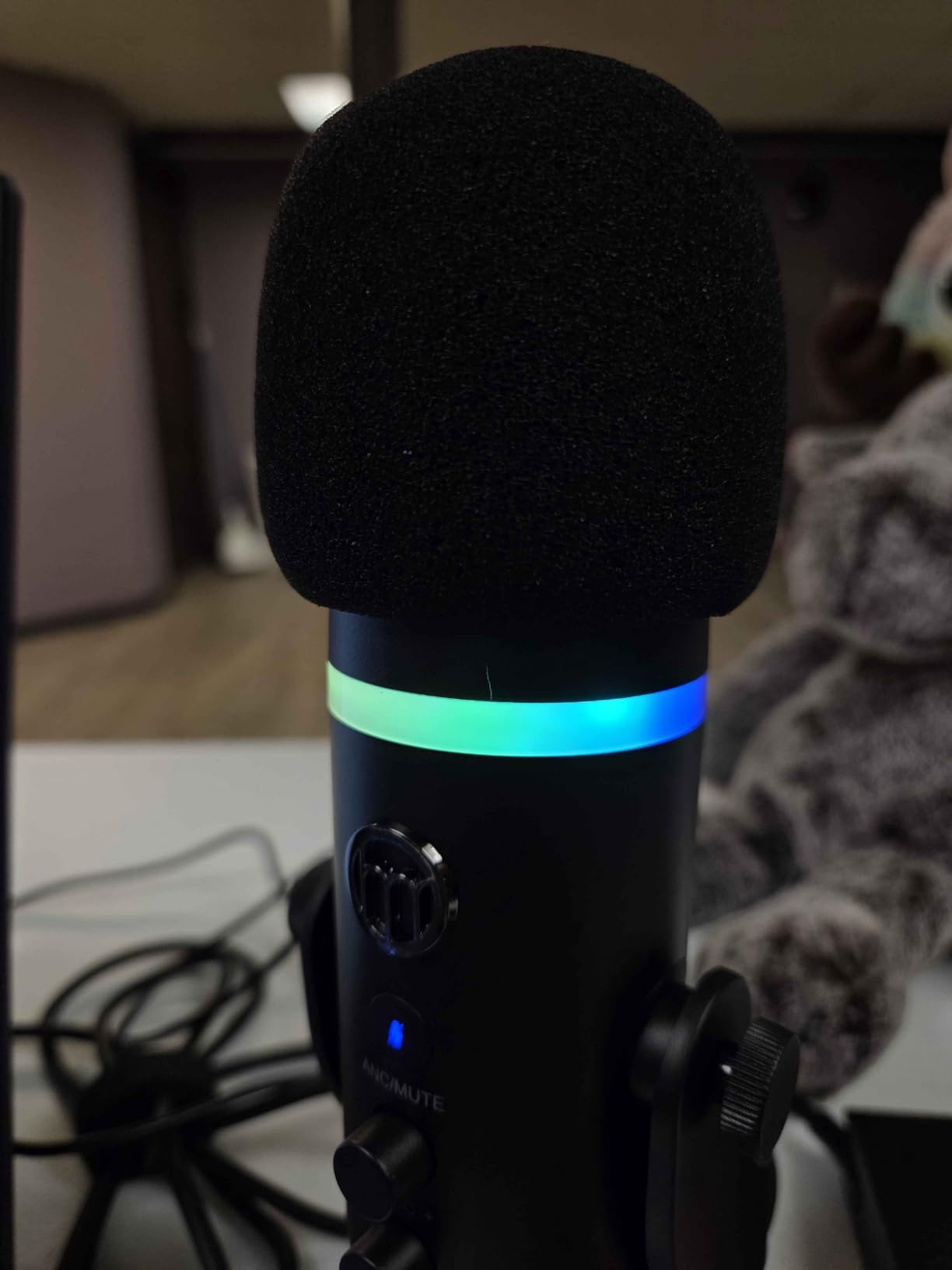
Is the ZealSound K66 good for podcasting?
Yes, especially for solo podcasters on a budget. The cardioid pattern focuses on your voice, the metal base keeps it stable on a desk, and the included foam windscreen reduces plosives. I recorded a 30-minute test episode and it sounded cleaner than several podcast setups I have heard from creators using 4x the budget.
Where it stumbles is multi-host recordings. The K66 is optimized for a single voice, so co-hosts need to crowd close or use a separate mic. That is a fair trade at this price.
Who should buy the K66?
Mobile content creators who record TikToks, Instagram Reels, or YouTube Shorts on their phones. The included adapters make this the only mic in our roundup that goes seamlessly from PC to phone without extra dongles.
It is also a great starter mic for kids or teenagers who want to try streaming without a big upfront investment. The simple knob layout makes it easy to learn.
5. MAONO DGM20S – Best USB Microphone with Boom Arm for Beginners
MAONO DGM20S Gaming Microphone for PC with Clear Voice & Noise Reduction
One-click noise reduction
Full boom arm kit
Zero-latency monitoring
USB and USB-C
Pros
- One-click noise cancellation for clean gaming audio
- Controllable RGB with multiple modes
- Tap-to-mute and gain knob right on the mic
- Full boom arm
- shock mount
- and pop filter included
- Two-year warranty for peace of mind
Cons
- USB port on the back limits rotation angle
- Not compatible with Xbox consoles
The MAONO DGM20S is the mic I recommend to friends who have never owned a USB mic before. It comes with everything in the box, including a metal boom arm, shock mount, and pop filter. You literally unbox, clamp, plug in, and start talking.
One-click noise reduction is a standout feature. A single button on the mic toggles noise cancellation on and off, and the difference is immediately noticeable in Discord. My keyboard clicks dropped by about 80 percent on the toggle.
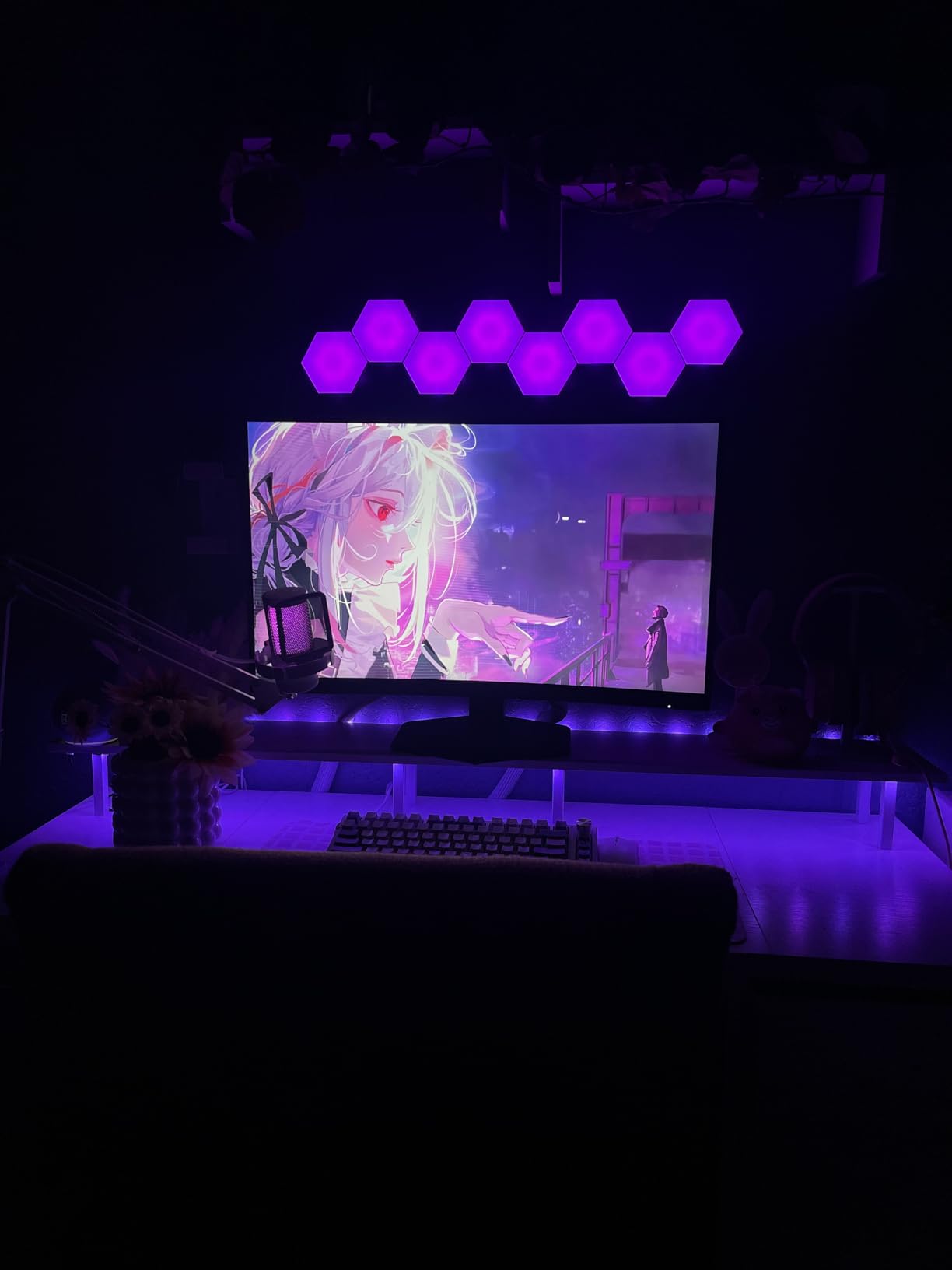
The tap-to-mute button and gain knob on the front make adjustments fast during a game. Zero-latency monitoring through the 3.5mm headphone jack lets you hear your own voice without Discord delay, which helps with stream energy and timing.
Build quality is solid, and the metal boom arm holds the mic steady without sagging. The two-year warranty is the longest in our roundup and a real vote of confidence from MAONO.
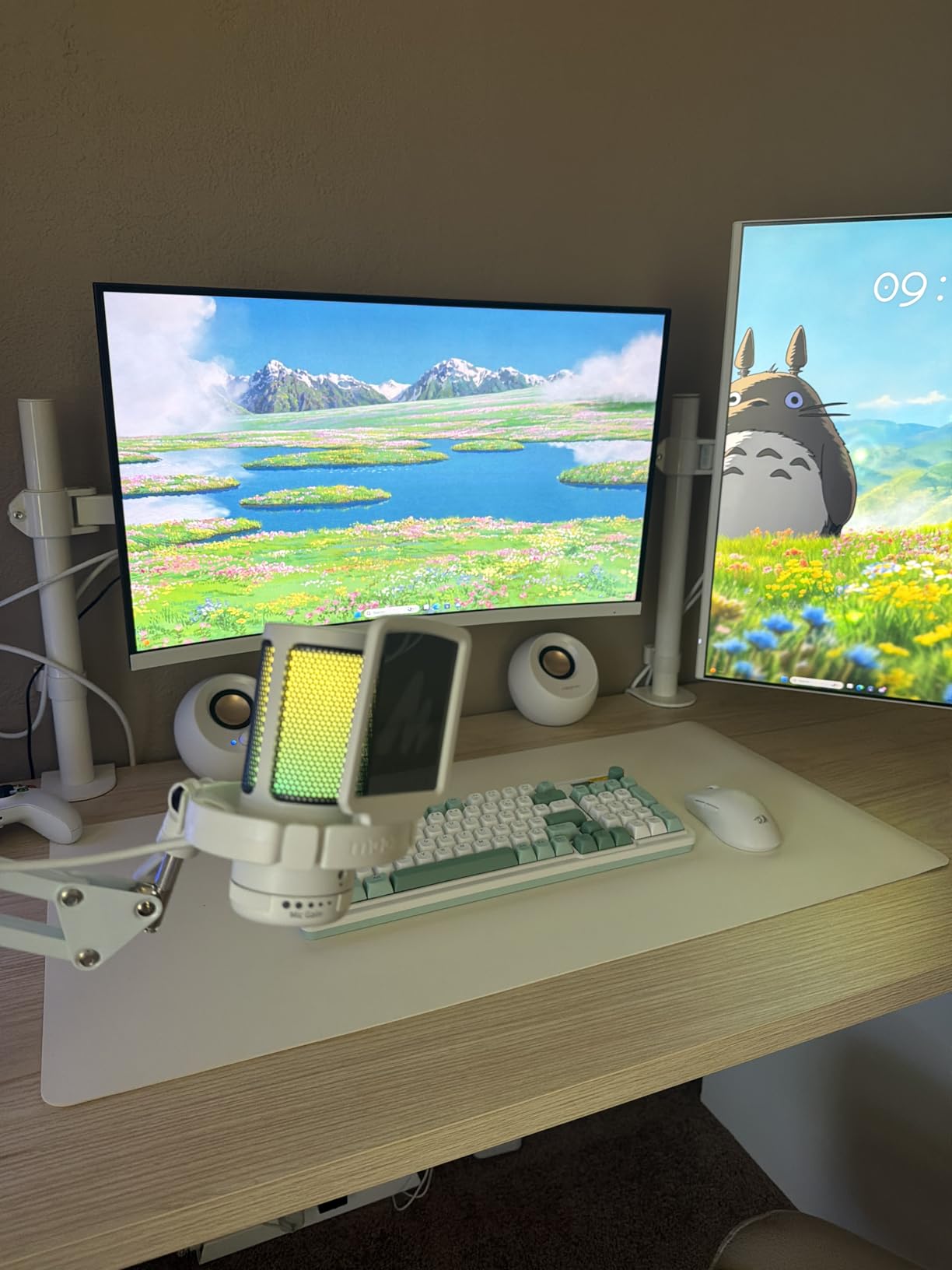
Is the DGM20S good for PS5 gaming?
Yes. I tested it on a PS5 and it connected instantly as a USB audio device. The noise reduction works on console too, and the boom arm keeps it out of your way during couch gaming sessions.
Xbox users should look at the HyperX QuadCast 2 or Razer Seiren V2 X instead, since the DGM20S is not officially compatible with Xbox consoles.
What is the difference between DGM20S and FIFINE A6T?
Both are condenser mics with full boom arm kits at similar prices. The DGM20S adds a dedicated noise cancellation button and a longer warranty. The A6T has more RGB customization options and a slightly longer cable.
Pick the DGM20S if you want simpler controls and better warranty coverage. Pick the A6T if RGB aesthetics and cable length matter more to you.
6. TONOR TC310+ – Best Budget USB Microphone with Boom Arm
TONOR Gaming Microphone Set with Boom Arm, Vocal Condenser Microphone for Content Creators, USB Mic for PC with Stand, RGB, Tap Mute, Gain Control, Gaming Equipemnt, Twitch, Streaming, TC310+
Four RGB modes
Full boom arm kit
Tap-to-mute
USB-A plug-and-play
Pros
- Lowest price in our roundup with a full boom arm kit
- Four RGB lighting modes with brightness control
- Plug-and-play with no driver installation
- Tap-to-mute button on top of the mic
- Rotating top doubles as gain control
Cons
- Boom arm clamp can slip on smooth desks
- No headphone jack for direct monitoring
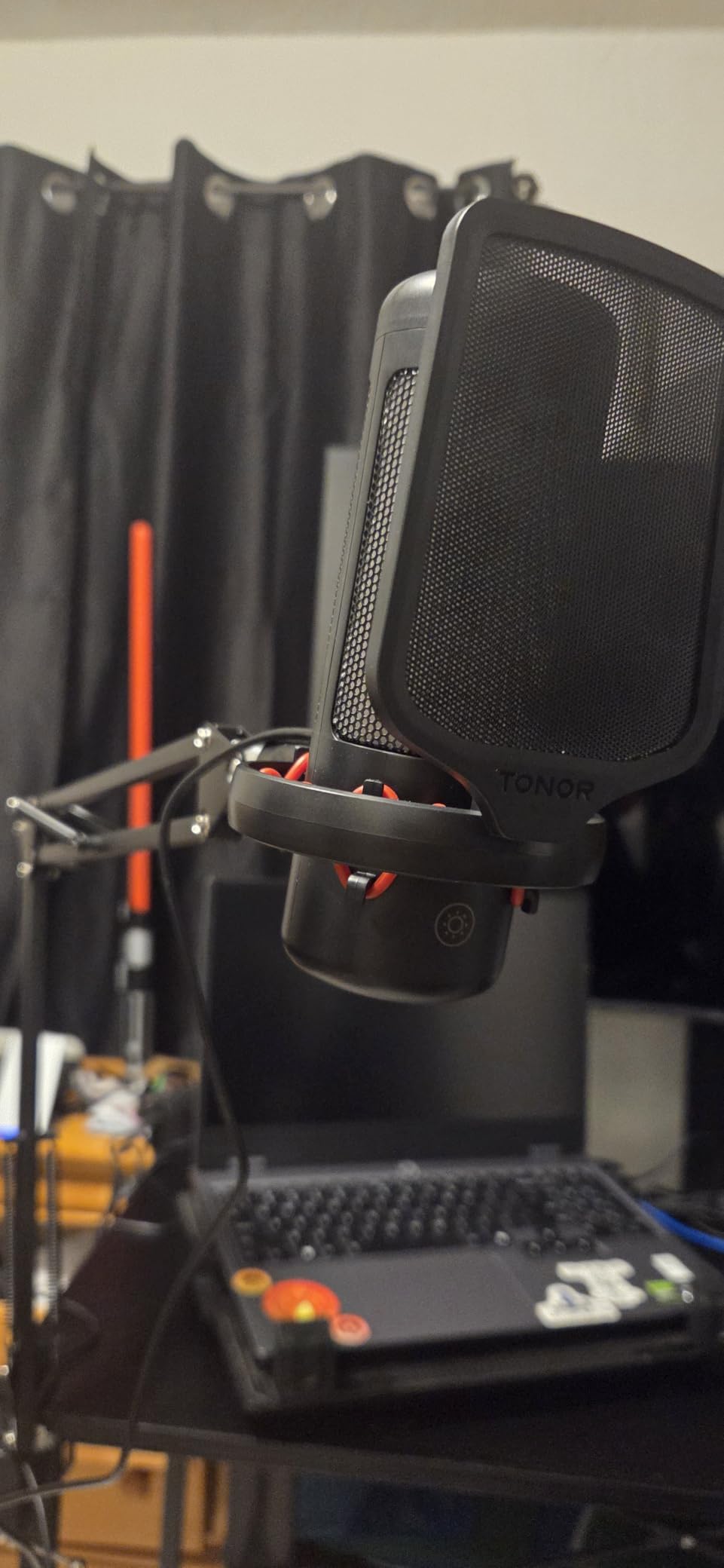
The TONOR TC310+ is the cheapest complete USB microphone kit in our lineup. For under thirty dollars you get the mic, a boom arm, shock mount, and pop filter. It is hard to argue with that for a starter setup.
Audio quality is clean for the price. The cardioid condenser capsule captures vocal fundamentals well, and the included shock mount reduces vibration noise from typing and desk bumps. I used it for a week of Discord gaming and had zero complaints from teammates.
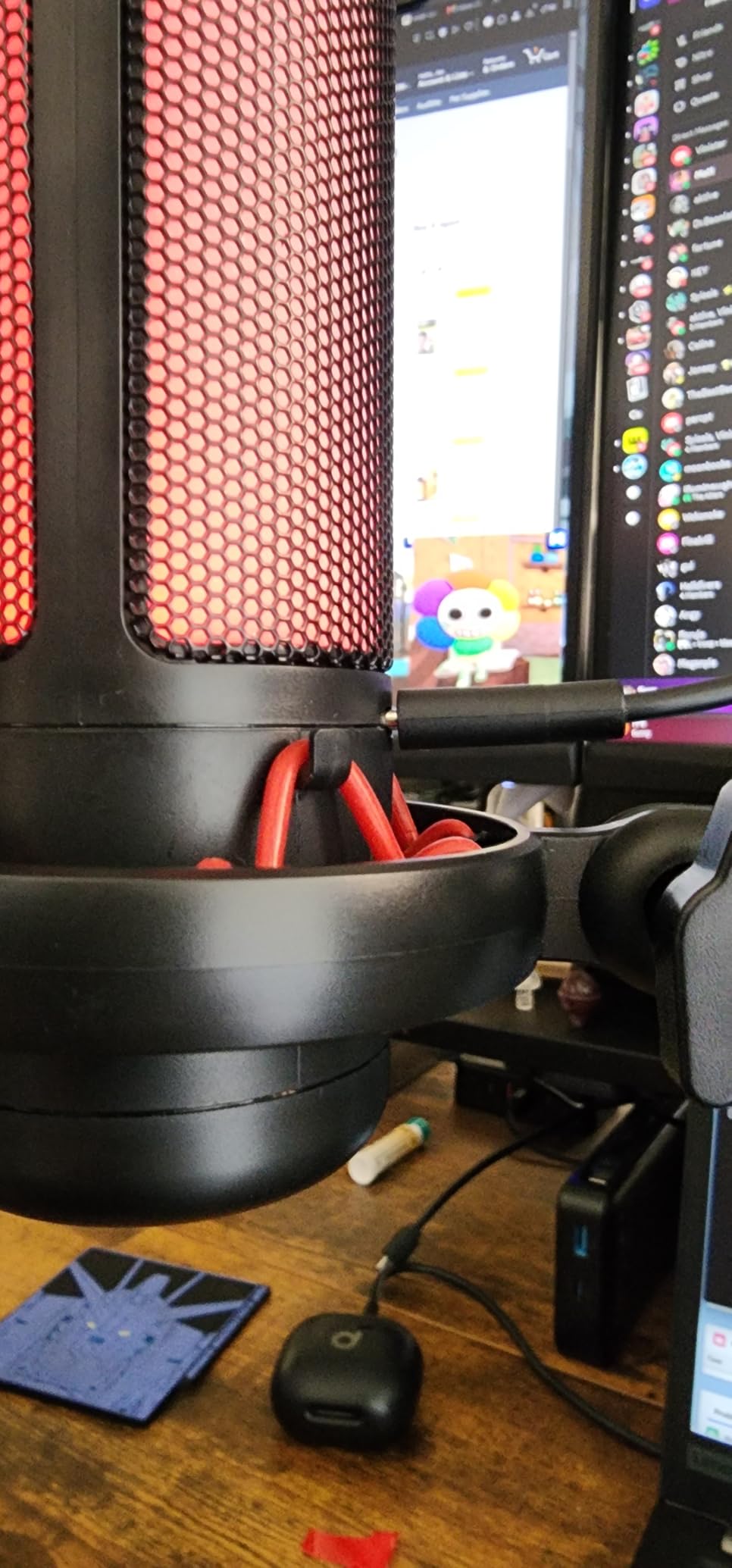
Four RGB lighting modes with brightness control add a gaming aesthetic without being too aggressive. Tap-to-mute on top is responsive, and rotating the top of the mic adjusts gain, which is a clever space-saving design.
There is no headphone jack, so you cannot do zero-latency monitoring directly through the mic. You will need to rely on your PC or console for audio passthrough, which adds a tiny delay.
Who is the TC310+ for?
Casual Discord users, casual streamers just starting out, and anyone on a tight budget who wants a clean desk look without a separate mic stand. The boom arm kit alone is worth the price compared to buying accessories separately.
It is also a great gift for a teenager or a younger sibling getting into gaming. The simple plug-and-play setup means no parental tech support required.
What are the limits of the TC310+?
The clamp on the boom arm can slip on smooth glass desks. Adding a small piece of non-slip pad underneath solves the problem. There is also no gain knob readout, so adjusting levels requires guesswork until you get used to it.
Audio quality will not match the Blue Yeti or HyperX QuadCast 2, but at this price tier, it does not need to. It is a serious upgrade over any headset mic and a great first step into standalone USB audio.
7. HyperX QuadCast 2 – Best Premium USB Microphone for Streaming
HyperX QuadCast 2 – USB Microphone for Gaming, Streaming and Podcasting, with On-Board Controls, LED Lighting, Removable Shock Mount, PC, Mac, PS5, PS4, USB-C – Black
Four polar patterns
USB-C
Removable shock mount
Tap-to-mute sensor
Pros
- Crystal-clear audio with rich detail and depth
- Four polar patterns for streaming
- podcasting
- and interviews
- Removable shock mount reduces vibration noise
- USB-C connectivity is modern and reliable
- Tap-to-mute sensor with LED status ring
- HyperX NGENUITY software adds filters and EQ
Cons
- Polar pattern selection moved to software instead of hardware
- Premium price tag over budget alternatives
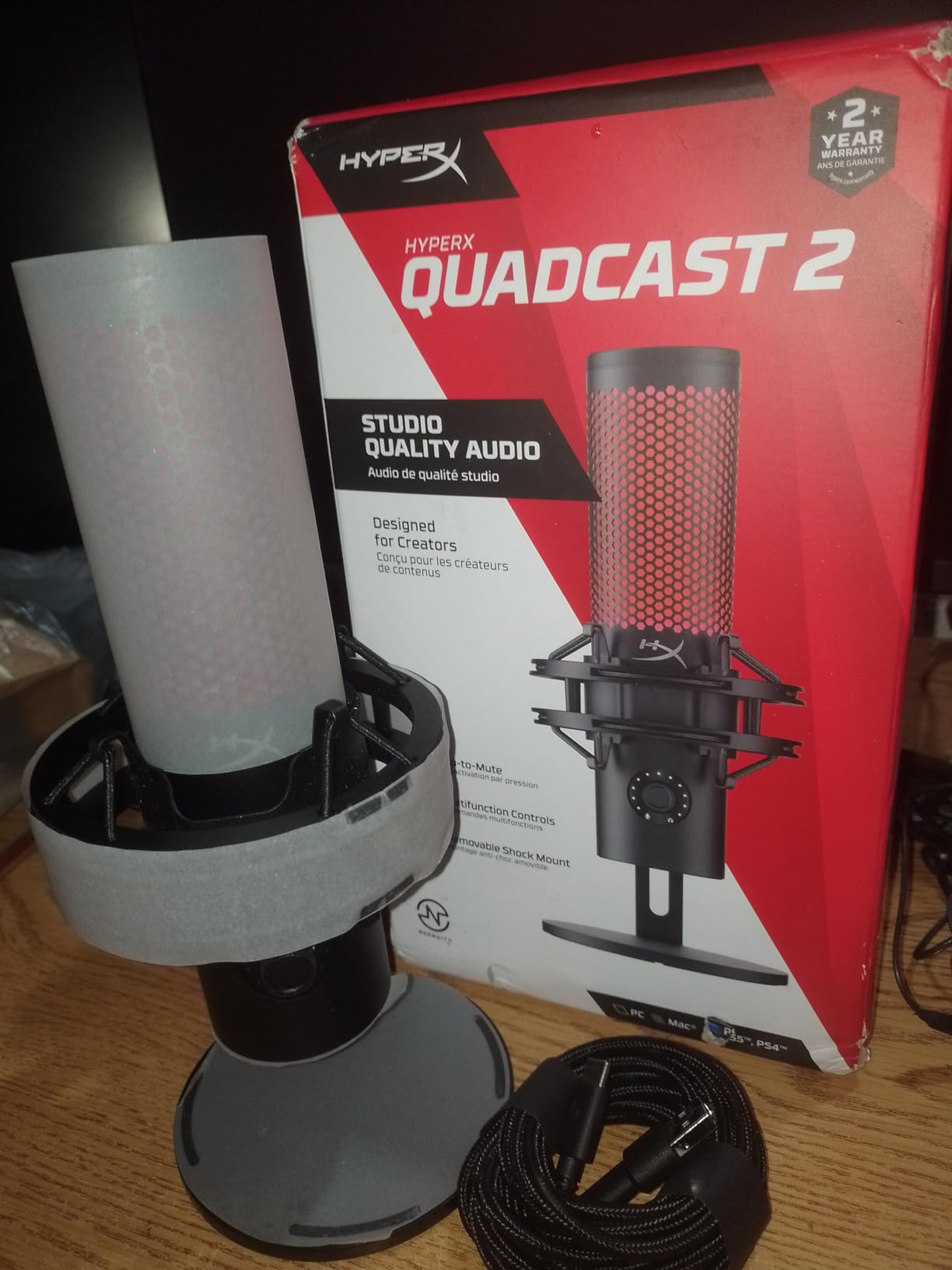
The HyperX QuadCast 2 is the upgrade HyperX fans have been waiting for. Audio is louder and cleaner than the original QuadCast, with a richer low end that makes your voice sound fuller on stream. I tested it against the original side by side, and the difference was obvious in the first 30 seconds.
Four polar patterns cover every scenario. Cardioid for solo streams, stereo for music or ASMR, omnidirectional for round-table podcasts, and bidirectional for interviews. The removable shock mount is genuinely useful and cuts desk bump noise dramatically.
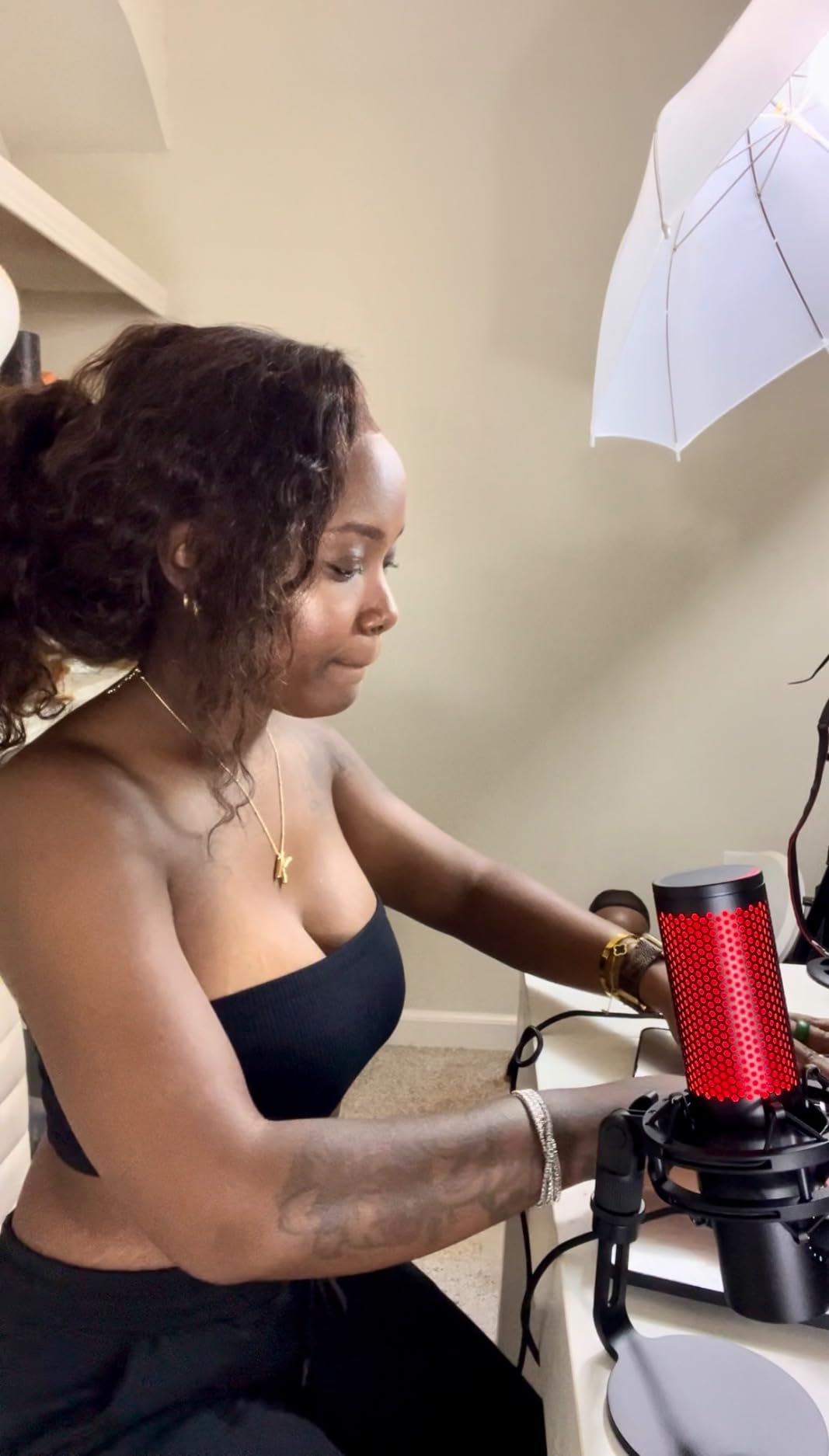
USB-C connectivity is a long-overdue upgrade from the original QuadCast and matches modern PC and Mac standards. The tap-to-mute sensor on top is reliable, with a clear LED indicator that lets you know when you are live.
HyperX NGENUITY software unlocks high-pass filters, EQ presets, and RGB lighting customization. The software has matured a lot and no longer feels like bloat.
Is the QuadCast 2 good for Twitch streaming?
Yes, it is one of the best USB mics for streaming at this price. The audio quality holds up against broadcast-grade gear, and the four polar patterns cover every streaming format from solo gameplay to interview shows.
Pair it with a good boom arm and a pop filter, and you have a setup that rivals USB mics costing significantly more. Twitch streamers who already use HyperX peripherals will appreciate the unified NGENUITY ecosystem.
Who should buy the QuadCast 2?
Streamers and content creators who want a premium USB mic without jumping to XLR. The plug-and-play setup means you can go from unboxing to first stream in under 10 minutes.
Existing QuadCast owners who want a clear audio upgrade should consider it too. The new capsule and louder output are worth the swap.
8. Razer Seiren V2 X – Best Compact USB Microphone for Small Desks
Razer Seiren V2 X USB Condenser Microphone for Streaming and Gaming on PC: Supercardioid Pickup Pattern – Integrated Digital Limiter – Mic Monitoring and Gain Control – Built-in Shock Absorber
25mm condenser capsule
Supercardioid pattern
Built-in shock absorber
Digital limiter
Pros
- Compact size fits on the smallest gaming desks
- Supercardioid pattern rejects off-axis noise
- Integrated digital limiter prevents audio clipping
- Built-in shock absorber reduces vibration noise
- On-mic gain control and mute button
- Durable design that survives daily travel
Cons
- Razer Synapse software required for advanced features
- Limited polar pattern (supercardioid only)
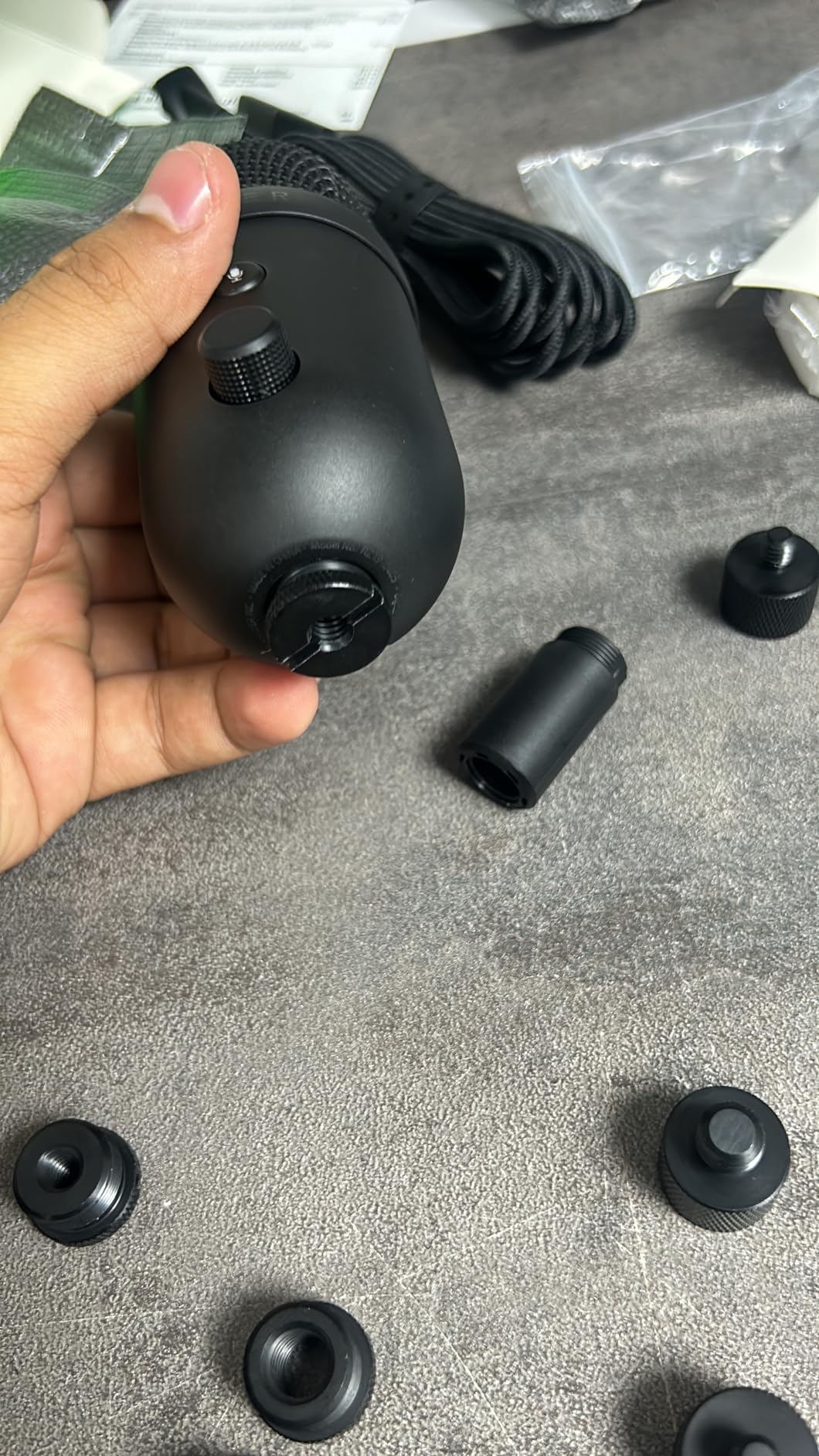
The Razer Seiren V2 X is the most compact mic in our roundup and the best choice for tight gaming setups. It stands about 7 inches tall and weighs just over 10 ounces, so it fits next to a monitor, keyboard, and mouse without crowding anything.
Audio quality punches above its size. The 25mm condenser capsule delivers clear, accurate voice capture, and the supercardioid pattern is more directional than a standard cardioid. I tested it about 6 inches from my mouth and the keyboard on my desk was barely audible in the recording.
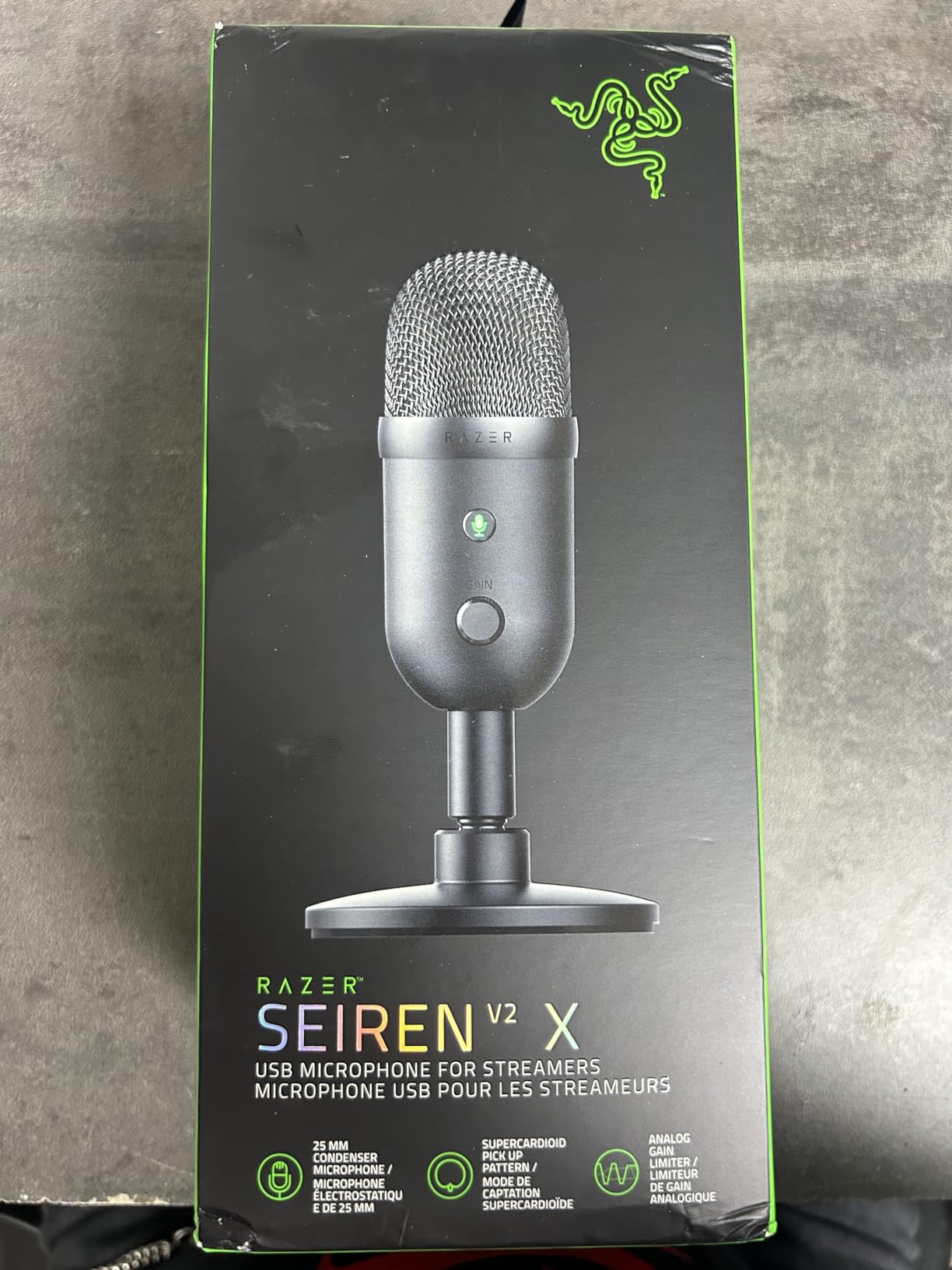
The integrated digital limiter is a smart safety feature. If you yell during a competitive match, the limiter prevents the audio from clipping and distorting. That is a real-world problem that ruins recordings, and most USB mics at this price do not solve it.
The built-in shock absorber reduces vibration noise from desk bumps and accidental knocks, which matters when your desk doubles as your gaming surface.
Is the Seiren V2 X good for streaming and gaming?
Yes. The compact form factor makes it easy to position just out of frame on camera, and the audio quality holds up against bigger desktop mics. I used it for a full week of Discord gaming and OBS streaming, and my viewers said my audio sounded clearer than my previous full-size condenser.
The supercardioid pattern is more focused than cardioid, so it is also great for noisy rooms. PC fans and air conditioning did not show up in my recordings.
What is the catch with the Seiren V2 X?
Razer Synapse software is required to unlock some advanced features like mic EQ and noise gate settings. The software has improved a lot but can still feel like bloat if you only want basic recording.
Mac users on Apple silicon have limited software support, so some settings are not available without a Windows machine. Windows and PS5 users get the full experience.
How to Choose the Best USB Microphone for Gaming?
Choosing the right USB microphone depends on your room, your platform, and what kind of gaming you do. Here are the factors our team weighs when picking a mic for ourselves and recommending to friends.
Polar Patterns Explained
A polar pattern describes how a microphone picks up sound from different directions. Cardioid is the most common pattern and the best choice for solo gaming, streaming, and Discord. It focuses on sound directly in front of the mic and rejects noise from the sides and rear. Most of our picks use cardioid as the default pattern.
Supercardioid, like on the Razer Seiren V2 X, is even tighter than cardioid. It rejects more side noise but also picks up a small amount of sound directly behind the mic, which matters if your PC is on your desk.
Omnidirectional picks up sound equally from all directions, which is great for round-table podcasts but terrible for gaming because it captures your entire room. Bidirectional captures front and back, useful for two-host interviews. Stereo captures a wide front field for music or ASMR. The Blue Yeti and HyperX QuadCast 2 give you all of these patterns in one mic.
USB vs XLR Microphones
USB microphones plug directly into your PC, Mac, or console and work without any extra hardware. They are perfect for beginners, casual streamers, and anyone who wants simplicity. XLR microphones require an audio interface or mixer and are preferred by professional studios and serious streamers.
For most gamers, USB is the right choice. The FIFINE AM8 stands out because it offers both USB and XLR outputs, so you can start on USB today and move to XLR later without buying a new mic. Reddit’s r/microphone community consistently calls out XLR as overkill for entry-level streamers.
USB mics have improved dramatically in recent years. The Blue Yeti and HyperX QuadCast 2 deliver audio quality that would have required a full audio interface setup five years ago.
Sample Rate and Bit Rate
Sample rate measures how many times per second the microphone captures audio. 48 kHz is the broadcast standard and more than enough for gaming and streaming. Higher rates like 96 kHz and 192 kHz are marketing overkill for voice and create larger files without any audible benefit for spoken word.
Bit rate measures audio depth. 16-bit is standard for gaming and Discord. 24-bit gives you more headroom for editing. Anything beyond 24-bit is wasted on gaming audio.
In short, do not pay extra for higher numbers. Tom’s Hardware found that 192 kHz and 32-bit specs are marketing buzzwords for voice chat. The 48 kHz and 24-bit combo covers everything gaming needs.
Dynamic vs Condenser for Noisy Rooms
Condenser microphones (like the Blue Yeti, FIFINE A6T, and HyperX QuadCast 2) capture more detail and sound warmer, but they also pick up more room noise. If you record in a quiet space, condenser is the better choice.
Dynamic microphones (like the FIFINE AM8) reject more background noise and work better in untreated rooms, shared spaces, or environments with loud PC fans and mechanical keyboards. Reddit’s r/microphone community is nearly unanimous that dynamic is the way to go for noisy rooms.
If you are not sure which you need, think about whether you hear your room echo when you speak. If yes, go dynamic. If your room is quiet and you want the warmest vocal capture, go condenser.
Monitoring and Software
Zero-latency monitoring through a 3.5mm headphone jack on the mic lets you hear your own voice in real time without the delay of Discord or OBS. This is critical for streamers who want to feel their energy and timing. The FIFINE AM8, MAONO DGM20S, and ZealSound K66 all include this feature. The TONOR TC310+ does not.
Software ecosystems vary widely. Rode Central, Shure Motiv Mix, Blue VO!CE, Logitech G Hub, HyperX NGENUITY, and Razer Synapse all unlock EQ, noise gates, and effects. Our team found Blue VO!CE and Motiv Mix the most useful for gaming. Razer Synapse and HyperX NGENUITY have improved but can still feel heavy if you do not already use other peripherals from the same brand.
Boom Arms and Accessories
A boom arm keeps your mic off the desk, out of camera frame, and properly positioned for best audio. Most of our picks include standard 3/8-inch or 5/8-inch threading, which fits the vast majority of aftermarket boom arms. The FIFINE A6T, MAONO DGM20S, and TONOR TC310+ ship with complete kits including boom arms.
Pop filters reduce plosive sounds from letters like P and B. Shock mounts reduce vibration noise from desk bumps and keyboard typing. Both are bundled with the kits above and worth buying separately for mics that do not include them.
Mic placement matters more than most gamers realize. Position the mic 4 to 6 inches from your mouth, slightly off-axis to reduce plosives. Following the 3:1 rule (the mic should be at least three times as far from any noise source as it is from your mouth) keeps keyboard and fan noise out of your recordings.
Frequently Asked Questions
Is a USB mic good for gaming?
Yes. A dedicated USB microphone is a major upgrade over any headset mic for gaming. It picks up less keyboard noise, sounds fuller and more natural, and gives you physical controls for gain, mute, and monitoring. Most USB mics also work plug-and-play on PC, Mac, PS4, and PS5 with no extra hardware.
What is the best USB gaming microphone overall?
The Logitech Blue Yeti is our top pick for the best USB gaming microphone thanks to its broadcast-quality sound, four polar patterns, and Blue VO!CE software. The FIFINE A6T is the best value with a complete boom arm kit included, and the FIFINE AM8 is the best dynamic pick for noisy rooms.
What is the 3:1 rule for microphones?
The 3:1 rule means placing the microphone at least three times farther from any noise source (keyboard, fan, PC) than it is from your mouth. If your mouth is 5 inches from the mic, your keyboard should be at least 15 inches away. This dramatically reduces background noise in recordings.
What type of mic is best for gaming – USB or XLR?
USB is the best choice for most gamers. It plugs directly into your PC or console with no extra hardware and works for Discord, streaming, and content creation. XLR requires an audio interface and is best for professional studios or streamers planning to invest in a full audio chain. The FIFINE AM8 offers both USB and XLR for future flexibility.
What is the best microphone under $50 for gaming?
The FIFINE A6T is the best USB microphone under $50 for gaming because it ships with a complete boom arm kit, shock mount, and pop filter. The TONOR TC310+ is the cheapest complete option, while the ZealSound K66 is the best choice for mobile creators who also record on phones.
Final Verdict
The best USB microphones for gaming come down to where you record and what you want to spend. The Logitech Blue Yeti remains our editor’s choice for its unmatched versatility and broadcast-quality sound, supported by tens of thousands of long-term reviews.
For budget builds, the FIFINE A6T delivers the most value with a complete boom arm kit at a great price. For noisy rooms, the FIFINE AM8 dynamic capsule is hard to beat. For mobile creators, the ZealSound K66 is the only mic in our roundup that travels from PC to phone without extra dongles.
Whichever mic you choose, place it 4 to 6 inches from your mouth, follow the 3:1 rule for any background noise sources, and enjoy the upgrade. Your teammates will hear the difference the moment you join the next Discord call.