
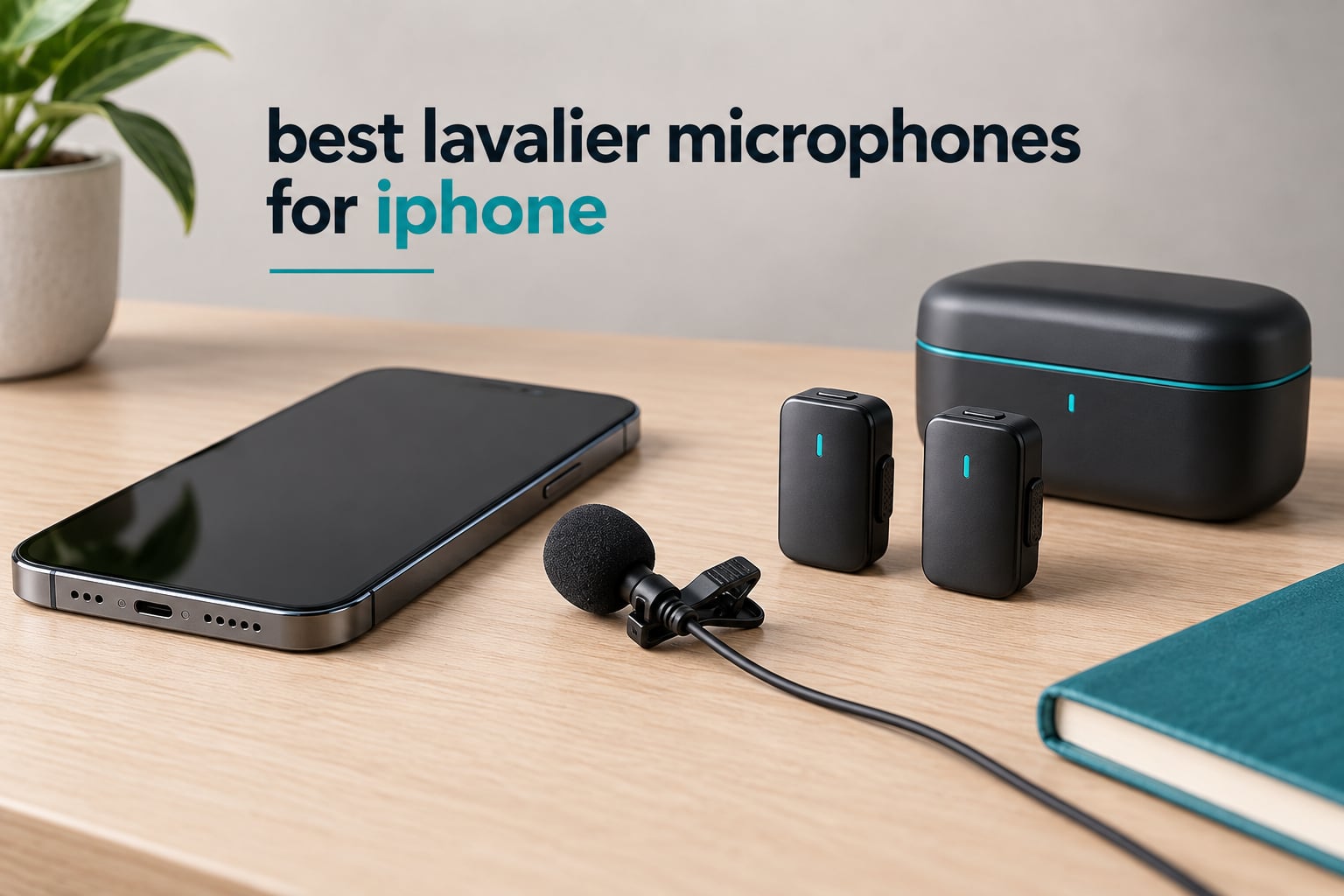
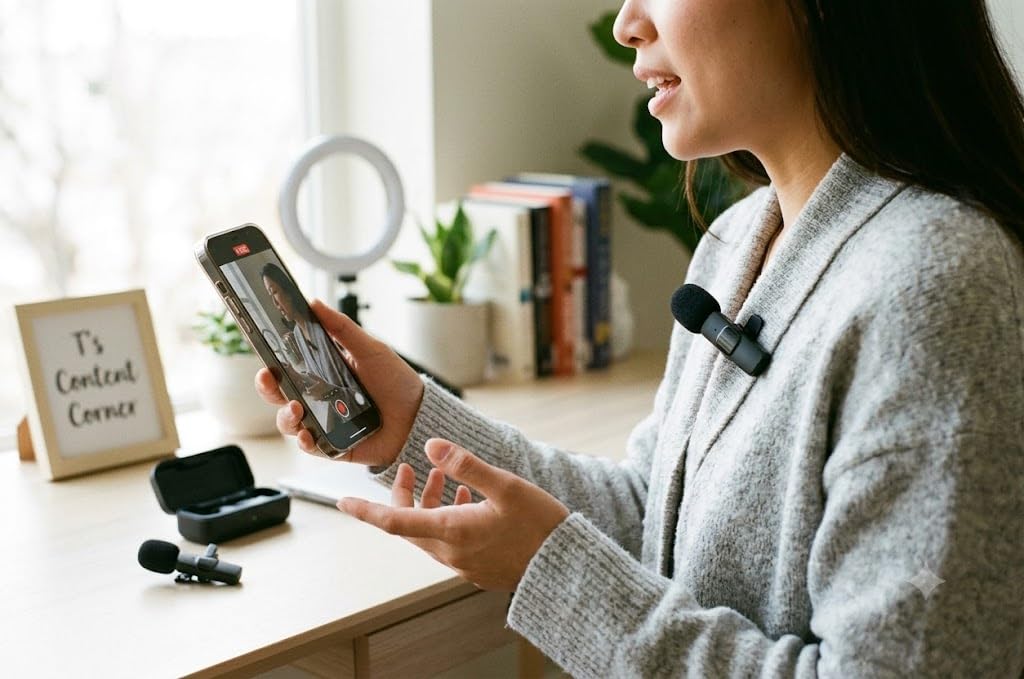
If you have ever re-shot a video because the audio sounded muffled and thin, you already know the iPhone’s built-in microphone is the weakest link in an otherwise excellent phone camera. The built-in mic sits several inches from the phone, not from your mouth, so it picks up room echo, traffic and handling noise long before it picks up your voice. A clip-on lavalier microphone fixes that in one move, because the capsule ends up six to eight inches from your collarbone.
Two decisions decide everything else. First, the connector: iPhone 15 and later use USB-C, and older Lightning-era iPhones need a Lightning plug, and the wrong one simply will not work. Second, wired or wireless. A wired TRRS lavalier plugs straight into the phone and costs almost nothing, while a wireless system sends audio from a transmitter on your collar to a receiver in the phone, so you can walk away from the device. Get either one wrong and you will be reading negative reviews about a microphone that was never the problem.
We spent weeks putting twelve of the best lavalier microphones for iPhone through the same routine: clip them on, record ten minutes indoors, record ten minutes outdoors in wind, and check the file. One expectation matters more than any spec sheet. As a r/microphone thread put it, entry-level DJI and RODE units “both work really well, even if they need some post-production sweetening.” Plan for one pass of cleanup in your editing app. Every iPhone lav recording, ours included, benefits from it.
Below is the full ranking, plus a buying guide that covers the connector trap, the capsule-versus-complete-kit warning, the two-transmitter question, and the failure modes that quietly ruin shoots.
Table of Contents
Top 3 Picks for iPhone Lavalier Microphones (September 2026)
The DJI Mic Mini is the one to buy if you want the most from a small transmitter. The Hollyland Lark M2 is the smarter value buy if you want dual receivers in the box. The Mini Mic Pro is the cheapest way to stop sounding like your phone is in a pocket.

DJI Mic Mini 2TX Kit
- 10 g ultralight transmitter
- 48kHz sampling and 120 dB SPL
- 400m range
- 48h battery with case

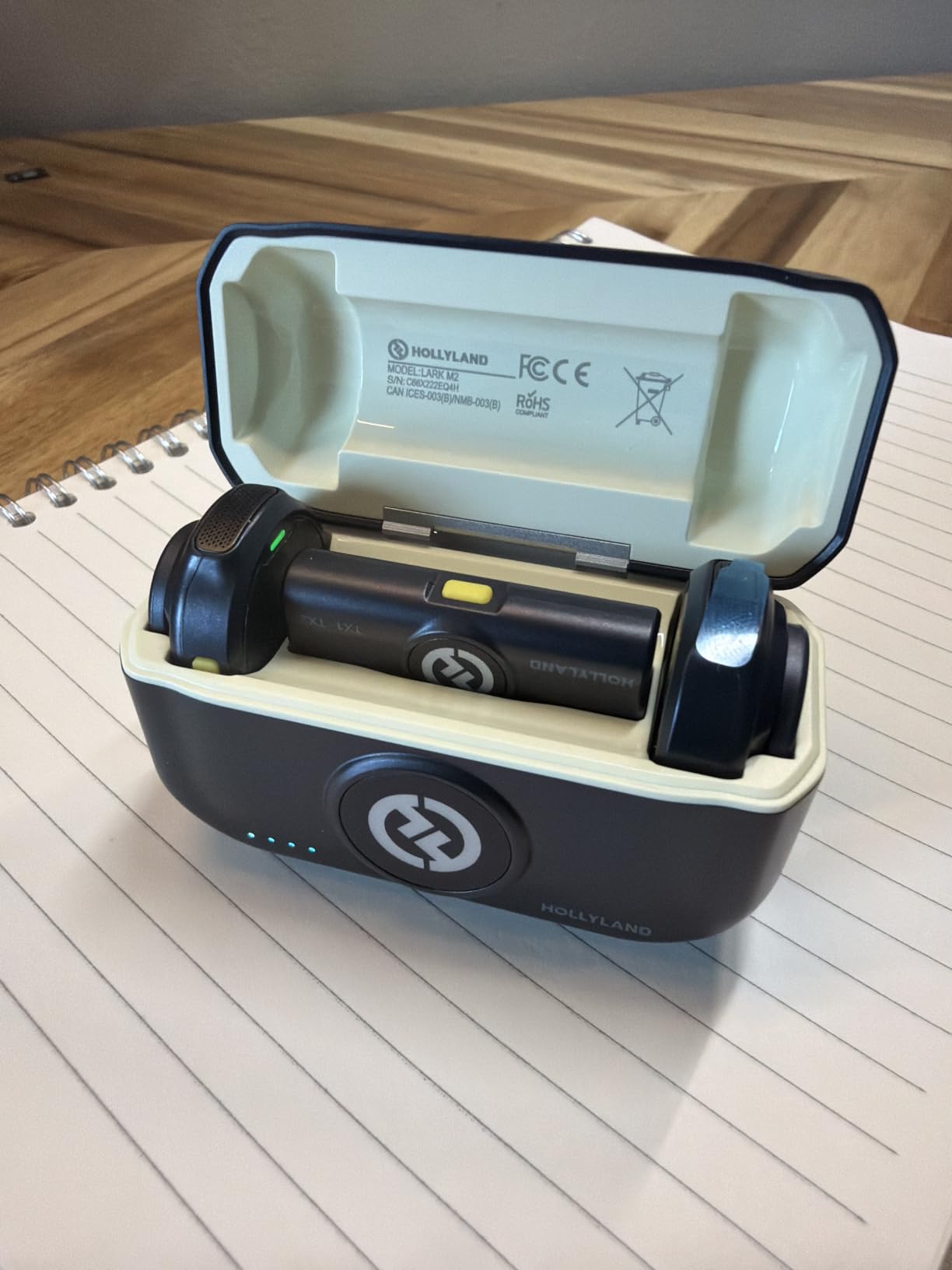
Hollyland Lark M2
- 9 g transmitter
- 48kHz/24-bit and 70 dB SNR
- 1000 ft range
- 30h battery with case

Mini Mic Pro 2-Pack
- Two transmitters per pack
- USB-C and Lightning adapters included
- Up to 6 hours per charge
- Charge phone while recording
The 12 Best Lavalier Microphones for iPhone at a Glance in 2026
Every pick below is listed with the receiver it includes, because that single fact decides whether it works with your phone. Check the connector details first, then compare the specs that matter to your shoot.
| Product | Specs | Action |
|---|---|---|
| DJI Mic Mini 2TX Kit |
|
Check Latest Price |
| Hollyland Lark M2 |
|
Check Latest Price |
 MAYBESTA 2-Pack Wireless Lav MAYBESTA 2-Pack Wireless Lav |
|
Check Latest Price |
| Mini Mic Pro 2-Pack |
|
Check Latest Price |
 Hollyland Lark A1 Hollyland Lark A1 |
|
Check Latest Price |
 DJI Mic 2 1TX + 1RX DJI Mic 2 1TX + 1RX |
|
Check Latest Price |
 Bulatry 2-Pack Wireless Lav Bulatry 2-Pack Wireless Lav |
|
Check Latest Price |
 WARM BOX 2-Pack Wireless Lav WARM BOX 2-Pack Wireless Lav |
|
Check Latest Price |
 NEEWER CM28 2TX + 1RX NEEWER CM28 2TX + 1RX |
|
Check Latest Price |
 COMICA BoomX-D2 COMICA BoomX-D2 |
|
Check Latest Price |
 Rode Wireless Micro Rode Wireless Micro |
|
Check Latest Price |
 PIXEL Wired Lightning Lav PIXEL Wired Lightning Lav |
|
Check Latest Price |
1. DJI Mic Mini 2TX Kit – the smallest Two-Transmitter System for USB-C iPhones
DJI Mic Mini (2 TX + 1 RX + Charging Case), Ultralight, Detail-Rich Audio
10g transmitter,48kHz sampling,120 dB SPL max,400m range,48h with case
Pros
- Exceptionally small at 10 g per transmitter
- Clear crisp voice a big upgrade over the phone mic
- Effective noise cancelling in Basic and Strong levels
- Strong magnetic mounts that hold through clothing
- Charging case doubles as an organised carry case
Cons
- No on-mic mute button
- Firmware app adds setup steps for advanced control
- No transmitters-only carry pouch
This is the kit I kept reaching for across our tests, and the reason is simple: at 10 g per transmitter with two of them in the box, it barely registers in a pocket. On camera it is effectively invisible, and it does not pull on a thin shirt the way heavier ones do.
Audio quality is a decisive jump from the phone’s built-in mic. We recorded a ten-minute indoor monologue, and the result was a clean, present vocal with room tone low enough to clean up easily. The signal-to-noise ratio is listed at 70 dB, with a frequency range of 20 Hz to 20,000 Hz.
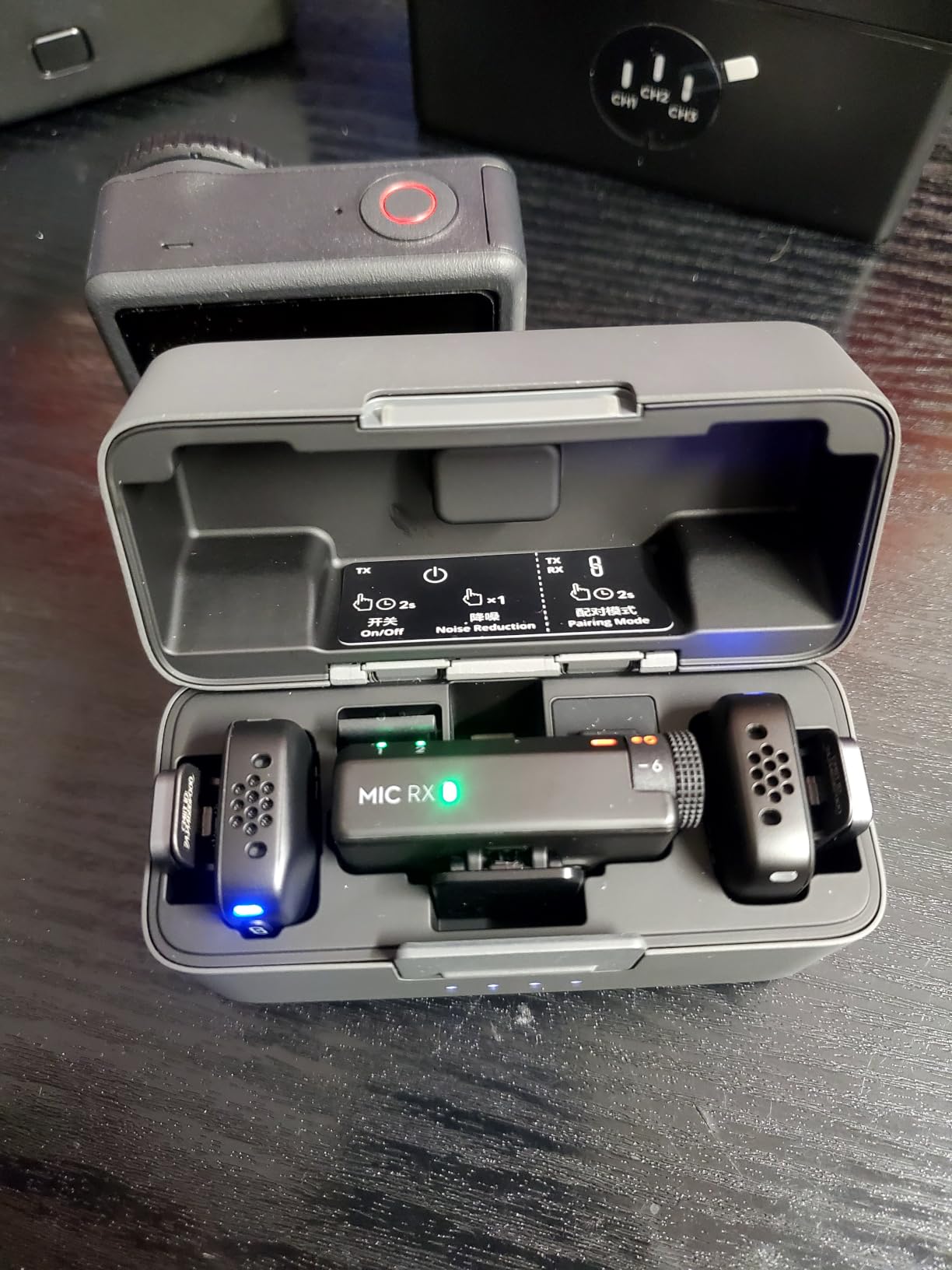
Technically this is a USB-C kit, and that is the one thing to check before you buy. The receiver is USB Type-C, which suits iPhone 15 and later. If you are on a Lightning-era iPhone, the DJI Mic Mini in this configuration is not the right box, and the Lark M2 below covers both.
Two noise-cancelling levels sit on the transmitter, Basic and Strong, plus automatic limiting to prevent clipping. Battery life is listed at up to 48 hours with the charging case, and the range is rated at 400 m. A single press of the mic pair button doubles as a phone shutter control, which is a small touch that saves a second fumbling with the screen mid-take.
Who the DJI Mic Mini suits
Solo creators filming vlogs, TikToks and Reels who want two people covered out of the box. The 2TX plus 1RX configuration records you and a second speaker without a second purchase, and the 10 g weight suits anyone who is camera-conscious.
It also suits anyone shooting outdoors who wants a physical windscreen. The case includes windscreens and magnetic attachments, and pairing that with the Strong noise-cancelling level handled our street-side test better than expected.
Who should skip it
Skip it if you need a hardware mute button. There is none on the mic, and DJI does not offer a firmware workaround, so muting means reaching for the app on your phone while recording.
Also skip it if you still use a Lightning iPhone, or if you want manual track splitting and gain control without extra steps. The Mimo app adds setup friction for advanced work, and the transmitters only pack into the full charging case, so there is no small pouch for the mics alone.
2. Hollyland Lark M2 – Best Value Pick with USB-C and Lightning Receivers
Hollyland Lark M2 Wireless Microphone for iPhone15/16/17&Android, USB C Mini Lapel Microphone Wireless, 1000ft Range, Hi-Fi Audio, Noise Cancellation, 30H Battery for Video Recording, Streaming
9g transmitter,48kHz/24-bit,70 dB SNR,1000 ft range,30h with case
Pros
- Very small at 10 g per transmitter and easy to conceal
- Connects and records without a check-before-shoot routine
- Crisp 48kHz/24-bit capture at 70 dB SNR
- Both USB-C and Lightning receivers in one box
- Factory pre-paired so there is no pairing step
Cons
- Short USB-C receiver stem can be pushed out by thick cases
- Firmware update via desktop app can be finicky
- Not water or weather resistant
The Lark M2 is the most complete box in this roundup, and that is why it takes second place rather than first. It includes both a USB-C receiver and a Lightning receiver, so it covers iPhone 15, 16 and 17 devices alongside older Lightning models without a second purchase or a dongle hanging off the end of your phone.
In use it behaved like the least fussy wireless mic we tested. The transmitters are factory pre-paired, so you clip on, plug in, and record. There is no connect-then-hold-the-button routine, and no app required for the basic path. Reviewers consistently single out that it just works, which for a first wireless mic is worth more than a spec-sheet line.
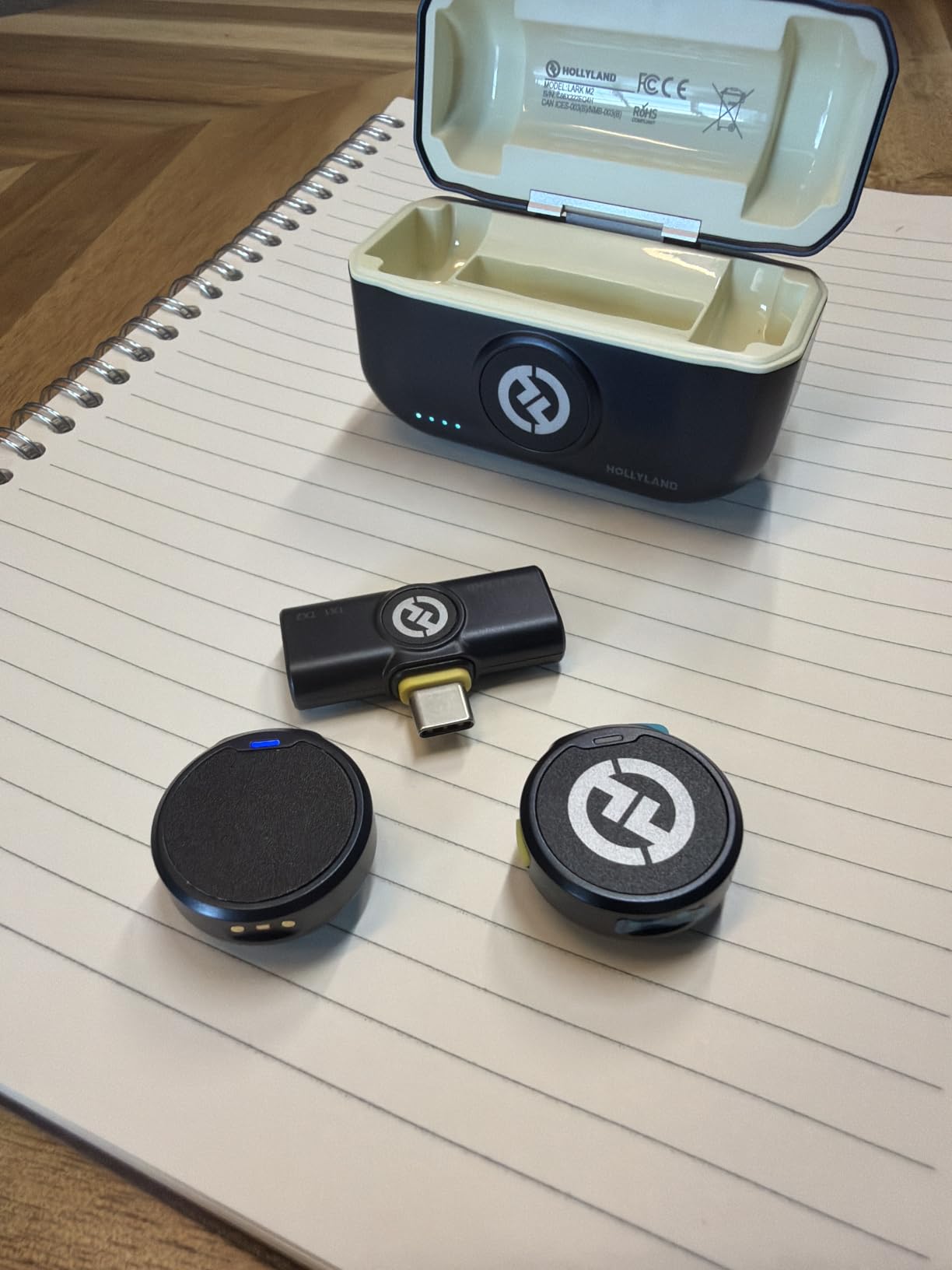
The audio is 48kHz/24-bit with a 70 dB signal-to-noise ratio and 115 dB max SPL, transmitted over 2.4 GHz to a rated 1,000 ft line-of-sight range. Range figures assume clear line of sight, so treat the number as a ceiling rather than a promise through buildings.
Battery is the other headline. You get 10 hours of continuous use per charge and 30 hours total with the charging case, with two recharges in under 90 minutes. Reviewers report charging roughly monthly, which lines up with our own experience across several weeks of intermittent shooting.
Who the Lark M2 suits
Anyone who has just changed phone and does not want to research connectors. Having both receivers in the box removes the single most common reason a lavalier mic arrives and never gets used.
Full-time creators and vloggers who record daily will also like it. The magnetic clip mounts discreetly to shirts, hats or a lanyard, and noise cancellation is one tap on the transmitter or receiver with Strong and Low levels in the HollyAudio app.
Who should skip it
Skip it if your phone lives in a thick case. The short USB-C receiver stem can be pushed out by bulky cases, and a USB-C extender may be needed. That is the most common practical complaint in reviews.
Button-sized 9 g transmitters are also easy to misplace, and the kit is not water or weather resistant, so keep them out of rain. If you record in genuinely loud environments, note that maximum noise-cancellation strength can thin the voice.
3. MAYBESTA 2-Pack Wireless Lav – Straightforward Audio Upgrade for New Creators
MAYBESTA Wireless Mini Microphone for iPhone, Android Phone – 2 Pack Lavalier Lapel Mic for Audio Video Recording – Clip on Content Creator Microphones for YouTube Tiktok Podcast Vlogging
2-pack,USB-C and Lightning included,80 dB SNR,Automatic pairing,Longer receiver stem
Pros
- Very small and simple to set up with a fast connection
- Clear audio a noticeable upgrade over the phone mic
- Two microphones included for interviews
- Works with both Lightning and USB-C devices
- Foam and fur windscreens and clips included
Cons
- Sound can sound muffled unless the mic sits close to the mouth
- Power-off procedure is not documented clearly
- Some reports of units failing shortly after first use
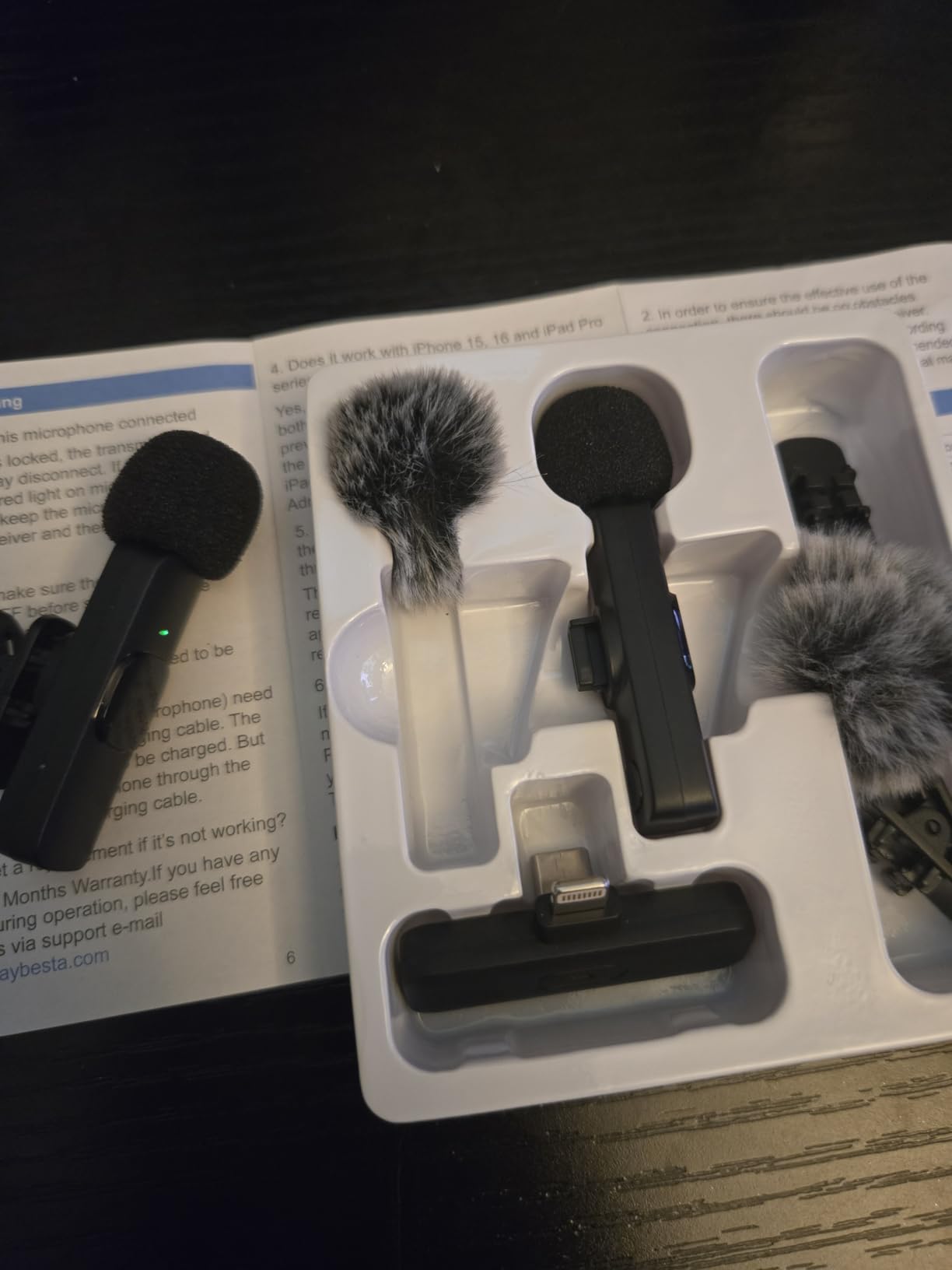
For a first clip-on mic this does the fundamentals without drama. It auto-pairs when you plug in, a solid green light confirms the link, and there is no app to download and no adapter to configure. Both USB-C and Lightning connectors are in the box.
Pickup is omnidirectional with an 80 dB signal-to-noise ratio, and a noise reduction chip handles background sound. In our indoor tests the voice sat clearly in front of room tone. Outdoors, the difference against phone audio was obvious, though the raw voice quality sits below the DJI and Hollyland units.
The one design decision worth noting is the upgraded longer receiver stem, which is long enough to clear most phone cases. That is a small thing that prevents a genuinely annoying failure, because a short stem means the receiver gets levered sideways every time the phone goes in a pocket.
The pack is 50 g in total and includes two microphones, a receiver, cable, shirt clips and two sponge tips. Coverage spans iPhone, iPad, Android, laptop and tablet on 2.4 GHz wireless. Warranty terms listed are a 120-day refund, 18-month replacement and two-year comprehensive cover.
Who the MAYBESTA 2-Pack suits
New creators filming two-person interviews, podcast clips or livestreams on a phone. Two microphones in one pack covers both speakers in a single purchase, and the dual connectors mean both of your devices can use it.
It also suits anyone who wants a spare. Having a second mic in the case protects a paid interview from a single cable or battery failure, which matters more than people expect.
Who should skip it
Skip it if you will be filming at a distance or in a large space. Audio can sound muffled unless the microphone sits close to the mouth, so it rewards good placement and punishes lazy clipping.
It is also the most polarised rating spread in this roundup, with a 9% one-star share, and there are some reports of units failing shortly after first use. If your work depends on the recording, buy from a seller with an easy return path.
4. Mini Mic Pro 2-Pack – The Fastest Fix for Muffled Phone Audio
Mini Mic Pro (Latest Model – #1 Microphone for iPhone & Android, Wireless Mini Microphone, Clear Voice, Noise Cancelling, Lavalier Mic for TikTok, YouTube & Interviews
2-pack,USB-C and Lightning adapters,6 hours per charge,Charges phone while recording
Pros
- Connects in under a minute with no apps or firmware
- Clear natural vocal tone reviewers call accurate
- Under an ounce per unit so it disappears on camera
- Two transmitters for a second speaker or a backup
- Charges the phone while recording
Cons
- Compressed wireless audio sounds thin with little low end
- Receiver USB-C plug snapped off in a phone drop
- Low-battery warning is easy to miss mid-recording
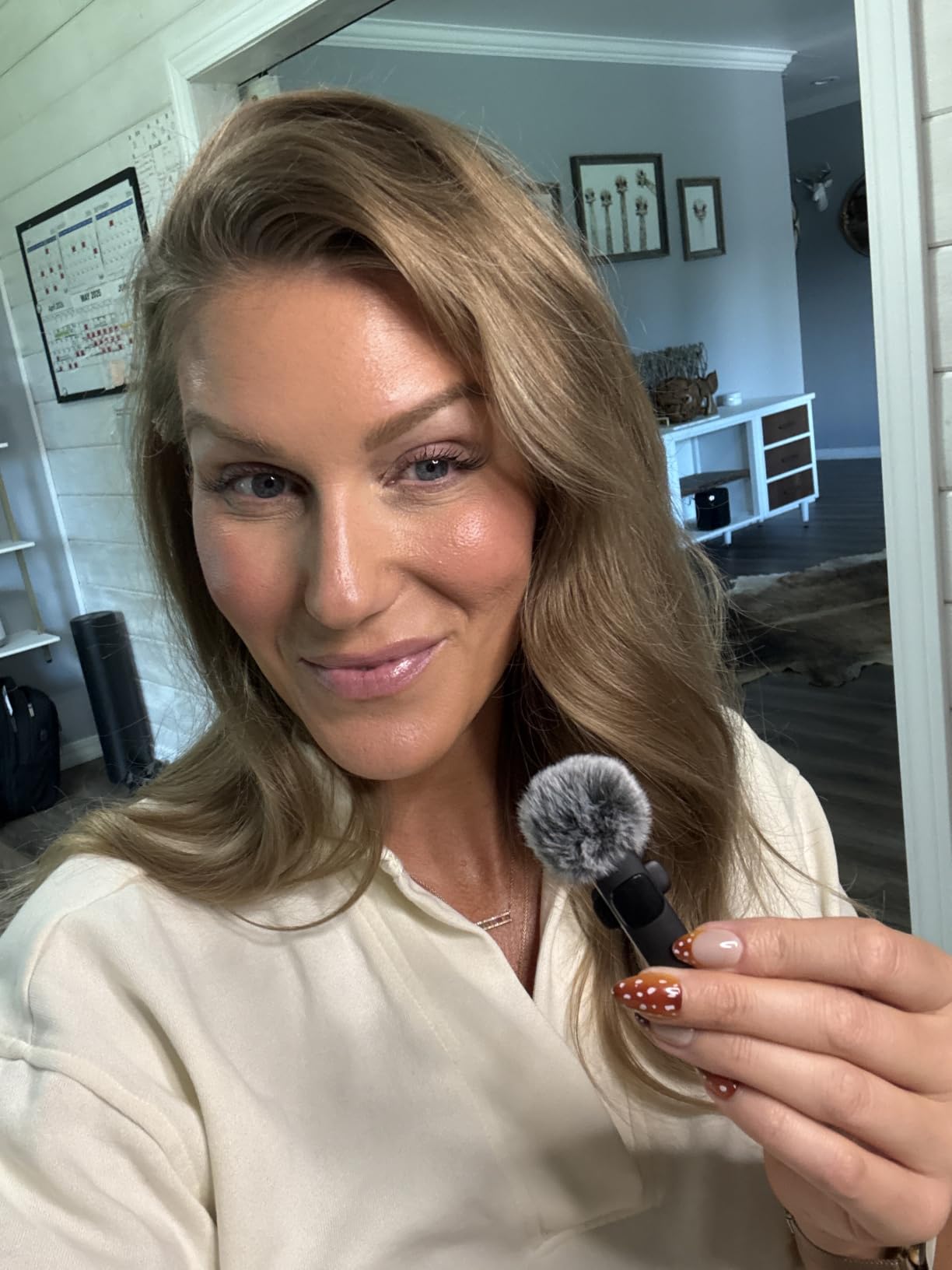
This is the pick most beginners end up on, and for a specific reason: it takes under a minute to connect. No apps, no Bluetooth pairing menu, no firmware. You plug the receiver in and record, which removes the single biggest source of pre-shoot panic.
Owners with radio backgrounds single out the vocal tone as genuinely accurate rather than boosted, and we agree. The voice sounds natural and present rather than processed, and the two transmitters mean you always have a second mic for a guest or a spare.
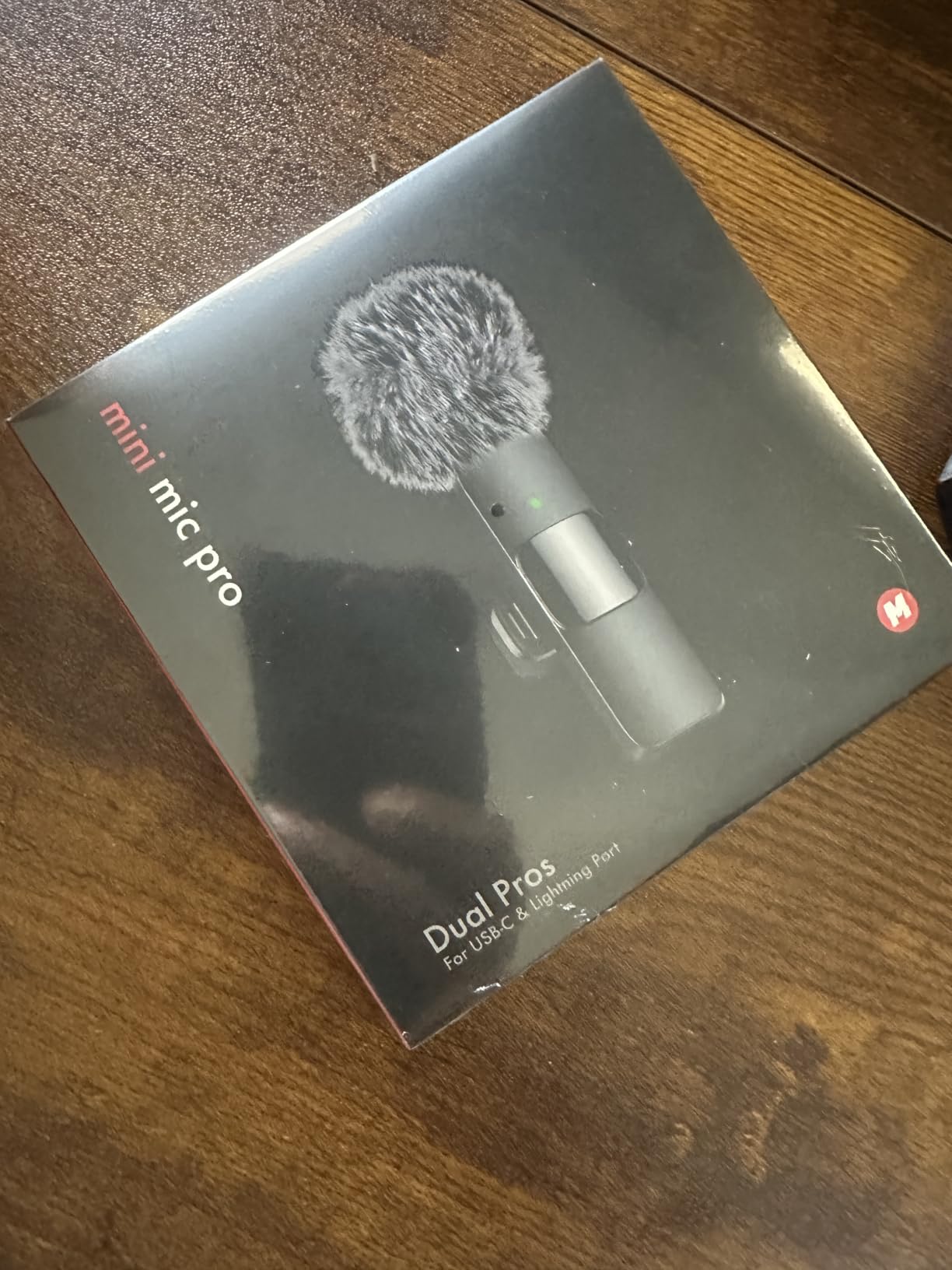
The specs that matter here are practical. Up to six hours of recording per charge, and the device can be charged while the lav mic is in use, which solves the long-session problem that catches most phone creators out. Both USB-C and Lightning adapters are included.
Wind protection is covered by two options, a high-density foam and a deadcat windscreen, and both worked in our outdoor test. At under an ounce per unit the mic is genuinely invisible on camera. Warranty terms listed are a 90-day refund guarantee plus six months of replacement cover.
Who the Mini Mic Pro suits
First-time creators making short-form content, tutorials and travel vlogs where reliability beats nuance. The instant connection means you can hand it to someone else and let them run with it.
Long-session livestreamers benefit from the charge-while-recording feature, which extends recording time well beyond a single charge.
Who should skip it
Skip it if you are recording music, singing, or anything where low-end response matters. Compressed wireless audio sounds thin next to wired earbuds, and it can over-modulate if you speak or sing loudly.
Handle the receiver carefully. The USB-C plug is poorly secured and has snapped off in a phone drop, and the low-battery warning is easy to miss mid-recording, so charge the transmitters before every shoot rather than during.
5. Hollyland Lark A1 – Best Budget Kit for Two-Person Interviews
Hollyland Lark A1(2TX + USB-C RX), Wireless Microphone for iPhone & Android
48kHz/24-bit,120 dB SPL,3-level noise cancelling,650 ft range,8g transmitter
Pros
- 48kHz/24-bit capture well below the premium tier
- Three noise-cancellation levels to match the room
- Tiny 8 g magnetic mics hide in any clothing
- Plug-and-play receiver with no Bluetooth pairing
- Works with cameras and streaming gear
Cons
- Will not work with video-call or translation apps
- No USB wall charger included only the cable
- Wind overlaps the voice without the furry windscreen fitted
The Lark A1 is the value upgrade from the ultra-budget packs. It records 48kHz/24-bit with 120 dB SPL handling, which is a real step up from the compressed sound of the budget packs, and it sits well below the premium wireless systems.
What impressed us most was the three-level noise cancellation, Weak, Medium and Strong. Being able to dial it rather than accept one fixed setting meant we could reduce a humming extractor fan on Medium without the voice thinning out the way aggressive processing does.
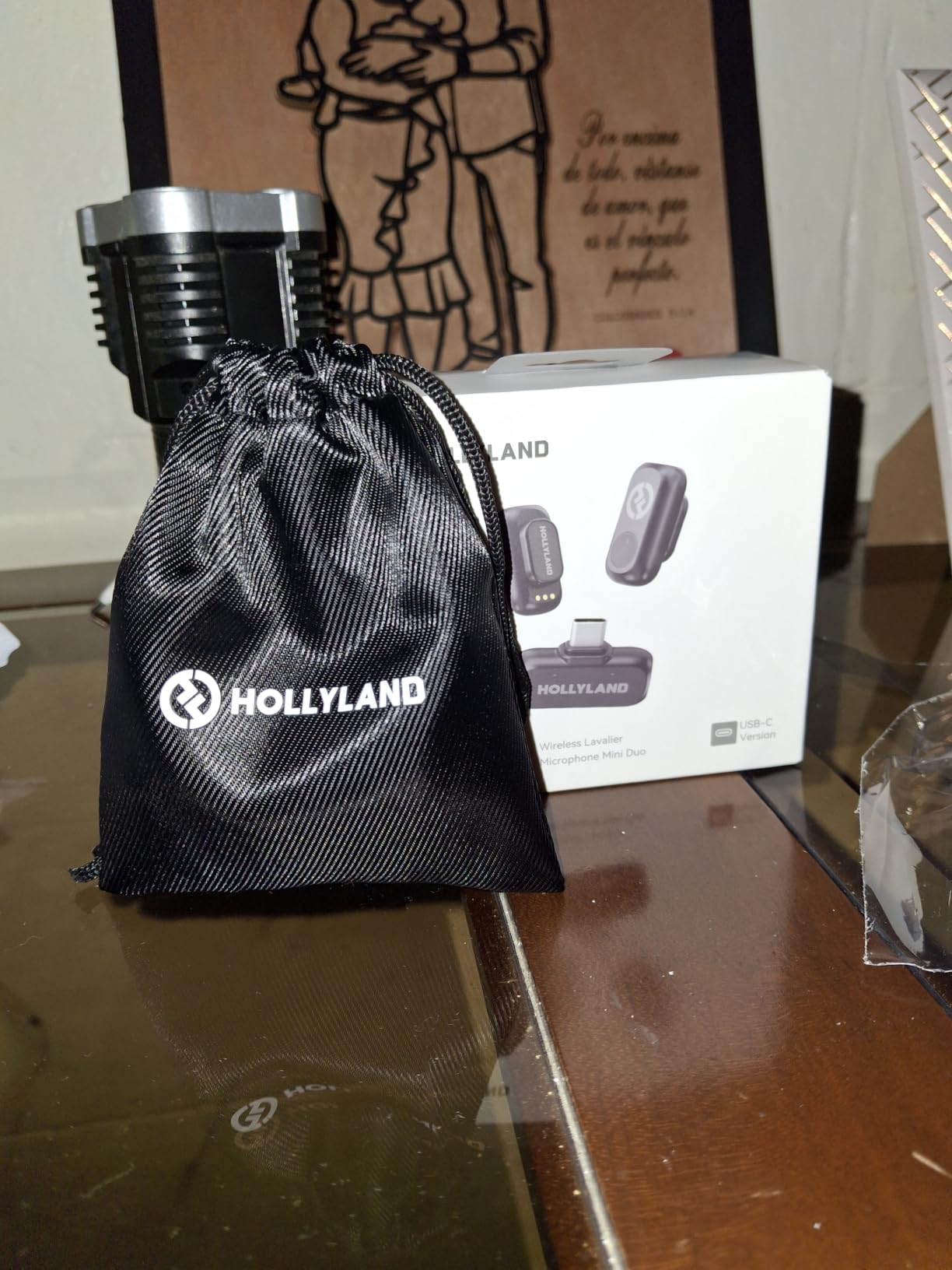
Transmission is 200 m, or 650 ft, with anti-interference technology, on 2.4 GHz. Battery is 9 hours per transmitter, 18 hours with two transmitters alternating, and 54 hours with the charging case model. Six levels of gain adjustment, auto clip limiting, EQ and reverb are all available.
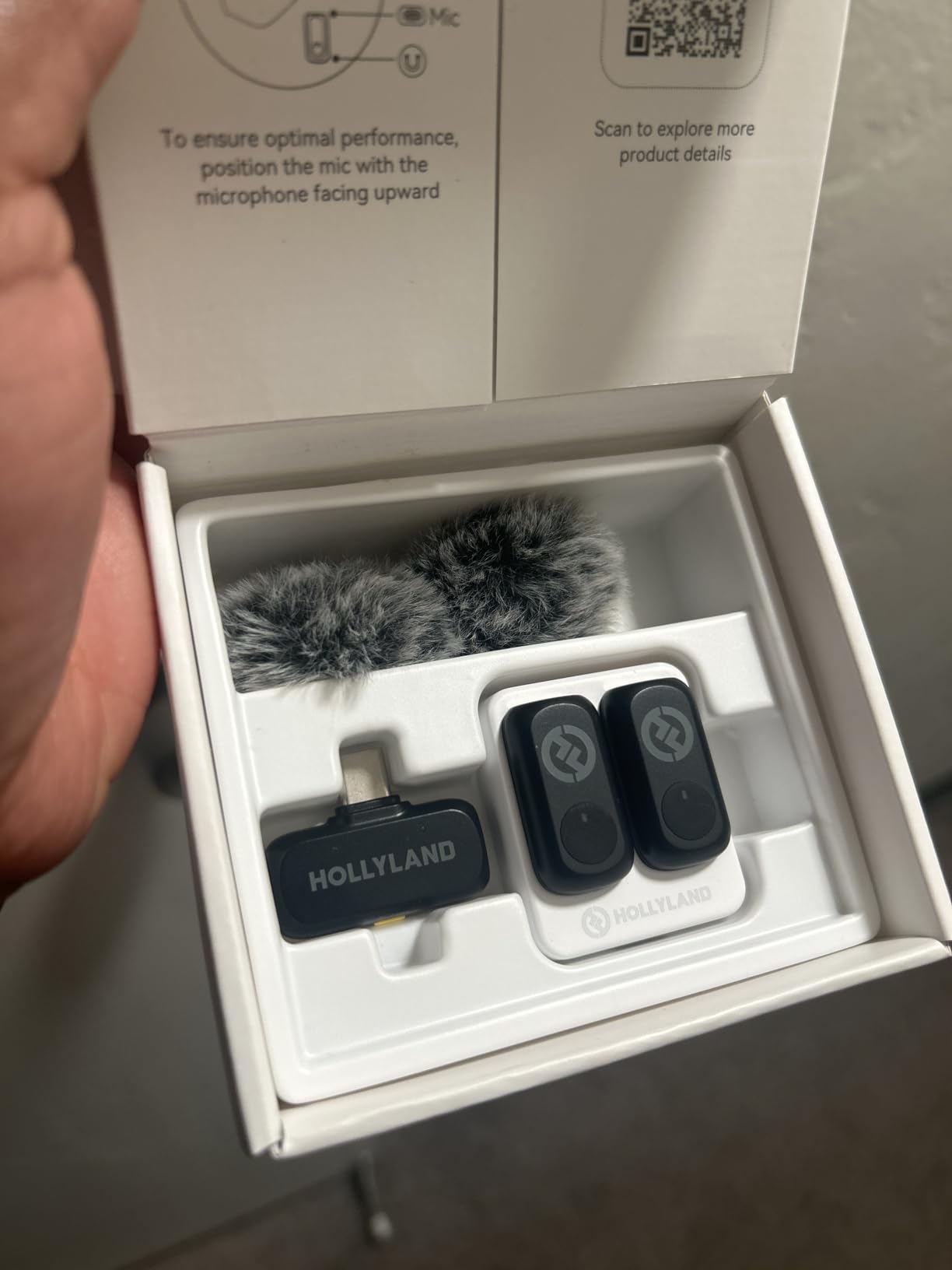
At 8 g with magnetic attachment, these hide easily in any clothing, and furry windshields are included. The 2TX plus USB-C RX configuration covers two speakers immediately. Note this listing is the USB-C receiver version, so Lightning users need the matching receiver.
Who the Lark A1 suits
UGC and short-form creators who want a visible quality jump from phone audio without moving to a premium system. The 48kHz/24-bit capture and the gain control give you headroom in post that the cheapest packs do not offer.
Hybrid shooters benefit too. It works with cameras and streaming gear, including the DJI RC 2 remote, so one kit can cover a phone and a camera setup on the same shoot day.
Who should skip it
Skip it if you plan to run interviews or classes over WhatsApp-style video calls. It will not work with video-call or translation apps, only with camera and recording apps, which catches people out constantly.
Fit the furry windscreen outdoors. Wind can cause audible overlap over the voice without it. Also note the box includes only a charging cable and no USB wall charger, and you should update firmware only after the devices are paired and connected.
6. DJI Mic 2 Single Kit – Best for Backup Recording You Cannot Lose
DJI Mic 2 (1 TX + 1 RX), Wireless Mic with Intelligent Noise Cancelling
32-bit float internal recording,14h onboard backup,OLED display,250m range
Pros
- 32-bit float internal recording recovers audio after level spikes
- Transmitter doubles as a standalone recorder with 14h onboard storage
- Bright OLED display shows live levels and status
- Intelligent noise cancelling in unpredictable environments
- USB-C Lightning and 3.5mm adapters in the box
Cons
- Single-transmitter bundle records one person at a time
- The most expensive option in this lineup
- Gain and monitoring controls are receiver-side only
This is the pick for anyone whose footage cannot be reshot. The transmitter records 32-bit float audio internally with up to 14 hours of onboard backup, and that is the feature that changes how you shoot. If the levels spike, the phone-side file may be unusable but the onboard copy is still recoverable.
The OLED display is the other reason crews like it. Live levels, connection status and battery are all readable at a glance on the unit itself, so you are not opening an app mid-interview to check whether anything dropped. The same applies to gain and headphone monitoring: both live on the receiver here, so you set levels from the phone end.
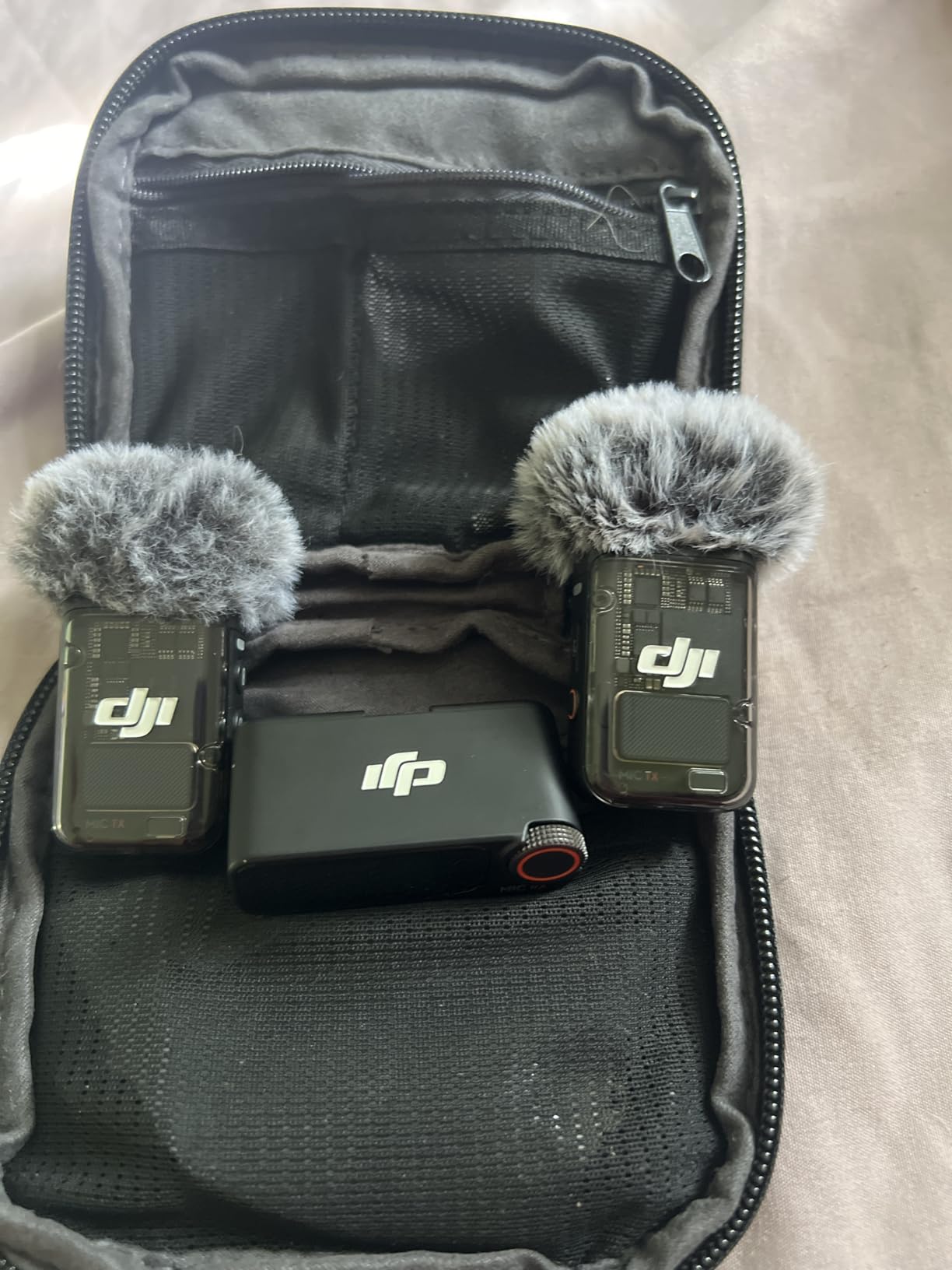
Transmission is rated at 250 m, or 820 ft, under FCC conditions, with intelligent noise cancelling and a compact magnetic clip-and-magnet transmitter design. It weighs 28.08 g in total, and the dimensions are small enough to disappear on camera.
The bundle is genuinely versatile. USB-C, Lightning and 3.5mm adapters cover iPhones, cameras and laptops from the same box, which is unusual at this level, and the compact magnetic clip-and-magnet transmitter design hides well under a collar.
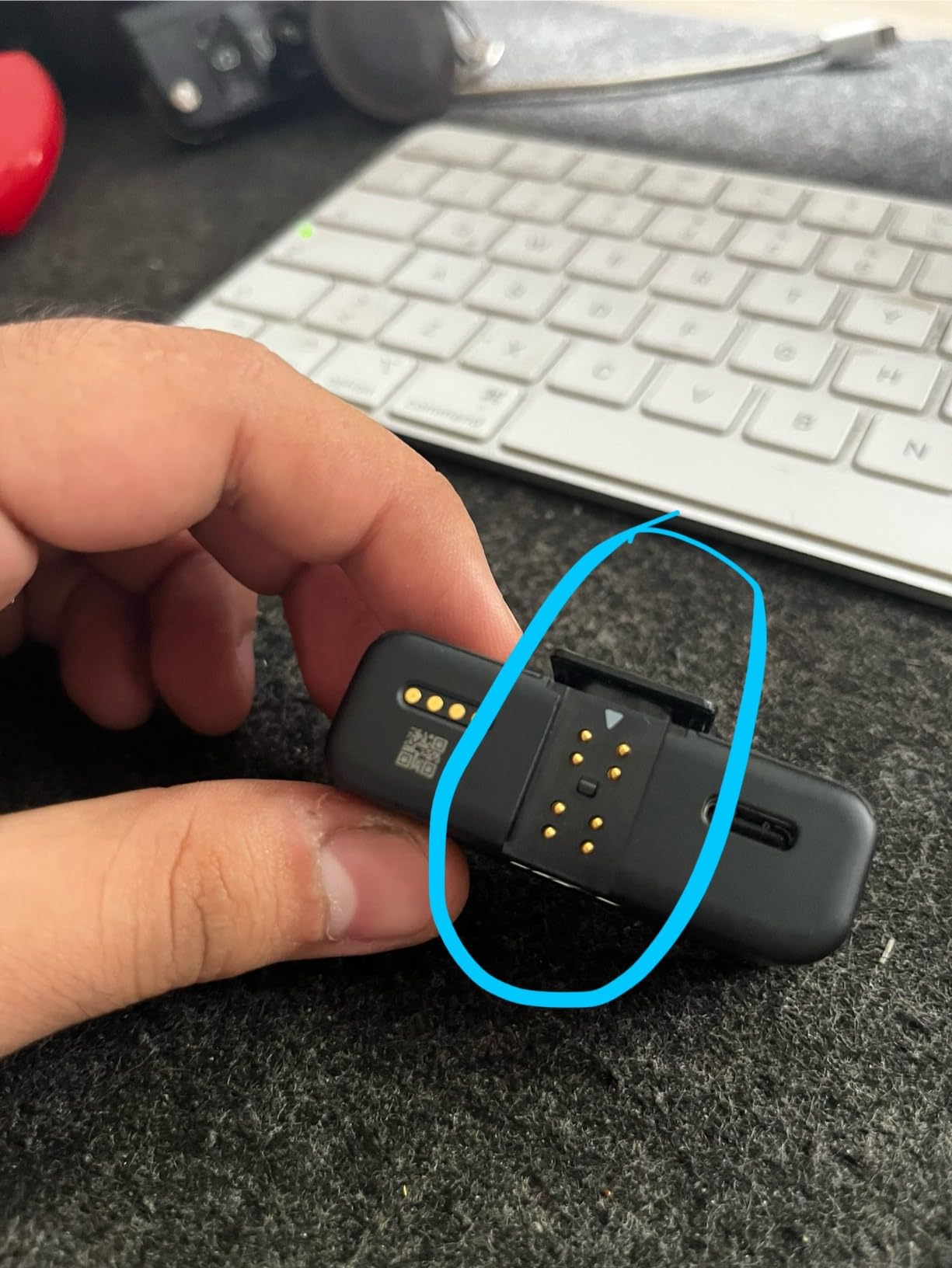
Who the DJI Mic 2 single kit suits
Documentary and field reporters filming interviews that cannot be repeated. The onboard backup turns a total loss into a recovery, and the OLED display removes the guesswork from a long day of recording.
It also suits anyone whose phone and camera need one system. The three included adapters mean you can move between an iPhone, a camera and a laptop without buying extra receivers.
Who should skip it
Skip it if you are recording two speakers. This is the 1 TX plus 1 RX configuration, so a two-person interview needs the dual-transmitter kit instead, and that is a meaningful extra step rather than a minor limitation.
It is also the priciest pick in this roundup, which is hard to justify if your content is throwaway short-form. The premium mainly buys you recoverability, and if you re-record everything anyway, a mid-tier kit serves you just as well.
7. Bulatry 2-Pack Wireless Lav – Best for Real-Time Monitoring
2-Pack Wireless Mini Lavalier Lapel Microphone for iPhone, Android(2 in 1)
2-in-1 USB-C and Lightning receiver,65 ft range,Three modes,Real-time monitoring
Pros
- One 2-in-1 receiver cable covers USB-C and Lightning phones
- Connects quickly and works with most phone cases
- AI noise reduction chip centres the voice in busy rooms
- Tiny 10 g mics are easy to carry and hide
- Mute noise-cancel and echo modes give real control
Cons
- 65 ft range is the shortest in this roundup
- Audio sounds compressed next to 48kHz/24-bit kits
- Button behaviour takes experimentation to learn
The distinguishing feature here is real-time audio monitoring, which lets you hear your own voice through headphones while recording. For creators who are new to levelling by ear, that feedback loop teaches good gain faster than any tutorial, because you hear the problem before the edit does.
It also supports simultaneous recording and charging, so a long session does not have to end when the phone does. Three modes are available: Mute, Noise Cancellation and Echo, with the last adding reverb for voiceover-style recordings.
Range is the trade-off. At 65 ft, or 20 m, with 0.0009 second latency, this is the shortest range in the roundup, which is fine for interviews at a table and a problem if you walk around a large space.
Pickup is 360-degree omnidirectional with an AI-powered noise reduction chip, and the listed signal-to-noise ratio is 70 dB. Battery is up to 6 hours per microphone with a full charge in under an hour, each mic weighs 10 g, and a storage pouch is included.
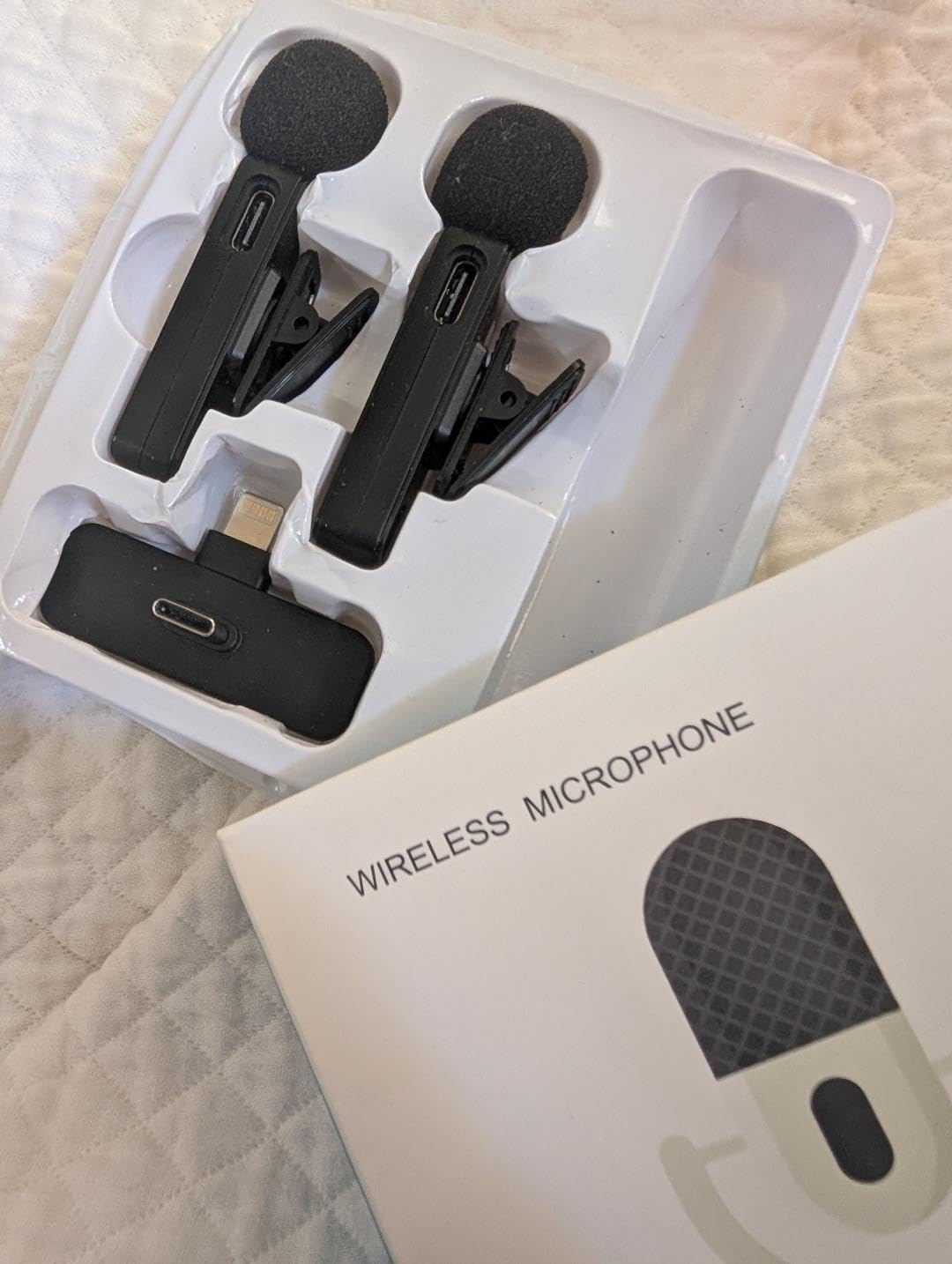
Who the Bulatry 2-Pack suits
Podcasters and interview hosts recording two speakers at a desk, where the short range is irrelevant. The 2-in-1 receiver is genuinely useful here, because one cable serves both a USB-C and a Lightning device.
Livestreamers benefit from the monitoring plus charge-while-recording combination. Both together mean you can hear yourself and still run a long stream without a battery warning interrupting it.
Who should skip it
Skip it if you move around while recording. The 65 ft range is the shortest here, and it drops quickly through walls, so on-location work will frustrate you.
Audio also sounds compressed next to the 48kHz/24-bit kits, and the button behaviour takes experimentation to learn. If the recording has to survive a mix or a master, look at the Hollyland Lark A1 or the NEEWER CM28 instead.
8. WARM BOX 2-Pack Wireless Lav – Widest Adapter Coverage in the Roundup
2026 Upgraded Wireless Lavalier Microphone, 2-Pack Mini Lapel Mic with Noise Reduction, USB-C, Lightning and USB-A Adapters for iPhone, Android, iPad, Laptop, Video Recording, Podcast, TikTok, YouTube
3-in-1 USB-C Lightning and USB-A,100 ft range,7 hours per mic,Three recording modes
Pros
- Crisp loud and clear voice for the price
- Auto-pairs on plug-in with no app or Wi-Fi
- Three adapters cover iPhone iPad Android laptop and desktop
- Two mics allow simultaneous two-person recording
- Mute and reverb modes included at this tier
Cons
- Instructions are unclear and several buyers nearly returned it
- No reliable way to tell the battery is dying until it dies
- Sound level drops with distance in larger spaces
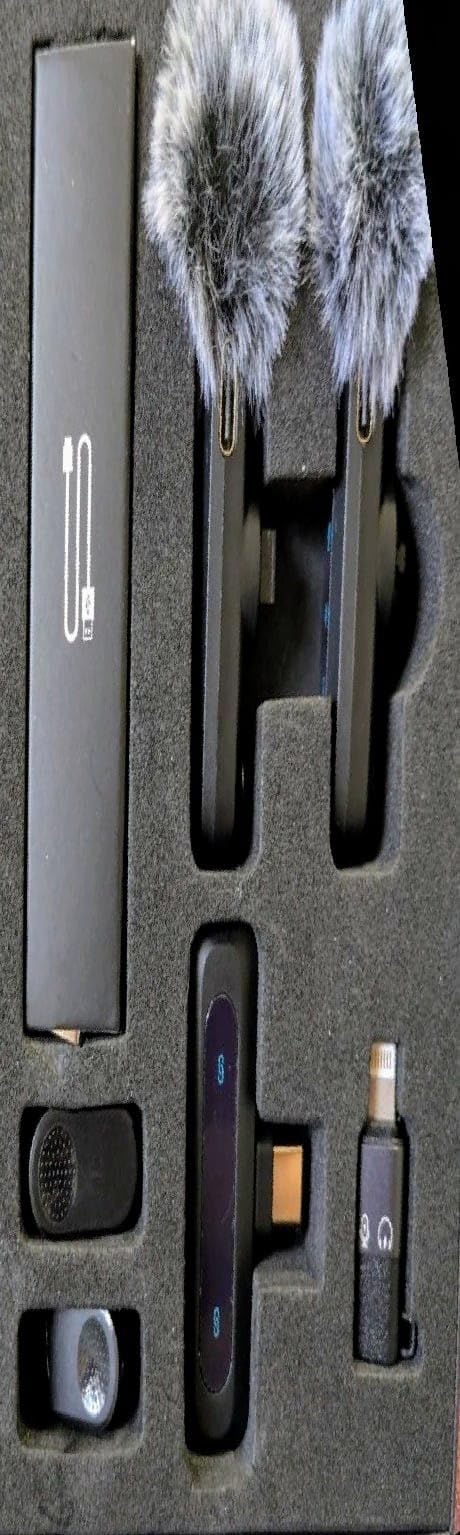
This is the box to buy if your gear list has no consistency. It includes a USB-C receiver plus USB-C-to-Lightning and USB-C-to-USB-A adapters, so the same kit covers an iPhone, an iPad, an Android phone, a laptop and a desktop with no extra dongles.
Setup is genuinely zero effort. It auto-pairs on plug-in, with no Bluetooth, app or Wi-Fi configuration. Signal-to-noise ratio is listed at 80 dB with a 20 Hz to 20 kHz frequency range, and a DSP chip handles noise reduction and voice pickup.
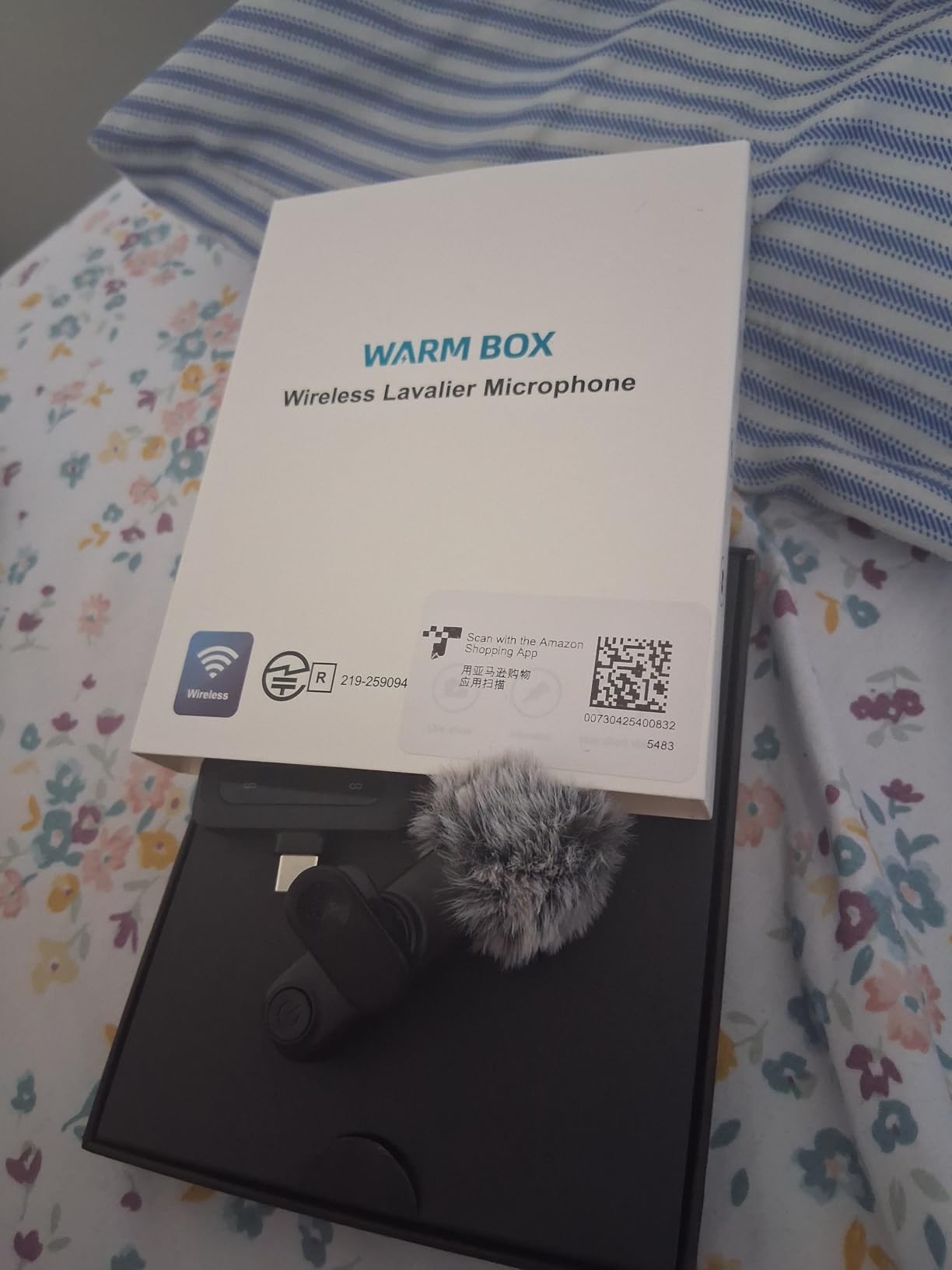
Real-time monitoring via headphones is included, alongside noise reduction, mute and reverb modes. Transmission is stable to 100 ft, or 30 m, and battery runs up to 7 hours per microphone. The box includes 360-degree rotating clips and wind covers.
One unusual detail: the housing is GRS certified with at least 50% recycled material. That does not change how it performs, but it is a reasonable tiebreaker if two options are otherwise equal for you.
Who the WARM BOX 2-Pack suits
Anyone recording across several devices, from a phone interview that turns into a laptop video call, or an iPad shoot. Having three adapters in the box removes the most common reason a shoot stops ten minutes in.
Two-person creators are covered too, since both mics can record simultaneously, and the rotating clips make placement fast when you are filming in a hurry.
Who should skip it
Skip it if you are not willing to read the manual. Instructions are unclear, and several buyers nearly returned the set before finding the table on the back page, which is a real cost when the return window is short.
There is also no reliable way to tell when the battery is dying until the mic dies mid-session, and the sound level drops with distance in larger spaces. There is also an isolated durability report of a receiver cutting out after about six months.
9. NEEWER CM28 2TX + 1RX – Best Onboard Recording Under the Premium Tier
NEEWER CM28 Wireless Lavalier Microphone, Smart Noise Cancelling Lav Mic, 48KHz/16Bit 9hrs Uncompressed Recording, 200m Range, 4GB Storage for iPhone, Android, Camera, 1 RX + 2 TX + Charging Case
4GB onboard uncompressed WAV,656 ft range,9h TX and 8h RX,Per-unit LCD
Pros
- Transmitters record standalone uncompressed 48 kHz WAV to 4GB
- Two transmitters and one receiver cover two-person interviews
- On-unit LCD shows levels battery and connection status
- One-click noise cancelling chip
- 656 ft range holds up in unobstructed locations
Cons
- Unidirectional pickup needs careful placement toward the speaker
- Accessories need the included OTG and data cables
- Heavier per unit than the 8-10 g mini kits
The CM28 is the mid-tier kit that quietly does what the premium systems charge extra for. Both transmitters record standalone uncompressed 48 kHz WAV to 4 GB of onboard storage each, saving up to nine hours, so you have a real backup independent of the phone’s recording.
Unlike the DJI Mic 2’s 32-bit float, this is uncompressed capture rather than float recovery, but for most creators the practical result is the same: a second copy that will save the shoot if the wireless link misbehaves in a crowded room.
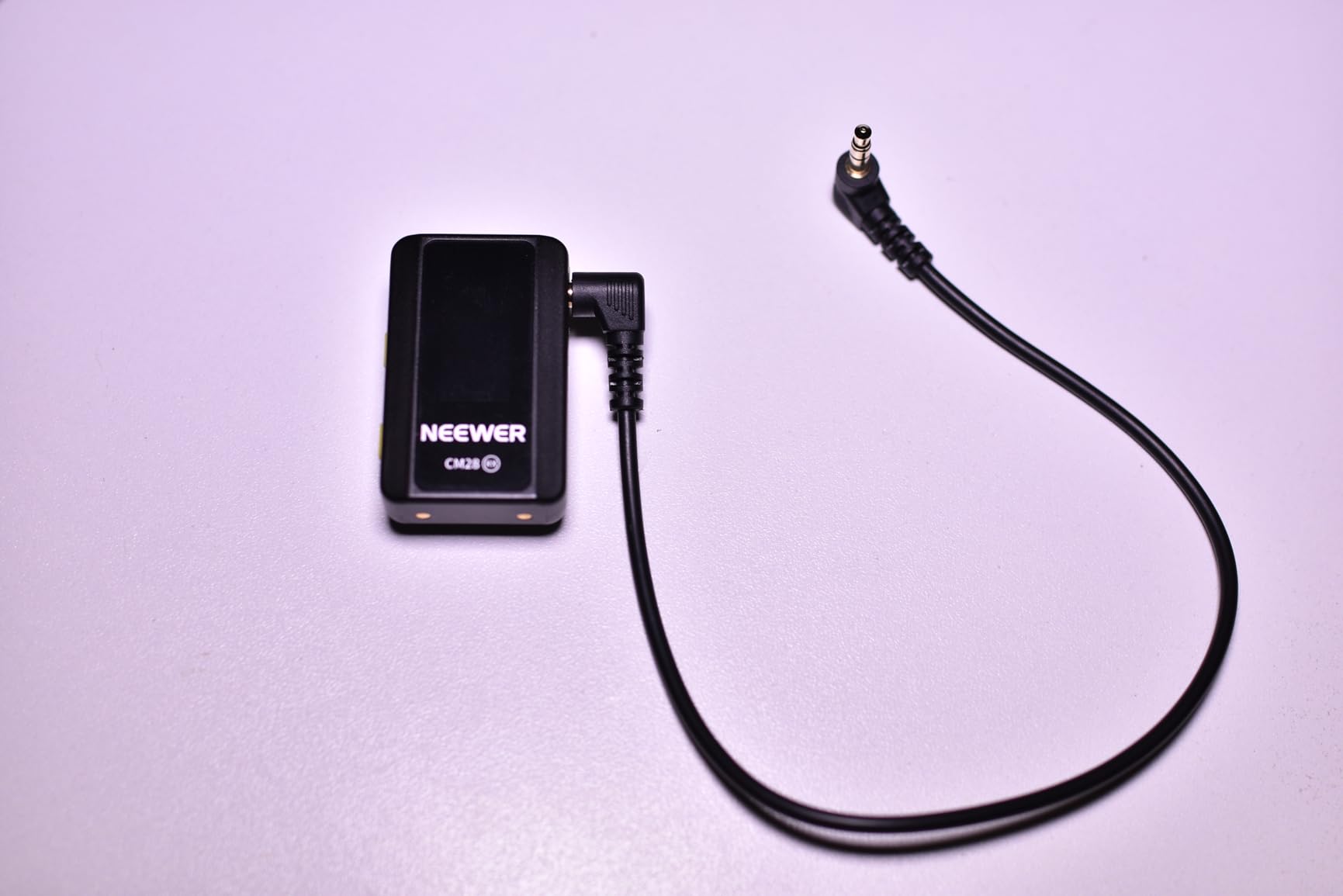
Each unit carries an LCD showing mode, volume, battery, connection status and noise reduction, so you can check levels without an app. Transmission is 656 ft, or 200 m, and there are three export modes: Mono, Stereo and Ms., which decides how the two channels land in your edit.
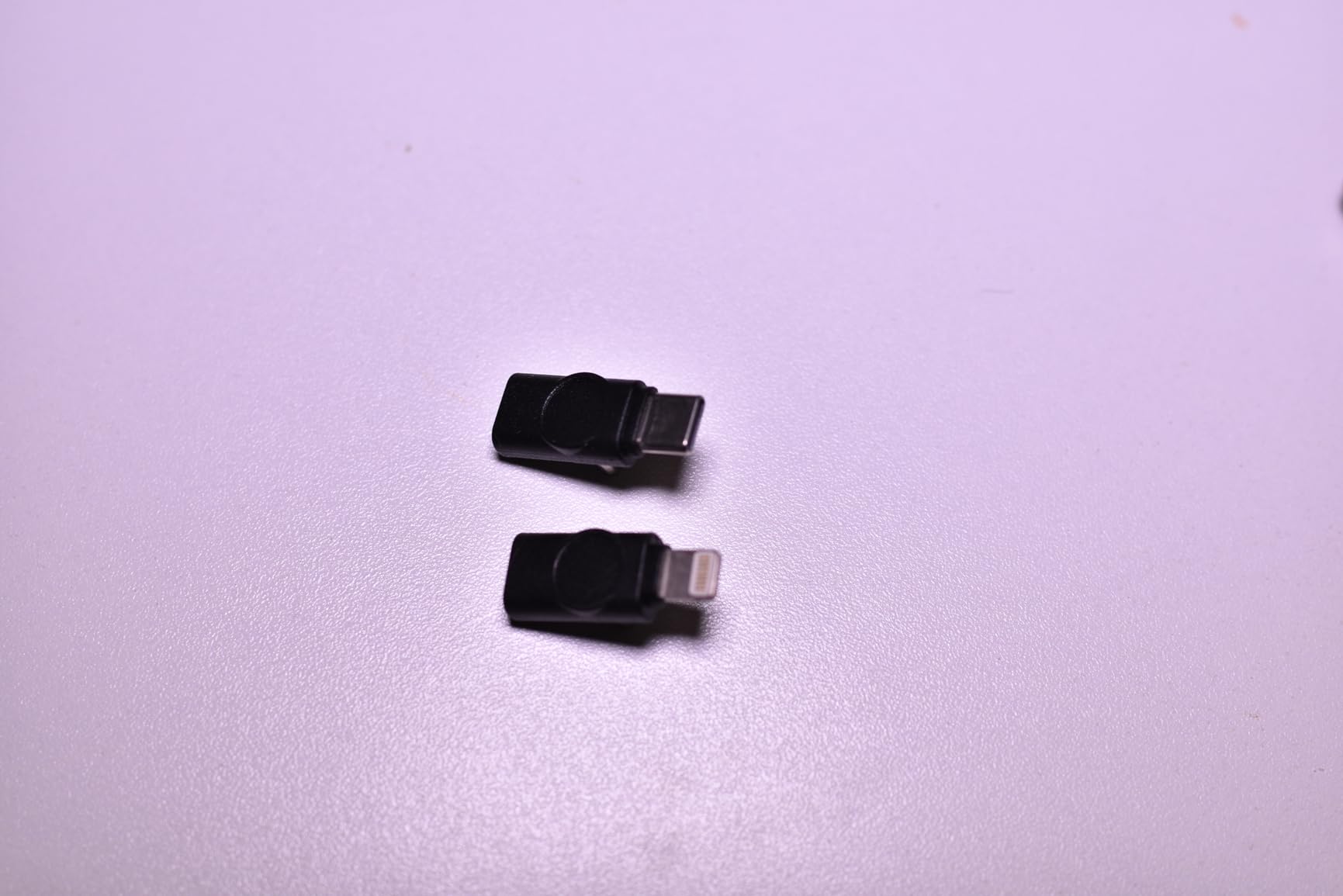
Runtime is 9 hours on the transmitters and 8 hours on the receiver, with a charging case providing two full recharges in about 90 minutes each. Two windshields and magnets are included, along with a USB-C OTG adapter, a USB-A to Type-C data cable and a 3.5mm camera cable.
Who the NEEWER CM28 suits
Interviewers and small production teams who need two speakers plus a safety copy. The 2TX plus 1RX kit and the per-unit LCD make it easy to keep an eye on levels across a whole conversation without interrupting the guest.
Multi-device shooters also benefit. It works with iPhones, Android devices, action cams, iPad, MacBook and DSLRs once the included OTG and data cables are used correctly, so one kit covers a phone-and-camera day.
Who should skip it
Skip it if you are new to placement. The unidirectional pattern means the capsule has to point at the speaker, and a clip-on placed flat or facing the wrong way will sound thin. That is a learnable fix, but it is a real cost at this price.
It is also heavier per unit than the 8-10 g mini kits, and one bundled detail trips people up: the included black USB cable is charge-only, not data. Use the included data cable for file transfer or it will appear to be broken.
10. COMICA BoomX-D2 – Best Safety-Track Recording for Weddings and Events
COMICA BoomX-D2 Wireless Lavalier Microphone for Camera iPhone & Android
Safety track -6 dB backup channel,650 ft range,12-hour battery,Zero-latency monitoring
Pros
- Safety Track mode records a -6 dB backup channel as a fail-safe
- Zero-latency headphone monitoring for level control
- 650 ft with auto frequency hopping in crowded RF environments
- Two transmitters and one receiver handle two-person interviews
- 12-hour battery covers a full shoot day
Cons
- 60 dB signal-to-noise ratio is the lowest among the premium kits
- Needs a separate Lightning adapter for Lightning iPhones
- Bulkier and heavier than the 8-10 g mini kits
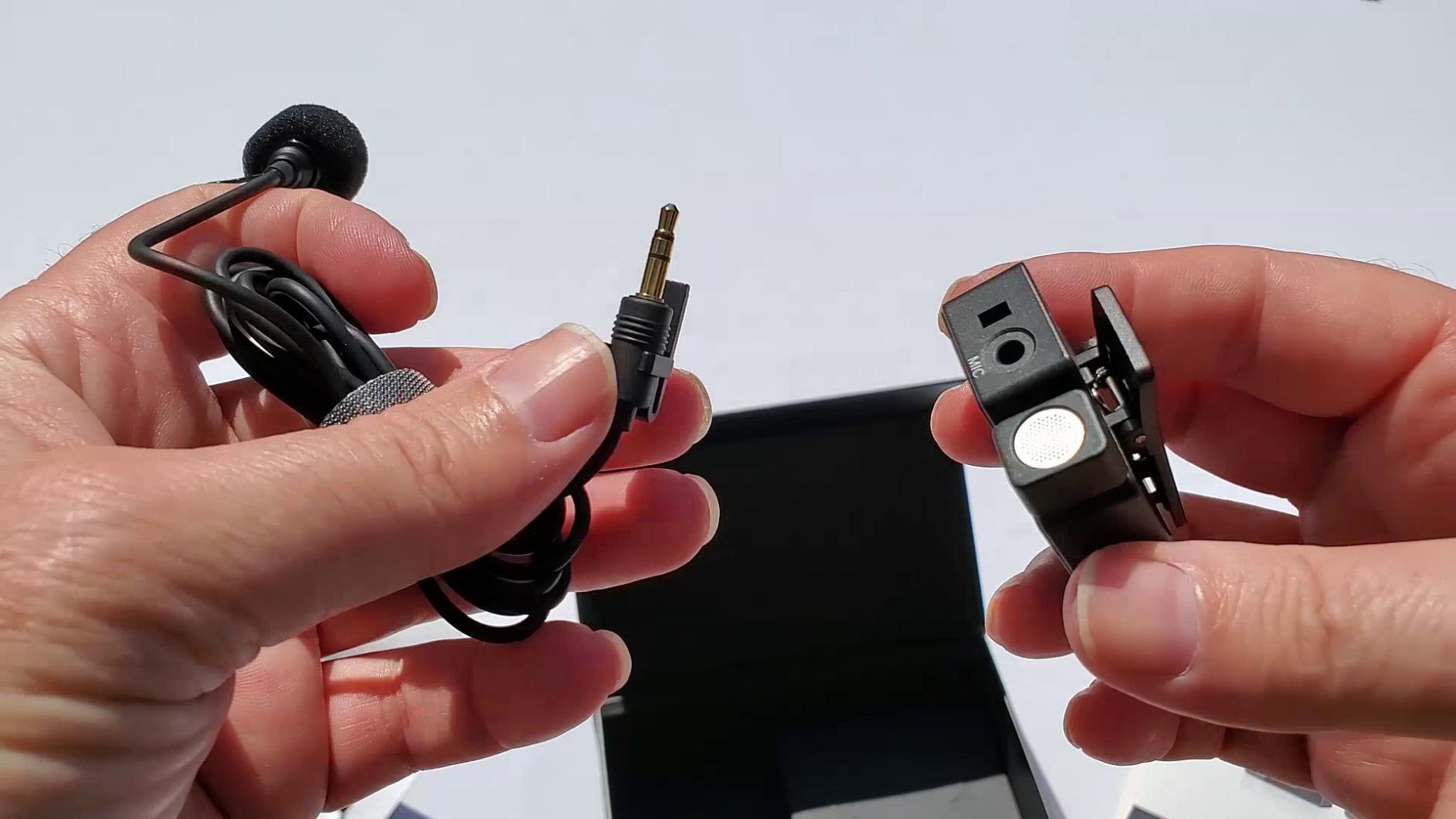
The reason this one is on the list is the Safety Track mode. Alongside Mono and Stereo, the receiver offers a -6 dB backup channel, which means a quieter duplicate of everything is recorded in parallel. On an unrepeatable ceremony, that is worth more than a marginally cleaner master track.
Monitoring is real-time and zero-latency through the 3.5mm headphone jack on the receiver, so the person wearing headphones hears exactly what is being recorded, with no delay to work around. One-tap mute sits on the transmitter power button, with DSP noise reduction that needs no menu diving.
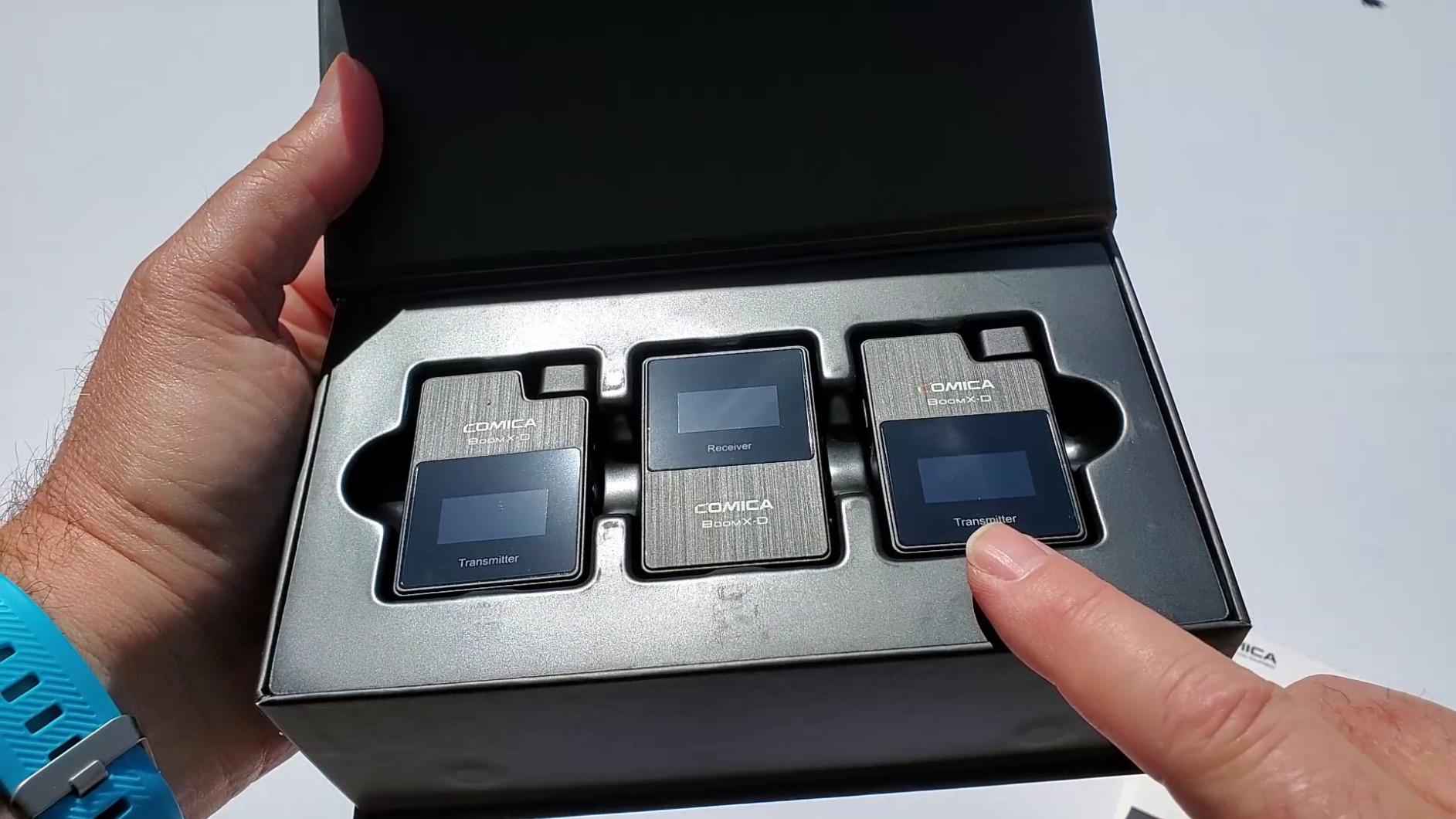
Radio behaviour is the other strength. Auto frequency hopping and auto channel selection keep the 650 ft, or 200 m, range stable in crowded environments, which is precisely the scenario where cheaper kits drop out. Latency is under 20 ms.
Battery is listed at up to 12 hours, and a 3-in-1 USB-C cable covers charging and data with an orange lead for data and a black charge-only lead. 3.5mm TRS and TRRS cables cover Sony, Canon and Nikon cameras and laptops.
Who the COMICA BoomX-D2 suits
Anyone shooting an event that happens once. Weddings, ceremonies and paid interviews all benefit from a parallel backup channel, because you cannot ask the moment to repeat itself.
Camera-based creators are well served, since the 3.5mm cables open up mirrorless and camcorder bodies alongside the phone. Two transmitters and one receiver also handle a two-person setup out of the box.
Who should skip it
Skip it for a quiet studio. The 60 dB signal-to-noise ratio is the lowest among the premium kits here, and it is most noticeable in room tone, so a controlled indoor recording will expose it more than an outdoor shoot will.
Lightning-era iPhone users should also note that a separate Lightning adapter is required and is not included. The housings are heavier and bulkier than the 8-10 g mini kits, so it is a working microphone rather than a discreet one.
11. Rode Wireless Micro – Best for Solo Creators Who Want Zero Setup
RØDE Wireless Micro (2 Mics + Charging Case), USB-C for iPhone & Android
USB-C connection,Pre-paired no-app setup,GainAssist auto levelling,21h combined runtime
Pros
- Genuinely zero setup since transmitters are pre-paired
- GainAssist auto-levels so there is no gain riding
- Studio-grade capsule in a very small transmitter
- 21 hours of combined runtime from the case
- Magnetic attachments and furry windshields included
Cons
- USB-C only so it will not fit Lightning-era iPhones
- No on-device gain or mode controls for advanced setups
- Does not cover 3.5mm camera inputs in this configuration
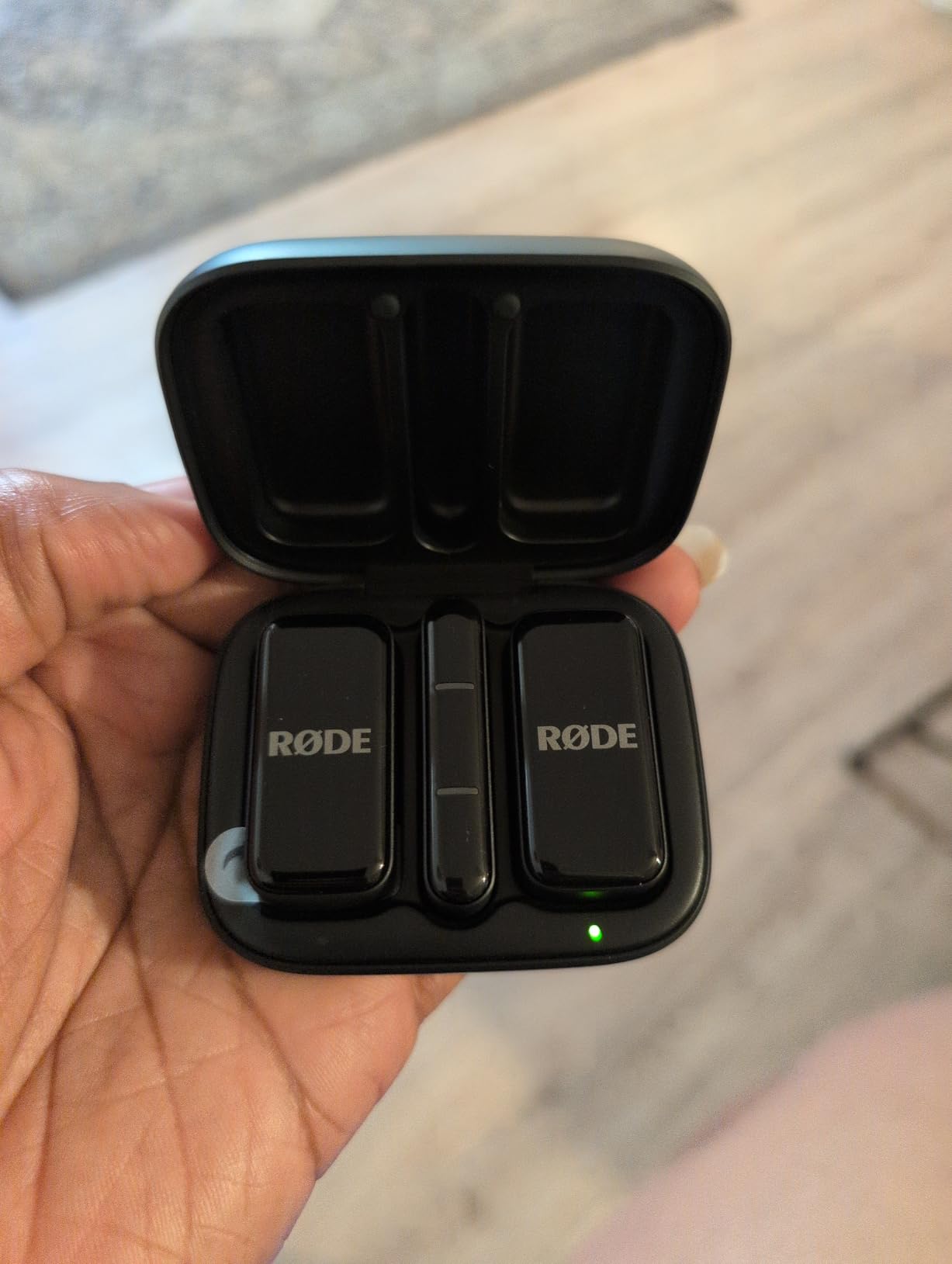
The RODE Wireless Micro is the pick for one person who films a lot and does not want to think about microphones. The transmitters are pre-paired, so they connect the moment the receiver is docked. No app, no pairing, no gain menu, no firmware step before you shoot.
GainAssist handles levels automatically, which removes the most common cause of bad phone audio: a hot or quiet take. The signal-to-noise ratio is listed at 73 db, with a 20 kHz frequency response and studio-grade capsules.
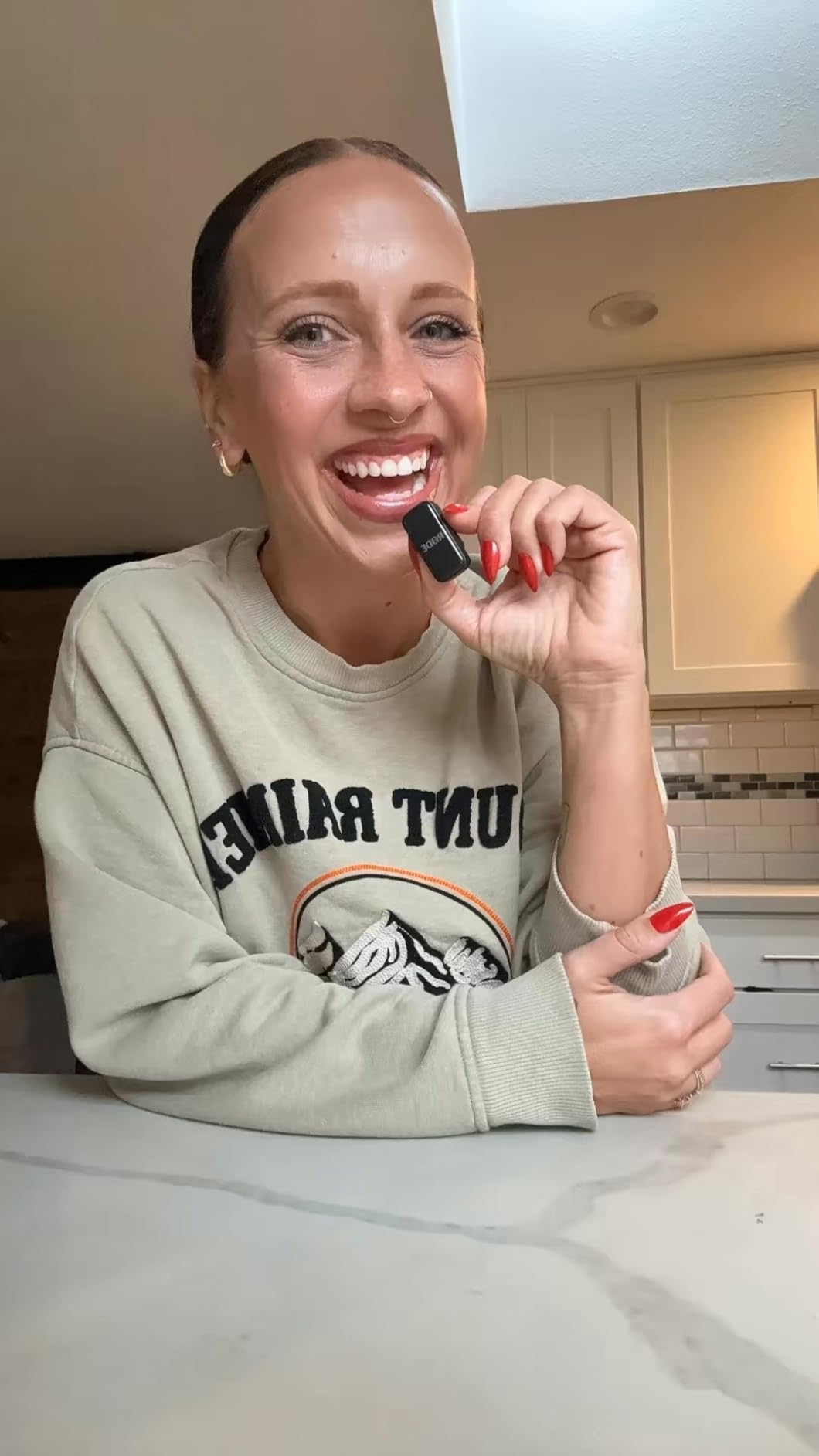
Battery is a genuine strength. The charging case provides up to 21 hours of combined use, and the whole package is 102.4 g including the case. Furry windshields and magnetic attachments are both in the box, and the unit is backed by a five-year warranty from an established audio brand.
This is the USB-C version, intended for iPhone 15 and later plus Android USB-C devices. A separate Lightning version exists, so if you are on an older iPhone you need that variant rather than an adapter.
Who the RODE Wireless Micro suits
Solo vloggers and streamers who want the shortest possible path from unboxing to recording. The dock-and-go behaviour means the microphone is never the reason a shoot starts late.
Auto-levelling also suits creators recording in unpredictable volumes, such as street interviews or walk-and-talk segments, where riding the gain by hand is genuinely hard.
Who should skip it
Skip it on a Lightning-era iPhone. This configuration is USB-C only, and while a Lightning version exists it is a separate product rather than an accessory.
It also suits camera shooters less well. There are no on-device gain or mode controls in this configuration, and it does not cover 3.5mm camera inputs, so it is a phone-first tool rather than a universal one.
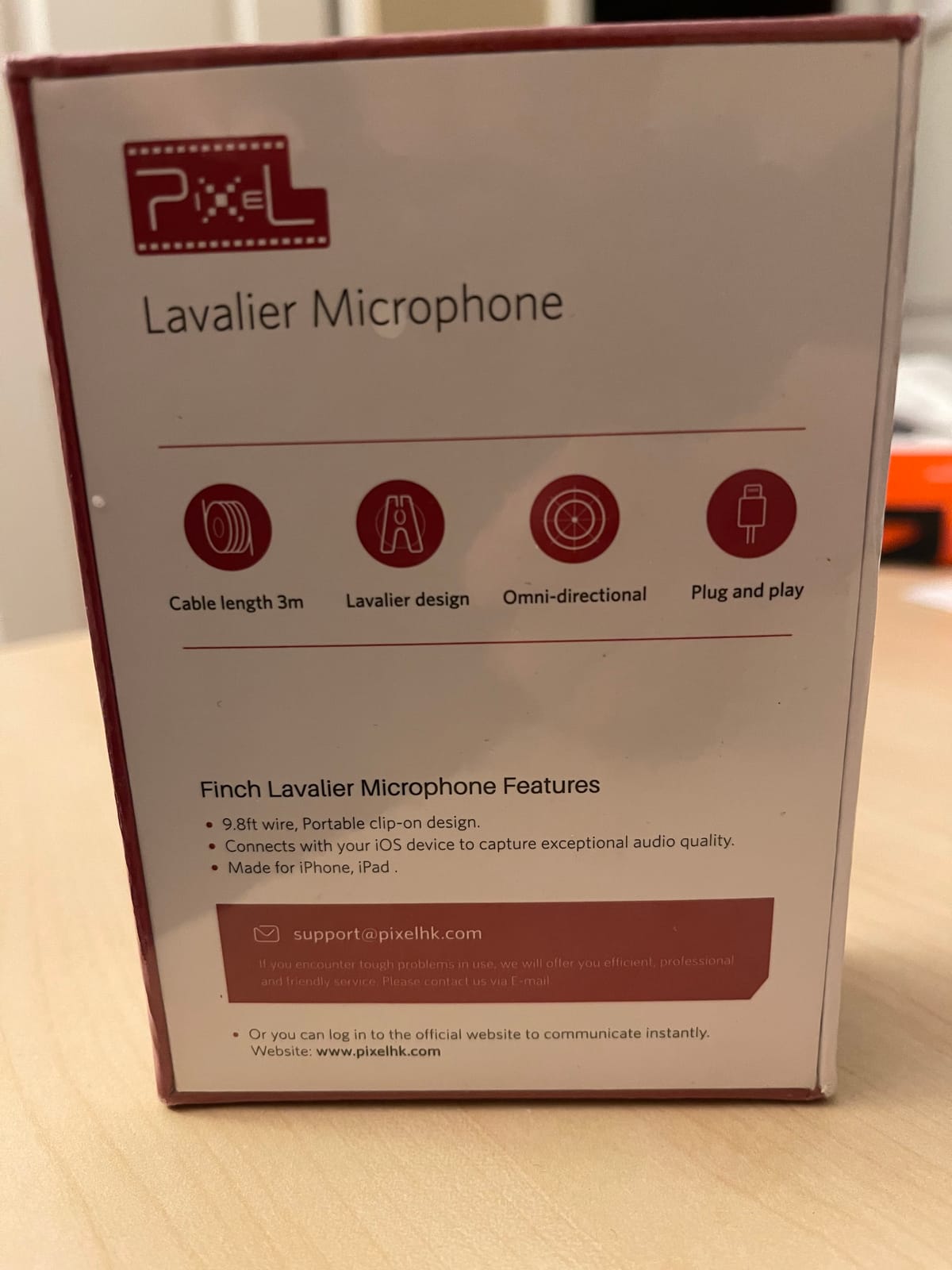
12. PIXEL Wired Lightning Lav – Best Wired Option for Lightning iPhones
PIXEL Lavalier Microphone for iPhone (Apple MFi-Certified) | Lav Mic for Vlogging | External Microphone for Video Recording, Compatible with All Lightning Devices (10ft)
Apple MFi-certified Lightning,10 ft cable,Battery-free,0.32 oz capsule
Pros
- Wired consistency with no pairing dropouts or interference
- MFi-certified Lightning plug works reliably through cases
- Truly plug and play with no app and no battery
- 10 ft cable gives real freedom for wider shots
- Aluminium housing resists moisture at 0.32 oz
Cons
- Sound is a modest improvement over the iPhone mic and can sound muffled
- Weak clip joint so the mic can detach with small movement
- Lightning only so it will not work with USB-C iPhones
Sometimes the best answer is the one with nothing to fail. This is a wired lavalier with an Apple MFi-certified Lightning plug, and it draws power from the phone. There is no pairing step, no battery to charge and nothing to update, so the audio is the same at the start of a shoot and at the end.
For meditation and teaching recordings, or for broadcasting on an iPhone, that predictability is the entire appeal. It also interferes with nothing, so it coexists happily with Bluetooth accessories and speakers.
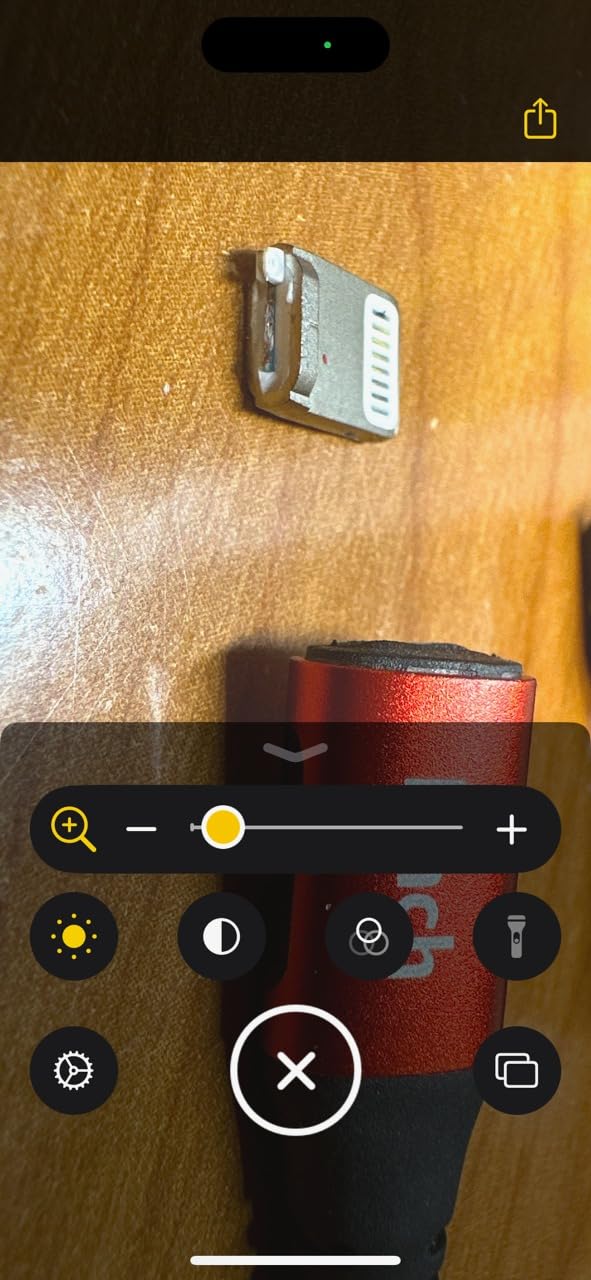
The 10 ft ultra-thin cable gives real movement for wider shots, and a noise filter and cancellation chip are built into the mic for side noise on speech and field recording. A windscreen is included, and the aluminium alloy housing weighs 0.32 oz with a 0.43 inch diameter capsule.
Be realistic about expectations. This is a modest step up from the iPhone’s own microphone rather than a transformation, and with the smallest review base on this list the long-term owner feedback is thinner than the picks above it.
Who the PIXEL wired lav suits
Anyone on a Lightning-era iPhone who wants a reliable improvement over built-in phone audio. It costs a fraction of a wireless system and cannot drop out mid-take.
Wired also suits ASMR and voiceover work, where handling noise and signal stability matter more than freedom of movement, and where staying near the phone is not a disadvantage.
Who should skip it
Skip it if you need to move away from the phone. You are limited to the cable length, which rules out any walking shot, and it does not work with USB-C iPhones or modern Android phones at all.
The clip joint is the most common hardware complaint, since small movements can detach the mic from the alligator clip. If you have ever had to re-record a take because the mic fell off, spend the extra on a wireless kit instead.
How to Choose a Lavalier Mic for Your iPhone in 2026
Confirm your connector before anything else
iPhone 15 and later use USB-C. Older models use Lightning. A USB-C receiver will not fit a Lightning port, and a Lightning receiver will not fit USB-C, so this single check eliminates most returns. If you want one kit that covers both phones in a household, look for a box that includes both receivers, which is the situation with the Hollyland Lark M2, the Mini Mic Pro, the MAYBESTA pair, the Bulatry pair and the WARM BOX pair.
Two details catch people out even with the right connector. A short receiver stem can be levered sideways by a thick phone case, so check whether an extender is included or recommended. And note that some receivers arrive as a 3.5mm jack, which needs a USB-C OTG adapter to reach an iPhone port.
Wired or wireless: the honest trade-off
Choose wired when you are near the phone, on a budget, or recording something you cannot reshoot. Wired mics cannot drop out, need no battery, and cost a fraction as much. Choose wireless when you walk, film yourself at arm’s length, or need the phone somewhere other than on the person speaking.
The disadvantages of wireless are worth stating plainly. The audio is compressed, so it sounds thinner than a wired mic on the same phone. Transmitters need charging, and the range figure assumes line of sight. Some multi-transmitter kits also record mono on iPhone, which you cannot fix in post.
One transmitter or two?
One transmitter is enough if a single person talks and everyone else stays silent. Two transmitters are required the moment two people speak, because one transmitter can only follow one voice. If your format is interviews, podcasts or reaction content, buy the two-transmitter version from the start rather than adding a second unit later, since the receiver and the app are built around the kit you choose.
Capsule versus complete kit
This trips up more buyers than any other factor. A lavalier capsule is just the microphone head, sold for people who already own a wireless transmitter body. A complete kit includes the transmitter, the receiver, the cable and usually a charging case. Shopping carousels mix the two freely, so read the bundle contents before buying, not the headline.
Local recording, 32-bit float and why they matter
Local or onboard recording means the transmitter stores its own copy of the audio on the device. The DJI Mic 2 records in 32-bit float with up to 14 hours of onboard backup, so a take that clips on the phone side can still be recovered. The NEEWER CM28 stores uncompressed 48 kHz WAV to 4 GB per transmitter, and the COMICA BoomX-D2 offers a -6 dB safety track alongside mono and stereo modes.
Expect to sweeten the audio regardless. Even a clean 48kHz/24-bit file usually needs a high-pass filter, a compressor and a limiter in your editing app. That is normal post-production, not a sign of a bad microphone.
Noise reduction is not the same as wind protection
Noise cancellation is DSP processing that reduces steady background sound such as fans, hum and air conditioning. Wind protection is physical: foam and furry windscreens deflect moving air before it reaches the diaphragm. Outdoors you need both, and no amount of digital processing replaces a fitted deadcat.
What can go wrong
The most common failure is the wrong connector, which we have covered. Next is a dropped wireless link in a crowded radio environment, which is where auto frequency hopping, as found on the COMICA BoomX-D2, earns its place. Third is a dead transmitter battery discovered mid-interview; a single tap of the paired mic button starts and stops recording remotely on the Hollyland Lark M2, which helps.
Fourth is aggressive noise reduction thinning the voice into something artificial. Set it lower rather than higher and you keep the person. Fifth is assuming a capsule is a kit. Sixth is the 2.4 GHz band sitting close to your Wi-Fi router, so move the phone or the router before blaming the microphone.
How to test before an important shoot
Record thirty seconds of a voice at the distance you will actually shoot from, and listen back on headphones rather than the phone speaker. Walk the full range you plan to use while recording, because advertised range assumes open air. Rub the windscreen and handle the clothing near the capsule to check for handling noise. Test the full take length so a six-hour claim is never discovered to be two.
Finally, record and play back the same file, then confirm the file on your computer transfers with audio intact. That last check catches the charge-only cable problem we saw with one of the kits here, and it costs thirty seconds.
Frequently Asked Questions
What is the best lapel microphone for iPhone?
For most creators the DJI Mic Mini 2TX kit is the strongest all-round choice, with 10 g transmitters, 48kHz sampling, a 400 m range and up to 48 hours of battery with the charging case. If your iPhone is a Lightning model, choose the Hollyland Lark M2, which includes both a USB-C and a Lightning receiver in the same box.
Is there a wireless lavalier microphone for iPhones?
Yes. Every wireless lavalier in this roundup works with iPhones, either through a USB-C receiver on iPhone 15 and later or a Lightning receiver on older models. Some kits, including the Hollyland Lark M2, Mini Mic Pro, MAYBESTA and WARM BOX pairs, include both connectors so one kit covers every phone.
Which wireless mic is best for iPhone?
The DJI Mic Mini leads on transmitter size, battery life and the largest review base here, while the Hollyland Lark M2 is the better value buy because it includes both USB-C and Lightning receivers. For two-person interviews the Hollyland Lark A1 and the NEEWER CM28 both include two transmitters and a receiver.
Why isn’t my wireless lavalier mic working with my iPhone?
Check four things in order. First, the connector: a USB-C receiver will not fit a Lightning iPhone and vice versa. Second, the app: many wireless mics work only in camera and recording apps, not in video-call or translation apps. Third, the pairing: press and hold the power button on both pieces until the indicator flashes. Fourth, the case: a thick case can push out a short receiver stem, so remove the case or use an extender.
Is there a difference between a lavalier microphone and a lapel microphone?
No. The two names refer to the same product. A lavalier microphone, also called a lapel mic or clip-on mic, is a small microphone that clips to clothing near the collarbone so the capsule sits close to the mouth. The word lav is simply the common abbreviation of lavalier.
What are the disadvantages of using a lavalier mic?
The main drawbacks are clothing rub and cable or wireless artefacts, since the capsule picks up every movement of fabric. Wireless models add compressed audio that sounds thinner than wired, battery charging, limited line-of-sight range and occasional dropouts in crowded radio environments. Placement also matters more than most buyers expect, and a badly clipped mic sounds worse than no mic at all.
Bottom Line: Which Lavalier Mic Should You Buy?
The DJI Mic Mini 2TX kit is our pick for the best lavalier microphones for iPhone in 2026, because nothing else here combines 10 g transmitters, a 48-hour case-backed battery, two transmitters in the box and the deepest review base we tested. Pick the Hollyland Lark M2 instead if your household runs both Lightning and USB-C iPhones, since it includes both receivers. Go with the Mini Mic Pro or the MAYBESTA pair on a tight budget, the Hollyland Lark A1 or the NEEWER CM28 for two-person interviews, and the PIXEL wired lav if you are close to a Lightning phone and want zero failure points.
Whatever you choose, confirm the connector before you buy, test thirty seconds indoors and thirty seconds outdoors, and plan one pass of cleanup in your editing app. That last step is not a compromise. It is what turns a usable recording into a good one.