
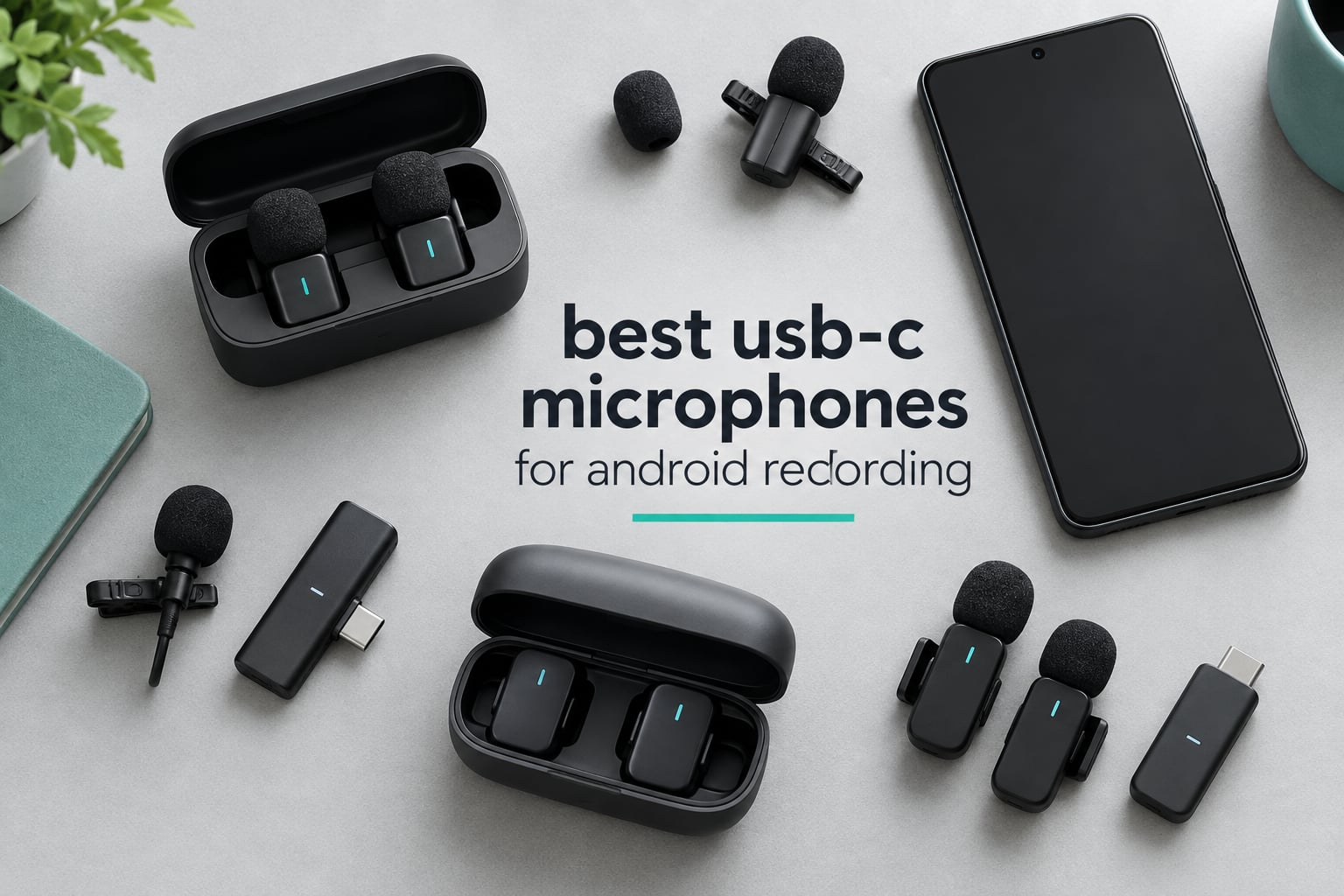
Phone microphones are built for phone calls, and that is exactly the problem. Android handsets stack several built-in mics together and feed them through automatic noise suppression tuned for speech, so anything that is not a voice gets gated, compressed and pumped. Guitar, drums, a room tone, a rustling jacket – all of it arrives on your timeline already damaged.
A USB-C microphone for Android recording sidesteps that chain completely. It plugs into the port you already charge with, draws its power from the phone, and streams a digital audio signal straight into your recording app with no 3.5mm jack, no TRRS adapter and no dongle to lose. Over the past few weeks we went through twelve of them – the only USB-C models we would consider recommending for Android – and read through the reviewer feedback on each to sort the genuinely good ones from the ones that fall over on a Samsung or a Pixel.
What follows is the short version of the best USB-C microphones for Android recording: twelve picks covering wired lavaliers, two-person wireless kits and long-run systems, each with a plain Android compatibility verdict, the honest drawback, and no adapter maths. If you only want one answer, the Hollyland Lark M2 sits at the top of the list for the widest range of shooting situations, and we explain why below.
Table of Contents
Top 3 USB-C Microphones for Android Recording (September 2026)
These three cover the most ground. The Lark M2 is the one we would buy with our own money, the Hollyland Lark A1 is the smarter spend if you want two transmitters and app control, and the MAYBESTA kit is the cheapest reliable way to get two wireless lavaliers working on an Android phone today.
All 12 USB-C Mics at a Glance in 2026
This is the master comparison. Every mic below plugs into an Android USB-C port with no adapter, and every entry lists the connector, the recording format and the practical limit worth knowing before you buy.
| Product | Specs | Action |
|---|---|---|
 Hollyland Lark M2 Hollyland Lark M2 |
|
Check Latest Price |
 MAYBESTA 2-Mic Wireless Kit MAYBESTA 2-Mic Wireless Kit |
|
Check Latest Price |
 Mini Mic Pro 2-Pack Mini Mic Pro 2-Pack |
|
Check Latest Price |
 Hollyland Lark A1 Hollyland Lark A1 |
|
Check Latest Price |
 BOYA BY-V20 BOYA BY-V20 |
|
Check Latest Price |
 GoorDik J3 GoorDik J3 |
|
Check Latest Price |
 BOYA mini 2 BOYA mini 2 |
|
Check Latest Price |
 MAONO UL11 Wired Lavalier MAONO UL11 Wired Lavalier |
|
Check Latest Price |
 NPTCL K1 NPTCL K1 |
|
Check Latest Price |
 Cubilux Wired Lavalier Cubilux Wired Lavalier |
|
Check Latest Price |
 Rode Wireless Micro Rode Wireless Micro |
|
Check Latest Price |
 WARM BOX 2-Pack WARM BOX 2-Pack |
|
Check Latest Price |
How We Picked
Twelve candidates, six criteria, applied in this order. First and non-negotiable: does the mic terminate in a real USB-C plug and register as an audio input on a current Android phone, with no proprietary dongle. A mic that fails that test is out regardless of how good it sounds, because the number one complaint in every owner thread we read was a mic the phone simply never detected.
Second, the recording format and the claimed signal-to-noise ratio, since those set the ceiling on what you can fix in post. Third, whether the kit gives you two transmitters, because one-person use is the exception rather than the rule. Fourth, wind handling and off-axis behaviour for anyone filming outdoors or in a room with a running air conditioner. Fifth, monitoring, since headphone feedback while recording is what separates a usable podcast mic from a frustrating one. Sixth, build, warranty and the number of small magnetic parts you will lose in a pocket.
Here is the honest disclosure. Our ranking combines published specifications, the ratings and review counts on each listing, and the recurring themes in owner feedback. We did not bench-test all twelve against a reference microphone in a treated room, so where we describe a limitation it comes from what owners consistently report rather than from our own measurement. Every product here is also a wireless or wired lavalier rather than a stereo or shotgun mic, which is a deliberate choice – the kits below are the ones that work on Android out of the box, and stereo and shotgun units in this category tend to need a proprietary cable or a desktop computer first.
1. Hollyland Lark M2 – the all-round pick for Android
Hollyland Lark M2 Wireless Microphone for iPhone15/16/17&Android, USB C Mini Lapel Microphone Wireless, 1000ft Range, Hi-Fi Audio, Noise Cancellation, 30H Battery for Video Recording, Streaming
Wireless lavalier
9g transmitters
USB-C receiver
48kHz/24-bit
1000ft range
Pros
- 9g transmitters vanish on camera
- 48kHz/24-bit at 70dB SNR
- 1000ft line-of-sight range
- 30H total with the charging case
- USB-C receiver works straight on Android
Cons
- Tiny transmitters are easy to lose
- strongest noise-cancellation setting thins the voice
- short receiver can be pushed out by a thick case
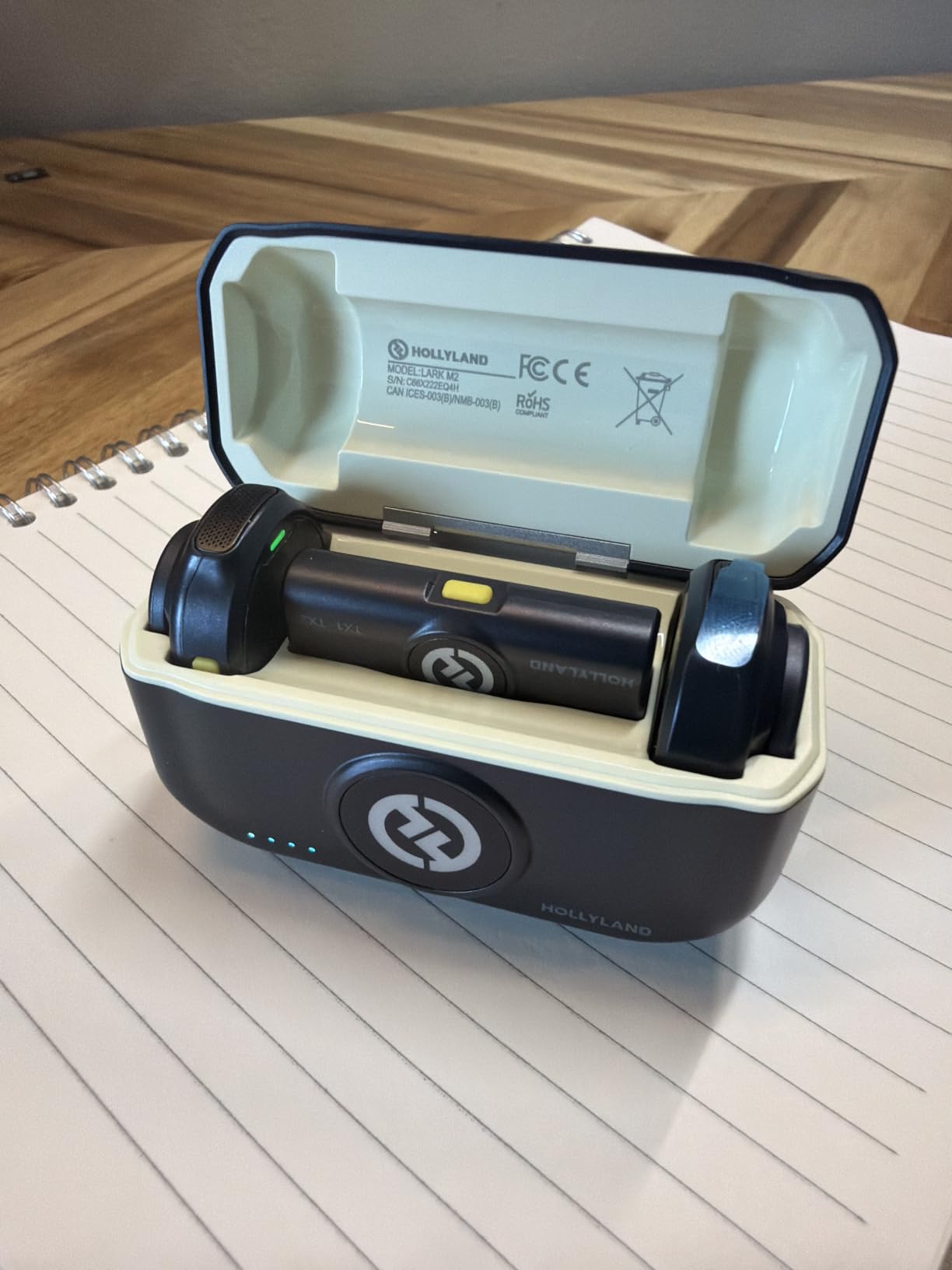
The Lark M2 is the system we keep coming back to because it solves the most problems at once. Each transmitter weighs 9g, which matters more than the spec sheet suggests: a mic that hangs off a shirt collar visibly pulls the fabric and shows up in every close shot. Clipped properly, it disappears.
Audio is captured at 48kHz and 24-bit with a stated signal-to-noise ratio of 70dB and maximum handling of 115dB SPL. In practice reviewers describe clean speech with plenty of headroom, and the number to remember is that the transmitters and receiver arrive factory pre-paired, so there is no pairing ritual to go wrong before a shoot.
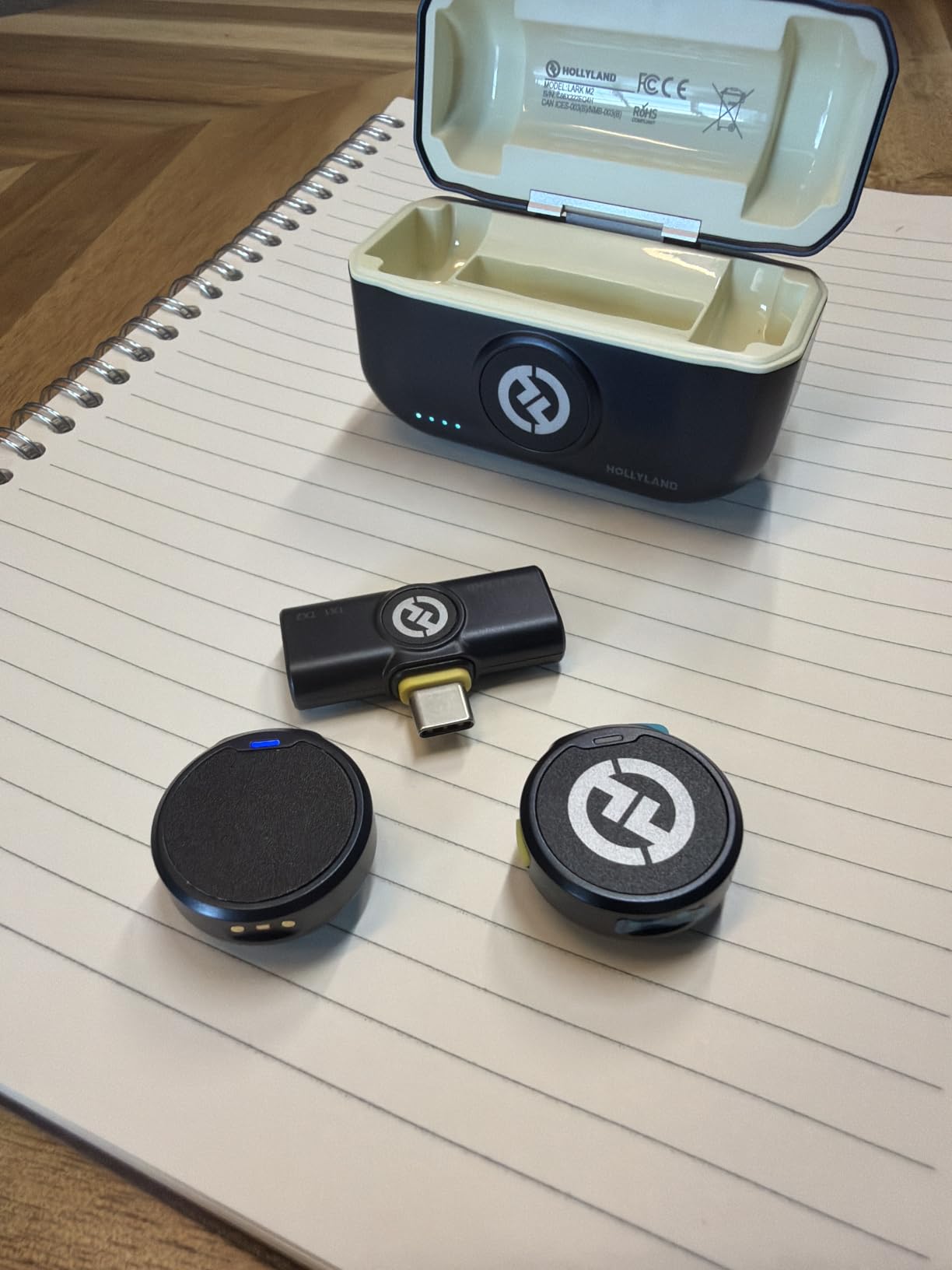
The USB-C receiver is the part that matters for Android. It is a direct plug with no Bluetooth in the middle, and the manufacturer lists Samsung Galaxy, Pixel, OnePlus and other Android handsets among compatible devices. Power comes from the phone, so there is no battery in the receiver path to manage.
Range is quoted at up to 1000ft line-of-sight on 2.4GHz, which is far more than any realistic vlogging distance. Battery runs up to 10 hours per transmitter and up to 30 hours total with the compact charging case, and a double-press on the noise-cancellation button remotely starts and stops video capture on the phone.
What it is genuinely good at
Vlogging, interviews and any production where a visible mic ruins the shot. The 9g body and magnetic attachment are the reason it wins, and the enclosure is metal rather than plastic. It also suits anyone shooting an interview in a quiet room, because the omnidirectional capsule sits close to the mouth and the off-axis room sound stays at a manageable level.
If you film in a car, outdoors or anywhere with traffic, the one-click ENC on the transmitter with Strong and Low levels in the HollyAudio app gives you a workable compromise between hiss and voice clarity.
Where it falls short
At maximum noise-cancellation strength the voice can sound thin or processed, so for music and instruments leave ENC off. The transmitters are also genuinely tiny, and owners lose them. Finally, the receiver stub is short enough that a thick phone case or a gimbal mount can lever it out – if you shoot with a heavy rig, budget for the USB-C extender that reviewers commonly recommend.
2. MAYBESTA 2-Mic Wireless Kit – the cheapest reliable route to wireless
MAYBESTA Wireless Lavalier Microphone for iPhone & Android Phone – Lapel Mini Microphones for Audio Video Recording – 2 Clip on Content Creator Mics for Tiktok YouTube Vlog
Wireless lavalier
2 transmitters
USB-C plus Lightning
70ft range
16H combined
Pros
- Two full wireless transmitters at a very low price
- USB-C and Lightning adapters both included
- no app or Bluetooth pairing
- side-facing clip clears the wearer's chin
Cons
- Wind and ambient noise still leak in outdoors
- some owners report early failures
- no charging case so mics charge over USB
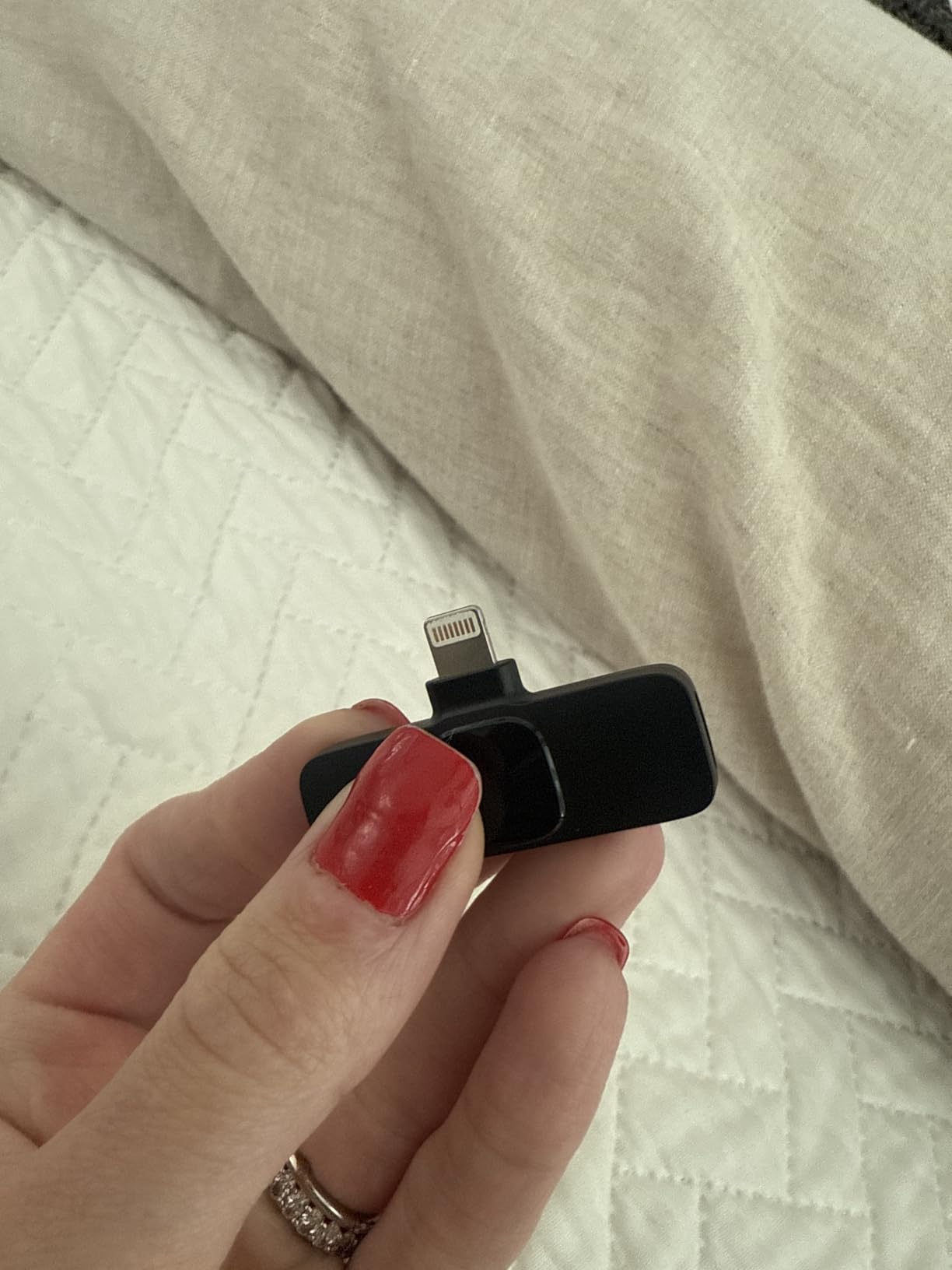
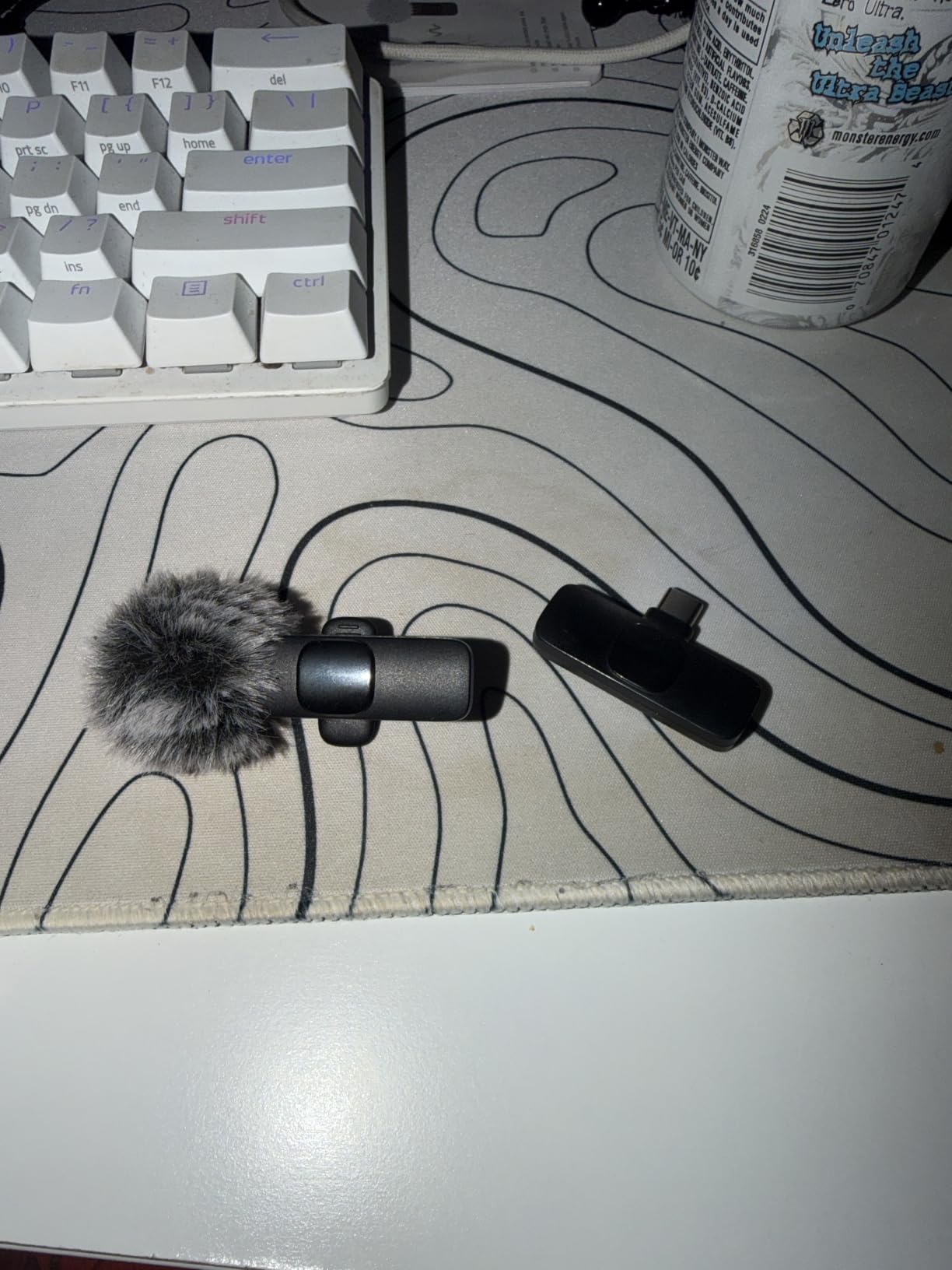
Most people discovering USB-C wireless mics on Android start here, and for a first two-person setup the value is difficult to argue with. You get two clip-on transmitters, a receiver with a USB-C plug, and a Lightning adapter in the box, so the same kit covers an Android phone and a recent iPhone.
Pairing is about as simple as it gets. There is no Bluetooth and no app – you plug the receiver into the phone, power the mics, and a solid green light confirms the link. That removes the single most common failure point we saw in owner feedback, where a kit pairs fine on one phone and never appears in the input list on another.
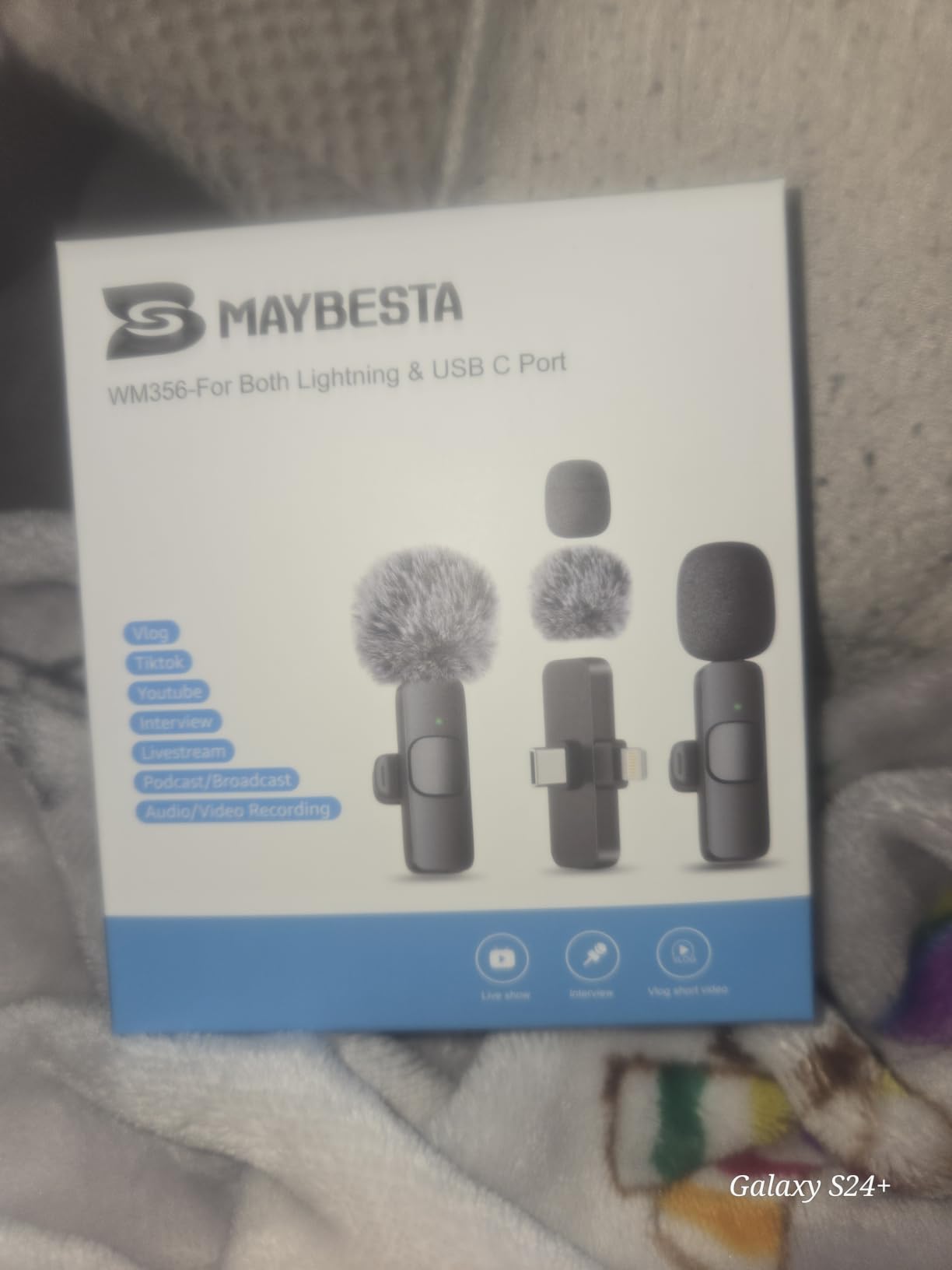
Range is up to 70ft with roughly 16 hours of combined runtime across the two transmitters. The stated signal-to-noise ratio is 70dB, and the capsule is omnidirectional, which suits a clip at the collar on a quiet set. A noise reduction chip and a foam windscreen handle close-range voice.
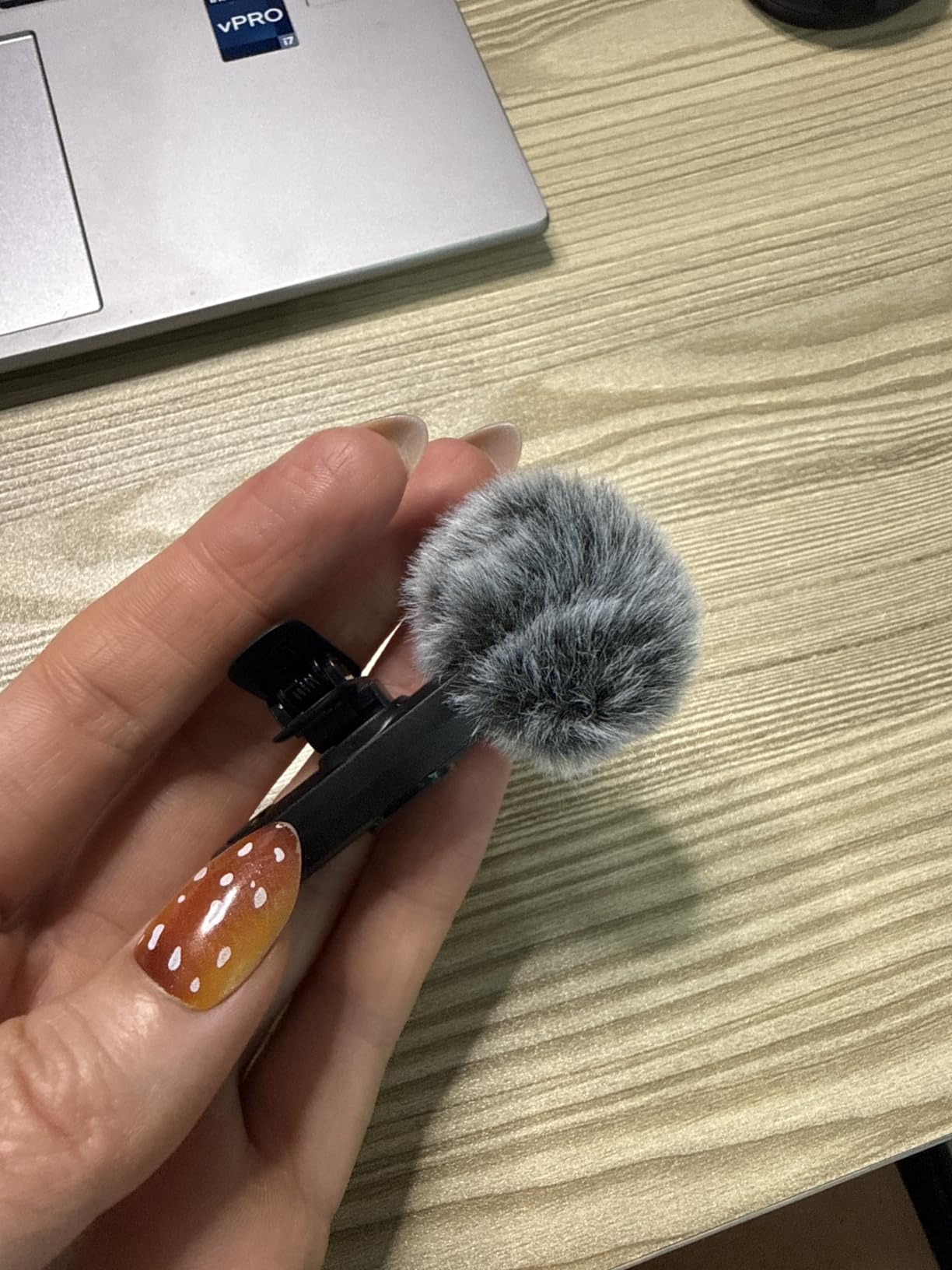
One design detail stands out: the clip is side-facing rather than front-facing, so the mic sits beside the mouth instead of under the chin. On a two-person interview that keeps the capsule clear of clothing rub and jaw movement.
Who should buy it
Anyone recording two-person interviews, podcast conversations or split-screen content on a phone, on a first budget. It also works as a spare or travel kit because the whole set weighs 20g and includes a storage pouch.
The included adapter set makes it a safe buy if your household mixes Android and iPhone. Warranty terms are generous for the price bracket, with a two-year cover alongside a 120-day refund window.
What to watch out for
Outdoor audio is where it stretches. Wind and general ambient noise still come through, and the noise reduction chip does not behave like the processing on premium kits. Owners also report occasional units failing shortly after first use, and there is no charging case, so the mics charge directly over USB and you need a cable in your bag.
3. Mini Mic Pro 2-Pack – clip on and start recording
Mini Mic Pro (Latest Model – #1 Microphone for iPhone & Android, Wireless Mini Microphone, Clear Voice, Noise Cancelling, Lavalier Mic for TikTok, YouTube & Interviews (iPhone 15+ & Android)
Wireless lavalier
2 transmitters
Direct USB-C
6H recording
foam and deadcat
Pros
- Two wireless mics with a direct USB-C plug
- no app and no Bluetooth
- foam and deadcat wind protection in the box
- charges over USB-C while still recording
Cons
- Under an ounce per mic with no handling heft
- lower audio resolution than studio-oriented kits
- some Android phones need OTG enabled first
The Mini Mic Pro exists for one job: get a decent lavalier onto an Android phone with the least possible fuss. Two transmitters, a USB-C receiver, a cable, clips and wind protection are in the box, and there is no app to install and no Bluetooth handshake to fail.
Each microphone weighs under an ounce, which is a genuine advantage for travel and for anyone who clips a mic to a collar rather than a lapel. The transmitter also carries a battery indicator light, which saves the classic dead-take discovery that one of the two mics switched off twenty minutes in.
Wind protection is better thought through than the spec suggests. You get high-density foam tips plus deadcat furry covers, and that combination is what makes the difference between usable and unusable audio on a street. For close-range voice in a quiet room, plain foam is enough.
Battery runs up to six hours of continuous recording, and the mics charge over USB-C while you keep recording – a small feature that matters on a long interview day. Compatibility is listed across Android phones, tablets, cameras, iPads and USB-C iPhones.
Where it earns its place
Solo creators filming short-form video, anyone new to external audio, and anyone who wants a backup mic in a bag. The two-transmitter bundle means you can hand a mic to a second person without buying anything else.
It is also a sensible first purchase for a musician filming a performance, because the deadcat covers are already in the box. The direct USB-C plug means no adapter compatibility list to check before an important day.
What it does not do
Audio resolution sits below the studio-oriented kits in this roundup, so it is a step down in headroom and detail for anyone who plans to record instruments. The sub-ounce body also has no heft, which makes the button controls easy to trigger by accident in a pocket. And as with most budget wireless kits here, some Android phones require OTG mode to be enabled before the mic is recognised.
4. Hollyland Lark A1 – the best-value wireless system
Hollyland Lark A1(2TX + USB-C RX), Wireless Microphone for iPhone & Android
Wireless lavalier
2 transmitters at 8g
USB-C receiver
48kHz/24-bit
650ft range
Pros
- 48kHz/24-bit with 120dB SPL handling
- two 8g magnetic transmitters
- three-level noise cancellation
- up to 18H across two mics
- app control of gain and EQ
Cons
- Some configurations ship without a USB charging brick
- highest noise reduction still lets wind through
- not usable in video call or translation apps
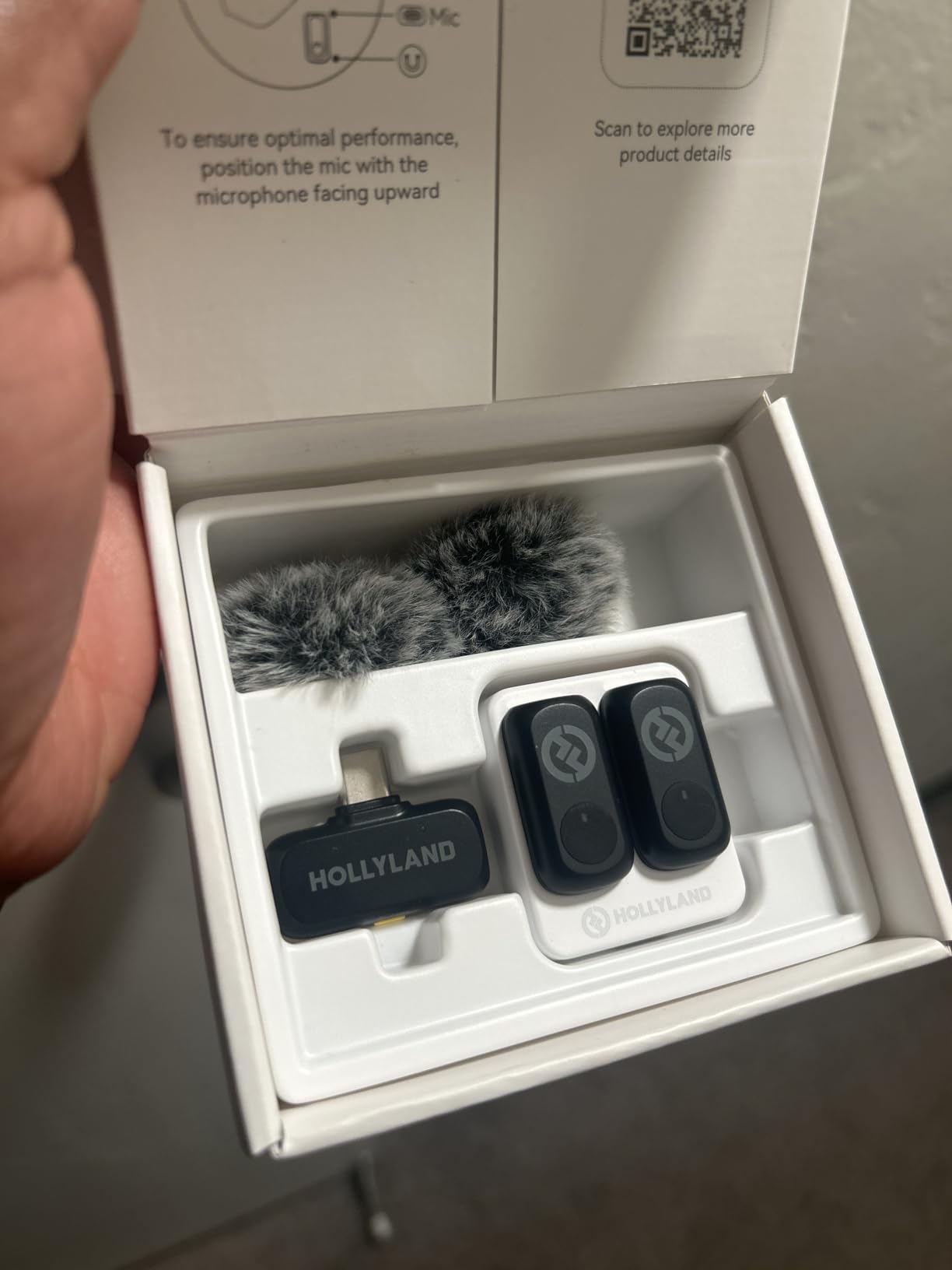
Where the Lark M2 buys you invisibility, the Lark A1 buys you control. The transmitters are 8g magnetic units, and this is the version with two of them plus a USB-C receiver, so it is a complete two-person system rather than a single-mic setup.
Capture is 48kHz at 24-bit with a stated 67dB signal-to-noise ratio and up to 120dB SPL maximum input. That headroom figure is the one to remember: it means a loud voice or a close-miked instrument will not break the input before you can pull the gain down.
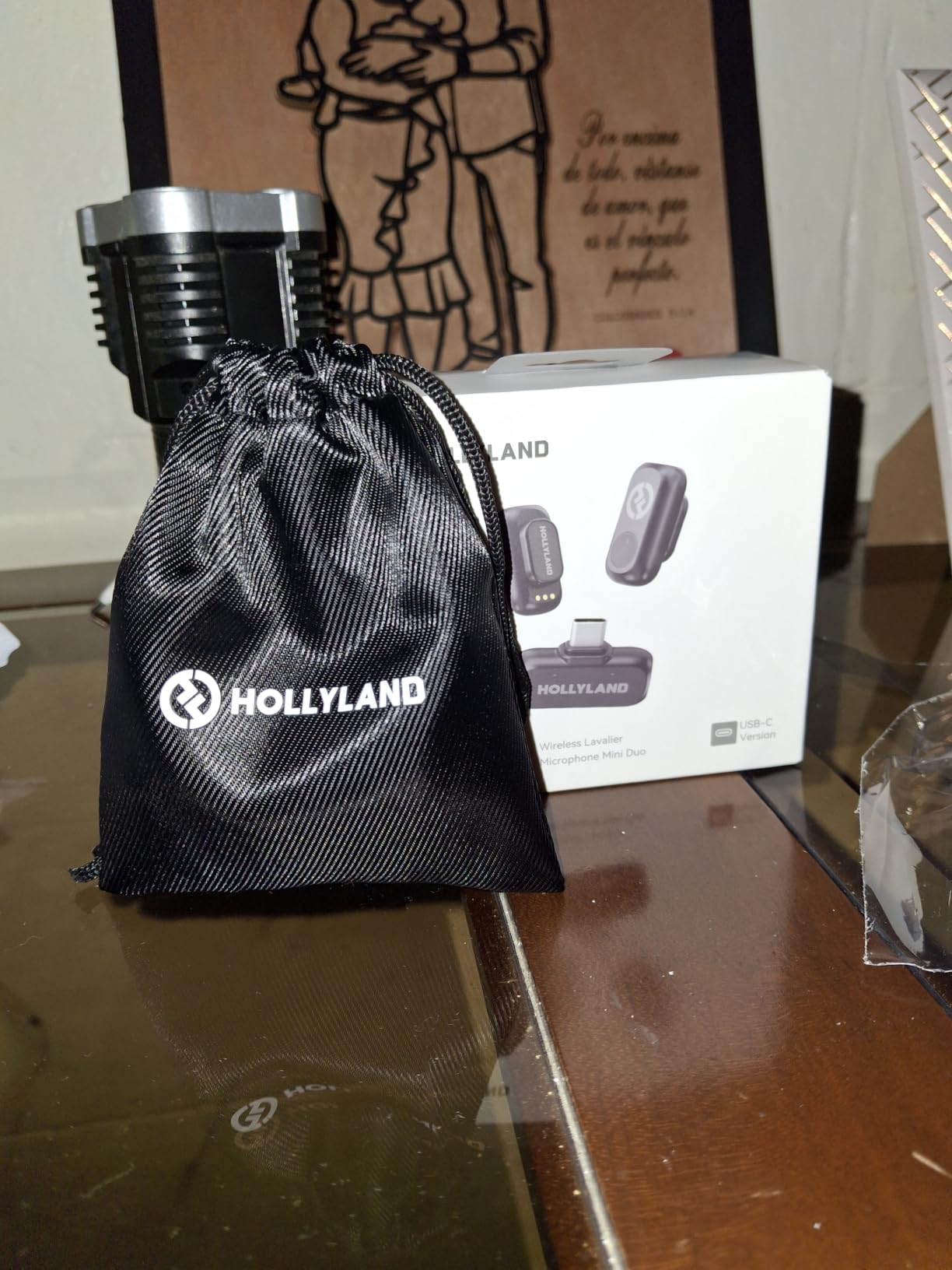
Range reaches up to 200m, or 650ft, on 2.4GHz with anti-interference processing, and both furry windshields are included. The companion app exposes battery level, volume, gain adjustment across six steps, EQ and reverb, plus three levels of intelligent noise cancellation from weak through to strong.
Battery life is 9 hours per transmitter and up to 18 hours alternating between the two, with a charging case variant extending that to 54 hours. The connection is a direct USB-C plug with no Bluetooth, which is what keeps it working reliably on Android.
Who it suits
Two-person interview work where you want to shape the sound rather than just capture it. The EQ and gain controls in the app are the deciding feature for anyone who has fought with a fixed-output wireless mic and ended up normalising in editing.
It also works well for livestreaming rigs, including setups built around DJI-style receivers, and the magnetic attachments hide cleanly under a collar. Coverage here is one year.
Where it disappoints
Even at the highest noise-reduction level, wind still overlaps the voice, so outdoors you want the included furry covers plus a physical windscreen approach. Some configurations include only a USB cable and no charging brick, which is worth checking before you commit. And it will not work in video call or translation apps – only in recording apps that request external audio input.
5. BOYA BY-V20 – two mics that also charge your phone
BOYA BY-V20 Wireless Microphones for iPhone 17/16/15 & Android/Laptop
Wireless lavalier
2 transmitters
USB-C receiver
328ft
9H battery
Pros
- Two transmitters plus receiver with 328ft range
- one-click noise reduction button
- receiver charges the phone during recording
- 360-degree rotatable clip
Cons
- Android needs OTG enabled before the mic is recognised
- this configuration does not cover Lightning iPhones
- basic accessory kit with no charging case
The BY-V20 solves a problem most wireless kits ignore: power. The USB-C receiver has a port that charges the connected phone while recording continues, so a long interview does not depend on your phone’s battery lasting the whole session.
Each transmitter weighs 10.5g and clips on with a 360-degree rotatable clip, which is a small but real quality-of-life detail – you can turn the capsule toward the mouth without repositioning the whole clip. Pickup is omnidirectional across 20Hz to 16kHz at a stated 80dB signal-to-noise ratio, which is among the higher figures in this roundup.
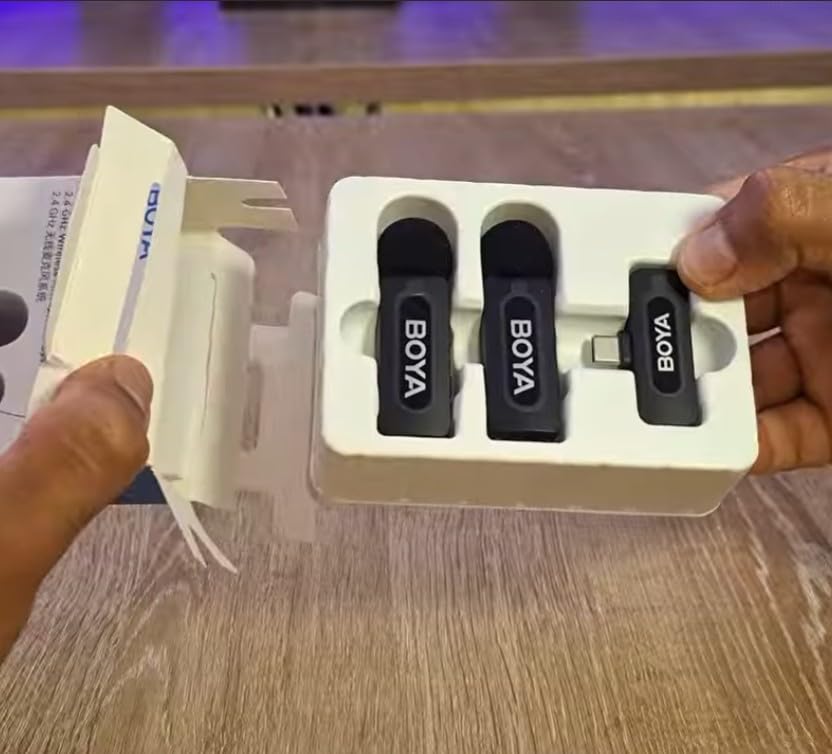
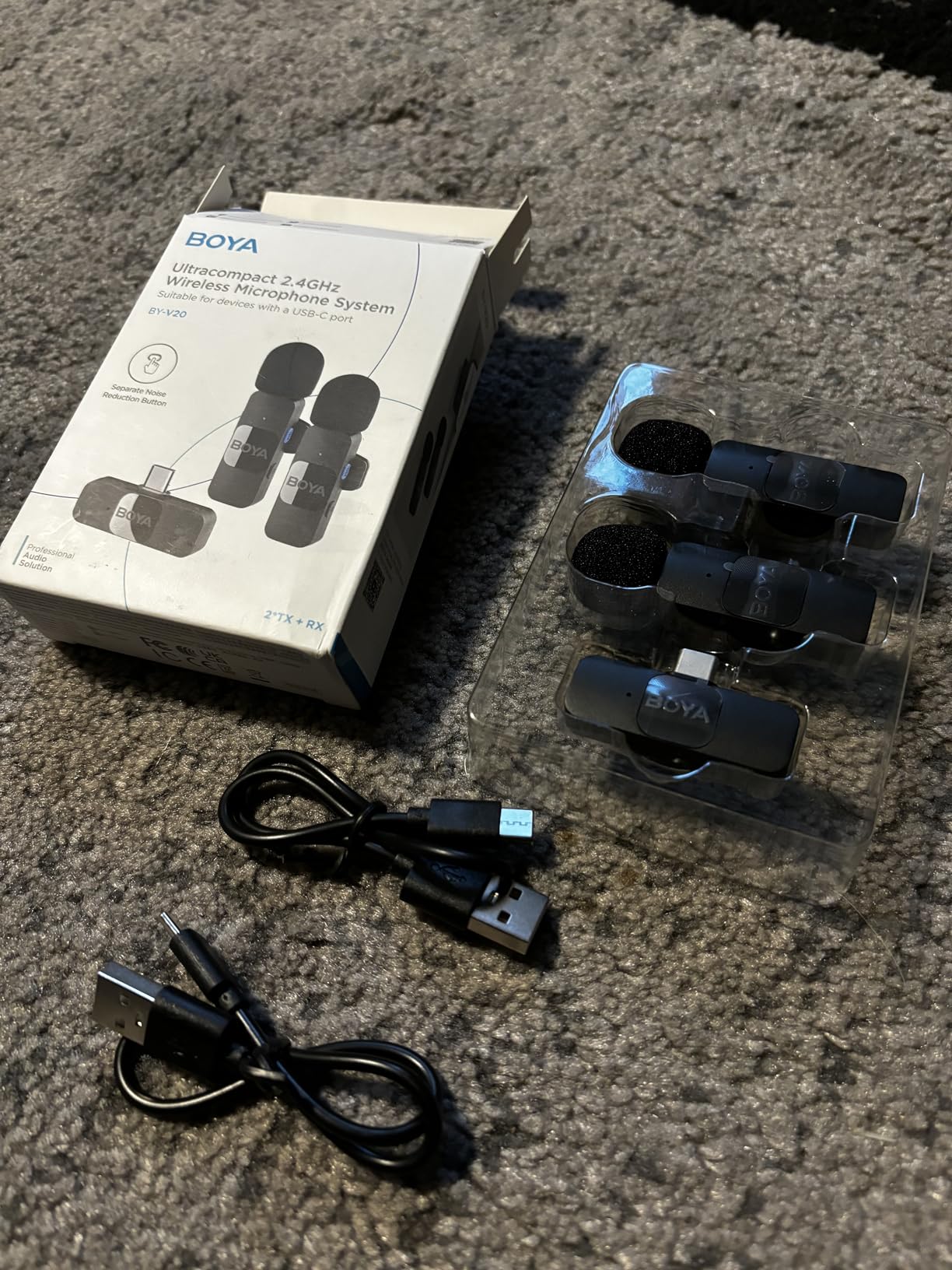
Range is up to 328 feet, and the two-transmitter kit comes with a carrying bag, two foam windscreens and two USB-A to USB-C cables. A dedicated noise-reduction button on the transmitter handles moderately noisy settings without digging into an app.
Pairing is automatic with no adapters, no apps and no Bluetooth – though on Android you will need to switch on OTG mode first, which the manufacturer states directly. Compatibility covers Android phones with a Type-C port, USB-C laptops and tablets, and iPhone 15 through 17.
Why it works for interviews
The combination that matters here is two transmitters, 328ft of range and phone charging over the same cable. That means you can record a seated interview or a walk-and-talk without watching a battery percentage or carrying a second charger.
The 80dB signal-to-noise figure gives you a clean starting point in a quiet room, and the metal and plastic construction plus a two-year manufacturer warranty make it a safe long-term buy.
Where it will frustrate you
You must enable OTG on Android before the phone sees the mic, and if you skip that step it looks like a dead product. This configuration does not cover Lightning iPhones, so households with an older iPhone need a different receiver. The accessory kit is also basic next to kits that include a charging case and multiple windshields.
6. GoorDik J3 – the most wind protection in the box
USB C Lavalier Microphone Wireless Mini Mic for Type-C Android Phone/Tablet/PC Video Recording Clip-on Mics with Rotatable Clip&Denoise Recording, Ideal for Vlog Tiktok Youtube Podcast Content Creator
Wireless lavalier
2 transmitters
30m range
dual noise modes
6-12H battery
Pros
- Four foam covers and two furry windshields included
- dual noise reduction and original sound modes
- one-to-two cable charges both transmitters at once
- receiver can charge the phone
Cons
- Some Android phones need OTG activation first
- computers need the default input set manually
- audio ceiling is lower than premium kits
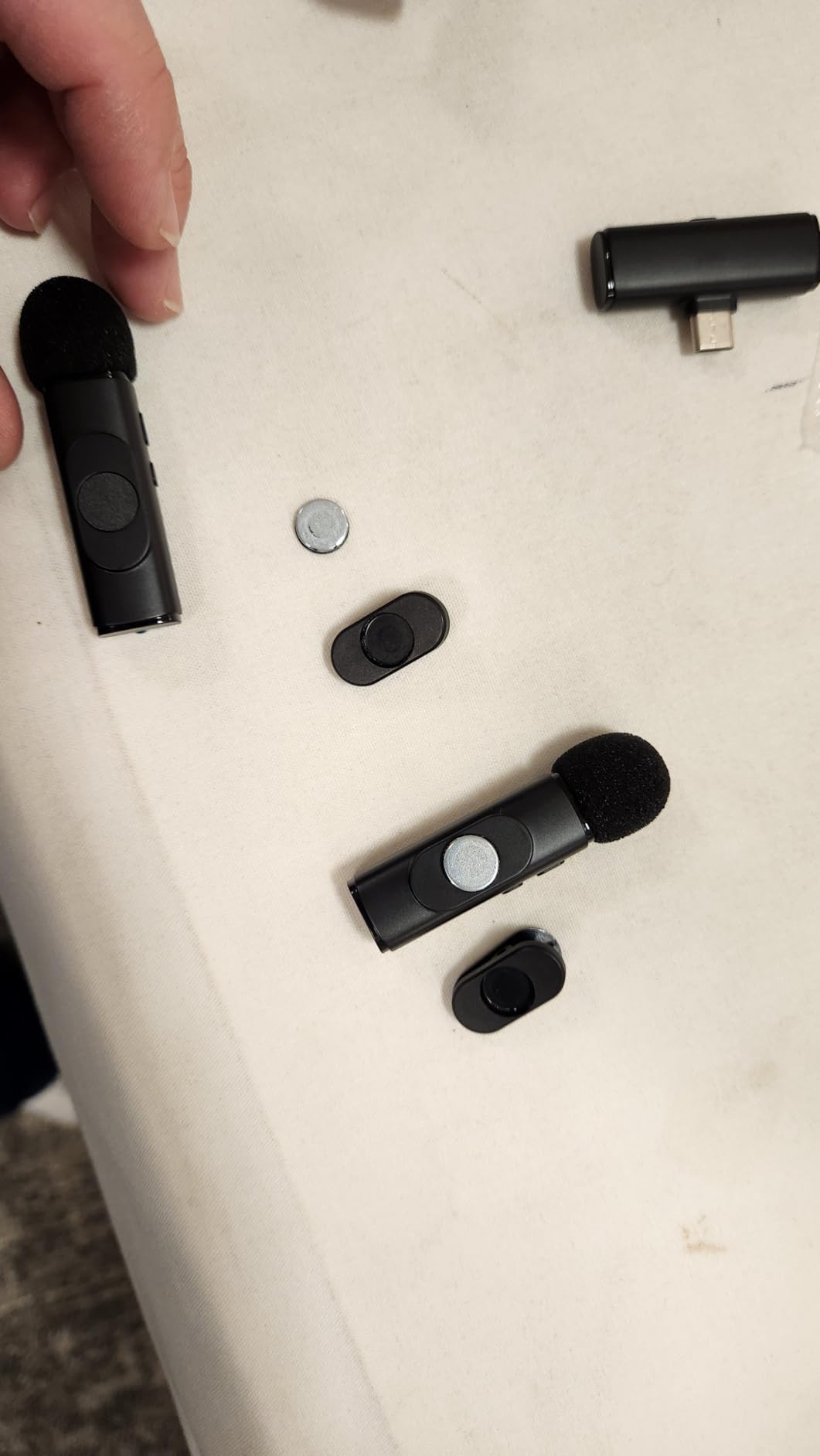
Wind is the single most common reason people abandon phone audio, so the GoorDik J3 is worth looking at purely on its accessory list: four foam covers and two furry windshields for two transmitters. That is more wind protection in the box than any other kit here.
The other feature that stands out is the mode switch. Rather than one fixed processing setting, you can move between active noise reduction and original sound, which is the setting you want for music or for any environment where the noise floor is already acceptable.
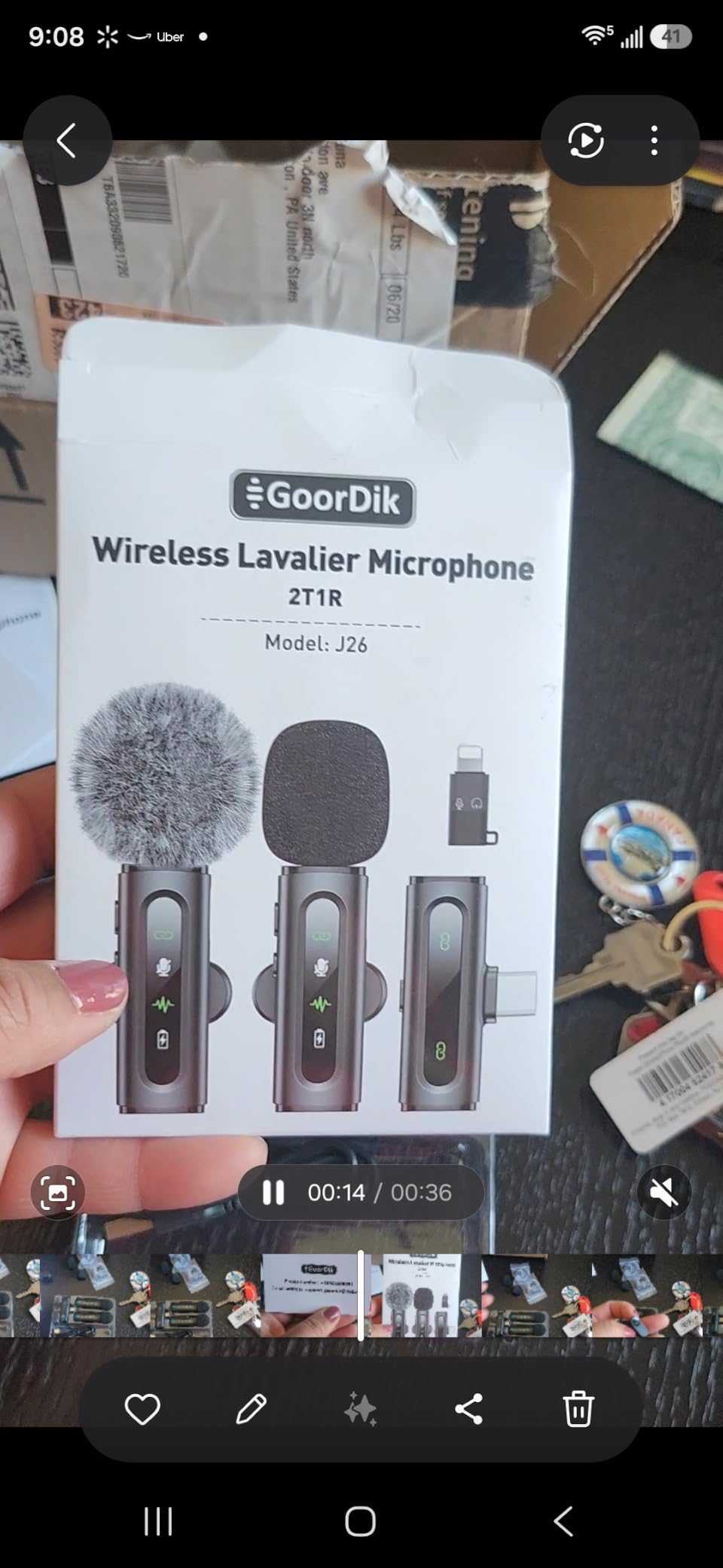
Range is up to 30 meters, which covers a room, a garden shoot or a street walk comfortably and is more than most of these budget systems need. The stated signal-to-noise ratio is 65dB across 20Hz to 20kHz, so frequency coverage is wide even though the noise floor is higher than the premium kits.
Each transmitter carries a 60mAh battery giving 6 to 12 hours per charge, and a one-to-two cable charges both transmitters at once. Indicator lights mark mode and mute status, and each transmitter has a magnetic clip that adjusts pickup direction.
Who should pick it
Anyone filming outdoors, on a bike, at a market or in a car park. With that many windshields in the box you can dedicate a furry cover to each mic and keep foam spares for the rest of the day, and the original-sound mode avoids the processed vocal artefacts that plague cheap noise reduction.
The receiver also passes power to the phone, so a long outdoor session is not limited by the phone’s battery. Coverage is two years.
What to accept
The audio ceiling is lower than the higher-end wireless kits here, which shows up as less headroom when a speaker gets loud. Some Android phones need OTG activated before detection. On a computer you also have to select the device as the default input by hand, which trips up people who switch between phone and laptop recording.
7. BOYA mini 2 – 5g transmitters with real app control
BOYA mini 2 Wireless Lavalier Microphone for iPhone 15/16/17 & Android
Wireless lavalier
5g transmitters
48kHz/24-bit
80dB SNR
328ft range
Pros
- 5g thumb-sized transmitters disappear on clothing
- two AI noise cancellation levels
- app control of gain EQ and volume
- up to 30H with the charging case
- limiter and safety track
Cons
- Signal can drop out near walls and buildings
- direct connection only with no Bluetooth
- limited camera compatibility list
- OnePlus devices not supported
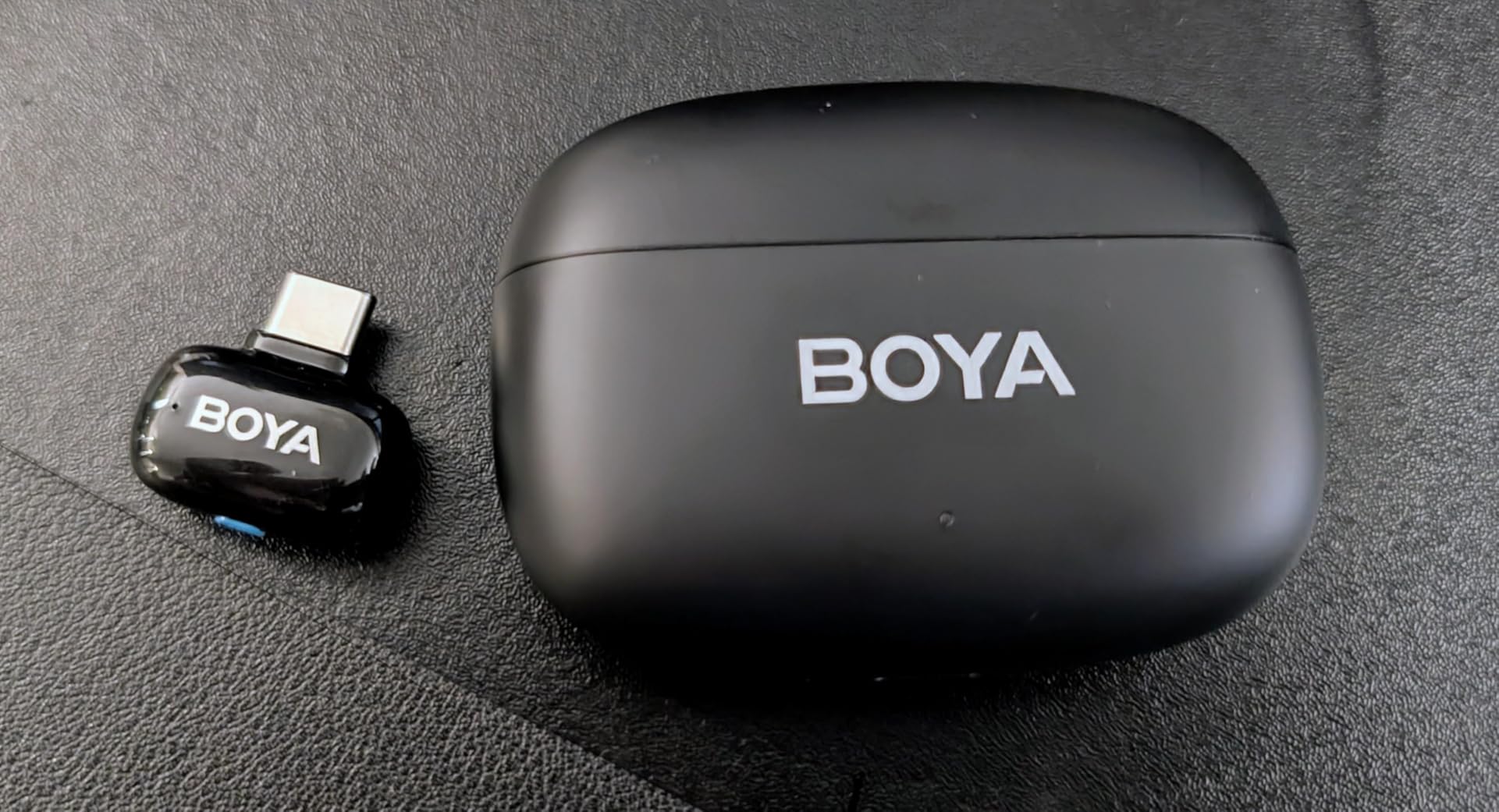
At 5g per transmitter, the BOYA mini 2 is the smallest kit we tested and the least intrusive on camera. When a mic is that small it stops being something the audience notices, which is the entire point of a wireless lavalier.
The audio specification is genuinely competitive: 48kHz at 24-bit, a stated 80dB signal-to-noise ratio and 120dB SPL maximum handling. That SNR figure is at the top of this roundup, and it is what makes the two-level AI noise cancellation usable – at strong setting it cuts 40dB, at light setting 15dB, so you can trade reduction for a natural tone.
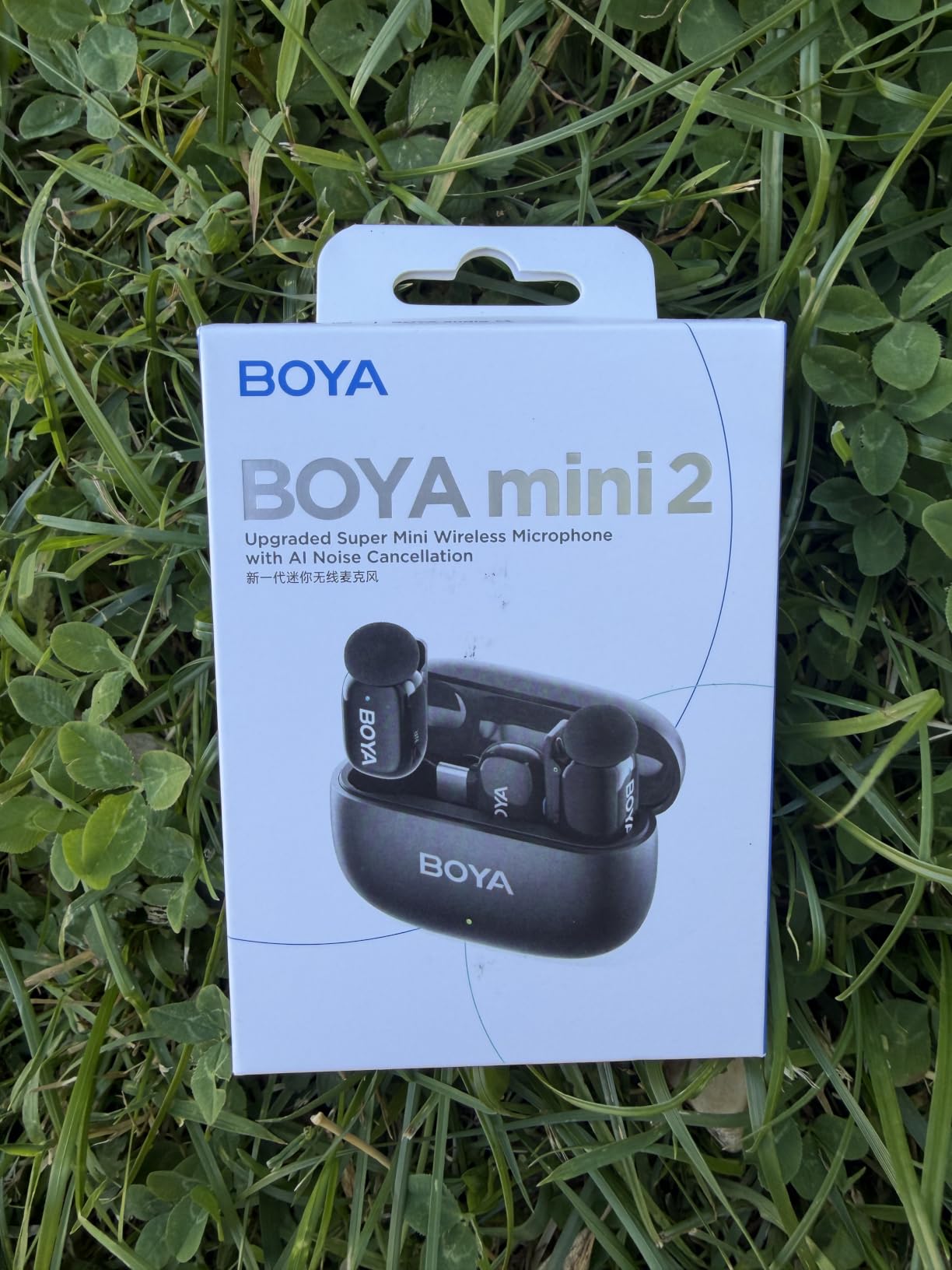
A limiter with a -12dB safety track runs alongside real-time volume adjustment, which protects a loud take from clipping. The BOYA Central app gives access to volume, noise cancellation level, EQ presets and battery status, and the charging case extends total runtime to 30 hours. Range is up to 328ft.
Connection is a direct USB-C receiver with no Bluetooth pairing, and compatibility is listed for Android phones, tablets, laptops and computers. A two-year manufacturer warranty covers the kit.
The case for 5g
If your video is close-framed – interviews, food, instrument detail, anything shot on a phone held at arm’s length – mic visibility ruins the shot and a 5g body simply avoids the problem. The magnetic attach and the app-based level control also mean you can adjust from a tripod rather than walking to the subject.
For two-person interviews where both people move, the 328ft link and the 30-hour charging case total make it a comfortable long-day kit.
Known limits you should read
The 2.4GHz link drops out near walls and buildings, so keep line of sight for any critical take. It is a direct-connection device with no Bluetooth at all, which rules out the phone-as-speaker workflows some people rely on. Camera compatibility is limited to specific DJI Action and Pocket models, and OnePlus devices are not on the supported list – check your brand before buying.
8. MAONO UL11 – the best wired USB-C lavalier here
MAONO USB-C Lavalier Microphone, 192kHz/24bit for Interview and Vlogging
Wired USB-C lavalier
192kHz/24-bit
80dB SNR
78 inch cable
no battery
Pros
- Wired design needs no pairing no batteries and no charging
- 192kHz/24-bit capture is the highest sample rate here
- 78 inch cable reaches from a shirt to a desk
- metal body with aluminium clip
Cons
- Tethered cable limits movement
- will not work with Micro-USB Android phones or USB-A-only laptops
- occasional accessory-not-supported errors on a dusty port
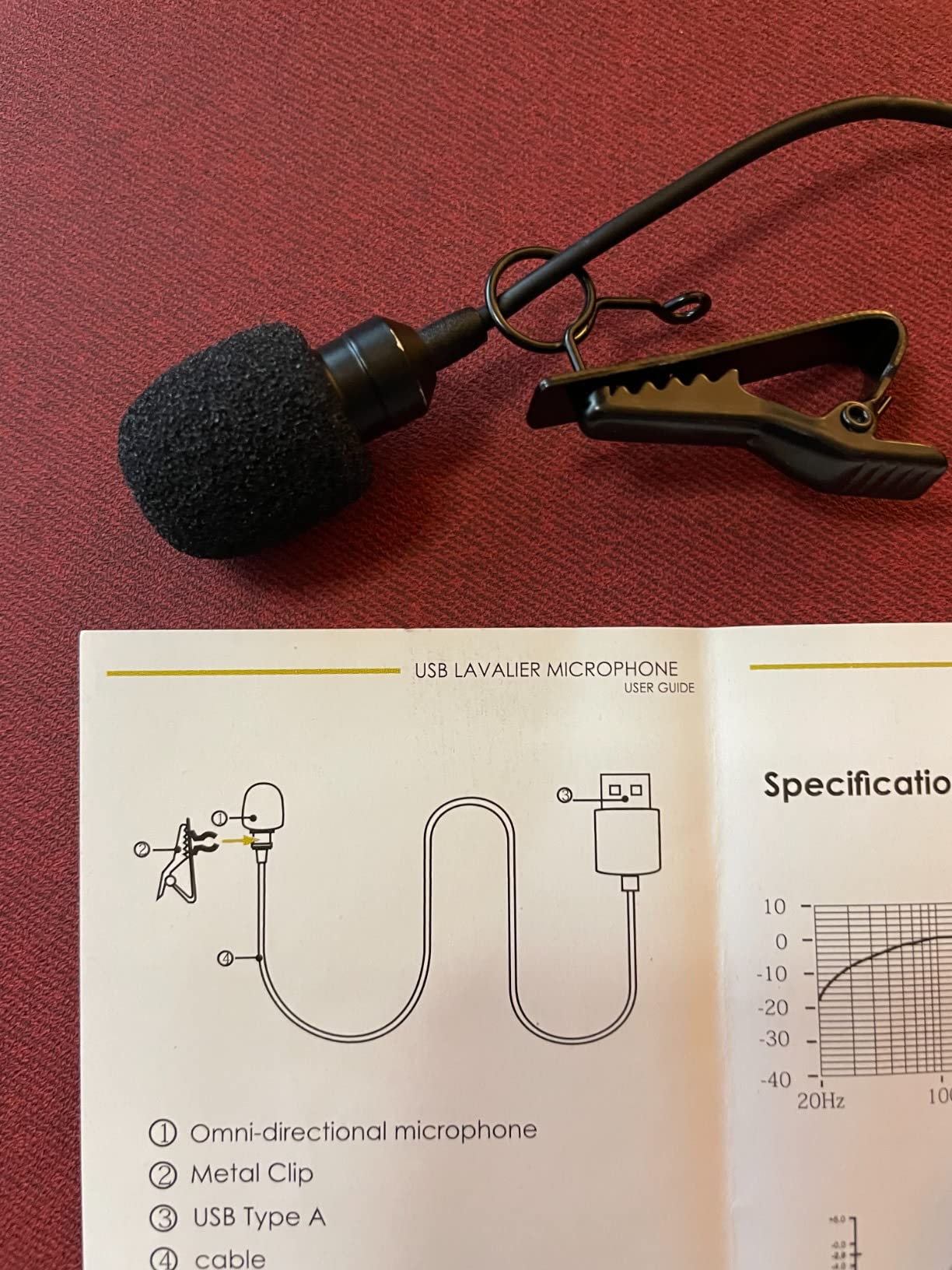
Every wireless kit in this roundup has one thing in common: a charging problem. The MAONO UL11 removes it. It is a wired USB-C lavalier, it draws power from the phone, and there is no battery, no pairing and no firmware to think about.
That is a serious advantage for podcasting, voiceover and any fixed setup. If the phone is on a tripod twenty minutes into an interview, a wired mic simply cannot fail halfway through because a transmitter switched off.
The headline specification is 192kHz at 24-bit with an 80dB signal-to-noise ratio. A 192kHz sample rate is more than any phone recording app will actually write, so treat it as a marker of headroom rather than a resolution you will hear – the useful number is the 24-bit depth, which gives you room to process quietly captured speech in editing.
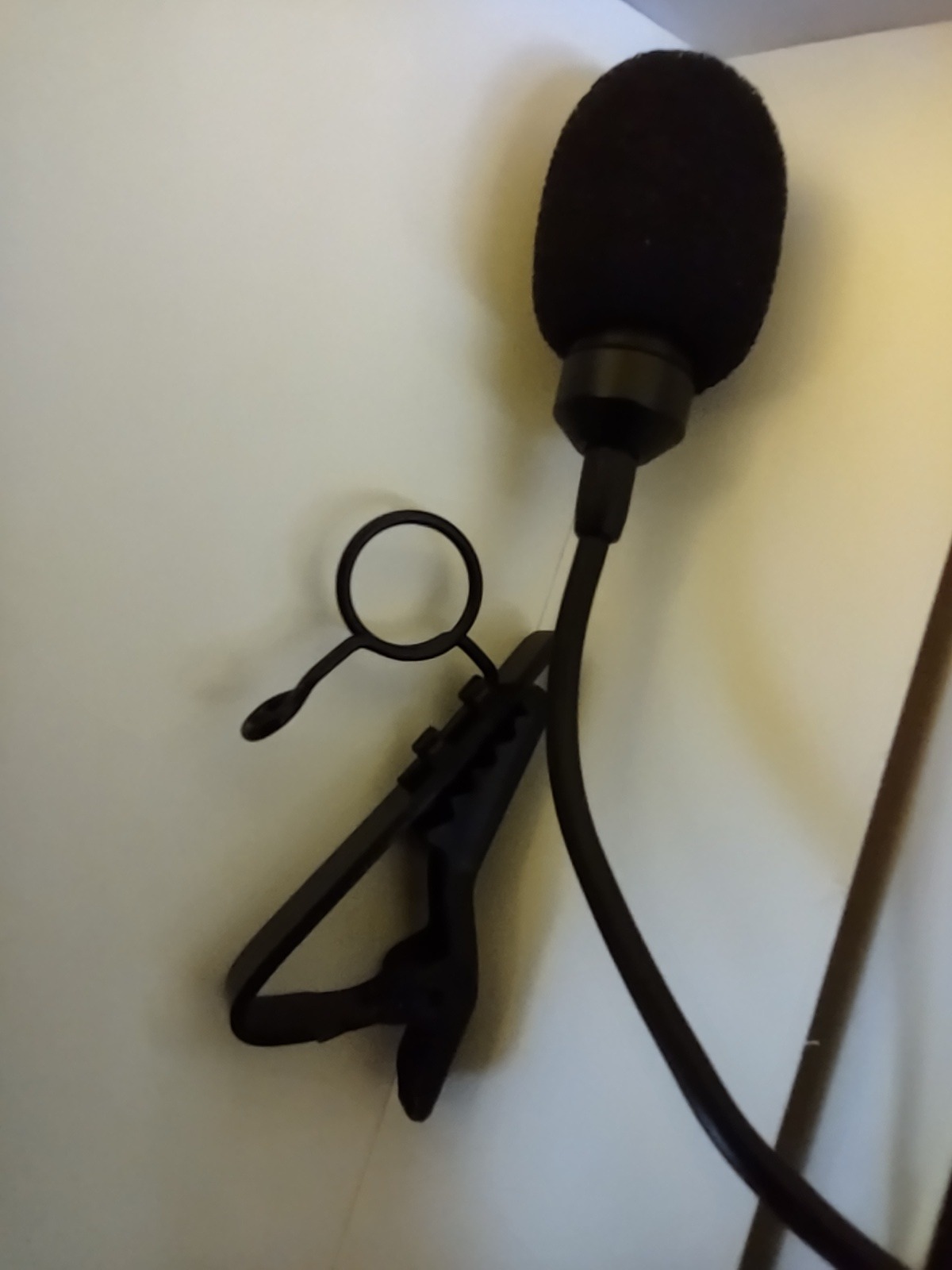
The 78-inch cable is long enough to run from a shirt collar to a desk or a stand, and the build is a metal body with an aluminium lapel clip and a high-density spray-proof foam windscreen included. Pickup is omnidirectional and rated 20Hz to 20kHz.
When wired wins outright
Long-form interviews, podcast episodes recorded on a phone, audiobook narration and any desk-based recording. The instant-on behaviour also makes it the safest choice for someone who wants to start recording without a setup ritual, and for a musician recording a guitar performance with the phone on a stand.
Compatibility spans USB-C Android phones, tablets, USB-C laptops, and USB-C iPhones, and coverage is two years.
Where the cable works against you
You are tethered. If the subject moves more than a couple of feet, you need the wireless kits instead. It will also not connect to a Micro-USB Android phone or a USB-A-only laptop, and owners occasionally hit a USB accessory not supported message when lint has built up in the port – a clean solves it, and we cover that in the troubleshooting steps below.
9. NPTCL K1 – the longest total runtime in the roundup
NPTCL Mini Wireless Microphone USB C for iPhone 17 16 15 iPad Android Phone
Wireless lavalier
2 transmitters
3 noise modes
328ft range
35H with case
Pros
- Up to 35 hours total runtime from the charging case
- three selectable modes including AI noise cancelling
- instant pairing with no app and no Bluetooth
- covers the widest recent phone range
Cons
- Some Android phones need OTG turned on manually
- 64dB SNR is lower than the BOYA and Hollyland kits
- one-year warranty
- charging case adds bulk
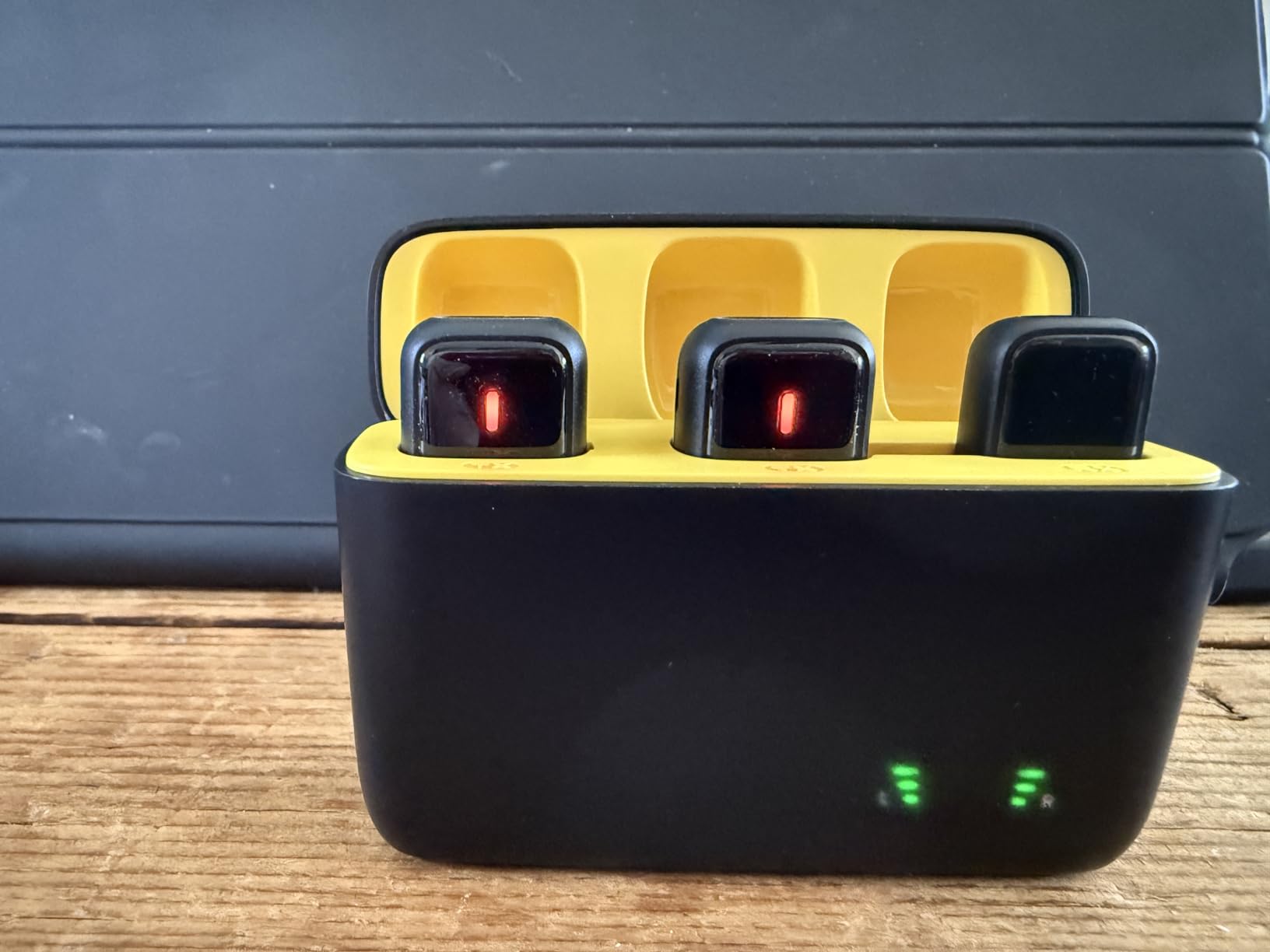
Runtime is the NPTCL K1’s entire argument. Each mic runs 7 hours per charge and the charging case brings total use to 35 hours, which is the longest figure in this roundup and means a multi-day shoot without a wall socket.
The K1 also cycles through three noise modes with a single button press – original sound, AI noise cancelling and normal noise cancelling. Having the untouched original one press away is the feature that most surprises people who assumed they had to accept processing.
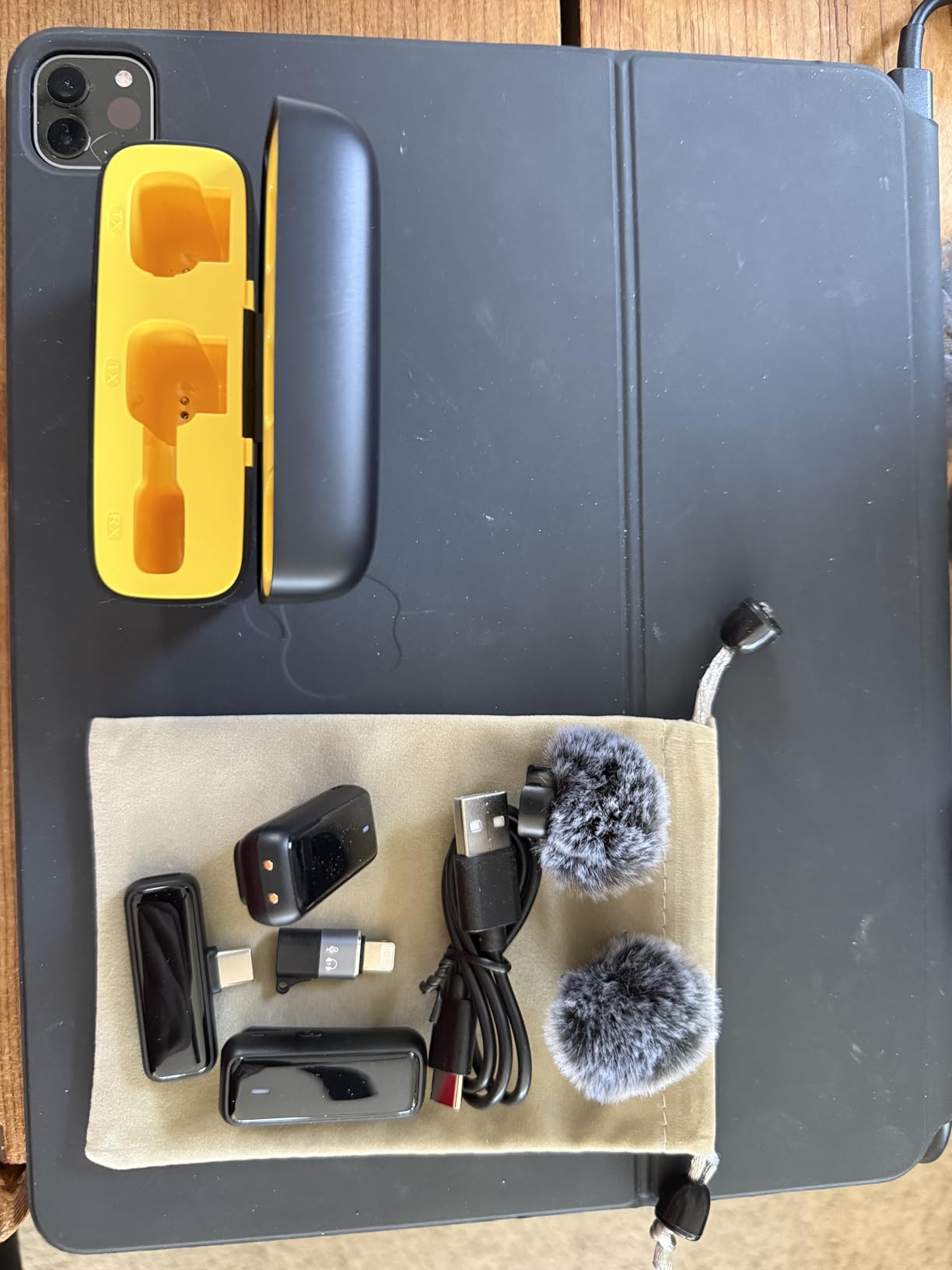
Range is up to 328ft, and DPS chips handle background noise reduction with a windscreen cover to control plosives. The stated signal-to-noise ratio is 64dB across 50Hz to 18kHz, which is the lowest figure among the two-mic kits here, and it is the spec to weigh against the battery advantage.
Compatibility is the broadest on the list: recent iPhones from 15 up, Android devices, Samsung Galaxy S23 through S25, Google Pixel, iPad Air and Pro models, LG and some USB-C laptops. Pairing is instant, with no Bluetooth and no app.
Who it is for
Documentary and event shooters, conference and wedding videographers, and anyone filming across several days who would rather not track charge cycles. The three-mode switch also makes it practical for a mixed shoot – interview mode for the seated piece, original sound for the ambient track.
Two transmitters are included with the case and windscreen, so a two-person conversation is covered without an extra purchase.
What the trade-off costs you
A 64dB signal-to-noise ratio means more audible hiss than the BOYA and Hollyland kits, so it suits a quiet-to-moderate environment rather than a loud room. Some Android phones still require OTG to be enabled manually. Coverage is one year, and the charging case adds bulk compared with a cable-only kit if you travel light.
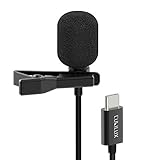
10. Cubilux wired lavalier – battery-free capture on a budget
Cubilux USB C Microphone, Type C Lavalier MIC, External Lapel Clip MIC for iPhone 16/15 Pro Max, iPad Pro 13/12.9/11, iPad Air 13/5th/4th, Samsung S25/S24/S23/S22 Z Fold/Flip 6/5/4 Tab S10/S9/S8, 5 FT
Wired USB-C lavalier
48KHz/24-bit ADC
condenser capsule
5 ft cable
no battery
Pros
- Cheapest true wired USB-C lavalier here with no battery to manage
- built-in 48KHz/24-bit ADC
- driverless plug and play on laptops tablets and phones
- metal body with clip and storage bag
Cons
- Stock Android camera and recorder apps often ignore an external mic
- output is quiet past a foot or two
- some owners report crackling or fading audio
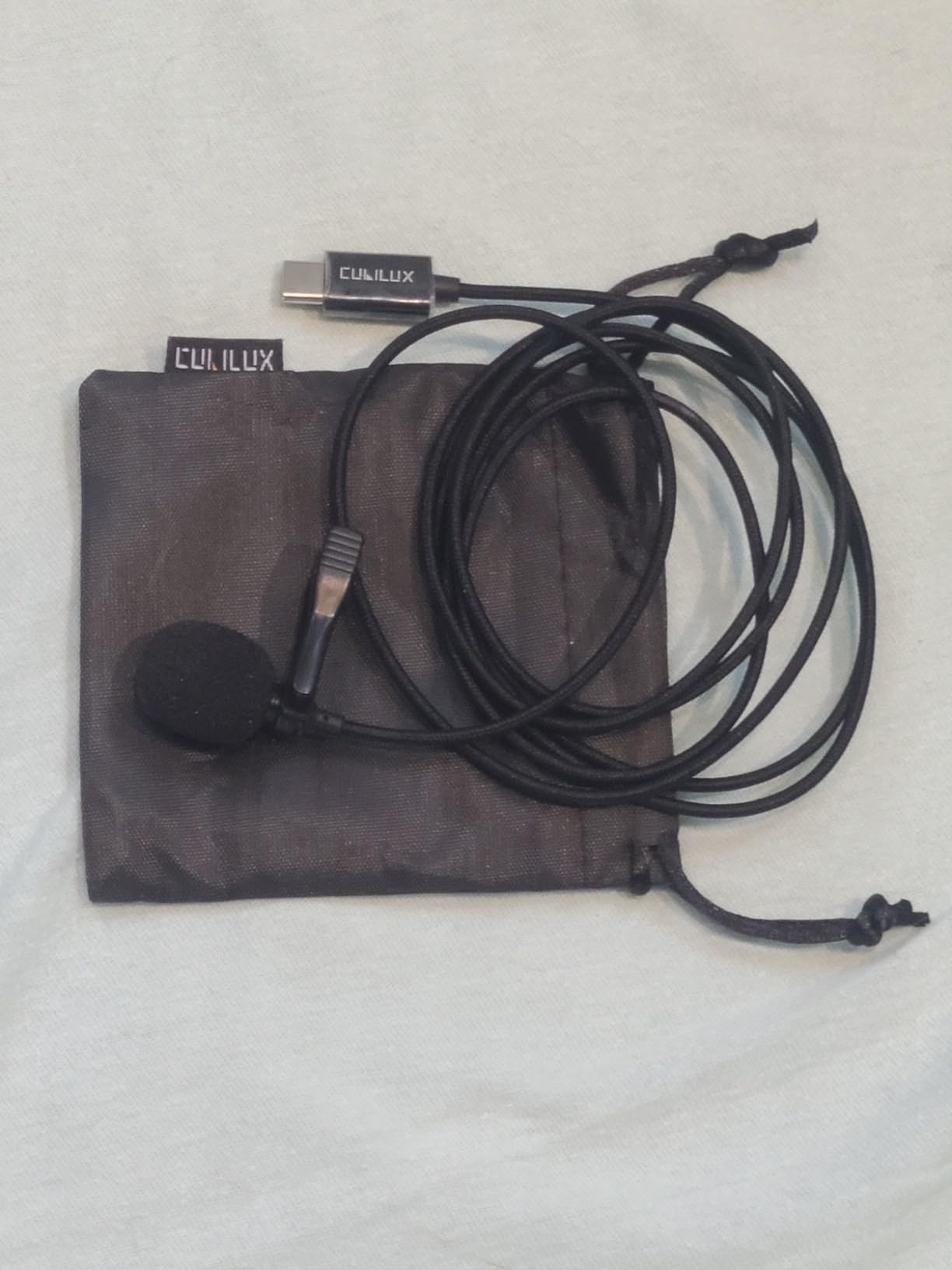
The Cubilux is the simplest object in this roundup: a condenser capsule, a collar clip, a five-foot USB-C cable and a built-in analogue-to-digital converter. No battery, no pairing, no app – it is powered by the phone and works the moment it is plugged in.
Having the 48KHz/24-bit converter built into the microphone is the interesting part. Because the conversion happens before the signal reaches the phone, the capture is not limited by a cheap codec somewhere in the chain, and the capsule is a high-sensitivity condenser with a stated 60dB signal-to-noise ratio.
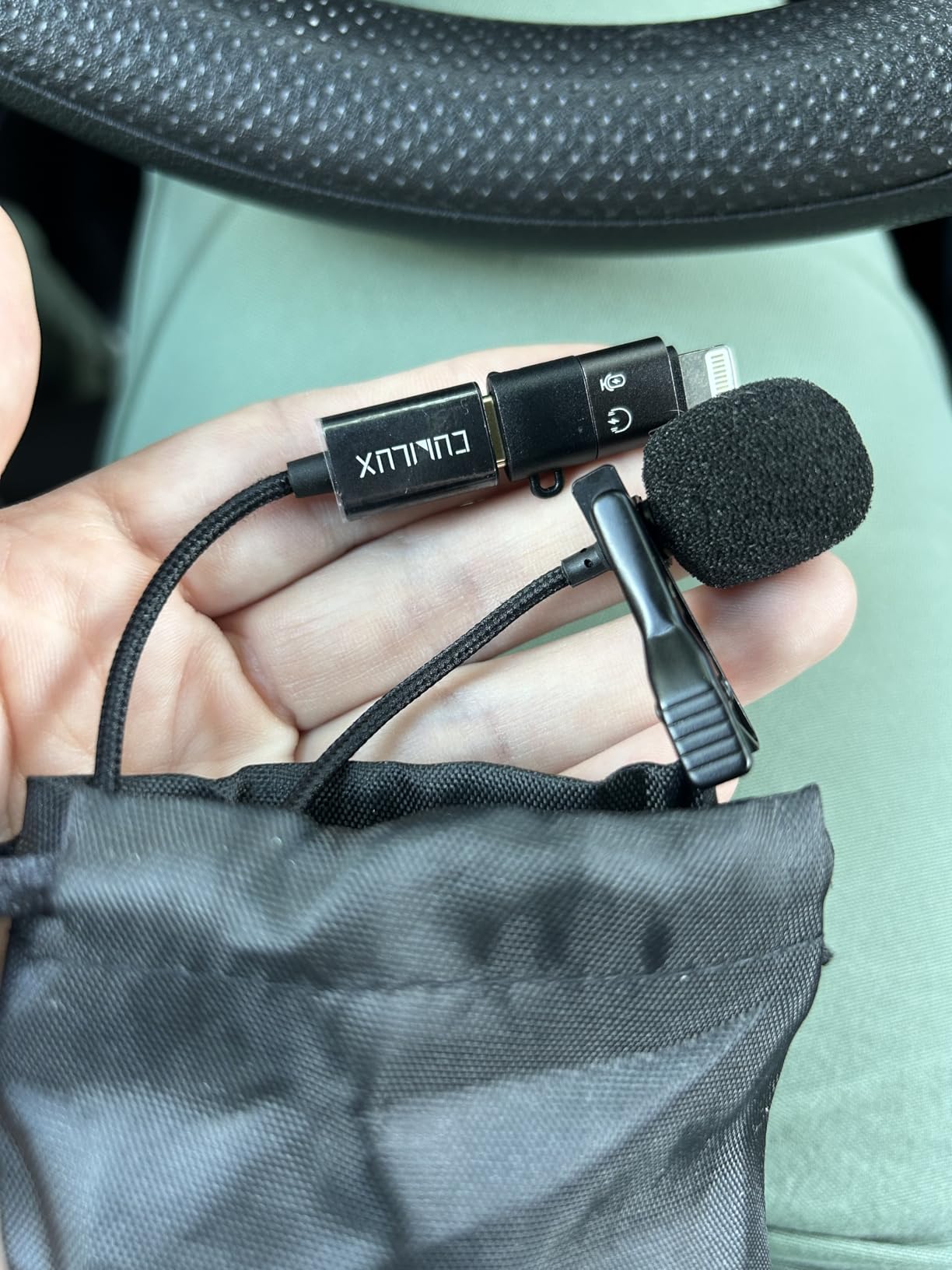
Frequency response runs 100Hz to 10KHz, which is narrower than the wireless kits and fine for speech but not for music. That narrower range, plus the built-in foam cover and storage bag, makes it a straightforward voice tool rather than a general-purpose recorder.
Compatibility covers USB-C and Thunderbolt laptops, most USB-C phones and tablets, recent Samsung Galaxy and Google Pixel models, and USB-C iPhones. It is not for GoPro or DJI action cameras. A five-foot and a ten-foot cable length are both offered.
Where it makes sense
Dictation, voiceover, straight-to-camera talking head video, and any indoor recording where the mic sits at the collar and the phone stays put. It is the least expensive way to bypass Android’s voice processing, which is the whole reason to buy an external mic in the first place.
Because it needs no power management, it is also the best option to keep in a kit bag as a backup that always works.
The honest catch
Android’s default camera and recorder apps frequently ignore an external microphone and keep using the built-in one – a third-party recording app is required, which is the single most common reason buyers think this mic is faulty. Output is also quiet beyond a foot or two, so it is a close-range microphone only, and some owners report crackling or audio fading in and out on long takes.
11. Rode Wireless Micro – studio capsules with no app
RØDE Wireless Micro (2 Mics + Charging Case), USB-C for iPhone & Android
Wireless lavalier
2 pre-paired transmitters
USB-C receiver
122dB SPL
21H combined
Pros
- Studio-grade capsules with automatic GainAssist level control
- pre-paired tap-and-talk docking removes pairing entirely
- charging case gives about 21 hours combined
- five-year warranty
Cons
- USB-C only so not compatible with Lightning iPhones in this version
- the highest price in the roundup
- fewer manual controls than app-driven kits
The Rode Wireless Micro is the one to buy if capsule quality matters more than app features. The transmitters are pre-paired to the receiver, so you dock the receiver on the phone and the link is live – there is no pairing sequence to learn, and no app to consult when something goes wrong.
That restraint is deliberate. Instead of a control app, the system uses GainAssist, an automatic levelling function that keeps levels consistent as the speaker moves. Audio sensitivity is rated to 122dB maximum SPL, the highest figure in this roundup, with a 73dB signal-to-noise ratio.
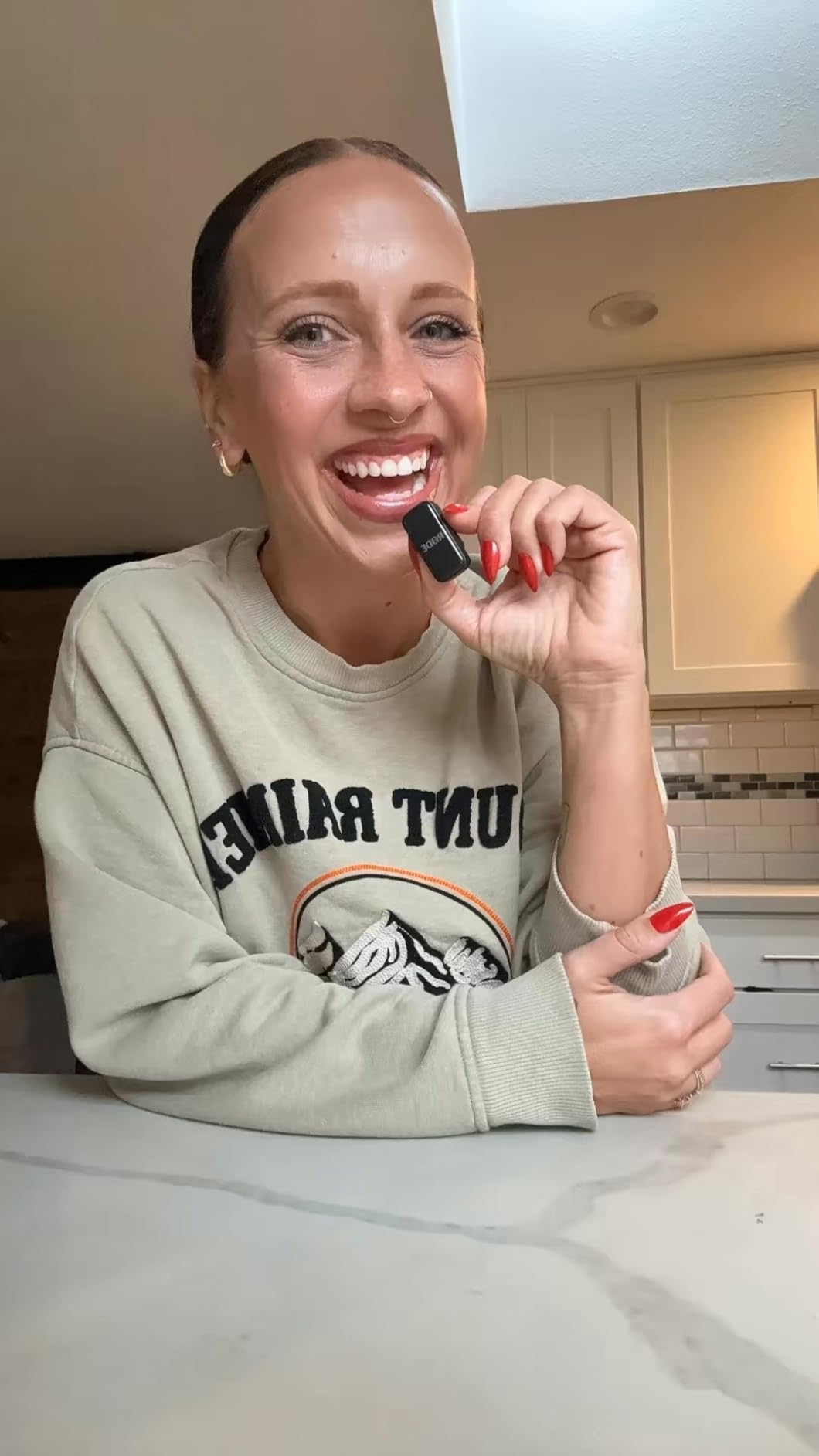
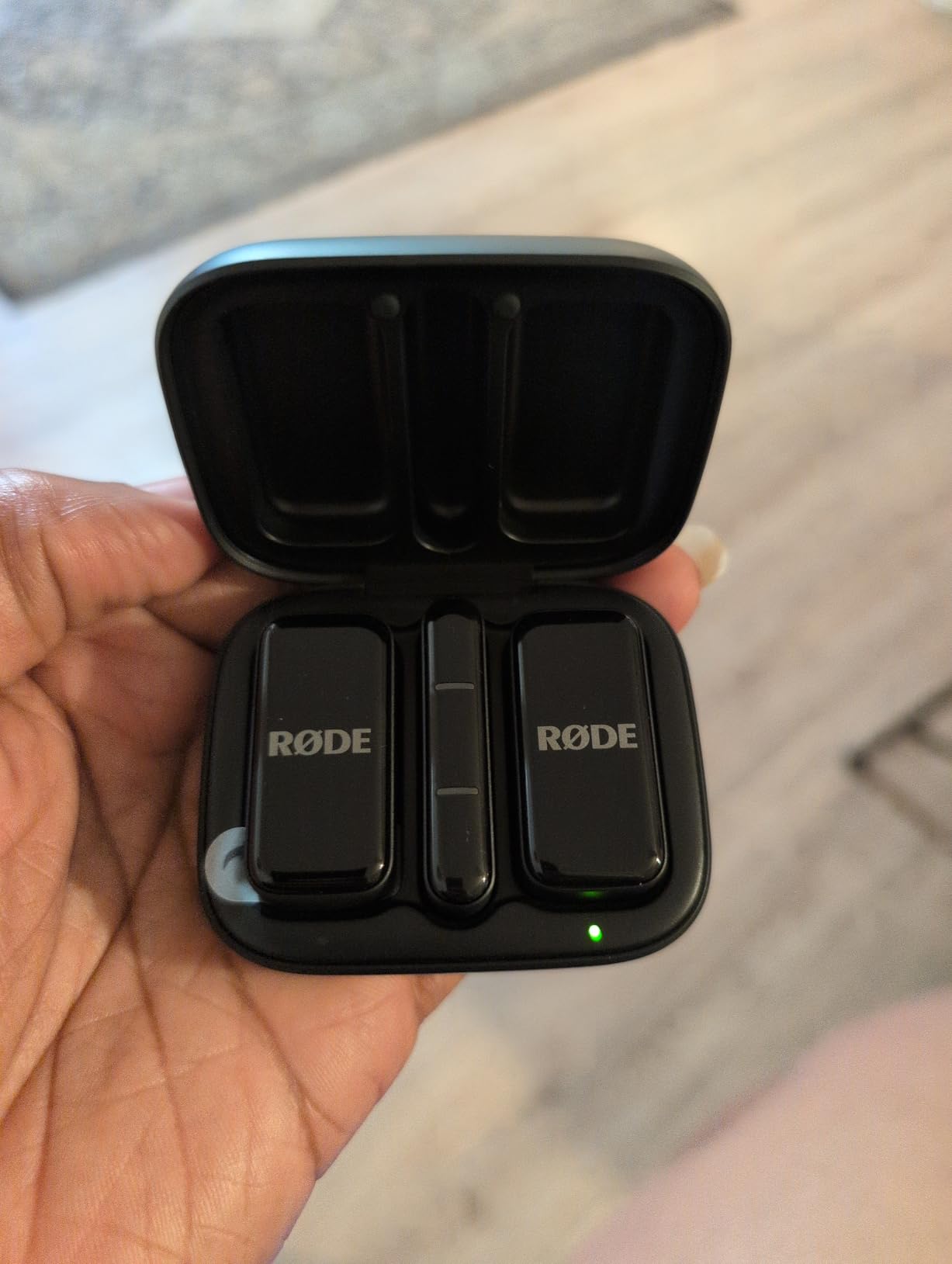
The USB-C receiver connects directly to Android USB-C devices and to iPhone 15 and later. In the box you get two transmitters, the receiver, a charging case, two furry windshields, two magnetic attachments and an SC22 USB-C to USB-C cable.
Total combined runtime is about 21 hours through the charging case, and the whole kit is pocket-sized at just over 100g. The five-year warranty is the longest cover of any product here, which tells you something about the expected service life.
Where the extra spend goes
It goes into the capsules, the automatic levelling and the warranty. If you are recording a paid voiceover, an interview you cannot reshoot, or a performance you want to keep, the automatic gain control removes a whole category of failure – a speaker who moves away from the mic and drops off the recording.
The 122dB headroom also means a loud source will not clip before you can react, which is the situation where a budget wireless kit fails quietly and you only find out in editing.
What you give up
This version is USB-C only, so a Lightning iPhone is not covered. There are fewer manual controls than the app-driven Hollyland and BOYA kits – no EQ presets, no per-mic gain staging. And it is the most expensive item in this roundup, which is a real consideration when a wired USB-C lavalier handles podcasting perfectly well.
12. WARM BOX 2-Pack – real-time monitoring on a budget
2026 Upgraded Wireless Lavalier Microphone, 2-Pack Mini Lapel Mic with Noise Reduction, USB-C, Lightning and USB-A Adapters for iPhone, Android, iPad, Laptop, Video Recording, Podcast, TikTok, YouTube
Wireless lavalier
2 transmitters
USB-C with adapters
100ft range
7H per mic
Pros
- Real-time headphone monitoring built in
- USB-C receiver plus Lightning and USB-A adapters for full device coverage
- DSP noise reduction with switchable mute and reverb modes
- up to 7H per mic
Cons
- Instructions are unclear and button combinations are undocumented
- you must manually select the external mic as the input
- some units report receiver dropouts after months
The WARM BOX 2-Pack stands out for one feature that most kits in this bracket leave out: real-time headphone monitoring. You can hear yourself while recording, which is the difference between knowing and guessing whether levels are right.
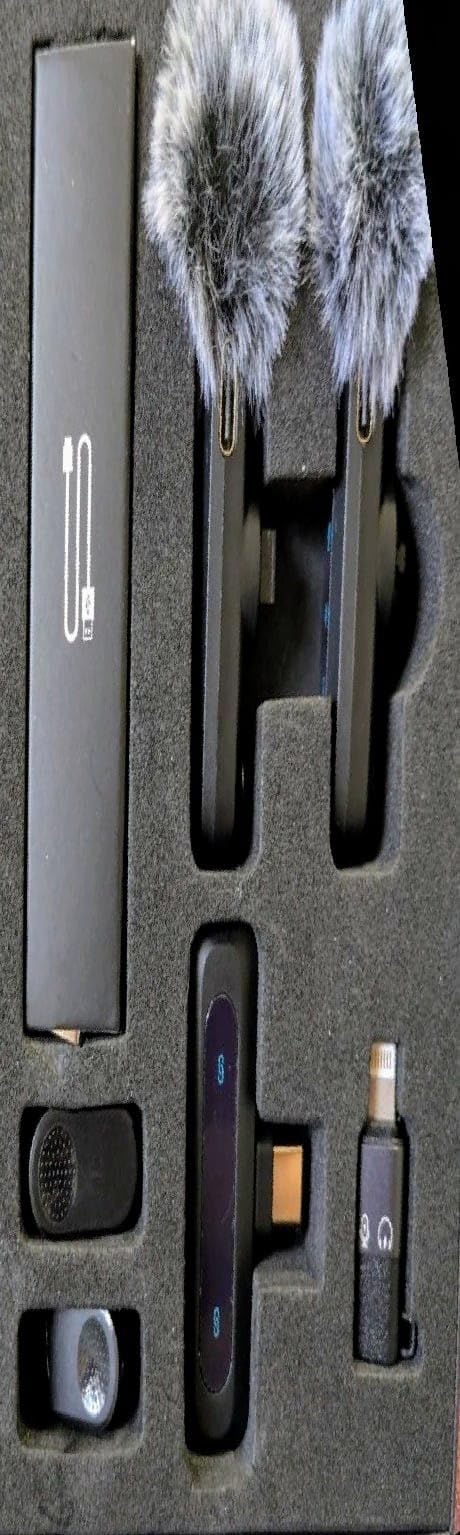
It also ships the widest adapter set of any two-pack here – a USB-C receiver, a USB-C to Lightning adapter and a USB-C to USB-A adapter – so the same box covers an Android phone, an iPhone and a laptop. That makes it the most portable choice for a creator who does not want to carry two systems.
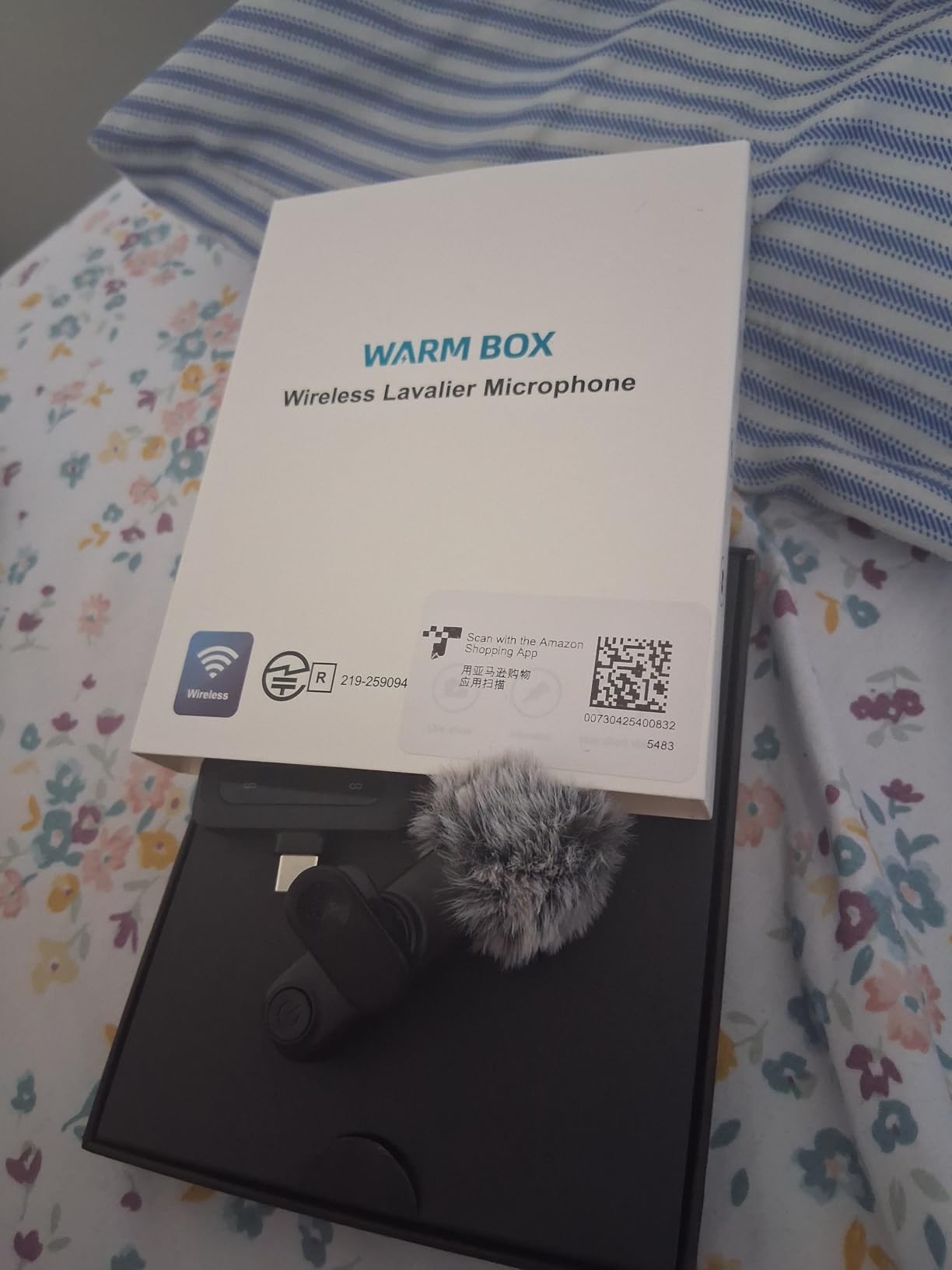
Audio uses an upgraded DSP chip for noise reduction with a stated 80dB signal-to-noise ratio across 20Hz to 20kHz, and you get switchable noise reduction, mute and reverb modes on the transmitter. Each mic runs up to 7 hours with stable transmission to 100ft, or 30m.
The two packs have 360-degree rotating clips, wind covers, a charging cable and a one-year manufacturer warranty. Owners consistently report clear, loud voice capture and effective background rejection for the money.
Best use of the monitoring feature
Two-person podcast and interview recording on a phone, where a host and a guest are both captured and the host needs to hear their own level. Monitoring also makes it far easier to catch clothing rub, a noisy collar or a room with an air conditioner running before the take is finished.
Reverb mode is a small extra for anyone recording in a treated space who wants a little more room in the voice without processing in an app afterwards.
The documentation problem
Be clear-eyed about this one. Owners repeatedly report unclear instructions and undocumented button combinations, and you must manually select the external microphone as the input in your phone or app settings – skip that and it records with the built-in mic, which sends buyers to the conclusion that the product is broken. A smaller number report the receiver connection dropping after several months of use, so the long-term reliability is weaker than the audio quality.
USB-C vs 3.5mm TRRS for Android Recording
Yes, USB-C audio is better for Android recording, and the reason is the signal path. A 3.5mm TRRS connection carries an analog signal that the phone has to convert to digital using its own converter. A USB-C microphone converts to digital inside the microphone itself and hands the phone a clean digital stream, so there is one conversion instead of a conversion plus a cable that can pick up interference.
There is a second difference that catches people out. A phone’s TRRS headset jack is a microphone-level input, not a line-level input, which is why lavaliers with a proper TRRS plug work in a phone headset adapter and why studio gear plugged into the same socket will sound extremely quiet or not at all. Owners who report a terrible-sounding mic are very often using a cheap USB-C to TRS adapter, and blaming the microphone rather than the cable – that failure mode comes up repeatedly in owner discussions.
The practical result is that USB-C wins on reliability and on the total number of parts you have to own. With USB-C you need the mic. With TRRS you need the mic, a correct four-contact adapter and a cable, and the ring count has to match: three rings is a headset with microphone input, two rings is headphones and line output only.
One thing USB-C does not solve is monitoring on a single port. Many phones have one USB-C port doing charge, data and headphone duty, so if your mic is a direct USB-C plug you will need a separate USB-C to 3.5mm adapter to wear headphones while recording. The wireless kits with a receiver that passes power to the phone handle charging and audio together, which is why that design is so common.
How to Connect a USB-C Mic to Your Android Phone
Connecting a USB-C mic to an Android phone takes about a minute once you know the four steps. The reason people think their mic is broken is almost always one of these being skipped.
First, turn on OTG support. On most Android phones this lives in Settings, under Connected devices or Storage, as USB On-The-Go or OTG. Without it the phone will not treat the mic as an audio input device at all. Note that OTG can time out after a period of inactivity, which is sometimes mistaken for a hardware failure – re-enabling it is all that is needed.
Second, open your recording or camera app and select the external microphone as the input source. Android does not always default to the USB-C mic, and the default camera app in particular may keep using the built-in microphone even when the device is detected.
Third, set the phone volume to maximum and control your level on the microphone itself. With USB audio, the phone’s volume control often does not map cleanly to the input gain, so a common trick is to raise the phone volume fully and then set gain on the mic or in its app. This is one of the first things to try when a USB-C mic sounds quiet but is clearly working.
Fourth, record a ten-second test and listen back on headphones before you commit. It takes a minute and it is the fastest way to catch a dead channel in a two-transmitter kit, which is the most common fault with wireless systems. If you also need to charge while recording, choose a receiver that passes power to the phone, or budget for a USB-C hub that combines charging and headphone output.
USB-C Microphone Troubleshooting: 6 Steps When Android Shows No Mic
If your Android phone will not detect a USB-C microphone, work through these six steps in order. Most cases are resolved in the first two.
1. Enable OTG mode. Go to Settings, find Connected devices or Storage, and switch on USB On-The-Go. Then reconnect the mic. This single step resolves the majority of detection failures we saw reported across owner communities.
2. Select the external input manually. Open the recording app’s audio settings, or the Android input selector, and choose the USB microphone rather than the built-in one. If the mic is not listed at all, move to step 3; if it is listed but the recording still sounds like the phone mic, the issue is app selection rather than hardware.
3. Check compatibility carefully. A Micro-USB Android phone will never work with a USB-C mic, and several devices from specific brands are excluded by some manufacturers. A USB-C phone with a case that blocks the port, or a phone that charges through a case lip, will also fail to make contact – remove the case and try again.
4. Clean the port. Pocket lint is the most under-rated cause of USB-C faults, and it produces symptoms that look like a dead mic or an unsupported accessory message. A soft brush or a burst of compressed air clears it in seconds.
5. Rule out the adapter. If you are routing through a USB-C to 3.5mm adapter, that adapter is the first thing to suspect – the cheapest ones introduce noise and drop the signal. Test with a known-good adapter or with a second cable, and confirm your mic uses the correct ring count for a phone headset input.
6. Test elsewhere and then contact the manufacturer. Plug the same mic into a laptop or a second phone. If it fails in both places, the mic is faulty and the warranty path is the fastest resolution. If it works elsewhere, the problem is on the phone or in the app, and checking the app’s own support documentation is the next step.
One more note that catches experienced users: a firmware or app update on a companion app can stop a previously working wireless kit from being recognised until the phone is restarted. If a kit that worked yesterday has stopped appearing, restart before you return anything.
Wired or Wireless USB-C Mic: Which Do You Actually Need?
Choose wired if the phone and the subject stay in the same place. A wired USB-C lavalier has no battery to fail, no pairing to lose and no radio to drop out, and it is the right choice for podcasting on a desk, voiceover, narration and any fixed-camera setup.
Choose wireless when the subject moves. Two transmitters are the norm in this category, which means a two-person interview or a walk-and-talk works without buying anything further. Wireless also removes cable management, which is where most cable-related audio faults come from.
There is a middle case worth considering: a wireless system whose receiver also charges the phone. That solves the hardest practical problem with wireless on a modern Android handset, which has one port. Two of the kits here do it, and if you shoot for more than a couple of hours at a time, that capability is worth more than a slightly better capsule.
Skip the wireless route entirely if you are recording instruments in a fixed position. There is nothing to gain from a radio link, and a wired condenser at the source is a simpler chain. Wireless is about freedom of movement, not about sound quality.
Recording Instruments and Music on an Android Phone
You can record guitar, drums or vocals on an Android phone with an external USB-C mic, and the external mic is what makes it viable. The phone’s built-in capsules are positioned for calls and apply automatic noise suppression and gain reduction that treats a sustained guitar note as unwanted noise and pumps the level down.
Turn off noise processing before you record. In your recording app, choose an unprocessed input mode where one exists, and switch off any voice enhancement, and keep the phone’s noise cancellation off for the camera and voice apps. This is the single biggest change most people can make to a music recording, and it costs nothing.
For acoustic guitar, a cardioid or directional mic positioned about 20 to 30cm from the 12th fret gives a balanced tone and rejects much of the room. Omnidirectional clip-on lavaliers in this roundup are tuned for speech and will capture the room along with the instrument, which can be a deliberate choice for a lo-fi or live-room sound but is rarely what you want for a clean take.
For drums, a small-diaphragm condenser near a single drum rather than overhead is a better starting point on a phone, because it places the mic close to the source instead of relying on the phone’s noisy built-in input. Keep the phone on a stand well away from the kit so you are not recording the phone’s own handling noise.
Position matters more than model here. A well-positioned budget wired lavalier will beat a premium wireless transmitter pointed in the wrong direction, and a soft source recorded close will always outrun a loud source recorded far. Record in the quietest room you can find, and check for a fridge hum, an air conditioner and traffic before you press record rather than after.
Frequently Asked Questions
What is the best USB-C microphone for Android?
The Hollyland Lark M2 is our top pick. It uses a direct USB-C receiver with no Bluetooth pairing, records at 48kHz/24-bit with a 70dB signal-to-noise ratio, reaches up to 1000ft line-of-sight, and gives about 30 hours total runtime with the charging case. Its 9g transmitters are small enough to stay out of frame on close shots, which is why it suits vlogging and interviews equally well.
Does USB-C audio sound better than 3.5mm on an Android phone?
Yes. A USB-C microphone converts the signal to digital inside the microphone, while a 3.5mm connection sends an analog signal that the phone must convert itself, adding a cable that can pick up interference. A phone TRRS jack is also a microphone-level input rather than a line-level one, which is why some gear sounds extremely quiet through an adapter. USB-C also removes the adapter from the chain entirely.
Why does my Android phone not recognize my USB-C microphone?
In most cases OTG mode is off. Go to Settings, then Connected devices or Storage, and enable USB On-The-Go, then reconnect the mic. If it is detected but not used, open your recording app and select the external microphone as the input, because Android sometimes keeps using the built-in capsule. If it is not listed at all, clean lint out of the port with a soft brush and test the mic on a second device.
What is the best lavalier mic for Android?
For a fixed setup, the MAONO UL11 is the strongest wired option at 192kHz/24-bit with a 78 inch cable, no battery and no pairing. For movement, the Hollyland Lark M2 is the best lavalier overall thanks to its 9g transmitters. If you need two people and want the lowest cost, the MAYBESTA two-mic kit includes both USB-C and Lightning adapters and pairs instantly with no app.
Can I charge my phone while recording with a USB-C mic?
With a direct USB-C microphone plug, usually not, because the port is occupied by the mic. The simplest solution is a receiver that passes power to the phone – the BOYA BY-V20 and the GoorDik J3 both charge the connected phone through the receiver while recording continues. Alternatively a USB-C hub that combines charging, headphone output and a microphone input gives you all three from one port.
Final Verdict: Which USB-C Mic Should You Buy for Android?
After working through twelve options, the Hollyland Lark M2 remains the best USB-C microphone for Android recording in our view, because it handles the widest range of situations with the fewest compromises: a direct USB-C plug, 9g transmitters that stay out of frame, 48kHz/24-bit capture, and a charging case that covers a full working week of short shoots.
Buy the Hollyland Lark A1 instead if you want two transmitters with app-based gain, EQ and battery control. Buy the MAYBESTA or GoorDik kits on a tight budget, the WARM BOX 2-Pack if real-time headphone monitoring matters to you, and the MAONO UL11 or Cubilux if your phone and speaker never move and you would rather forget about batteries entirely.
Whichever one you choose, enable OTG before you judge it, select the external input in your recording app, and set the phone volume to maximum while controlling gain on the mic. Those three steps remove almost every problem people report with USB-C microphones on Android. As of 2026, these twelve remain the models we would put in front of a client.