
Short answer: the TEEHO TE002 is the best fingerprint door lock for most families. It stores up to 20 fingerprints and 20 passcodes, unlocks in about a second, takes four AA batteries, and has more than 12k owner reviews behind it, so the failure modes are well documented. Families who want a rekeyable keyway and a rechargeable battery should look at the Tapo DL110 instead.
Most fingerprint lock roundups are written for one person with one phone and two working hands. That is not how a household actually uses a front door. Somebody comes home with a backpack, a toddler on their hip and a grocery bag. A teenager comes in with sandy hands after practice. The dog walker needs in at two in the afternoon. The pool cleaner needs a code that stops working in September.
So we judged every lock in this roundup against one question: can a real family live with it for years? That means checking enrollment capacity against a four-person household plus helpers, working out how the lock behaves with wet or cold hands, comparing stated battery life against realistic family traffic, and confirming there is a way back in when the sensor and the batteries both fail. Feature checklists rank models; the family test ranks the ones you will stop arguing about.
Every lock below was checked against manufacturer specifications for accuracy figures, scan speed, capacity, power source, weather rating and certification grade, and against owner review patterns for the things specs never cover. We keep buying guides like this refreshed as new models land, so this list stays current through 2026.
Table of Contents
Top 3 Fingerprint Door Locks for Families (October 2026)

TEEHO TE002 Fingerprint…
- 20 fingerprints
- 20 passcodes
- 0.3 second recognition
- 4 AA batteries
- up to 365 days

Tapo Smart Wi-Fi Door Lock…
- 100 fingerprints
- BHMA Grade 2
- rechargeable battery
- 1 year per charge
- rekeyable keyway

Wyze Auto-Lock Bolt v2
- 0.5 second unlock
- built-in Wi-Fi
- 8 AA included
- 8 months battery
- BHMA Grade 2
Two of those three carry a BHMA Grade 2 certification rather than the Grade 3 that dominates this category, which matters if your door is the main way into the house. The TEEHO wins on capacity and proof, the Tapo on hardware quality, and the Wyze on ecosystem fit.
All 12 Fingerprint Door Locks Compared in 2026
| Product | Specs | Action |
|---|---|---|
| TEEHO TE002 Fingerprint Deadbolt |
|
Check Latest Price |
| Tapo Smart Wi-Fi Door Lock DL110 |
|
Check Latest Price |
| Wyze Auto-Lock Bolt v2 |
|
Check Latest Price |
 ThorBolt MD1 Fingerprint Door Knob ThorBolt MD1 Fingerprint Door Knob |
|
Check Latest Price |
 eufy Smart Lock C220 eufy Smart Lock C220 |
|
Check Latest Price |
 Veise KS02A Fingerprint Deadbolt Veise KS02A Fingerprint Deadbolt |
|
Check Latest Price |
 Sifely Smart Lock with Handle Sifely Smart Lock with Handle |
|
Check Latest Price |
 Philips 4200 Series WiFi Lock Philips 4200 Series WiFi Lock |
|
Check Latest Price |
 Veise RZ07 Fingerprint Smart Lock Veise RZ07 Fingerprint Smart Lock |
|
Check Latest Price |
 Yamiry Smart Door Handle Lock Yamiry Smart Door Handle Lock |
|
Check Latest Price |
 Ulecoce Fingerprint Keypad Deadbolt Ulecoce Fingerprint Keypad Deadbolt |
|
Check Latest Price |
 DESLOC B200 Fingerprint Smart Lock DESLOC B200 Fingerprint Smart Lock |
|
Check Latest Price |
Capacity runs from 20 fingerprints on the simpler deadbolts to more than 500 on the Ulecoce, and the connectivity story splits into two camps: locks with Wi-Fi on board, and locks that need a separately sold gateway before remote unlock or voice control does anything.
How We Picked Locks for a Household
We grouped the 12 locks by the job they do in a home, then ranked them on five criteria. First, entry speed with imperfect hands, because a sensor that misses on a damp finger at 4pm after school pickup is a sensor the family routes around. Second, capacity relative to a real household: two adults, two children, a dog walker, a sitter and a seasonal contractor, with headroom for the years when the household grows.
Third, battery math stated in months with the usage assumption written out, because a lock that needs eight AAs twice a year on the front door is a chore, not a feature. Fourth, lockout planning: a physical key, a backup power method, and something to do when both go. Fifth, whether the app adds real family value or just adds subscriptions and pairings.
Where a manufacturer publishes accuracy and scan-time figures, we use those figures and say so. Where reviewers report behavior that contradicts the datasheet, we report the reviews, because that is where the family experience actually lives.
1. TEEHO TE002 Fingerprint Deadbolt for the Most Households
TEEHO TE002 Fingerprint Deadbolt with Keypad for Front Door, Matte Black
20 fingerprints and 20 passcodes
0.3 second recognition, 1 second unlock
4 AA batteries, up to 365 days
ANSI/BHMA Grade 3, IP54
Pros
- Fast reader that works first try
- up to 20 fingerprints plus 20 passcodes
- Screwdriver-only install
- no drilling for a 2-1/8 inch bore
- Anti-peep and vacation modes
- 2 year warranty
Cons
- Auto-lock delay resets to the shortest setting
- Programming sequences take practice
- Deleting a print requires scanning that finger again
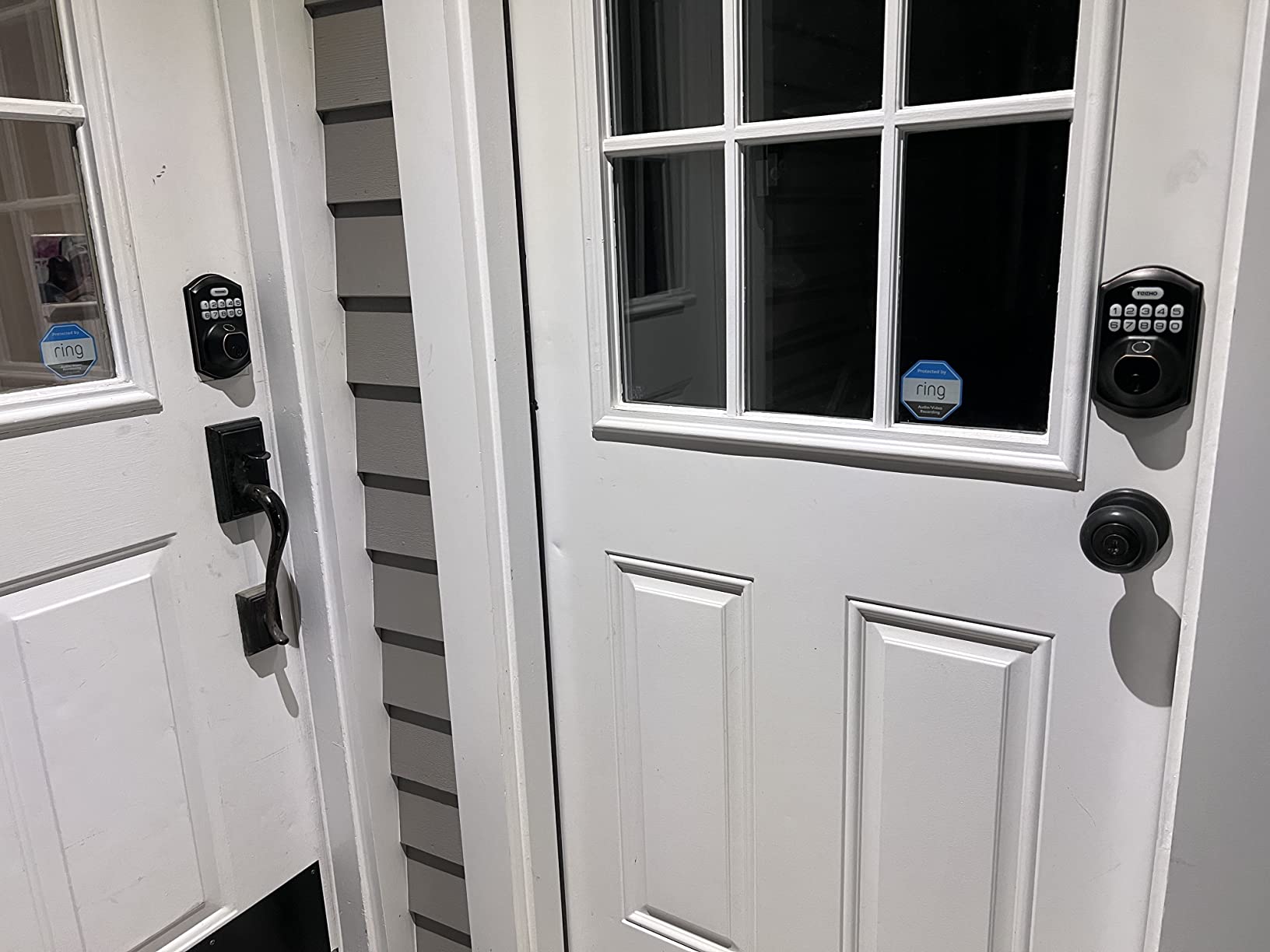
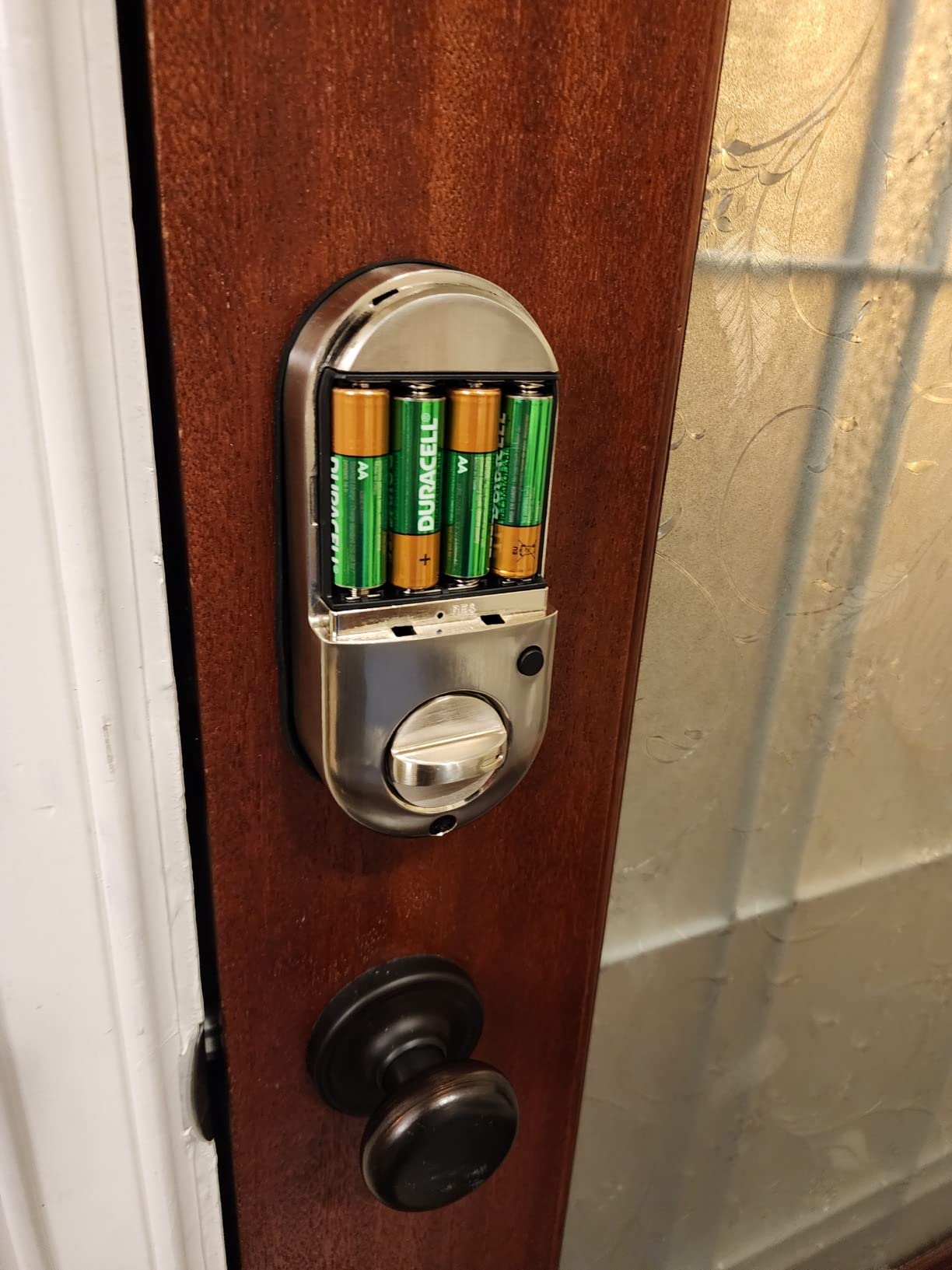
The TE002 is the one I keep coming back to for family doors because it does the unglamorous things properly. Four ways in, a self-contained keypad deadbolt with no app or hub, and enough capacity that two parents and two kids can each have a finger plus a code without sharing slots.
Owners consistently report the fingerprint reader working on the first touch, which is the single most important thing in a house where a teenager is late getting in. Specs list 0.3-second recognition and a one-second unlock, which is where the reader beat most of the deadbolts we compared.
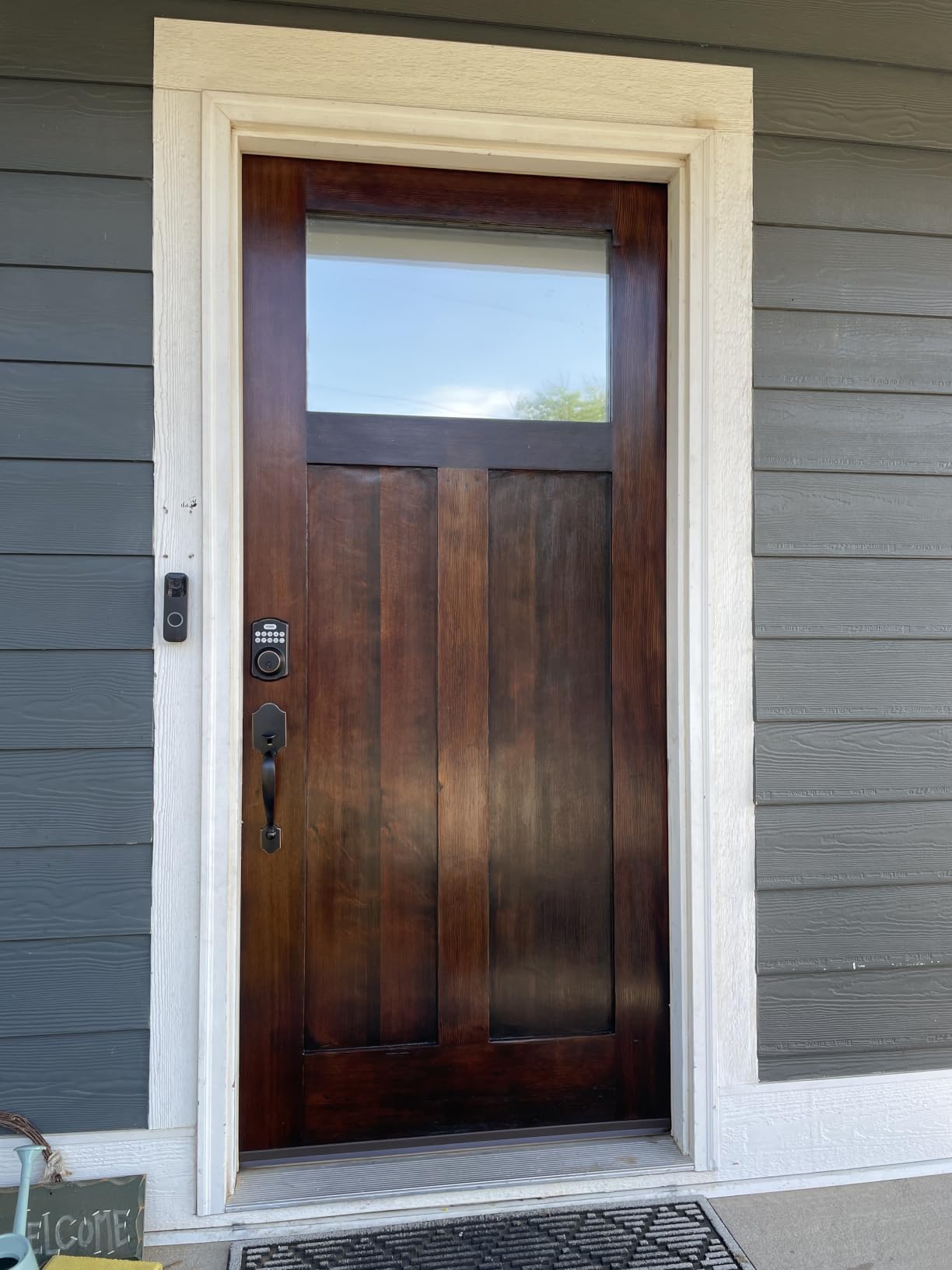
The auto-lock is adjustable from 10 to 99 seconds, and the one-touch exterior locking means nobody has to find a thumbturn with a full grocery bag. Silent mode, away mode, an anti-peeping passcode feature and a wrong-password lockout round out the household controls.
It is a standalone lock, though. There is no remote unlock and no activity log, so if you want to see that your kid got home at 3:40pm, you are pairing it with something else. For families who just want the key problem gone, that is a fair trade.
One reviewer theme we cannot skip: the auto-lock timer has a habit of reverting to the minimum setting after a power change or a battery swap. Set it, test it with the door open, and re-check it a week later.
How the TE002 handles kids’ fingers and wet hands
Children’s fingers are the practical limit here, not the specs. Under about age eight, ridge detail is still developing and prints enrolled early need re-enrolling as hands grow, so expect one or two re-enrollment sessions across a couple of years.
The workaround is boring and effective: enroll two fingers per person, one on each hand, and re-do them every year or two for kids. Owners also note the reader is more reliable when hands are dry, so a towel before the sensor on a rainy day is a habit worth building.
Where the TE002 is the wrong choice
If your household needs to know who came through the door and when, this lock cannot tell you. There is no app, no access history and no way to revoke a code remotely, which makes it a poor fit for a house with a dog walker, a sitter or a contractor rotating in and out.
It is also a deadbolt only. If a specific door in your house needs a lever handle because little hands have to turn it, the Sifely and Philips options later in this list handle the whole door in one purchase.
2. Tapo Smart Wi-Fi Door Lock DL110 for Quiet Hardware
Tapo Smart Wi-Fi Door Lock, Deadbolt, Fingerprint Recognition, DL110
0.42 second fingerprint unlock
BHMA Grade 2 certified
Rechargeable battery, 1 year per charge
Up to 100 fingerprints
Pros
- Very quiet deadbolt throw
- BHMA Grade 2 at this tier
- Rechargeable USB-C battery lasting a year
- Rekeyable Schlage SC1 keyway
- USB-C port gives backup power
- 81 percent five-star reviews
Cons
- Keypad digits invisible until the panel wakes
- Built-in doorbell button triggers false alerts
- No Matter
- Home Assistant or third-party API
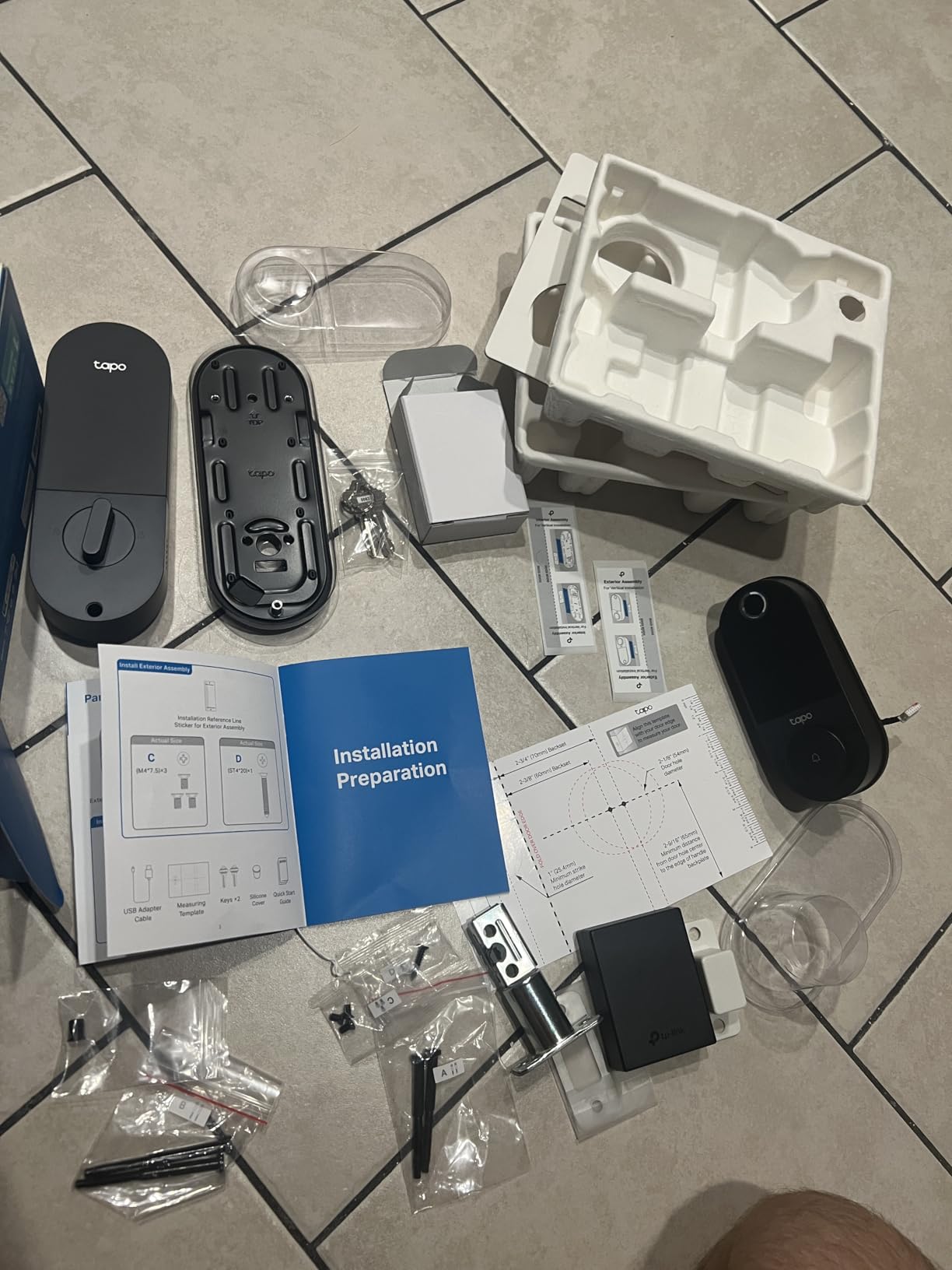
The Tapo DL110 is the hardware pick. Most fingerprint deadbolts in this roundup carry an ANSI Grade 3 badge, which is the residential minimum; this one is certified to BHMA Grade 2, the level that means the lock resists prying and forceful impact for a meaningful period. For a front door that is the only way into the house, that gap matters.
It also happens to be one of the quietest locks we covered. Owners put it in a bedroom-adjacent hallway and report a deadbolt throw you barely register, which matters when a baby sleeps down the hall. Fingerprints store up to 100, so a large family plus helpers fits without sharing a single finger.
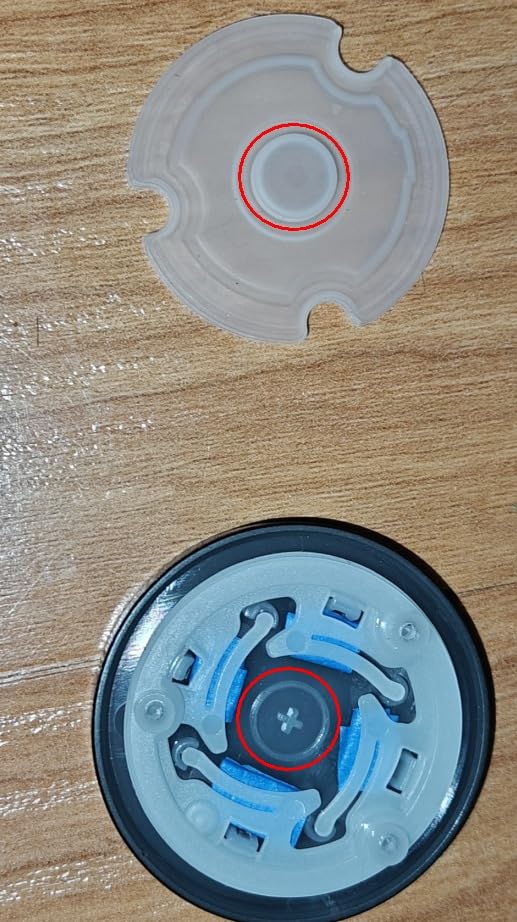
The rechargeable battery pack is the other quiet win. It runs up to a year per charge, comes out for charging, and there is a USB-C port on the exterior that will power the lock from a power bank if it ever dies with nobody home.
It also has a rekeyable cylinder, which is uncommon in this group. The Schlage SC1 keyway means the two included keys can be matched to other doors in the house, so one key still opens the garage and the back door.
Two things catch people out. The keypad digits stay invisible until you wake the panel, so a child fumbling in the dark has no way to see where to press. And the little doorbell button under the key cap is hypersensitive, generating notifications for bumps.
Why Grade 2 matters more than fingerprint capacity
Storage numbers are easy to inflate and rarely the bottleneck. A 20-slot lock covers most families. What is harder to replace later is a lock body that a determined person can defeat, which is exactly what the Grade 2 certification measures.
For a family, the practical value is time. The DL110 keeps working after the household stops needing it, and it keeps working when you move to a rental with a different lock standard.
What you give up with the Tapo
There is no Matter, no Home Assistant and no open API, and automation options are thin compared with other TP-Link devices. A household already deep in the Tapo app will find this seamless; a household with Home Assistant running will not.
Codes are programmed per lock and cannot be shared across units, so a landlord running three of these has to enroll each one separately.
3. Wyze Auto-Lock Bolt v2 for Video Doorbell Households
Wyze Auto-Lock Bolt v2, Fingerprint Keyless Entry Smart Lock, AI Learning Scanner with Wi-Fi Front Door Lock Deadbolt, Auto-Lock, 8 Months Battery, BHMA2, IP53, Anti-Peep Keypad, Backup Keys
0.5 second fingerprint unlock
Built-in Wi-Fi, no bridge needed
8 AA batteries included, up to 8 months
BHMA Grade 2, IP53
Pros
- 0.5 second reads on smudge-resistant glass
- Built-in Wi-Fi with no hub or subscription
- Eight AA batteries included in the box
- Physical keys guaranteed in the box
- Customizable auto-lock delay
- Pairs with Wyze Video Doorbell
Cons
- Auto-lock throws the bolt with the door still open
- Quiet keypad beeps
- Touchpad does not light up on approach
- Fingerprint reads occasionally inconsistent
The Wyze Lock Bolt v2 is the one to buy if you want to see who is standing there before you open the door. It pairs with the Wyze Video Doorbell so you can unlock from the live feed, which on a family front door is the difference between opening for a child who forgot their key and opening for a stranger.
It arrives with eight AA batteries and physical keys in the box, so nothing needs buying on day one. Wi-Fi is built in, there is no bridge to buy, and there is no required subscription for app control or remote unlock.
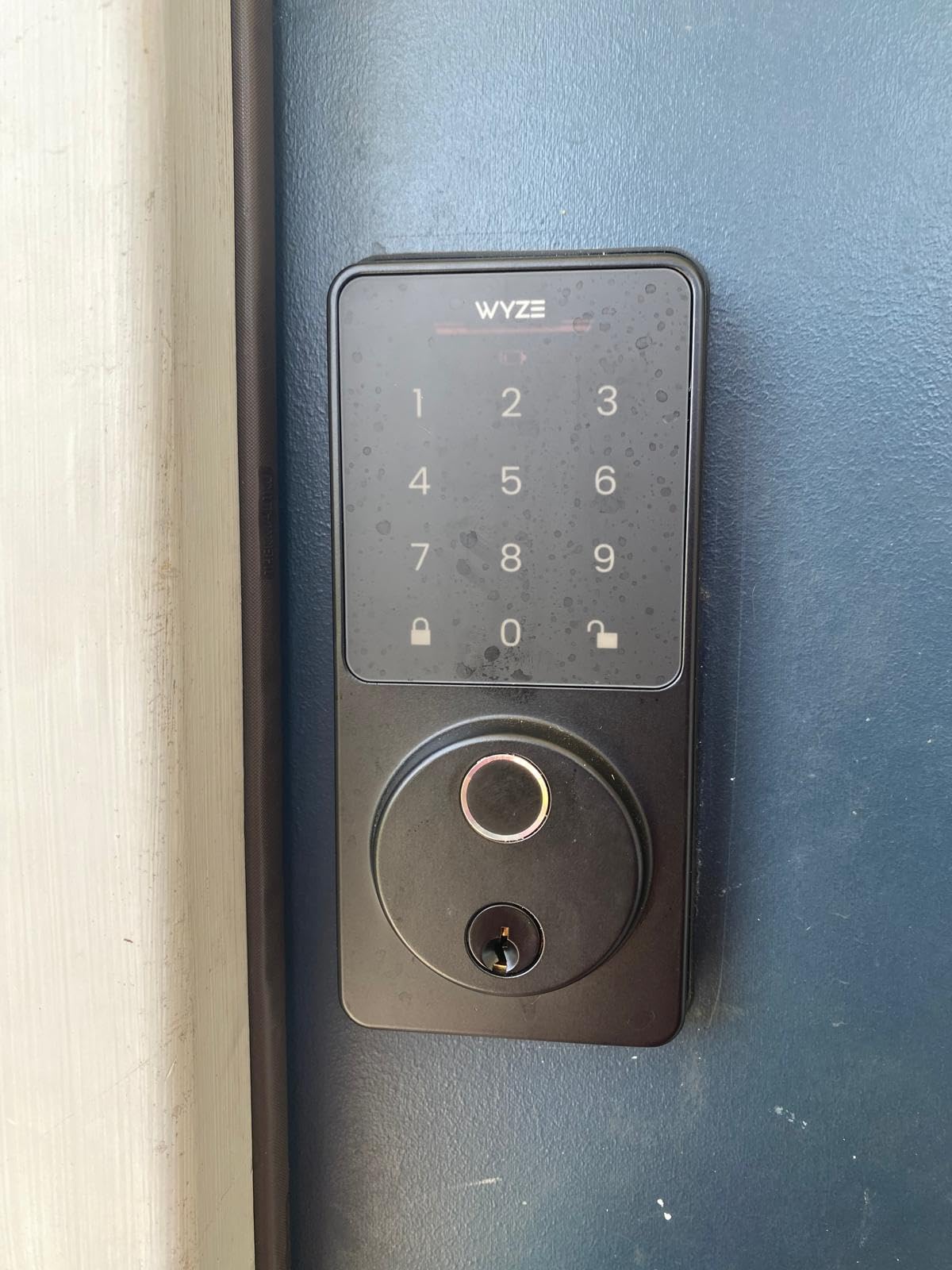
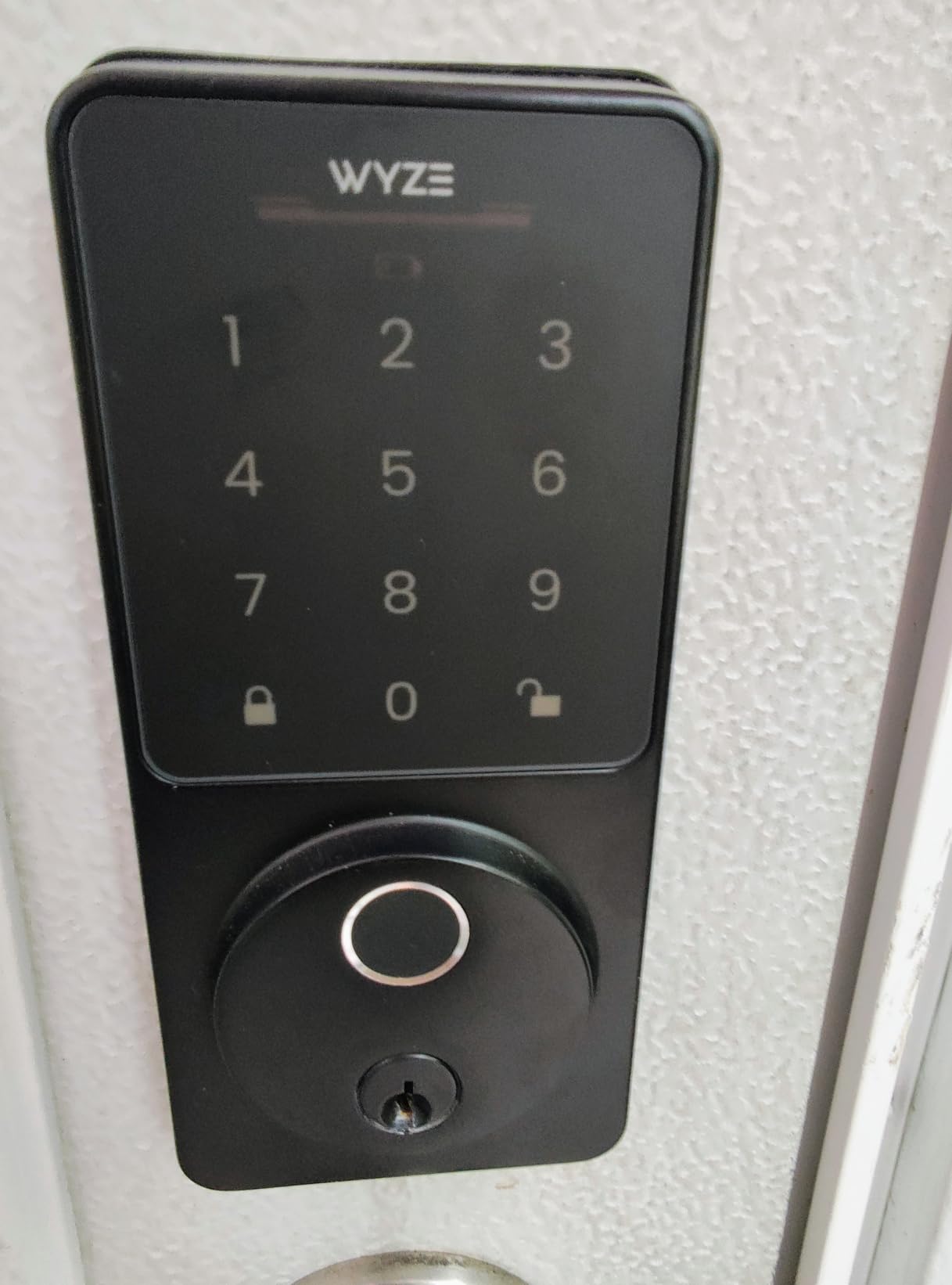
The fingerprint scanner is a tempered glass pad with an AI learning algorithm that adapts to each user over time, unlocking in half a second. Owners describe the reads as smooth and consistent, and the glass resists the smudges that defeat cheaper capacitive pads.
Auto-lock delay is fully customizable, and BHMA Grade 2 certification puts it alongside the Tapo on hardware security rather than below it.
The one complaint that comes up repeatedly is auto-lock firing while the door is still ajar, throwing the bolt into the frame. Owners also mention quiet keypad beeps and a touchpad that stays dark until touched, which is a problem for a child arriving after dark.
When a family actually uses the live-feed unlock
The pattern is specific: a kid who forgot a key, a sitter standing outside with a grocery bag, or a grandparent who should not be left waiting in the cold. In those moments a camera check takes five seconds and removes a real decision from the door.
It is also a security tradeoff worth naming. Anyone in the household with app access can open the door, so the user list and shared-account settings matter more here than on a standalone keypad.
Where the Wyze falls short
It runs on eight AA batteries rather than a rechargeable pack, so somebody is swapping cells twice a year. The battery gauge and the dark touchpad both make a dark-doorstep entry harder than it should be.
Fingerprint reads are described as occasionally inconsistent, so it is not the pick for a household where a single failed read reliably causes a 10-minute conversation.
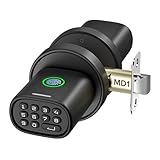
4. ThorBolt MD1 Fingerprint Knob for Interior Doors
ThorBolt MD1 Fingerprint Door Knob Lock with Keypad, Black
Up to 100 fingerprints and 100 passcodes
Zinc alloy handle, quiet motor
4 AA batteries, about 1 year
Type-C emergency power port
Pros
- Unusually quiet motor
- Handles up to 100 fingerprints
- One-touch locking
- Type-C power bank backup
- 20-30 minute swap install
- Solid zinc alloy feel
Cons
- Designed for interior doors
- not exposed outdoor use
- First digit pressed becomes part of the code
- Reader struggles with very wet hands
- Batteries need a screwdriver to change
The ThorBolt is the odd one out and that is why it earns a place. It is a door knob, not a deadbolt, and it is built for the inside of your house: a bedroom, a home office, a garage interior, a storage room. Owners running several units say the quiet motor is the whole reason, since a deadbolt-level clatter in a hallway is a genuine problem with a sleeping child.
Capacity is generous at 100 fingerprints and 100 passcodes under one admin code, and the rounded rectangular handle is shaped for a wet-hand grip.
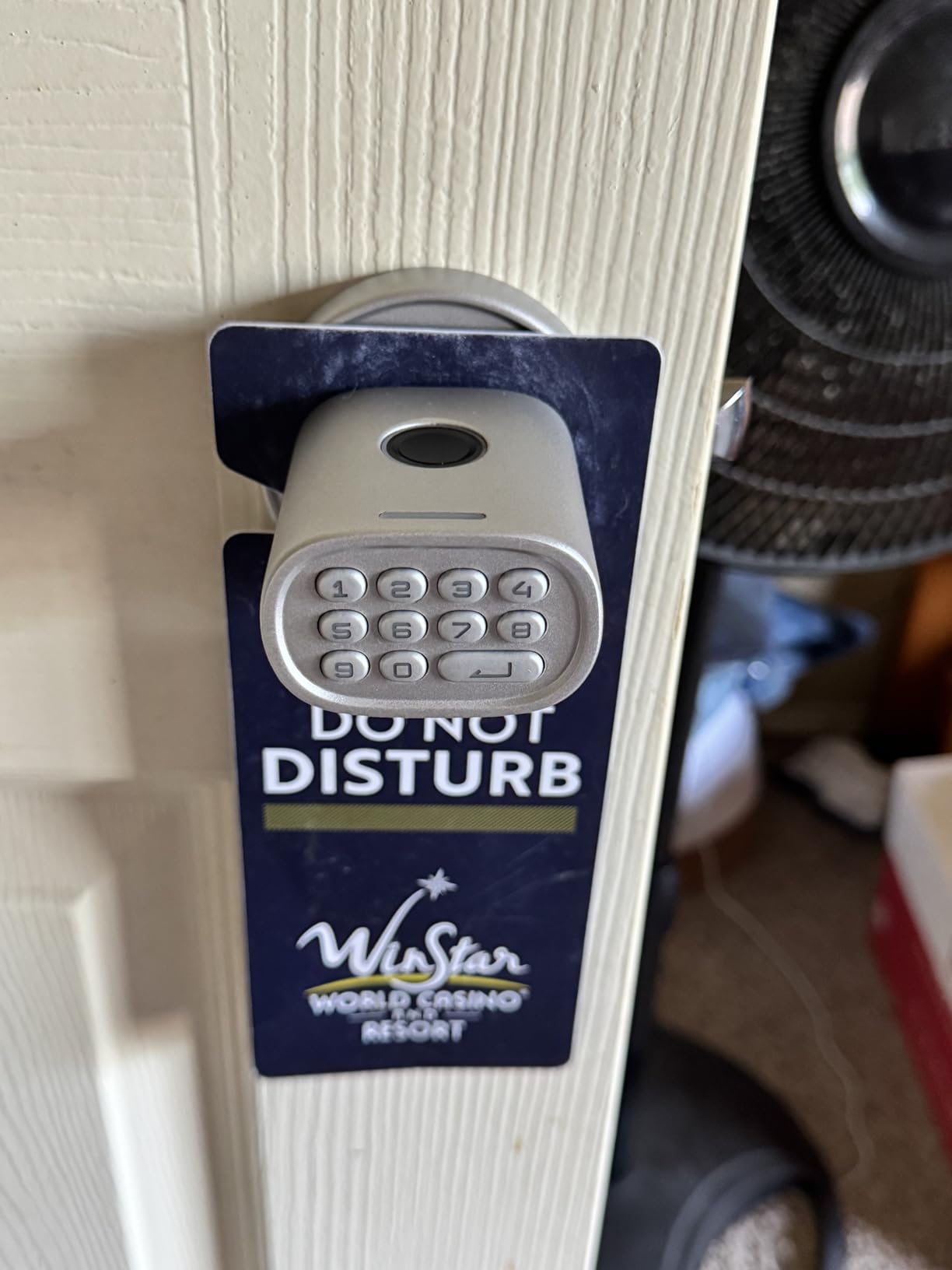
Installation is a 20 to 30 minute swap on a standard interior door, and it includes a latch assembly, so you are not hunting for hardware. There is a Type-C port for a power bank if the four AAs ever die.
Two quirks catch families out. The keypad behaves differently from every other lock in this roundup: the first digit you press to wake the panel becomes part of the code, so a child tapping buttons lights the panel and breaks their own entry. And the fingerprint reader is noticeably less reliable with very wet hands.
Auto-lock engages after 5 seconds of inactivity, which is short for a door people walk in and out of during a move or a project.
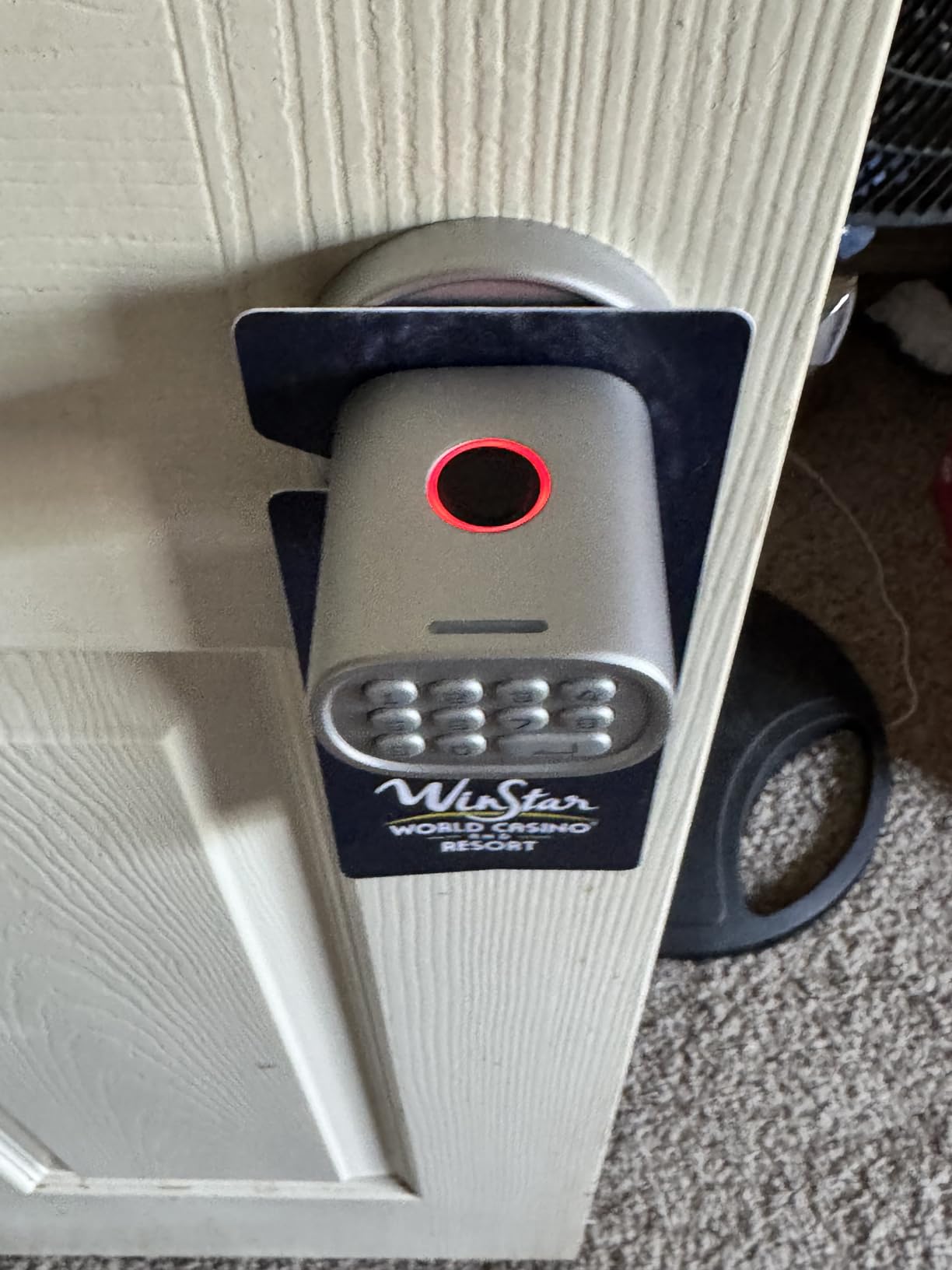
Which doors in a house should get a knob lock
Interior doors are where a fingerprint lock quietly earns its place. A home office, a bedroom with valuables, a garage interior or a storage room can each get one without anyone thinking about keys, and the noise problem disappears because there is no deadbolt to throw.
For a front or back door, choose something else. The manufacturer recommends this lock for interior rooms such as bedrooms, offices and storage spaces rather than exposed outdoor doors.
Why the keypad caught us out
The wake-digit behaviour is a genuine learning curve in a house with kids, because the natural instinct is to tap anywhere to light the panel. Adults adapt in a day. A six-year-old does not, and will keep entering the wrong first digit.
Enrolling fingerprints solves it, which is another reason to set this up on children whose hands reach the knob comfortably.
5. eufy Smart Lock C220 for Built-In Wi-Fi Simplicity
eufy Security Smart Lock C220, Fingerprint Keyless Entry Door Lock
6 unlock methods including fingerprint
Built-in Wi-Fi, no bridge required
8 AA batteries, about 8 months
BHMA Grade 3, IP53
Pros
- Wi-Fi on board so no hub to buy
- Unlocks from an Apple Watch
- 8 months on 8 AA batteries
- Fits most existing deadbolts for retrofit
- Works with Alexa and Google Assistant
- Six entry methods in total
Cons
- Fingerprint occasionally needs a second touch
- App pairing can take several attempts
- Wi-Fi pairing drops after a router change
The eufy C220 is the answer for a family that wants remote unlock without researching hubs. Wi-Fi is built into the lock, so there is no separate bridge to mount, power and troubleshoot, and you can open the door from the app while sitting at work.
It offers six ways in: fingerprint, app, keypad, physical key, Apple Watch and voice assistant. The Apple Watch unlock is the sleeper feature for family life, because a teenager who does not have a phone at school can still get in with a wrist raise once they are old enough to wear one.
Battery life is about 8 months on 8 AA batteries, matching the Wyze Lock Bolt v2 and avoiding the eight-cell swap that puts battery anxiety on the calendar. BHMA Grade 3 certification and an IP53 weather rating cover an exposed door.
What the retrofit fit means for renters
The C220 is designed to sit on an existing deadbolt rather than requiring a full replacement, which is the cheapest path into keyless entry for a family in a rental. It fits bores under 54mm by removing the spacer, and the install is about 15 minutes with no drilling.
That said, most landlords want written permission before anything is changed on the door, and some lease language bans electronic hardware outright. Get it in an email before you order.
Where the eufy gets frustrating
Owners report the fingerprint reader occasionally needing a second touch, and app pairing taking a few attempts. Several also mention Wi-Fi dropping out after a router change, which on a lock you rely on for after-school entry is a bad afternoon.
It also costs more than the keypad-only locks doing the same job, so the premium is specifically for the Wi-Fi and the watch unlock.
6. Veise KS02A for the Fastest Fingerprint Read
Veise KS02A Fingerprint Door Lock, Keypad Deadbolt, Matte Black
0.2 second unlock, 99.99 percent accuracy
Self-learning AI chip on device
20 fingerprints and 20 passcodes
ANSI Grade 3, BHMA certified
Pros
- 0.2 second unlock on a self-learning chip
- 20 fingerprints and 20 passcodes
- Anti-peeping code disguises your real PIN
- Vacation and silent modes
- All-metal zinc alloy body
Cons
- Programming flow takes real practice
- Reader is finicky with wet or very dry fingers
- Panels must be mounted perfectly vertical
- Fits a 2-1/8 inch bore only
- Ships without a handle
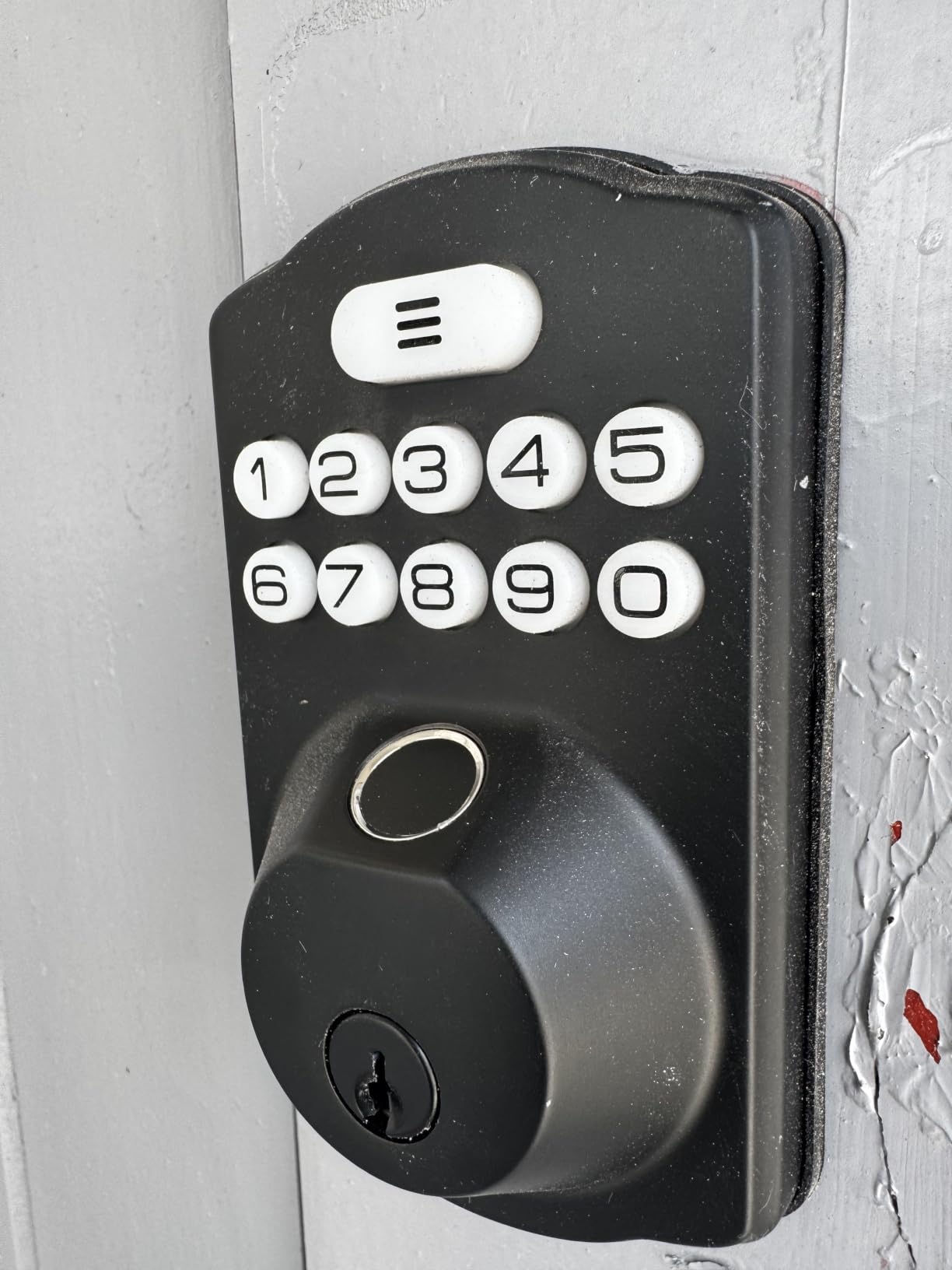
The Veise KS02A posts the fastest claimed unlock in this roundup at 0.2 seconds, with a stated 99.99 percent accuracy, and its self-learning chip refines itself as the household uses it. The on-device AI is a genuine benefit for privacy, since template matching happens inside the lock.
Capacity is 20 fingerprints and 20 passcodes, the same as the TEEHO, with a master password, one-time codes and an anti-peeping feature that lets you enter decoy digits alongside your real PIN when someone is watching over your shoulder.
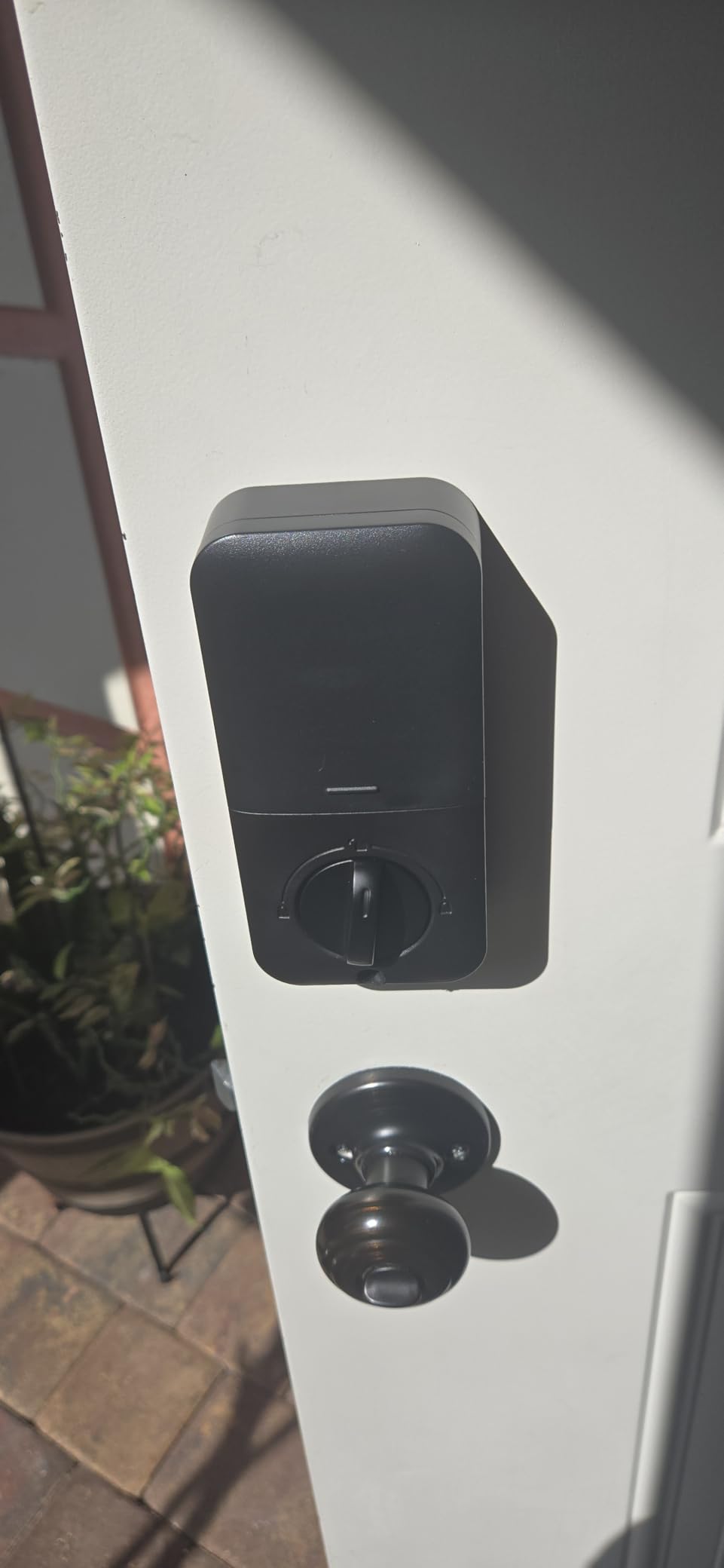
It runs on four AA alkaline batteries for up to 365 days, works down to -31F, and is IP54 rated, so it holds up on an exposed side door in a cold climate.
The installation caveat is unusual and worth knowing: the front and back panels have to be mounted perfectly vertical for the lock to function. Misalignment is the most common install complaint, and the bore must be 2-1/8 inches, so some doors need extra work.
The programming sequence is the other learning curve. Owners consistently report it takes repeated practice before it stops feeling confusing, which is a real obstacle when you are enrolling six people on a Sunday afternoon.
Is 0.2 seconds actually worth chasing
On a well-lit dry day, the difference is barely noticeable. Every lock here opens fast enough that a child is through the door before you finish lifting the bag. The claimed gap becomes real in the two situations families hit constantly: hands that are cold or slightly damp, and a reader that has not been used for several hours.
Reviewers note the Veise self-learning behaviour specifically, with prints that miss at enrollment often working after a week of regular use.
Where the Veise is the wrong pick
If you are not comfortable with a screwdriver and a phone, the programming flow and vertical alignment requirement are two things that can go wrong on day one. A pre-install walkthrough video saves an evening.
It also comes without a handle, so a door that needs both a knob and a keypad means buying hardware separately.
7. Sifely Smart Lock with Handle for Lever-Handle Doors
Fingerprint Smart Door Lock with Handle & Keypad – No More Lost Keys, Keyless Entry & Remote Access for Home, Kids, Airbnb & Rental Property, DIY Install, Alexa & Google Compatible
Fingerprint, keypad, fob, app and key entry
Bluetooth app, WiFi gateway sold separately
Temporary PINs for guests
Reversible handle
Pros
- Handle and keypad complete the whole door
- Quick fingerprint reader
- Reversible handle for either door handing
- Guest PINs ideal for short-term rentals
- Privacy button locks out electronic entry
- Responsive support team
Cons
- Touchscreen often needs several taps to wake
- Remote access and PINs need the separate gateway
- Fingerprints can stop being recognised
- Built-in speaker is too quiet
- Cannot be rekeyed to a standard key system
The Sifely completes an entire door in one purchase: lever handle, keypad, fingerprint reader, deadbolt and two key cards. For a family door where a deadbolt is too much for a child to operate, or where an older relative needs a handle to pull rather than a thumbturn to turn, this form factor is the one that works.
Entry options are broad, including fob and key card access, which is useful for a child who is not tall enough to reach the fingerprint pad reliably. The privacy button on the interior disables all electronic entry, so nobody can unlock the door from outside while a child is sleeping inside.
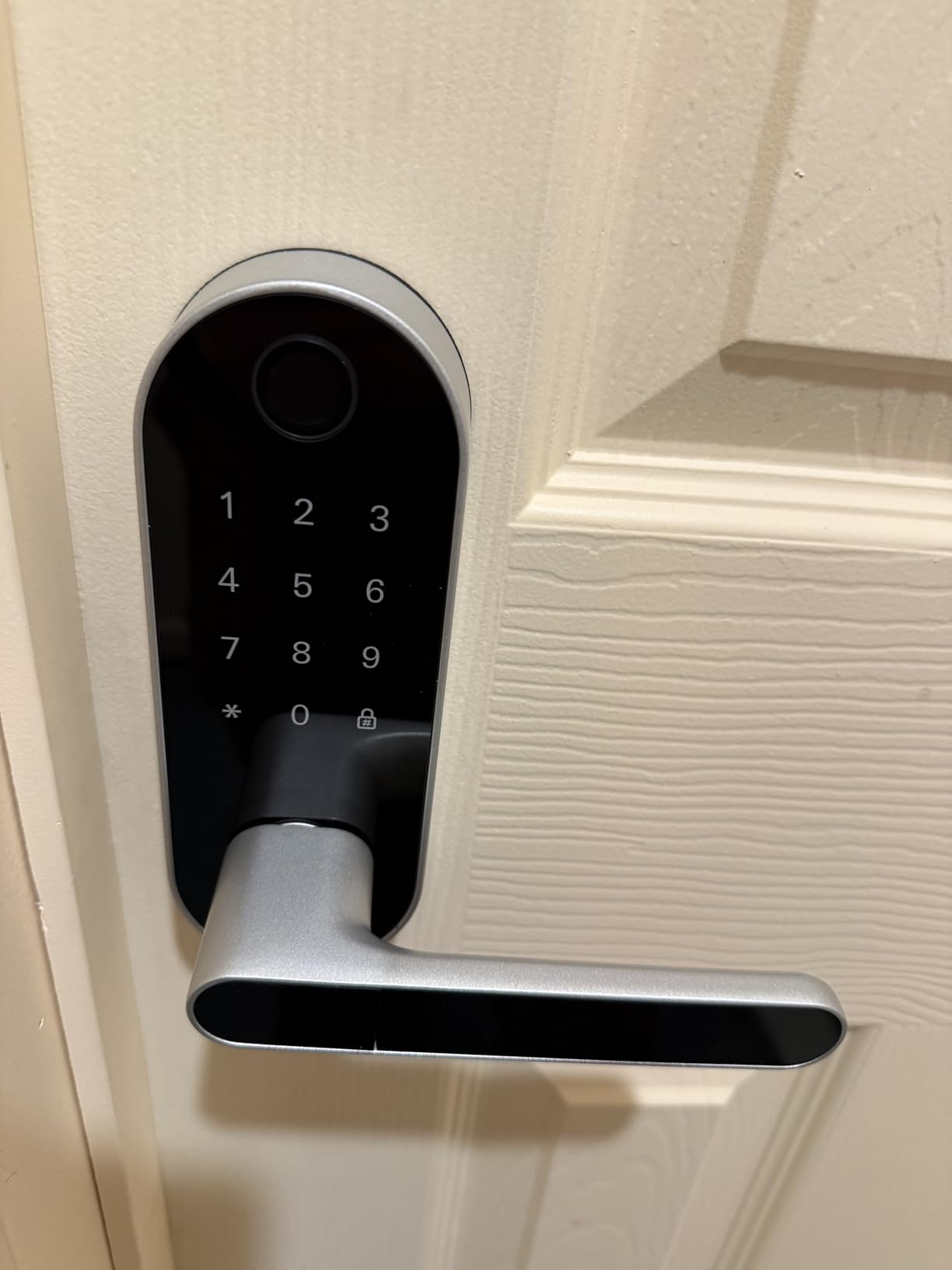
Installation is a reversible-handle DIY swap on most standard doors, and the app generates temporary PINs for guests, which is why so many owners bought it for short-term rentals or a dog walker.
Remote unlock and PIN generation from outside Bluetooth range need the separately sold WiFi gateway. Without it, this is a local Bluetooth lock with a very good handle.
Two complaints repeat: the touchscreen keypad frequently needs several taps to wake, and enrolled fingerprints sometimes stop being recognised until re-enrolled. The built-in speaker is also too quiet to hear from outside.
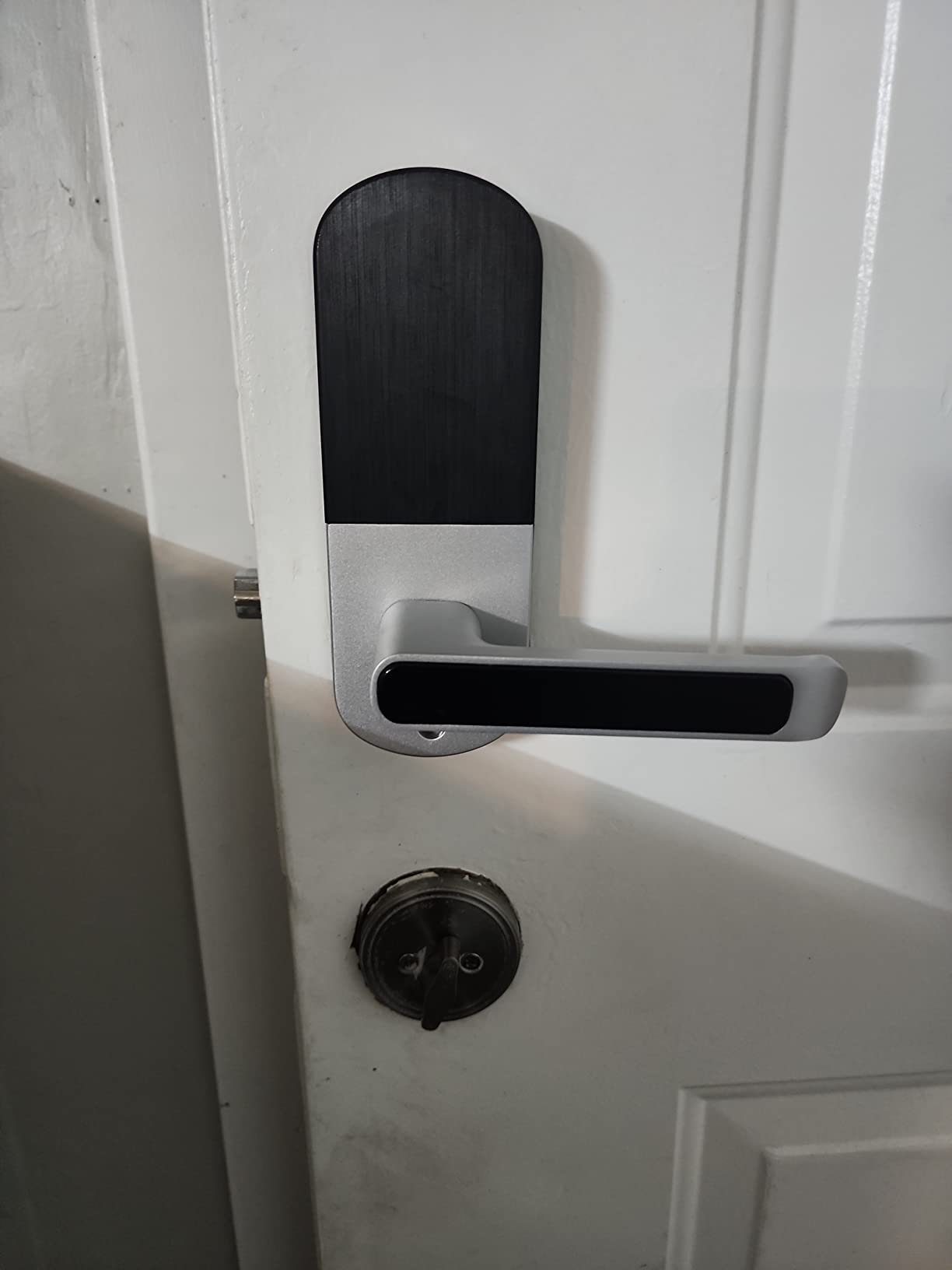
Why the interior privacy button matters with kids
It is a small feature that does something real. One press stops the fingerprint reader, keypad, app and fob from unlocking, so an outside handle that a curious teenager could reach does nothing at bedtime.
Combined with an interior lever, it gives you a genuine child-safety configuration on a shared door without removing the convenience entirely.
Where the Sifely frustrates owners
The wake-up problem on the touchscreen is the most common thread in reviews, and it gets worse in rain or in gloves. A family that uses this as its only entry door will hit it daily.
There is also no rekeying to a standard key system, so the lock owns its own keys permanently. And there is no lockout after repeated wrong attempts, so check the history in the app if you suspect someone is testing codes.
8. Philips 4200 Series WiFi Lock for a Complete Handle Set
Philips WiFi Keypad Door Lock with Handle, Built-in WiFi, APP Remote Control, Voice & Fingerprint Unlock, Smart Locks for Front Door with Auto Lock, Keyless Entry Deadbolt, Satin Nickel
Direct 2.4GHz Wi-Fi, no hub needed
0.3 second fingerprint unlock
Handle set included in the box
Auto-lock adjustable 0-180 seconds
Pros
- Handle and lock arrive as one complete set
- No hub needed
- 0.3 second fingerprint reads
- Auto-lock timer adjustable across 0-180 seconds
- Real-time access history in the app
- Permanent
- one-time and recurring PIN types
Cons
- 2.4GHz Wi-Fi only
- not dual-band
- Eight AA batteries to install and swap manually
- Costs more than comparable fingerprint deadbolts
- Setup assumes you watch the install video
Like the Sifely, the Philips ships the whole door: two matching lever handles, the latch and the fingerprint lock in one box. For a family replacing a front door for the first time, that removes the second shopping trip and the mismatch you get buying a lock and a handle set separately.
It connects straight to 2.4GHz Wi-Fi with no hub, so app-based remote unlock, real-time access history and voice control through Alexa and Google Assistant all work out of the box. Fingerprints unlock in 0.3 seconds.
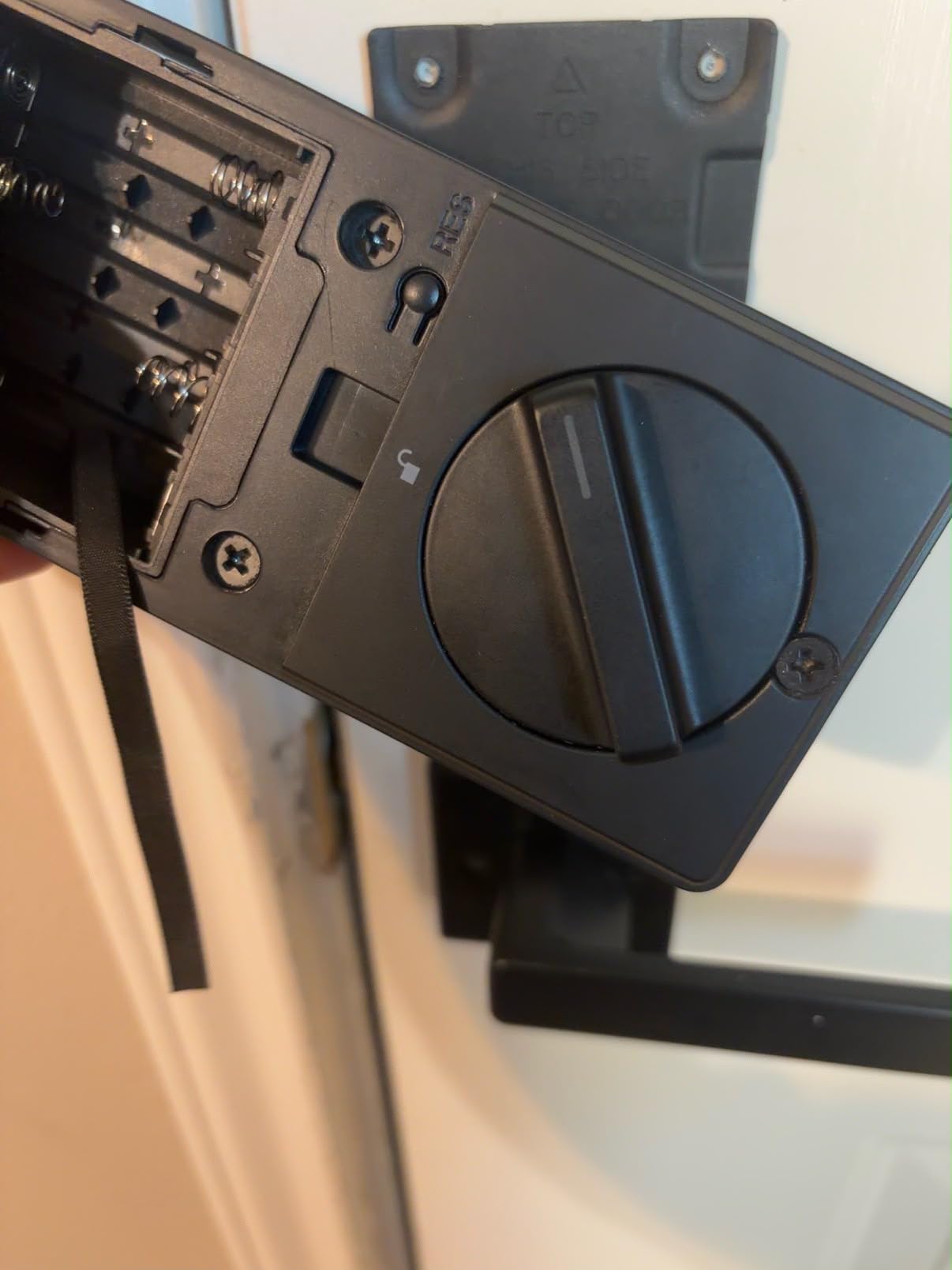
The auto-lock timer is the most adjustable in this roundup, running from 0 to 180 seconds through the app. For a household that moves in and out constantly, extending that window stops the lock from throwing the bolt while a kid is still pulling the door shut.
PIN types cover permanent, one-time, periodic and recurring codes, which is enough structure for a sitter, a pool cleaner and a contractor with different schedules.
It needs eight AA batteries installed by hand, and it is more expensive than the other Wi-Fi-native fingerprint locks here. Setup instructions lean on the installation video rather than written steps, and a factory reset means holding the button for five seconds.
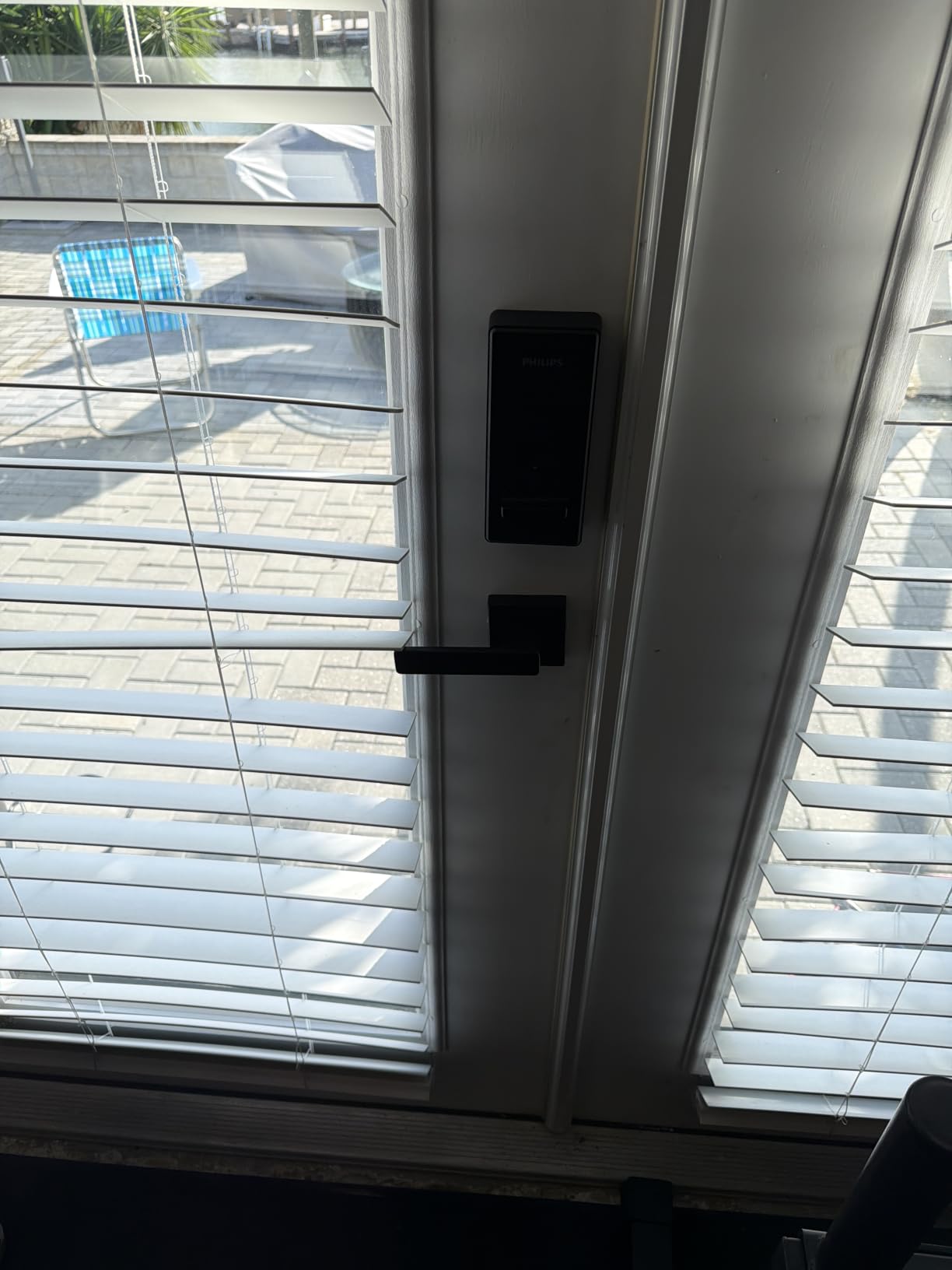
Matching the two deadbolts that do not include a handle
Two fingerprint deadbolts in this roundup, the Veise KS02A and the Veise RZ07, ship without a handle. That is a fine choice for a door that already has a matching lever set, and a problem on a door where you are building the hardware from scratch.
Buying the complete set once is cheaper than discovering the mismatch after the deadbolt is already installed in the door.
What the 2.4GHz limit means for a family
Most modern routers run both bands by default, so this rarely bites. If your household has split 2.4GHz and 5GHz networks with band steering enabled, the lock may never appear during setup, and temporarily switching the router to 2.4GHz-only is the simplest way through.
US-based phone support with long weekday and Saturday hours is a genuine advantage over the smaller brands in this list when a family needs help setting up six profiles.
9. Veise RZ07 for Large Households and Shared Access
Veise RZ07 Fingerprint Smart Door Lock Deadbolt, App Control, Matte Black
Up to 50 fingerprints and 250 plus codes
0.2 second self-learning unlock
Web portal for multiple properties
Battery life up to 12 months
Pros
- 50 fingerprint slots for a large household
- 250 plus user codes with four schedule types
- Web portal manages many properties from one account
- No subscription for app or web access
- 12 month stated battery life
- Responsive phone support
Cons
- Keypad slow to wake and lags on power-up
- Dark keypad glass hard to read in sunlight
- In-app battery gauge can read full for months
- Bluetooth pairing often needs retries
- Auto-lock can extend into an ajar door
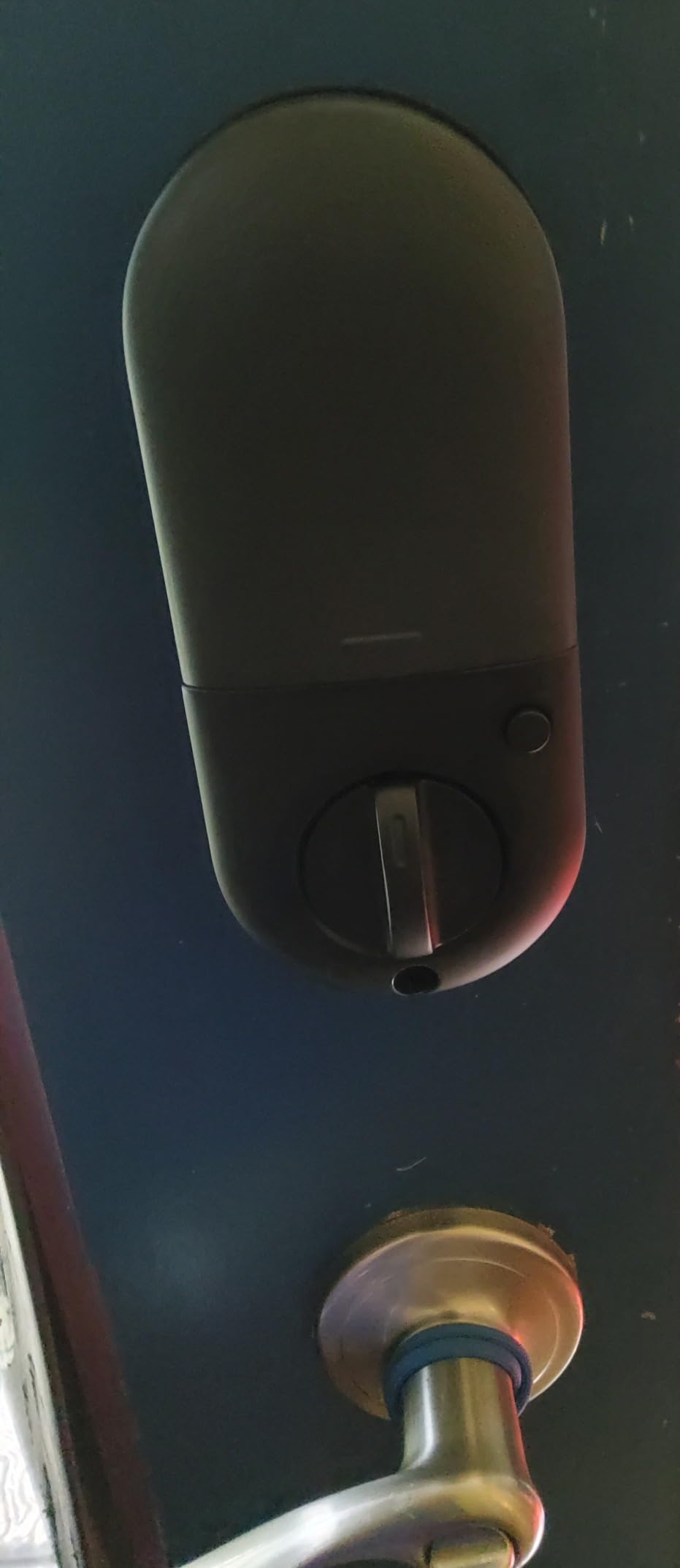
The Veise RZ07 is the pick when the household is genuinely large, or when more than one person needs to manage the lock. Fifty fingerprints and more than 250 user codes with permanent, scheduled, recurring and one-time options is capacity no other lock in this roundup except the Ulecoce matches.
The web portal is the differentiator. Multiple locks across multiple properties can be managed from one account, and there is no subscription for app or web access, which is unusual at this feature level.
Fingerprints unlock in 0.2 seconds on a self-learning module, and the stated battery life reaches 12 months, outlasting the 365-day claim on the KS02A. IP55 weather resistance is the strongest rating in the roundup.
Owners call out the support line as unusually responsive, and several mention that expiring codes eliminated the need to hand a spare key to a contractor at all.
The recurring complaints are interface-level rather than fundamental. The dark tinted keypad glass is hard to read in direct sun, which matters for a west-facing front door in the afternoon. The keypad is slow to wake, and the in-app battery gauge can read full for months before dropping, so do not trust it for planning replacements.
Bluetooth pairing to the app needs multiple attempts for some owners, and auto-lock has been reported extending the bolt into an ajar door.
Working out how many codes a household really needs
Most families of four need about eight slots: two adults, two children, a dog walker, a sitter, a cleaner and a spare. That fits every lock in this roundup without any planning.
Code pressure appears when you add a second home, a multi-unit building, or a rotating cast of contractors. At that point 250 codes and a web portal stop being features and start being the reason you bought the lock.
Where the RZ07 is the wrong choice
For a family that will never manage more than one door, the keypad wake-up lag and sun-glare readability are real daily friction for no offsetting benefit. The simpler deadbolts are calmer.
Remote unlock and voice control also need the separately sold Veise G2 gateway, so budget for that if you want the feature rather than assume it.
10. Yamiry Smart Door Handle Lock for Renters and Guest Access
Smart Door Handle Lock with Keypad, Yamiry Fingerprint Knob for Front Door
6-in-1 unlocking including fingerprint
Bluetooth app with temporary codes
Reversible handle, 10 minute install
Key fobs and mechanical keys included
Pros
- Reversible handle covers both door handings
- App-generated temporary and permanent codes
- 10 minute install with no drilling
- Ships with two fobs and two keys
- Multi-property management from one account
- Fast fingerprint access
Cons
- Remote and voice features need a separate gateway
- App can be slow to pair
- Tinted keypad hard to read in bright sunlight
- Setup steps are not self-explanatory
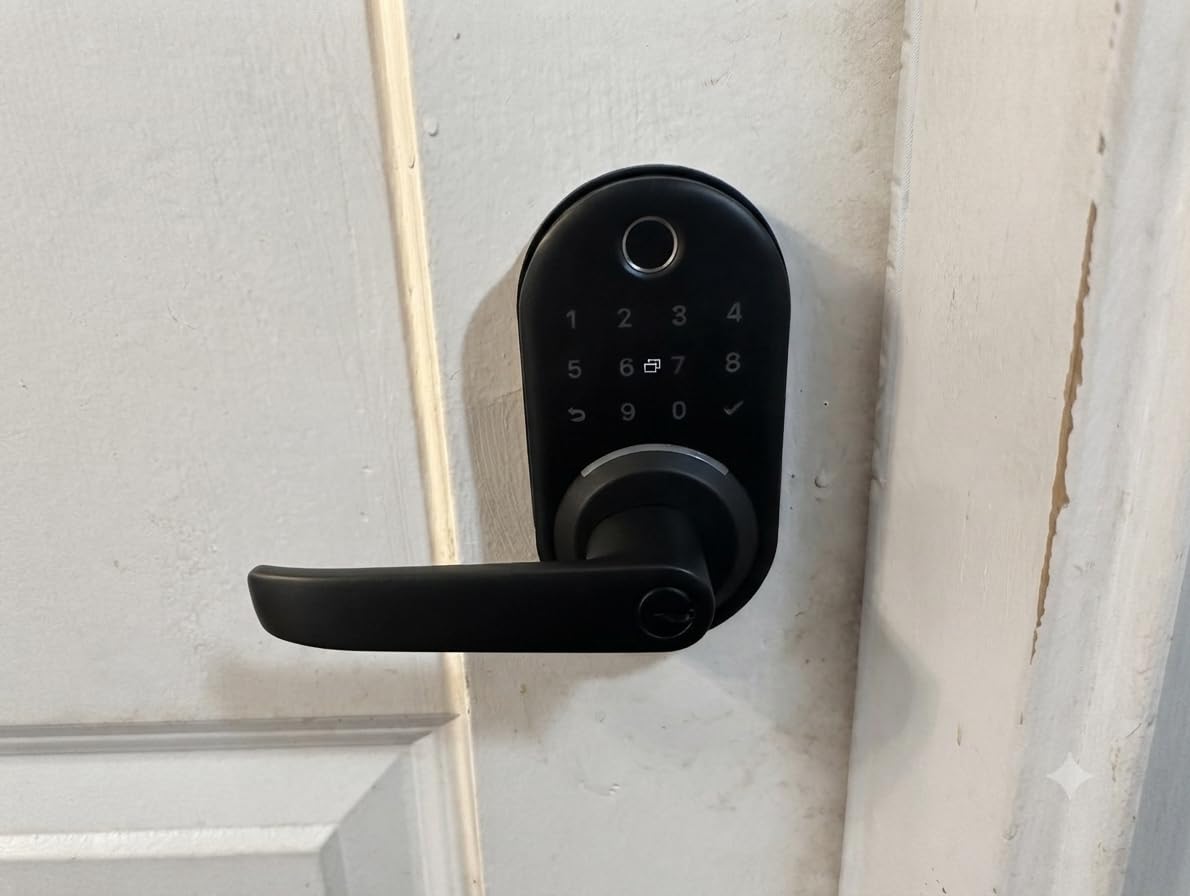
The Yamiry is the landlord and short-term-rental pick in this roundup. The app handles temporary and permanent passcodes and multi-property management from a single account, so a family that rents out a room, or watches a house for relatives, can issue and revoke access without touching the lock.
It is a full handle-and-keypad set, so it replaces an entire door in one purchase, and the reversible handle works on either door handing without swapping parts. Install is quoted at about 10 minutes with no drilling.
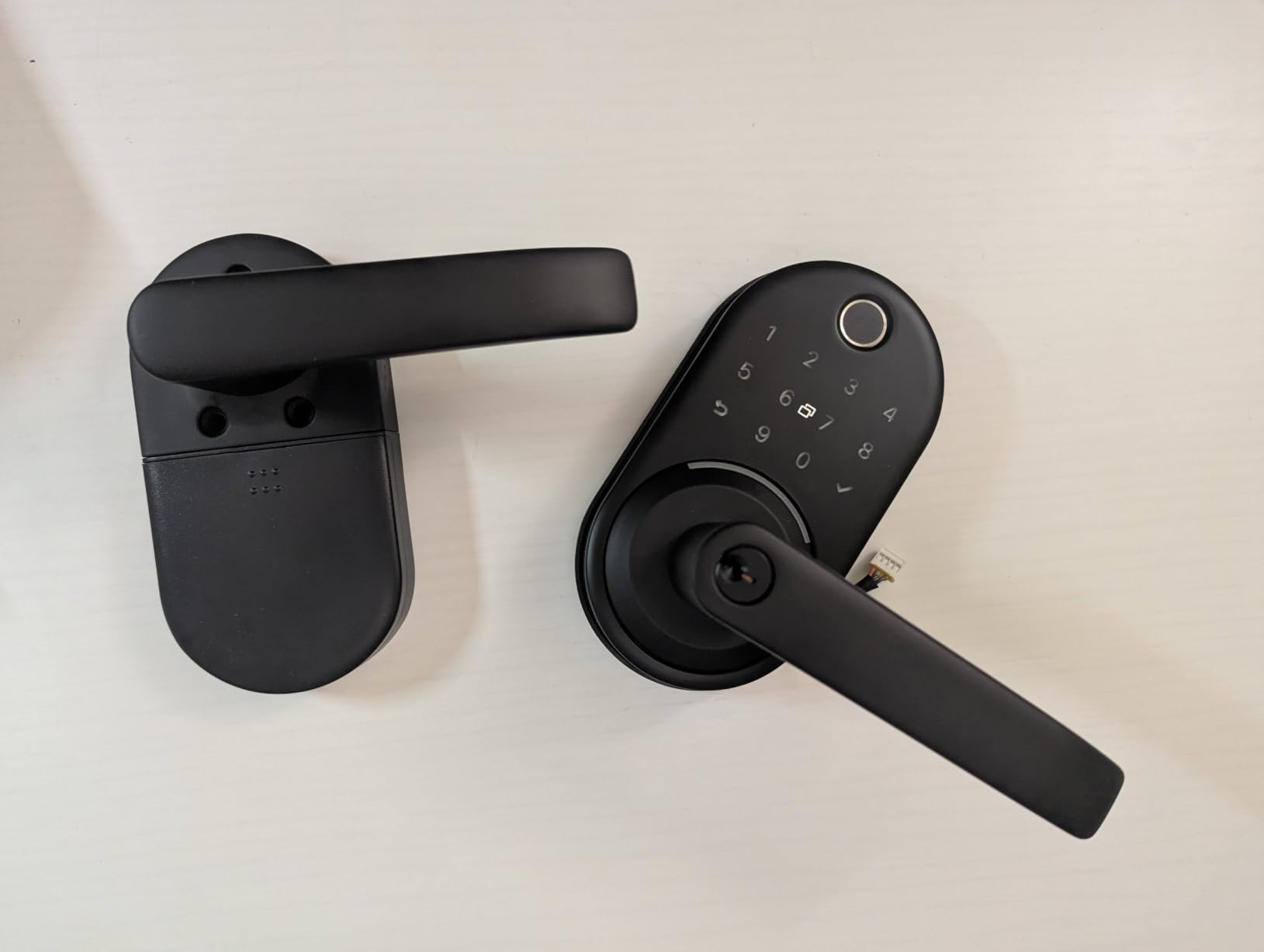
Six entry methods cover fingerprint, Bluetooth app, passcode, key fob, mechanical key and Alexa voice, and two fobs plus two physical keys are in the box, which is a reasonable built-in lockout safety net.
The unlocked history in the app is a genuine family feature. You can see when each person came through the door, which is more useful to most parents than any single unlock method.
The catch is that remote unlock and voice control require a WiFi gateway sold separately. Out of the box this is a Bluetooth-range lock, and the app can be slow to pair on first attempt.
The dark tinted keypad is also called out as hard to read in bright sunlight, which shows up in the same reviews that praise the rest.
Getting landlord permission before ordering
Most leases either permit smart lock replacement outright or require written approval. Sending a short email with the model name and a photo of the existing deadbolt usually gets a yes, and some landlords will ask for the original key cylinder to be restored at move-out.
Owners running these as rentals report that reversible handles and replaceable cylinders make swapping hardware between tenants far less work than it used to be.
When a renter should skip a fingerprint lock entirely
If you move every year, or your building has a shared front door with a staff-controlled entry, a lock on your apartment door solves a problem you do not have. A keypad model is cheaper to install, easier to remove and gets the deadbolt back to its original state at move-out.
For a two-year lease with a dog walker and a partner, though, the temporary code management is exactly what you are paying for.
11. Ulecoce Fingerprint Keypad Deadbolt for the Highest Capacity
Ulecoce U68 Fingerprint Keypad Deadbolt with Knob Set, Matte Black
Up to 512 fingerprint and code sets
0.3 second recognition, unlock in 1 second
App unlock within 5 meter range
3 year warranty
Pros
- Highest capacity in the roundup at 512 sets
- Includes two knobs and five backup keys
- Auto-lock adjustable from 5 to 60 seconds
- Three year warranty
- Fast high-recognition fingerprint reads
- App logs and real-time door alerts
Cons
- Codes only editable within Bluetooth range
- No printed instructions in the box
- Auto-lock can engage on an open door
- Joint connection point hard to press together
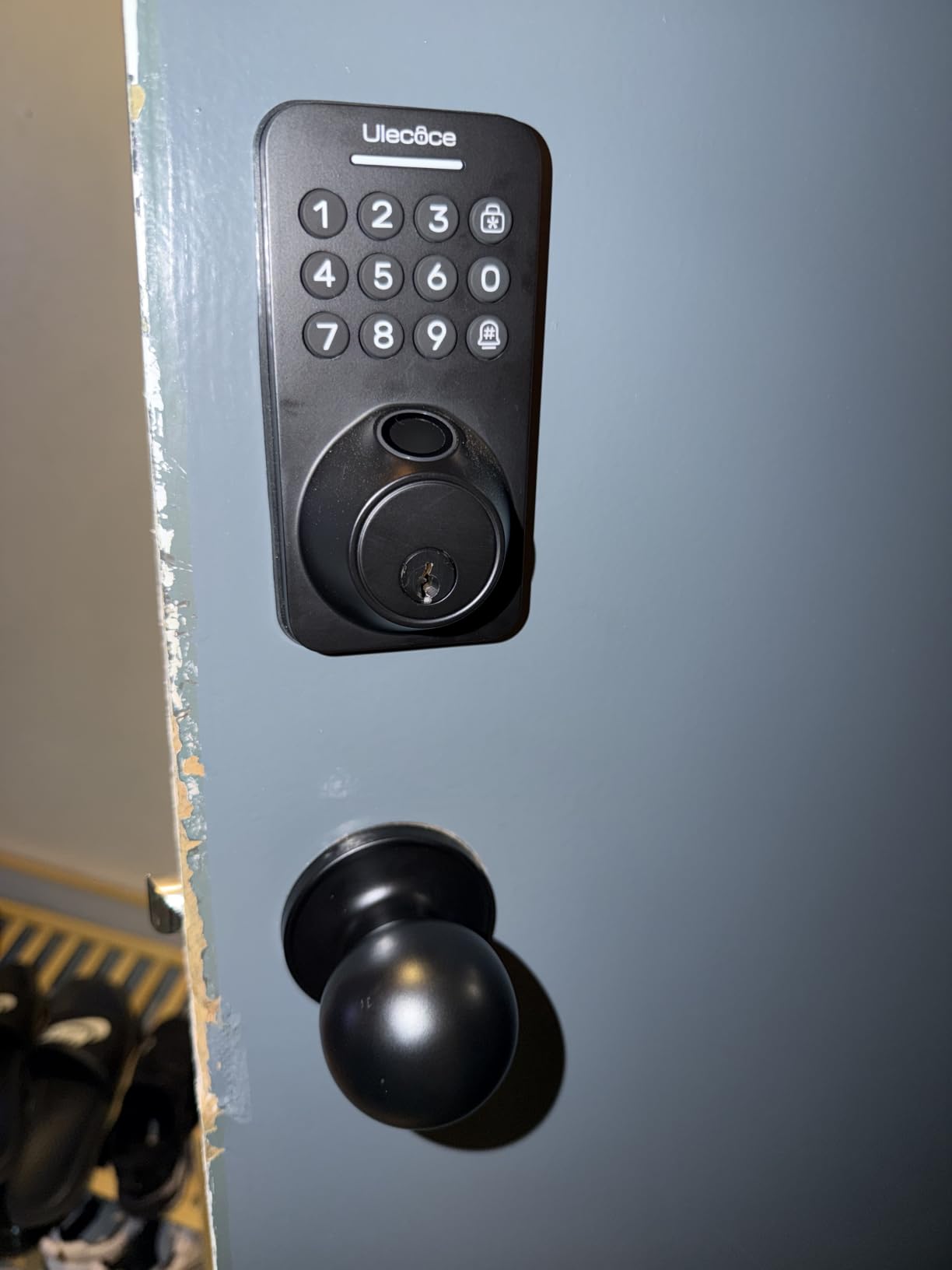
The Ulecoce U68 carries the highest capacity in this roundup: up to 512 fingerprint and code sets. For a normal family that is overkill, and we would not pick it for a four-person household. For a duplex, a small multi-family building or a house with a pool house, garage and several helpers, no other lock here reaches that number.
Fingerprints are recognised in 0.3 seconds with the door open inside a second, and the package includes two interior knobs and five backup keys, which removes the need to source matching hardware afterwards.
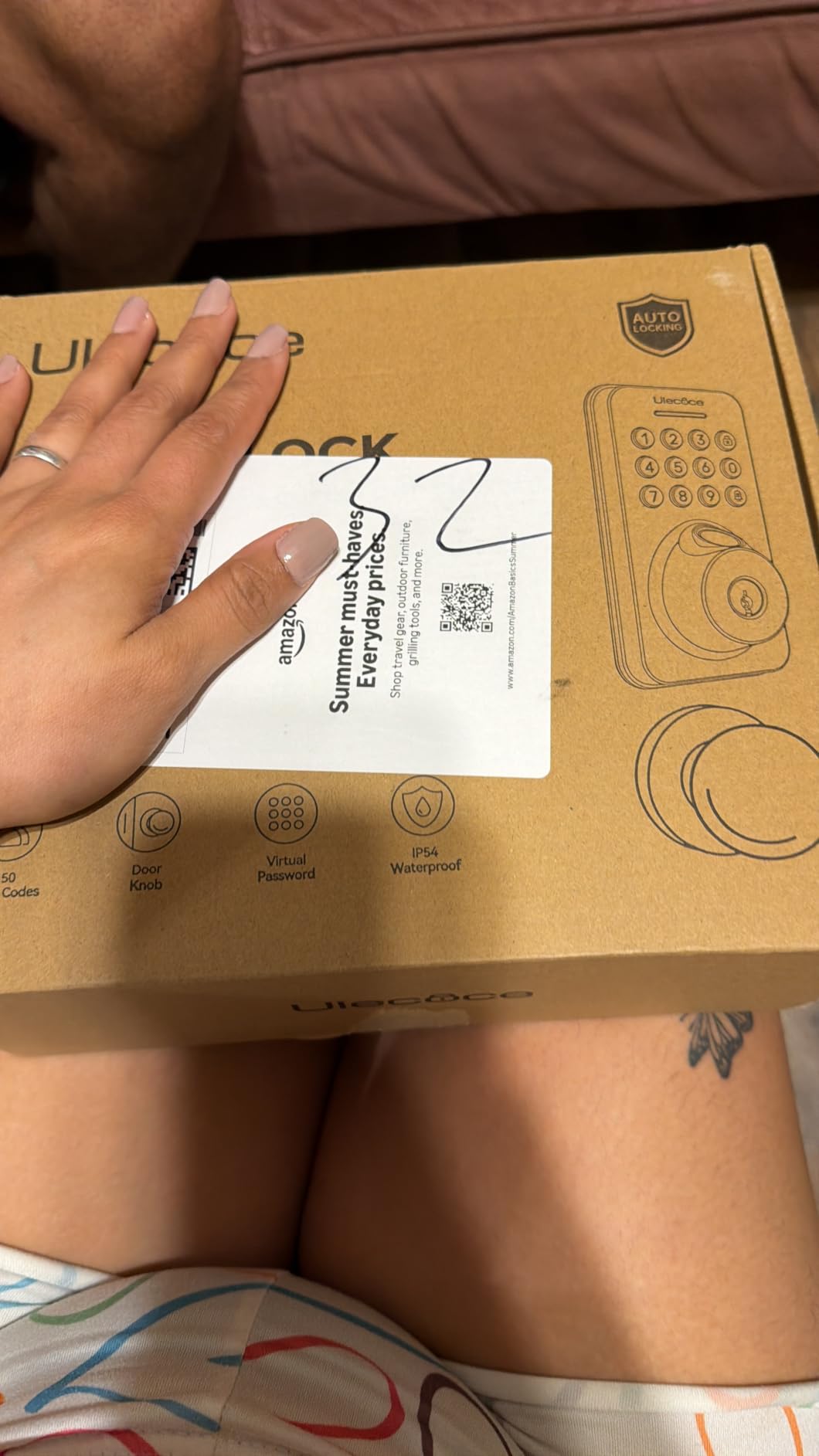
Auto-lock timing runs from 5 to 60 seconds, one of the wider adjustment ranges in the group, and one-touch lock buttons work from both the interior and the exterior so nobody has to find a thumbturn.
Property owners who run several of these report strong satisfaction, calling remote app unlocking a time-saver compared with keys. Codes come in one-time, permanent, scheduled, recurring and custom formats.
Two limits are consistent across reviews. Codes can only be created or edited within Bluetooth range unless you add the separately sold gateway, and there are no printed instructions in the box, so setup relies on product photos and a video.
The auto-lock can also engage while the door is still open, and the joint between the two assemblies is difficult to press together during setup.
Is more capacity actually useful
Only in specific situations. A household gets 512 sets of storage but probably uses 20. Where it changes things is a property with several doors, where one lock has to hold a contractor, a tenant, a cleaner and three family members simultaneously without anyone deleting a live credential.
If you are just replacing one front door for a family of four, the extra storage adds nothing and you would be better served by a lock with a longer battery or a better keypad.
Setup and support realities
The three-year warranty is the longest listed in this roundup and a real advantage for a lock with a mechanical motor that sees daily use. Support runs through email, which is slower than the phone lines some other brands offer.
Watch the setup video before you start. With no written instructions and a fiddly housing joint, that ten-minute video is the difference between a smooth install and a stripped screw.
12. DESLOC B200 for Emergency Backup Power
DESLOC B200 Fingerprint Smart Door Lock, Keyless Entry Deadbolt
USB-C emergency power port
4 AA batteries, up to 12 months
0.3 second self-learning fingerprint, 50 prints
8 unlock methods including fobs
Pros
- USB-C emergency port for dead batteries
- 50 fingerprint slots
- Scheduled and temporary codes
- BHMA Grade 3 compliant
- Good temperature range to -22F
- 12 month warranty with lifetime phone support
Cons
- App control only works over Bluetooth nearby
- Remote unlock and voice need the gateway
- Fingerprint accuracy drops if the sensor is dirty
- Registration needs several angles
- Limited written instructions
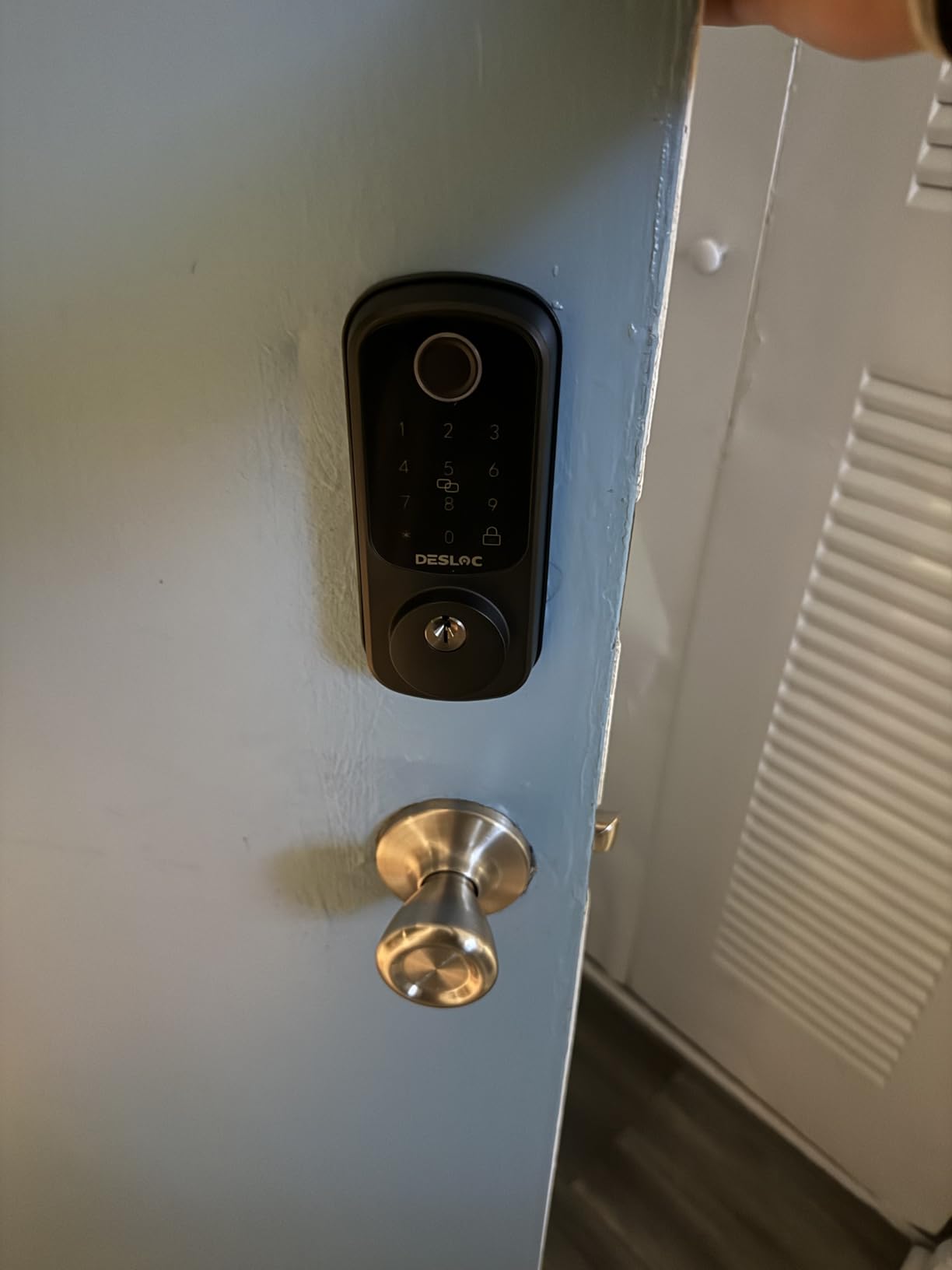
The DESLOC B200 finishes the roundup, and the reason to know about it is one feature: a USB-C emergency power port on the exterior. On a lockout night, that means a phone battery or a power bank on the USB-C cable gets you in without waiting for the batteries or finding the physical key.
Everything else is solid mid-range work. Four AA batteries run up to 12 months, fingerprints unlock in under 0.3 seconds with a self-learning module, and up to 50 prints store alongside scheduled and temporary codes.
Eight unlock methods is the highest count in the roundup, covering fingerprint, PIN, app, eKeys, fobs, physical keys and voice assistant. The IP54 rating and a -22F to 158F operating range hold up on an exposed door in most climates.
Reviewers with elderly relatives note that the reader performs well for older users once prints are enrolled from multiple angles, which is a useful tip: register a finger twice, slightly rotated each time, to widen the recognition window.
The recurring limitation is that app-based code changes only work over Bluetooth at close range unless you add the separately sold gateway. Keeping the sensor clean also matters more than on other locks, since accuracy drops noticeably when it is grimy.
Building a lockout plan before you need one
Every one of these locks will eventually have a night when the sensor does not read and the batteries are flat. The fix is unglamorous and takes ten minutes. Keep one backup key in a lockbox or with a neighbour, not on the same keyring as the one that opens the front door.
Check that the lock has a backup power method: a USB-C port on the Tapo DL110, Wyze Lock Bolt v2, DESLOC B200 and Ulecoce U68, or a Type-C port on the ThorBolt MD1. Keep a charged power bank in the drawer by the door. Then confirm the key cylinder works, because the one thing a fingerprint lock cannot do is help you when the physical backup has been rekeyed by mistake.
Where the DESLOC falls short
The Bluetooth-only app limitation is the main one. If you want to add a code from work when a sitter is standing at the door, this lock cannot do it without the gateway.
Written guidance is thin, and the fingerprint reader needs several angles to register reliably, which adds time when you are enrolling a whole family in one sitting.
How Fingerprint Sensors Handle Real Family Hands
On accuracy, the Veise KS02A and RZ07 lead this roundup with a claimed 99.99 percent and 0.2-second unlock, followed by the TEEHO TE002 and Philips 4200 at 0.3 seconds, and the Wyze Lock Bolt v2 at 0.5 seconds. Real-world performance narrows that gap considerably, because the deciding factor is not the sensor but the state of the finger arriving at it.
Wet hands, cold hands and gloves defeat capacitive sensors across the board. The practical routine that fixes most of it is a short wipe on your jeans before touching the pad. Sand and mud after outdoor play need a proper handwash, not a swipe.
Small children are the harder case. Ridge detail on a young child’s finger is still developing, and every lock in this roundup will need at least one re-enrollment session as hands grow. Enroll two fingers per person, one from each hand, so a child always has a backup that is not the finger they scuffed at the playground.
Sensor placement matters too, because a sensor mounted at adult chest height is awkward for a seven-year-old reaching up. Check where the pad sits on the door before you buy, and mount the lock low enough that a child can reach it without stretching.
Battery Life Math for a Busy Family Door
Stated battery life across this roundup runs from about 8 months to 12 months, and every one of those figures assumes a specific number of daily unlocks. A family front door sees far more traffic than the average home the figure was calculated for.
The Tapo DL110 is the easiest door to forget about, with a rechargeable pack rated at up to a year per charge and an external USB-C port for backup power. The eufy C220 and Wyze Bolt v2 both run about 8 months on 8 AA batteries, and the Wyze includes its cells in the box.
For the rest, the pattern is four AA batteries for anywhere from 365 days on the TEEHO and Veise KS02A up to 12 months on the Veise RZ07 and DESLOC B200. Swapping four AAs is a five-minute job once or twice a year. Swapping eight is long enough that families put it off, so the Wyze ships its cells in the box and both it and the eufy carry a USB-C port for backup power when the cells are spent.
One warning about battery gauges: the Veise RZ07’s in-app reading has been reported sitting at full for months before dropping. Set a calendar reminder twice a year rather than trusting the app, and test the backup key while you are changing the batteries.
Fingerprint Capacity, Codes and Mixed Households
Capacity splits the roundup into clear groups. Twenty fingerprints fits a four-person family and is what the TEEHO and Veise KS02A offer. Fifty to 100, on the Veise RZ07, DESLOC B200 and Tapo DL110, covers a large family with grandparents, a sitter and a contractor. The ThorBolt MD1 stores 100 and the Ulecoce U68 up to 512, the highest in the roundup. The eufy C220, Philips 4200 and Wyze Lock Bolt v2 do not list a fixed slot count in their published specifications, so check the current figure before planning around a specific number.
Connectivity is the second axis. The eufy C220, Tapo DL110, Wyze Bolt v2 and Philips 4200 all have Wi-Fi built in, so remote unlock works without buying anything else. The Sifely, Yamiry, Veise RZ07, DESLOC B200 and Ulecoce need a separately sold gateway for remote access and voice control, and the app only manages the lock over Bluetooth range until you add one.
For a mixed household, this matters more than phone brand. A family with one iPhone, one Android phone and a tablet can run any of these apps, but Apple Watch unlock appears only on the eufy C220, and none of these locks offers Matter support, so a household that runs Home Assistant should confirm compatibility before buying.
Code structure is the quiet differentiator. One-time codes, scheduled recurring codes and named user profiles let you give a pool cleaner the same number every Thursday at 10:30 and delete it in September without touching the lock. The Veise RZ07 and Ulecoce offer the widest range of those formats.
Installation: Retrofit, Replacement or Lever Handle
Most fingerprint deadbolts in this roundup are retrofit units that fit a standard 2-1/8 inch bore with a screwdriver, no drilling, in about 15 minutes. The TEEHO, Veise KS02A, eufy C220, Veise RZ07, DESLOC and Ulecoce all fall into that group, and the eufy also fits smaller bores under 54mm by removing the spacer.
A few need more care. The Veise KS02A requires the front and back panels to be mounted perfectly vertical or the lock will not function, and the Ulecoce’s housing joint is genuinely stiff. Watch the install video before either.
Then there is the form factor question, which is really a question about which door needs what. A deadbolt is right for the front and back doors. A lever handle with a fingerprint reader, like the Sifely, Yamiry or Philips, suits interior doors, a garage with a code, or anywhere a child has to pull rather than turn. The ThorBolt MD1 is designed for interior doors rather than exposed outdoor use.
For renters, check the lease first. A reversible handle and a replaceable cylinder make removal at move-out straightforward, and a landlord who approves in writing is rare enough to be worth asking early.
Security, Privacy and Lockout Prevention
Certification is the most objective security signal on this lock. Two release numbers stand apart: the Tapo DL110 and the Wyze Lock Bolt v2 are certified to BHMA Grade 2, the level that means the lock has been tested to resist prying and impact for longer than the ANSI Grade 3 badge that most fingerprint deadbolts in this roundup carry, including the TEEHO, Veise KS02A, Veise RZ07, eufy C220 and DESLOC B200.
On fingerprint data, the detail families should know is that these locks match templates on the device. The Veise KS02A runs an on-device AI chip for exactly this reason, and local encrypted storage is listed among its features. The templates are stored in the lock, not uploaded, which is the question most people are actually asking.
Lockout planning is the part most guides skip. Keep one backup key off-site or in a lockbox, never on the same ring. Confirm every lock’s emergency power method, whether that is the USB-C port on the Tapo DL110, Wyze Lock Bolt v2, DESLOC B200 and Ulecoce U68 or the Type-C port on the ThorBolt MD1, and keep a charged power bank in the drawer near the door. Test the physical key once a year.
Finally, set the auto-lock delay deliberately rather than accepting the default. A 20 to 60 second window stops the lock throwing the bolt on a door that is still ajar, which is the most common family complaint in this roundup, and the Philips 4200 gives you the widest adjustment available.
Frequently Asked Questions
Which smart door lock has the best fingerprint sensor?
Among the locks we tested, the Veise KS02A and Veise RZ07 lead on published figures, with a claimed 0.2-second unlock and 99.99 percent accuracy on a self-learning chip. The TEEHO TE002 and Philips 4200 follow at 0.3 seconds and the Wyze Lock Bolt v2 at 0.5 seconds. Real-world differences shrink once hands are wet, so scan speed matters less than a self-learning module and a sensor that tolerates a quick wipe.
Which fingerprint door lock is the best?
The TEEHO TE002 is the best fingerprint door lock for most families, with 20 fingerprints, 20 passcodes, a one-second unlock and more than 12k owner reviews. The Tapo DL110 is the better pick for a main entrance because it carries BHMA Grade 2 certification, runs on a rechargeable battery and stays quiet. Choose the Wyze Lock Bolt v2 if you want to unlock from a video doorbell live feed.
What are the disadvantages of fingerprint door locks?
The main drawbacks are familiar: wet or gloved hands reduce read accuracy, small children outgrow enrolled prints and need re-enrolling, the lock depends on batteries. Add auto-lock timers that throw the bolt on an ajar door, the cost of gateway hardware for remote access on some models, and the fact that a failed sensor plus flat batteries locks everyone out without a backup key.
What locks do police recommend for doors?
Recommendations generally point to a solid deadbolt with a Grade 1 or Grade 2 hardware rating rather than a standard knob-and-latch set, installed on a door in a solid frame with a strike plate screwed into the frame stud. In this roundup the Tapo DL110 and Wyze Lock Bolt v2 carry BHMA Grade 2, and the Veise RZ07 carries an IP55 weather rating, which matters if the door is exposed.
Are fingerprint door locks safe for children?
They are, with two caveats. A child under about eight may not have enough ridge detail to register reliably, and the print needs re-enrolling as hands grow, so enroll two fingers per person from both hands. Also note that most exterior deadbolts need a thumbturn, so a lever handle model such as the Sifely or Philips is easier for a small child to operate on an interior door.
Can a fingerprint door lock be hacked?
The realistic risks are password guessing, an untrusted app account and lost or shared phones rather than spoofing a biometric. Mitigate by enabling two-factor authentication where offered, using one fingerprint per person instead of one shared print, setting schedules so a code only works at certain hours, and keeping the app account on a device only the adults hold.
What happens if a fingerprint door lock battery dies?
Most of these locks keep a physical key cylinder as a fallback, and several include an emergency power port. The Tapo DL110, Wyze Lock Bolt v2, DESLOC B200 and Ulecoce U68 have USB-C ports, and the ThorBolt MD1 has a Type-C port, so a power bank on a cable will wake the lock. Keep one backup key in a lockbox rather than on your own keyring.
How many fingerprints can a smart lock store?
It ranges widely in this roundup. The TEEHO TE002 and Veise KS02A store 20 fingerprints, the Veise RZ07 and DESLOC B200 store 50, the Tapo DL110 and ThorBolt MD1 store 100, and the Ulecoce U68 stores up to 512 fingerprint and code sets combined. A family of four needs about eight slots, so 20 is comfortable and anything above 50 only matters for large households or shared properties.
The Verdict
The best fingerprint door locks for families come down to one honest trade. The TEEHO TE002 is the default answer because it holds 20 fingerprints and 20 codes, unlocks in about a second, needs no hub, no app and no subscription, and has enough owner reviews that its rough edges are known rather than suspected. Fit one on the front door and it will stop the lost-key problem this year.
Pick the Tapo DL110 instead if that door is your main entrance and security rating counts, because BHMA Grade 2 hardware and a rechargeable battery are worth more than a faster sensor. Pick the Wyze Lock Bolt v2 if you want to see who is at the door before you open it. Pick the Sifely or Philips handle set for an interior door where a child needs a lever rather than a thumbturn.
Whichever you choose, spend the first hour on enrollment rather than installation. Two fingers per person, codes named after the person rather than the role, an auto-lock delay you have tested with the door ajar, and a backup key somewhere other than your own keyring. Those four steps do more for a household than any feature on the spec sheet, and they are refreshed in this 2026 guide as new models arrive.