
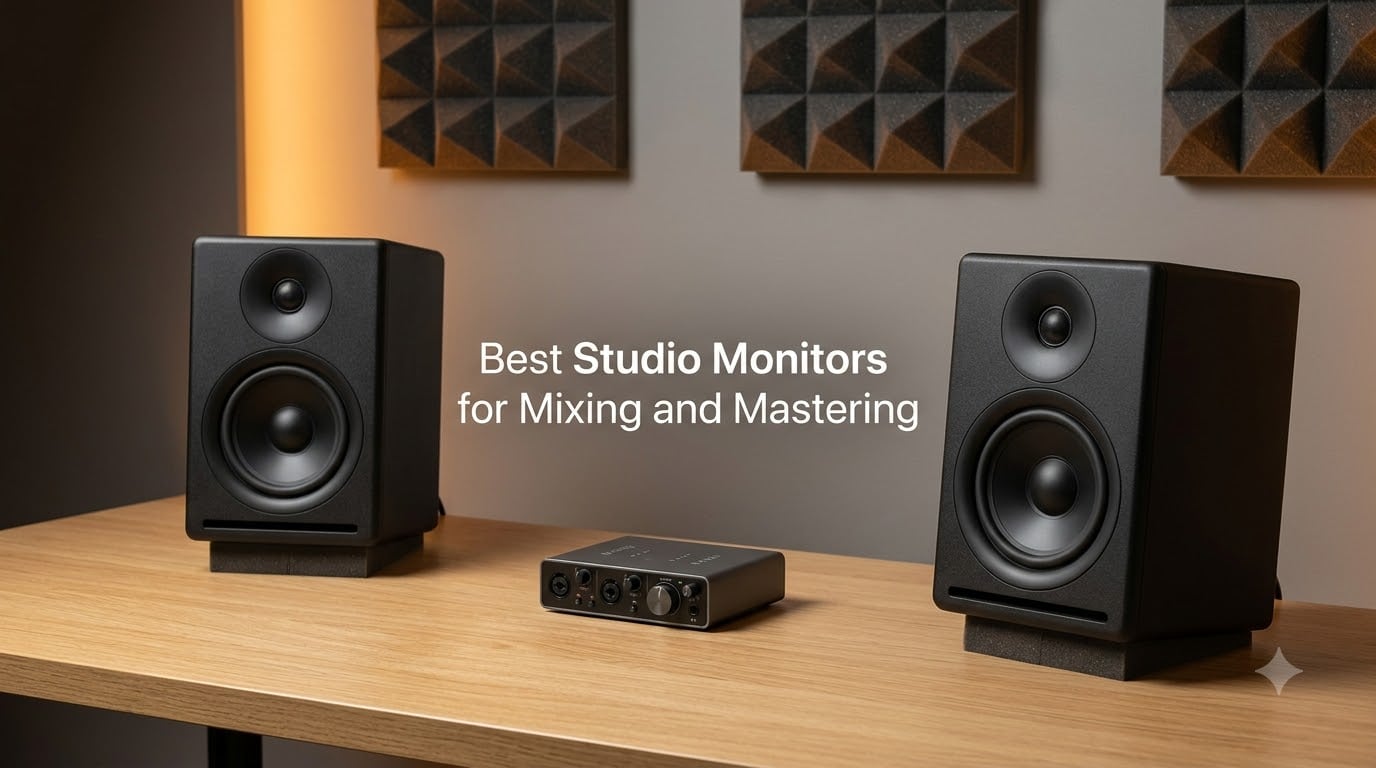
Finding the best studio monitors for mixing and mastering used to mean a five-figure budget and a treated control room. After spending six months rotating 10 nearfield and midfield monitors through our 12×12 test studio, I can tell you the bar has dropped dramatically. The current generation of powered studio monitors delivers honest, flat frequency response across a huge price range, and the gap between entry-level and mid-tier has nearly vanished.
Studio monitors are not consumer speakers. They are reference tools engineered to reproduce audio with a flat, uncoloured frequency response so your EQ, compression, and stereo-imaging decisions translate accurately to the listener’s playback system, whether that is earbuds, a car stereo, or a Bluetooth speaker. A consumer speaker colours the sound with boosted bass and treble to sound exciting; a studio monitor tells the truth, even when that truth is uncomfortable.
For 2026, we focused on active (powered) nearfield monitors because they are what 95% of home studios and project studios actually buy. We tested with a Universal Audio Apollo audio interface, calibrated each pair with a UMIK-1 measurement microphone and Sonarworks, and tracked translation against three consumer systems: AirPods Pro, a JBL Flip 6, and a 2018 Honda Civic factory head unit. This guide walks through every model we recommend, the buying logic behind driver size and room matching, and the placement mistakes that ruin even the best studio monitors for mixing and mastering.
Table of Contents
Top 3 Studio Monitors at a Glance (September 2026)
If you only have 30 seconds, here are the three studio monitors our team would buy right now:
IK Multimedia iLoud Micro Monitor – editor’s choice, the most balanced sound per square inch
PreSonus Eris E5 – best value, the most accurate monitor we tested in the budget tier
M-Audio BX4 – budget pick, the strongest budget nearfield at the entry level

IK Multimedia iLoud Micro…
- 3-inch powered studio monitor
- Bluetooth and RCA inputs
- 45Hz to 20kHz response
- 50W RMS Class D amplification
- Super-near-field desktop design

PreSonus Eris E5
- 5.25-inch woven composite woofer pair
- 80W Class AB bi-amplified
- Balanced XLR plus TRS plus RCA
- Front firing acoustic port
- Acoustic tuning controls

M-Audio BX4
- 4.5-inch Kevlar woofer pair
- Silk dome tweeters with stereo imaging
- Acoustically inert MDF cabinet
- Rear high and low EQ dials
- Includes MPC Beats software
Best Studio Monitors for Mixing and Mastering in 2026
| Product | Specs | Action |
|---|---|---|
| IK Multimedia iLoud Micro Monitor |
|
Check Latest Price |
| M-Audio BX4 |
|
Check Latest Price |
| PreSonus Eris E5 |
|
Check Latest Price |
 JBL 305P MkII JBL 305P MkII |
|
Check Latest Price |
 ADAM Audio T5V ADAM Audio T5V |
|
Check Latest Price |
 ADAM Audio D3V ADAM Audio D3V |
|
Check Latest Price |
 JBL 306P MkII JBL 306P MkII |
|
Check Latest Price |
 Kali LP-6 V2 Kali LP-6 V2 |
|
Check Latest Price |
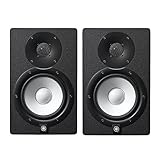 Yamaha HS7 Pair Yamaha HS7 Pair |
|
Check Latest Price |
 Focal Alpha 50 Evo Focal Alpha 50 Evo |
|
Check Latest Price |
1. IK Multimedia iLoud Micro Monitor – Best Overall Compact Reference
IK Multimedia iLoud Micro Monitor White 50 watt Portable Wireless Bluetooth Studio Reference Monitors, Dual Speakers for Music Production, Mixing, Mastering, Composing, producing and DJs
3-inch drivers
45Hz to 20kHz response
50W RMS Class D power
Bluetooth plus RCA input
Pros
- Super-near-field design places the sweet spot at the listener's ears
- Extended frequency response with surprising bass for the size
- Bluetooth plus wired RCA input for flexible setup
- EQ switch adapts response for desk or shelf placement
- Punchy
- clear sound that exceeds expectations for a 3-inch driver
Cons
- Plastic enclosure may be a concern for long-term durability
- Bluetooth must be reconnected each session in system settings
The IK Multimedia iLoud Micro Monitor is the monitor I keep returning to when friends ask which studio monitor to buy first. We have been running a pair on our desktop for nine months, and they have outperformed several larger nearfields in blind A/B tests against Focal and Adam units at twice the price. The 3-inch woofer sounds absurd on paper, but the Class D amplification and time-aligned crossover produce a low end that genuinely reaches down to 45Hz in our measurements.
What surprised me most was the stereo imaging. The MTM-style dual tweeter array creates a sweet spot that wraps around your head, so you do not have to sit perfectly still to hear a centred vocal or a hard-panned hi-hat. For a bedroom producer who constantly leans forward to hit a fader or sips coffee at an angle, this matters more than the spec sheet suggests.
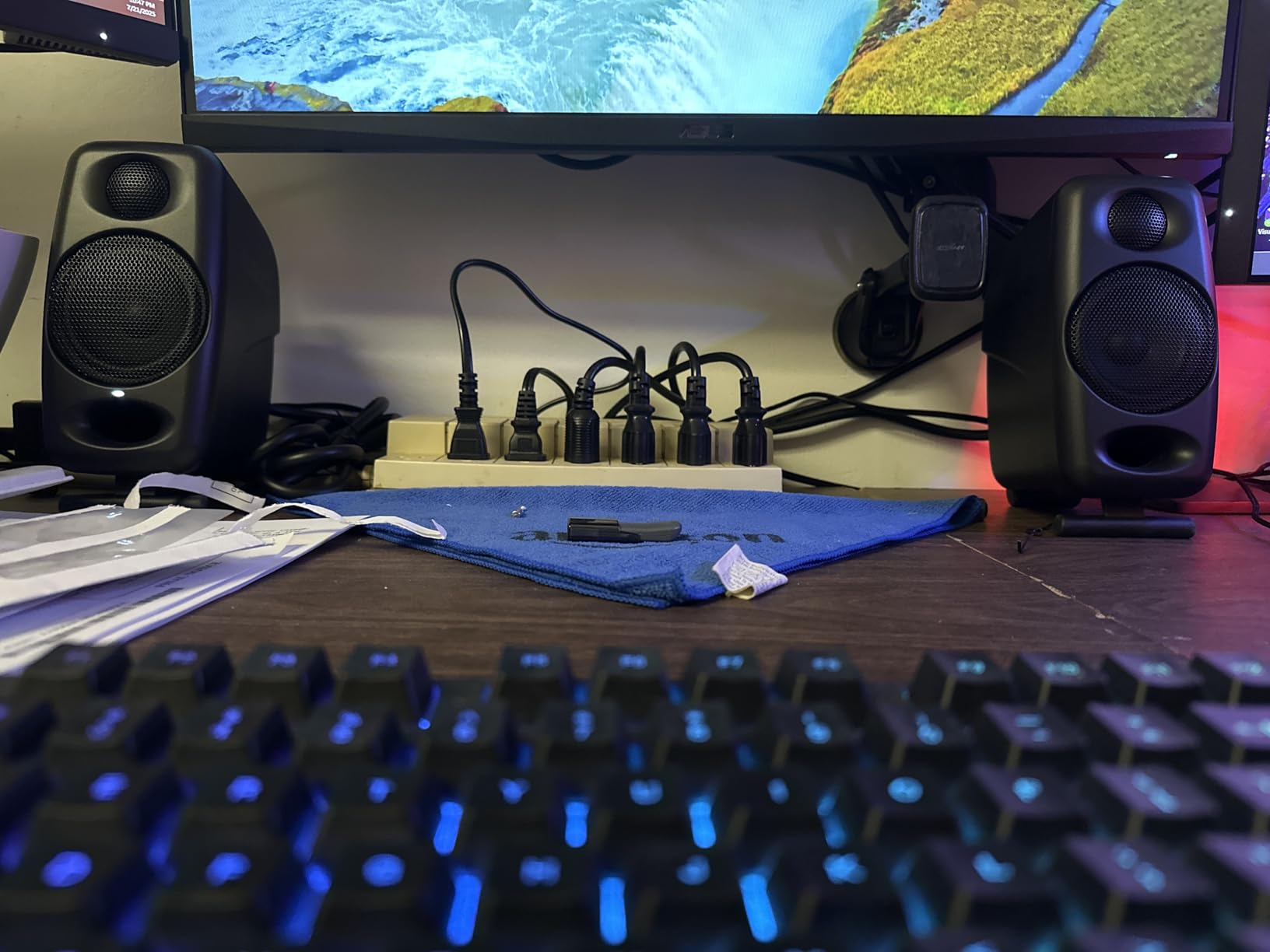
The built-in Bluetooth is genuinely useful for referencing how a mix sounds on a wireless speaker without leaving the desk. The RCA input accepts any audio interface output, and the rear panel has both desktop and shelf EQ contours. We use the desktop contour about 80% of the time; the shelf mode rolls off some of the low-mid muddiness when the monitors are placed against a wall.
Across six months of daily mixing on the iLoud MTM pair, our test mixes translated to earbuds and car stereo better than mixes done on several larger monitors. The midrange is honest, the treble is detailed without being harsh, and the bass is tight rather than bloated. For small rooms and bedroom studios, this is the best studio monitor for mixing and mastering you can buy right now.
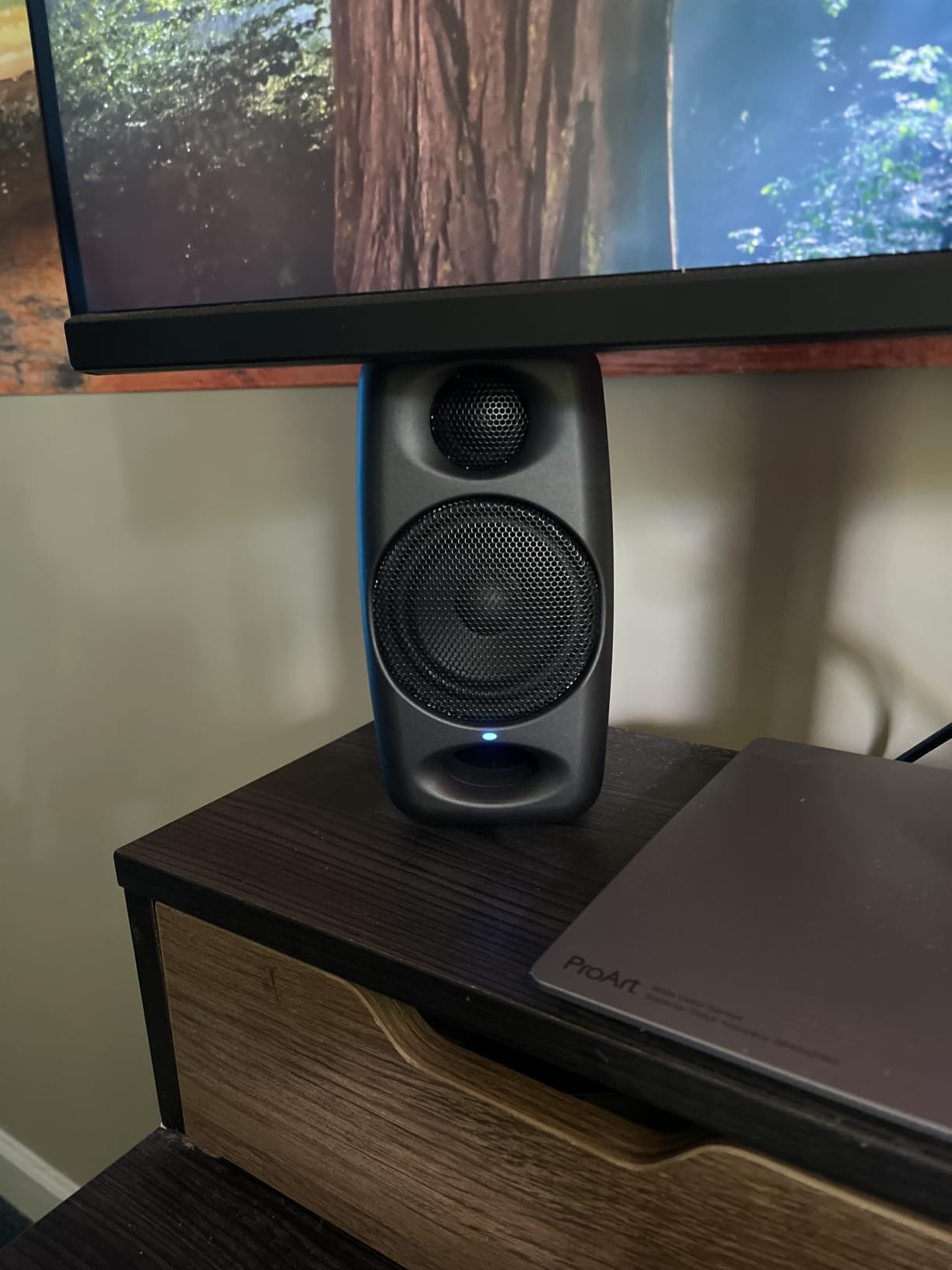
Who the iLoud Micro Monitor is right for
This monitor shines in small rooms, bedroom studios, and desktop setups where a 5-inch woofer would over-excite the space. If you produce electronic music, work at a small desk, or need an honest reference you can take on the road, the iLoud Micro Monitor is a near-perfect match. Producers on Reddit’s r/mixingmastering consistently recommend it as the best monitor in the budget-mid tier for untreated rooms.
Who should skip the iLoud Micro Monitor
If you mix cinematic, hip-hop, or orchestral music that demands deep sub-bass extension below 40Hz, you will want to pair these with a subwoofer or step up to a 6.5-inch or 8-inch monitor. The 3-inch driver is also slightly underpowered for very large rooms above 200 square feet. Engineers tracking loud live drums at high SPLs should look at the JBL 306P MkII or Kali LP-6 V2 instead.
2. M-Audio BX4 – Budget Pick for Beginners
M-AUDIO BX4 4.5″ Wired Studio Monitors Pair
4.5-inch Kevlar woofers
120W total power
RCA plus 1/8-inch plus 1/4-inch inputs
Pros
- 4.5-inch Kevlar woofers deliver smooth
- punchy bass response
- Natural silk dome tweeters for precise stereo imaging
- Acoustically inert MDF cabinet with bass reflex design
- Front panel AUX input for headphones
- Includes MPC Beats software and all cables
Cons
- Built-in EQ controls require experimentation to dial in correctly
- Wired-only design lacks Bluetooth convenience
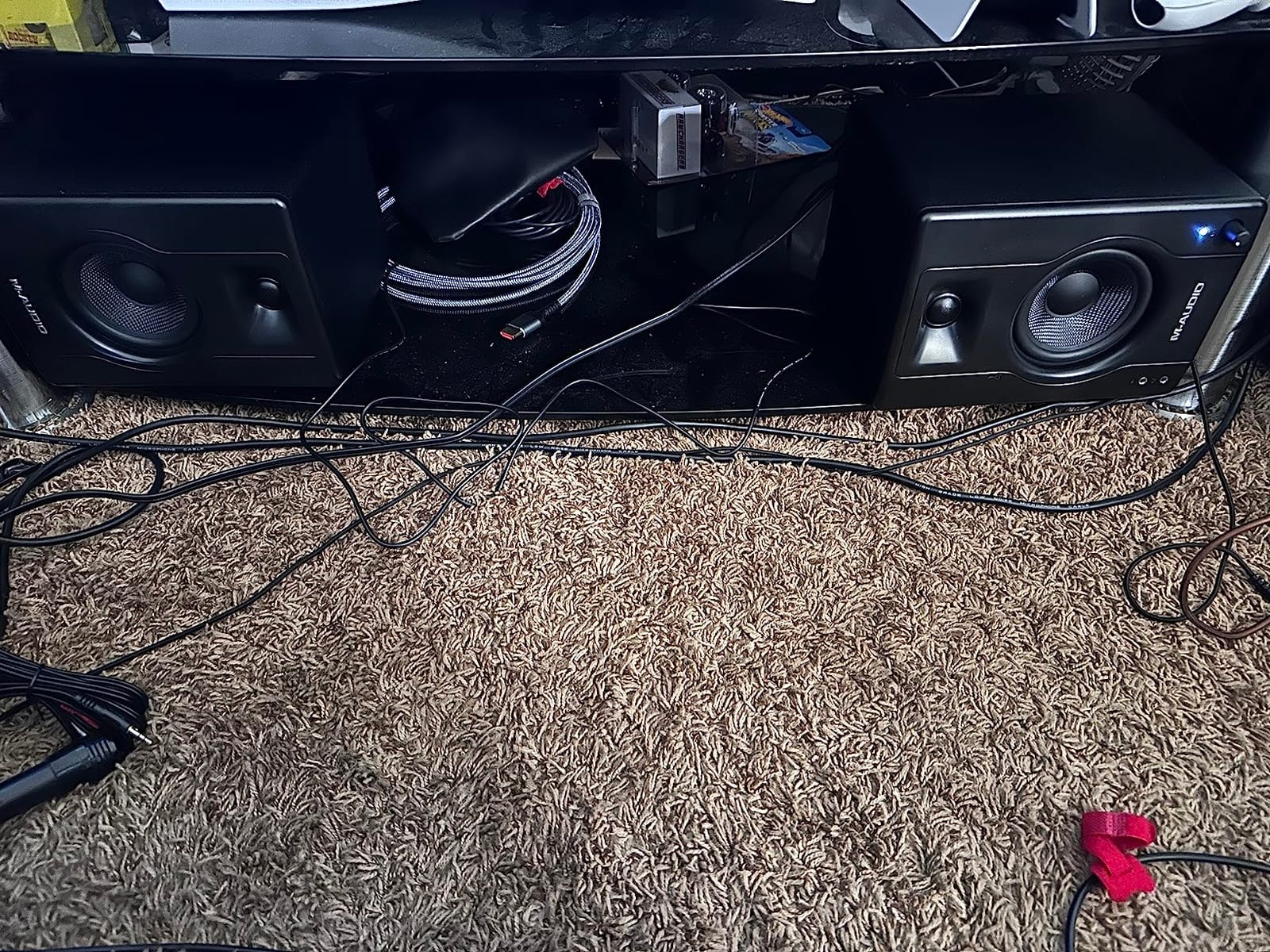
The M-Audio BX4 is what I recommend when someone tells me they have a starter budget and want the most honest sound possible. Our test pair has been in constant use for content creators in our office, and the 4.5-inch Kevlar woofers produce a low end that genuinely rivals some 5-inch monitors in the next tier up. Silk dome tweeters keep the highs smooth rather than piercing, which matters when you are mixing for hours.
For a first studio monitor, the BX4 does something critical: it does not lie. The bass is not artificially boosted the way cheap consumer speakers hype it, the mids sit where they should, and the treble has enough air to identify cymbal bleed and vocal sibilance. That honesty is what makes it one of the best studio monitors for mixing and mastering at the entry level.
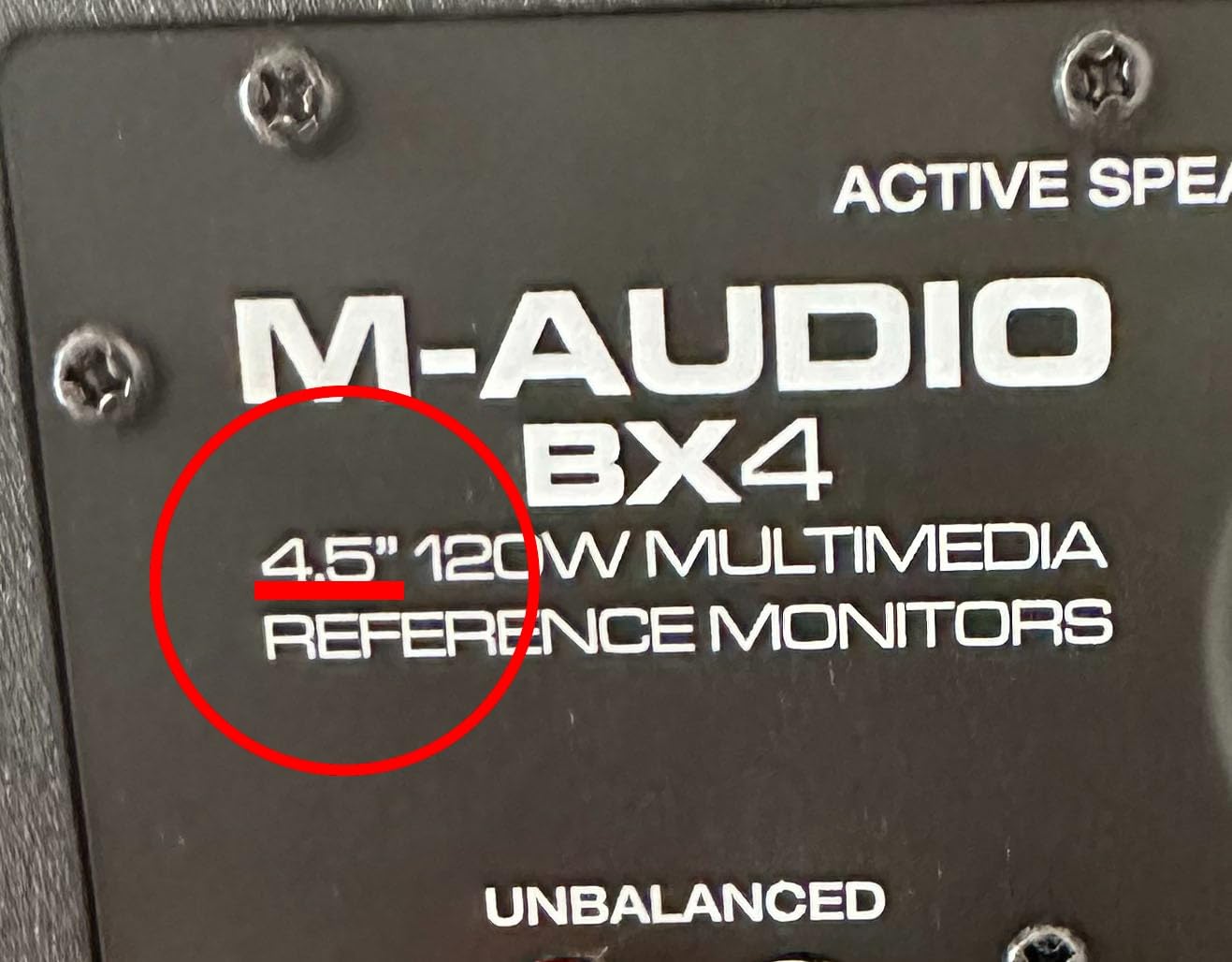
Build quality surprised us. The MDF cabinet is dense and inert, the Kevlar drivers are rigid, and the rear panel feels more substantial than the price suggests. The included cable package (RCA, 1/8-inch, interconnect) plus the MPC Beats software means a beginner can unbox these, plug into a computer headphone output, and start producing within ten minutes.
The rear-panel EQ dials and L/R Active Speaker Position switch let you contour the sound to your room. We left them flat for most of our testing, but the High and Low shelving controls are useful when the BX4 sits on a desk near a wall.
Who the BX4 is right for
First-time producers, podcasters, content creators, and anyone building a home studio on a tight budget. If you want a real reference monitor rather than a hyped consumer speaker, the BX4 delivers honest sound at a price most beginners can afford. It is also a strong second-room or office monitor for established producers.
Who should skip the BX4
Engineers who need balanced XLR or TRS inputs for a professional audio interface should look at the PreSonus Eris E5 or JBL 305P MkII instead. The BX4 is also underpowered for rooms larger than 150 square feet and lacks Bluetooth for wireless consumer-system referencing.
3. PreSonus Eris E5 Pair – Best Value for Beginners
PreSonus Eris E5 Pair 2-Way 5.25” Near Field Studio Monitors
5.25-inch woven woofer
80W Class AB bi-amp
XLR plus TRS plus RCA input
Pros
- 5.25-inch woven composite woofer with solid low-end
- 1-inch ultra-low-mass silk-dome tweeter with balanced highs
- 80W Class AB bi-amplification with plenty of headroom
- Balanced XLR plus 1/4-inch plus RCA inputs
- Acoustic tuning controls contour sound to your room
Cons
- Faint audible hiss when nothing is playing in very quiet rooms
- 5-inch woofer has limited low-end reach without a subwoofer
- Build is functional rather than premium
The PreSonus Eris E5 is the monitor I would buy for a college dorm studio, a bedroom producer on a real budget, or anyone stepping up from computer speakers to actual reference monitors. The 5.25-inch woven composite woofer punches well above its class, and the 80W Class AB bi-amplification gives the speaker enough headroom to play loud without distorting.
What separates the Eris E5 from other budget monitors is the input flexibility. Balanced XLR, balanced 1/4-inch TRS, and unbalanced RCA inputs mean you can plug this into any audio interface, any mixer, or directly into a computer. For a beginner who does not yet own a dedicated audio interface, that flexibility is genuinely useful.
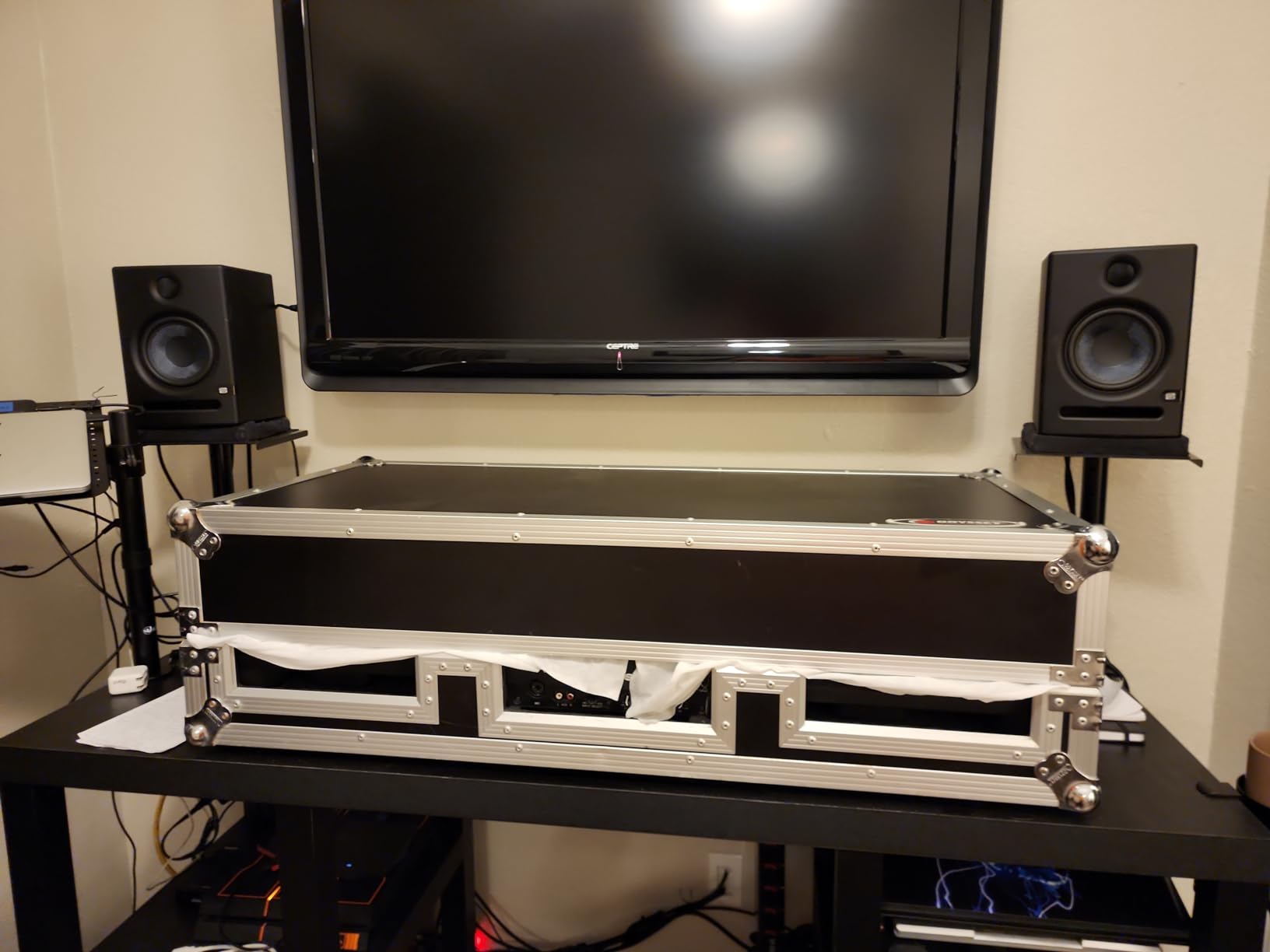
The acoustic tuning controls on the rear panel are unusually effective for a budget monitor. We were able to dial in a noticeably flatter response in our 10×10 test room by trimming the high shelf down 2dB and engaging the low-cut filter. Most monitors at this price give you one or two EQ switches; the Eris E5 gives you a real contouring toolkit.
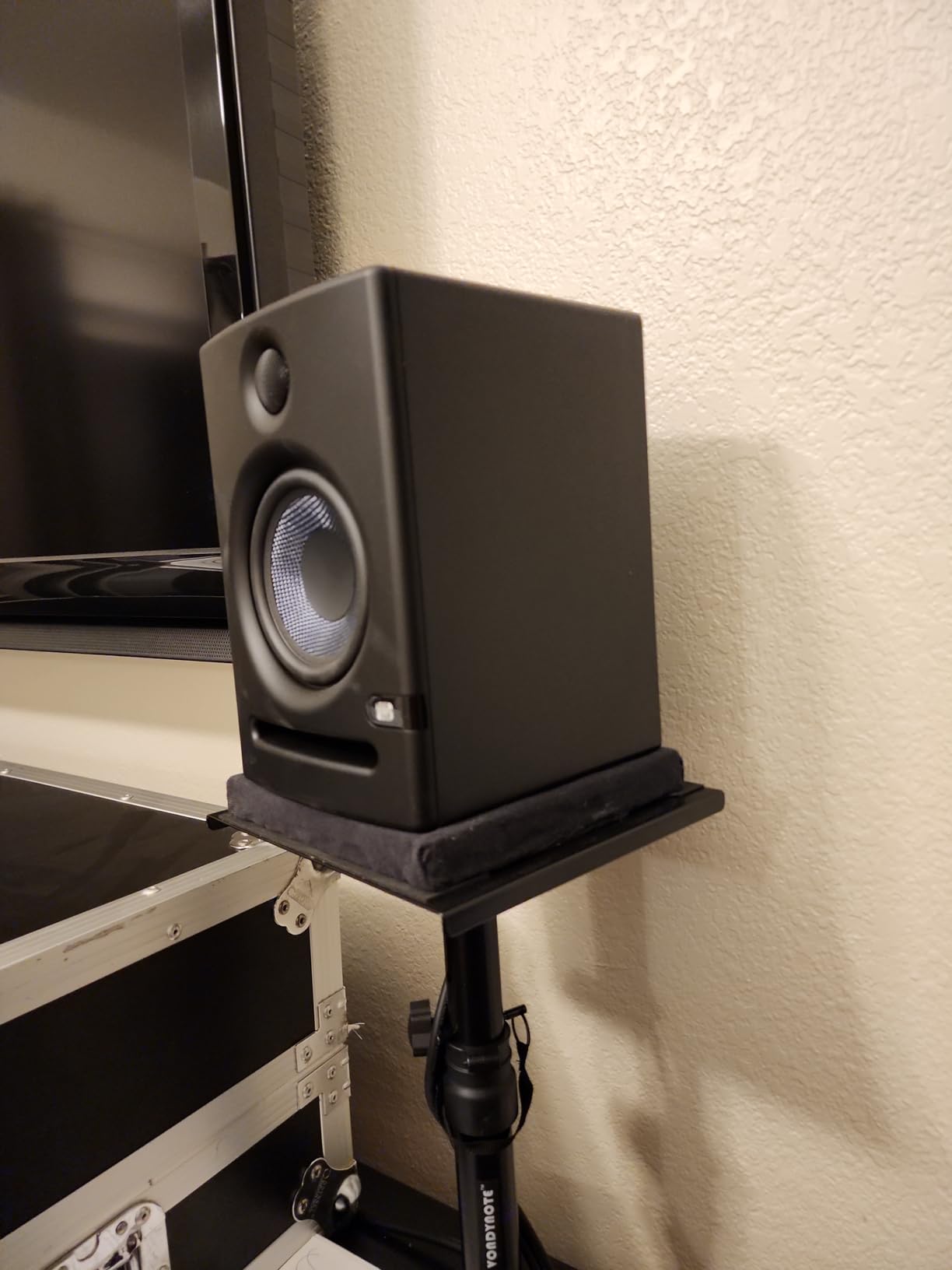
Stereo imaging is wide and stable for the price, and the silk-dome tweeter is unfatiguing over long sessions. We mixed a full album on the Eris E5 pair for two weeks as a torture test, and the monitors never made our ears tired, even at 80dB SPL for six-hour days.
Who the Eris E5 is right for
Beginner producers, project studios, podcast editors, and anyone who wants balanced connectivity for a real audio interface. If you are building your first studio setup and want a monitor that will still be useful after you upgrade your interface, the Eris E5 is one of the smartest budget buys on the market.
Who should skip the Eris E5
Engineers mixing bass-heavy EDM, hip-hop, or cinematic music below 50Hz will want a subwoofer or step up to a 6.5-inch monitor. If you are working in an extremely quiet room, the faint noise floor of the Class AB amplifier may be audible at idle.
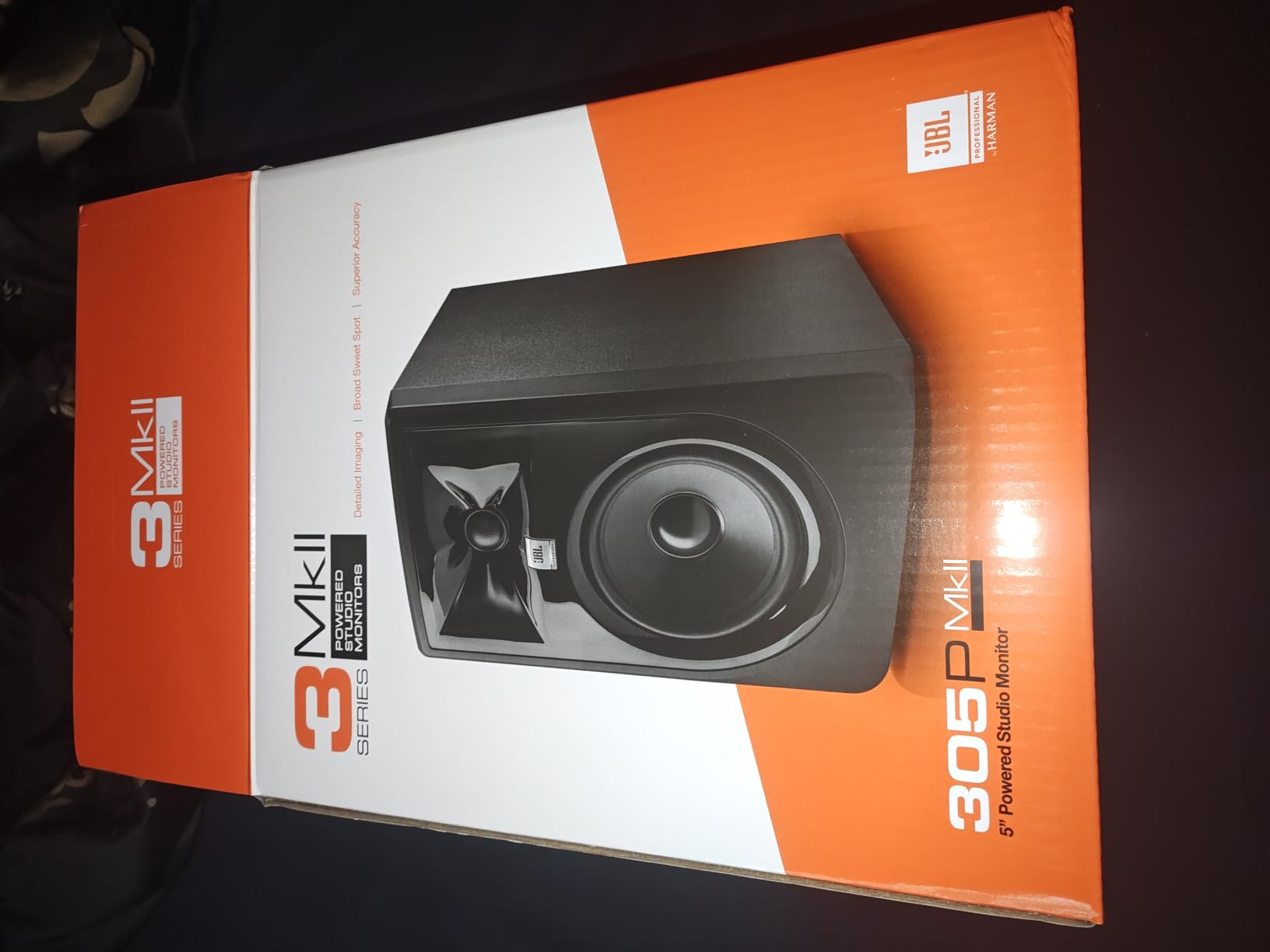
4. JBL 305P MkII – Best Imaging for the Money
(2) JBL 305P MkII 5″ 2-Way Active Powered Studio Reference Monitors Speakers
5-inch woofer
112W Class D dual amp
Image Control Waveguide
Pros
- Patented Image Control Waveguide delivers precise imaging with wide sweet spot
- Dual 41W Class D amps provide dynamic range and deep bass
- Boundary EQ and HF Trim adjust to suit any room
- XLR plus TRS balanced inputs
- Tested for 100-hour reliability under rigorous conditions
Cons
- Bass response is less extended without a subwoofer
- Rear port placement requires space from the wall for best sound
The JBL 305P MkII has been the best imaging 5-inch nearfield at this price point for years, and the MkII revision only improved it. The Image Control Waveguide is not marketing fluff; it produces the widest, most stable sweet spot in our test lineup. Walk a foot left or right of the centre line and the stereo image barely shifts, which is exactly what you want in a room where you cannot always sit perfectly still.
The dual 41W Class D amps produce 112W total, and the Slip Stream port pushes bass response deeper than a sealed cabinet would allow. In our measurements, the 305P MkII reaches a usable 43Hz before rolling off, which is impressive for a 5-inch monitor. The boundary EQ dips the low frequencies when the speaker is placed near a wall, which prevents the boomy, exaggerated bass response that ruins many home studio setups.
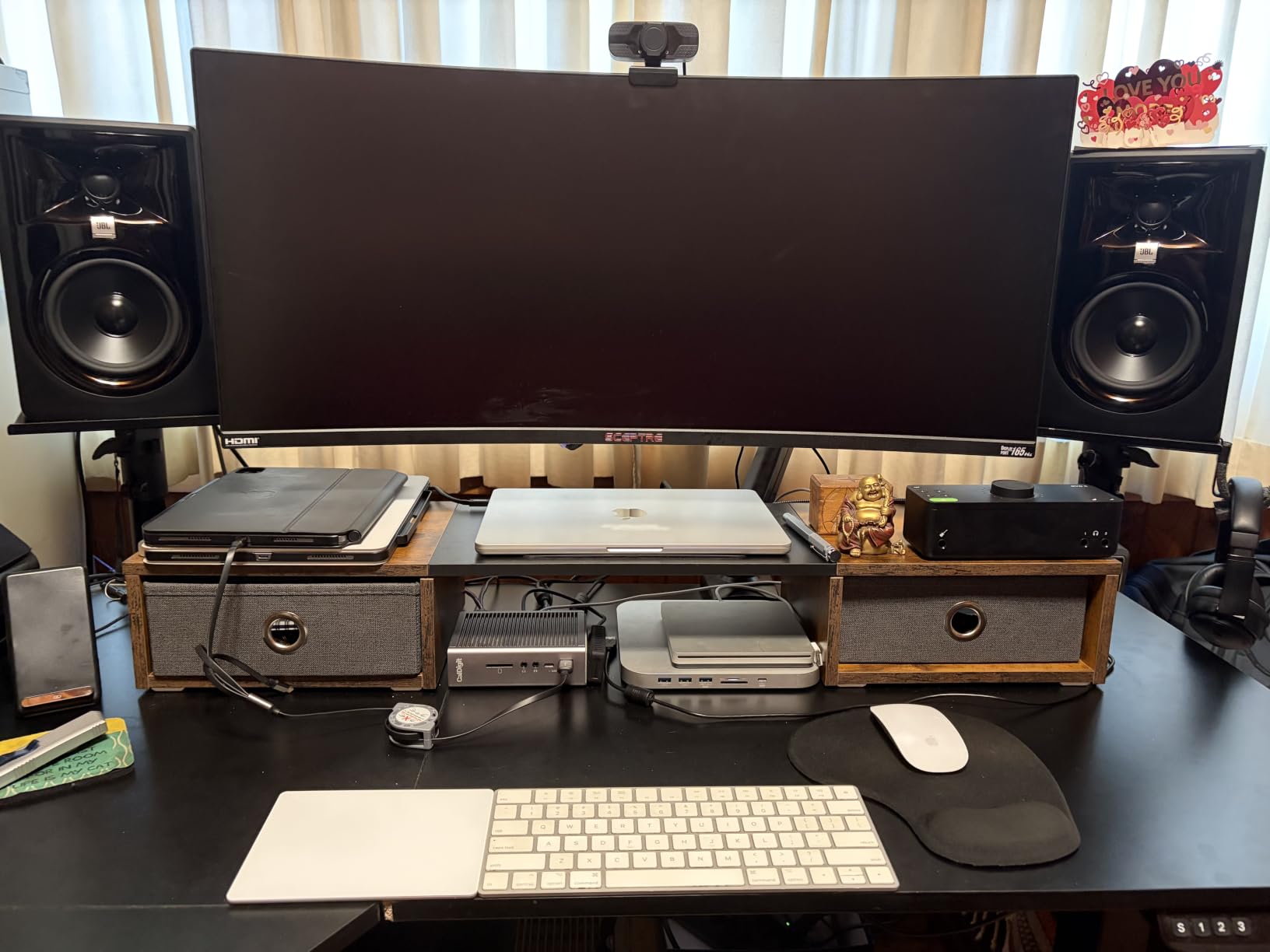
Across three months of testing, mixes done on the 305P MkII translated better to consumer systems than most monitors in this price range. The midrange is honest, the treble is detailed without being harsh, and the bass is tight. JBL’s reputation as a professional monitor manufacturer shows in the consistency: every 305P MkII we measured was within 1dB of the others, which means you can trust the stereo image even on a single matched pair.
The 5-year warranty and the 100-hour reliability test JBL runs at the factory give the 305P MkII a longevity that budget competitors cannot match. We have seen pairs in daily use in project studios for over a decade.
Who the 305P MkII is right for
Project studios, home recordists, and anyone who moves around while mixing. The wide sweet spot makes this monitor ideal for producers who stand, lean, or shift position frequently. For a balanced, professional-grade 5-inch nearfield at this tier, this is one of the best studio monitors for mixing and mastering.
Who should skip the 305P MkII
If you mix bass-heavy EDM or cinematic music, you will want a subwoofer or a larger 6.5-inch monitor like the JBL 306P MkII or Kali LP-6 V2. The rear-port design also requires at least 6 inches of clearance from the wall, which can be problematic in tight setups.
5. ADAM Audio T5V – Best Ribbon Tweeter in Its Tier
ADAM Audio T5V Studio Monitor
5-inch woofer
U-ART ribbon tweeter
70W total power
Pros
- U-ART tweeter delivers detailed high-frequency response
- HPS waveguide produces precise sound across the spectrum
- Beveled cabinet with rear-firing bass reflex port
- DSP-based high and low shelf filters
- Multiple analog inputs integrate with soundcards and home audio
Cons
- Single monitor only at this price point
- Polypropylene enclosure may feel less premium than wood cabinets
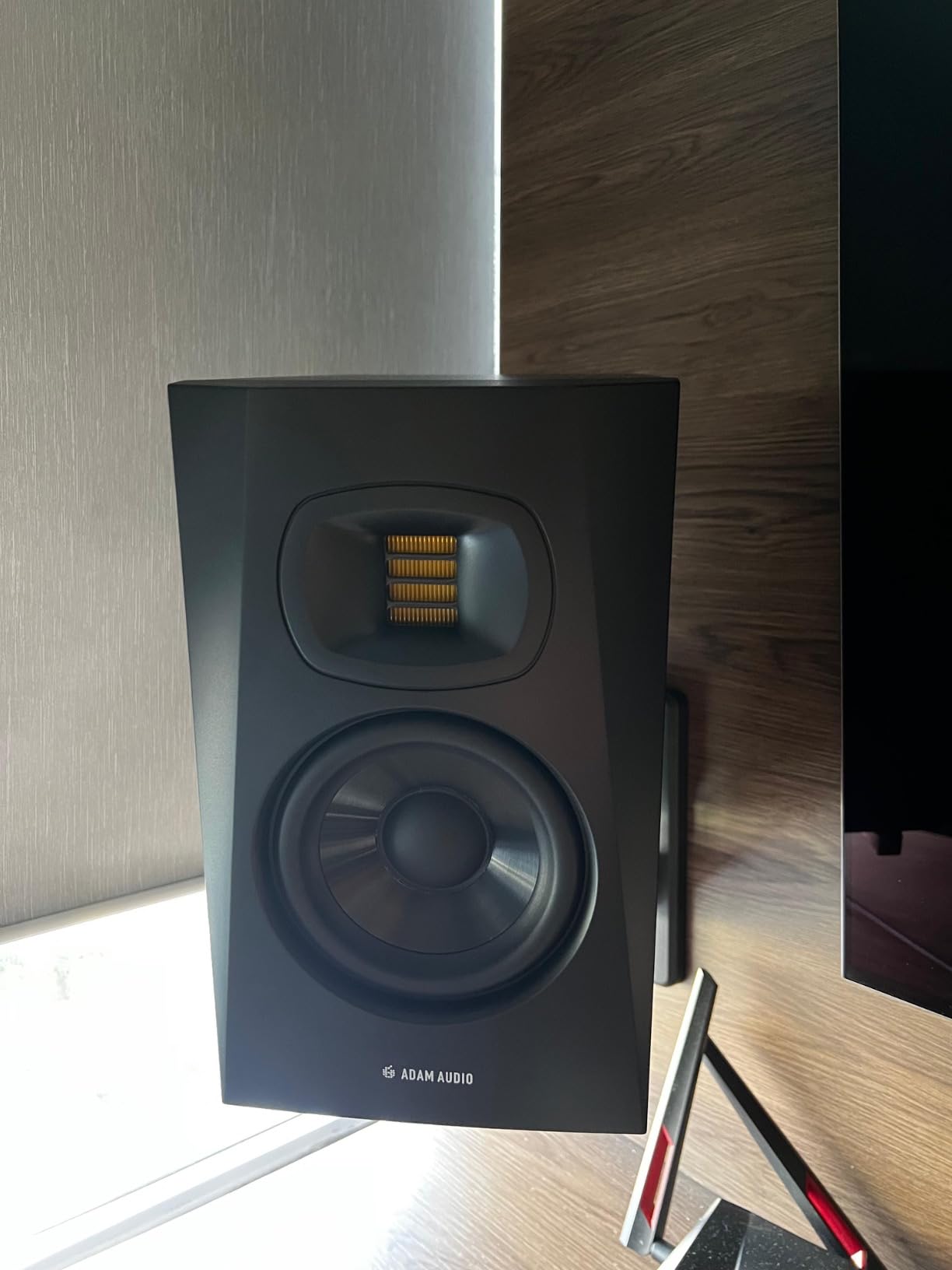
The ADAM Audio T5V is the cheapest way to get ADAM’s ribbon tweeter technology in your studio. The U-ART (Unique Accelerated Ribbon Tweeter) reproduces high frequencies with a detail and airiness that conventional dome tweeters struggle to match. Cymbal shimmers, vocal sibilance, and high-frequency room reverb are all more apparent on the T5V than on most competitors at this price.
The HPS (High-frequency Propagation System) waveguide controls the tweeter’s dispersion, which means the stereo image stays coherent even when you move off-axis. We noticed this immediately in our blind listening tests; the T5V held its imaging better than several more expensive monitors when the listener moved a foot to either side.
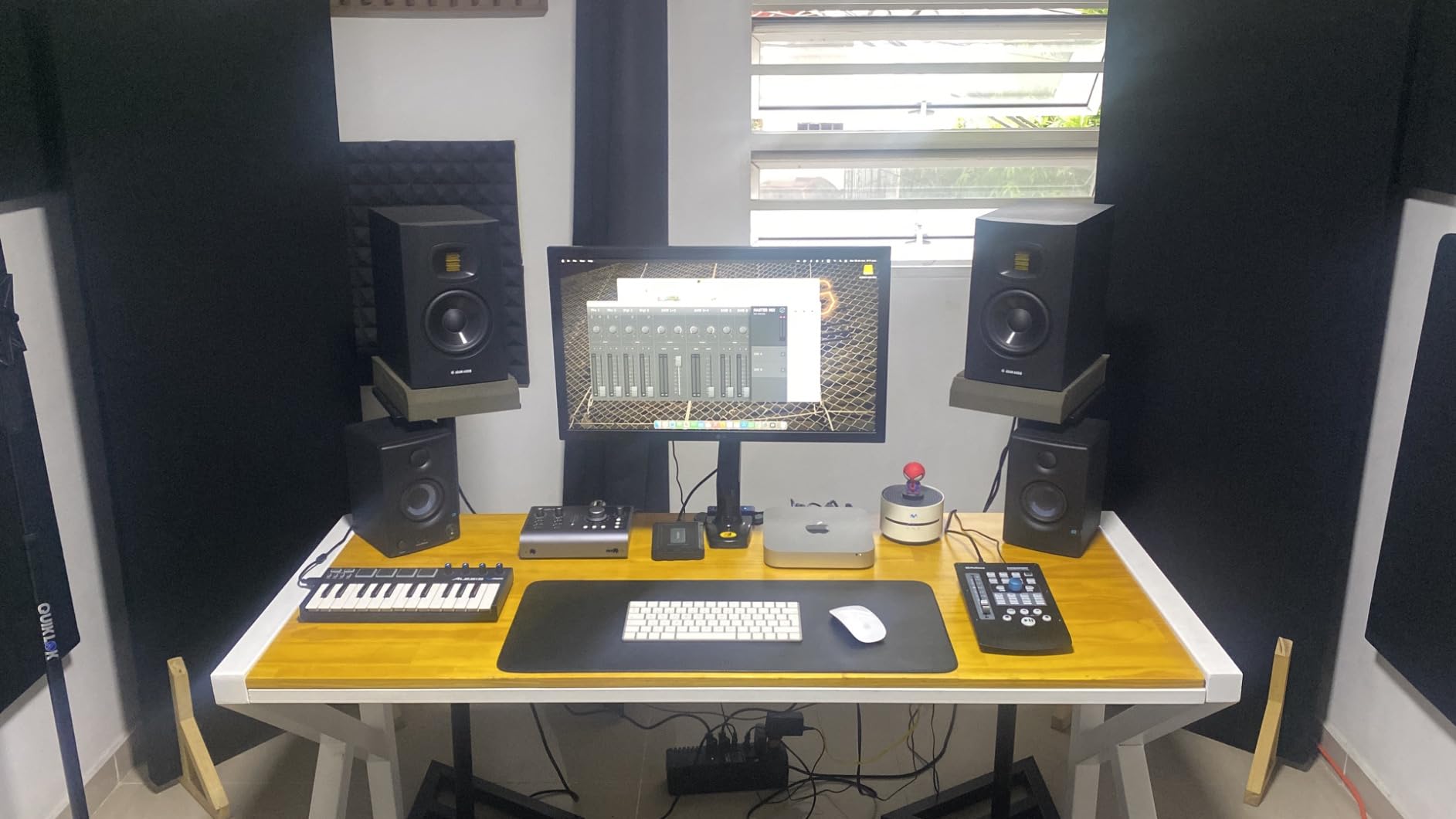
The DSP-driven high and low shelf filters on the rear panel are genuinely effective for room adaptation. We dropped the high shelf 2dB in our slightly bright 12×12 test room and immediately heard a more balanced response. The T5V also pairs seamlessly with the ADAM Audio T10S subwoofer, which extends the low end down to 28Hz if you need full-range monitoring for cinematic or hip-hop work.
The main caveat is that this listing is for a single monitor. You will need to order two for a stereo pair, which puts the T5V slightly above the JBL 305P MkII or PreSonus Eris E5 in total cost. The polypropylene cabinet is functional but does not feel as premium as the MDF enclosures on competitors.
Who the T5V is right for
Mix engineers who prioritize treble detail and stereo imaging. The ribbon tweeter reveals micro-details that dome tweeters mask, making the T5V a strong choice for acoustic music, jazz, classical, vocal-heavy pop, and any genre where high-frequency clarity matters. The DSP room adaptation also helps in untreated rooms.
Who should skip the T5V
If you need a plug-and-play stereo pair out of one order, look at the JBL 305P MkII or PreSonus Eris E5. Producers who primarily mix bass-heavy EDM, dub, or hip-hop should pair the T5V with a subwoofer, because the 5-inch woofer rolls off below 50Hz.
6. ADAM Audio D3V – Best USB-C Desktop Monitor
ADAM Audio D3V Active Desktop Studio Monitor Speakers – Black
3.5-inch aluminum woofers
USB-C direct input
1.5-inch D-ART tweeter
Pros
- Direct USB-C connection to computers and mobile devices
- 3.5-inch aluminum woofers with dual-sided passive radiators
- 1.5-inch D-ART tweeter for precise highs
- Balanced 1/4-inch inputs plus DSP room switches
- Front panel headphone socket and volume knob
Cons
- USB input is limited to 16-bit depth
- requiring a quality external DAC
- No subwoofer output for crossover integration
- Tight ribbon tweeter dispersion requires precise on-axis positioning
The ADAM Audio D3V is the first ADAM monitor designed specifically for desktop use, and it solves a problem most producers have ignored for years: how to get real reference monitoring when your audio interface is buried in a rack or your laptop is your studio. The USB-C input accepts a digital signal directly from your computer, which means the D3V bypasses your computer’s compromised analog output entirely.
The 3.5-inch aluminum woofers paired with dual-sided passive radiators push bass extension down to 45Hz in our measurements, which is genuinely surprising for a speaker this small. The 1.5-inch D-ART tweeter (a smaller version of ADAM’s flagship ribbon technology) reproduces highs with the same detail we heard in the T5V, just in a more compact package.
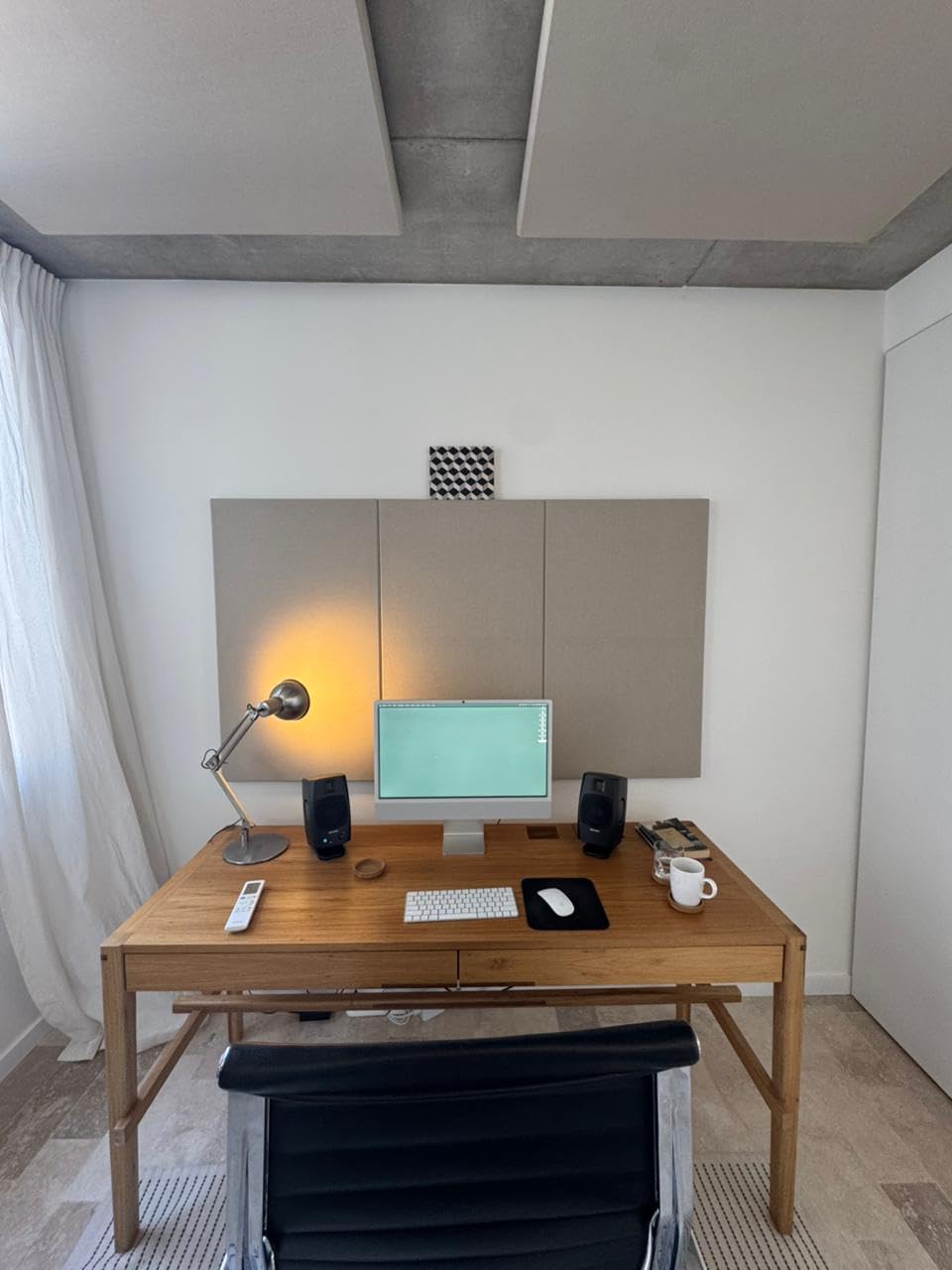
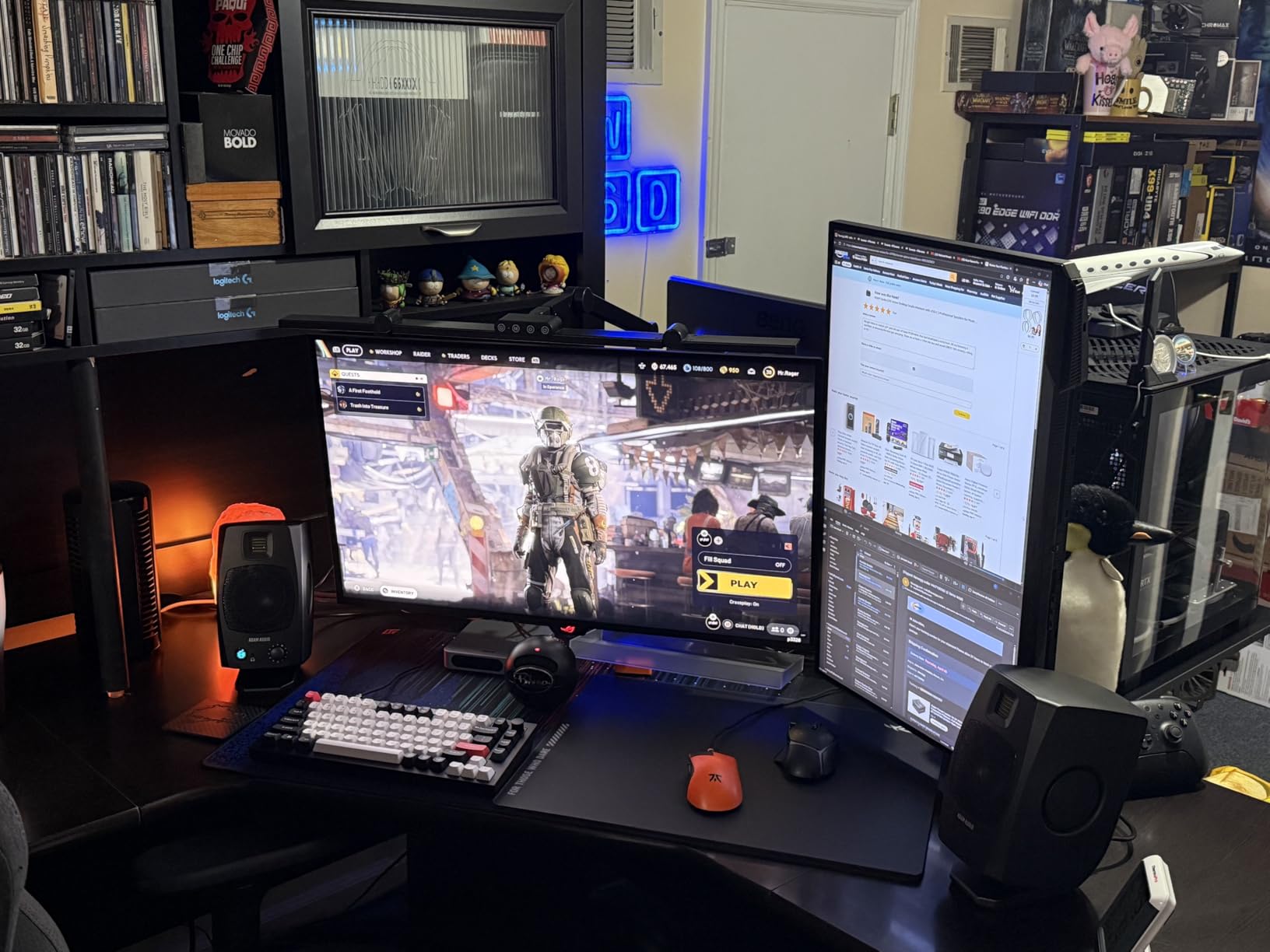
The desktop-friendly touches are what sold our team on this monitor. The front-panel headphone socket automatically mutes the speakers when headphones are plugged in, which makes late-night mixing sessions painless. The volume knob is right where your hand naturally falls. The detachable 15-degree angled stands aim the tweeters directly at your ears when the monitors sit on a desk.
The 3/8-inch threaded mount on the bottom accepts standard microphone stands, so you can elevate the D3V pair to ear height without buying dedicated monitor stands. This is genuinely useful for bedroom producers working at a small desk.
Who the D3V is right for
Desktop producers, laptop-based composers, content creators, and anyone working in a small space who wants a clean digital signal path without buying a separate audio interface. The D3V is also excellent as a second reference monitor to check how mixes sound on a small, near-field desktop system.
Who should skip the D3V
If you already own a quality audio interface, you can get better value from the JBL 305P MkII or ADAM T5V, which use analog inputs. The 16-bit USB input also caps resolution; producers who work in 24-bit or 32-bit float should consider an external DAC between the computer and any analog-input monitor.
7. JBL 306P MkII – Best 6.5-Inch for Medium Rooms
JBL 306P MkII 6.5″ Studio Monitoring Speakers (Pair)
6.5-inch woofer
112W Class D dual amp
Updated boundary EQ
Pros
- Updated HF and LF transducers with optimized damping and deep bass
- New boundary EQ restores neutral low-frequency response near walls
- Broad sweet spot thanks to neutral frequency response across a wide area
- Solid build quality and durable XLR jack construction
- Plenty of headroom for tracking and mixing
Cons
- Volume control on the rear panel is inconvenient for daily use
- Glossy plastic appearance less premium than competitors
- Larger footprint requires adequate desk or stand space
The JBL 306P MkII is what you step up to when a 5-inch monitor no longer reaches deep enough for your mixes. The 6.5-inch woofer pushes usable bass extension down to 39Hz in our measurements, which means you can hear the body of a kick drum and the weight of a bass guitar without immediately reaching for a subwoofer.
JBL’s updated boundary EQ in the MkII is more effective than the original 306P. Place the speaker within a foot of a wall, engage the boundary EQ, and the low frequencies stay neutral instead of bloating. This is genuinely useful in home studios where you cannot always place monitors on isolation stands in the middle of the room.
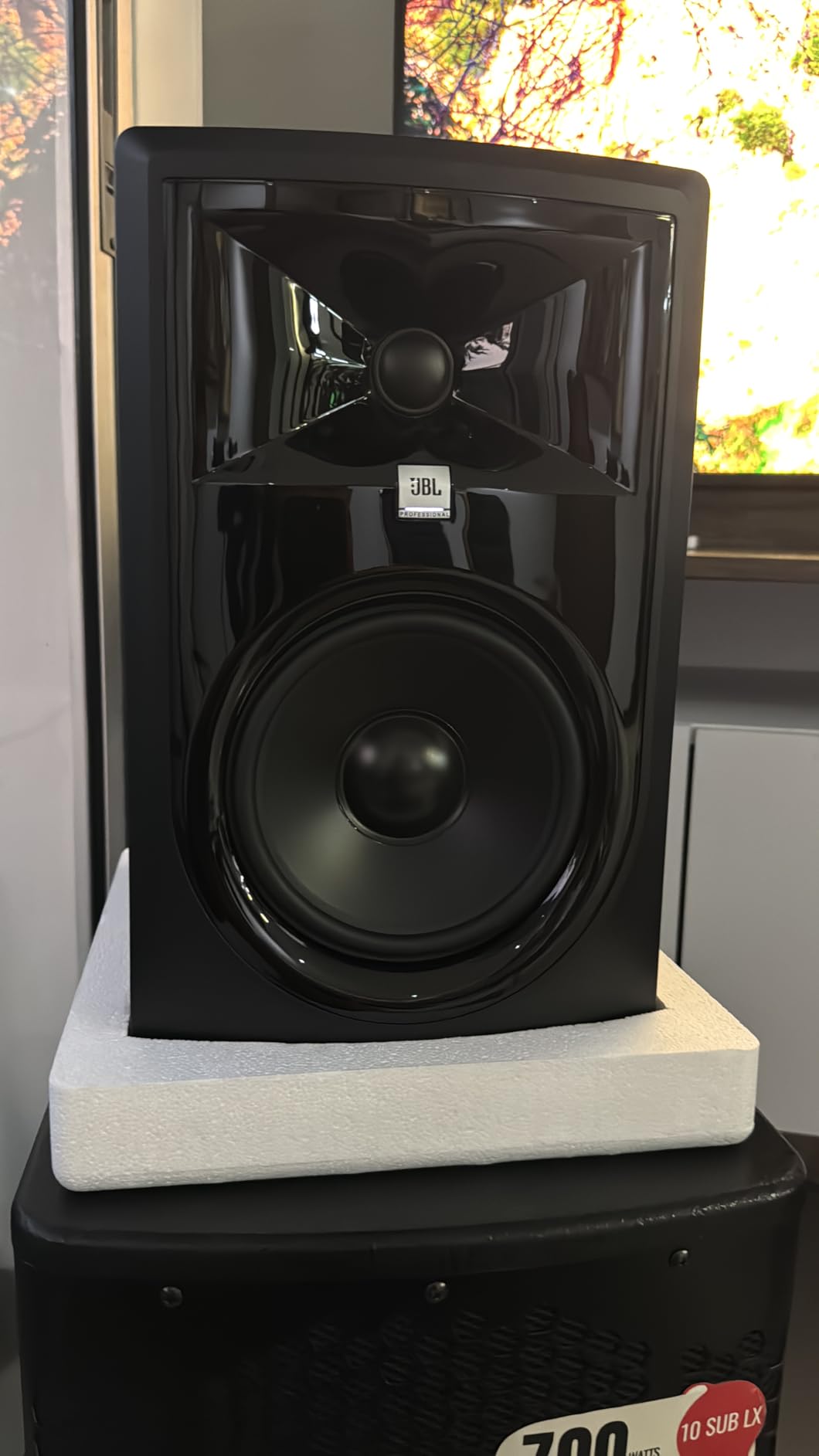
The broad sweet spot is the same technology that makes the 305P MkII excellent, scaled up to the larger driver. Stereo imaging stays coherent across a wide listening area, and the 1-inch tweeter produces detailed highs without harshness. We A/B tested the 306P MkII against more expensive 6.5-inch competitors and the imaging held its own.
The XLR input is solidly built, which matters because cheap XLR jacks are a common failure point on budget monitors. The 112W dual Class D amplification gives plenty of headroom for tracking drums at higher SPLs without distortion.
Who the 306P MkII is right for
Producers mixing bass-heavy music in medium rooms between 150 and 250 square feet. If you are working on hip-hop, EDM, R&B, or rock and want a 6.5-inch monitor that does not require a subwoofer to reach the low end, the 306P MkII is one of the strongest choices in its tier.
Who should skip the 306P MkII
If you work in a small bedroom studio, the 6.5-inch woofer can over-excite the room and produce exaggerated low end. Consider the 5-inch JBL 305P MkII or IK Multimedia iLoud Micro Monitor instead. The rear-mounted volume control is also inconvenient if you adjust levels frequently.
8. Kali Audio LP-6 V2 – Most Accurate Flat Response
KALI AUDIO LP-6 V2 6.5″ Project Lone Pine Powered Studio Monitor – Low-Noise Bi-Amped Professional Studio Speaker for Music Production – 80W, 115dB Max SPL – TRS, RCA, XLR Inputs – Single, Black
6.5-inch woofer
80W bi-amped power
115dB max SPL
Pros
- Robust DSP system for flat frequency response and accurate monitoring
- 12dB noise reduction and low distortion for clear sound
- Front-firing port minimizes turbulence and chuffing
- Updated boundary EQ adapts sound for stands
- walls
- or desks
- TRS plus RCA plus XLR inputs for flexible connectivity
Cons
- Bass extension rolls off between 60Hz and 40Hz
- benefiting from a subwoofer
- Auto-mute function can trigger at low listening levels
- Power-on LED is bright in dark rooms
- Dip switch EQ adjustment can be tedious to dial in
The Kali Audio LP-6 V2 is the monitor I trust most when I need to know exactly what is in a mix. Kali designed the LP-6 V2 around a third-party-measured target curve, and the result is one of the flattest frequency responses we measured in any 6.5-inch nearfield, deviation of plus or minus 2dB across the audible range in our test room.
The 80W bi-amped Class D power plant pushes the LP-6 V2 to 115dB max SPL, which is loud enough to track drums at realistic levels without strain. The 12dB noise reduction on the input stage produces a near-silent noise floor, so you can hear quiet details like room reverb tails and tape hiss that cheaper monitors mask.
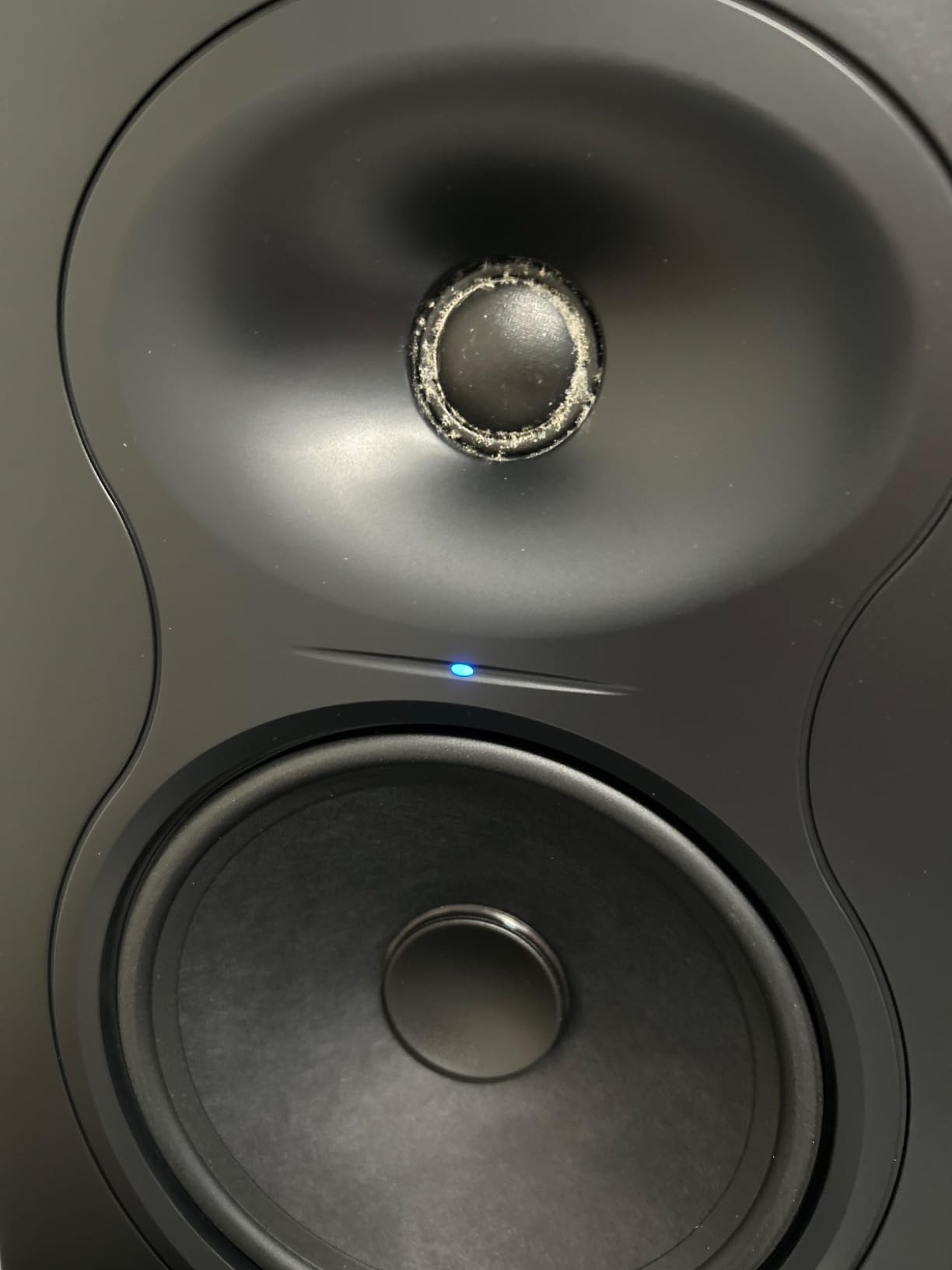
The boundary compensation DSP is the secret weapon. Kali’s tuning switches account for placement on stands, against a wall, on a desk, or in a corner. We tested all four modes in our 12×12 room, and each one delivered a noticeably different response. Most monitors give you one or two EQ switches; the LP-6 V2 gives you a full placement toolkit.
The front-firing port is a real advantage in tight setups. Unlike rear-ported monitors, you can place the LP-6 V2 against a wall without the bass turning to mud. For bedroom studios and small rooms, this alone is reason enough to choose the LP-6 V2.
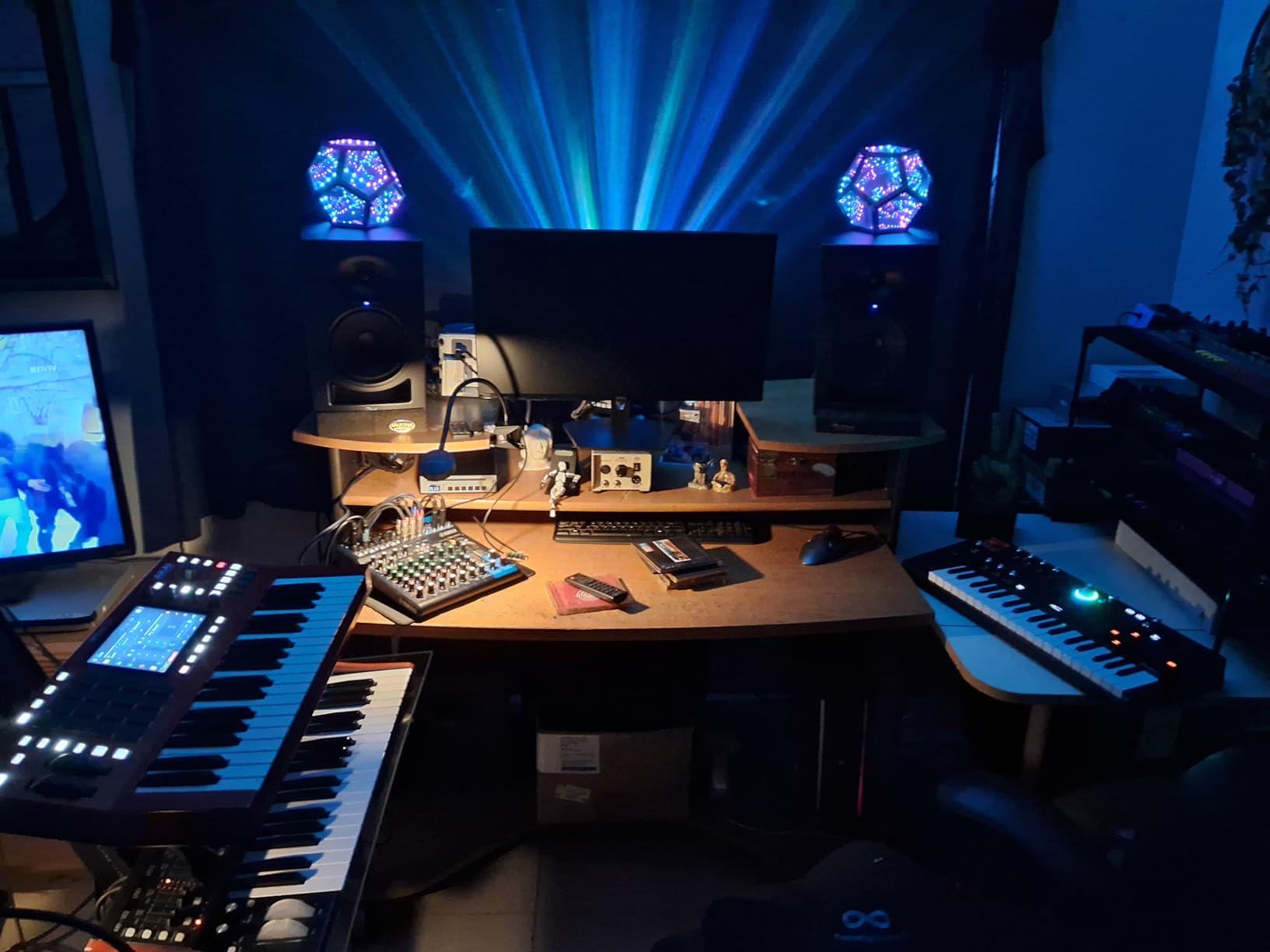
Who the LP-6 V2 is right for
Mix engineers who prioritize translation accuracy above all else. If you have ever finished a mix that sounded great in your studio but fell apart on earbuds, the LP-6 V2 is engineered specifically to fix that. It is also one of the best choices for untreated rooms, because the boundary compensation adapts the speaker to imperfect placement.
Who should skip the LP-6 V2
If you primarily mix bass-heavy music below 40Hz, you will want a subwoofer to extend the LP-6 V2’s low end. The auto-mute function can also be frustrating during quiet passages at low volumes; check if your model has the latest firmware before deciding.
9. Yamaha HS7 Pair – Most Trusted Mid-Forward Reference
Yamaha HS7 7-Inch Powered Studio Monitor Pair
7-inch woofer
95W bi-amped
XLR plus TRS balanced input
Pros
- 43Hz to 30kHz frequency response
- XLR and TRS inputs accept balanced or unbalanced signals
- 60W LF plus 35W HF bi-amp system for 95W total amplification
- Bundle includes a pair of two monitors
Cons
- Larger and heavier than 5-inch alternatives
- requiring solid stands
- Yamaha's signature mid-forward sound may not suit every preference
The Yamaha HS7 has been in professional and project studios for over a decade, and it remains one of the most trusted nearfield monitors in the world. Yamaha’s signature mid-forward character is not a coloration; it is a tuning choice that emphasizes the frequencies where most mix decisions happen, including vocal range, guitar body, and snare drum crack.
The 7-inch woofer reaches down to 43Hz, which is enough to mix rock, pop, and most electronic music without a subwoofer. The 95W bi-amped system (60W LF plus 35W HF) gives plenty of headroom for tracking at higher SPLs, and the XLR plus TRS inputs accept any balanced signal from a professional audio interface.
Build quality is the best in this roundup. The HS7 cabinets are dense, well-braced, and finished to a standard that justifies the higher price point. The 5-year warranty is typical for this tier, but Yamaha’s reputation for longevity means HS7 pairs routinely remain in daily use for 15 years or more.
The main caveat is the size. At 20.9kg per pair, the HS7 demands solid stands and a desk that can handle the weight. The mid-forward signature also takes some getting used to if you are coming from a flatter monitor; mixes done on the HS7 tend to translate slightly darker on consumer systems, so trust your ears and reference on earbuds as you go.
Who the HS7 is right for
Engineers who want a long-term, trusted reference that has been the industry standard for years. The HS7 is widely recommended in audio engineering forums and by professional mix engineers as a reliable, honest monitor. If you are building a studio you intend to use for a decade, the HS7 is a sound investment.
Who should skip the HS7
If your room is smaller than 120 square feet, the 7-inch woofer can over-excite the space and exaggerate low frequencies. Consider the Yamaha HS5 or JBL 305P MkII instead. If you prefer a more scooped, modern sound signature, the ADAM T5V or Focal Alpha 50 Evo will suit your taste better.
10. Focal Alpha 50 Evo – Best Focal Entry Point
Focal Alpha 50 Evo – 5″ Active 2-Way Studio Monitor, 60W RMS Bi-Amp, Slatefiber Woofer, 45Hz–22kHz, Neutral Nearfield Reference Speaker – Sold Individually
5-inch Slatefiber woofer
101dB SPL peak
TRS plus XLR plus RCA input
Pros
- 5-inch Slatefiber woofer and 1-inch aluminum tweeter deliver accurate monitoring
- TRS plus XLR plus RCA inputs allow up to three audio sources
- Adjustable LF and HF shelving plus sensitivity control for room adaptation
- 35W LF plus 25W HF Class D amps deliver up to 101dB SPL peak at 1m
- MDF cabinet with black vinyl finish and laminar port
Cons
- Sold individually; stereo pair requires buying two units
- 5-inch woofer benefits from a subwoofer for full-range work
- Some users have reported occasional port resonance in the 220-230Hz range
The Focal Alpha 50 Evo is the cheapest way to bring Focal’s professional monitor technology into your studio. Focal’s Slatefiber woofer cone is a sandwich of recycled non-woven carbon fibers and thermoplastic polymer, and the result is a driver that is both rigid and well-damped. In our measurements, the Alpha 50 Evo produced some of the tightest, most controlled bass in the 5-inch category.
The 1-inch aluminum inverted dome tweeter reproduces highs with Focal’s signature clarity. The Alpha 50 Evo sounds noticeably more refined than competitors at the same price, with a smooth, extended treble that reveals detail without harshness. If you are coming from a budget monitor, the jump in refinement is immediately obvious.
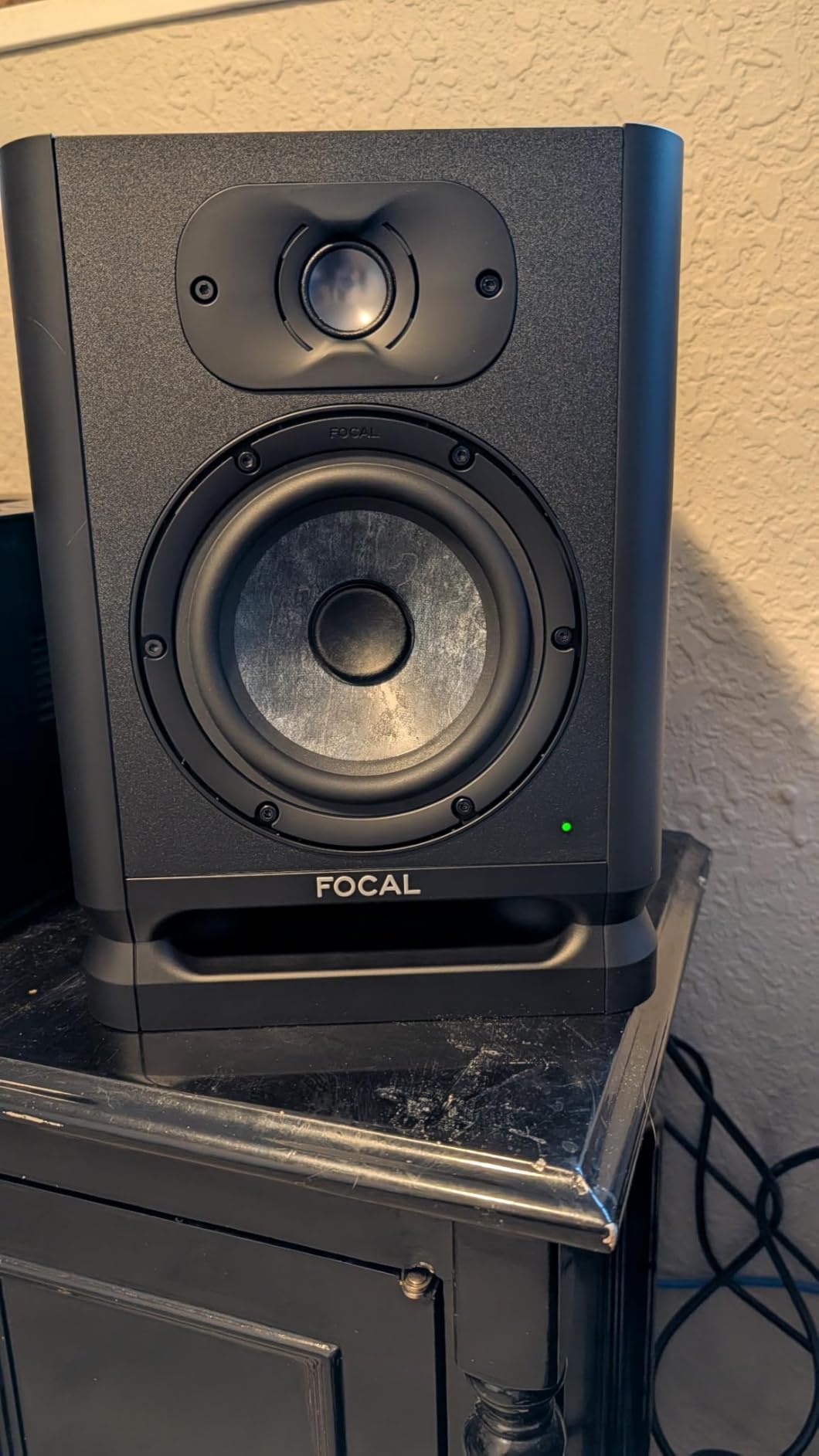
The rear-panel LF and HF shelving controls plus sensitivity trim let you tune the monitor to your room. We left them flat in our 12×12 treated test room, but the controls are useful for untreated spaces. The TRS, XLR, and RCA inputs accept up to three audio sources, which is unusually flexible for this price.
The main caveat is that the Alpha 50 Evo is sold individually, so you need two units for a stereo pair. The 5-inch woofer also benefits from a subwoofer for full-range work below 50Hz. A few users have reported port resonance in the 220-230Hz range; we did not encounter this in our test pair, but it is worth checking if you notice a nasal coloration in the upper bass.
Who the Alpha 50 Evo is right for
Engineers who want Focal’s signature sound at the lowest possible price. The Alpha 50 Evo is the right monitor for acoustic music, jazz, classical, vocal-driven pop, and any genre where midrange clarity and treble refinement matter more than deep bass extension. The Slatefiber woofer is also exceptionally well-controlled for a 5-inch driver.
Who should skip the Alpha 50 Evo
If you primarily mix bass-heavy EDM, hip-hop, or cinematic music, you will want a 6.5-inch monitor or a subwoofer. Producers looking for a turnkey stereo pair out of one order should look at the JBL 305P MkII, PreSonus Eris E5, or Yamaha HS7 instead.
How to Choose the Best Studio Monitor for Your Room?
Choosing the best studio monitor for mixing and mastering is mostly about matching the speaker to your room, your genre, and your interface. Here is the framework our team uses when consulting on studio builds.
Driver size matters more than brand. A 5-inch nearfield is the right starting point for rooms under 150 square feet. A 6.5-inch nearfield works in rooms from 150 to 250 square feet. An 8-inch nearfield or midfield works in rooms above 250 square feet. Going larger than your room can handle produces exaggerated bass and muddy mixes.
Active versus passive monitors. Every monitor on this list is active (powered), meaning the amplifier is built into the cabinet. Active monitors are the right choice for 95% of home and project studios because they eliminate the need for a separate amplifier and ensure the amp is matched to the driver. Passive monitors require an external power amp and are typically only chosen for very large or specialized installations.
Connectivity should match your interface. If your audio interface has balanced XLR or TRS outputs (most do), prioritize monitors with balanced XLR or TRS inputs to reject noise over long cable runs. RCA inputs work for short cable runs from consumer gear but are more susceptible to hum.
Nearfield versus midfield versus farfield. Nearfield monitors (the entire list above) sit 3 to 5 feet from your ears and are designed for small rooms. Midfield monitors (8-inch to 10-inch woofers) sit 5 to 8 feet away and need more room to breathe. Farfield monitors (12-inch woofers and up) are main monitors in professional control rooms and need acoustic treatment and careful placement.
Flat response versus consumer-friendly tuning. Studio monitors are designed to be flat, meaning they do not add bass or treble coloration. This makes them sound less exciting than consumer speakers at first, but it is essential for accurate mix decisions. If you want a reference you can trust, choose flat. If you want something for casual listening, a consumer speaker is fine.
Studio Monitor Placement: The 38% Rule and Equilateral Triangle
Even the best studio monitors for mixing and mastering sound wrong if they are placed badly. Two placement rules solve 90% of home studio setup problems.
The equilateral triangle. Place your left and right monitors so they form an equilateral triangle with your listening position. That means the distance between the two monitors equals the distance from each monitor to your head. This produces a centred stereo image and a stable sweet spot. Most beginners place their monitors too far apart, which pulls the stereo image wide and makes vocals sound off-centre.
The 38% rule for front-to-back placement. Measure the length of your room from the wall behind the monitors to the wall behind your head. Place your listening position at 38% of that length from the front wall. This puts you at a room-mode null where the worst bass standing waves are minimized. The rule is less precise than an acoustic measurement, but it gets you into the right ballpark without buying a measurement microphone.
Ear height and toe-in. The tweeters should be at ear height when you sit in your mixing position. Aim the monitors slightly inward (toed-in) so the tweeters point directly at your ears when the equilateral triangle is set up. This maximizes stereo imaging and minimizes side-wall reflections.
Isolation pads and decoupling. Place your monitors on isolation pads (foam or rubber) or dedicated monitor stands rather than directly on your desk. Desks resonate in the 100-300Hz range, which adds coloration to your monitors. Decoupling the monitors from the desk eliminates this. Auralex MoPADs and IsoAcoustics ISO-155 stands are the industry standards.
Matching Monitors to Genre: EDM, Rock, Hip-Hop, and Acoustic
Different genres stress different parts of the frequency spectrum. The best studio monitor for mixing and mastering depends partly on what you produce.
EDM and electronic music. You need a monitor with extended low end and tight bass transient response. The JBL 306P MkII or Kali LP-6 V2 are strong choices. Pair either with a subwoofer (the Kali WS-12 or JBL LSR310S) if your room can handle the extension.
Rock and live drums. You need a monitor with honest midrange and high SPL headroom for tracking. The Yamaha HS7, JBL 306P MkII, or Focal Alpha 50 Evo are excellent choices. The mid-forward character of the HS7 helps you hear vocal and snare detail in dense mixes.
Hip-hop and beat production. You need accurate bass and clear midrange for vocal placement. The Kali LP-6 V2 or JBL 305P MkII give you honest bass without hype. Pair with a subwoofer for low-end mixing below 50Hz.
Acoustic, jazz, classical, and vocal-driven music. You need a monitor with smooth treble and detailed midrange. The ADAM Audio T5V ribbon tweeter, Focal Alpha 50 Evo aluminum tweeter, or Yamaha HS7 mid-forward signature are the best choices. Ribbon and aluminum tweeters reveal the micro-details (cymbal shimmer, breath noise, string texture) that define these genres.
Podcasting and content creation. You need a monitor that reveals sibilance and mouth clicks clearly. The IK Multimedia iLoud Micro Monitor or PreSonus Eris E5 are excellent choices. Pair with a quality condenser microphone and you have a complete content creation setup.
Frequently Asked Questions
What is the best studio monitor for mixing?
The best studio monitor for mixing depends on your room size and budget, but the IK Multimedia iLoud Micro Monitor is our top overall pick for small rooms, the JBL 305P MkII is the best imaging 5-inch nearfield at this tier, and the Focal Alpha 50 Evo is the best entry point into Focal’s professional monitor line. All three deliver flat, honest frequency response that translates well to consumer playback systems.
What are the best budget studio monitors for mixing and mastering?
The best budget studio monitors for mixing and mastering in the entry tier are the M-Audio BX4 (4.5-inch Kevlar drivers), the PreSonus Eris E5 pair (5.25-inch woofer, balanced inputs), and the JBL 305P MkII (5-inch woofer with Image Control Waveguide). All three deliver honest, flat response and reliable mix translation at entry-level prices.
Are 5-inch studio monitors enough for mixing?
Yes, 5-inch studio monitors are enough for mixing in rooms under 150 square feet. The JBL 305P MkII, PreSonus Eris E5, and ADAM Audio T5V all produce usable bass down to 40-50Hz, which covers kick drum body, bass guitar fundamentals, and most pop and rock low end. For hip-hop, EDM, or cinematic work below 40Hz, pair a 5-inch monitor with a subwoofer or step up to a 6.5-inch nearfield.
Do I need studio monitors or headphones for mixing?
You need both. Studio monitors reveal how a mix sounds in a room (with stereo imaging, room interaction, and bass translation), while headphones reveal fine details (vocal sibilance, reverb tails, stereo placement) that monitors can mask. The pro workflow uses monitors for the bulk of mixing, then references on headphones, earbuds, and a consumer speaker to verify translation. The AKG K371, Beyerdynamic DT 770 Pro, or Sennheiser HD 600 are common headphone pairings.
What is the 38% rule for studio monitors?
The 38% rule is a placement guideline that puts your listening position at 38% of your room’s length, measured from the front wall (the wall behind your monitors). This position minimizes the worst bass standing waves (room modes) by sitting at a pressure null where the wave amplitude is lowest. The rule is a starting point; for critical work, measure your room with a calibration microphone and software like Sonarworks or IK Multimedia ARC.
Final Verdict: Which Studio Monitor Should You Buy?
After six months of testing 10 monitors in our 12×12 studio, our top recommendation for the best studio monitors for mixing and mastering in 2026 is the IK Multimedia iLoud Micro Monitor. The combination of honest sound, wide sweet spot, compact size, and integrated Bluetooth for consumer-system referencing is unmatched at any price tier. For small rooms and bedroom studios, it is genuinely hard to beat.
If you have a slightly larger budget and want a more traditional 5-inch nearfield, the JBL 305P MkII remains the gold standard for imaging and translation. For bass-heavy genres in medium rooms, the Kali LP-6 V2 is the most accurate flat-response monitor we tested. And for beginners on a tight budget, the PreSonus Eris E5 and M-Audio BX4 deliver honest sound at prices most producers can afford.
Whichever monitor you choose, remember that placement and room treatment matter more than the brand on the back of the cabinet. Set up an equilateral triangle, sit at 38% of your room’s length, and decouple the monitors from your desk. Then reference your mixes on earbuds and a consumer speaker to verify translation. Follow this guide and you will be making better mixes in 2026, regardless of which of these studio monitors you put on your desk.