
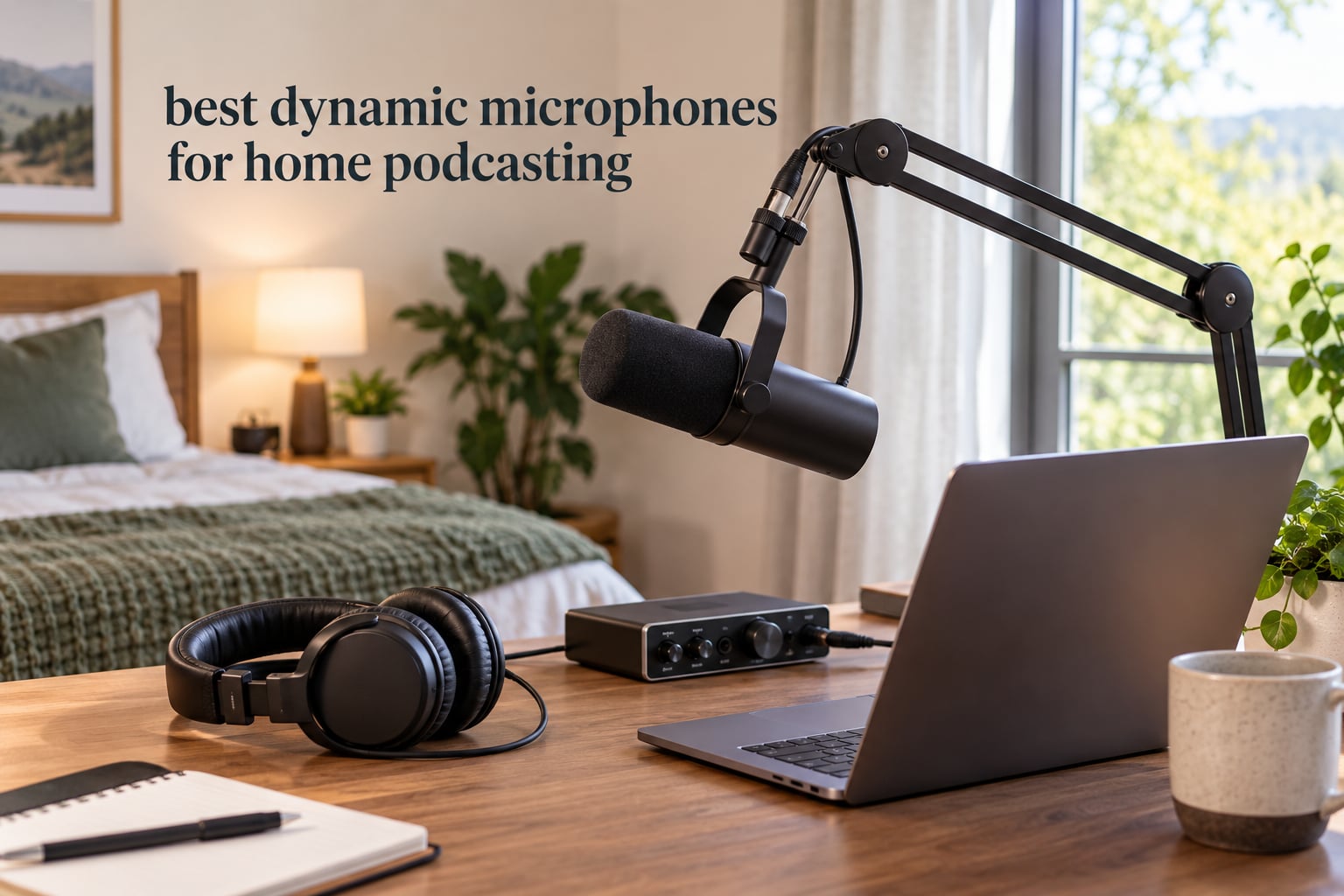
A good dynamic microphone for podcasting is one that captures your voice close up while pushing room echo, fridge hum, traffic and wall reflections far below your speech. That off-axis rejection is why a mid-priced dynamic usually beats a far more expensive condenser in a bedroom, living room or shared home office. We spent weeks with all ten microphones below in untreated rooms, comparing speech clarity, background rejection, gain demands and what each one forces you to buy around it.
Everything in this guide is a dynamic microphone. We left the USB condensers out on purpose, because mixing them into a dynamic roundup blurs the single decision that matters most in a home space. If you are choosing between the best dynamic microphones for home podcasting and a multi-pattern USB condenser, this is the page that answers it.
The short version: the Shure SM7B is the reference voice, the RODE PodMic is the warm all-metal workhorse, and the FIFINE AmpliGame AM8 covers USB and XLR in one body for less than most interfaces cost. Read on for the full ranking, the gain staging detail that trips up first-time buyers, and placement fixes that cost nothing.
Table of Contents
Top 3 Picks for Home Podcasting (October 2026)

Shure SM7B
- Warm broadcast tone
- Cardioid off-axis rejection
- Built-in pop filter and shock isolation
- Needs 60dB of clean gain


FIFINE AmpliGame AM8
- USB-C and XLR dual output
- Tap-to-mute with LED
- RGB ring and headphone jack
- Desktop stand included
These three cover almost every situation a home podcaster runs into. The SM7B wins when voice quality matters most and you can feed it enough clean gain. The PodMic wins when you want a permanently mounted broadcast mic that looks and feels like studio gear. The AM8 wins when you want to start on USB tonight and move to an interface later without buying a second microphone.
Quick Comparison of All 10 Dynamic Mics in 2026
| Product | Specs | Action |
|---|---|---|
| Shure SM7B |
|
Check Latest Price |
| FIFINE AmpliGame AM8 |
|
Check Latest Price |
| Rode PodMic |
|
Check Latest Price |
 Samson Q2U Samson Q2U |
|
Check Latest Price |
 FIFINE AmpliTank K688 FIFINE AmpliTank K688 |
|
Check Latest Price |
 Shure MV7X Shure MV7X |
|
Check Latest Price |
 TONOR TD510 Air TONOR TD510 Air |
|
Check Latest Price |
 MAONO PD200XS MAONO PD200XS |
|
Check Latest Price |
 Audio-Technica AT2040 Audio-Technica AT2040 |
|
Check Latest Price |
 MAONO HD300T MAONO HD300T |
|
Check Latest Price |
Two columns in that table matter more than the rest for home recording. First, connection type: if a product lists XLR only, you are buying an interface too. Second, polar pattern: the hypercardioid AT2040 and the cardioid mics behave very differently when a second person is in the same room.
How We Tested in a Real Home Room
Every microphone here was recorded in the same untreated bedroom-office: thin walls, a window onto a residential street, no acoustic panels, no rug, no acoustic foam. That matters because the whole argument for a dynamic is what happens in a room like that, and a studio test tells you almost nothing useful.
Our routine for each mic was the same. We recorded a spoken-word pass at a fixed distance, a second pass with a fan and a desk lamp running in the room, and a third pass with someone speaking from about a metre away off-axis. We noted how much gain each mic needed before the peaks stopped clipping, whether that gain introduced audible hiss in a quiet room, and how well plosives and desk bumps were handled without extra accessories.
We also logged what the box contains, because accessory bundles decide whether a mic is usable on day one. Several models here come without an XLR cable or a stand, and one includes no cable at all in either format. That is not a dealbreaker, but it belongs in the buying decision.
Forum consensus from r/podcasting matches what we heard: the recurring advice is that a dynamic with a tight pattern beats a condenser in an untreated room, and that placement matters at least as much as the microphone itself. One frequently repeated point there is worth repeating here, because we agree with it. Moving the microphone closer to your mouth changes the noise-to-voice ratio more than upgrading the microphone does.
1. Shure SM7B: The Broadcast Standard With a Gain Requirement to Match
Shure SM7B Dynamic Vocal Microphone for Podcasting & Streaming
Dynamic cardioid,50Hz-20kHz,150 ohm impedance,XLR only,No phantom power needed
Pros
- Warm
- balanced
- broadcast-ready vocal tone
- Strong off-axis rejection in untreated rooms
- Rugged all-metal construction
- Integrated pop filter and internal shock mount
- Low-cut and presence-boost switches on the back
Cons
- Needs 60dB or more of clean preamp gain
- Bass-leaning voicing needs EQ for some voices
- Does not replace acoustic treatment
The SM7B is still the microphone most people picture when they think about podcasting, and hearing it in an untreated room explains why. Its cardioid pattern throws the room behind the mic rather than picking it up, and the internal shock isolation plus the built-in pop filter handle the two problems that ruin most home takes: desk bumps and plosives.
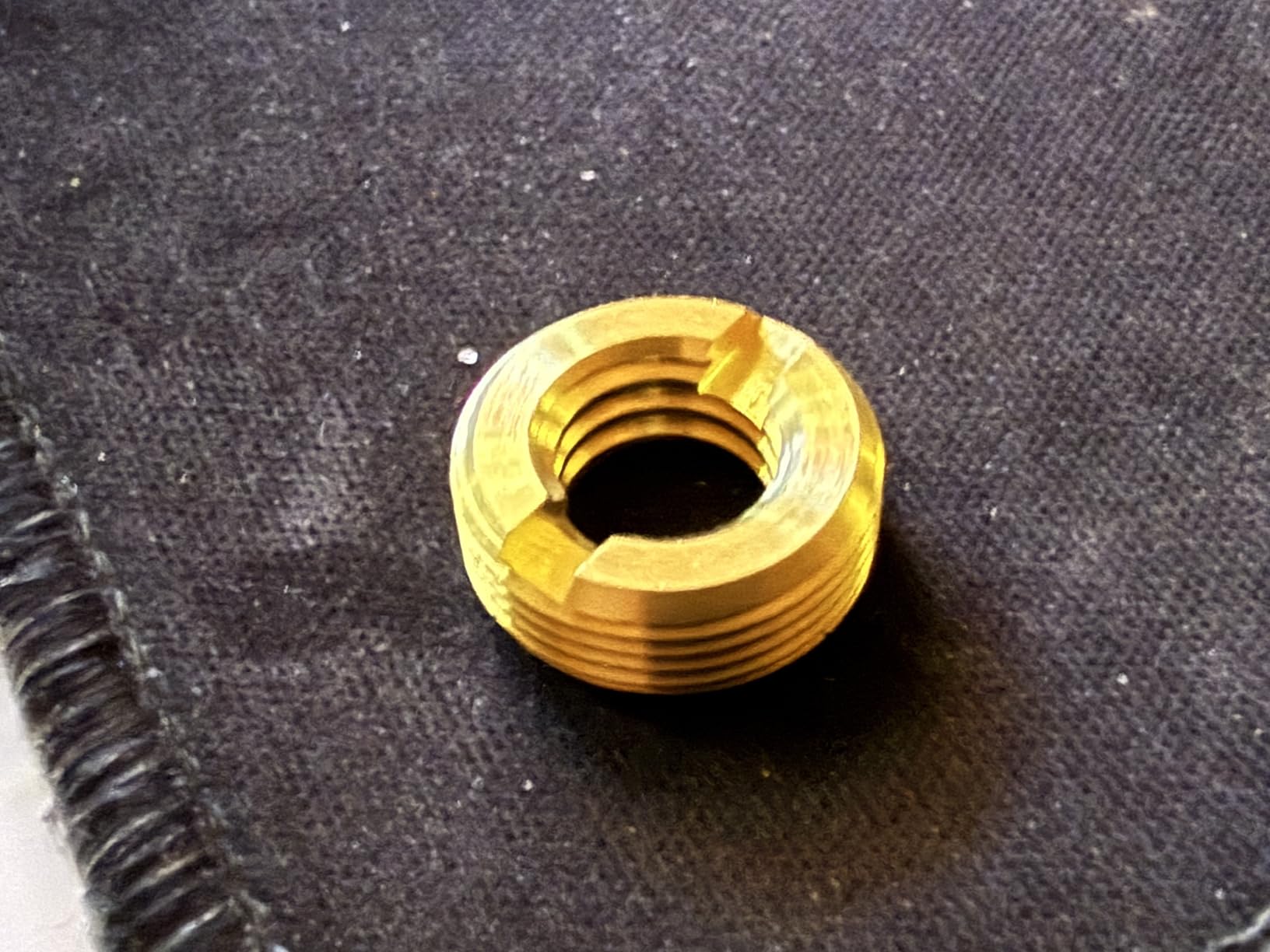
Owners consistently describe the tone as warm and balanced, and the build as effectively indestructible. The included close-talk windscreen, foam windscreen and locking yoke mount mean you can mount it on a boom arm without hunting for extra hardware.
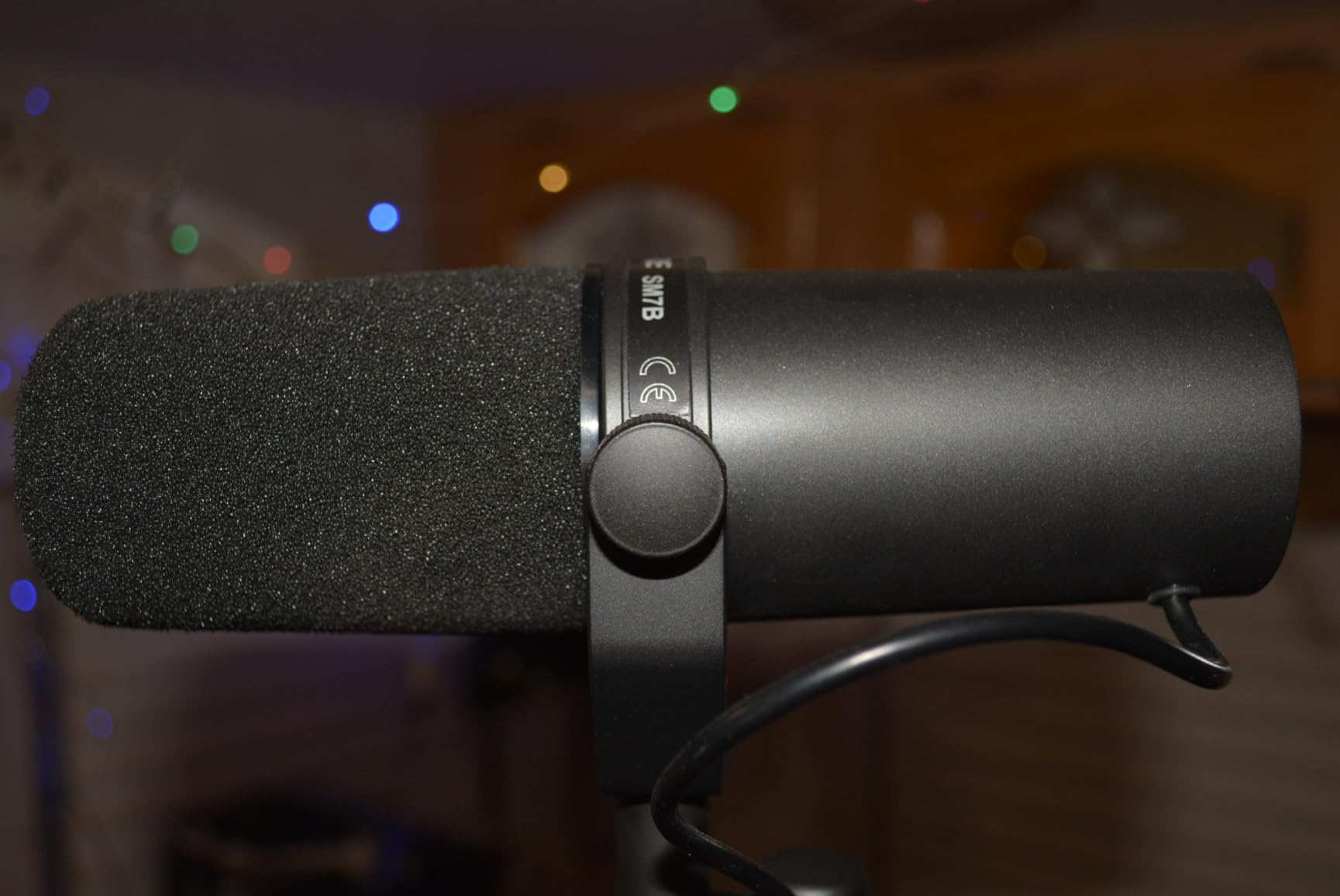
The catch is gain. Shure recommends at least 60dB of gain to reach the tone the microphone is known for, and most entry-level interfaces do not offer that cleanly. This is the concern that shows up again and again in owner feedback, pushing beginners toward adding an inline booster and a second XLR cable.
The signal-to-noise ratio is listed at 60dB, which is honest but not generous. Push a modest interface hard enough to drive the SM7B and the preamp noise becomes audible between sentences. Two rear switches handle the tone part: a low-cut filter and a presence boost.
What to check before buying the SM7B
Check your interface gain first. If your preamp tops out around 55dB of clean gain, you will be chasing noise or adding an inline booster, and a different microphone serves you better today.
Also check the physical desk situation. At 2.7 pounds the SM7B is heavy, so a lightweight boom arm will slowly sag. That is a stand problem, not a microphone problem, but it is worth planning around.
Who the SM7B is wrong for
It is wrong for a first podcast recorded in a spare bedroom with whatever interface is already in the closet. The tone is excellent, but you will spend your first weeks chasing hiss instead of learning to talk to the microphone.
It is also wrong for very deep voices without post-processing. The voicing is dark and bass-leaning, so low male voices can sound overly full until a high-pass filter and some presence EQ are applied in your editor.
2. FIFINE AmpliGame AM8: USB and XLR Streaming Value
FIFINE AmpliGame AM8 USB/XLR Dynamic Microphone for Gaming Streaming
50Hz-16kHz,USB-C and XLR,Dual 3/8 and 5/8 inch threads,600 g,Desktop stand included
Pros
- Clear
- natural voice that upgrades any headset mic
- Both USB and XLR outputs for a later interface upgrade
- Plug-and-play USB with no drivers
- Tap-to-mute with LED reminder
- Good included desktop stand
Cons
- RGB ring is dim and can cut out when the cable moves
- Mute is a touch control rather than a physical press
- RGB and function keys are inactive in XLR mode
The AM8 is the pick we recommend to anyone who wants to record a first episode this week with no interface. It carries USB and XLR in the same body, includes a desktop stand and a 2m USB-C to USB-A cable, and needs no driver install on either Windows or Mac.
Voice quality lands well above what a headset microphone delivers, which is the realistic comparison for most first-time podcasters. Owners regularly buy a second one for a co-host, which is exactly the use case the dual output supports.
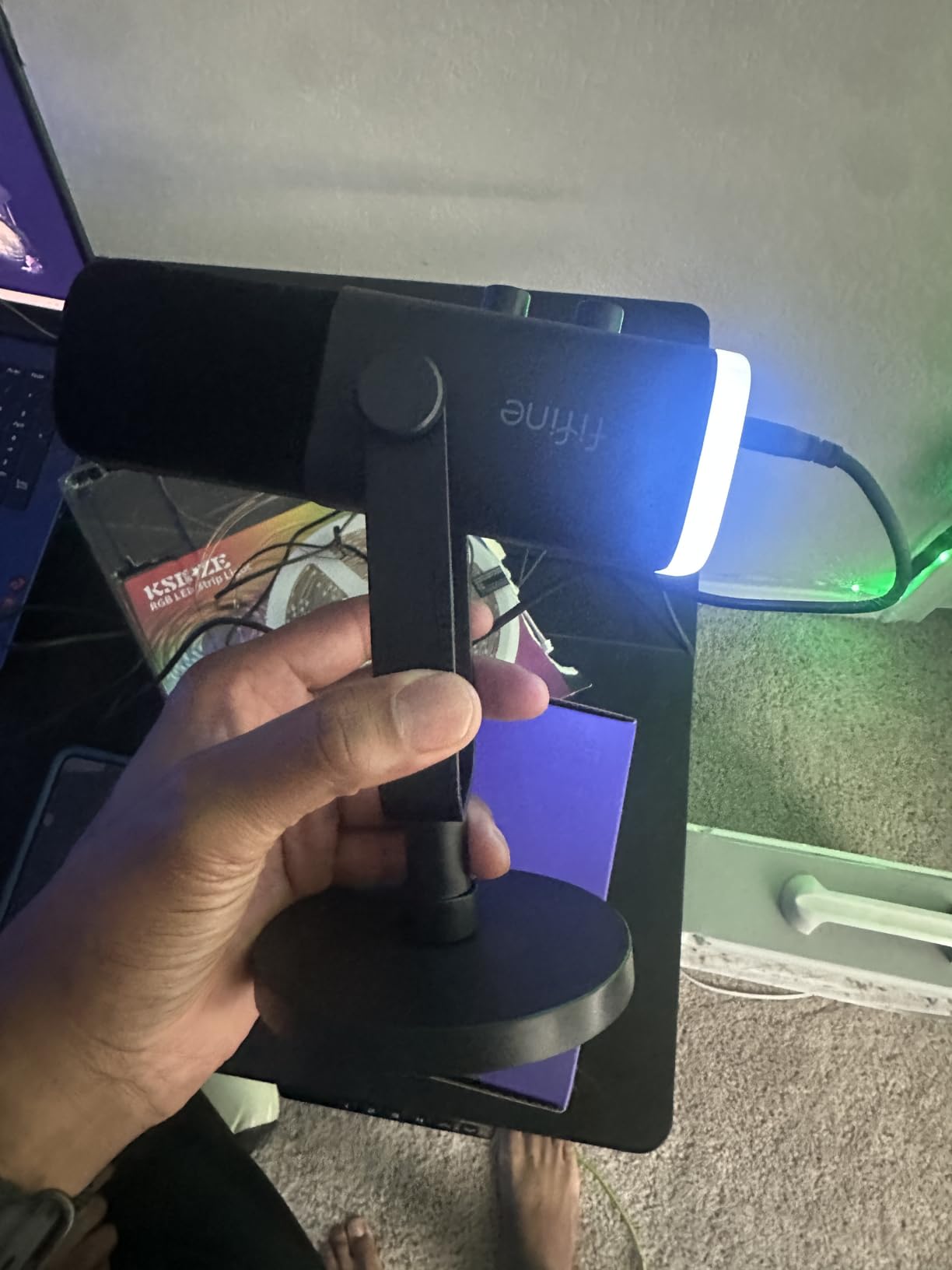
The cardioid pattern does real work here. With the included noise-cancelling windscreen fitted, it holds up against PC fans and hard drives at the distances most people sit from a desk microphone.
On-body controls are a genuine step up for USB recording: a headphone jack, monitoring volume, a smooth gain knob and a tap-to-mute button. The built-in 3/8 and 5/8 inch threads mean you can move to a boom arm later without buying a new adapter.
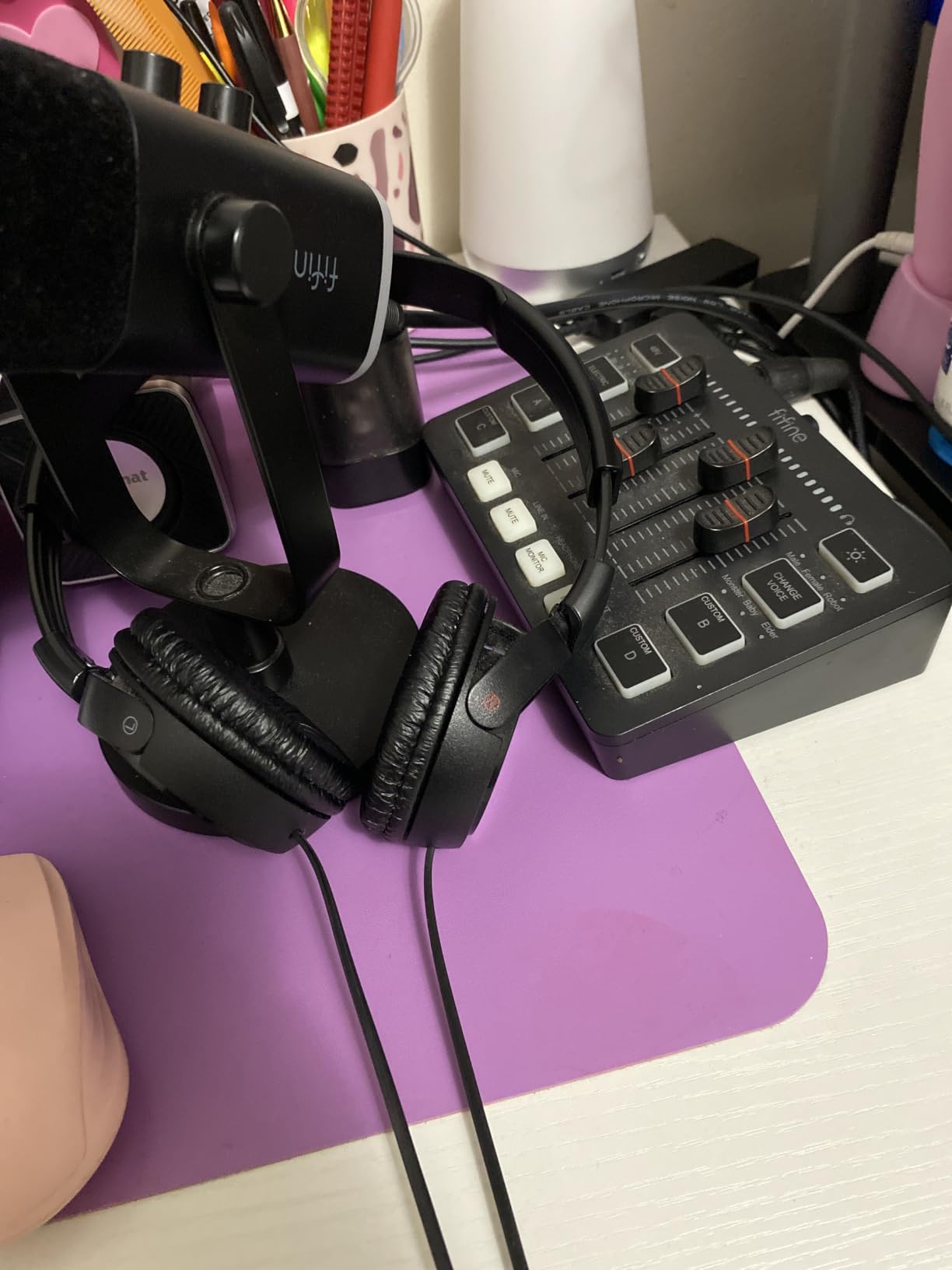
What to check before buying the AM8
Decide whether you will ever use XLR. If yes, budget for an XLR cable, since one is not included. In XLR mode the RGB ring and the function keys go dead, so this mic is at its most flexible only in USB mode.
Also consider your room size. Owners report some room echo in larger spaces unless the microphone is kept close, so plan for a boom arm rather than the included stand if your room is open-plan.
Who the AM8 is wrong for
It is wrong for anyone who needs the lightest possible desk setup or who wants a microphone with a physical mute switch rather than a touch control. The touch button takes a deliberate tap, which is not ideal mid-sentence in a live stream.
The listed frequency range stops at 16kHz rather than the full 20kHz of larger broadcast mics. For speech that is a non-issue, but it will not satisfy someone chasing cymbal-level detail in a music setting.
3. RØDE PodMic: Warm All-Metal Broadcast Mic on a Swing Mount
RØDE PodMic Cardioid Dynamic Broadcast Microphone, XLR
20Hz-20kHz,150 ohm impedance,XLR only,937 g,2 year warranty
Pros
- Warm
- rich broadcast tone that flatters speech
- Internal pop filter and shock mounting
- Heavy all-metal build
- Good off-axis rejection in untreated rooms
- Plugs straight into RODE interfaces
Cons
- XLR only so an interface is required
- Low output level needs high gain
- No headphone jack for direct monitoring
The PodMic is designed as a permanently mounted broadcast microphone, and it shows. The integrated swing mount lets you set your working distance once and adjust it with one hand while you talk, which is the single most useful thing a podcast microphone can do for a beginner.
The tone is consistently described as warm and rich across thousands of owner reviews. The internal pop filter and shock mounting handle plosives and desk thumps without extra purchases, and the all-metal body is built to sit on a boom arm indefinitely.
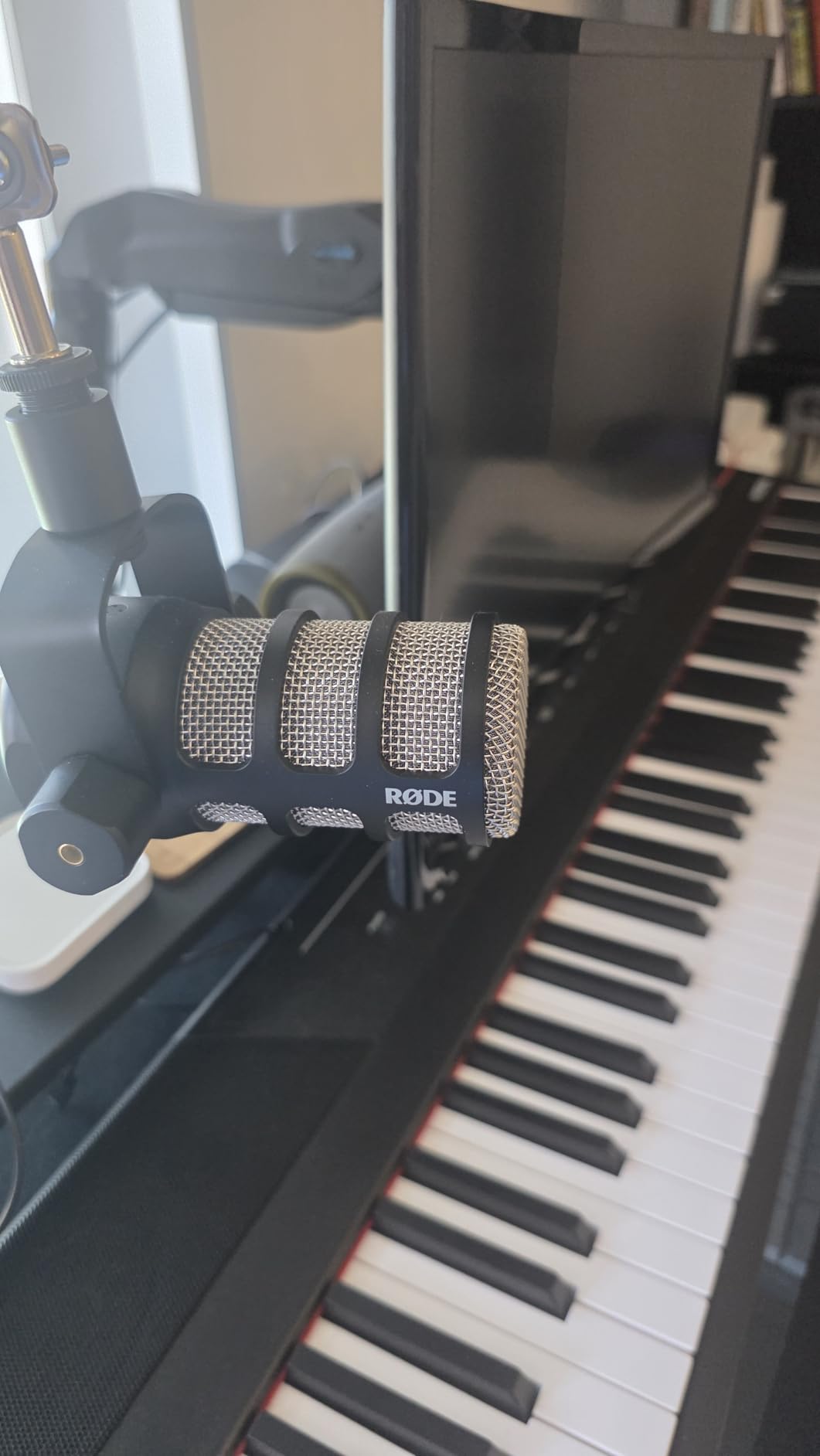
In an untreated room it holds up well. The comparison against condenser microphones is stark: a lot less of the room ends up in the file, and the speech stays forward and clear.
Owners repeatedly call it a near-perfect first serious podcast microphone. What you gain in tone and build quality you give up in convenience, because this is an XLR-only microphone with no onboard headphone monitoring.
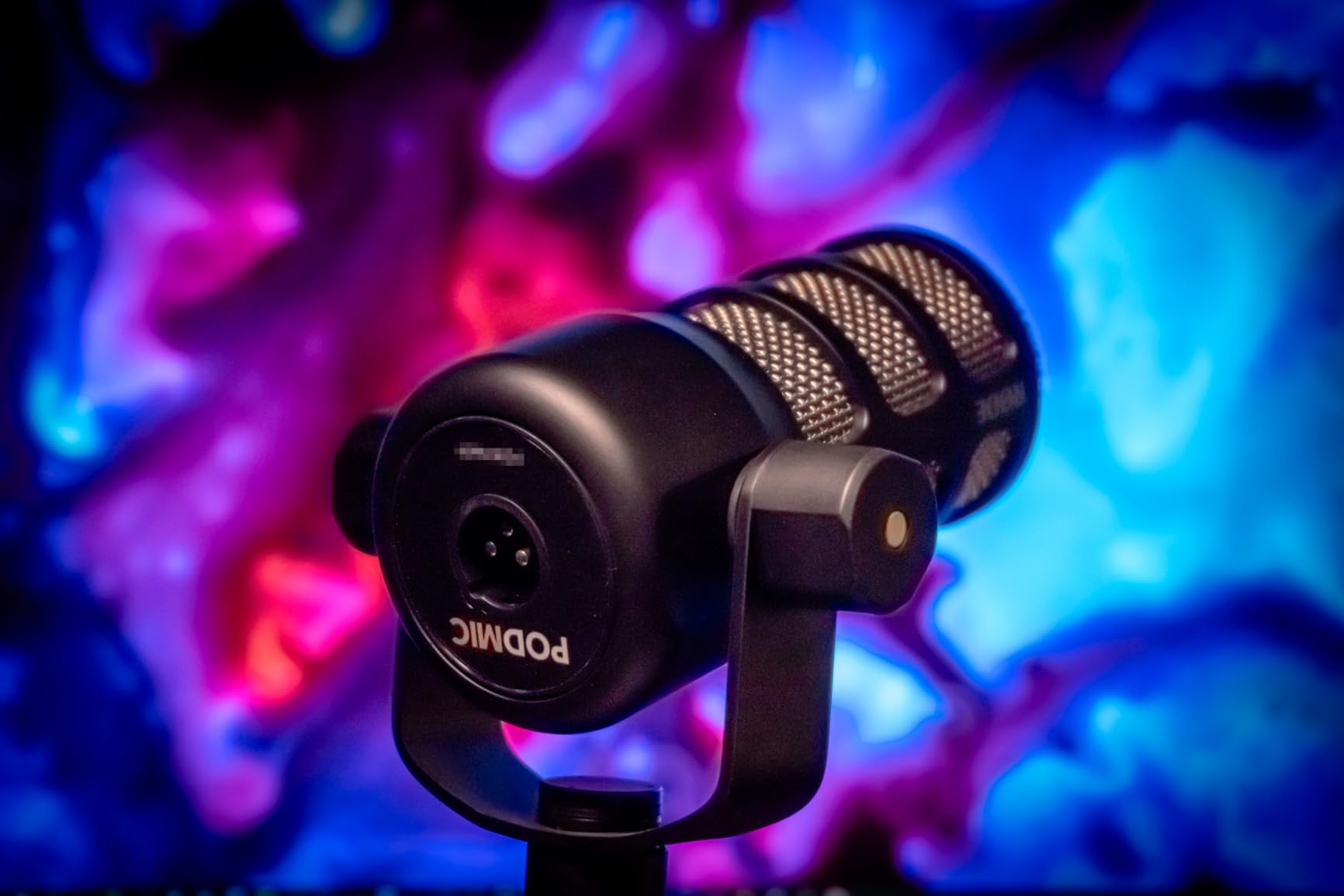
What to check before buying the PodMic
Check your interface gain. The dominant complaint in owner feedback is low output forcing high gain settings, and on a modest interface that adds noise. A higher-gain interface or an inline booster solves it.
Check your boom arm weight rating. At 937 g the PodMic is heavy enough to pull down a lighter arm over time, so pair it with an arm rated well above its mass.
Who the PodMic is wrong for
It is wrong for anyone who wants to move between laptop and microphone without carrying extra boxes. There is no USB path here at all, so you need an interface committed to the setup.
It also does not much on its own about sibilant S sounds. A slight high-shelf cut in your editor usually handles it, but be prepared for a small amount of post-processing.
4. Samson Q2U: The Beginner Pack That Bridges USB and XLR
Samson Q2U USB/XLR Dynamic Microphone Recording and Podcasting Pack
50Hz-15kHz,USB-C and XLR,Metal body,11.2 ounces,2 year warranty
Pros
- Clear
- warm
- full-sounding voice
- Dual USB-C and XLR for instant or later recording
- Handheld form is easy to aim
- Durable metal body
- Reasonable off-axis rejection
Cons
- Weak tripod stand with a loose clamp
- Needs a foam windscreen for plosives
- Bundled headphones are low quality
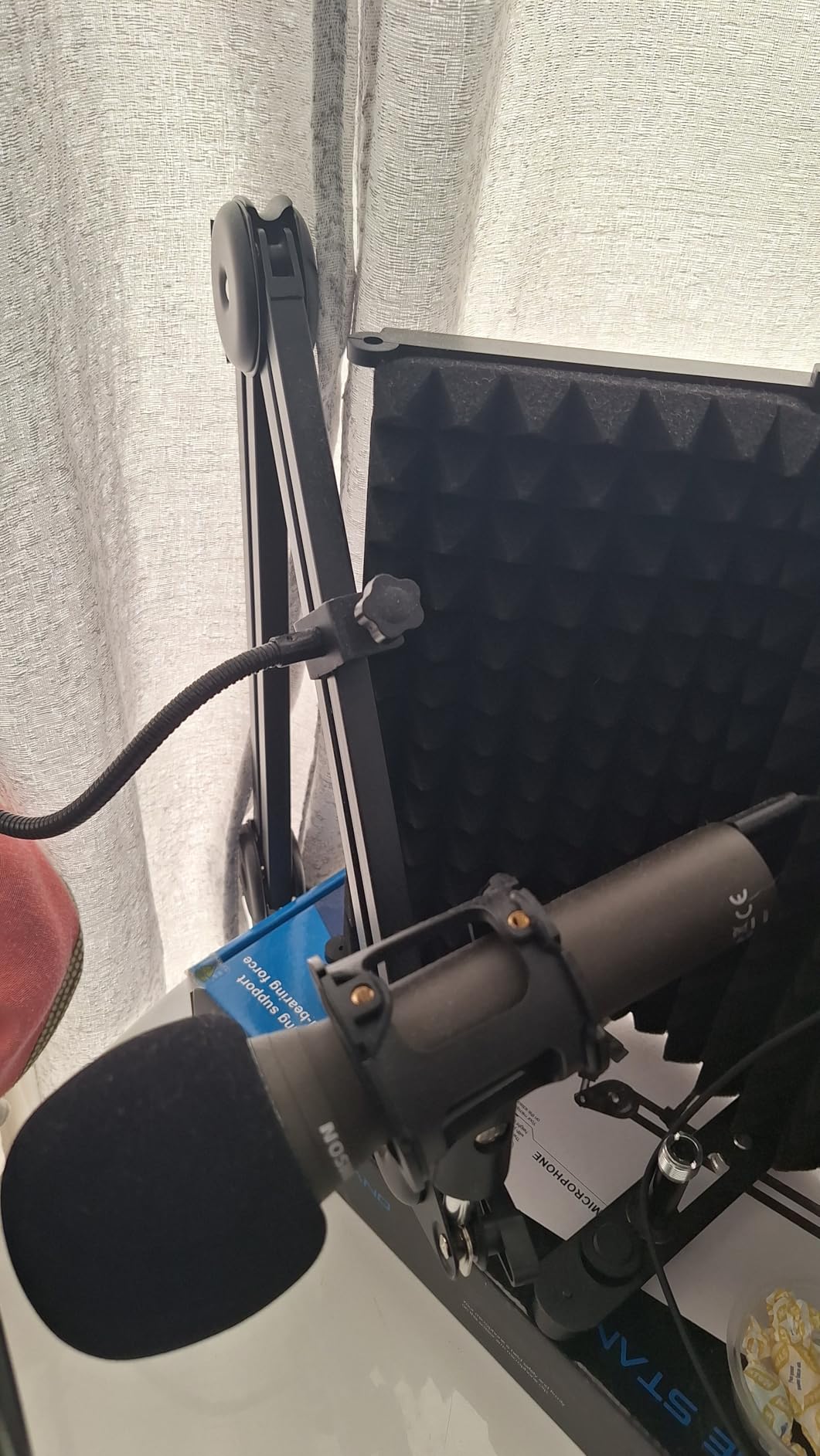
The Q2U is the reason so many first podcasts exist. Owners on r/podcasting routinely describe it as good enough for years, and at 11.2 ounces in a handheld metal body it is by far the easiest microphone on this list to point at a mouth correctly.
The box is unusually complete: a tripod desktop stand, tripod extension, mic clip, windscreen, USB-C cable and XLR cable. That single inclusion means you can start on USB today and move to an interface without buying a second cable.
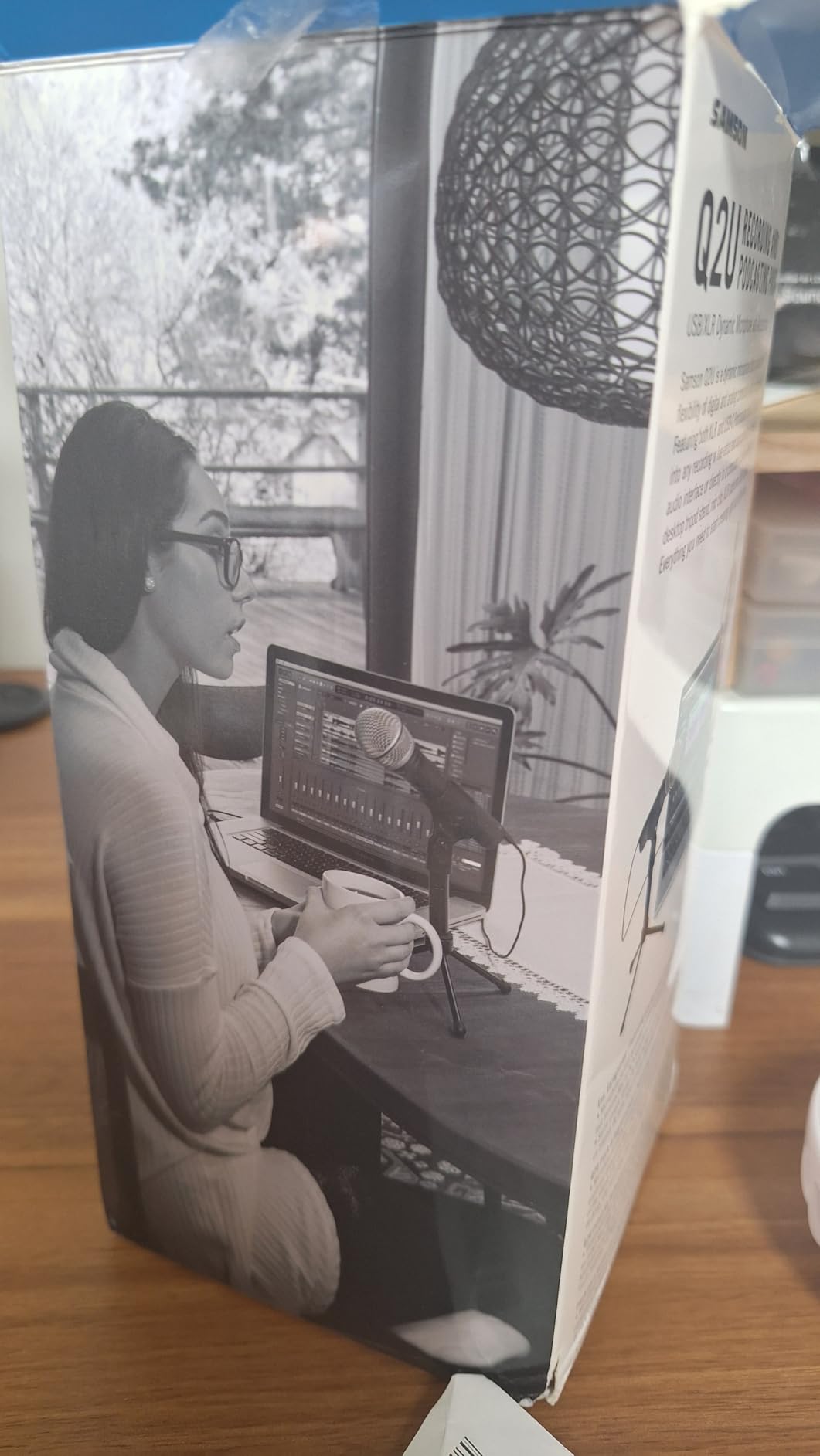
Sound-wise it delivers clear, warm, full-bodied speech rather than the thin, phone-like tone people get from a laptop microphone. Off-axis rejection is respectable for the class, which matters if there is a fan or a computer nearby.
The single-secret dynamic form factor is a double-edged sword. It survives being bumped and passed around, which is why it doubles as a guest microphone for in-person interviews.
What to check before buying the Q2U
Plan on replacing the stand. The bundled tripod has a loose clamp that droops once a mic is mounted on it, and that is the most common piece of owner criticism aimed at this kit.
Fit the included windscreen from day one. Without it the microphone handles plosives poorly, and with it the speech sits noticeably cleaner. This microphone also needs a computer and recording software; it is not a standalone field recorder.
Who the Q2U is wrong for
It is wrong for anyone who wants a permanently mounted desk microphone or expects built-in headphone monitoring. There is no headphone jack on the microphone itself.
Some systems have reported USB detection issues requiring a replug after waking from sleep. That is uncommon but worth knowing if you record long sessions on a laptop.
5. FIFINE AmpliTank K688: Metal Build With a Shock Mount in the Box
FIFINE AmpliTank K688 Dynamic Microphone, XLR/USB Podcast Recording PC Mic
50Hz-16kHz,USB and XLR,Metal body,130dB SPL,1 year warranty
Pros
- Crisp
- full vocal sound that rejects PC fans and room noise
- Metal build feels more premium than the price
- USB plug-and-play plus XLR for later
- Tap-to-mute
- gain knob and headphone jack
- Shock mount and windscreen included
Cons
- XLR cable
- mic stand and boom arm not included
- Included mini tripod is flimsy
- Needs low gain settings to avoid room sound
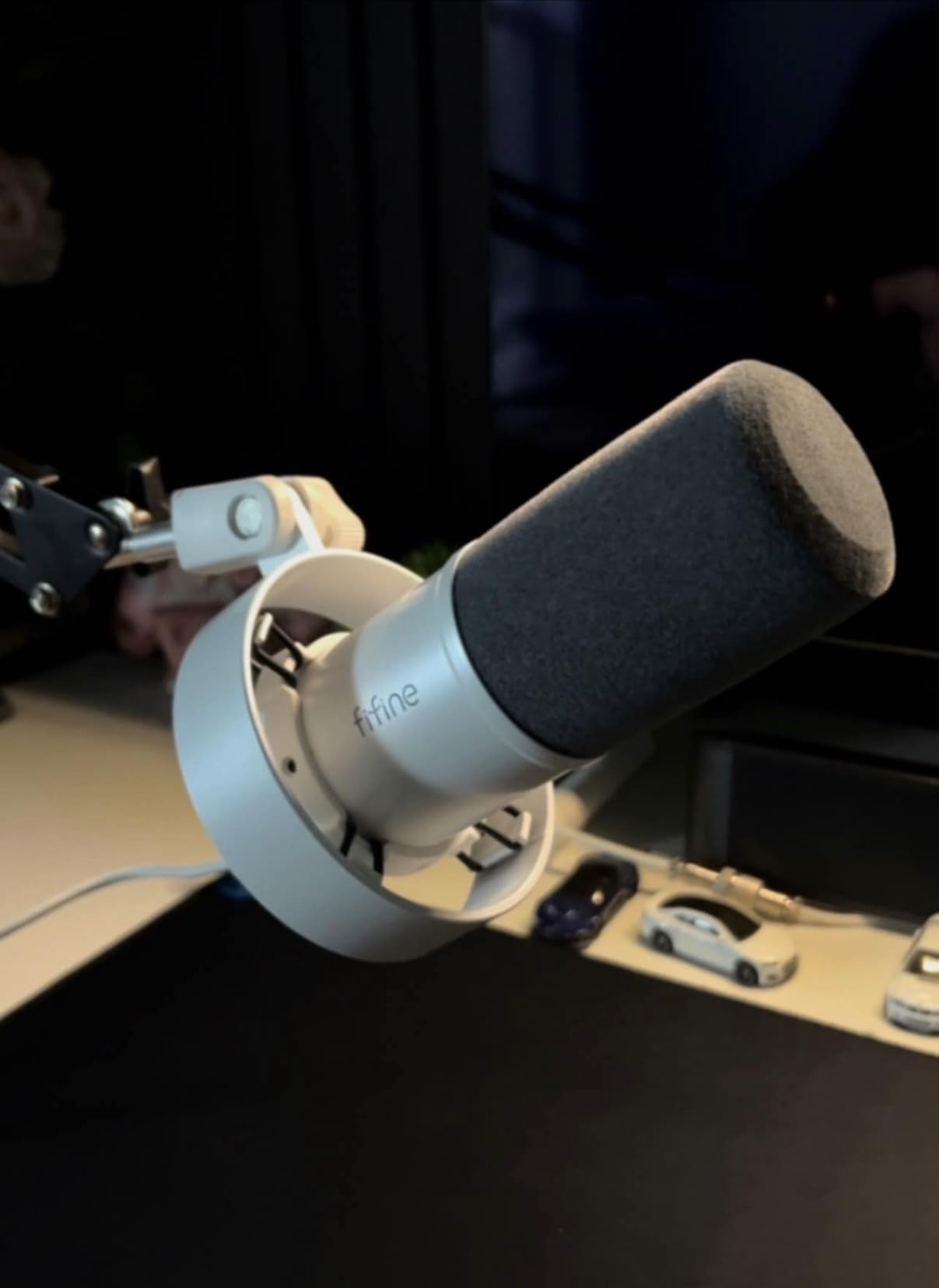
The K688 is the quiet upgrade from the AM8. It keeps the same dual USB and XLR approach but replaces much of the plastic with metal, and it includes an external shock mount that genuinely reduces desk vibration.
Owners describe the sound as crisp and full, with a cardioid pattern that deals with hard drives and computer fans. Several describe it as a step up from cheaper FIFINE microphones in build and background rejection.
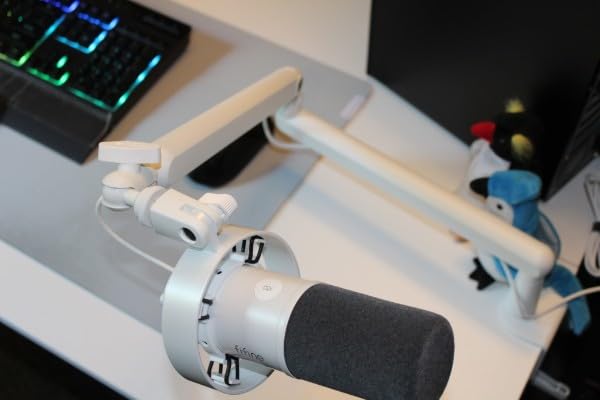
The included windscreen and shock mount handle plosives and mechanical vibration, which removes two purchases from your list. The 5/8 to 3/8 inch adapter is included too, so a boom arm fit is straightforward.
Signal-to-noise ratio is listed above 80dB, and that headroom is why this microphone sounds clean at modest gain. Keep the gain knob conservative and the room stays well below your voice.
What to check before buying the K688
Budget for the missing accessories. The XLR cable, mic stand and boom arm are all excluded, so this microphone costs more to deploy on XLR than the price suggests.
The included mini tripod is flimsy enough that owners report it stopping support. Treat it as a temporary stand and plan a proper one from the start.
Who the K688 is wrong for
It is wrong for anyone upgrading from the AM8 who wants the RGB lighting. There is none here, and that is the single feature owners most often say they missed.
It is also the wrong choice if you want true full-range monitoring of a wide room. The 50Hz to 16kHz response is tuned for speech and streaming rather than music.
6. Shure MV7X: Broadcast Voicing That Is Far Easier to Drive
Shure MV7X XLR Dynamic Podcast & Recording Microphone – Black
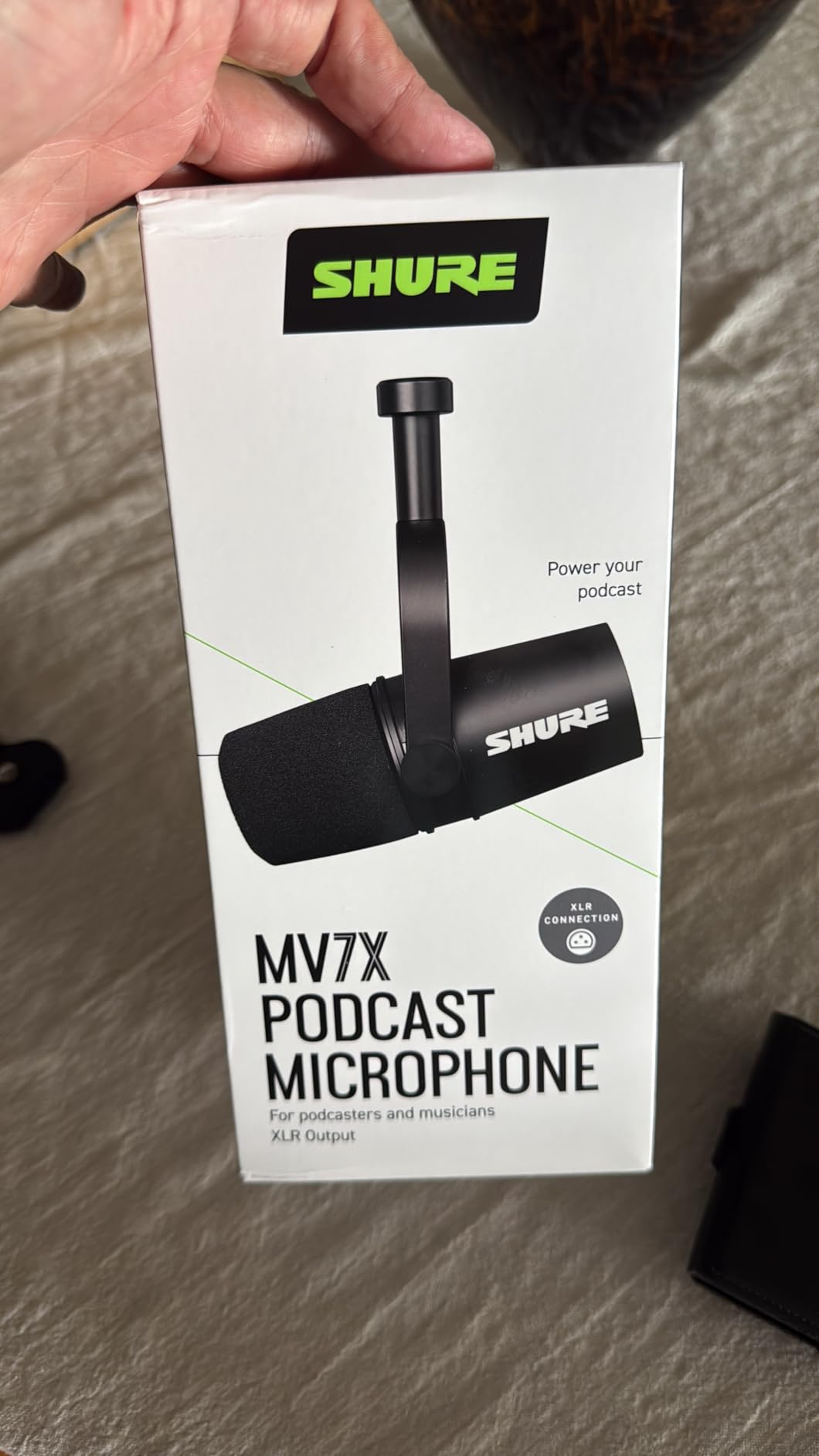
50Hz-16kHz,XLR only,72dB signal to noise,508 g,Yoke mount included
Pros
- Dynamic cardioid capsule with integrated shock mount
- Broadcast-inspired design tuned for intelligibility
- XLR output gives full control of gain and EQ
- Durable all-metal construction with yoke mount
- Lower gain demands than the SM7B
Cons
- XLR only so an interface is required
- 50Hz-16kHz is narrower than full-range mics
- No pop filter included
The MV7X is the answer for anyone who wants Shure broadcast voicing without the SM7B gain problem. It sits a clear step down in output requirements, which means a normal home interface can drive it without turning the preamp up far enough to expose its noise.
The dynamic cardioid capsule has an integrated shock mount for voice isolation, and the broadcast-inspired form factor is tuned for spoken-word clarity rather than music. In a room with some character, the isolation is the reason to pick it.
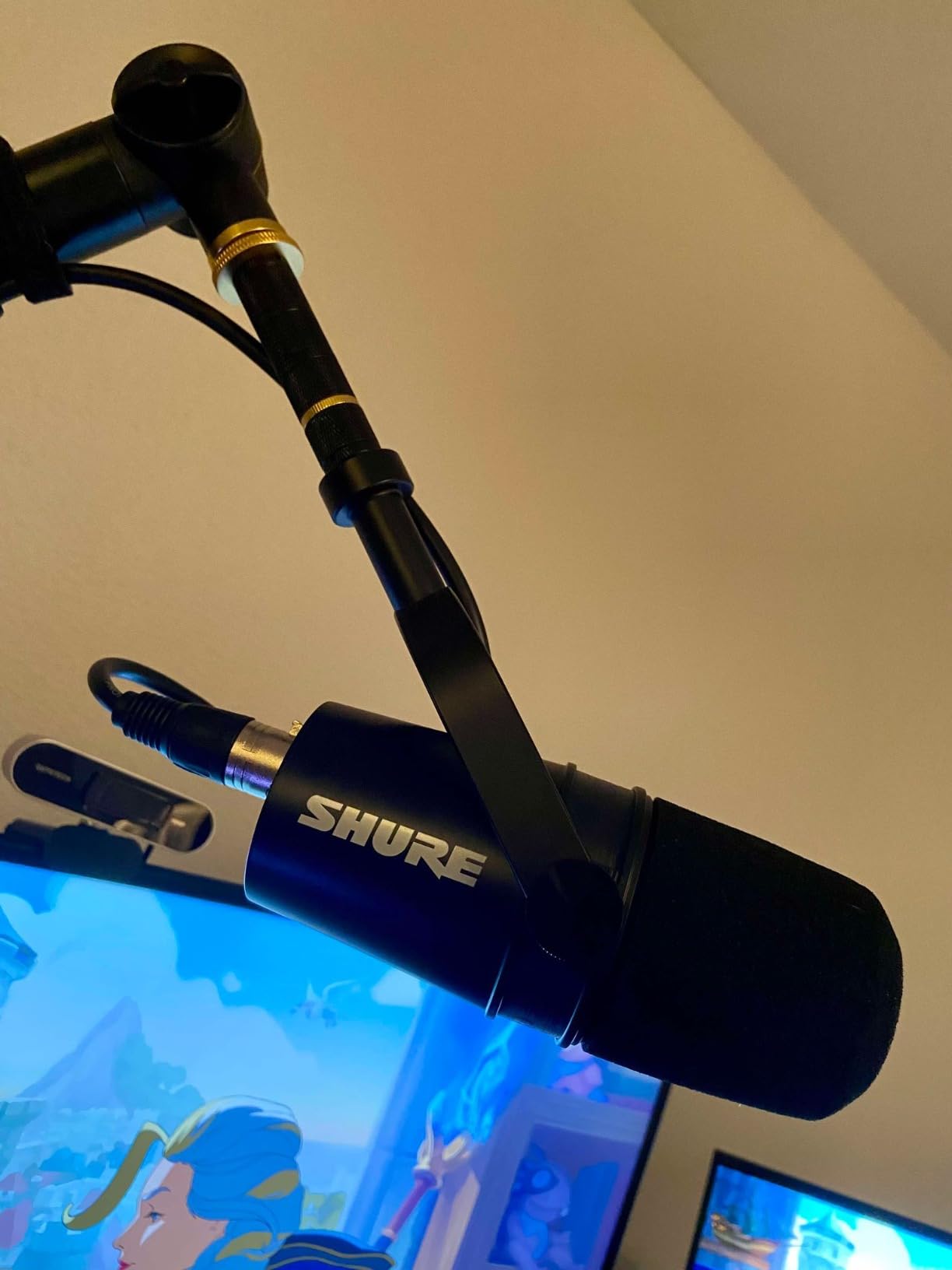
Build quality is metal with an adjustable yoke mount, and a 3/8 inch thread adapter is included in the box. That is everything you need to get it on a stand without extra hardware.
A 72dB signal-to-noise ratio sits between the SM7B and the cheaper mics on this list, and in practice that middle ground is exactly what a home room wants.
What to check before buying the MV7X
Check that you want the XLR workflow. This is an XLR-only microphone, so an audio interface is required for computer recording and there is no USB fallback.
Plan for a pop filter. Nothing is included beyond the thread adapter, and a dynamic microphone still benefits from one if you speak close to the grille.
Who the MV7X is wrong for
It is wrong for anyone who wants the full bottom end of a large-diaphragm condenser. The 50Hz to 16kHz range is narrower than several cheaper microphones here.
It is also the wrong recommendation if your interface already has enormous clean gain. In that case the SM7B is the better buy for the same money class.
7. TONOR TD510 Air: On-Mic EQ Modes and AI Noise Filtering
TONOR Dynamic Podcast Microphone for Content Creators, Cardioid XLR/USB Mic
USB and XLR,Desktop form factor,522 g,Three EQ modes,Two year warranty
Pros
- Three selectable audio enhancement modes
- Built-in AI noise reduction filters low-frequency noise
- Dual USB and XLR outputs for later upgrades
- Mic and headphone volume control with 3.5mm jack
- USB mode works with computers
- PS4 and PS5
Cons
- XLR cable not included
- Not compatible with Xbox
- Desktop stand limits positioning
- Lowest average rating in this group
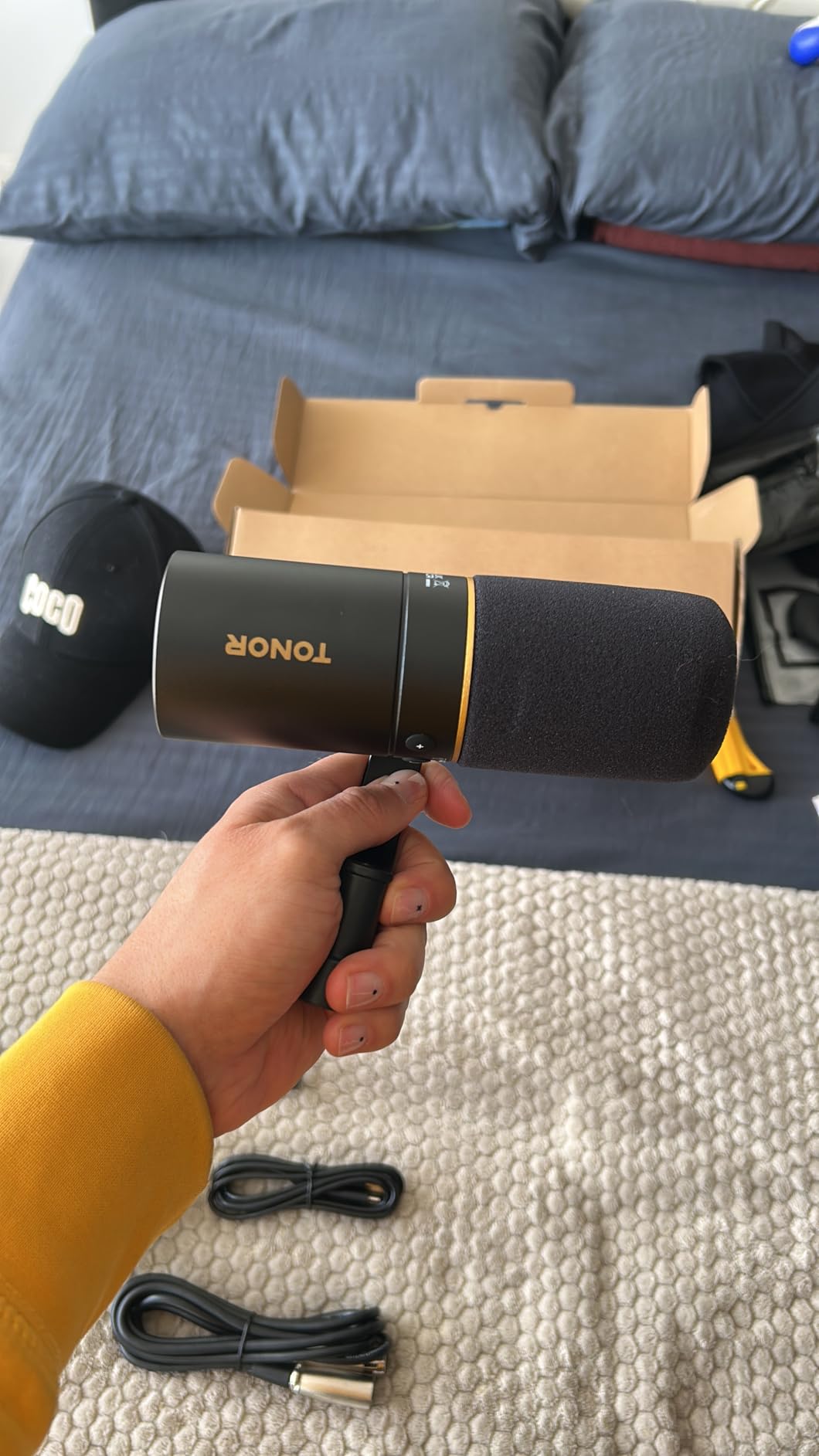
The TD510 Air does something none of the other dynamic microphones here does: it puts tone shaping on the microphone itself. Three selectable modes cover bass roll-off, vocal clarity and mid-range emphasis, chosen with one button rather than in a plugin.
For a beginner in a noisy home that is a real advantage. The built-in AI noise reduction targets low-frequency background noise, which is exactly the traffic, hum and air conditioning that ruins an untreated bedroom recording.
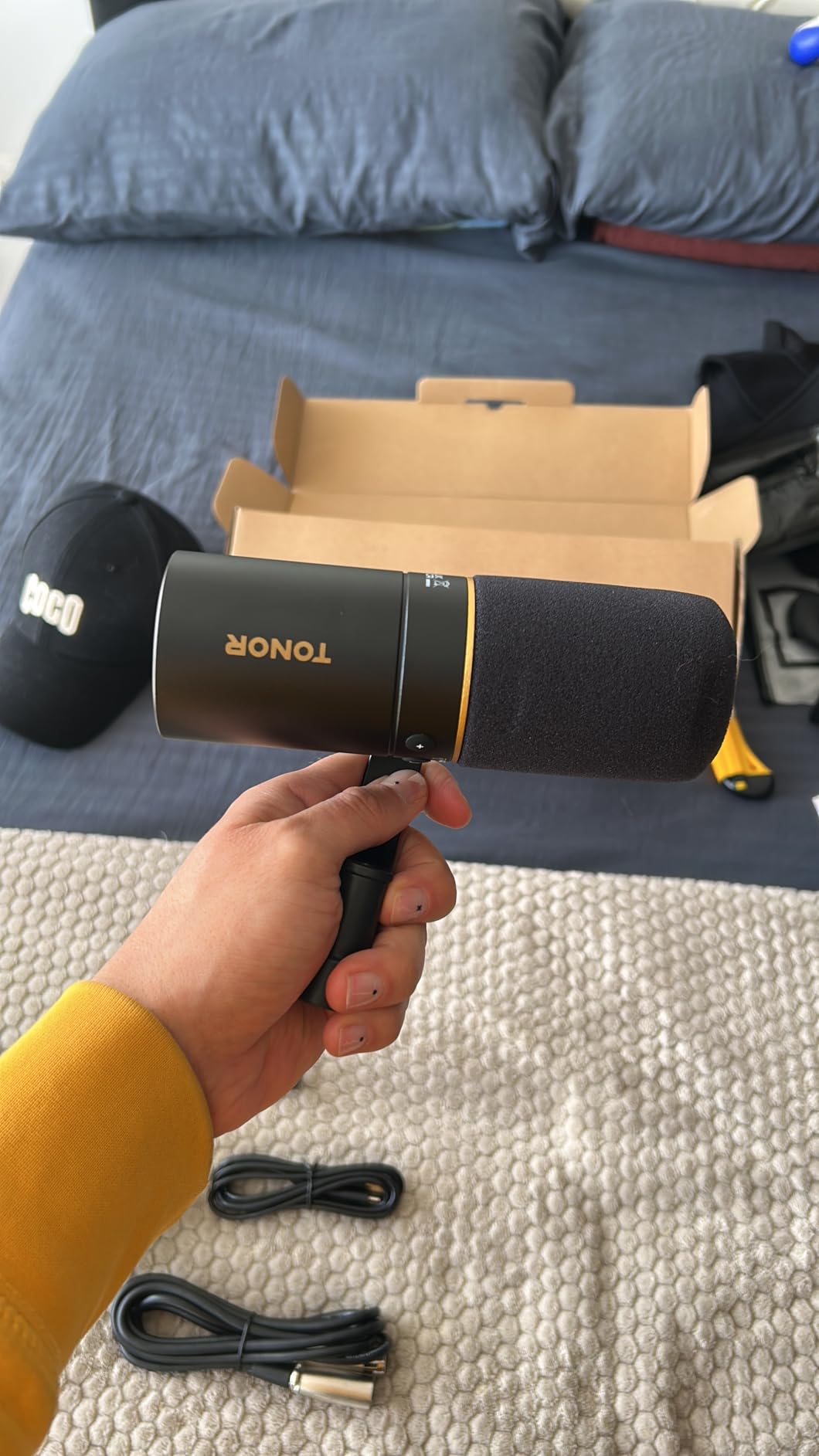
Dual USB and XLR outputs mean you can start on the included desktop base and upgrade to an interface later without replacing the microphone. Microphone and headphone volume controls sit on the body alongside a 3.5mm jack.
USB mode connects directly to computers and to PS4 and PS5, which makes it one of the more flexible options for gaming capture as well as podcasting.
What to check before buying the TD510 Air
Buy an XLR cable if you plan to use XLR later; it is not in the kit. The same applies to a boom arm, because the desktop form factor limits how close you can get to a mouth.
Listen critically to the EQ modes. Owners who expected a neutral microphone were divided, with roughly a fifth of ratings landing at three stars or below. If you plan to do your own processing, the flat option may suit you better.
Who the TD510 Air is wrong for
It is wrong for Xbox users, since compatibility does not extend there. It is also the wrong pick if your audio path is XLR-only, because the headphone jack and volume control behave differently in that mode.
Buyers who want a single upgrade that lasts a decade may prefer a metal broadcast body over a plastic desktop chassis with a fixed stand.
8. MAONO PD200XS: Boom Arm, Shock Mount and Software in One Kit
MAONO PD200XS XLR/USB Dynamic Microphone Kit, RGB Gaming Mic with Software
40Hz-16kHz,USB, USB-C and XLR,680 ohm impedance,350 g,18 month warranty
Pros
- Warm
- smooth dynamic sound with cardioid background rejection
- Bundled adjustable boom arm
- shock mount and USB-C cable
- 2-in-1 knob for mic gain and headphone volume
- One-click mute with LED indicator
- RGB lighting across 9 colors
Cons
- XLR cable not included
- Software EQ
- limiter and compressor are USB mode only
- 40Hz-16kHz range means less top-end air
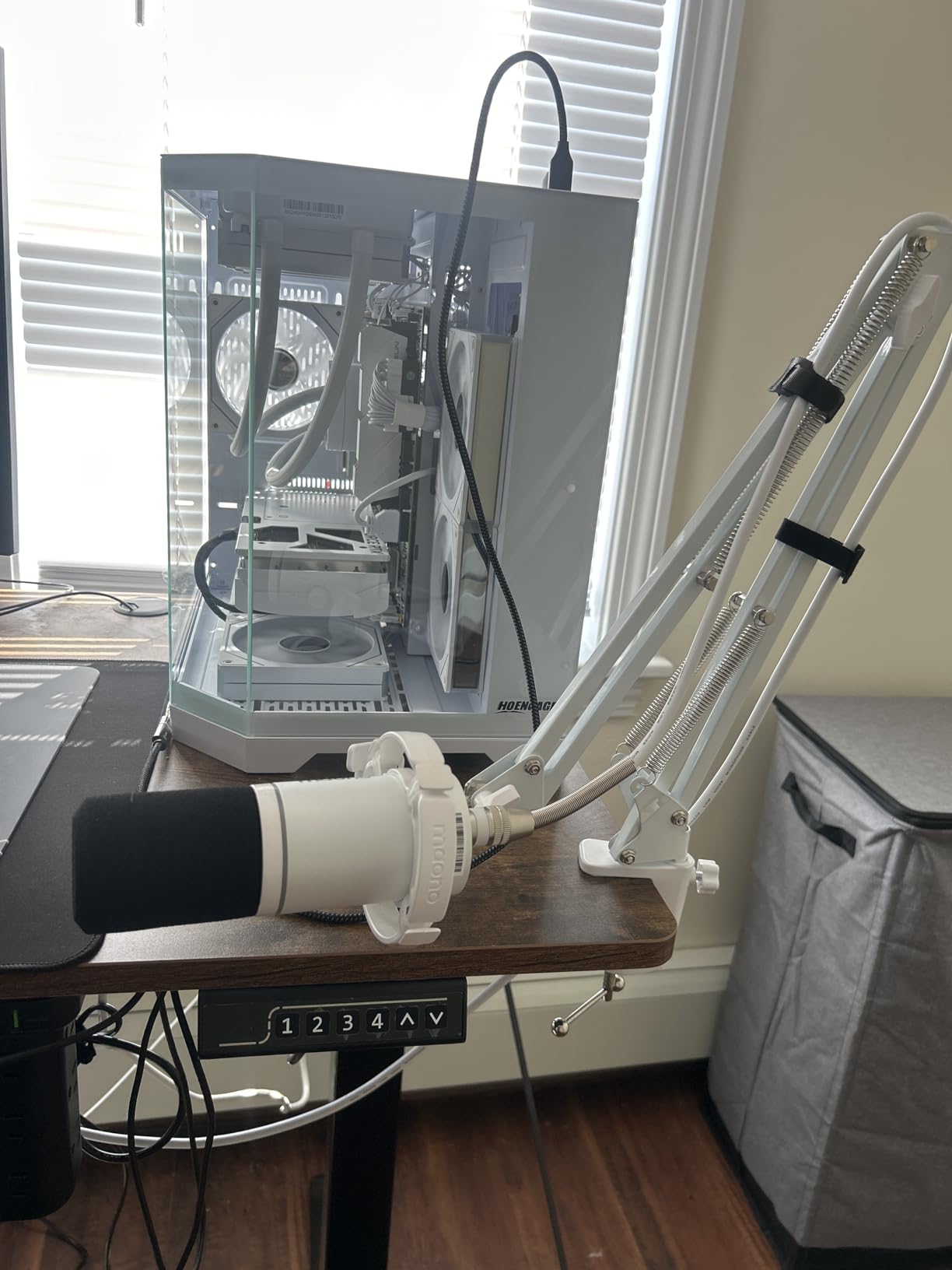
Almost nobody includes a boom arm at this level, and that single accessory is what makes the PD200XS stand out. It arrives with an adjustable boom arm, a shock mount and a 2.5m USB-C cable, which turns a bare microphone into a working desk setup on day one.
The dynamic capsule produces warm, smooth speech with a cardioid pattern that cuts background noise. For gaming and streaming desks where a microphone normally sits in shot, the nine-colour RGB lighting is a genuine plus.
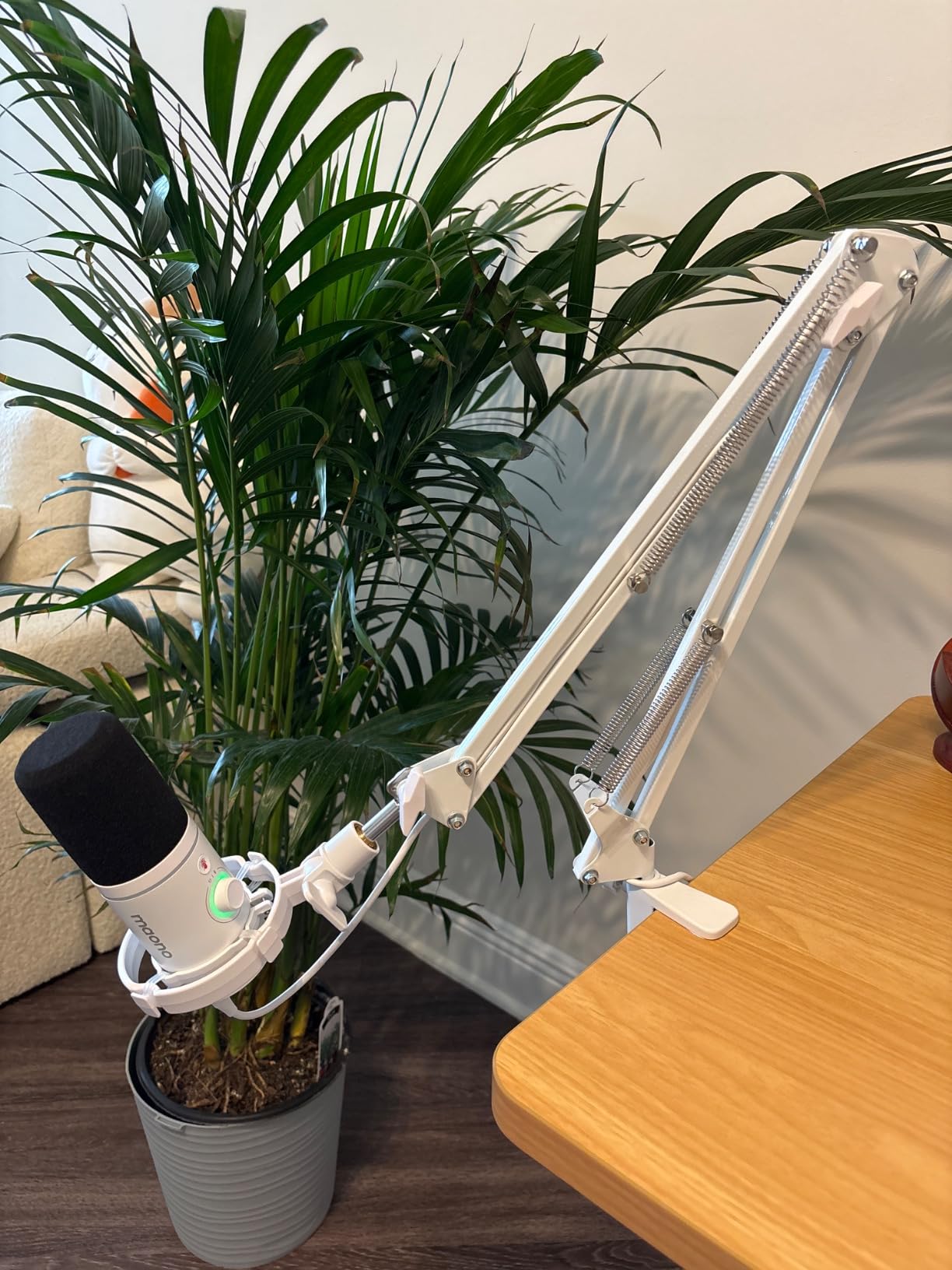
Controls are well thought out for live use: a 2-in-1 knob handles microphone gain and headphone volume, and one-click mute with an LED indicator stops you broadcasting a private conversation.
MAONO Link software for Windows, Mac and Android adds EQ, limiter and compressor control in USB mode. The 3.5mm headphone jack gives zero-latency monitoring for talking while you record.
What to check before buying the PD200XS
Check what you actually need from the software features. EQ, limiter and compressor controls exist only in USB mode, so the moment you move to an interface you lose all of them.
An XLR cable is not included, so add that to any interface purchase. The 5/8 to 3/8 inch adapter is included, which is one less thing to hunt for.
Who the PD200XS is wrong for
It is the wrong choice if you want maximum top-end detail. The 40Hz to 16kHz range is wide at the bottom but stops earlier than a full-range broadcast microphone.
It is also the wrong pick for a permanent studio mount where a heavy broadcast body and a permanently adjustable swing mount matter more than RGB lighting and bundled software.
9. Audio-Technica AT2040: Hypercardioid Isolation for Shared Rooms
Audio-Technica AT2040 Hypercardioid Dynamic Podcast Microphone
Hypercardioid pattern,15kHz upper response,76dB signal to noise,XLR only,2.2 pounds
Pros
- Warm
- assertive broadcast sound from a large-diaphragm dynamic capsule
- Extreme off-axis rejection from the sides and rear
- Multistage foam mesh windscreen plus internal pop filter
- Integrated shock mount
- Threaded adapter and pivoting stand mount included
Cons
- Requires significant clean gain
- No low-cut filter switch or pad on the body
- Rolls off the low end early
- Picks up desk and stand bumps more than expected
The AT2040 is the pick when two people share a room. Its hypercardioid pattern is tighter at the sides and rear than a cardioid, so a co-host seated off to one side stays out of your channel far better than with most of the microphones on this list.
The sound is described as warm and assertive with a bright radio presence in the upper mids. That presence is exactly what long-form speech needs to stay intelligible on phone speakers and in car stereo.
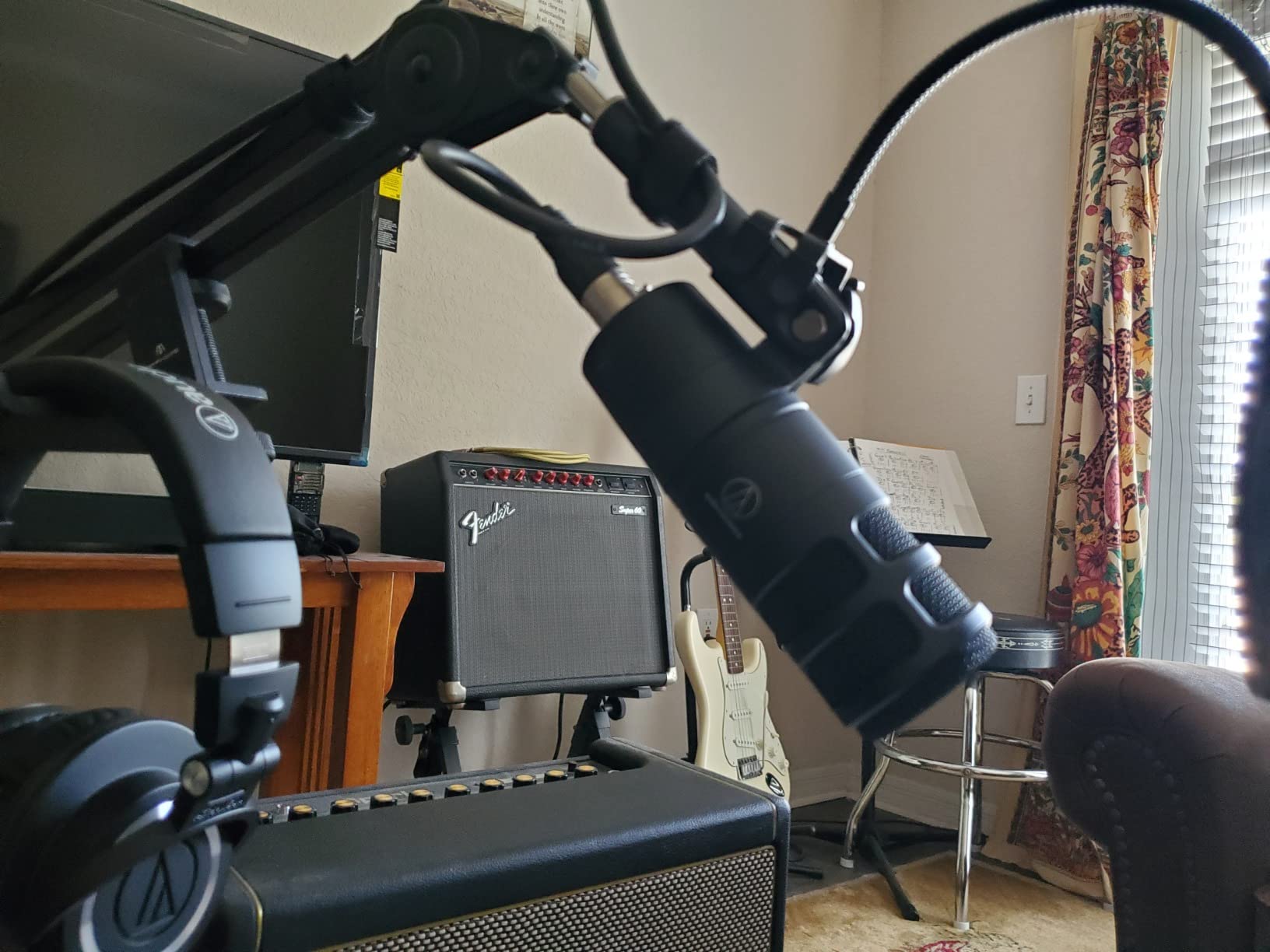
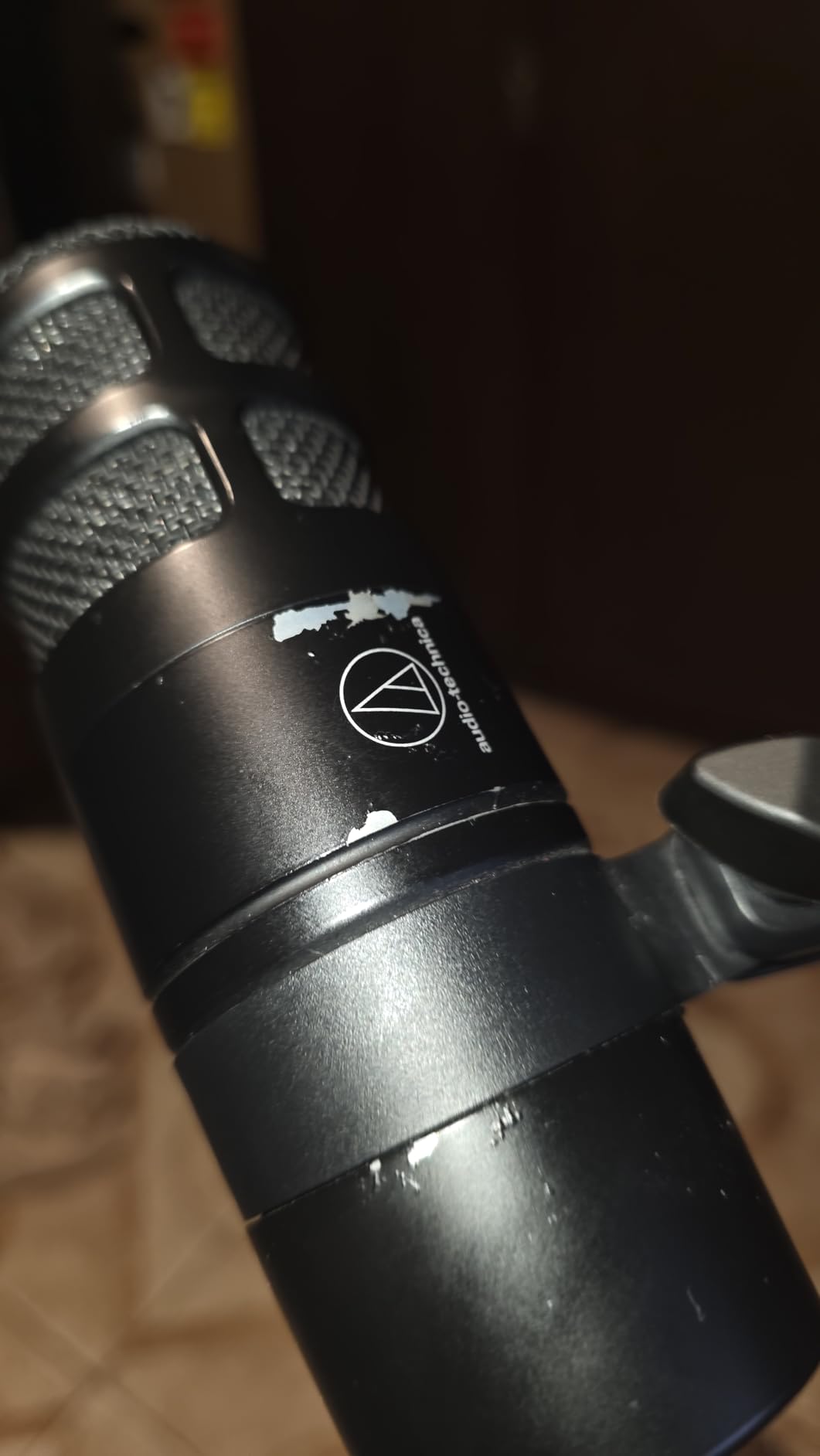
The multistage foam mesh windscreen plus the internal pop filter handle plosives well, and the integrated shock mount reduces noise transmitted through stands and booms. A pivoting stand mount, a 5/8 to 3/8 inch adapter and a protective pouch are all in the box.
It works without phantom power, which is one less compatibility question when you connect it to an interface.
What to check before buying the AT2040
Check your gain headroom. Owners stress that gain staging matters here more than with most dynamics, and pushing a quiet preamp hard will expose its noise floor.
Read the low-frequency warning. The low end rolls off early by design, and the microphone is more susceptible to low-frequency desk and stand bumps than the specification sheet suggests. Keep it away from a wobbly table.
Who the AT2040 is wrong for
It is wrong for a solo podcaster in a well-treated space, where the hypercardioid pattern buys you isolation you do not need and costs you some naturalness in the room.
There is also no low-cut filter switch or pad on the body. Both exist in your interface or editor, but if you want hardware switching you will not find it here.
10. MAONO HD300T: The Most Complete All-in-One Bundle
MAONO HD300T USB XLR Dynamic Podcast Microphone for PC & Audio Interface
20Hz-20kHz,USB and XLR,Super cardioid listed,Zero-latency monitoring,Complete kit in the box
Pros
- Warm
- natural vocal capture with a cardioid pattern
- Dual USB and XLR outputs
- Zero-latency monitoring through a 3.5mm headphone jack
- Metal desktop stand
- shock mount
- pop filter
- USB cable and XLR cable all included
- Full 20Hz-20kHz response
Cons
- Only 70% five-star ratings in the group
- Desktop stand limits positioning versus a boom arm
- Software features are shallower than dedicated podcast bundles
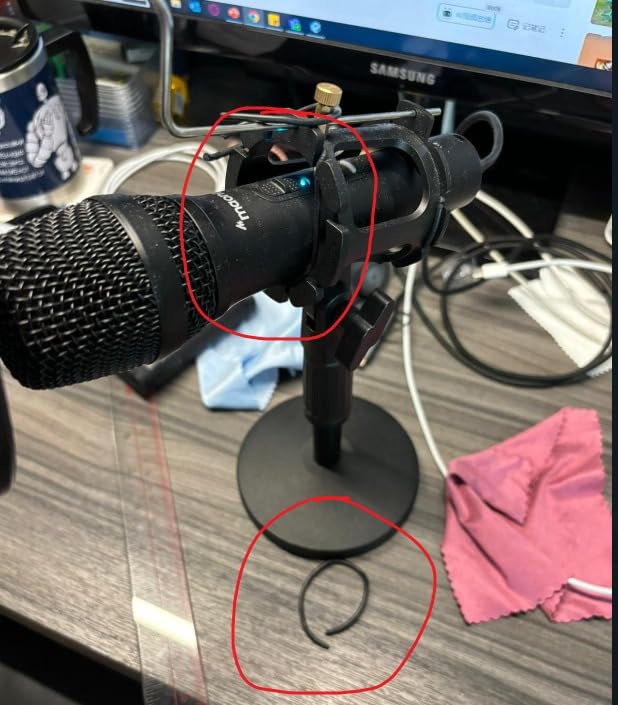
Count the box contents and the HD300T is hard to beat. You get the dynamic microphone, a metal desktop stand, a shock mount, a pop filter, a 78 inch USB cable and a 98 inch XLR cable. Nothing needs buying before the first take.
The full 20Hz to 20kHz response is the widest on this list, and the dynamic capsule with cardioid pickup keeps room reflections down while voices stay natural and warm.
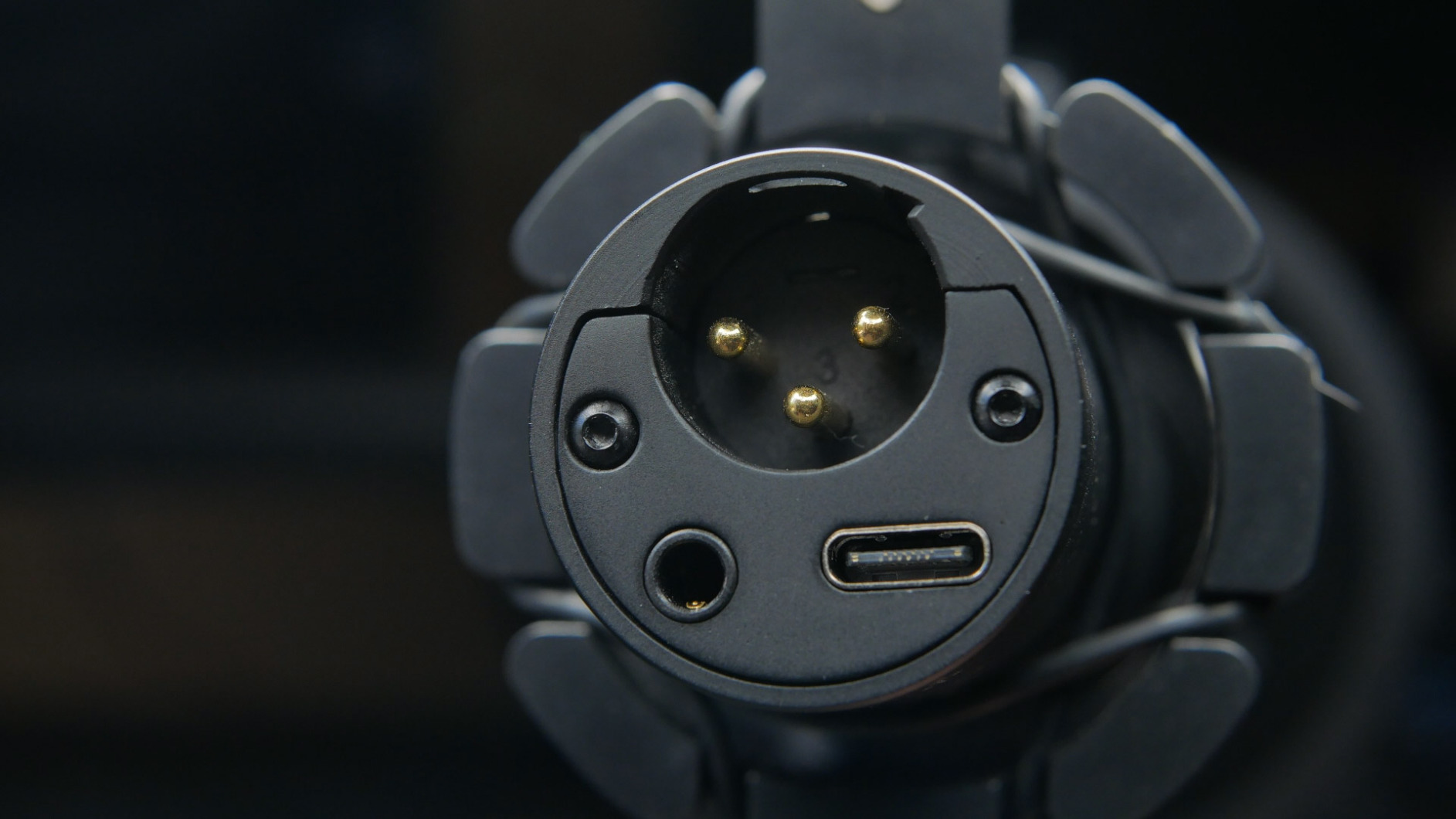
The built-in 3.5mm headphone jack gives instant, zero-latency monitoring with a volume control in USB mode. That is the feature people notice most after a few days of recording, because you can hear yourself clearly while talking.
Dual outputs mean the same microphone moves from a laptop to an interface, mixer or PA system once your setup grows.
What to check before buying the HD300T
Check the rating split against the alternatives. Around 70 percent of ratings sit at five stars, the second-weakest showing in this group, so expect occasional dissatisfaction even though the overall sentiment is positive.
Decide quickly whether the desktop stand is enough. Once you spend more than a few sessions recording, a boom arm will improve your sound more than any microphone swap, and this bundle does not include one.
Who the HD300T is wrong for
It is wrong for anyone who wants deep on-mic software control. Compared with dedicated podcast bundles, the bundled software tools are shallow, so EQ work belongs in your editor.
It is also the wrong pick as a permanent studio microphone, because the desktop stand fixes the microphone at one height and one distance from you.
Matching the Mic to Your Room and Your Setup
Start with the room, not the microphone. Every dynamic in this roundup rejects sound from the sides and rear, but the tighter the pattern and the closer you sit, the more of the room disappears from the recording. That means the same microphone can behave completely differently in a carpeted bedroom and in an apartment with hard walls and a busy street outside.
In a quiet room with soft furnishings, a cardioid dynamic is plenty. Sound is warm and full, plosives are handled by the included windscreen or pop filter, and the noise floor only shows up if your gain is pushed too far. That describes the Shure MV7X, the FIFINE AmpliGame AM8 and the Samson Q2U in ordinary home conditions.
In a harder room, or one with traffic and appliances, pattern tightens the decision. Reach for the hypercardioid Audio-Technica AT2040 or the RODE PodMic, and lean on the tip of the microphone close to your mouth so the room sits as far below your voice as possible. The MAONO HD300T works well too, and its bundled pop filter saves you a purchase that you would otherwise feel more acutely in an untreated space.
If your problem is low-frequency noise rather than echo, the TONOR TD510 Air is the one to look at. Its on-mic bass roll-off mode and AI noise reduction target exactly the rumble from traffic, air conditioning and laptop fans that no amount of cardioid rejection will remove.
Next, match the connection to your commitment level. One episode this month needs a USB microphone, and the AM8, the K688, the PD200XS or the HD300T will have you recording today. A show you expect to run for years should start with an interface, and that points you toward the SM7B, the PodMic, the MV7X or the AT2040.
The upgrade path matters as much as the starting point. If you buy a dual-output microphone now, you can move to XLR later without replacing anything. If you buy a USB-only model, upgrading means buying a second microphone. That is the practical argument for the dual-output designs among the budget picks here.
And plan the accessories in the same breath. A boom arm, an XLR cable where it is not included, and a pop filter on the microphones that do not include one together do more for your recordings than most microphone upgrades. Several of the models above include a shock mount or windscreen already, so check the box contents before you buy anything extra.
Setup Mistakes That Ruin Home Podcast Takes
Most disappointing home podcast audio is not a microphone problem. It is a setup problem, and it repeats across every room I have recorded in. Here is what comes up again and again, in rough order of how much damage it does.
Recording too far from the microphone. This is the most common fault by a wide margin. A dynamic microphone at six inches rejects the room dramatically better than the same microphone at eighteen inches, and it also captures the detail in your voice that makes a podcast worth listening to.
Mic placement beat the microphone choice in most of our comparisons, which matches what long-running contributors on r/podcasting keep arguing. If a take sounds like the room, move the microphone closer and aim it away from the bare wall before you blame the microphone.
A desk that transmits bumps. A foot stomp or a keyboard thump travels up the stand and into the capsule, and no pop filter will fix it. A shock mount helps, and so do the integrated shock mounts inside the Shure SM7B, the RODE PodMic and the Shure MV7X.
Speaking past the microphone instead of into it. Aim slightly past the grille rather than straight down it. The result is a smoother, more even frequency response and fewer plosives, and it costs nothing.
Ignoring the noise floor. Record ten seconds of silence and listen back before you record a whole episode. If you can hear hum, fan noise or a street clearly in that silence, your listeners will hear it between your words. Fixing it at the source, by moving the router or closing a door, beats any microphone change.
Buying a condenser first. The classic beginner purchase is a USB condenser in an untreated room, and the echo that follows is usually blamed on the microphone. A dynamic avoids that problem entirely, which is the entire premise of this roundup.
Over-gaining the preamp. If the noise floor is audible in a quiet room, the interface is being pushed too hard for that microphone. A higher-gain interface is a better fix than any microphone in this guide, and a move to an easier-to-drive model such as the MV7X or the PodMic is cheaper still.
Dynamic vs Condenser for Untreated Rooms
A condenser microphone is bad for home podcasting. That is not a quality judgement; it is a room judgement. Condenser capsules are far more sensitive, so they pick up whatever is bouncing around your room, and an untreated bedroom full of flat walls produces exactly the hollow, echoey result that makes listeners switch episodes.
A dynamic microphone is less sensitive by design and less interested in the room. Its pickup pattern is built to reject sound arriving from the sides and rear, so the walls, the fridge and the street sit well below your voice.
There is one exception. If you have genuinely treated your space, with broadband panels and a treated corner behind the microphone, a condenser on a good interface produces a more open, detailed sound. In that specific case the dynamic is merely the sensible choice, not the better one.
XLR vs USB: What Each Setup Requires
A USB dynamic microphone is a microphone, a preamp and a converter in one body. Plug it in, set the gain knob on the mic, and record. It suits a first podcast, a laptop-only workflow, and anyone who wants zero-latency headphone monitoring without buying a second box.
An XLR dynamic microphone outputs a balanced signal that carries no audio. All gain, conversion and monitoring happen in your interface, which is exactly why you get control over EQ, tone and gain staging. The cost is more boxes and more cables.
A dual-output microphone, like the AM8, the K688, the TD510 Air, the PD200XS or the HD300T, is the pragmatic middle path. Start on USB, and move to XLR when you decide your interface is worth it.
One practical warning: check your connector before buying. Several budget dynamics and packs include a USB-A or USB-C cable, and a USB-A plug needs an adapter on a modern laptop without that port. The Samson Q2U and the MAONO HD300T both include cables in their native format, so start by checking what your computer accepts.
Cardioid vs Supercardioid vs Hypercardioid
Cardioid is the most common pattern and the safest default. It rejects sound from behind the microphone well enough for a solo host and most home rooms, and it is what most of the microphones in this roundup use.
Supercardioid pushes the rear rejection further and narrows the useful pickup into a cone. It is the right choice when a second speaker is close by, at the cost of hearing the room a little more.
Hypercardioid is the tightest of the three, and the AT2040 is the pick here that uses it. For two hosts in one room it keeps the off-mic speaker out of your channel better than cardioid, which is the reason it earned a place on this list. The trade-off is that it also hears slightly more of the room behind the mic.
Gain, Preamps and the Cloudlifter Question
Dynamics output less signal than condensers, so they need more preamp gain. The Shure SM7B is the extreme case, with Shure recommending at least 60dB of gain for the tone the microphone is known for. Many entry-level interfaces stop short of that cleanly, which is why owner feedback about the SM7B so often turns to inline boosters.
Judging interface suitability is simple. Check its maximum gain figure, then add typical headroom for the gain structure you will use. If the SM7B sits near your interface ceiling, pick the RODE PodMic, the Shure MV7X or the Audio-Technica AT2040 instead, all of which are easier to drive.
Gain staging rules are the same for everything here. Turn up until your loudest syllable peaks around minus 6dB, then stop. If the noise floor becomes audible between sentences in a quiet room, the preamp is being pushed too far and a higher-gain interface will beat any microphone swap.
Mic Placement in an Untreated Room
Where you put the microphone changes the sound more than which microphone you buy. Every take in this roundup was recorded at a fixed distance for that reason.
Get the microphone four to six inches from the corner of your mouth, aimed slightly past the grille rather than straight down it.
Keep it on a boom arm or a proper stand so desk bumps never reach the body.
Aim it into the softest part of the room, ideally a wardrobe full of clothing or a curtain rather than a bare wall.
Get quieter at the source: close the laptop lid on fan noise, move the router, and turn off anything that hums.
Record ten seconds of silence and listen back. That noise floor tells you whether you need a better microphone or a quieter room.
Regulars on r/podcasting make the same argument from the other direction, that positioning affects noise rejection more than the choice of microphone. Our own recordings agree. The two speakers with the most sensitive pickup on this list were still dramatically better when the microphone moved closer to the mouth.
What an XLR Setup Actually Requires
Four XLR microphones on this list, the SM7B, the PodMic, the MV7X and the AT2040, need an interface with a clean preamp. Add a boom arm if you can, and an XLR cable if the microphone does not include one, which is the case for the PodMic, the MV7X and the AT2040.
Total cost matters here, and it is the argument that trips first-time buyers. A USB microphone plus its stand is one purchase and one box. An XLR microphone means microphone plus interface plus cable plus stand, which is why dual-output models like the AM8 and the HD300T exist and why they sell well to beginners.
Members of r/audioengineering regularly make the same point from the other side of the argument, that the interface is where the real audio decisions happen. If your plan is to grow past a first season of episodes, buy the interface early and treat the microphone as the part you will replace last.
Frequently Asked Questions
What is a good dynamic microphone for podcasting?
A good dynamic podcast microphone is a cardioid or tighter pattern dynamic that captures your voice close up while rejecting room echo, fridge hum, traffic and air conditioning. In an untreated home room, the Shure SM7B is the reference voice, the RODE PodMic is the warm all-metal workhorse, and the FIFINE AmpliGame AM8 is the best value if you want USB and XLR in one body.
Which microphone is best for recording in untreated rooms?
A dynamic microphone with a tight pickup pattern is the right answer for untreated rooms, because it hears your mouth more than it hears the walls. The Audio-Technica AT2040 is the most isolating option here because of its hypercardioid pattern, and the Shure SM7B is the most forgiving of a noisy room once it is given enough clean gain.
Do dynamic microphones need phantom power?
No. Dynamic microphones generate their signal from a moving coil in a magnetic field and need no external power. The Shure SM7B works fine with phantom power switched on or off, though some inline boosters used with it do require phantom power themselves.
Do I need an audio interface for a dynamic podcast mic?
You need one for any XLR-only microphone, including the Shure SM7B, the Shure MV7X, the RODE PodMic and the Audio-Technica AT2040. USB-capable models such as the FIFINE AM8 and the MAONO HD300T need no interface, because the preamp and converter are built in. Dual-output microphones let you start on USB and move to an interface later.
Why does the Shure SM7B need so much gain?
The SM7B has a deliberately low output level, and Shure recommends at least 60dB of gain to reach the warm, balanced tone the microphone is known for. Entry-level interfaces often stop short of that cleanly, so pushing them harder exposes preamp noise. Either add a higher-gain interface, add an inline booster, or choose an easier microphone such as the RODE PodMic or the Shure MV7X.
What is the 3 to 1 rule for microphones?
The 3 to 1 rule says that for clean recording, your room should be treated to roughly three times the absorption of the source. For voice, it also describes a practical spacing guideline, so microphones in a multi-speaker setup sit about three times as far from each speaker as the speaker is from their microphone.
What polar pattern is best for a two-person podcast?
A supercardioid or hypercardioid pattern works best when two hosts share a room, because the tighter rear and side rejection keeps the off-mic speaker out of your channel. The Audio-Technica AT2040 uses a hypercardioid pattern and is the strongest two-host option in this roundup, at the cost of hearing slightly more of the room behind you.
Are USB-A connectors a problem on newer laptops?
They can be. Several budget dynamics and packs include a USB-A or USB-C cable, and a USB-A plug needs an adapter on a laptop without that port. Check which connector your computer accepts before buying, or choose a microphone that includes the cable in the format you need, like the Samson Q2U or the MAONO HD300T.
Which Dynamic Mic Should You Buy?
If you want the best sound and your interface can supply plenty of clean gain, buy the Shure SM7B. It is our editor’s choice because nothing else on this list matches its broadcast tone, its off-axis rejection in an untreated room, and the sheer weight of owner feedback behind it.
If you want a permanently mounted broadcast microphone with warm tone and a swing mount, the RODE PodMic is the smarter buy. It costs less, it runs with normal home gain, and owners describe it as good for years.
If you want to start on USB tonight and add an interface later, the FIFINE AmpliGame AM8 does both in one body. For two hosts in one room, add the Audio-Technica AT2040 for its hypercardioid isolation, and for the most complete box on this list, the MAONO HD300T includes a stand, shock mount, pop filter and both cables.
Whichever you choose, move the microphone closer to your mouth before you spend money on anything else. Placement will improve your recordings more than any upgrade on this list, and it costs nothing.