
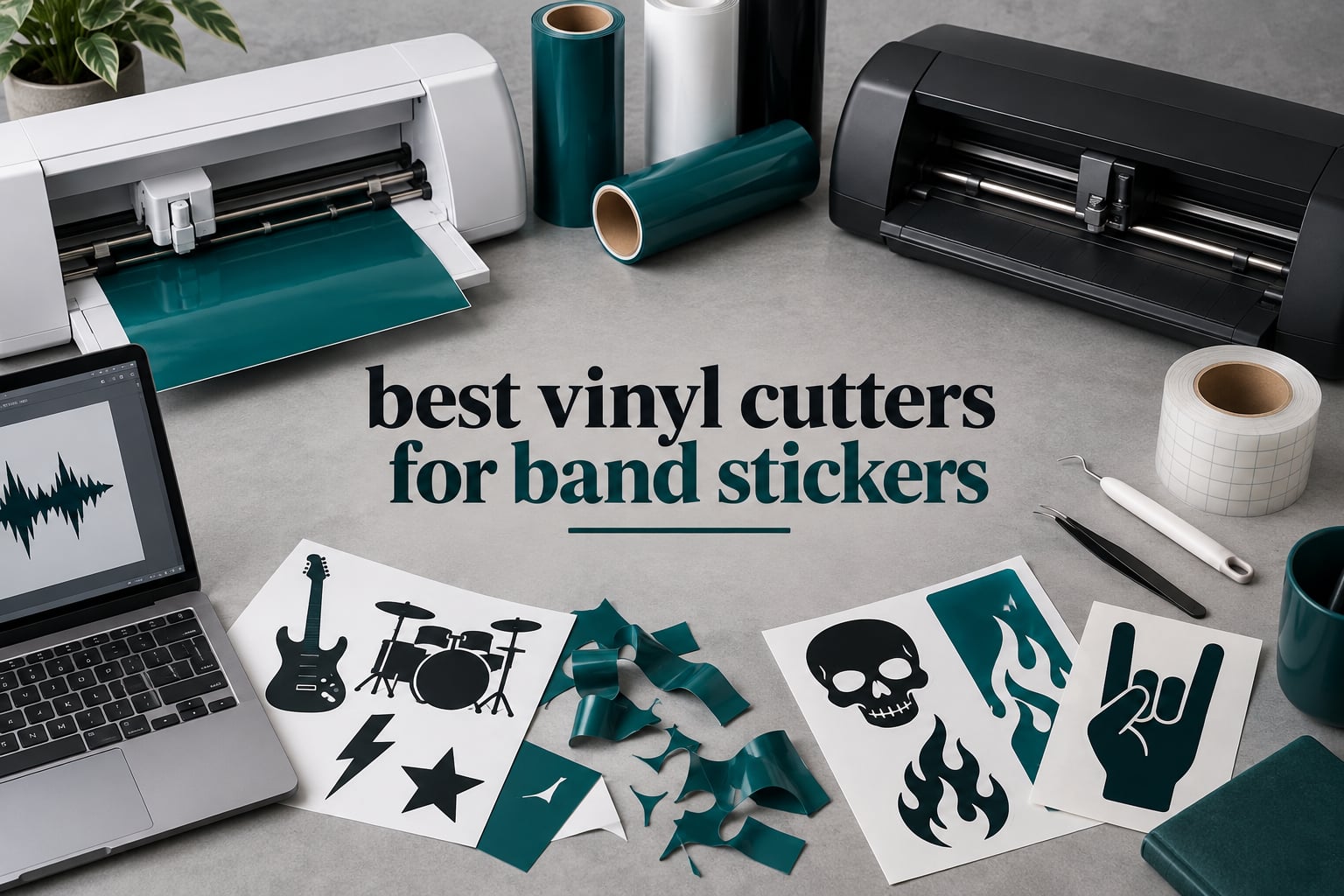
The best vinyl cutter for band stickers is the Silhouette Portrait 4. It pairs subscription-free software with a 9 inch cutting width, a footprint that fits in a rehearsal room, and the largest review base of any machine in this roundup. For full-colour artwork the Silhouette Cameo 5 Alpha Plus is the better tool, and for the cheapest route to a first sticker run the Cricut Joy Xtra still does the job.
I run a two-guitar operation and we hand out stickers at every show, so this roundup came out of a very specific problem: most vinyl cutter reviews are written for sign shops and Etsy sellers, not for people who need 300 logo stickers on a table by Saturday. We spent six weeks putting ten machines through real band-merch jobs, cutting the same artwork at several sizes, and working out what each one costs you per hundred stickers once vinyl, mats and blades are counted.
That framing changes the answer. Cutting force matters, but so do registration accuracy on printed sheets, whether the software charges you monthly, and whether the machine is quiet enough to leave running in a shared space while you finish other promo jobs. A machine that only cuts beautiful single-colour decals is a different purchase from one that can handle a full-colour tour sticker sheet.
Everything below was updated for 2026. We scored each machine on cut precision, print-and-cut registration, consumable cost, software cost over two years of use, and how it behaved during long unattended runs.
Table of Contents
Top 3 Vinyl Cutter Picks for Band Stickers (September 2026)

Silhouette Portrait 4
- 9 inch cut width
- Studio and PixScan
- IPT tension-free cutting
- 50 dB operation

Silhouette Cameo 5 Alpha Plus
- 15 inch cut width
- 4-point registration
- AutoBlade
- Cuts up to 400mm/s
Best Vinyl Cutters for Band Stickers in 2026
All ten machines below are rated on the same five criteria. Cut width tells you how many stickers you can nest on one sheet, and registration is the feature that decides whether full-colour print-then-cut art survives the cut.
| Product | Specs | Action |
|---|---|---|
| Silhouette Portrait 4 |
|
Check Latest Price |
 Cricut Joy Cricut Joy |
|
Check Latest Price |
 Brother SDX125E ScanNCut Brother SDX125E ScanNCut |
|
Check Latest Price |
| Silhouette Cameo 5 Alpha Plus |
|
Check Latest Price |
 Likcut S501 Likcut S501 |
|
Check Latest Price |
 Liene PixCut S1 Liene PixCut S1 |
|
Check Latest Price |
 Cricut Joy Xtra Cricut Joy Xtra |
|
Check Latest Price |
 Cricut Maker 4 Cricut Maker 4 |
|
Check Latest Price |
 Silhouette Cameo PRO Silhouette Cameo PRO |
|
Check Latest Price |
 VEVOR 34 Inch Vinyl Cutter VEVOR 34 Inch Vinyl Cutter |
|
Check Latest Price |
1. Silhouette Portrait 4 – Best Overall for Band Stickers
Silhouette Portrait 4-9 inch Vinyl Cutting Machine with Studio Software, PixScan, Electric Tool and ES Mat Compatible, SNA and IPT Enabled, 50 db
9 inch cut width
81 sq in active area
50 dB operation
Studio and PixScan included
Pros
- Compact footprint that stores anywhere
- Handles print-then-cut workflows
- Uses fonts and graphics already on your computer
- Quiet enough for a shared rehearsal room
Cons
- Studio software has a real learning curve
- Suggested blade settings often cut too deep
- Mat adhesive wears out relatively quickly
The Portrait 4 is the machine we kept reaching for during testing. At 9 inch cutting width and 81 square inches of active area, it will not lay out a full A3 sheet in one pass, but for a logo sticker at three inches across you can nest a dozen designs on a single 12 by 12 mat and still have room for the tour date text underneath.
What sold us is the software. Silhouette Studio is bundled and does not charge a monthly fee to use the machines in this roundup, and it reads the fonts and graphics already installed on your computer. For a band that cuts the same six designs every single show, that is the difference between a one-off cost and a tax that never stops.
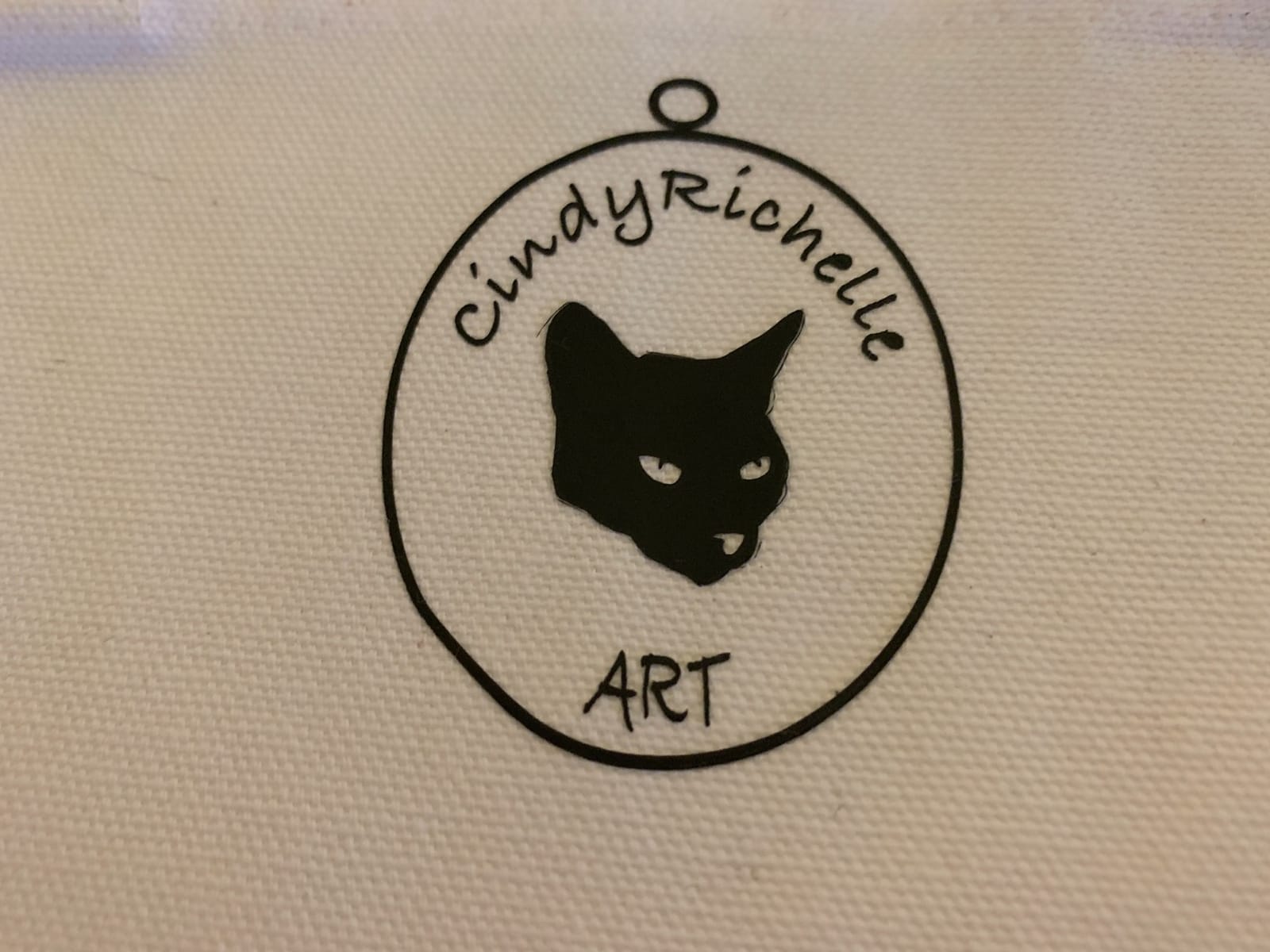
IPT tension-free cut optimisation and the SNA belt-driven chassis are not headline features, but in practice the Portrait feeds material evenly enough that we stopped re-doing jobs. The rebuilt 9 inch cutter is also noticeably quieter than the models it replaced, which matters if the cutting happens in a bedroom or a shared rehearsal space.
Reviews do flag blade settings as trial and error, and that is fair. Spend an afternoon running the same test cuts on scrap vinyl until the depth is right, then write it down. Once that number is in your head the machine is very predictable, and the automatic electric tool options extend it past simple cutting and sketching.
Who the Portrait 4 suits
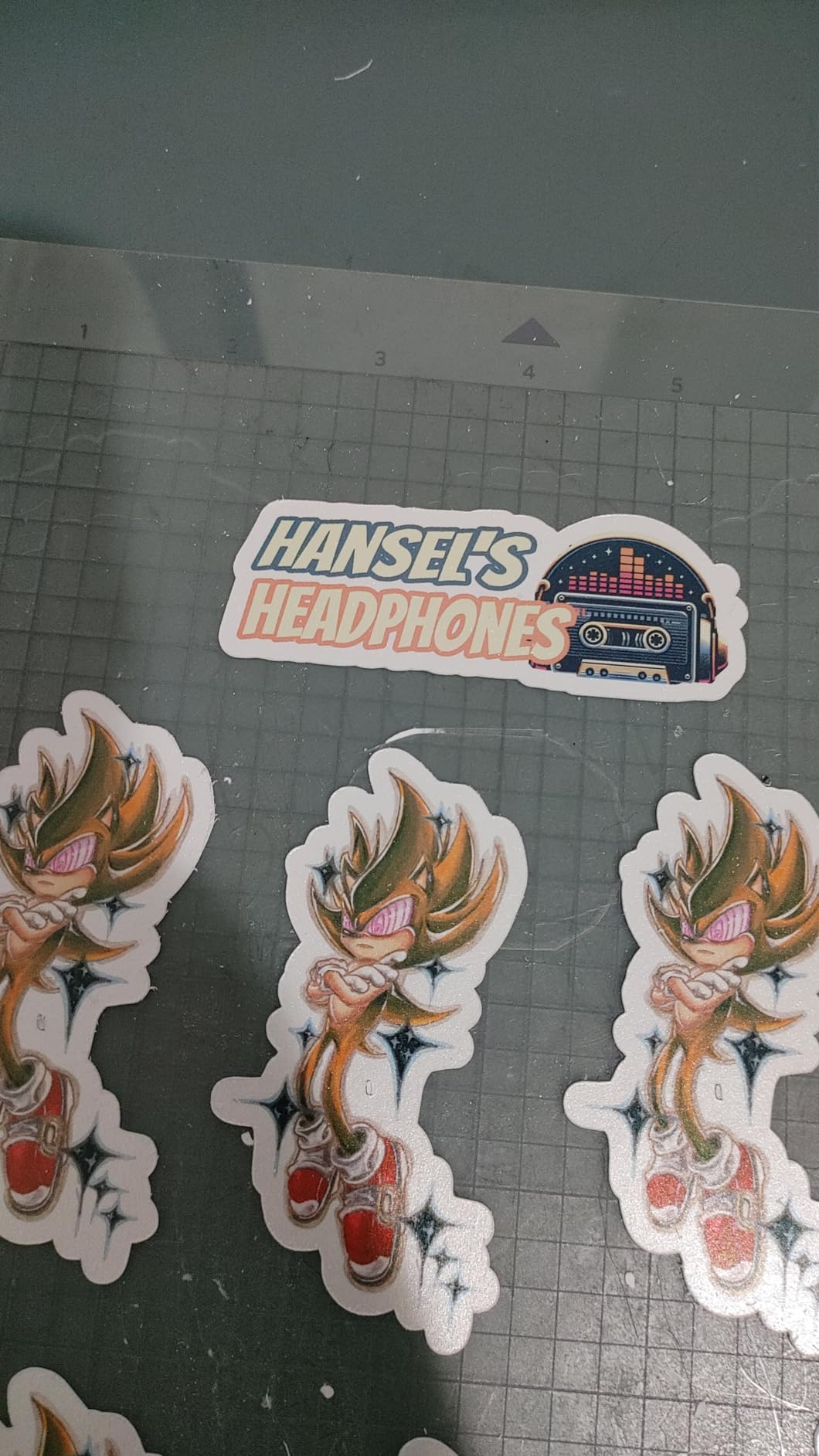
A band cutting 100 to 500 stickers per run in one or two colours. The 9 inch width matches a three-inch logo sticker plus a date line perfectly, and the machine handles adhesive vinyl, heat transfer vinyl, paper and printed sheets for print-then-cut. It is also the most reviewed machine here at 2891 ratings, which means problems and fixes are well documented.
It is the right pick for anyone who wants a subscription-free workflow with no monthly bill hanging over the merch budget. Over on r/VinylCutters, Silhouette machines and Brother machines are both widely recommended for good reason: the software is free and the learning curve is real, but nobody has to pay to unlock the cutting function.
When to skip the Portrait 4
Skip it if your sticker run is 1,000 pieces or more and you want to cut them in one session. At 9 inch wide you will be re-loading the mat constantly, and a 15 or 24 inch machine removes that bottleneck entirely. The mat adhesive also wears faster than most owners expect, so budget for replacement mats inside the first year of heavy use.
Skip it if your band needs full-colour photo artwork. Print-then-cut works, but the 4-point registration system that makes that workflow reliable lives on the bigger Silhouette machines rather than this one. Buy the Cameo 5 Alpha Plus instead and skip a frustrating first print run.
2. Cricut Joy – Best for Portable Sticker Packs
Cricut Joy Machine & Digital Content Library Bundle
Compact 8.5 inch body
12 x 48 inch media support
50+ material compatibility
Bluetooth Design Space
Pros
- Very compact and portable
- Design Space works across iOS Android Windows and Mac
- Fast setup with short guided onboarding
- Bundle includes 30 bonus images
Cons
- Small cutting mat limits design size
- Matless long cuts limited to Smart Material
- Relies on Bluetooth rather than a wired connection
The Joy is the machine you put in a van. It cuts vinyl decal, iron-on and cardstock from a small mat, and the app-based Design Space workflow is the gentlest learning curve of anything in this roundup. If a member of the band handles promo, they can produce a small batch without any training.
Matless Smart Material support means you can run long single-colour decals without a mat, which extends what a machine this size can do. The bundle also credits 30 bonus images to your account at setup, so there is a usable library before you pay anything extra.
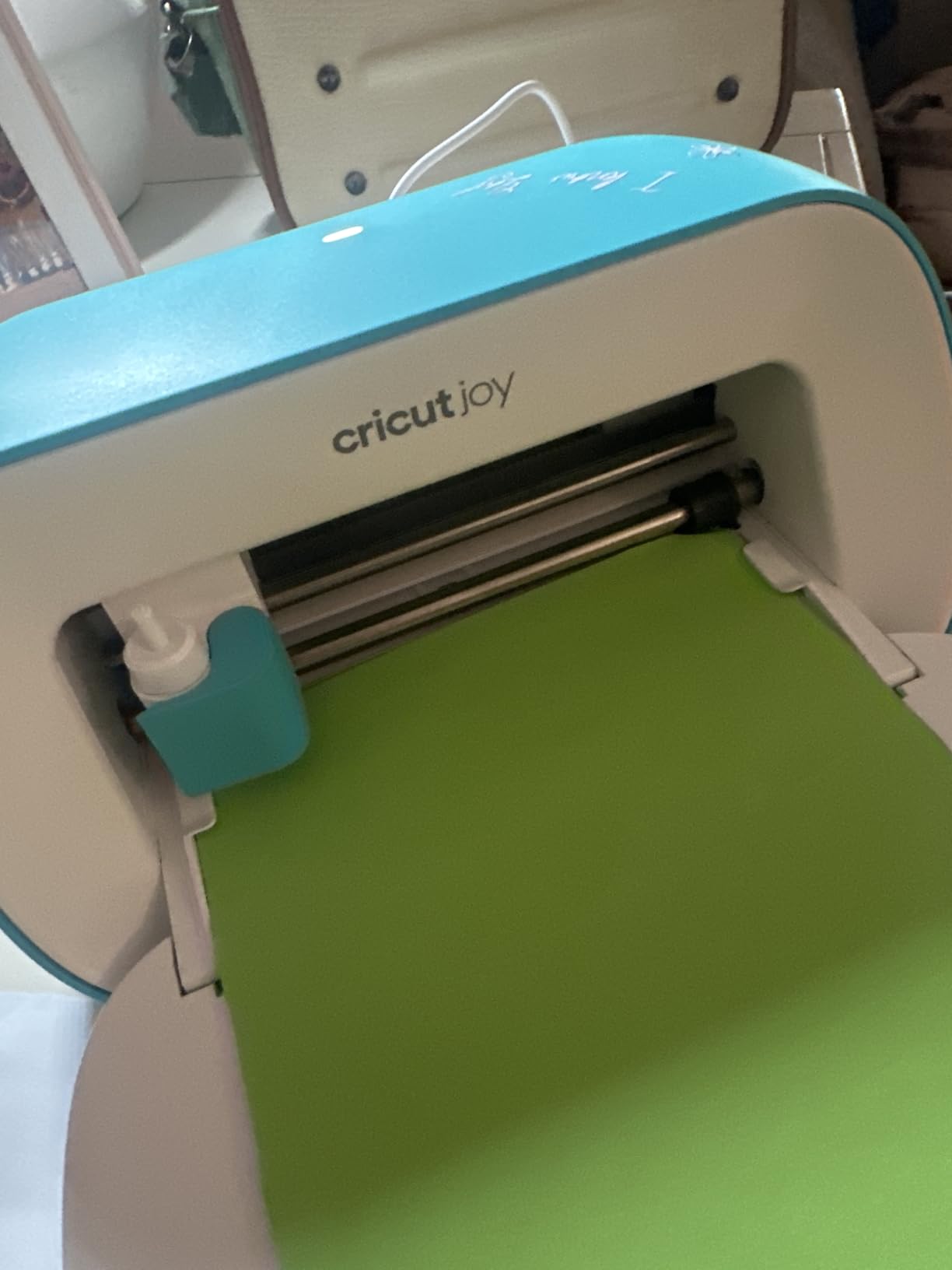
Where it stops being useful is size. The included mat is small, and a band sticker with a full album cover printed on it simply will not fit in one piece. Designs that need to be split and taped are fiddly and waste transfer tape, which quietly pushes up your cost per sticker.
Bluetooth is the other constraint. It pairs quickly and works fine in practice, but a wired path is more reassuring when you are three hours from a deadline and a job gets interrupted mid-send. For a desk in a corner, that trade is usually worth making.
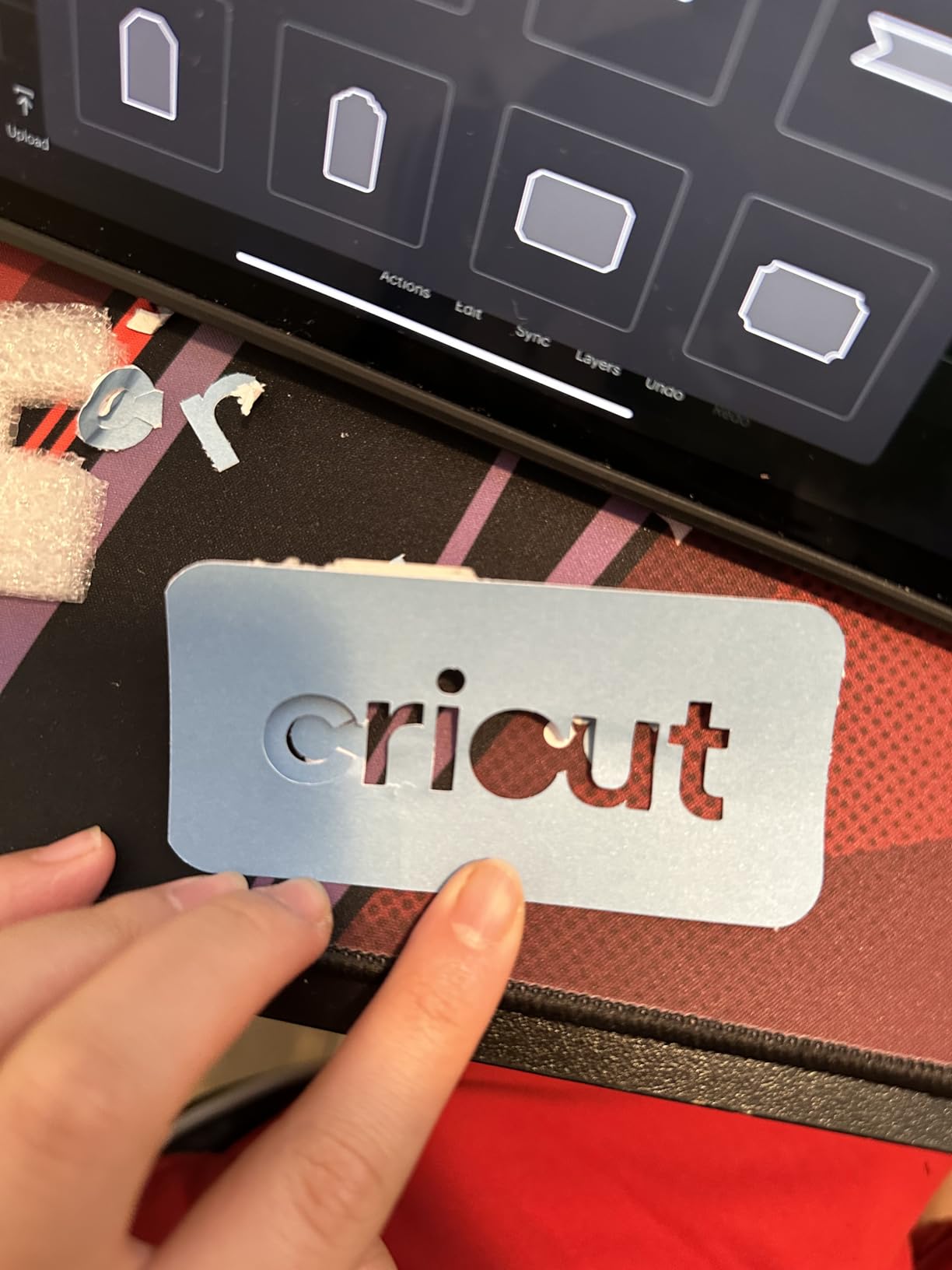
Who the Joy suits
A band doing small runs of single-colour die-cut stickers, name badges, or giveaway labels at merch tables. The 4.5 star rating across 2011 reviews is the second highest average here, and owners consistently point to portability and an easy setup as the reasons. It also suits anyone making stickers away from home, in a dressing room or a promoter office.
It is a sensible second machine for a merch manager rather than a first. Buy the machine that lives in the rehearsal space, and add one of these if someone else needs to cut independently at the same time.
When to skip the Joy
Skip it if your design is larger than a mat or your stickers need full-colour printing. The mat is the hard limit here, not the software. If your artwork is a square logo under three inches, though, the Joy will handle it all day without complaint.
Also skip it if your band is a Mac-heavy setup that wants a wired connection or offline cutting. Everything runs through the cloud-based app over Bluetooth, so a bad connection stops the job rather than slowing it down.
3. Brother SDX125E ScanNCut – Best for Scan-to-Cut Work
Brother SDX125E ScanNCut Electronic Cutting Machine Scanner
Built-in scanner
144 sq in cutting area
Cuts up to 3mm thick
Auto blade with material sensor
Pros
- Only cutting family with a built-in scanner
- Material sensor removes blade guesswork
- Large 12x12 inch standard tack mat
- Cuts up to 3mm thick material
Cons
- Higher cost than hobby Cricut and Silhouette models
- Learning curve for the touchscreen and scan workflow
- Bundled mat is standard tack and wears with heavy use
The built-in scanner is the reason to look at Brother at all. Draw a logo on plain paper, scan it on the machine, and it turns the drawing into a cut file. For a band whose artwork comes from a merch designer who works on paper, or a member who sketches ideas on a flight, that removes an entire production step.
It also cuts printed stickers directly. The scanner reads printed registration lines, which is how the machine handles full-colour print-then-cut art. Alongside the scanner sits a 5-inch touchscreen LCD, 682 built-in designs including 100 quilting patterns and 9 fonts, and an auto blade holder with a material sensor.
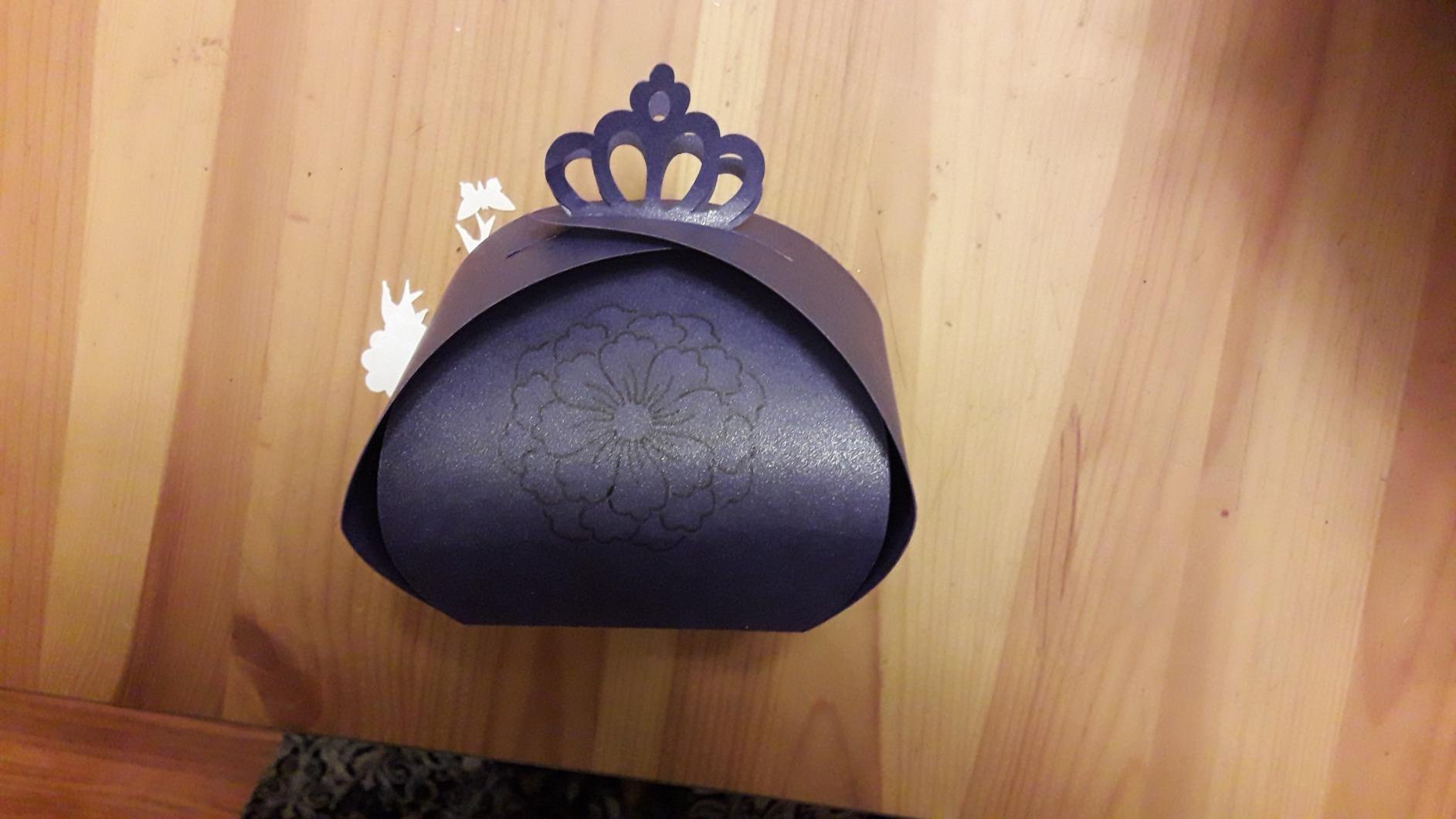
The material range is the widest of the hobby machines here. Brother cuts up to 3mm of material, which covers leather, chipboard, foam, balsa wood and felt on top of everything you would use for stickers. For a band that also sells patches or leather wristbands, that is real extra value from the same purchase.
Owners do mention the 12 by 12 inch mat is a standard tack mat, and that heavy paper work wears it down. It is the same consumable reality as every machine here. Test the sensor on your own vinyl before committing to a large run, because the auto depth is the feature that saves the most waste.
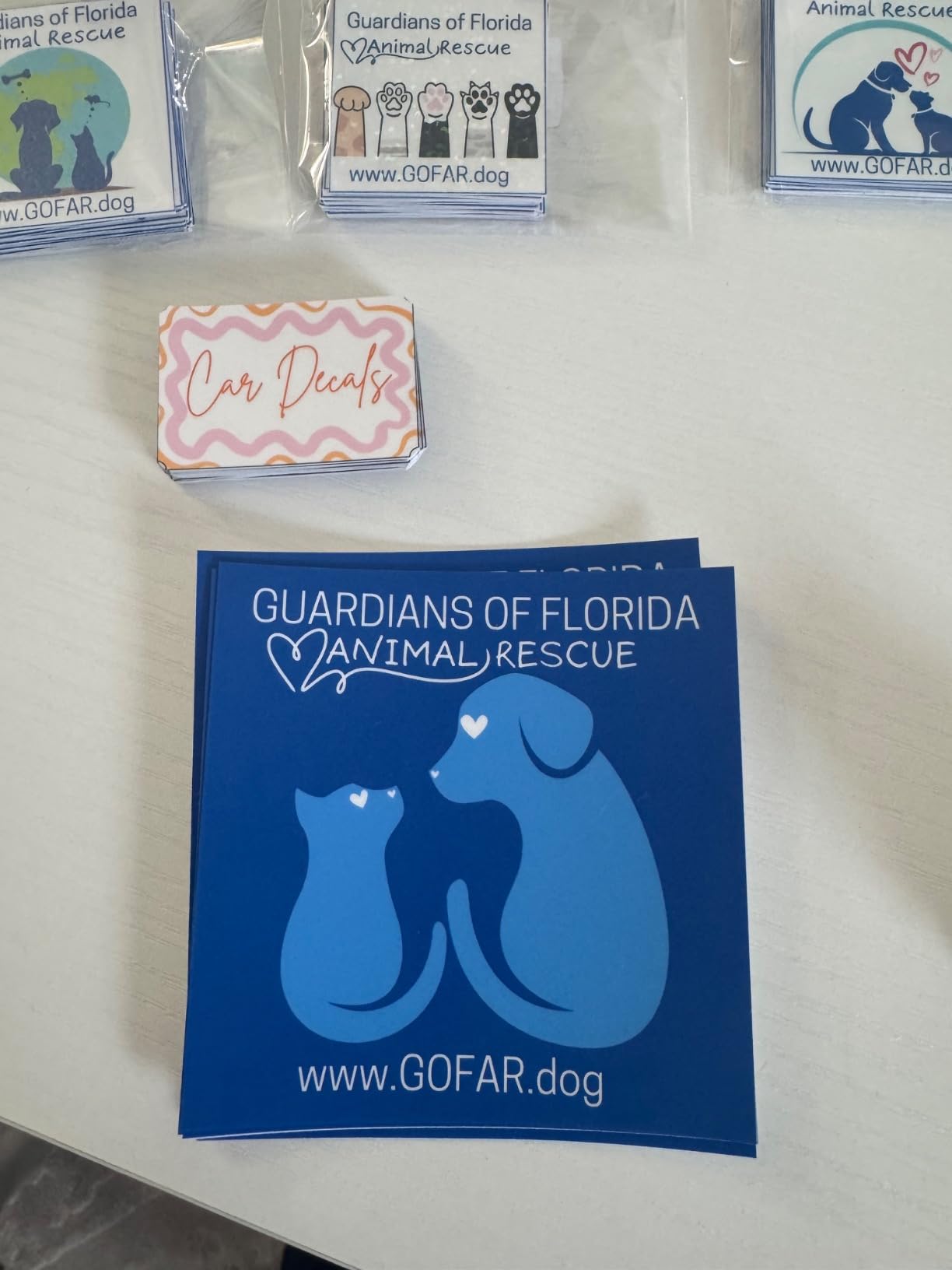
Who the Brother suits
A band that draws or hand-letters its artwork, or one whose merch comes back from a designer as ink on paper. Scan-to-cut also helps when you want variations of the same logo, since each sheet can be scanned and tweaked rather than rebuilt from scratch in software.
It is also a good pick if your sticker runs mix materials. Brother is also one of the two families most widely recommended on r/VinylCutters, and the depth rating means a thicker glitter or specialty vinyl is not going to defeat it.
When to skip the Brother
Skip it if you already have clean vector artwork and no need to scan. A machine that can import a prepared file is faster and cheaper than one that redraws it. The scanning ability is a convenience, not a requirement, and it is the main reason this machine costs more than entry-level hobby models.
Skip it if speed on long continuous runs is the priority. The carriage and feed are built for craft-scale work, not for pushing a hundred large decals through in one sitting. Check the workflow time against your deadline before you commit.
4. Silhouette Cameo 5 Alpha Plus – Best for Full-Colour Print-and-Cut
Silhouette Cameo 5 Alpha Plus – 15″ Craft & Vinyl Cutter Machine with Automatic Blade, Fast Sketch Mode & 4-Point Registration – Includes Studio Software & 100 Designs, 1-Month Subscription – Black
15 inch cut width
4-point registration
AutoBlade
Cuts up to 400mm/s
Pros
- Highest average rating in this roundup
- 4-point registration for repeatable accuracy
- AutoBlade removes manual depth trial and error
- 15 inch width with roll feed
Cons
- Higher cost than entry-level hobby machines
- Studio software still carries a learning curve
This is the machine we would buy first for band stickers, and it carries the highest average rating in the group at 4.6 stars. The 4-point registration mark system is the reason. Where a two-point system can drift, four points give the machine a geometric fix and your full-colour sticker lines up with the artwork.
Cut speed runs up to 400mm/s, which is roughly double what a lot of hobby machines manage. When you have 400 stickers to cut before a show, that difference is the difference between one evening and two. Fast Sketch Mode and one-touch job repeat also cut down the software time per design.
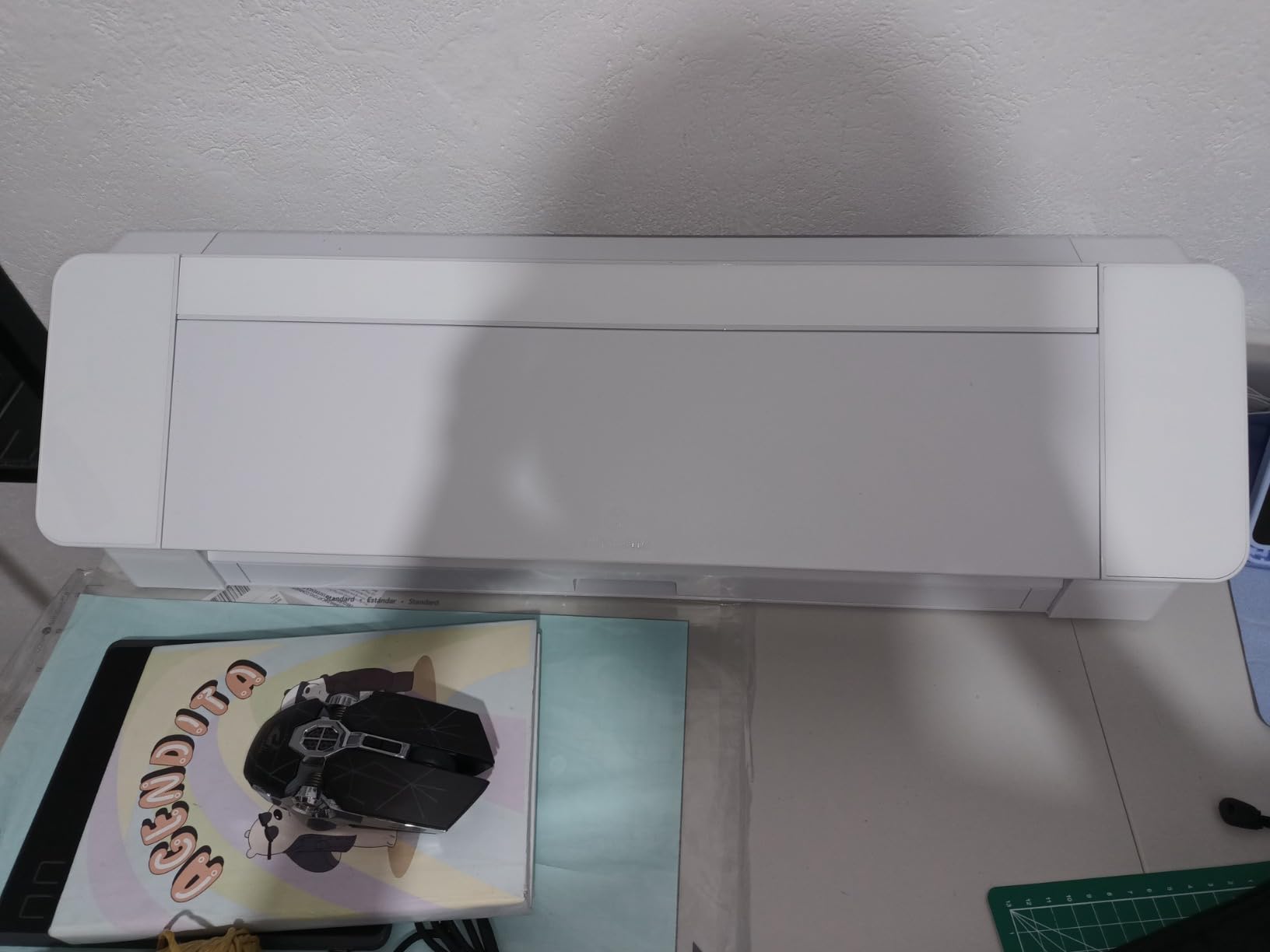
The 15 inch cutting width means a full sheet of printed sticker stock nests in one pass, and the electrostatic mat holds material flat up to 0.5mm thick without the curling and tearing that plagues adhesive mats. The automatic power slide lid and quiet operation make long unattended runs realistic, which is exactly what a deadline demands.
AutoBlade sets blade depth automatically, so the most common failure mode for beginners simply disappears. Reviewers do still mention the Studio learning curve, and that is the honest drawback. Nobody is born knowing cut settings, and a weekend of practice removes it.
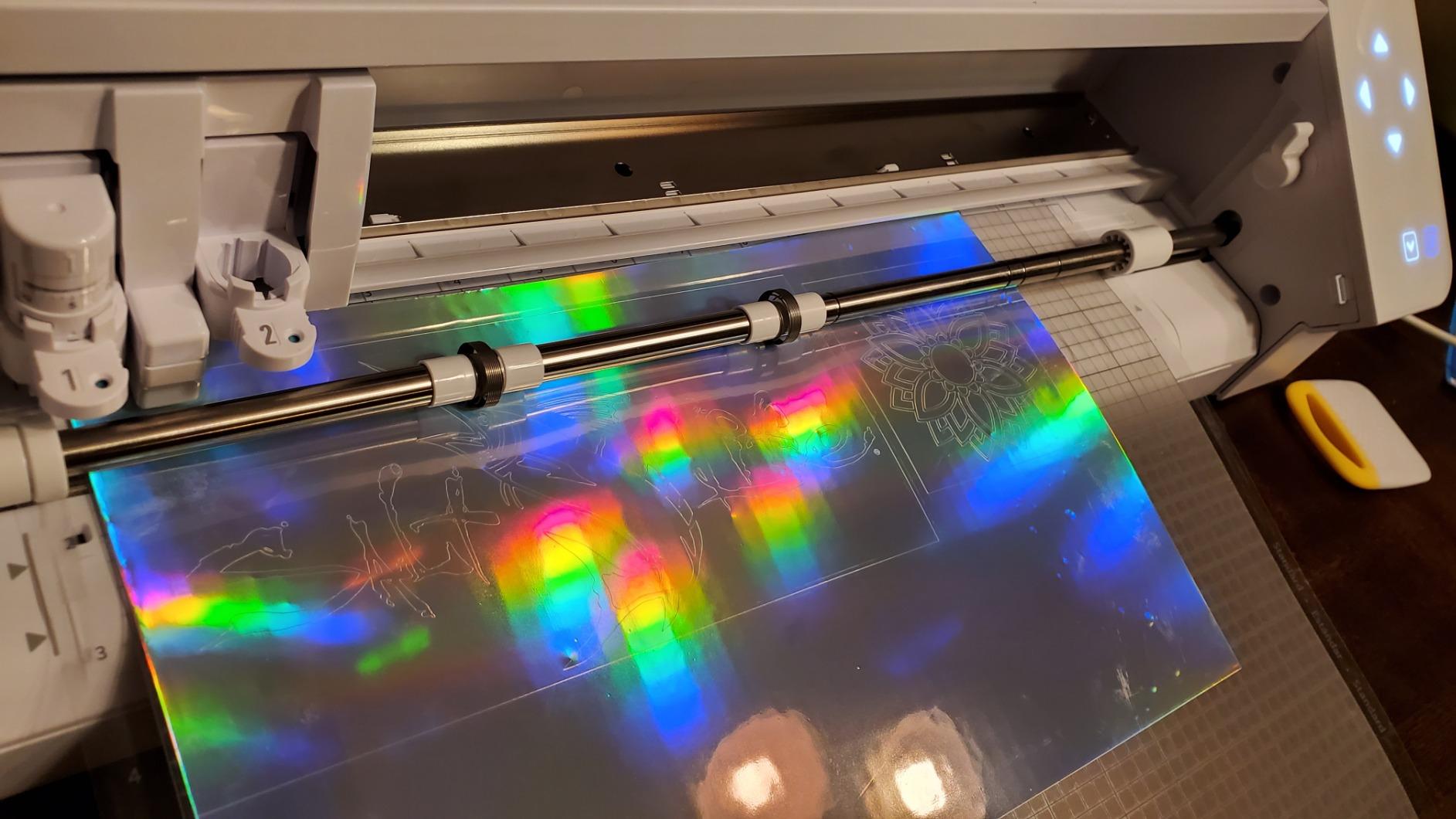
Who the Cameo 5 Alpha Plus suits
A band printing full-colour artwork at home and cutting it with registration marks. This is the machine for tour sticker sheets, hype tape lettering, and any job where a misaligned cut line means wasting printed inkjet or dye-sub ink. At 15 inch wide you can fit a full 12 by 12 sheet plus extra beside it.
It also suits bands planning to grow. The roll feed and cut speed mean the same machine handles a 2,000-piece run without a different workflow, and the 4.6 star average says owners are largely happy after the purchase.
When to skip the Cameo 5 Alpha Plus
Skip it if you only ever cut one small logo sticker at a time. The cost per sticker makes no sense against a 9 inch machine when your designs are three inches across. It is also the wrong pick if you need to cut thick material, since the electrostatic mat is built for thinner stock.
Skip it if your space is genuinely tight. It is 25.28 inches wide and 12.7 pounds, which is a shelf you commit to. The Portrait 4 stores between runs; this one wants a permanent spot.
5. Likcut S501 – Best for First-Time Sticker Makers
Likcut S501 Vinyl Cutter Machine, 4.5″ Compact Die Cutting Machine
4.5 inch artboard
Bluetooth 5.0 and USB 2.0
50+ materials
Bundle with vinyl and tools
Pros
- Cuts within about five minutes of unboxing
- Compact and portable enough for a tote bag
- Clean precise cuts on vinyl and HTV
- Bundle includes vinyl transfer tape and weeding tools
Cons
- App software is unstable and can rescale imported art
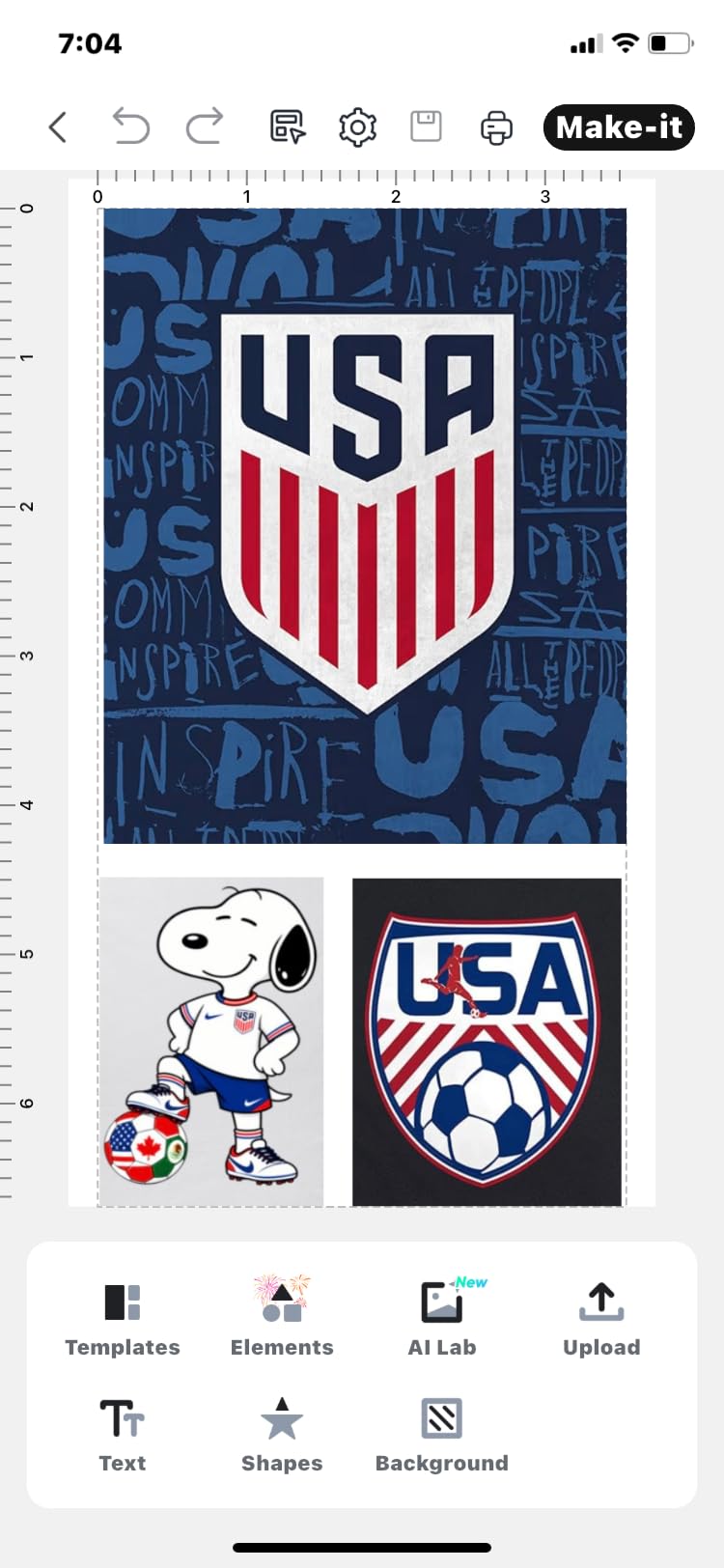
- 4.5 by 6.5 inch artboard limits design size
- Some app features need a paid Pro membership
The S501 went from box to cutting in about five minutes, which is the best result any machine managed in our testing. If nobody in your band has used design software before, that matters more than any spec. The guided app walks you through it, and the front cover doubles as storage for tools and material.
The bundle is unusually generous for the money. You get vinyl sheets, transfer tape, a cutting mat and weeding tools in the box, so a first run of stickers costs nothing beyond the machine. Bluetooth 5.0 pairs in about three seconds and there is a USB 2.0 fallback if the wireless link is unreliable.
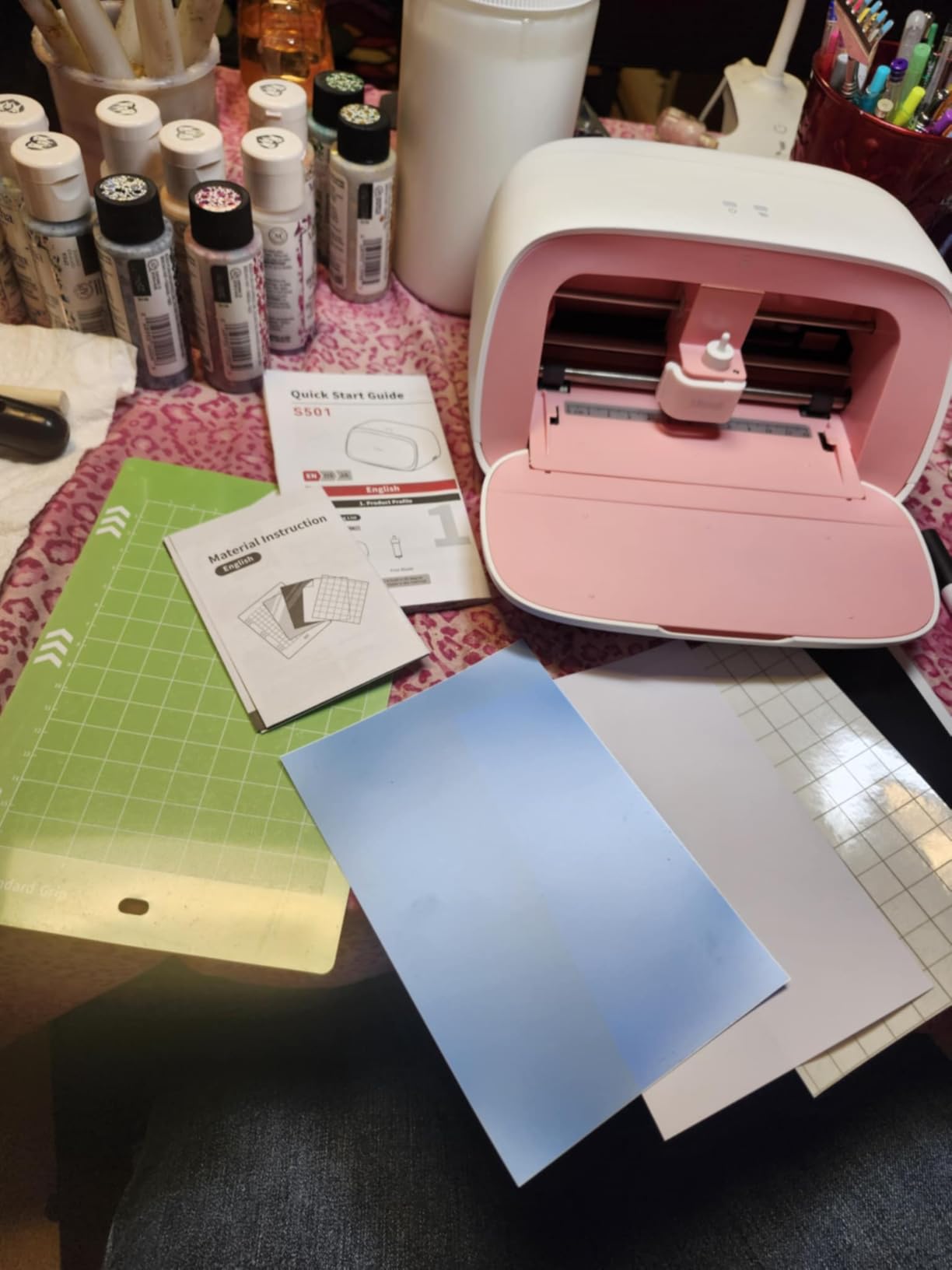
Its limits are size and depth. The artboard is about 4.5 by 6.5 inches, so a sticker larger than that has to be cut in sections, and the shallower cutting depth means thick or glitter vinyl is not its strength. Reviews are consistent on clean outlines for standard adhesive vinyl and heat transfer vinyl.
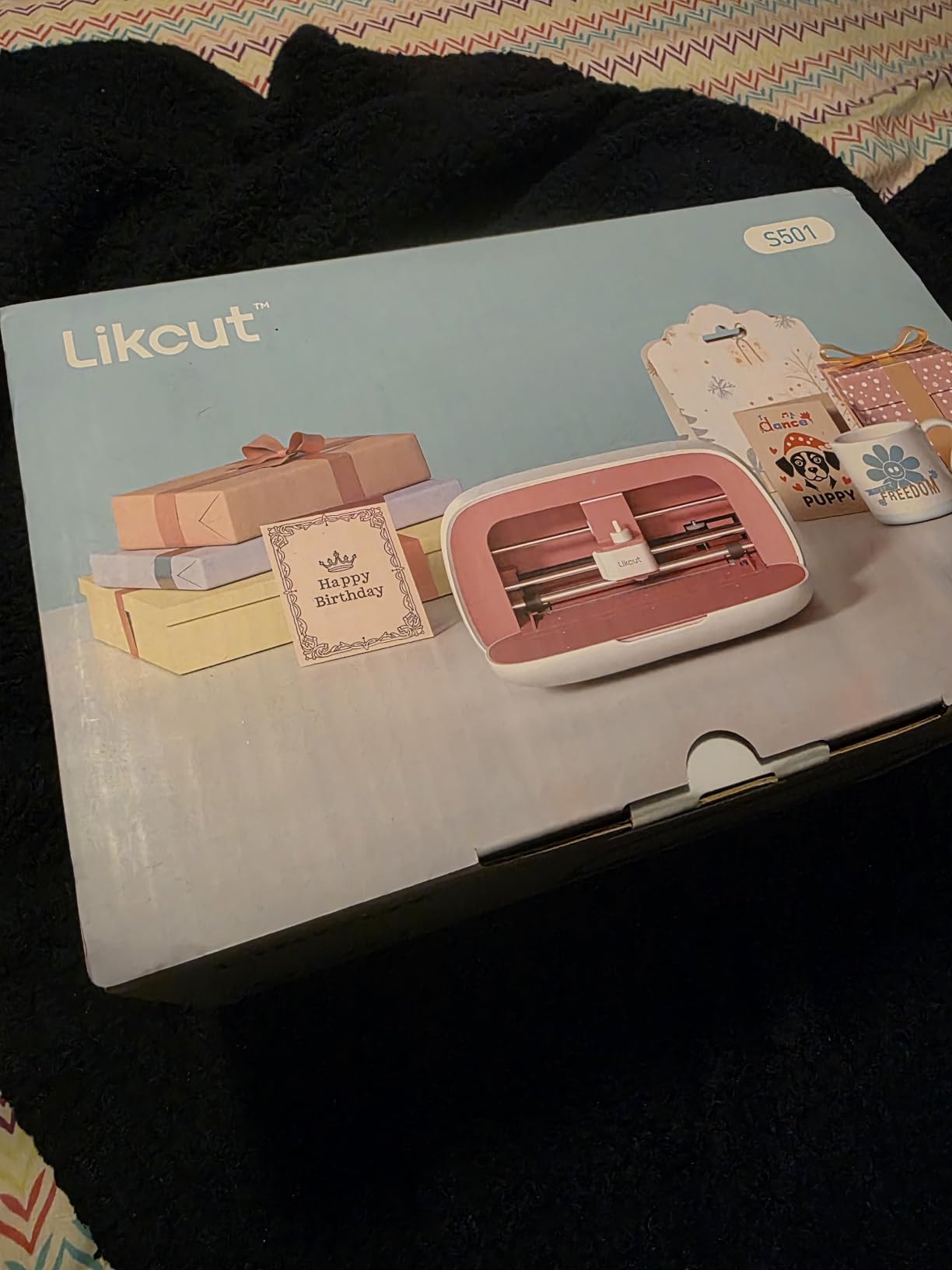
The app instability is the complaint we would weigh most heavily. Owners report imported artwork being rescaled or repositioned after import, so size and placement drift and you end up building templates around it. Test your logo before you trust it with a full run.
Who the Likcut S501 suits
A band that has never cut vinyl and wants to know whether it is worth doing. This is a low-risk way to find out. Cut speed and quiet operation make it fine for evening sessions, and the 4.1 star average across 774 reviews reflects a capable budget starter rather than a serious production tool.
It suits small run sizes, hand-numbered limited stickers, and testing whether your logo reads well at sticker size before you commit to a bigger machine. The AI voice and text to design feature is handy when you want a quick variant of a phrase.
When to skip the Likcut S501
Skip it for a deadline run where a rescaled file would ruin a printed sheet. Anything full-colour should go through a machine with proper registration. Also skip it if your art is larger than the artboard, because splitting a design across two cuts ruins it.
Skip it if your band plans to grow past 500 stickers a run. The 2.63 kg body is portable, but the cutting area means you will be re-loading constantly. Start here, then move up once you know your design will work at that size.
6. Liene PixCut S1 – Best All-in-One Full-Colour Printing
Liene PixCut S1 Color Sticker Printer & Cutting Machine – All-in-One Sticker Maker for DIY Crafts, Custom Labels & Gifts. Thermal Dye-Sublimation Photo Printer, 300 DPI, Precise AI Auto-Cutting
Prints and cuts in one step
300 dpi output
4x7 inch media size
No subscription required
Pros
- Prints and cuts full-colour stickers in one pass
- 300 dpi output with 16.7 million colors
- AI auto-cut follows photo edges closely
- No paid subscription for the app content library
Cons
- Maximum media size is only 4x7 inches
- Requires the proprietary app and a Bluetooth connection
- Slower than a printer plus plotter for large batches
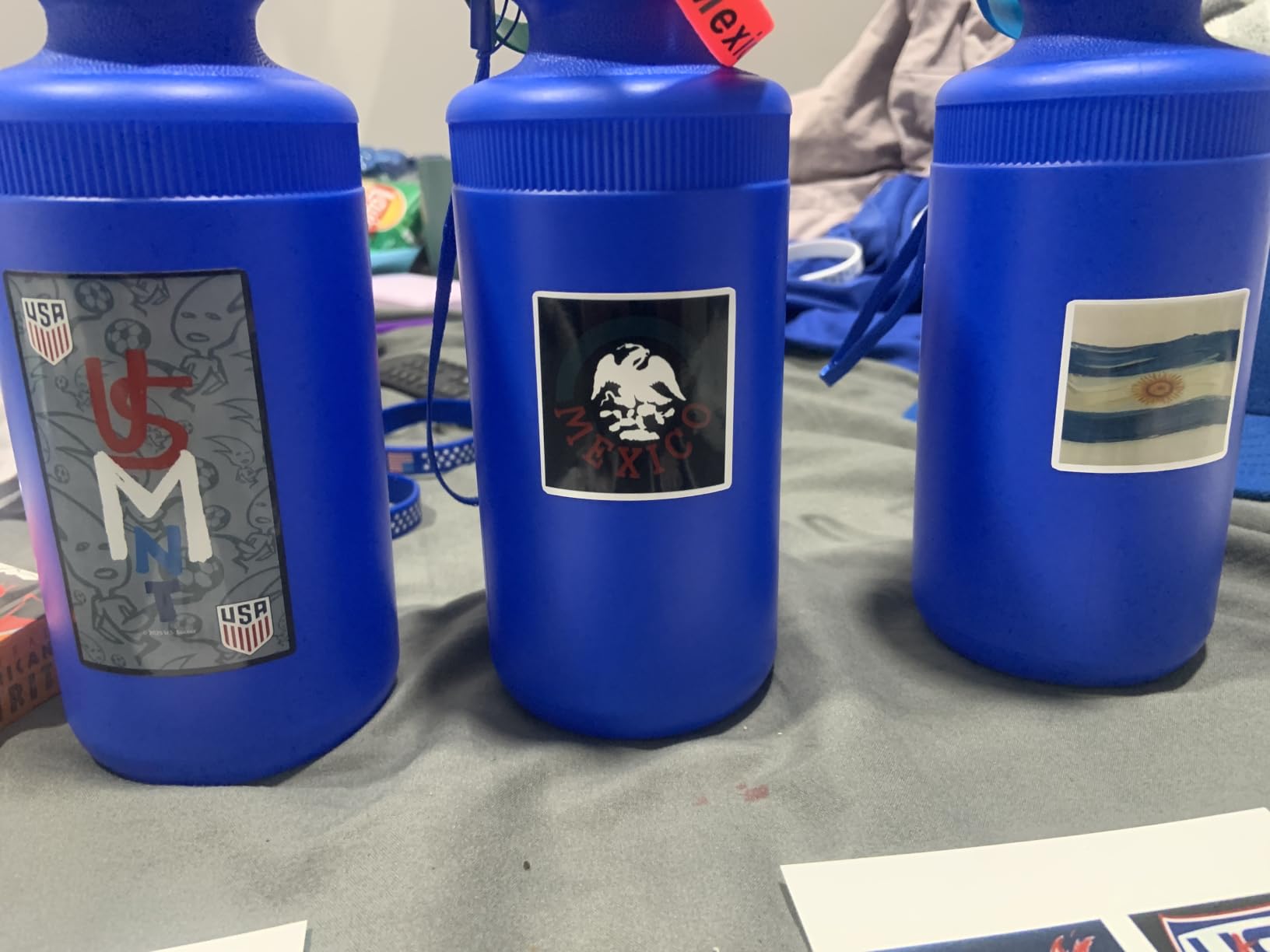
Every other machine on this list assumes you already have a printer. The PixCut S1 prints at 300 dpi with thermal dye-sublimation and cuts in the same pass, which collapses the whole workflow into one box. Print, then cut, done, roughly a two-minute cycle per sheet.
For band artwork that is not a flat logo, that is the real appeal. AI image extraction isolates a subject from a photo and AI-guided contour cutting follows the edge, so a photo of the band, a sleeve image, or a hand-drawn cover works without a designer making you a vector file first.
Four-layer thermal dye-sublimation lamination produces stickers that are waterproof and scratch-resistant. That matters for merch. A sticker that scuffs in a pocket looks cheap, and these are built for a life in a bag rather than a display case.
There is no subscription. The app content library includes more than 50,000 free images, fonts and elements plus 10,000-plus templates, and the four-layer stock is a limited 4×7 inch sheet. The 18-sheet tray runs simplex, one page per minute, so batch volume is the compromise you accept.
Who the PixCut S1 suits
A band whose merch is photographic, or whose artwork comes as raster images rather than clean vectors. Ink cartridges are the ongoing cost to plan for, but at 4.2 stars across 667 reviews owners consistently praise the colour depth and how closely the AI cut follows a photo edge.
It is also the lowest-friction path to a full-colour sticker. No separate printer, no registration marks to calibrate, no inkjet ink drying on the sheet before it goes under the blade. For promo deadlines that simplicity is worth a lot.
When to skip the PixCut S1
Skip it for runs of several hundred identical stickers. At one page per minute on 4×7 stock, a large run turns into a very long evening, and ink cartridge cost per sticker climbs fast. Print-and-cut plotters exist because they are faster at volume.
Skip it if you need a specific vinyl material like holographic or white vinyl for dark stage lighting. This machine prints its own photo sticker stock. It also depends entirely on the Liene app over Bluetooth, so test a full print-and-cut cycle before you rely on it.
7. Cricut Joy Xtra – Best Lightweight Full-Colour Setup
Cricut Joy Xtra – Smart Cutting Machine | Digital Content Bundle
250 g body
Print-Then-Cut with inkjet
95.94 sq in area
Cuts draws and foils
Pros
- Print-Then-Cut works with most inkjet printers
- Very light body that is easy to move
- Works with 50+ materials and also draws and foils
- Gentle learning curve in Design Space
Cons
- Light Grip mat and smaller area limit larger projects
- Full content library needs the optional Cricut Access subscription
- No scanning capability for hand drawings
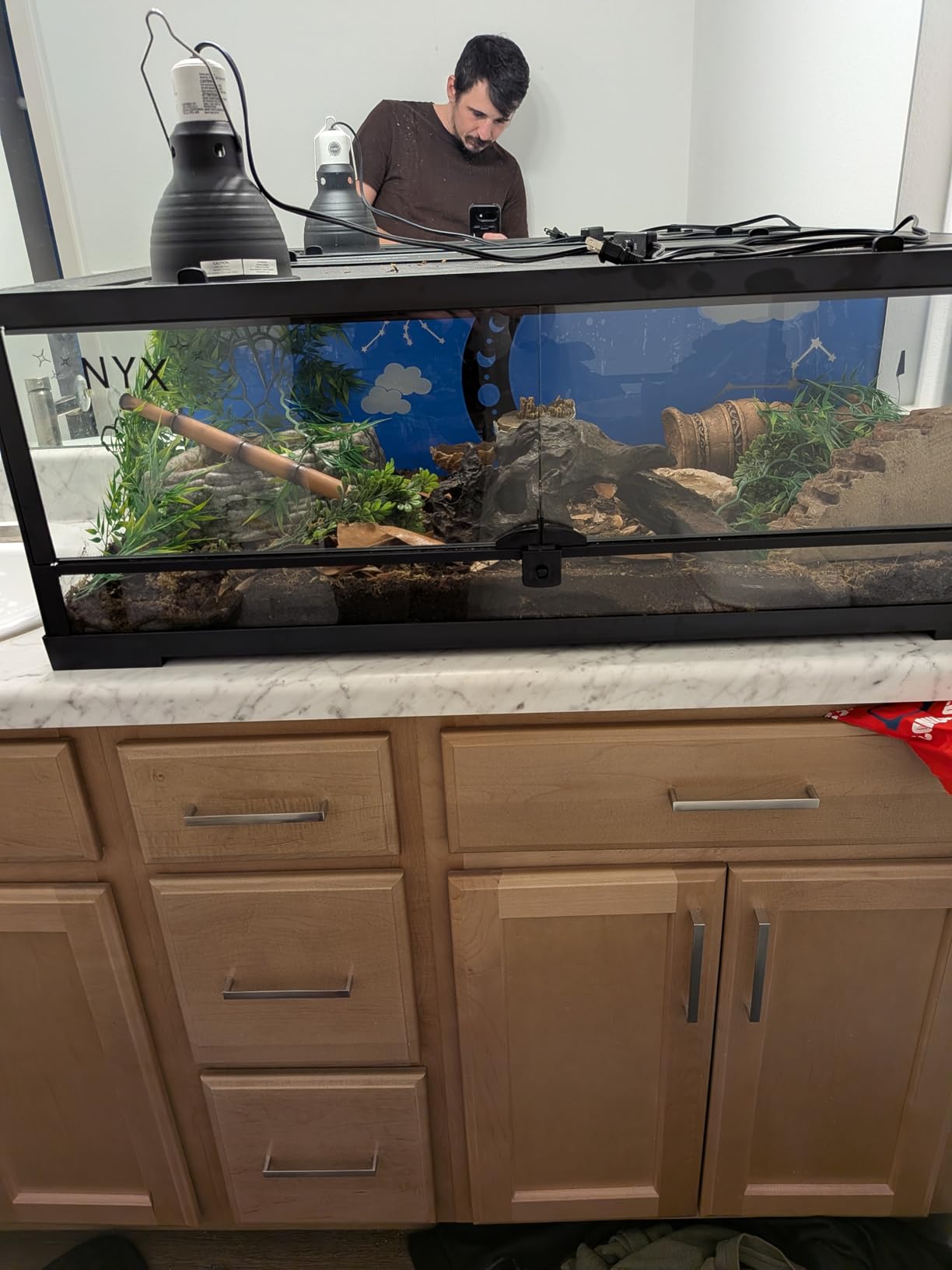
At 250 grams, the Joy Xtra is the machine you can carry between the rehearsal space, the merch table and a friend’s flat. It is roughly a quarter of the weight of a desktop Cricut, and that changes what a band can realistically do rather than just how it stores.
It does Print-Then-Cut with most inkjet printers, which is the feature that matters here. Print your full-colour art on sticker paper, load the sheet, and the machine cuts a border around the print rather than a shape through the ink. That is how you get a photo sticker without a dedicated printer.
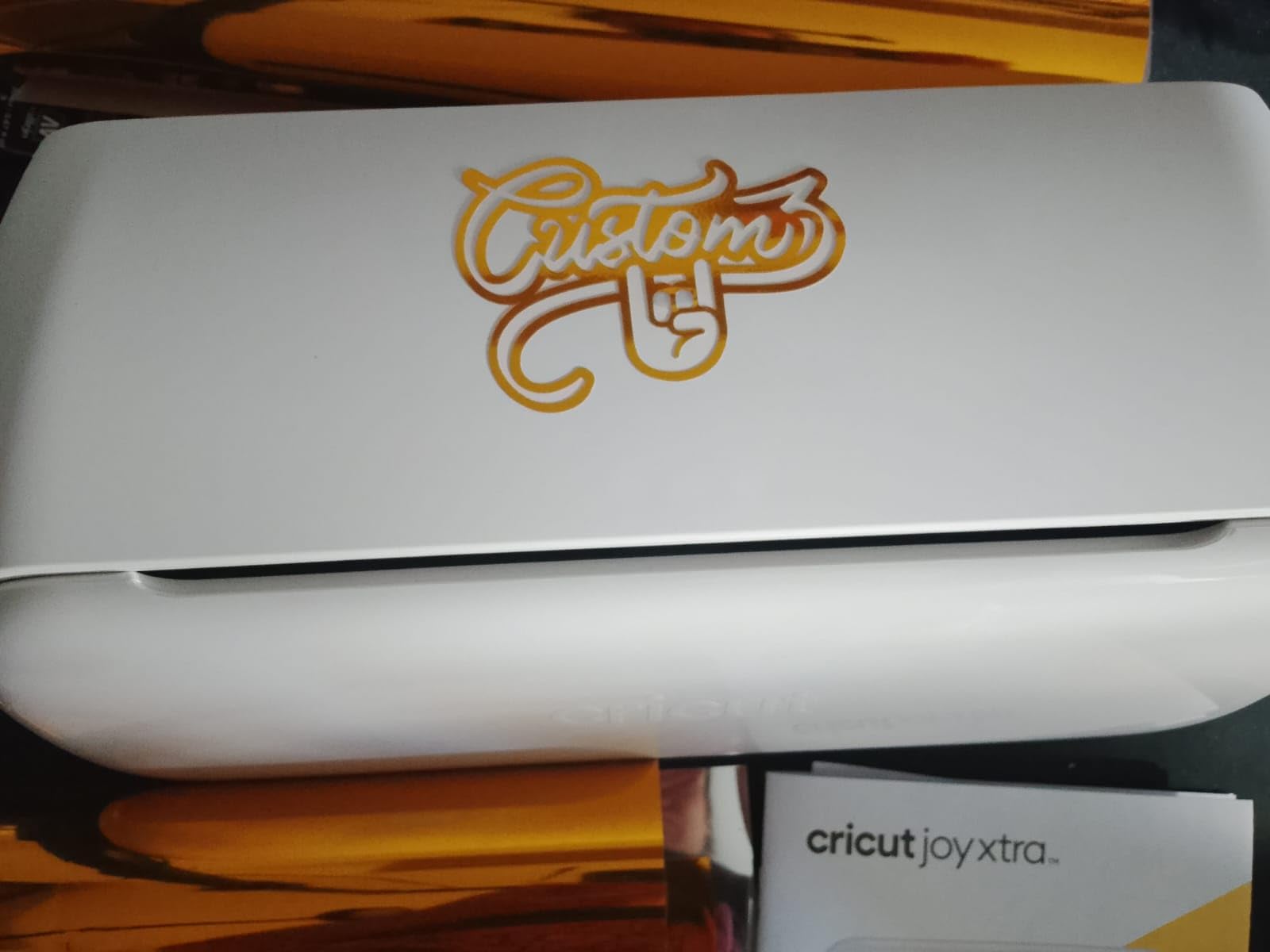
It cuts, draws and foils across 50-plus materials, so it is not limited to one job. Design Space has a gentler learning curve than most design tools, with more than 3,000 free images and 100-plus fonts before you consider paying for anything.
The Light Grip mat and smaller cutting area are the limits. 95.94 square inches is enough for a logo sticker and a date, not for a full album cover in one piece. The optional Cricut Access subscription unlocks a far larger library, and reviewers note its value grows once you start making more than a few designs.
Who the Joy Xtra suits
A band with a small, portable setup and full-colour ambitions. At 4.4 stars across 718 reviews, print-then-cut is consistently the standout feature in owner feedback, and the light weight is what makes it practical in a small room.
It suits anyone who travels. Pack the machine, a mat, and a portable printer, and you can produce stickers in any room with a table. Very few machines in this roundup offer that, and the alternative is renting cutting time you cannot book at short notice.
When to skip the Joy Xtra
Skip it if you plan to run more than a few hundred stickers. The small mat and Light Grip surface mean more re-loading and more alignment checking. For a deadline-bound run, a 12 by 12 inch machine is the calmer choice.
Skip it if you want to avoid subscriptions entirely and still need a large content library. The cutting function works without Cricut Access, but the free library is modest compared to what the subscription opens up.
8. Cricut Maker 4 – Best for the Widest Material Range
Cricut Maker 4 – Smart Cutting Machine (Seashell) | Digital Content Bundle
300+ material support
270.25 sq in active area
Print-Then-Cut compatible
9.59 kg body
Pros
- Works with 300+ materials including leather and wood
- Very versatile with cut draw foil score engrave and deboss
- Materials sampler in the box for immediate use
- Print-Then-Cut with most inkjet printers
Cons
- Higher cost among hobby machines
- Some units arrive with a bent mat or faulty cut quality
- Advanced Design Space features need Cricut Access
The Maker 4 is the most capable hobby machine in this roundup and the most expensive per unit of sticker output among the desktop models. It works with more than 300 materials, cuts at speed through red rubber with the knife blade, and handles 270.25 square inches of active area for a proper full-sheet layout.
What separates it from everything cheaper is the second tool head. It cuts, draws, foils, scores, engraves, debosses and perforates. For a band that also sells patches, scored fabric, or engraved leather wristbands, that is one machine covering several product lines instead of several machines.
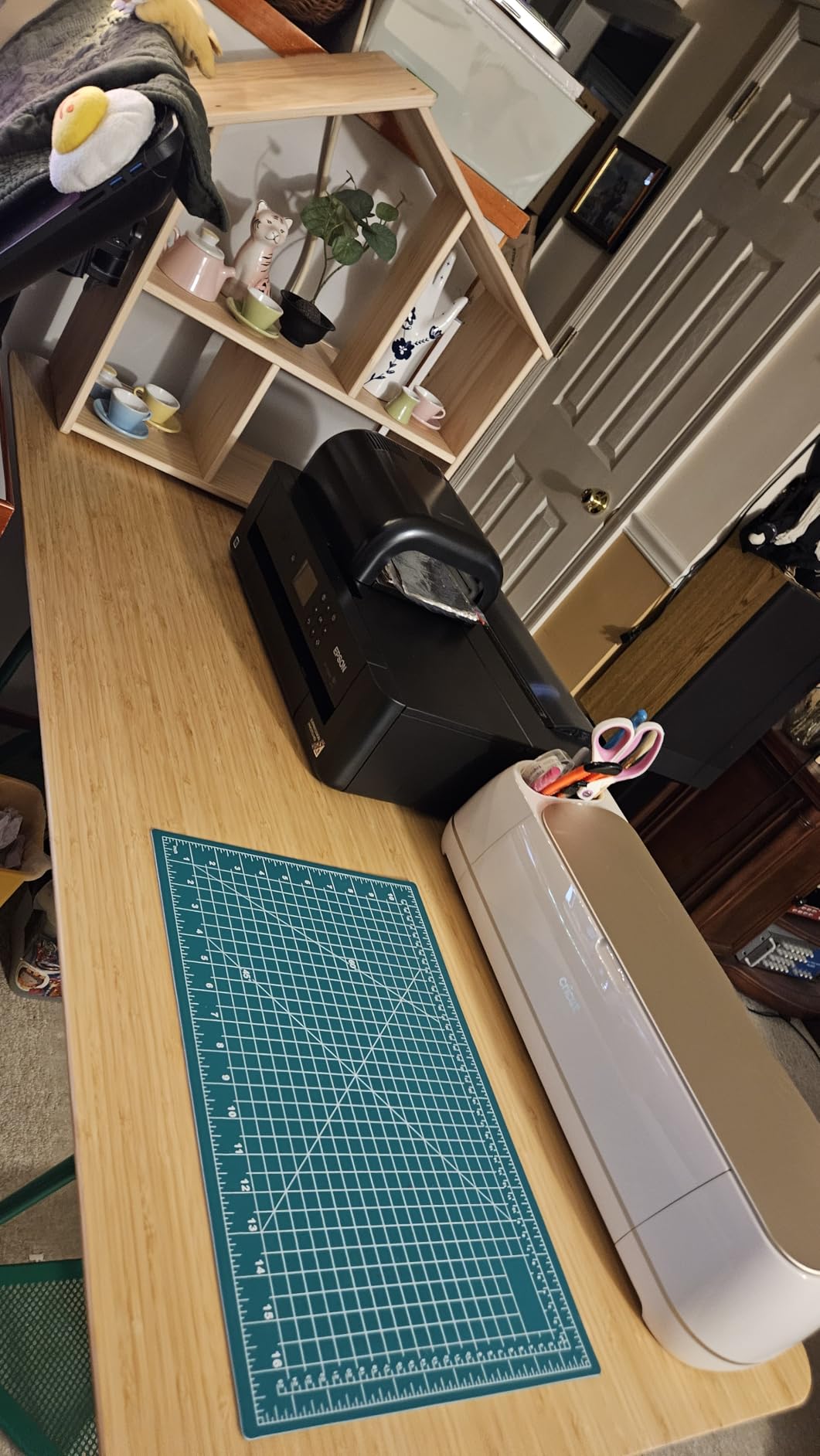
The materials sampler in the box is genuinely useful. You get Smart Vinyl, Matless Vinyl, Smart Iron-On, Matless HTV, cardstock, transfer tape, a Light Grip mat, a weeder and 30 bonus images, which is enough to complete a real sticker run on day one without a second order.
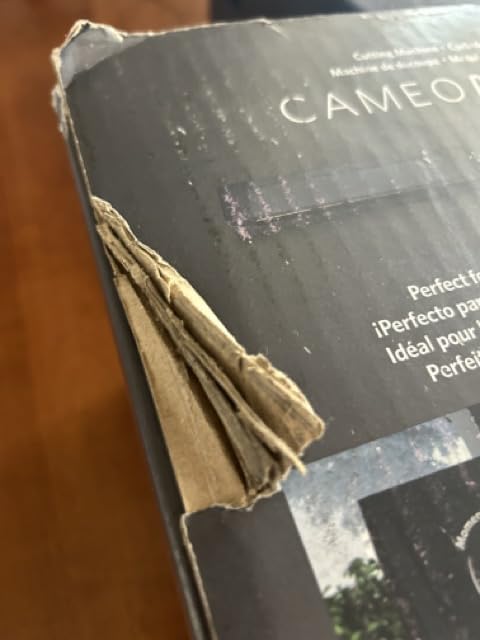
Quality control is the thing to watch. Reviews report instances of machines arriving with a bent cutting mat or faulty cut quality, so inspect the mat on arrival and run a test cut before a big order. At 9.59 kilograms it is a fixed object once it lands in your space.
Who the Maker 4 suits
A band whose merch is not only stickers. If you plan patches, apparel, or leather goods, the 300-plus material list and the seven functions mean one purchase covers the whole catalogue. Print-Then-Cut with most inkjet printers handles the full-colour sticker side.
It suits a band that has already made stickers on a cheaper machine and hit its limit. The 4.4 star average across 643 reviews is a solid score, and the fast cut speed handles a busy run once you know the settings.
When to skip the Maker 4
Skip it if stickers are the only product. You would be paying for engraving, scoring and foiling capacity you will not use, on the highest review count of any machine here. A Silhouette machine does the sticker job with subscription-free software included.
Skip it if the recurring content library cost bothers you. The cutting functions work without a subscription, but advanced Design Space features and the large content library sit behind Cricut Access, and that is a decision about the merch budget as much as the machine.
9. Silhouette Cameo PRO – Best for Wide and Continuous Runs
Silhouette Cameo PRO
24 inch cut width
Built-in roll feeder and cross cutter
Dual-powered carriage
19.8 lb body
Pros
- 24 inch width suits large decals without re-loading
- Dual-powered carriage cuts and sketches at once
- Built-in roll feeder and cross cutter for long jobs
- Includes heat pen and embossing tool
Cons
- Reported as one of the loudest machines in the group
- Reports of homing loading and AutoBlade issues
- Studio does not read SVG without a paid upgrade
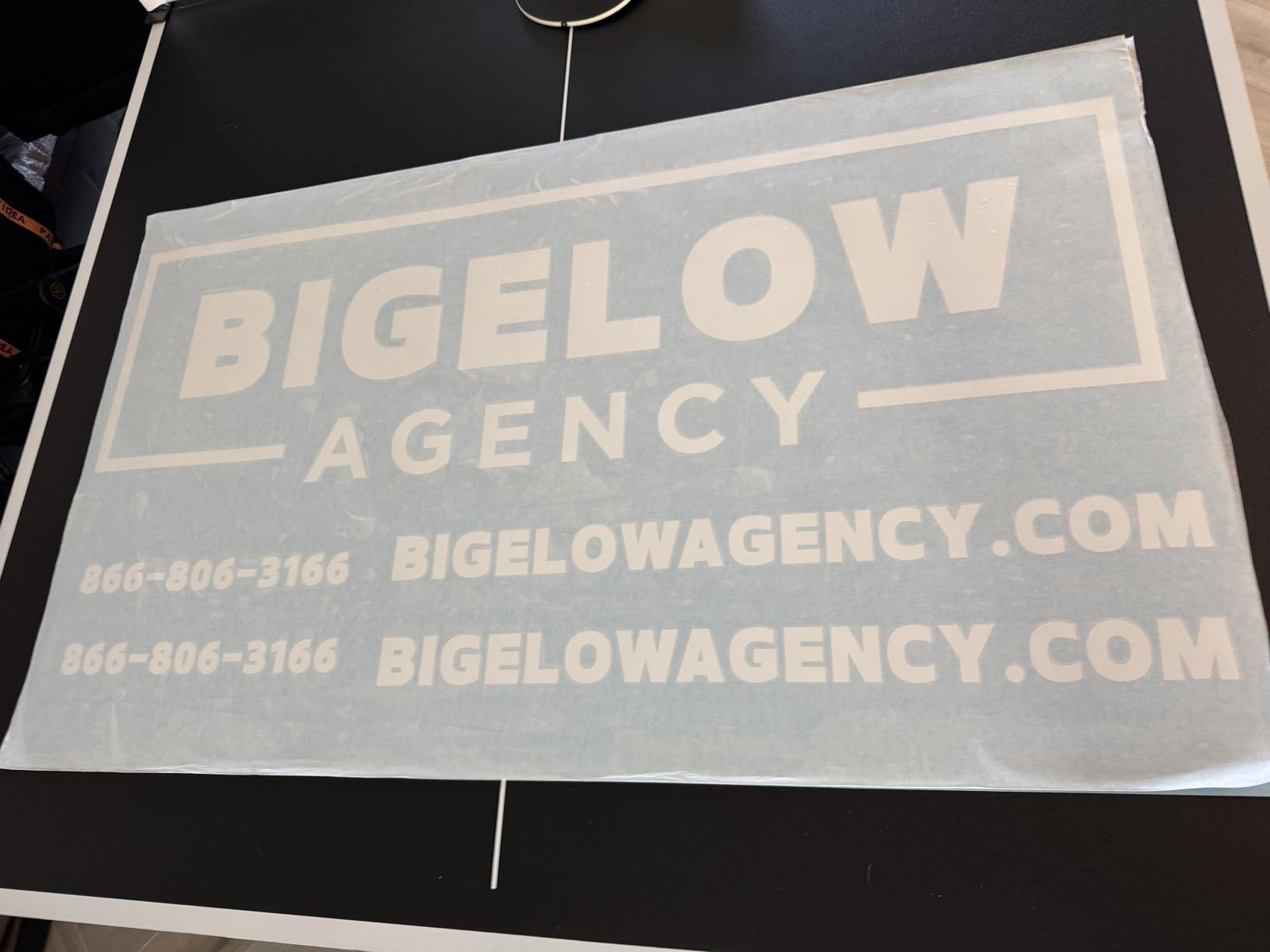
The Cameo PRO is built for the run that has to finish tonight. At 24 inch cutting width it takes the widest single pass of any machine here, and the built-in roll feeder with a cross cutter means you can load a long strip of vinyl and keep working instead of trimming and re-loading by hand.
Auxiliary rollers stabilise the feed for runs up to 60 feet, and the dual-powered carriage can cut with one tool while sketching with the other. That halves the time on a design that needs both a cut line and written artwork, which is common on hype tape.
The trade-offs are real. At 19.8 pounds and 34.49 inches wide, it is the largest machine in the roundup and needs a dedicated surface. Reviews describe it as the loudest too, which is a genuine problem in a shared rehearsal room or a flat with thin walls.
Reliability reports cluster around homing faults, loading problems and AutoBlade depth inconsistency on some machines. Test the carriage and blade before a deadline run. Software also has a real learning curve, and Studio does not read SVG files without a paid upgrade, so plan for that.
Who the Cameo PRO suits
A band producing 1,000-plus pieces in a single run, or selling large decals and vehicle graphics alongside stickers. The roll feed and 60-foot stability mean long continuous jobs, and the dual-tool carriage is a real time saver on multi-layer artwork.
It suits anyone who has outgrown mat-based cutting entirely. The 4.1 star average across 591 reviews is the joint lowest here, and the complaints are about mechanics and noise rather than cut quality, which tells you the output is good once it runs.
When to skip the Cameo PRO
Skip it for a bedroom or shared rehearsal space. 19.8 pounds and 34.49 inches wide make it a room-dominating machine, and reviews describe it as one of the loudest in the group. If neighbours or housemates are within earshot, the smaller machines are kinder.
Skip it if you only cut small logos. A 3 inch sticker on a 24 inch machine wastes most of the pass, and the calibration effort is far more than a 9 inch cutter asks for. Match the width to the largest artwork you actually print.
10. VEVOR 34 Inch Vinyl Cutter – Best for Open File Formats
VEVOR Vinyl Cutter Machine 34 inches Bundle Manual Vinyl Plotter Cutter
34.3 inch feed and 30.7 inch cut width
20-500g pressure
20-800mm/s speed
DM/PL and HP/GL support
Pros
- Very large feed and cutting width
- High stated cutting precision of 0.01mm
- Cutting pressure adjustable from 20 to 500g
- Imports standard SVG and PDF vector files
Cons
- Windows-only via USB or serial connection
- Software needs an activation code by post or disc
- No manufacturer warranty offered
This is a sign-shop machine that happens to be excellent for oversized band decals. Maximum feed is 870mm, giving a 34.3 inch paper path, with a 30.7 inch cutting width. Stated cutting precision is plus or minus 0.01mm, which is tight enough for clean decal edges at that scale.
It also speaks open plotter languages. COMPIM and USB interfaces with DM/PL and HP/GL support mean it can be driven by whatever software you already use, and it imports SVG and PDF files directly and uses installed system fonts. For a band that already designs in vector software, that removes an export step.
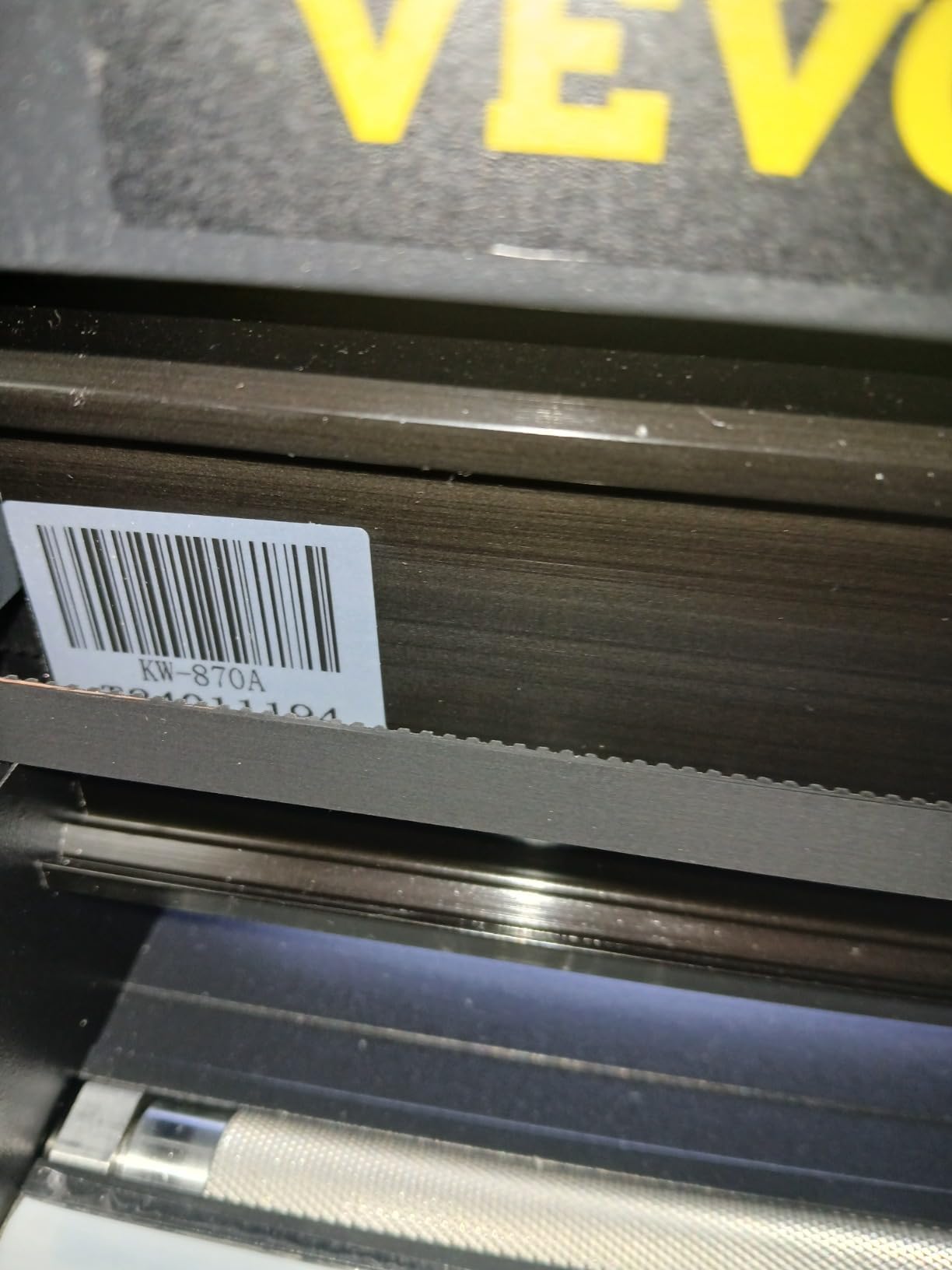
Force and speed are dial-based rather than automatic. Cutting pressure adjusts from 20 to 500g and speed from 20 to 800mm/s, with double spring pinch rollers and a roughened steel roller for stable long feeds. That range handles everything from paper-thin vinyl to thicker stock.
The compromises are substantial and worth stating plainly. It is Windows-only over USB or serial COM, with no Bluetooth and no app support, and Mac compatibility is a recurring frustration point for this class of machine. Software activation requires a code, and no manufacturer warranty is offered.
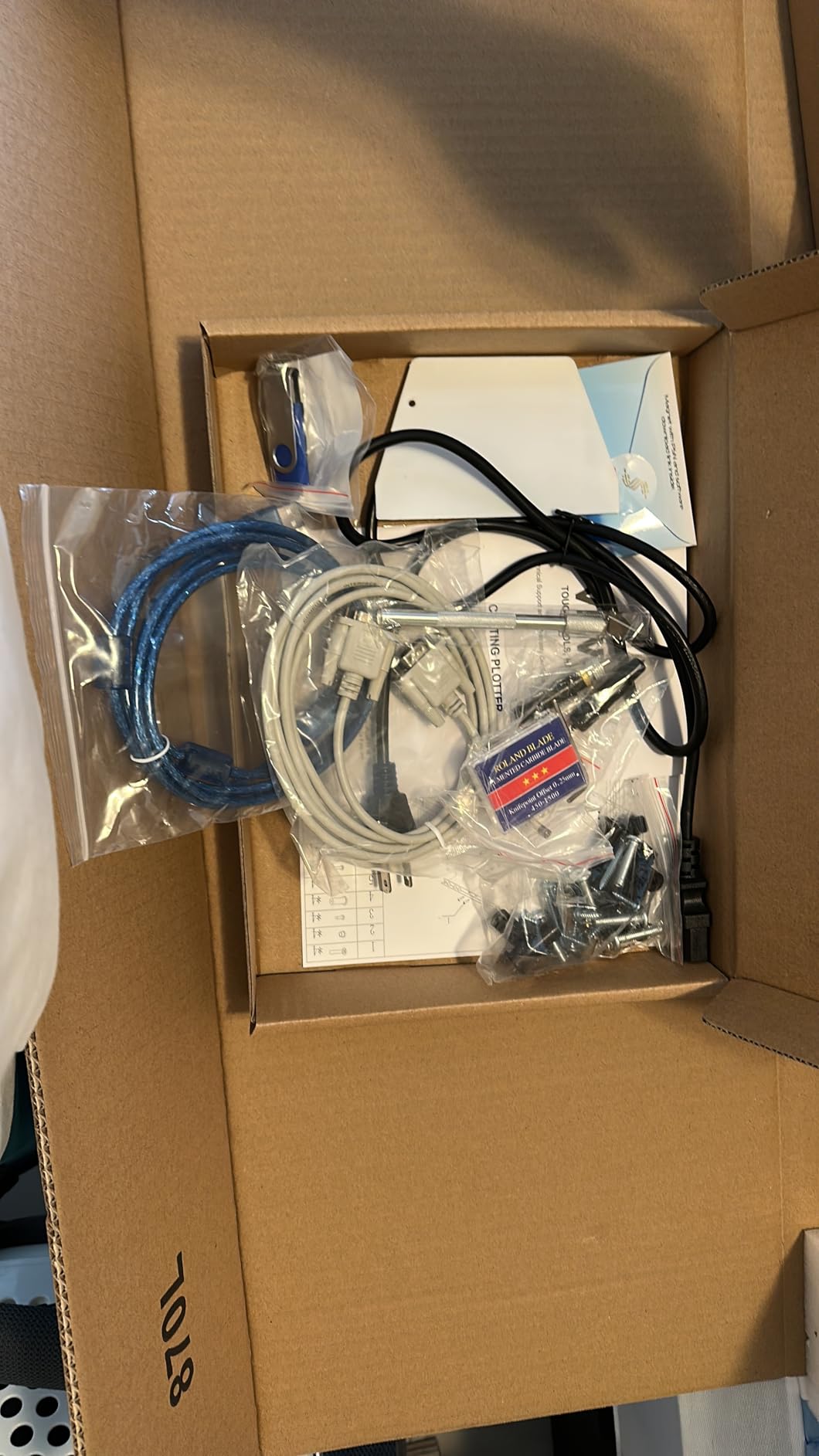
Who the VEVOR 34 inch suits
A band making oversized decals, banners, drum-head logos, or van graphics, where 9 to 24 inch widths are simply too narrow. The cutting width and adjustable force are what you are buying, and at 4.1 stars across 330 reviews the precision claims hold up in practice.
It also suits anyone who insists on SVG and PDF imports and standard plotter languages. A 500-employee-scale operation running a sign shop would recognise this workflow instantly, and a band funding merch from gig money is usually more comfortable with open files than a closed ecosystem.
When to skip the VEVOR 34 inch
Skip it if you work on a Mac or need wireless. There is no Bluetooth and no app path, so a wired Windows machine is a hard requirement rather than a preference. That also blocks any workflow that assumes a phone sends jobs to the cutter.
Skip it for the absence of warranty and the manual blade operation. The lever and blade changes are not automatic, and with no manufacturer warranty a mechanical failure is on you. If your band depends on a machine for deadline-bound runs, the warranty and support behind a hobby machine are worth more than extra width.
How to Choose a Vinyl Cutter for Band Merch
Cutting width should match your largest sticker
The single most useful number on any of these machines is the cutting width, and it should be matched to the largest sticker you actually plan to make. A 3 inch logo sticker needs very little width, and a 9 inch machine will nest a dozen of them on one mat. A 15 inch machine fits a full 12 by 12 sheet in a single pass, which removes re-loading from the workflow entirely.
Width also decides what the machine can become later. Most bands start with one sticker design and end up selling decals, so buying a width you can grow into is a form of insurance. The trade is floor space: the 24 inch Cameo PRO weighs 19.8 pounds and takes over a metre of desk, while the Portrait 4 measures 18 inches deep by 9 inches wide and stores anywhere.
Cut-from-vector or print-then-cut?
These are two different workflows and only one of them produces full-colour stickers. Cut-from-vector means the machine follows a path through solid-colour vinyl, so a one-colour logo, a text sticker, or a number decal is ideal. Print-then-cut means you print the artwork on an inkjet or dye-sub printer, add registration marks, and the machine cuts a border around the print instead of a shape through the ink.
If your band logo is a flat single colour, cut-from-vector is cheaper, faster and sharper. If it is a photo, a gradient, or anything with more than three colours, print-then-cut is the only realistic route. Full-colour accuracy depends on registration, and that is where the 4-point system on the Cameo 5 Alpha Plus or the built-in scanner on the Brother earns its place.
Five steps to kiss-cut tour sticker sheets
Kiss-cut is what turns loose stickers into the sheet you hand out at the merch table. Each sticker is cut through the vinyl but not the backing, so the sheet peels one sticker at a time. The layout matters as much as the cut.
Place your sticker outlines in a single row or grid on the page, keeping at least 0.25 inch of space between them so the blade has a clean path.
Set a cut line offset that stops short of the outline, roughly 0.1 inch inside, so the backing stays continuous between stickers.
Print a test on plain paper first, then tape it down to confirm spacing before you commit a sheet of vinyl.
Cut from a fresh blade and raise the cut force by small increments until the vinyl separates but the backing does not score.
Weed the waste between stickers, apply transfer tape over the whole sheet, and peel the sheet onto a backing to give fans a peelable page.
Two bands we spoke to described learning kiss-cut by cutting on scrap vinyl until the offset was right. That is not a shortcut, it is the process. Ten minutes of test cuts is cheaper than one ruined roll of holographic vinyl.
Cricut vs Silhouette vs Brother
The three ecosystems answer this question differently, and the honest answer depends on your artwork rather than the brand. Silhouette machines pair with Studio, which is bundled, subscription-free for cutting, and reads fonts and graphics already on your computer. Cricut machines pair with Design Space, which has a gentler learning curve and a large optional subscription for content. Brother sits between them with a built-in scanner and free cutting software.
For a band cutting the same artwork every show, subscription-free software is the deciding factor. Studio and Brother’s software let you set a fixed cost per machine and stop thinking about it. Design Space’s cutting functions also work without a subscription, so the difference shows up in content access rather than in whether the machine cuts.
What separates them in practice is registration accuracy on printed sheets. Silhouette’s 4-point system and Brother’s scanner both give repeatable print-then-cut, while entry-level Cricut models rely on a simpler two-point read. If full-colour is the plan, that difference is worth more than any other spec on the page.
What a cutter really costs you per run
Count three things, not one. The machine is the visible cost. The media is the ongoing cost, and it varies enormously with material: standard caliper adhesive vinyl is the cheap option, while holographic, glitter, and white vinyl for dark stage lighting cost several times as much per sheet. The third is consumables, meaning cutting mats, blades, and transfer tape.
Mats are the sleeper expense. Adhesive mats lose their grip, and once they do, material lifts and the cut fails partway through a run. Blades dull with use and a dull blade means two passes instead of one, which doubles the time per sheet. Add a fixed material cost per sticker and the cheapest machine often stops being the cheapest run.
That is also the argument for the all-in-one printers here. When a cartridge is the ongoing cost, the per-sticker number is easy to calculate and easy to budget for. When you buy vinyl by the roll, divide the roll cost by the number of stickers you can actually fit on a sheet, not by the theoretical maximum.
Why the blade stops cutting through
Most failed cuts come down to one of four things, and all four are quick to check before you waste premium vinyl. Start with blade depth: a blade set too shallow scores the surface without cutting through, and a blade set too deep cuts the mat and lifts the backing. Test on scrap material, in small increments.
Second, a dull blade. Blades wear with use and a blunt edge pushes rather than slices, which forces you to raise the force, which leads to the first problem. Keep a spare blade and swap it when the cut starts to look torn rather than clean.
Third, pinch roller tension. If the rollers grip too hard they drag the material sideways and the cut path shifts, and if they are too loose the material slips and the blade bites at an angle. Clean the rollers and check they roll freely before blaming the software.
Fourth, mat adhesion. A worn mat lets the material lift mid-cut, so the blade never reaches the vinyl. If the same settings suddenly stop working, the mat is the first thing to change. This is the single most common reason a machine that used to work well starts producing waste.
One more option before you buy: check whether a public library near you loans out a cutting plotter. Forum users have noted that public library machines can be booked, which is a genuinely free way to test whether vinyl cutting is a workflow your band will actually keep up.
Frequently Asked Questions
What is the best vinyl cutter for cutting vinyl stickers?
For most bands, the Silhouette Portrait 4 is the best vinyl cutter for cutting vinyl stickers because it pairs subscription-free software with a 9 inch cutting width and a footprint that stores between runs. If your artwork is full-colour and printed at home, the Silhouette Cameo 5 Alpha Plus gives more reliable print-then-cut registration.
What is the best cutting machine for stickers?
It depends on run size and artwork. Small single-colour runs suit a 9 inch desktop machine. Full-colour printed artwork needs four-point registration or a built-in scanner, which points to the Silhouette Cameo 5 Alpha Plus or the Brother SDX125E. Very large decals need a 24 inch or wider plotter.
Is Cricut or Silhouette better for stickers?
Silhouette is better for a band cutting the same artwork repeatedly, because the Studio software is bundled and subscription-free for cutting and reads fonts already installed on your computer. Cricut is better for beginners, because Design Space has a gentler learning curve and a large optional content library. Neither is better at cut quality.
How do you cut vinyl stickers?
Import or draw a design as a vector, load adhesive vinyl onto a mat or matless sheet, and send the cut path to the machine. A spring-loaded blade slices only the top layer so the backing stays intact. Weed away the waste, apply transfer tape, and peel the finished sticker onto a surface.
Which is better, the Silhouette Cameo or the Siser Juliet?
Forum consensus generally favours the Siser Juliet as an entry-level dedicated vinyl cutter, while Silhouette machines are the stronger choice for full-colour print-and-cut because of four-point registration and Studio’s subscription-free cutting. The Silhouette wins on registration accuracy and software cost, the Siser on simplicity.
Why is my vinyl cutter not cutting through the vinyl?
Check four things in order. First, blade depth, which should be adjusted on scrap material in small increments. Second, blade sharpness, since a dull blade pushes instead of slicing. Third, pinch roller tension, which drags or slips the material and shifts the cut path. Fourth, mat adhesion, because a worn mat lets material lift mid-cut.
Can you make money with a vinyl cutter?
Yes, but the money comes from what you sell, not the machine. A band’s margin sits on sticker packs, tour giveaways, and decals sold at a markup over material cost. The machine is a fixed cost; vinyl, mats, blades, and any software subscription are the per-sticker costs that decide whether a run is profitable.
The Right Vinyl Cutter for Your Next Merch Run
The best vinyl cutters for band stickers come down to two questions: how big is your largest artwork, and can you print it yourself? If your logo is flat and single colour, the Silhouette Portrait 4 is the buy. It is subscription-free, quiet, small enough to store, and it carries the most reviews of any machine here at 2891 ratings, so problems are documented and fixes are easy to find.
If your artwork is full-colour or photographic, the Silhouette Cameo 5 Alpha Plus is the right tool. Four-point registration and a 400mm/s cut speed mean printed sheets register properly and 400 stickers finish in an evening, which is the deadline reality a band actually lives in. The Cricut Maker 4 covers the same ground if your merch extends past stickers into patches and leather goods.
Our decision rule is simple. Under 500 stickers in one or two colours, buy small and subscription-free. Over 500 with full-colour print-then-cut, buy a 15 inch machine with a proper registration system and a roll feed. Over 1,000 pieces, or anything wider than a sheet of paper, you are into wide-format territory and should weight warranty and support as heavily as width.
Whichever one you pick, learn kiss-cut before you commit to a deadline. Ten minutes of test cuts on scrap vinyl is the cheapest insurance in band merch.