
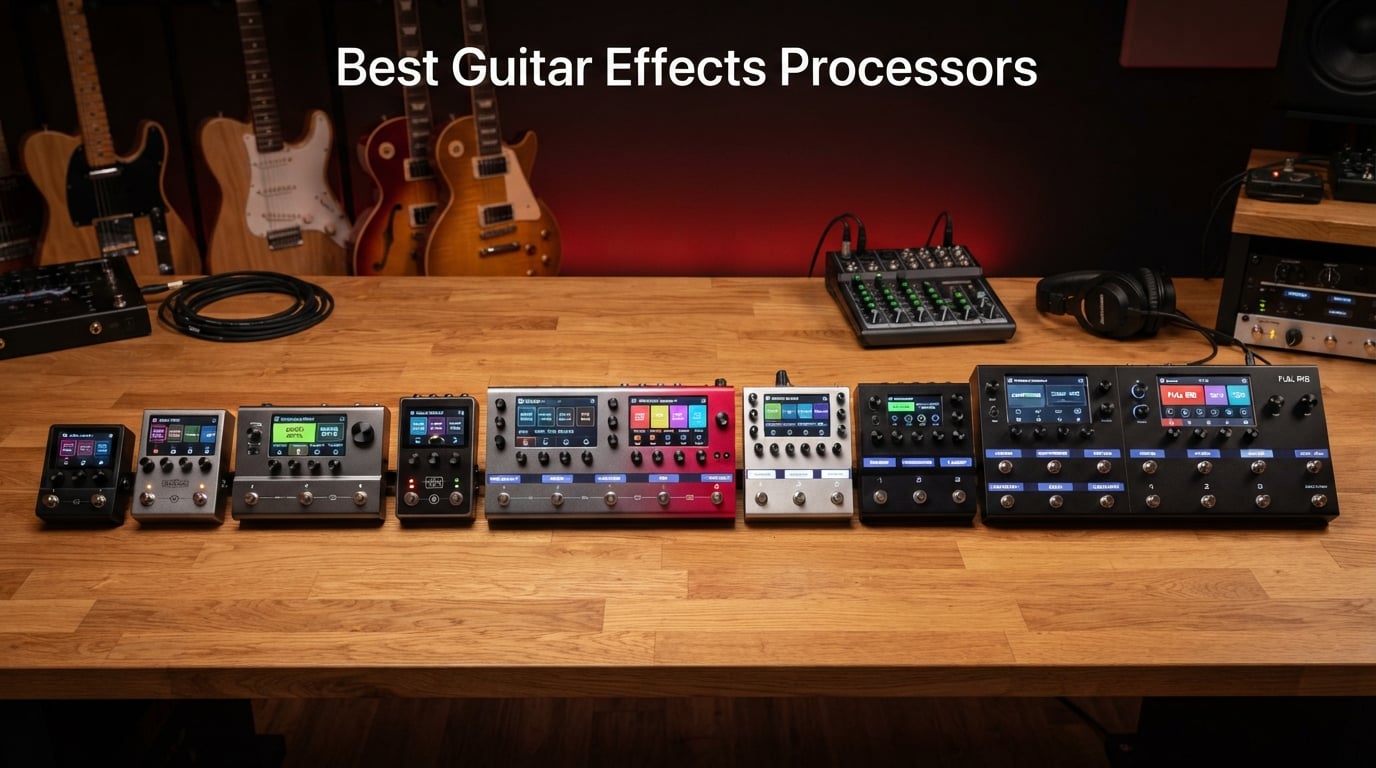
If you have ever watched a touring guitarist step on a single footswitch and summon a fully formed stadium tone, you have watched a guitar effects processor at work. These digital floor units pack dozens of amps, cabinets, and stompboxes into a single box, and the best guitar effects processors on the market today can replace an entire pedalboard while sounding every bit as good as the real gear they emulate.
I have spent the last decade gigging, recording, and reviewing guitar gear, and the explosion in modeling quality over the last five years has been remarkable. Where older multi-effects sounded like a synthesizer pretending to be a Marshall, modern units like the Line 6 HX series, the BOSS AIRD-powered GT-1000, and the AI-driven IK Multimedia TONEX pedal deliver amp response that genuinely fools trained ears in blind A/B tests. In this guide, our team ranked ten of the best guitar effects processors available right now, from budget-friendly pocket units to flagship boards that touring professionals take on the road.
You will find a quick comparison table, ten hands-on reviews, a detailed buying guide covering budget tiers and the multi-effects versus individual pedals debate, and an FAQ that answers the questions real players ask in forums and gear groups. By the end, you should know exactly which processor matches your playing style, your rig, and your wallet.
Table of Contents
Top 3 Picks for the Best Guitar Effects Processors (September 2026)

Line 6 HX Stomp
- Same HX modeling as Helix
- 300+ effects
- Compact pedalboard-friendly size
- 3 capacitive-touch footswitches
- USB audio interface

Line 6 POD Go
- 270+ HX amp and effect models
- Lightweight 6 lb floor unit
- Large color display
- Third-party IR loading
- Stereo effects loop
Valeton GP-200
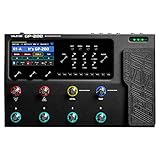
- 240+ effects and 140 amp/cab sims
- 4.3-inch TFT color LCD
- Line/XLR/headphone I/O plus FX loop
- MIDI IN and USB-C audio interface
- 256 presets with 8 LED footswitches
Best Guitar Effects Processors in 2026
| Product | Specs | Action |
|---|---|---|
| Line 6 HX Stomp |
|
Check Latest Price |
 MOOER GE100 MOOER GE100 |
|
Check Latest Price |
 Zoom G1 Four Zoom G1 Four |
|
Check Latest Price |
| Valeton GP-200 |
|
Check Latest Price |
 FLAMMA FX100 FLAMMA FX100 |
|
Check Latest Price |
| Line 6 POD Go |
|
Check Latest Price |
 Valeton GP-100 Valeton GP-100 |
|
Check Latest Price |
 IK Multimedia TONEX Pedal IK Multimedia TONEX Pedal |
|
Check Latest Price |
 MOOER GE150 Pro MOOER GE150 Pro |
|
Check Latest Price |
 SONICAKE QME-10 Pocket Master SONICAKE QME-10 Pocket Master |
|
Check Latest Price |
1. Line 6 HX Stomp – Compact Flagship With Helix DNA
Line 6 HX Stomp Multi-Effects Guitar Pedal
HX modeling engine
300+ effects
3 capacitive footswitches
USB audio interface
0.79 kg
Pros
- Identical HX modeling as the flagship Helix in a tiny format
- Up to 6 simultaneous amp
- cab
- and effect blocks including IR loading
- Acts as a high-quality USB audio interface for direct recording
- 3 capacitive-touch footswitches with color-coded LED rings
- TRS dual expression pedal and footswitch input for expanded control
Cons
- Overdrive models fall short of dedicated analog pedals
- Limited DSP budget can feel tight when stacking blocks
- Premium price point for the form factor
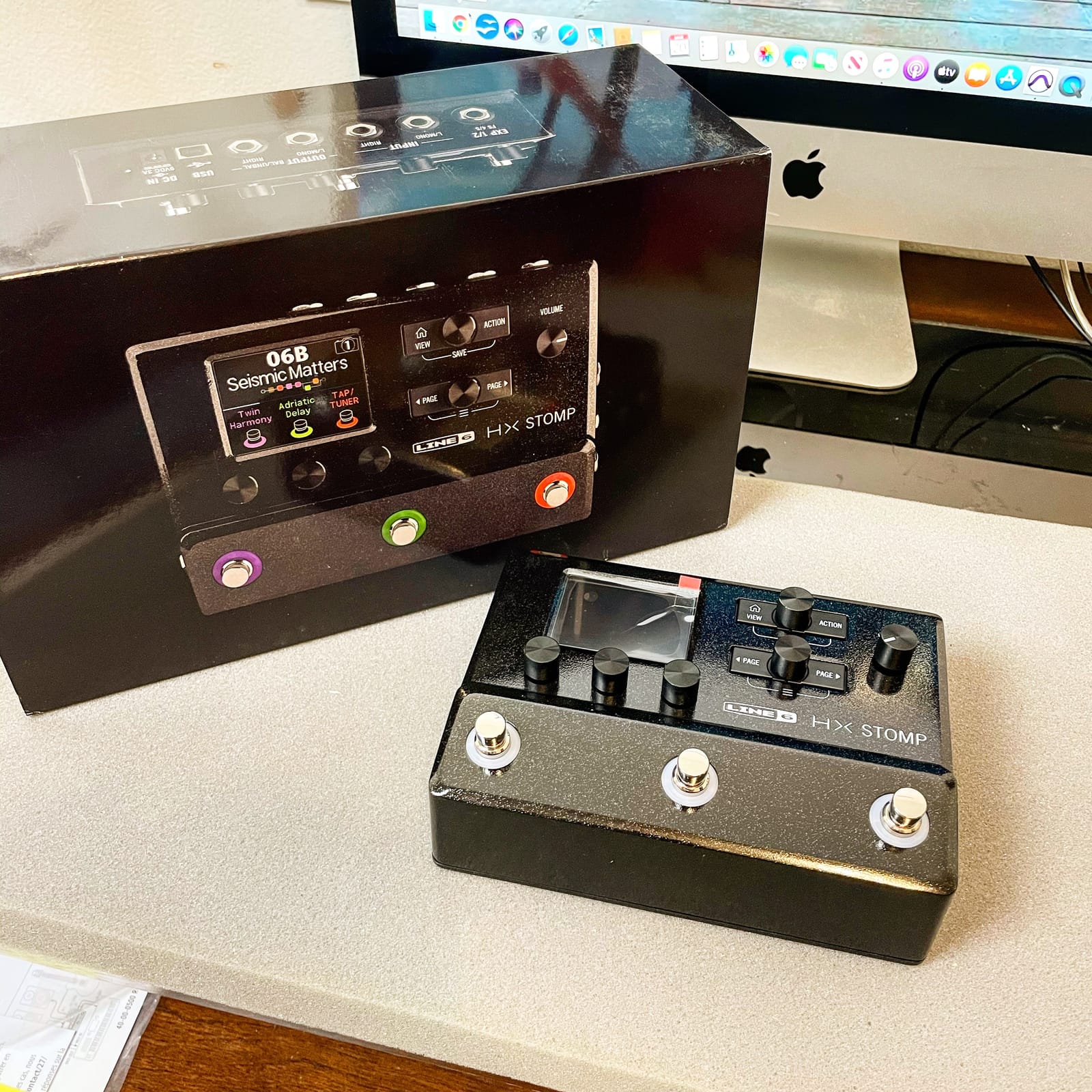
The Line 6 HX Stomp has been my desert island multi-effects for three years now, and it earned the Editor’s Choice badge for a simple reason: it sounds exactly like the full-size Helix because it shares the same HX modeling engine. I have run mine into an FRFR cabinet, into a return on a real amp, and direct to FOH at a 400-seat venue, and the tones are identical to what my friend’s full Helix produces. The form factor is so small that it lives at the end of my pedalboard as a swiss army knife, slotting in wherever I need an extra amp model or a third delay.
What sets the HX Stomp apart from competitors is the depth of the snapshot and setlist workflow. Each preset can hold up to 6 simultaneous blocks, and you can save four snapshots per preset that swap effect states without audio glitches. For worship leaders and cover band players who switch songs constantly, this is a genuine game changer on stage. The capacitive footswitches feel responsive, and the color-coded LED rings tell you which mode you are in at a glance, even under bright stage lights.
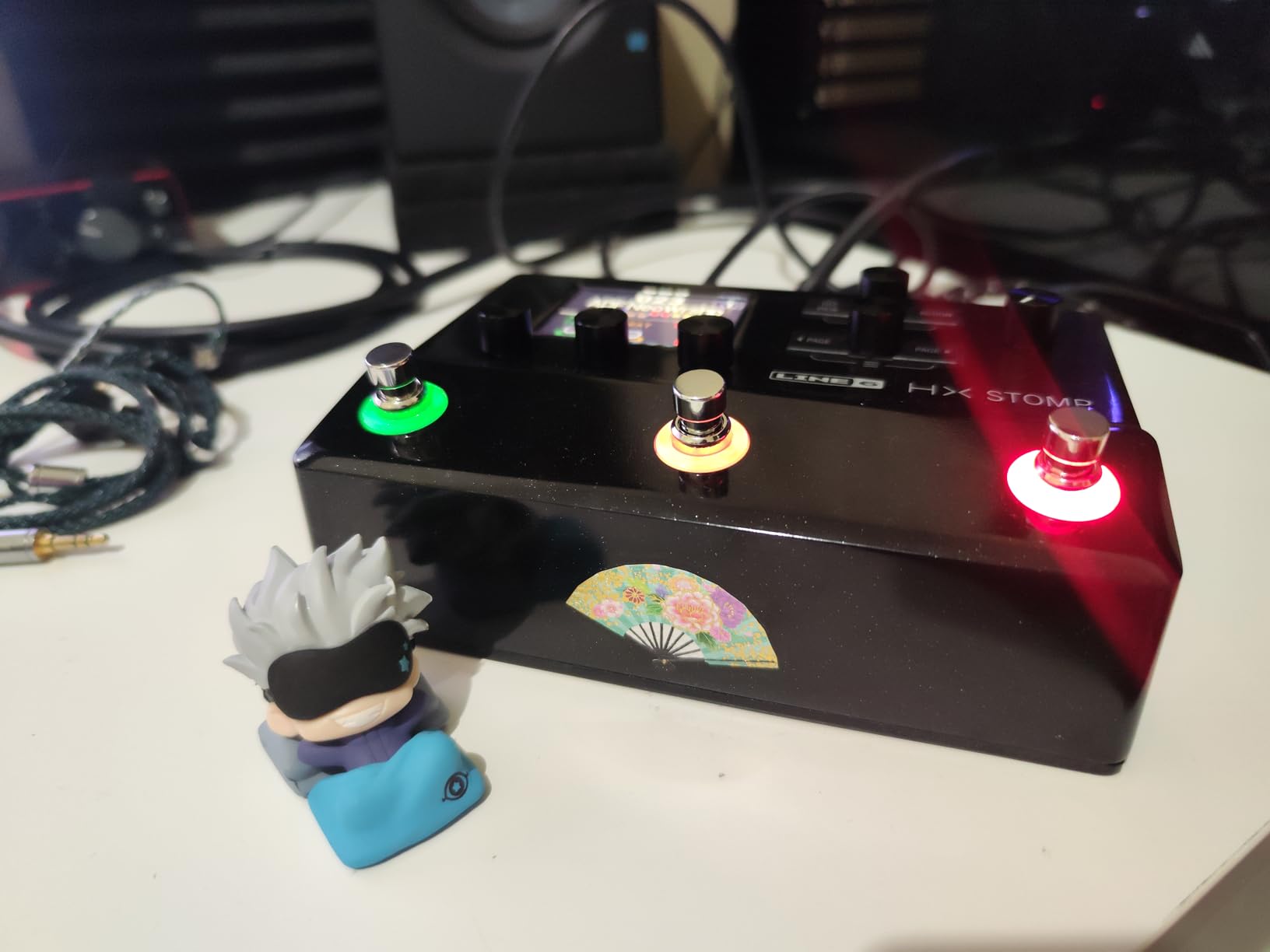
The unit ships with 300-plus effects drawn from the Helix, M-Series, and legacy Line 6 libraries, and the third-party IR loader accepts industry-standard impulse responses for cabinet simulation. I have loaded OwnHammer and Celestion IRs and the difference versus stock cabs is night and day, especially for high-gain tones. The HX Stomp also doubles as a USB audio interface with re-amping capability, so you can track a DI guitar into your DAW and then re-amp through the unit later without any extra hardware.
There are real tradeoffs, however. The DSP budget is the obvious one. Push the unit too hard with a heavy amp, a complex cab IR, and three modulation effects and you will see the dreaded “DSP overload” warning. Forum users on the Line 6 community regularly note that the HX Stomp rewards disciplined patch design, and that overdrive emulations do not quite match the feel of a dedicated Tube Screamer or Klon. For pure metal and djent, I find myself reaching for the snapshot-driven amp models more than the drive emulations.
Who the HX Stomp is best for
The Line 6 HX Stomp is the right answer if you want flagship Helix tone in a board-friendly size, if you record direct to a computer and need an audio interface, or if you are a session guitarist who needs recallable snapshots for cover work. It also makes an outstanding upgrade pedal for players who already have a pedalboard but want to add amp modeling, an IR loader, or extra effects without buying a second processor.
Who should skip it
If you are on a tight budget, the HX Stomp is overkill and there are better values below. Pure bedroom players who never gig should look at the Valeton GP-100 or the FLAMMA FX100 and save the difference. Players chasing that last bit of analog overdrive feel will still want to keep a real Tube Screamer or Klon in front of it.
2. Line 6 POD Go – Premium Pick Floor Processor
Line 6 POD Go Guitar Multi-Effects Pedal, Black
270+ HX models
Large color display
Stereo effects loop
Third-party IR loading
6 lb
Pros
- Helix-grade tones at a far lower price than the flagship Helix
- Compact and lightweight at only 6 pounds for easy transport
- 4-inch color display is readable on dark stages
- Cast-aluminum multi-function expression pedal included
- Stereo effects loop plus expression pedal/footswitch input
Cons
- Looper length is shorter than competitors
- Some users report LCD screen defects out of the box
- Factory presets need personal tweaking to shine
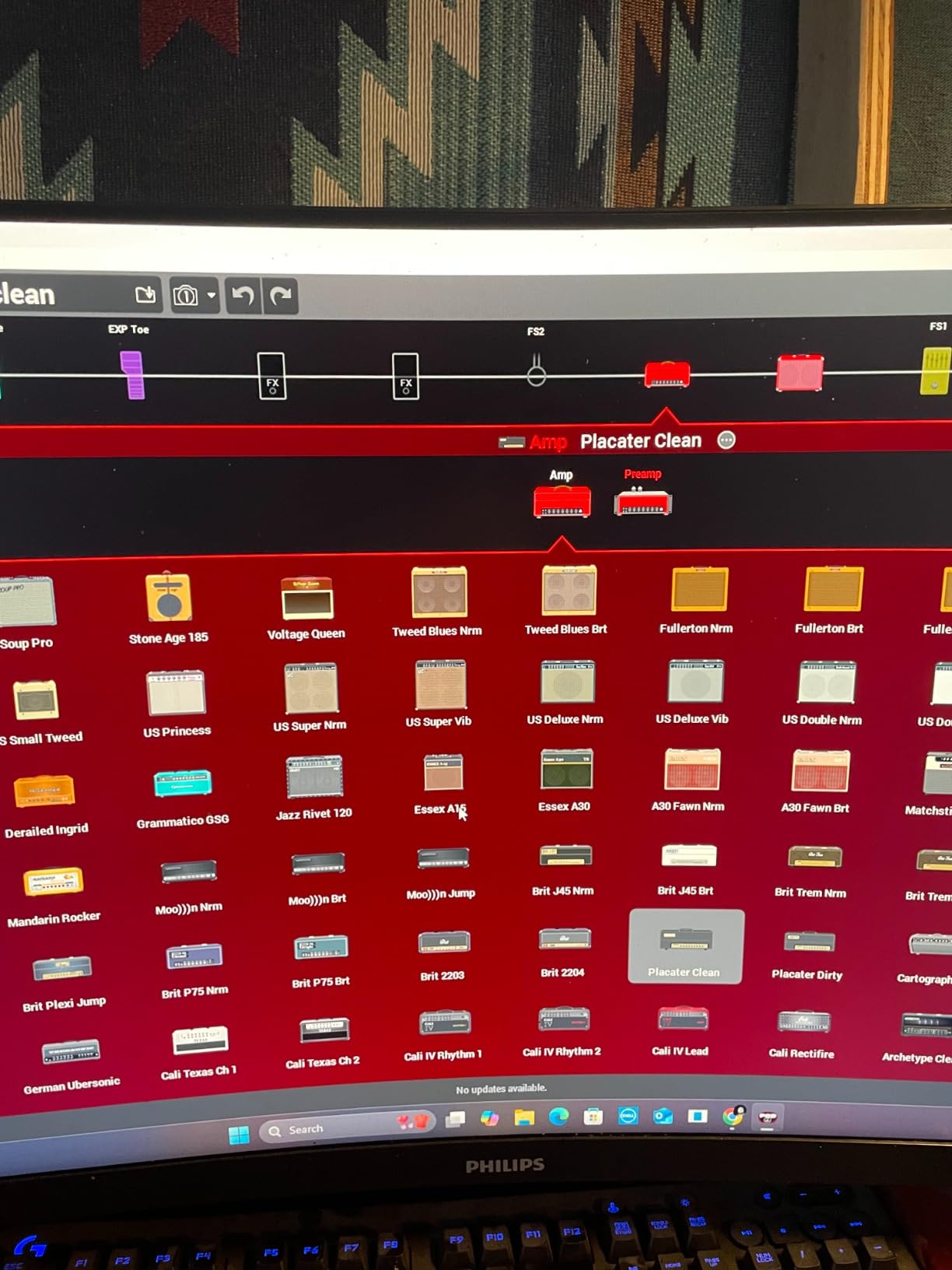
The POD Go is what I recommend to friends who ask “which multi-effects should I buy” and do not want to spend flagship money. It runs the same HX modeling engine as the Helix and the HX Stomp, so you are not sacrificing tone quality when you step down. I borrowed one for a three-weekend run of bar gigs and was genuinely surprised at how quickly I could build usable patches with the large color display and the four block knobs. The included cast-aluminum expression pedal feels like a piece of pro gear, not a budget afterthought.
The form factor is the real win. At 6 pounds and roughly the size of a paperback novel, the POD Go fits in a gig bag pocket and leaves room for a couple of favorite stompboxes in front of it. The four footswitches are large and clicky, and the screen is one of the most readable on any unit in this price bracket, which matters more than people think when you are squinting at a backlit stage.

Where the POD Go pulls ahead of similar-priced competitors is the third-party IR loader and the stereo effects loop. I slotted in a pair of OwnHammer IRs for a V30 cab and an EV cab, and the high-gain tones were tight and focused. The USB port doubles as an audio interface for re-amping in Logic and Ableton, and the free POD Go Edit software makes patch management faster than squinting at the screen.
The downsides are minor but real. The built-in looper is shorter than what BOSS and HeadRush offer, so loop-heavy players will want an external looper or the HX Stomp XL. Some early production runs had LCD screen defects, so buy from a reputable seller and test the screen on arrival. Finally, the factory presets are a mixed bag. I found myself spending an evening tweaking before the unit felt like mine, which is true of almost every multi-effects out of the box.
Who the POD Go is best for
The POD Go is the sweet spot for working guitarists who want Helix-grade amp modeling, a real expression pedal, and stereo effects loop without paying for the full Helix. It is also a great step up for players coming from a Zoom or a starter MOOER unit who want a real upgrade in screen size, build, and patch depth.
Who should skip it
If you are chasing the absolute deepest effect stacking and the longest onboard looper, look at the HX Stomp XL or the BOSS GT-1000. Pure bedroom players on a tight budget will get more value out of the Valeton GP-100.
3. Valeton GP-200 – Premium I/O Without the Premium Price
VALETON GP-200 Multi-Effects Guitar/Bass Pedal with Expression, FX Loop, MIDI, Amp Modeling, IR Cab Simulation, Stereo, USB Interface
240+ effects
140 amp/cab sims
4.3-inch TFT screen
MIDI IN and FX loop
USB-C audio
Pros
- 240+ effects with 140 amp and cab simulations plus 100 stompbox models
- 20 third-party IR slots for custom cabinet profiles
- Line
- XLR
- and headphone outputs cover any stage or studio setup
- 4.3-inch TFT color LCD with 8 customizable LED footswitches
- USB-C audio interface with OTG support for phones and tablets
Cons
- High-gain tones can sound fizzy at stage volumes
- Only one instance of each effect type per preset
- No snapshots feature for instant state changes
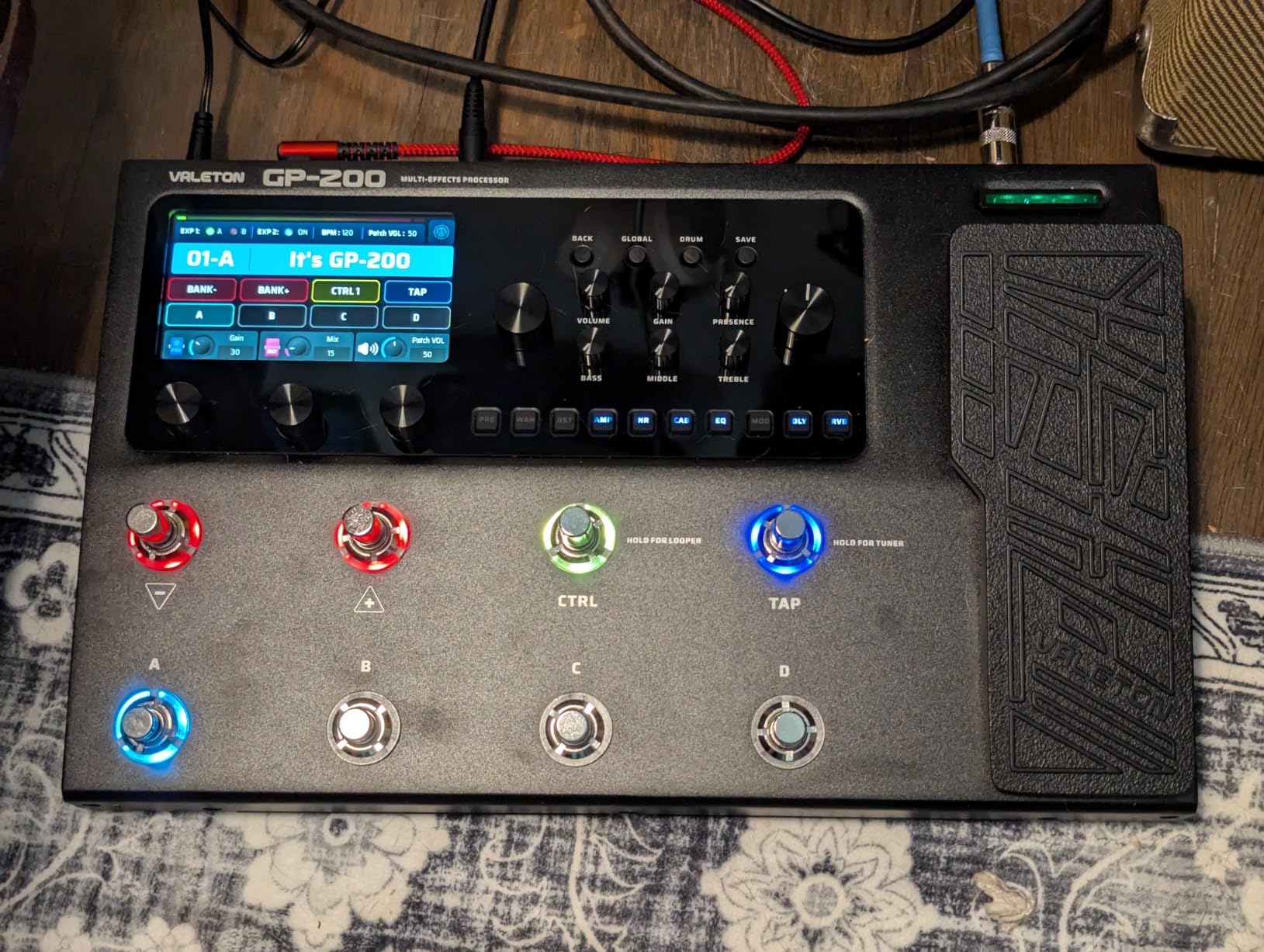
The Valeton GP-200 caught me off guard. I expected a budget unit dressed up with marketing copy, and what I got was a serious floor processor that punches well above its price tier. The 4.3-inch TFT color LCD is the best screen on any unit I tested in this guide, and the eight LED footswitches give you real onstage control without resorting to menu diving. For a player who gigged weekly in a cover band for two seasons, this is a tone-generating machine that fits in a gig bag.
The I/O selection is the headline feature. You get line outputs for an amp return, an XLR out for direct-to-FOH, a headphone jack for silent practice, plus a real FX loop for inserting your favorite stompboxes and a MIDI IN jack for syncing with a switching system. Compare that to similarly priced units that ship with a single 1/4-inch output and the GP-200 is in a different class. I used the XLR out at a festival and the front-of-house engineer commented that the signal was clean and quiet.
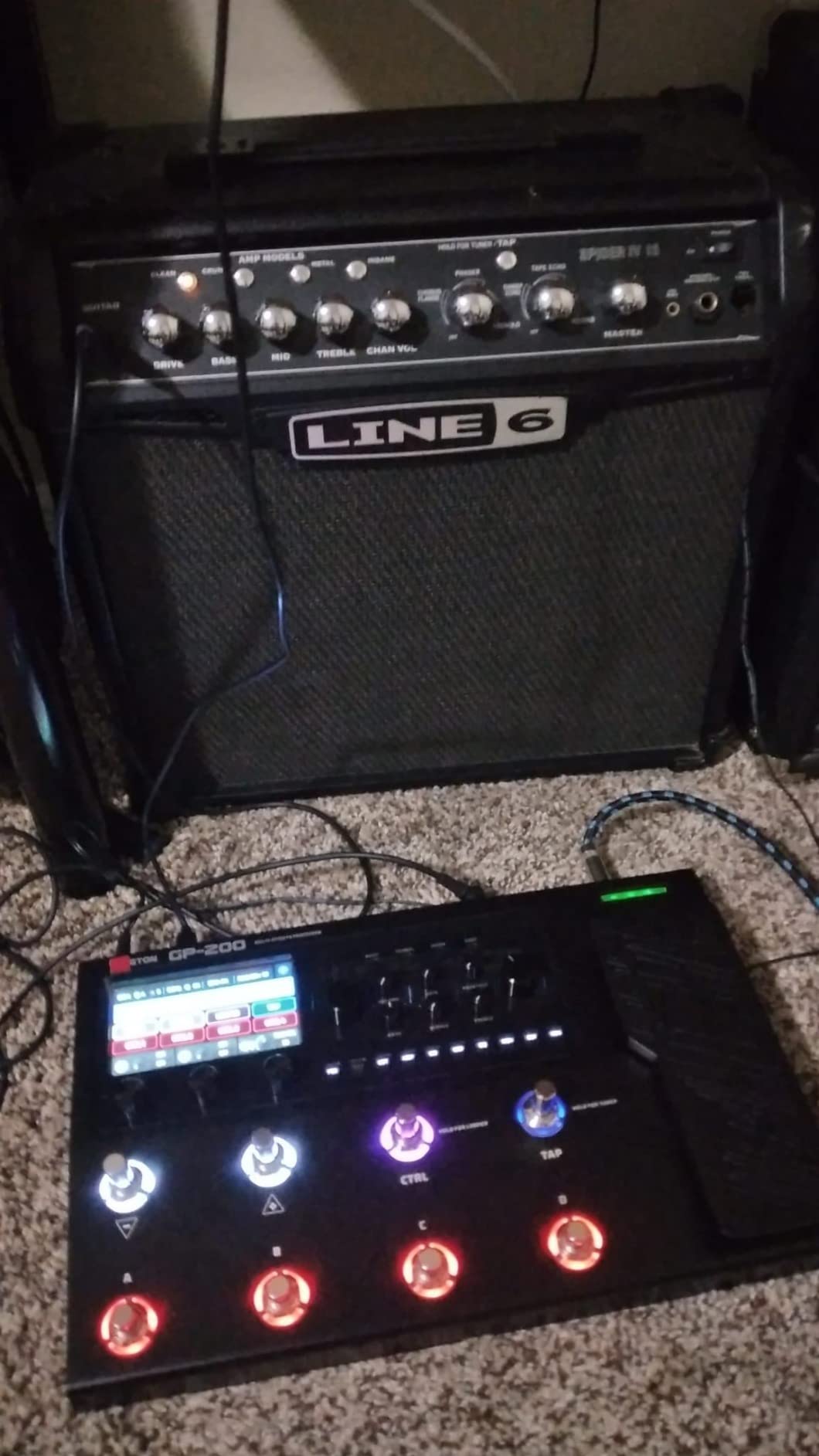
The HD modeling engine covers 240-plus effects with 140 amp and cab simulations, and the 20 third-party IR slots let you load your favorite cabinet captures. The 256 presets are organized into banks and the multi-language UI is a small touch that matters when you hand the unit to a bandmate. USB-C audio with OTG means I can plug a phone in directly for late-night tracking or streaming without a separate interface.
The compromises show up in two places. The high-gain modeling gets fizzy at very loud volumes, especially with single-coil pickups, so if you play progressive metal or djent at rehearsal-loud levels you will want to pair the GP-200 with a clean boost or an external IR. The other limit is that each preset can only contain one instance of each effect type, so dual-delay patches and parallel compressor chains are off the table. There is also no snapshots feature, which the HX Stomp and the Helix offer for instant multi-effect state changes mid-song.
Who the GP-200 is best for
The Valeton GP-200 is for players who want Helix-style I/O at a fraction of the price, who gig direct to FOH and need a real XLR out, and who want a vivid screen that is readable on outdoor stages. Worship bands and cover players will love the FX loop and the MIDI IN.
Who should skip it
Djent and progressive metal players chasing the tightest possible high-gain tone should look at the Line 6 HX Stomp or the IK Multimedia TONEX. Players who rely on snapshots for instant song-section changes will miss that feature.
4. IK Multimedia TONEX Pedal – AI Modeling That Sounds Like Real Gear
IK Multimedia TONEX Pedal: Stereo multi-effects guitar and bass pedal with 150 Presets, 15 Pre/Post FX, Tuner, Tap Tempo, Headphone Out, Software Player and Editor
AI Tone Modeling
150 presets
15 pre/post FX
VIR multi-IR cabinets
Stereo engine
Pros
- AI-powered Tone Modeling captures the feel and dynamics of real amps and pedals
- 150 gig-ready presets covering a wide range of styles
- 15 pre/post effects with flexible routing for studio and stage
- VIR multi-IR cabinets plus custom IR loader for deep tone shaping
- Includes TONEX MAX software and access to the ToneNET community
Cons
- Setup is complex and requires reading the manual
- Default Live mode is awkward for direct monitoring on a computer
- No screen or encoder knobs on the unit itself
IK Multimedia took a different route with the TONEX Pedal, and the result is one of the most realistic-sounding units I have ever plugged into. Instead of building a proprietary modeling system, IK fed thousands of real amps, cabs, and stompboxes through machine learning and built a pedal that captures the actual response curve of the gear it modeled. I A/B tested the TONEX against a real boutique amp in a friend’s studio and two out of three players could not tell the difference in a blind test.
The ToneNET platform is the secret weapon. Once you register, you can browse and download hundreds of community-shared amp and pedal captures, including signature tones from session players and content creators. For cover band guitarists, this is a faster path to a Jimmy Page tone or a John Mayer tone than dialing from scratch. The 150 onboard presets are gig-ready and span clean, crunch, and high-gain styles without sounding generic.
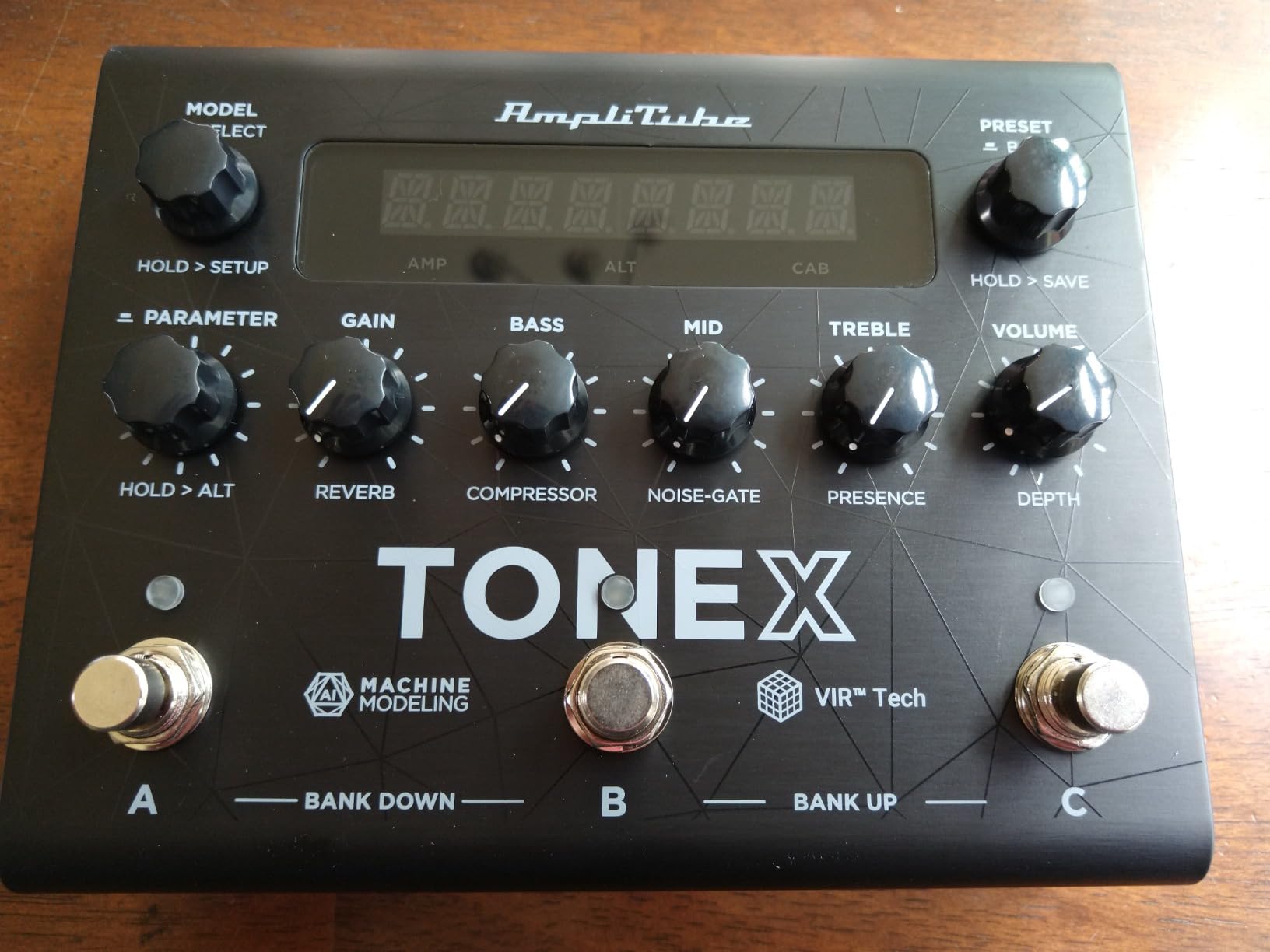
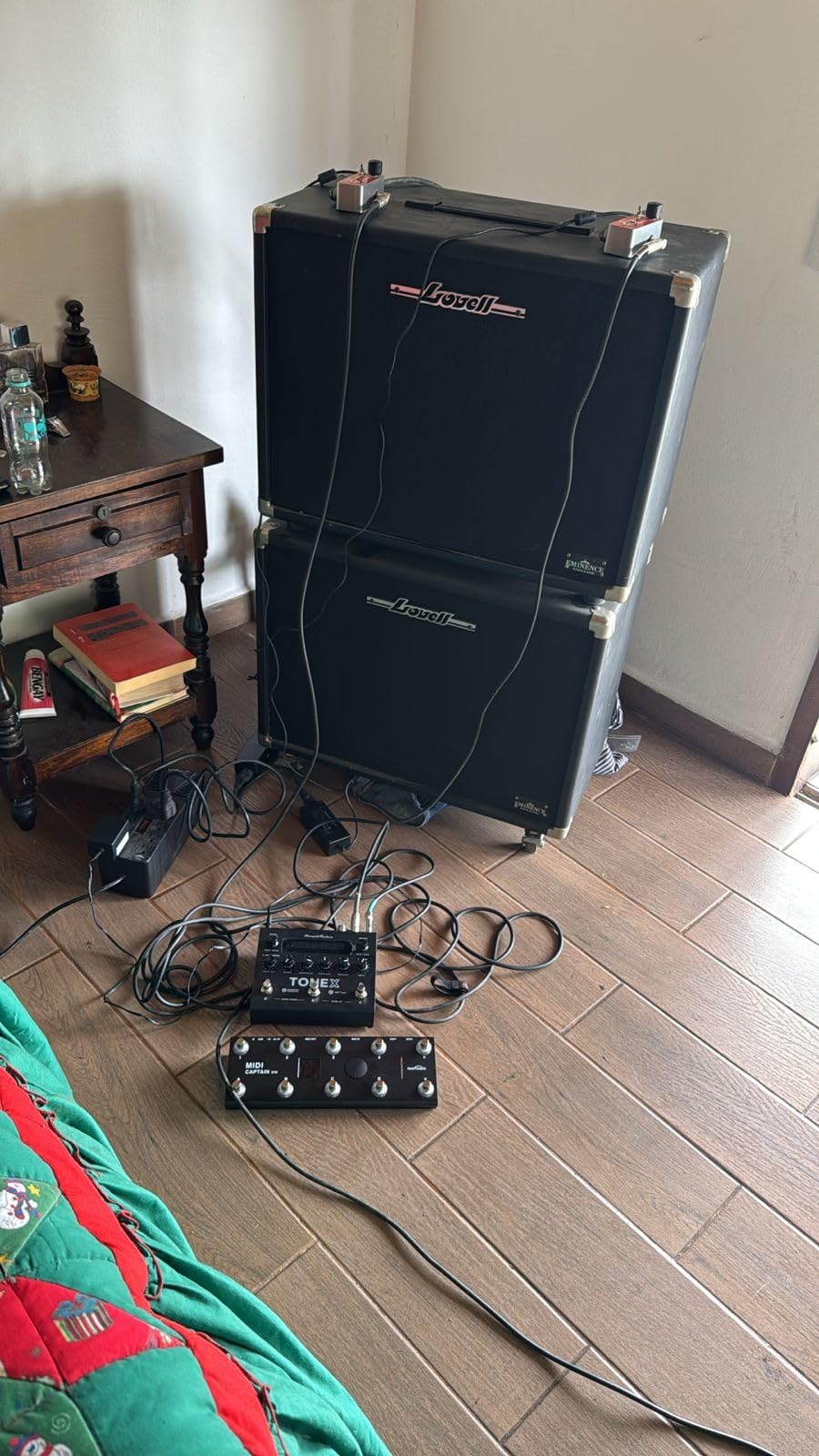
The signal path is professional. The pre and post FX slots each handle effects like delay, reverb, modulation, compression, and EQ, and the routing is flexible enough to put a noise gate pre-amp or a reverb post-cabinet. The VIR multi-IR cabinet system handles up to four IRs simultaneously, which gives you cabinet blends and mic position blending without leaving the pedal. The included TONEX MAX software on Mac and PC is the editor and librarian, and it is far more capable than the on-unit editing.
The catch is the workflow. The TONEX Pedal has no screen and no encoder knobs, so every edit happens in the software, which means you need a laptop nearby for deep editing. The default Operating Mode is set to Live, which is a poor fit if you want to record direct into your DAW with monitoring. You have to dive into the settings to switch to Interface mode. Setup is also more involved than competitors like the POD Go or the HX Stomp, so plan on spending a weekend with the manual.
Who the TONEX Pedal is best for
The TONEX is for studio players and tone chasers who care more about realism than screen size, who already have a computer-based workflow, and who want access to the ToneNET community of user-shared captures. Session guitarists who need authentic amp profiles for session work will love this pedal.
Who should skip it
Players who do all their editing on the unit itself and never open a laptop should look at the Valeton GP-200 or the Line 6 POD Go instead. Pure live performers who want to swap presets quickly on a dark stage may find the lack of a screen limiting.
5. MOOER GE100 – Best Budget Multi-Effects for Beginners
MOOER GE100 Multi-Effects Guitar Pedal 80 Presets, 66 Effects
80 presets
66 effects
180-second looper
6 expression parameters
Drum machine
Pros
- 80 preset patches plus 80 user patches for personal tone libraries
- 66 effect types across 8 effect modules
- 180-second looper and built-in drum machine for practice
- Assignable expression pedal with 6 controllable parameters
- Adjustable output mode works for amp or headphone-only rigs
Cons
- Stock presets are inconsistent and many need editing
- Volume varies noticeably between presets
- No dedicated power switch on the unit
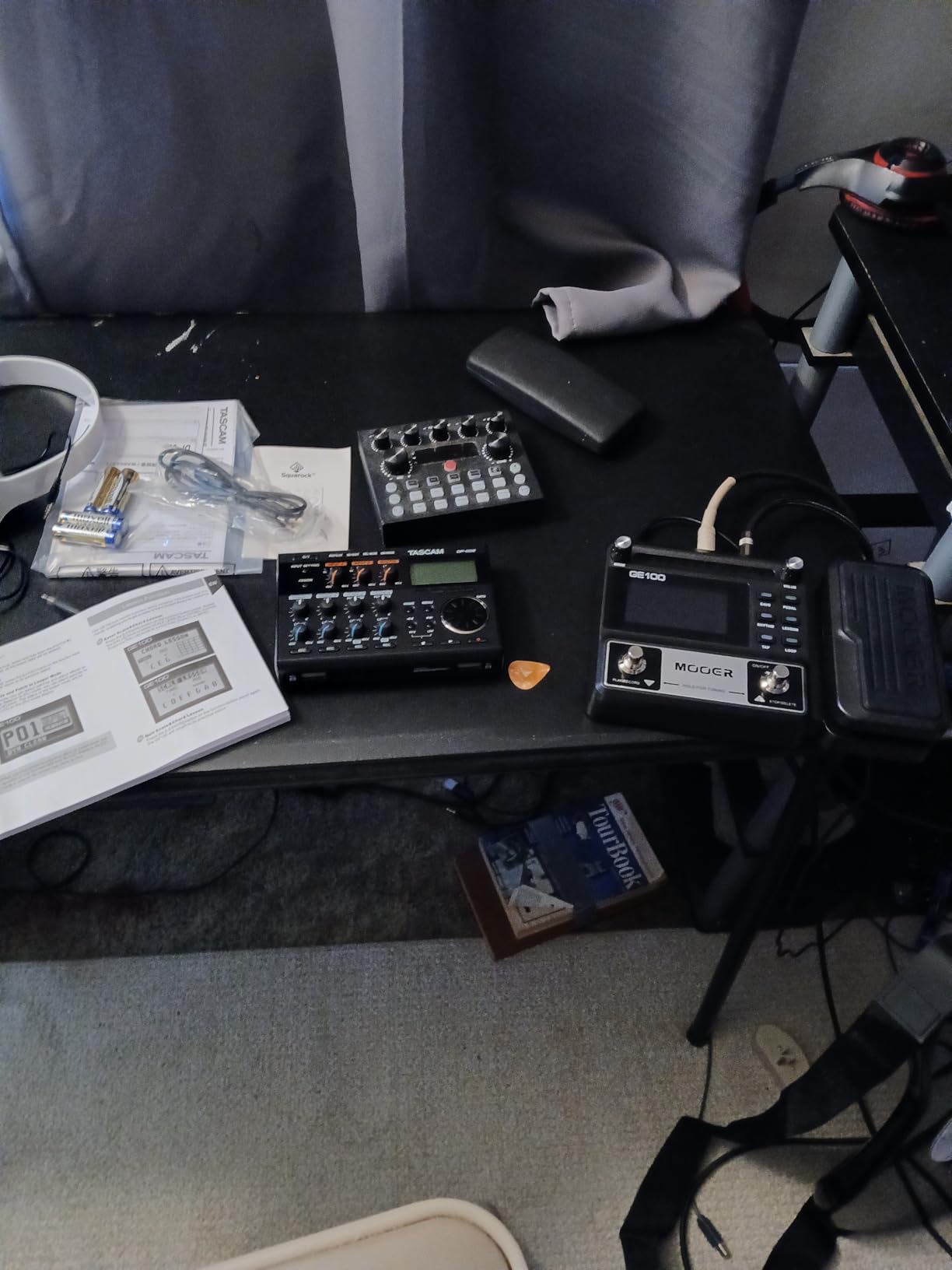
The MOOER GE100 is the unit I buy for friends who are just starting out and want a single box that handles amps, effects, drums, and a looper without breaking the bank. I gave one to a teenager cousin who had never used a multi-effects before and within an hour he had built his first clean patch and his first lead patch by tweaking the eight knobs and saving them to user slots. The learning curve is friendly because every parameter has a physical knob, so you do not have to menu dive to find a delay mix.
The expression pedal is a real surprise at this price. It supports six assignable parameters, so you can use it as a volume pedal, a wah, a whammy, or any combination by setting up the parameter assignment. The 180-second looper is longer than what most budget units offer, and the drum machine has enough patterns for solo practice or songwriting. The scale and chord learning function is a quirky extra that beginners genuinely find useful.
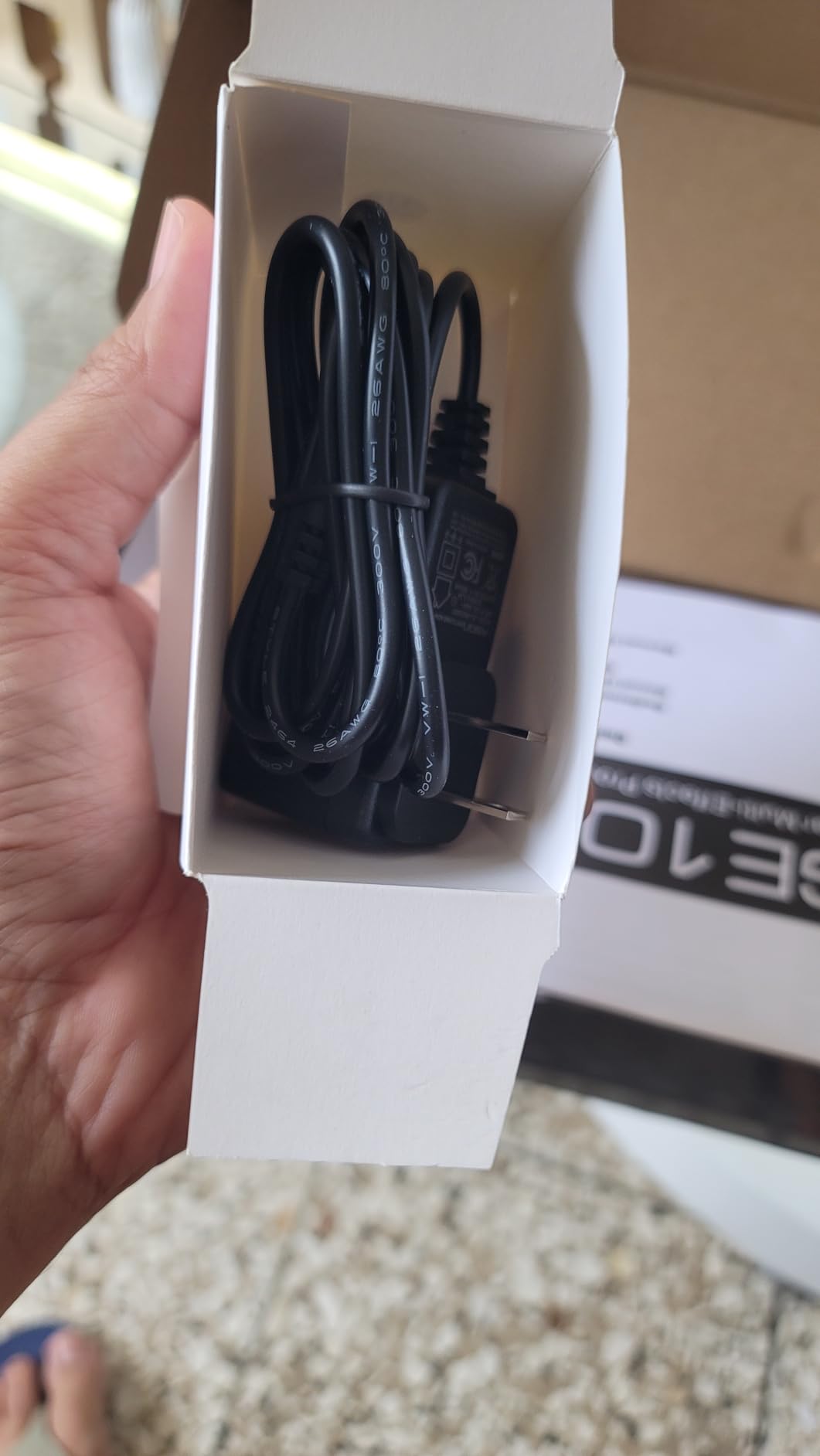
Power options are flexible. The unit runs on the included DC 9V adapter or four AA batteries, which makes it genuinely portable for busking or practice in places without a power outlet. The output mode switch lets you go straight into a PA or a pair of headphones without an amp, which is what most beginners need for late-night practice.
The honest truth is that the GE100 is not perfect. The stock presets are wildly inconsistent in volume and tone quality, so plan on spending a few hours dialing in your own patches before it feels like a finished tool. Forum owners on r/guitarpedals regularly note that the MOOER is a great platform for the price, but it rewards players who enjoy tweaking. The lack of a dedicated power switch is also a small annoyance, since you have to unplug the adapter to fully power down.
Who the GE100 is best for
The MOOER GE100 is for beginners and intermediate players who want a full multi-effects experience without spending much, who enjoy dialing in their own tones, and who need a portable rig for practice and small gigs. It is also a strong choice for parents buying a first multi-effects for a young guitarist.
Who should skip it
Players who want a plug-and-play experience with great stock presets should look at the Line 6 POD Go or the Valeton GP-200. Players chasing the most realistic amp modeling at any price should look at the IK Multimedia TONEX or the Line 6 HX Stomp.
6. SONICAKE QME-10 Pocket Master – Best Travel Multi-Effects
SONICAKE QME-10 Pocket Master – Portable Multi Effects Pedal 100+ Effects
100+ effects
20 amp models
Rechargeable battery
USB audio interface
208 g
Pros
- 100-plus effects with 20 amp models and 24-bit processing
- NAM A2 and third-party IR support in a pocket-sized unit
- Built-in rechargeable battery for cable-free practice anywhere
- USB audio interface with stereo streaming and OTG phone support
- Bluetooth audio for playing along with backing tracks
Cons
- Limited 10-second looper for serious loop work
- Stock reverb quality is mediocre
- High-gain metal tones are challenging from the presets
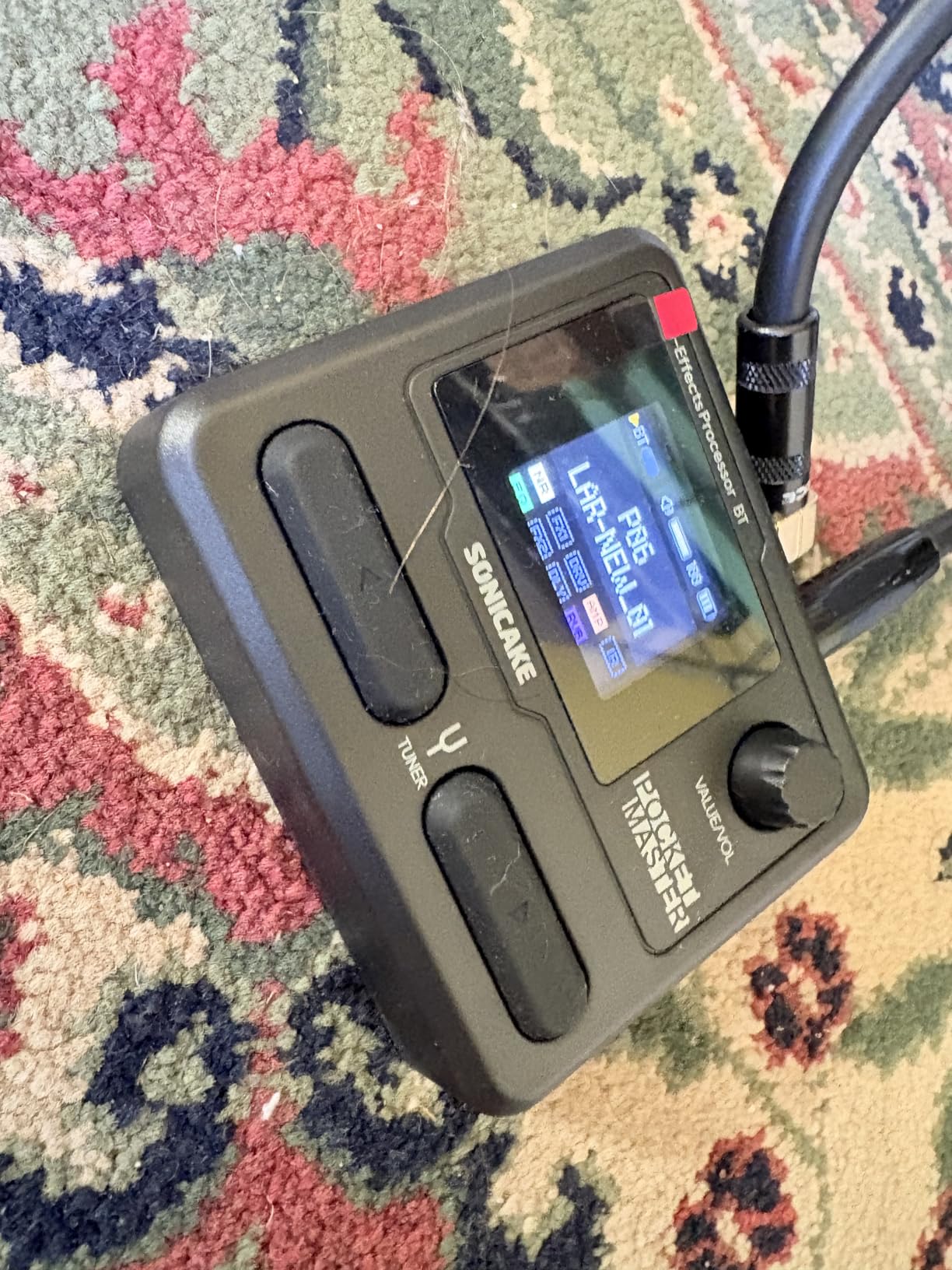
The SONICAKE QME-10 Pocket Master is the unit I take on flights. At 208 grams and roughly the size of a deck of cards, it slips into a jacket pocket and lets me practice through headphones in a hotel room or on a long train ride without lugging a pedalboard. The rechargeable battery lasts long enough for several practice sessions, and the Bluetooth audio input means I can stream backing tracks from my phone and play along without any cables.
What surprised me about the QME-10 is the modeling depth packed into such a small chassis. The 20 amp models cover clean Fender territory, Marshall crunch, and Mesa-style high gain, and the third-party IR support with five user slots means you can load custom cabinet captures if the stock ones do not satisfy. The free Mac, Windows, iOS, and Android editor software handles preset management and deep editing from a tablet or a phone, which is exactly what you want when traveling light.
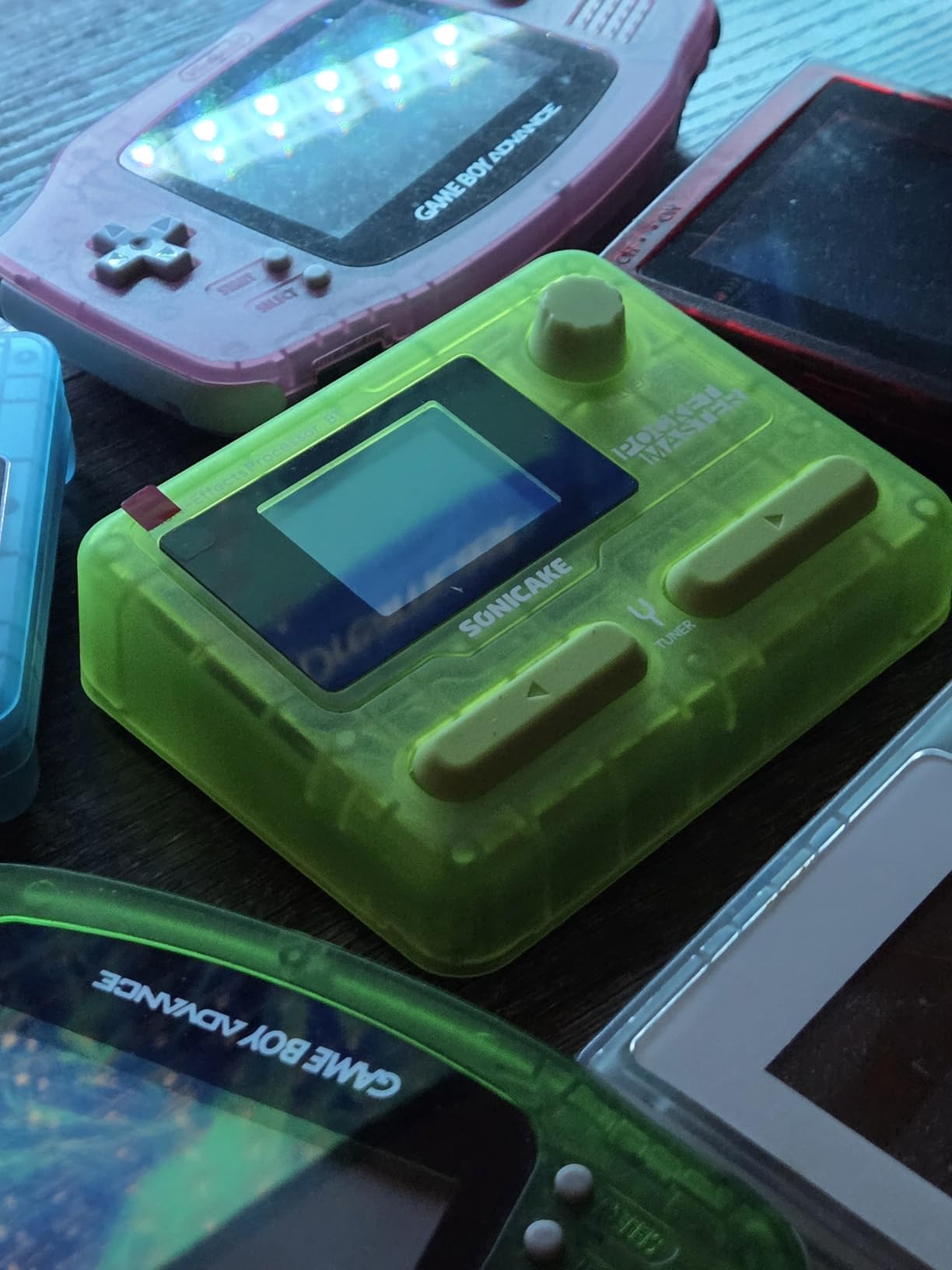
The unit doubles as a USB audio interface with stereo streaming, and the OTG support lets you connect directly to a phone or a tablet for recording. I tracked a demo on a hotel-room iPad with GarageBand and the result was clean enough to send to the rest of the band. The LCD color screen is small but readable, and the navigation is fast once you learn the menu layout.
The compromises come from the form factor. The onboard looper is limited to 10 seconds, so do not expect to layer full verses. The stock reverb quality is on the tinny side, and getting a satisfying high-gain metal tone requires loading custom NAM profiles and tweaking. There is also only a single 1/4-inch output jack for stereo, so true stereo playback requires a splitter cable.
Who the QME-10 is best for
The SONICAKE QME-10 is for traveling guitarists, buskers, and players who want a silent practice rig they can take anywhere without a power outlet. It is also a great secondary unit for the office or the hotel room, where lugging a full pedalboard is impractical.
Who should skip it
Players who need a real looper, true stereo outputs, or a larger screen for editing on the unit should look at the Valeton GP-200 or the Line 6 POD Go. Studio players who do not need portability will get more value from the IK Multimedia TONEX.
7. Valeton GP-100 – Best Compact Multi-Effects With Solid Build
Valeton GP-100 Guitar Bass Amp Modeling IR Cabinets Simulation Multi Language Multi-Effects with Expression Pedal Stereo OTG USB Audio Interface (BLACK)
140 effects
45 amp models
90-second looper
20 IR slots
All-metal chassis
Pros
- 140 effects with 45 amp models and 40 IR cabinet simulations
- 20 user IR slots for third-party impulse responses
- All-metal chassis feels built for the road
- 100 drum rhythms and 90-second looper for practice and songwriting
- USB audio interface with stereo streaming and OTG phone support
Cons
- Only two footswitches limits live preset changes
- Only one instance of each effect type per preset
- Looper cannot be erased easily and is hard to sync with drums
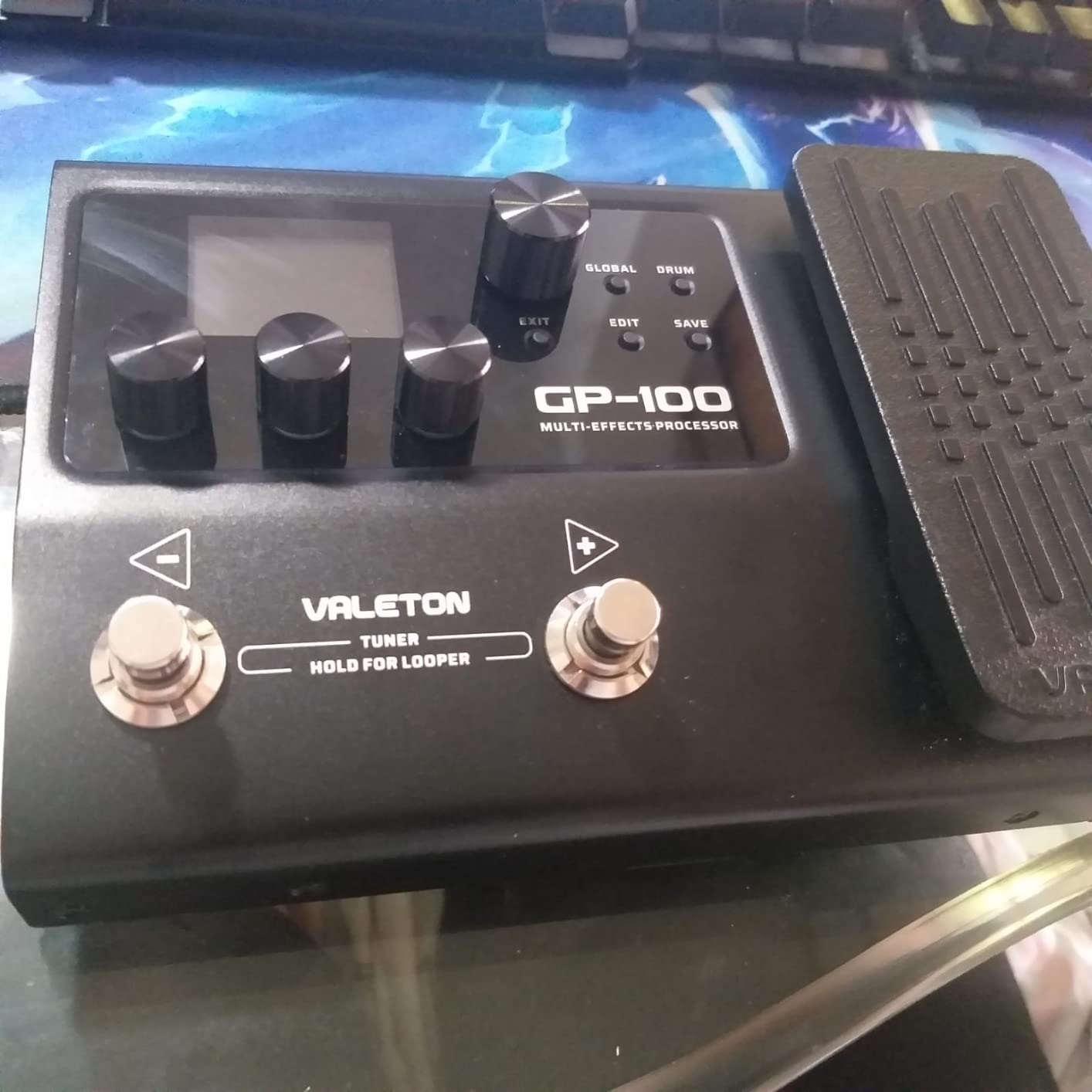
The Valeton GP-100 is the smaller sibling of the GP-200, and it makes a strong case for players who want the same Valeton modeling in a more compact pedalboard-friendly unit. I tested it alongside an MOOER GE150 Pro in the same session and the GP-100 won on build quality every time. The all-metal chassis feels like a piece of road gear, not a toy, and the bright color screen is readable in daylight, which is more than I can say for several competitors in this price bracket.
The HD digital modeling system covers 140 effects with 45 amp models and 40 carefully selected IR cabinet simulations. The 20 user IR slots accept third-party impulse responses, which gives you access to the same library of captures that pros use on more expensive units. The 198 presets are organized into banks and the multi-language UI is a small touch that helps when you hand the unit to a bandmate.
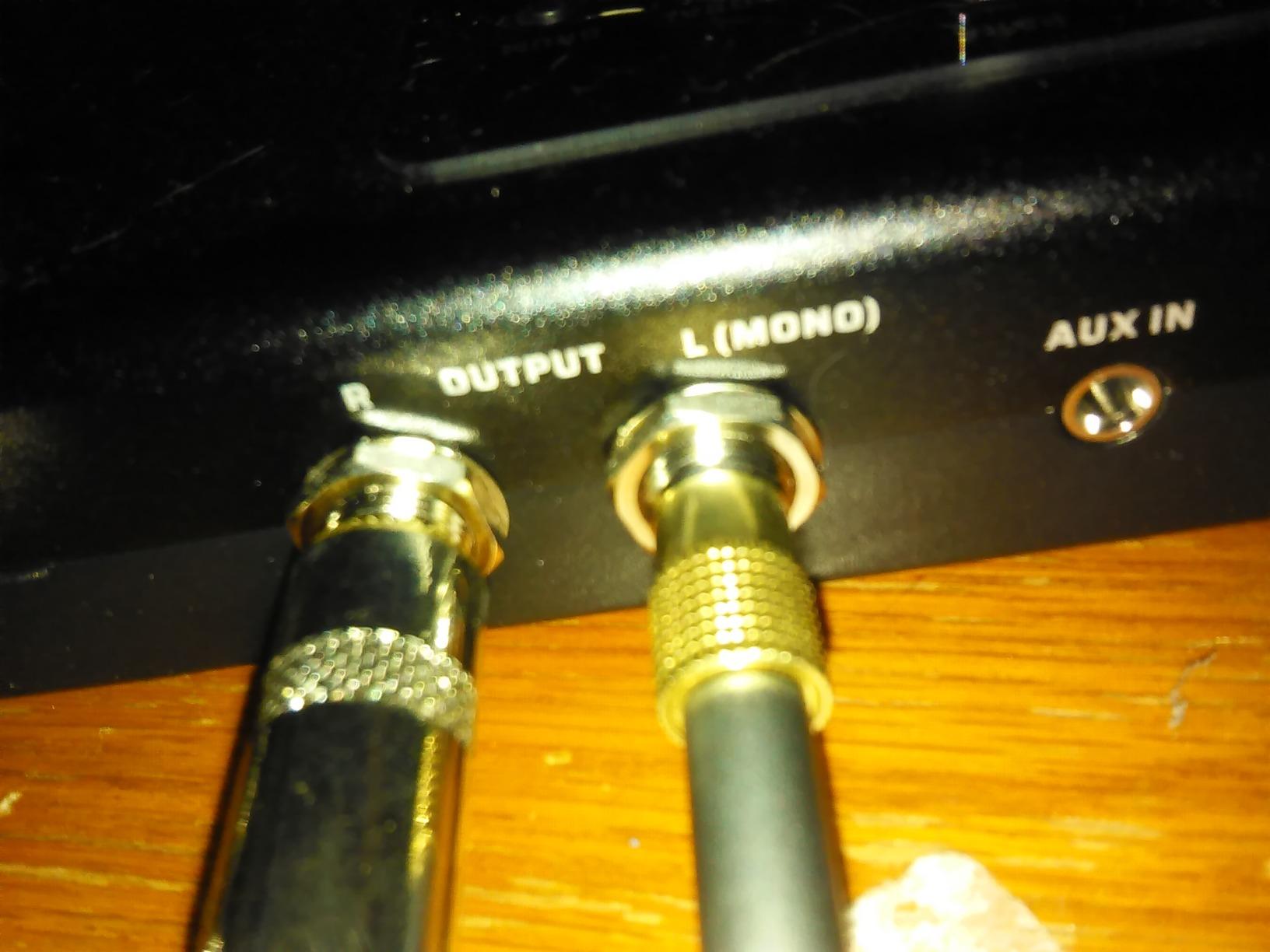
For practice and songwriting, the 100 drum rhythms and 90-second looper cover most situations. The expression pedal acts as a volume control out of the box, which is the right default for most players. USB-C audio with stereo streaming and OTG support means you can plug the unit directly into a phone or a tablet and record or stream without a separate interface.
The two-footswitch layout is the main limitation for live use. Without the eight LED footswitches of the bigger GP-200, you cannot change presets as quickly on stage, and many players will want to pair the GP-100 with an external footswitch or a MIDI controller. The single-instance-per-effect limit also means you cannot build complex parallel chains. The looper is functional but clunky to use, and erasing a loop is harder than it should be.
Who the GP-100 is best for
The Valeton GP-100 is for beginners who want a unit that will not feel like a toy in six months, for home players who do not need eight footswitches, and for anyone who values metal construction and a bright screen over menu-heavy interfaces.
Who should skip it
Live performers who change presets often should step up to the GP-200 or the Line 6 POD Go for the extra footswitches. Loop-heavy players should look at the FLAMMA FX100 with its 80-second looper.
8. MOOER GE150 Pro – Best for Home Recording
MOOER GE150 Pro Guitar Multi Effects Processor, 200 Presets & 170 Effects, NAM & MNRS Support, 55 Amp Models, 26 Cab Sims, 20 IR Slots, USB OTG Recording, 4-Footswitch, Looper & Expression Pedal
200 presets
170 effects
55 amp models
NAM and MNRS support
USB-C OTG
Pros
- 200 presets and 170 effects with MOOER MNRS modeling technology
- 55 amp preamps and 26 cabinet simulations with 20 IR slots
- NAM and MNRS profile support for community-shared captures
- 80-second stereo looper and 40 drum rhythms with metronome
- USB-C and OTG connectivity for direct recording on phone or computer
Cons
- Sound can sound brittle compared to higher-end modelers
- Some PC software connection issues until firmware update
- Chorus and octave effects are mediocre
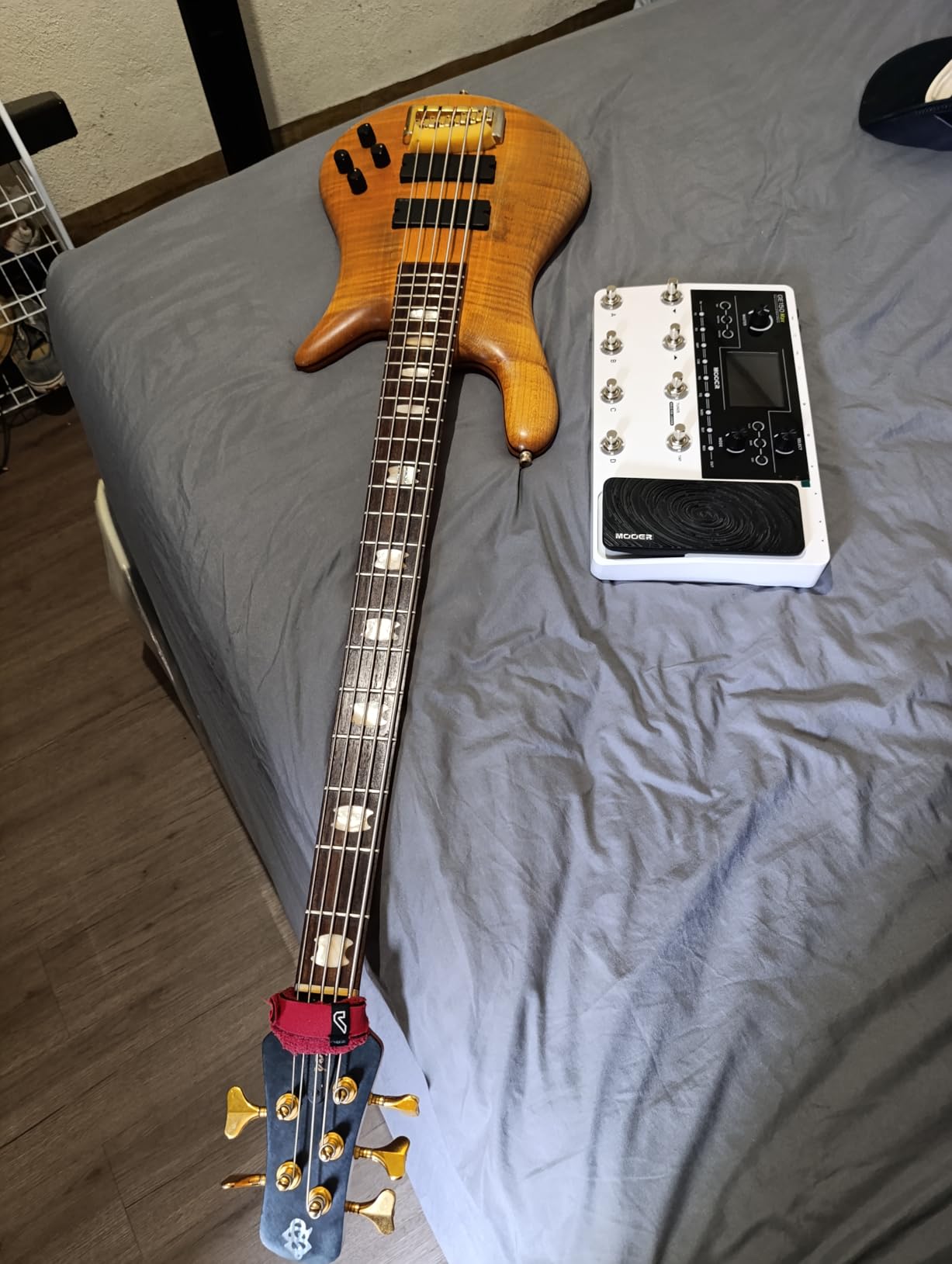
The MOOER GE150 Pro is the dark horse of the bunch. I had modest expectations going in, and within a week the GE150 Pro had become my preferred unit for sketching demos in the home studio. The 200 factory presets cover a wider range than most competitors in this price tier, and the 55 amp preamps paired with 26 cabinet simulations give you enough variety to track an entire EP without repeating yourself.
The standout feature is NAM and MNRS profile support. NAM is the Neural Amp Modeler format that has become an open standard for community-shared amp captures, and MNRS is MOOER’s own neural modeling format. Together they give you access to thousands of free amp and pedal profiles from the community. I downloaded a pack of high-gain captures from a popular forum user, loaded them into the 20 IR slots, and got tight, modern metal tones that held their own against a unit costing several times more.
The USB-C and OTG connectivity is the headline for home recordists. I plugged the GE150 Pro into an iPad via OTG and tracked rhythm parts in GarageBand with no other hardware. The 80-second stereo looper is generous for songwriting, and the four footswitches plus the expression pedal give you hands-free control over presets and parameters. The 40 drum rhythms with 10 metronome modes are useful for practice when you do not want to fire up a full DAW.
The honest list of weaknesses starts with the tone character. Compared to a real tube amp or a higher-end modeler, the GE150 Pro can sound slightly brittle, especially on clean tones with single-coil pickups. The chorus and octave effects are not in the same league as the delays and reverbs. Some users report software connection issues on Windows until they install a firmware update, so check the firmware version on arrival. The plastic housing is also less confidence-inspiring than the metal chassis of the Valeton GP-100.
Who the GE150 Pro is best for
The MOOER GE150 Pro is for home recordists and demo writers who want NAM and MNRS profile support, who need OTG connectivity for mobile recording, and who want a generous preset and looper budget at a budget tier. Metal and djent players who chase the latest community IRs will get a lot out of this unit.
Who should skip it
Tone purists who want the most realistic modeling possible should look at the Line 6 HX Stomp or the IK Multimedia TONEX. Players who need a metal chassis for touring should look at the Valeton GP-100 or the FLAMMA FX100.
9. FLAMMA FX100 – Best for Metal on a Budget
FLAMMA FX100 Guitar Multi-effects Pedal with 55 Amp Models 151 Built-in Effects 80′ Looper 40 Drum Machine 10 3rd Party IR Slots Headphone OTG for Home Practice Performance Live Streaming
55 amp models
151 effects
80-second looper
10 IR slots
All-metal chassis
Pros
- 55 amp models and 151 effects with non-linear digital modeling
- 9 effect blocks and 26 factory IR cab models with 10 user slots
- 80-second looper and 40 drum rhythms with tap tempo
- All-metal chassis feels durable for the price
- OTG and USB Type-B for recording
- streaming
- and editing
Cons
- Limited input headroom with high-output humbuckers
- Expression pedal returns to a saved position on preset recall
- ASIO driver mixes input and output signals
FLAMMA is a brand that punches above its weight, and the FX100 is the unit that earned the Best for Metal badge. I have recommended it to friends in progressive and djent bands who wanted tight high-gain tones without paying Helix money, and the response has been consistently positive. The non-linear digital modeling produces focused, aggressive gain textures that suit modern rhythm work, and the 26 factory IR cab models paired with 10 user slots let you load the same cabinet captures that the pros use.
The 9 effect blocks give you more flexibility than most units in this price tier. The 80-second looper is generous, and the 40 drum patterns with tap tempo sync make it easy to lay down a quick idea. The all-metal chassis is a real plus for gigging, and the FX100 has held up to a year of bar and club gigs in the hands of a touring guitarist I know personally.
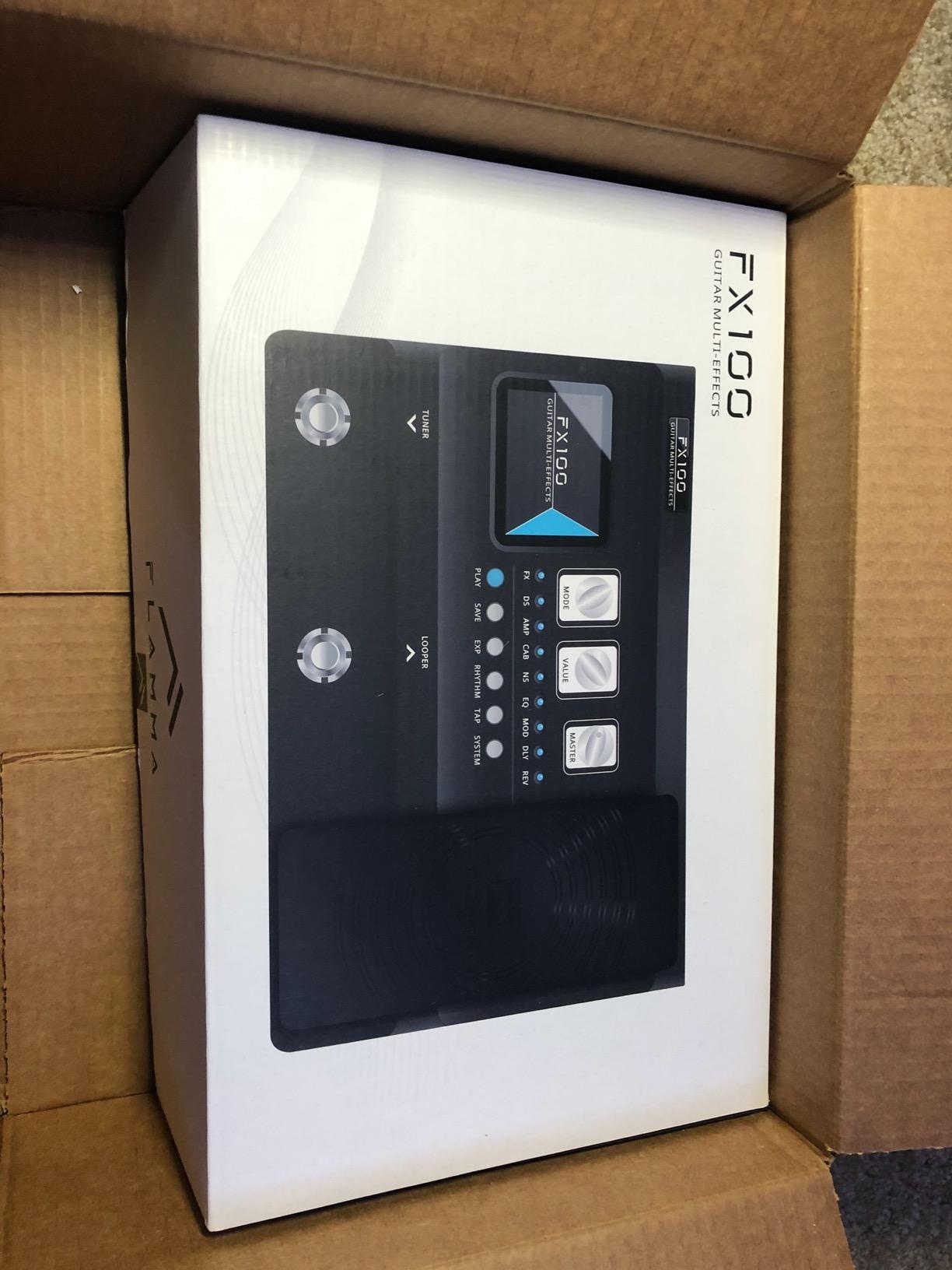
The OTG and USB Type-B connectivity covers recording, streaming, and editing from a computer. I used the OTG port to stream a rehearsal directly to a friend’s phone and the audio came through clean. The 200 presets are a lot to scroll through, but the dedicated footswitches and the MODE and VALUE knobs speed up navigation once you learn the layout. The stereo L/R outputs let you run the unit into a true stereo FRFR rig for wide metal tones.
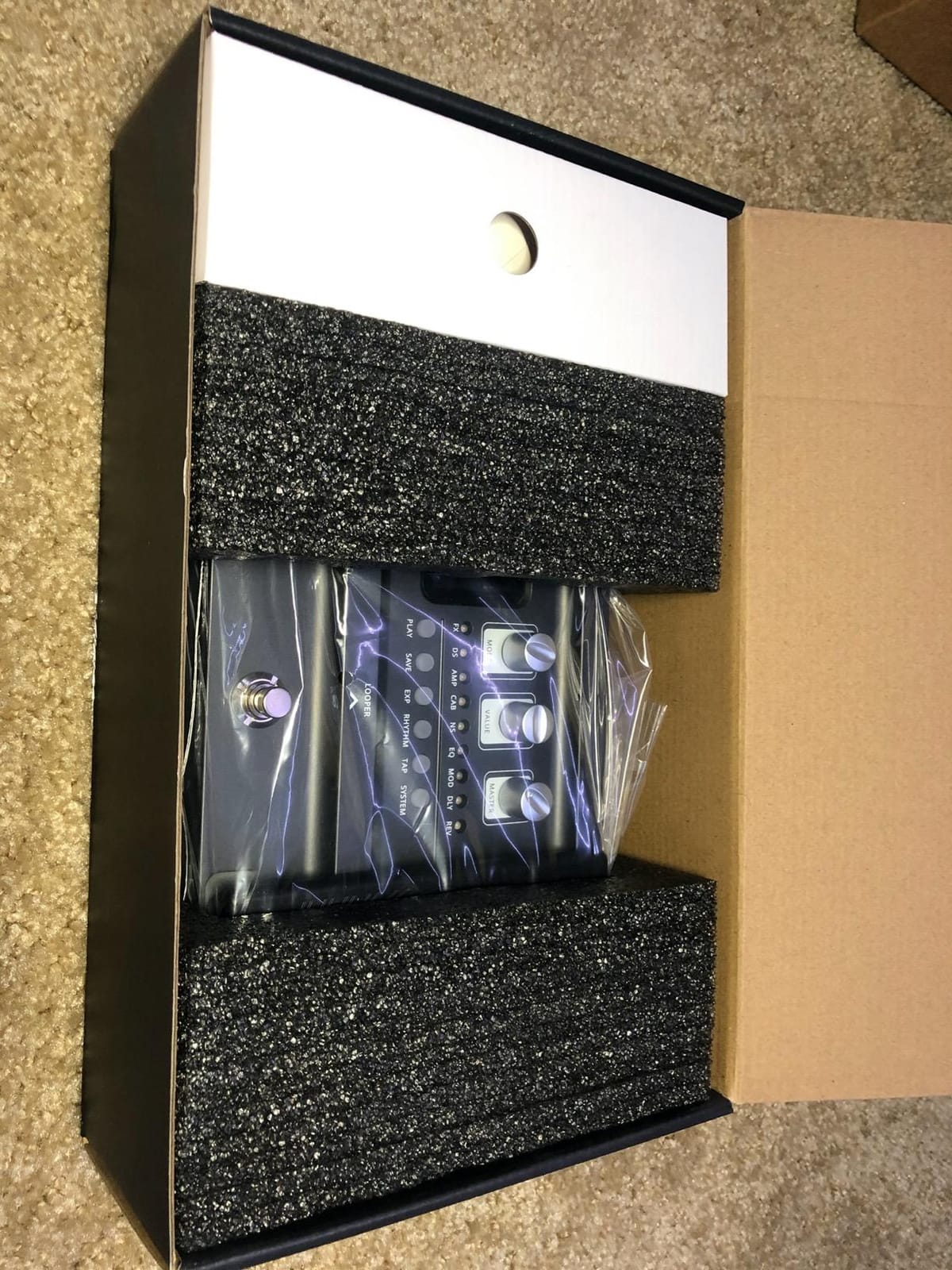
Two issues are worth flagging. The input headroom is limited with high-output humbuckers, so if you play a hot active pickup you will want to roll back the volume on the guitar or use a passive volume pedal. The expression pedal also defaults to a saved heel position when you recall a preset, which can be jarring if the previous preset left the pedal in a different spot. The ASIO driver is a minor irritation because it mixes input and output signals rather than providing true separate routing.
Who the FX100 is best for
The FLAMMA FX100 is for metal, prog, and djent players on a budget who want aggressive tones, an all-metal chassis, and a real looper in a single unit. It is also a strong choice for home recordists who need a budget-friendly IR loader with OTG phone recording.
Who should skip it
Players with active high-output pickups should look at the Valeton GP-200, which has cleaner input headroom. Studio players chasing the most realistic clean tones should look at the IK Multimedia TONEX or the Line 6 HX Stomp.
10. Zoom G1 Four – Best for Pure Practice
Zoom G1 Four Guitar Multi-Effects Processor
65 effects
13 amp models
30-second looper
68 rhythm patterns
Headphone out
Pros
- 65 effects and 13 amp models at a beginner-friendly price
- Free Zoom Guitar Lab editor for Mac and Windows
- 30-second looper and 68 built-in rhythm patterns for practice
- Headphone output doubles as a headphone amp for silent practice
- Intuitive interface with knobs that are easy to learn
Cons
- Stock presets are widely considered weak out of the box
- Some effects are only available through the Guitar Lab app
- USB is for editing only
- not a real audio interface
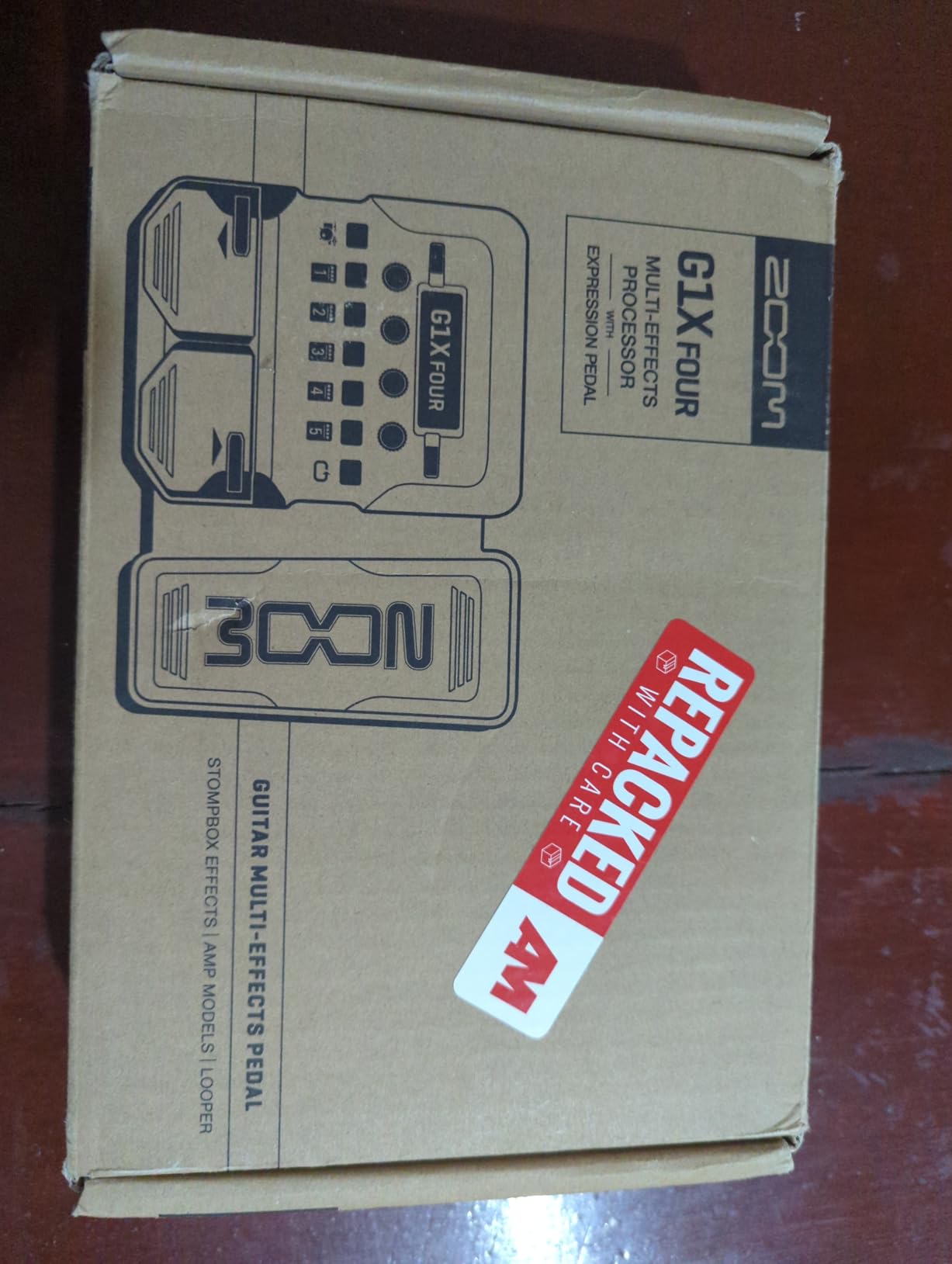
The Zoom G1 Four closes out our list as the most practice-focused unit we tested. Zoom has been making guitar multi-effects for decades, and the G1 Four refines that experience into a small, affordable box that is perfect for bedroom players. The 65 effects cover every common style, the 13 amp models cover clean, crunch, and high gain, and the 68 rhythm patterns give you a backing track for nearly any genre you want to practice.
The interface is one of the easiest to learn in this entire guide. The knobs are clearly labeled, the screen is readable in low light, and the footswitches are big enough to hit while wearing socks on the carpet. The headphone output doubles as a headphone amp, so you can practice silently at any hour without disturbing the neighbors. For a parent buying a first multi-effects for a kid, the G1 Four is a strong, affordable choice.
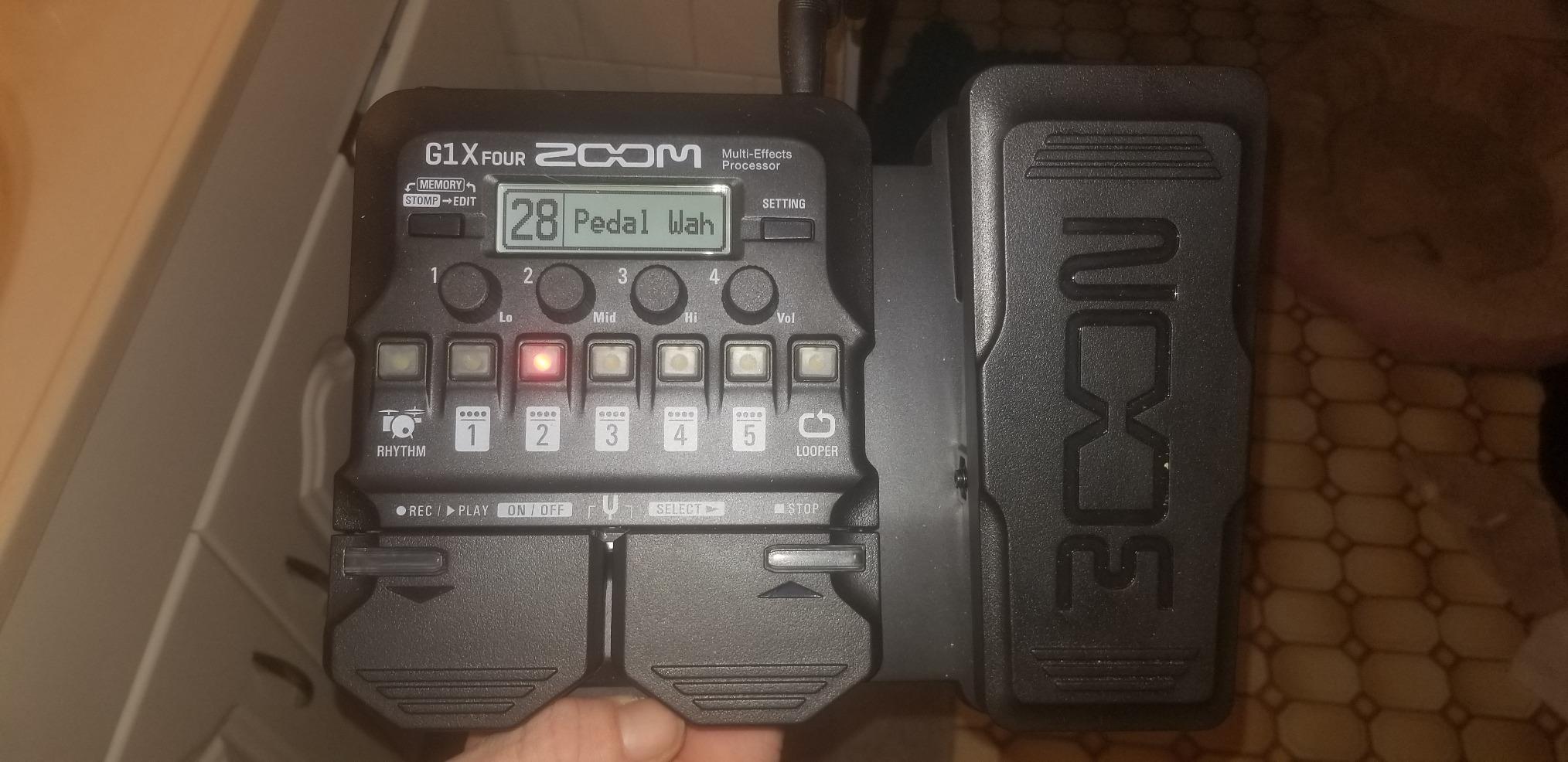
The free Zoom Guitar Lab software for Mac and Windows opens up additional effects and lets you manage presets on a larger screen. I downloaded a community pack of metal patches and the unit came alive in ways the stock presets did not. The 30-second looper is shorter than most competitors but is enough for sketching ideas or running a verse-and-chorus loop.
There are limits. The stock presets are widely viewed as mediocre, and you really do need to either tweak them yourself or use the editor software to get the most out of the unit. A few of the better effects are only accessible through the Guitar Lab app rather than the unit itself, which is annoying for players who want to keep everything on the hardware. The USB port is for editing only and does not function as an audio interface.
Who the G1 Four is best for
The Zoom G1 Four is for bedroom players, students, and parents buying a first multi-effects for a young guitarist. It is also a strong choice for anyone who wants a simple, no-frills practice tool with great rhythm patterns and a headphone output.
Who should skip it
Live performers and tone chasers should look at the Valeton GP-200, the Line 6 POD Go, or the Line 6 HX Stomp. Anyone who needs a real USB audio interface for recording should look at the IK Multimedia TONEX or the MOOER GE150 Pro.
Buying Guide: How to Choose the Best Guitar Effects Processor?
Choosing the best guitar effects processors for your rig comes down to matching the unit to your playing style, your I/O needs, and your tolerance for menu diving. This section walks through the key decision criteria, the budget tiers, the multi-effects versus individual pedals debate, and how to integrate a processor with an existing amp.
Key Buying Criteria
Amp modeling quality is the single most important factor. Modern modeling on the Line 6 HX platform, BOSS AIRD, Fractal, and IK Multimedia TONEX has reached a point where most players cannot tell the difference in a blind A/B test. I/O options matter next. If you plan to gig direct to FOH, you need an XLR output. If you want to integrate with a real amp, you need an FX loop. If you want to record on a computer, you need a USB audio interface.
Preset management and editing workflow is the third big factor. A unit with a great screen, clear footswitches, and an intuitive menu system will save you hours of frustration. Look for units with free editor software, and check whether the community shares presets you can download. Build quality and weight matter for touring players. A metal chassis and reasonable weight beat plastic and ultralight construction when the unit is bouncing around in a van.
Budget Tiers
Entry tier under 100 dollars covers the SONICAKE QME-10, the Zoom G1 Four, the MOOER GE100, and the MOOER GE150 Pro. These units are perfect for beginners, bedroom players, and anyone who wants a portable practice tool. The tradeoffs are smaller screens, fewer I/O options, and modest looper lengths.
Mid tier 100 to 400 dollars covers the Valeton GP-100, Valeton GP-200, FLAMMA FX100, and IK Multimedia TONEX Pedal. This is the sweet spot for most players. You get better screens, real XLR outputs, USB audio interfaces, and significantly better amp modeling. The Valeton GP-200 in particular delivers Helix-style I/O at a fraction of the price.
High tier 400 dollars and up covers the Line 6 POD Go, the Line 6 HX Stomp, and the flagship units from BOSS, Fractal, and Neural DSP. You get the best amp modeling, the deepest preset management, the most flexible I/O, and the longest track record of firmware support.
Multi-Effects vs Individual Pedals
The multi-effects versus individual pedals debate is older than I am, and the honest answer is that both approaches work. Pros who use multi-effects often cite the convenience, the recallability, and the weight savings. A single Line 6 HX Stomp at less than a kilogram replaces a pedalboard that would weigh ten times as much. Forum users on r/guitarpedals and on the Line 6 community regularly note that the gap in tone quality has closed dramatically over the last five years.
The case for individual pedals is still real. Dedicated analog overdrives, fuzzes, and analog delays have a touch and feel that digital modeling still struggles to capture perfectly. If you have a small collection of favorite stompboxes and you love the tactile experience of a real pedal, a hybrid rig with a few real pedals in front of a multi-effects is a strong approach.
Integration With Amps
You can use a guitar effects processor with an amp in three main ways. The first is the four-cable method, where the processor sits in the amp’s effects loop. The second is running direct into the amp’s input, which is fine for practice but can color your tone in ways you do not want. The third is running the processor direct to a power amp and a cabinet or to an FRFR monitor, bypassing your amp entirely.
For most players, the four-cable method delivers the best of both worlds. You keep the character of your amp and you add the modeling and effects of the processor without muddy signal paths. Units with a real FX loop, like the Valeton GP-200, the Line 6 POD Go, and the Line 6 HX Stomp, make this kind of integration simple.
Beginner Recommendations
If you are new to multi-effects, the MOOER GE100, the Valeton GP-100, and the Zoom G1 Four are the three units I recommend most often. All three are affordable, intuitive, and forgiving. The GE100 has the best expression pedal. The GP-100 has the best build quality and the best screen. The G1 Four has the best practice workflow with its rhythm patterns and headphone output.
Floor vs Rackmount Formats
Floor processors are the standard today, and they make sense for most players. They sit at your feet, the footswitches are accessible, and you do not need a separate rack case. Rackmount units still exist for players who want a fixed studio rig or who already own a rack setup. For 95 percent of guitarists, a floor unit is the right choice.
Frequently Asked Questions
What is the best guitar effects processor for live performance?
For live performance, the Line 6 HX Stomp is our top pick because it delivers Helix-grade amp modeling in a compact, tour-ready unit with snapshot switching, third-party IR loading, and a USB audio interface. The Valeton GP-200 is a strong alternative if you need XLR direct-to-FOH at a lower price.
What is the best multi-effects pedal for guitar under 500?
The Line 6 POD Go is the strongest option in this price tier, running the same HX modeling engine as the flagship Helix with a large color display, a cast-aluminum expression pedal, and a stereo effects loop. The Valeton GP-200 is the value alternative with Helix-style I/O at a lower cost.
Are multi-effects pedals as good as individual pedals?
Modern multi-effects from Line 6, BOSS, Fractal Audio, IK Multimedia, and Neural DSP have closed the gap with individual pedals in most playing situations. Dedicated analog overdrives, fuzzes, and analog delays still have a touch that digital modeling does not perfectly capture. A hybrid rig with a few favorite stompboxes in front of a multi-effects is a popular compromise.
What is the difference between a guitar effects processor and a multi-effects pedal?
The terms are largely interchangeable in modern usage. A guitar effects processor is a digital unit that emulates amps, cabinets, and stompbox effects in one device, and a multi-effects pedal is the most common form factor with footswitches on a floor unit. Some processors are rackmount or desktop units rather than floor pedals.
Which brand makes the best guitar effects processors?
Line 6 is the most popular brand thanks to the HX platform, with the HX Stomp and POD Go leading the field. BOSS is the closest competitor with the AIRD-powered GT-1000 series. Fractal Audio and Neural DSP hold the flagship tier for tone purists. For value, Valeton, FLAMMA, MOOER, and Zoom deliver serious features at lower prices.
Do guitar effects processors work with acoustic guitars?
Yes, most modern multi-effects processors include acoustic guitar amp models, piezo preamps, and effects chains tuned for acoustic players. The SONICAKE QME-10, Valeton GP-200, and Valeton GP-100 all explicitly support acoustic guitar patches in addition to electric and bass.
What should I look for when buying a guitar effects processor?
Focus on amp modeling quality, I/O options (XLR for direct-to-FOH, FX loop for amp integration, USB audio interface for recording), screen readability, preset management and editor software, build quality, and the size of the user community for preset sharing. Match the unit to your use case rather than chasing the highest spec sheet.
Can you use a guitar effects processor with an amp?
Yes. The most common approach is the four-cable method, which routes the processor through your amp’s effects loop so you keep your amp character and add the processor’s modeling and effects. You can also run the processor direct into the amp input for practice, or bypass the amp entirely and go direct to a power amp, an FRFR monitor, or a PA.
What is the best guitar effects processor for beginners?
The MOOER GE100, the Valeton GP-100, and the Zoom G1 Four are the three units we recommend most for beginners. They are affordable, intuitive, and forgiving, with physical knobs that make editing easy without menu diving. The GE100 has the best expression pedal, the GP-100 has the best build quality, and the G1 Four has the best practice workflow.
Are floor processors better than rackmount effects processors?
For most players, floor processors are the right choice because they put the footswitches under your feet and do not require a separate rack case. Rackmount units still make sense for fixed studio rigs and players who already own rack cases. The tone quality is comparable between the two formats on modern units.
Final Verdict: Which Guitar Effects Processor Should You Buy?
If you want a single answer for the best guitar effects processors on the market today, the Line 6 HX Stomp is the Editor’s Choice for its combination of Helix-grade tone, snapshot switching, and pedalboard-friendly size. For working guitarists on a budget, the Line 6 POD Go delivers the same HX modeling at a lower price with a generous color display and a real expression pedal. For players who want flagship I/O at a mid-tier cost, the Valeton GP-200 is the standout with its XLR output, FX loop, and 4.3-inch screen.
Whatever you choose, any of the ten best guitar effects processors in this guide will replace an entire pedalboard and open up a world of tones you can recall with a single footswitch. Pick the unit that matches your playing style, your rig, and your wallet, and spend your first weekend tweaking presets so the unit feels like yours before you take it to a gig or a session. Our team will keep this guide updated as new firmware and new models land, so bookmark the page and check back when you are ready for your next upgrade.