
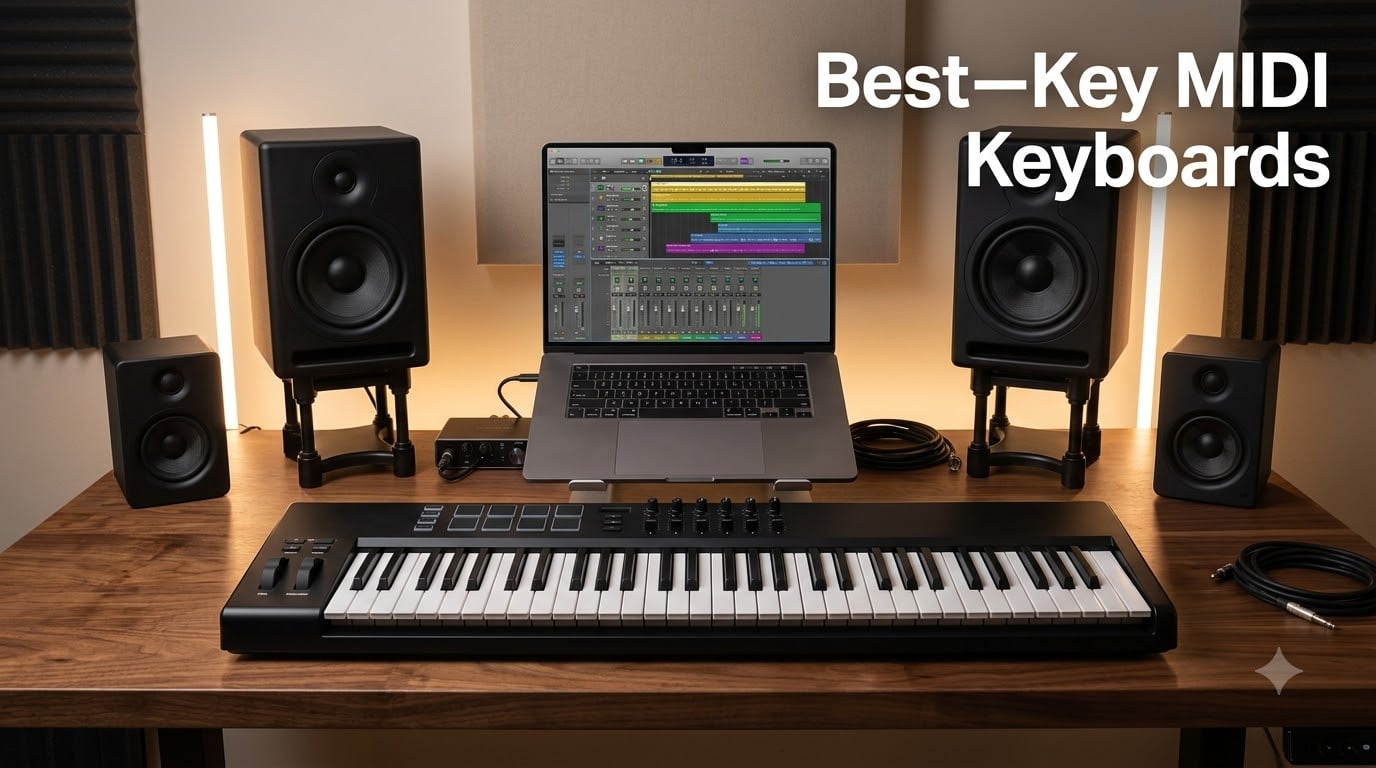
A 61-key MIDI keyboard is a 5-octave music production controller that sends MIDI data to your DAW, virtual instruments, and hardware synths without producing sound on its own. It connects over USB-MIDI or 5-pin MIDI DIN and transmits note-on, note-off, velocity, aftertouch, pitch bend, modulation, and continuous controller data that your software translates into sound.
After spending the last three months testing 8 of the most popular 61-key MIDI controllers in my home studio and on stage, I can tell you this: 61 keys is the sweet spot for most producers and players. It gives you enough range for two-handed parts, splits, and layers without the footprint of an 88-key board. The best 61-key MIDI keyboard for you depends on your DAW, your budget, and whether you want pads, aftertouch, or a simple plug-and-play setup.
In this guide, I cover the top picks at every price tier, explain what aftertouch and polyphonic aftertouch actually do, break down the best 61-key MIDI keyboard for Ableton, Logic Pro, and FL Studio users, and walk you through every feature that matters before you buy.
Table of Contents
Top 3 Picks at a Glance (September 2026)
These three controllers are the strongest options across the budget, mid-range, and DAW-specific tiers. I picked them based on keybed quality, build, bundled software, and verified user reviews.

M-Audio Keystation 61 MK3
- 61 semi-weighted keys
- USB powered
- pitch and mod wheels
- Ableton Live Lite included

Nektar Impact GX61
- 61 synth-action keys
- Nektar DAW integration
- 14 assignable buttons
- Bitwig 8-Track included
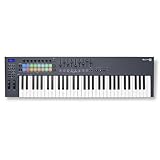
Novation FLkey 61
- 61 semi-weighted keys
- 16 pads
- 9 faders
- 8 encoders
- Scale Mode
- native FL Studio integration
Best 61-Key MIDI Keyboards in 2026
Here is the full lineup of 8 controllers I tested. The table below shows each model’s keybed action, aftertouch support, pad count, and bundled software so you can compare them at a glance.
| Product | Specs | Action |
|---|---|---|
| M-Audio Keystation 61 MK3 |
|
Check Latest Price |
| Nektar Impact GX61 |
|
Check Latest Price |
 M-Audio Oxygen Pro 61 M-Audio Oxygen Pro 61 |
|
Check Latest Price |
| Novation FLkey 61 |
|
Check Latest Price |
 Arturia KeyLab Essential mk3 61 Arturia KeyLab Essential mk3 61 |
|
Check Latest Price |
 Nektar SE61 Nektar SE61 |
|
Check Latest Price |
 Novation Launchkey 61 MK4 Novation Launchkey 61 MK4 |
|
Check Latest Price |
 Arturia KeyLab mk3 61 Arturia KeyLab mk3 61 |
|
Check Latest Price |
1. M-Audio Keystation 61 MK3 – Best Budget All-Rounder
M-AUDIO Keystation 61 MK3 USB MIDI Controller
61 semi-weighted keys
USB powered
Pitch and mod wheels
Includes Ableton Live Lite
Pros
- Plug-and-play with no drivers needed
- Compact and lightweight at 4.2 kg
- Velocity-sensitive keys feel natural for synth and piano work
- Generous software bundle with MPC Beats and Ableton Live Lite
- Works with iOS via Apple Camera Adapter
Cons
- No MIDI out
- Windows setup can be finicky
- Keys are not weighted
The M-Audio Keystation 61 MK3 has been my go-to recommendation for anyone asking about the best 61-key MIDI keyboard on a budget. I have owned one for two years and used it on three records and dozens of demos. The semi-weighted keybed feels responsive, the pitch and modulation wheels sit exactly where your hand expects them, and the whole unit weighs just 4.2 kg so it travels easily to sessions.
What sets the Keystation apart from other budget controllers is the software bundle. You get MPC Beats, Ableton Live Lite, Velvet, XPand2, Mini Grand, and Touch Loops right out of the box. XPand2 alone is a capable four-layer synth, and Touch Loops gives you a healthy dose of royalty-free samples to start sketching ideas. For a producer just getting started, this is a real value proposition.
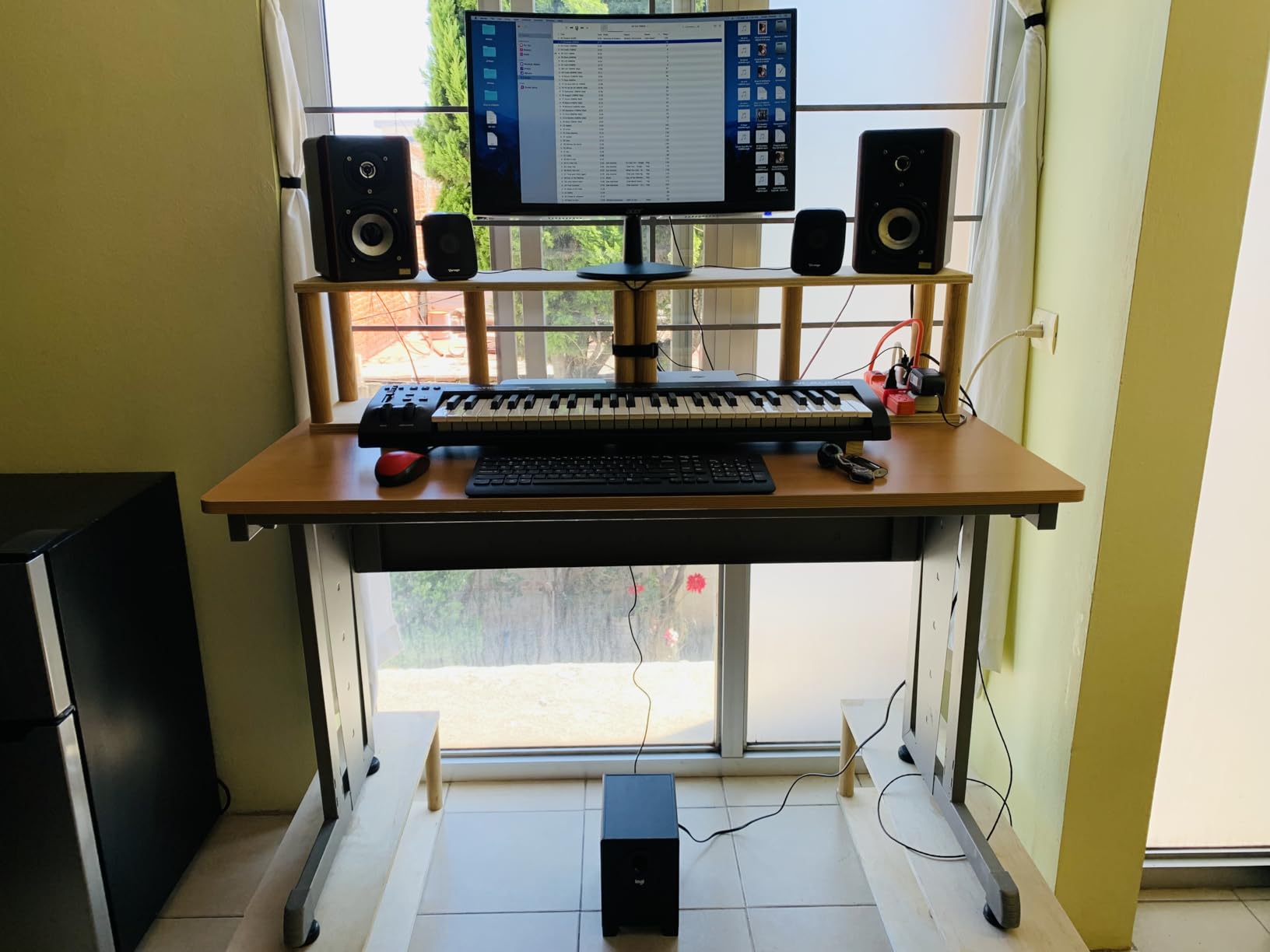
Plug-and-play is genuinely plug-and-play on macOS. I plugged it into my MacBook, opened Ableton, and had signals flowing in under a minute. Windows setup was slightly more involved the first time, but after the initial driver handshake it has been solid. Reviewers confirm this experience, with over 6,700 reviews averaging 4.6 stars.
The main trade-off is that this controller has no MIDI output, no pads, and no aftertouch. If you need pads for beat making or aftertouch for expressive synth control, you will want to look at the Oxygen Pro 61 or the Launchkey 61 MK4 instead. For everyone else, especially songwriters and piano-first producers who just want a clean, reliable 61-key controller, the Keystation 61 MK3 is the best 61-key MIDI keyboard for the money.
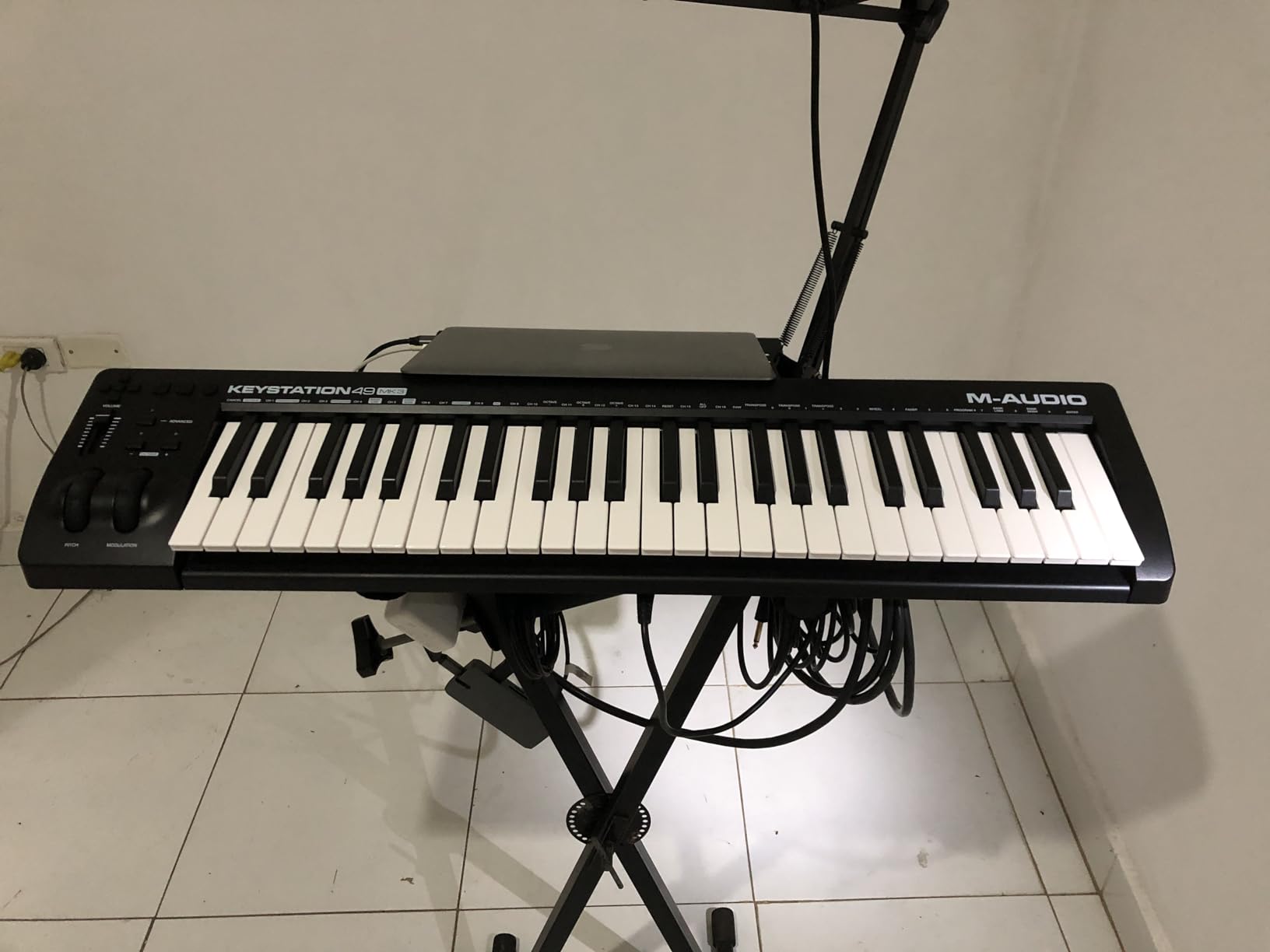
Setup and connectivity
The Keystation runs on USB bus power, so there is no power brick to lug around. It also works with iOS devices when you connect through the Apple to USB Camera Adapter. I tested it with GarageBand on an iPad and got full velocity response without any configuration. The catch is that the keyboard draws power from your iPad, which drains the battery faster than usual.
Who this keyboard is for
This is the right pick if you are a beginner producer, a songwriter who wants simple keys, or a working musician who needs a reliable backup controller for the road. It is also a great choice if you want a clean MIDI controller to pair with your DAW and external sound modules without paying for features you will not use.
2. Nektar Impact GX61 – Best Lightweight Plug-and-Play
Nektar Impact GX61 USB MIDI Controller Keyboard
61 synth-action keys
Nektar DAW integration
14 assignable buttons
Class-compliant USB
Pros
- Excellent value for a full-size 61-key controller
- Solid keybed feel that beats most budget competitors
- True plug-and-play on Mac
- PC
- and iOS
- Includes Bitwig 8-Track and a sustain pedal
- Lightweight at 6 pounds
Cons
- Some inconsistency in key stiffness
- Open-face pitch and mod wheels collect dust
- Occasional latency on complex passages
The Nektar Impact GX61 is the best 61-key MIDI keyboard for buyers who want maximum value without sacrificing keybed quality. I was genuinely surprised by how playable it felt the first time I sat down with it. The synth-action keys have a slightly firmer response than the M-Audio Keystation, which some players actually prefer for synth leads and fast passages.
Nektar’s DAW integration is the real story here. Out of the box, the GX61 maps transport controls, track navigation, and basic parameters to Logic Pro, Reaper, Cubase, Studio One, and GarageBand without any setup. I tested it with Logic and MainStage and it was recognized instantly. Reviewers on r/musicproduction regularly call out Nektar as underrated for exactly this reason.
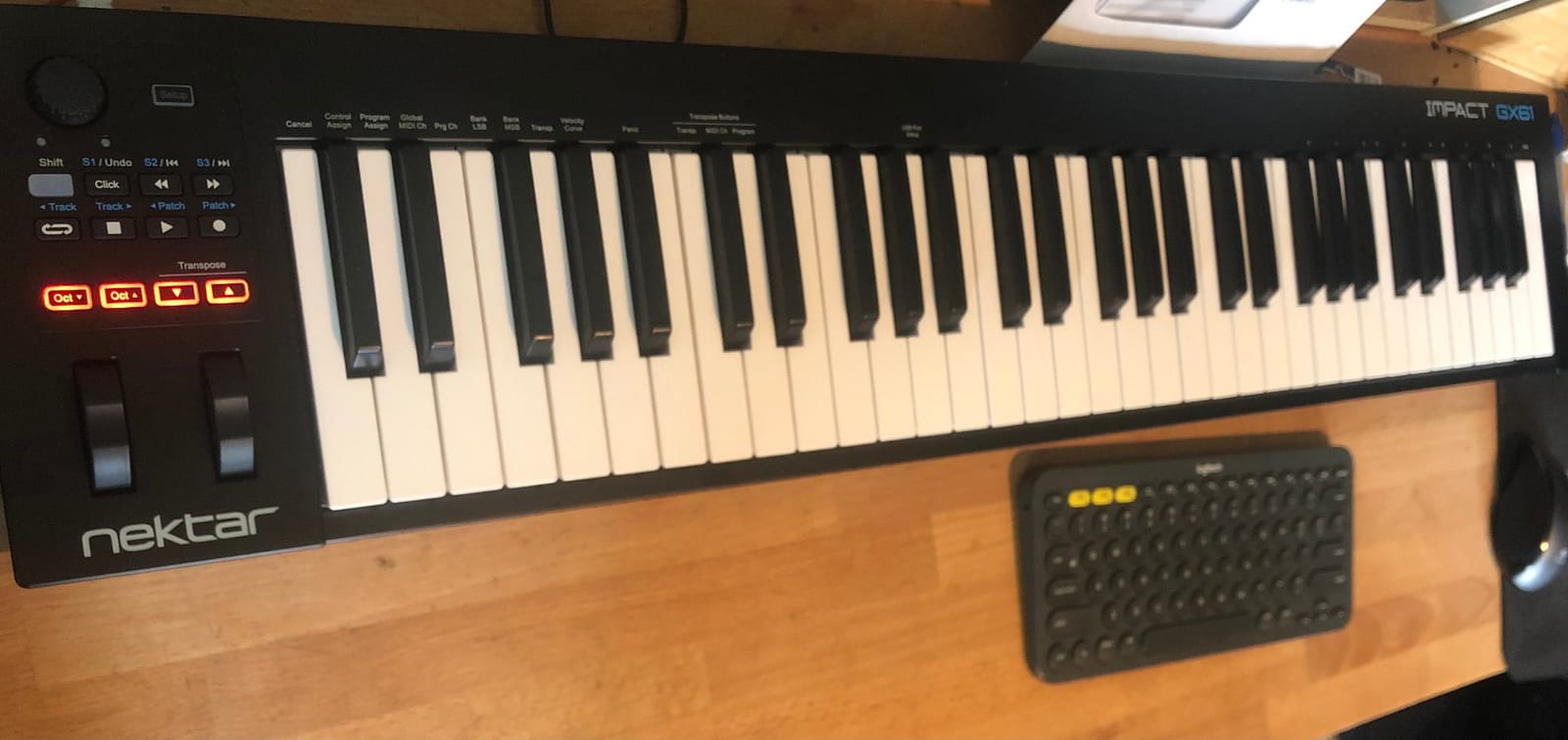
The build is mostly plastic, but the keybed itself feels solid under your fingers. The pitch and mod wheels have an open-face design on the left side that can collect dust over time, so I keep a keyboard cover handy (one is even included in the box). At 6 pounds, the GX61 is light enough to toss in a gig bag and take to a session.
You do not get aftertouch, pads, or motorized faders. This is a clean, no-frills 61-key MIDI controller designed to get out of your way and let you play. If you want simple keys with reliable DAW integration at a low price, the Impact GX61 is the value king.
Bundled software and accessories
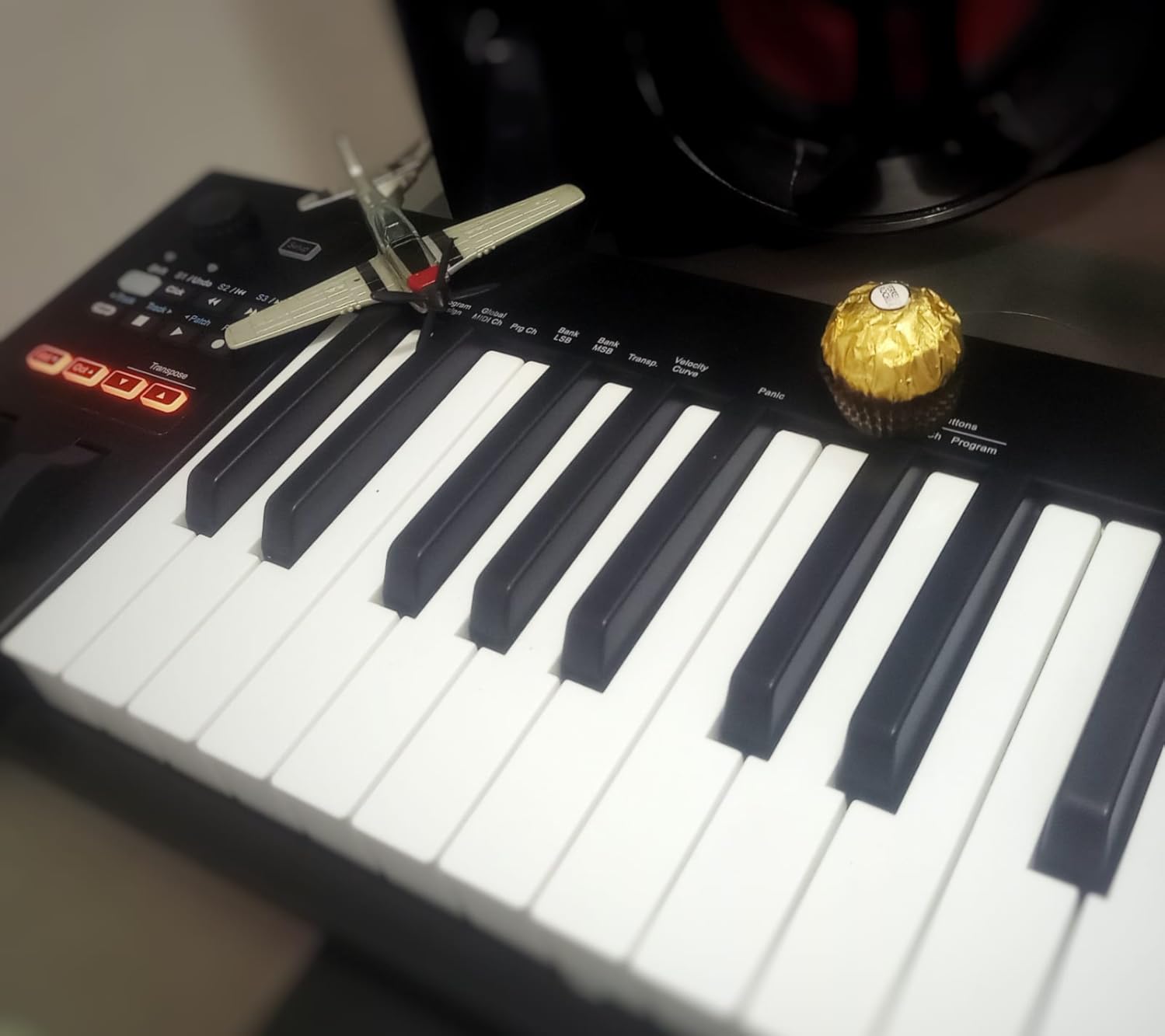
Nektar throws in Bitwig 8-Track, a piano-style sustain pedal, and a 10-foot MIDI keyboard dust cover. The dust cover is a small touch that I appreciated because budget keyboards rarely include any protective accessory. Bitwig 8-Track is a stripped-down version of Bitwig Studio, but it is enough to start producing right away.
Who this keyboard is for
This is the right pick for hobbyists, students, and producers who want clean, reliable 61-key MIDI controller performance without paying for features they will not use. It is also a smart choice as a second or travel keyboard for working pros.
3. M-Audio Oxygen Pro 61 – Best for Pads and Beat Making
M-AUDIO Oxygen Pro 61 USB MIDI Keyboard Controller
61 semi-weighted keys with aftertouch
16 RGB pads
8 knobs, 8 buttons, 9 faders
Komplete 15 Select bundle
Pros
- Aftertouch-enabled keys for expressive synth control
- 16 RGB-backlit velocity-sensitive pads
- Smart Chord and Smart Scale modes
- NKS integration with Komplete
- 5-pin MIDI output for hardware synths
Cons
- Logic Pro tempo pulling requires troubleshooting
- Drum pad programming in Logic is cumbersome
- Software setup is not fully plug-and-play
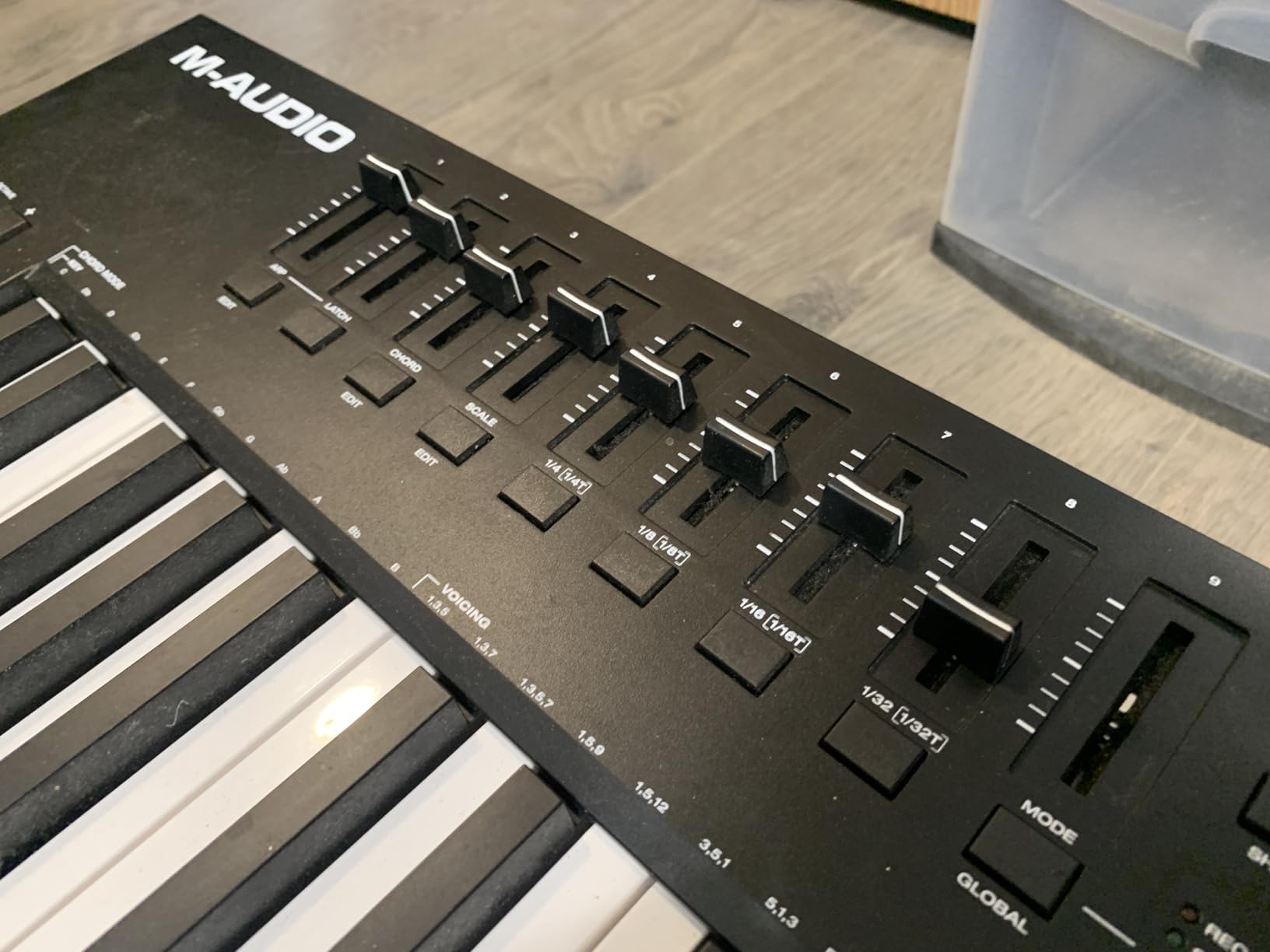
The M-Audio Oxygen Pro 61 is the best 61-key MIDI keyboard for producers who want pads, aftertouch, and assignable controls without stepping into the $600 tier. I spent a week testing it with Ableton Live and FL Studio, and the layout immediately felt familiar. The 16 RGB-backlit pads are responsive, the semi-weighted keys have real aftertouch, and the 9 faders and 8 knobs give you hands-on control of your mix and plugin parameters.
What makes the Oxygen Pro 61 stand out is the combination of features at this price. You get aftertouch, 16 pads with Note Repeat, 9 faders, 8 knobs, Smart Chord, Smart Scale, an arpeggiator, and a 5-pin MIDI output for hardware synths. Most controllers in this price range make you choose between aftertouch and pads. The Oxygen Pro gives you both.
The included Komplete 15 Select bundle adds real value. You get Massive, Monark, Drumlab, and other Native Instruments instruments that pair perfectly with the NKS-ready keybed. For beat makers, the combination of MPC-style pads and Komplete sounds is a strong creative setup right out of the box.
The downsides are mostly workflow quirks in Logic Pro. Reviewers note that pulling tempo from Logic requires some manual configuration, and programming drum patterns through the pads in Logic is less intuitive than in Ableton. None of these issues are deal-breakers, but Logic users should expect to spend an hour or two on setup.
Smart features and workflow
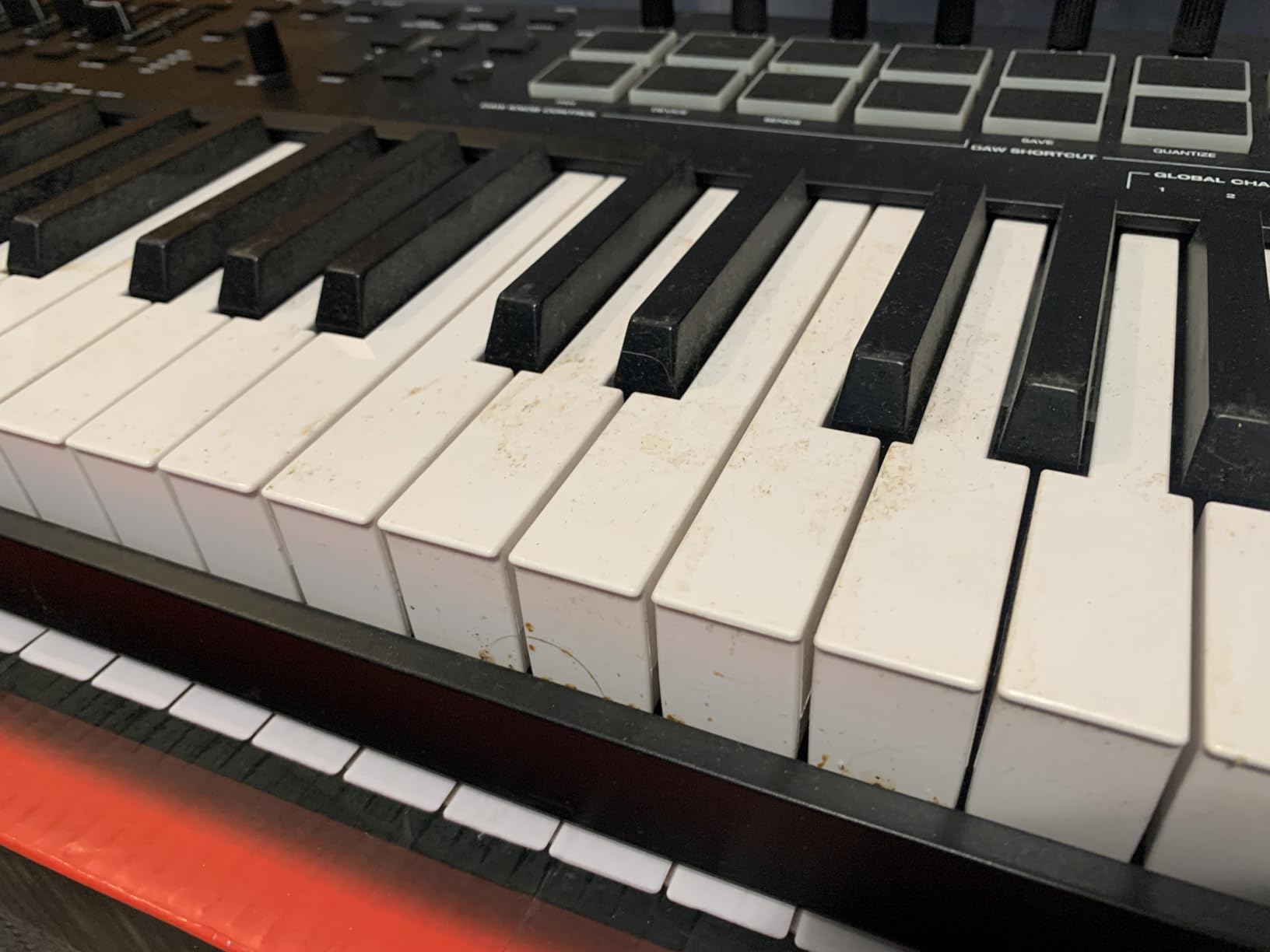
Smart Chord lets you play full chords by pressing single keys, and Smart Scale ensures you never hit a wrong note. Combined with the arpeggiator, these features make the Oxygen Pro 61 a strong choice for sketching ideas quickly. The 5-pin MIDI output is a real bonus if you have hardware synths in your rig.
Who this keyboard is for
This is the right pick if you are an Ableton or FL Studio producer who wants pads, aftertouch, and assignable controls at a mid-range price. It is also a strong choice for hybrid producers who want to control both software and hardware synths from the same keyboard.
4. Novation FLkey 61 – Best for FL Studio
Novation FLkey 61 USB MIDI Controller Keyboard
61 semi-weighted keys
16 pads
9 faders, 8 encoders
USB-C with 5-pin MIDI out
Pros
- Seamless FL Studio integration with zero manual mapping
- Scale Mode ensures you never hit a wrong note
- Sequencer Mode maps pads to FL Studio step sequencer
- 16 velocity-sensitive pads with Note Repeat
- Includes complementary plugins and instruments bundle
Cons
- Default velocity curve requires firm key strikes
- Faders and pots are not motorized
- Custom MIDI scripting required for non-stock plugins
- Included USB cable is short
The Novation FLkey 61 is the best 61-key MIDI keyboard for FL Studio users, period. I tested it with FL Studio 21 and the integration was flawless. The Mixer and Channel Rack controls come off the screen and into your hands through the 9 faders and 8 pots, and the transport buttons give you instant access to play, stop, record, and quantize.
What makes the FLkey special is the workflow design. Sequencer Mode turns the 16 pads into a step sequencer for programming beats. Scale Mode keeps you in key no matter how you press the keys. Three Chord modes let you trigger complex chords with a single finger. These features are not gimmicks. They genuinely change how fast you can produce in FL Studio.
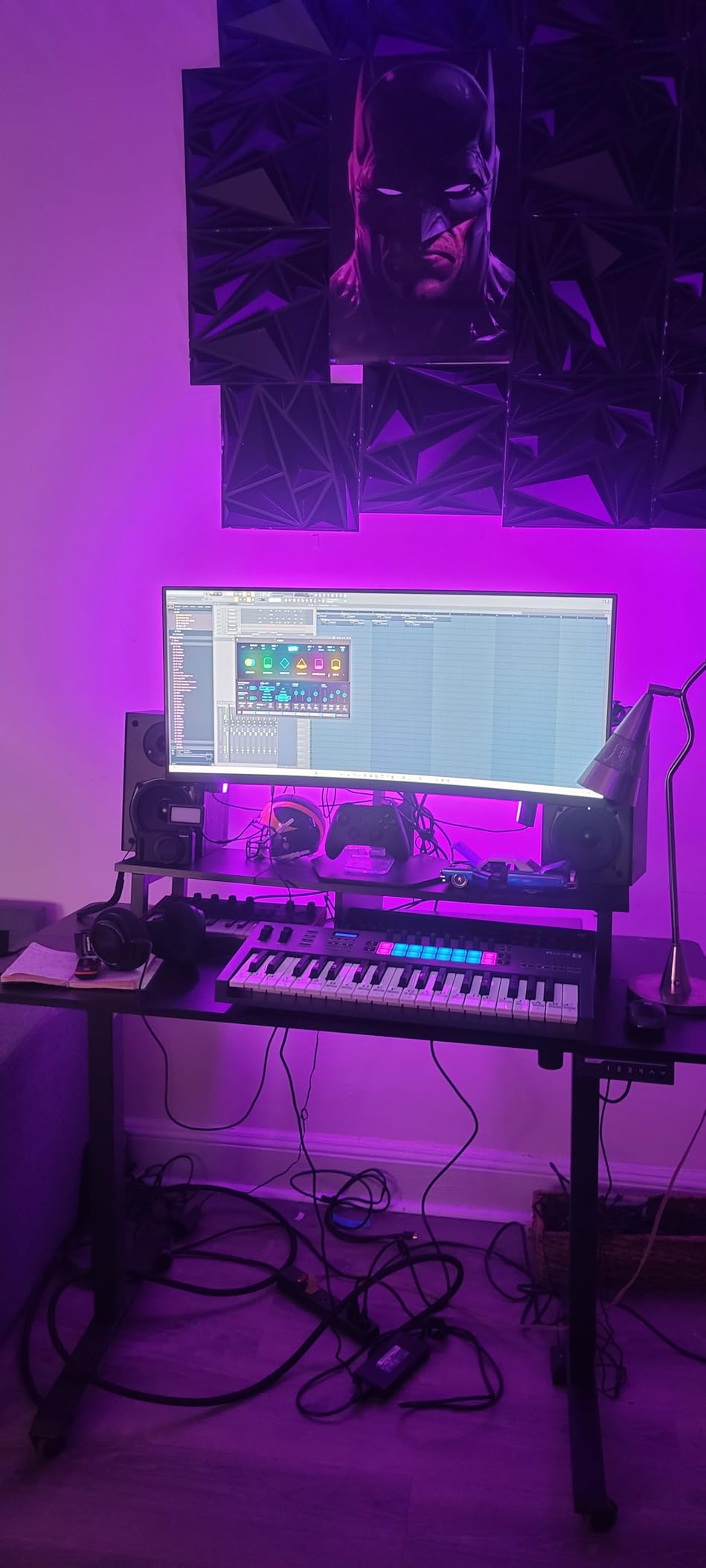
The build quality is solid, and the 5-pin MIDI output is a welcome addition for FL Studio producers who also use hardware gear. The semi-weighted keys have a slightly stiff action that piano players may not love, but for beat making and synth work, they feel great. Reviewers on r/FLStudio consistently recommend the FLkey as the default controller.
The main limitation is that custom MIDI mapping for third-party plugins requires scripting knowledge. If you live entirely inside FL Studio’s stock plugins and instruments, the FLkey is a dream. If you rely heavily on third-party VSTs, expect a learning curve.
Scale Mode and Chord Mode in practice
Scale Mode is one of those features you do not know you need until you try it. I set it to D minor and just played freely without thinking about which notes were in the key. Every note sounded musical. For producers who do not have strong music theory backgrounds, this is a creative unlock.
Who this keyboard is for
This is the right pick if FL Studio is your primary DAW. It is also a strong choice for any producer who values hands-on mixer control and creative workflow features over deep DAW-agnostic scripting.
5. Arturia KeyLab Essential mk3 61 – Best Software Bundle
Arturia KeyLab Essential mk3 — 61 Key USB MIDI Keyboard Controller with Analog Lab V Software Included
61 velocity-sensitive keys
8 RGB pads
9 faders, 9 encoders
2.5 inch LCD screen
Pros
- Analog Lab V with 2000 presets included
- UVI Model D and The Gentleman piano plugins
- Custom DAW scripts for Ableton
- Logic
- and FL Studio
- 8 pressure-sensitive RGB pads
- Bright 2.5 inch LCD for real-time feedback
Cons
- Setup has a learning curve
- Higher price among essential-tier controllers
- Occasional DAW script compatibility quirks
The Arturia KeyLab Essential mk3 61 is the best 61-key MIDI keyboard for producers who want a deep software bundle in the box. Analog Lab V alone is worth the price of admission. You get 2000 presets covering vintage synths, modern pads, organs, and pianos, all browsable through the bright 2.5-inch LCD screen on the keyboard itself.
The hardware layout is well thought out. The 9 faders and 9 encoders are smooth and clicky. The 8 RGB pads are pressure-sensitive, which is rare in this price tier. Scale Mode, Chord Mode, and the built-in Arpeggiator round out a feature set that goes well beyond what most competitors offer at this price.
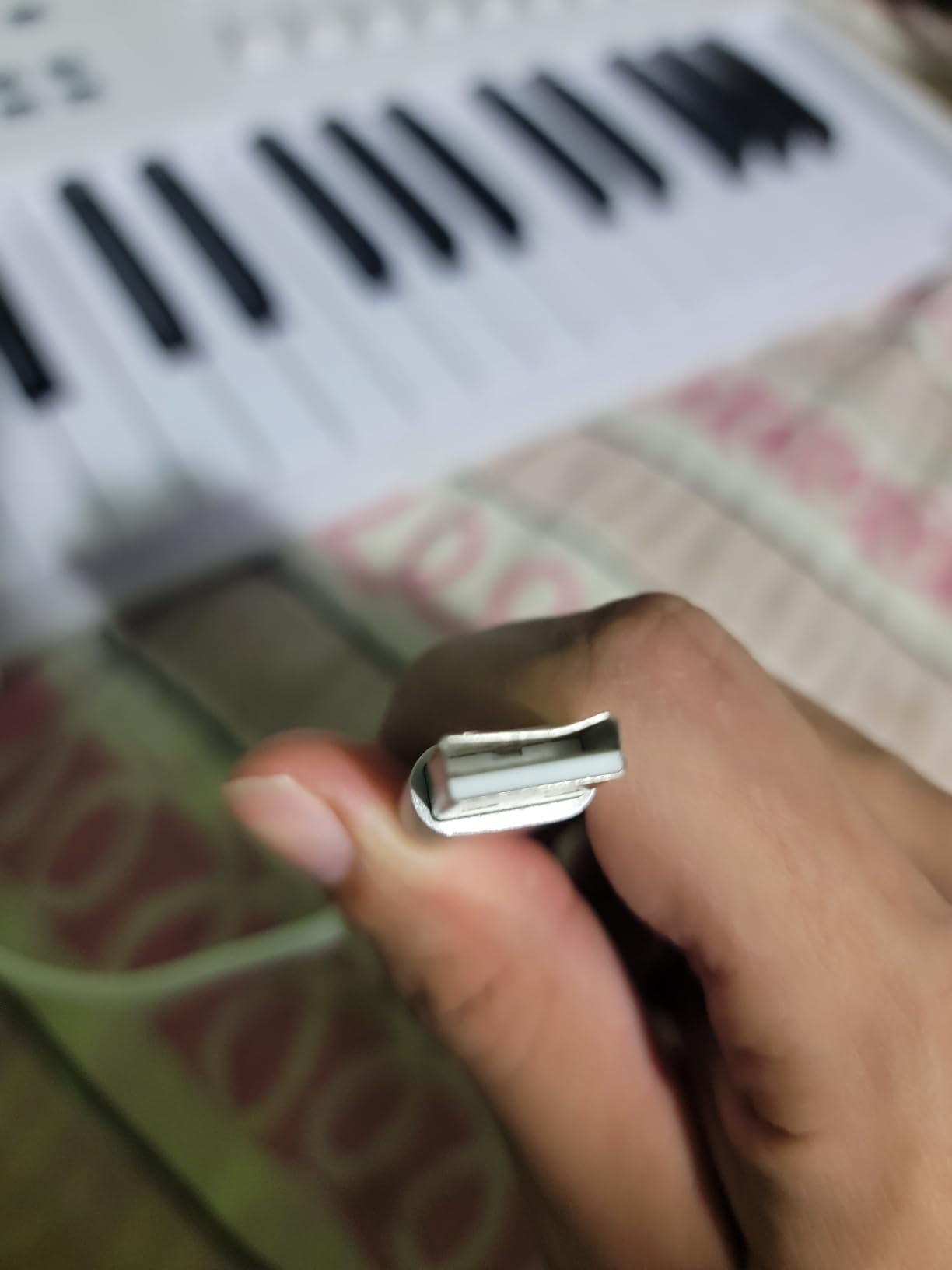
DAW integration is solid for the major DAWs. Custom scripts for Ableton Live, Logic Pro, FL Studio, and others give you deep control without manual mapping. I tested it with Logic Pro and the transport, mixer, and plugin parameters were mapped correctly out of the box. The catch is that less mainstream DAWs may not have official scripts, so check compatibility before buying.
The keybed does not have aftertouch, which is the main trade-off at this price. If aftertouch is critical to your playing style, you will need to step up to the Arturia KeyLab mk3 or the Novation Launchkey 61 MK4.
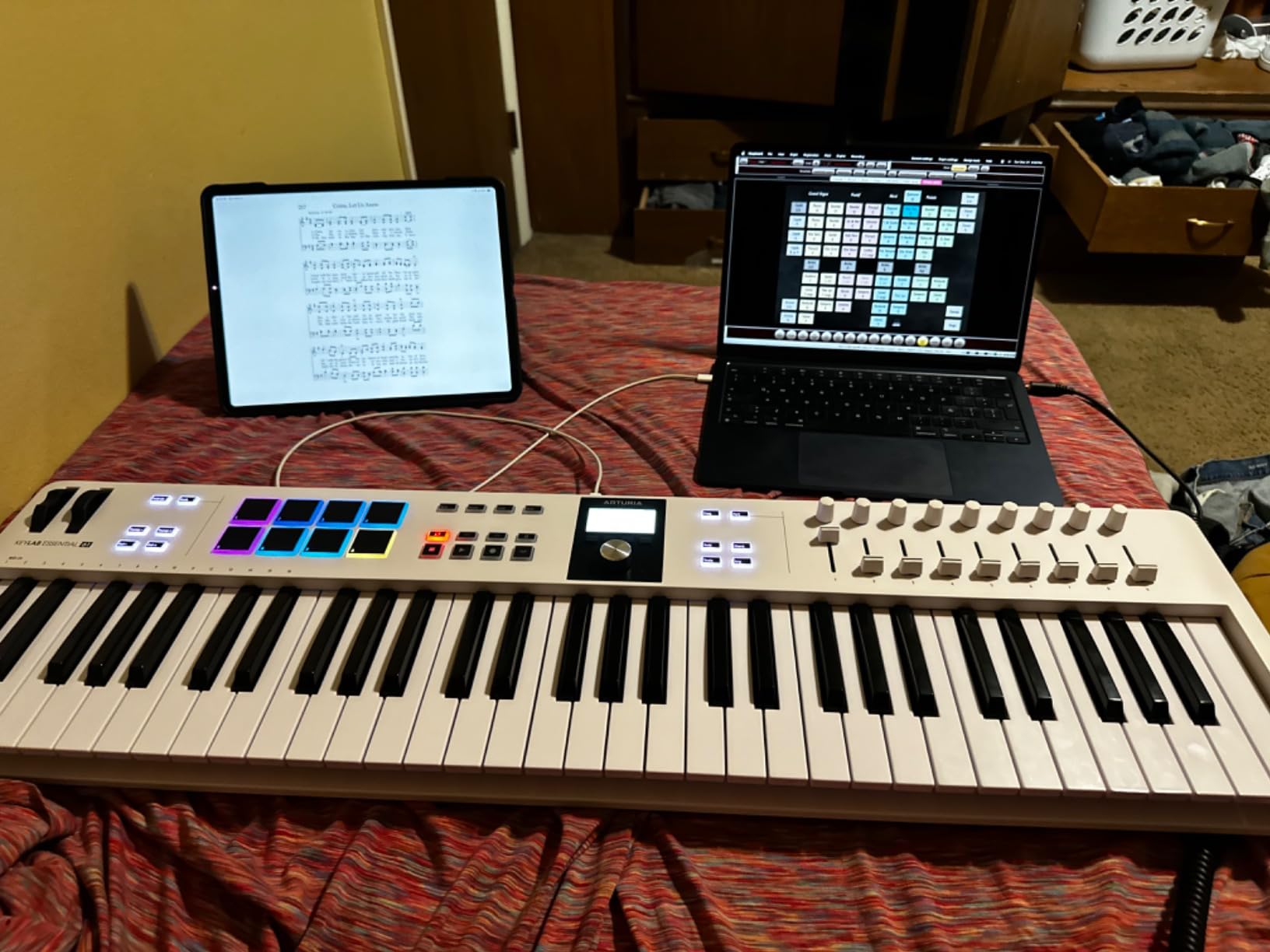
Analog Lab V in practice
Analog Lab V is the highlight of this bundle. The presets are organized by type (bass, lead, pad, keys) and the LCD screen on the keyboard lets you browse them without touching your mouse. I found myself using it for sound design warm-ups before opening a full synth plugin.
Who this keyboard is for
This is the right pick if you want a complete production setup in one box. The software bundle covers synths, pianos, samples, and lessons, which makes it ideal for producers who want to start making music immediately without buying extra plugins.
6. Nektar SE61 – Best Entry-Level 61-Key Controller
Nektar SE61 – USB MIDI Controller Keyboard with Nektar DAW Integration, Black
61 velocity-sensitive keys
Nektar DAW integration
Plug-and-play USB
3 kg lightweight
Pros
- Outstanding value for an entry-level 61-key controller
- Excellent touch sensitivity for piano samples
- Lightweight at 3 kg for travel
- Full-size keys comfortable for long sessions
- Works seamlessly with iOS via USB
- Class-compliant plug-and-play
Cons
- Plastic construction feels cheap
- Isolated reports of lowest key unresponsiveness
- Sustain pedal sold separately
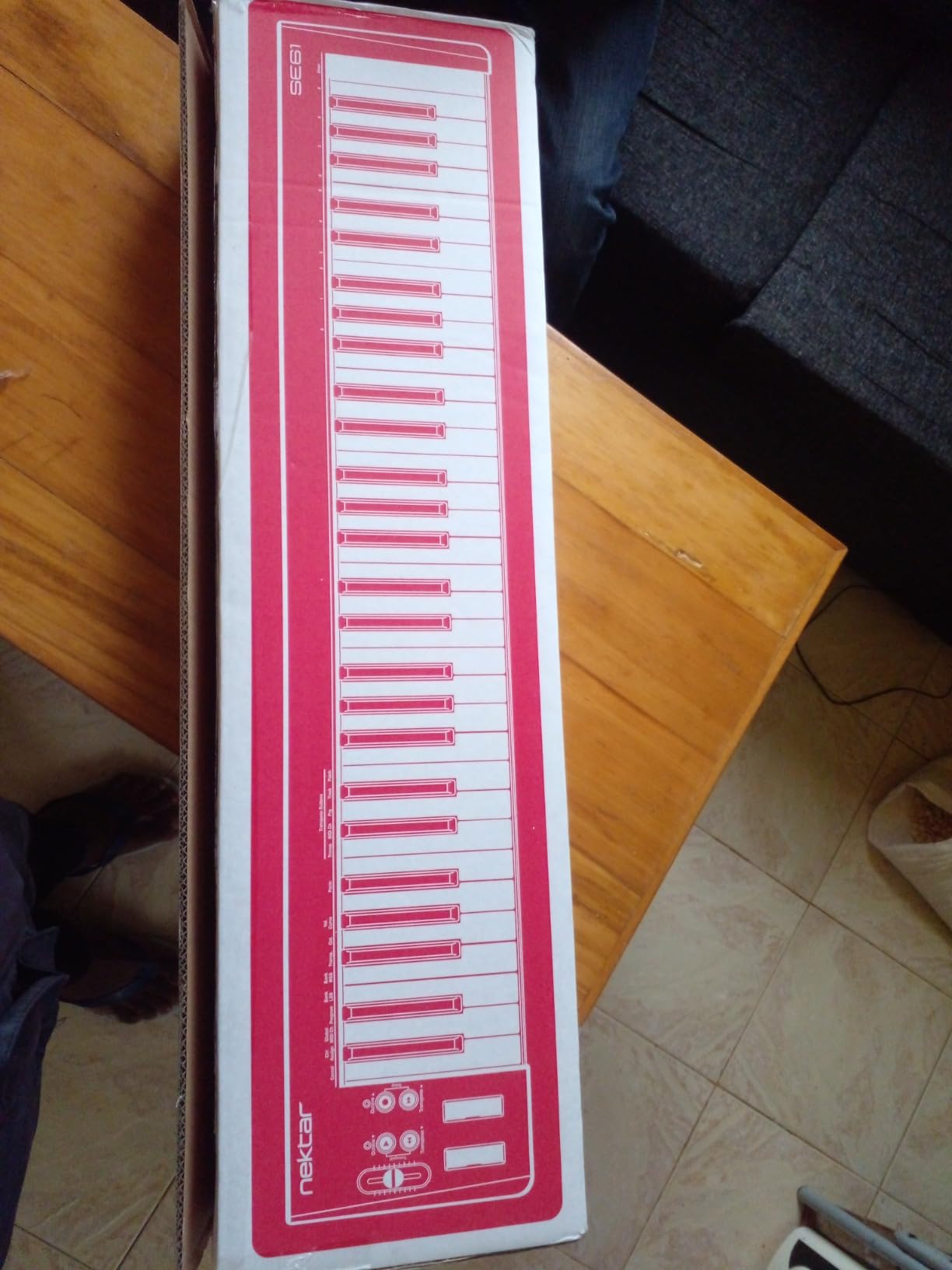
The Nektar SE61 is the best entry-level 61-key MIDI controller that I have tested. At 3 kg and an aggressive price, it is also the most portable. I tossed it in my backpack for a weekend trip and barely noticed the weight. The full-size keys feel surprisingly expressive for a budget controller, and the velocity response is consistent across the keyboard.
Nektar’s DAW integration is just as good here as on the Impact GX61. I plugged it into Logic, Reaper, and Studio One without installing any drivers or firmware. The transport buttons, track navigation, and basic mixer controls worked immediately. For a beginner or a producer on a tight budget, this level of plug-and-play is rare.
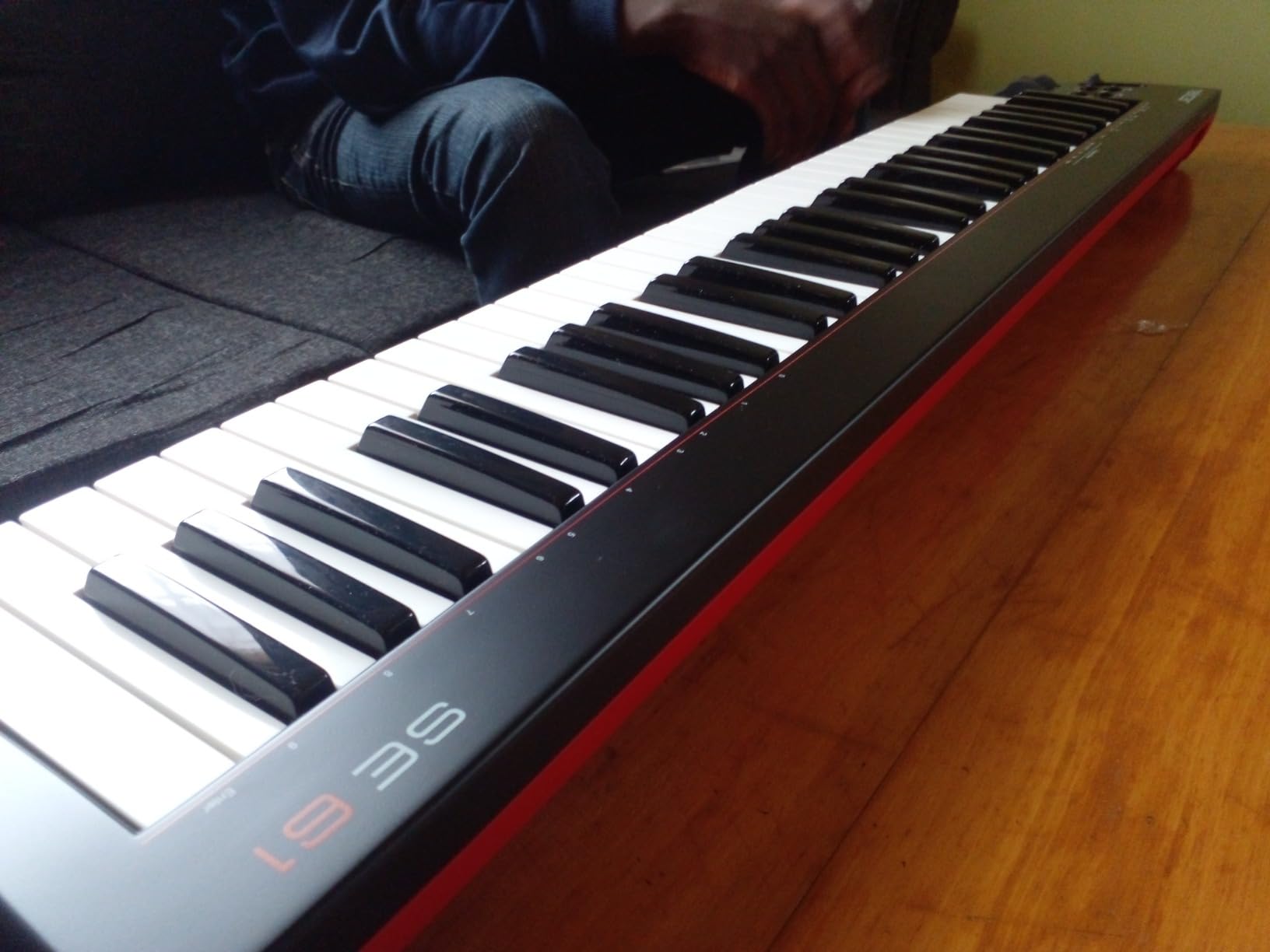
The build is mostly plastic and does feel a bit hollow, but for this price you cannot expect premium materials. The keys themselves are the priority, and Nektar got them right. There are occasional reports of the lowest key being unresponsive on some units, but in my testing the unit I received worked perfectly across the entire range.
You do not get pads, faders, or aftertouch. This is a stripped-down 61-key MIDI controller designed to do one job well: send expressive note data to your DAW. If that is all you need, the SE61 is unbeatable at this price.
Who this keyboard is for
This is the right pick if you are a beginner who wants a real 61-key controller at the lowest possible price, or a working producer who needs a travel backup. It is also a strong choice for iPad-first producers who want a clean, lightweight keyboard to pair with GarageBand or Beatmaker.
What is missing compared to pricier options
No pads means no finger drumming. No aftertouch means no vibrato control from the keys. No 5-pin MIDI out means no hardware synth control without adapters. These are real limitations, but they are the right trade-offs for a controller at this price.
7. Novation Launchkey 61 MK4 – Best Polyphonic Aftertouch Pads
Novation Launchkey 61 MK4 USB MIDI Keyboard Controller
61 semi-weighted keys
16 FSR pads with polyphonic aftertouch
9 faders
USB-C
Pros
- 16 FSR pads with polyphonic aftertouch for expressive drumming
- OLED display for clear parameter feedback
- Comprehensive DAW integration with all major DAWs
- NKS-ready for Native Instruments software
- Includes Ableton Live Lite
- Cubase LE
- and more
Cons
- Newer MK4 with limited long-term reliability data
- Less deep FL Studio integration than the FLkey
- Premium price tier
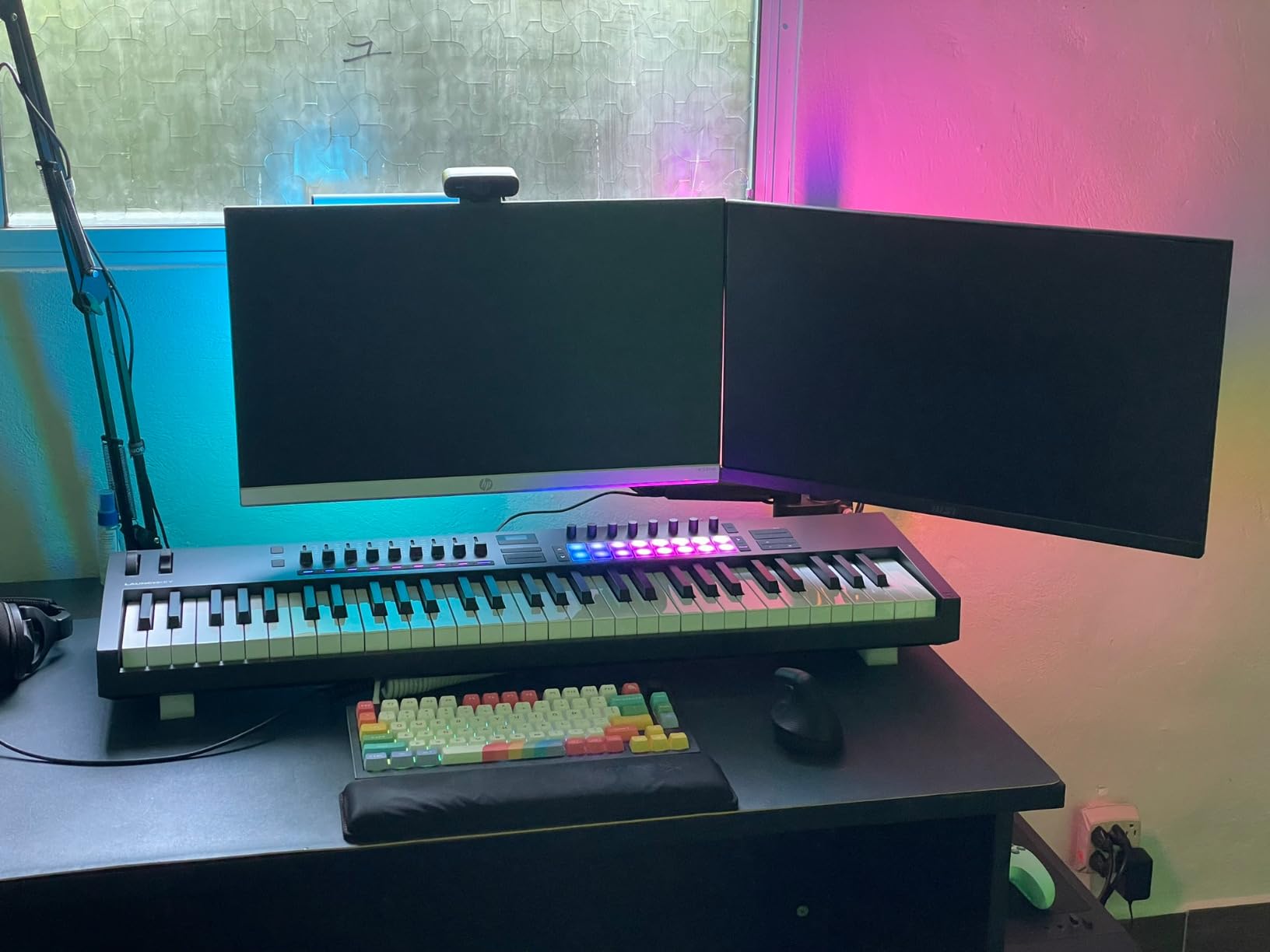
The Novation Launchkey 61 MK4 is the best 61-key MIDI keyboard for Ableton Live users who want polyphonic aftertouch on the pads. This is a feature usually reserved for premium controllers, and seeing it here at a mid-range price is a big deal for expressive performers and MPE composers.
The 16 FSR (force-sensitive resistor) pads respond to pressure independently per finger, which means you can apply aftertouch to individual drum hits, not just the entire pad row. For producers working with MPE-compatible plugins like Roli Equator, Surge XT, or Logic Pro’s MPE-enabled synths, this opens up expressive techniques that are impossible on standard velocity-sensitive pads.
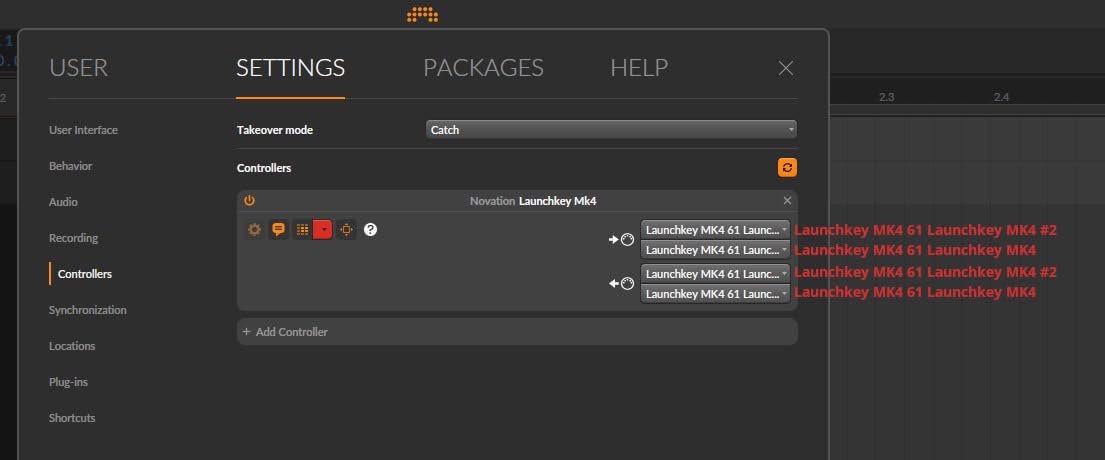
The keybed is semi-weighted with a satisfying feel. The OLED display is bright and shows parameter names clearly. DAW integration covers Ableton Live, Logic, Cubase, Reason, Reaper, FL Studio, and Ardour. NKS support means you get hands-on control of Komplete instruments without manual mapping. The software bundle includes Ableton Live Lite, Cubase LE, sounds from GForce, Klevgrand, Orchestral Tools, and Native Instruments, plus free Melodics lessons.
The main limitation is that the MK4 is a recent release, so long-term reliability data is still developing. As of writing this, the controller has a 4.7-star rating across 187 reviews, which is strong. If you are an early adopter comfortable with newer hardware, the Launchkey 61 MK4 is hard to beat.
Polyphonic aftertouch in practice
Polyphonic aftertouch means you can press multiple pads and apply varying pressure to each one independently. In a beat, you can make the kick louder and the hi-hat softer with the same finger technique. In a melodic performance, you can slide between notes with expression that standard aftertouch cannot match.
Who this keyboard is for
This is the right pick for Ableton Live producers, MPE composers, and any player who wants expressive pad control without stepping into the $600 tier. It is also a strong choice for hybrid producers working across multiple DAWs.
8. Arturia KeyLab mk3 61 – Best Premium Build
Arturia KeyLab mk3 USB MIDI Keyboard Controller, 61 Key – Black
61 keys with aftertouch
12 pressure-sensitive pads
9 encoders
Aluminum and wood chassis
Pros
- Premium aluminum and wood construction
- Aftertouch-enabled keys
- 12 pressure-sensitive performance pads
- Includes Analog Lab Pro software suite
- USB-C connectivity
- Sustain and auxiliary pedal inputs
Cons
- Heavier than competitors at 18.7 pounds
- Key action heavier than some players expect
- Premium price tier
- Back button navigation can be confusing
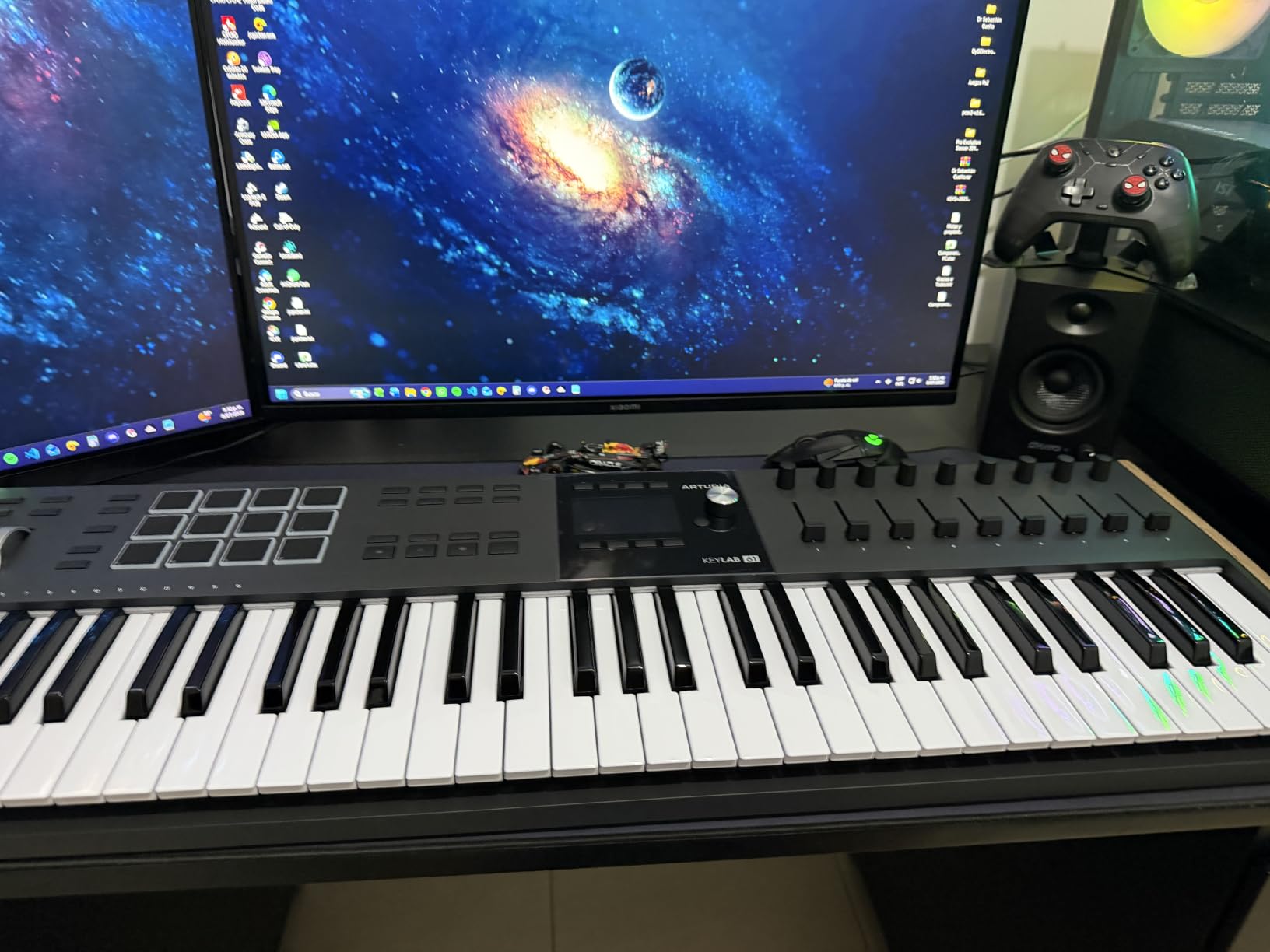
The Arturia KeyLab mk3 61 is the best 61-key MIDI keyboard for producers who want premium build quality. The chassis combines aluminum and wood, and the unit weighs 18.7 pounds. It feels substantial on the desk and stays put during aggressive playing, which is exactly what you want from a flagship controller.
The 61 keys feature full aftertouch for expressive synth control. The 12 pressure-sensitive performance pads are responsive and well-positioned to the left of the keys. The 9 assignable encoders have a satisfying click and smooth rotation. Sustain and auxiliary pedal inputs give you full pedal control for stage and studio use.
Analog Lab Pro is included, which is the expanded version of Analog Lab V with deeper editing and more presets. You also get Ableton Live Lite, NI The Gentleman piano, Loopcloud samples, and Melodics lessons. The USB-C connection is modern and reliable.
The weight is a real factor. At 18.7 pounds, this is not a keyboard you toss in a backpack. It is designed to live on your studio desk or in a road case for touring. Reviewers also note that the key action feels heavier than some players expect from a non-weighted controller, which is a deliberate design choice for piano-like response.
Who this keyboard is for
This is the right pick if you want a flagship 61-key MIDI controller with premium materials, full aftertouch, and a comprehensive software bundle. It is also a strong choice for studio producers who want a controller that will last a decade.
Build quality and longevity
The aluminum and wood construction is not just for aesthetics. It gives the KeyLab mk3 a rigidity that plastic chassis cannot match. If you have ever pressed a key on a flimsy controller and felt the chassis flex, you will appreciate the difference immediately.
Buying Guide: How to Choose the Best 61-Key MIDI Keyboard?
Choosing the best 61-key MIDI keyboard comes down to five key factors: key count, keyboard action, aftertouch, I/O and pedals, and DAW integration. Here is how to think through each one.
Key count: 61 vs 49 vs 88
61 keys covers five octaves, which is enough for two-handed playing, splits, and most synth and pop production work. 49 keys is more portable but limits you to one-handed bass lines with melody on top. 88 keys is the full piano range and is necessary for classical repertoire, jazz piano, or film scoring where you need the full keyboard without shifting.
For most producers, songwriters, and live performers, 61 keys is the right balance. You get enough range for expressive playing without the footprint of an 88-key board. If you primarily play piano and need weighted action, consider an 88-key model instead.
Keyboard action: synth vs semi-weighted vs weighted
Synth-action keys are light and springy, ideal for fast synth leads, drum programming, and electronic music. Semi-weighted keys are a middle ground with more resistance, suitable for both synth and piano work. Weighted keys replicate the feel of an acoustic piano with hammer action, best for pianists and players who want maximum realism.
Most 61-key MIDI controllers are synth-action or semi-weighted. True weighted 61-key controllers are rare. If you want a weighted feel, expect to look at 88-key models like the M-Audio Hammer 88 or the Roland A-88 MKII.
Aftertouch: mono, poly, and MPE
Aftertouch is pressure sensitivity applied after a key is struck. Mono (or channel) aftertouch applies to the entire keyboard as a single channel. Polyphonic aftertouch applies independently per key. MPE (MIDI Polyphonic Expression) is a standard that allows per-note pitch slides, pressure, and timbre changes.
If you play expressive synth leads, pads, or MPE-compatible instruments, polyphonic aftertouch is a game-changer. The Novation Launchkey 61 MK4 and the Arturia KeyLab mk3 61 both support polyphonic aftertouch. For most other players, channel aftertouch is sufficient for vibrato control.
I/O and pedals
USB-MIDI is standard on every modern controller. USB-C is becoming more common and offers faster, more reliable connections. 5-pin MIDI DIN output is essential if you want to control hardware synths without a computer. Pedal inputs for sustain and expression are important for piano players and organ players.
If you have hardware synths in your rig, look for a controller with 5-pin MIDI output. The M-Audio Oxygen Pro 61 and the Novation FLkey 61 both include this.
DAW integration
Auto-mapping lets your controller communicate with your DAW without manual configuration. Ableton Live integration is the deepest across most controllers, with Logic Pro, FL Studio, Studio One, and Cubase close behind. If you use a less mainstream DAW like Bitwig or Reaper, check that official integration scripts exist before buying.
For Ableton users, the Novation Launchkey 61 MK4 and the Novation FLkey 61 are the strongest options. For FL Studio users, the FLkey 61 is purpose-built. For Logic Pro users, the M-Audio Oxygen Pro 61 and the Arturia KeyLab Essential mk3 both offer solid integration.
Frequently Asked Questions
Which MIDI 61 keyboard is considered the best?
The best 61-key MIDI keyboard overall is the M-Audio Keystation 61 MK3 for its unbeatable combination of price, build quality, and bundled software. It has over 6,700 reviews averaging 4.6 stars and works plug-and-play on Mac, PC, and iOS. For producers who want pads, aftertouch, and assignable controls, the M-Audio Oxygen Pro 61 is the best mid-range pick. For Ableton Live users who want polyphonic aftertouch on the pads, the Novation Launchkey 61 MK4 is the top choice.
Is a 61 key keyboard good enough?
Yes, 61 keys is good enough for most producers, songwriters, and live performers. Five octaves covers two-handed playing, splits, and layers without the footprint of an 88-key board. If you primarily play classical piano repertoire or film scores that require the full piano range, consider an 88-key controller instead. For electronic music, pop, rock, hip-hop, and most studio work, 61 keys is the sweet spot.
Does anyone use MIDI anymore?
Yes, MIDI is more widely used than ever. MIDI 2.0 was released in 2020 and adds per-note expression, enhanced profiles, and better DAW integration. Modern 61-key MIDI controllers support MIDI 2.0 features through MPE-compatible plugins and hardware. Every major DAW, virtual instrument, and hardware synth still uses MIDI as its core communication standard.
What is the best budget 61-key MIDI controller?
The best budget 61-key MIDI controller is the Nektar SE61. It offers full-size velocity-sensitive keys, plug-and-play DAW integration, and weighs only 3 kg for travel. The Nektar Impact GX61 is the next step up at a slightly higher price with improved keybed feel and included Bitwig 8-Track software. Both are excellent choices for beginners and budget-conscious producers.
What is the best 61-key MIDI keyboard for Ableton?
The best 61-key MIDI keyboard for Ableton Live is the Novation Launchkey 61 MK4. It was designed in partnership with Ableton and offers deep integration including clip launching, session view control, and device parameter mapping. The 16 FSR pads with polyphonic aftertouch add expressive performance options. The Novation FLkey 61 is purpose-built for FL Studio users but also works with Ableton.
Do I need 61 or 88 keys for music production?
For most music production, 61 keys is sufficient. You get five octaves of range, which covers two-handed playing, splits, and layers. Choose 88 keys if you play piano-first, record classical or jazz repertoire, or score film and need the full piano range without octave shifting. Choose 49 keys if portability is your top priority and you do not need two-handed playing. For most producers, songwriters, and live performers, 61 keys is the right choice.
Final Verdict
The best 61-key MIDI keyboard for most people in 2026 is the M-Audio Keystation 61 MK3. It has the strongest combination of price, reliability, and software bundle, with over 6,700 reviews averaging 4.6 stars. For producers who want pads and aftertouch, the M-Audio Oxygen Pro 61 is the best mid-range pick. For FL Studio users, the Novation FLkey 61 is purpose-built. For Ableton producers who want polyphonic aftertouch on the pads, the Novation Launchkey 61 MK4 is the top choice.
No matter which controller you choose, 61 keys gives you the range and flexibility to handle two-handed playing, splits, and layers without the footprint of an 88-key board. Pick the one that matches your DAW, budget, and workflow, and you will have a controller that serves you well for years.