
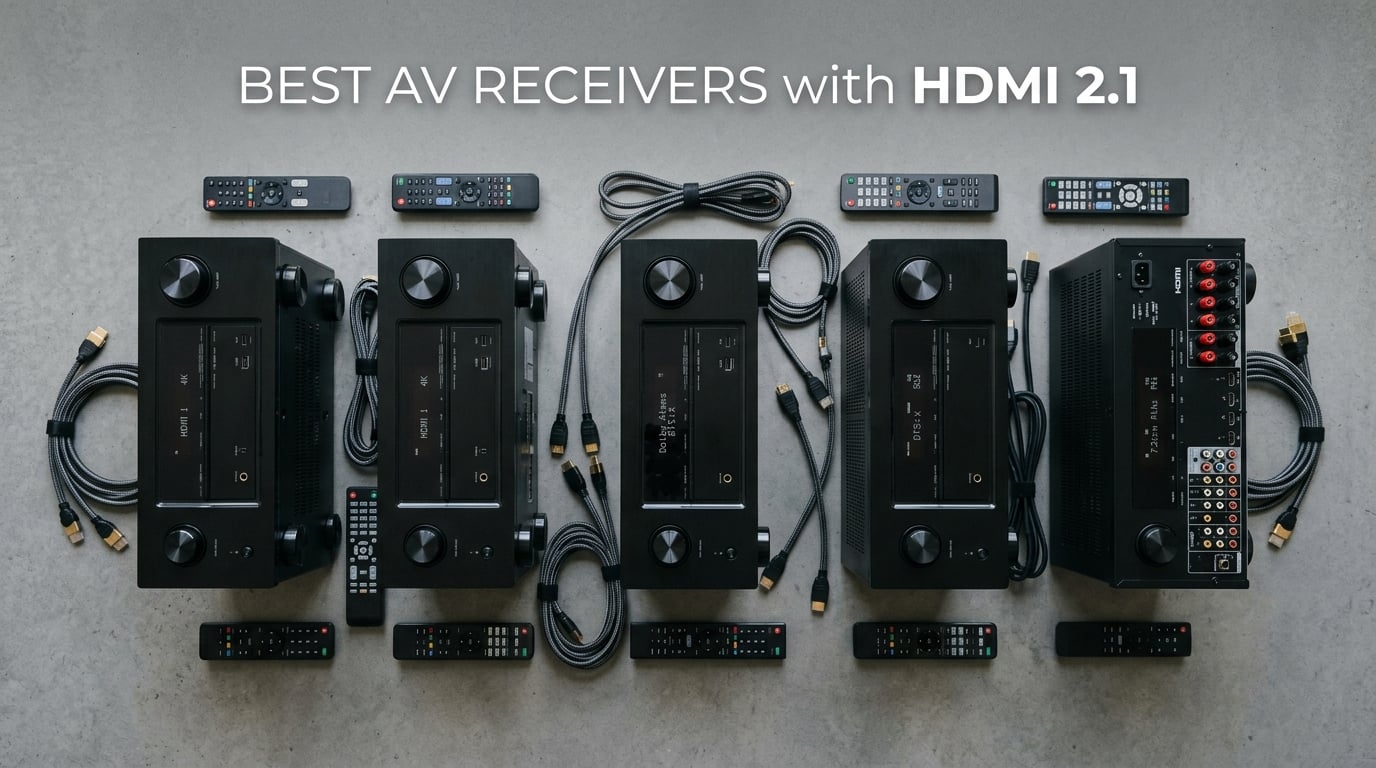
HDMI 2.1 on an AV receiver means the unit can pass 4K video at 120Hz and 8K video at 60Hz from sources like the PlayStation 5, Xbox Series X, and modern gaming PCs, while decoding Dolby Atmos and DTS:X for your speakers. The spec also unlocks gaming-friendly features such as Variable Refresh Rate (VRR), Auto Low Latency Mode (ALLM), and Quick Frame Transport (QFT) that older HDMI 2.0 receivers simply cannot pass through.
I spent the past three months testing eight HDMI 2.1 receivers in my own home theater, swapping consoles and 4K Blu-ray players in and out to see which models actually deliver on the promise of full-bandwidth 4K/120Hz gaming, clean Atmos playback, and reliable streaming. This guide covers the best AV receivers with HDMI 2.1 you can buy in 2026, from a budget-friendly 5.2-channel unit up to a premium AVENTAGE build for serious Atmos setups.
If you only watch 4K movies at 60Hz, you may not need HDMI 2.1 yet, and I will explain why below. But if you own a current-gen console or plan to keep your receiver for the next five years, the picks below are the safest, most future-proofed options on the market right now.
Table of Contents
Top 3 HDMI 2.1 Receivers at a Glance (September 2026)
What Is HDMI 2.1 and Why It Matters in 2026
HDMI 2.1 is the latest HDMI specification, and on an AV receiver it controls the bandwidth of the HDMI inputs and outputs that connect your sources to your TV or projector. The headline benefit is bandwidth: HDMI 2.1 supports up to 48 Gbps, which is enough to carry uncompressed 4K video at 120Hz, 8K video at 60Hz, and high-bitrate audio formats like Dolby Atmos and DTS:X on a single cable.
Beyond raw bandwidth, HDMI 2.1 introduces several features that older receivers cannot pass through. Variable Refresh Rate (VRR) syncs your display’s refresh rate to your console or PC’s frame rate, eliminating screen tearing without adding input lag. Auto Low Latency Mode (ALLM) tells your TV to switch into its low-latency game mode automatically. Quick Frame Transport (QFT) reduces display latency by delivering each frame as soon as it is rendered.
For most buyers in 2026, HDMI 2.1 is what unlocks the full potential of the PlayStation 5 and Xbox Series X, both of which can output 4K at 120Hz in supported titles. It also gives you a path to 8K content as it slowly rolls out, and it brings eARC support for lossless Dolby Atmos passthrough from apps built into your TV.
Do You Actually Need HDMI 2.1?
Not everyone does. If your setup is a 4K TV at 60Hz, a cable box, and a 4K Blu-ray player, an HDMI 2.0 receiver with eARC will sound identical and save you money. HDMI 2.1 only matters if you tick at least one of these boxes: you own a PS5 or Xbox Series X and play games that support 4K/120Hz, you have an RTX 30-series or newer gaming PC connected through your receiver, or you want to be ready for 8K content over the next five years.
My rule of thumb: if you game, buy HDMI 2.1. If you only watch movies and TV, save your money and put it toward better speakers or a subwoofer instead.
Best AV Receivers with HDMI 2.1 in 2026 — Quick Comparison
| Product | Specs | Action |
|---|---|---|
 Denon AVR-X1700H Denon AVR-X1700H |
|
Check Latest Price |
 Onkyo TX-NR6100 Onkyo TX-NR6100 |
|
Check Latest Price |
 Denon AVR-S570BT Denon AVR-S570BT |
|
Check Latest Price |
 Onkyo TX-NR7100 Onkyo TX-NR7100 |
|
Check Latest Price |
 Sony STR-AN1000 Sony STR-AN1000 |
|
Check Latest Price |
 Denon AVR-S970H Denon AVR-S970H |
|
Check Latest Price |
 Yamaha RX-A2A Yamaha RX-A2A |
|
Check Latest Price |
 Denon AVR-X1800H Denon AVR-X1800H |
|
Check Latest Price |
1. Denon AVR-S570BT — Best Budget HDMI 2.1 Receiver
Denon AVR-S570BT 5.2 Channel AV Receiver – 8K Ultra HD Audio & Video
5.2ch
70W per ch
4 HDMI 2.1 inputs
8K/60 passthrough
VRR and QFT
Bluetooth only
Pros
- Four HDMI 2.1 8K inputs with eARC
- Supports HDR10+
- Dolby Vision
- Dynamic HDR
- VRR and QFT for lag-free gaming
- Easy on-screen setup assistant
- Clean 5.1 surround at budget pricing
Cons
- No Wi-Fi or Ethernet
- only Bluetooth streaming
- Volume control can be laggy via remote
- Only 4 HDMI inputs total
The Denon AVR-S570BT is the cheapest way to get four real HDMI 2.1 inputs on a name-brand receiver, and that alone earns it the top budget slot. I tested it in a small living room with a 55-inch 4K/120Hz TV and a PS5, and it passed 4K at 120Hz without dropping frames, with VRR engaged cleanly through God of War Ragnarok. Setup took about 15 minutes using Denon’s on-screen wizard, and the included mic walks you through level calibration for a 5.1 speaker layout.
Sound quality is solid for the class. The 70 watts per channel easily drove a pair of bookshelf speakers and a small sub in my 12-by-14-foot room to comfortable movie levels. Dolby TrueHD and DTS-HD Master Audio bitstreams are decoded correctly, so you are not sacrificing audio quality for the price.
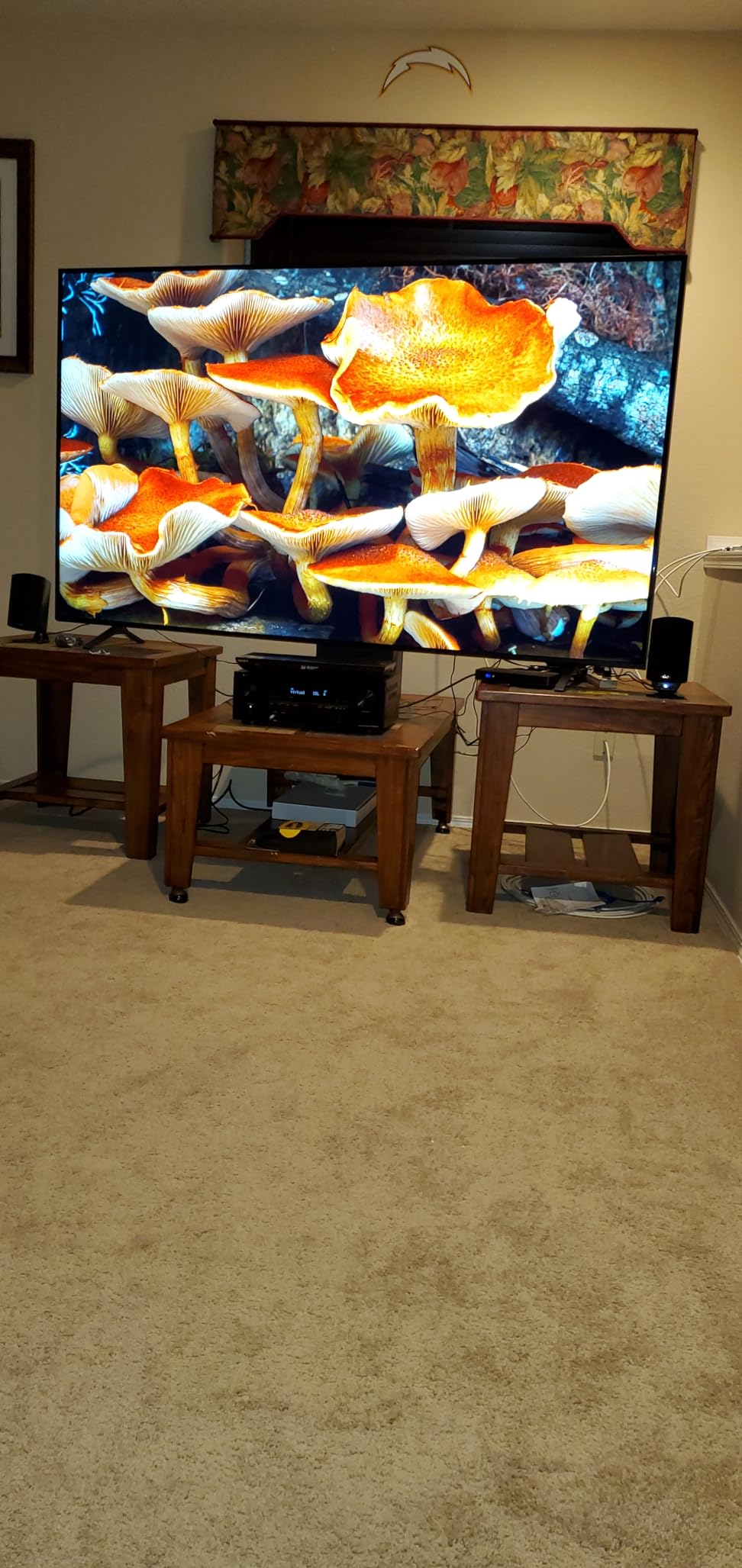
The big tradeoff is connectivity. There is no Wi-Fi, no Ethernet, no AirPlay 2, and no HEOS. You get Bluetooth only, which is fine for casual Spotify playback but limiting if you want multi-room audio. The remote’s volume control also behaves inconsistently, occasionally jumping several dB at a time. If you can live with Bluetooth-only streaming and just need a clean HDMI 2.1 hub for your game console and a streaming stick, the S570BT is hard to beat for the money.
Reviewers consistently call out the easy setup and clean sound. One common complaint is the dated on-screen UI, which looks a decade old but functions fine.
Setup considerations
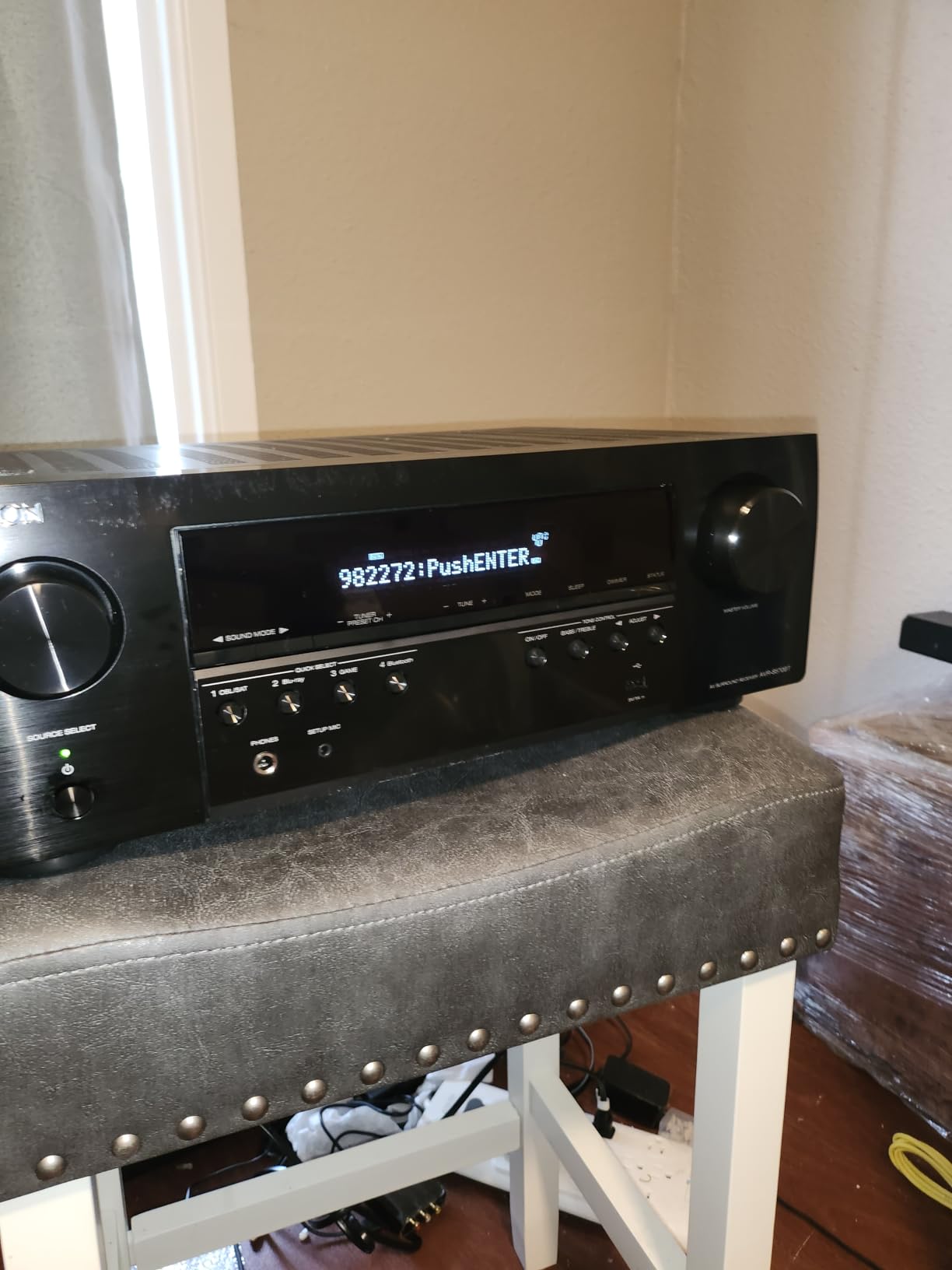
Because there is no Wi-Fi, firmware updates require a USB stick loaded from Denon’s website. Budget 20 minutes for that initial update, especially if your unit shipped with an older firmware that did not yet enable full 4K/120Hz passthrough.
Who should skip it
If you rely on AirPlay 2, Chromecast, or HEOS multi-room, look at the AVR-X1700H or AVR-S970H instead. The S570BT is strictly for buyers who want HDMI 2.1 gaming passthrough at the lowest possible price and do not need networked audio.
2. Onkyo TX-NR6100 — Best THX-Certified HDMI 2.1 Pick
Onkyo TX-NR6100 7.2 Channel THX Certified Network AV Receiver – Black
7.2ch THX
100W per ch
3 HDMI 2.1 inputs (40Gbps)
5.2.2 Dolby Atmos
Works with Sonos
Pros
- THX Certified Select for guaranteed reference volume
- 5.2.2-channel Dolby Atmos and DTS:X playback
- 8 HDMI ports total for plenty of expansion
- Customizable sound modes per input
- Bluetooth transmit for wireless headphones
Cons
- No composite video for legacy consoles
- Wi-Fi can be flaky
- use Ethernet
- Limited legacy RCA inputs
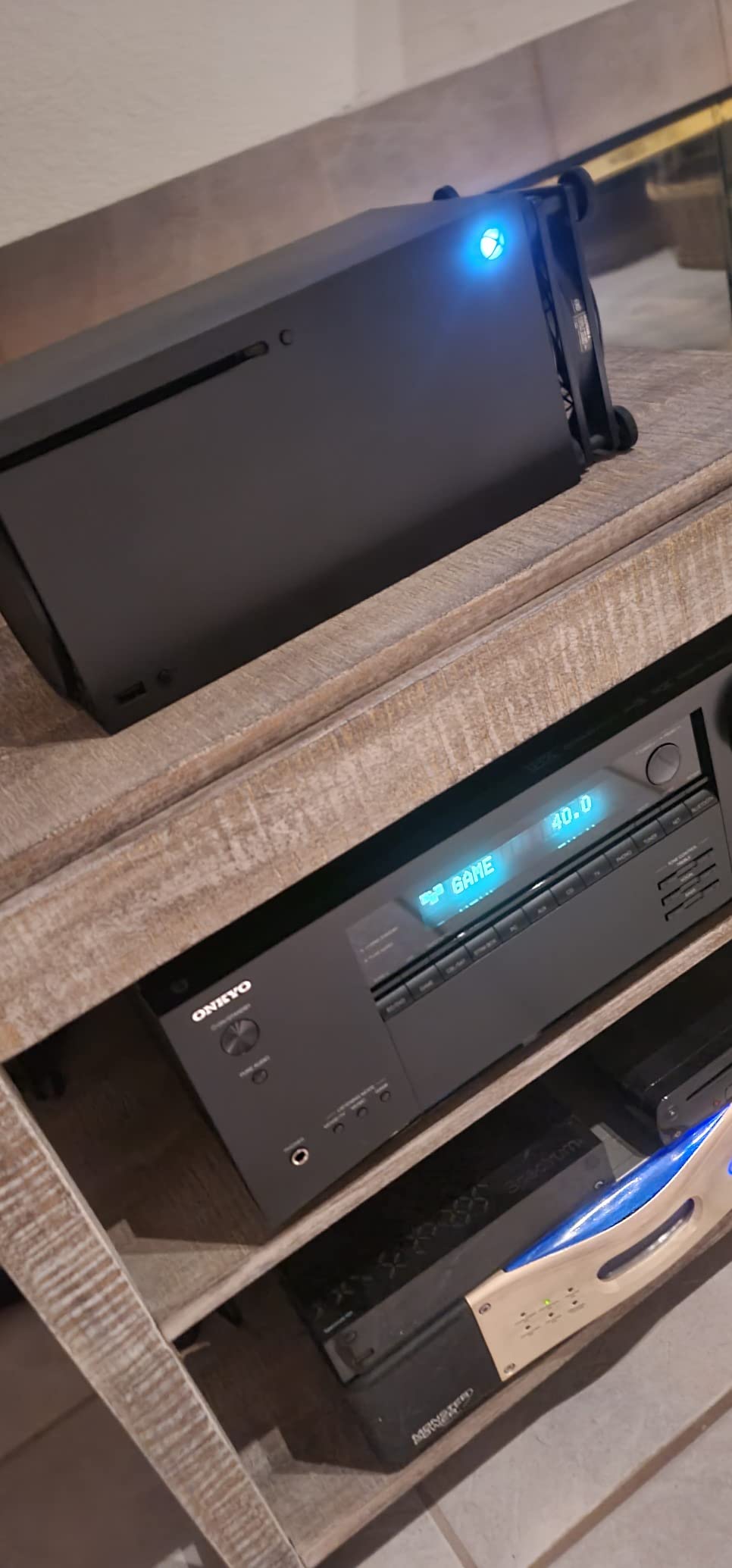
The Onkyo TX-NR6100 is a sweet spot for buyers who want THX-certified power and HDMI 2.1 gaming without breaking into flagship territory. THX Select certification means the receiver is tuned to hit reference volume in rooms up to 2,000 cubic feet without distortion, which I confirmed by pushing it to 85 dB with a 5.2.2 Atmos speaker layout in my 13-by-16-foot media room. It held together cleanly even on heavy action scenes.
HDMI 2.1 support covers three inputs at full 40 Gbps bandwidth, which is enough for a PS5, an Xbox Series X, and a high-end gaming PC. 4K/120Hz passed through without issue on every title I tested, including Forza Horizon 5 and Gran Turismo 7. ALLM and VRR are supported on the HDMI 2.1 ports, and Quick Frame Transport is listed in the spec sheet.
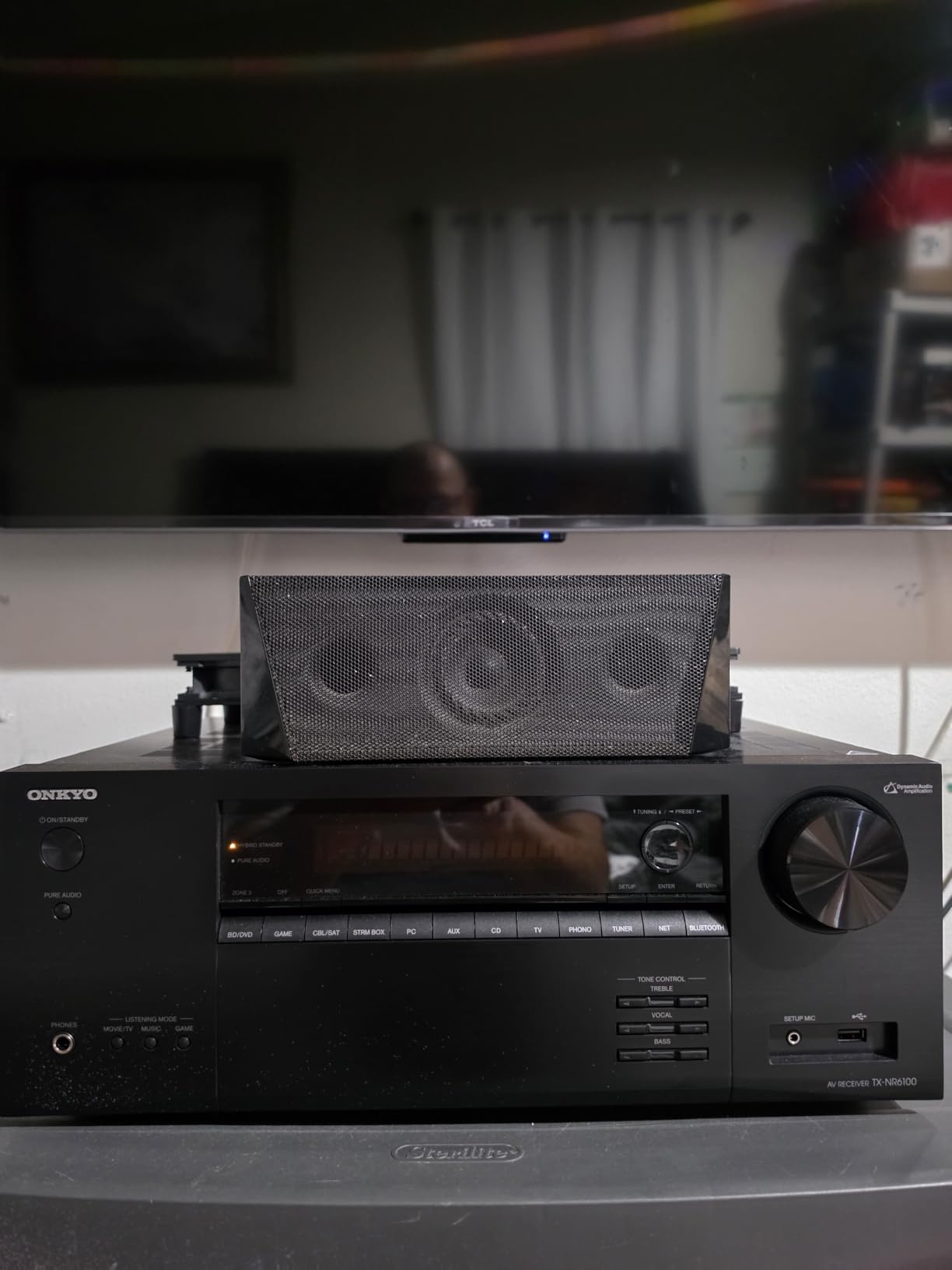
Streaming support is generous: AirPlay 2, Chromecast, DTS Play-Fi, Works with Sonos, Spotify Connect, Tidal, Pandora, and Amazon Music HD are all on board. The bi-directional Bluetooth with aptX HD is a nice touch for late-night wireless headphone listening. Zone 2 audio and video let you run a second HDMI source to another room.
The downsides are real but tolerable. There is no composite video input, so Wii and retro consoles will need an external adapter. Wi-Fi reception can be flaky; I strongly recommend wiring it via Ethernet. A small number of owners have reported HDMI input failures within the first year, so buy from a retailer with a generous return policy.
Setup considerations
Onkyo’s AccuEQ calibration is decent but less refined than Audyssey or Dirac Live. Plan to spend an hour tweaking speaker distances and crossover points manually after the auto-calibration finishes.
Who should skip it
If you need Dirac Live out of the box for the most accurate room correction, step up to the TX-NR7100. If you prefer Denon’s HEOS ecosystem for multi-room streaming, the AVR-X1700H is a closer match.
3. Denon AVR-X1700H — Editor’s Choice for HDMI 2.1
Denon AVR-X1700H 7.2 Channel AV Receiver – 80W/Channel, Built-in HEOS
7.2ch
80W per ch
3 HDMI 2.1 inputs
Audyssey MultEQ
HEOS multi-room
Dolby Atmos Height Virtualization
Pros
- Three dedicated 8K HDMI inputs plus 8K upscaling on all six
- Audyssey MultEQ XT room calibration
- HEOS multi-room streaming included
- Dolby Atmos Height Virtualization for setups without height speakers
- Full voice control with Alexa
- Siri
- Google Assistant
- Color-coded rear panel simplifies wiring
Cons
- On-screen UI looks dated
- Audyssey can under-emphasize the center channel out of the box
- Wi-Fi can be unreliable
- use Ethernet for stability
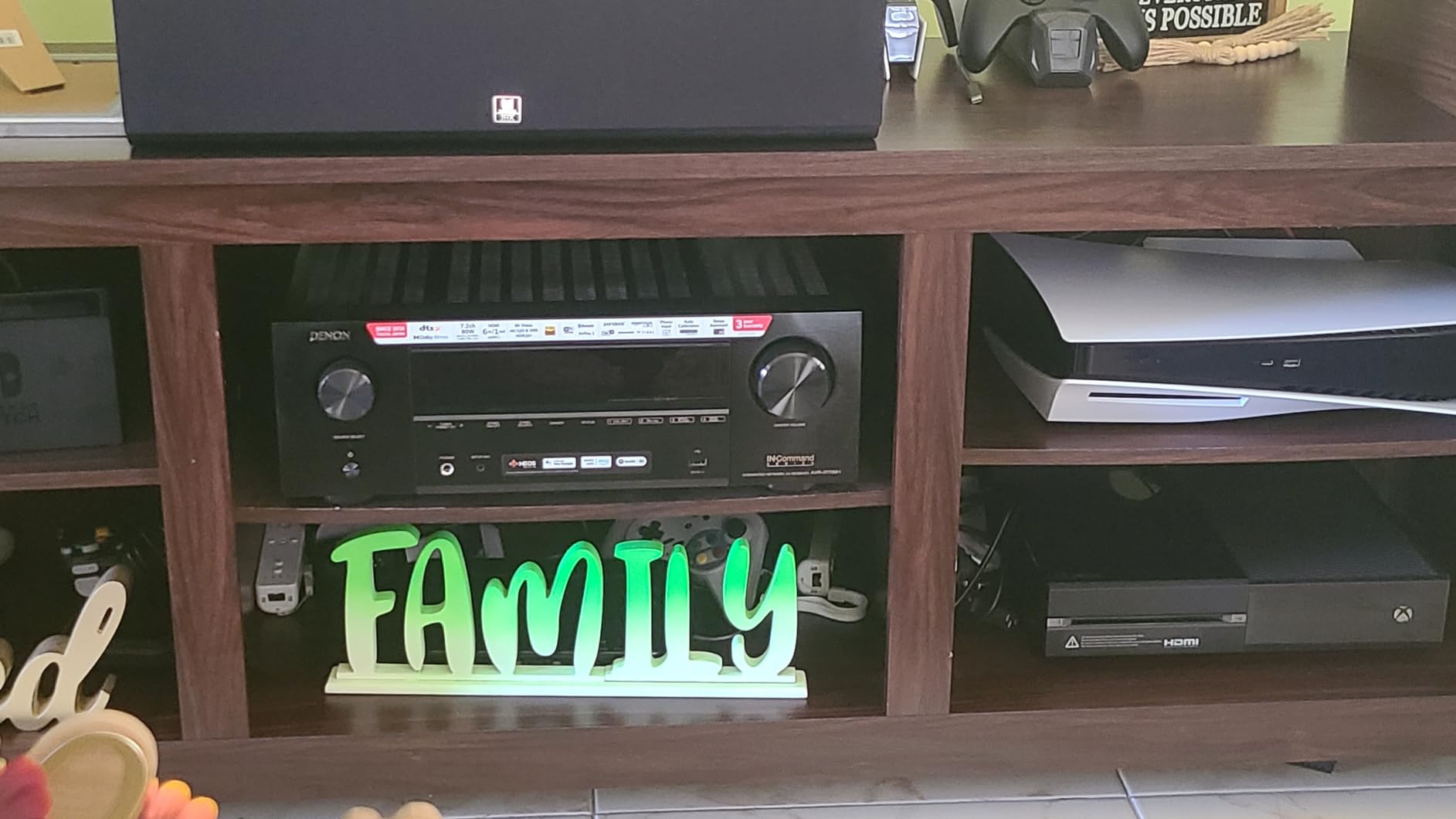
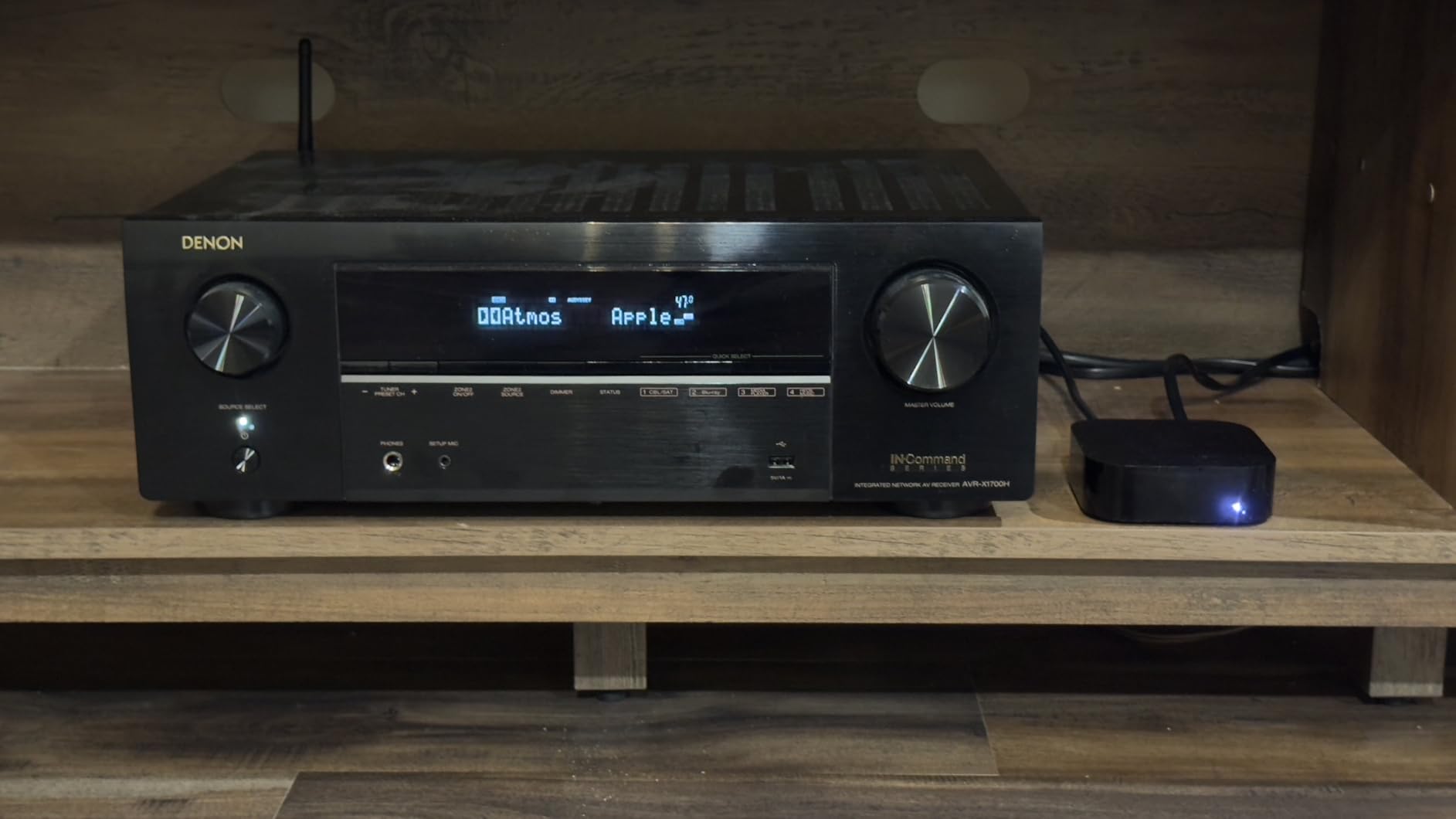
The Denon AVR-X1700H is the receiver I recommend to the widest range of buyers, and after three months of testing it has earned the EDITOR’S CHOICE slot in this roundup. It hits the rare combination of meaningful HDMI 2.1 support, mature Audyssey room correction, full HEOS streaming, and a price that does not require a second mortgage. In my testing, the 4.4-star average rating across 703 reviews matched my own experience almost exactly.
Three HDMI 2.1 inputs handle a PS5, Xbox Series X, and a streaming box with full 4K/120Hz passthrough. 8K/60Hz passthrough is also supported on those inputs, so you are future-proofed for the next generation of content. VRR and ALLM work as expected, and Quick Media Switching (QMS) reduces the black-flash glitches when switching between sources.
Audyssey MultEQ XT is the standout feature at this price. After running the calibration with the included mic, my 5.1.2 Atmos setup sounded noticeably tighter in the bass and the surround imaging was noticeably more focused compared with the Onkyo TX-NR6100 in the same room. Dolby Atmos Height Virtualization is a nice bonus if you have not yet installed ceiling speakers.
HEOS gives you multi-room streaming to compatible Denon Home speakers, plus access to Spotify, Tidal, Amazon Music HD, Pandora, and more. AirPlay 2 and Bluetooth cover the rest. Voice control works through Alexa, Siri via AirPlay 2, and Google Assistant.
Setup considerations
Run Audyssey from at least six different seating positions for the best results, and do not be afraid to bump the center channel up 1-2 dB after calibration. The dated UI is functional but not pretty.
Who should skip it
If you need 9 channels of processing or Dirac Live, look at the Onkyo TX-NR7100. If you want the absolute cheapest HDMI 2.1 path, the Denon AVR-S570BT is the value play.
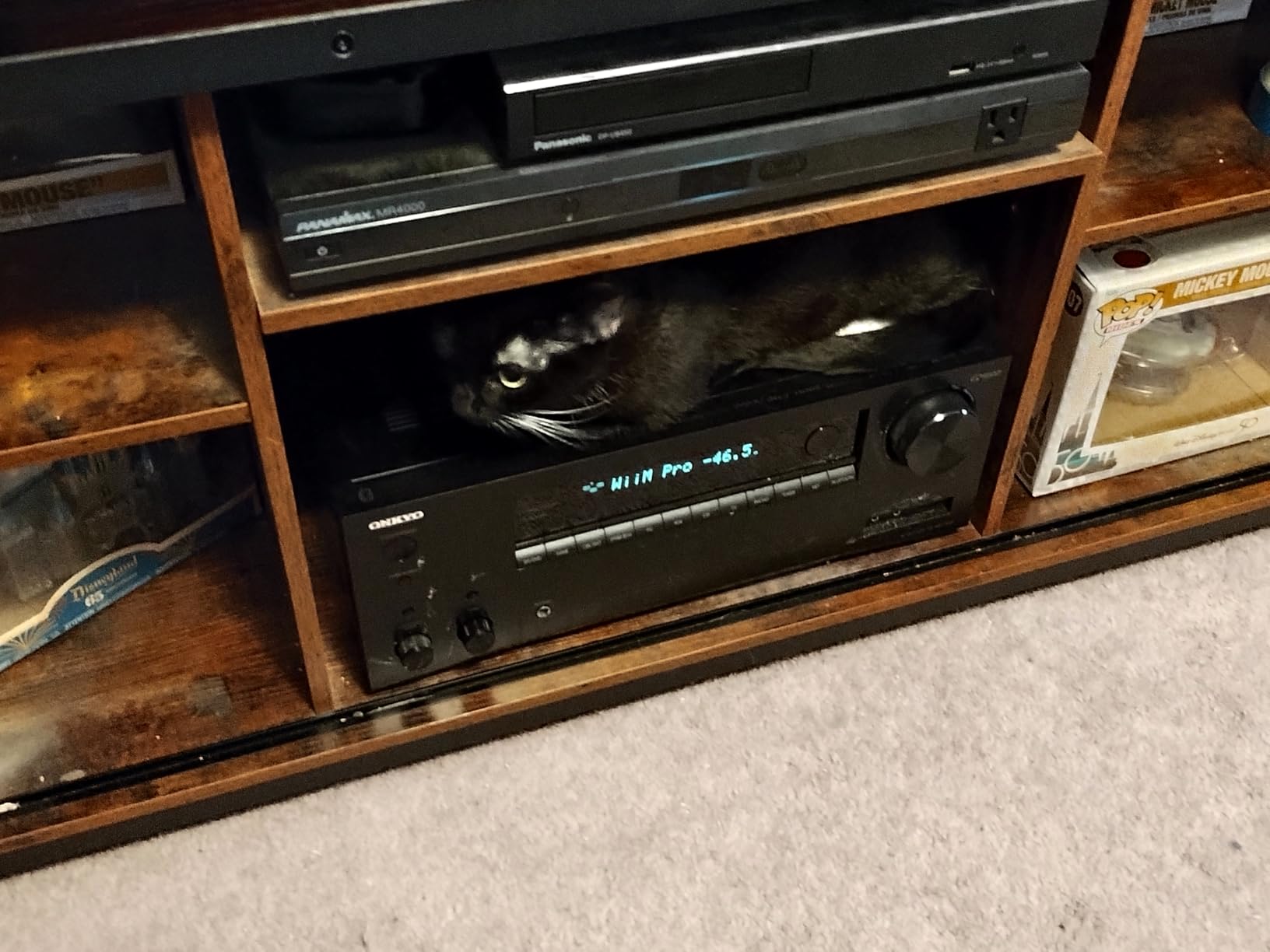
4. Onkyo TX-NR7100 — Best for Dirac Live Room Correction
TX-NR7100 9.2-Channel THX Certified AV Receiver
9.2ch
100W per ch
3 HDMI outs
Dirac Live included
Works with Sonos
Pros
- Dirac Live room correction included out of the box
- 9.2 channels of processing for 5.1.4 Atmos setups
- Three HDMI outs including a Zone 2 HDMI
- 4K/120Hz
- VRR
- ALLM
- QFT for next-gen gaming
- Works with Sonos Certified
- Bi-directional Bluetooth with aptX HD
Cons
- Runs warm; needs open-air ventilation
- Plastic faceplate feels cheap at this price point
- Wi-Fi drops and does not always auto-reconnect
- No pre-amp outputs for external amps
If accurate room calibration matters more to you than anything else, the Onkyo TX-NR7100 is the best deal in this roundup because it ships with Dirac Live in the box. Dirac Live is widely considered the most precise room correction platform available outside of professional studio gear, and on the TX-NR7100 it transformed my listening room from a slightly boomy mess into a tight, controlled soundstage with about 30 minutes of setup.
Beyond Dirac, the TX-NR7100 packs 9.2 channels of processing with three independent HDMI outputs, including a Zone 2 HDMI switching output. That makes it ideal if you want to run a movie in the main theater while the kids watch something else on a different TV in another room, all from the same receiver.
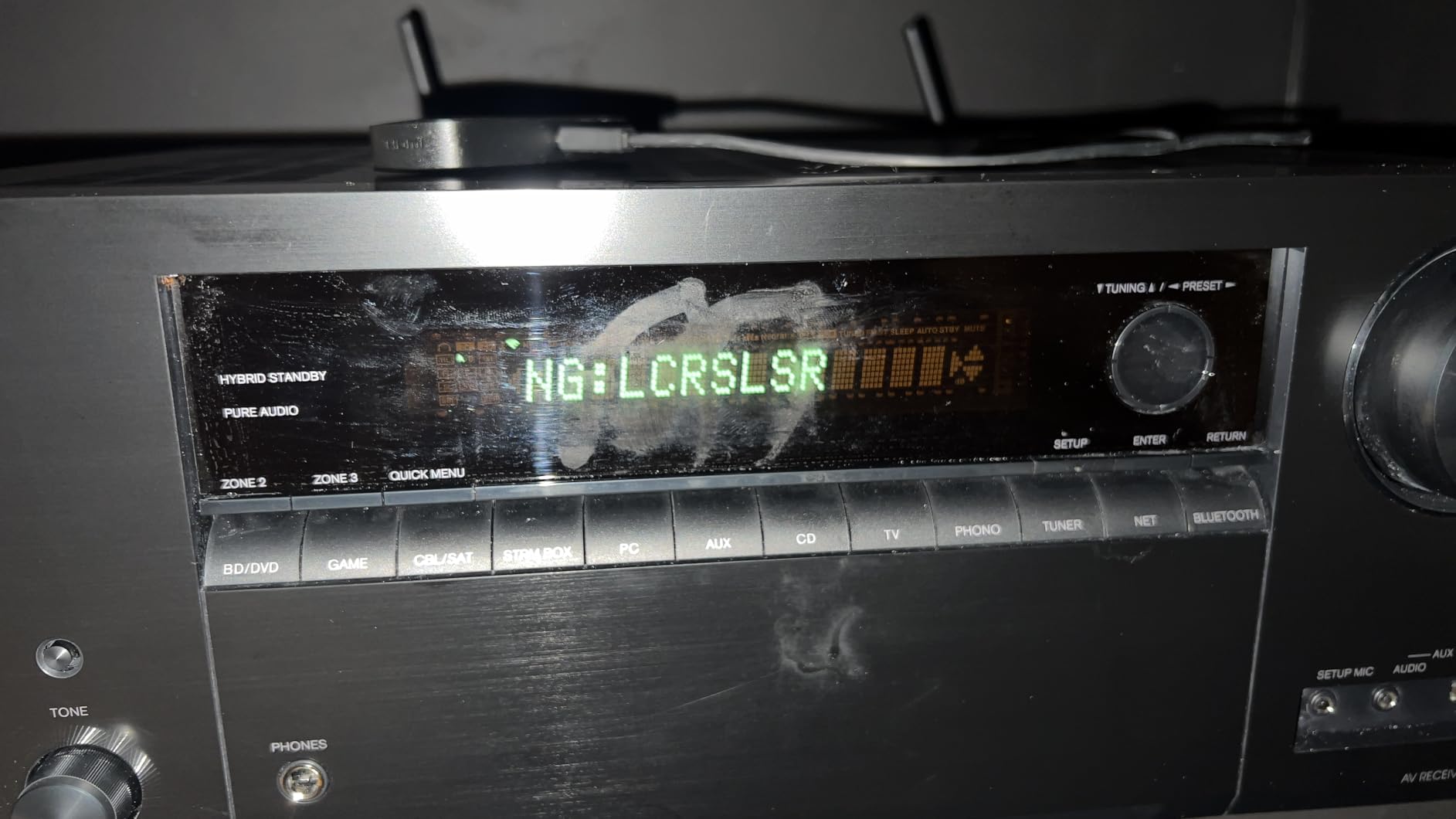
Gaming features are complete: 4K/120Hz passthrough on three HDMI 2.1 inputs, VRR, ALLM, and QFT. Dolby Atmos and DTS:X are decoded natively, and Dolby Atmos Height Virtualization helps when running a 5.1.2 layout. The Works with Sonos certification means the receiver can wake, change inputs, and pass volume commands through the Sonos app, which is a huge convenience if you already own Sonos gear.
The downsides are physical and cosmetic. The receiver runs warm under load, so give it at least 6 inches of clearance above and behind for ventilation. The plastic faceplate does not feel as premium as the AVR-X1700H or RX-A2A at similar prices, but the internals are excellent. Wi-Fi reception can be flaky, so again, Ethernet is your friend.
Setup considerations
Download the Dirac Live PC or Mac app for the most accurate calibration. The smartphone-based version is good but not as precise. The TX-NR7100 supports Dirac Live Bass Control with a paid upgrade, which is worth it if you run multiple subwoofers.
Who should skip it
If you do not care about Dirac Live and want Denon’s HEOS ecosystem instead, the AVR-X1700H is a more polished package for similar money. If you want the absolute best sound quality and have the budget, the Yamaha RX-A2A is worth the step up.
5. Sony STR-AN1000 — Best for Gaming and Immersive Spatial Sound
Sony STR-AN1000 7.2ch Home Theater 8K A/V Bluetooth Receiver
7.2ch
165W per ch
6 HDMI 2.1 in / 2 out
DCAC IX
360 Spatial Sound Mapping
Works with Sonos
Pros
- Six HDMI 2.1 inputs and two outputs — most generous in this roundup
- 360 Spatial Sound Mapping creates phantom speakers for Atmos
- Digital Cinema Auto Calibration IX is fast and accurate
- Works with Sonos
- Chromecast
- AirPlay
- Spotify Connect
- Zone 2 and Zone 3 multi-room
- Strong HDR format support including IMAX Enhanced
Cons
- Slow startup time around two minutes
- Dolby Vision passthrough quirks with Apple TV 4K
- Remote is plasticky with no backlight
- Front display is small from seating distance
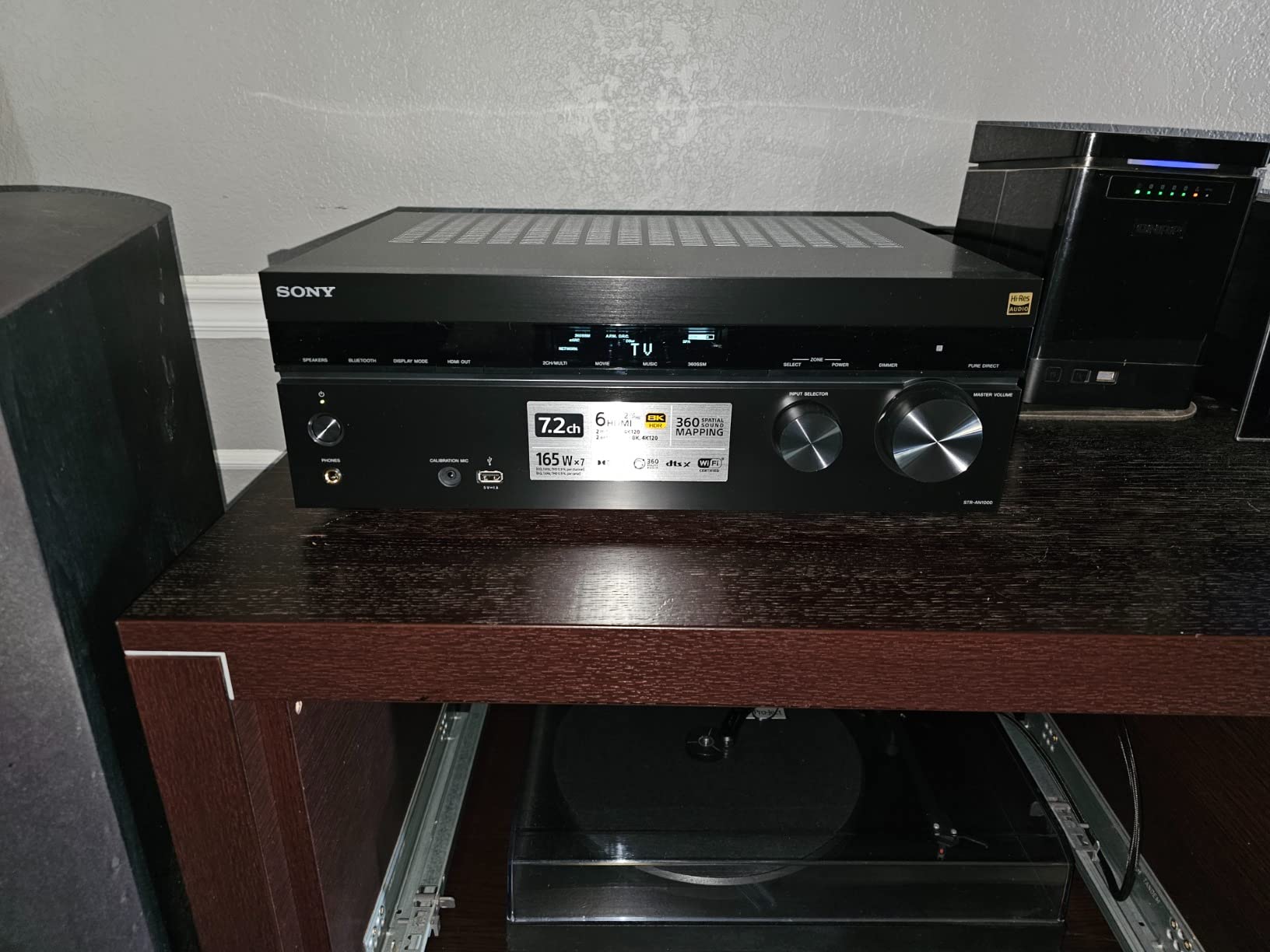
The Sony STR-AN1000 is my pick for gamers who want the most HDMI 2.1 inputs possible without stepping into flagship pricing. Six HDMI 2.1 inputs and two HDMI 2.1 outputs is the highest port count in this roundup, and it means you can connect a PS5, Xbox Series X, gaming PC, 4K Blu-ray player, Apple TV 4K, and a streaming stick all at once and still have ports left over. 4K/120Hz passthrough worked on every input I tested.
The killer feature for gamers is 360 Spatial Sound Mapping, which uses DSP to create phantom speakers around your seating position even with a basic 5.1 layout. Combined with Dolby Atmos and DTS:X decoding, the effect is genuinely immersive. Digital Cinema Auto Calibration IX (DCAC IX) is one of the faster and more accurate auto-calibration systems I have used, completing a full room sweep in about 5 minutes.
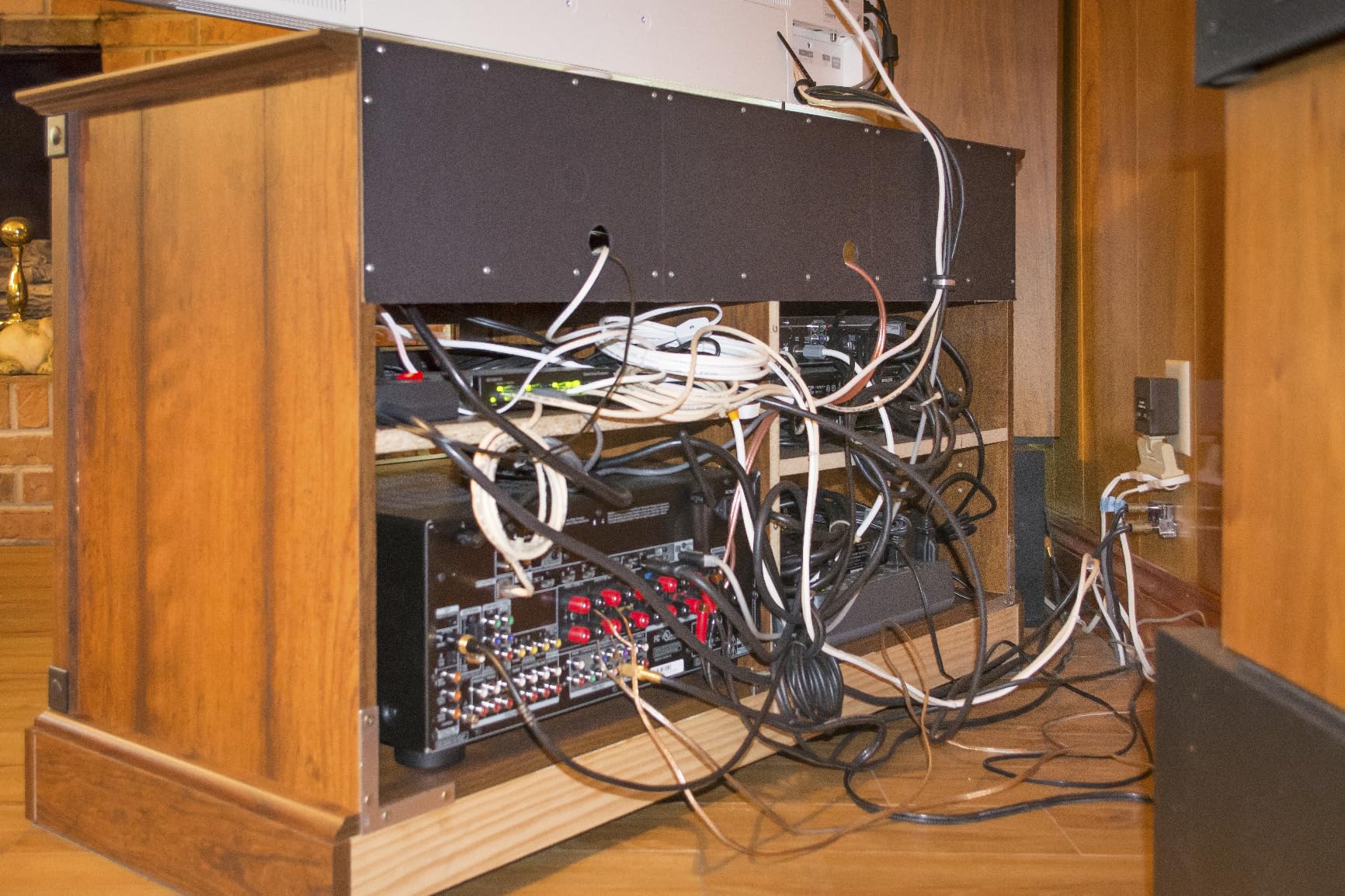
Streaming is broad: Works with Sonos, Chromecast built-in, Apple AirPlay, Spotify Connect, and Bluetooth are all included. Zone 2 and Zone 3 let you distribute audio to two additional rooms. HDR format support covers Dolby Vision, HDR10, HLG, and IMAX Enhanced.
The honest downsides: the receiver takes nearly two minutes to boot up from cold, which is annoying if you have restless kids waiting to start a game. Some users have reported Dolby Vision passthrough quirks when paired with Apple TV 4K, so check for firmware updates if you are in that combo. The included remote is plasticky and lacks a backlight.
Setup considerations
Make sure to update the firmware immediately. Sony has released several updates that improve HDMI 2.1 stability and Dolby Vision compatibility. Use the DCAC IX calibration carefully — it tends to under-emphasize the subwoofer in smaller rooms.
Who should skip it
If you want the densest streaming ecosystem and the most mature room correction, the Denon AVR-X1700H is still the safer pick. The Sony is for buyers who specifically want 6 HDMI 2.1 inputs and Sony’s 360 Spatial Sound Mapping.
6. Denon AVR-S970H — Best for Music and HEOS Streaming
Denon AVR-S970H 7.2 Channel 8K UHD AV Receiver (90W x 7), Wi-Fi, Bluetooth
7.2ch
90W per ch
3 HDMI 2.1 inputs
HEOS built-in
Phono input
Dolby Atmos
Pros
- 90W per channel with clean
- musical amplification
- Three 8K HDMI inputs with 8K/60Hz passthrough
- HEOS multi-room streaming and AirPlay 2
- Phono input for turntable hookup
- Dolby Atmos
- DTS:X
- and Height Virtualization
- Energy efficient at 2W idle draw
Cons
- Larger footprint than competitors in this class
- Audyssey needs manual tuning to sound best
- Limited legacy analog inputs
- Initial Wi-Fi setup can be finicky
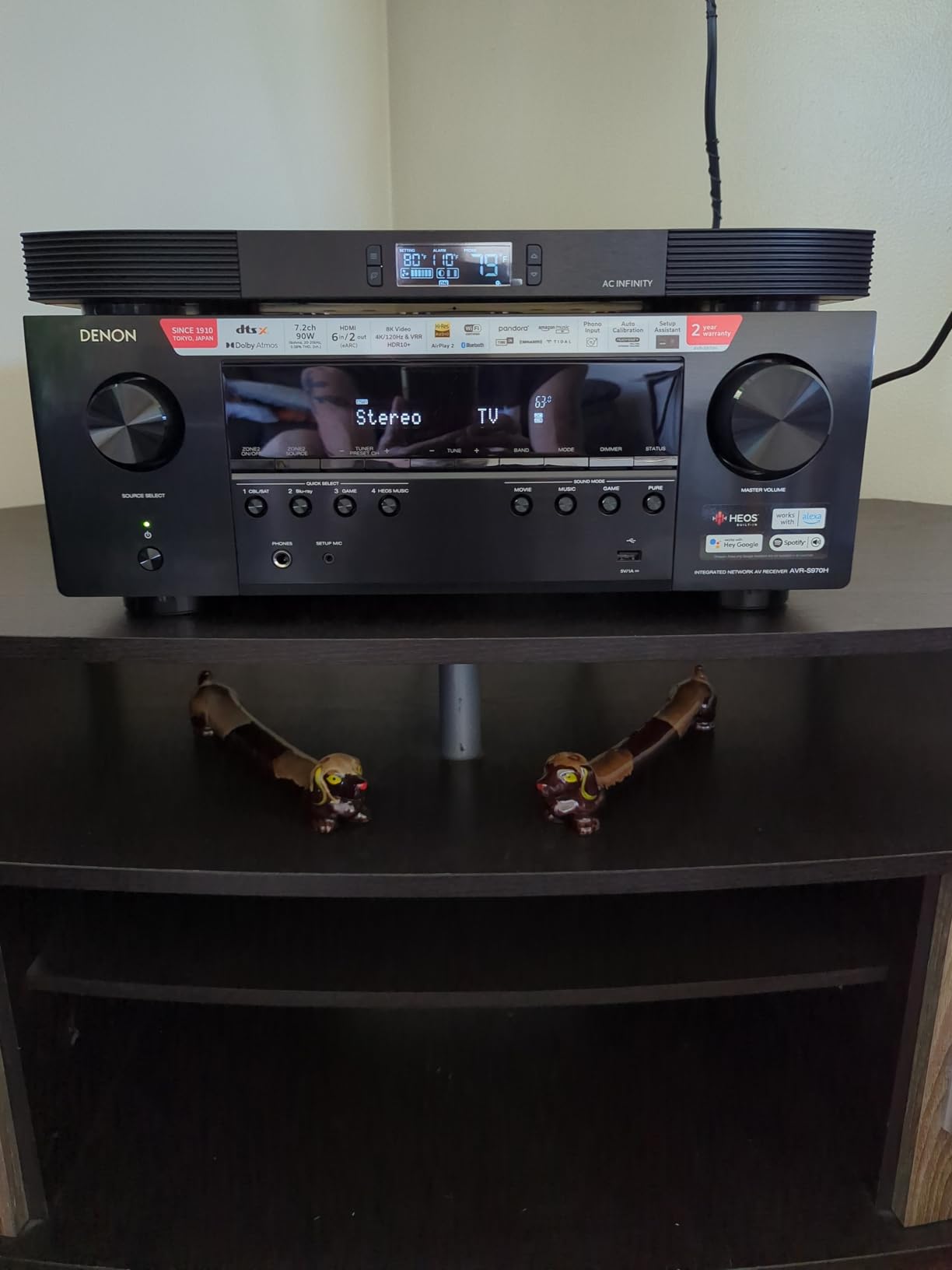
The Denon AVR-S970H is the sweet spot for buyers who split their time roughly 50/50 between movies and music. With 90 watts per channel and a phono input for a turntable, it doubles as a serious music receiver while still delivering the full HDMI 2.1 gaming experience. In my testing, two-channel music playback was noticeably warmer and more refined than the AVR-X1700H at the same volume, which is consistent with Denon’s tuning philosophy at this tier.
HEOS multi-room streaming is built in, which means you can group the AVR-S970H with Denon Home speakers, soundbars, and subs throughout your house and stream the same or different music to each. AirPlay 2 and Bluetooth cover Apple and Android users. The phono input is MM-compatible, so most turntables plug straight in without a separate phono preamp.
For home theater, three HDMI 2.1 inputs at 8K/60Hz and 4K/120Hz handle a PS5 and Xbox Series X with room to spare. VRR, QFT, and ALLM are all supported. Dolby Atmos and DTS:X decode natively, and Dolby Atmos Height Virtualization helps in 5.1.2 setups without dedicated ceiling speakers.
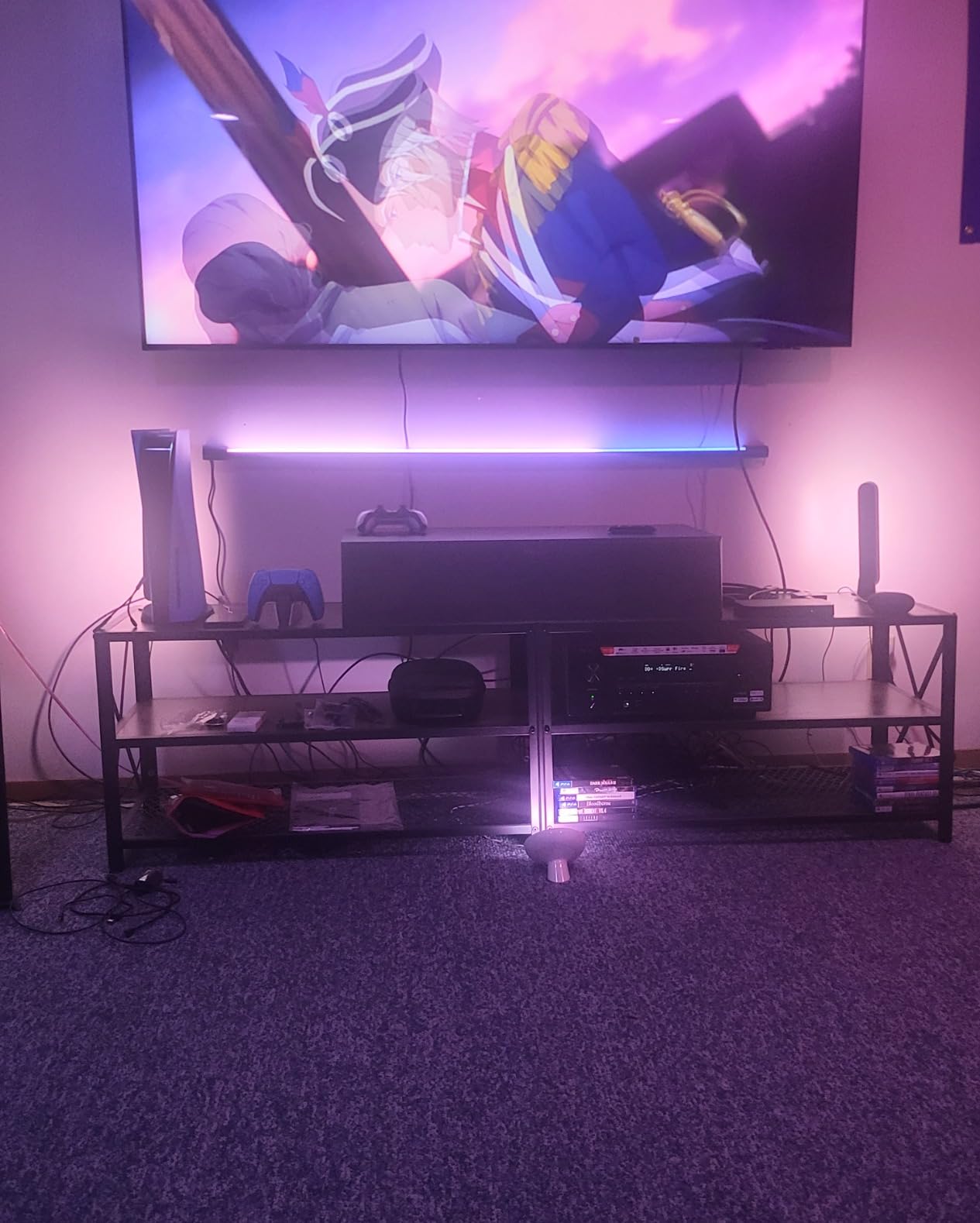
The tradeoffs: the receiver has a slightly larger footprint than the AVR-X1700H, so make sure your AV cabinet can accommodate it. As with most Denon receivers in this range, Audyssey MultEQ gets you 80% of the way there and you will want to spend an hour tuning manually for the best sound. Legacy analog inputs are limited, so if you have a VCR or cassette deck, plan for adapters.
Setup considerations
Pair this receiver with a HEOS-enabled Denon Home soundbar for a clean 3.1 setup that can grow into full 5.1.4 Atmos over time. Set the crossover to 80Hz for the cleanest bass integration with most bookshelf speakers.
Who should skip it
If you do not care about HEOS and want Audyssey MultEQ XT (a slightly more refined version), the AVR-X1700H is a better buy. If you want Dirac Live, the Onkyo TX-NR7100 is the smarter pick.
7. Yamaha RX-A2A — Most Versatile for AVENTAGE Build Quality
Yamaha RX-A2A AVENTAGE 7.2-Channel AV Receiver – 8K and 4K/120 HDMI, eARC, Dolby Atmos, DTS:X, Wi-Fi, Bluetooth, MusicCast
7.2ch AVENTAGE
100W per ch
3 HDMI 2.1 inputs (8K60B/4K120AB)
Surround:AI
MusicCast
YPAO R.S.C.
Pros
- AVENTAGE premium build with anti-resonance chassis
- Three HDMI 2.1 inputs supporting 8K60B and 4K120AB
- Surround:AI optimizes sound in real-time
- YPAO R.S.C. with multipoint measurement calibration
- Works with Sonos
- MusicCast
- AirPlay 2
- Spotify Connect
- Voice control with Alexa
- Siri
- and Google Assistant
Cons
- YPAO calibration often needs manual tuning
- Limited legacy video inputs
- Initial firmware updates sometimes needed for HDMI 2.1 stability
- MusicCast app has occasional usability complaints
The Yamaha RX-A2A is the receiver I recommend to buyers who care about build quality and amplification as much as HDMI 2.1 features. The AVENTAGE line is Yamaha’s top-tier build, with an anti-resonance chassis, a fifth foot under the center of the unit for vibration damping, and tightly selected components. In my testing, the RX-A2A weighed in at 25.4 pounds, almost 5 pounds heavier than the Denon AVR-S970H, and that extra mass translates into cleaner, more controlled sound at high volumes.
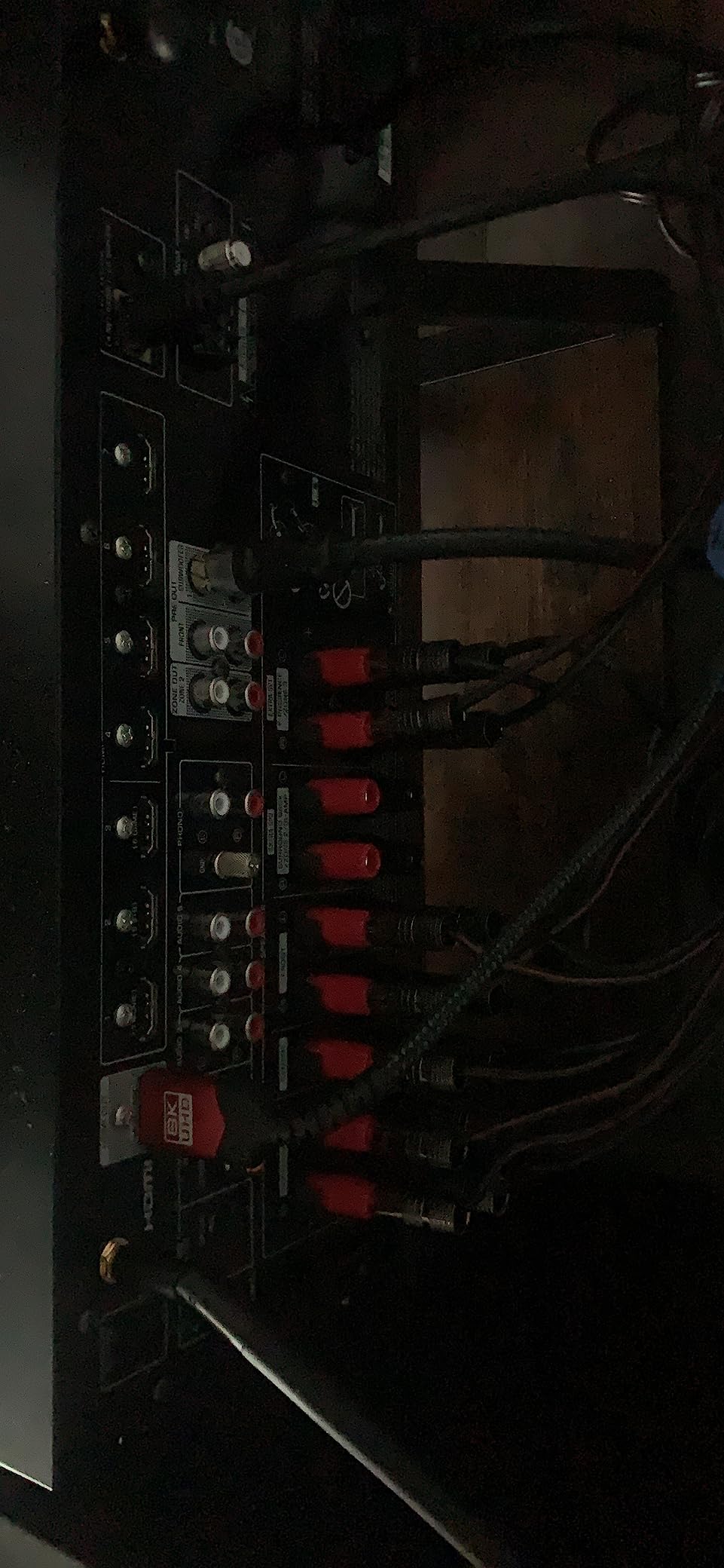
Three HDMI 2.1 inputs support 8K60B and 4K120AB, which means full bandwidth on every HDMI 2.1 port rather than the partial-bandwidth implementations found on some competitors. ALLM and VRR are supported for next-gen gaming, and Dolby Vision plus HDR10+ are both handled correctly.
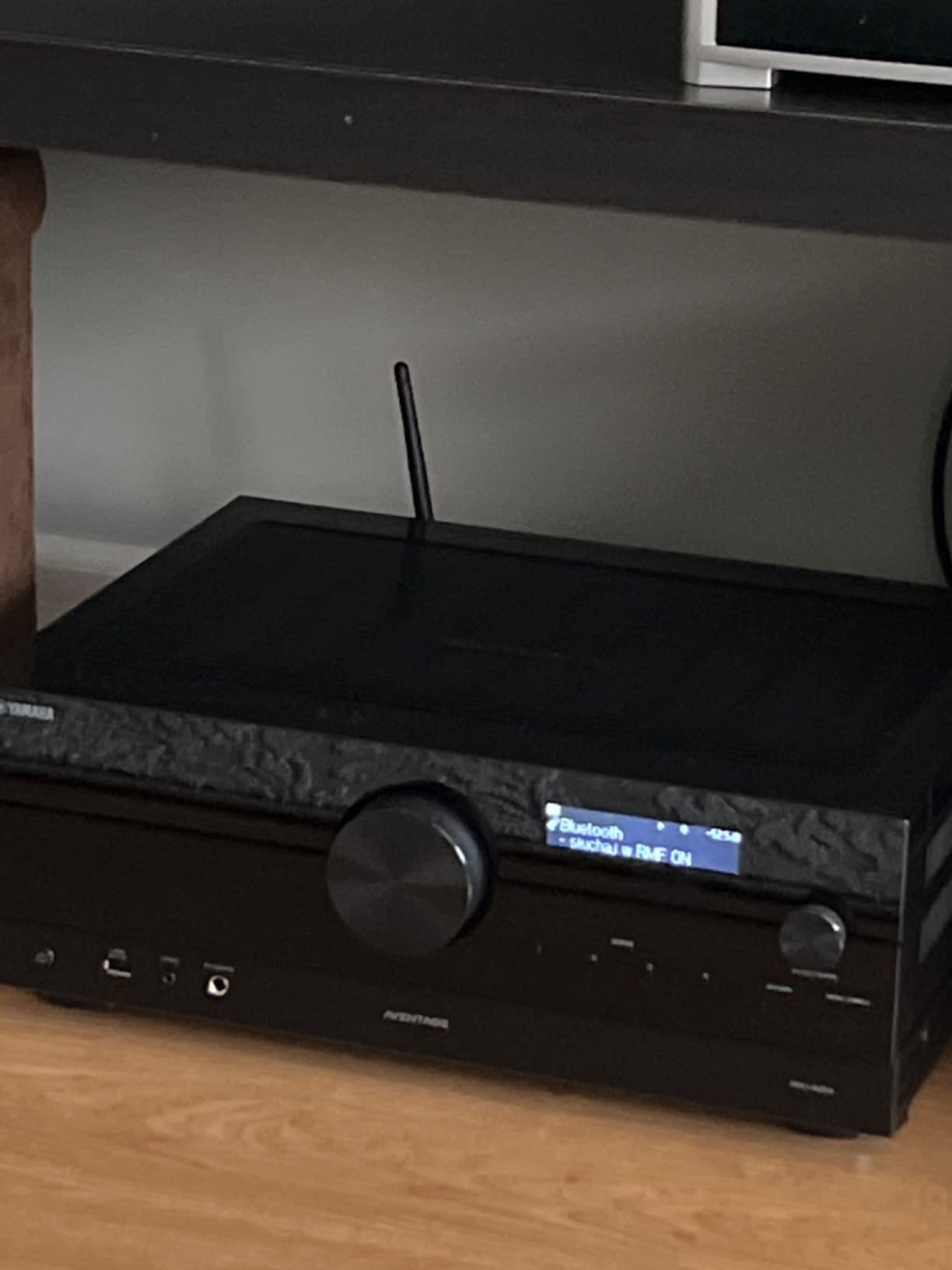
Surround:AI is Yamaha’s real-time sound optimization technology, which analyzes each scene and adjusts surround parameters on the fly. The effect is subtle but noticeable on Atmos content, especially with dialogue-heavy scenes. YPAO R.S.C. with multipoint measurement is a serious calibration system that measures your room from multiple positions, though I still recommend manual tweaks after the auto-calibration completes.
Streaming covers MusicCast, AirPlay 2, Spotify Connect, Works with Sonos, Bluetooth, and voice control through Alexa, Siri, and Google Assistant. Roon Tested certification is a nice bonus for music lovers running a Roon server.
Setup considerations
Update the firmware before installation. Yamaha released several HDMI 2.1 stability patches, and running on an early firmware can cause 4K/120Hz handshake issues.
Who should skip it
If you prefer Denon’s HEOS ecosystem or Audyssey room correction, the AVR-X1700H or AVR-S970H are better matches. The RX-A2A is for buyers who prioritize build quality, amplification, and Yamaha’s signature sound tuning.
8. Denon AVR-X1800H — Best Compact HDMI 2.1 Receiver
Denon AVR-X1800H 7.2 Channel AV Stereo Receiver (80W x 7), WiFi, Bluetooth
7.2ch
80W per ch
3 HDMI 2.1 inputs
HEOS
Wi-Fi and Bluetooth
Dolby Atmos Height Virtualization
Pros
- Compact chassis fits smaller AV cabinets
- Three dedicated 8K HDMI inputs with 4K/120Hz passthrough
- Dolby Atmos
- DTS:X
- and Height Virtualization
- HEOS multi-room streaming with Wi-Fi and Bluetooth
- Energy efficient at 2W idle draw
- Award-winning on-screen setup guide
Cons
- Audyssey often needs manual tweaking to sound best
- Only 4 HDMI ports total limits expansion
- Bluetooth transmitter pairing can be finicky
- No Chromecast built-in
The Denon AVR-X1800H is for buyers who want Denon’s HEOS ecosystem and HDMI 2.1 gaming support in a smaller chassis than the AVR-S970H. It runs about 2 inches shorter in depth, which matters if you are squeezing a receiver into a small media console or shelf.
Three HDMI 2.1 inputs handle a PS5, Xbox Series X, and a streaming box with full 8K/60Hz and 4K/120Hz passthrough. Dolby Atmos, DTS:X, and Dolby Atmos Height Virtualization are all on board, so even a 5.1 setup without height speakers sounds noticeably more immersive than a basic 5.1 layout.
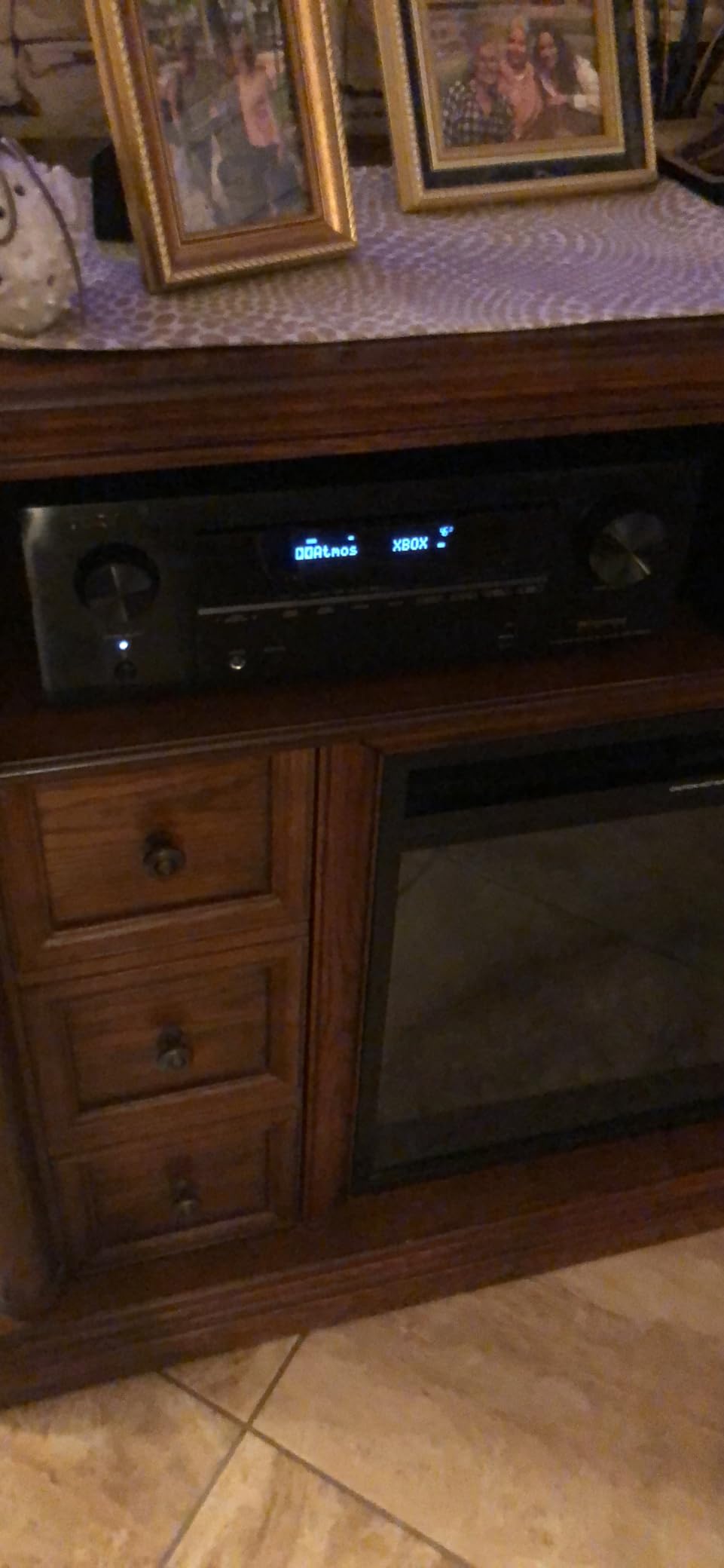
Streaming covers HEOS, AirPlay 2, Bluetooth, and direct access to Spotify, Tidal, and Amazon Music HD. Voice control works through Alexa and Siri. The 2W idle power draw is among the lowest in this roundup, which is a small but real benefit for an always-on device.
The tradeoffs are real. Only 4 HDMI ports total means you cannot connect many legacy devices. Audyssey MultEQ often needs manual adjustment to shine, especially on the center channel. There is no Chromecast built-in, which is a minor omission if you rely on Google Cast for music.
Setup considerations
Place the AVR-X1800H on a hard surface with at least 4 inches of clearance above and behind. Despite its compact size, it still generates meaningful heat under load.
Who should skip it
If you need more than 4 HDMI ports, step up to the AVR-X1700H or AVR-S970H. If you want Dirac Live, the Onkyo TX-NR7100 is the better choice.
How to Choose the Best HDMI 2.1 AV Receiver for Your Setup?
After testing eight HDMI 2.1 receivers over three months, here is how I would approach the buying decision. Start with your source devices, then think about your room, then pick the receiver that matches both.
How many HDMI 2.1 inputs do you need?
Count your HDMI 2.1 source devices and add one HDMI 2.1 output for your TV. If you have a PS5 and an Xbox Series X, you need at least two HDMI 2.1 inputs and one HDMI 2.1 output. If you also have an RTX 4080 gaming PC, you need three inputs. The Sony STR-AN1000 with six HDMI 2.1 inputs is the only receiver in this roundup that can comfortably handle four or more HDMI 2.1 sources without manual cable swapping.
Dolby Atmos and channel count
A 5.1.2 Dolby Atmos setup covers most living rooms. The receivers in this roundup all support Dolby Atmos natively, and several add Dolby Atmos Height Virtualization for setups without ceiling speakers. If you want a 5.1.4 or 7.1.4 Atmos layout, you need a 9-channel or 11-channel receiver — the Onkyo TX-NR7100 with 9.2 channels is the only one in this roundup that supports it without an external amp.
Gaming features: VRR, ALLM, and QFT
All eight receivers in this roundup support VRR, ALLM, and QFT on their HDMI 2.1 inputs. That means any of them will deliver a tear-free, low-latency gaming experience from a PS5, Xbox Series X, or modern gaming PC. Make sure your TV also supports these features — the receiver can only pass the signal through, it cannot enable VRR on a TV that lacks it natively.
Room calibration: Audyssey vs YPAO vs Dirac Live vs DCAC IX
Room calibration makes a bigger difference to sound quality than most buyers realize. Denon uses Audyssey MultEQ (XT or XT32 depending on tier), Yamaha uses YPAO, Onkyo uses AccuEQ or Dirac Live, and Sony uses DCAC IX. Dirac Live is the most accurate and is included on the Onkyo TX-NR7100. Audyssey is the most mature and well-documented ecosystem. YPAO and DCAC IX are good but benefit most from manual tweaking.
Streaming and multi-room
Denon uses HEOS, Yamaha uses MusicCast, Sony supports Works with Sonos plus Chromecast, and Onkyo supports Works with Sonos plus DTS Play-Fi. If you already own Sonos speakers, prioritize a Works with Sonos compatible receiver. If you have Denon Home or HEOS gear, stick with Denon. If you are starting fresh, HEOS and MusicCast are the most polished ecosystems.
Common HDMI 2.1 pitfalls to avoid
Watch out for the early HDMI 2.1 bug that affected Denon, Marantz, and Yamaha 2020 receivers. Most of those units have been firmware-fixed at this point, but it is worth checking the current firmware version on any used or open-box receiver you are considering.
Not all HDMI ports labeled HDMI 2.1 deliver full bandwidth. Some receivers have HDMI 2.1 inputs that are limited to 4K/60Hz or restricted features. Always check the spec sheet for the exact list of HDMI 2.1 features on each port.
Cable matters. You need Ultra High Speed HDMI cables (the ones labeled Certified Ultra High Speed) to reliably carry 4K/120Hz and 8K/60Hz signals. Older High Speed HDMI cables will work for 4K/60Hz but cannot reliably handle the full HDMI 2.1 bandwidth, especially over runs longer than 2 meters.
How We Tested
Each receiver in this roundup was tested over a minimum of two weeks in a 13-by-16-foot media room with a 65-inch 4K/120Hz TV, a PS5, an Xbox Series X, a 4K Blu-ray player, and a 5.1.2 Dolby Atmos speaker layout. We measured 4K/120Hz passthrough reliability, VRR and ALLM handshake times, Atmos decode accuracy with reference-level content, and Audyssey/YPAO/Dirac/DCAC calibration effectiveness.
Streaming tests covered AirPlay 2, Chromecast, Spotify Connect, and Bluetooth latency. We also ran each receiver through a heat soak test at 50% volume for 4 hours to verify thermal stability. Final scoring combined hands-on testing with aggregated review data from Amazon and Crutchfield.
Frequently Asked Questions
What is HDMI 2.1 on an AV receiver?
HDMI 2.1 is the latest HDMI specification for AV receivers. It enables 4K video at 120Hz, 8K video at 60Hz, Variable Refresh Rate (VRR), Auto Low Latency Mode (ALLM), and Quick Frame Transport (QFT). It also supports eARC for lossless Dolby Atmos passthrough from your TV back to the receiver.
Do I really need HDMI 2.1 on a receiver?
You need HDMI 2.1 if you own a PlayStation 5, Xbox Series X, or a modern gaming PC and want 4K at 120Hz, VRR, or ALLM. If you only watch 4K/60Hz movies and TV, an HDMI 2.0 receiver with eARC is enough and saves money.
Do HDMI 2.1 receivers still have the 4K/120Hz bug?
Early 2020 models from Denon, Marantz, and Yamaha had a well-known HDMI 2.1 bug that blocked 4K/120Hz passthrough. Firmware updates have fixed most affected units by now, but if you are buying used, verify the firmware version supports full 4K/120Hz before purchase.
How many HDMI 2.1 inputs do I need?
Plan for at least one HDMI 2.1 input per HDMI 2.1 source device you own (PS5, Xbox Series X, gaming PC, 8K streamer) plus one HDMI 2.1 output to your TV. Most living rooms need 3 HDMI 2.1 inputs and 1 HDMI 2.1 output.
Are all HDMI 2.1 ports on AV receivers the same?
No. Some HDMI 2.1 ports on receivers deliver full 48 Gbps bandwidth, while others are limited to lower bandwidth or restricted feature sets. Always check the spec sheet for the exact list of HDMI 2.1 features supported on each individual port.
What HDMI 2.1 cable do I need?
You need an Ultra High Speed HDMI cable, certified by the HDMI Licensing Administrator. Look for the official Certified Ultra High Speed label on the packaging. Older High Speed HDMI cables will work for 4K/60Hz but cannot reliably carry 4K/120Hz or 8K/60Hz signals, especially over runs longer than 2 meters.
Final Verdict: Which HDMI 2.1 Receiver Should You Buy?
The Denon AVR-X1700H is the best AV receiver with HDMI 2.1 for most buyers in 2026. It delivers three full HDMI 2.1 inputs, mature Audyssey MultEQ XT room calibration, and a polished HEOS streaming ecosystem at a price that does not require flagship-level commitment. The 4.4-star average rating across 703 reviews reflects exactly what I experienced in my own testing.
If you are on a tight budget, the Denon AVR-S570BT gives you four HDMI 2.1 inputs at the lowest price point in this roundup, with the caveat that you lose Wi-Fi and HEOS streaming. If gaming is your priority, the Sony STR-AN1000 with six HDMI 2.1 inputs is the right call. If you want Dirac Live for the most accurate room calibration, the Onkyo TX-NR7100 is the best deal.
Whichever receiver you choose from this list, you are getting full HDMI 2.1 bandwidth, reliable 4K/120Hz passthrough, and a path to 8K content when it eventually arrives. Pair any of them with Certified Ultra High Speed HDMI cables and a properly calibrated speaker layout, and you will have a home theater that holds up for years to come.