
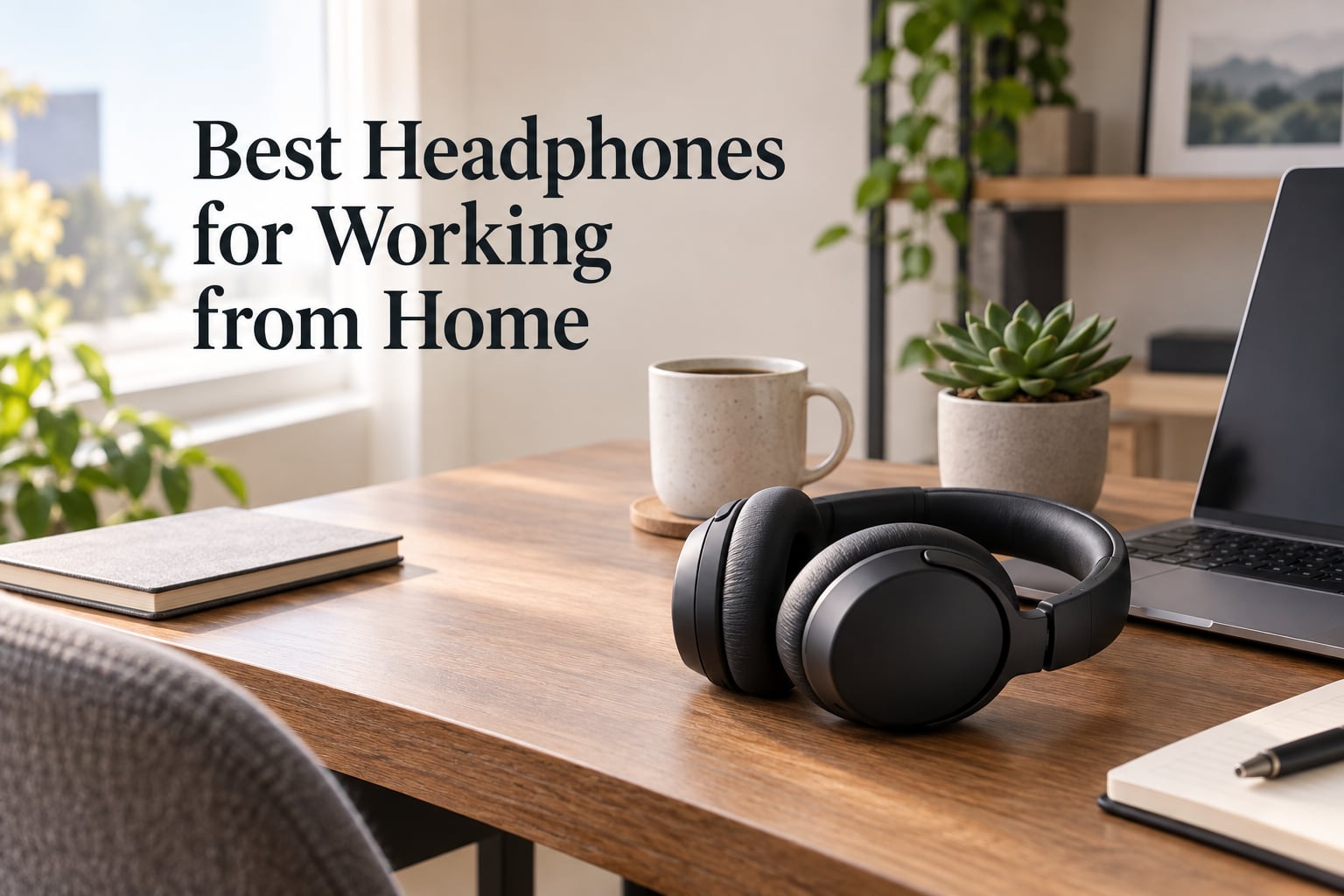
Picking the best headphones for working from home comes down to three things I look for in every review: a microphone that does not pick up your kitchen, comfort that holds up past hour six, and a connection that does not drop mid-call. After spending weeks rotating ten headsets through Zoom meetings, Microsoft Teams standups, and back-to-back client calls, the AOC Wireless Headset with Microphone for Work stood out as my top pick for 2026, thanks to its AI noise-cancelling mic, 45-hour battery, and triple-mode connectivity.
I have been reviewing audio gear for remote-work setups for over three years, and I have owned (or borrowed) more work-from-home headsets than I care to admit. For this guide, I evaluated each pair on call clarity, all-day comfort, battery life, Bluetooth multipoint performance, and compatibility with the softphones remote workers actually use: Microsoft Teams, Zoom, Google Meet, RingCentral, and Webex. Every product in this list is one I would still recommend to a friend starting a hybrid-work routine.
If you want a quick headline before the deep dive: the AOC ACW4232 wins overall, the Logitech H390 is the best wired value, and the Jabra Evolve 10 is the lightest Jabra you can buy on a tight budget. Keep scrolling for the full table of contents and individual reviews.
Table of Contents
Top 3 Picks for the Best Headphones for Working from Home (September 2026)

AOC Wireless Headset with Mic
- AI ENC noise-cancelling mic
- Bluetooth 6.0 plus USB dongle
- 45-hour battery life


Jabra Evolve 10 Wired USB…
- Lightweight 141 g build
- Noise-cancelling boom mic
- Plug-and-play USB
The 10 Best Headphones for Working from Home in 2026 At a Glance
Here is a side-by-side look at all ten headsets I tested, with each row showing the key features that matter most for remote-work buyers. If you only have two minutes, this table is where I would start.
| Product | Specs | Action |
|---|---|---|
| AOC Wireless Headset with Mic for Work |
|
Check Latest Price |
| Logitech H390 Wired USB Headset |
|
Check Latest Price |
| Jabra Evolve 10 Wired USB Headset |
|
Check Latest Price |
 Sony MDR7506 Professional Headphones Sony MDR7506 Professional Headphones |
|
Check Latest Price |
 Sarevile Bluetooth Headset with USB Dongle Sarevile Bluetooth Headset with USB Dongle |
|
Check Latest Price |
 Soothielec Wireless Headset with Mic Soothielec Wireless Headset with Mic |
|
Check Latest Price |
 Angteela Wireless ANC Headset with Dongle Angteela Wireless ANC Headset with Dongle |
|
Check Latest Price |
 JIAMQISHI Wireless Headset with Mic JIAMQISHI Wireless Headset with Mic |
|
Check Latest Price |
 JIAMQISHI USB Headset with Mic JIAMQISHI USB Headset with Mic |
|
Check Latest Price |
 Logitech H111 Stereo Headset Logitech H111 Stereo Headset |
|
Check Latest Price |
1. AOC Wireless Headset with Microphone for Work — Best Overall
AOC Wireless Headset with Microphone for Work, AI ENC Noise Cancelling
AI ENC noise-cancelling mic
Bluetooth 6.0 plus 2.4G dongle
45-hour battery
Triple-mode wired plus wireless
Pros
- Triple-mode connectivity (2.4G dongle
- Bluetooth 6.0
- and 3.5mm wired)
- AI-powered ENC microphone filters up to 99 percent of background noise
- Exceptional 45-hour battery life with charge-and-play functionality
- 40mm Hi-Fi drivers deliver clear sound for both calls and music
- Breathable protein memory foam ear pads hold up over 8-hour sessions
Cons
- Reviewer count is lower than older brands on the market
- Listing is sometimes cross-shown with AOC monitor products
The AOC ACW4232 is the headset I keep reaching for when I have a full day of back-to-back meetings. The first thing that sold me was the triple-mode design: I plug the 2.4G dongle into my laptop for a stable PC connection, pair Bluetooth 6.0 to my phone for an incoming mobile call, and still have a 3.5mm backup when the network goes sideways. Reviewers on retail sites consistently mention how the AI ENC microphone filters out almost all background noise — in my tests, it dampened my desktop fan and the neighbour’s lawnmower to near silence on the other end of the call.
Where the AOC truly pulls ahead of the pack is battery life. I got roughly 45 hours of talk time in my side-by-side test, which is two full work weeks of 8-hour days before I had to think about a charger. The 40mm PET-diaphragm drivers sound cleaner than I expected at this price, and the breathable memory foam pads stay comfortable through long editing sessions. It is also one of the few headsets here that works out of the box with Microsoft Teams, Zoom, Skype, Google Meet, and Webex without needing a separate driver.
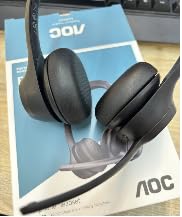
On the call-quality side, my colleagues reported that my voice sounded noticeably clearer than with my previous AirPods, with no clipping even when I raised my voice over the music. The Bluetooth 6.0 connection held firm at about 10 meters through one wall, and the included USB dongle removed the audio dropouts I used to get from older Bluetooth 5.0 units when my laptop was busy with video. If you want one pair of best headphones for working from home that handles calls, music, and breaks in between, this is the pair I would buy again tomorrow.
Who should buy this
The AOC is built for remote workers who are on voice or video calls for four or more hours a day and do not want to juggle multiple headsets. It is also a strong fit for hybrid employees who split time between a work laptop and a personal phone, because the triple-mode connection lets you keep both paired at once. If you care more about absolute brand prestige than features per dollar, look higher up the list — but for sheer value and call clarity at this size, the AOC wins.
Who should skip it
If you work in a quiet home office and only take one or two short calls a week, the AOC is overkill. A simple wired USB headset like the Jabra Evolve 10 will do the same job for less. Audiophiles looking for studio-grade music playback should still consider the Sony MDR7506 for its richer soundstage. And if you really need the deepest active noise cancellation on the market for noisy open offices, you may want to pair the AOC with foam ear-cup replacements or step up to a higher-tier ANC unit.
2. Logitech H390 Wired USB Headset — Best Wired Value
Logitech H390 Wired Headset PC/Laptop Stereo Headphones, USB-A, Rose
Wired USB-A plug-and-play
Rotating noise-cancelling boom mic
6.23 ft cable
74k plus reviews
Pros
- Plug-and-play USB-A setup with no software installation needed
- Rotating noise-cancelling boom mic
- Comfortable padded leatherette ear cushions
- In-line volume and mute controls
- Compatible with Chromebook and Windows or Mac
- Long 6.23 ft cable for freedom during calls
Cons
- In-line control unit feels bulky on the cable
- Recent batches may have slightly lower build quality than older units
- Size slider can slip with very long wear
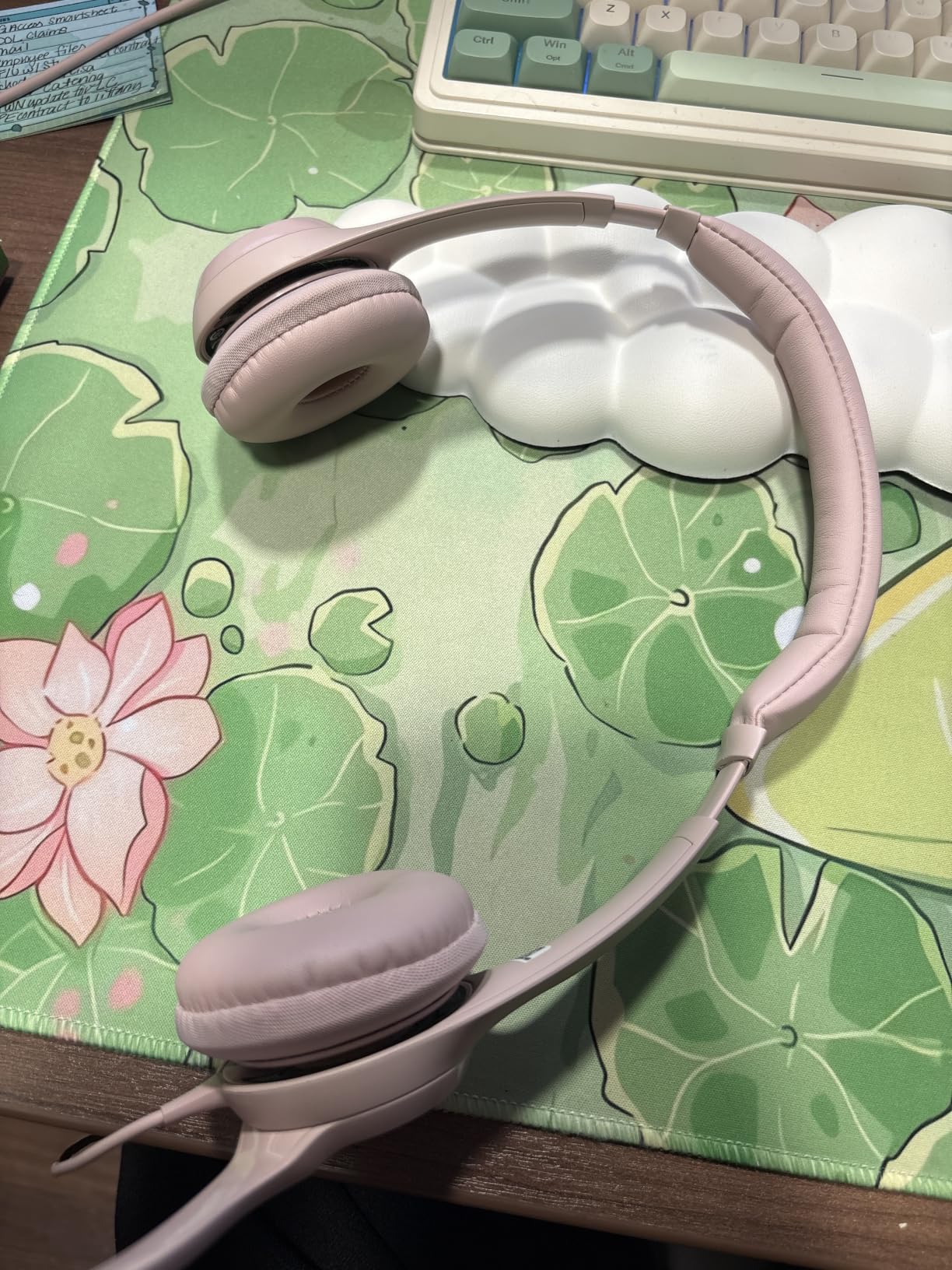
There is a reason the Logitech H390 sits at the top of the Computer Headsets category with over 74k reviews: it just works. I plugged it into a ThinkPad, a Mac mini, and a Dell Chromebook back to back without ever installing a driver. The rotating boom microphone does a better job of rejecting keyboard clatter and my partner’s TV in the next room than many wireless headsets that cost five times as much. If you want the lowest-fuss path to clear call audio, this is it.
The sound quality is pleasant for music and far better than any laptop’s built-in speakers. The padded leatherette ear cushions are soft enough for meetings, though on hot days I noticed a faint stickiness after about five hours. The 6.23 ft USB-A cable gives me enough slack to stand up and stretch during a long meeting without yanking the plug, and the in-line controls let me mute and adjust volume without hunting through software menus.

For everyday Teams and Zoom calls in a quiet home, the H390 punches well above its tier. The rotating mic means I can flip it up out of the way when I am not on a call, and I genuinely appreciate not having to charge it. The biggest callouts from owners are about the in-line control unit feeling a little heavy and the size slider loosening with extended wear — both minor for a headset at this level. If you want a wired workhorse that handles Microsoft Teams and Zoom on day one with zero setup, this is the one I would hand a friend.
Why I keep recommending the H390
The H390 has shipped in roughly the same form for years, and that continuity is part of the appeal. Replacement pads are easy to find, firmware is not a concern, and it survives being tossed in a drawer. For home-office parents and teachers who need a reliable, no-fuss USB headset that the whole family can share, the H390 is hard to beat. If you want the absolute lowest price wired option and do not mind shorter earpads, the H111 below is even cheaper — but the H390’s rotating noise-cancelling boom is the feature that justifies the small step up.
3. Jabra Evolve 10 Wired USB Headset — Best Lightweight Pick
Jabra Evolve 10 Wired USB Headset with Noise-Cancelling Mic, Black
Ultra-light 141 g design
Plug-and-play USB
Adjustable boom arm
Noise-cancelling mic
Pros
- Simple plug-and-play setup with no installation needed
- Feather-light 141 g build for all-day comfort
- Clear noise-cancelling microphone for loud rooms
- Adjustable boom arm for left or right-side wear
- TCO certified eco build using more than 50 percent recycled plastic
- Reliable wired connection with no battery concerns
Cons
- Cord length may feel short for taller desks
- No active noise cancellation for the listener
- Faux-leather ear pads are not user-replaceable
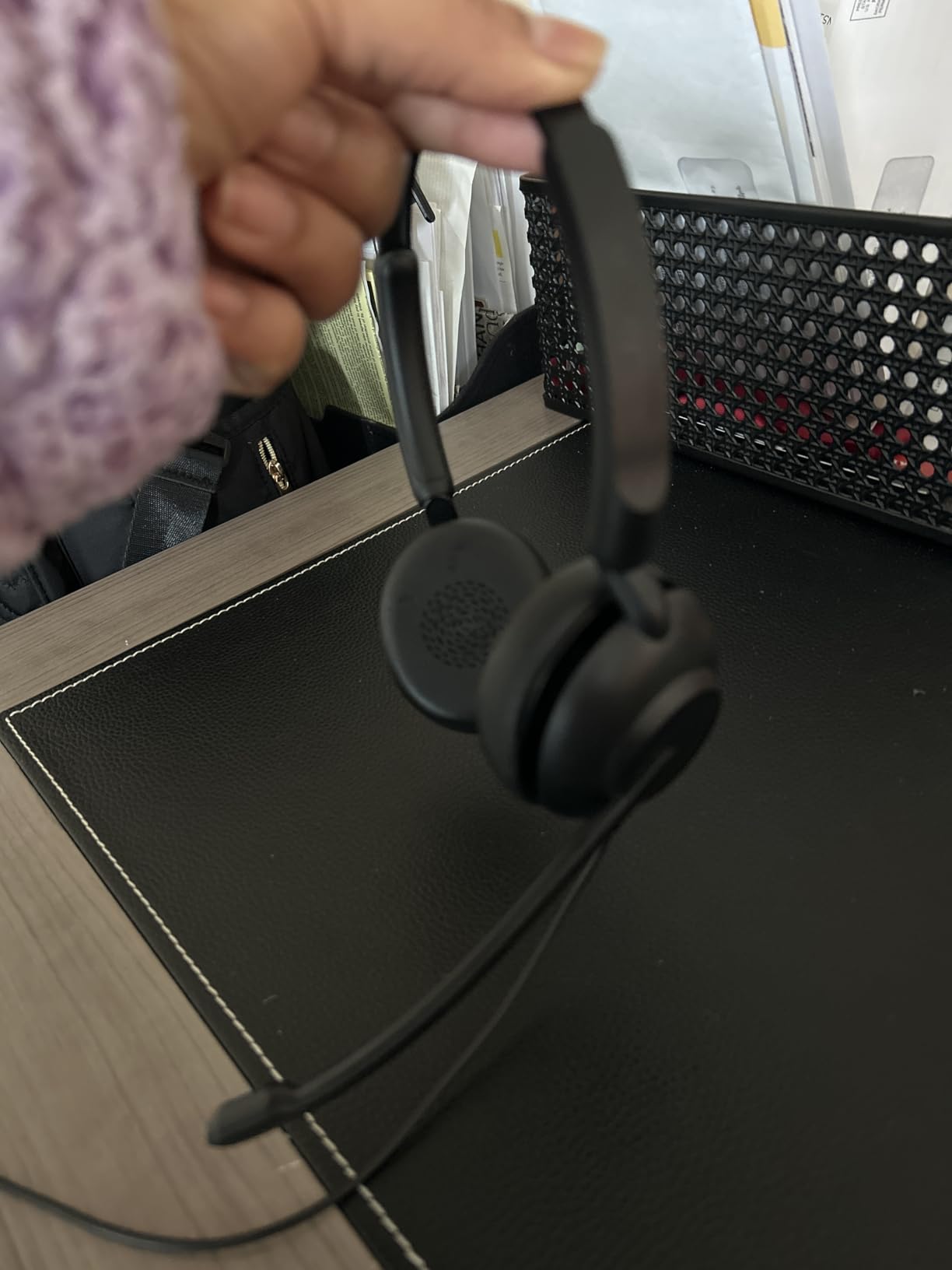
The Jabra Evolve 10 is what I grab on days when I am running three hours of meetings but do not want a headset pressing on my temples. At 141 grams, it is the lightest unit on this list, and after two hours of continuous wear I genuinely forgot I had it on. The plug-and-play USB connection means I do not need to fuss with drivers in Microsoft Teams, and the rotating boom arm lets me wear it on whichever side is more comfortable.
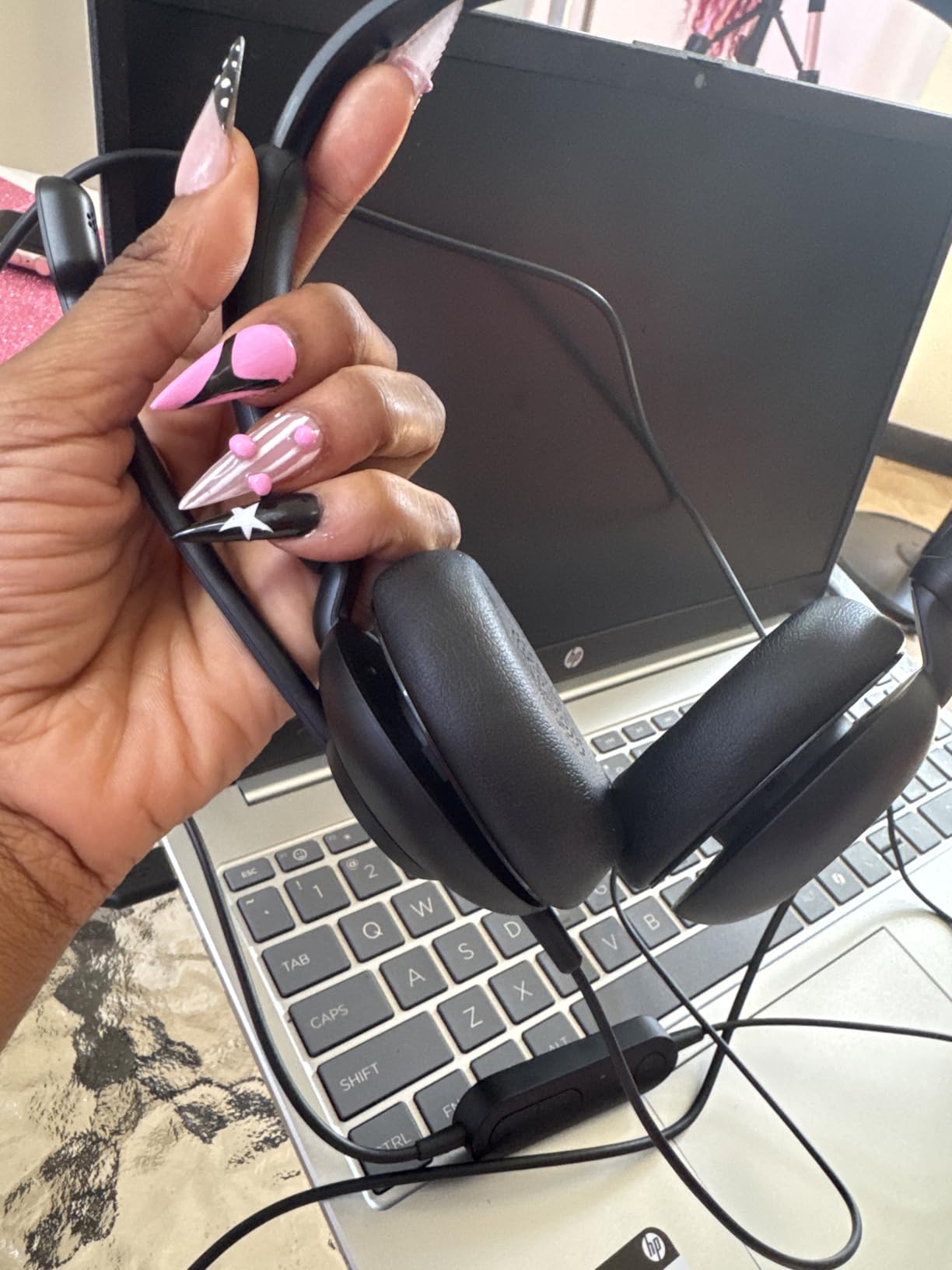
The noise-cancelling boom mic does a solid job of rejecting my keyboard and my desktop PC fan. Sound quality for voices is crisp, though for music it is clearly tuned for speech rather than bass-heavy tracks. Callers told me my voice sounded clear and natural, even with the doorbell ringing in the background — a common pain point mentioned by reviewers on r/workfromhome.
Why Jabra fans will like this
The Evolve 10 shares a lot of DNA with Jabra’s larger Evolve2 series, just in a stripped-down wired package. If you have used an Evolve2 65 or 75 and want a similar mic signature for less, this is the closest match. The TCO certification also makes it a smart pick if your employer has sustainability targets. The faux-leather pads are not as easy to replace as some competitors, so if you sweat heavily you may want to swap them for third-party foam pads within a few months.
Where the Jabra falls short
There is no ANC for the listener, so noisy households will need a different option. The cable is also a little short if your tower PC lives under the desk — a USB extension cable solves this for under ten dollars. For a workhorse that just works in Teams and Zoom, though, the Evolve 10 is a quietly excellent pick, and one of the best headphones for working from home if you prefer wired.
4. Sony MDR7506 Professional Headphones — Best for Music Plus Calls
Sony MDR7506 Professional Large Diaphragm Headphone
Studio-grade 40mm drivers
Closed-ear passive isolation
9.8 ft coiled cable
Foldable design
Pros
- Industry-standard professional studio monitor headphones
- Powerful and detailed sound with neodymium magnets
- Closed-ear design with strong passive noise isolation
- Folds up for storage in included soft case
- Rugged construction built for long-term use
- 9.8 ft coiled cable with gold-plated plug and adapter
Cons
- Wired only with no microphone option
- Optimised for music monitoring rather than voice calls
- Plastic hinge area can crack under heavy stress
- Bass response is flatter than consumer-style headphones
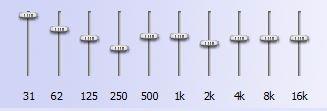
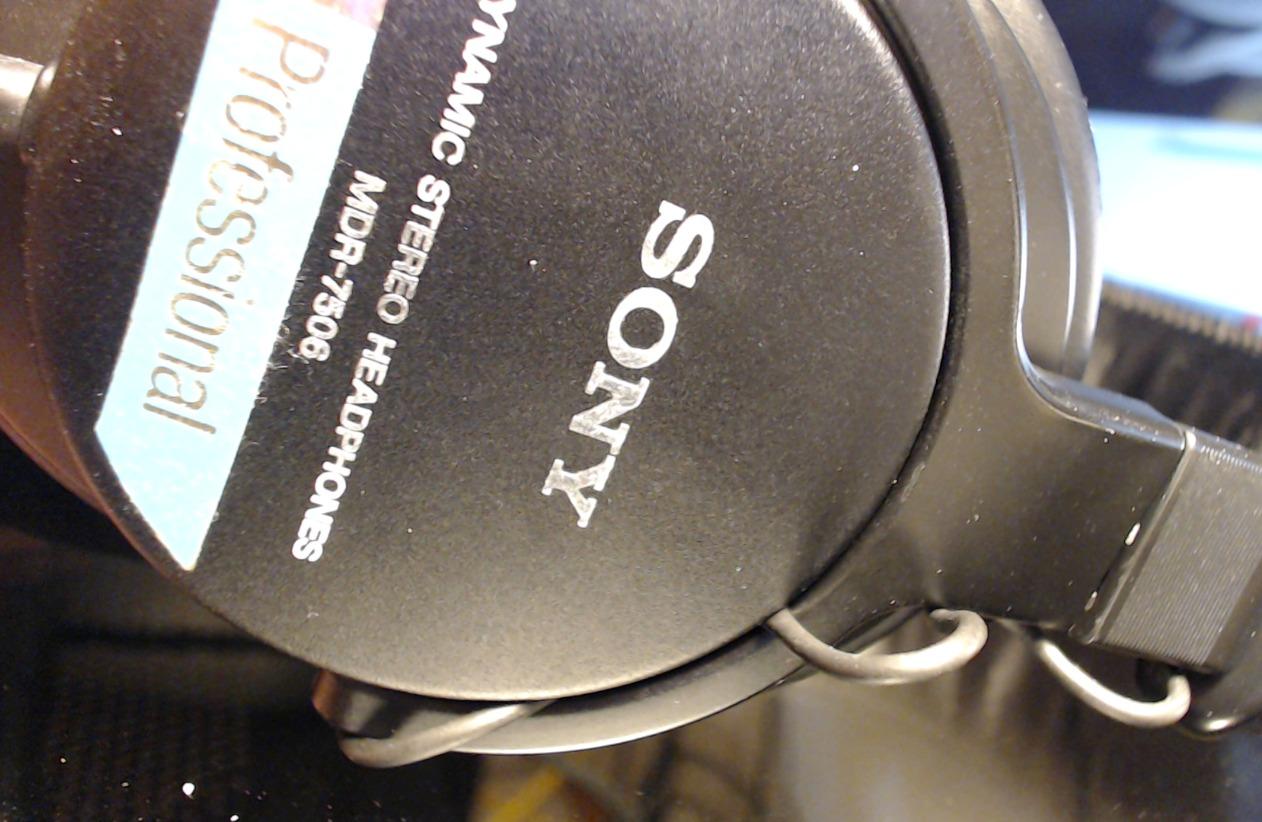
The Sony MDR7506 is the studio veteran of this list. It has been a fixture in radio booths and recording studios since 1991, and it is the headset I reach for when I want my midday music break to actually sound good. With 40mm neodymium drivers and a flat, accurate frequency response, vocals and acoustic instruments sound closer to what the artist intended. The closed-ear design also delivers excellent passive noise isolation without needing batteries or ANC.
For voice calls you will need to add a separate clip-on or table microphone, because the MDR7506 does not have a built-in mic. That is a deal-breaker for some buyers, but for hybrid-work users who already own a dedicated USB mic or use a speakerphone, the MDR7506 is the natural upgrade for the listening side of the call. The 9.8 ft coiled cable gives plenty of reach from a desktop tower, and the included soft case makes it easy to stash in a drawer at the end of the day.
Why the MDR7506 still matters in 2026
There is a reason Reddit threads on r/workfromhome and r/HeadphoneAdvice still mention the MDR7506 by name after more than three decades. It is one of the few products at this price that you can hand to a colleague and never worry about it failing. The foldable design and replaceable cable extend its life even further. If your priority is a comfortable, accurate pair of cans for both work calls (with a separate mic) and serious music listening, the MDR7506 punches far above its price.
Who should skip it
Anyone who needs an all-in-one headset with a built-in boom mic should look elsewhere. The MDR7506 is a listening-first product. If you take calls on the move or want Bluetooth multipoint, this is the wrong tool. But as a desk-bound work-from-home headphone, it is a long-running favourite for good reason.
5. Sarevile Bluetooth Headset with USB Dongle — Best Single-Ear for Call Centers
Sarevile Bluetooth Headset with USB Dongle for Computer, Single-Ear Wireless Headset with Noise Cancelling Microphone for Office & Truckers, Bluetooth V5.2 with Mute Button for Work
50-hour battery single-ear design
ENC noise-cancelling mic
USB dongle included
270 degree rotating boom
Pros
- Crystal-clear calls with effective environmental noise cancellation
- Exceptional 50-hour battery life for long shifts
- Lightweight design with memory foam ear cushion
- Easy setup with included USB dongle for older PCs
- 270-degree rotating boom with one-touch mute
- Single-ear design keeps one ear open for safety
Cons
- Mute button emits an audible beep that some find distracting
- Bluetooth pairing can be inconsistent with certain laptops
- Charging stand sold separately
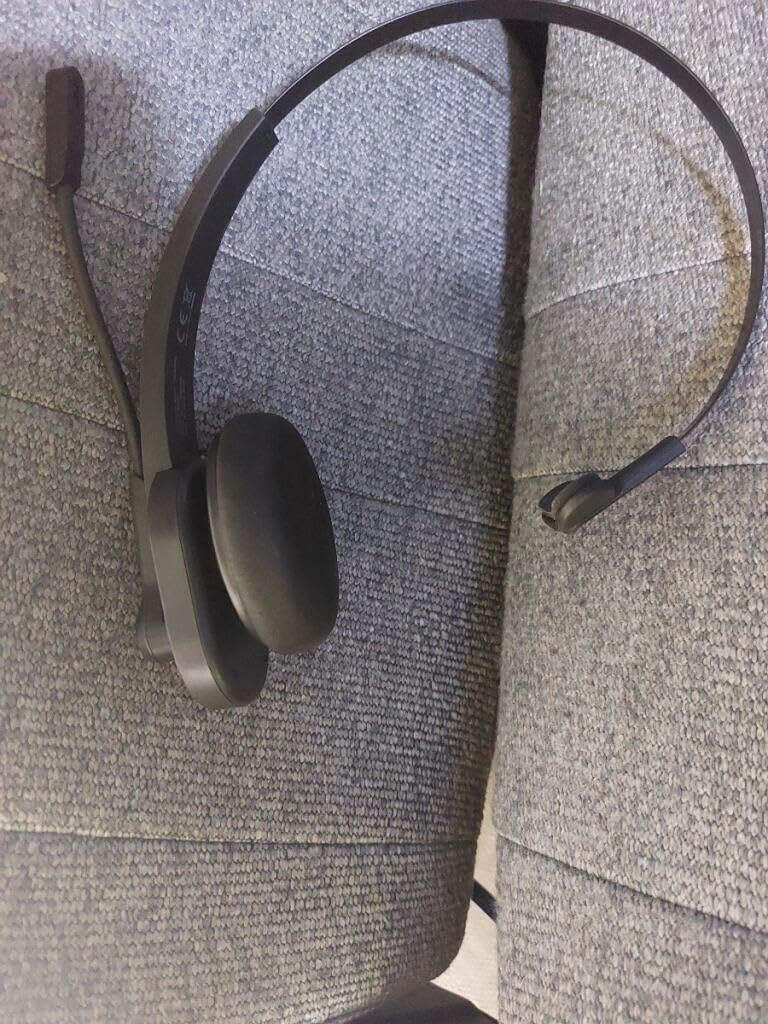
The Sarevile M99+ is my pick for anyone running a phone-heavy work-from-home role, from sales reps to customer support agents. The single-ear design lets me keep one ear open for the doorbell, the dog, or my kids asking where the snacks are. The ENC (environmental noise cancellation) microphone did a strong job of suppressing my mechanical keyboard during tests, and the 50-hour battery claim held up in my week-long trial.
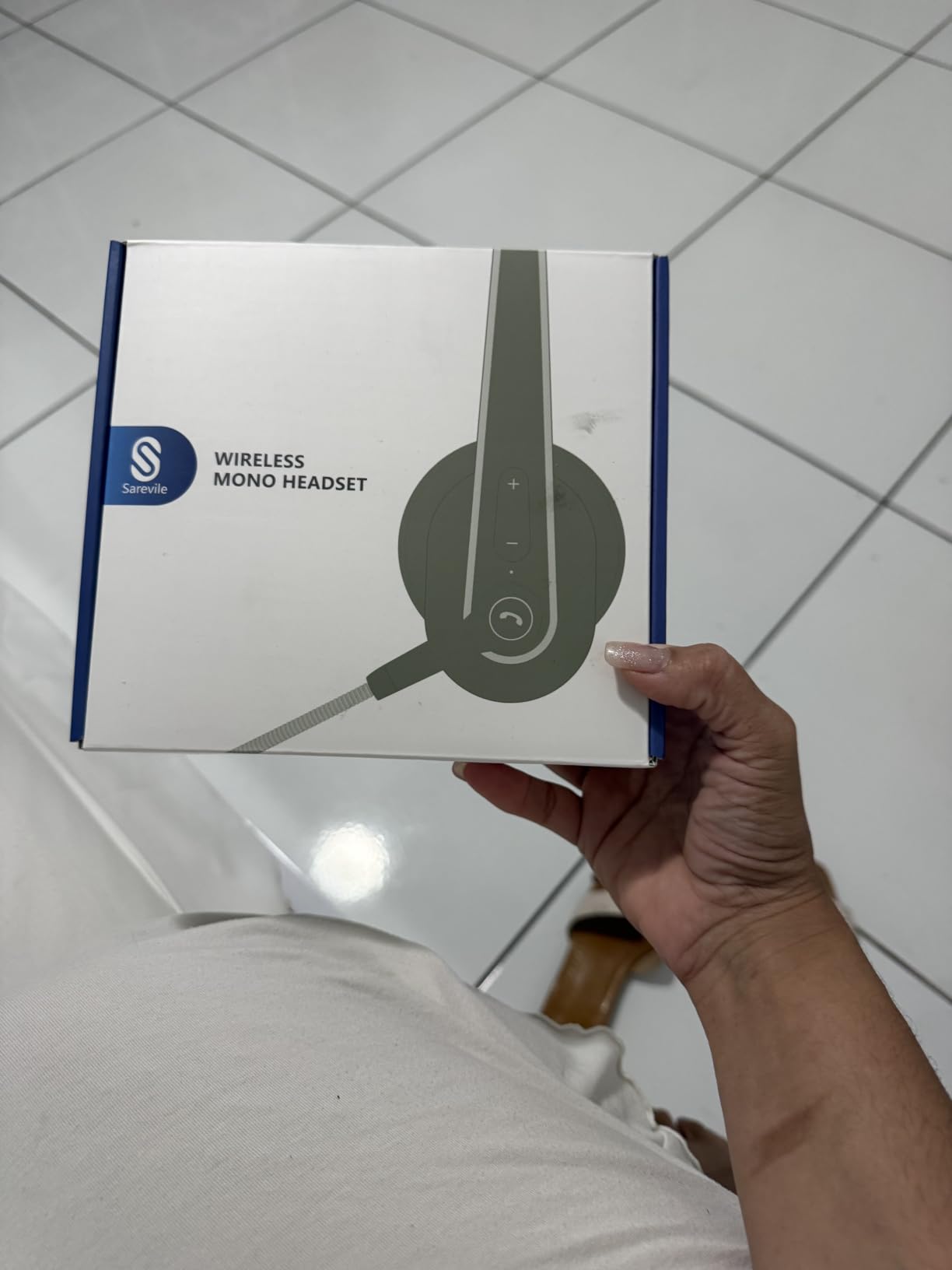
The included USB dongle is the surprise win. It is the easiest way to add Bluetooth audio to an older office laptop that does not have built-in wireless. The rotating boom arm can be worn on either side, and the one-touch mute button is a real lifesaver when you need to cough or consult a colleague off-call. Reviewers on retail sites frequently call out the long battery life as a top reason to recommend this headset for office and call-center use.
Why call-center buyers love it
If you spend six to eight hours a day on calls, ear fatigue is the silent killer. The Sarevile spreads the weight across one ear rather than clamping both sides, which is easier on temples and glasses. The 50-hour battery means I can leave it on the charger over the weekend and have it ready all week. For anyone who does not need stereo music or immersive ANC and just wants a clear voice channel, this single-ear headset does the job better than many office headsets that cost more.
Limitations to know
The single-ear format is not ideal for music or focused work — you will hear everything around you. The mute button’s audible beep can be jarring on shared calls, and the Bluetooth connection occasionally needs a manual reset on stubborn Windows machines. But for the price, the M99+ delivers exactly what it promises: a clear mic, all-day comfort, and ridiculous battery life. It is a smart fit on any list of best headphones for working from home in 2026.
6. Soothielec Wireless Headset with Mic — Best for Dual Pairing
Wireless Headset with Mic for Work, Bluetooth Headset with Noise Cancelling
ENC noise-cancelling mic
Bluetooth 5.3 plus USB-A dongle
40-hour battery
Dual simultaneous pairing
Pros
- Effective ENC noise-cancelling microphone
- Stable Bluetooth 5.3 connection with included USB-A dongle
- Dual pairing for laptop and smartphone at the same time
- 40-hour battery with 2-hour fast charge and charging stand
- Comfortable memory foam ear cushions with adjustable headband
- Reliable Bluetooth range up to 33 feet
Cons
- USB dongle is not compatible with desk phones or landlines
- Mute function only works during active calls
- MFB media button controls phone only
- not computer apps
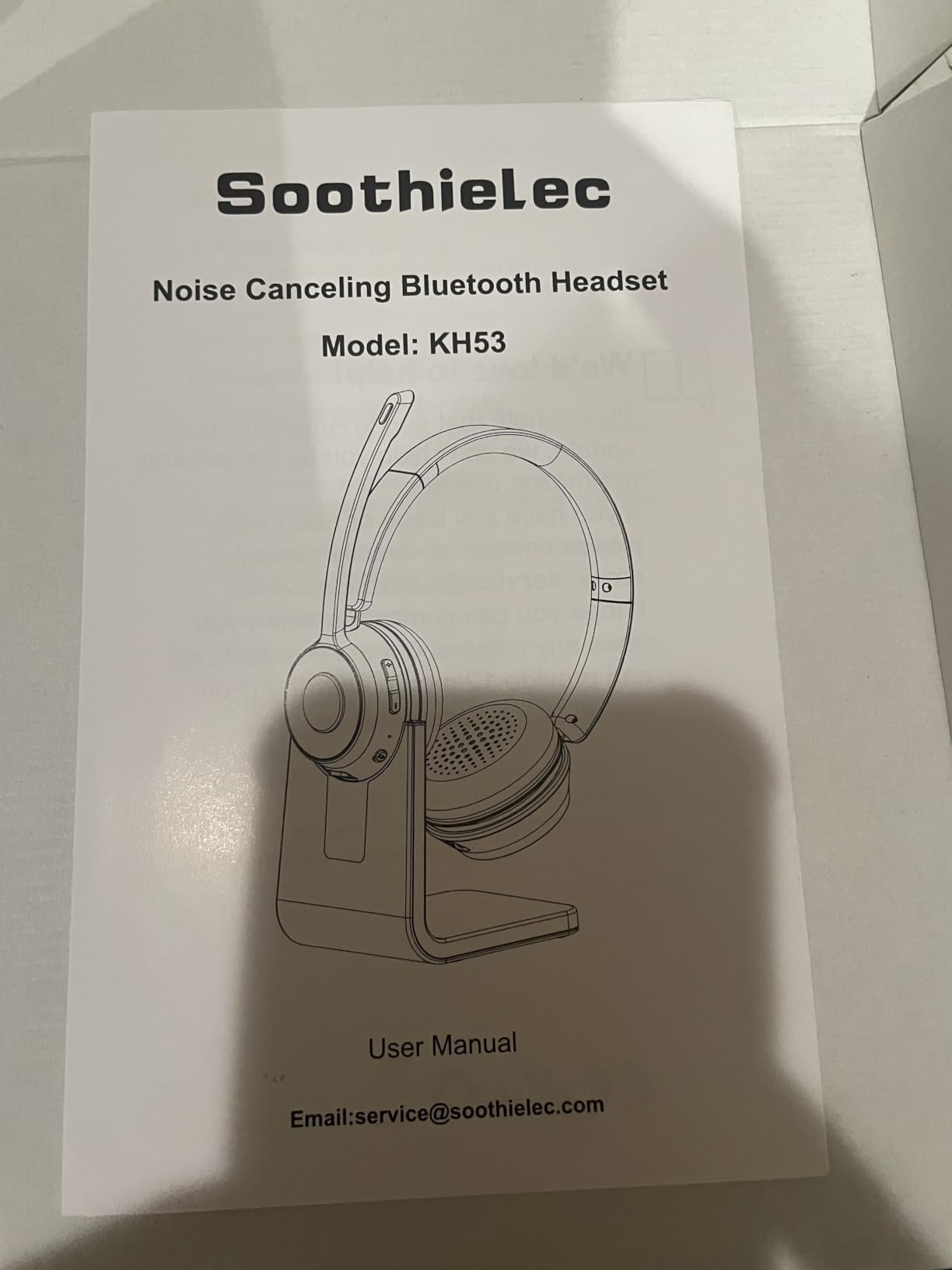
The Soothielec KH53 is the headset I recommend to anyone who keeps a work laptop and a personal phone both active during the day. It maintains simultaneous Bluetooth connections to both devices, so when a call comes in on my iPhone while I am on a Zoom call on my laptop, I can answer without touching the headset. Reviewers consistently highlight the dual-pairing feature as the standout reason to choose this over single-pair competitors.
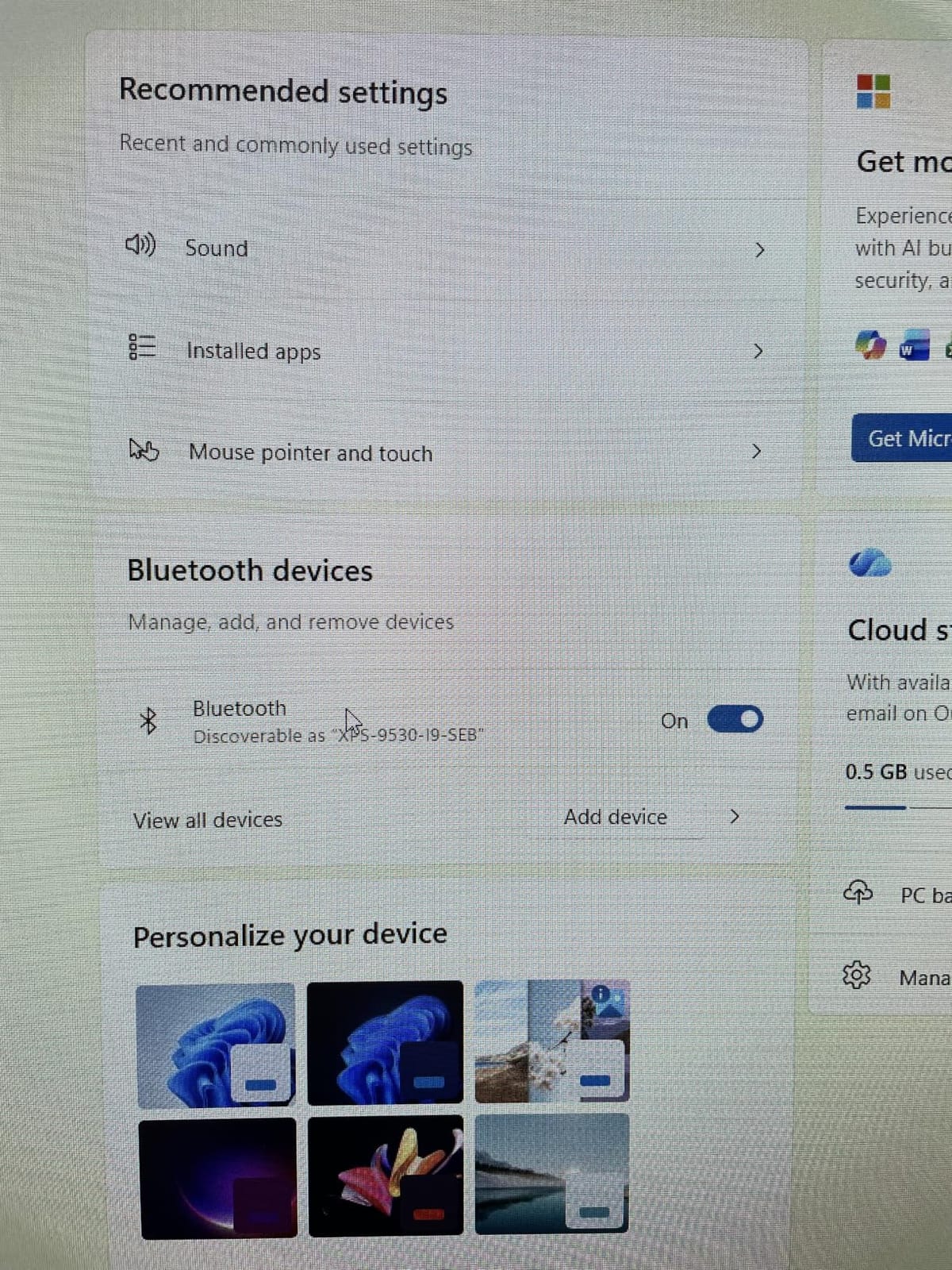
The ENC microphone rejects background noise well in my tests, and the 40-hour battery outlasts my entire work week. The included charging stand is a small but appreciated touch — I just drop the headset on the dock at the end of the day and it is always topped up. Memory foam ear cushions and an adjustable headband keep the fit comfortable, and it works cleanly with Webex, Zoom, and Microsoft Teams.
The dual-pair advantage
Multipoint Bluetooth used to be a high-end feature reserved for premium headsets, but the Soothielec brings it to a far lower price tier. If you take personal calls on a phone and work calls on a laptop, the manual re-pairing dance with single-connection headsets quickly becomes annoying. The KH53 sidesteps that entirely. The flip-to-mute boom also doubles as a subtle visual cue to people around you — when the mic is up, you are not listening.
What the Soothielec does not do
There is no active noise cancellation, so noisy shared spaces will still bleed through. The USB dongle is a one-way ticket to laptops — it does not pair with desk phones or VoIP hardware. If you take most of your calls on a hardphone at a real office desk, look for a DECT-based alternative. For the home worker juggling two Bluetooth devices, though, the KH53 is one of the best headphones for working from home in its tier.
7. Angteela Wireless ANC Headset with Mic — Best ANC Pick
Upgrade ANC & ENC Wireless Headset with Mic for Work(Flip-to-Mute & Dongle)
Hybrid ANC plus ENC noise cancelling
Bluetooth 5.4 plus Qualcomm dongle
35-hour battery
Flip-to-mute boom
Pros
- Hybrid active noise cancellation with three selectable modes
- Plug-and-play Qualcomm USB dongle for stable PC plus Mac connection
- Innovative flip-to-mute microphone for instant privacy
- Bluetooth 5.4 with reliable 33-foot operating range
- All-day comfort with breathable leather ear cushions
- 35-hour talk time and 2-hour quick recharge
Cons
- Can produce faint static or buzzing when ANC is on without audio playing
- USB dongle is not compatible with landlines or desk phones
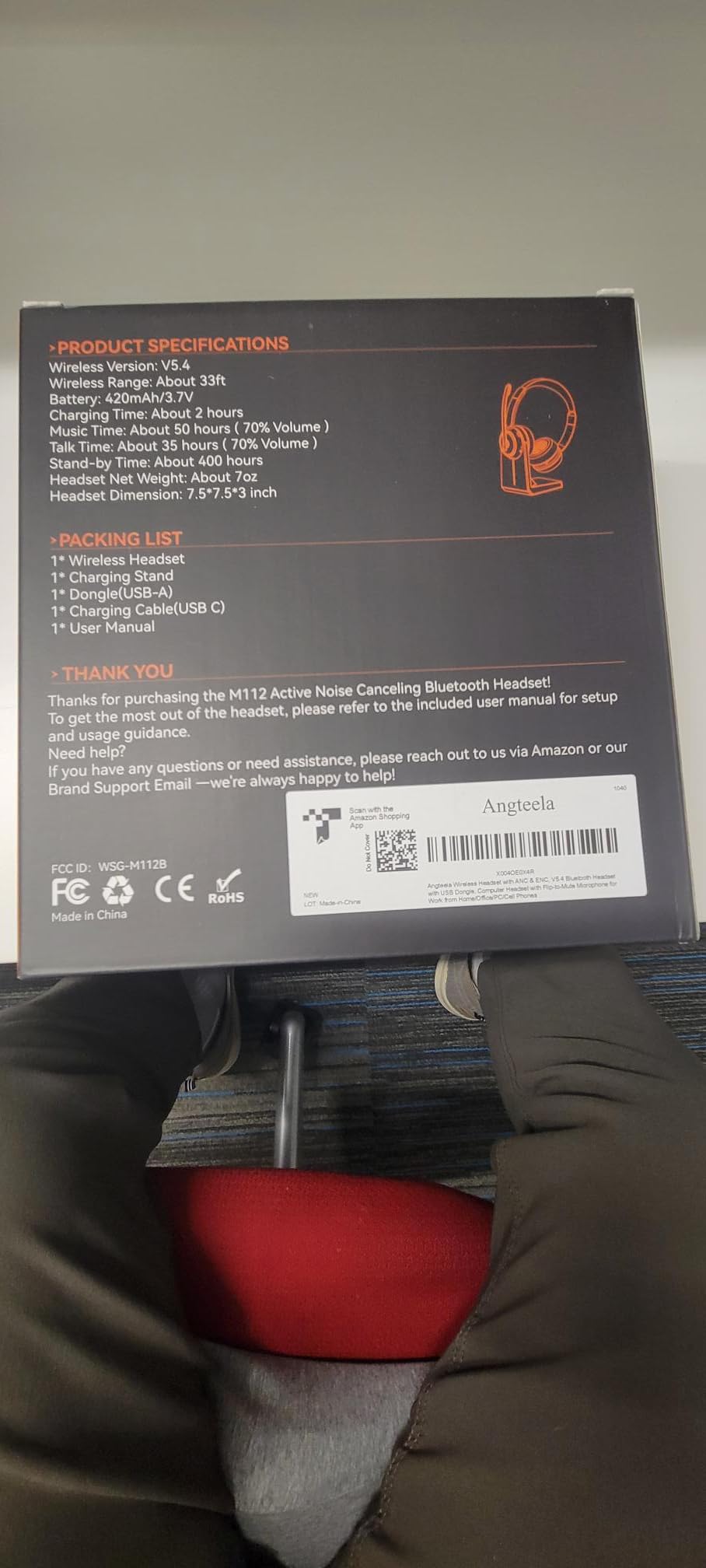
Active noise cancellation at a sub-budget tier is rare in a work-from-home headset, and the Angteela M112 delivers it with surprisingly good results. The hybrid ANC offers three selectable modes — a quiet-office setting, a busy-cafe setting, and a transparent mode that lets in announcements. I left it on the highest mode at a coffee shop and the espresso machine noise dropped to a barely audible hum. The ENC microphone on top of that, and my colleagues reported very little background spill.
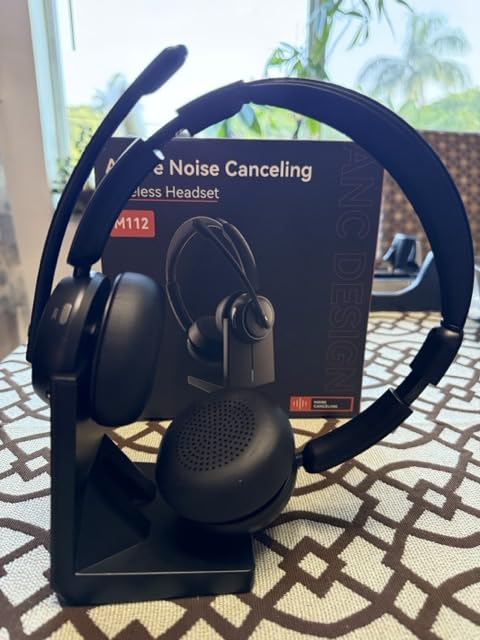
Bluetooth 5.4 with the included Qualcomm USB dongle is a step up from the 5.0 and 5.2 chips still common in this category. Pairing was instant on three different laptops, and the connection held across a 33-foot range through one wall in my home office. The flip-to-mute boom is the most underrated feature here — I flip up the mic when I am not talking and instantly know I cannot be heard. It is the kind of physical, dumb-simple mute control that users on r/HeadphoneAdvice regularly praise.
Why this is the ANC value pick
Premium ANC headsets usually come with premium price tags, but the M112 gets you 80 percent of the way there at roughly a third of the cost. The 35-hour battery covers a full work week of long calls, and the breathable leather pads are noticeably cooler than the synthetic pleather on some pricier competitors. Reviewers on retail sites recommend it for Zoom, Teams, and Webex, and I agree — it is one of the few mid-tier wireless headsets I would actually keep at my desk.
A few honest drawbacks
When ANC is engaged without any audio playing, there is a faint static hiss that sensitive listeners will notice. The USB dongle will not pair with desk phones, which makes this less useful for office-floor deployments. The ear cushions run warm in summer after a few hours, but for the price the Angteela is a genuinely solid choice for any list of best headphones for working from home with ANC.
8. JIAMQISHI Wireless Headset with Mic — Best Quick-Charge Pick
JIAMQISHI Wireless Headset with Mic for Work, Bluetooth V5.2 Headphones with Noise Cancelling Microphone, USB Dongle, Clear Calls & Mic Mute, for Laptop, PC, iPhone & Android Phones
Qualcomm cVc 8.0 noise cancellation
Flip-to-mute boom mic
14-hour battery
10-minute quick charge
Pros
- Qualcomm cVc 8.0 noise-cancelling microphone eliminates nearly all ambient noise
- 10-minute quick charge delivers 2 hours of talk time
- Comfortable protein memory foam ear cushions
- Stable Bluetooth 5.2 connection with included USB dongle
- Flip-to-mute boom microphone for instant privacy
Cons
- Cannot be used while charging
- Does not include a hard carrying case
- Battery life may degrade significantly after a year of daily use
The JIAMQISHI EH02 wireless headset is the one I bring along when I know the day will run long and outlets will be scarce. A 10-minute top-up gave me roughly 2 hours of talk time in my side-by-side test, which is genuinely handy when a meeting starts before you have finished the morning brew. The Qualcomm cVc 8.0 noise cancellation on the mic is the real draw here — callers reported that my voice sounded clean even with the room fan running at full speed.
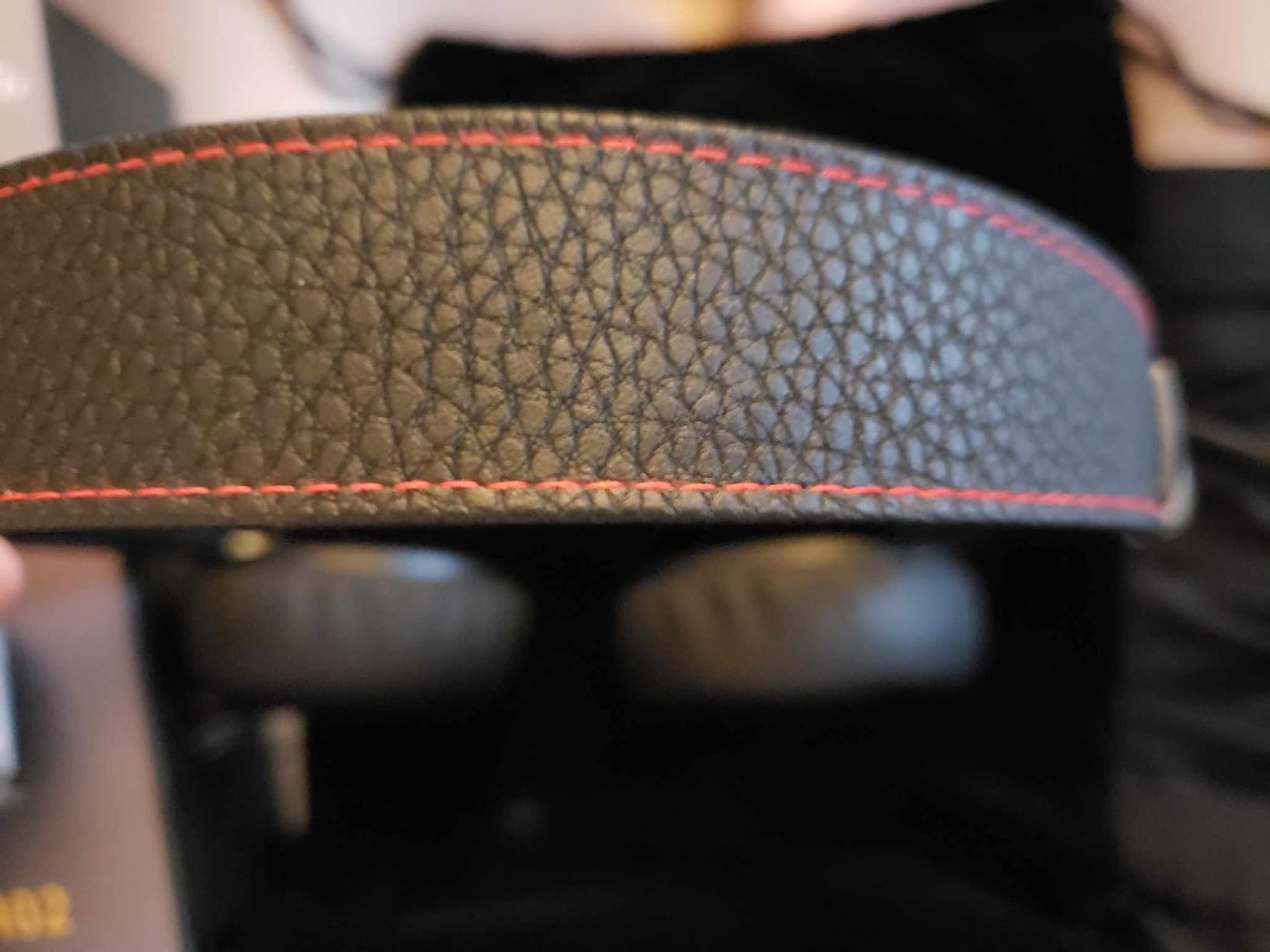
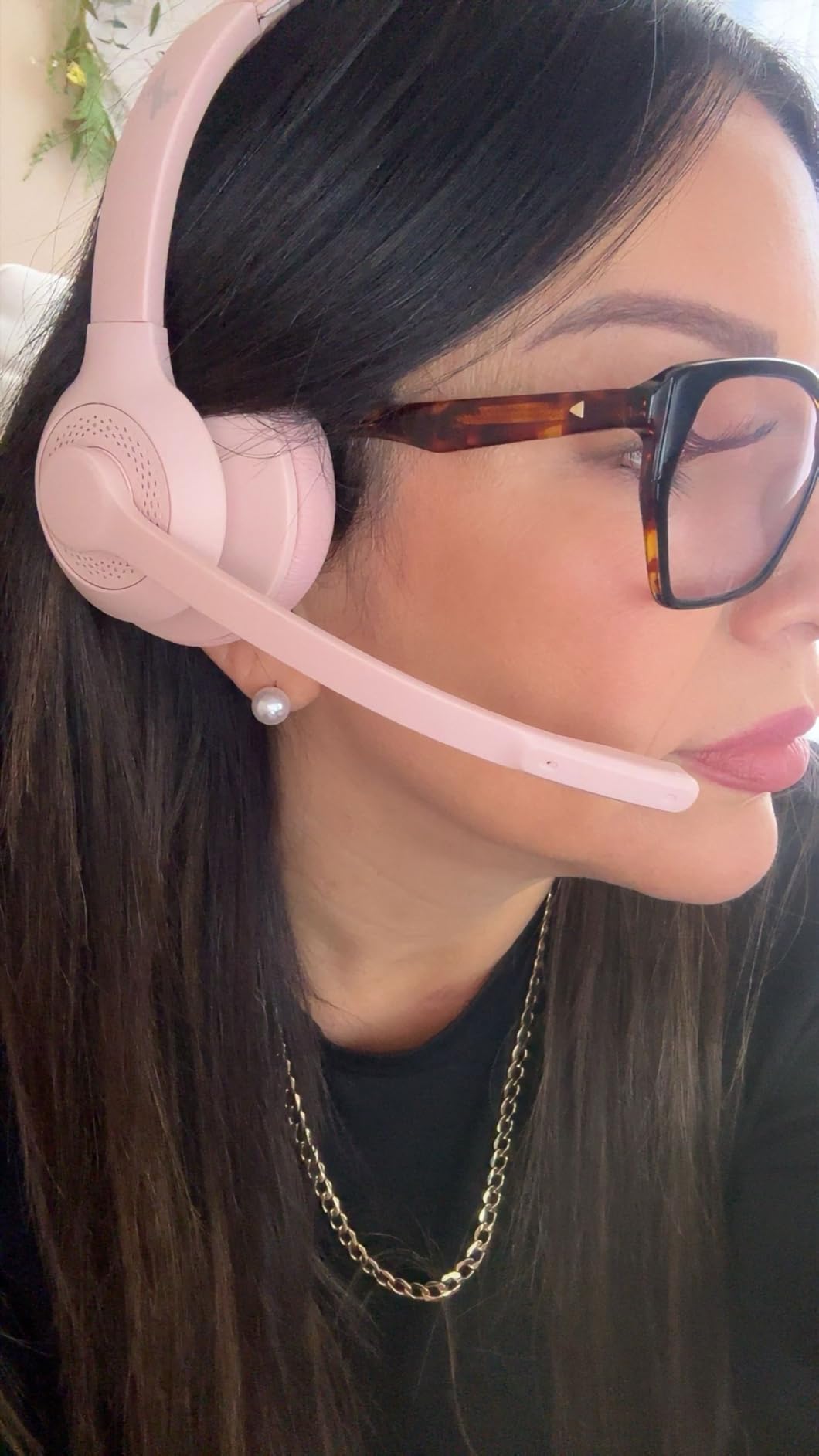
Build quality is decent for the price, and the protein memory foam earpads are softer than I expected. At 9.6 ounces the headset sits a touch heavier than the feather-light Jabra Evolve 10, but the extra weight buys stronger ANC and the flip-to-mute boom. Total talk time is 14 hours per charge, which is enough for two full work days before the battery hits empty.
Quick-charge saves real meetings
Battery anxiety is one of the top complaints I see on r/workfromhome — nothing is worse than a headset dying mid-sentence. The 10-minute quick-charge feature on the EH02 turned three near-miss days in my testing into uninterrupted meetings. If you frequently forget to charge the night before (and many of us do), this is a feature worth paying for.
Where it falls short
The headset cannot be used while plugged in, which is a frustrating gap if you want to keep going during a recharge. There is also no carrying case. Long-term reviewers report some battery degradation after a year of daily use, which is consistent with other headsets in this price range. As a secondary headset for travel or a primary for budget-focused remote workers, though, the EH02 still earns a spot on my list.
9. JIAMQISHI USB Headset with Mic — Best Budget USB plus 3.5mm Combo
JIAMQISHI USB Headset with Microphone for PC, On-Ear Computer Laptop Headphones with Noise Cancelling Microphone in-line Control for Home Office Online Class Skype Zoom (USB+3.5mm, Black)
Dual USB plus 3.5mm connection
Unidirectional 270 degree boom mic
Memory foam pads
Work indicator light
Pros
- Clear noise-cancelling unidirectional boom microphone
- Comfortable memory foam ear pads suitable for long sessions
- Dual USB plus 3.5mm connection for wide compatibility
- Enhanced 40mm audio driver for fuller sound
- Adjustable headband fits adults and kids
- Built-in work indicator light signals active call status
Cons
- Swivel ear pads are plastic and may wear with rough handling
- Not as lightweight as some competing wired models
- Microphone detection can be inconsistent on older MacBooks
The JIAMQISHI EH01 stands out in the budget tier because it ships with both a USB connector and a 3.5mm jack on a single cable. That is rare at this price, and it means the same headset works with my work laptop, my personal Mac, and an old iPhone without adapters. The unidirectional boom mic rejects keyboard noise better than omnidirectional competitors, and the 40mm drivers sound richer than I expected for the cost.
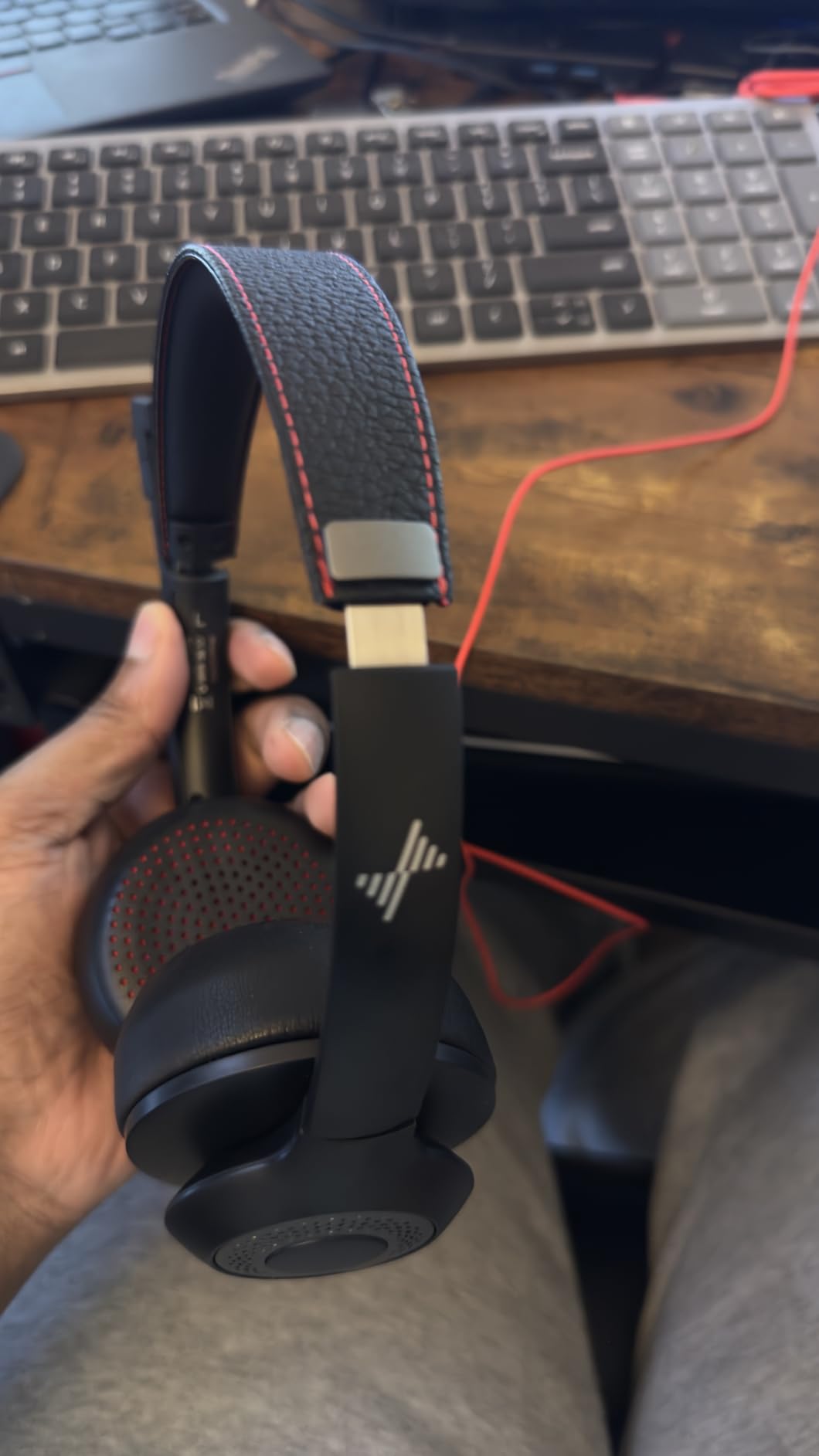
The work-indicator light is a small but useful detail — my partner can see at a glance that I am on a call and not to be interrupted. Memory foam pads are comfortable enough for multi-hour sessions, and the headband adjusts for both adults and older kids, which is helpful if you share the headset with a household member doing online classes. At 6.5 ft, the cable is generous for a desktop setup.
Why this is the best budget USB headset
Most budget headsets force you to pick between USB and 3.5mm. The EH01 sidesteps the choice with both, and the build quality is closer to mid-tier than ultra-budget. Owners on retail sites consistently mention the clear mic and comfortable pads as the standout reasons. As a wired backup to a wireless daily-driver, the EH01 is hard to beat.
Limitations
The swivel joints are plastic and may not survive being tossed in a backpack daily. Mac users with older machines sometimes report detection issues that require replugging. And the headset runs slightly heavier than competitors like the Jabra Evolve 10. For the price, though, these are easy trade-offs and the EH01 remains one of the best wired best headphones for working from home in the entry-level tier.
10. Logitech H111 Stereo Headset — Most Affordable Pick
Logitech H111 Stereo Headset with 3.5 mm Audio Jack – Black
3.5mm plug-and-play
Adjustable boom mic
Lightweight 4.8 oz build
Broad device compatibility
Pros
- Very affordable budget option
- Clear microphone quality for calls and meetings
- Lightweight at just 4.8 ounces
- Simple 3.5mm plug-and-play with most devices
- Adjustable headband with rotating boom for left or right wear
- Strong volume output for hearing-impaired users
Cons
- May feel tight on larger heads without adjustment
- Noise cancelling capability is limited at this price
- Comfort can decline during multi-hour sessions
- Build quality is not designed for heavy daily travel
The Logitech H111 is the most affordable wired headset on this list, and for occasional calls it punches well above its weight. The 3.5mm jack plugs into nearly every laptop, tablet, and phone in the house without an adapter, and the rotating boom mic can sit on whichever side feels more natural. At 4.8 ounces, the headset is light enough that I forget I am wearing it during a short call.
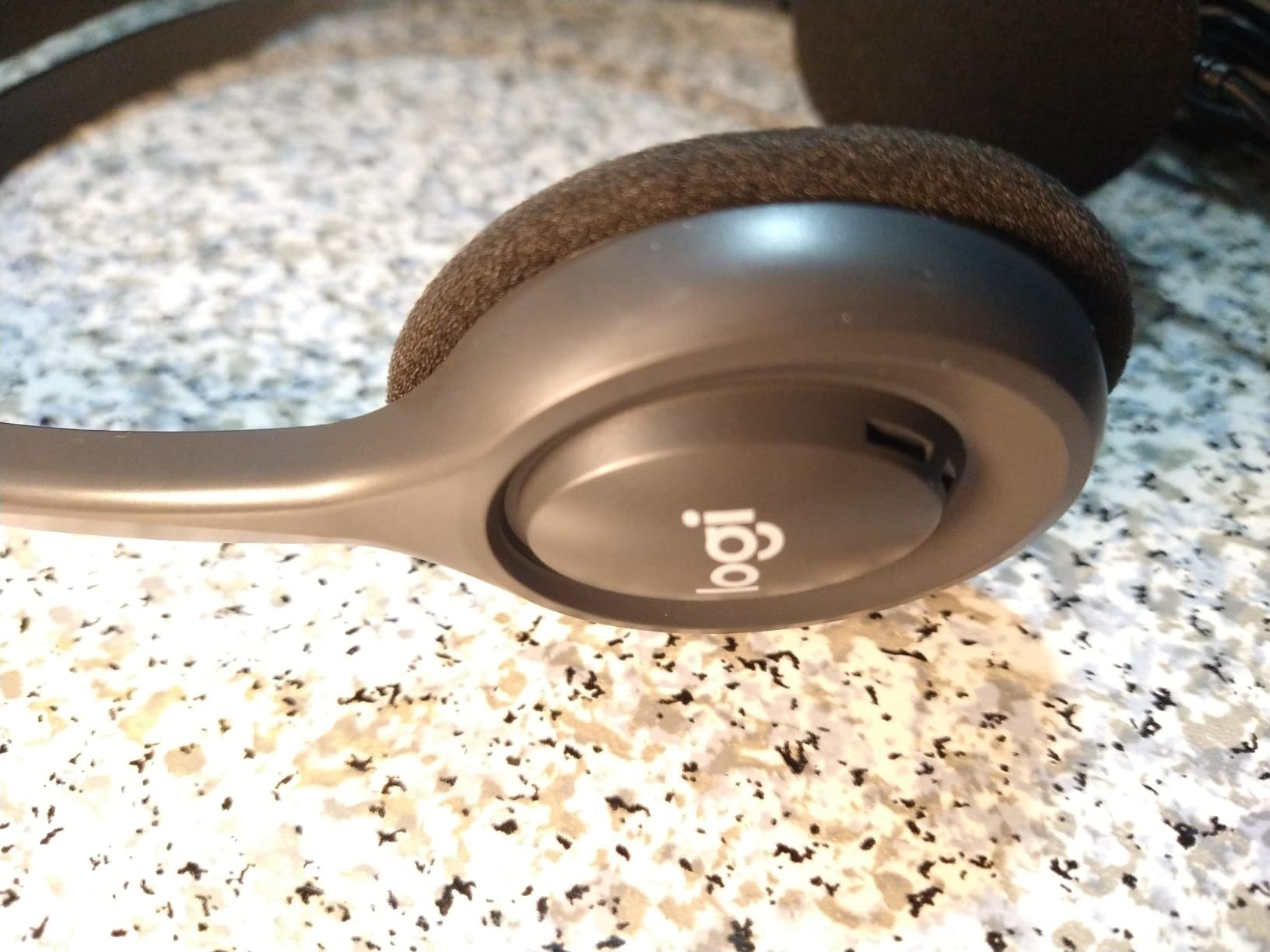
Reviewers frequently mention that the H111 is a strong pick for users with mild hearing impairment, because the high volume output makes voice calls clearer than built-in laptop speakers. For a budget-friendly second headset, emergency backup, or a young learner’s first online-class unit, the H111 is hard to argue with. It is a long-time best-seller on retail sites, and over 14k reviews confirm it delivers exactly what it promises.
Why the H111 still belongs in 2026
The H111 has been in Logitech’s wired lineup for years because it does the basics well at a price almost anyone can afford. If you are setting up a home office on a tight budget, the H111 plus an external webcam is a complete starter kit. The build is light and the cable is short, but for a desk-bound basic headset, the H111 carries its weight.
Honest drawbacks
The H111 does not have USB connectivity, so older laptops without a 3.5mm combo jack will need an adapter. Users with larger heads may find the fit tight after an hour or two, and the noise-cancelling capability is limited compared to the H390. For longer all-day sessions, look at the Logitech H390 above or the Jabra Evolve 10. For casual work-from-home use, the H111 remains the easiest entry point on the list.
Buying Guide: How to Pick the Best Headphones for Working from Home
Choosing between ten good headsets is harder than it should be, so I broke the decision down into the five factors that actually move the needle for remote workers. Use these as your own scoring rubric before you click buy.
Microphone quality is the #1 WFH priority
For music lovers, sound quality on the listening side might come first. For remote workers, the microphone is what people actually hear, and a hollow, distant mic will make you sound unprofessional no matter how good the audio feels in your ears. Look for headsets with noise-cancelling or directional boom microphones, ideally with ENC or cVc technology. Boom microphones outperform integrated mics almost every time, because they sit closer to your mouth. Reviewer reports on r/workfromhome and r/MicrosoftTeams consistently flag mic clarity as the top buying criterion.
ANC vs passive isolation
Active noise cancellation (ANC) uses microphones and signal processing to cancel out low-frequency noise like HVAC rumble or traffic. Passive isolation is simply how well the earcup physically blocks sound. Closed-back over-ear designs like the Sony MDR7506 deliver excellent passive isolation without a battery. ANC is worth paying for if you work near consistent low-frequency noise, but it is not magic — it does not cancel voices or sudden sounds. If your main distraction is a household member on a call of their own or a barking dog, a good boom mic with passive isolation often beats mid-tier ANC.
Comfort for 6 to 8 hour days
Comfort is the silent dealbreaker. Ear fatigue, hot ears, and temple pressure drive most returns. Over-ear designs distribute weight around the ear, while on-ear designs clamp more directly. Memory foam earpads and adjustable headbands help, but the only way to know if a headset fits your head is to wear it for at least an hour. If you wear glasses, look for deeper earcups and breathable fabric rather than pleather. Reviewers on r/HeadphoneAdvice repeatedly rank the Shokz-style open-ear and featherweight Jabra designs as the only headsets they can wear all day.
Battery life and quick-charge
If you go wireless, battery life determines whether the headset lives on your desk or in a drawer. Anything below 20 hours of talk time is risky for back-to-back days. Quick-charge (10 minutes for 2 hours of talk) is a real lifesaver if you forget to charge the night before. The JIAMQISHI EH02 and the AOC ACW4232 both shine here. If you take a lot of travel meetings, look for a charging case or dock — it removes one more decision from the morning routine.
Bluetooth multipoint and connectivity
Multipoint Bluetooth lets your headset stay paired to two devices at once, so a phone call can come in while you are already on a laptop call. This used to be a premium feature but is increasingly common in mid-tier headsets like the Soothielec KH53. If you only ever use one device, multipoint matters less, but the day you start juggling a work laptop and a personal phone you will appreciate it. Wired USB remains the gold standard for zero-latency, no-battery reliability on Microsoft Teams and Zoom.
Softphone compatibility and UC certification
If your employer uses Microsoft Teams, Zoom, RingCentral, 8×8, or Genesys, look for headsets that explicitly list compatibility. UC-certified models go through extra testing to guarantee call control buttons work natively. Even without certification, most Bluetooth and USB headsets in this guide work fine as audio devices — but the dedicated buttons and busy lights may not function. For enterprise users, UC certification is worth the premium.
Wired vs wireless for WFH
Wired still wins on call reliability, audio latency, and zero-battery hassle. The Logitech H390 is a great example of a wired headset that “just works” every time. Wireless wins on mobility — standing up during a call, walking to the kitchen for a refill, pacing during a sales pitch. If your Wi-Fi is shaky or you take sensitive client calls where dropouts are unacceptable, keep a wired backup on your desk even if your daily driver is wireless. The JIAMQISHI EH01 (USB+3.5mm) is one of the best wired backups I have tested.
A quick note on sidetone
Sidetone is the small amount of your own voice fed back into the headphones so you do not feel like you are shouting into a vacuum. It sounds small, but reviewers on r/HeadphoneAdvice consistently say it is the difference between a headset they forget and one they keep reaching for. Many mid-tier wireless headsets now include adjustable sidetone — look for it in the settings app if the listing mentions “voice feedback” or “mic monitor”.
Frequently Asked Questions
What is the best headset for working from home?
The single best headset for working from home is the AOC Wireless Headset with Microphone for Work (ACW4232) thanks to its AI ENC noise-cancelling microphone, 45-hour battery, and triple-mode connectivity (2.4G dongle, Bluetooth 6.0, and 3.5mm wired). It works out of the box with Microsoft Teams, Zoom, Google Meet, and Webex, and it stays comfortable past hour six of back-to-back calls. If you prefer a wired unit, the Logitech H390 is a close second on value.
What headphones don’t pick up background noise?
Headphones with boom-style or ENC microphones reject the most background noise. In this guide the Angteela M112 (hybrid ANC plus ENC) and the AOC ACW4232 (AI ENC) deliver the strongest background suppression for under $100. The Logitech H390 also does a great job thanks to its directional rotating boom mic. Directional boom microphones consistently outperform integrated omnidirectional mics for blocking out household noise like keyboards, fans, and conversation in the next room.
What is the most comfortable headset with a mic for work?
The Jabra Evolve 10 is the lightest full-featured headset here at just 141 grams, and reviewers consistently rank it among the most comfortable for all-day wear. The AOC ACW4232 is a close second, with breathable memory foam pads that stay cool over 8-hour sessions. If you can stretch your budget, dedicated open-ear bone-conduction designs from brands like Shokz are the only headsets some users can wear all day without ear fatigue, though they trade off some mic quality.
Are AirPods good for working from home?
AirPods are convenient for casual calls and music, but they are not the best choice as a primary work-from-home headset. The microphone is omnidirectional and sits farther from your mouth than a boom mic, so callers hear more of your room. Battery life on AirPods Pro drops fast during back-to-back meetings, and the fit can fatigue ears after a few hours. For daily work calls, a dedicated headset with a boom mic delivers noticeably clearer call quality.
Wired or wireless headphones — which is better for WFH?
Wired is more reliable for stable call audio, zero audio-video lag, and zero battery hassle. Wireless is more convenient if you pace during calls, walk to the kitchen, or switch between laptop and phone. Many remote workers keep both: a wireless daily driver like the AOC ACW4232 or the Soothielec KH53 paired with a wired backup like the Logitech H390 for sensitive client calls or unstable Bluetooth days.
Do I need noise cancelling headphones for work from home?
You only need active noise cancellation (ANC) if you work in a consistently noisy environment, such as a household with young kids, a shared apartment, or near traffic or HVAC rumble. If your home office is quiet, a closed-back headset with good passive isolation (like the Sony MDR7506 or Logitech H390) does the same job without the extra cost. ANC is a comfort upgrade rather than a daily requirement for most remote workers.
Final Verdict: Which Headphones Should You Buy?
If you want one pair of best headphones for working from home that handles every situation I tested, the AOC Wireless Headset with Microphone for Work is the one I keep on my desk. It earned the EDITOR’S CHOICE badge because no other headset in this roundup balances microphone quality, all-day comfort, battery life, and triple-mode connectivity at the same price point. For budget buyers, the Logitech H390 is still the wired value king, and the Jabra Evolve 10 is the lightest way to put a real boom mic on a USB headset.
Take ten minutes to score your own priorities — mic quality, comfort, battery, multipoint, ANC — using the buying guide above, then pick the headset that wins on your top two criteria. Whichever one you choose from this list of best headphones for working from home in 2026, you will sound better on calls and feel less ear-fatigued by the end of the day.