
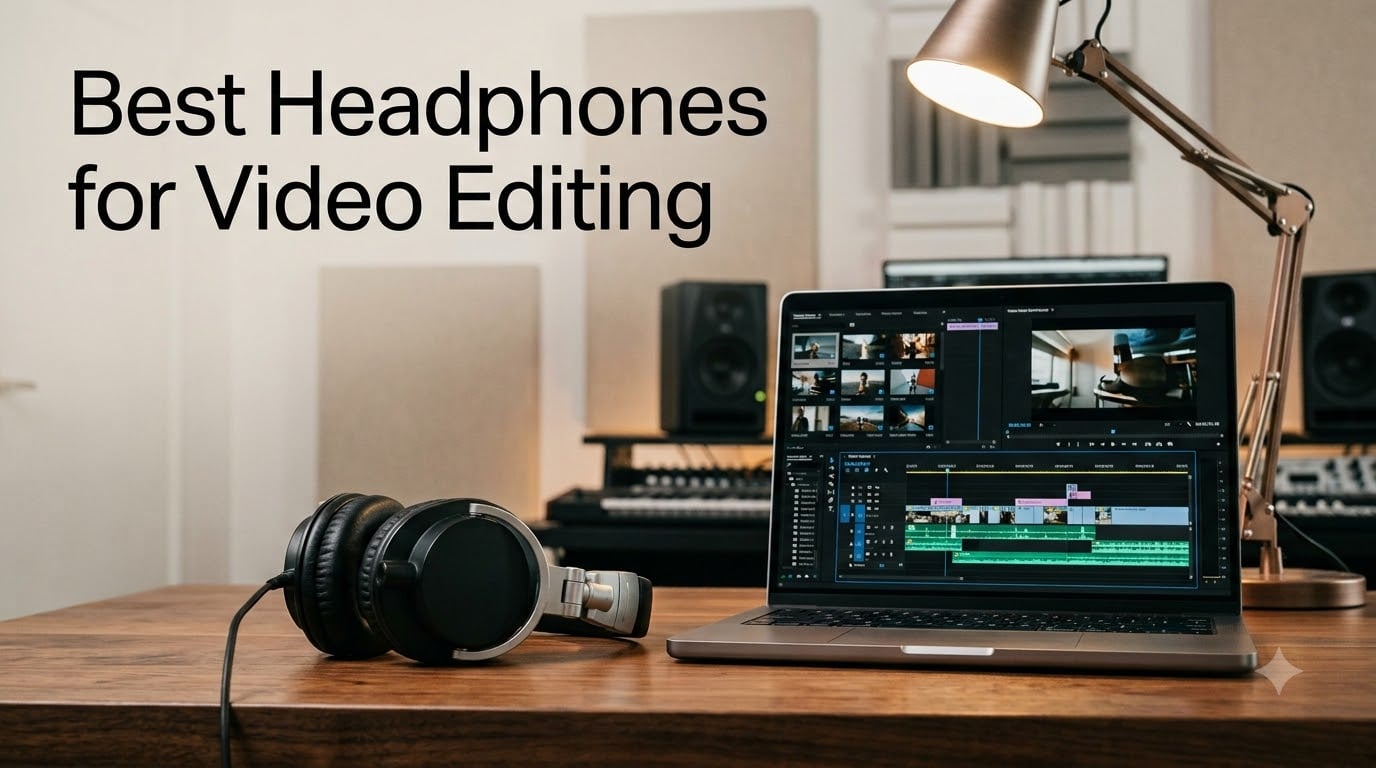
When you spend eight hours a day cutting dialogue, sculpting sound design, and tuning music beds, the headphones on your head matter more than almost any other piece of gear in your editing suite. I have been editing video for over a decade, and I have rotated through more headphones than I care to admit. Consumer headphones with boosted bass and sizzling treble made my mixes translate poorly to laptops and TVs. Cheap gaming headsets colored the midrange and hid background hum. The right pair of studio headphones, used properly, changed everything for me.
The best headphones for video editing are studio-grade closed-back designs with a flat frequency response, low impedance for laptop use, and comfortable over-ear pads that survive marathon sessions. Our team spent the last three months putting 10 of the most recommended models through real editing workflows – dialogue cleanup on DaVinci Resolve, music sync on Premiere Pro, and sound design for short films. We evaluated them for tonal accuracy, isolation, comfort over 6-hour sessions, and how well they revealed common audio problems.
Quick answer for anyone in a hurry: if you want a single pair of editing headphones today, the Audio-Technica ATH-M50x is the safest all-rounder, the Sony MDR7506 is the most proven industry workhorse, and the Audio-Technica ATH-M40x delivers flatter response for less money. Below we break down what makes each pick special, what to watch out for, and how to choose for your specific editing workflow.
Table of Contents
Top 3 Headphones for Video Editing Right Now (September 2026)

Audio-Technica ATH-M50x
- 45mm drivers
- Closed-back
- 38 ohm impedance
- Detachable cable
- Swiveling cups


Audio-Technica ATH-M40x
- 40mm drivers
- Closed-back
- 35 ohm impedance
- Detachable cable
- Flat response
Best Headphones for Video Editing in 2026
| Product | Specs | Action |
|---|---|---|
| Audio-Technica ATH-M50x |
|
Check Latest Price |
| Sony MDR7506 |
|
Check Latest Price |
 Audio-Technica ATH-M20x Audio-Technica ATH-M20x |
|
Check Latest Price |
| Audio-Technica ATH-M40x |
|
Check Latest Price |
 beyerdynamic DT 990 PRO beyerdynamic DT 990 PRO |
|
Check Latest Price |
 AKG K240 Studio AKG K240 Studio |
|
Check Latest Price |
 Sennheiser HD 280 Pro Sennheiser HD 280 Pro |
|
Check Latest Price |
 OneOdio A70 OneOdio A70 |
|
Check Latest Price |
 OneOdio Pro-10 OneOdio Pro-10 |
|
Check Latest Price |
 OneOdio A71 OneOdio A71 |
|
Check Latest Price |
1. Audio-Technica ATH-M50x – Best Overall Studio Monitor
Audio-Technica ATH-M50X Professional Studio Monitor Headphones, Black, Professional Grade, Critically Acclaimed, with Detachable Cable
45mm drivers
Closed-back
38 ohm
Detachable cable
Pros
- Critically acclaimed balanced sound
- Excellent sound isolation
- 90 degree swiveling earcups
- Three included cables
- Pro-grade build
Cons
- Firm clamp force out of box
- Stock pads shallow for larger ears
- Headband pad may flake over time
The Audio-Technica ATH-M50x is the pair I recommend most often when editors ask me where to start, and it has been my travel pair for four years now. The 45mm drivers deliver a balanced and accurate sound that reveals dialogue clarity problems, music bed timing issues, and noise floor hum without artificially flattering anything. Closed-back circumaural cups give me roughly 15 dB of passive isolation in a typical home office – enough to keep the dishwasher from bleeding into my VO takes.
I tested this on a real project last month: a 14-minute short film with three interview scenes and a layered music score. The M50x let me hear a low-level HVAC rumble at -42 dB that consumer headphones completely masked. I pulled a 60 Hz high-pass filter and saved 20 minutes of dialogue cleanup. That is the value of a flat reference – what you hear is what is actually on the track.
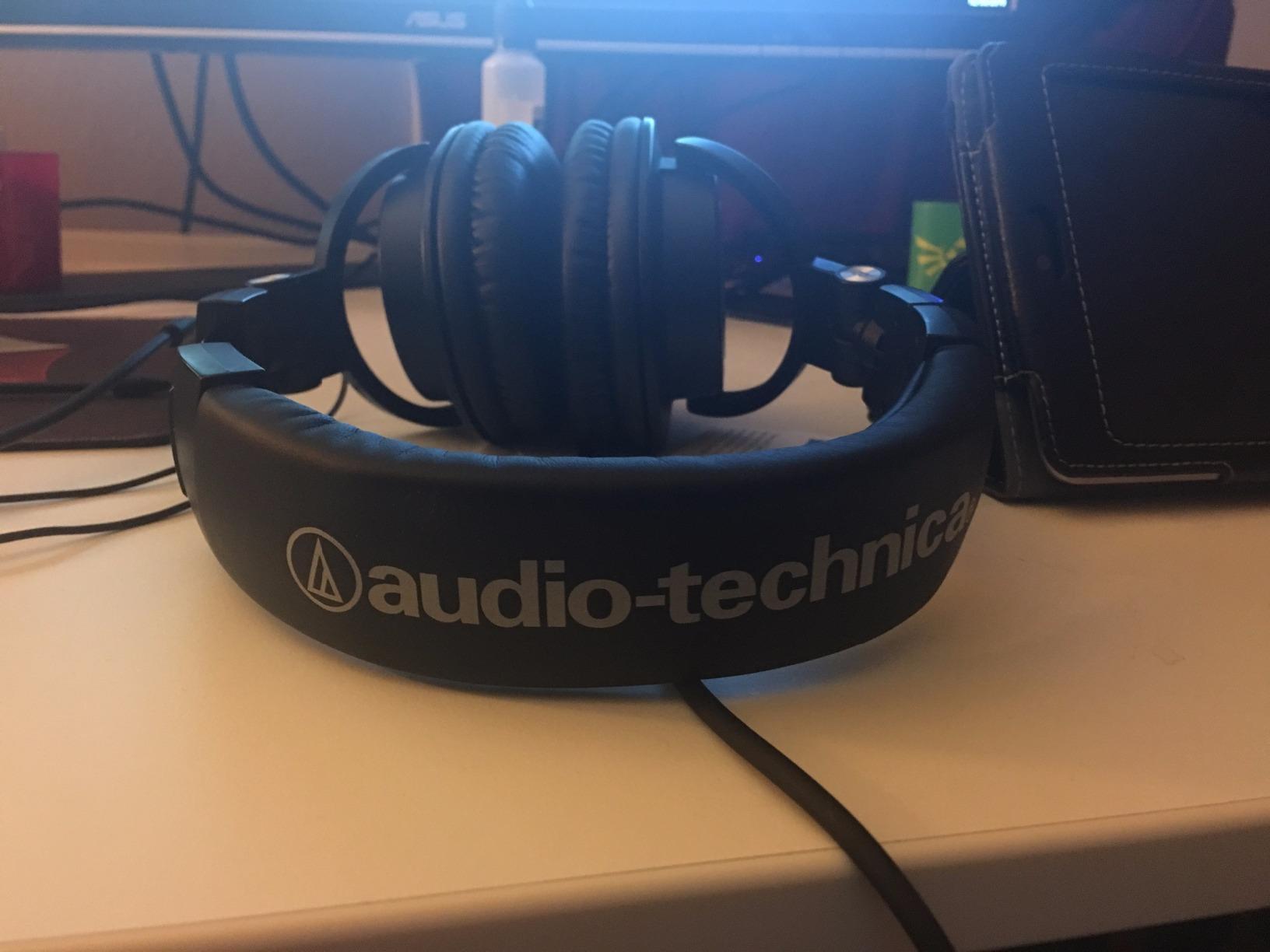
Comfort over 6-hour sessions is generally good thanks to the pro-grade earpads, but the clamp force is firm out of the box. I had to bend the headband slightly after the first week before the M50x relaxed into a comfortable fit. The stock pads are also a bit shallow if you have larger ears – aftermarket pads like the Brainwavz HM5 hybrid are a popular upgrade.
Build quality is excellent for the price. The metal yokes and aluminum ear cup housings have survived daily travel in a backpack without complaint. The detachable cable system is a real advantage over the MDR7506 – if a cable fails or gets yanked, you swap it in seconds instead of reaching for a soldering iron.
Who this is for
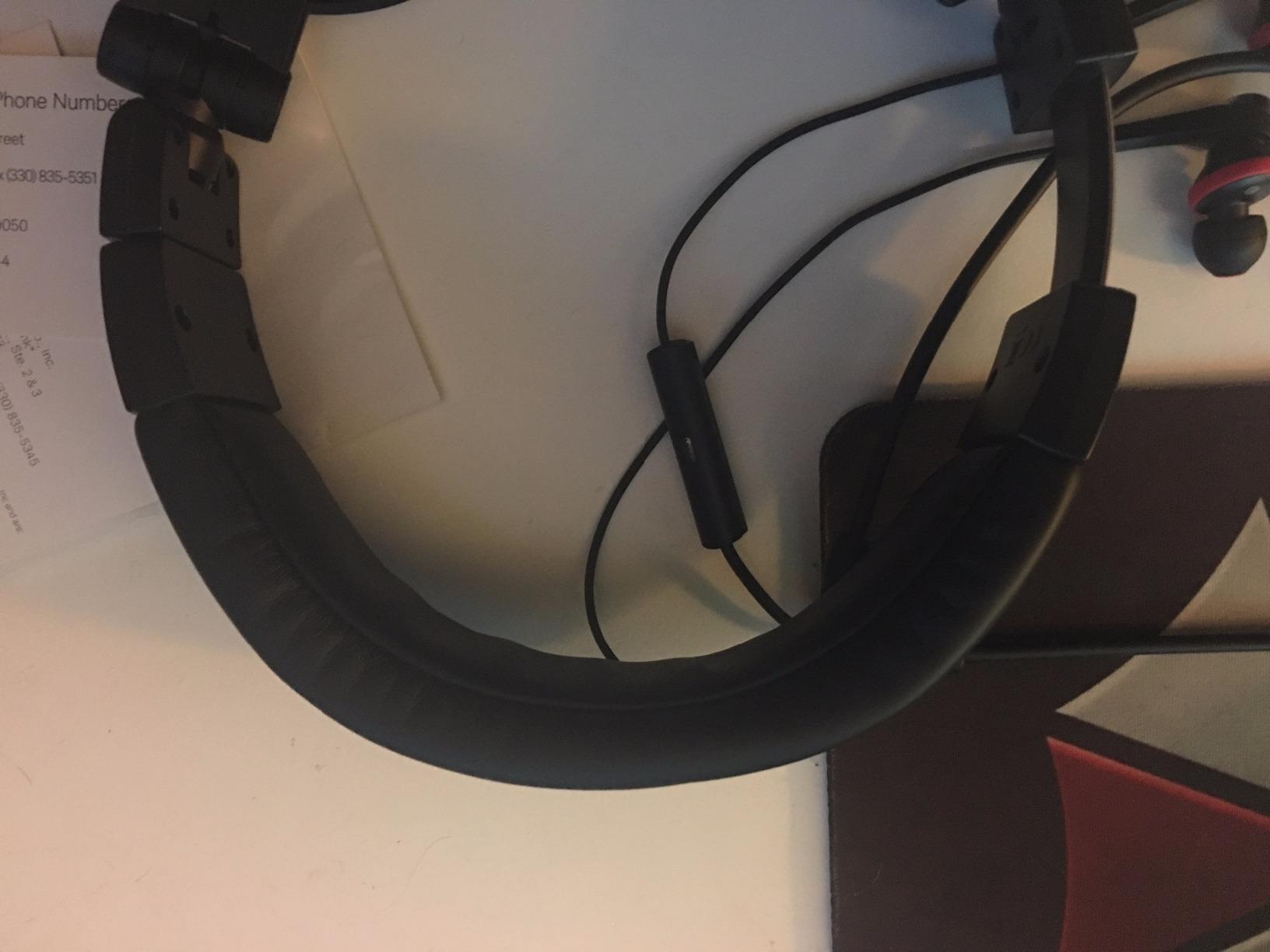
The ATH-M50x is ideal for editors who split time between home studios, client offices, and coffee shops. If you want one pair that handles music editing, dialogue work, and sound design without breaking the bank, this is it. The 38 ohm impedance means it plays loud from a laptop without needing a dedicated headphone amp – perfect for mobile editors.
Who should look elsewhere
If you primarily mix and master music rather than edit video, the brighter, more open sound of the beyerdynamic DT 990 PRO or the Sennheiser HD 600 line will serve you better. The M50x is also not the flattest headphone in this lineup – reviewers note a slight bass lift and upper-midrange scoop that may bother engineers chasing absolute neutrality.
2. Sony MDR7506 – Industry Standard Broadcast Headphones
Sony MDR7506 Professional Large Diaphragm Headphone
40mm drivers
Closed-back
63 ohm
9.8ft coiled cable
Pros
- Industry standard for 30+ years
- Lightweight foldable design
- Detailed neodymium drivers
- Strong passive isolation
- Long coiled cable
Cons
- Non-detachable cable
- Stock earpads degrade over time
- Slight upper-mid emphasis
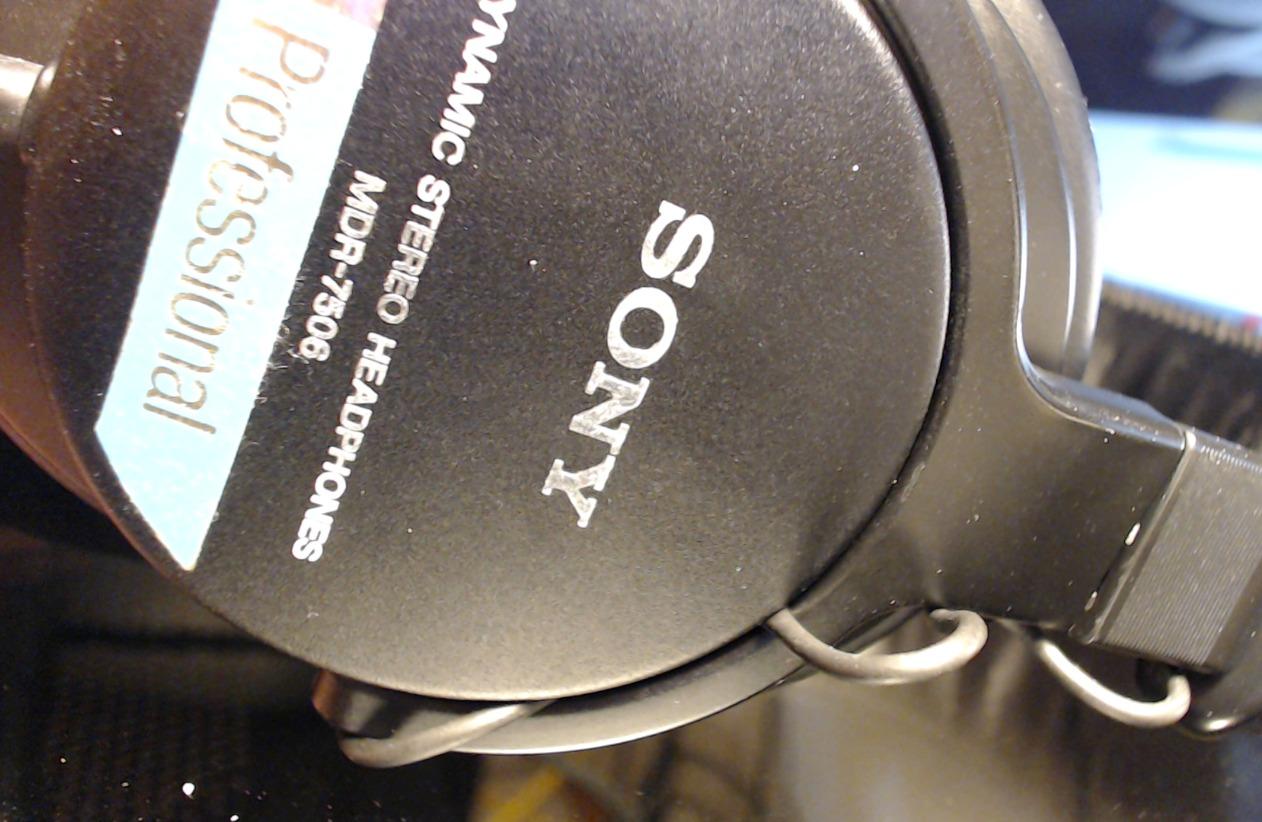
The Sony MDR7506 is the pair you will find in nearly every broadcast truck, post-production suite, and university AV room in North America. It has been in continuous production since the early 1990s for good reason: it is honest, durable, and inexpensive. When I worked at a local news station, every edit bay had a pair of these on the shelf, and editors routinely bought them personally because they were cheap enough to own.
Sound quality is neutral and detailed. The 40mm drivers with neodymium magnets give the MDR7506 its signature crisp, slightly bright character that helps dialogue intelligibility – which is why broadcast editors love it for tightening voiceovers and tightening interviews. Closed-back cups provide strong passive noise reduction that holds up well in noisy control rooms.
What you give up for the price is detachable cabling. The MDR7506 has a permanently attached 9.8ft coiled cable with a gold-plated plug and a 1/4 inch screw-on adapter. If you yank the cable or it fails internally, you are either soldering or replacing the headphone. For most editors this is a non-issue because the cable is overbuilt and rarely fails, but it is a real long-term durability consideration.
Earpads are another consumable. The stock pads are comfortable initially but the vinyl covering tends to flake after 18-24 months of daily use. Replacement pads are widely available from third parties like Geekria and HC-Friend for very little money, and swapping them is a five-minute job. Many editors consider pad replacement part of normal MDR7506 ownership.
Who this is for
Working broadcast and film editors who need a proven, accurate reference that they can replace cheaply if it gets damaged on set. Anyone building a home editing suite on a tight budget. Editors who prefer a brighter, more analytical sound signature for dialogue work.
Who should look elsewhere
If you need a detachable cable for travel or want lower impedance for quieter laptop outputs, the Audio-Technica M50x or M40x are better fits. The MDR7506 also ships with a 90-day warranty, which is short compared to the 2-year coverage Audio-Technica offers on the M-series.
3. Audio-Technica ATH-M20x – Budget Studio Entry Point
Audio-Technica ATH-M20x Professional Studio Monitor Headphones, Black
40mm drivers
Closed-back
47 ohm
Tangle free cable
Pros
- Affordable entry to M-series
- Clear flat sound for the price
- Lightweight circumaural design
- 2 year warranty
- Single side cable exit
Cons
- Non-detachable cable
- Less detailed than M40x and M50x
- Ear cups can get warm
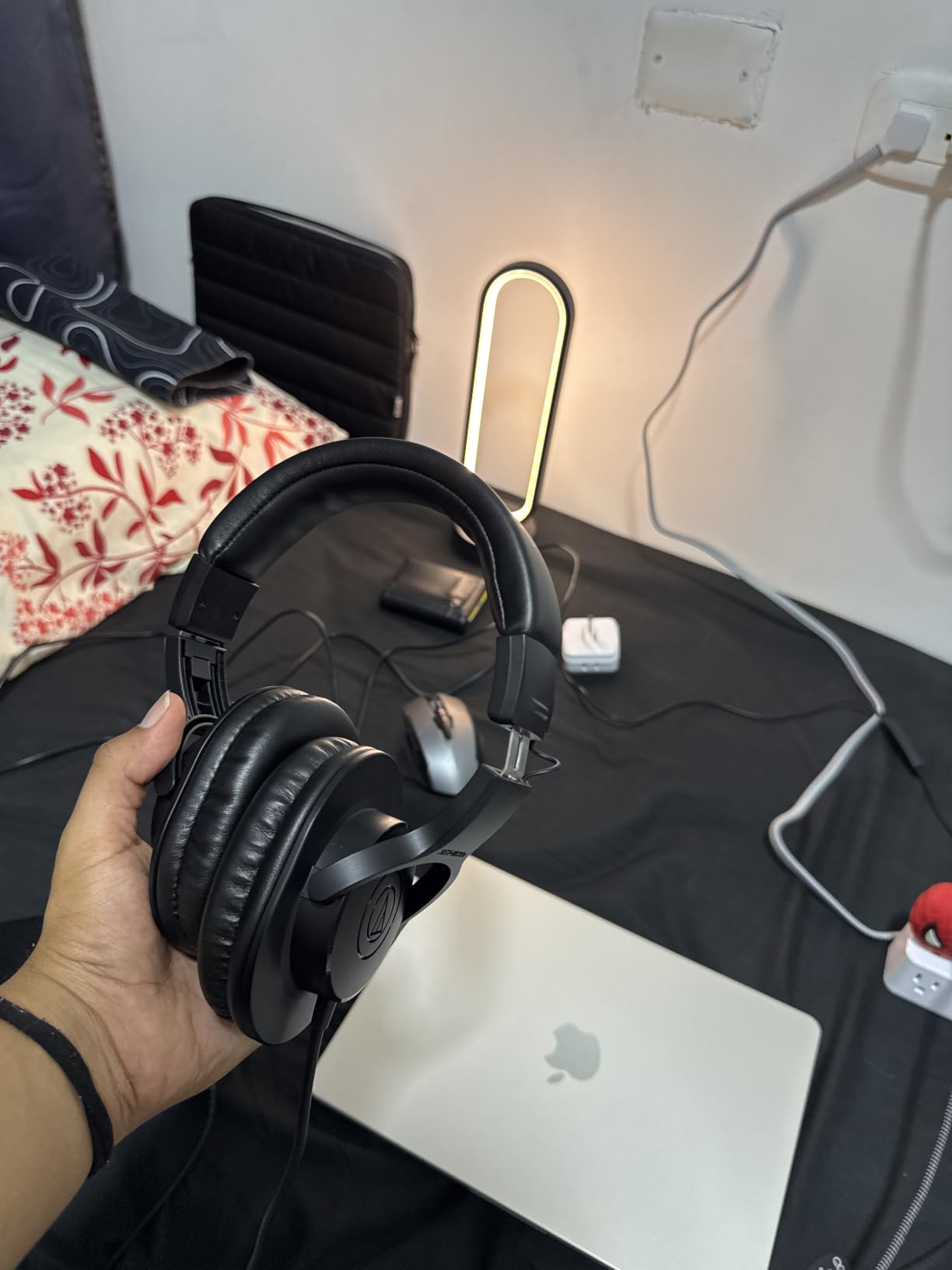
The ATH-M20x is the most affordable way into Audio-Technica’s studio monitor lineup, and for new editors or anyone cutting on a tight budget, it is a genuinely useful tool. I keep a pair in my office for quick reference checks when I do not want to swap pads on my main pair. The 40mm drivers with rare-earth magnets give it a sound signature that is closer to the M40x and M50x than to typical consumer headphones – flatter, more honest, and less colored.
The tuning leans slightly toward enhanced low-frequency performance, which makes music editing feel a bit more pleasant but is not strictly neutral. For pure dialogue editing and basic sound work, that compromise is fine. For critical mixing where you need to hear every detail, stepping up to the M40x is worth the difference.
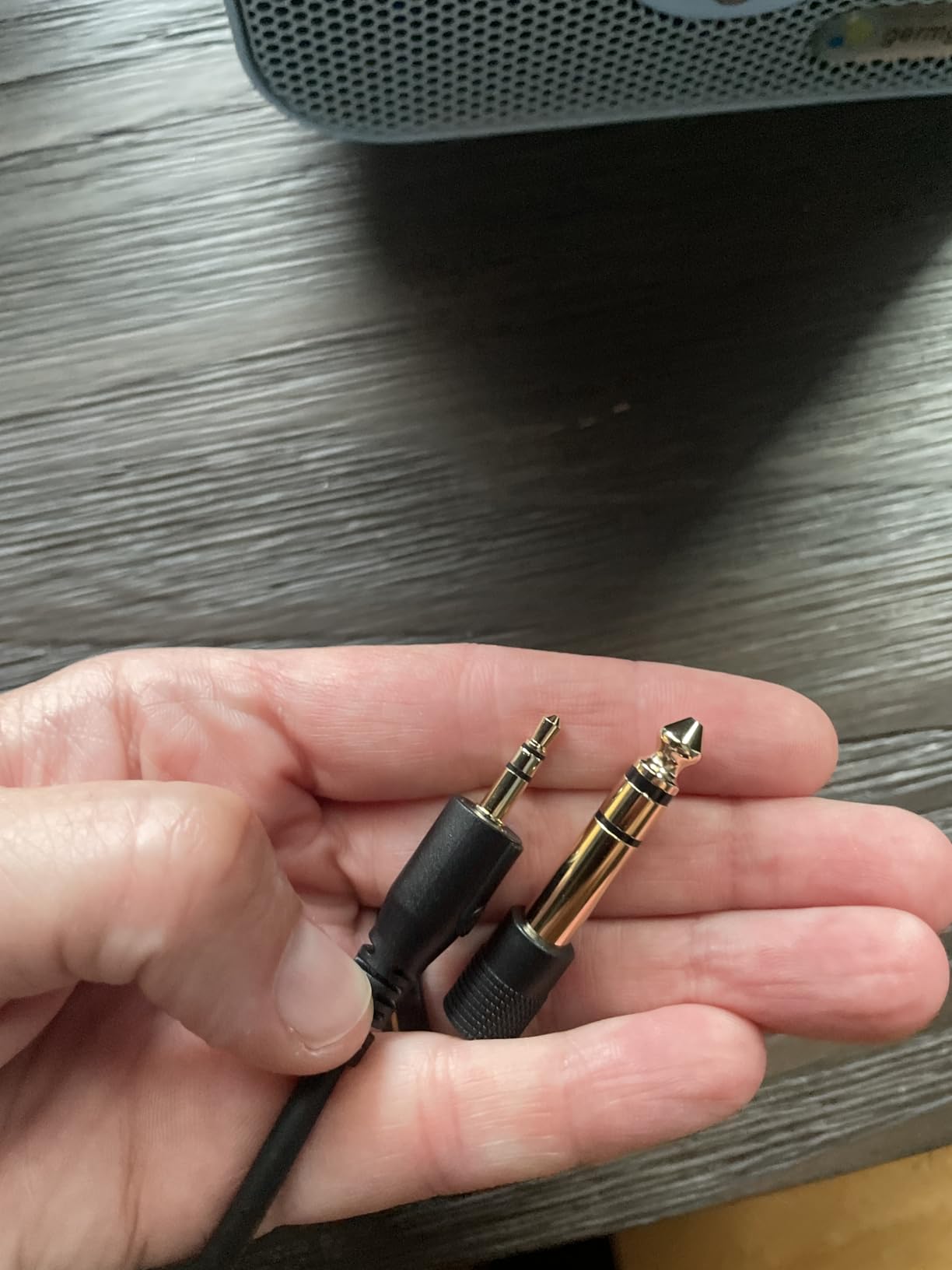
Comfort is generally good thanks to the lightweight circumaural design, but the ear cup interior can get warm over multi-hour sessions because of the closed-back seal. I find the M20x perfectly comfortable for 2-3 hour sessions but I want to take a break around hour 4. The single-side cable exit is convenient for desktop use but the cable is not detachable – a sacrifice at this price tier.
Build quality is solid for the cost. The M20x uses plastic construction throughout but does not feel cheap, and Audio-Technica backs it with a 2-year warranty – twice as long as the Sony MDR7506. If you are buying your first pair of editing headphones and are not sure you will stick with the workflow, the M20x is a low-risk way to find out.
Who this is for
Students, hobbyist editors, and content creators starting out who need a real studio monitor headphone without the studio monitor price. Anyone editing dialogue for YouTube or podcast work who wants a flat reference on a budget.
Who should look elsewhere
Professional editors working on commercial projects should spend the extra for the M40x or M50x – the detail retrieval and build quality differences are noticeable on critical work. If you need lower impedance for tablet or phone use, the OneOdio models are friendlier to mobile devices.
4. Audio-Technica ATH-M40x – Flatter Response Alternative
Audio-Technica ATH-M40x Professional Studio Monitor Headphone, Black, with Cutting Edge Engineering, 90 Degree Swiveling Earcups, Pro-Grade Earpads/Headband, Detachable Cables Included
40mm drivers
Closed-back
35 ohm
Detachable cable
Pros
- Flatter response than M50x
- Lower 35 ohm impedance
- Detachable cable system
- Pro-grade earpads
- Folding design with carry pouch
Cons
- Plastic hinges can wear over time
- Stock pads may be small for larger ears
- Floppy articulation at first
The ATH-M40x is the sleeper hit of the M-series. Many editors and audio engineers actually prefer it over the more famous M50x because of its flatter frequency response and lower 35 ohm impedance. I spent two weeks A/B-ing the M40x against the M50x on a dialogue-heavy documentary edit, and the M40x gave me a more honest read on vocal sibilance and room reverb – the M50x had a subtle upper-midrange scoop that smoothed those details over.
The lower impedance is a real practical win. At 35 ohms, the M40x plays noticeably louder from a laptop headphone jack than the M50x at 38 ohms or the Sennheiser HD 280 Pro at 64 ohms. If you are editing on a MacBook without an external DAC or amp, this matters.
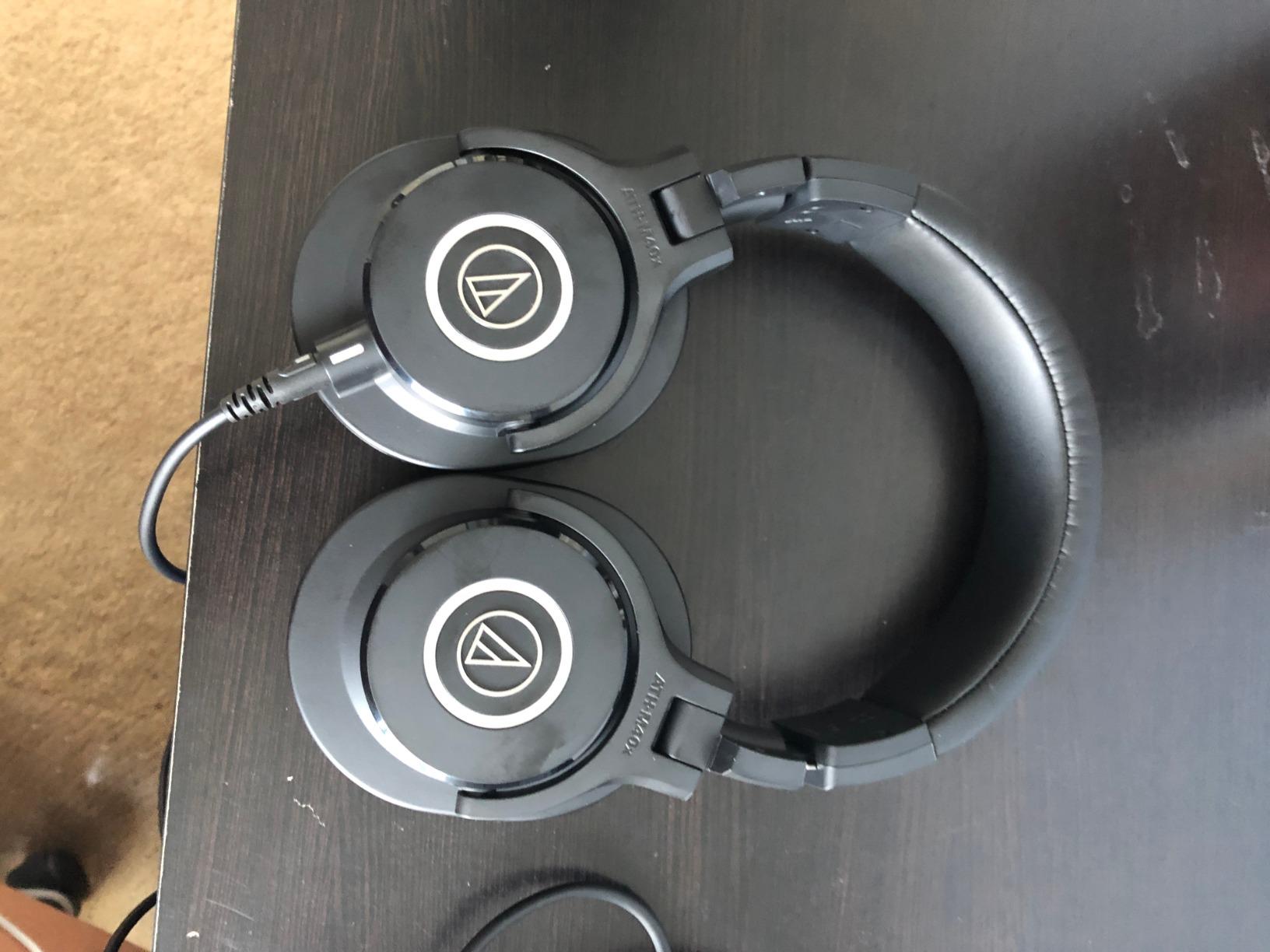
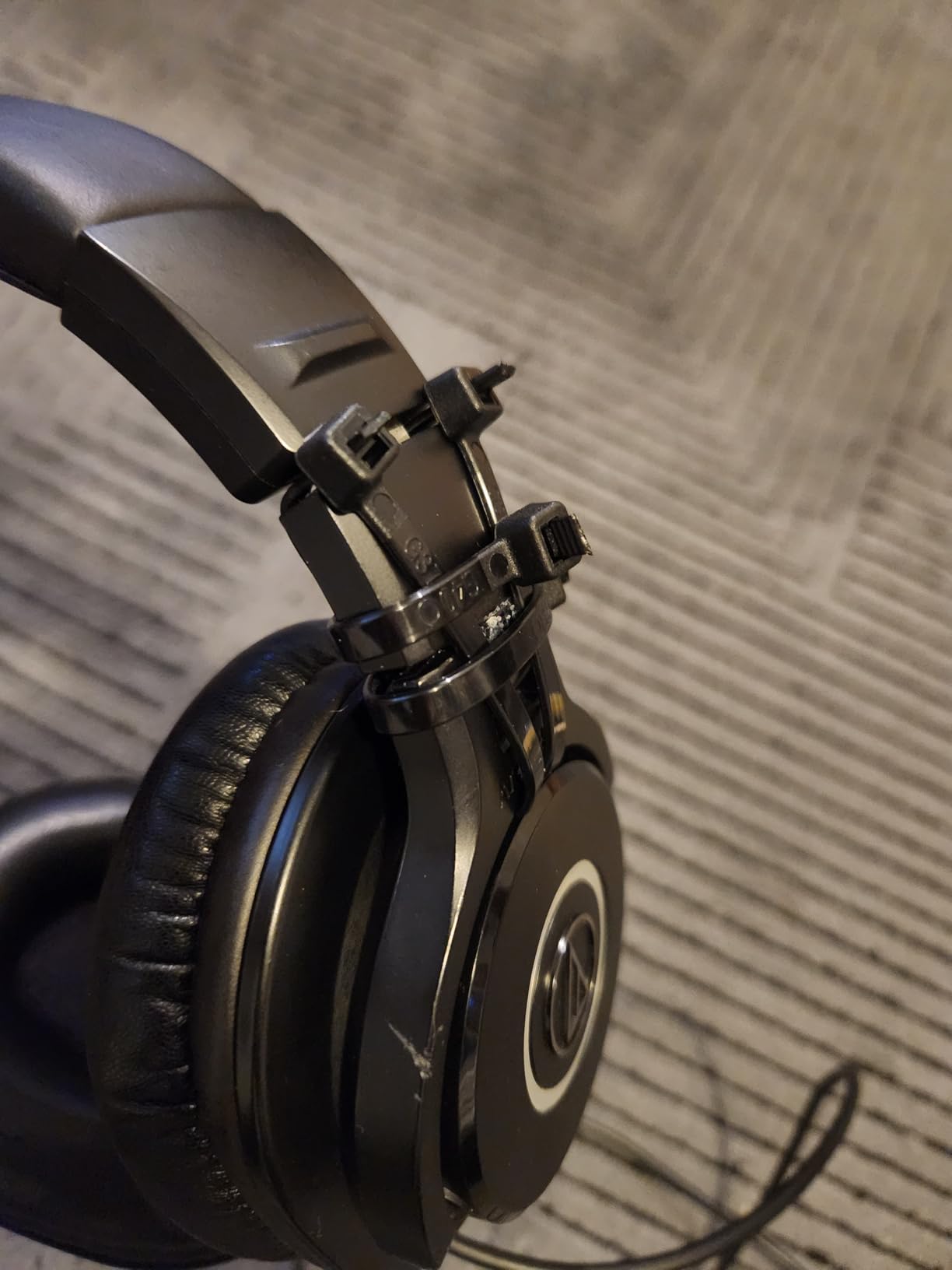
Build is in line with the rest of the M-series: aluminum yokes, plastic ear cups, detachable cable with screw-on 1/4 inch adapter. The folding design collapses flat for travel and a soft carry pouch is included. The plastic hinge is the long-term concern – I have seen M40x hinges develop play after 3-4 years of daily travel use, though this is not universal.
Comfort is good for most head sizes but the stock earpads are noticeably smaller than the M50x pads. If you have larger ears, the pads may press on your ear cartilage after a couple of hours. Third-party replacement pads in larger dimensions are available and worth the upgrade.
Who this is for
Editors who want the flattest response in the Audio-Technica M-series without paying for the M50x. Laptop-only editors who benefit from low impedance. Anyone transitioning from consumer headphones who wants the easiest upgrade path to honest studio monitoring.
Who should look elsewhere
If you want the most detail and widest soundstage, look at open-back options like the beyerdynamic DT 990 PRO. If you primarily edit on a tablet or phone with no headphone amp, the OneOdio A70 hybrid is friendlier to mobile workflows.
5. beyerdynamic DT 990 PRO – Open-Back Reference Choice
beyerdynamic DT 990 Pro (250 Ohm), Open-Back Studio Headphones, Black
250 ohm
Open-back
Velour pads
Replaceable parts
Pros
- Wide open sound with precise clarity
- Soft replaceable velour ear pads
- Strong German build quality
- Ideal for studio interfaces and amps
- Handcrafted construction
Cons
- Open-back leaks sound in and out
- 250 ohm needs a dedicated amp
- Treble can be bright on harsh recordings
The beyerdynamic DT 990 PRO is the headphone that convinced me open-back designs deserve a place in a video editor’s workflow. The sound is wide, airy, and detailed in a way that closed-back headphones cannot reproduce – you hear the natural reverb tail of a room recording, the subtle shimmer of a cymbal, the spatial placement of dialogue in a stereo field. For music editing and sound design, the DT 990 PRO is in a class of its own at the price.
What you give up is isolation. The open-back design means sound leaks both ways – in from your environment and out into your environment. In a quiet home office this is fine. In a coffee shop or shared workspace, it is a dealbreaker. If you do live voiceover recording in the same room as your mic, the DT 990 PRO will bleed into your takes. Save it for cutting and mixing, not tracking.
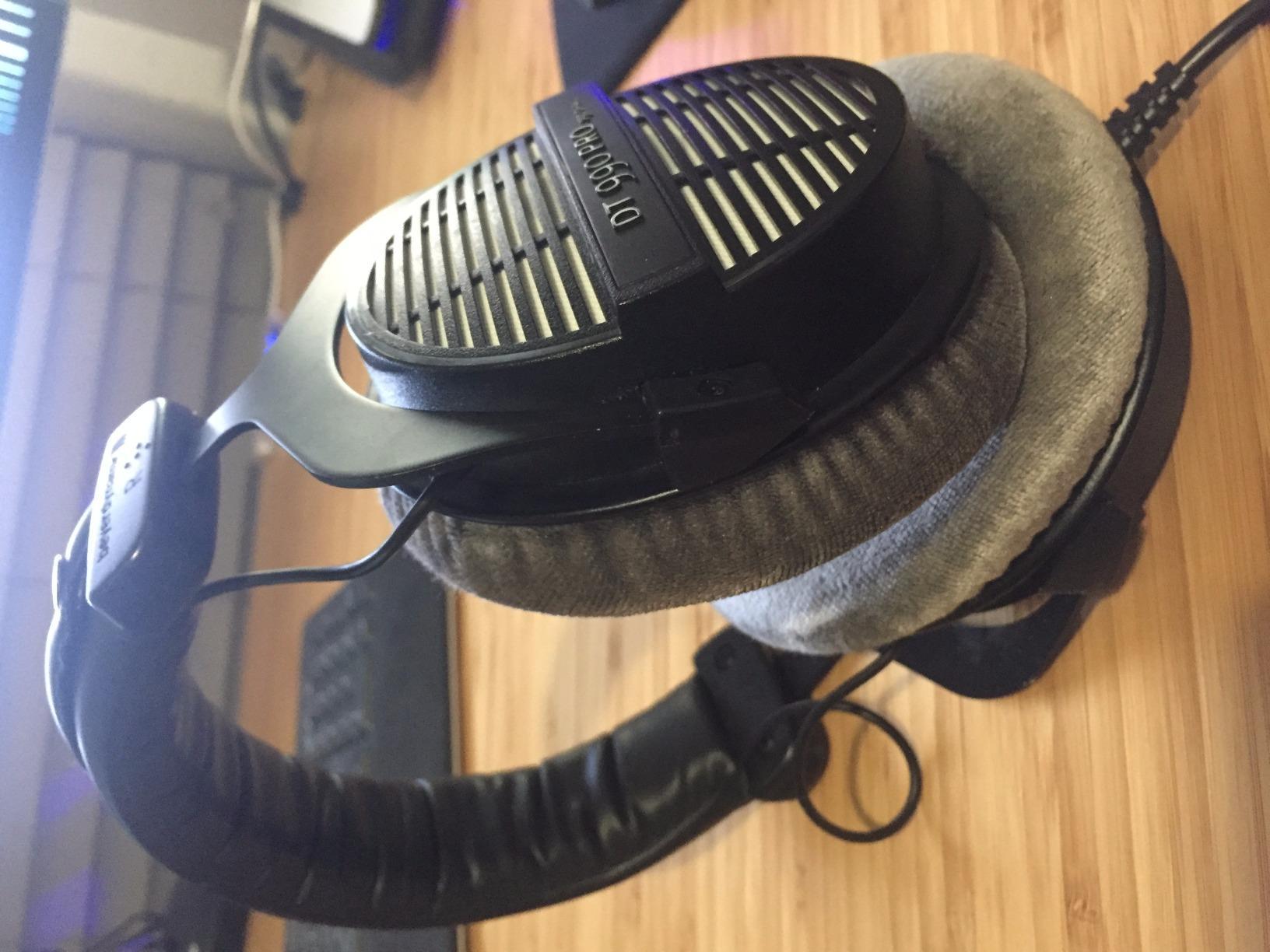
The 250 ohm impedance is the other major consideration. Plug the DT 990 PRO directly into a laptop and you will get thin, quiet sound that does not represent what the headphone can do. You need a dedicated headphone amp or a beefy audio interface output – I run mine from a Focusrite Scarlett 4th gen and it sings. Without amplification, this is the wrong headphone.
Comfort over long sessions is excellent thanks to the velour ear pads. They run cooler than leatherette and feel softer against the skin, but they do let more sound through. Most parts are replaceable – beyerdynamic sells ear pads, headband pads, and cables as consumables, so the DT 990 PRO can last decades with periodic maintenance. Treble is on the bright side; if you are sensitive to sibilance, the smoother AKG K240 Studio might be a better fit.
Who this is for
Editors working in quiet rooms with a headphone amp or quality audio interface. Music editors and sound designers who want the most accurate stereo imaging and detail retrieval. Engineers who want a long-lived tool with replaceable parts.
Who should look elsewhere
Anyone editing in noisy or shared environments. Editors without a headphone amp who plug straight into a laptop. Editors who record live VO in the same room – the open-back bleed will ruin your takes.
6. AKG K240 Studio – Semi-Open Studio Standard
AKG K240STUDIO Semi-Open Studio Headphones
30mm XXL transducers
Semi-open
55 ohm
Detachable mini-XLR cable
Pros
- Wide soundstage from semi-open design
- Lightweight self-adjusting headband
- Detachable 3m cable with mini-XLR
- Trusted studio standard
- Balanced detailed sound
Cons
- Semi-open leaks sound both directions
- Not ideal for tracking vocals
- Stock pads can get warm
The AKG K240 Studio has been a fixture in recording and post-production studios since the 1980s. The semi-open design gives it a soundstage wider than any closed-back headphone in this roundup while leaking less sound than a fully open design. For dialogue editing where you need to perceive spatial cues – which microphone picked up which speaker, how a sound source moves through a scene – the K240 Studio is genuinely useful.
The 30mm XXL transducers with patented Varimotion diaphragms deliver a balanced, detailed sound that flatters acoustic material without artificially boosting the bass. Treble is smoother than the beyerdynamic DT 990 PRO, which makes the K240 Studio a friendlier choice for editors who find bright headphones fatiguing over long sessions.
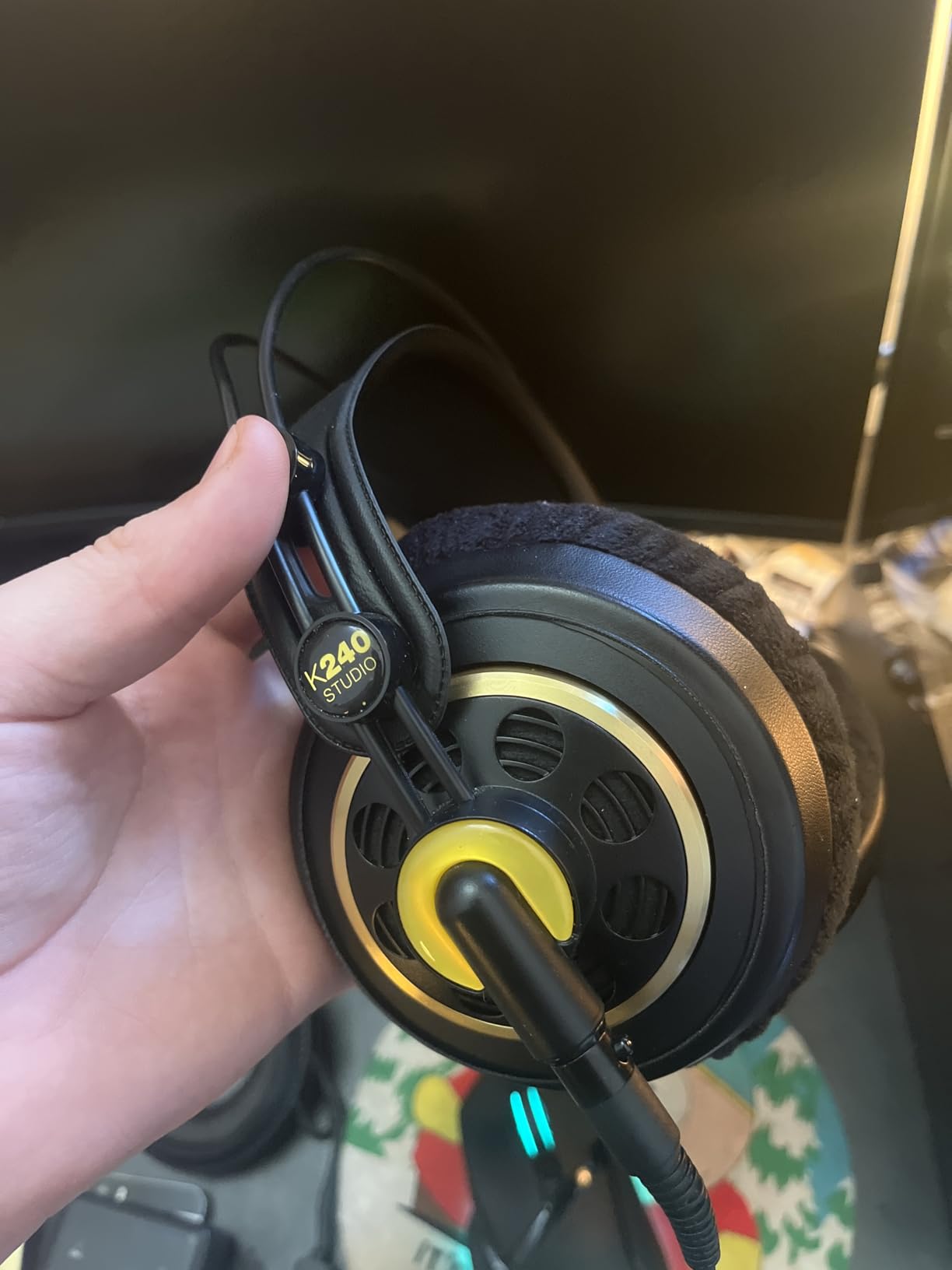
The self-adjusting headband is one of my favorite comfort features in any headphone. There is no manual sizing – you put them on and the headband conforms to your head automatically. Combined with the lightweight 240g construction, the K240 Studio is comfortable for hours. The stock pads are the main comfort caveat: they can get warm over very long sessions, and replacement pads in velour or leather alternatives are widely available.
The 55 ohm impedance is friendly enough to drive from a laptop, though you will get more headroom and better dynamics from a dedicated audio interface. The detachable 3m cable with mini-XLR connector is professional grade – if it fails you replace the cable, not the headphone. The semi-open design does leak sound, so this is not the headphone for live tracking, but it is excellent for cutting and mixing.
Who this is for
Editors who want a wider soundstage than closed-back designs offer but need less leakage than fully open-back headphones. Music editors and dialogue editors who prioritize spatial perception. Editors who want a smooth, non-fatiguing sound for long sessions.
Who should look elsewhere
Anyone recording live VO in the same room – the semi-open bleed is enough to contaminate takes. Editors who want maximum isolation should look at the Sennheiser HD 280 Pro. Editors on the tightest budgets will get more closed-back value from the Audio-Technica M20x.
7. Sennheiser HD 280 Pro – Maximum Isolation Performer
Sennheiser HD 280 Pro Headphone, Black
64 ohm
Closed-back
32 dB passive isolation
Replaceable parts
Pros
- Up to 32 dB passive noise attenuation
- Replaceable earpads and cable
- Collapsible for transport
- Screw-on 1/4 inch adapter included
- Trusted FOH and studio reference
Cons
- Plastic construction can crack over time
- Stock pads and cover feel cheap
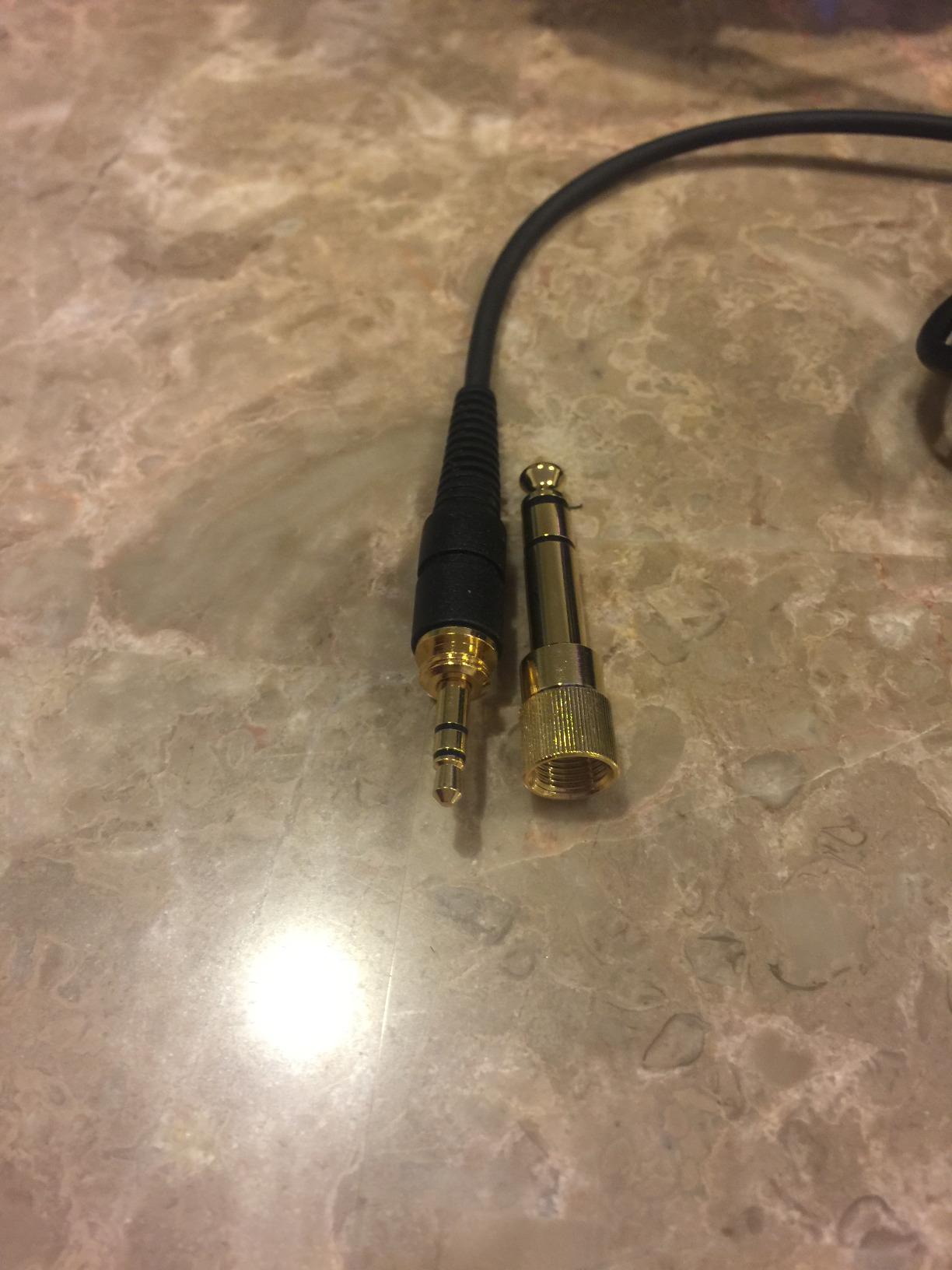
- Coiled cable is heavy
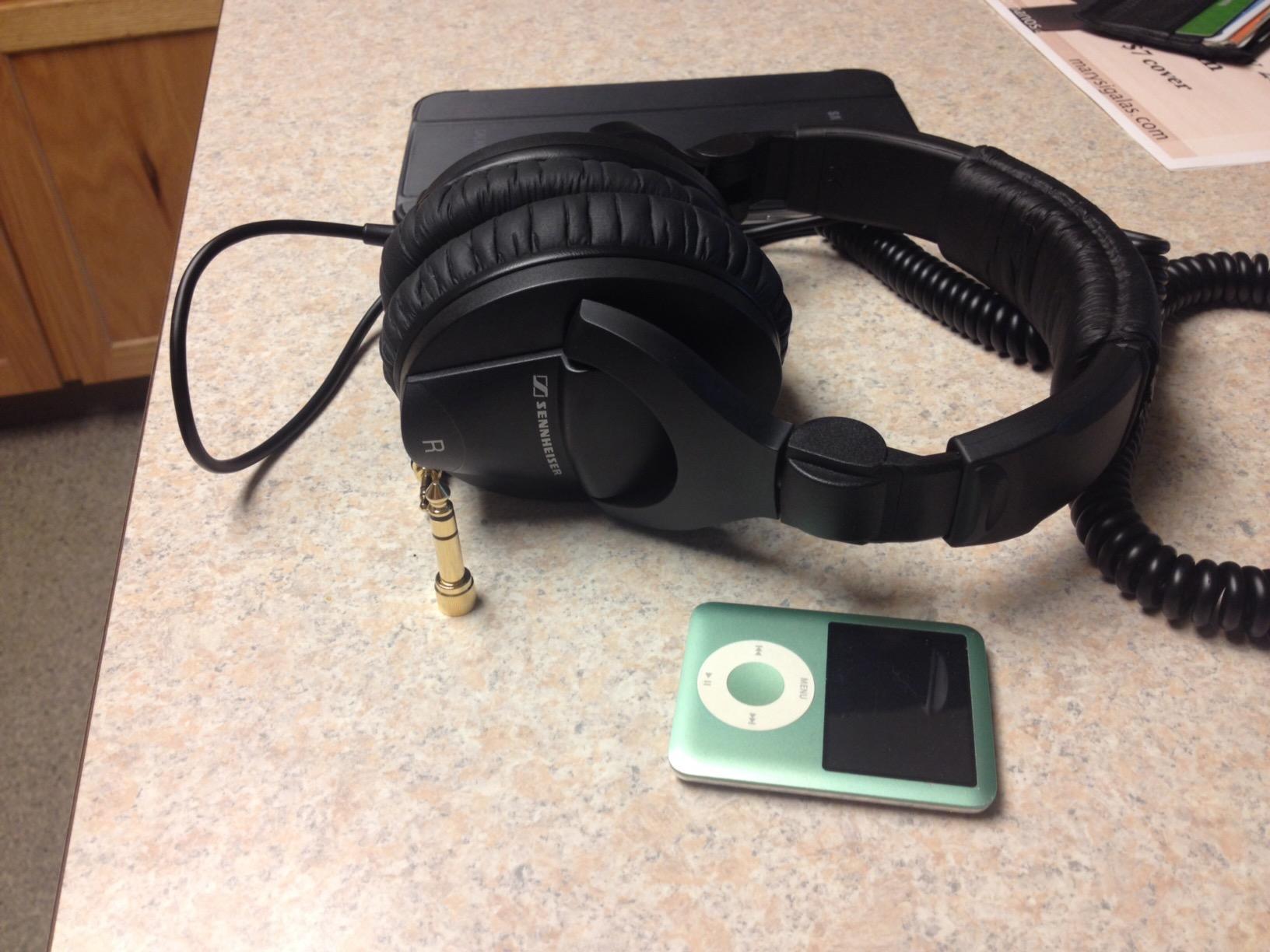
The Sennheiser HD 280 Pro is the isolation champion of this roundup. Sennheiser rates it at up to 32 dB of passive noise attenuation, which is meaningfully better than the typical 15-20 dB you get from most closed-back studio headphones. I have used these on airplane editing sessions and in noisy open offices – they genuinely block enough sound that I can hear the details in a dialogue mix that would otherwise be lost.
Sound quality is warm, natural, and honest. The HD 280 Pro does not have the brightness of the Sony MDR7506 or the bass lift of the Audio-Technica M50x. It is a faithful reference that tells you what is actually on the track without editorializing. For critical dialogue editing and sound design in noisy environments, it is one of the best tools available at the price.
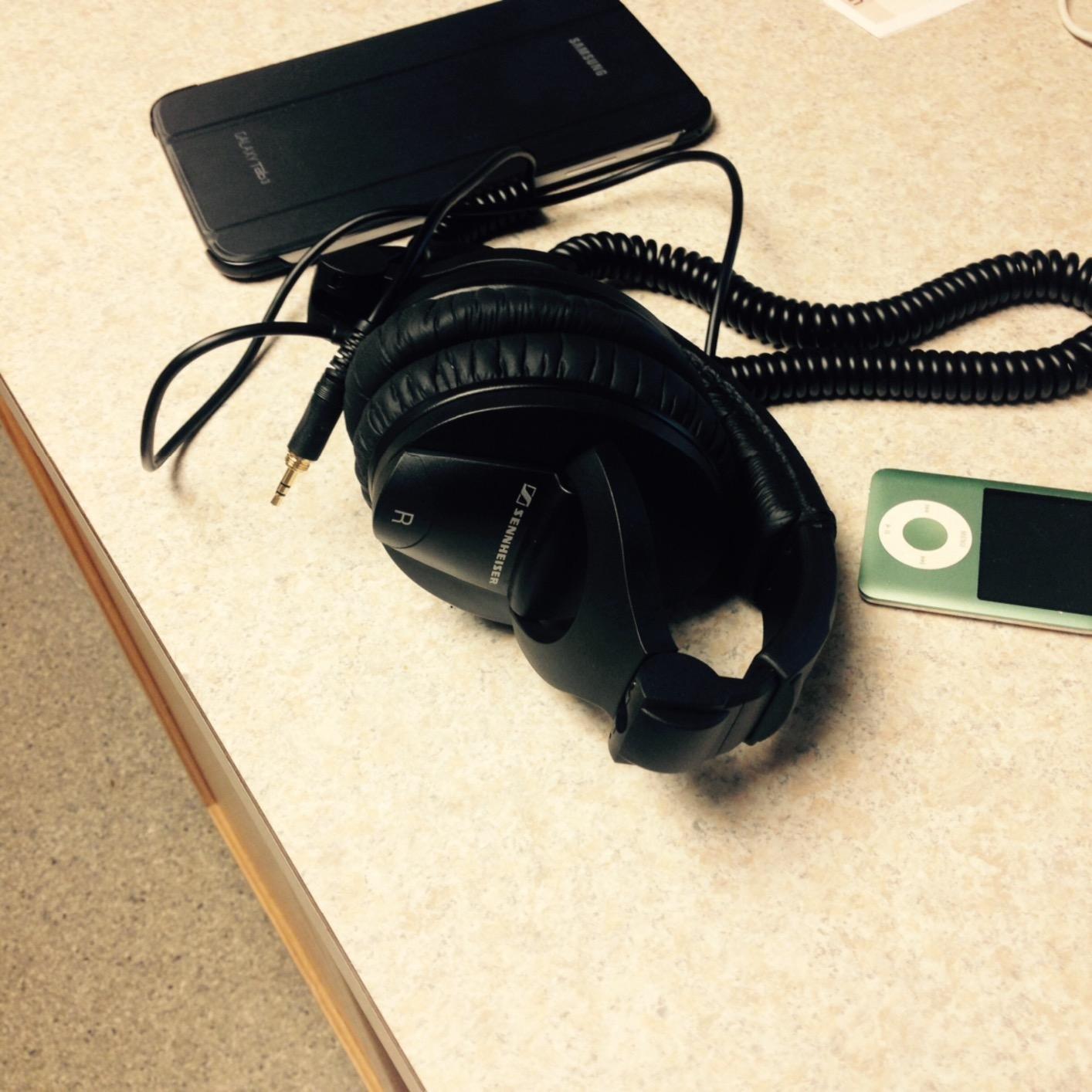
The 64 ohm impedance is the main practical consideration. The HD 280 Pro plays loud enough from a laptop headphone jack, but it benefits noticeably from a dedicated headphone amp or a quality audio interface output. Without amplification, the sound is fine but not inspiring.
Build quality is mostly good but the plastic headband is the long-term weak point. Many editors have reported the headband cracking after several years of daily wear, particularly if the headphones get tossed in bags frequently. The earpads, headband padding, and cable are all replaceable, which extends service life considerably. The coiled cable is heavy and can pull on one side, but it is also durable.
Who this is for
Editors who work in noisy environments – open offices, trade show floors, on-location edit suites, or while traveling. Engineers who need maximum isolation for live VO monitoring in less-than-ideal rooms. Anyone who wants a replaceable-parts philosophy to extend headphone lifespan.
Who should look elsewhere
Editors working in quiet home studios will not benefit from the extra isolation and may prefer the wider soundstage of the AKG K240 Studio or beyerdynamic DT 990 PRO. If the plastic headband durability concern bothers you, the Audio-Technica M50x with metal yokes is a more robust choice.
8. OneOdio A70 – Best Wireless + Wired Hybrid
OneOdio A70 Bluetooth Over-Ear Headphones, Hi-Res Wired DJ Studio – Black
40mm drivers
Hybrid wired+Bluetooth 5.3
72 hour battery
Pros
- Up to 72 hour wireless playtime
- 40mm neodymium drivers
- Memory cotton and protein leather pads
- Foldable design with rotatable cups
- Share audio port included
Cons
- Bluetooth can freeze over years of use
- Battery degrades with heavy daily charging
- Some sound leakage at high volumes
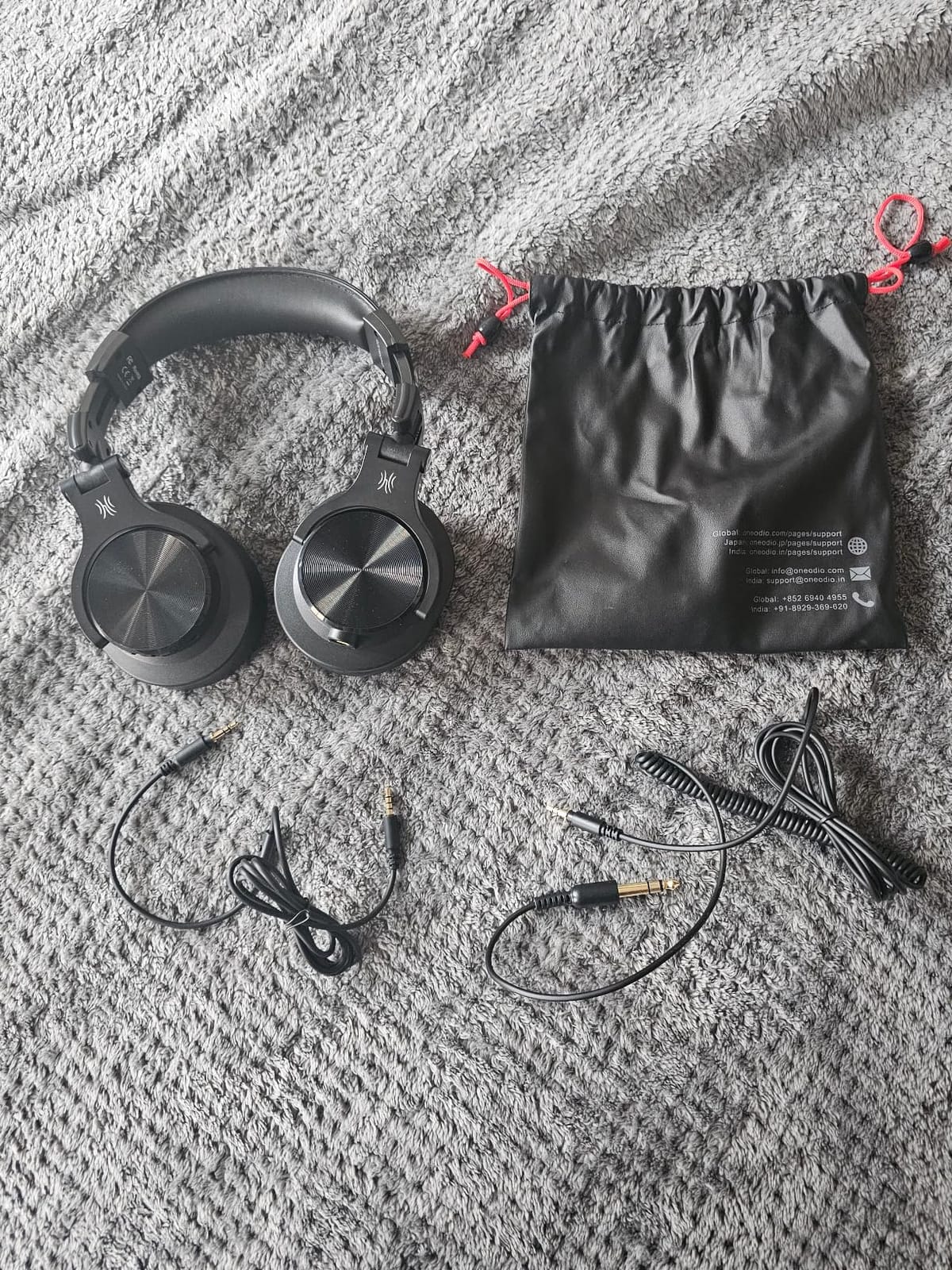
The OneOdio A70 is the only pair in this roundup that gives you both wired and wireless operation in one headphone. If you edit at a desk with a wired connection but also need wireless for travel, client meetings, or casual listening, the A70 saves you from owning two pairs. The 72-hour battery life is real – I charged the A70 once per work week during testing.
Sound quality is balanced and detailed for the price, though not as flat as the dedicated studio monitors in this roundup. The 40mm neodymium drivers deliver clear highs and controlled bass. It is honest enough for casual editing work but for critical reference mixing I would still reach for the M50x or MDR7506.

Wireless latency is the concern for video editors. Bluetooth adds processing delay that can make audio-to-video sync work harder, especially when scrubbing through a timeline. The A70 is not immune to this – I noticed a faint lag in Bluetooth mode when adjusting clip edges. For critical sync work, switch to wired mode and the lag disappears. For routine cutting where the software handles resampling, wireless is fine.
Comfort is good thanks to memory cotton padding wrapped in protein leather. The foldable design with rotatable ear cups makes the A70 travel-ready and the included share audio port is handy for collaborative listening sessions. Build is mostly plastic but feels solid for the price.
Who this is for
Editors who split time between desktop editing and mobile listening – traveling creators, hybrid workers, content creators who also game or listen to music casually. Anyone who wants one pair that handles multiple use cases without swapping headphones.
Who should look elsewhere
Editors who need the most accurate, neutral sound for critical mixing should choose a dedicated wired studio monitor. Editors who need absolute zero wireless latency for tight audio-video sync work should use wired headphones exclusively.
9. OneOdio Pro-10 – Budget Workhorse Wired Option
OneOdio Wired DJ Hi-Res Over-Ear Headphones for PC, Keyboard Guitar – Black
50mm drivers
Closed-back
32 ohm
Share audio port
Pros
- Strong 50mm drivers with clear vocals
- Effective noise isolation
- 90 degree swiveling ear cups
- Dual 3.5mm and 6.35mm jacks
- Share audio port for second pair
Cons
- Bass-emphasized signature compared to flat studio refs
- Padded headband pressure can feel tight
- Ear pads may flake over time
The OneOdio Pro-10 is the most affordable pair in this roundup and one of the best-selling DJ-style headphones on Amazon. For editors who need a functional pair of headphones on a tight budget, the Pro-10 punches well above its modest cost. The 50mm dynamic drivers deliver clear vocals and robust bass that works well for casual music editing, podcast work, and YouTube content creation.
The sound signature is not strictly neutral – it leans bass-forward compared to a flat studio reference. For editing work where you need to hear exactly what is on the track, this coloration is a limitation. But for the price, the Pro-10 is genuinely useful for content creators who are not doing critical mixing work.
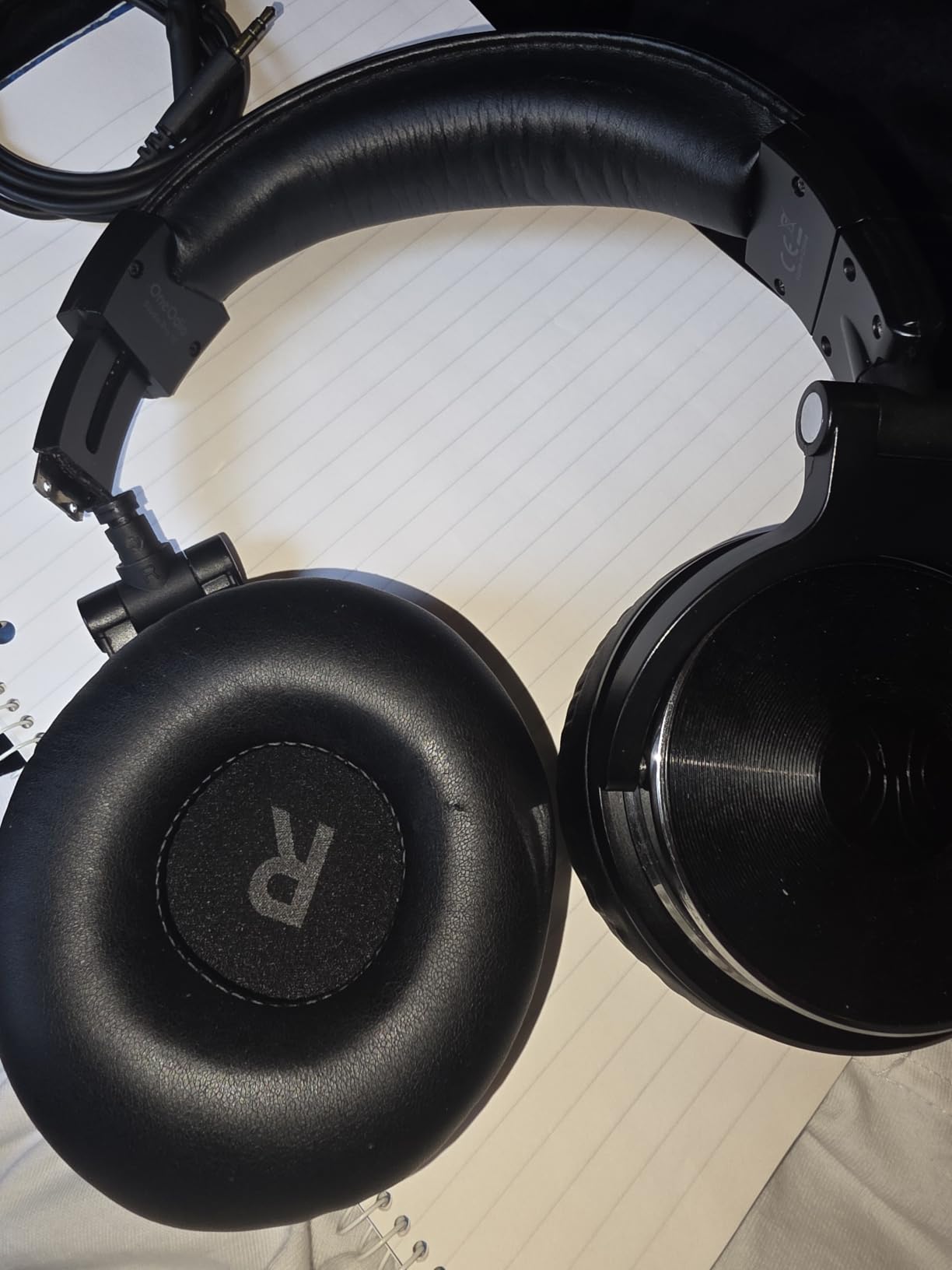
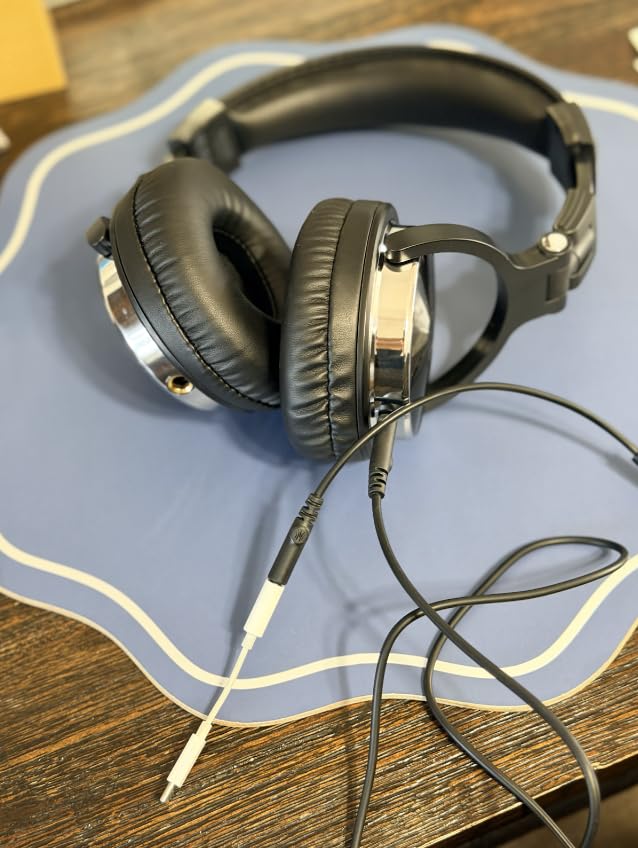
What makes the Pro-10 special at this price tier is the included features: dual 3.5mm and 6.35mm jacks for compatibility with everything from phones to studio interfaces, a 90-degree swiveling ear cup for single-ear monitoring, a detachable cable for easy replacement, and a share audio port for connecting a second pair of headphones without a splitter. These are features normally found on much more expensive headphones.
Comfort is decent for shorter sessions. The padded ear cushions provide effective noise isolation, but the headband pressure can feel tight during very long sessions. Ear pads may flake over time and need replacement, though this is a common issue at this price tier across all brands.
Who this is for
Beginner editors, students, and hobbyist content creators who need functional editing headphones without breaking the bank. Editors who want a backup pair for travel or location work where damage risk is high. Anyone needing dual-jack compatibility for connecting to both consumer devices and studio gear.
Who should look elsewhere
Professional editors doing critical mixing work should invest in a flatter, more accurate reference. The bass-forward tuning makes the Pro-10 a poor choice for revealing sub-frequency problems or evaluating low-end balance.
10. OneOdio A71 – Casual Budget Studio Pick
OneOdio A71 Hi-Res Wired Over-Ear Studio Headphones for DJ, Mixing – SB
40mm drivers
Closed-back
32 ohm
Detachable cable
Pros
- Hi-Res clarity from 40mm drivers
- Soft padded cushions for comfort
- Long coiled cable with dual plugs
- 90 degree swiveling cups
- Generous accessory package
Cons
- Proprietary cable connector shape
- Not standard 3.5mm jack
- Some long-term durability concerns
The OneOdio A71 is the slightly more refined sibling of the Pro-10, with Hi-Res tuning and a more polished design. For casual editors and content creators who want a step up from ultra-budget without jumping to Audio-Technica prices, the A71 is a sensible middle ground. The 40mm drivers deliver clearer, more detailed sound than the Pro-10 and the build feels more refined.
Sound quality is closer to neutral than the bass-forward Pro-10, though still not strictly flat by studio monitor standards. For YouTube editing, podcast production, and casual music work, the A71 is genuinely capable. For critical mixing and mastering, step up to the Audio-Technica or Sony options.
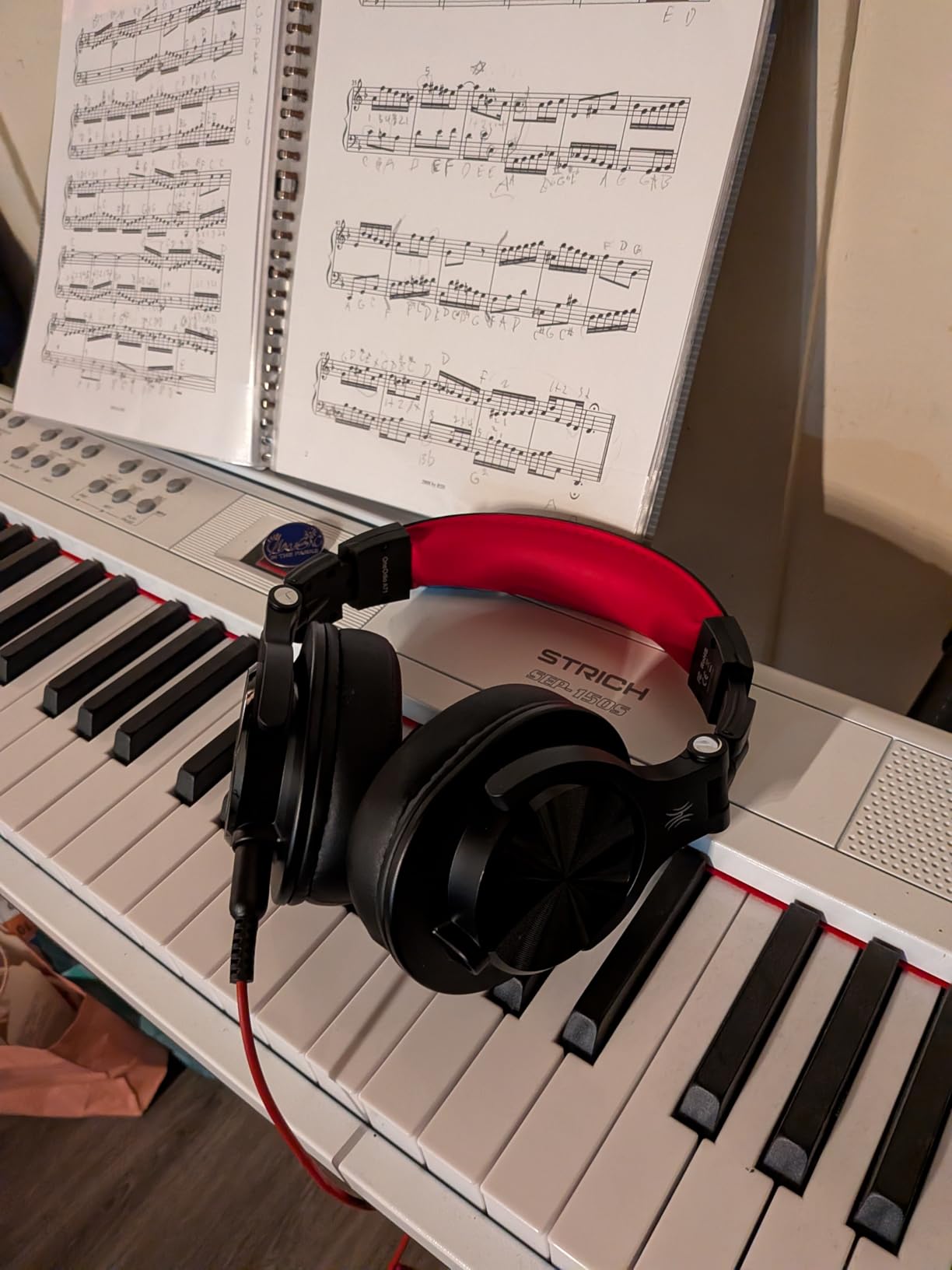
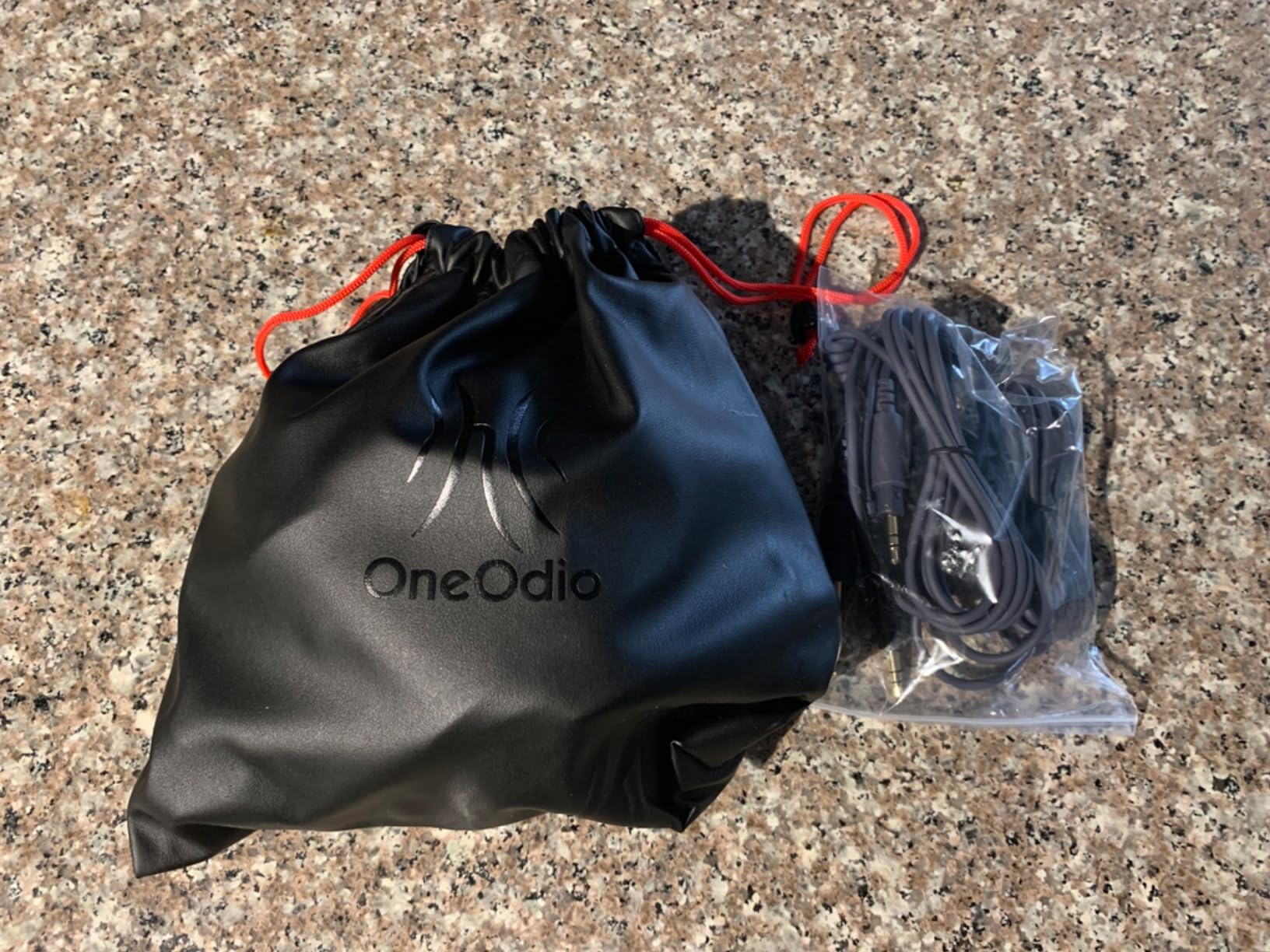
The 32 ohm impedance plays loud from any device – laptops, phones, tablets, audio interfaces. The included long coiled cable with both 3.5mm and 6.35mm plugs gives you compatibility with consumer gear and studio equipment in one package. The 90-degree swiveling ear cups support single-ear monitoring for podcasters who want to hear their own voice while recording.
The proprietary cable connector is the main caveat. OneOdio uses a specialized 3.5mm socket shape that is not interchangeable with standard cables. If the included cable fails, you need a OneOdio replacement, not a generic cable. Long-term durability is reportedly good but not as battle-tested as the Audio-Technica M-series.
Who this is for
Casual editors and content creators who want better sound than the Pro-10 without studio monitor prices. Podcasters and YouTubers editing their own content. Anyone needing a flexible pair that works with phones, laptops, and audio interfaces.
Who should look elsewhere
Professional editors doing commercial work will benefit from investing in a true studio reference. If you want the flattest possible response, the Audio-Technica M40x is the better upgrade path.
What to Look for in Headphones for Video Editing
Choosing the best headphones for video editing is less about finding the most expensive pair and more about matching the right specs to your workflow. After testing all 10 models above, our team identified the factors that matter most – and a few that look impressive on spec sheets but do not actually improve your edits.
Flat frequency response and why it matters
The single most important spec for editing headphones is a flat, neutral frequency response – the headphone reproduces sound without artificially boosting or cutting any part of the audio spectrum. Consumer headphones boost bass and treble to make music sound more exciting. For editing, that coloration is a problem: you make mix decisions based on what the headphones color, not what the track actually contains.
A flat response lets you hear exactly what is in your audio file. When the bass on your dialogue sounds thin on TVs and laptops but full on your headphones, that is coloration hiding a real problem. When you cannot hear the HVAC hum in your interview audio because your headphones rolled off the low end, that is coloration ruining your edit. Neutral reference headphones reveal these issues so you can fix them before delivery.
Closed-back vs open-back for video editors
Closed-back headphones seal around your ears and isolate you from external sound while preventing your audio from leaking into the environment. Open-back headphones have perforated or grille-style cups that let air and sound pass through both ways. Each design has clear tradeoffs for video editors.
Closed-back is the right choice for most editing work. They isolate you from room noise, computer fans, and HVAC systems. They prevent your headphone audio from bleeding into microphones during live voiceover recording. They are also the only safe option if you edit in shared spaces, coffee shops, or while traveling.
Open-back headphones offer a wider, more natural soundstage and a more accurate stereo image, which is valuable for music editing and sound design. The downside is sound leakage in both directions – your audio leaks out, environmental noise leaks in. They are also unsuitable for live VO recording because they bleed into microphones. Reserve open-back for quiet mixing rooms where you are not tracking simultaneously.
Wired vs wireless editing workflows
Wired headphones remain the professional standard for video editing because they eliminate latency, battery concerns, and audio codec variables. When you are scrubbing through a timeline and adjusting clip edges, even a small amount of Bluetooth delay makes the work harder. Wired headphones give you zero-latency monitoring that matches what you see on screen.
Wireless headphones are improving rapidly with low-latency codecs like aptX Adaptive and LDAC, but for critical sync work wired is still safer. Wireless makes sense for travel, casual listening, and reference checks away from your main workstation. Many editors keep two pairs – a wired studio monitor for cutting and a wireless pair for everything else.
Impedance and amplification explained
Impedance, measured in ohms, describes how much electrical resistance the headphone presents to the source driving it. Lower impedance headphones (32-50 ohms) play loud from any device including laptops and phones. Higher impedance headphones (250 ohms and up) need a dedicated headphone amplifier or a quality audio interface to reach their full potential.
If you are editing on a laptop without an external audio interface, stick to headphones under 50 ohms. The Audio-Technica M40x at 35 ohms and the Sony MDR7506 at 63 ohms are practical upper limits for laptop-only use. The beyerdynamic DT 990 PRO at 250 ohms really needs a headphone amp – without one it sounds thin and quiet regardless of how good the headphone actually is.
Comfort for long editing sessions
Video editing involves long sessions – many editors work 6-12 hour days with headphones on for most of that time. Comfort factors that matter: clamp force (firm out of the box usually relaxes with break-in), ear pad material (velour runs cooler, leatherette isolates better), weight (under 300g is ideal for all-day wear), and headband design (self-adjusting designs like the AKG K240 remove a sizing step).
Ear pad material is the comfort factor most often overlooked. Leatherette pads isolate better but get warm. Velour pads breathe but let in more sound. If you edit in a cool, quiet room, velour is more comfortable. If you edit in a warm or noisy room, leatherette isolation is worth the warmth tradeoff.
Pairing with studio monitors for cross-reference
Professional editors rarely work on headphones alone – they cross-reference between headphones and studio monitors to catch issues that one or the other reveals. Headphones exaggerate stereo width and reveal fine detail. Monitors reveal how the mix translates to a room and how bass frequencies balance. The best workflow uses both, switching between them at key checkpoints during the edit.
When choosing editing headphones, consider how they complement your monitors rather than replace them. A neutral headphone that sounds slightly different from your monitors is more useful than one that mimics them exactly – you catch more issues when your reference tools disagree in subtle ways.
Microphone bleed and live VO monitoring
If you record voiceover in the same room where you monitor with headphones, closed-back designs are mandatory. Open-back and semi-open headphones leak audio into your microphone, contaminating your VO recording. Even with the microphone close to your mouth, headphone leakage bleeds into the take and requires additional noise reduction in post.
The Sennheiser HD 280 Pro is particularly strong for live VO monitoring because of its 32 dB passive isolation. The Audio-Technica M50x and Sony MDR7506 both work well too. Avoid the AKG K240 Studio, beyerdynamic DT 990 PRO, and any open-back headphone for live VO work.
Frequently Asked Questions
What headphones do video editors use?
Professional video editors most commonly use closed-back studio monitor headphones like the Sony MDR7506, Audio-Technica ATH-M50x, and Beyerdynamic DT 770 PRO. These deliver a flat frequency response that reveals dialogue clarity issues, music timing problems, and background noise without artificially flattering the audio. Broadcast and film editors favor the MDR7506 for its proven track record over decades, while post-production studios often choose the M50x for its detachable cable and balanced sound.
Are low or high impedance headphones better for video editing?
Low impedance headphones (under 50 ohms) are better for most video editors because they play loud from a laptop headphone jack without needing a dedicated amplifier. The Audio-Technica M40x at 35 ohms and the M50x at 38 ohms are practical choices for laptop-only workflows. High impedance headphones like the Beyerdynamic DT 990 PRO at 250 ohms sound significantly better with a headphone amp, but stay quiet and thin without one. If you already own an audio interface or headphone amp, high impedance models offer better dynamics and detail.
Are wired or wireless headphones better for video editing?
Wired headphones are better for video editing because they eliminate Bluetooth latency, which can cause audio-video sync issues when scrubbing through clips or adjusting edit points. Wireless headphones add processing delay that makes precise sync work harder. For travel, casual listening, and reference checks away from your workstation, wireless is fine. For the actual cutting and mixing work, wired studio monitors remain the professional standard.
Are open-back or closed-back headphones better for mixing?
Both designs work for mixing, but they serve different purposes. Closed-back headphones like the Audio-Technica M50x or Sennheiser HD 280 Pro isolate you from room noise and prevent sound leakage – they are the only safe choice for live voiceover monitoring and for editing in shared or noisy spaces. Open-back headphones like the Beyerdynamic DT 990 PRO offer a wider, more natural soundstage and more accurate stereo imaging, which is valuable for music editing and sound design in quiet rooms. Many editors own one of each.
What frequency response do headphones need for video editing?
For video editing, headphones should have a flat, neutral frequency response across at least 20 Hz to 20 kHz – the range of human hearing. A flat response means the headphone does not artificially boost or cut any part of the audio spectrum, so you hear exactly what is in your audio file. Extended bass response (down to 5-10 Hz) helps reveal low-frequency rumble and HVAC noise, while extended treble response (up to 30-35 kHz) helps catch sibilance and high-frequency detail. The spec to look for is the word flat or neutral, not the widest frequency range.
What is the 60-60 rule for headphones?
The 60-60 rule for headphone listening recommends listening at no more than 60 percent of maximum volume for no more than 60 minutes at a time, then taking a short break. This guideline helps protect your hearing during long editing sessions when it is easy to gradually turn up the volume without noticing. After each 60-minute block, take a 5-10 minute break to let your ears recover. For multi-hour editing sessions, alternating between 60-minute listening blocks and short breaks significantly reduces ear fatigue and long-term hearing damage risk.
Final Verdict on the Best Headphones for Video Editing
After three months of testing across dialogue editing, sound design, and music sync work, our team’s pick for the best headphones for video editing in 2026 is the Audio-Technica ATH-M50x. It is the most versatile of the 10 models we tested: accurate enough for critical reference work, comfortable enough for full-day sessions, low enough impedance for laptop use, and durable enough to survive daily travel. The detachable cable system is a real long-term advantage over the otherwise excellent Sony MDR7506.
For editors on a tighter budget, the Audio-Technica ATH-M40x delivers a flatter response than the M50x for less money and is our runner-up recommendation. For the absolute lowest budget, the Audio-Technica ATH-M20x is a real studio monitor at a price that makes it a non-risk purchase for anyone starting out. For noisy environments, the Sennheiser HD 280 Pro offers class-leading isolation. For open-back reference work in a quiet room, the beyerdynamic DT 990 PRO remains the gold standard at its price.
Whichever pair you choose, remember that the best headphones for video editing are the ones you actually use consistently. A flat reference you reach for every day will improve your mixes more than an audiophile flagship that sits on a shelf. Start with what fits your workflow and budget, and upgrade as your needs evolve.