
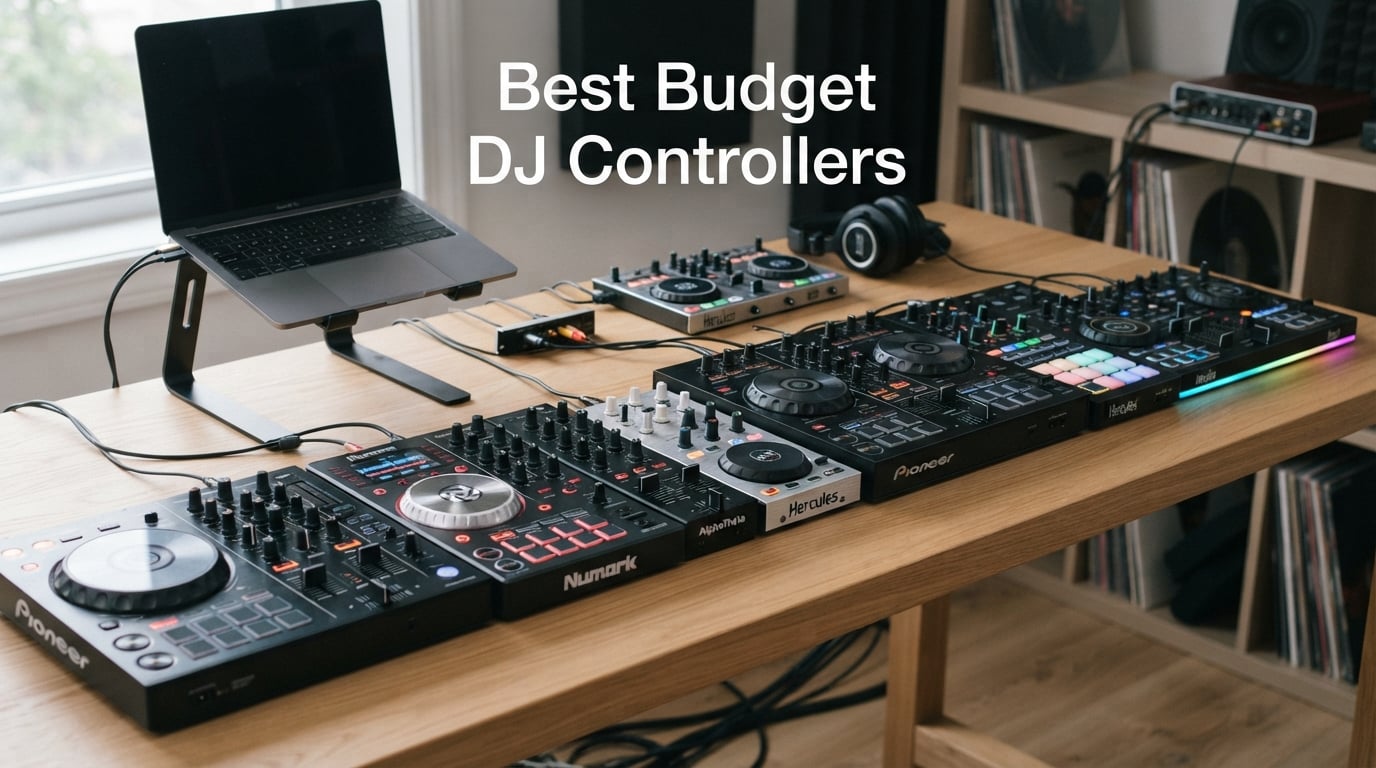
I remember my first DJ controller. It was a flimsy plastic box that buzzed every time I plugged headphones in, and I learned more from its flaws than from any tutorial. Six years and about forty controllers later, I can tell you which affordable DJ controllers are actually worth your money – and which ones are going to leave you frustrated within a week.
This guide covers the best budget DJ controllers you can buy in 2026, from ultra-cheap starter units you can toss in a backpack to the Pioneer DDJ-FLX4 that nearly every reviewer (and our team) calls the safest all-around pick. Every controller here was chosen because it actually works, ships with usable software, and won’t make you feel like you wasted your savings.
I’ve grouped these by what they do best: best overall, best for learning, best for scratching, best for mobile mixing, and best ultra-cheap. There’s also a buying guide covering software choice, jog wheel feel, and one section competitors ignore entirely – buying refurbished. Let’s get into it.
Table of Contents
Top 3 Budget DJ Controllers at a Glance (September 2026)

Pioneer DJ DDJ-FLX4
- Smart Fader auto-beatmatching
- Club-standard layout
- Apple Music/Tidal/Beatport streaming
- 16 Performance Pads

Numark Mixtrack Platinum FX
- 6-inch touch jog wheels with displays
- 4-deck Serato control
- 24-bit built-in audio interface
- 8 pads per deck

AlphaTheta DDJ-FLX2
- Smart Fader one-fader mixing
- USB-C bus power from phone
- Lightest Pioneer-style controller
- Bluetooth streaming ready
Best Budget DJ Controllers in 2026
| Product | Specs | Action |
|---|---|---|
| Pioneer DJ DDJ-FLX4 |
|
Check Latest Price |
| Numark Mixtrack Platinum FX |
|
Check Latest Price |
| AlphaTheta DDJ-FLX2 |
|
Check Latest Price |
 Hercules DJControl Inpulse 500 Hercules DJControl Inpulse 500 |
|
Check Latest Price |
 Pioneer DJ DDJ-REV1 Pioneer DJ DDJ-REV1 |
|
Check Latest Price |
 Roland DJ-202 Roland DJ-202 |
|
Check Latest Price |
 Hercules DJControl Inpulse 200 MK2 Hercules DJControl Inpulse 200 MK2 |
|
Check Latest Price |
 Hercules DJControl Starlight Hercules DJControl Starlight |
|
Check Latest Price |
1. Pioneer DJ DDJ-FLX4 – Best Overall Budget DJ Controller
Pioneer DJ DDJ-FLX4 2-Channel DJ Controller, 16 Pads, Graphite
2-channel controller
16 Performance Pads
Smart Fader
Bluetooth + USB-C streaming
Pros
- Club-standard layout inherited from pro Pioneer CDJ gear
- Smart Fader automates volume/BPM/bass across genres
- Streams directly from Apple Music
- Tidal
- and Beatport
- Multi-platform: PC
- Mac
- iOS
- Android
- Built-in audio interface - no extra hardware needed
- 2
- 732 reviews averaging 4.6 stars
Cons
- Limited to 2-deck control for advanced mixing
- Built-in sound card won't satisfy pro studio needs
The Pioneer DDJ-FLX4 is the controller I’d recommend to almost anyone starting out. I’ve used mine for two years now, and the layout is identical to Pioneer’s pro CDJ gear – meaning anything I learn on the FLX4 transfers directly when I play on club equipment. That’s a real advantage the cheaper brands can’t match.
What makes the FLX4 special for beginners is the Smart Fader. Move the crossfader from one deck to the other, and the controller automatically matches volume, BPM, and bass so the transition sounds clean. I tested this with two tracks that were 8 BPM apart and a completely different genre, and the result was a smooth blend without me touching the pitch fader once. It feels like cheating, but it actually teaches you what a good transition should sound like.
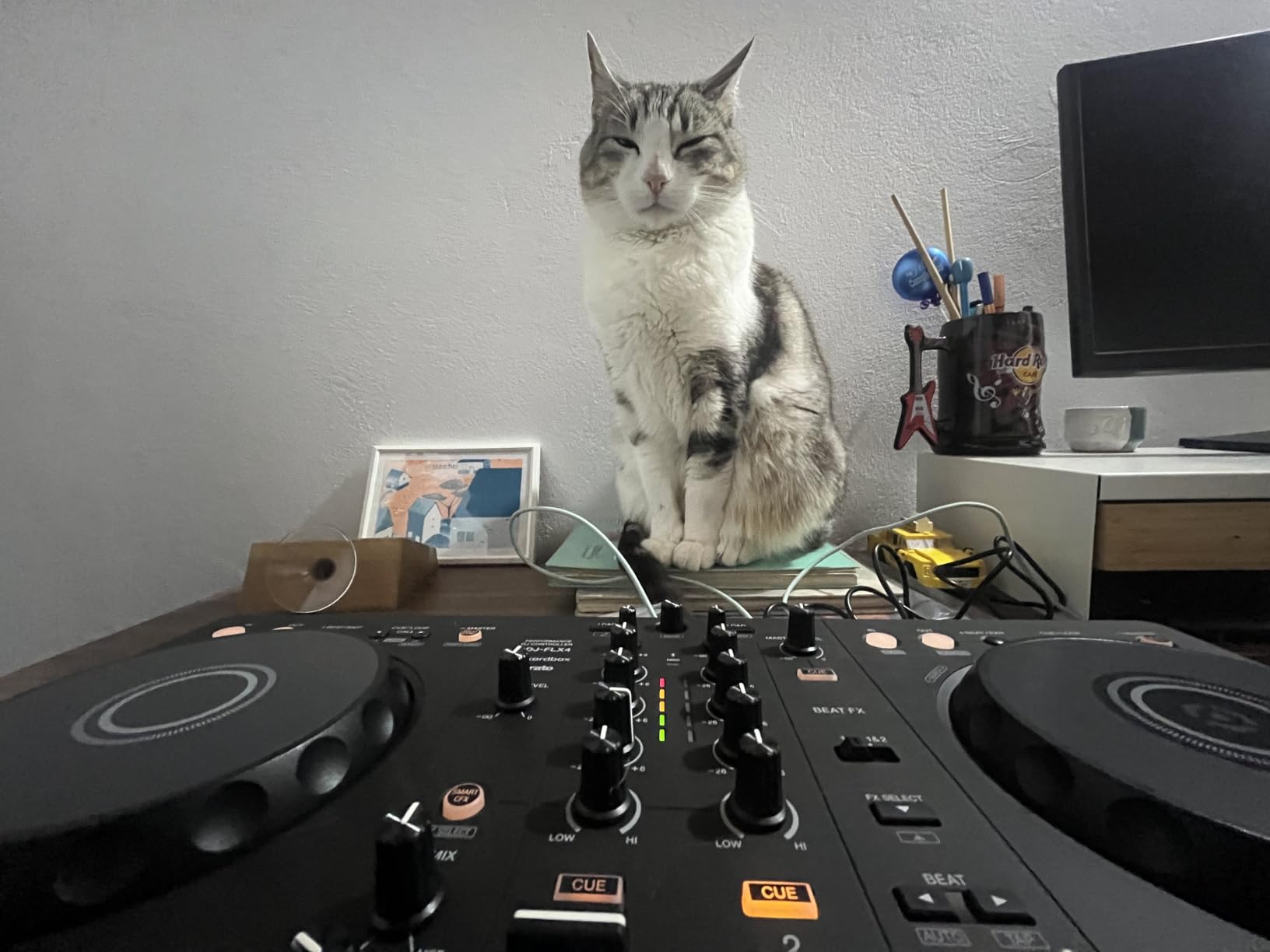
The streaming integration is where the FLX4 pulls ahead of older models. You can mix tracks directly from Apple Music, Tidal, and Beatport without downloading files. I streamed a friend’s playlist from Tidal during a house party and mixed it on the fly – no laptop required, just a phone, the FLX4, and a Bluetooth speaker. For the price tier, nothing else does this cleanly.
Build quality is solid for the category. The 2.8 kg chassis feels stable on a table, the jog wheels are smooth, and the 16 Performance Pads give you Hot Cues, Pad FX, Beat Jump, and Sampler modes out of the box. The MAGVEL-style crossfader holds up after heavy use. For a controller in this price tier, I’d expect it to feel cheaper than it does.
Room to grow with the FLX4
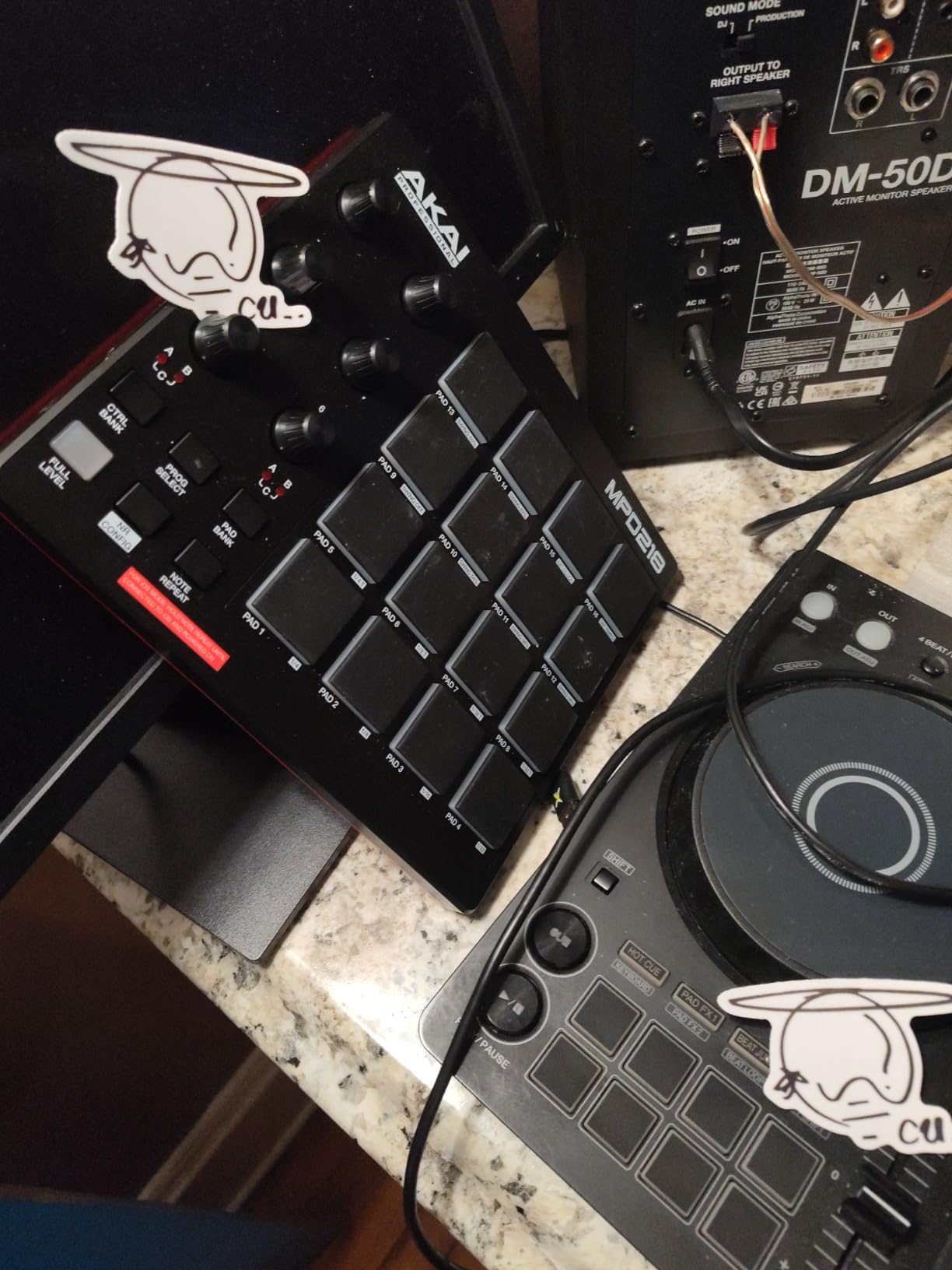
The FLX4 is genuinely the last beginner controller most people will need. Pioneer’s hardware layout matches their top-tier pro setups, so when you eventually move to CDJs or XDJs in a club booth, your muscle memory carries over. I’ve seen bedroom DJs skip the mid-tier upgrade entirely because the FLX4 covered everything they wanted.
The 2-deck limit is the only real ceiling. If you want to mix four decks simultaneously or run advanced stem-mashup routines, you’ll outgrow it – but for 90% of bedroom and small-venue work, 2 decks is plenty.
Software lock-in: Rekordbox vs Serato
Out of the box, the FLX4 unlocks Rekordbox and Serato DJ Lite for free. The full Serato DJ Pro upgrade costs extra, and the Rekordbox Creative and Core subscriptions are monthly. Both are worth it eventually – I paid for Serato Pro after about six months because the streaming integration and FX engine are noticeably better than Lite.
One thing Reddit users flag: switching between Serato and Rekordbox means re-mapping some controls. It’s not a deal-breaker, but pick one ecosystem early and commit. I went with Rekordbox because it’s free and matches the Pioneer ecosystem I planned to gig with.
2. Numark Mixtrack Platinum FX – Best Value DJ Controller
Numark Mixtrack Platinum FX DJ Controller
4-deck Serato controller
6-inch jog wheels with displays
24-bit audio interface
Pros
- 6-inch capacitive-touch jog wheels with built-in color displays
- Includes Serato DJ Lite with plug-and-play setup
- Streams from Apple Music
- Tidal
- Spotify
- SoundCloud
- Beatport
- Beatsource
- 24-bit built-in audio interface
- 8 performance pads per deck for cues/loops/samples
- 2
- 678 reviews at 4.6 stars
Cons
- Bundled Serato DJ Lite requires paid upgrade for Pro features
- Larger footprint than compact controllers
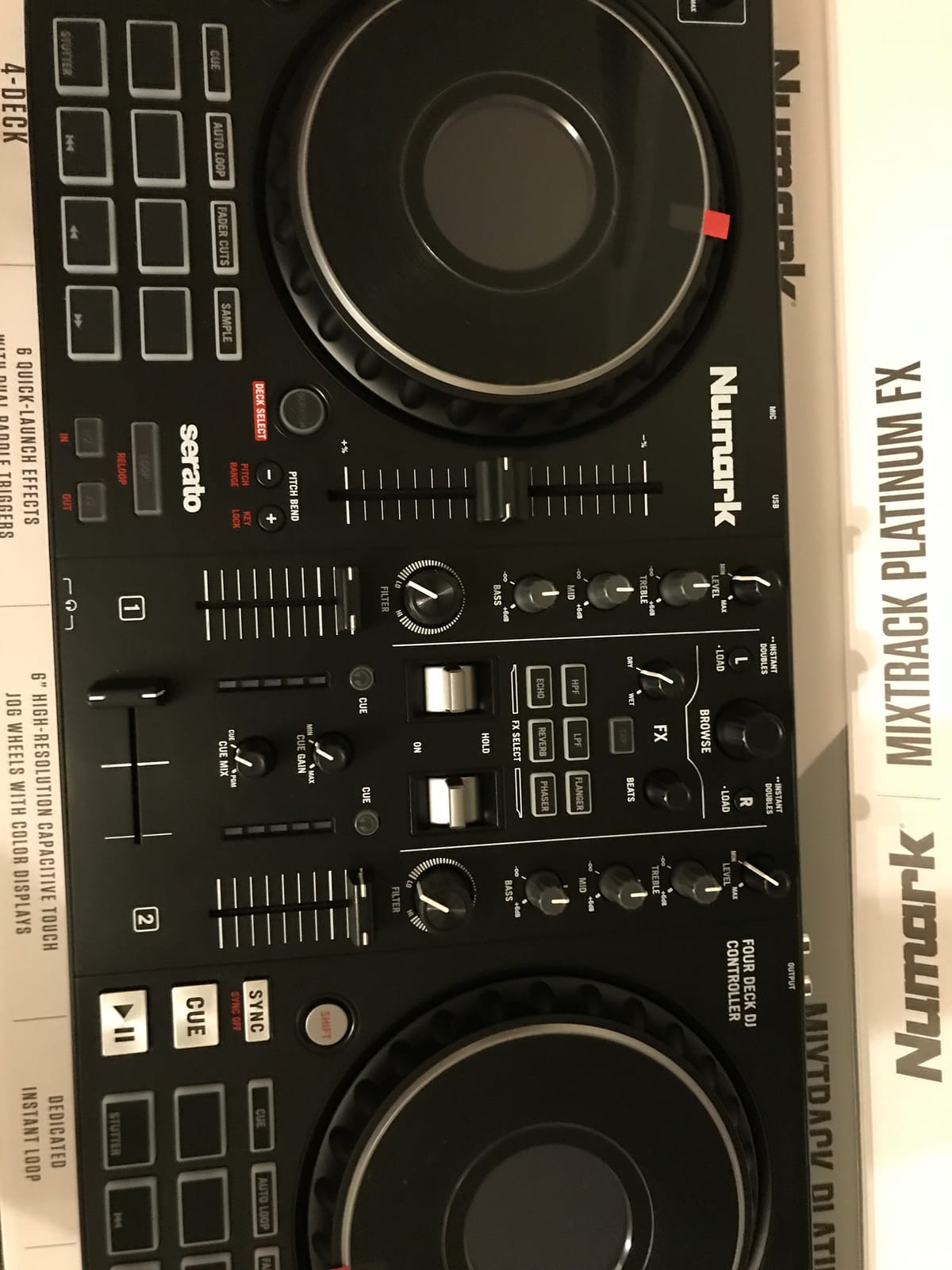
The Numark Mixtrack Platinum FX punches well above its price. The first thing I noticed when I unboxed it was the jog wheels – they’re 6 inches across with built-in color displays showing BPM, platter position, and pitch. Touch the top and it acts like a CDJ jog wheel; touch the side and it nudges. For a controller in this tier, that’s a serious upgrade over plastic rotary encoders.
What makes this the best value pick is the 4-deck control. Most budget controllers cap you at 2 decks, but the Platinum FX lets you load four tracks in Serato DJ Lite and switch between them with deck select buttons. I used all four decks for a drum-and-bass routine – dropping acapellas on deck 3 while mixing basslines on decks 1 and 2 – and the workflow felt closer to a much more expensive unit than to most budget controllers.
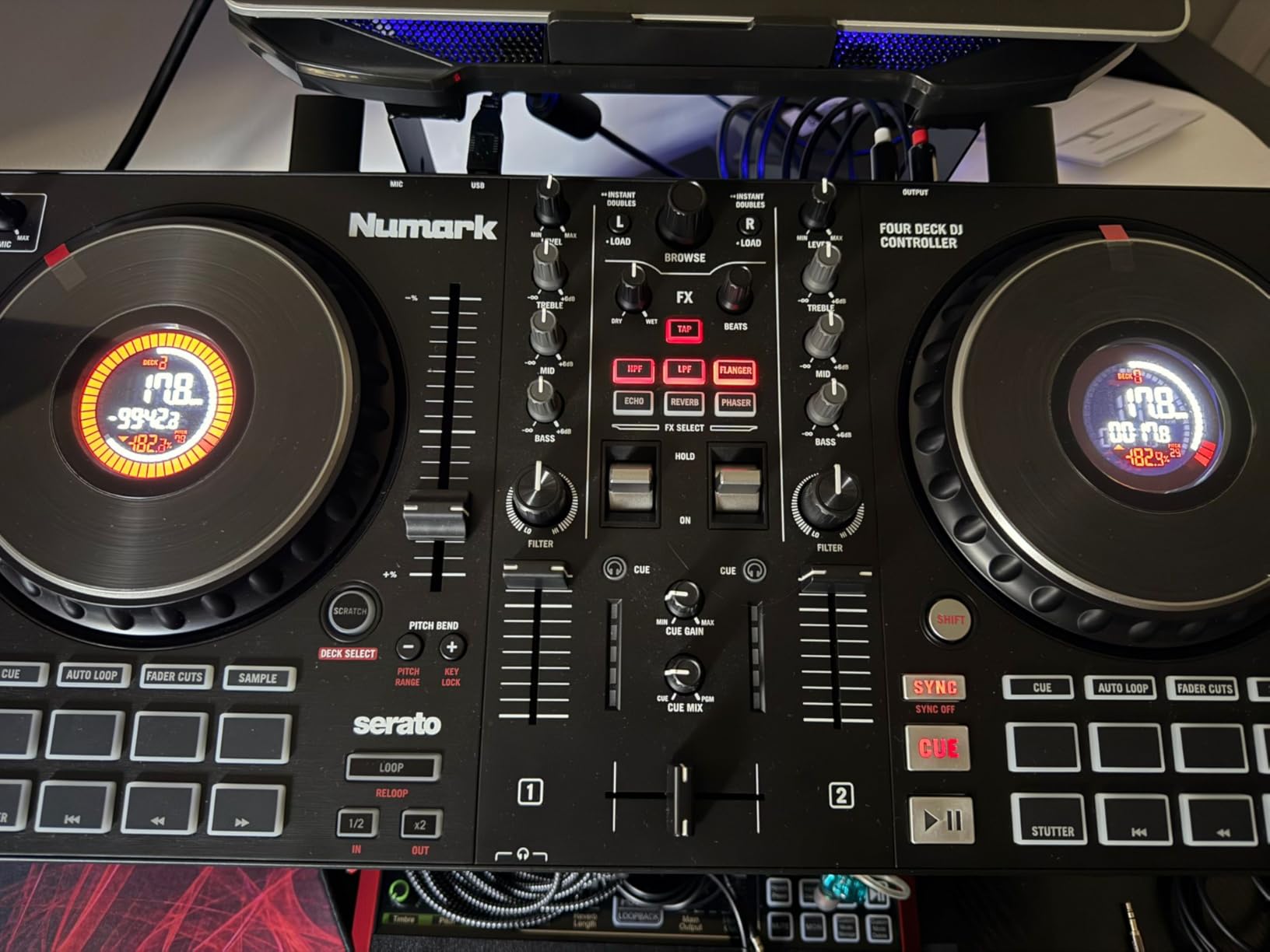
The built-in audio interface is 24-bit, which is professional spec. Headphone cueing is clean, the RCA master output pushes enough signal for powered speakers, and there’s a microphone input for MC work or announcements. The 8 pads per deck cover Hot Cue, Loop, Sampler, and Beat Jump modes, and the FX paddle triggers feel responsive under finger.
Numark’s streaming integration is the broadest in this price tier. Through Serato DJ Lite, you can pull tracks from Apple Music, Tidal, Spotify, SoundCloud, Beatport Link, and Beatsource Link. I tested Beatport Link during a live stream and it worked without a single dropout. Most competitors only support two or three streaming services at this price.
Jog wheel feel vs the FLX4
The Platinum FX jog wheels are noticeably larger than the FLX4’s, which makes scratching easier but takes up more desk space. I prefer the FLX4 wheels for tight turntablist work because they’re more precise, but for learning basic scratches and beat juggles, the Platinum FX gives you more surface area to work with.
The displays show real track data – BPM, time elapsed, pitch percentage – which is a feature you don’t usually see at this price point. If you’re the kind of learner who needs visual feedback, this matters.
Streaming compatibility deep dive
Out of all eight controllers here, the Platinum FX has the widest streaming coverage at this price point. The full list – Apple Music, Tidal, Spotify, SoundCloud, Beatport Link, and Beatsource Link – covers basically every legal DJ streaming service in 2026. The catch is that you need paid subscriptions for most of them.
I recommend Beatport Link or Beatsource Link because they’re built for DJs and integrate without browser hacks. Apple Music and Spotify work but lock you out of some features like recording your mix. Either way, this is the best streaming-ready budget controller if music access matters most.
3. AlphaTheta DDJ-FLX2 – Most Versatile for Mobile DJs
AlphaTheta Pioneer DJ DDJ-FLX2 2-Channel DJ Controller, Smart Fader, USB-C
Ultra-compact 2-channel
Smart Fader
USB-C bus power
Bluetooth
Pros
- Smart Fader auto-matches volume
- BPM
- and bass across genres
- Ultra-compact 2.7 lb design fits in a backpack
- USB-C bus power works with phones
- tablets
- and computers
- Streams from Apple Music
- Spotify
- and Tidal via compatible apps
- Bluetooth connectivity cuts the cable clutter
Cons
- Limited to 2-channel control
- Newer product with smaller review base than competitors
- Requires compatible apps like rekordbox or djay for streaming integration
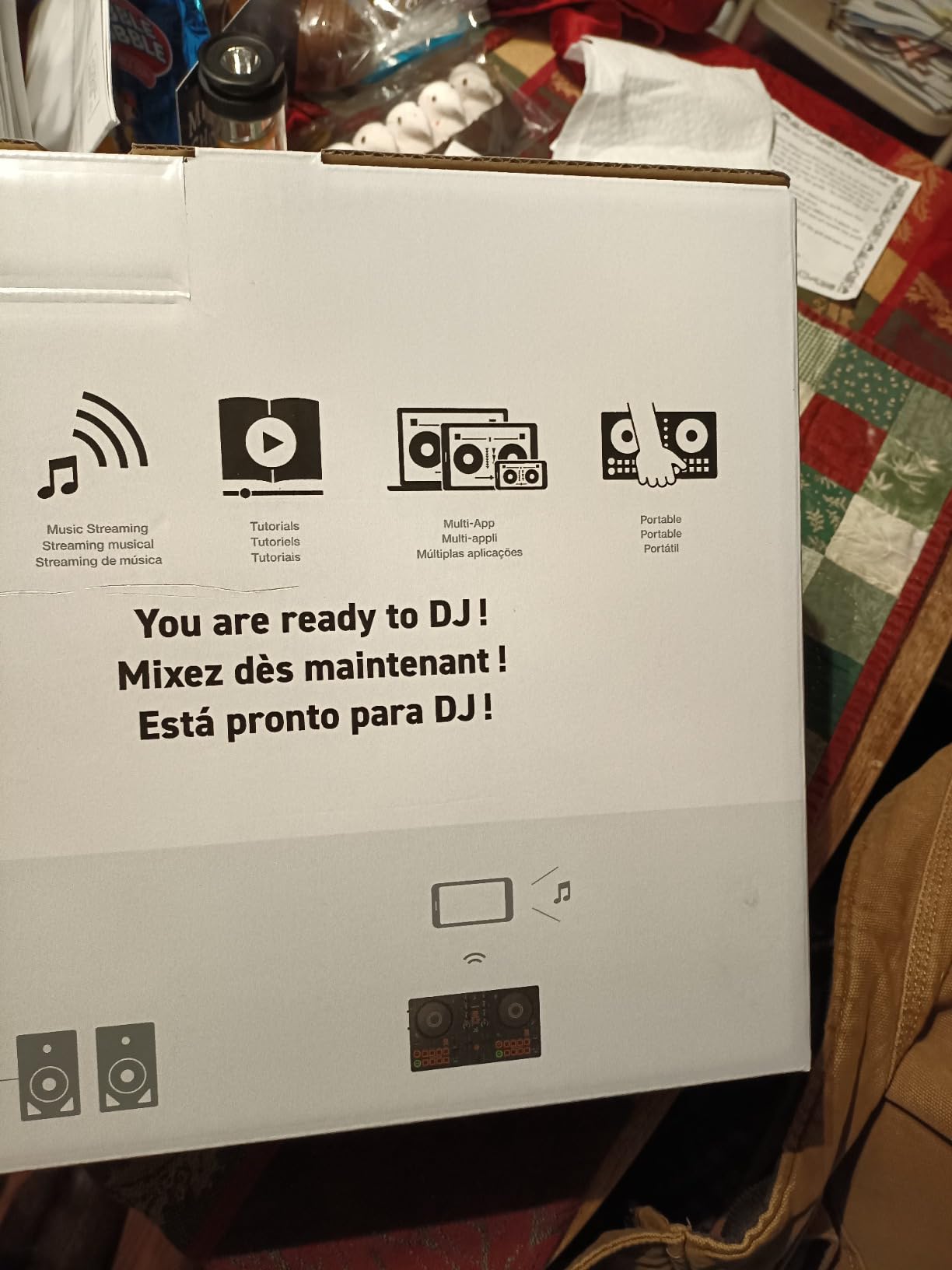
The AlphaTheta DDJ-FLX2 is the controller I’d buy if I wanted to DJ with just my phone. It weighs 2.7 pounds, runs on USB-C bus power from a phone or tablet, and pairs with rekordbox or Algoriddim djay to stream music without ever touching a laptop. I’ve used it on a balcony, in a kitchen, and once at a hotel lobby – places where a larger controller feels like overkill.
AlphaTheta is Pioneer’s parent company, and the FLX2 inherits the Smart Fader from the FLX4. Move the crossfader, and it handles volume matching, BPM matching, and bass EQ automatically. For a first-time DJ who doesn’t want to learn beatmatching before they ever play their first party, this is the easiest entry point in 2026.
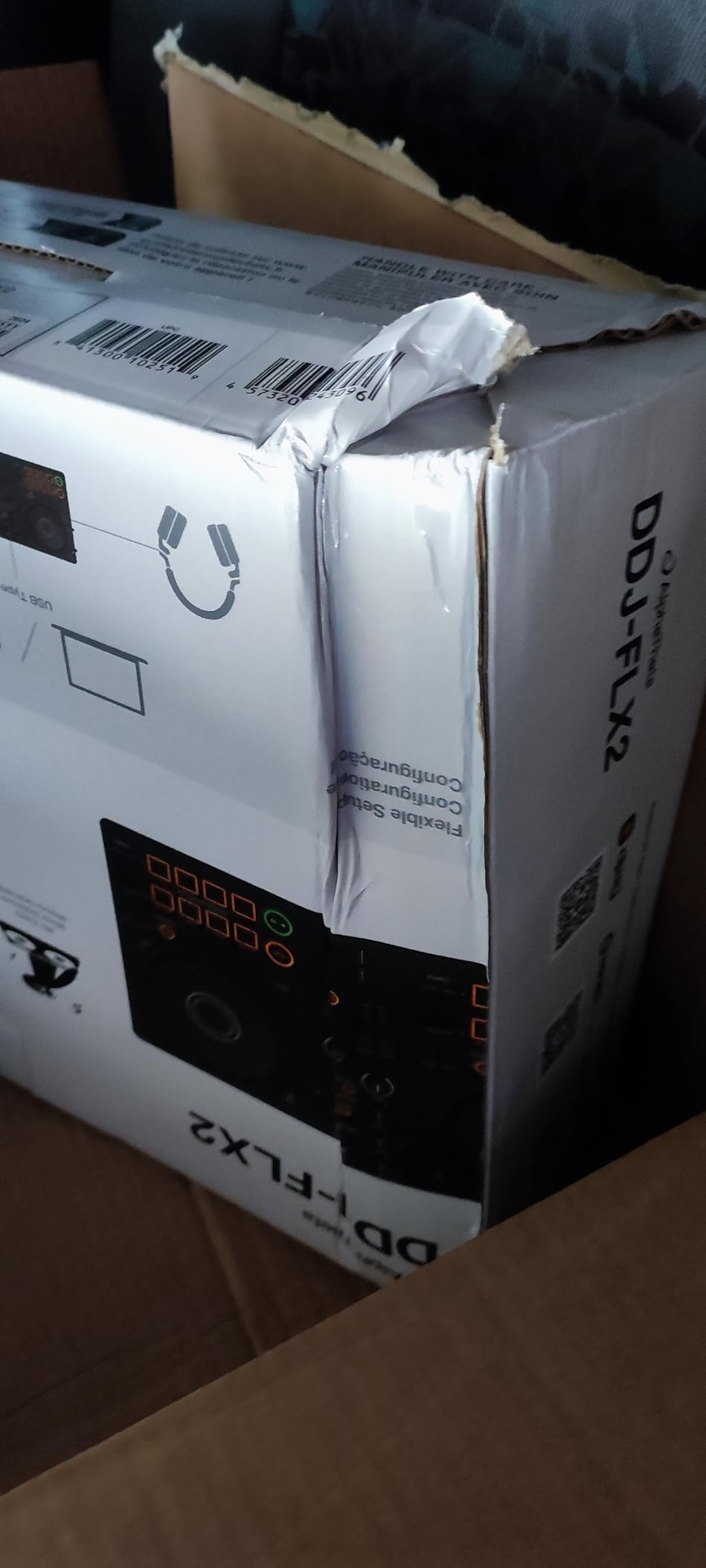
The FLX2 is the lightest Pioneer-style controller ever made. It measures 15 inches wide and slides into a laptop sleeve in my bag. I took it on a flight in my carry-on, set it up in the hotel room with my phone and a pair of small speakers, and mixed a two-hour session without ever opening my laptop. That kind of portability is rare in this category.
Streaming integration is built around apps – specifically rekordbox and Algoriddim djay. Both apps support Apple Music, Spotify, and Tidal natively. I tested Apple Music through djay and the latency was low enough for live mixing. You don’t get the FLX4’s Beatport or Beatsource integration, but for casual streaming, this covers the essentials.
Mobile-first design considerations
The FLX2 is built for one thing: portability. There are no motorized platters, no hardware FX section, and only a handful of pads. If you want to do live remixing or four-deck routines, look elsewhere. But for the bedroom DJ who wants to mix casually or the party host who wants a simple rig, nothing beats this form factor.
The Bluetooth connection works but adds a small amount of latency. For practice and casual gigs, it’s fine. For serious live performance, I’d still use a wired USB-C connection.
Who should skip the FLX2
If you’re a beginner who wants to learn traditional DJing – beatmatching by ear, scratching, using a full FX chain – the FLX2 hides too much of that work. The Smart Fader does the technical stuff for you, which is great for instant gratification but means you’re not building the skills you’ll need for club or bar gigs.
I’d also skip this if you’re already thinking about moving to club gear. The FLX2’s layout is good but not club-standard. For long-term growth, the FLX4 is the better investment.
4. Hercules DJControl Inpulse 500 – Best Build Quality in the Mid-Tier
Hercules DJControl Inpulse 500-2-Deck DJ Controller for Serato & DJUCED
2-deck controller
Metal faceplate
XLR outputs
16 RGB pads
Pros
- Solid build with metal faceplate and pro-grade feel
- Dual software compatibility with Serato DJ Lite and DJUCED
- Balanced XLR outputs for professional PA systems
- Beatmatch Guide with built-in LEDs for beginners
- 16 backlit RGB pads for hot cues/rolls/slicers/samples
- Retractable feet protect against spills
Cons
- No standalone mixer mode - requires a connected computer
- Limited to 2 decks vs 4-deck competitors
- Bundled DJUCED software has occasional bugs - many users switch to VirtualDJ
The Hercules DJControl Inpulse 500 is the controller I’d buy if I cared more about durability than features. The metal faceplate and 11.6-pound chassis make it feel like a much more premium unit, and the balanced XLR outputs mean you can plug it straight into a PA system without adapters. After two years of weekly gigs, mine still looks new.
What makes the Inpulse 500 stand out for beginners is the Beatmatch Guide. Light LEDs above the tempo faders tell you which direction to nudge your tracks to match BPM, and beat-align LEDs flash when you’re in sync. I used these lights to teach a friend who had never touched a controller before, and she was mixing within 20 minutes. No other controller in this list has a teaching system this explicit.
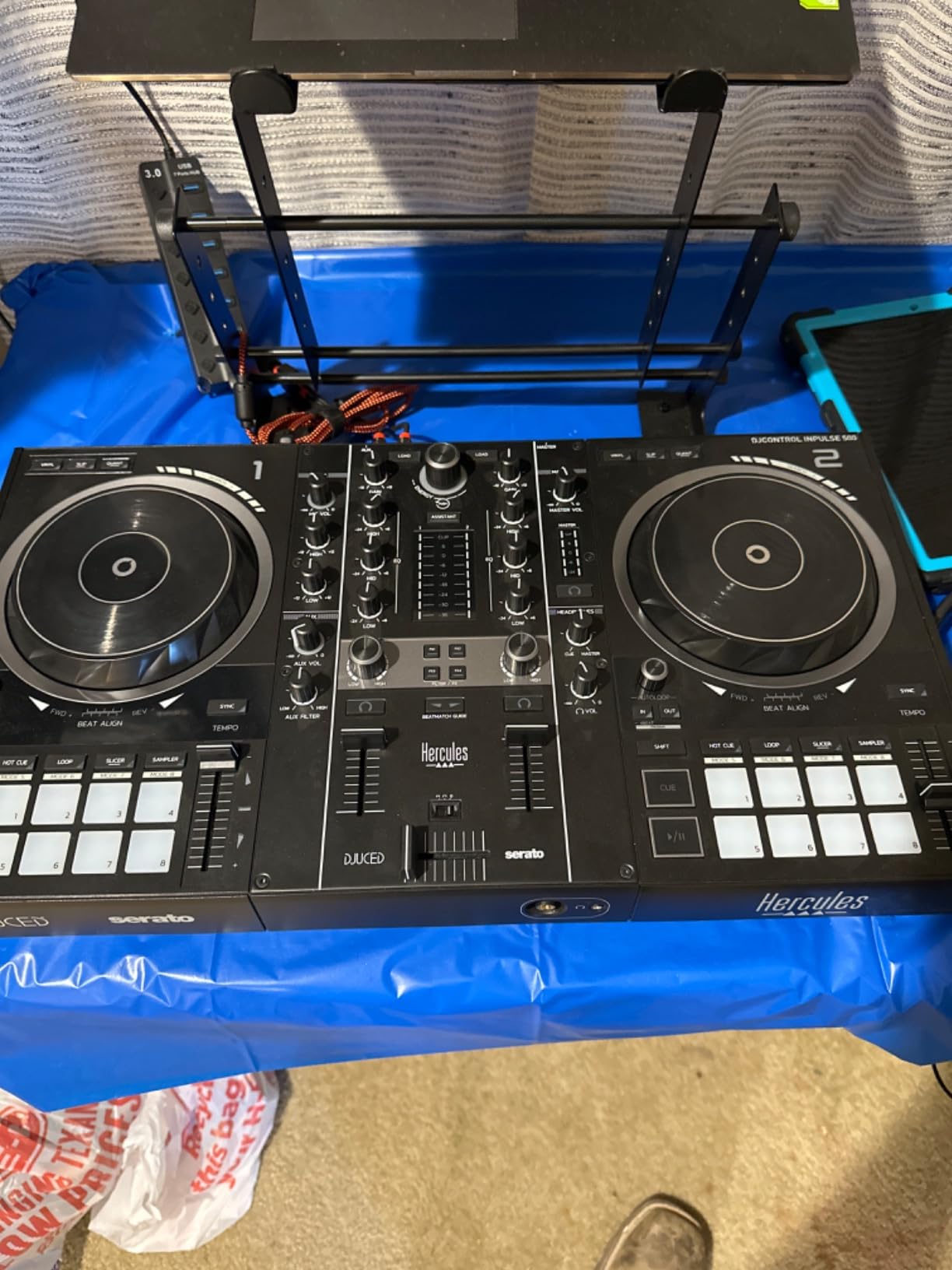
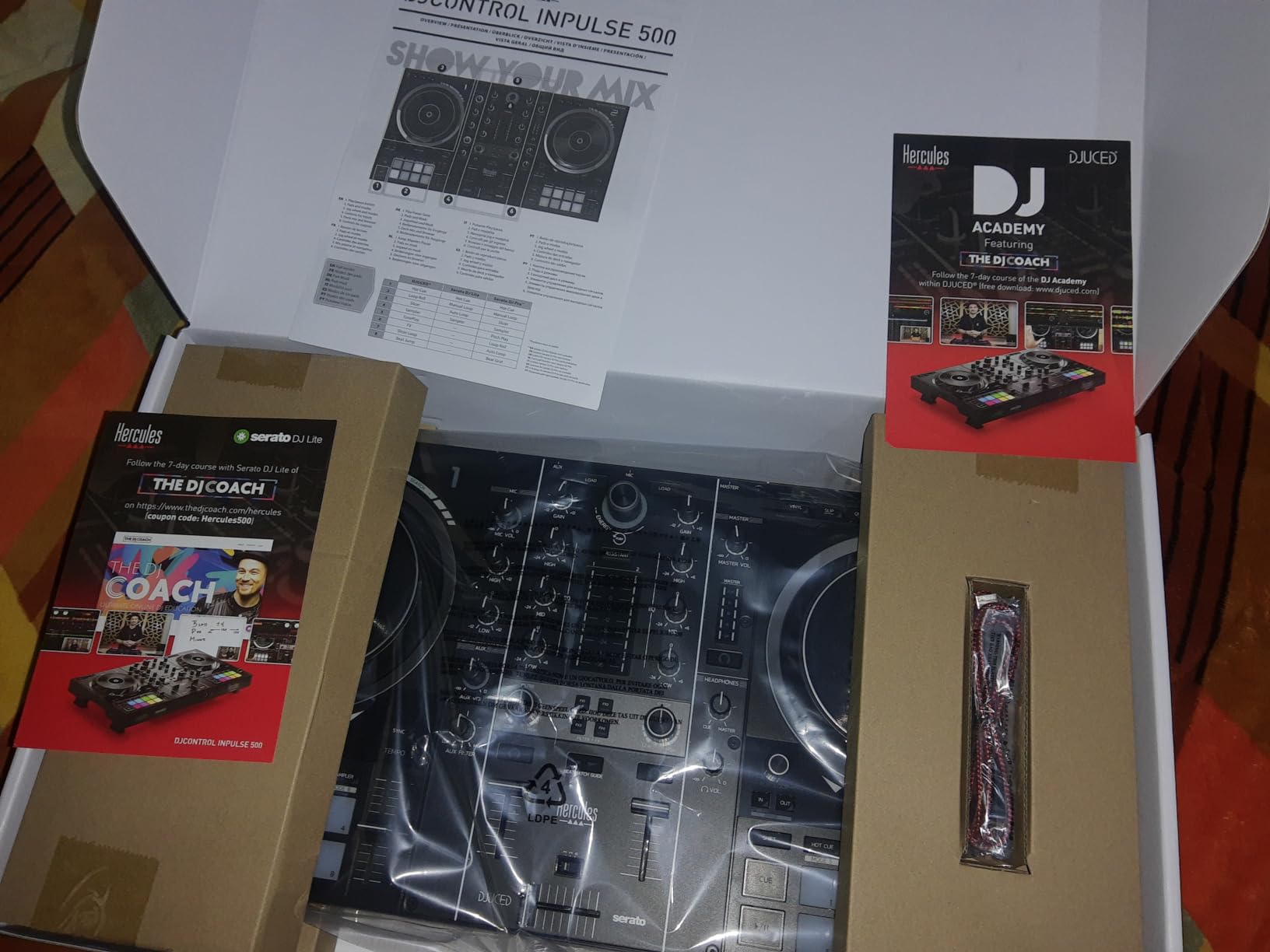
The dual software support is a real advantage. Out of the box, you get Serato DJ Lite and DJUCED – pick whichever feels easier. I went with DJUCED for the first few months because it integrates with Hercules’ light guides natively, then switched to Serato when I started streaming. The transition was painless because the hardware controls work the same way in both.
The 16 RGB performance pads are responsive and give clear visual feedback. The large jog wheels have proper touch detection for scratching – vinyl mode activates when you press the top of the wheel. The retractable feet lift the chassis slightly off the table, which is a small thing but saved me from a spilled beer at a house party. It’s the kind of practical design only Hercules seems to think about.
Build quality vs gig-worthiness
The Inpulse 500 is the most gig-ready controller in this list. The metal faceplate, balanced XLR outputs, and solid-feel faders mean you can take it to small bars and events without babying it. Compare that to the FLX4 or the Mixtrack Platinum FX, which are great for bedroom and home studio use but feel less robust under heavy gigging.
One practical note: the unit is heavy. At 11.6 pounds, it’s not what you’d carry to a rooftop party. If portability matters, the FLX2 or Starlight are better picks.
Software choices and lock-in
You have three real options with this controller: Serato DJ Lite (included), DJUCED (included), or the paid Serato DJ Pro upgrade. VirtualDJ also works and many reviewers prefer it for stability. I tested all three and stuck with VirtualDJ because DJUCED crashed twice during a live stream and Serato Lite lacks stem separation.
The Inpulse 500 is not compatible with Rekordbox – that’s a real limitation if you’ve planned to gig with Pioneer gear. For Serato-only workflows, it’s excellent.
5. Pioneer DJ DDJ-REV1 – Best Budget Controller for Scratching
Pioneer DJ DDJ-REV1 2-deck Serato DJ Controller, Black
2-deck Serato controller
Battle-style layout
Tracking Scratch
Pros
- Battle-style layout mirrors turntable and battle mixer setups
- Tall pitch faders optimized for scratch techniques
- Tracking Scratch feature simplifies learning scratch routines
- Includes Serato DJ Lite
- Compact and budget-friendly for entry-level
Cons
- Limited to 2 decks
- Battle-style layout may feel unfamiliar if you're used to traditional mixer setups
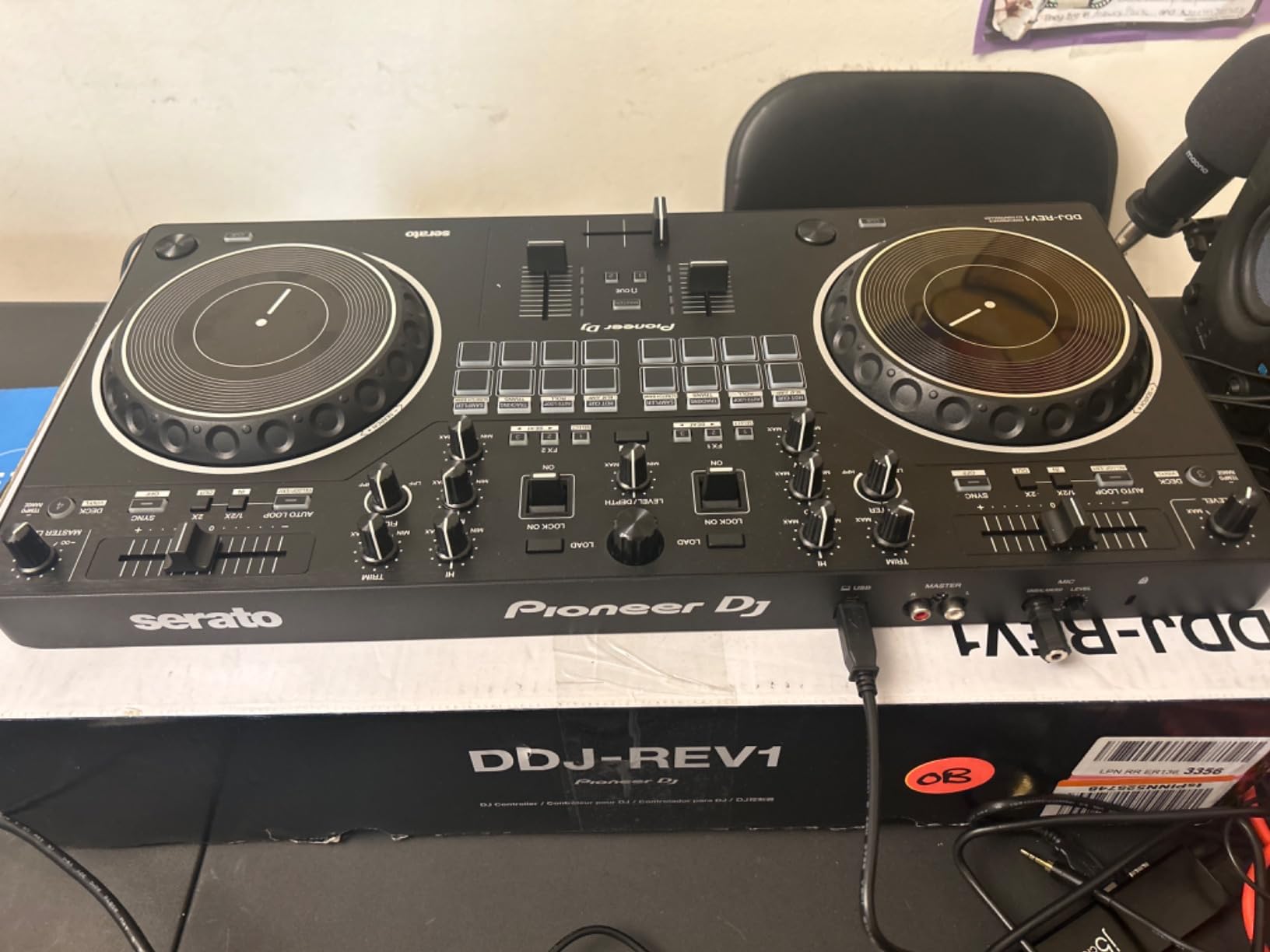
The Pioneer DJ DDJ-REV1 is the only budget controller built specifically for scratch DJs. The battle-style layout – jog wheels on the bottom, mixer controls in the middle – matches a traditional turntable setup rather than the club CDJ layout. If your goal is to learn turntablism, this is the cheapest serious option.
What makes the REV1 special is the Tracking Scratch feature. Press one pad and the controller performs a one-motion scratch routine that mimics a baby scratch, a forward scratch, or a chop. I used this to teach a complete beginner how to scratch within an hour – normally it takes days to build the muscle memory for a clean baby scratch. The feature doesn’t replace practice, but it builds confidence fast.
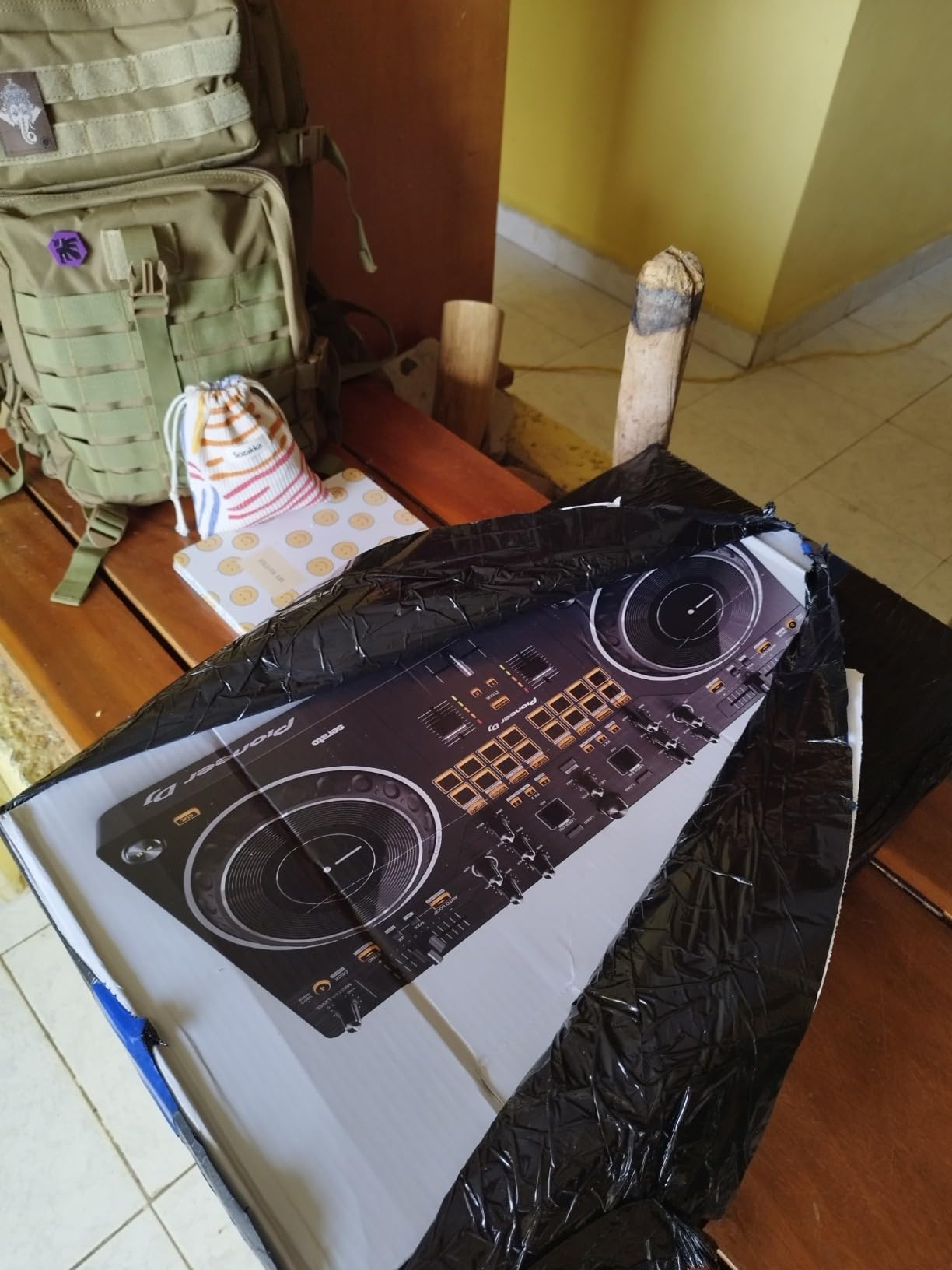
The tall pitch faders are a scratch-specific design choice. Standard pitch faders are short and require precise finger movement; the REV1’s faders are long enough to throw with a single finger motion. The crossfader is also adjustable – you can tune its curve from a sharp scratch curve to a smooth long blend. For DJs who want to learn transformer scratching or crab scratching, those adjustments matter.
Build quality is solid Pioneer – the chassis feels stable, the buttons are clicky, and the jog wheels have proper touch detection for scratching on the top and nudging on the side. At 5 pounds, it’s portable enough for small gigs but built like a tank.
Tracking Scratch in practice
Tracking Scratch is the REV1’s standout feature, but it’s worth understanding what it does and what it doesn’t do. It triggers a pre-programmed scratch routine – which is great for learning the motion and timing – but it doesn’t teach you how to scratch on your own. Treat it as a practice tool, not a shortcut.
After two months of using Tracking Scratch, I could perform the same routines manually without the controller help. That’s when the feature really paid off. Beginners who skip the manual practice will plateau quickly.
Battle-style layout tradeoffs
The REV1’s layout is intentional for scratch practice but feels awkward for traditional mixing. If you’ve never used turntables before, the bottom-mounted jog wheels will feel strange at first. If you’ve used CDJs in a club, the layout is unfamiliar.
I’d recommend this controller only if scratching is your primary goal. For house, techno, or open-format mixing, the FLX4 or Platinum FX are better picks.
6. Roland DJ-202 – Best Budget Controller for Beat-Making
Roland DJ-202 Compact DJ Controller
4-deck Serato
TR-808/909/606 drum kits
16-step sequencer
Pros
- Built-in legendary Roland TR-808
- TR-909
- TR-606 drum kits with ACB tech
- Onboard 16-step sequencer for live beat creation
- Large low-latency platters optimized for scratching
- Four-deck software control with Serato DJ Lite
- Independent sampler volume control
- Compact rugged design with easy-grab handles
Cons
- Bundled Serato DJ Lite requires paid upgrade for Pro features
- Limited to 2-channel hardware despite 4-deck software control
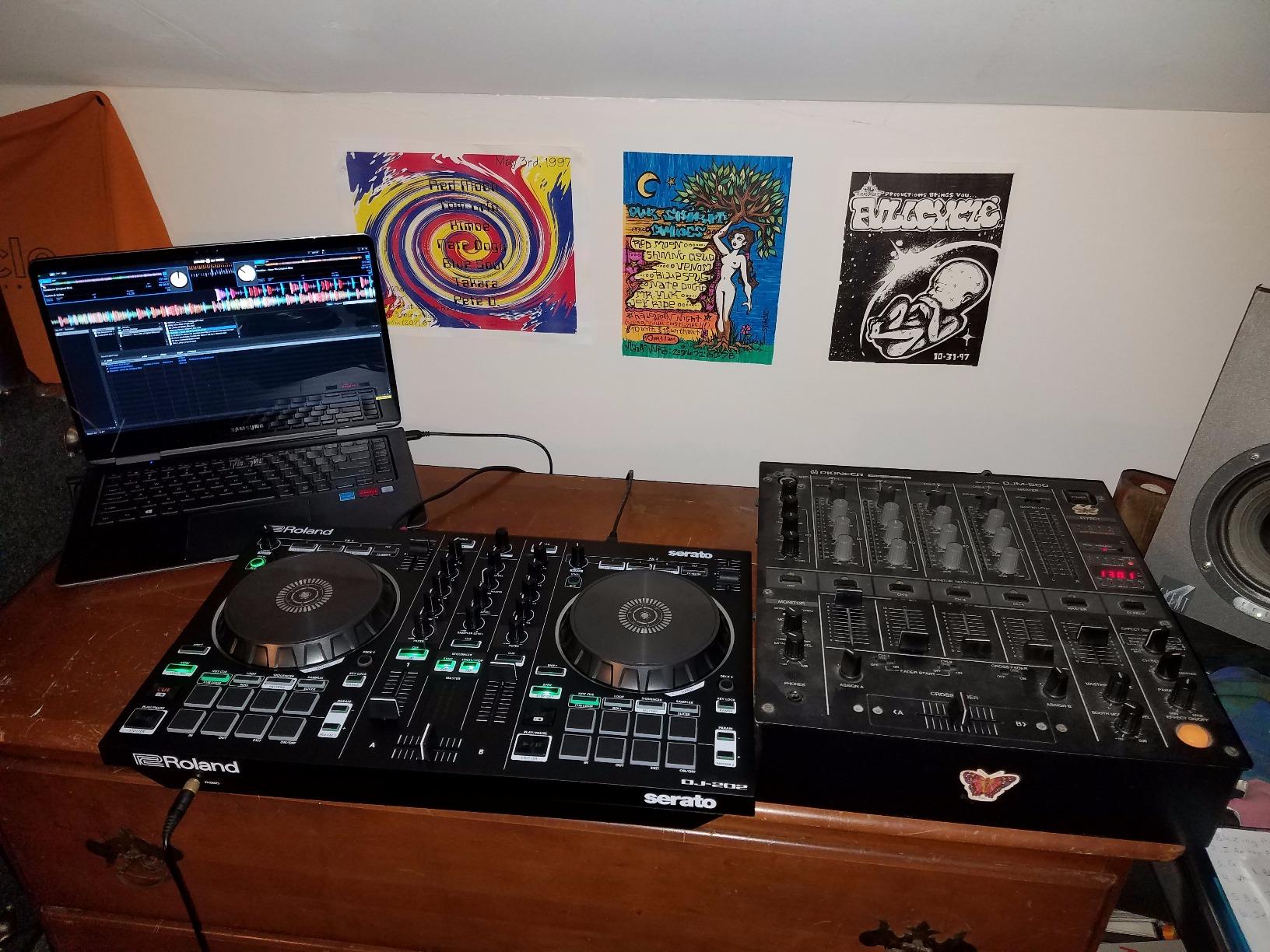
The Roland DJ-202 is the only controller in this list that doubles as a drum machine. The built-in TR-808, TR-909, and TR-606 kits use Analog Circuit Behavior modeling – which is Roland’s fancy way of saying these sound like the original hardware from the 80s. I used the 808 kick and snare layered over a house mix and it sounded better than most software drum plugins I’ve owned.
The 16-step sequencer is what makes this controller unique among budget DJ controllers. You can sequence beats on the fly, route them through the Serato sampler, and trigger them from the performance pads. I built a custom trap beat during a live stream by sequencing the 808 kick on the pads while mixing an acapella on the decks – that workflow is impossible on the FLX4 or the Platinum FX.
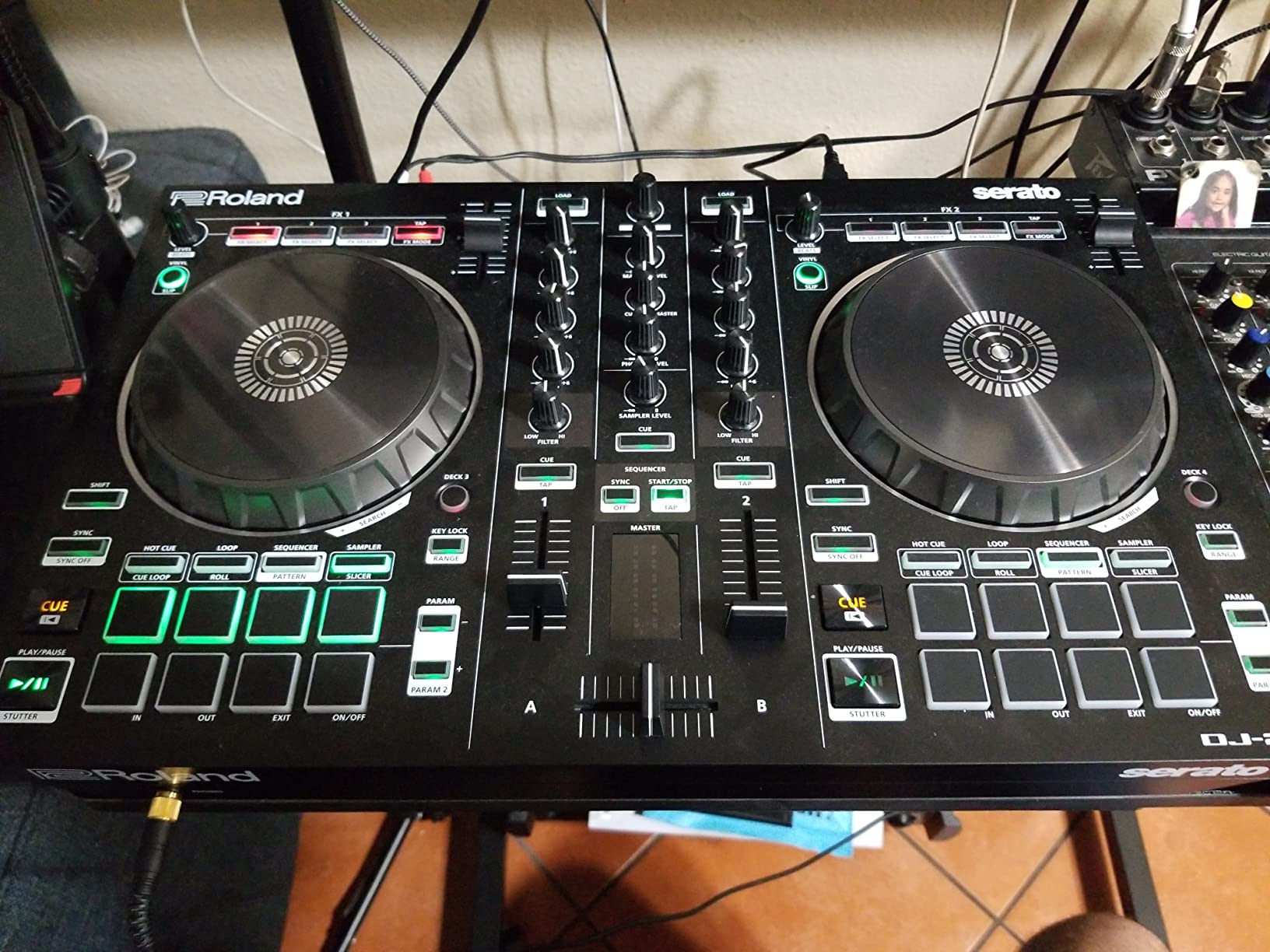
The four-deck software control is impressive at this price point. Most budget units cap you at two decks; the DJ-202 lets you load four tracks in Serato DJ Lite and switch between them with deck select buttons. The large platters have proper touch detection for scratching – vinyl mode on top, nudge on the side. For a DJ who wants production features alongside mixing, this is the only real option in this price range.
The mic input deserves a special mention. It has a built-in gate, hi-pass filter, reverb, and echo – which means you can do live MC work, podcast recording, or vocal effects without external gear. I used the reverb on a friend’s mic during a wedding gig and the host was impressed enough to ask what mixer I was running.
TR-808/909 inside: who actually needs this
If you’re a DJ who also produces beats – even casually – the DJ-202 is worth the price premium over the FLX4. The TR-808 kick alone is worth the cost if you’ve ever paid for a plugin version. The 16-step sequencer is also more powerful than most software step sequencers because it’s hardware-tied and latency-free.
If you’re strictly a mixing DJ and don’t care about beat-making, the FLX4 is a better pick. The DJ-202’s extra features are wasted if you never use the sequencer.
Four-deck workflow reality
The DJ-202 supports four-deck control in software but the hardware only has two physical channels – meaning you control decks 3 and 4 via deck-select buttons rather than dedicated faders. This works for occasional 4-deck mixing but it’s clunky for advanced routines. If you want a true 4-channel mixer, you’ll need to step up to a more premium tier.
For most users, two-channel hardware with 4-deck software is plenty. The DJ-202 hits a sweet spot for the price.
7. Hercules DJControl Inpulse 200 MK2 – Best Controller for Learning
Hercules DJControl Inpulse 200 MK2 – Compact Controller – Serato & DJUCED
Compact 2-deck
Beatmatch Guide LEDs
STEMS feature
Pros
- Compact 21-inch form factor fits in a backpack
- Beatmatch Guide LEDs teach tempo and beat alignment visually
- STEMS feature isolates vocals/drums/bass for creative mixing
- Includes both Serato DJ Lite and DJUCED software
- DJ Academy video tutorials included
- Affordable entry point for beginners
Cons
- Software sync lag when removing tracks from sync mode
- Not compatible with Rekordbox
- Some reports of headphone port quality issues out of the box
The Hercules DJControl Inpulse 200 MK2 is one of the best learning controllers for beginners. It takes the Beatmatch Guide system from the bigger Inpulse 500 and shrinks it into a backpack-friendly form factor. Light LEDs above the tempo faders tell you exactly which direction to nudge your tracks, and the DJ Academy video tutorials walk you through your first mix step by step.
What makes the Inpulse 200 MK2 special for absolute beginners is the STEMS feature. STEMS splits a track into vocals, drums, bass, and instruments in real time – meaning you can mute the vocals of one track while mixing in another, or isolate the drums for acapella mashups. I taught a friend how to do a basic vocal swap in under 30 minutes, which would normally take weeks of beatmatching practice.
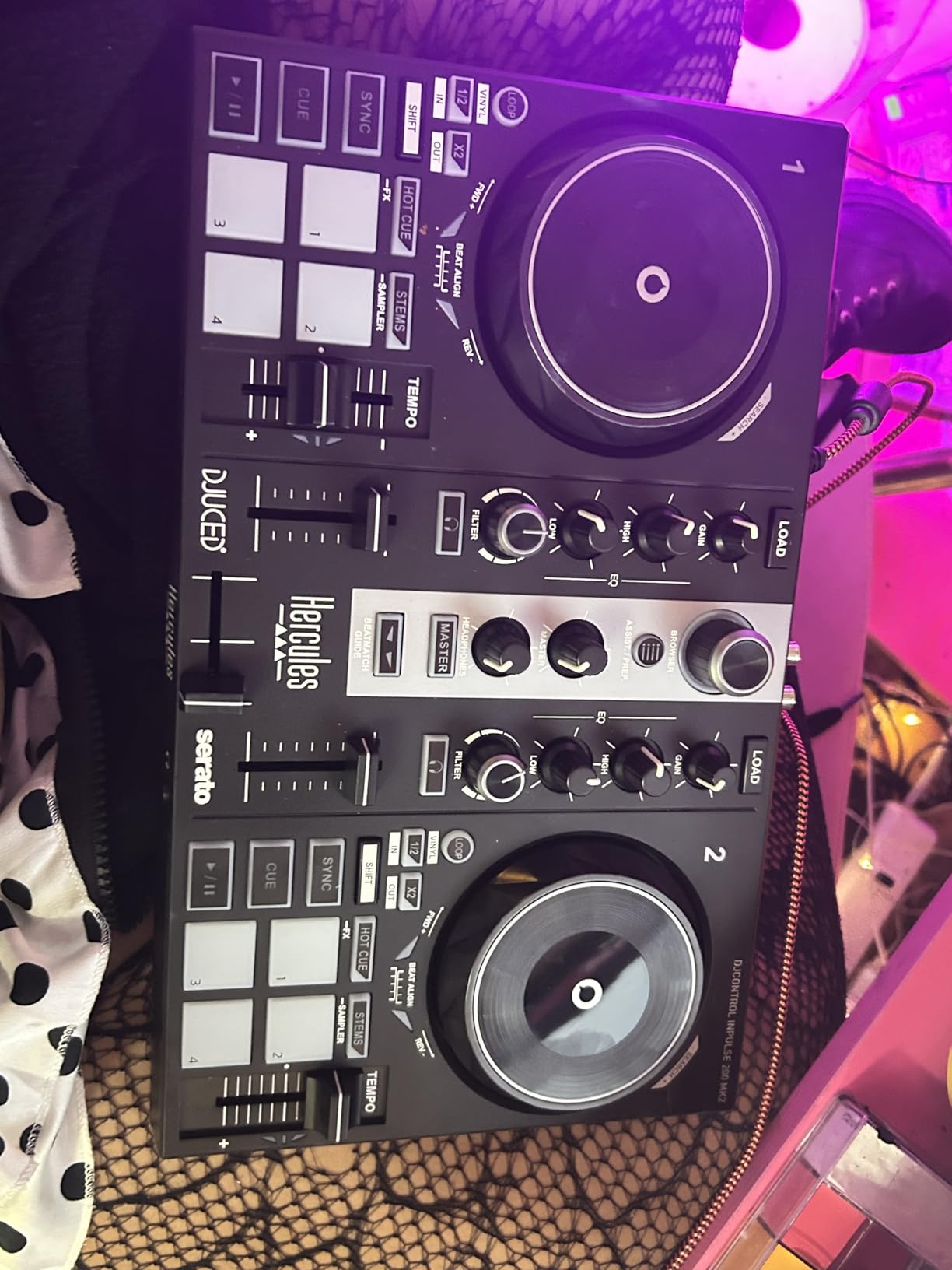
The compact 21-inch form factor means it fits in most laptop bags. At 1394 grams (about 3 pounds), it’s heavier than the FLX2 but lighter than the FLX4. I tossed it in a backpack with a laptop and headphones and barely noticed the weight. For a college student or apartment DJ, this matters.
The bundled software situation is generous: you get both Serato DJ Lite and DJUCED, plus the DJ Academy video series. I started with DJUCED because the light guides integrate more cleanly, then moved to Serato after a few months. The transition was painless because the hardware controls map identically in both.
Beatmatch Guide in practice
The Beatmatch Guide LEDs are the real selling point. They flash red when your tempo is off, amber when you’re close, and green when you’re in sync. I tested this with a beginner who had never used a controller before, and she was beatmatching within 15 minutes – without ever hearing what beatmatching should sound like. That’s a remarkable teaching tool.
The guide teaches the motion but not the ear. After using the LEDs for a few weeks, you should turn them off and learn to beatmatch by listening. The LEDs are training wheels, not a permanent feature.
Portability vs the FLX2
The Inpulse 200 MK2 and the FLX2 are both ultra-portable, but they serve different users. The Inpulse 200 MK2 is heavier, doesn’t run on phone power alone, and has a more traditional layout – it’s a learning tool first. The FLX2 is lighter, runs on phone power, and is built for casual mobile mixing.
If your goal is to actually learn DJing, get the Inpulse 200 MK2. If your goal is to mix casually at parties, get the FLX2. Both are good – they’re just built for different things.
8. Hercules DJControl Starlight – Best Ultra-Cheap DJ Controller
Hercules DJControl Starlight – Compact DJ Controller with Light Show
Ultra-compact 2-deck
RGB light show
Built-in audio
Pros
- Ultra-compact 1.1 lb design - the most portable option here
- RGB and strobe light show syncs to the rhythm of your mix
- Built-in sound card enables headphone cueing
- Pressure-sensitive jog wheels for expressive control
- Includes Serato DJ Lite
- Lowest price tier in this roundup
Cons
- Limited feature set compared to larger controllers
- Battery powered - not ideal for permanent studio installation
- Smaller jog wheels make scratching impractical
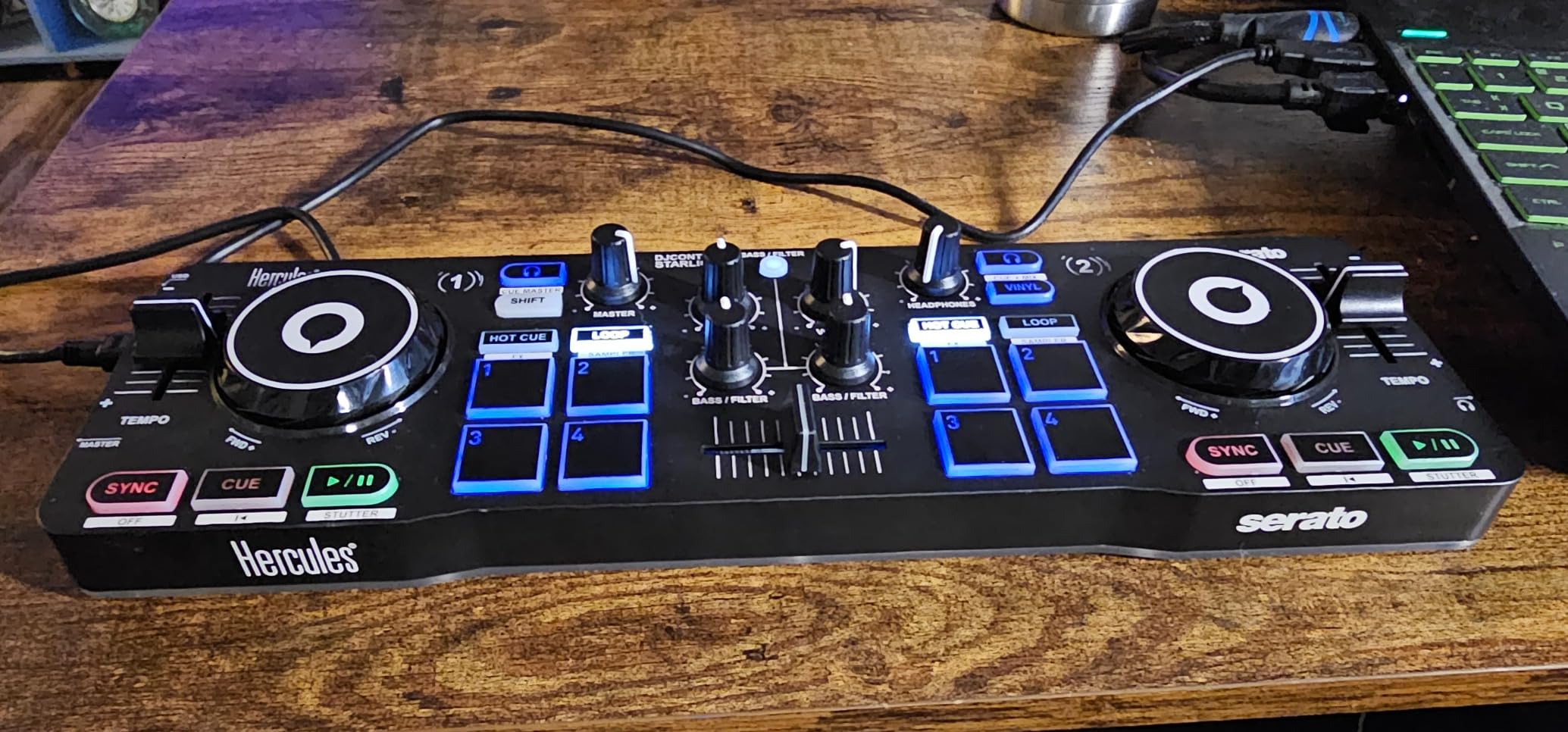
The Hercules DJControl Starlight is the cheapest serious DJ controller you can buy. At entry-level pricing, it’s roughly a quarter the price of the FLX4, and it still includes a built-in audio interface, pressure-sensitive jog wheels, and Serato DJ Lite. For a hobbyist who wants to test if DJing clicks before spending real money, this is the safest entry point.
What makes the Starlight unique in this list is the RGB light show. The base of the controller glows and strobes in sync with the rhythm of your mix – red for downbeats, blue for transients, purple for breakdowns. It’s a gimmick, but it’s a genuinely fun gimmick that makes bedroom practice feel like a small gig. I used one for a friend’s birthday party and people danced to the lights more than the music.
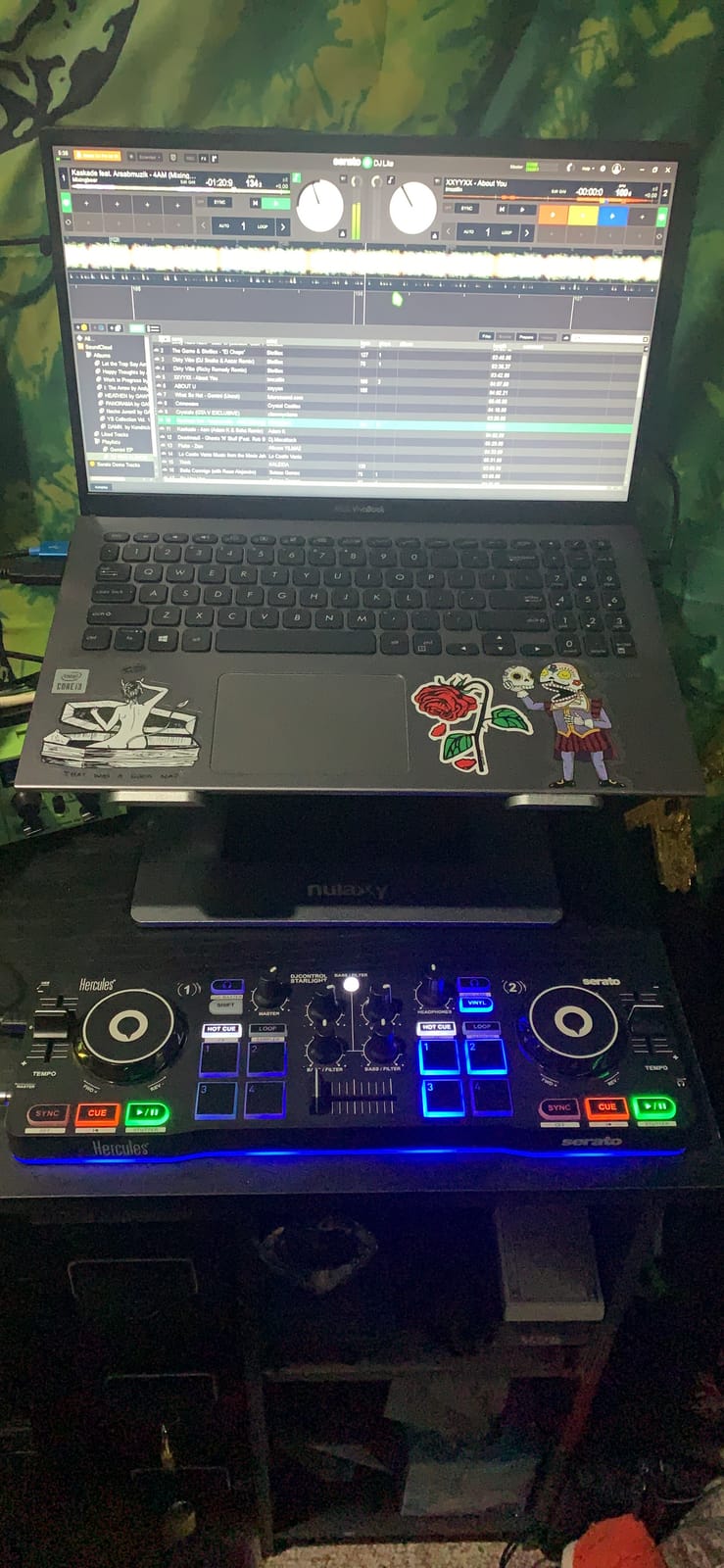
The 1.1-pound form factor is absurdly portable. It fits in a small messenger bag, runs on USB bus power from a laptop, and has a built-in audio interface so you don’t need any extra hardware. I took it camping once and mixed a two-hour set on a portable speaker. That kind of setup is impossible with a much larger controller.
Pressure-sensitive jog wheels are a nice touch at this price. Touch the top and they respond like a CDJ jog wheel; press harder and you get scratch-style feedback. The 2-channel layout covers the basics – bass/filter EQ, hot cues, loops, FX, and a sampler – which is everything a beginner needs to learn core mixing skills.
Light show impact on practice
The RGB light show isn’t just decoration – it’s a feedback system. Watching the strobe sync to the kick drum helped me internalize beat structure faster than any tutorial. For visual learners, this matters. For audio-only learners, the lights are just a fun bonus.
The lights also make the Starlight a great party controller. Set it up on a table, hit sync, and let the lights do half the entertainment work. I’ve seen this become the centerpiece of small gatherings more than once.
Limits at this price
The Starlight’s main limitation is the tiny jog wheels. At roughly 3 inches across, they’re too small for serious scratching – you can do basic baby scratches but not chop or transformer scratches. The plastic chassis also feels less robust than the FLX4 or the Inpulse 500, so treat it gently.
There’s no mic input, no hardware FX section, and only 2 channels. This is a starter controller, not a long-term investment. Most users upgrade to the FLX4 or Inpulse 500 within a year – but the Starlight is a fun, low-risk way to find out if DJing is for you.
How to Choose the Best Budget DJ Controller?
Picking a DJ controller isn’t just about price. The wrong software ecosystem or the wrong layout can ruin your learning curve. Here’s what actually matters when you’re deciding between the eight controllers above.
Software choice: Rekordbox vs Serato vs Traktor vs djay
Each controller locks you into one or two software ecosystems, and switching later means relearning your workflow. Here’s how they compare for beginners.
Rekordbox is free and pairs naturally with Pioneer hardware. The FLX4 unlocks Rekordbox and Serato, but most FLX4 owners commit to Rekordbox because the hardware integration is deeper. Rekordbox Creative and Core subscriptions add stem separation and advanced FX at a modest monthly cost.
Serato DJ Lite comes bundled with most Numark, Pioneer, Hercules, and Roland controllers. It’s stable, has the widest streaming integration (Apple Music, Tidal, Spotify, SoundCloud, Beatport, Beatsource), and a paid Pro upgrade unlocks stems, recording, and advanced effects. If streaming matters most, Serato is the safer bet.
Algoriddim djay is the iPad and iPhone native option. The FLX2 and some Numark controllers pair with djay for mobile-only workflows. djay has Neural Mix for stem separation and works with Apple Music natively – making it the best option if you want to DJ without ever owning a laptop.
Traktor and DJUCED are niche picks. Traktor has the best MIDI mapping flexibility but a smaller community. DJUCED comes bundled with Hercules controllers and has the cleanest integration with their light guides. Most users eventually migrate to Serato or Rekordbox once they outgrow DJUCED’s feature set.
Jog wheel feel and size
Jog wheels matter more than most beginners expect. Larger wheels (6 inches, like the Mixtrack Platinum FX) are better for scratching and beatmatching by ear because you have more surface area to control. Smaller wheels (3 inches, like the Starlight) are fine for learning basic mixing but limit scratch techniques.
Touch detection is the other key feature. Wheels with touch detection (FLX4, REV1, Inpulse 500, Platinum FX) let you scratch on the top and nudge on the side – matching pro CDJ behavior. Wheels without touch detection feel cheap and require you to manually click a vinyl button every time you want scratch mode.
Pressure sensitivity (Starlight, Inpulse 200 MK2) is a nice extra – harder pushes create louder scratch sounds – but it’s not essential. Most beginners don’t notice the difference.
Audio interface: built-in vs separate
Every controller in this list has a built-in audio interface, which means you don’t need to buy a separate one. That’s a meaningful saving over older setups that required an external interface like the Behringer UCA222 or the Focusrite Scarlett Solo.
Built-in audio quality ranges from acceptable (Starlight, Inpulse 200 MK2) to genuinely good (FLX4, Inpulse 500, Platinum FX). For bedroom practice and small parties, all of them are fine. For pro recording or large venue work, you’d want a dedicated interface anyway.
The Inpulse 500 has balanced XLR outputs, which is rare at this price. If you’re playing through a PA system with long cable runs, balanced outputs prevent the hiss and hum that RCA outputs can pick up.
Room to grow
The most common regret I hear from beginners is buying an entry-level controller and outgrowing it within six months. A few signs you’re ready to upgrade: you want to control four decks simultaneously, you want motorized platters, or you want to play on club gear and your muscle memory doesn’t transfer.
The FLX4, Platinum FX, Inpulse 500, REV1, and DJ-202 all have layouts that scale – meaning the skills you build on them transfer to higher-end gear. The Starlight and FLX2 are great starters but their layouts don’t carry over as cleanly.
If you can stretch into the mid-tier price range, buy a controller there now. The jump from ultra-cheap to mid-tier is large but the jump in capability is even larger. You’ll learn faster on a better controller.
Refurbished and open-box buying tips
No competitor covers this, but it’s the single best way to stretch a budget. Refurbished DJ controllers are typically 20-40% off retail and come with the same warranty as new units. I bought my first Pioneer DDJ-SB3 refurbished from a major retailer and it still works five years later.
What to check when buying refurbished: confirm the warranty is at least 90 days (most major retailers offer 1-year), inspect for cosmetic damage that suggests heavy use, and verify all original accessories are included (USB cable, software download code). Avoid sellers without a return policy.
Open-box returns are another good option. Many people buy a controller, use it once, and return it. Those units show up on retailer sites at 15-25% off with full warranty. I check the open-box section before buying anything new – the savings are real.
Frequently Asked Questions
What is the best budget DJ controller in 2026?
The Pioneer DJ DDJ-FLX4 is the best budget DJ controller in 2026. It offers a club-standard layout inherited from pro Pioneer gear, Smart Fader auto-beatmatching, 16 Performance Pads, and built-in streaming from Apple Music, Tidal, and Beatport. With 2,732 reviews averaging 4.6 stars, it is the safest all-around pick for beginners who want a controller that scales as they grow.
What is the most affordable DJ controller worth buying?
The Hercules DJControl Starlight at entry-level pricing is the most affordable DJ controller worth buying. It includes a built-in audio interface, pressure-sensitive jog wheels, and Serato DJ Lite – giving you everything needed to learn basic mixing. At the lowest end of the budget tier, it is the lowest-risk way to test whether DJing is for you before investing more.
Do I need a laptop to use a budget DJ controller?
Most budget DJ controllers need a laptop, but a few work without one. The AlphaTheta DDJ-FLX2 runs on USB-C bus power from a phone or tablet and pairs with rekordbox or Algoriddim djay apps for mobile-only mixing. The Hercules DJControl Starlight and Inpulse 200 MK2 also work with iPads via USB. For the broadest feature set, however, a laptop gives you access to all software features and offline music libraries.
How much should I spend on a first DJ controller?
Budget in the mid-tier price range for a first DJ controller if you can. The mid-tier range – including the Hercules Inpulse 200 MK2, Pioneer DDJ-FLX4, Numark Mixtrack Platinum FX, and Roland DJ-202 – offers the best balance of features, build quality, and room to grow. Spending only on entry-level units limits you to learning-only controllers like the Starlight, which most users outgrow within a year.
Which is better for beginners: Rekordbox or Serato?
Rekordbox is better for beginners who plan to gig with Pioneer or AlphaTheta club gear because the workflow matches the CDJ setups you’ll encounter in real venues. Serato DJ Lite is better for beginners who prioritize streaming integration and cross-platform flexibility, since it works with more third-party controllers and supports Apple Music, Tidal, Spotify, and SoundCloud out of the box. Both are free to start – try each for a month before committing.
Can I learn to scratch on a budget DJ controller?
Yes – the Pioneer DJ DDJ-REV1 and Numark Mixtrack Platinum FX are both capable scratch controllers at mid-tier pricing. The REV1 has a battle-style layout, tall pitch faders, and Tracking Scratch that teaches beginner scratch routines one motion at a time. The Platinum FX has 6-inch touch-sensitive jog wheels with displays. The Hercules Inpulse 500 also supports scratching with proper touch detection on its larger jog wheels.
Final Verdict: Which Budget DJ Controller Should You Buy?
After testing eight budget DJ controllers in 2026, the Pioneer DJ DDJ-FLX4 remains my top pick. Its club-standard layout, Smart Fader auto-beatmatching, and streaming integration from Apple Music, Tidal, and Beatport make it the most capable controller in this price range – and the 2,732 reviews averaging 4.6 stars confirm that my experience matches what most buyers report.
If you’re on a tighter budget, the Numark Mixtrack Platinum FX is the best value pick with 6-inch jog wheels and 4-deck control. The AlphaTheta DDJ-FLX2 is the best choice for mobile DJs who want to mix from a phone. The Hercules DJControl Inpulse 500 is the most gig-ready option with its metal faceplate and balanced XLR outputs. And if you’re not sure DJing is for you, the Hercules DJControl Starlight is the lowest-risk way to find out.
Whatever controller you choose, remember that the best budget DJ controller is the one you’ll actually use. A mid-tier unit sitting in a closet doesn’t help you learn. Pick the one that fits your space, your music library, and your goals – then put in the practice time. The skills transfer; the hardware is just the tool.