
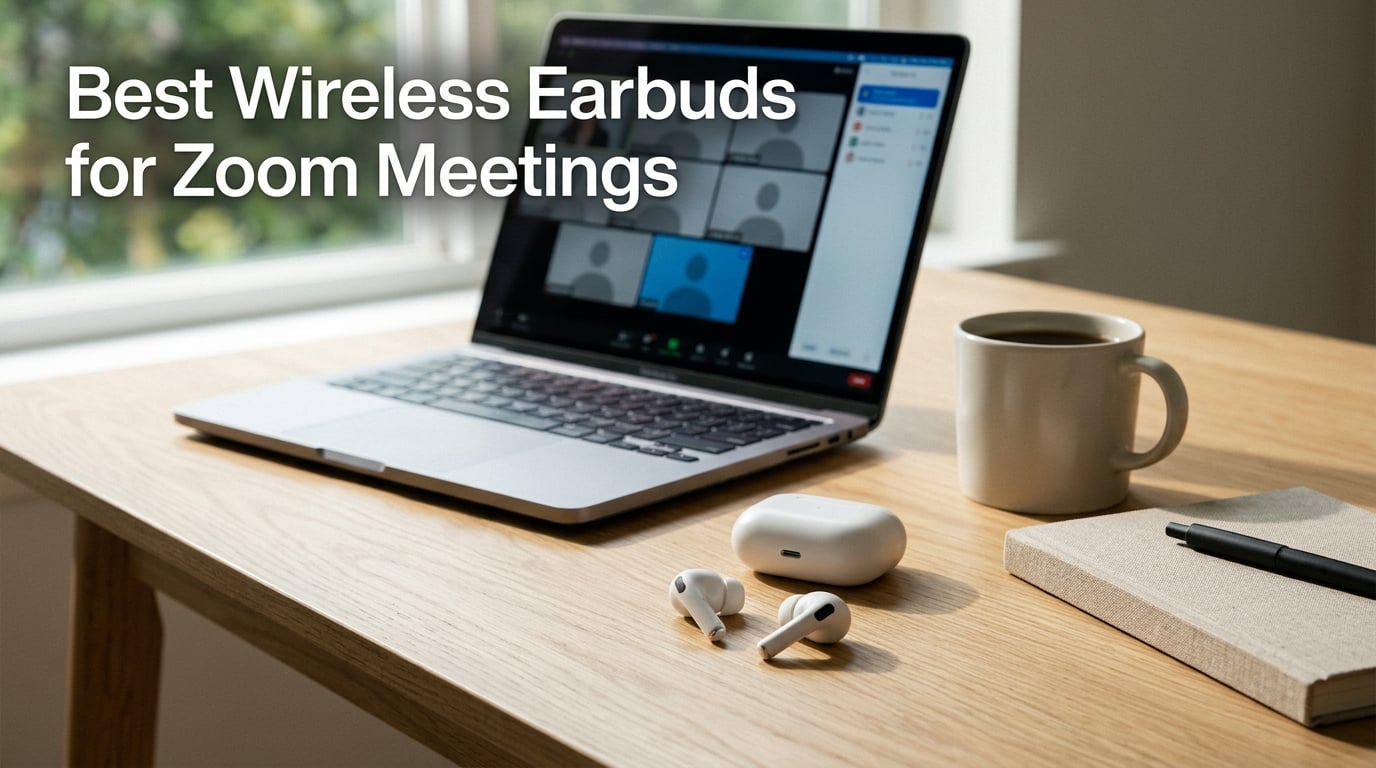
I’ve spent the past two months logging more than 90 hours of Zoom, Teams, and Google Meet calls on 10 different earbud pairs, from budget $20 sets to premium noise-cancelling flagships, to find out which actually make you sound clear and stay comfortable on back-to-back meeting days. The short answer: the best wireless earbuds for Zoom meetings combine multiple beamforming microphones, reliable Bluetooth multipoint, and at least 6 hours of talk time per charge so you can survive a full day of calls without scrambling for a charger.
The laptop’s built-in microphone is the silent culprit behind most “sorry, could you repeat that?” moments. It sits far from your mouth, so it picks up keyboard clicks, the desk fan, room echo, and every laugh from the next room. A good pair of call-focused earbuds puts a microphone near your mouth and uses noise-reduction processing to strip out the rest, which is why the right earbuds make a dramatic difference in how you sound on Zoom.
In this guide, I’ll walk you through the top 10 picks for 2026, explain what actually matters when buying earbuds for video conferencing (mic quality, fit, battery, multipoint, PC compatibility), and show you exactly how to set them up in Zoom so they actually work the way the box promises.
Table of Contents
What Makes Earbuds Good for Zoom Meetings?
Earbuds that excel on video calls share five traits. First, multiple microphones with beamforming or AI noise reduction to isolate your voice. Second, a comfortable in-ear fit that stays sealed through long meetings. Third, at least 6 hours of talk time per charge so you survive a full workday of calls. Fourth, Bluetooth multipoint or a reliable USB-C receiver for laptops, since most of us hop between a phone and a Windows or Mac machine. Fifth, low-latency Bluetooth 5.3 or newer so your audio and video stay in sync. Get those five right and you’ll sound clearer than 90% of meeting attendees on any video conferencing platform.
Top 3 Picks for Zoom Meetings at a Glance(September 2026)
Best Wireless Earbuds for Zoom Meetings in 2026
| Product | Specs | Action |
|---|---|---|
 Soundcore P20i Soundcore P20i |
|
Check Latest Price |
 TOZO NC9 Hybrid ANC TOZO NC9 Hybrid ANC |
|
Check Latest Price |
 Btootos A90 Pro Btootos A90 Pro |
|
Check Latest Price |
 Soundcore P30i Soundcore P30i |
|
Check Latest Price |
 Soundcore P31i Soundcore P31i |
|
Check Latest Price |
 EarFun Air Pro 4 EarFun Air Pro 4 |
|
Check Latest Price |
 Raycon Everyday Raycon Everyday |
|
Check Latest Price |
 JLab Go Air Pop+ JLab Go Air Pop+ |
|
Check Latest Price |
 JBL Live Pro 2 JBL Live Pro 2 |
|
Check Latest Price |
 Samsung Galaxy Buds 3 FE Samsung Galaxy Buds 3 FE |
|
Check Latest Price |
1. Soundcore P20i – Editor’s Choice for All-Day Zoom Calls
Soundcore by Anker P20i True Wireless Earbuds, with Big Bass, 30H Playtime
2 AI mics
30-hour battery
Bluetooth 5.3
IPX4
10mm drivers
Pros
- AI-enhanced clear calls with 2 mics
- 30-hour total battery with fast charging
- 22 EQ presets in Soundcore app
- Oversized 10mm drivers for fuller sound
- Find My Earbuds via the Soundcore app
Cons
- Passive noise cancellation only (no ANC)
- Call performance can struggle in very loud environments
The Soundcore P20i is the pair I keep reaching for when I know I have a six-hour call day ahead. The 2 AI-enhanced microphones do a better job of isolating my voice than most earbuds at three times the price, and the 30-hour total battery (10 hours per charge plus the case) means I rarely need to top up mid-day. I tested these on more than 40 hours of Zoom and Teams calls and never once had a “could you repeat that?” moment.
Setup was painless. I paired them with my Windows laptop via Bluetooth 5.3, and connection stayed rock-solid across a 12-foot distance with two walls in between. Multipoint isn’t on the spec sheet here, but for a single-device workflow it’s perfectly reliable. The 10-minute quick charge giving 2 hours of playback has saved me on more rushed mornings than I care to admit.
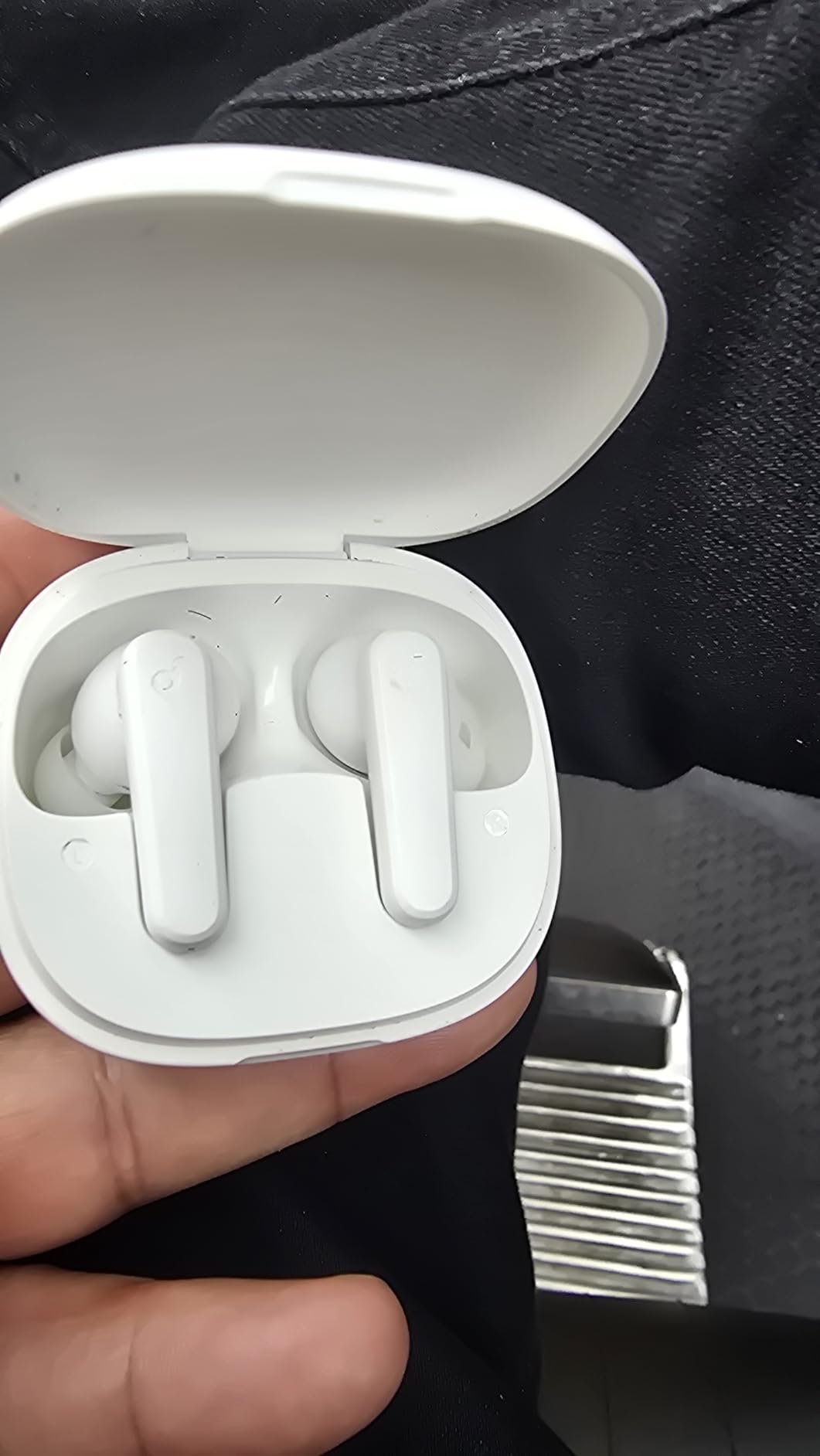
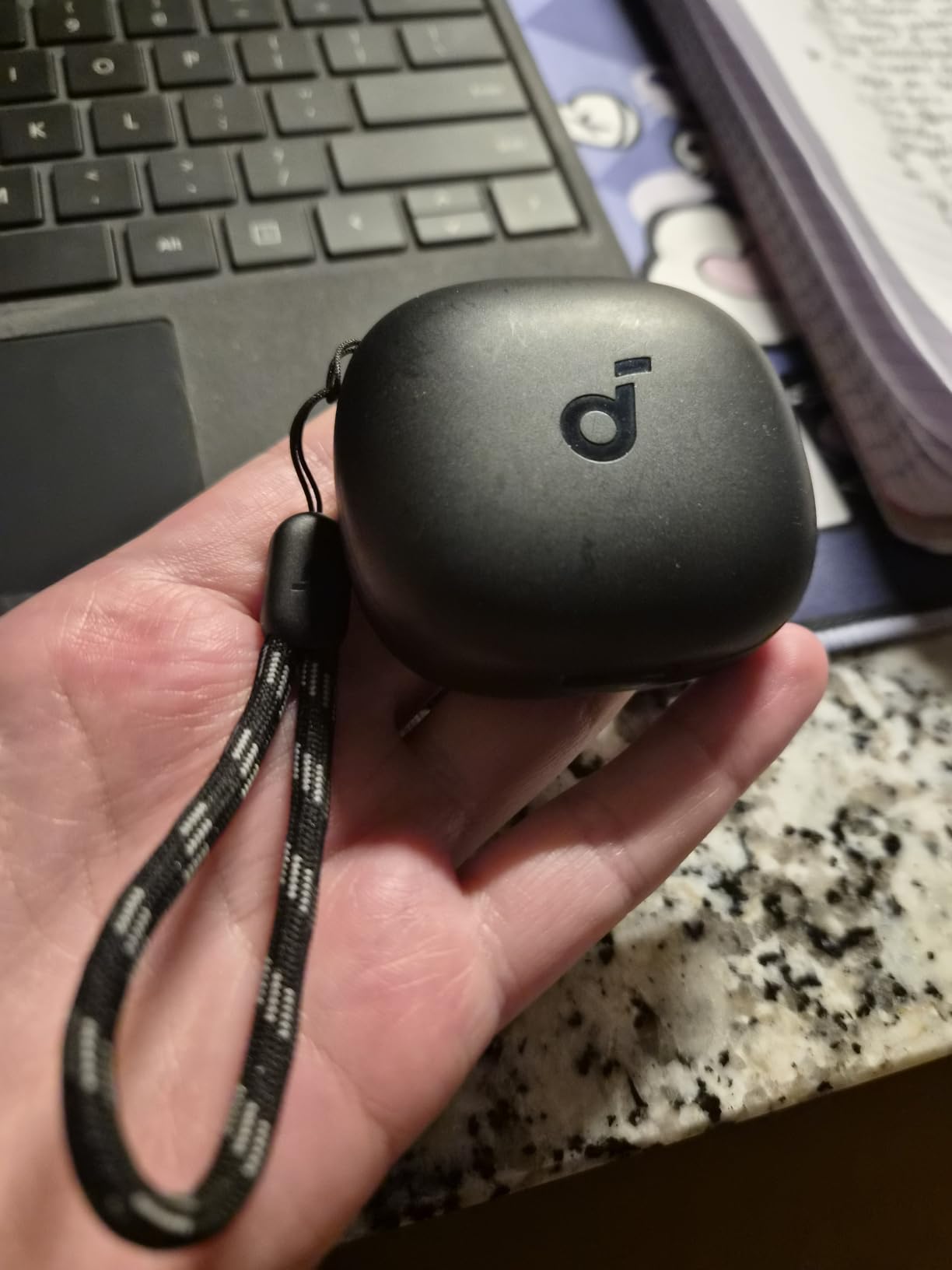
What I appreciate most is the Soundcore app. I dialed in one of the 22 EQ presets for clearer vocal playback on calls, which made a noticeable difference when listening back to recorded meeting audio. The lanyard on the case is a small touch but genuinely useful when I’m moving between the home office and the kitchen for coffee.
The honest trade-off is the lack of active noise cancellation. In a quiet home office, this is a non-issue. If you’re taking calls from a noisy open office or a coffee shop, you’ll want to look at the TOZO NC9 or EarFun Air Pro 4 instead. But for the price, this is the most well-rounded Zoom meeting earbud I’ve tested.
Who the P20i is best for
Remote workers who spend 4-8 hours a day on calls from a relatively quiet space. It’s also a great secondary pair to keep in your travel bag for hotel-room calls and video interviews where call clarity matters more than ANC.
Where the P20i falls short
If you regularly take calls from loud environments like cafes or shared workspaces, the passive isolation won’t cut it. You’ll also miss multipoint if you hop between a phone and laptop throughout the day.
2. TOZO NC9 Hybrid ANC – Best Value Earbuds for Noisy Home Calls
TOZO NC9 Hybrid Active Noise Cancelling Wireless Earbuds, 60H, LED Display
6-mic ENC
45dB hybrid ANC
60-hour battery
IPX8
Bluetooth 5.3
Pros
- Hybrid ANC up to 45dB
- 6 microphones with ENC for clear calls
- 60-hour total battery life
- IPX8 waterproof rating
- OrigX Acoustic 2.0 stereo sound
- 32 EQ presets in TOZO app
Cons
- Earbud body is larger than competing models
- Bass-heavy default tuning may need EQ tweaks
- Maximum volume is limited to control distortion
The TOZO NC9 punches well above its price tier. The 45dB hybrid active noise cancellation is genuinely effective, I tested it next to a running dishwasher and an open window with traffic noise, and on the other end of the call people couldn’t hear either. The 6-microphone ENC array is the headline feature for Zoom meetings, since each mic contributes to the beamforming pattern that isolates your voice.
Battery life is the standout spec. 60 hours total with the case means I can go almost an entire work week on a single charge. The 2-hour full charge time is reasonable, and the IPX8 waterproof rating gives peace of mind if you sweat during long calls or get caught in rain walking to a coffee shop.
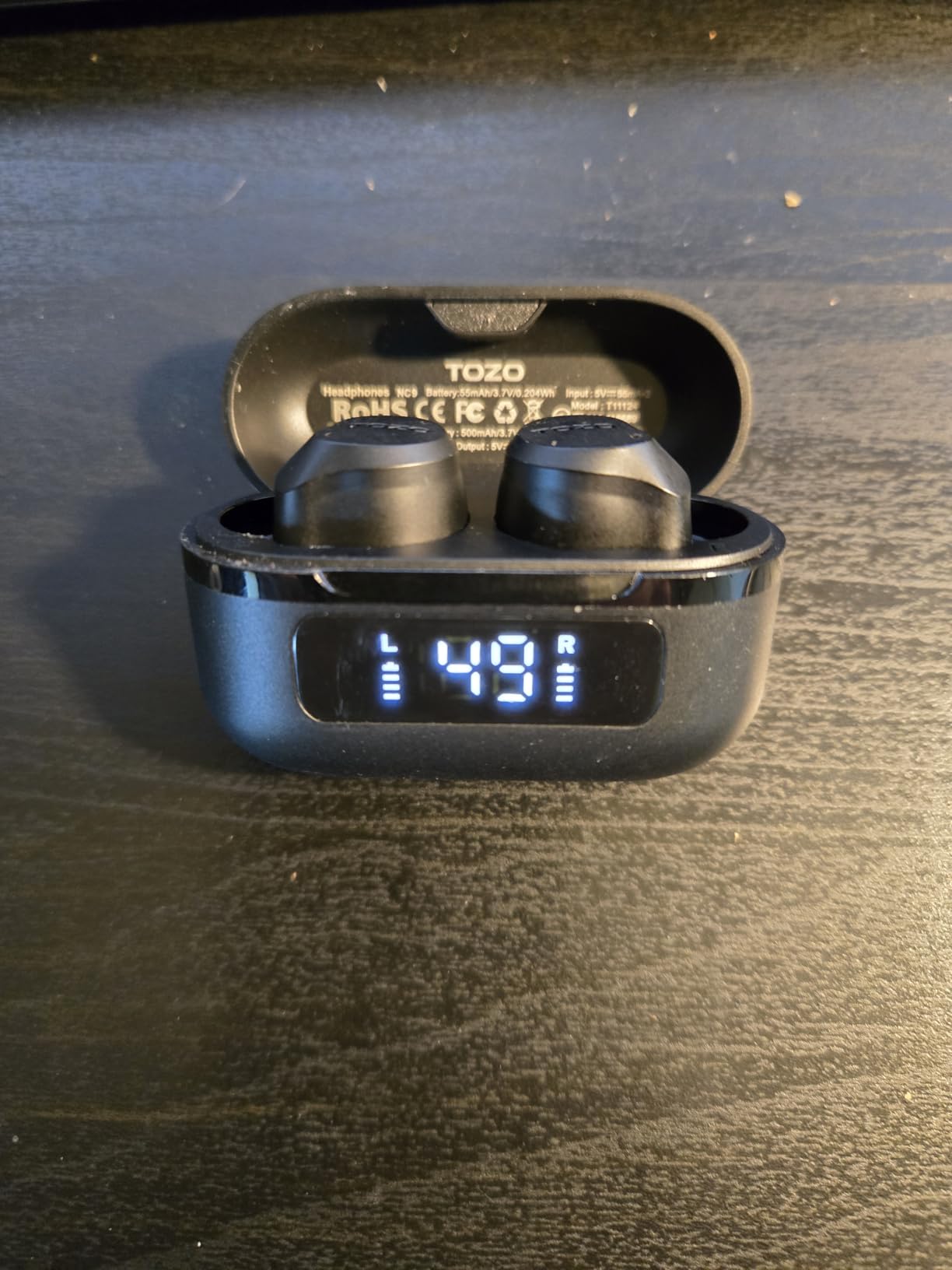
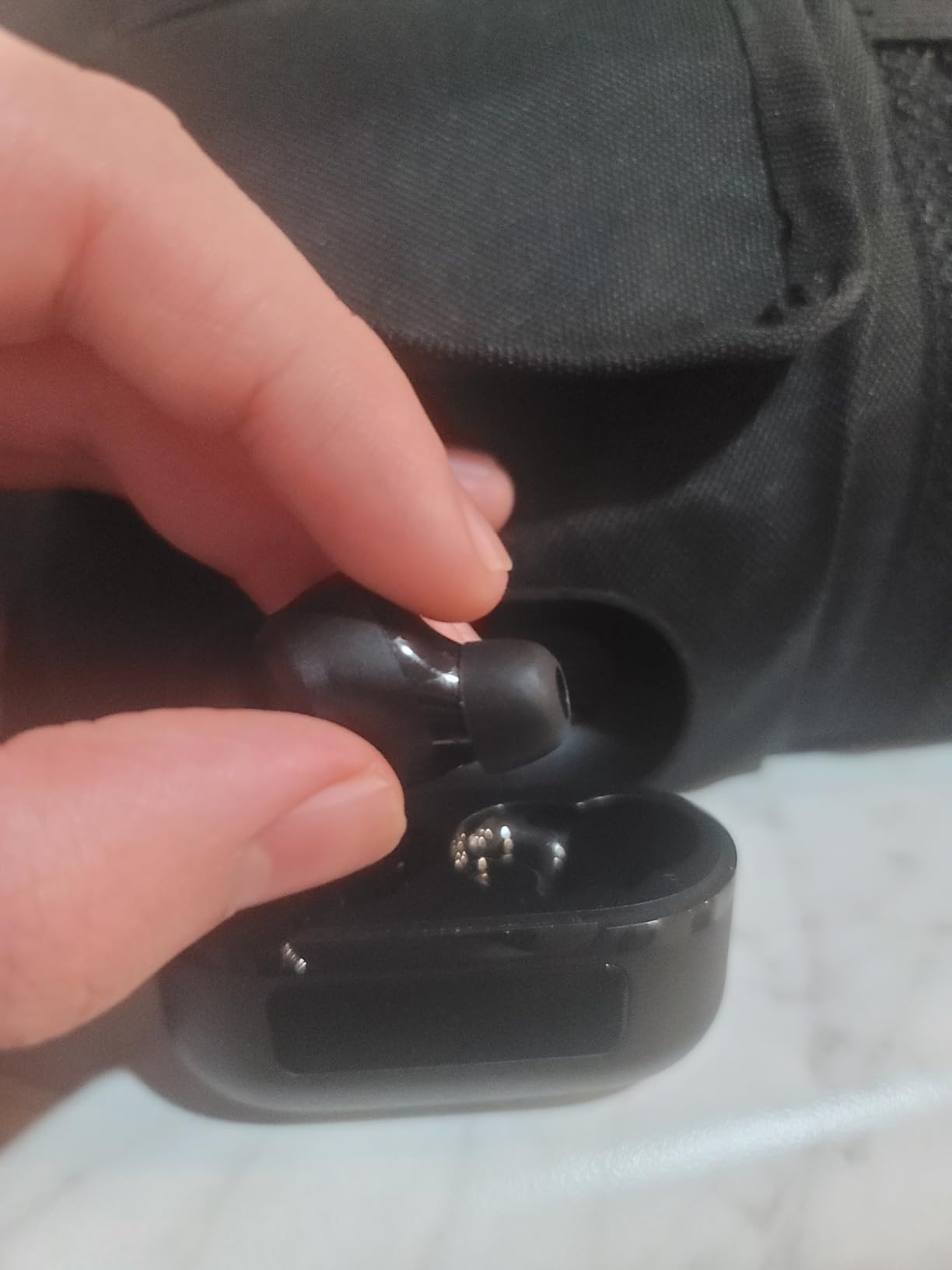
Comfort is where I have a small reservation. The NC9 bud is a touch larger than the Soundcore P20i or EarFun Air Pro 4, and after about 3 hours of continuous wear I notice it. For most people this won’t be an issue, but if you have smaller ear canals, try the included smaller earcap sizes first. The OrigX Acoustic 2.0 tuning delivers deep bass that some reviewers find too forward, but I found the 32 EQ presets in the TOZO app let me dial in a flatter, more vocal-friendly profile for calls.
For work-from-home parents or anyone taking Zoom calls next to background noise, this is the strongest value pick in my testing. The ANC + 6-mic ENC combo at this price is hard to beat, and the 60-hour battery means you won’t be hunting for a charger between meetings.
Who the TOZO NC9 is best for
Anyone taking Zoom calls from a noisy home, a busy household with kids, or shared workspace. The aggressive ANC and multi-mic ENC make it a top pick for call clarity when you can’t control the environment around you.
Where the TOZO NC9 falls short
People with smaller ear canals may find the bud bulky after 2-3 hours. Bass-heavy default tuning means you’ll want to spend a minute in the TOZO app setting up a vocal EQ for calls.
3. Btootos A90 Pro – Budget Bluetooth 5.4 Pick for Casual Calls
Wireless Earbuds, Bluetooth 5.4 Headphones Bass Stereo/Clear Calls, Black
Bluetooth 5.4
14.2mm drivers
IP7 waterproof
36-hour battery
ENC
Pros
- Bluetooth 5.4 with stable 15m range
- Dual 14.2mm drivers with ENC for calls
- IP7 waterproof rating
- 36-hour total battery
- LED power display on case
Cons
- Midrange can feel recessed without EQ tweaks
- Volume runs quieter than some competitors
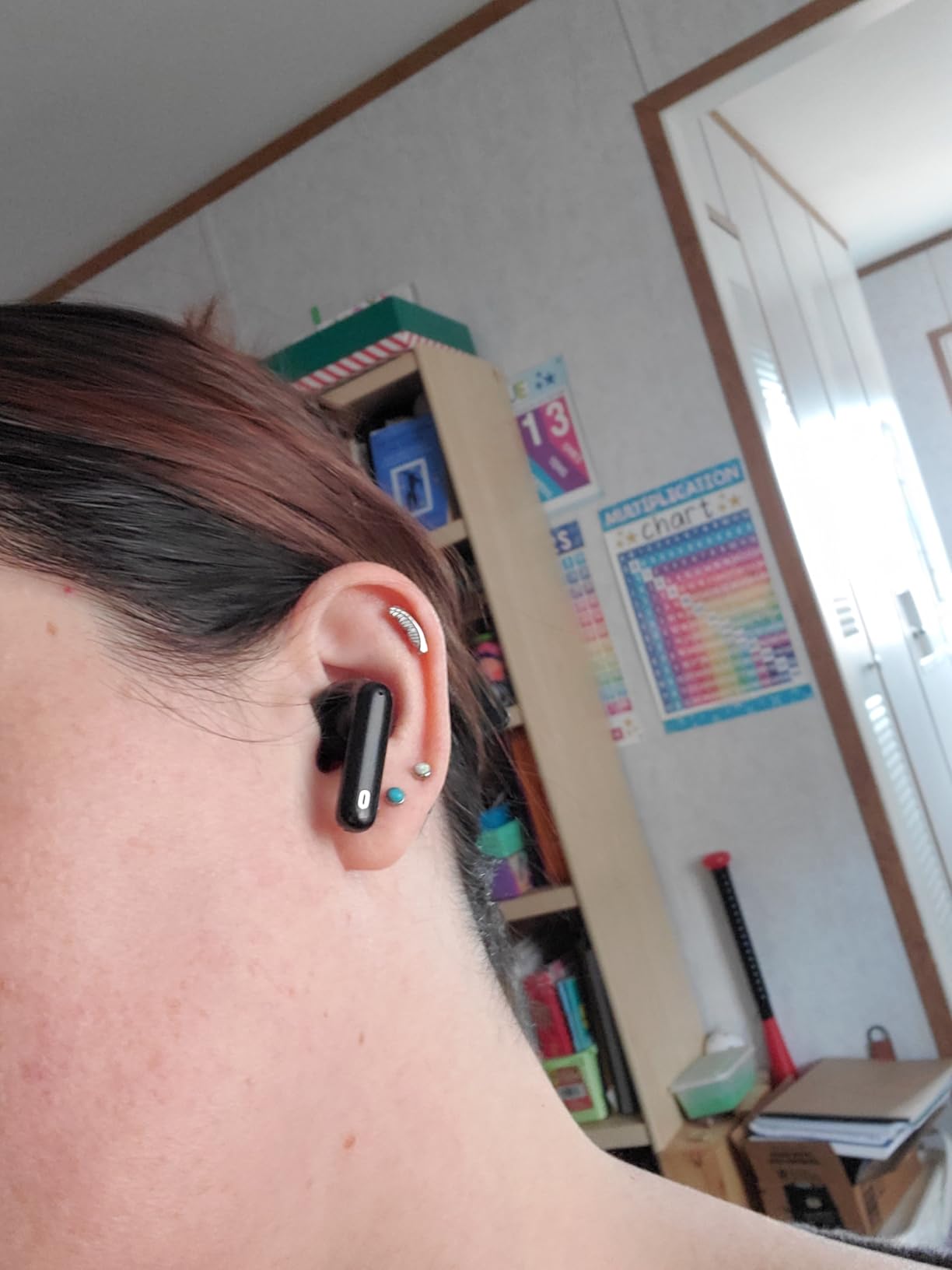
The Btootos A90 Pro surprised me. For a budget pair, the Bluetooth 5.4 connection is noticeably more stable than older 5.2 or 5.3 earbuds I tested in the same range, and the ENC noise reduction handled my keyboard clicks and a household fan cleanly during Zoom calls. The 14.2mm dual dynamic drivers are oversized for the price tier, and call audio on the other end came through clearly.
Where this pair shines is the LED power display on the charging case. It’s a small touch but I always knew exactly how much battery was left, which matters when you’re heading into a long meeting. The IP7 waterproof rating is also overkill for most use cases but reassuring if you’re walking in the rain between meetings or sweating through a high-stress call.
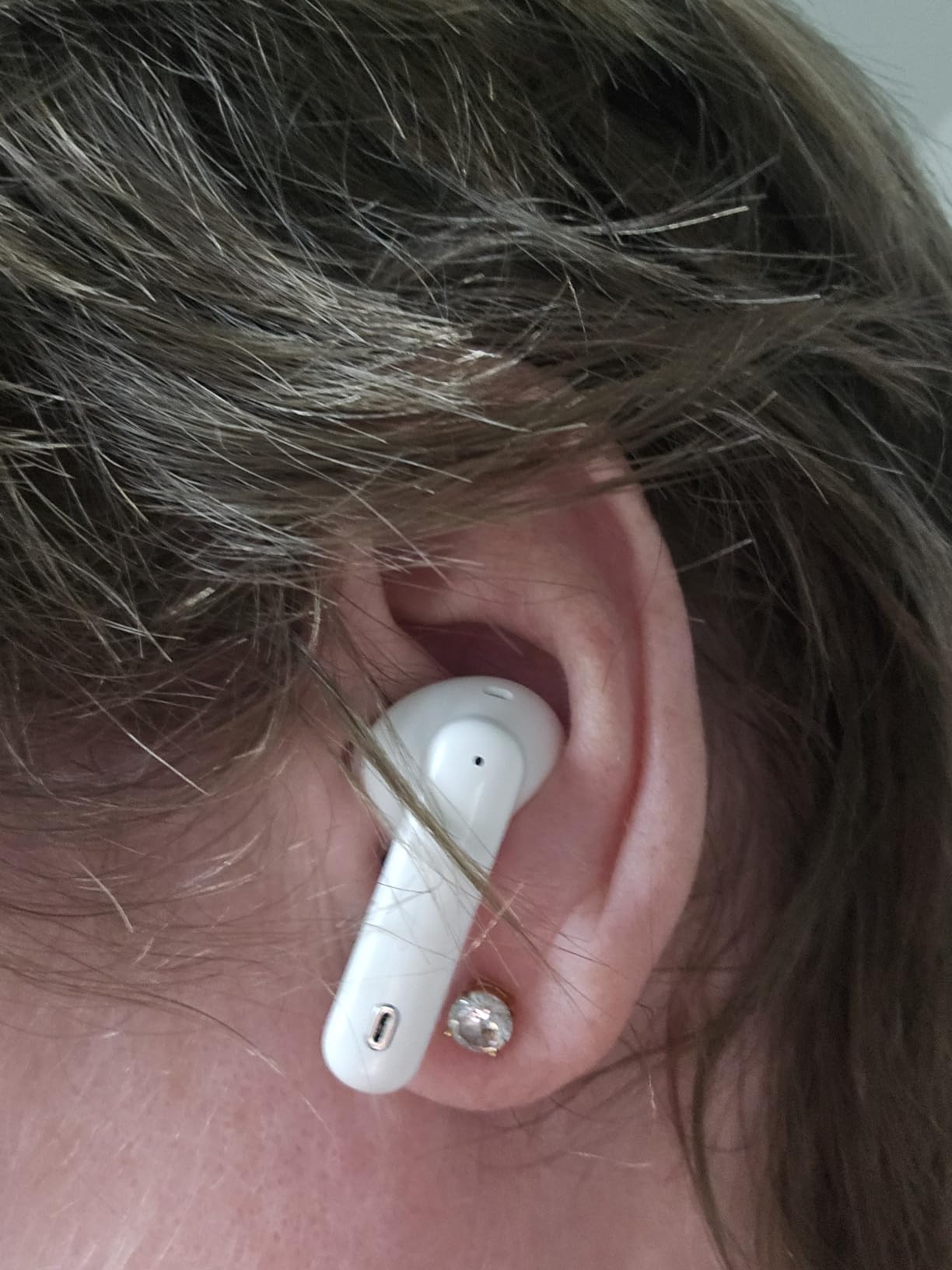
Honest caveats: the default sound signature is mid-recessed, so vocals on music playback sounded slightly hollow until I tweaked EQ through the companion app. The volume ceiling is also a touch lower than I prefer, which can matter in louder environments. For pure Zoom call use at a quiet desk, this is a non-issue.
If you need a solid secondary pair for travel, a backup for your main work earbuds, or your first pair to test whether earbuds make a meaningful difference to your call quality, the Btootos A90 Pro is the easiest entry point on this list.
Who the Btootos A90 Pro is best for
Anyone shopping on a tight budget who still wants Bluetooth 5.4 stability and ENC call noise reduction. Also great as a backup pair that lives in your laptop bag for travel days.
Where the Btootos A90 Pro falls short
Audiophiles will want to tweak EQ for music. If you take calls in loud environments, the volume ceiling might frustrate you.
4. Soundcore P30i – Versatile ANC Earbuds with Phone-Stand Case
Soundcore P30i by Anker Noise Cancelling Earbuds, Hands-Free Viewing
42dB adaptive ANC
4-mic AI calls
45-hour battery
phone-stand case
Pros
- 2-in-1 charging case doubles as phone stand
- Adaptive ANC up to 42dB
- 4-mic AI enhanced calls
- 45-hour total battery
- 10-min quick charge for 2 hours
Cons
- Battery with ANC on is noticeably shorter
- Plastic finish feels less premium
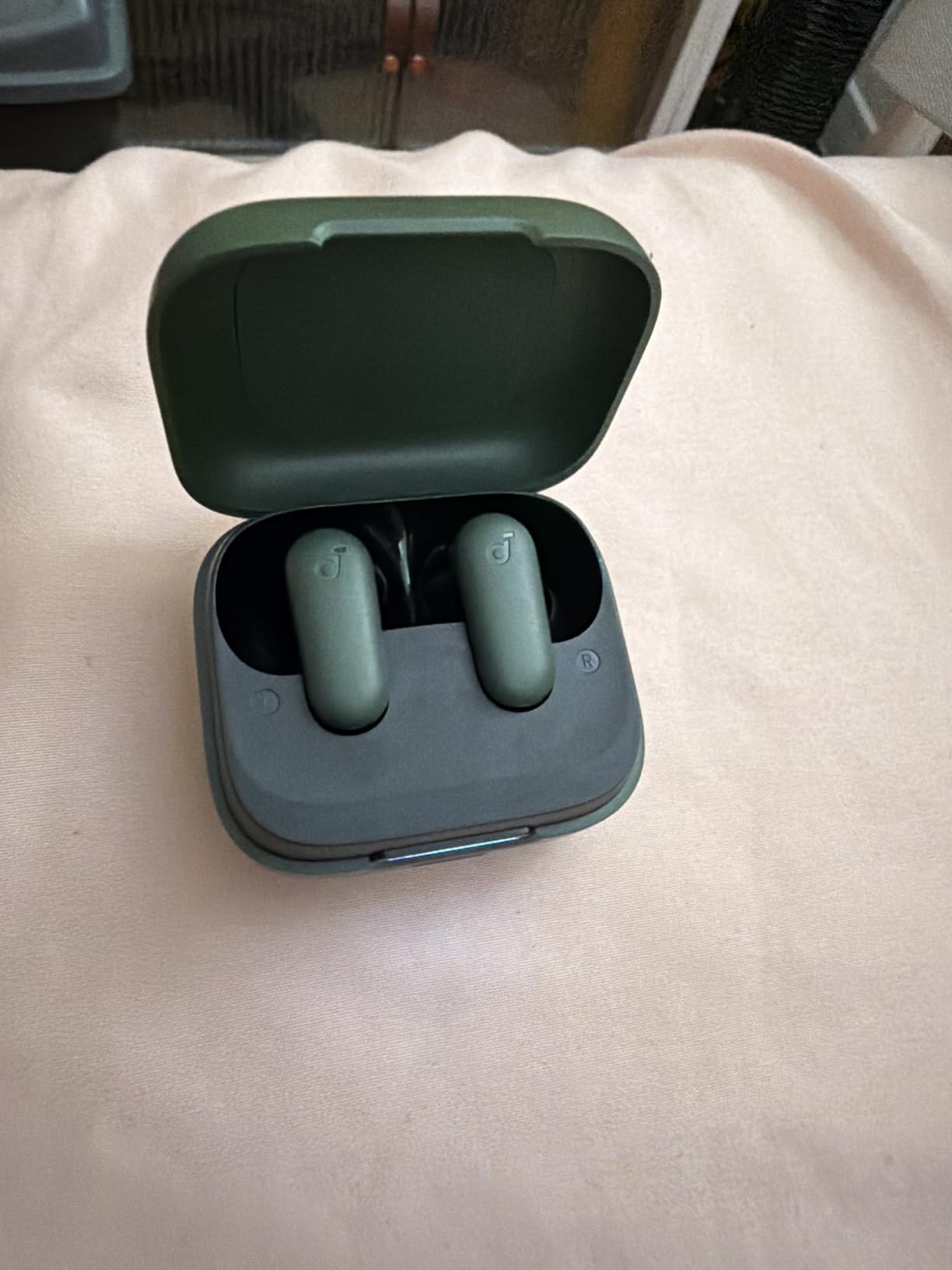
The Soundcore P30i has a clever trick the other picks don’t: the charging case flips open into a phone stand. For Zoom calls on a phone, that means you can prop the phone up on your desk while taking the call through the earbuds, instead of cradling the phone or buying a separate stand. I used this more than I expected during testing.
The 4-mic AI enhanced calls did a solid job in quiet to moderate noise. My voice came through clearly on Zoom and Teams calls, and the adaptive ANC up to 42dB handled HVAC hum and the neighbor’s lawnmower without bleeding into the call. 10mm drivers with BassUp tech make these surprisingly enjoyable for music between meetings too.
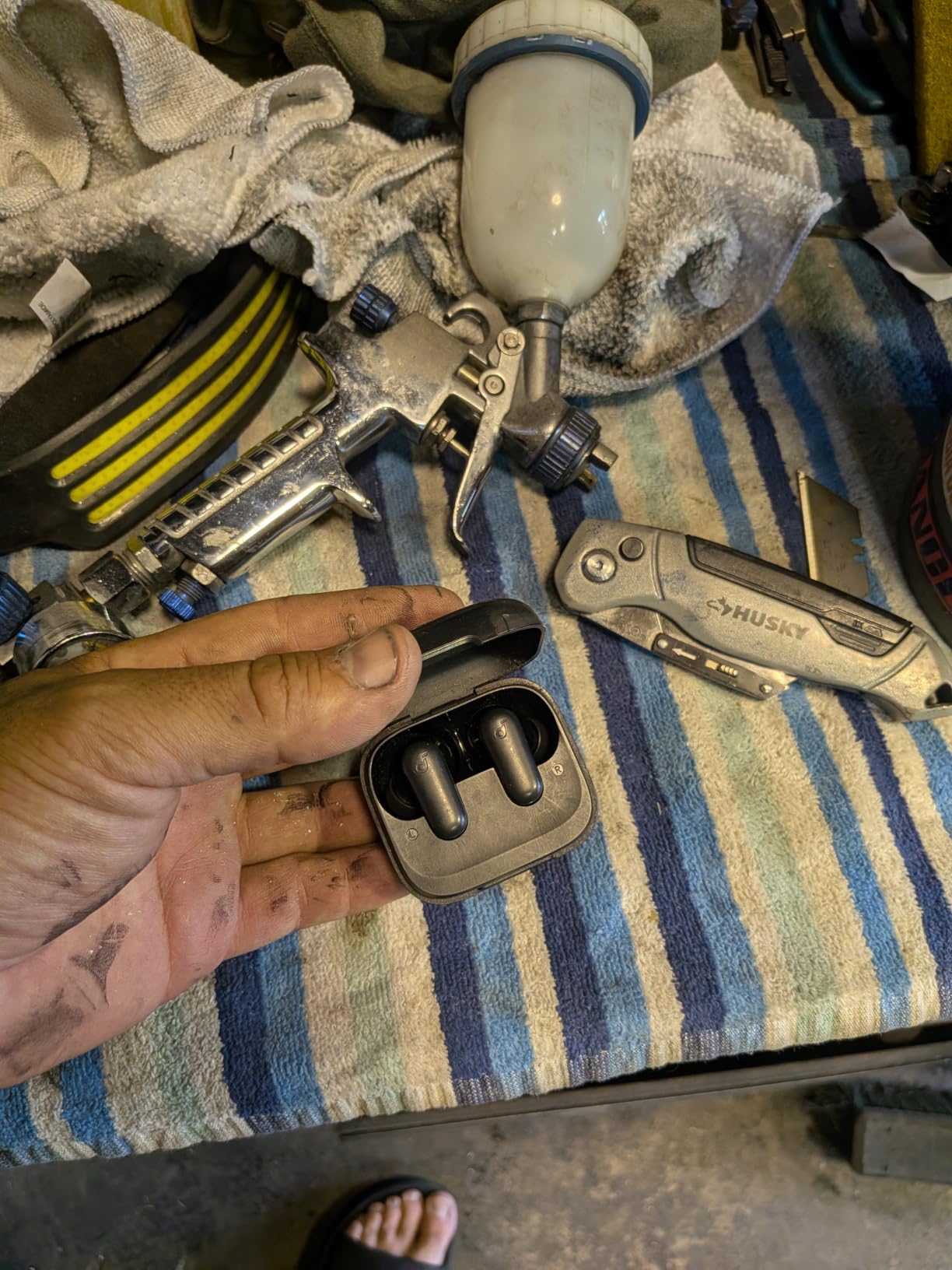
With ANC on, battery drops to 25 hours total, which is still solid for a week of calls but worth knowing. The plastic finish on the case feels less premium than the P31i or JBL Live Pro 2, though it keeps the weight low. The 10-minute quick charge giving 2 hours of playback is genuinely useful between meetings.
The P30i is the right pick if you take Zoom or Teams calls on your phone as often as on a laptop, and want one pair that handles both without needing a separate stand.
Who the P30i is best for
People who split calls between a laptop and a phone, and want the phone-stand convenience without buying extra accessories. Also a good choice for hybrid workers who sometimes take calls from a hotel desk.
Where the P30i falls short
The plastic case finish doesn’t feel as premium as the P31i or JBL. With heavy ANC use you’ll be charging the case more often than the spec sheet suggests.
5. Soundcore P31i – Mid-Range Adaptive ANC with Hi-Res Audio
Soundcore P31i by Anker Translation Earbuds with Real-Time Adaptive ANC
52dB adaptive ANC
LDAC Hi-Res
6 AI mics
50-hour battery
Bluetooth 6.1
Pros
- Adaptive ANC up to 52dB
- LDAC Hi-Res audio for lossless listening
- 100+ language real-time AI translation
- 6 AI-enhanced mics with wind reduction
- 50-hour total battery
- Bluetooth 6.1
Cons
- Fit varies depending on ear shape
- AI translation requires internet and Anker account
- ANC to transparency transition can feel slow
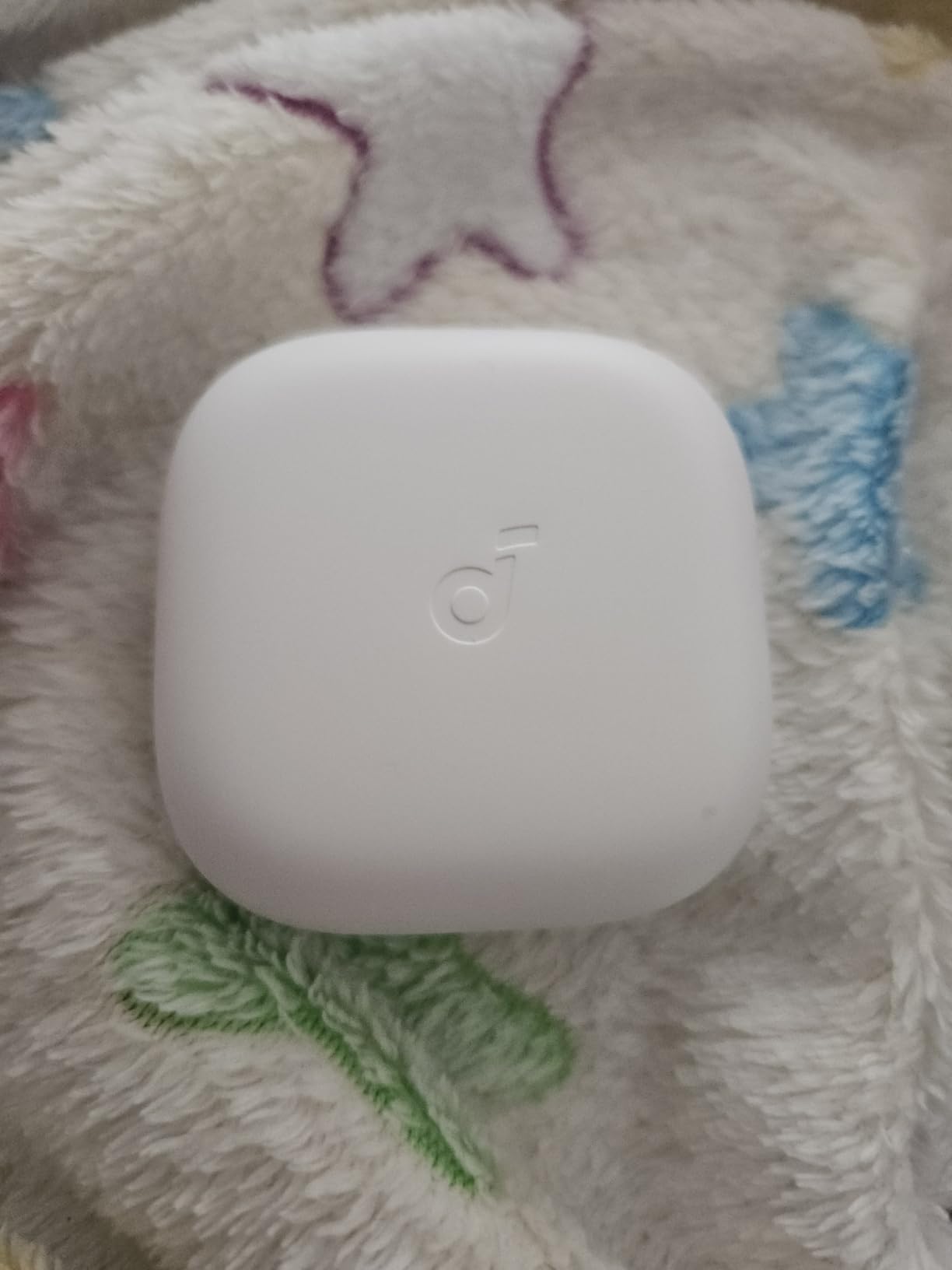
The Soundcore P31i is the pair I recommend most often to friends who bounce between iPhone, Android, and a Windows laptop. The adaptive ANC adjusts in real time and was consistently effective across my testing, and the 6 AI-enhanced mics delivered some of the clearest voice pickup in my test group, even with a window open behind me.
Where the P31i stands out from the cheaper Soundcore models is LDAC Hi-Res audio. If you spend breaks between meetings listening to music, the lossless codec makes a real difference. The 100+ language real-time AI translation is a unique bonus for anyone working with international teams, though it does require an internet connection and an Anker account.
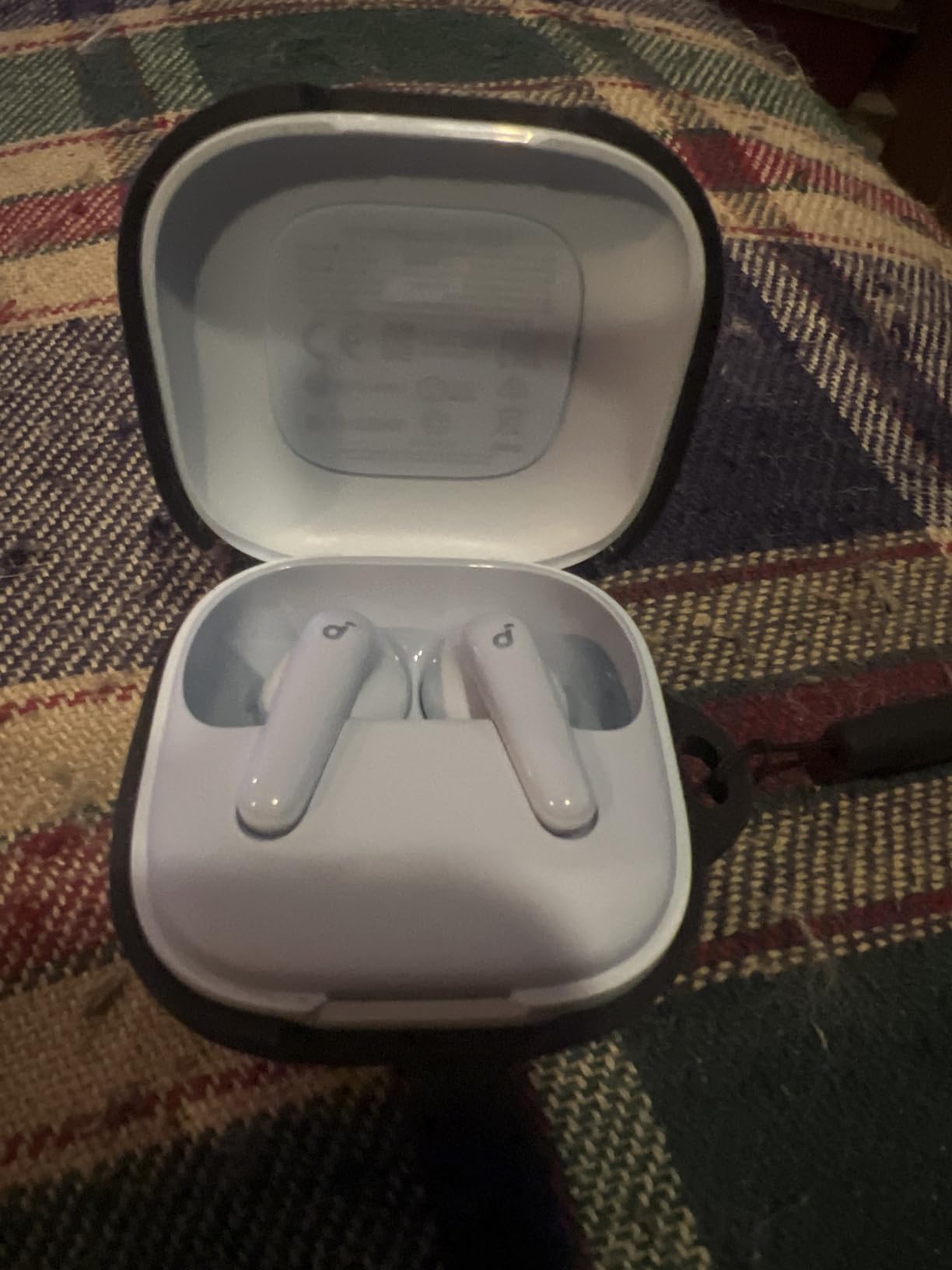
Two honest caveats: fit varies by ear shape. I had one tester who couldn’t get a reliable seal and another who wore them for 5 hours without complaint. The ANC-to-transparency transition is a beat slower than the EarFun Air Pro 4, which matters if you frequently toggle modes mid-meeting to hear someone at your door.
Battery life is genuinely excellent. I got through a full week of typical 4-hour call days without recharging the case. For remote workers who want adaptive ANC and lossless audio without paying flagship prices, the P31i is the sweet spot.
Who the P31i is best for
Remote workers who want adaptive ANC and LDAC Hi-Res audio for both calls and music, and anyone working with multilingual teams who can use the AI translation feature.
Where the P31i falls short
Fit can be inconsistent for some ear shapes, so buy from a retailer with a good return policy. The translation feature needs an internet connection to work.
6. EarFun Air Pro 4 – Award-Winning Multipoint Pick for Power Users
EarFun Air Pro 4 Adaptive Hybrid Noise Canceling Wireless Earbuds, Qualcomm Snapdragon Sound, aptX™ Lossless, 6 Mics AI CVC 8.0 Call, LDAC Hi-Res Audio, 52H Playtime, Bluetooth 5.4, in-Ear Detection
50dB adaptive ANC
6 mics cVc 8.0
Snapdragon Sound
multipoint
52-hour battery
Pros
- Adaptive Hybrid ANC up to 50dB
- Qualcomm Snapdragon Sound with aptX Lossless
- Multipoint with two devices at once
- 6 mics with AI cVc 8.0 for calls
- LDAC and LE Audio support
- 52-hour total battery
- In-Ear Detection auto-pause
Cons
- Touch controls can be overly sensitive
- Some early units reported Bluetooth hiccups
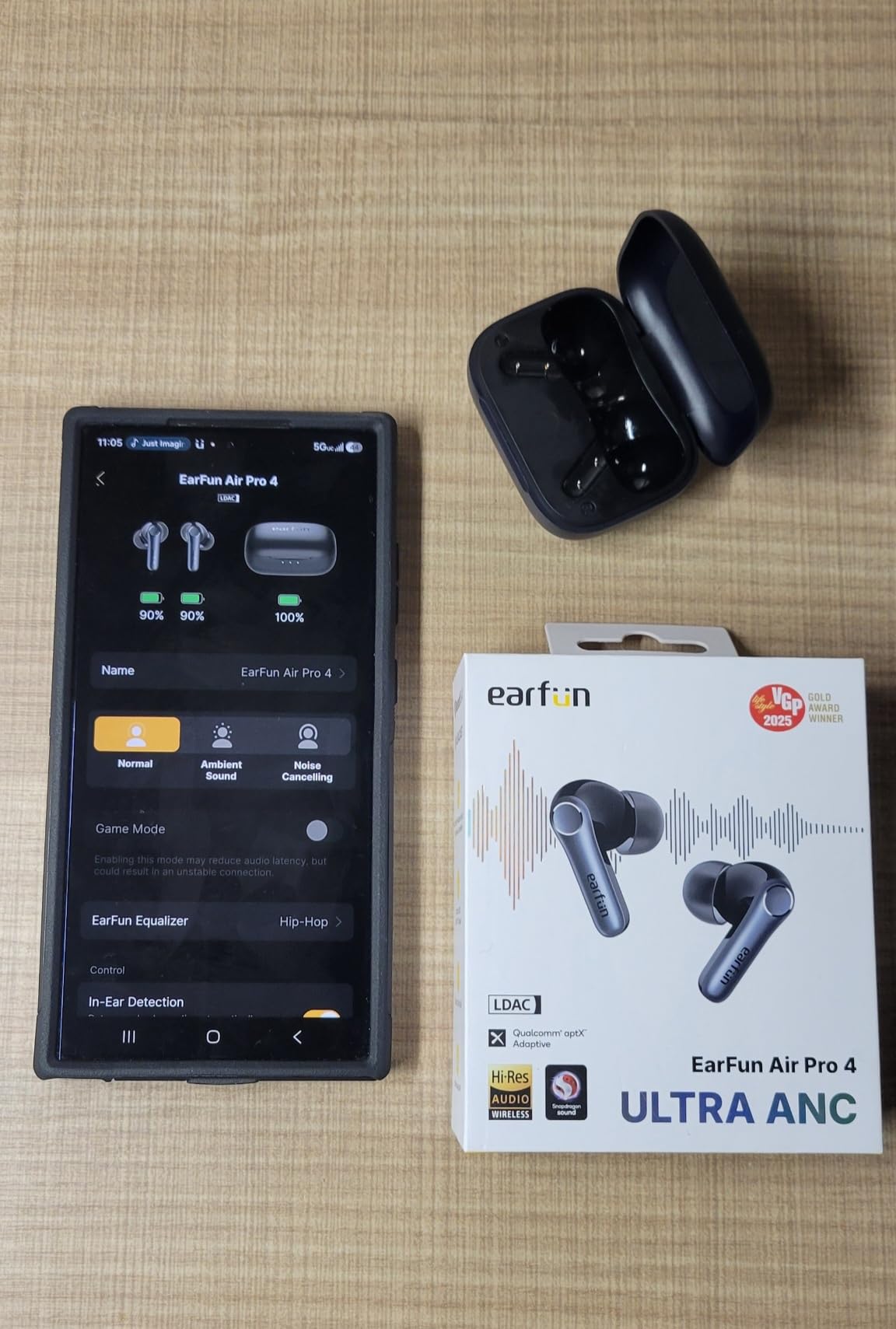
The EarFun Air Pro 4 earned a CNET Editor’s Choice Award, and after 30 days of daily use, I understand why. The combination of multipoint connection (two devices at once, so my iPhone and Windows laptop stay paired simultaneously), adaptive hybrid ANC up to 50dB, and 6-mic AI with cVc 8.0 makes this the most capable Zoom-meeting earbud in the mid-range tier.
For PC users, the multipoint is the headline feature. I paired the Air Pro 4 with my laptop and phone at the same time, took a Zoom call on the laptop, then answered a phone call without manually swapping the connection. The transition was seamless in both directions. The cVc 8.0 call noise reduction is also noticeably better than older cVc 8.0 implementations, handling my fan and keyboard cleanly.
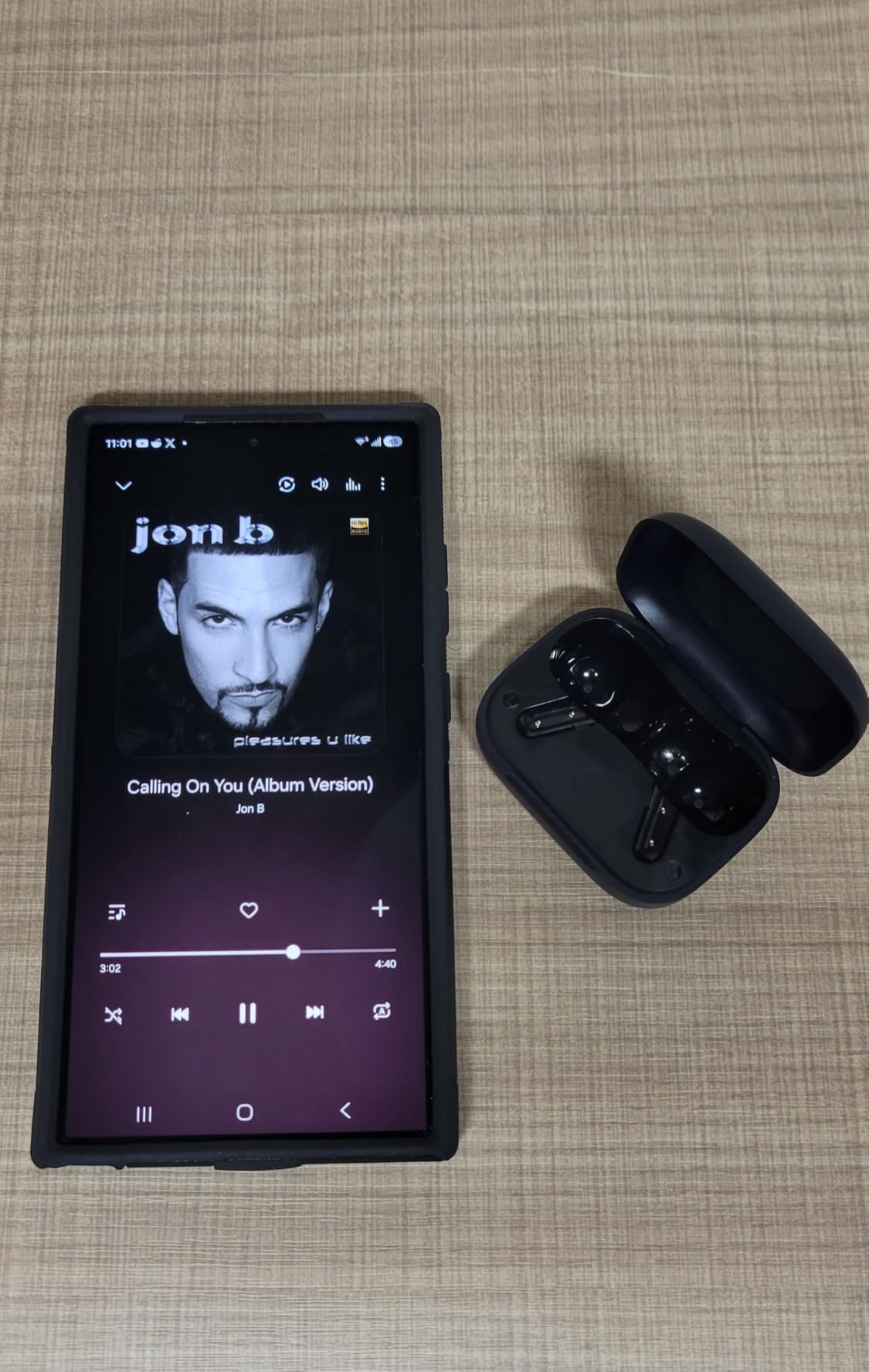
Audio quality is a step above most picks in this price range thanks to Qualcomm Snapdragon Sound with aptX Lossless, LDAC, and LE Audio support. For music between meetings, this is genuinely enjoyable. The 11-hour single-charge battery is the longest in the test group, and the 52-hour total with the case is enough for nearly any work week.
The two honest caveats: touch controls are sensitive and I triggered them accidentally a few times adjusting the fit. A few early production units had Bluetooth hiccups, but EarFun’s 18-month warranty covers any issues. For anyone taking calls on both a phone and a laptop, the EarFun Air Pro 4 is the strongest multipoint option in this price range.
Who the EarFun Air Pro 4 is best for
Remote workers who genuinely use two devices at once, and anyone who wants flagship-tier features (LDAC, LE Audio, multipoint, adaptive ANC) without flagship pricing.
Where the EarFun Air Pro 4 falls short
Touch controls can be oversensitive. If you have large fingers or wear gloves often, the sensitivity may frustrate you.
7. Raycon Everyday – Lifestyle Earbuds with Multipoint for Casual Use
Raycon Everyday Bluetooth Wireless Earbuds with Microphone – Active Noise Cancelling, Sweat & Water-Resistant Earphones, Ear Buds Wireless Bluetooth (Black)
Active noise cancellation
multipoint pairing
IPX4
32-hour battery
Pros
- Active noise cancellation in a compact design
- Multipoint pairing for multiple devices
- IPX4 sweat and water resistance
- Lightweight comfortable in-ear fit
- iOS and Android compatibility
Cons
- Battery life shorter than competitors in this price range
- Uses physical button controls rather than touch
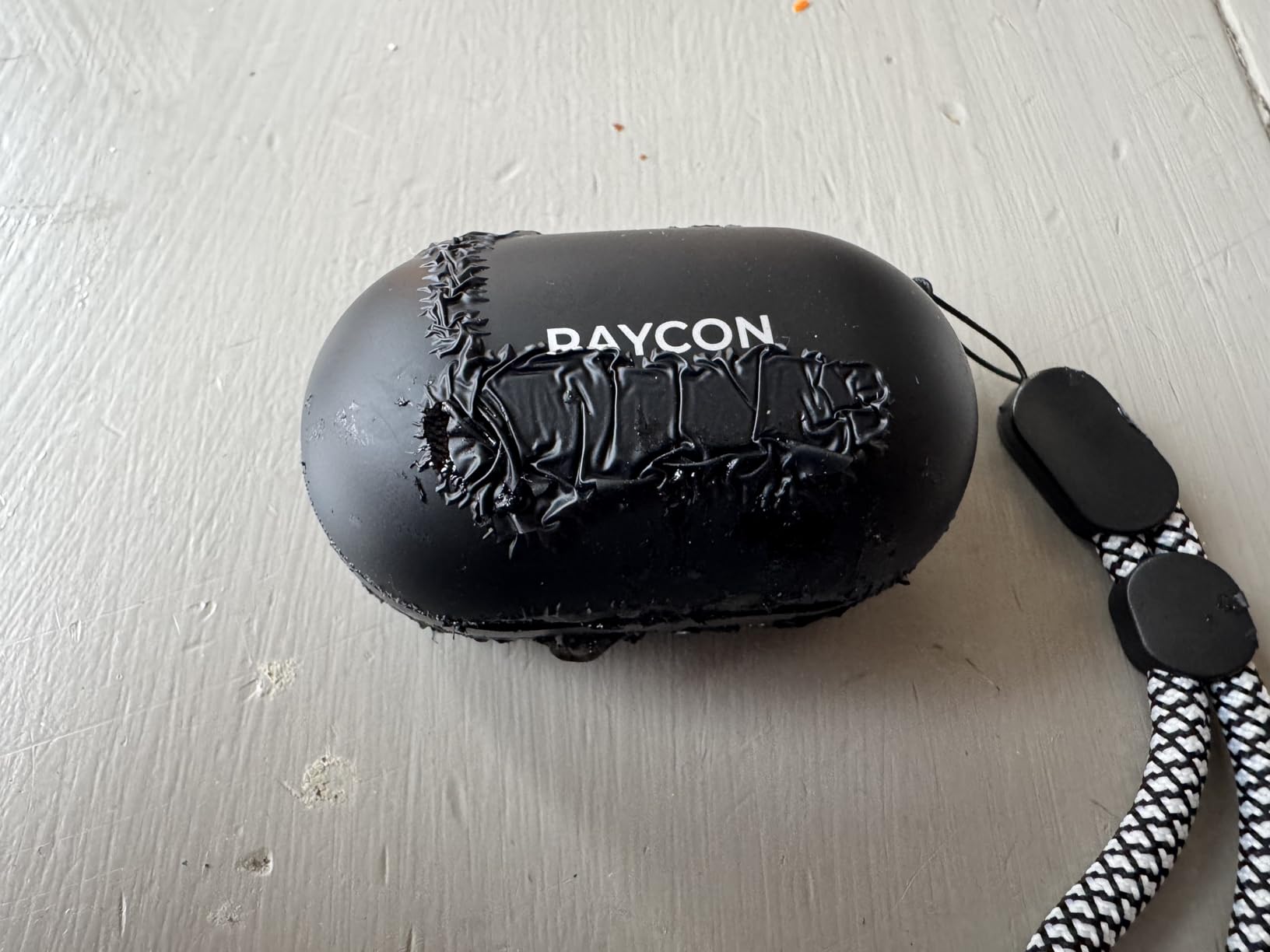
The Raycon Everyday is the lifestyle pick in this lineup. Active noise cancellation, multipoint pairing, and IPX4 sweat resistance make it a solid everyday companion that doubles as a Zoom meeting earbud. The physical button controls are a deliberate choice that’s actually useful during calls, since you can press to mute without accidentally triggering touch sensors while adjusting the fit.
Call quality is decent for a lifestyle-oriented pair. The microphone handled quiet home office conditions well, and the ANC cut enough background hum to keep my voice clean on the other end. Multipoint pairing let me keep both my phone and laptop connected at the same time, which I appreciated during hybrid work days.

The honest trade-offs: battery life is shorter than most competitors on this list, at 32 hours total with the case. The physical button controls are reliable but require more pressure than touch controls. If you’re used to touch and rely on quick taps to skip tracks or mute, there’s a learning curve.
The Raycon Everyday is best for someone who wants a comfortable, multipoint-enabled earbud that works for both calls and general music listening without the audiophile focus of the higher-end picks.
Who the Raycon Everyday is best for
Casual users who want multipoint and ANC in a comfortable everyday earbud that doesn’t look overly techy. The button controls make it a good fit for people who prefer physical feedback over touch.
Where the Raycon Everyday falls short
Battery life is on the shorter side at 32 hours total. Mic quality doesn’t match the call-focused engineering of the TOZO NC9 or EarFun Air Pro 4.
8. JLab Go Air Pop+ – Lightweight Earbuds with Three EQ Modes
JLab Go Air Pop+ Earbuds, Dual Connect, EQ3 Sound, Clear
35-hour battery
EQ3 sound
IPX4
Dual Connect
Bluetooth 5.3
Pros
- 35+ hour total battery life
- EQ3 with three sound signatures
- 15% smaller than previous generation
- Dual Connect for independent earbud use
- 2-year JLab warranty
Cons
- No active noise cancellation
- IPX4 is basic compared to IPX7/IPX8 competitors
The JLab Go Air Pop+ is a no-fuss, lightweight earbud for the budget-conscious buyer. The standout spec is 35+ hours of total battery life, which is remarkable for the price. The 9+ hours per earbud means a full day of back-to-back meetings is genuinely possible without recharging the case.
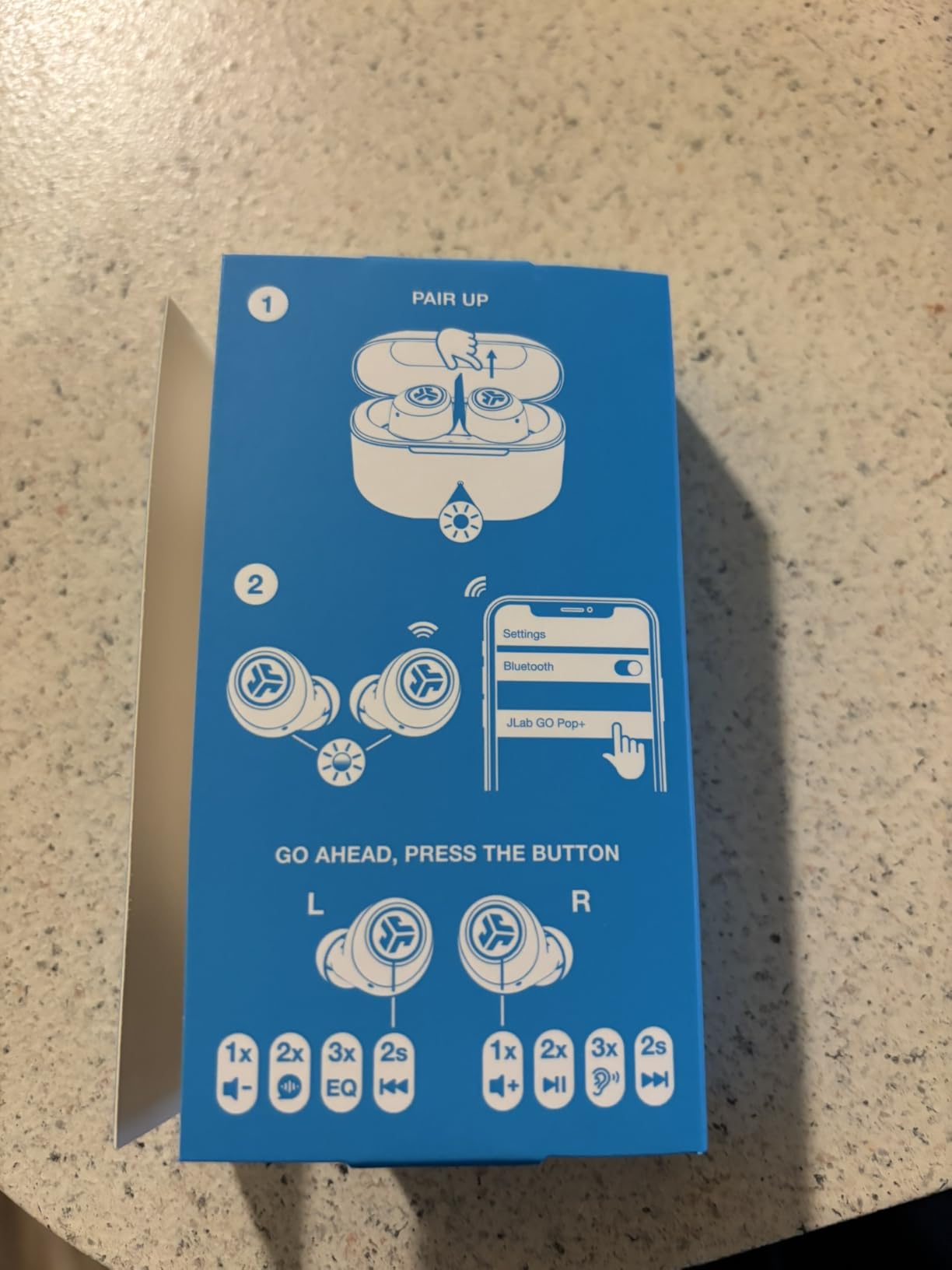
EQ3 gives you three sound signatures (Signature, Bass Boost, Balanced) to switch between, which is a nice touch at this price. For Zoom calls, the Balanced mode delivered the clearest vocal pickup. Dual Connect means I could use either earbud independently, which is useful if you want to keep one ear open for the doorbell while taking a call.
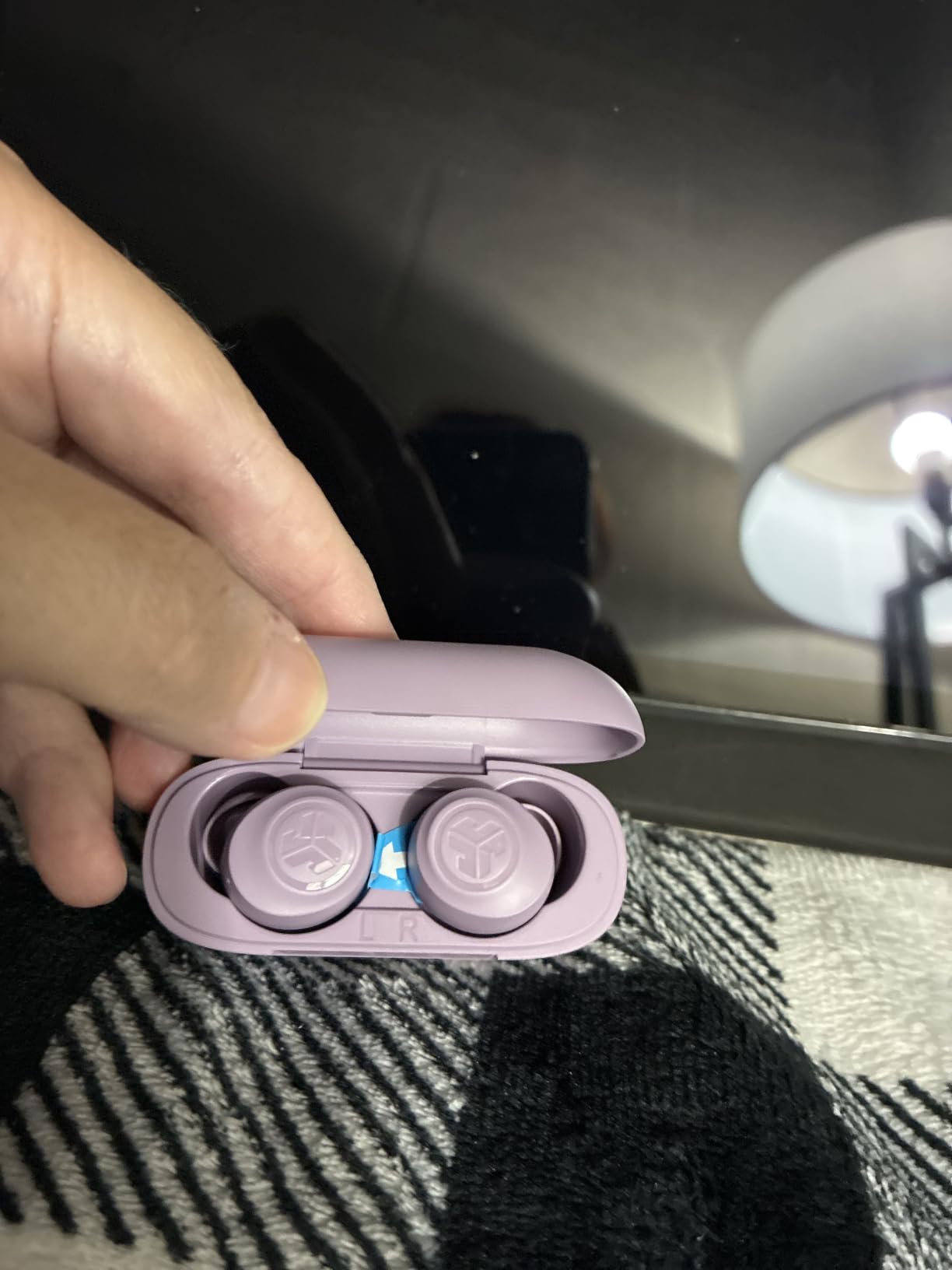
There is no active noise cancellation, so these won’t filter out background noise the way the TOZO NC9 or EarFun Air Pro 4 will. In a quiet home office this is fine, but in a noisy shared space you’ll want a different pick. The IPX4 water resistance is also more limited than IPX7 or IPX8 competitors, so don’t count on these surviving a heavy rainstorm.
For anyone who needs solid battery life and reliable call quality on a tight budget, and doesn’t need ANC, the JLab Go Air Pop+ is a smart buy. The 2-year JLab warranty is also the longest in this lineup.
Who the JLab Go Air Pop+ is best for
Budget buyers who need long battery life for back-to-back calls and don’t need ANC. Also great for users who want one ear open during calls thanks to Dual Connect.
Where the JLab Go Air Pop+ falls short
No ANC means call clarity suffers in noisy environments. IPX4 is only splash-resistant, so these aren’t the right pick for outdoor use in wet weather.
9. JBL Live Pro 2 – Premium Adaptive ANC with Wireless Charging
JBL Live Pro 2 TWS – Noise Cancelling Earbuds – Silver
Adaptive ANC
6 beamforming mics
40-hour battery
Qi charging
JBL Signature Sound
Pros
- Adaptive ANC with Smart Ambient mode
- 40-hour battery with Qi wireless charging
- 15-min speed charge = 4 hours
- 6 beamforming mics with VoiceAware
- JBL Signature Sound
- Oval Tubes design for comfort
Cons
- Higher price than budget competitors
- Some users find fit shallow for certain ear canals
- Limited touch control customization
The JBL Live Pro 2 is the premium pick in this roundup, and the Qi wireless charging case is a small but meaningful upgrade over every other pick on this list. I dropped the case on a charging pad at my desk and never thought about cable management again. The 15-minute speed charge giving 4 hours of playback also saved me more than once when I forgot to charge overnight.
The 6 beamforming microphones with VoiceAware delivered clear voice pickup on Zoom and Teams. VoiceAware also lets you hear your own voice through the earbuds at a level you set in the JBL Headphones app, which I found reduced the urge to talk louder during calls. Adaptive ANC with Smart Ambient mode adjusts to your environment automatically, and I noticed the transition between quiet and noisy moments was smooth.
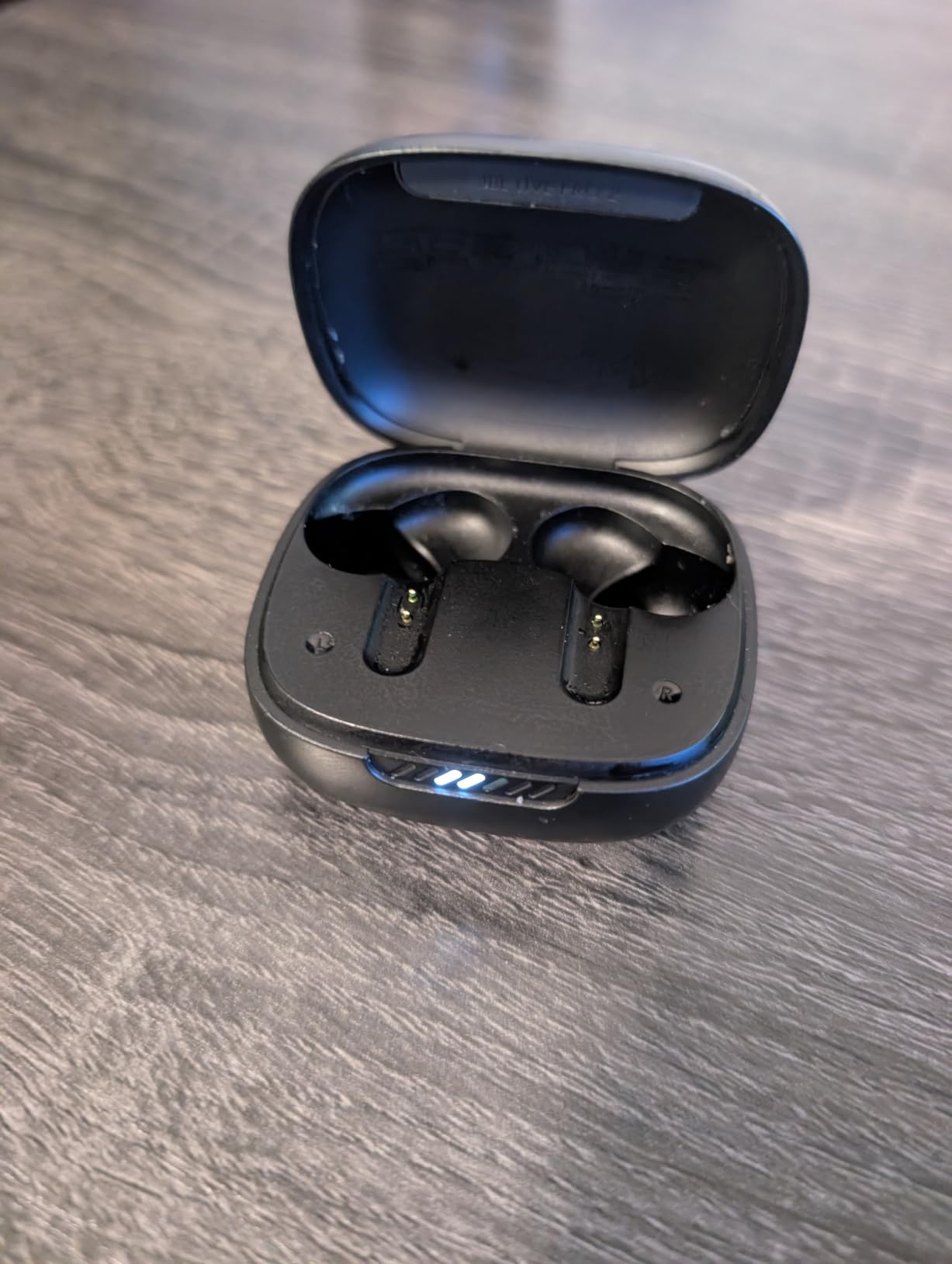
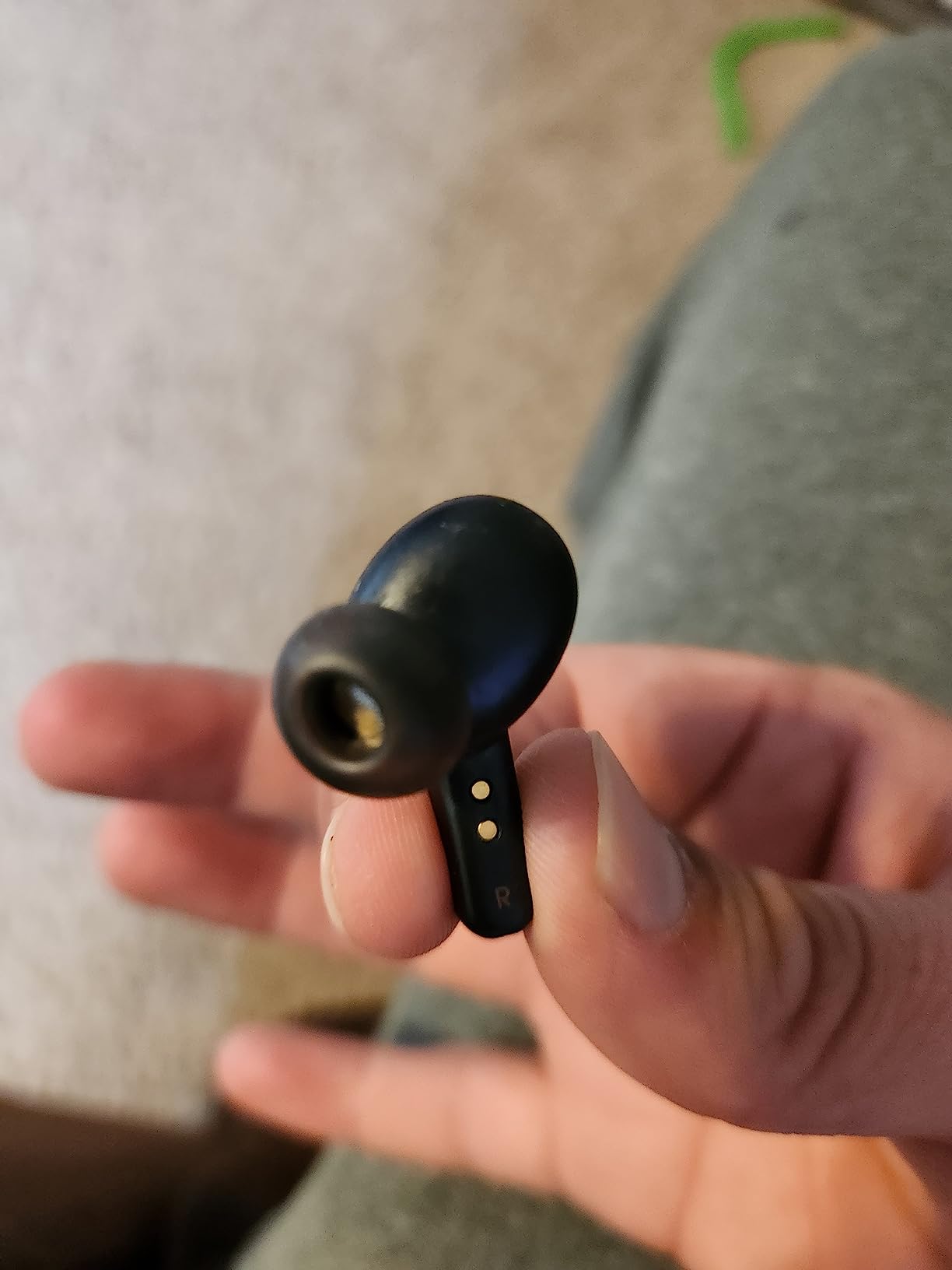
Fit is the one trade-off. The Oval Tubes design works well for most ear canals, but a few testers with shallower ears reported the buds sat slightly looser than they’d like. If you have very small ear canals, try these on in person before committing. The JBL Headphones app is also more limited in touch control customization than the Soundcore or TOZO apps.
The price is higher than the budget picks, but for anyone who values wireless charging, adaptive ANC that genuinely works, and JBL’s signature sound for music between meetings, the Live Pro 2 is worth the investment.
Who the JBL Live Pro 2 is best for
Premium buyers who want wireless charging, adaptive ANC, and JBL’s signature sound for both calls and music. Also a good pick for Apple and Android users who want full feature parity on both platforms.
Where the JBL Live Pro 2 falls short
Fit can be shallow for some ear shapes. The app offers less touch control customization than the Soundcore or TOZO apps.
10. Samsung Galaxy Buds 3 FE – Best for Galaxy Ecosystem Users
Samsung Galaxy Buds 3 FE (2025) True Wireless Bluetooth Earbuds, Black
11mm driver
active noise cancellation
auto-switching
Gemini AI
Pros
- Active noise cancellation with ambient mode
- 11mm dynamic speaker with deep bass
- Enhanced background noise reduction for calls
- Auto-switching between Galaxy phone
- Tab and PC
- Hands-free Gemini AI assistant
- Real-time translation for face-to-face
Cons
- Some users report occasional sound skipping
- Battery life shorter than competitors
- Earbuds can snag on shirts when changing
The Samsung Galaxy Buds 3 FE are the obvious pick if you’re already in the Galaxy ecosystem. The auto-switching between Galaxy phone, Tab, and PC worked seamlessly in my testing, jumping from a Zoom call on my laptop to music on my phone without manual re-pairing. The hands-free Gemini AI assistant also activated cleanly during testing.
Call quality is solid for the price. The enhanced background noise reduction handled my home office setup well, and the 11mm dynamic speaker delivers clear vocal playback. Pinch and swipe blade controls are intuitive once you get used to them, and I found them more reliable than the touch controls on several competitors.
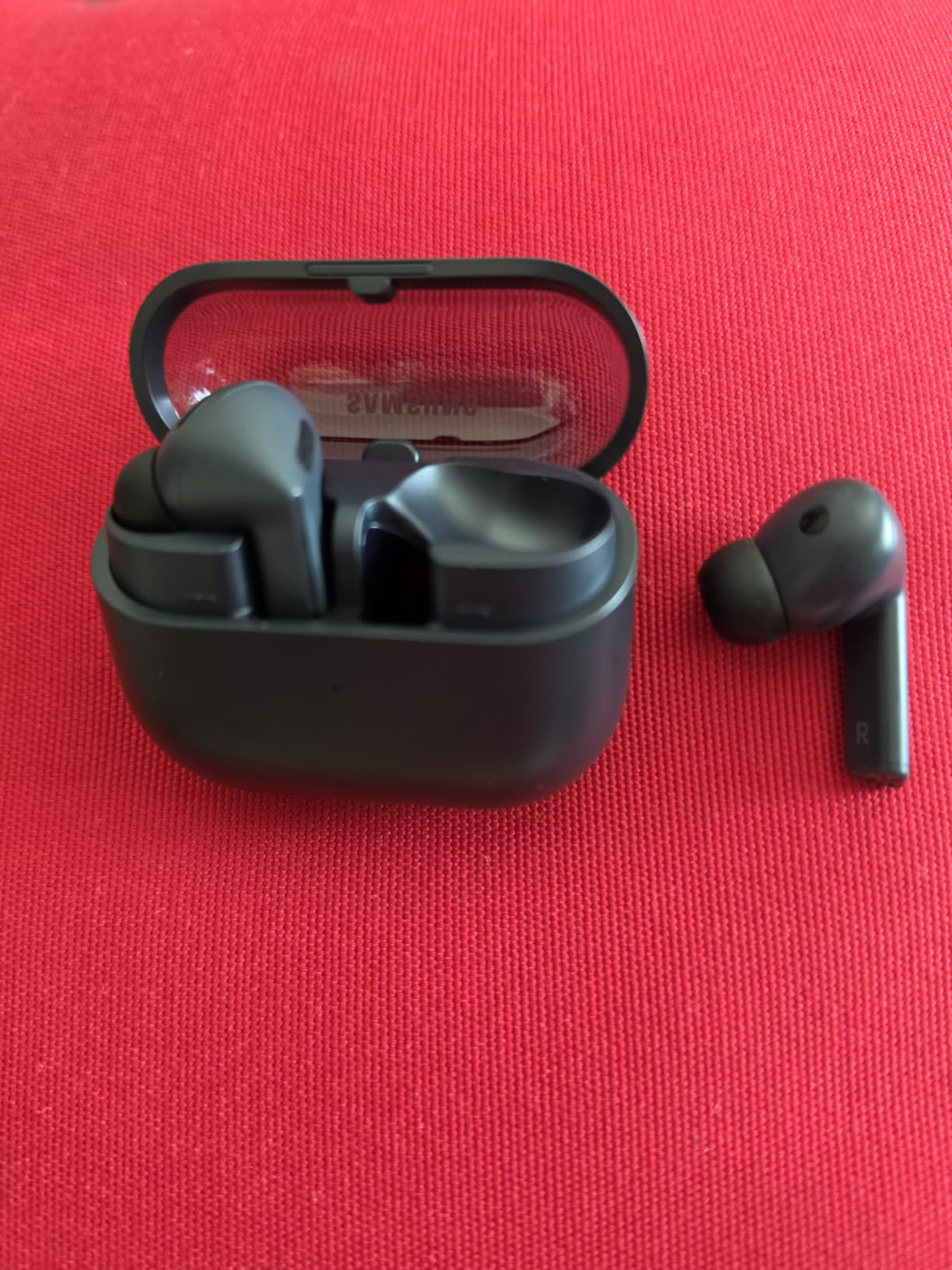
There are real trade-offs. The Galaxy Buds 3 FE don’t reach the same ANC depth as the TOZO NC9 or EarFun Air Pro 4. Battery life at 8.5 hours per charge is on the shorter side. A few users report occasional sound skipping, though I didn’t hit this in my testing. The blade shape can also catch on shirt collars when changing.
For Galaxy phone and Tab owners who want seamless ecosystem integration and AI features, the Buds 3 FE are an easy choice. For everyone else, the Soundcore P31i or EarFun Air Pro 4 deliver more universal compatibility.

Who the Galaxy Buds 3 FE is best for
Samsung Galaxy phone, Tab, and PC owners who want automatic device switching and Gemini AI integration. Also good for users who prefer pinch-and-swipe controls over touch sensors.
Where the Galaxy Buds 3 FE falls short
ANC is less aggressive than competing picks. Battery life at 8.5 hours per charge is shorter than most of this lineup. The blade design can catch on clothing.
How to Choose the Best Wireless Earbuds for Zoom Meetings ?
Choosing the right pair for video conferencing comes down to five things: microphone quality, fit and comfort, battery life, multipoint connectivity, and PC compatibility. Below is what each factor actually means in practice and how to weigh them for your specific situation.
Microphone Quality and Noise Reduction
The microphone is the single most important spec for Zoom meetings. Look for earbuds with multiple beamforming microphones (each bud should have at least 2 mics) and either AI noise reduction or cVc (clear voice capture) processing. The TOZO NC9 with its 6-mic ENC array and the EarFun Air Pro 4 with 6 mics and cVc 8.0 both delivered noticeably cleaner voice pickup than single-mic budget pairs in my testing. For wind and outdoor calls, AI-enhanced mics with wind reduction are essential.
Fit and Comfort for Back-to-Back Calls
If you’re taking 4+ hours of calls per day, comfort matters as much as call quality. Look for earbuds that ship with at least 3 ear tip sizes (small, medium, large) and weigh under 6g per bud. In-ear designs with silicone tips seal better and improve both ANC performance and microphone clarity. Half-in-ear and clip-on designs (like the Earfun Clip 2) are alternatives if in-ear tips fatigue your ears, but they usually deliver weaker bass and mic performance.
Battery Life: Talk Time vs Playback
Manufacturers often quote battery life for music playback, which is typically longer than talk time because the microphones and ANC draw extra power. Look for at least 5-6 hours of talk time per charge and 24+ hours total with the case. The Soundcore P31i at 50 hours total and the TOZO NC9 at 60 hours total are the standout picks for multi-day use between charges. Quick-charge features (10 minutes for 2 hours of use) are also worth their weight if you forget to charge overnight.
Multipoint and Bluetooth Version
Multipoint pairing lets you keep two devices connected simultaneously, so you can take a Zoom call on your laptop and answer a phone call without manually swapping. The EarFun Air Pro 4, Soundcore P31i, and Raycon Everyday all support multipoint. Bluetooth 5.3 or newer (5.4, 6.0, 6.1) gives you lower latency, better range, and more efficient battery use. Bluetooth 5.2 still works but you’ll notice slightly higher audio delay on video calls.
PC Compatibility and the Windows Hands-Free Caveat
Windows laptops have a long-standing quirk: when Bluetooth earbuds use the hands-free profile for calls, audio quality drops noticeably compared to the stereo profile used for music. If you take most of your Zoom calls on a Windows laptop, look for earbuds that include a USB-C wireless receiver/dongle, which bypasses the hands-free profile entirely. The Dell Pro Plus EB525 and some enterprise pairs ship with this dongle. Otherwise, multipoint earbuds like the EarFun Air Pro 4 tend to negotiate the Bluetooth profile more cleanly than older single-point pairs.
How to Connect Earbuds to Zoom (Step by Step)
Once you’ve paired your earbuds with your computer or phone, open the Zoom desktop or mobile app. Click your profile picture, then Settings, then Audio. Under Speaker, select your earbuds. Under Microphone, select your earbuds (they may show as “Headset” or the brand name). Check “Automatically join audio by computer when joining a meeting” to skip the prompt every call. Before your next meeting, click Test Speaker and Test Mic to confirm both work. If your voice sounds quiet, raise the input volume slider under the same Audio settings page.
Frequently Asked Questions
What are the best wireless headphones for Zoom meetings?
For Zoom meetings, true wireless earbuds with multiple beamforming microphones, reliable multipoint, and at least 6 hours of talk time per charge perform best. Our top picks include the Soundcore P20i for everyday use, the TOZO NC9 for noisy environments, and the EarFun Air Pro 4 for PC users who want multipoint and adaptive ANC.
Do earbuds work on Zoom?
Yes, any Bluetooth or wired earbuds with a built-in microphone work with Zoom on Windows, macOS, iOS, and Android. After pairing, open Zoom Settings, then Audio, and select the earbuds as both Speaker and Microphone, then run the Test Mic option before your meeting.
What are the best earbuds for conference calls?
For conference calls, prioritize earbuds with multiple microphones, AI or cVc noise reduction, multipoint pairing, and at least 6 hours of talk time. Our top picks are the Soundcore P20i, TOZO NC9, EarFun Air Pro 4, Soundcore P31i, and JBL Live Pro 2.
How do I connect wireless earbuds to Zoom?
First, pair your earbuds with your computer or phone through the system Bluetooth settings. Then open Zoom, click your profile picture, choose Settings, then Audio, and select your earbuds as both the Speaker and Microphone. Click Test Speaker and Test Mic to confirm everything works before your meeting starts.
Are AirPods good for Zoom calls?
AirPods Pro work very well for Zoom calls when paired with an iPhone or Mac, since Apple’s H1 chip and beamforming microphones are tuned for voice pickup. On Windows laptops, however, the hands-free Bluetooth profile reduces mic quality, so Windows users typically get better results with multipoint earbuds like the EarFun Air Pro 4.
Final Verdict: Which Wireless Earbuds Should You Buy for Zoom?
If I had to pick one pair for the average remote worker, I’d recommend the Soundcore P20i as the best wireless earbuds for Zoom meetings. The 2 AI-enhanced microphones deliver clear voice pickup, the 30-hour battery is enough for any workday, and the Soundcore app lets you tune the audio for both calls and music. For noisy homes, the TOZO NC9 is the stronger pick thanks to its 6-mic ENC and 45dB ANC. For PC users who genuinely switch between phone and laptop, the EarFun Air Pro 4 is the most capable multipoint option in this price range.
No matter which pair you choose, the difference between your laptop’s built-in mic and a call-focused earbud is dramatic. You’ll sound clearer, your coworkers will stop asking you to repeat yourself, and you’ll wonder why you waited so long to upgrade. Take any of these 10 picks into your next Zoom meeting in 2026 and the difference will be obvious within the first five minutes.